Goals
Goals lets you attach objectives to any circle or role in your organization. Each node can have one goal at a time, broken down into measurable subgoals that track progress automatically. Explore the Goals app to see how it brings visibility to your team’s objectives.
Create a goal
- Select a circle or role on the map
- Open the Inspector panel
- Click Add Goal
- Enter a title and description
- Save
Goal descriptions support rich text formatting, including headings, lists, and checklists.
Subgoals
Break a goal into smaller pieces with subgoals. Each subgoal uses one of three tracking types:
- Complete / Incomplete: a binary checkbox (done or not done). Example: “Publish Q3 report.”
- Percentage: manual progress from 0% to 100%. Example: “Migrate legacy accounts.”
- Target number: current value toward a numeric target. Example: “Close 50 deals.”
Peerdom calculates the parent goal’s overall progress automatically from its subgoals.
Confidence voting
Role holders can vote on their confidence in reaching each goal. The three levels (High, Medium, and Low) surface early warnings when teams feel a goal is at risk, even if the numbers still look fine.
Goals on the map
When you enable the Goals layer, arc rings appear around circles and roles that have goals:
- Green arc: completed portion of the goal
- Orange arc: remaining portion
Toggle the Goals layer on or off from the Layers panel in the toolbar. The arcs give you a visual snapshot of progress across your entire organization without opening individual goals.
Card matrix view
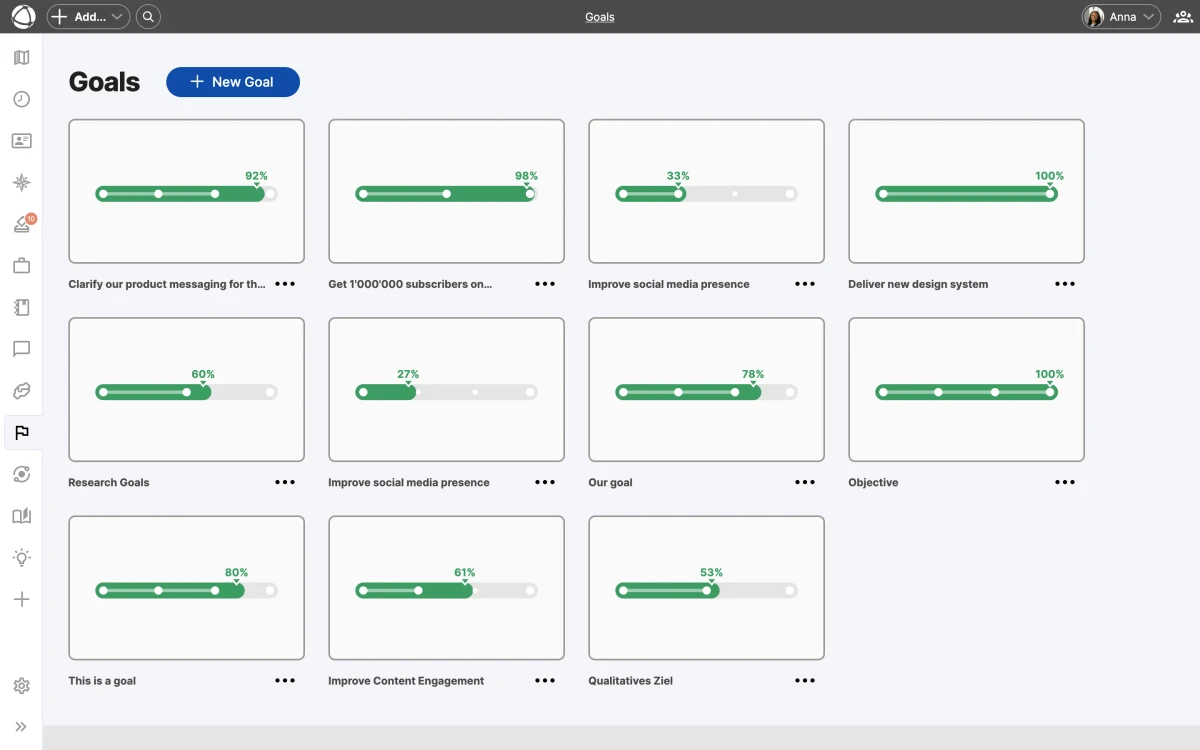
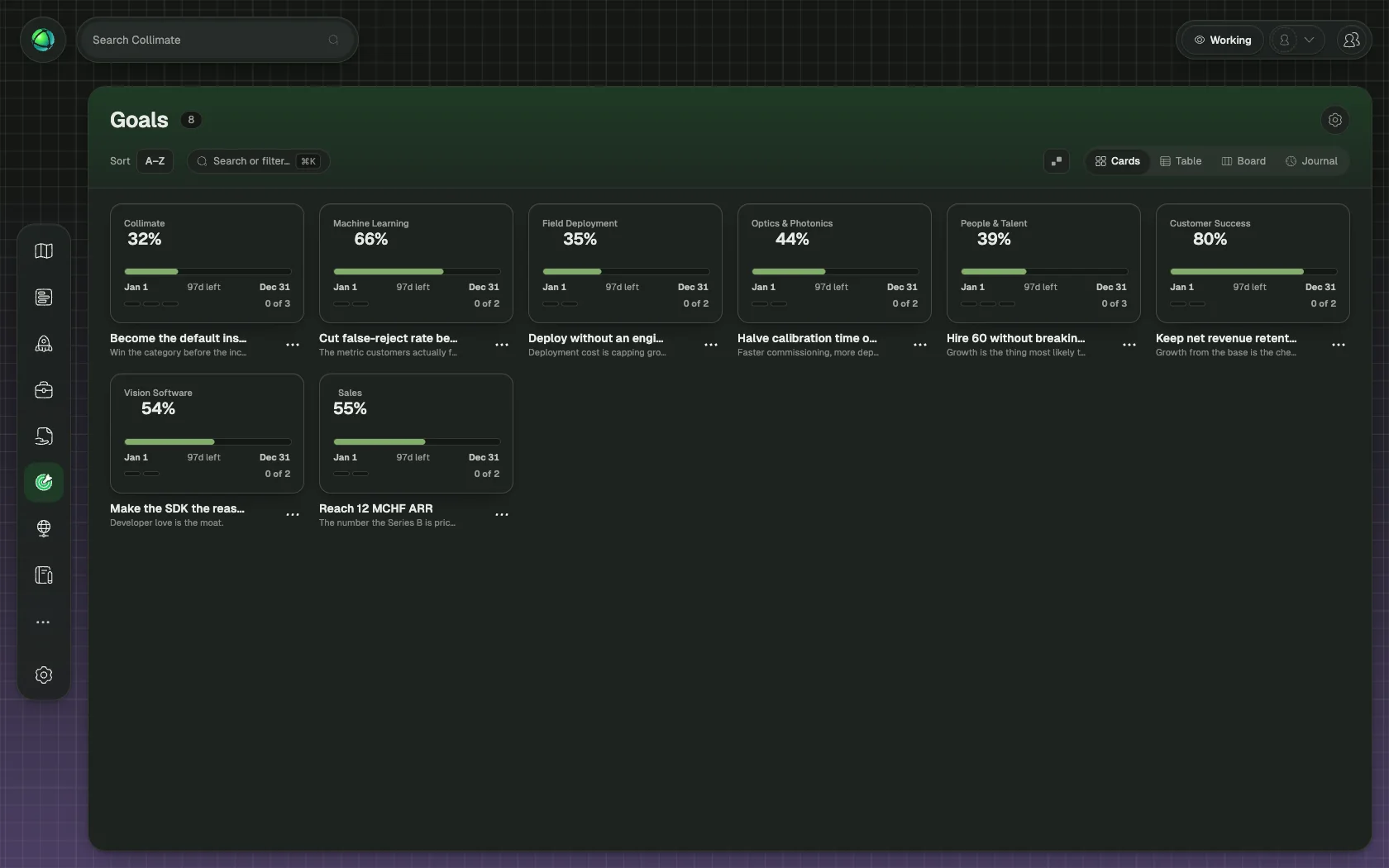
Open the Goals app from the sidebar to see all goals in a card matrix layout. Each card shows the goal title, progress bar, and confidence level. Use this view to compare progress across teams and identify goals that need attention.
Archive and customize
When a goal is complete, archive it to keep your active view clean. Archived goals remain accessible for reference.
You can rename goal-related terminology to match your organization’s vocabulary. For example, change “Goal” to “Objective” or “OKR” in your organization’s Settings.
Who can use Goals
- Members can view goals and vote on confidence.
- Editors and Owners can create, edit, and archive goals.
- Guests cannot see the Goals app.
FAQ
Can I assign a goal to a person instead of a circle or role? Goals are always attached to a circle or role, not directly to a person. This keeps objectives tied to organizational structure. If you need to track a personal objective, create a role for it and attach the goal there.
What happens when I archive a goal? Archived goals are removed from the active card matrix and the map layer, but they remain accessible for reference. You can view and restore archived goals at any time from the Goals app.
Can I use Goals for OKRs? Yes. You can rename “Goal” to “Objective” and use subgoals as key results. Adjust the terminology in your organization’s Settings to match your preferred framework.
Related
- Map Layers: toggle goal arcs on the map
- Insights: analyze patterns alongside goals
- Custom Vocabulary: rename goal-related terms
- Circles & Groups: where goals are attached