Contribution
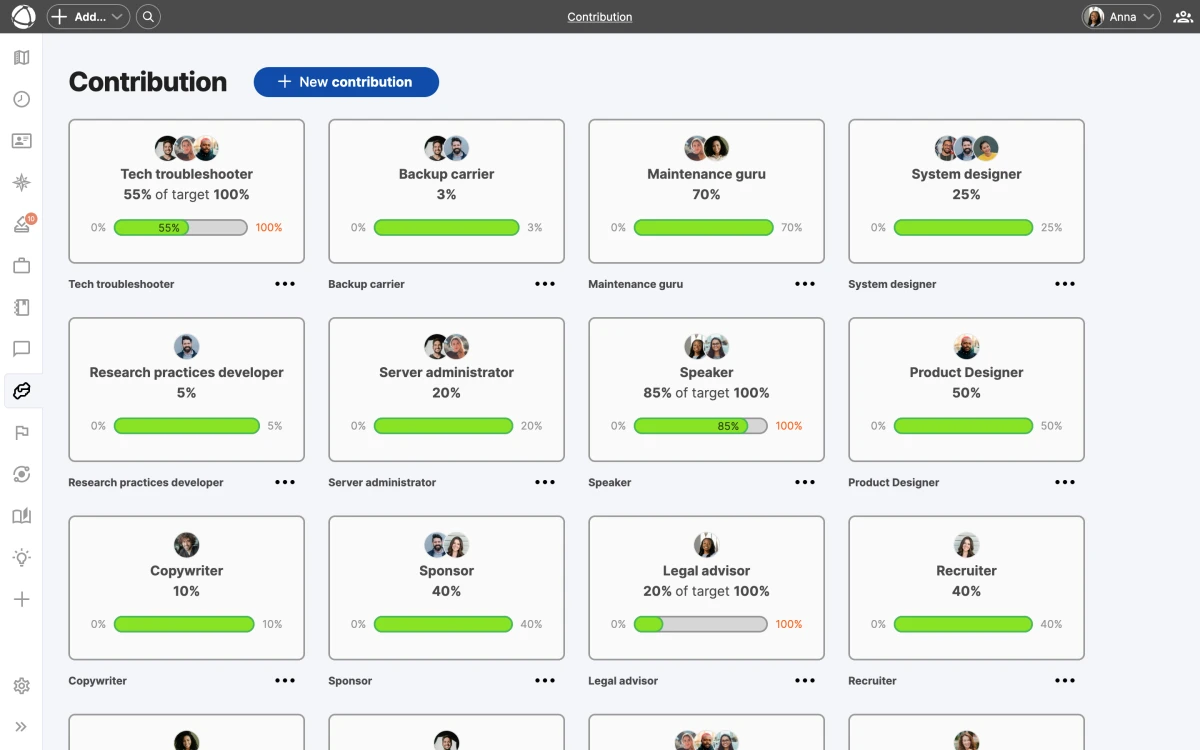
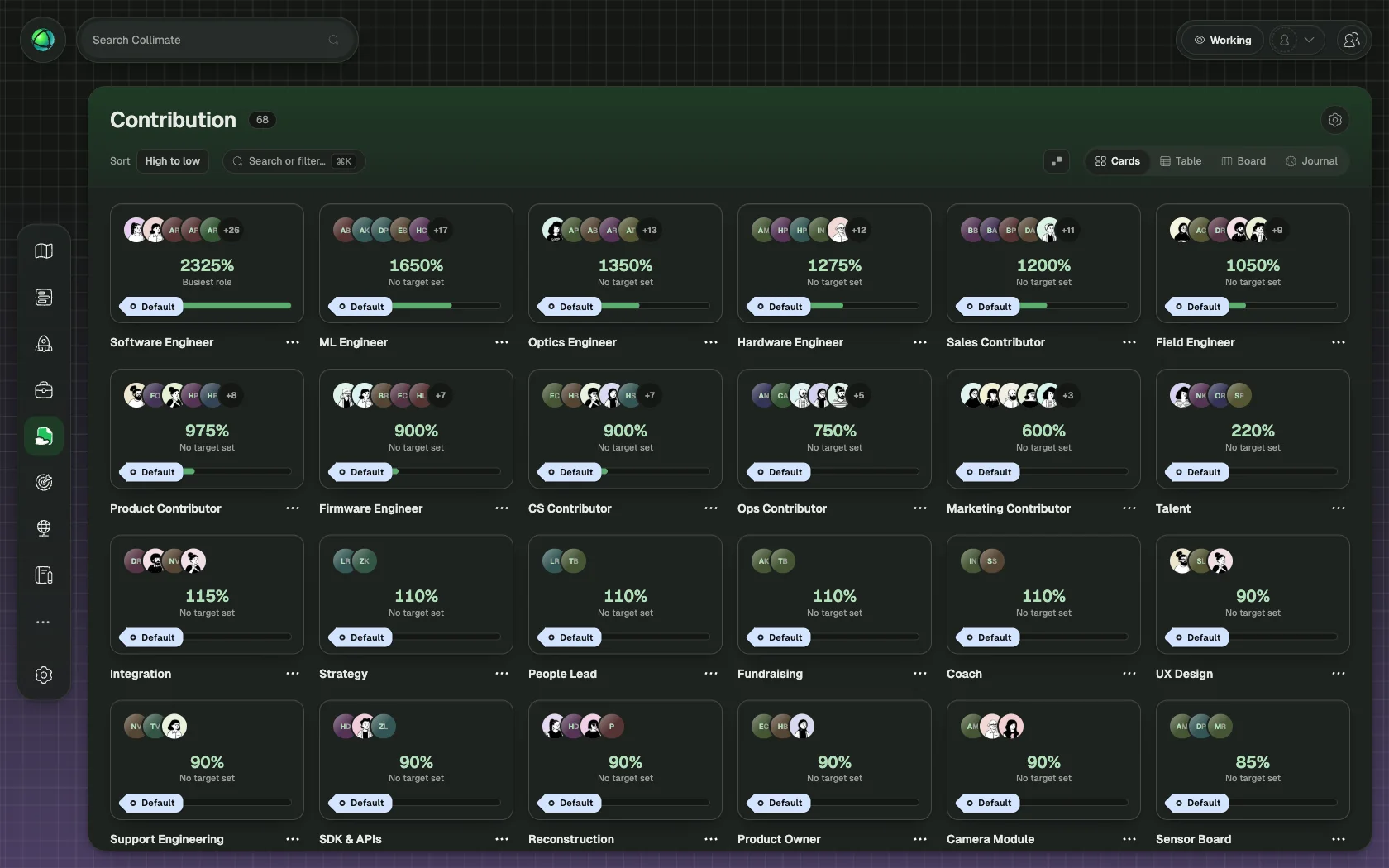
Contribution tracks how much time each person dedicates to their roles. It gives you a clear picture of staffing levels across your organization, so you can spot imbalances before they become problems. Explore the Contribution app to learn more about what it can do for your team.
How it works
Each role has a target, the expected total contribution from all holders combined. Each holder then records what percentage of their time goes to that role. Peerdom compares actual contributions against targets and shows the result as visual progress bars.
Display units
You can view contribution data in the unit that makes the most sense for your organization:
- Percentage: share of a person’s total capacity
- FTE: full-time equivalent (1.0 = 100%)
- Hours per week, month, or year: absolute time commitment
Switch units from the Contribution app settings. The underlying data stays the same regardless of which unit you display.
Color indicators
Progress bars use color to communicate staffing status at a glance:
- Green (Proper): contribution matches the target
- Orange (Underworking): total contribution is below the target
- Red (Overworking): total contribution exceeds the target
These indicators appear on roles in the Inspector panel and in the Contribution app overview.
Who can edit
- Members can edit their own contribution values.
- Editors and Owners can edit contribution values for any person in the organization.
- Guests cannot access the Contribution app.
Pricing
Contribution is a paid add-on, available for +1 CHF per user per month. Install it from the App Store in the left sidebar.
Related
- Roles: where contribution is tracked
- Directory: browse peers and their allocations
- Insights: analyze patterns in your organization
- Owner Quick Reference: install apps