Network
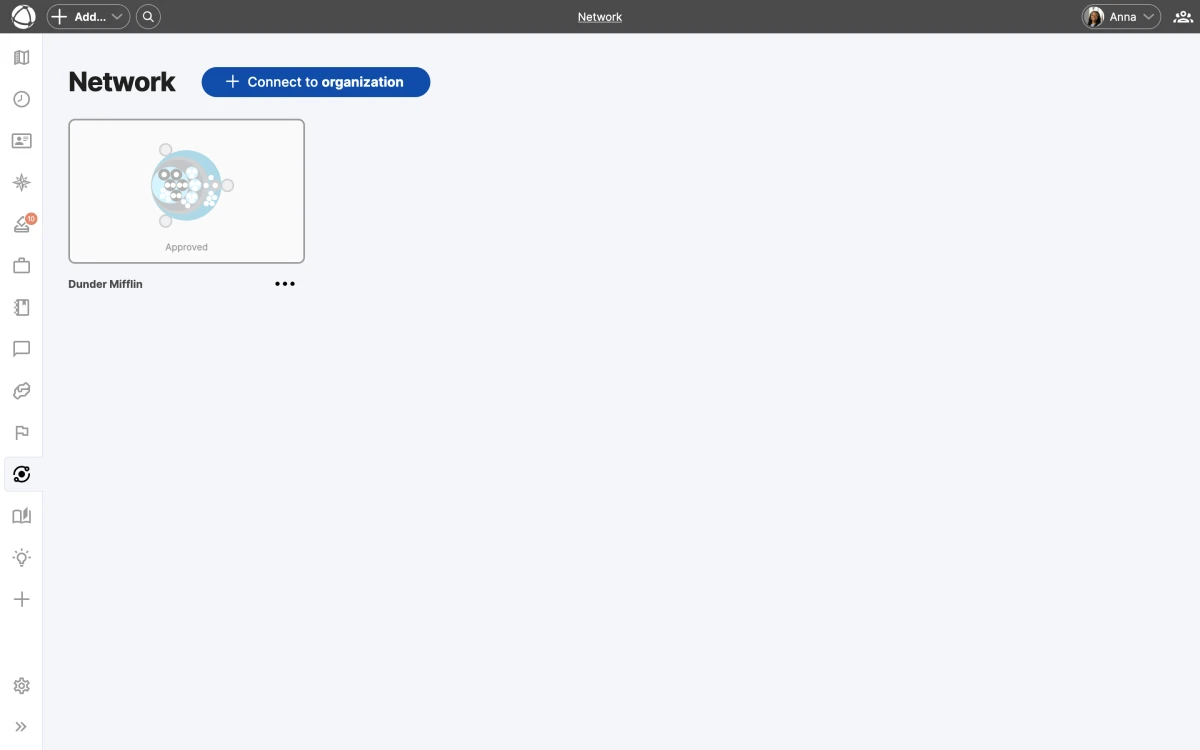
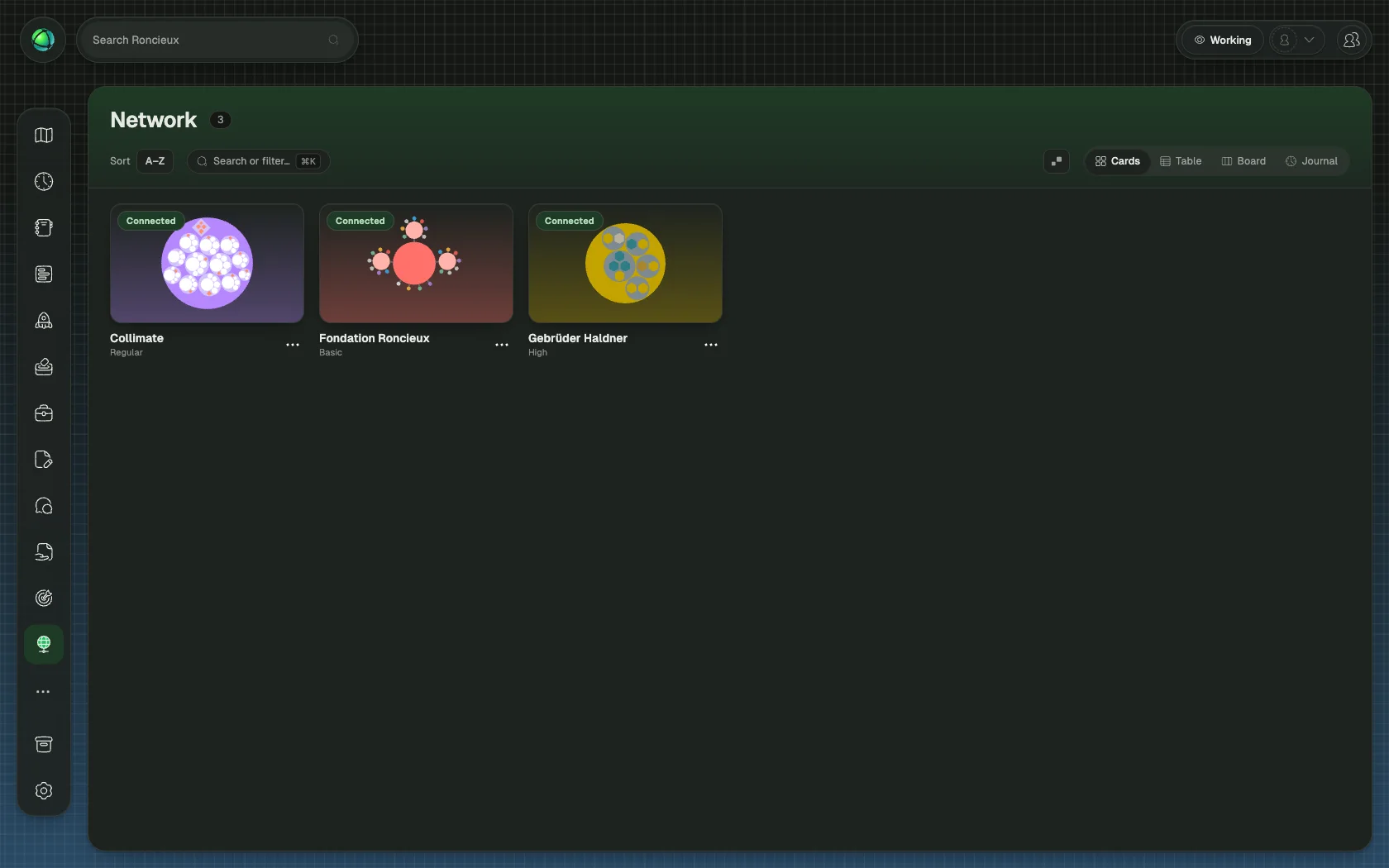
Network lets you create one-to-one connections between your Peerdom organization and others. Connected organizations can share visibility into each other’s structures, making cross-organization collaboration transparent.
Trust levels
Each connection has a trust level that controls how much information is shared:
- Basic: anonymized structure. Circles and roles are visible, but peer identities are hidden.
- Regular: full contact information. Peers are visible with names and details.
- High: extended access. The connected organization can also edit and see additional data.
Either party can change the trust level or stop sharing at any time. You always control what your organization reveals.
Connect with another organization
- Open Network from the App Store in the left sidebar
- Send a connection request to another Peerdom organization
- The other organization receives an email notification
- They accept or refuse the request
Once connected, both organizations appear on each other’s maps when the Network layer is enabled. Connected organizations show as external nodes on your map.
Manage connections
Only Owners can create, accept, refuse, or remove network connections. All billable users (Members, Editors, and Owners) can view existing connections.
You can toggle whether your network connections are publicly visible. Email notifications keep both parties informed when requests are sent, accepted, or when connection settings change.
Related
- Map Layers: toggle the Network layer
- Sharing and Embedding: other ways to share your map
- Owner Quick Reference: manage integrations and connections