Feedback
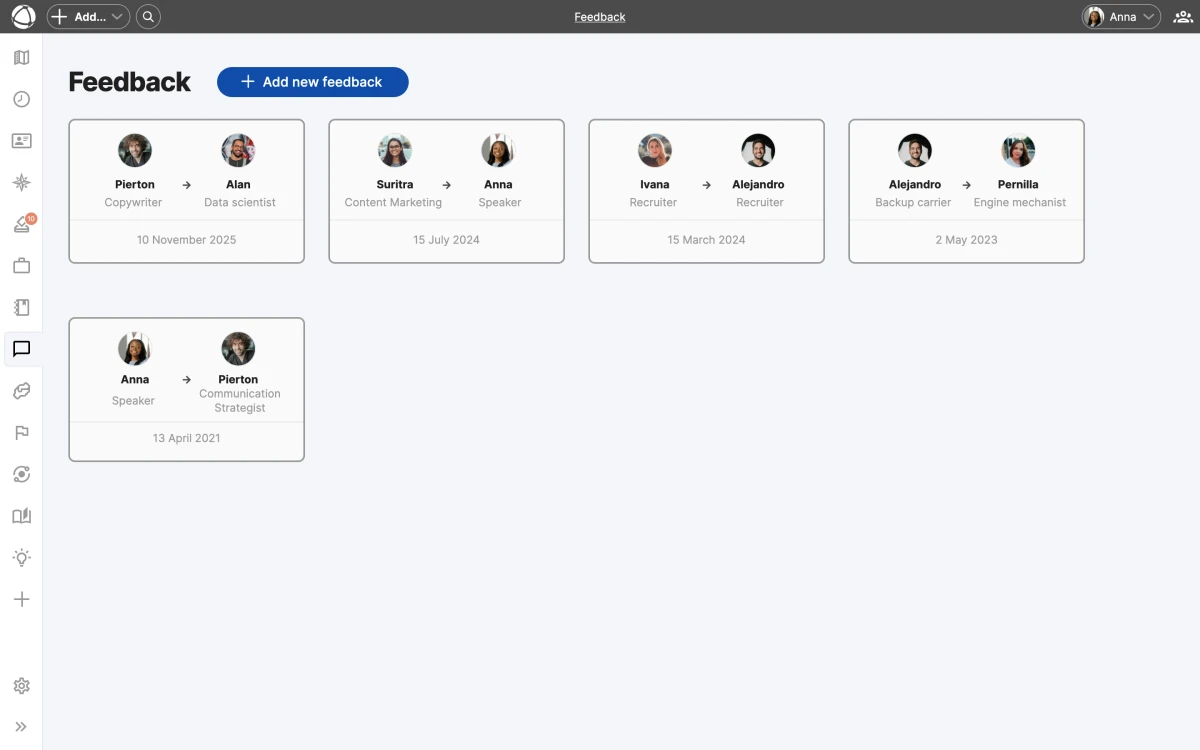
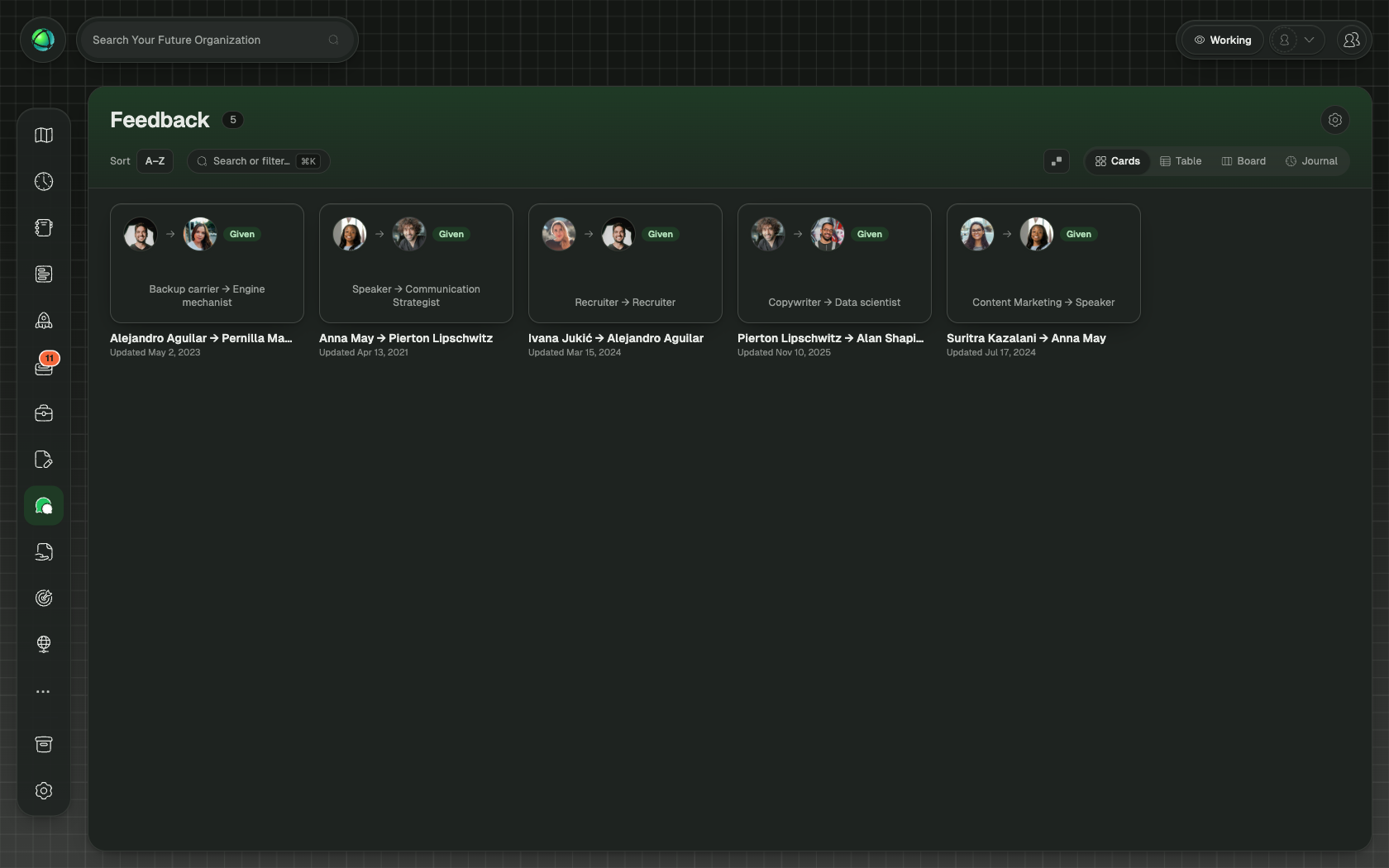
Feedback lets people in your organization give and receive feedback tied to specific roles. Instead of generic comments, each piece of feedback flows from one role to another, grounding the conversation in responsibilities rather than personalities. Explore the Feedback app to learn how role-based feedback can improve your team.
How it works
Feedback is exchanged between two roles. The giver writes from the perspective of one of their roles, and the receiver reads it in the context of one of theirs. Both the giver and receiver must hold at least one role in the organization to participate.
There is one feedback entry per role pair. If you give feedback from Role A to Role B and later want to update it, you edit the existing entry rather than creating a duplicate.
Dashboard
The Feedback dashboard gives you a central view of your feedback activity, organized into four tabs:
- Received: feedback others have given to your roles
- Given: feedback you have written for others
- Requested by them: feedback others have asked you to provide
- Requested by you: feedback you have requested from others
Request feedback
You can request feedback from a specific person by selecting one of their roles. They receive an email notification with a link to respond. Pending requests appear in your dashboard until they are fulfilled.
Formatting
Feedback entries support Markdown, so you can use headings, lists, bold, and other formatting to structure your comments.
Privacy
Feedback is strictly private. Only the giver and the receiver can see a feedback entry. No one else in the organization, including Owners, has access to feedback between other people.
Who can use Feedback
- Members, Editors, and Owners can give and receive feedback.
- Guests cannot access the Feedback app.
Related
- Roles: roles provide feedback context
- Navigating the Map: find the Inspector and App Store
- Access Rights: who can use Feedback
- Invite Your Team: access levels explained