Roles
Roles define work, not people. A role is a set of responsibilities that exists independently of who holds it. One person can hold multiple roles across different circles, and one role can have multiple holders.
Create a role
From the toolbar:
- Click + Add in the top navigation
- Select New Role
- Enter a name, purpose, and responsibilities
- Save
From the map:
- Right-click inside a circle
- Select New Role
- The role appears in that circle
Role properties
Every role has a set of properties you can fill in:
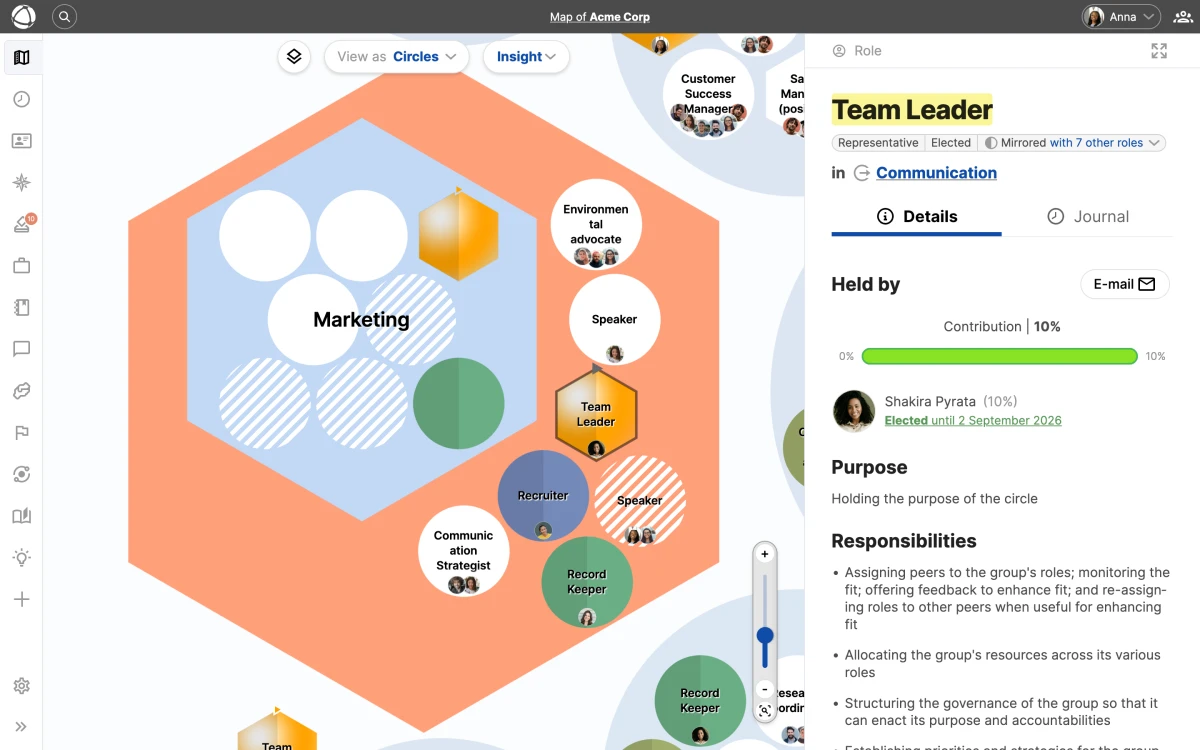
- Name (required): a clear, descriptive title
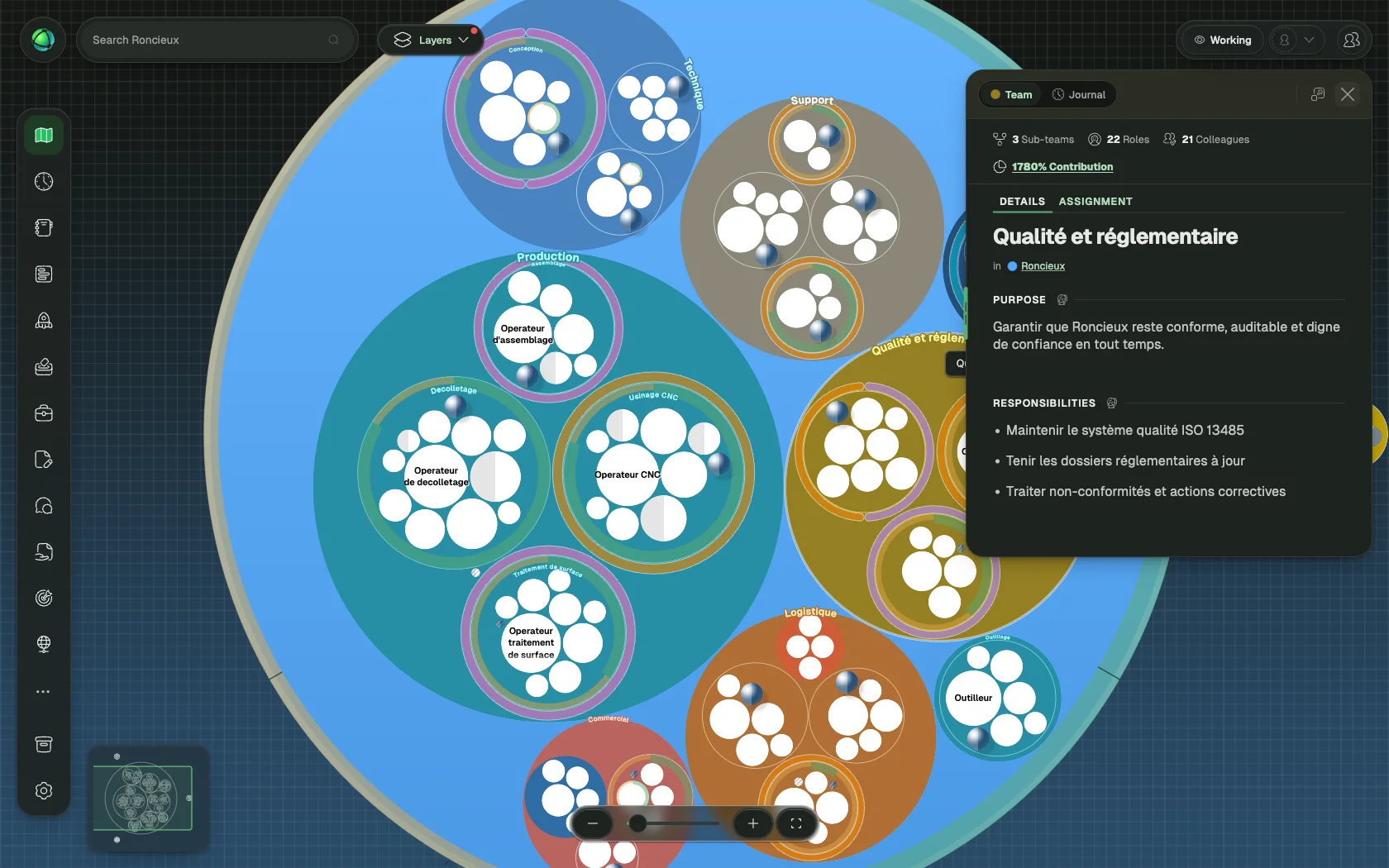
- Purpose: a one-sentence explanation of what this role accomplishes
- Accountabilities: the specific responsibilities this role carries
- Notes: additional context, links, or documentation
You can also add custom fields to capture additional data specific to your organization’s needs. Property labels and visibility are customizable in your organization’s settings.
Assign people
- Select a role on the map
- Click Assign in the Inspector panel
- Search for and select a person
- Save
When a role has multiple holders, add a Focus for each person to clarify their specific area of responsibility (for example, “EMEA region” or “Enterprise accounts”).
Role types
Roles have visual indicators on the map that communicate their function at a glance. Types can be combined; for example, a role can be both electable and colorful.
- Default (white circle): a standard role
- External (light grey circle): a role outside the core organization
- Leader / Representative (spherical shading): leads or represents a circle
- Electable (arrow at top): filled through an election process, managed with the Elections app
- Colorful (custom color): highlighted with an organization-defined color
- Mirrored (two-tone): a synced copy that appears in multiple circles
- Vacant / Understaffed (striped): no one is assigned, or more holders are needed
- Hexagonal (hexagonal shape): an alternative shape for visual distinction
Related
- Circles & Groups - the containers where roles live
- Custom Fields - add custom data to your roles
- Elections - run elections to fill electable roles
- Feedback - gather role-based feedback
- Contribution - track time allocation across roles