Editor Quick Reference
As an Editor, you shape your organization’s map. You can create and modify circles, roles, and people, everything needed to keep your structure current.
Set up your profile
- Click your profile picture in the top right corner
- Select My profile
- Click Edit
- Upload a photo and fill in your details
- Save
Navigate the map
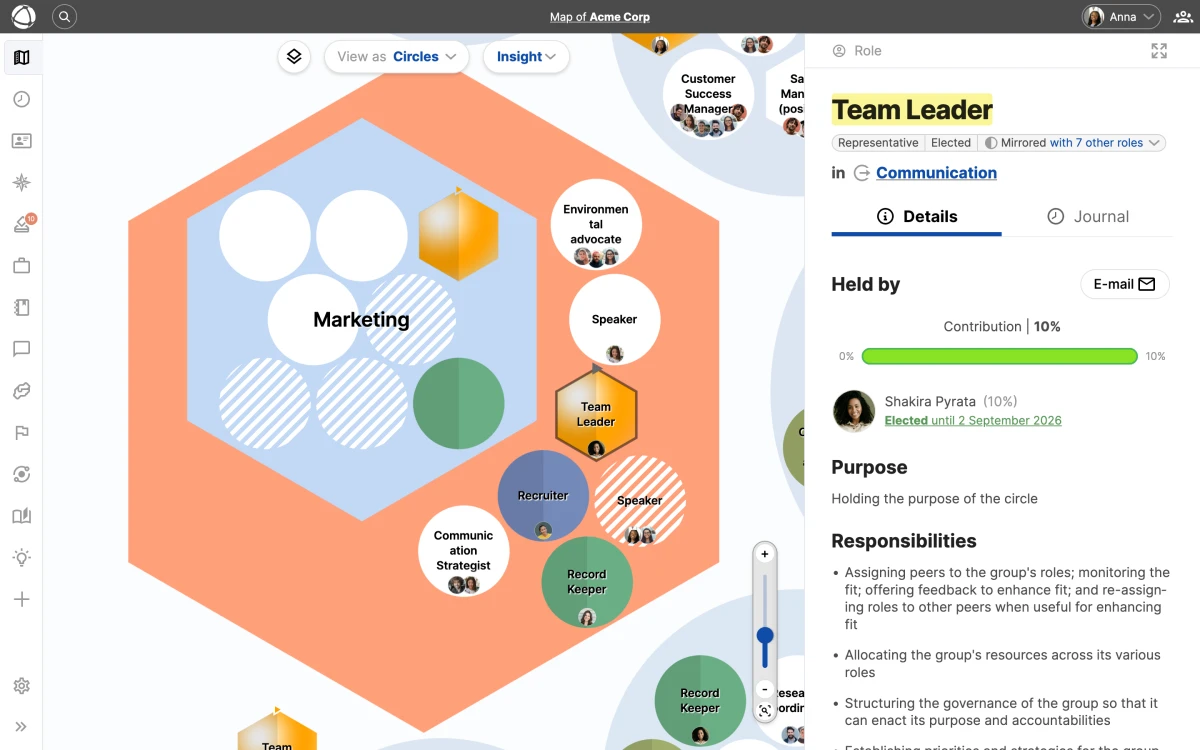
Click the Map icon in the left navigation bar. You see:
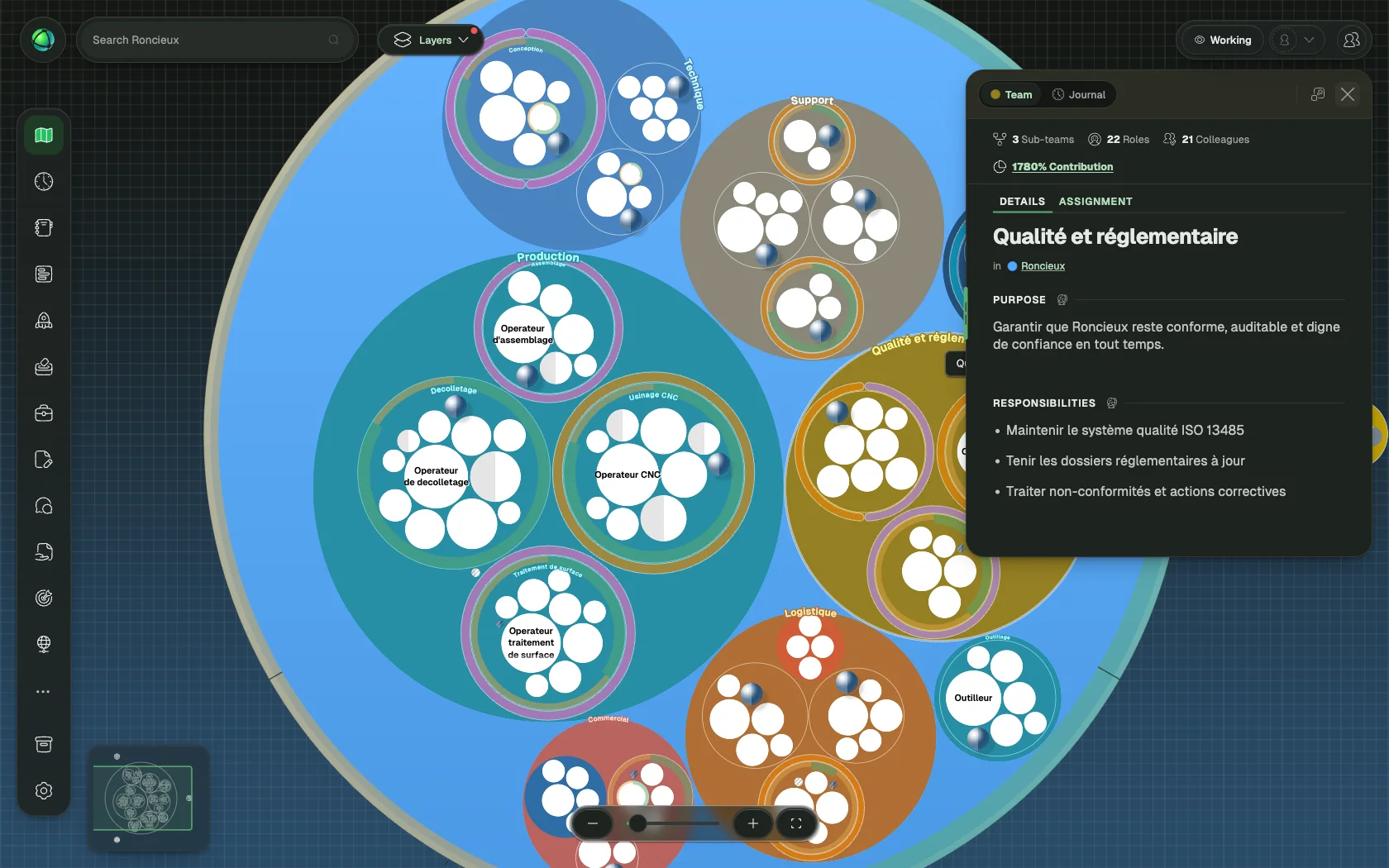
- Circles: containers grouping related roles
- Roles: sets of responsibilities
- People: avatars showing who holds each role
Click any item to open the Inspector panel on the right side, showing its details, purpose, and current holders. You can switch between tree view, circle view, and list view for different perspectives. Use layers to filter what is visible on the map.
Edit existing items
- Click a circle or role on the map
- Click Edit in the Inspector panel
- Update details, properties, or descriptions (including custom fields)
- Save
Create new items
From the toolbar:
- Click + Add in the top navigation
- Select New Role, New Group, or New Peer
- Fill in the details and save
From the map:
- Right-click on the map
- Select what you want to add
- The item appears at that location
Assign people to roles
- Select a role
- Click Assign in the Inspector
- Search for and select a person
- Save
When assigning multiple people to one role, add a Focus for each to clarify their specific area.
Move and organize
- Right-click > Move to… to relocate items between circles
- Drag and drop directly on the map
- Right-click > Copy to… for independent or mirrored copies
What Editors can do
- View map and profiles
- Create and edit circles and roles
- Assign people to roles
- Add new peers
- Use all installed apps (such as Goals, Projects, Feedback, and Elections)
- Cannot change access rights (Owners only)
- Cannot access organization settings (Owners only)
- Cannot publish drafts (Owners only)
Visual cues
- Striped role: no one assigned
- Dashed circle: empty (no contents)
- Larger avatar: representative or leader of a circle
Related
- Navigating the Map: explore views, layers, and search
- Roles: understand role types and properties
- Circles & Groups: organize your structure
- Owner Quick Reference: additional capabilities for Owners