Owner Quick Reference
Owners have full administrative control over their Peerdom organization. Everything an Editor can do, plus settings, billing, permissions, and integrations.
What Owners can do
In addition to all Editor capabilities:
- Organization settings: configure vocabulary, visibility, and preferences
- Billing: purchase subscriptions, add seats, manage apps
- Permissions: change any peer’s access level
- Integrations: set up SSO, API keys, and webhooks
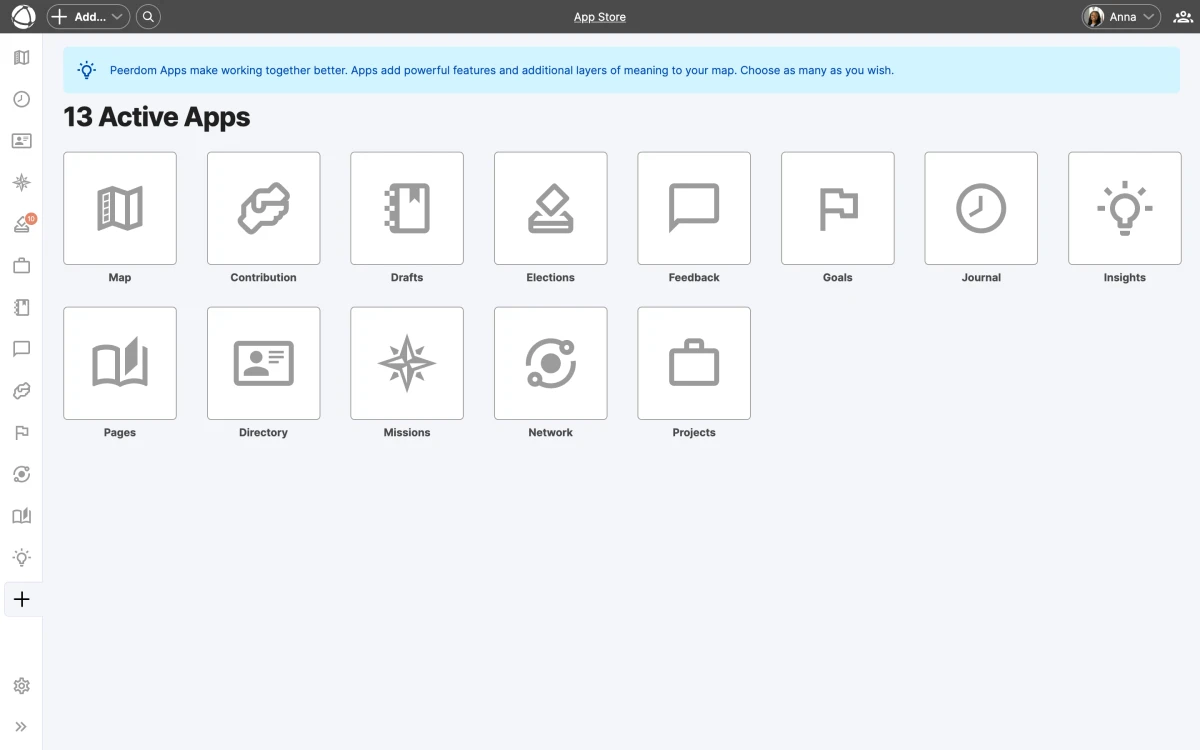
- Apps: install and configure apps from the App Store (see all apps)
- Drafts: publish draft maps to make changes live
- Data export: export organization data, manage imports
- Archive/Delete: archive or permanently delete the organization
Key settings to configure
Open Settings from the left sidebar to access:
- Organization name and vocabulary: customize terms like “circle”, “role”, and “peer” to match your culture
- Map visibility: choose whether your map is public or private, or use sharing for selective access
- Default access level: set what new peers receive when added (see access rights)
- Profile sections: configure which fields appear on peer profiles
Install apps
- Open the App Store from the left sidebar
- Browse available apps (Goals, Projects, Feedback, Elections, and more)
- Click to install. Apps become available to all billable users.
Each app adds specific capabilities to your map. You only pay for what you use. See the pricing page for details.
Manage permissions
- Open a peer’s profile
- Click Edit
- Go to the Access Rights tab
- Change their access level
- Save
At least one Owner must exist at all times. You cannot demote yourself if you are the last Owner.
Set up integrations
Connect Peerdom to your existing tools:
- SSO: Microsoft Entra ID, Google Workspace, or Okta for single sign-on and user sync
- Microsoft Teams: send messages directly from the map
- Zapier: automate workflows with 7,000+ apps
- API: build custom integrations with the REST API
- Notion: sync content between platforms
Learn more in the integrations overview.
Related
- Organization Settings: detailed settings reference
- Billing & Subscriptions: plans, pricing, and payment
- Access Rights: full permissions reference
- Integrations Overview: connect your tools
- Editor Quick Reference: core editing capabilities