Journal
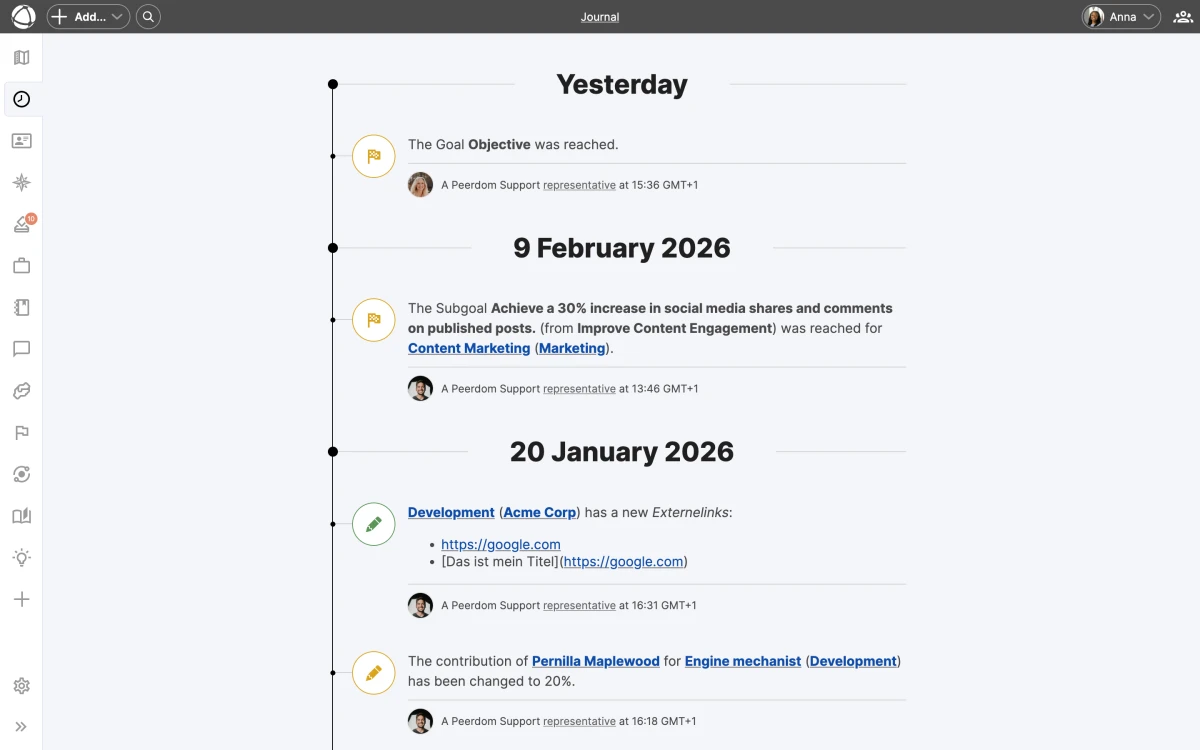
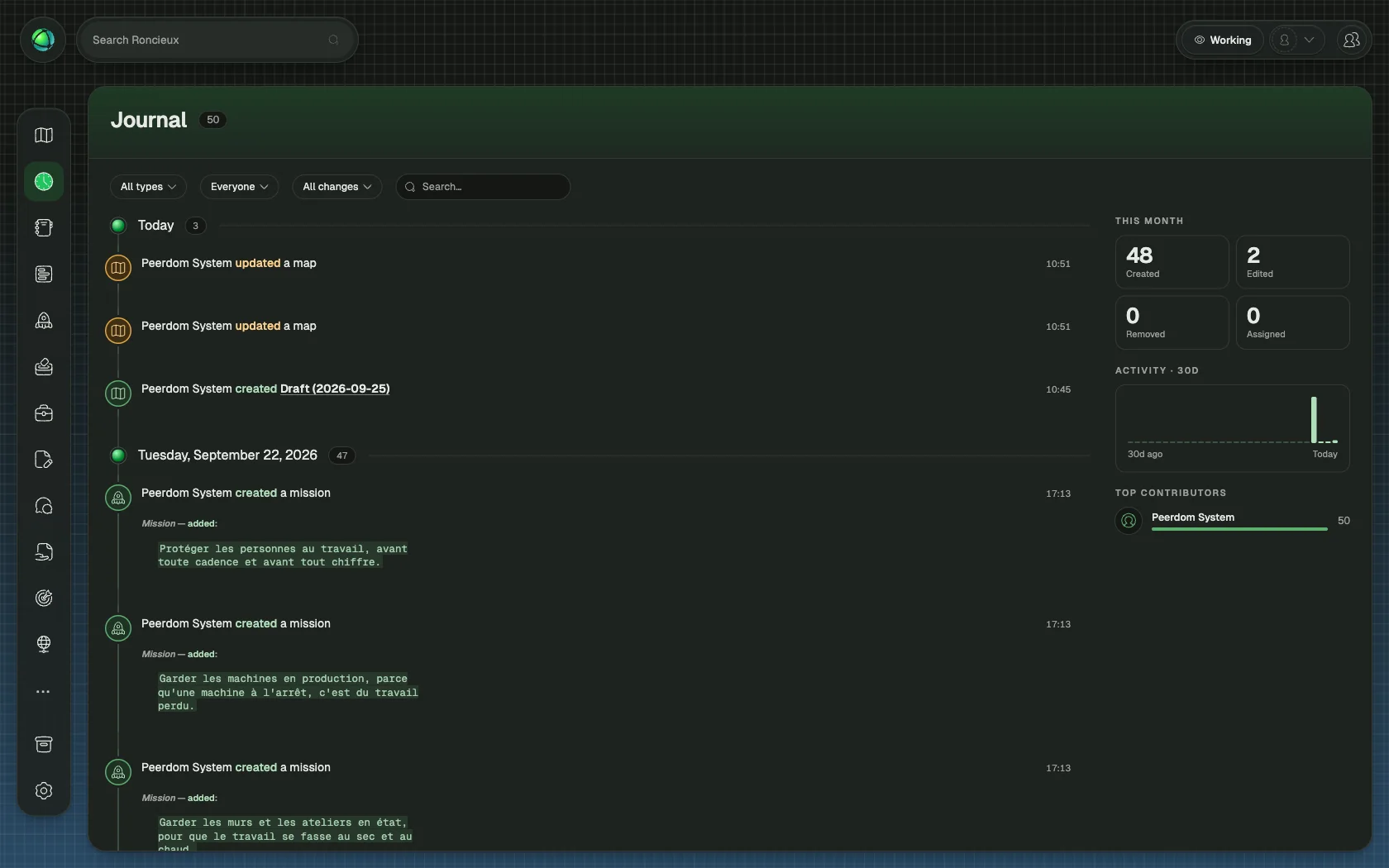
The Journal records every change made to your organization: who did what, and when. Think of it as your organization’s memory, capturing every modification so nothing gets lost.
What gets tracked
The Journal captures changes across four categories:
- People: new peers, role assignments, profile updates
- Structure: circles created, roles moved, properties edited
- Apps: goals updated, projects archived, feedback sent
- Settings: vocabulary changes, visibility updates, configuration edits
Each entry shows the change type, who made it, and a timestamp. Entries are color-coded for quick scanning: green for additions, orange for changes, and red for removals.
Where to find it
Open the Journal from the App Store in the left sidebar. You see three views:
- Organization journal: everything across your map
- Node journal: changes to a specific circle or role (open via the Inspector panel)
- Personal journal: a peer’s own activity (visible on their profile)
Reading the Journal
Entries load with infinite scroll, so you can keep scrolling back through your organization’s history. Use the date navigation to jump to a specific time period.
Changes that were later undone appear with strikethrough text, making it clear what was reversed. Changes made inside a draft are flagged with a draft indicator so you can distinguish tentative edits from published ones.
Undo your last action
The Journal includes an Undo button for your most recent change. This lets you quickly reverse an accidental edit without navigating back to the affected node.
Related
- Insights: analyze patterns in your organization’s activity
- Access Rights: who can see the Journal
- Navigating the Map: find the App Store and Inspector