Organization Settings
Organization settings let you tailor Peerdom to your culture. Open Settings from the left sidebar to access all configuration options. Only Owners can change organization-wide settings.
General
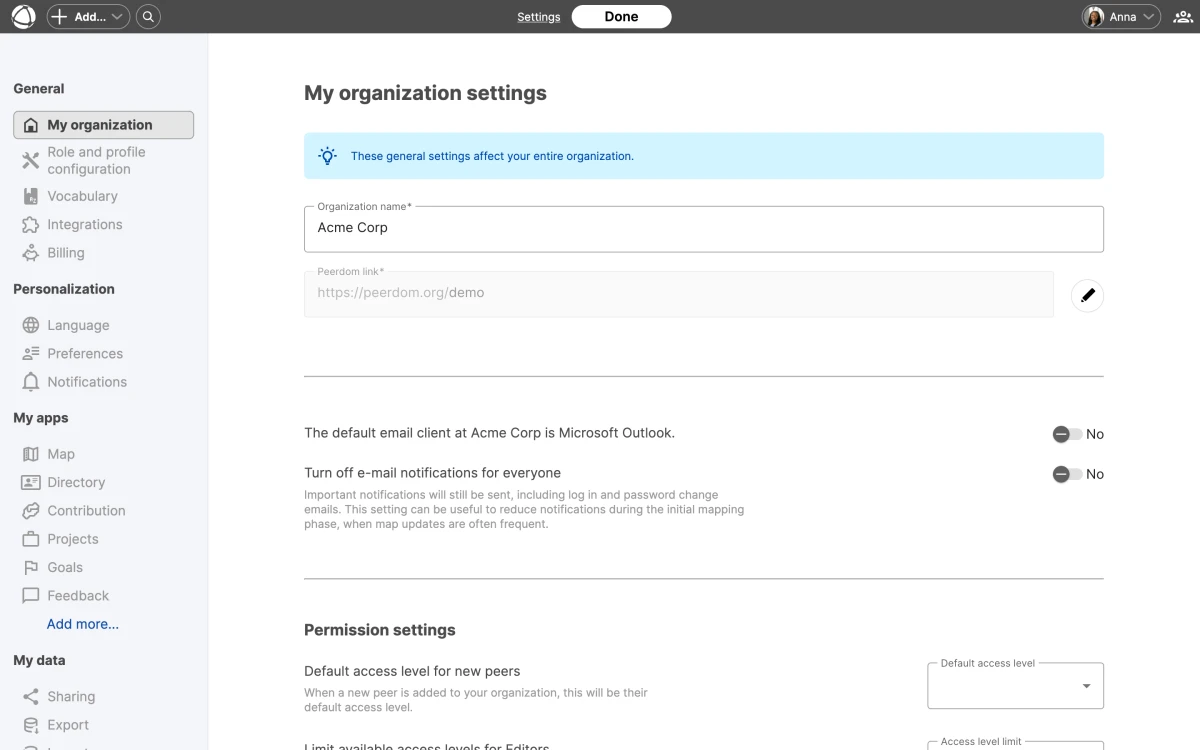
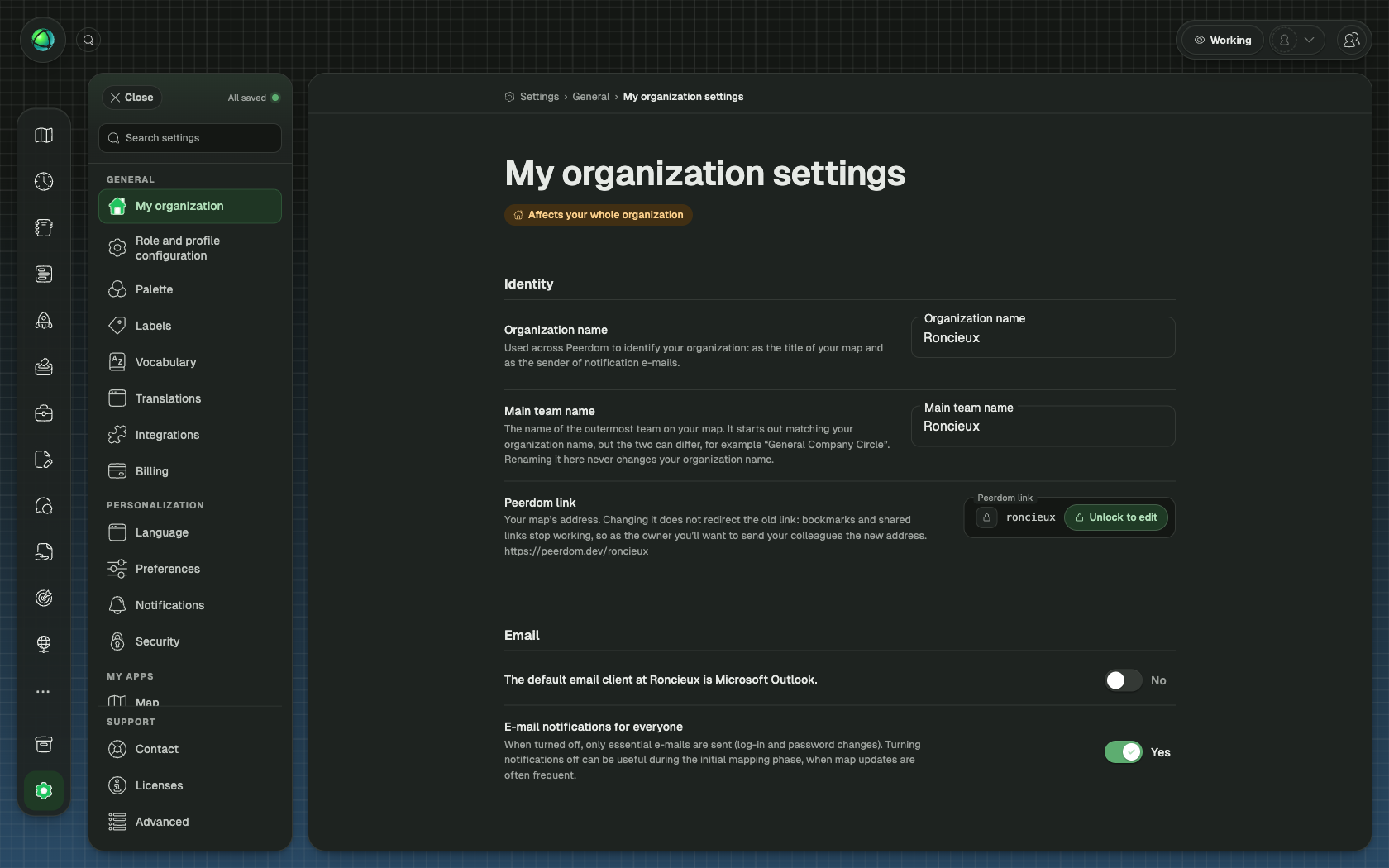
The General section covers foundational configuration:
- Organization name, displayed across the interface and on your shared map
- Peerdom link, your organization’s unique URL (cannot be changed after creation)
- Email client, choose which email client opens when clicking email addresses
- Default access level, the permission level assigned to new peers by default (see Access Rights)
- Permission limits, control what Editors and Members can do
Role and profile configuration
Customize what appears on roles and peer profiles:
- Custom fields, add properties to roles, circles, and profiles (text, links, dates, and more)
- Relationship fields, define connections between Peers, Roles, Groups, and Pages
- Field ordering, drag fields to control their display order
- Translations, translate field names into up to five languages (English, German, French, Spanish, Dutch)
- Visibility, mark fields as public (visible on shared maps) or private (internal only)
Vocabulary
Peerdom uses default terms that you can replace with custom terms to match your organization’s language:
- Person can become Peer, Colleague, or another term
- Group can become Circle, Team, or another term
- Role can become Position or another term
- Leader can become Representative, Link, or another term
Changes apply across the entire interface for all users.
Integrations
Connect Peerdom to external tools from the Integrations section. This includes SSO providers, Microsoft Teams, Zapier, API keys, and webhooks.
Billing
Manage your subscription, add seats, install apps, and view invoices from the Billing section.
Personalization
Every user (not only Owners) can adjust their own preferences:
- Language, choose from English, German, French, Spanish, or Dutch (see Language Settings)
- Email client, which app opens for email links
- Notifications, control which emails you receive from Peerdom
Related
- Custom Fields: add properties to roles and circles
- Custom Vocabulary: rename terms across the UI
- Access Rights: permission levels explained
- Billing & Subscriptions: manage your subscription