Projects
Projects lets you organize temporary work initiatives around roles rather than individuals. You select which roles a project needs, then assign specific holders to fill them. This keeps projects connected to your organizational structure and makes handoffs clear when roles change hands.
Project properties
Each project has a set of properties you can fill in:
- Name: what the project is called
- Mission: what the project aims to accomplish
- Dates: start and end dates
- Scope: company-wide or limited to a specific group
- Labels: one label per project for categorization
- Notes: additional context or documentation
- External links: connect to tools like Jira, GitLab, or Confluence
You can also designate a representative, the person accountable for the project’s progress.
Browse and organize projects
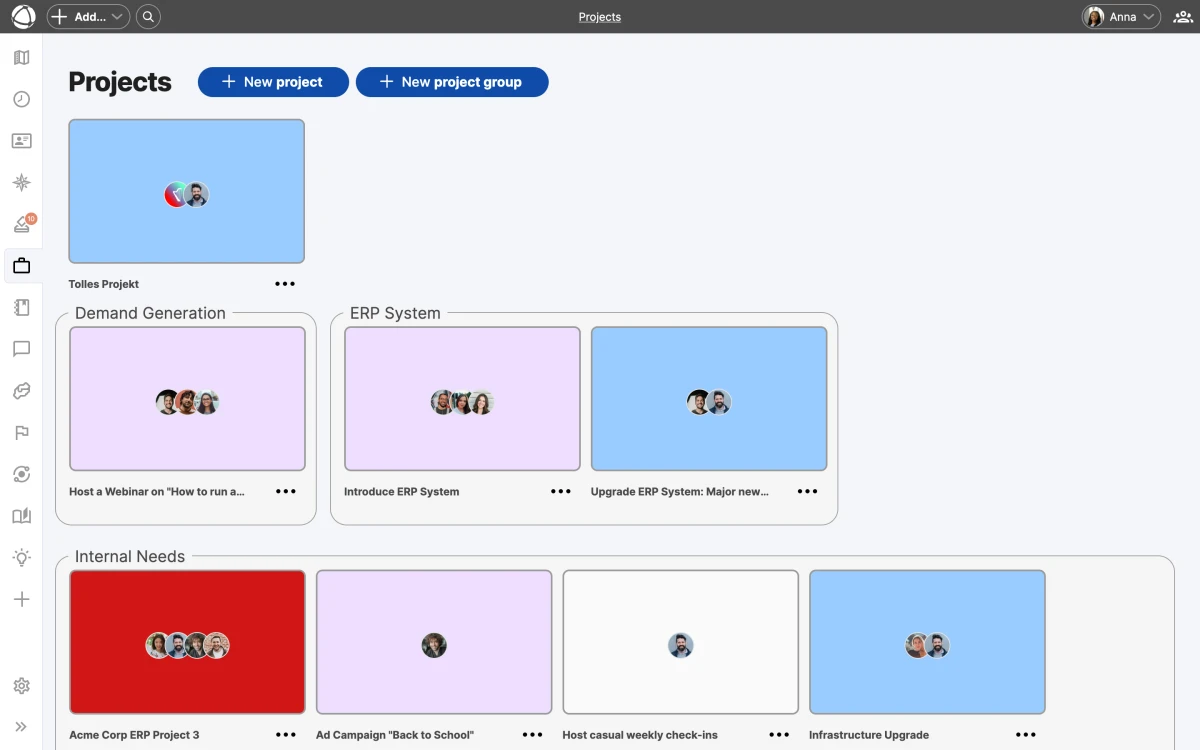
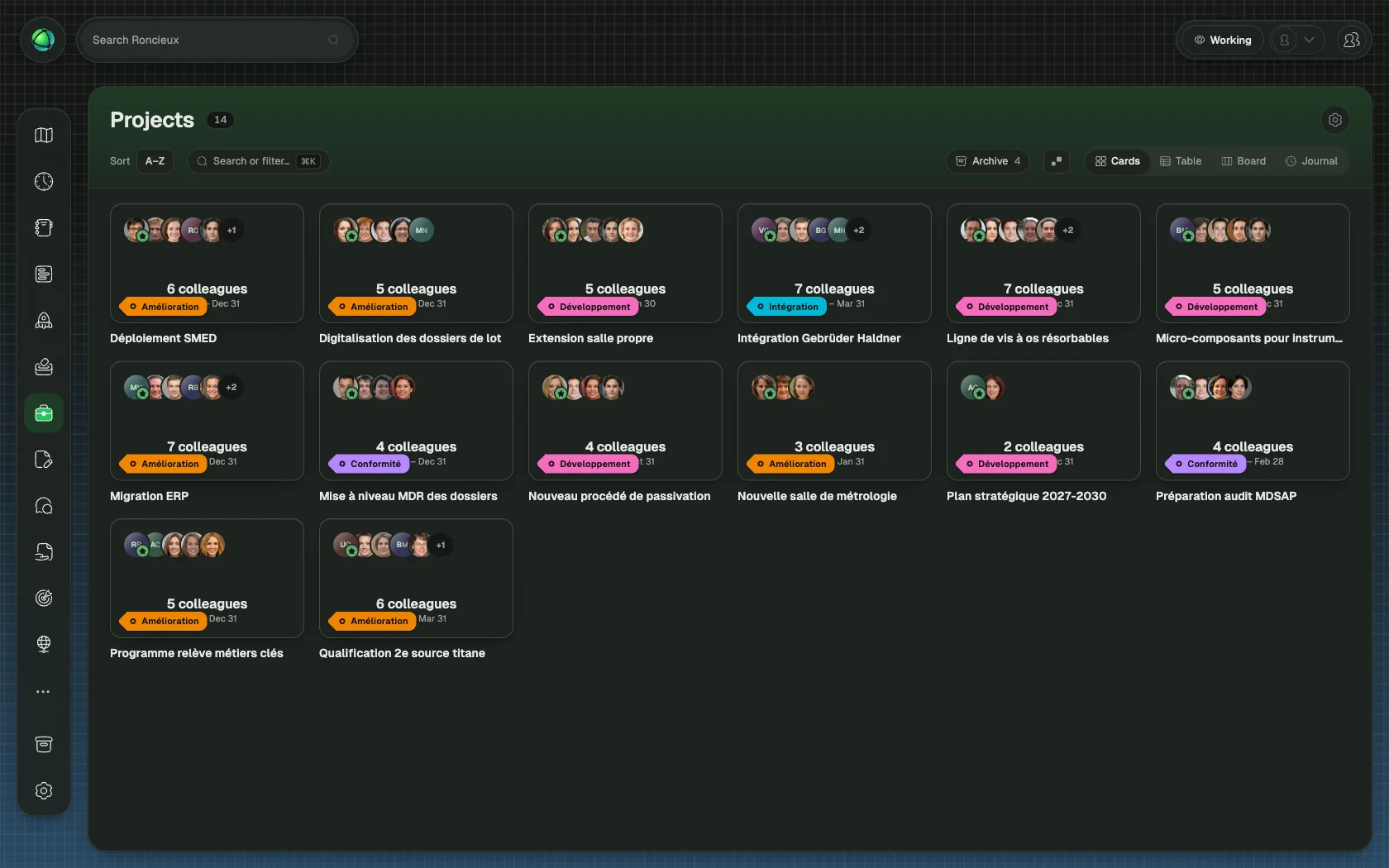
Projects display as colored cards organized by project groups. Drag and drop projects between groups to reorganize them. Use labels and groups together to create a structure that fits your workflow.
Projects can be scoped to the entire organization or to a specific group. Group-scoped projects are visible only within that context.
Projects on the map
Enable the Projects layer to see grey arcs connecting the roles and circles involved in each project. This gives you a visual map of how project work spans your organization.
Communicate with your team
Select a project and use the email function to send a message to all project members at once.
Archive completed work
When a project wraps up, archive it to keep your active view clean. Archived projects remain accessible for reference but no longer appear in the main grid.
Who can use Projects
- Editors and Owners can create and manage projects
- Members can view projects but cannot create or edit them
- Guests cannot access Projects
Related
- Map Layers: toggle the Projects layer
- Roles: projects are built around roles, not individuals
- Circles and Groups: scope projects to specific groups
- Owner Quick Reference: install and configure Projects