Relationships
Relationships capture the connections between people, roles, and circles that go beyond your map’s hierarchy. Use them to document deputies, mentors, career paths, team dependencies, and any other link that matters to your organization.
Common relationship types
- Deputy designates who steps in when a role holder is absent
- Prerequisite roles map career paths showing which roles lead to others
- Team dependencies link circles that rely on each other
- Line manager records reporting relationships outside the map structure
- Mentor captures guidance and development relationships
- Career aspiration marks roles a peer is working toward
Create a relationship field
Only Owners can create relationship fields.
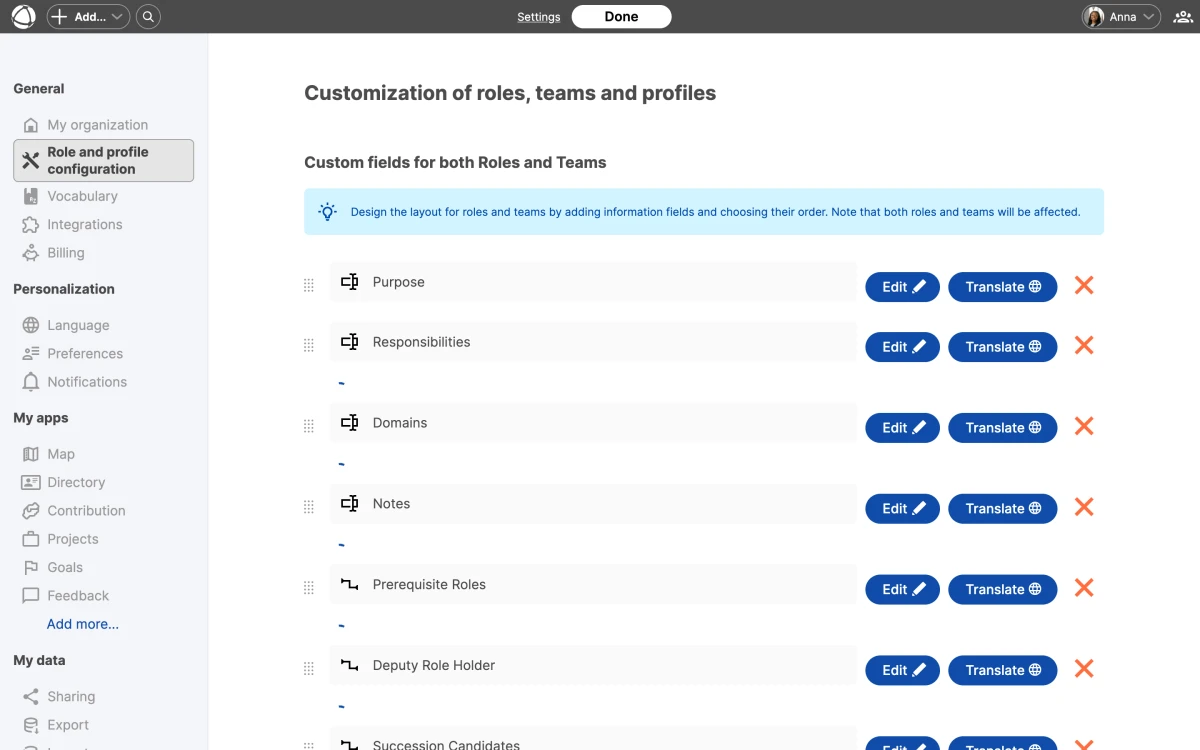
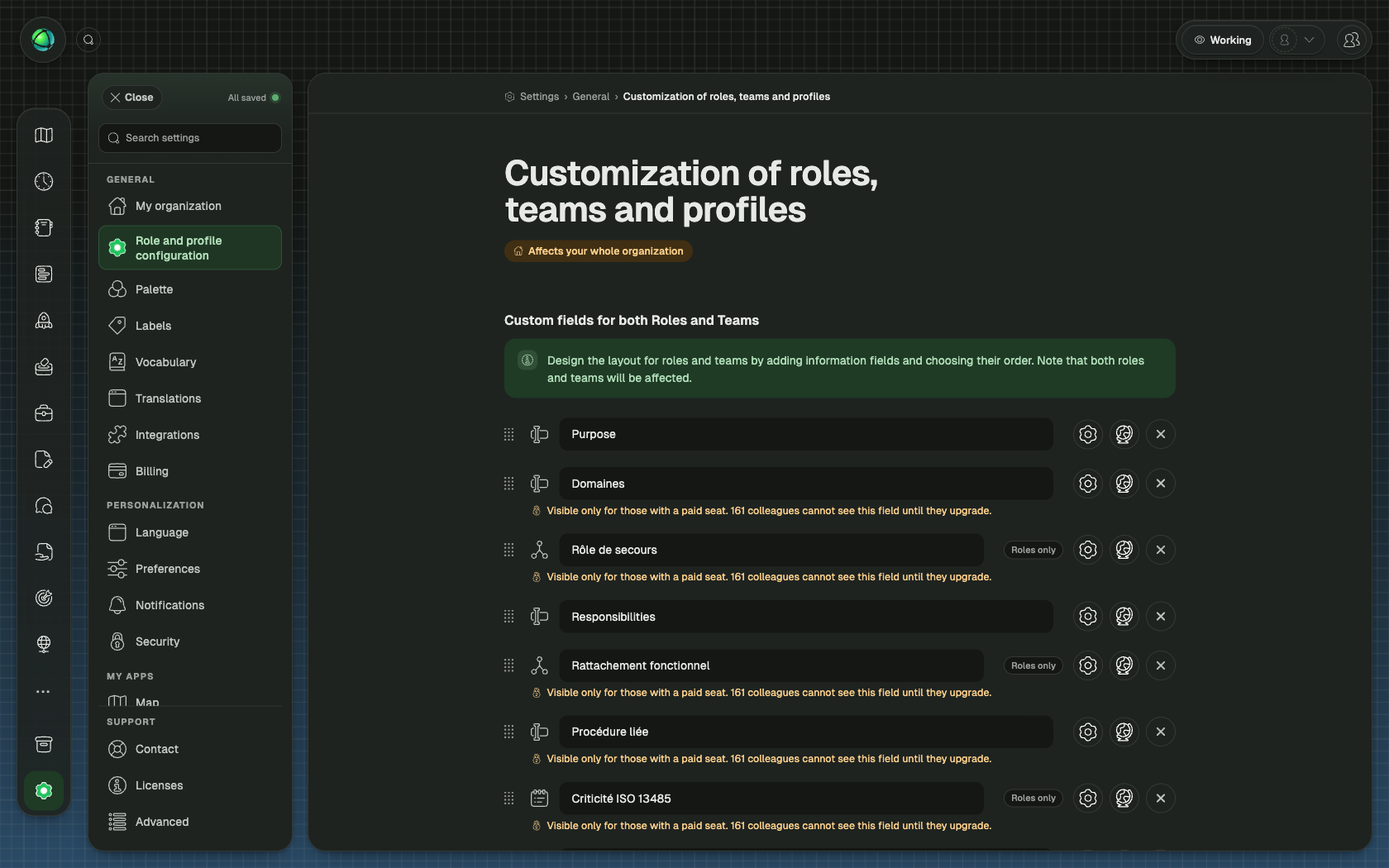
- Go to Settings > Role and profile configuration
- Click Add field
- Select Relationship as the field type
- Configure the field:
- Name defines what this relationship is called
- Item type lets you choose Peer, Role, or Group
- Number of entries sets how many links are allowed
- Privacy controls visibility (public for everyone, or private to hide from guests)
- Save
View relationships
Relationships appear in the Inspector panel when you select a role or peer. Each relationship field shows the linked items as clickable references. You can also view relationships on Pages when profile pages are enabled.
Reverse references
Relationships work in both directions automatically. If someone lists you as their mentor, that connection appears on your profile as well. You do not need to create the link from both sides.
Translate field names
Relationship field names can be translated into English, German, Dutch, French, and Spanish. Enter translations when creating or editing the field in Settings. Peers see field names in their preferred language.