# Peerdom
> Peerdom is an organizational change management platform that helps companies visualize, manage, and evolve their organizational structures with dynamic org charts, role-based governance, self-management tools, and AI agent coordination. Based in Switzerland, serving organizations worldwide.
## What is Peerdom?
Peerdom is "The Google Maps of the workplace" — a visual-first platform that transforms static org charts into dynamic, intelligent maps that evolve with your organization. Companies lose up to 20% of salary costs per disengaged employee due to rigid, opaque organizational structures. Peerdom solves this by making organizational change visible, participatory, and data-driven.
The platform supports multiple governance frameworks including holacracy, sociocracy, agile/scrum, traditional hierarchy, and hybrid approaches. Organizations can customize terminology to match their governance model (e.g., "circles" vs "teams" vs "groups", "peers" vs "colleagues" vs "members").
Peerdom AG is headquartered in Switzerland and serves organizations across 18+ countries, from startups to enterprises with 30,000+ employees.
## Product Features (12 Apps)
### Network App
Visual organization network and dynamic org chart. The core of Peerdom — an interactive map showing how the organization is structured, who holds which roles, and how teams connect. Maps update in real-time as the organization evolves. Supports multiple map types and visualization modes.
### Directory App
People directory with roles, skills, and contact information. Synchronizes with employee directories and SSO providers. Search and filter by name, role, skill, or team. Includes profile pages for each person showing all their roles and contributions.
### Goals App
OKR and goal management aligned with organizational structure. Set goals at organization, team, and individual levels. Track progress with visual indicators. Link goals to roles and accountabilities for clear ownership.
### Projects App
Cross-functional project management integrated with roles and teams. Visualize projects that span multiple circles/teams. Break down silos by showing project contributors across the organization. Includes project labels and filtering.
### Elections App
Democratic role election process for self-managing teams. Run transparent elections where team members can nominate, vote, and select people for roles. Supports sociocratic and holacratic election processes.
### Feedback App
Structured feedback system tied to roles and accountabilities. Give and receive feedback in context — linked to specific roles, not just individuals. Supports continuous feedback culture with structured prompts.
### Insights App
Analytics, organizational health metrics, and data-driven decisions. Dashboards showing organizational structure health, role distribution, workload balance, and change trends over time.
### Contributions App
Contribution tracking and peer recognition. Document and recognize contributions that go beyond formal role descriptions. Builds a record of cross-functional impact.
### Missions App
Mission and accountability management for role clarity. Define clear missions for each role and track whether accountabilities are being fulfilled. Helps prevent role confusion and overlapping responsibilities.
### Journal App
Activity journal and organizational change history. An auditable record of organizational changes — when roles were created, modified, or reassigned. Provides historical context for understanding how the organization evolved.
### Drafts App
Draft governance proposals before implementation. Create proposed organizational changes (new roles, restructured teams, modified accountabilities) as drafts that can be reviewed and discussed before going live.
### Pages App
Custom internal pages and knowledge sharing within the organization. Create wikis, handbooks, or process documentation directly within Peerdom, linked to the organizational context.
## Use Cases
### Organizational Transformation
Companies restructuring their organization or adopting self-management practices use Peerdom to visualize the current state, plan changes, and communicate the new structure transparently. The platform makes change visible and participatory rather than top-down and opaque.
### Hypergrowth & Scaling
Companies experiencing rapid growth use Peerdom to maintain organizational clarity during scaling. As new hires join and teams split, the dynamic map keeps everyone oriented. Faster onboarding: new hires understand the organization structure from day one.
### Mergers & Acquisitions
During M&A, organizations need to integrate two different structures. Peerdom visualizes both organizations, helps plan the merged structure, and communicates changes to all employees. Reduces confusion and accelerates integration.
### ISO Certification & Compliance
Organizations pursuing ISO 27001, ISO 9001, SOX, GDPR, or B-Corp certification use Peerdom for clear organizational hierarchies, documented role definitions, auditable governance records, and stakeholder accountability mapping.
### AI Agent Governance
As organizations deploy AI agents, Peerdom provides the governance layer — assigning agents to roles with clear accountability, visualizing human-agent team composition, defining agent scope and boundaries, and maintaining transparency about which tasks are handled by humans vs. AI.
### Role Clarity & Accountability
Eliminate confusion about who does what. Peerdom maps every role, its accountabilities, and who fills it. This reduces duplicated work, prevents dropped responsibilities, and empowers individuals to own their contributions.
### Employee Onboarding
New hires immediately understand their place in the organization, see reporting and collaboration structures, and identify key contacts. Reduces time-to-productivity and improves new hire experience.
### Self-Management Adoption
Organizations transitioning to holacracy, sociocracy, or other self-management frameworks use Peerdom as the operational backbone — replacing traditional org charts with dynamic role-based governance maps.
### Finding the Right People
Contextual search across the organization: find the right person for any task by searching roles, skills, and accountabilities rather than job titles.
## Integrations
### Single Sign-On (SSO)
- **Microsoft Entra ID (Azure AD)**: SAML-based SSO with auto-sync of user profiles (name, email, avatar)
- **Google Workspace**: SAML-based SSO with directory synchronization
- **Okta**: SAML-based SSO with user provisioning
### Communication
- **Microsoft Teams**: Send direct messages and group chats from within Peerdom
### Automation
- **Zapier**: Connect Peerdom to 7,000+ apps with no-code automation
- **Pipedream**: Developer-friendly automation platform for custom workflows
- **n8n**: Open-source, self-hosted workflow automation
### API
- **REST API**: Full programmatic access at api.peerdom.org/v1/docs. Requires API key from Settings.
### Directory Sync
Synchronize employee data from SSO providers. Auto-synced fields: first name, last name, email, avatar. Additional custom fields available on request.
## Pricing
Peerdom uses per-person pricing (Members, Editors, and Owners count toward subscription; Guests are free):
- **Free tier**: Core organizational mapping features at no cost
- **Peerdom+**: 5 CHF/user/month — full platform with all core apps
- **Add-on apps**: +1 CHF/user/month per additional app
- **Enterprise**: Custom pricing for large organizations with dedicated support
Free 15-day trial with full access to all features and apps.
## User Access Levels
- **Visitors**: Public map viewing (if enabled by the organization)
- **Guests**: Basic map access with limited features (free, unlimited)
- **Members**: Full map access, search, contact capabilities, and app access
- **Editors**: Content creation, role management, and organizational editing
- **Owners**: Complete administrative control, settings, billing, and user management
## Target Audience
**Industries**: Software & technology, pharmaceutical, media & publishing, financial services, NGOs & non-profits, education & research, government, healthcare
**Organization size**: Startups (10+) to enterprises (30,000+). Typical customer profile: 100-250 FTE, 10+ years old, employee-centric values, DACH region expanding globally.
**Champions**: Chief People Officers, Agile Coaches, Change Architects, HR Transformation Leads, Operations Directors, Organizational Development specialists
**Notable clients**: Die Mobiliar, Bayer Schweiz, Médecins Sans Frontières (MSF), Greenpeace, ETH Zürich, Lufthansa, and organizations across 18+ countries.
## What Peerdom Replaces
| Before Peerdom | With Peerdom |
|----------------|--------------|
| Static PowerPoint org charts | Dynamic, real-time visual maps |
| Scattered Excel spreadsheets | Unified organizational database |
| Expensive consultants for restructuring | Self-service change management |
| Outdated documentation nobody maintains | Always-current organizational structure |
| Siloed information across departments | Transparent, connected organizational view |
| Manual onboarding taking weeks | Interactive map onboarding in minutes |
| Unclear accountability and role confusion | Explicit roles, missions, and accountabilities |
## Peerdom vs Alternatives
### Peerdom vs Traditional Org Chart Tools (Visio, Lucidchart, SmartDraw)
Traditional tools create static diagrams that are outdated the moment they're published. Peerdom is a living system — the org chart updates in real-time as roles, teams, and people change. It's not a drawing tool; it's an organizational operating system.
### Peerdom vs GlassFrog (Holacracy)
GlassFrog is built exclusively for holacracy practitioners. Peerdom is framework agnostic — it supports holacracy, sociocracy, agile, traditional hierarchy, and hybrid models. Organizations can mix-and-match governance approaches across different departments.
### Peerdom vs Talkspirit (Holaspirit)
Both support self-management, but Peerdom's visual-first approach and dynamic mapping capabilities offer deeper organizational intelligence. Peerdom also uniquely supports AI agent governance — integrating AI agents as first-class team members within the organizational structure.
### Peerdom vs HR Software (BambooHR, Personio, Deel)
HR tools manage employment data. Peerdom manages organizational structure. They're complementary: Peerdom integrates with HR systems via SSO and directory sync, but focuses on governance, roles, accountability, and organizational evolution rather than payroll and benefits.
### Peerdom vs Spreadsheets and Notion
Spreadsheets and general-purpose tools lack the visualization, governance, and real-time collaboration features that purpose-built organizational management requires. Peerdom provides interactive maps, role elections, feedback systems, and historical intelligence that generic tools cannot replicate.
## The Peerdom Philosophy
1. **Visualization creates understanding** — You can't improve what you can't see
2. **Transparency builds trust** — Open structures empower people
3. **Flexibility enables adaptation** — Rigid structures break under change
4. **Roles matter more than titles** — What you do is more important than your position
5. **Everyone deserves clarity** — Understanding your organization shouldn't require years of tenure
## Key Differentiators
1. **Visual-first**: Maps and visualizations are the primary interface, not spreadsheets or lists
2. **Framework agnostic**: Works with holacracy, sociocracy, agile, traditional hierarchy, or custom governance models
3. **Customizable terminology**: Organizations choose their own language (peers/colleagues, circles/teams, roles/functions)
4. **Historical intelligence**: Full audit trail of organizational changes over time — the longer you use Peerdom, the more valuable it becomes
5. **AI agent governance**: First platform to integrate AI agents into organizational governance structures as first-class team members
6. **Resource matching**: Find the right person for the right job through visibility into skills, roles, projects, and capacity
7. **Organizational health insights**: Pattern recognition and behavioral overlays that highlight areas needing attention
8. **Contextual search**: Everything in relation to the map — search results show how people, projects, and goals connect
9. **Integration-focused**: SSO, Teams, Zapier, API — enriches the map with data from existing tools
10. **Swiss-made**: Data privacy, quality, and reliability from Switzerland
## Getting Started
| Activity | Time |
|----------|------|
| Initial profile creation | ~30 minutes |
| Ongoing maintenance | ~15 minutes every 6-8 weeks |
Peerdom is designed to be lightweight. Most value comes from the initial mapping exercise, and maintenance is minimal. Start with a free trial at https://peerdom.org/new.
## The Peerdom Ecosystem
Peerdom is part of a three-product ecosystem:
- **Peerdom** (peerdom.com) — Governance and visualization: org structure, roles, accountability, visual maps
- **Handsh** (handsh.com) — AI agent orchestration: agents as teammates with clear roles and capabilities
- **Daila** (daila.io) — Data intelligence: semantic understanding, entity resolution, knowledge graph
Each product works independently but integrates deeply when used together through shared database infrastructure.
## Documentation & Resources
- [Help Center](https://peerdom.com/doc): Complete product documentation and user guides
- [Blog](https://peerdom.com/blog): Thought leadership on organizational change, self-management, and holacracy
- [Resources](https://peerdom.com/resources): Webinars, guides, and educational content
- [Release Notes](https://peerdom.com/releases): Product updates and new feature announcements
- [Customer Stories](https://peerdom.com/customer-stories): Real-world case studies
- [Showcase](https://peerdom.com/showcase): Public organization maps built with Peerdom
## Company
- [Team](https://peerdom.com/team): The people behind Peerdom
- [Companions](https://peerdom.com/companions): Certified organizational transformation consultants
- [Services](https://peerdom.com/services): Consulting and implementation services
- [Jobs](https://peerdom.com/jobs): No open positions at the moment; spontaneous applications welcome
## Contact
- **Website**: https://peerdom.com
- **App**: https://app.peerdom.org
- **API Docs**: https://api.peerdom.org/v1/docs
- **Support**: support@peerdom.org
- **Sign up**: https://peerdom.org/new
# Blog Articles
--------------------------------------------------------------------------------
title: "Add a living skills matrix to your org chart"
description: "Find the right person for the job by showcasing everyone's skills directly on your org chart."
last_updated: "2026-07-17"
source: "https://peerdom.com/blog/build-a-skills-inventory"
--------------------------------------------------------------------------------
# Add a living skills matrix to your org chart
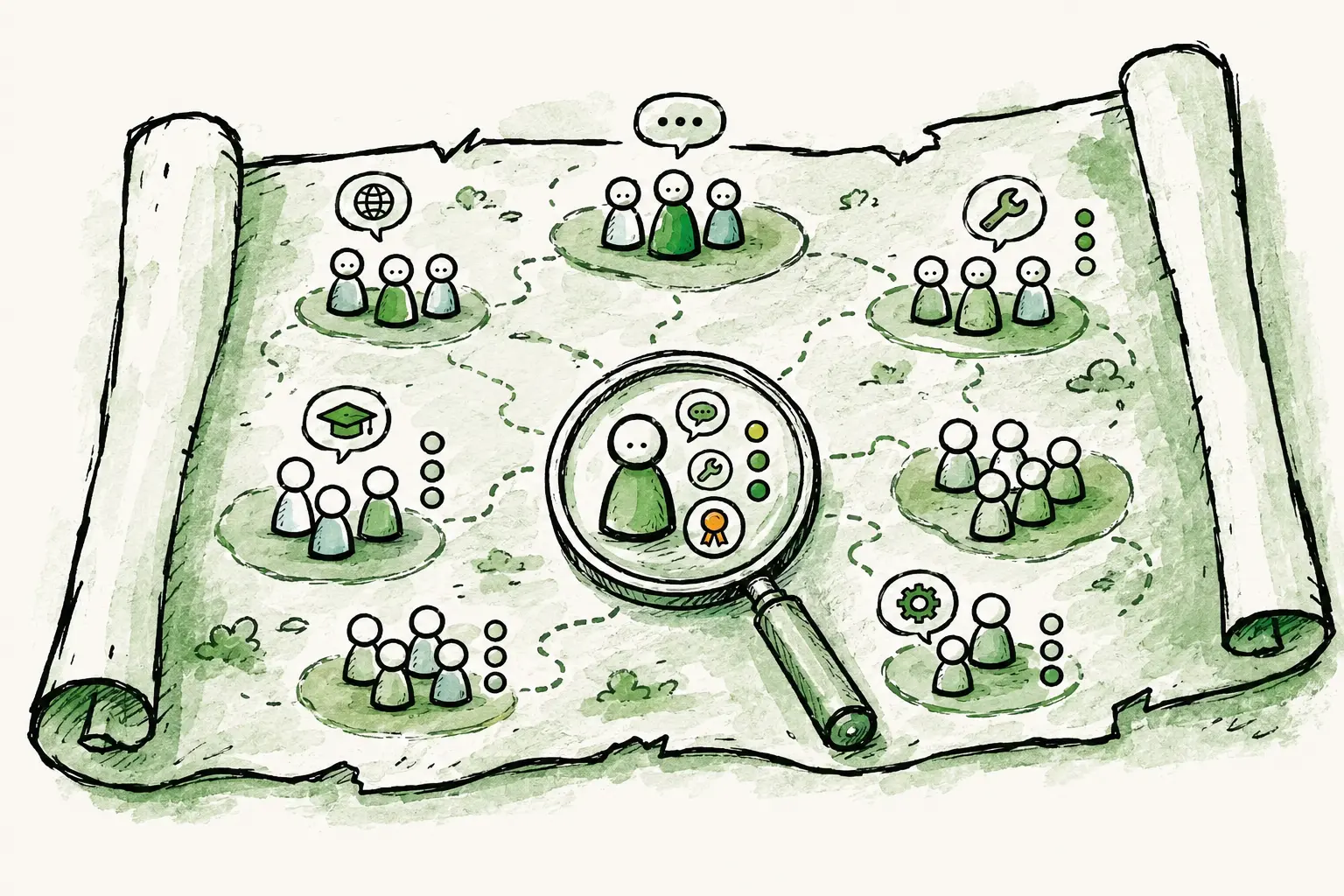
Every organization has a limited understanding of who can do what on your team. Who can run a workshop in French? Who can use their certifications to mentor new hires? When someone leaves, you quickly realize their real value was the set of skills nobody had written down anywhere.
Usually, your **org chart** tells you who reports to whom, but it says nothing about who can actually *do* what. A **skills inventory** (also called a **skills matrix** or **competency matrix**) answers that second question: what capabilities do we have, and how deep do they run? Keep those two things apart and one of them always goes stale. Put the skills where your organization already lives, on the roles and profiles of your Peerdom map, and the inventory stays alive because it updates as part of normal work.
That's the whole idea: one map that shows both your structure *and* your capabilities.
## Skills aren't just tags. They have depth
Most skills tools treat a skill as a flat tag. You either "have" French or you don't. But that's not how skills work. There's a world of difference between someone who can order coffee in French and someone who can negotiate a contract in it. A useful inventory captures *how deeply* someone holds a skill. It's the proficiency level, the certification, the years of experience.
In Peerdom, you model this with **List fields**. These are fields whose value is chosen from a set of options you define. Create a `Languages` list (German, English, French), and let people pick as many as apply. That already beats free text: everyone chooses from the same catalog, so the data is clean and consistent.
Then comes the part that makes it genuinely powerful: **follow-up lists**. Any list can open another one. Attach a `Proficiency` list (Beginner, Experienced, Professional) as the follow-up to `Languages`, and now the moment someone picks German, Peerdom asks *how well*. Their profile reads **German · Professional**, **English · Experienced**: the skill and its depth, together.
Follow-up lists can chain. A language can lead to a proficiency; a tool can lead to a certification level, which can lead to an expiry date. You're linking lists to lists, composing exactly the structure your skills need. No rigid template, no separate skill-mapping software to buy. For most teams two levels is plenty; the point is that the ceiling isn't in your way.
## What a living skills inventory unlocks
Once capabilities are structured data on the map instead of tribal knowledge, the everyday questions get quick answers:
- **Staff projects by capability, not job title.** Find the people who actually hold a skill, wherever they sit in the structure, and build a balanced team.
- **Match work to the right language or context.** Need a workshop in French or a call in Portuguese? Add the `Languages` column in the Directory and sort to group your speakers, instead of asking around.
- **Track certifications and expiry.** Model `Certification → level → expiry date` and see who's qualified (and who's about to lapse) before an audit or ISO review, not after.
- **Protect against the bus factor.** Spot the skills only one person holds, so a resignation doesn't take critical know-how with it.
- **See your skills gaps.** When a capability barely appears across the org, that's a hiring or training signal you can act on early.
## Building it takes minutes
The whole setup lives in **Settings → Role and profile configuration**:
1. Add a **List** field called `Languages` on profiles, with your languages as items, and allow multiple entries.
2. Add a second **List** field, `Proficiency`, with your levels.
3. Open `Languages` and set its **follow-up list** to `Proficiency`.
That's it. Every colleague profile now has a structured, multi-level languages field, and filling it in is a couple of clicks per person. ([The full how-to is here.](/doc/guides/skills-inventory)) Rolling it out across a whole company? Import the data in bulk (on paid plans) rather than typing it in.
Because it lives on the map, the inventory updates the way everything else does: as part of normal work, by the people closest to it, not as a quarterly spreadsheet chore that everyone dreads.
## Putting it to work
Once the skills are in, you use them where you already are. Each person's languages show on their profile and in the map's Inspector. In the **Directory**, add the `Languages` column and sort to group your French speakers together, or export the whole inventory to CSV and the API when you want to slice it in a BI tool. Staffing a project, planning coverage, spotting where you're thin on a critical skill: it all starts from data that's finally in one trustworthy place.
Right now you build and browse the inventory and sort or export to work with it. Filtering the organization directly by a skill value (e.g. *"show me everyone who speaks French at Professional level"*) is the next step we're building. But the foundation, the part that's usually the hard part, is already here and already useful: your skills, structured with real depth, living inside your organization instead of beside it.
If your team's know-how currently lives in someone's head or someone's spreadsheet, this is a good weekend to move it somewhere it will last. [Start with the guide](/doc/guides/skills-inventory), or [take Peerdom for a spin](/pricing) and build your first skill list today.
## Frequently asked questions
### What is a skills inventory?
A skills inventory is a structured record of the capabilities your people hold (languages, tools, certifications, domains), usually with a proficiency level for each. It answers "who can do what, and how well?" so you can staff work, plan coverage, and spot gaps. The same idea is often called a skills matrix or competency matrix.
### What's the difference between a skills inventory, a skills matrix, and an org chart?
An **org chart** shows structure: who reports to whom and which role sits where. A **skills matrix** (or skills inventory) shows *capability*: which skills exist across your people and at what level. They answer different questions, which is why capability data kept in a separate spreadsheet always drifts out of date. In Peerdom both live on the same map, so your structure and your skills stay in sync.
### How do I track proficiency levels and certifications?
You model depth with follow-up lists. A `Languages` list with a `Proficiency` follow-up renders as **German · Professional**. The same pattern handles certifications: a `Certifications` list can follow up to a level and then an expiry date, so you can see who's qualified and who's about to lapse. Follow-ups can chain as deep as your skills need.
### Can I filter people by a specific skill?
Today you build, browse, sort, and export the inventory. For example, add the `Languages` column in the Directory and sort to group speakers, or export to CSV and the API for deeper analysis. Filtering the org directly by a skill value ("everyone who speaks French at Professional level") is on our roadmap.
### Do I need dedicated skills-matrix software?
No. Most skills-matrix or skill-mapping software adds yet another system to keep in sync with your org chart, which is exactly why those matrices drift out of date. Peerdom is the org chart *and* the skills inventory on one map, so your structure and capabilities stay together and current.
### Is there free skills-inventory software?
Peerdom's free plan supports up to 10 accounts with the map, profiles, and custom fields included, enough to build a real skills inventory for a small team. Bulk import and larger organizations are covered on the paid plans. [See pricing](/pricing).
--------------------------------------------------------------------------------
title: "Your org chart can now be read by AI"
description: "Peerdom now publishes your org chart in the Open Knowledge Format (OKF) — an open standard backed by Google — so any AI can read and reason about how your organization works. Make your map public and it joins the agentic web."
last_updated: "2026-06-24"
source: "https://peerdom.com/blog/your-org-chart-can-now-be-read-by-ai"
--------------------------------------------------------------------------------
# Your org chart can now be read by AI
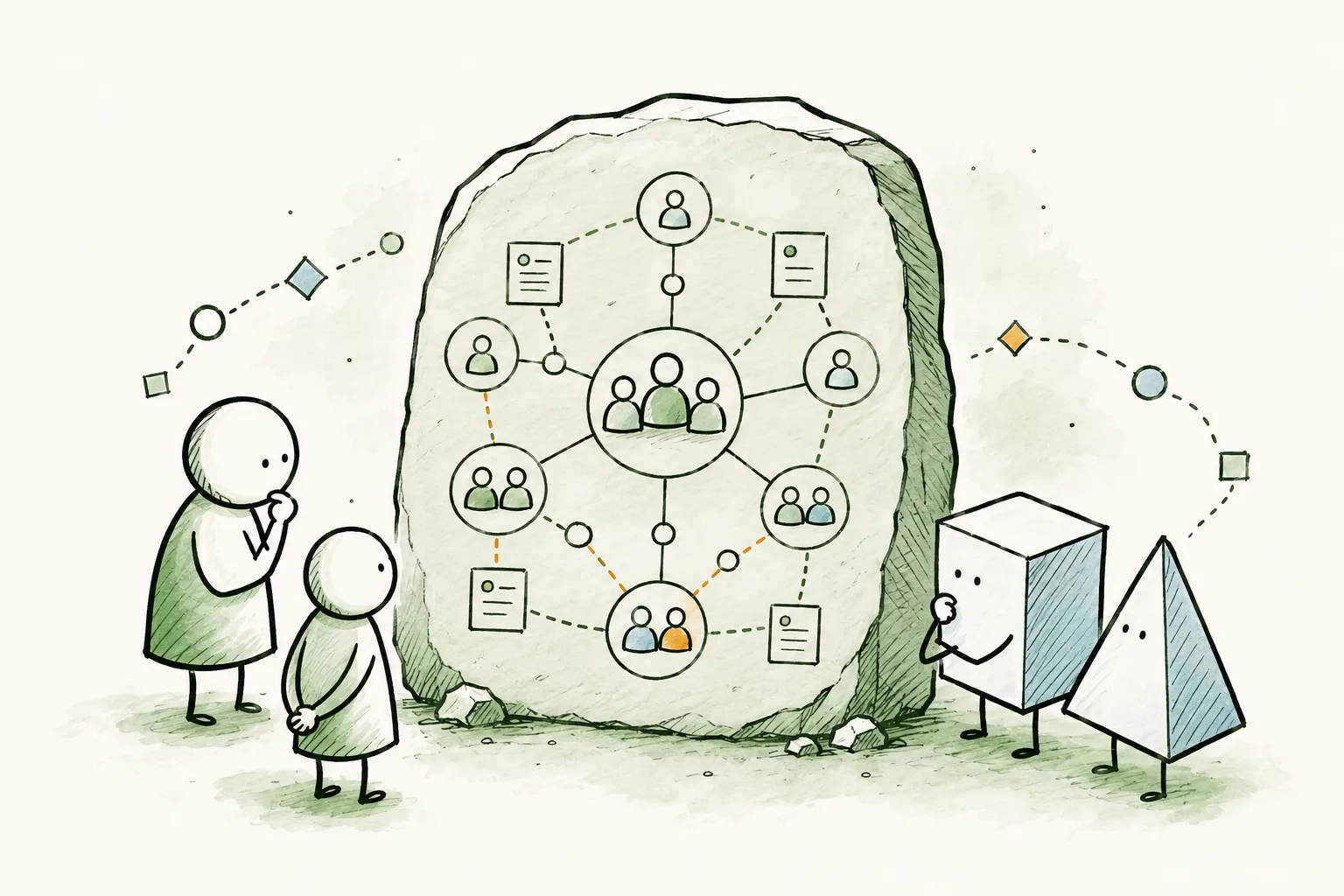
Drop an AI agent into most companies and watch it get lost. The knowledge it needs to be useful — who does what, which team owns which outcome, where decisions are made — is scattered across a wiki, a few drives, an org chart buried in last quarter's slides, and a fair amount of nobody-wrote-it-down. So the agent guesses. It pattern-matches from titles, infers a hierarchy that may not exist, and hands you a confident answer built on sand.
That's not the agent's fault. It arrived somewhere with no map.
A little while ago we [made your organization conversational](/blog/your-org-chart-can-answer-questions) — you can now talk to your Peerdom organization in plain language, with whichever AI you trust, and get a straight answer in seconds. That solved one half of the problem: getting answers *out* of your own organization, for you.
This is the other half. Not *you* asking *your* organization questions — but *any* agent, anywhere, being able to **read** your organization and reason about it correctly, without you wiring up a thing.
## A shared language for organizational knowledge
For an agent to feel at home in an organization, it needs the structure handed to it in a shape it already understands. Not scraped, not guessed — stated.
That shape now has a name: the **Open Knowledge Format**, or OKF. It's an open standard, published by Google and released under a permissive open-source license, for describing organizational knowledge in a way both people and AI agents can read. The whole specification is deliberately small: a folder of plain Markdown files, one file per "concept," linked to one another — nothing you need an account, an SDK, or anyone's permission to produce or consume. If you can read a text file, you can read an OKF bundle.
We could have invented our own format for org structure. We chose not to. A data format is only worth the number of parties who speak it, and a brand-new one nobody else recognizes helps no one. By adopting a standard a broad ecosystem is rallying behind, the agents your people already use arrive *pre-fluent* in the shape of an organization. We'd rather be an excellent citizen of an open standard than the sole speaker of a private one.
## What an agent sees
Here's the quiet advantage: Peerdom is already a curated, structured model of an organization. The hard part of OKF — turning scattered, half-documented knowledge into clean, linked concepts — is the part you've already done every time you mapped a circle or filled a role.
So the translation is natural. Your circles, roles, the people who hold them, your goals, and your pages each become a concept an agent can read and follow:
- It starts at the top and sees the whole organization at a glance.
- It follows a link into a circle, and sees the roles inside it and who fills them.
- It reads a role and understands its purpose, its goals, and how it connects to the rest.
And it reads all of it **in your own words** — if you call your circles "teams" or "pods," the bundle says teams and pods. The agent meets your organization on your terms, not a generic template's.
## Make it public, and it's part of the agentic web
This is the part we're most excited about.
Any organization that makes its Peerdom map public already shares it openly with the world. From now on, a public map isn't just a page people can visit — it's an **agent-readable bundle the whole agentic web can understand**. No integration, no key, no setup. The moment your map is public, an agent can read it, reason about it, and represent your organization faithfully to whoever's asking.
Put plainly: **Peerdom is where agents read and reason about how your organization actually works.**
For organizations that practice transparency on purpose — and many of the ones we work with do — that's a meaningful thing. The way you've chosen to organize becomes legible to the tools the rest of the world is starting to think with.
## You stay in control
Legibility is only a good idea with a clear edge around it, so the same controls you already have apply:
- **Public is a choice you make.** Nothing is exposed until you make your map public — and you can make it private again at any time.
- **People are opt-in.** A public bundle describes your structure; individual people appear only if you've chosen to show them, exactly as with your public map and embeds today.
- **Private stays private.** If your organization isn't public, its knowledge stays behind your door — and you can still hand it to a specific assistant, on your terms, through the [MCP server](/blog/your-org-chart-can-answer-questions) and your own API key.
Two ways in, one principle. **Conversational** access, through MCP, is private and authenticated — *talk to your organization*. **Legible** access, through OKF, is open and readable — *let any agent understand it*. You decide which doors are open.
## Why open, every time
We keep making the same choice — an open standard over a walled garden — and it's worth saying why, because it's not an accident.
The organizations Peerdom serves tend to believe that clarity and autonomy beat control: that people do their best work when they can see the whole picture and act on it. A closed format, readable only by one vendor's tools, runs against that grain. An open one hands the choice back — which agent, which model, which infrastructure, on whose terms. We'd rather build for that world and earn our place in it.
Your organization isn't only something you operate, or even something you can now talk to. It's becoming something the agentic world can genuinely understand — and that understanding starts from the structure you've already built.
--------------------------------------------------------------------------------
title: "Your org chart can answer questions now"
description: "Talk to your organization in plain language, with any AI you trust. Introducing the Peerdom MCP server: vendor-independent, set up in a minute, and entirely under your control."
last_updated: "2026-06-18"
source: "https://peerdom.com/blog/your-org-chart-can-answer-questions"
--------------------------------------------------------------------------------
# Your org chart can answer questions now
> **Update, June 26, 2026: writes are live now too.** This post launched the read-only side of MCP. The same connection now also supports a clear set of write actions: create, update, and remove peers, roles, and groups; assign role holders; manage custom field values. The opt-in safety model is unchanged. It's still your API key, still scoped to your organization, still revocable in one click. See the [MCP integration guide](/doc/integrations/mcp) for the current list of tools and the full setup. The rest of this post is preserved as the original launch announcement.
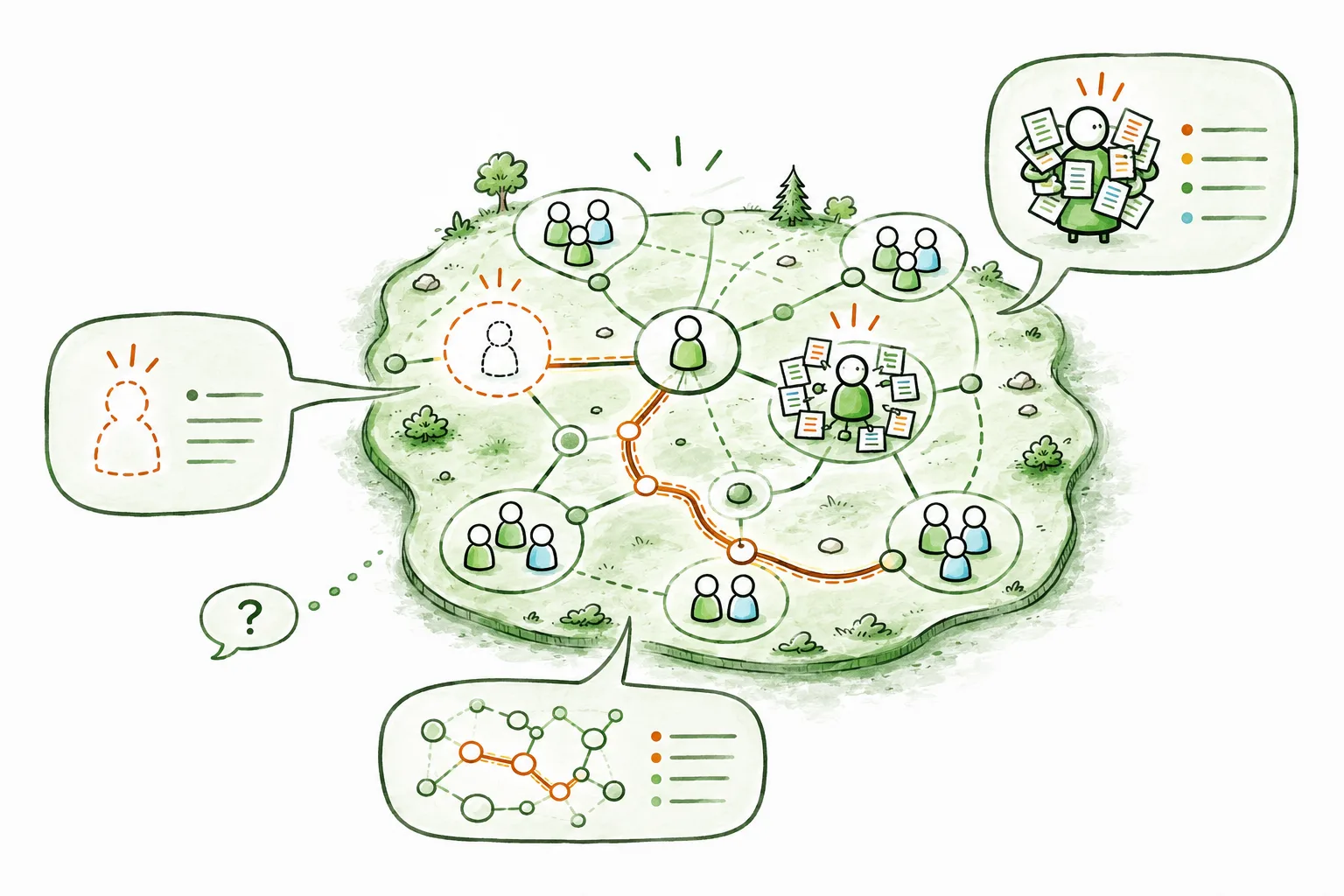
There's a particular kind of question that's surprisingly hard to answer about your own organization. Not the big strategic ones, but the small, concrete ones. *Who actually holds the onboarding role now that Sofia has moved on? Which roles in the product circle are sitting empty? Is anyone quietly carrying five roles when they should have two?*
The answer usually lives somewhere. In the map, in someone's head, in a conversation you keep meaning to have. So you go looking. You open a tool, you click into a circle, you scan a list, you cross-reference. A few minutes later you have your answer, or you've been pulled into three other things and forgotten the question.
Today we're launching something that removes that friction entirely. You can now **talk to your organization in plain language**, using the AI assistant you already use, and get an answer in seconds.
## From dashboards to dialogue
For as long as software has existed, the deal has been the same: the tool holds the information, and you learn where to click to get it. Dashboards, filters, tabs, exports. We've all become quietly fluent in navigating interfaces that were designed by someone else.
Conversational AI changes the deal. Instead of you learning the tool's structure, the tool learns to answer your questions. You ask the way you'd ask a knowledgeable colleague ("which roles in Marketing are vacant?"), and the answer comes back in a sentence, not a spreadsheet.
Here's what that looks like in practice. An agile coach preparing for a governance meeting opens her assistant and types:
> **"Which roles in the Marketing circle are currently vacant, and who's carrying the most roles overall?"**
A moment later:
> *"Three roles in Marketing are unfilled: Content Lead, Events, and Community. Across the whole organization, Maria holds the most: six roles, totaling about 1.4 FTE of contribution. You might want to look at rebalancing before assigning her anything new."*
No clicking. No export. No context-switching. Just the question she actually had, and the answer she actually needed, ready to bring into the room.
## What just happened
That little exchange works because of an open standard called the **Model Context Protocol**, or MCP. You don't need to know the acronym to use it, but the idea behind it matters, so here it is in one sentence: **MCP is a common language that lets any AI assistant safely connect to tools and data sources**, like your Peerdom organization.
Before standards like this, every connection between an AI app and a piece of software was a one-off, built by hand, locked to a single vendor. MCP makes the connection universal. Build it once, and it works everywhere the standard is spoken.
So we built it once. The Peerdom MCP server is now live, and it speaks to your organization on your behalf: reading your people, roles, circles, who holds what, and where the gaps are, then handing the answer to whichever assistant you've pointed at it.
## Questions worth asking today
That example isn't a one-off. Here are the kinds of questions teams are asking from day one, each paired with the moment it actually helps:
- **"Which roles in Marketing are currently vacant?"** Spot structural gaps before they turn into bottlenecks. Ideal for Companions and Lead Links watching where the organization needs people.
- **"Who is carrying the most roles right now?"** Surface overload before it becomes burnout, a quick and honest read on how work is really distributed.
- **"What roles and circles is Maria part of?"** Get up to speed on a colleague in seconds, whether you're onboarding them, partnering with them, or just catching up.
- **"Walk me through how our organization is structured."** Orient a new hire or brief a stakeholder, no screen-sharing required.
- **"How many people are in the Product circle?"** A headcount answer without building a single report.
Every answer comes straight from your live map, so it's always current, and you can ask follow-ups the same way you would in a conversation.
## Bring the AI you already trust
This is the part we're most deliberate about, because it's where a lot of products quietly close the door.
It would have been easier for us to build a Peerdom chatbot: our own AI, in our own app, that only talks to us. Plenty of tools do exactly that. But it would have meant asking you to adopt *our* choice of model, *our* terms, *our* roadmap. And it would have meant one more assistant to learn, separate from the ones your team already lives in.
We don't think that's the right trade for the organizations we work with. So the MCP server is **vendor-independent by design**. If your team has standardized on Claude, use Claude. If you're an OpenAI shop, use ChatGPT. If you run Gemini, Cursor, or an open-source agent, those work too. If your governance requires a model that runs locally or on Swiss soil, you can point a local or sovereign assistant at the very same server, and your data reaches Peerdom and nothing else.
You're not betting on a single vendor's model being the best one forever. You bring the assistant you already trust, and your organization becomes one of the things it can talk to.
## You decide what goes in and out
Conversational access to organizational data is only a good idea if it comes with real control. So control is built into how this works, not bolted on after.
It runs on **your** API key, scoped to **your** organization, the same key you'd use for any Peerdom integration, created by an Owner in your settings. Three things follow from that:
- **You decide if it's on at all.** No key, no connection. Generate one when you want this, and not before.
- **You can switch it off instantly.** Revoke the key and every assistant using it is disconnected in the same moment. No support ticket, no waiting.
- **Nothing is hoarded in the middle.** The server doesn't store your key or your data. It passes your request through, returns the answer, and keeps nothing.
And for now, the connection is **read-only**. Assistants can *ask* about your organization, but they cannot change it. That's a deliberate first step: the most useful thing on day one is simply being able to see clearly. When we add the ability to make changes, it will be through safe, scoped, explicit actions, never a model quietly editing your map.
This is what we mean by *you decide what goes in and out*. Not a setting buried three menus deep, but the basic shape of the thing.
## Why an open standard, and not a walled garden
It's worth saying plainly why we went this way, because it reflects how we think about self-managed organizations in general.
The organizations Peerdom serves tend to share a conviction: that clarity and autonomy beat control. That people do their best work when they can see the whole picture and act on it, rather than waiting for someone to grant them a view. A walled-garden AI (one vendor's model, one company's app, one closed connection) runs against that grain. It re-centralizes exactly the thing these organizations work hard to distribute.
An open standard does the opposite. It hands the choice back to you: which assistant, which model, which infrastructure, on which terms. We'd rather build for that world and earn our place in it than lock you into ours.
## What ships today, and what's next
Today, the Peerdom MCP server is live and ready. Connect an MCP-capable assistant, and you can ask about your people, your roles, your circles, your vacancies, and your workload, in plain language, in seconds.
From here it grows with every release:
- **More to ask.** We'll keep widening what your assistant can see and summarize.
- **Safe actions.** Carefully scoped write capabilities, so you can move from *asking* about your organization to *working with* it, on your terms, with full control.
- **More ways in.** Support for sign-in-based (OAuth) connections, which will open up the cloud chat apps that don't yet accept a simple key, bringing true reach across every assistant.
This is the beginning of a way of working we're genuinely excited about: your organization not as a system you operate, but as something you can simply *talk to*.
## Try it
If you're an Owner, you can have this running before your coffee gets cold. Create an API key in your organization settings, drop the Peerdom endpoint into your assistant of choice, and ask it your first question.
Our [step-by-step setup guide](/doc/integrations/mcp) walks through every supported assistant (Claude, ChatGPT, Cursor, Gemini, and more) with the exact configuration for each.
Ask your organization something. We think you'll be surprised how good it feels to get a straight answer.
--------------------------------------------------------------------------------
title: "Distributing Authority in Organizations: What Actually Changes"
description: "Shared governance transformations fail when structure changes faster than behavior. Insights from Loyco's six years working with organizations on distributed decision-making."
last_updated: "2026-05-21"
source: "https://peerdom.com/blog/distributed-authority-organizational-transformation"
--------------------------------------------------------------------------------
# Distributing Authority in Organizations: What Actually Changes
[Loyco](https://www.loyco.ch) didn't start as a governance consultancy. Before accompanying other organizations through structural change, they had to first confront challenges in their own house.
While going through a period of strong growth, the classical symptoms appeared: unclear decision-making, duplicated work, invisible responsibilities, coordination friction, and a "waiting for orders" hierarchical culture. Yet, rather than adding management layers, they chose to make roles, responsibilities, and authority explicit and distributed. They called their operating model *Loycocracy*.
Their own internal transformation is what eventually attracted other organizations to come to them for transformation support.
## What resonates
One line from Lucie Mauron's article stood out:
> Changing a structure is relatively fast. Changing behaviors, habits, and ways of collaborating takes much longer.
We see this constantly. Organizations redesign structures, redefine roles, introduce processes and governance rather quickly. Yet, old patterns quietly continue behind the scenes: implicit validation, hidden authority, unclear ownership, political workarounds, and zombie hierarchies.
The structural work is the "easy" part. The behavioral layer is where transformations either take root or silently implode.
## Why visibility matters
In many organizations, the real structure is only partially visible. People carry informal responsibilities. Decision boundaries remain implicit. Coordination work goes unrecognized. Critical knowledge lives in people's heads rather than in shared systems.
Making those dynamics explicit doesn't magically solve everything. But it creates the conditions for healthier collaboration, stronger autonomy, and more coherent decision-making over time. That's the premise behind Peerdom, and it's the same premise Loyco has been working from for six years.
Loyco describes a wide variety of behavioral work that needs to take place, including shifting habits, rebuilding trust in new decision-making patterns, and letting go of old authority. These shifts in mentality are difficult and deserve attention, but this work doesn't happen in a vacuum. People can't change how they navigate an organization they can't see. Conversations about ownership, authority, and collaboration are easier to have, and harder to avoid, when roles and responsibilities are visible to everyone. Peerdom maps that structure not as an end in itself, but as the surface on which behavioral change can actually take hold. Structure and behavior are each necessary. Neither is sufficient without the other.
## Read the original
In her article, Lucie shares five lessons drawn from both Loyco's own transformation and years of accompanying other organizations through similar changes. It's particularly worth reading if you're in the middle of a governance transition, or thinking about starting one.
**Read the full article:** [Gouvernance partagée — 5 leçons tirées de notre expérience](https://www.loyco.ch/actualites/gouvernance-partagee-5-lecons-tirees-de-notre-experience/)
---
*Loyco is a Swiss organization specializing in HR and shared governance, accompanying companies through structural and cultural transformation. Learn more at [loyco.ch](https://www.loyco.ch).*
*Peerdom is an interactive organizational map that helps teams visualize roles, responsibilities, and decision-making authority across the whole organization. Learn more at [peerdom.com](https://peerdom.com).*
--------------------------------------------------------------------------------
title: "At Work, Nobody Knows What They're Actually Supposed to Be Doing"
description: "Jelco de Jong from Peoples on invisible work, the lack of a clear lineup, and why most teams have never had the one conversation that would change everything."
last_updated: "2026-04-30"
source: "https://peerdom.com/blog/peerdom-peoples"
--------------------------------------------------------------------------------
# At Work, Nobody Knows What They're Actually Supposed to Be Doing
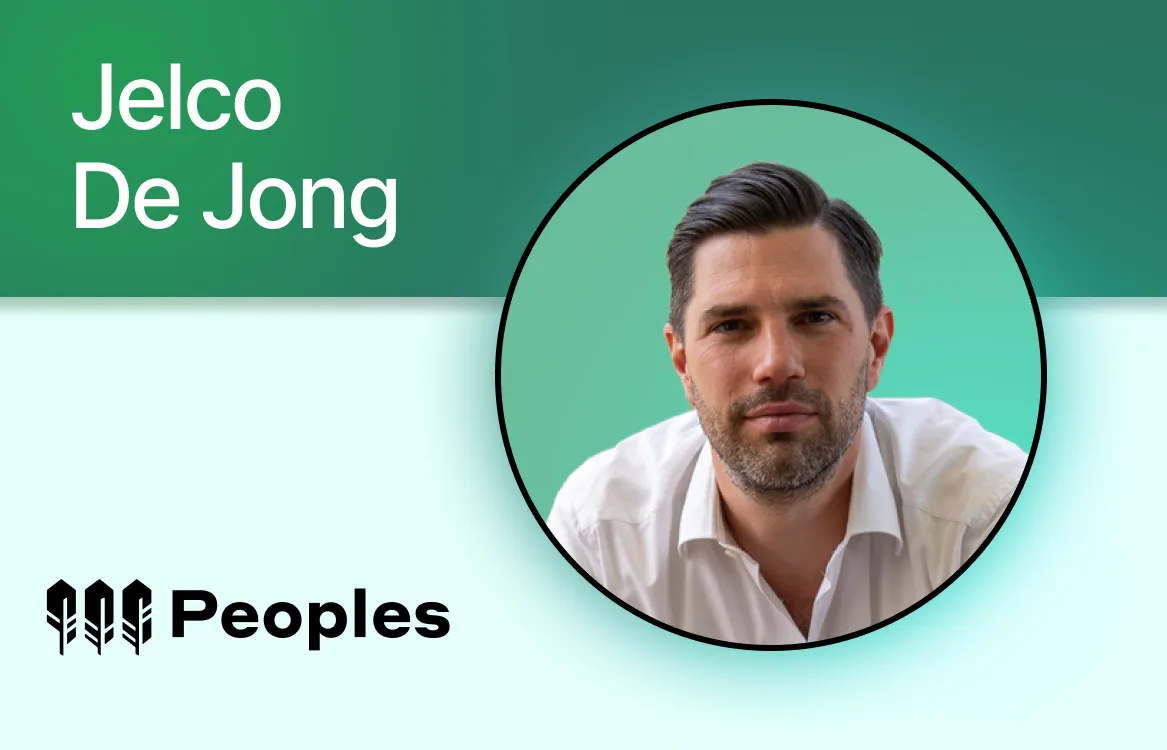
[Peoples](https://www.peoples.hr/) is a Dutch HR and organizational consultancy based in Rotterdam. They don't write thick reports or sell pre-packaged solutions. They simply show up, sometimes for years, to help teams figure out what's *actually* going on. They use different tools that evoke conversations. And through human conversations, they eventually achieve fundamental change.
[Jelco de Jong](https://www.linkedin.com/in/jelco/) is one of the partners at Peoples, and one of Peerdom's earliest and longest-standing companions. He first reached out in February 2019, looking for a tool to support a client's shift to role-based working. Seven years later, he's still using Peerdom because the combination of personal coaching and innovative tooling keeps unlocking benefits that neither could have alone.
We sat down for what was supposed to be a short interview. It turned into a two-hour conversation about sports lineups, invisible work, a meeting that exploded when two colleagues discovered they'd been doing the same job in completely different ways, and what still makes him angry about how organizations treat people.

Jelco de Jong, partner at Peoples
**Most organizations say they want to change how they work. Do you believe them?**
At least once a month, I'm surprised by the long list of reasons that organizations give for not having basic conversations about who does what.
Successful teams say: we don't need that conversation because our dashboard is green. Unsuccessful teams say: we don't have time for that conversation because our dashboard is red. Small organizations say: we're completely fluid and intuitive, no need to be explicit. Family businesses say: those conversations feel really corporate; we are a family here. And corporate or governmental organizations say: we've already talked so much about job descriptions and salary scales that we're simply tired of it.
In the end, I believe these are all excuses to avoid difficult questions: Is what I'm doing what I'm supposed to be doing? Do you like how I'm doing it? Do you agree with how I spend my time? At a very basic human level, these are courageous conversations.
**You use a sports analogy a lot: the "lineup." Can you explain it?**
In football, the lineup is everything. It says who is where, what you're expected to do, and at what level. You practice in your role five or six days a week. If you act in a way that doesn't conform with your agreed upon responsibilities, you get immediate feedback. The boundaries are crystal clear, and the locker room is a safe place where players and coaches simply tell each other the truth about one another's performance and whether teammates are meeting expectations.
Now compare that to most organizations. There's no time for practice in your role. Everyone is always on. Most meetings and working sessions are concerned with progress in projects — not about why we're organizing the work in the way we're doing it. Maybe once or twice a year we hold a performance review, which focuses mostly on output and past mistakes. Not very effective.
So, when someone in a team tells me things aren't going well, I often suspect that one of their basic psychological needs isn't being met; they need confirmation that they are meeting expectations. Because if that's missing, they are likely doubting their purpose: *is what I'm doing what I'm supposed to be doing?*
**What's the most common lie organizations tell themselves?**
That [everybody with the same job title does the same job](/blog/the-advantages-to-defining-job-roles-instead-of-job-positions). They don't.
Take a sales team with 20 account managers. They all have the same job description. But one of them also helps communications write the brochure, meets with marketing to collaborate on campaigns, chairs the team meeting, and built the Excel spreadsheet everyone uses to calculate discounts. She spends maybe 80% of her time on actual account management, but the rest of the things (that she's good at!) are completely invisible.
She doesn't get credit for any of it. She doesn't even fully acknowledge it herself. And she's uncertain: *am I supposed to be doing this? Is it cheating? Should my sales target be lower because I only spend 80% of my time selling, while my colleague spends 100%?*
Almost nobody has that conversation. So eventually she thinks: why would I bother? It's not in my job description, nor my performance review, because that is mainly based on output. And the organization loses all that extra value simply because it wasn't acknowledged.
**Can you give me a specific example of what happens when you make this visible?**
I had a case a couple of years ago. Two people in the same organization, working in the same role. Both were supporting families in situations where a child no longer attends school due to complex learning needs. One works three days a week, the other works four. The woman working three days had 24 active cases. The man working four days, he had only three active cases. Because he was much older, his salary was much higher.
When they saw this discrepancy, the meeting exploded; we made explicit facts that were there all along. She was naturally outraged; he was getting paid significantly more for only a fraction of the work. How could this be a fair and reasonable division of the work?
Later, more details pour in. She's very protective about the scope of her work, very aware of the limits of her role. By contrast, he goes all-in to emotionally support the families in need, organizing meetings with other organizations, answering calls in the evenings, visiting families on Saturdays, and coaching mothers while "off duty". He's been doing it that way for 15 years. He thinks everything is in scope. She thinks almost nothing beyond the core of the role is in scope.
In this case, neither is wrong and neither has bad intentions. Yet somehow, they'd been working in the same organization for years and had never achieved this level of clarity about what their shared role *actually* means, *how* they're supposed to solve cases.
We drew the role in Peerdom. We added three or four clear responsibilities. He said: "yeah, but I have 25 more." She said: "no, this is the job." And suddenly everyone could see the gap — visually, transparently, on screen. After the revelation, we had some beautiful and courageous conversations. We were able to sort it out in a way where everyone's doing what they're supposed to be doing according to the resources they have.
**So where does Peerdom come in? Is it the thing that creates the clarity, or is it more like a trigger for the conversation?**
It's a conversation starter. A safe exchange place. To be clear, using Peerdom doesn't create problems or complexities. It reveals them. It makes a problem explicit, specific, and visible. We can now confidently know when there's a mismatch in how a role is being held, and this mismatch was already there.
That said, the tool isn't a solution. If you think you can avoid difficult conversations because a tool is going to fix it for you, you're wrong. Simply entering data in the tool may have unintended consequences. But what the tool does brilliantly is give you a workaround for those difficult conversations. Instead of saying "let's talk about whether you're doing a good job," you say "let's draw the map." And then you're talking about teams and roles, and suddenly someone says: "wait, you and I both have this responsibility?" And the conversation happens naturally. This is done through a shared vision of the structure, not through confrontation.
I was in a brainstorm with a client yesterday. They had a back office with five roles. A new person joined. In 20 minutes, we rearranged responsibilities, created a new role, deleted two, moved one to another circle. The guy looked at his new setup and said: "yes, that is exactly how I would organize this team." In 25 minutes, we had a well-distributed, owned set of responsibilities matching people's actual skills and desires. It was completely fluid.

The Peoples team in Rotterdam
**You've been using Peerdom for seven years now. Why haven't you gotten bored of it?**
Ha! Who says I'm not bored of it? No, but jokes aside, the real answer is two things. First, the tool evolves. It can do things now it couldn't do seven years ago, so it has more long-term potential for clients. It's much more than just a drawing board.
But the bigger reason is our relationship. We somehow met at the right time; I was figuring out how organizational transformation works in real life. Peerdom was figuring out what the tool should be able to do. We've had conversations with other tools, but there was no possibility to co-create.
With Peerdom, something different happens. I hear a client say something — some need I couldn't quite articulate yet — and I bring it up. And more than ten times now, the response has been: "that's interesting, we've already brainstormed something up in that direction." We find the common ground and figure out whether there's something the tool could do to meet my client's particular needs.
That's extremely powerful. What keeps our relationship alive is the fact that our two-hour philosophical ramblings sometimes connect directly to something on a product roadmap.
**Some organizations just want the software and say "We'll figure it out ourselves." What happens to them?**
If you are buying the tool and you realize it's not about the tool but about fundamental organizational transformation, you could be very successful and I wish you the best of luck.
But if you think a tool is going to fix something for you, then you'll have a more challenging time. [The map is a mirror](/blog/all-maps-are-wrong-org-charts). And mirrors can be confronting. The tool surfaces the truth, it doesn't manage the potential fallout.
**How about the other side? Consulting without a tool?**
Sometimes it works fine. I had a team last year where the underlying issue wasn't structural at all. Rather, it was two leaders who couldn't protect their team from the rest of the organization's demands. One morning was enough to describe what everyone does. The clarity was already there, and the problem was clearly interpersonal.
But in most cases, if you're doing transformation work without a shared, living visualization, you produce theatrical paperwork. Big-picture slides. And you can't go deep enough to create certainty. You can't answer all the questions people have during a transformation. With a tool, people can dive in and explore it themselves — see their role, see how it connects, discover things you never would have surfaced in a workshop. They can even come up with their own design of how it could work better in the future by rearranging roles, teams, and responsibilities as desired.
The real power is to combine the two: great conversations and a tool to capture the essence. If you change something but visualize it poorly, people don't understand what has changed. If you change nothing but visualize it nicely, people say: "that's just the same thing with new colors." When you change something *and* represent it well through visualization, change becomes tangible.
**What pisses you off about how organizations treat their people?**
One of the simplest and deepest insights I've gathered in ten years of doing this: people simply must *want* to work for you. For you as a leader or leadership team. Because even if they show up every day, wanting to be there makes them give you their best work and ideas.
As an example, we were supporting an organization putting together learning and development talks for their employees. In the first couple of meetings, employees show up with "standard answers": I want to increase my performance in my current role, I want to grow in my current position. Because they think that's what they're supposed to say or what their manager wants to hear.
Slowly, we created a safe space for people to share their hopes and dreams about the future. To talk about where they dreamed of ending up years in the future. And we'd help them grow in that direction, even if it seems counterintuitive in the short term. This had massive impact, because people felt seen and acknowledged for who they are and what their potential is, even if this may mean they outgrow the organization. In the end, you see more smiles, and short-term benefits. Sick leave goes down. Performance goes up, because they *want* to work for you. And if they eventually leave, they talk about your organization like it was the best place they were ever part of.
**So, what gives you hope?**
The idea that we, with our small consultancy team, contribute to this on our micro scale. It makes me proud. It motivates me every day to help people see that work can be fulfilling and rewarding. A career consumes about 75,000 hours of your life, so you might as well have a blast!
Ask anyone: what was the best team you were ever part of? Watch their face light up. They always say the same thing: we were on the same mission, we worked our asses off, and had so much fun. We learned so much. We achieved great things. And if we talk to each other now, it's like we never broke up.
That's what work can be. Why would we settle for less?
## What our partnership looks like
Jelco and Peoples have been a Peerdom companion for seven years. They are one of the earliest and most active consulting partners in the network. They bring Peerdom into client engagements not as a product to sell, but as a tool that makes transformation conversations possible.
For organizations working with Peoples, Peerdom becomes the shared map that makes the invisible visible: who does what, where work overlaps, where clarity is missing. For Peerdom, Peoples represents exactly the kind of partnership we believe in: practitioners who push the tool forward by using it in the hardest conversations, with the most human stakes.
If you're looking for a Dutch consulting partner who won't sugarcoat it, and a tool that can hold the truth of how your organization actually works, [get in touch](mailto:hello@peerdom.org).
More from our companion network: [Marc Wethmar's three lessons from assisting organizational transformations](/blog/three-lessons-from-assisting-organizational-transformations) and [Sebastian Jensen on building, then burying, Company Companions' own tool to partner with Peerdom](/blog/peerdom-company-companions).
---
*Peoples is an organizational transformation consultancy based in Rotterdam, helping organizations make work more human. Learn more at [peoples.hr](https://www.peoples.hr/).*
*Peerdom is an interactive organizational map that helps teams visualize how they really work together. Learn more at [peerdom.com](https://peerdom.com/).*
--------------------------------------------------------------------------------
title: "When a Consulting Firm Builds Its Own Tool and Then Chooses Yours"
description: "How Company Companions went from building Dynamogramm™ to partnering with Peerdom, and what it means for organizations navigating transformation."
last_updated: "2026-02-27"
source: "https://peerdom.com/blog/peerdom-company-companions"
--------------------------------------------------------------------------------
# When a Consulting Firm Builds Its Own Tool and Then Chooses Yours
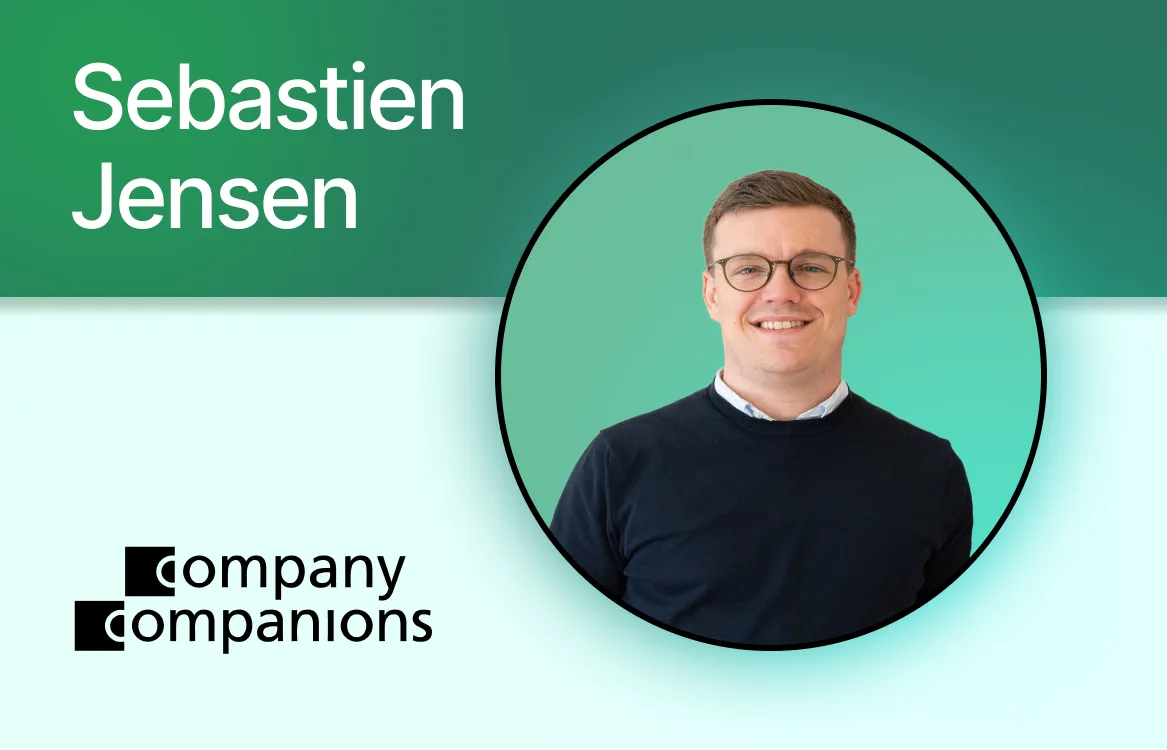
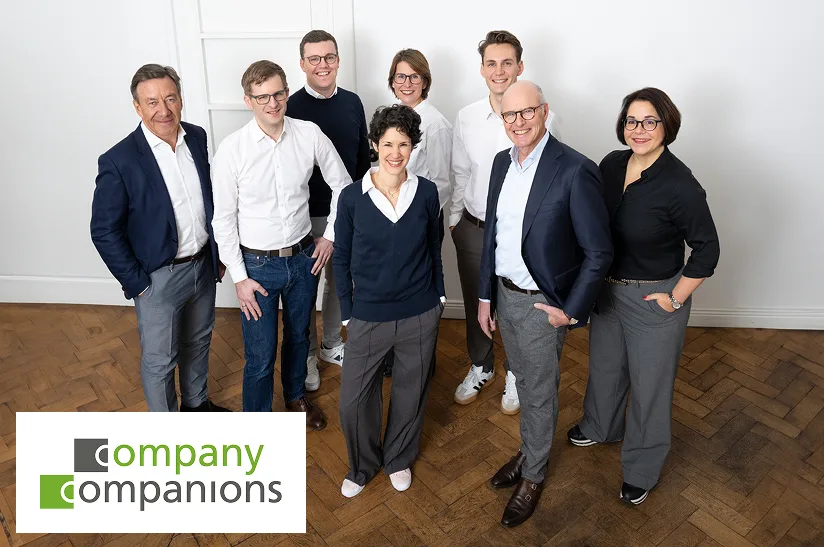
Company Companions is a German-based organizational consulting firm that has spent 15 years helping mid-to-large companies transform how they work and organize themselves. Their clients include family-owned businesses, manufacturing firms, and holding companies, ranging from 200 to 13,000 employees. They share a common challenge: **they're working to sharpen their focus**. They're busy, but often busy with the wrong things.
In 2014, Company Companions published ["Kein Bullshit"](https://www.amazon.de/Bullshit-Manager-wirklich-k%C3%B6nnen-m%C3%BCssen/dp/3867743819) in which they discussed causes for need for its clients' transformation: lack of good leadership, missing a coherent strategy, overcomplicated processes, too much silo thinking and the fact that the way organizations visualize themselves has nothing to do with how they actually work.
**Classic org charts show who leads whom, not who collaborates with whom**, which competencies exist in the company, or how cross-functional work gets done. Therefore, Company Companions built their own software solution for its clients: the Dynamogramm™.
The Dynamogramm™ set out to be a dynamic and living mirror of the organization. It worked. But building software as a consulting firm is a different game entirely. It demands total focus, continuous development, and dedicated product resources. Company Companions reached a conclusion that many consultancies eventually face: **domain expertise and product development are two very different disciplines**.
That realization led them to Peerdom.
We sat down with [Sebastian Jensen](https://www.linkedin.com/in/sebastian-jensen-64b147b9/) from Company Companions, to talk about what they learned building Dynamogramm™, why they chose to partner with Peerdom, and what this means for organizations working through transformation.
## The interview
**Company Companions has been in organizational consulting since 2010. What's the core problem you keep running into with clients?**
What we experience is that organizations struggle to focus their energy where it matters most. They're very busy, but often busy with the wrong things. And a big part of that comes from how they organize and visualize their work. Classic org charts show who is in charge of *whom*, but not who is in charge of *what*. They create a visual barrier between departments: the classic silos. Yet, most organizations no longer work in "closed shops". Today there are so many ways of getting work done: cross-functional teams, temporary projects, new competencies. Visualizing the dynamic reality of everyday collaboration with a traditional org chart feels totally wrong.
We published this insight in one of our books: ["Kein Bullshit"](https://www.amazon.de/Bullshit-Manager-wirklich-k%C3%B6nnen-m%C3%BCssen/dp/3867743819). Its first edition dates back to 2014. We observed a fundamental break between how people really collaborate and what's being visualized. Everyday collaboration is not only happening in meeting rooms, but at the coffee bar, during breaks, and inside the "real organization". None of these interactions are mirrored in an org chart.
Temporary teams, cross-functional work and collaboration beyond sites? Never displayed. That gap was the birth of the Dynamogramm™.
**So you built your own software to close that gap. What was that experience like?**
Not easy. We spent significant resources on it, built a product team, and learned a lot. But at some point we found out: **we are not a software company**. We have deep domain expertise in leadership, organizational development, and strategy but we can't do both things at a hundred percent.
Every time we used the Dynamogramm™ in workshops with clients, they asked us: why can't we add this feature? Why don't we have that? We kept hitting limitations. And we didn't have enough client cases outside of our core consulting work to draw a clear conclusion on the right direction for a SaaS product. Building a product is a whole different business, and we simply didn't have the resources to do both at the same time.
**How did you first come across Peerdom?**
Peerdom reached out at some point, and when I looked at it, my first reaction was: well, that's very similar to what we're doing. So we talked. And that conversation was the first time we started to realize how much it really takes to build a product like this.
It gave us a new perspective on the Dynamogramm™. We started realizing that what we had was much more than a quick-build MVP. But it was not enough. When we saw what Peerdom had built, we realized: that's exactly where we always wanted to go.
**Was there something specific that stood out?**
The biggest thing for me was realizing that Peerdom has a dedicated team not doing anything else but working on the architecture and the success of this product. That was very cool and very inspiring. And at the same time, it made me realize what it actually takes to bring something like this to life.
Features that our clients had been requesting were already represented in Peerdom. When we talked about the problems we're trying to solve, Peerdom is exactly on the same page as we are. So we feel very confident offering Peerdom to our clients. We can strongly relate to what it offers. And at the same time, it's technically so much better than what Dynamogramm™ would ever have grown into. It just feels very natural.
**What does the transition look like for your clients?**
In the past, we used the Dynamogramm™ together with our clients during workshops. Once the sessions ended, the tool (and the insights it revealed) often faded away. It always felt like a missed opportunity.
With Peerdom, **we can now leave clients with something lasting**. It's an evolving tool that continues to deliver value long after the transformation process is complete. They have a chart that can continue to evolve even without our help. They can grow on the foundation we create together. It's not just a supporting tool; it's something that continuously drives our clients' transformation. And I find that very, very valuable.
**We happily buried the Dynamogramm™.** The ideas, concept, and value we always wanted to deliver to our clients now simply has a new name and a better solution.
**Let's talk about the partnership. What do organizations miss when they adopt a tool without consulting support?**
The biggest danger is that you just visualize your organization the same way you always have, but in a different format. Rectangles become bubbles, you throw some competencies in there, and you call it done. But **the organization should be a vehicle to achieve your strategy**. You need to derive clear requirements from your strategy and ask: what does the organization need to look like for us to perform on our strategy?
Without an outside perspective, people tend to think "we've always worked this way." They don't question decisions made years ago. You need someone to challenge that and to push you in a new direction and ask the critical questions.
**And the other direction: what about consulting without a tool?**
You produce a lot of paperwork visualizing the new organization, but you can't go deep enough to create certainty. You can't answer all the questions people have during a transformation. With a tool like Peerdom, people can dive in, experience the new organization themselves and adapt them always to ever changing conditions. That interactivity matters. You can't replicate that with documents.
The combination is where it gets powerful. If you change something but visualize it badly, people don't understand what changed. If you change nothing but visualize it nicely, people say "that's just the same with new colors." But **both changing something *and* changing the way it's visualized makes the change tangible for everyone**.
**What kind of organization benefits most from this combination?**
We work with organizations from 200 to 13,000 employees ranging from roughly 150 million to three billion euros in revenue. This includes trading companies, service companies, manufacturing, private equity, holding companies. Our sweet spot is family-owned businesses in Europe, but it really ranges across industries.
What they all share is that same loss of traction. They're busy with a lot of things but often losing grip on what really matters. That's true whether they're decentralized, regionally split, constantly transforming, or haven't transformed at all in years.
**If you had any advice for another consulting firm considering whether to build their own tool, what would you say?**
My first question would be: is there anything in the market that's similar to what you're trying to build? If yes, then don't build it. **There's no chance that a consulting business is going to be faster than a software company building this.** What you can do is join forces: offer your domain expertise, your feedback from the market, and a product competence.
And if nothing exists? Then you need a dedicated product team. Don't wing it on the side. Be ready to invest real resources. Because the world rotates too fast to build something and just leave it. It's going to be unwanted in twelve months.
**Last question: if the org chart is dead, what's being born in its place?**
A mirror of the organization. **A mirror of what actually happens. Everything else is just paper.**
## What this partnership means
Company Companions brings 15 years of hands-on transformation experience to the Peerdom ecosystem. For organizations working with them, this means access to both strategic consulting and a platform that grows with you long after the engagement ends.
For Peerdom, it's a signal of what we've always believed: **the best transformations happen when the right expertise meets the right technology**. We're building a network of consulting partners who share this vision and Company Companions is leading the way.
If your organization is navigating a transformation and you're looking for both the strategic guidance and the tools to make it stick, [get in touch](mailto:hello@peerdom.org).
---
*Company Companions is a consulting firm based in Germany, working with mid-to-large enterprises across Europe. Learn more at [companycompanions.com](https://companycompanions.com).*
*Peerdom is an interactive organizational map that helps teams visualize how they really work together. Learn more at [peerdom.com](https://peerdom.com).*
--------------------------------------------------------------------------------
title: "How Bayer Pharma Schweiz Made Its Org Chart Match How They Actually Work"
description: "Learn how Bayer Pharma Schweiz paired its classical org chart with a living map of project and topic teams to make expertise visible, find experts faster, and support their Dynamic Shared Ownership operating model."
last_updated: "2026-02-23"
source: "https://peerdom.com/blog/peerdom-bayer"
--------------------------------------------------------------------------------
# How Bayer Pharma Schweiz Made Its Org Chart Match How They Actually Work
### The Challenge: When the Org Chart Hides How Work Really Happens
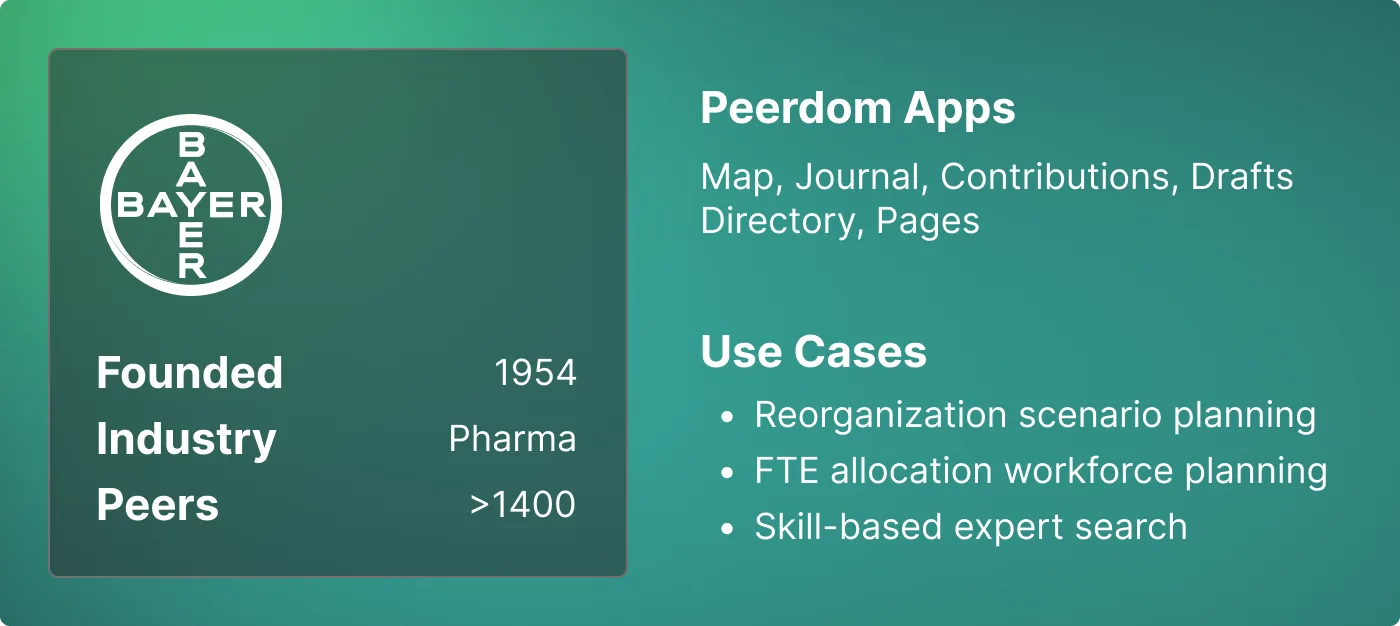
The pharmaceutical business is organized around overlapping product lifecycles. As products move from research to production, commercialization, support, and eventually end of life, work shifts and people take on multiple roles. In 2022, Bayer Pharma Schweiz introduced a new organizational structure with Home and Work teams to support cross-functional, dynamic resource allocation and respond even faster to evolving market conditions and customer requirements.
In 2023, Bayer announced **Dynamic Shared Ownership (DSO)**, a company-wide operating model to reduce hierarchies, cut bureaucracy, streamline structures, and accelerate decision-making. For an in-depth look at how DSO works and why Bayer adopted it, see our [guide to Dynamic Shared Ownership at Bayer](/blog/dynamic-shared-ownership-bayer-guide).
In this context, three needs surfaced:
* **Make the org picture match reality.** The classical org chart hid cross-functional work. People were spread across projects and topic groups that cut across reporting lines. Because this work was invisible, it made it difficult to deploy expertise so that decisions affecting customers could be made competently, quickly, and with a solution-oriented focus.
* **Provide orientation in the new organizational structure.** People needed a clear visual to understand what DSO means for their roles, responsibilities, handoffs, and daily work.
* **Support career development.** Employees wanted to make visible the evolving expertise they were gaining in new roles. They needed a tool to document it and support development dialogues.
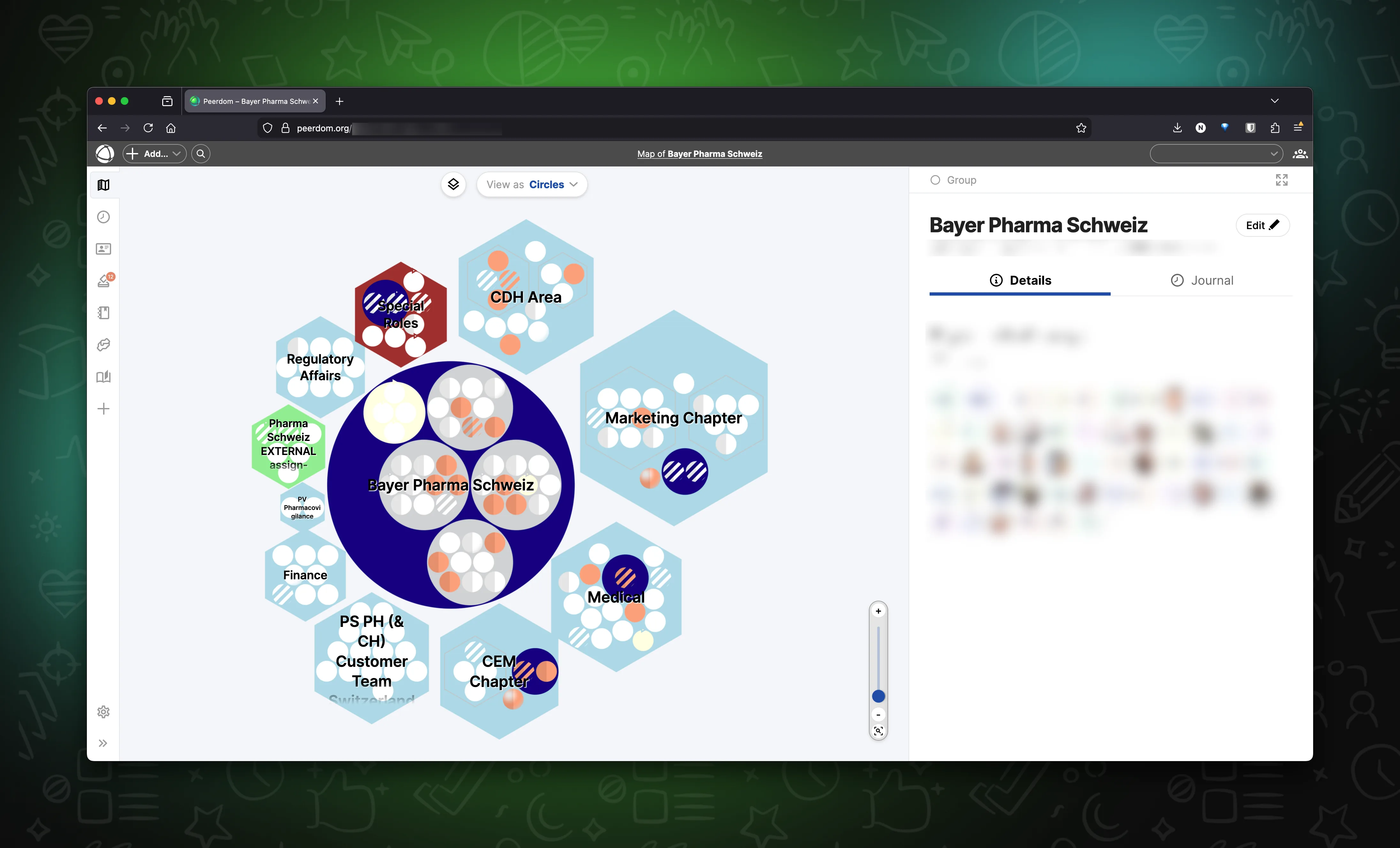
Bayer Pharma Schweiz map in Peerdom where Chapters (hexagons) surround Nuclei (circles). Each person belongs to a single home-team Chapter and may also work in several Nuclei.
### A Living Map
In 2023, the Pharmaceuticals division of Bayer Schweiz began mapping how work was distributed to clarify the new organizational structure and make every employee's contribution visible. They used Peerdom's Drafts app to preview alternative structures and the Contribution app to see how capacity changes across various scenarios.
Bayer Pharma Schweiz planned to keep home teams and reporting lines. Yet, since much of their day-to-day work happens outside those lines, they also wanted to map the project and topic work their classical org chart was missing.
To map these two realities side by side, they adopted five patterns:
1. **Map reporting lines around the middle.** Each person is hired into a single Home Team (Chapter) with a clear Chapter Head. Chapters correspond to functional teams on the traditional org chart and are stylized as **hexagons** for instant recognition.
2. **Display fluid work in the middle.** Cross-functional **projects**, working groups, and topic teams appear as circles. Bayer Pharma Schweiz calls these Nuclei. People may be active in one or more Nuclei in addition to their functional position in a Home Team (Chapter).
3. **Embed skills into role descriptions.** They added a **Skills** field to list capabilities required to enact a role. These keywords make search useful and help route decisions to the right owner.
4. **Expose the Chapter and Job Title on profiles.** Chapter and **Job Title** fields were added to each profile to indicate a colleague's home team and hired position alongside their contributions across the more agile Nuclei.
5. **Attribute contributions to Chapters and Nuclei.** Teams **documented how people split time** between their Chapter and Nuclei, making capacity and FTE allocation visible and easier to discuss.

### Sharing and Understanding the Map
With the implementation of the new, flatter organizational structure in autumn 2024, the existing production map was replaced by the chosen scenario in the Drafts app. From day one, the live map made it clear where each person fit, what changed, and how to act. To make the new organization map easy to understand at a glance, Bayer Pharma Schweiz published a one-page legend in the Pages app. Shapes and colors carry meaning, and a few governance rules keep things consistent:
* *Hexagons* = Home teams / Chapters
* *Circles* = Work teams / Nuclei
* *Colors* denote core / non-core / special roles (e.g. Scrum Master)
* *Stripes* indicate underfilled roles
* *Mirrored roles* were used to share a single role description across teams. You can edit mirrored roles once and all mirrors update, while people remain assigned locally.
 Bayer Pharma Schweiz rolled out a new organization design where Chapters (hexagons) surround Nuclei (circles). Each person belongs to a single home-team Chapter and may also work in several Nuclei.
### Impact: Four Outcomes from the Deployment
**1. Increased clarity after implementation of the new organizational structure.** Home teams and mission work were visible from day one at go-live.
**2. Faster decisions due to role clarity.** Across Bayer Pharma Schweiz, 90% of roles have a defined purpose, 80% have responsibilities, and 60% include skill keywords. Skills make search useful. Purpose and responsibilities make ownership clear.
**3. Less bureaucracy.** As long as the formal reporting lines remain the same, frequent updates to the work map can be made without having to constantly align with HR.
**4. Ability to find the right expert with fewer detours.** Before, finding the right contact meant interrupting colleagues and could take a week if an intermediary was busy or on holiday. With the map, look-ups are now instant. People search by role or skill and message the owner within minutes.

### Implementation Challenges: Three Obstacles and How They Responded
**Anxiety about transparency**
*Challenge:* Some feared that their role's contribution would not be recognized or appreciated.
*Response:* Require every role to show a purpose and an owner. Use profile pages in talent 1-1s as a tool to review workload, capacity, and internal career options. Treat visibility as a coaching tool, not a threat.
**Change resistance**
*Challenge:* A familiar pattern in change emerged: one third were enthusiastic, one third ambivalent, one third hesitant.
*Response:* Secure leader sponsorship, run short "show your map" workshops, and focus education on personal benefits that come from clarity over one's work.

**"Why do this in addition to my job?"**
*Challenge:* Some questioned if the documentation overhead was worth it.
*Response:* Show concrete cases where a self-serve search replaces inefficient information relays or how making expertise visible can support one's development dialogues. Keep map updates lightweight and tie them to existing rhythms such as coaching sessions or quarterly team meetings.
### What's Next: Bayer Pharma Schweiz Embraces Adaptability
* **FTE allocation in Peerdom:** Bayer Pharma Schweiz engaged Peerdom to extend the Contribution app so that planning, review, and allocations happen entirely in Peerdom, not scattered across spreadsheets.
* **Move from one map to a network:** After publishing their map, Bayer Pharma Schweiz shared it with other teams at Bayer. Within two years, 90+ Bayer teams created maps covering hundreds of people. The next step is connecting them with the Network app so that role, skill, and colleague search works across teams and locations. If the right expertise sits in another division or country, the aim is to find it in seconds.
By nature, pharma and R&D-based organizations are dynamic. Providing a living, shared reference helps reduce confusion. New hires onboard faster. Experts are easier to find. Re-allocation of resources takes fewer steps, often without a formal HR process. Teams coordinate with less friction. Most importantly, the org picture better matches the actual work as compared to a formal job description, so change creates less confusion and individuals have a solid reference for talent development dialogues.
### Takeaway Lessons
* If your organization design mixes reporting lines with fluid working groups (e.g. a matrix organization), map both side-by-side.
* Publish a map legend for shared understanding. Use colors and shapes for readability.
* Make every role and peer searchable by adding 5-8 capability keywords. For a step-by-step approach to adopting roles, see our [guide to implementing role-based governance](/blog/how-to-implement-role-based-governance).
* Add home teams or reporting line relationships on the peer profile to anchor the network view to the hierarchy.
* Use Drafts to test structural scenarios or temporarily store role descriptions that aren't currently needed.
--------------------------------------------------------------------------------
title: "Semco Style: Ricardo Semler's Workplace Democracy"
description: "How a Brazilian manufacturer grew from $4 million to $212 million in revenue by letting employees set their own salaries, choose their own hours, and vote on company decisions."
last_updated: "2026-02-13"
source: "https://peerdom.com/blog/semco-style-ricardo-semler-guide"
--------------------------------------------------------------------------------
# Semco Style: Ricardo Semler's Workplace Democracy
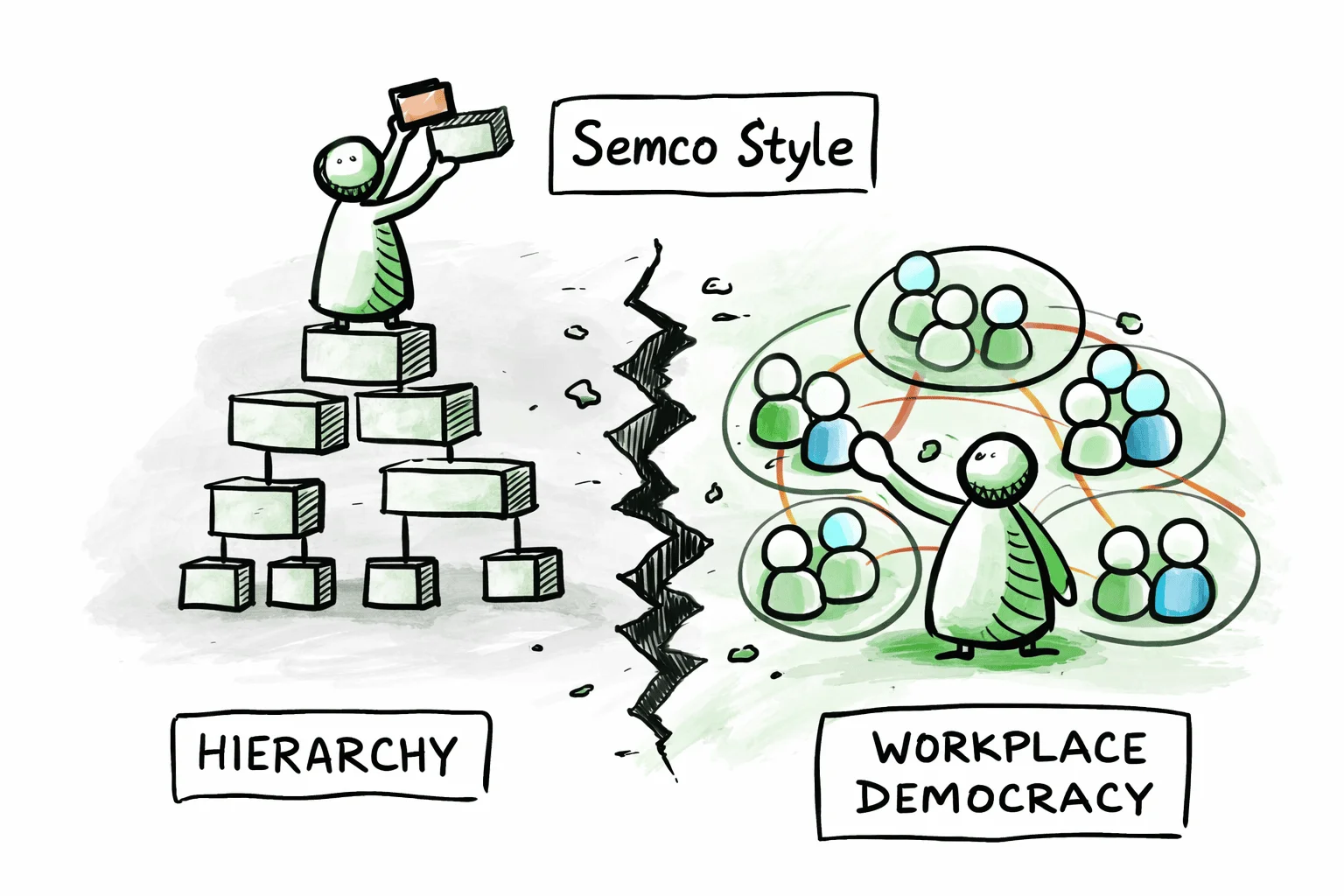
In 1980, a 21-year-old named Ricardo Semler took over his father's company in São Paulo, Brazil. On his first day, he fired 60% of the top managers. Over the next two decades, he reduced management layers from twelve to three, cut corporate staff by 75%, and grew Semco from $4 million to $212 million in annual revenue, from 90 employees to over 3,000, with an average annual growth rate of 47%.
This is not a Silicon Valley startup myth. Semco was a manufacturing company: centrifuges, industrial mixers, dishwashers for commercial kitchens. The factory floor, not a venture-funded campus, was where Semler's experiment in workplace democracy took shape. Employees set their own salaries. They chose their own working hours. They voted on how profits were distributed. Managers were evaluated by the people they managed, and the scores were posted publicly. There was no dress code, no assigned parking, no fixed CEO office.
What Semler built at Semco has since been codified into a transferable philosophy, the Semco Style, now taught by the Semco Style Institute to organizations worldwide. This guide covers the origins, the principles, the specific practices that made Semco distinctive, the results, and how the philosophy compares to other organizational frameworks. It is written to be useful whether you are considering adopting Semco-inspired practices or trying to understand what workplace democracy looks like when taken to its logical conclusion.
## The Origin: A Health Crisis, a Sledgehammer to Bureaucracy
Ricardo Semler did not arrive at workplace democracy through academic theory. He arrived at it through burnout.
After taking over Semco at 21, Semler initially ran the company with an intensity that mirrored the conventional management thinking of the era: long hours, tight control, top-down decisions. By age 25, that approach had caught up with him. During a visit to a pump factory in upstate New York, he collapsed. Doctors at the Lahey Clinic in Boston diagnosed him with the most advanced case of stress they had ever seen in someone his age.
The diagnosis forced a question that most executives never ask: what if the management model itself is the problem? Not the people, not the market, not the product, but the fundamental assumption that organizations work best when a small number of people at the top tell everyone else what to do?
Semler began dismantling that assumption piece by piece. He eliminated layers of management. He opened the company's financial books to every employee. He let teams make decisions that were previously reserved for executives. And rather than the chaos that skeptics predicted, the company grew: in revenue, in headcount, and in the range of industries it operated in.
Over the following decades, Semco diversified from industrial manufacturing into environmental consulting, facilities management, real estate brokerage, inventory support, and even hospitality. The company launched BrasilAgro, an $800 million farm development business. Semler attributes this diversification not to strategic genius at the top, but to the collective intelligence of empowered employees who saw opportunities that no centralized planning process would have identified.
By 2003, Semco had 3,000 employees and $212 million in revenue. Employee turnover sat at just 2%, in an industry where double-digit turnover was the norm. And Semler himself had largely stepped away from operations. The company ran itself.
> "Participation gives people control of their work, profit sharing gives them a reason to do it better, information tells them what's working and what isn't." -- Ricardo Semler
## What Is the Semco Style?
The term "Semco Style" refers to both the management philosophy that Ricardo Semler developed at Semco and the formalized framework later codified by the Semco Style Institute.
The distinction matters. What Semler did at Semco was intuitive, iterative, and deeply contextual. He did not work from a playbook. He experimented, sometimes radically, and kept what worked. The result was not a framework but a living culture, shaped over two decades by thousands of small decisions and a few dramatic ones.
The Semco Style Institute, founded in the Netherlands in 2016, took those decades of practice and formalized them into a structured methodology. Working with De Baak, a Dutch leadership institute, the Institute developed a framework built on five principles, fifteen organizational pillars, and over 100 specific practices, each tried and tested at Semco and other organizations that adopted similar approaches.
This formalization made Semco's philosophy transferable. It moved the conversation from "look at what one company in Brazil did" to "here are the principles and practices that any organization can adopt, adapt, and implement." The Institute now operates a global network, offering training, certification, assessments, and consulting to organizations exploring self-management.
The Semco Style is not a rigid constitution. Unlike frameworks that require organizations to adopt a specific governance structure or follow a detailed set of rules, the Semco Style offers principles and practices as a menu, not a mandate. Organizations are expected to adapt, not replicate.
## The Five Principles of the Semco Style
The Semco Style framework rests on five interdependent principles. Remove one, and the others lose their coherence. Together, they form the philosophical foundation for everything that happens in a Semco-inspired organization.
### 1. Trust
Trust is the starting point. The entire Semco philosophy rests on a single premise: treat adults as adults. When people have access to the right information, they make good decisions, for themselves and for the organization. Trust replaces surveillance, control, and micromanagement.
**At Semco**: There were no time clocks. No one checked when employees arrived or left. Financial information was open to every employee, from revenue figures to profit margins to individual salary data. The assumption was that people would act responsibly when trusted to do so, and overwhelmingly, they did. Semler's observation was direct: the vast majority of employees at any company are honest, competent adults. Building an entire control infrastructure around the small minority who might misbehave insults the majority and costs more than the misbehavior itself.
### 2. Alternative Controls
Traditional organizations rely on hierarchical controls: approvals, sign-offs, compliance checklists, management oversight. The Semco Style replaces these with alternative controls: peer pressure, transparent information, market accountability, and collective ownership. The controls are still real. They are just not hierarchical.
**At Semco**: When employees set their own salaries, the control was not a manager's approval. It was full transparency: everyone could see what everyone else earned, and everyone could see the company's financials. If someone set an unreasonably high salary, their peers would know, and the market data would make the discrepancy visible. The social and informational controls were more effective than any manager's sign-off, because they operated continuously rather than once a year during performance reviews.
### 3. Self-Management
Self-management means that employees and teams manage their own work: scheduling, priorities, methods, and decisions. This is not delegation (where a manager assigns tasks and retains authority). It is genuine autonomy, where teams own both the decisions and their consequences.
**At Semco**: Teams chose their own working hours. Factory workers selected the color of their uniforms and the layout of the factory floor. Hiring and firing happened by consensus within teams. Business units set their own strategies. The role of coordinators (Semco's term for what other companies call managers) was to facilitate, not to direct. And those coordinators were evaluated twice a year by the people they coordinated, with results posted publicly.
### 4. Extreme Stakeholder Alignment
This principle extends self-management beyond the organization's boundaries. It involves working collaboratively with customers, partners, suppliers, and communities to co-design processes and deliver outcomes that serve all parties. The organization does not optimize for one stakeholder at the expense of others.
**At Semco**: The Satellite Programme encouraged employees to leave Semco and start their own companies, which then became Semco suppliers. Workers were offered favorable leasing conditions for production machines and could sell their output to Semco's competitors as well. This created an ecosystem of aligned stakeholders rather than a rigid supply chain. The result was a network of businesses with genuine skin in the game, not a top-down vendor management program.
### 5. Creative Innovation
When people are trusted, self-managing, and connected to real stakeholders, innovation becomes a natural byproduct rather than a managed process. Creative innovation at Semco was not a department or a budget line. It was an emergent property of the culture.
**At Semco**: Three engineers proposed creating a Nucleus of Technological Innovation (NTI) to explore new business lines. Semler endorsed the idea, and the team operated with near-complete autonomy. The NTI model was so successful that it was replicated across the company, becoming the engine behind Semco's diversification from manufacturing into services, real estate, environmental consulting, and agriculture. No innovation committee approved these ventures. They emerged from the bottom up, driven by employees who saw opportunities and had the freedom to pursue them.
## Radical Practices That Define Semco
The five principles come to life through specific practices, many of which were considered radical when Semler introduced them in the 1980s and remain uncommon today.
### Setting Your Own Salary
Employees at Semco set their own salaries. The process is more disciplined than it sounds. Employees receive two pieces of information before making their decision: market rate data for comparable positions at other companies, and full visibility into Semco's financial performance: profit margins, revenue, and the total salary budget for their division.
With this information, employees propose what they believe is a fair salary. The decision is theirs, but it happens in full view of their colleagues, who can see the same financial data and the same market benchmarks. The social dynamic acts as a natural regulator. In practice, Semco found that employees more often undervalued themselves than overvalued, and the company actively encouraged people to raise their salaries when the data supported it.
### Choosing Your Own Hours
There were no fixed working hours at Semco. Employees arrived when they wanted and left when they wanted. The constraint was not the clock but the work itself. Teams coordinated their schedules based on what the work required, not what a policy dictated. Factory workers on production lines coordinated shift patterns among themselves.
### Open-Book Management
Every employee had access to Semco's complete financial information: revenue, costs, profit margins, strategic plans, and productivity statistics. The company actively trained employees to read financial statements, because transparency without financial literacy is just noise. Semco wanted every employee to understand what the numbers meant, not just to see them.
### Reverse Evaluations
Twice a year, coordinators (managers) were evaluated by the people they managed. Evaluations used a 100-point scale, and the results were posted publicly, not shared privately with the manager, not summarized by HR, but displayed for anyone in the company to see.
Coordinators who consistently scored below 75 were eventually removed from their coordination role. This happened. One coordinator scored 40. Investigation confirmed what the scores suggested: the person was an excellent salesman but an ineffective leader. The solution was not termination but reassignment: the coordinator moved into a role that matched their strengths. The reverse evaluation did not just identify problems. It provided data that led to better organizational design.
### Profit Sharing by Employee Vote
Semco shared 23% of its profits with employees. But the distribution method was not set by management. Employees voted on how to allocate the profit-sharing pool. This meant that employees had a direct, democratic voice in one of the most consequential financial decisions a company makes. The practice reinforced ownership. People who help decide how profits are distributed pay closer attention to how profits are generated.
### Voluntary Meetings With Open Chairs
All meetings at Semco were voluntary. If no one showed up, the meeting's topic was considered untimely or unimportant. At every board meeting, two seats were reserved on a first-come, first-served basis for any employee who wanted to attend. No invitation required. No explanation needed. The practice ensured that strategic discussions were not insulated from the people who would be affected by the decisions.
### Small Business Units
Semco capped business units at roughly 150 people. When a unit grew beyond that threshold, it was split. The reasoning was practical: people work differently when they know almost everyone around them. Beyond 150, anonymity creeps in, communication becomes formal rather than natural, and the sense of shared ownership erodes. Keeping units small preserved the culture of mutual accountability that made the rest of the system work.
### No Dress Code, No Assigned Offices, No Corporate Hierarchy
Semco had no dress code. No assigned offices or parking spaces. No corporate hierarchy in the traditional sense. Job titles were minimal. The organizational structure was flat enough that the distance between any employee and any decision was measured in conversations, not in org chart layers.
## The Results
The outcomes of Semler's approach are documented across multiple sources and decades of observation.
**Revenue growth**: From $4 million in 1982 to $35 million in 1994 to $212 million by 2003. An average annual growth rate of 47%.
**Employee growth**: From 90 employees in 1982 to over 3,000 by 2003, with some sources citing growth to 5,000 over subsequent years.
**Employee retention**: Turnover of just 2%, in manufacturing industries where 10-20% is typical.
**Industry diversification**: From a single-product manufacturing company to a diversified group spanning industrial equipment, environmental consulting, facilities management, real estate development, agriculture, and hospitality.
**Leadership succession**: Semler gradually stepped away from daily operations. The company continued to operate and grow without him, the most compelling evidence that the system was not dependent on a charismatic founder but on the practices and principles embedded in the culture.
**Longevity**: The practices were introduced in the 1980s and sustained through multiple economic crises, including Brazil's hyperinflation period, multiple recessions, and currency devaluations. A management model that works only in favorable conditions is not a model. Semco's approach proved resilient across radically different economic environments.
These results did not come from a single intervention. They accumulated over decades of consistent application. The salary transparency did not work in isolation; it worked because it was supported by financial literacy training, open-book management, and a culture where trust was the operating assumption.
## The Semco Style vs. Other Organizational Frameworks
The Semco Style exists within a broader landscape of organizational models that challenge traditional hierarchy. Each framework has different origins, different emphases, and different implementation approaches. Understanding where the Semco Style sits relative to these alternatives helps organizations choose the approach, or combination of approaches, that fits their context.
| Dimension | Traditional Hierarchy | Semco Style | Holacracy | Sociocracy | RenDanHeYi | Beta Codex | DSO (Bayer) | Spotify Model |
|---|---|---|---|---|---|---|---|---|
| **Authority structure** | Top-down chain of command | Flat, team-based democracy | Constitution-governed roles and circles | Consent-based linked circles | Distributed to autonomous microenterprises | Decentralized center-periphery | Empowered autonomous teams | Squads, tribes, chapters |
| **Basic unit** | Department / division | Self-managing team (max ~150) | Circle with defined roles | Circle with double-linking | Microenterprise (10-15 people) | Autonomous cell at periphery | Team of 6-10 people | Squad (cross-functional) |
| **Decision-making** | Manager approval | Consensus, democratic vote | Integrative decision-making | Consent (no reasoned objections) | ME autonomy with P&L accountability | Mastery-based | 90-day outcome cycles | Squad-level autonomy |
| **Salary determination** | Set by management / HR | Set by employees themselves | Typically traditional | Typically traditional | Based on user value created | Participation-based | Typically traditional | Typically traditional |
| **Transparency** | Need-to-know | Full open books (financials, salaries, evaluations) | Governance records visible | Governance transparent | Market and user data | Flow intelligence | Outcome visibility | Varies |
| **Leadership model** | Appointed managers | Elected / evaluated coordinators | Lead Links appointed by parent circle | Elected leaders | Entrepreneurial autonomy | Self-organization | Shared ownership, no fixed managers | Chapter leads, tribe leads |
| **Formality** | High (policies, procedures) | Low (culture-based, few rules) | Very high (written constitution) | Moderate (principles + process) | Moderate (market discipline) | Principles-based | Moderate (90-day cycles) | Moderate (model-specific) |
| **Scale tested** | Any scale | Thousands (Semco: 3,000-5,000) | Hundreds to low thousands | Hundreds to low thousands | 80,000+ (Haier) | Varies | 100,000+ (Bayer) | Thousands (Spotify) |
### Key Distinctions
**Semco Style vs. Holacracy**: [Holacracy](/blog/holacracy-tools-practices-guide) provides a detailed governance constitution with specific rules for meetings, proposals, elections, and role definitions. The Semco Style is far less prescriptive. It provides principles and cultural practices, not governance procedures. At Semco, the way teams made decisions varied from unit to unit; there was no single mandated process. Holacracy optimizes for governance clarity. Semco optimizes for human autonomy.
**Semco Style vs. Sociocracy**: [Sociocracy](/blog/sociocracy-guide-principles-practices) shares Semco's emphasis on consent-based decision-making and distributed authority, but it operates through a more structured system of linked circles and formal decision processes. Semco's approach is less structured; decisions happen through team consensus, democratic voting, or individual autonomy depending on the context. Organizations drawn to Semco's philosophy but wanting more governance structure often find sociocracy a natural complement.
**Semco Style vs. RenDanHeYi**: [RenDanHeYi](/blog/rendanheyi-model-guide), developed at Haier, shares Semco's emphasis on autonomous units and direct market connection. The key difference is financial architecture. RenDanHeYi gives each microenterprise full profit-and-loss responsibility, creating internal businesses. Semco's approach is more communal: profit sharing is collective, salaries are self-set but within a shared financial context. RenDanHeYi is entrepreneurial. Semco is democratic.
**Semco Style vs. Beta Codex**: [Beta Codex](/blog/beta-codex-peach-model-guide) operates at a more abstract level. It defines twelve organizational laws that describe how decentralized organizations should work. Semco's approach is more practical and people-centered. Beta Codex provides the theory; Semco provides the lived example. An organization could practice Beta Codex principles using Semco-style practices within its teams.
**Semco Style vs. DSO (Bayer)**: [Dynamic Shared Ownership](/blog/dynamic-shared-ownership-bayer-guide) at Bayer is a top-down transformation of a traditional hierarchy, driven by a CEO's mandate to restructure 100,000 employees into autonomous teams. Semco's transformation was bottom-up, driven by a founder's personal conviction and evolved organically over decades. Both aim for empowered teams and reduced hierarchy, but the change methodology is fundamentally different.
## The Semco Style Institute
The Semco Style Institute was founded in May 2016 in the Netherlands, formalizing Ricardo Semler's decades of practice into a structured, transferable methodology. The framework was developed in collaboration with De Baak, a Dutch leadership institute, which helped translate Semco's lived culture into theoretical principles that could be taught, assessed, and adapted.
### The Framework
The Institute's methodology consists of three layers:
- **5 Principles**: Trust, Alternative Controls, Self-Management, Extreme Stakeholder Alignment, and Creative Innovation. These are the philosophical foundation, the "why" behind Semco-inspired practices.
- **15 Pillars**: Organizational building blocks that operationalize the five principles. These pillars span topics from decision-making structures to talent development to financial transparency.
- **100+ Practices**: Specific, actionable methods that organizations can adopt and adapt. These are the "how": concrete steps for implementing self-set salaries, reverse evaluations, open-book management, and other Semco-inspired approaches.
### Global Network
The Institute operates a global network of certified partners, with affiliates in countries including South Africa, Australia, the United Kingdom, and the United States. It offers certification programs for consultants and organizational leaders, assessments that measure an organization's readiness for self-management practices, and consulting engagements tailored to specific organizational contexts.
### The Challenge of Transfer
The Institute's central challenge is one that every organizational philosophy faces when it moves beyond its origin: culture is not a kit you assemble. What worked at Semco in São Paulo, within Brazilian work culture, under the specific leadership of Ricardo Semler, does not automatically work in a manufacturing firm in Munich or a technology company in Singapore.
The Institute's response to this challenge is to frame Semco Style as adaptive rather than prescriptive. Organizations are not expected to replicate Semco. They are expected to understand the principles, assess their own context, and select the practices that fit. This makes the Semco Style less of a franchise and more of a philosophy with practical tools.
## Where Semco Style Works (and Its Limits)
Any honest assessment of an organizational model must address both where it succeeds and where it struggles. The Semco Style has demonstrated its effectiveness across specific contexts, and it has real limitations that prospective adopters should understand.
### Where It Works
**Knowledge work and professional services**: Organizations where output depends on judgment, creativity, and collaboration (consulting firms, technology companies, design agencies) are natural fits for Semco-style autonomy. The work itself resists standardization, making self-management a practical advantage rather than an ideological choice.
**Manufacturing with a trust culture**: Semco itself was a manufacturing company, proving that self-management is not limited to white-collar work. But the manufacturing context at Semco was supported by decades of trust-building, financial literacy training, and gradual cultural evolution. It did not happen overnight.
**Organizations with committed leadership**: Every successful implementation of Semco-style practices shares one feature: leadership that genuinely believes in the model and is willing to endure the discomfort of releasing control. This is not a practice you can delegate to HR.
### Where It Struggles
**Heavily regulated industries**: In sectors where compliance requirements prescribe specific reporting structures, approval chains, and documentation processes (pharmaceuticals, aviation, financial services) the full Semco model faces friction with regulatory expectations. Elements of the philosophy (transparency, reverse evaluations, small units) can still be adopted, but the regulatory environment constrains how far autonomy can extend.
**Organizations without leadership buy-in**: The Semco Style requires that the people currently holding power voluntarily distribute it. If senior leadership is not genuinely committed, if the initiative is delegated to middle management or framed as a "culture program" rather than a structural transformation, the practices will be adopted superficially and abandoned at the first sign of difficulty.
**The founder effect**: Semler's personal conviction and willingness to sustain the experiment through setbacks was a critical factor in Semco's success. His health crisis gave him a personal reason to rethink work. His majority ownership gave him the authority to override skeptics. Not every organization has a founder with both the conviction and the authority to drive this kind of change.
**Cultural context**: Brazilian work culture, with its emphasis on personal relationships, informality, and communal identity, provided fertile soil for Semco's practices. This does not mean the practices cannot work in other cultures. The Semco Style Institute's global network demonstrates that they can. But the implementation path varies. A German manufacturing firm or a Japanese technology company will need to adapt the practices differently than a Brazilian services company.
### The Honest Answer
The Semco Style is not a universal solution. It is a set of principles and practices that work when the organizational conditions support them. The answer for most organizations is not to replicate Semco but to understand the principles, select the practices that fit their context, and implement them gradually, starting with transparency and trust, and building from there.
## Implementing Semco-Inspired Practices
Adopting the full Semco model requires years of cultural evolution. But individual Semco-inspired practices can be introduced incrementally, each one building the trust and capability needed for the next.
### Start with Transparency
Open the books before you open the salaries. Share financial information (revenue, costs, profit margins) with all employees. This is the lowest-risk, highest-impact starting point. It builds financial literacy, creates shared context for decision-making, and demonstrates that leadership trusts employees with real information.
### Introduce Reverse Evaluations
Let employees evaluate their managers. Start with anonymous surveys if the culture is not yet ready for public scores. The goal is to create a feedback loop where leadership quality is measured by the people who experience it, not by the people who appointed it. Over time, increase transparency until the evaluations become part of the organizational conversation rather than a private HR exercise.
### Give Teams Ownership of Scheduling
Let teams determine their own working hours and shift patterns. The constraint is the work, not the clock. Most teams, given the authority and the information, coordinate more effectively than any top-down scheduling system. This practice builds self-management capability with relatively low organizational risk.
### Experiment with Profit Sharing
Introduce a profit-sharing mechanism, even a modest one. Let employees participate in deciding how the pool is distributed. This creates a direct connection between organizational performance and individual benefit, and it shifts the conversation from "what am I paid" to "how are we performing."
### Keep Units Small
If a team or business unit grows beyond 150 people, consider splitting it. The 150-person threshold is not arbitrary; it aligns with research on group dynamics and the cognitive limits of maintaining meaningful working relationships. Smaller units preserve the mutual accountability that makes self-management possible.
### Make the Structure Visible
As organizational structure evolves (new teams form, roles shift, authority is distributed differently) the structure needs to be visible and navigable. Everyone in the organization should be able to see who is responsible for what, how teams relate to each other, and how the structure has changed over time. This visibility is what turns a collection of practices into a coherent organizational model. Tools like [Peerdom](https://peerdom.org) can map teams, roles, and relationships in a way that keeps the organizational structure alive and accessible rather than buried in a slide deck from the last offsite.
## Frequently Asked Questions
### Does Semco still operate this way?
Semco has evolved since the practices described in Semler's books. The company has shifted its focus toward launching new businesses and investments, operating as Semco Partners. The core principles (employee autonomy, transparency, distributed decision-making) remain embedded in the culture. Semler himself has largely stepped away from daily operations, which he considers proof that the system works: the company does not need its founder to function.
### Can employees really set their own salaries?
Yes. At Semco, employees set their own salaries after receiving market rate data for comparable positions and full visibility into the company's financial performance. The transparency acts as a natural control: when everyone can see what everyone else earns and how the company is performing financially, people tend to make reasonable decisions. Semco found that employees more often undervalued themselves than overvalued, and the company actively encouraged people to raise their compensation when data supported it.
### What happens when someone sets an unreasonable salary?
The system relies on transparency rather than authority. If someone sets a salary far above market rate or beyond what the company's finances support, their colleagues can see it. Peer pressure, financial data, and the knowledge that an unsustainable salary hurts the profit-sharing pool for everyone create social and economic constraints that are more effective than a manager's veto. In decades of practice at Semco, abuse of the system was rare.
### How does Semco handle hiring and firing?
Hiring and firing at Semco happen by team consensus. The people who will work with a new hire are the people who interview and select them. When someone is not performing, the team addresses it collectively. This is more demanding than traditional manager-led decisions; it requires honest conversation and shared accountability. But it produces better outcomes because the people making the decision are the ones who experience the consequences daily.
### Is the Semco Style only for Brazilian companies?
No. The Semco Style Institute operates a global network with certified partners in the Netherlands, the United Kingdom, South Africa, Australia, and the United States, among other countries. Organizations across industries and cultures have adopted Semco-inspired practices. The principles are universal (trust, transparency, autonomy) though the specific implementation varies by cultural and regulatory context.
### What is the Semco Style Institute?
The Semco Style Institute, founded in the Netherlands in 2016, formalized Ricardo Semler's management philosophy into a structured framework of 5 principles, 15 pillars, and over 100 practices. It was developed in collaboration with De Baak, a Dutch leadership institute. The Institute offers certification programs, organizational assessments, and consulting to help organizations adopt self-management practices. It operates through a global network of partners.
### Has any large corporation adopted the Semco Style?
Large organizations have adopted elements of the Semco Style rather than implementing it wholesale. The principles (transparency, self-management, distributed authority) appear in various forms across companies experimenting with decentralization. Organizations like Bayer (through [Dynamic Shared Ownership](/blog/dynamic-shared-ownership-bayer-guide)) and Haier (through [RenDanHeYi](/blog/rendanheyi-model-guide)) have implemented their own models that share philosophical DNA with the Semco approach, even if the specific practices differ. The Semco Style Institute works with organizations of various sizes to adapt the practices to their context.
### What is the difference between the Semco Style and holacracy?
[Holacracy](/blog/holacracy-tools-practices-guide) is a formal governance framework with a written constitution, defined meeting formats, specific role structures, and prescribed decision-making processes. The Semco Style is a philosophy with a set of principles and practices, but it is far less prescriptive about governance procedures. Holacracy tells you exactly how to run a governance meeting. The Semco Style tells you to trust your people and gives you practices for building that trust. Organizations that want clear governance structure may prefer holacracy. Organizations that want cultural transformation with more flexibility may prefer the Semco Style. The two are not mutually exclusive; an organization could use holacratic governance within a Semco-style culture.
## Start mapping your organization
Whether you are exploring the Semco Style, adopting [holacracy](/blog/holacracy-tools-practices-guide), implementing [sociocracy](/blog/sociocracy-guide-principles-practices), building a [Beta Codex](/blog/beta-codex-peach-model-guide) network, or evolving your existing structure toward more self-management, the first step is the same: make your organizational structure visible, navigable, and accessible to everyone.
- **[Explore templates](/discover)**: browse pre-configured templates for self-managing organizations, including structures inspired by holacracy, sociocracy, Beta Codex, and more.
- **[Start mapping from scratch](https://peerdom.org/new)**: Peerdom supports any organizational model: flat teams, holacratic circles, microenterprises, traditional hierarchies, and everything in between.
- Not sure where to start? **[Book a demo](https://outlook.office.com/book/PeerdomDemo@peerdom.org/)** and we will walk through how your organization's structure maps to the model you are exploring.
- For more on [self-management software](/blog/self-management-software-guide) and [role-based governance](/blog/how-to-implement-role-based-governance), those guides cover the practical tooling details.
--------------------------------------------------------------------------------
title: "Mission Based Teams: How Roche Organizes for Impact"
description: "Mission Based Teams let people self-organize around the problems that matter most. Roche runs over 1,100 of them across 89 countries, alongside their formal structure, not instead of it."
last_updated: "2026-02-11"
source: "https://peerdom.com/blog/mission-based-teams-roche-guide"
--------------------------------------------------------------------------------
# Mission Based Teams: How Roche Organizes for Impact
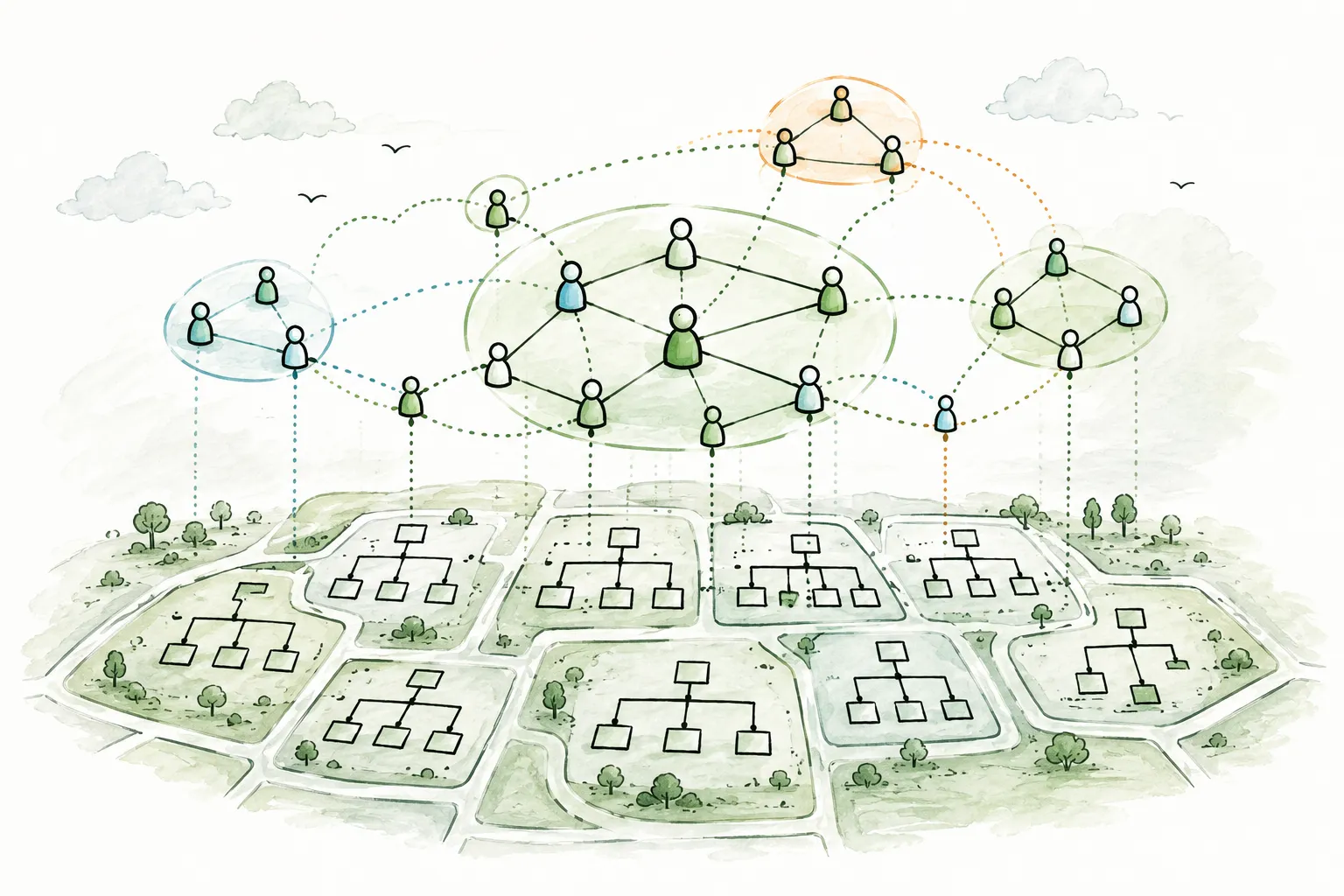
Most organizational structures optimize for control. Reporting lines, approval chains, departmental boundaries: these exist to ensure that decisions are predictable, resources are accounted for, and risk is managed. For a hundred years, this has been the default architecture of large organizations, and it works well enough for running the business as it is.
The problem is that running the business as it is and changing the business to meet new challenges are fundamentally different activities. The structure that keeps a 100,000-person pharmaceutical company compliant with regulations across 89 countries is not the same structure that enables a cross-functional team to solve a patient access problem that no single department owns. Hierarchies are built for stability. But the problems that matter most (innovation, cross-functional collaboration, rapid response to market shifts) cut across the very boundaries that hierarchies create.
Mission Based Teams are an emerging answer to this tension. They are self-organized groups that form around specific missions, drawing people from different departments, geographies, and skill sets. They operate alongside the formal organizational structure, not instead of it. And they are gaining traction in some of the world's largest and most complex enterprises.
The most prominent example is Roche. The Swiss pharmaceutical and diagnostics company, founded in 1896, employing over 100,000 people, operating in more than 100 countries, runs over 1,100 Mission Based Teams across 89 countries. These teams work alongside Roche's formal hierarchy, tackling problems that do not fit neatly into any single department's mandate. Roche did not dismantle its org chart. It added a second operating system on top of it.
This guide explains what Mission Based Teams are, how they work, how Roche implements them at scale, and what any organization can learn from the model, whether you run a 50-person company or a 100,000-person multinational.
## What Are Mission Based Teams?
A Mission Based Team (MBT) is a self-organized group of people who come together around a specific mission: a problem to solve, an opportunity to pursue, or an outcome to achieve. The concept is straightforward, but the implications are significant.
**Self-organized.** MBTs are not assembled by management. People opt in based on their passion for the mission and the expertise they can contribute. The team forms around the work, not the other way around.
**Mission-driven.** Each team has a clear mission statement, not a vague aspiration, but a specific problem or opportunity. "Reduce patient onboarding time for therapy X by 40%" is a mission. "Improve innovation" is not.
**Cross-functional.** MBTs cut across departmental boundaries. A team working on a patient access challenge might include people from medical affairs, regulatory, commercial, IT, and supply chain, people who would never sit in the same meeting in the formal hierarchy.
**Voluntary.** Participation is not assigned. People join because they care about the mission and believe they can contribute. This voluntary nature is not a soft perk; it is a structural feature. Voluntary teams attract motivated people. Mandated teams attract compliance.
**Alongside the formal structure.** This is the critical distinction. MBTs do not replace the org chart. They operate as an overlay, a second operating system that coexists with the formal hierarchy. People retain their departmental roles, reporting lines, and career paths. Their MBT work happens in addition to their formal responsibilities.
**Outcome-oriented.** MBTs are focused on impact, not activity. Success is measured by whether the mission is achieved, not by how many meetings were held or documents produced.
**Temporally flexible.** Some MBTs are time-bound; they dissolve when the mission is complete. Others are ongoing, maintaining a persistent focus on a long-term challenge. The key is that the team's existence is tied to the mission's relevance, not to organizational inertia.
As Jurriaan Kamer, organizational author and consultant who has written extensively about MBTs at Roche, Haier, and Bayer, describes the model: the basic idea is to create a place where anyone can publish missions. A mission is a statement about a problem or opportunity that, if tackled, would be valuable to the business. MBTs let people take ownership of what they care about and believe is good for business, without overhauling the organization's structure.
## The Dual Operating System
The idea that organizations need two operating systems (one for running the business, one for changing it) did not originate with Mission Based Teams. It comes from John Kotter, the Harvard Business School professor who introduced the concept in his 2012 Harvard Business Review article and his 2014 book "Accelerate."
Kotter's argument is that traditional hierarchies are effective at executing known processes but structurally incapable of driving the kind of strategic, cross-functional change that modern organizations need. His solution is not to replace the hierarchy; it is to supplement it with a network-like structure that operates in parallel.
The dual operating system has two components:
**The hierarchy** handles what it does well: day-to-day operations, compliance, career paths, resource allocation, legal and regulatory requirements, performance management, and the stable, repeatable processes that keep the business running.
**The network** handles what the hierarchy cannot: identifying strategic threats and opportunities, mobilizing cross-functional responses, driving innovation, and executing change initiatives that cut across departmental boundaries.
Mission Based Teams are one concrete implementation of this network side. They provide the mechanism through which people self-organize around strategic problems without dismantling the formal structure that runs the core business.
### Why not just restructure?
The pragmatic appeal of the dual operating system is that it does not require an organizational redesign. Restructuring a large enterprise is slow, disruptive, and risky. It takes years, consumes enormous management attention, and often fails to deliver the promised benefits because the new structure creates new silos to replace the old ones.
MBTs offer a different path. Instead of redrawing the org chart, you create a parallel mechanism for cross-functional work. The formal structure continues to handle compliance, career progression, resource allocation, and operational execution. The MBTs handle the problems that do not fit into any single box on that chart.
This is particularly relevant for organizations in regulated industries (healthcare, finance, government, energy) where the formal structure exists for legal and regulatory reasons that cannot be wished away. A pharmaceutical company cannot eliminate its regulatory affairs department in the name of agility. But it can create Mission Based Teams that draw from regulatory affairs, medical, commercial, and supply chain to solve cross-functional problems faster than the hierarchy alone would allow.
### The interface challenge
The dual operating system sounds elegant in theory. In practice, the hardest part is managing the interface between the two systems. When someone spends 20% of their time on an MBT and 80% in their department, whose priorities win when they conflict? When an MBT's mission overlaps with a department's mandate, who owns the outcome? When resources are scarce, does the department or the MBT get them?
These are not hypothetical problems. They are the daily reality of running a dual operating system, and how an organization resolves them determines whether MBTs thrive or become ignored side projects. Roche's experience at scale offers some of the best available evidence for how these tensions play out, and how they can be managed.
## Roche: 1,100+ Mission Based Teams Across 89 Countries
Roche is a Swiss multinational healthcare company headquartered in Basel, founded in 1896. It operates in two divisions (pharmaceuticals and diagnostics) across more than 100 countries. With over 100,000 employees, it is one of the world's largest healthcare companies by revenue. The regulatory, scientific, and commercial complexity of pharmaceutical development makes Roche a particularly demanding environment for organizational experimentation.
Starting in 2016, Roche began a broad transformation of its organization, processes, people, and ways of working. The goal was not to dismantle the formal hierarchy but to create the conditions for people to work across it: to connect, collaborate, and solve problems that no single function or geography could address alone.
Mission Based Teams emerged as a central mechanism of this transformation. Today, Roche operates over 1,100 self-managed MBTs across 89 countries. These teams work alongside the formal organizational structure, bringing faster, cross-functional solutions to challenges in patient care, diagnostics, operations, and corporate functions.
### How Roche's MBTs work
At Roche, anyone, whether a leader or an individual contributor, can publish a mission. A mission is a statement about a problem or opportunity that, if tackled, would be valuable to the business and ultimately to patients. Missions are visible across the organization, and people opt in based on their passion and expertise.
This is a departure from how most large companies handle cross-functional work. In a traditional hierarchy, someone identifies a problem, escalates it, and management assembles a task force. The people on the task force may or may not care about the problem; they were assigned to it. In Roche's MBT model, the people who care about the problem are the people who form the team. The intrinsic motivation is structural, not accidental.
Each MBT has a clear mission statement and operates with significant autonomy over how it pursues its goals. Teams self-organize their work, set their own cadence, and coordinate directly with other teams and stakeholders as needed. They are not micro-managed by the hierarchy. But they are also not disconnected from it. The formal structure provides the context, resources, and organizational support within which MBTs operate.
### The agile transformation context
Roche's MBTs did not emerge in isolation. They are part of a broader agile transformation that reshaped how the company thinks about leadership, decision-making, and collaboration.
A central element of this transformation was the Kinesis program, a four-day internal leadership development experience through which nearly 6,000 Roche leaders have passed. Kinesis begins with a 360-degree assessment that challenges leaders to confront patterns of thought that may limit their effectiveness. It then introduces the principles and practices of agile organizations, moves into application exercises where leaders reimagine how their parts of the organization could work differently, and culminates in a real-time dialogue with a member of the executive committee.
The Kinesis program is not an offsite motivational experience. It is designed to shift the leadership mindset from command-and-control to enabling and empowering, the exact shift that makes Mission Based Teams viable. Without leaders who understand and support self-organization, MBTs cannot function. Roche invested in building that leadership capability at scale before expecting MBTs to flourish.
The McKinsey case study on Roche's transformation describes the results as an "unlocking" of potential: improved profit margins, increased R&D investment, a more diverse leadership team, streamlined processes, stronger decision-making quality, and, critically, the breakdown of legacy silos that had constrained cross-functional collaboration for decades.
### Cross-functional "translators"
One specific structural move illustrates how Roche creates the conditions for MBTs to work. The company merged three functions (Digital Strategy, IT Infrastructure, and Operational Excellence) into cross-functional teams. This merger created a new kind of role: people who can speak business, technology, and process fluently. These "translators" are not hired from outside. They are grown internally through a custom learning journey that develops the ability to work across domains.
This matters for MBTs because cross-functional teams need people who can bridge different professional languages. A regulatory expert and a software engineer working on the same mission need someone who understands both domains well enough to translate between them. Roche's investment in developing these translators is a concrete example of the support infrastructure that makes MBTs productive rather than frustrating.
### Academic analysis
Roche's transformation has been studied by several leading business schools, offering independent assessment of the approach.
The IMD case study "Future-proofing Roche: Transforming for agility and empowerment" examines the transformation's trajectory from 2016 to 2023, focusing on the difficult tradeoffs that executives navigated: autonomy versus alignment, top-down versus bottom-up initiatives, and quantifiable business outcomes versus employee engagement and professional growth.
The SDA Bocconi case study "Organizational Revolution: The Radical Transformation of Roche Italy" documents how Roche Italy implemented deep changes across its sales processes, organizational structure, performance management, budgeting, and managerial culture. Specific innovations included replacing fixed-interval budget planning with an event-based approach that allows faster response to external changes, and creating a Customer Engagement Management unit oriented around patient outcomes rather than functional disciplines.
These case studies confirm that Roche's approach is not a superficial agile overlay. It involves structural changes to how work is organized, how decisions are made, and how people are developed, with MBTs as a visible, scalable mechanism for cross-functional collaboration.
### Why MBTs work at Roche
Healthcare is an industry that demands both rigorous compliance and rapid innovation. Drug development takes years and requires meticulous regulatory adherence. But patient needs evolve, diagnostic technologies advance, and competitive landscapes shift on timelines that annual planning cycles cannot accommodate.
This tension makes the dual operating system particularly appropriate. Roche's formal hierarchy handles the compliance, regulatory, and operational requirements that cannot be shortcut. Its MBTs handle the cross-functional, patient-centric challenges that the hierarchy alone would process too slowly.
The voluntary nature of MBTs also aligns with a distinctive aspect of Roche's culture. As observers of the company have noted, there is a strong common bond among Roche employees around the problems they want to solve for patients and society. MBTs channel that motivation into structured, cross-functional action. People do not join MBTs because they were told to. They join because the mission matters to them, and in a healthcare company, "the mission matters" often means "patients benefit."
## MBTs vs Other Distributed Models
Mission Based Teams exist within a broader landscape of organizational models that distribute authority and enable cross-functional work. Understanding how MBTs compare to other approaches clarifies what is distinctive about the model, and where it sits on the spectrum from overlay to full replacement of hierarchy.
| Dimension | Traditional Hierarchy | Mission Based Teams | Holacracy | Sociocracy | RenDanHeYi (Haier) | DSO (Bayer) | Spotify Model | Buurtzorg |
|---|---|---|---|---|---|---|---|---|
| **Relationship to formal hierarchy** | Is the hierarchy | Operates alongside it | Replaces management hierarchy | Can coexist or replace | Replaces hierarchy entirely | Replaces management hierarchy | Replaces traditional structure | Replaces management hierarchy |
| **Basic unit** | Department / division | Mission team (varies in size) | Circle with defined roles | Circle with double-linking | Microenterprise (10-15 people) | Autonomous team (6-10 people) | Squad (cross-functional team) | Self-managing team (10-12 nurses) |
| **Formation mechanism** | Top-down organizational design | Voluntary: people opt in around published missions | Governance process creates circles | Governance process creates circles | Market-driven ME formation | Management-designed team creation | Product-oriented squad formation | Regional team self-organization |
| **Decision-making** | Manager approval | Team-level autonomy within mission scope | Integrative decision-making | Consent (no reasoned objections) | Full ME autonomy with P&L | 95% of decisions at team level | Squad-level autonomy | Team-level with coaching support |
| **Duration** | Permanent | Mission-bound (temporary or ongoing) | Permanent (until governance changes) | Permanent (until governance changes) | Permanent (market-driven) | Permanent (90-day cycles) | Permanent (product-oriented) | Permanent (regional) |
| **Cross-functional?** | Rarely | Always (by definition) | Within circles, yes | Within circles, yes | Within MEs, yes | Yes (customer-centric teams) | Yes (by design) | Yes (generalist nurses) |
| **Leadership model** | Hierarchical managers | Mission owner + self-organization | Lead Links and Rep Links | Facilitators and delegates | "Everyone is their own CEO" | VACC (Visionaries, Architects, Catalysts, Coaches) | Chapter leads, tribe leads | Regional coaches |
| **Scale tested** | Proven at any scale | 100,000+ employees (Roche) | Hundreds to low thousands | Hundreds to low thousands | 80,000+ employees (Haier) | 100,000+ employees (Bayer, in progress) | Thousands (Spotify-specific) | 15,000+ employees |
| **Best for** | Stable operations, compliance | Cross-functional challenges alongside hierarchy | Organizations wanting formal governance framework | Democratic governance with consent | Full entrepreneurial autonomy | Enterprise-scale hierarchy replacement | Product development organizations | Professional service delivery |
### The spectrum from overlay to replacement
The most important dimension in this comparison is the relationship to the formal hierarchy. Models fall along a spectrum:
**Overlay models** (Mission Based Teams) leave the formal hierarchy intact and add a second operating system for cross-functional work. The hierarchy continues to handle operations, compliance, and career management. MBTs handle what the hierarchy cannot.
**Replacement models** ([Dynamic Shared Ownership at Bayer](/blog/dynamic-shared-ownership-bayer-guide), [RenDanHeYi at Haier](/blog/rendanheyi-model-guide)) dismantle the traditional hierarchy and rebuild the organization from the ground up. These are more radical transformations that touch every aspect of how the organization operates.
**Governance models** ([holacracy](/blog/holacracy-tools-practices-guide), [sociocracy](/blog/sociocracy-guide-principles-practices)) replace the management hierarchy with a formal governance framework. They can coexist with some traditional structures but typically require a significant commitment to the governance process.
**Hybrid models** (the [Spotify model](/blog/spotify-model-squads-tribes-chapters-guide)) create new structures that blend elements of hierarchy, autonomy, and cross-functional collaboration.
For most large enterprises, particularly those in regulated industries, the overlay approach may be the most adoptable starting point. It does not require restructuring the entire organization. It does not conflict with regulatory requirements for clear accountability structures. And it can start small and scale incrementally, rather than requiring a big-bang transformation.
## Where Mission Based Teams Excel
MBTs are not a universal solution. They are particularly effective in specific contexts.
### Innovation that cuts across departments
The most common use case for MBTs is innovation work that does not fit within any single department's mandate. A pharmaceutical company developing a new patient engagement model needs input from medical affairs, IT, commercial, and regulatory. None of these departments owns the initiative. An MBT can draw from all of them without triggering the political negotiations that typically accompany cross-departmental projects.
### Rapid response to market or regulatory changes
When external conditions shift (a new regulation, a competitive move, a technology disruption) the formal hierarchy processes the response through its standard channels: escalation, committee review, budget approval, resource allocation. An MBT can form around the response in days, bringing together the people who understand the problem and empowering them to act.
### Strategic projects that no department owns
Some of the most important organizational challenges exist in the gaps between departments. Customer experience, for example, touches marketing, product, support, and operations, but no single department owns it end to end. MBTs are designed for exactly these gap problems.
### Cultural transformation
MBTs do more than solve specific problems. They model a different way of working. When people experience cross-functional, self-organized, mission-driven work, they carry those behaviors back into their formal roles. The teams themselves become vehicles for cultural change, demonstrating that collaboration across boundaries is possible and productive.
### Organizations that cannot dismantle their formal structure
This may be the most important use case. Many organizations operate in environments where the formal hierarchy exists for legal, regulatory, or contractual reasons. Government agencies have statutory reporting requirements. Pharmaceutical companies have regulatory accountability chains. Financial institutions have compliance structures mandated by law. These organizations cannot replace their hierarchy with autonomous teams. But they can create MBTs that operate alongside the hierarchy to address the cross-functional challenges that the formal structure cannot handle efficiently.
## The Challenges
Mission Based Teams are not without significant challenges. An honest assessment of the model requires acknowledging the tensions it creates.
### Resource conflict: MBT work vs the "day job"
When people participate in MBTs alongside their formal departmental roles, a basic question arises: whose work gets done when time is limited? A department manager has KPIs to meet and expects their team members to be available. An MBT has a mission to accomplish and needs its members' time and attention.
Without clear agreements about how people split their time, MBT participation becomes either a source of guilt (neglecting the "real job") or a casualty of departmental priorities (the MBT work gets deprioritized whenever the department is busy). Neither outcome is acceptable. Organizations need explicit norms around time allocation, and the leadership commitment to enforce them.
### Visibility: MBTs as invisible side projects
If MBTs are not part of the organizational map, if they are not visible in the same way that departments and teams are visible, they become second-class structures. People outside the MBT do not know it exists. Leaders do not track its progress. The work happens in shadow, disconnected from the organization's formal attention.
This is a structural problem, not a communication problem. MBTs need to be part of how the organization represents itself: on the organizational map, in leadership reviews, in resource planning. When they are visible, they are taken seriously. When they are invisible, they fade.
### Accountability: overlapping ownership
When an MBT's mission overlaps with a department's mandate, accountability becomes ambiguous. If a patient engagement MBT improves a process that the commercial department also manages, who gets credit? Who is accountable if something goes wrong? Overlapping ownership without clear governance creates either conflict (both groups claiming the outcome) or avoidance (neither group taking responsibility).
The solution is not to eliminate overlap. MBTs exist precisely to work across boundaries. The solution is to define clearly how MBT and departmental accountabilities relate to each other, and to create governance mechanisms for resolving conflicts when they arise.
### Sustainability: momentum without formal authority
MBTs operate without the formal authority that departments enjoy. They do not control budgets, headcount, or performance reviews. Their influence is based on the quality of their work and the voluntary commitment of their members. This makes MBTs inherently fragile. When a key member leaves, when the initial enthusiasm fades, when the formal structure reasserts its priorities, MBTs can lose momentum and quietly dissolve, not because the mission is complete, but because the organizational energy shifted.
Sustaining MBTs requires active sponsorship from senior leaders, recognition mechanisms that value MBT contributions, and organizational norms that protect MBT time from being consumed by departmental demands.
### Recognition: MBT contributions in performance reviews
In most organizations, performance is evaluated through the departmental lens. Your manager evaluates your work. Your department's goals define your objectives. If your most impactful contribution was through an MBT (a team your manager may not even know about) how does that factor into your performance review, your promotion, your compensation?
Until MBT contributions are formally recognized in how performance is evaluated, participating in an MBT will carry a career risk. People who spend time on MBTs may be seen as less committed to their "real" roles. This dynamic selects against exactly the cross-functional, initiative-taking behavior that MBTs are designed to encourage.
### The interface problem
The fundamental challenge of any dual operating system is the interface between the two systems. The formal structure and the MBTs need clear coordination mechanisms: how missions are prioritized, how resources are allocated, how conflicts are resolved, how outcomes are reported. Without these mechanisms, the two systems operate in parallel but disconnected, creating confusion, duplication, and frustration.
## Implementing Mission Based Teams
For organizations considering MBTs, the following practical guidance draws from the patterns visible in Roche's implementation and from the broader literature on dual operating systems.
### Start with 3-5 teams around clear missions
Do not launch 100 MBTs simultaneously. Start with a small number of teams around missions that are clearly important, genuinely cross-functional, and specific enough to measure progress. These early teams will establish the norms, demonstrate the value, and surface the challenges that inform broader rollout.
Choose missions that matter enough that senior leaders will pay attention to the teams' work, but are focused enough that a small team can make tangible progress within a few months.
### Define what "alongside the formal structure" means concretely
The phrase "alongside the formal structure" is easy to say and hard to operationalize. Before launching MBTs, answer these questions:
- How much time can people allocate to MBT work? Is it 10%, 20%, more?
- Who approves this time allocation: the person's manager, the MBT sponsor, or the person themselves?
- What happens when departmental priorities conflict with MBT commitments?
- How do MBTs access resources (budget, tools, data) that sit in departmental budgets?
- How are MBT outcomes reported to the organization's leadership?
These are not bureaucratic details. They are the operating agreements that determine whether MBTs function or founder.
### Invest in leadership development
Roche's experience with the Kinesis program is instructive. Nearly 6,000 leaders went through a four-day experience designed to shift their mindset from command-and-control to enabling and empowering. This investment was not optional; it was a prerequisite for MBTs to function.
Leaders who understand self-organization will sponsor, protect, and advocate for MBTs. Leaders who do not will see them as threats to their authority or distractions from "real work." Investing in leadership development before or alongside MBT implementation is not a nice-to-have; it determines whether the model succeeds.
### Create visibility
MBTs should not be hidden side projects. They should be visible in the organizational map, alongside departments and teams. This means representing both the formal hierarchy and the cross-functional MBTs in the same system, making the dual operating system literally visible to everyone in the organization.
Tools like [Peerdom](/apps) support this kind of dual-structure visualization, where formal reporting lines and cross-functional teams coexist on the same map. When a new employee looks at the organizational map, they should see not just which department they belong to, but which Mission Based Teams are active, what their missions are, and who is involved. This visibility is what transforms MBTs from informal initiatives into recognized organizational structures.
### Set clear mission statements and success criteria
Every MBT needs a mission statement that answers three questions: What problem are we solving? For whom? How will we know we have succeeded? Without clear success criteria, MBTs drift into ongoing discussion groups with no accountability for outcomes.
Mission statements should be specific enough to guide the team's work and measurable enough to evaluate progress. "Improve patient onboarding experience" is too vague. "Reduce average patient onboarding time from 14 days to 7 days for therapy X in the European market" gives the team a clear target.
### Plan for dissolution
One of the advantages of MBTs is that they can end. When the mission is complete (the problem is solved, the opportunity is captured, the initiative is delivered) the team should dissolve. This is not a failure. It is the model working as intended.
Planning for dissolution means defining from the outset what "mission complete" looks like, how the team's work will be handed off to the formal structure, and how the team's learnings will be captured. Without this planning, MBTs become permanent fixtures that accumulate institutional inertia, exactly the kind of organizational calcification they were designed to avoid.
### Make the dual structure navigable
As the number of MBTs grows, the dual operating system becomes complex. People need to find active MBTs, understand their missions, see who is involved, and identify opportunities to contribute. A list in a spreadsheet or a wiki page that no one updates is not sufficient.
The dual structure needs the same kind of navigable, dynamic representation that the formal hierarchy has. This is where [organizational mapping tools](/blog/self-management-software-guide) become essential, not as a nice-to-have, but as infrastructure for the dual operating system to function. [Dynamic org charts](/blog/dynamic-org-charts-vs-static-org-charts) that can represent both hierarchical and network structures make the full picture of how work is organized visible and navigable.
## The Bigger Picture: Mission Based Teams in the Enterprise Landscape
Mission Based Teams are not the only way large enterprises are rethinking how they organize. They exist within a broader landscape of experiments in distributed authority and cross-functional collaboration.
### Haier: permanent microenterprises
[Haier's RenDanHeYi model](/blog/rendanheyi-model-guide) goes further than MBTs. The Chinese manufacturer broke its entire organization into approximately 4,000 microenterprises, each with 10-15 people, full profit-and-loss responsibility, and the autonomy to hire, set strategy, and determine compensation. RenDanHeYi is not an overlay; it replaced the hierarchy entirely. Each microenterprise operates as a small business within the larger Haier ecosystem.
The key difference: Haier's microenterprises are permanent and P&L-owning. Roche's MBTs are voluntary, mission-bound, and operate alongside the hierarchy. Both models put cross-functional teams at the center of how work gets done, but they make different trade-offs between stability and disruption.
### Bayer: replacing hierarchy with autonomous teams
[Bayer's Dynamic Shared Ownership](/blog/dynamic-shared-ownership-bayer-guide) is another enterprise-scale experiment, announced in January 2024. Like Roche, Bayer is a multinational with over 100,000 employees. Unlike Roche, Bayer chose to replace its management hierarchy rather than supplement it, cutting management layers from 12-13 to 6-7, reducing management positions by roughly 50%, and creating approximately 2,000 autonomous teams.
DSO and MBTs address similar problems (bureaucratic drag, decision bottlenecks, cross-functional barriers) but take fundamentally different approaches. Bayer chose structural replacement. Roche chose structural supplementation. The right choice depends on the organization's starting point, risk tolerance, regulatory environment, and leadership commitment.
### Spotify: product-oriented squads
The [Spotify model](/blog/spotify-model-squads-tribes-chapters-guide) organizes around permanent, cross-functional squads aligned to specific product areas, connected through tribes, chapters, and guilds. Unlike MBTs, squads are permanent and product-oriented rather than mission-bound and temporary. But the Spotify model shares MBTs' emphasis on cross-functional composition and team-level autonomy.
### The adoption spectrum
These models fall along a spectrum from low disruption to high disruption:
- **Mission Based Teams (Roche)**: Overlay on existing hierarchy. Lowest disruption, highest adoptability for large enterprises.
- **Spotify Model**: New structure that replaces traditional department-based organization with product-based squads. Moderate disruption.
- **[Holacracy](/blog/holacracy-tools-practices-guide) / [Sociocracy](/blog/sociocracy-guide-principles-practices)**: Formal governance frameworks that replace management hierarchy with consent-based circles. Moderate to high disruption.
- **Dynamic Shared Ownership (Bayer)**: Full replacement of management hierarchy with autonomous teams. High disruption.
- **RenDanHeYi (Haier)**: Complete restructuring into entrepreneurial microenterprises with P&L autonomy. Maximum disruption.
Other models, like the [Beta Codex](/blog/beta-codex-peach-model-guide), which organizes around decentralized cells at the periphery, fall at various points along this spectrum.
For organizations exploring [self-management](/blog/self-management-software-guide) or [role-based governance](/blog/how-to-implement-role-based-governance) for the first time, MBTs may be the most pragmatic entry point. They do not require restructuring the entire organization. They can start small and scale incrementally. They work within regulated environments where the formal structure serves legal and compliance purposes. And they deliver value from cross-functional collaboration without the risk of a full organizational redesign.
The choice is not binary. Some organizations start with MBTs as an overlay and gradually evolve toward more distributed models as their leadership capability, cultural readiness, and organizational infrastructure mature. Others find that the overlay model, the dual operating system, is the right permanent architecture for their context. Either path is valid.
## Frequently Asked Questions
**What is the difference between a Mission Based Team and a project team?**
A project team is typically assembled by management to deliver a predefined scope of work, with assigned members, a project manager, and a structured methodology. A Mission Based Team is self-organized around a mission that the team itself helps define. Members opt in voluntarily. The team determines its own approach. And the mission may evolve as the team learns more about the problem. Project teams execute plans. MBTs own outcomes. The distinction matters because it determines who drives the work: the hierarchy (project teams) or the people closest to the problem (MBTs).
**Do Mission Based Teams replace the formal organizational structure?**
No. This is the defining feature of the MBT model. MBTs operate alongside the formal hierarchy, not instead of it. People retain their departmental roles, reporting lines, and career paths. Their MBT participation is an additional layer of engagement. This distinguishes MBTs from models like [RenDanHeYi](/blog/rendanheyi-model-guide) or [DSO](/blog/dynamic-shared-ownership-bayer-guide), which replace the hierarchy with autonomous teams.
**How many people should be on a Mission Based Team?**
There is no fixed number, but effective MBTs tend to follow the same patterns as other self-organizing teams: small enough for everyone to contribute meaningfully, large enough to bring the necessary skills. In practice, this usually means 5-12 people. Smaller teams move faster and communicate more easily. Larger teams bring more perspectives but face coordination challenges. The right size depends on the scope of the mission.
**How does Roche manage 1,100+ MBTs?**
Roche does not "manage" MBTs in the traditional sense; the teams are self-managed. What Roche provides is the infrastructure for MBTs to function: a mechanism for publishing missions, a culture of voluntary participation cultivated through leadership programs like Kinesis, cross-functional "translator" roles that bridge domain expertise, and organizational visibility that makes MBTs a recognized part of how work gets done. The scale works because MBTs are decentralized: each team manages itself, and the central infrastructure provides the platform rather than the control.
**Can Mission Based Teams work in small organizations?**
Yes, though the terminology may feel excessive for a 30-person company. The principles (forming voluntary, cross-functional teams around specific missions that cut across existing team boundaries) apply at any scale. In smaller organizations, MBTs may emerge naturally without formal mechanisms. In larger ones, the formal infrastructure (mission publishing, time allocation agreements, visibility tools) becomes necessary to prevent MBTs from being crowded out by departmental priorities.
**What happens when an MBT's mission is complete?**
The team dissolves. Its work is handed off to the formal structure or to other teams that will maintain the outcomes. The team's learnings are captured and shared. And the members return to other work: their departmental roles, other MBTs, or new missions. This dissolution is a feature, not a bug. It prevents MBTs from becoming permanent bureaucracy and keeps the model focused on outcomes rather than institutional self-preservation.
**How do you prevent MBTs from becoming permanent bureaucracy?**
Three mechanisms help. First, every MBT should have a clear mission with defined success criteria. When those criteria are met, the team's purpose is fulfilled. Second, periodic reviews (quarterly or semi-annually) should assess whether each active MBT's mission is still relevant and whether the team is making progress. Third, the cultural norm should be that dissolution is a success, a sign that the mission was accomplished, not a failure. Organizations that celebrate completed missions and dissolving teams reinforce the behavior they want. Organizations that only celebrate formation and growth will end up with MBTs that never end.
**How do MBTs affect career development and performance reviews?**
This is one of the model's unresolved tensions. In most organizations, performance is evaluated through the departmental lens. MBT contributions may go unrecognized if the performance management system does not account for cross-functional work. Organizations implementing MBTs should explicitly address this: incorporate MBT contributions into performance evaluations, recognize cross-functional impact in promotion decisions, and ensure that MBT participation is seen as career-enhancing rather than career-risky.
## Start mapping your organization
Whether you are exploring Mission Based Teams, implementing [role-based governance](/blog/how-to-implement-role-based-governance), navigating [organizational change](/blog/complete-guide-organizational-change-management), or building a hybrid model that draws from multiple frameworks, the first step is the same: make the structure visible.
The dual operating system only works when both systems are navigable. If the formal hierarchy is mapped but the MBTs are invisible, the network side of the organization operates in shadow. [Peerdom](/apps) supports dual-structure visualization, representing formal reporting lines and cross-functional teams on the same organizational map, so both systems are visible, navigable, and real.
- **[Start mapping for free](https://peerdom.org/new)**: Peerdom supports hierarchies, [holacratic circles](/blog/holacracy-tools-practices-guide), [sociocratic governance](/blog/sociocracy-guide-principles-practices), [RenDanHeYi microenterprises](/blog/rendanheyi-model-guide), [DSO teams](/blog/dynamic-shared-ownership-bayer-guide), mission-based teams, and everything in between.
- **[Browse templates](/discover)**: explore pre-built structures for various organizational models.
- Not sure where to start? **[Book a demo](https://outlook.office.com/book/PeerdomDemo@peerdom.org/)** and we will walk through how your organization's structure maps to the model you are exploring.
--------------------------------------------------------------------------------
title: "Dynamic Shared Ownership: Bayer's Operating Model"
description: "How one of the world's largest corporations is replacing hierarchy with 2,000 autonomous teams, 90-day cycles, and shared ownership, and what DSO means for the future of organizational design."
last_updated: "2026-02-06"
source: "https://peerdom.com/blog/dynamic-shared-ownership-bayer-guide"
--------------------------------------------------------------------------------
# Dynamic Shared Ownership: Bayer's Operating Model
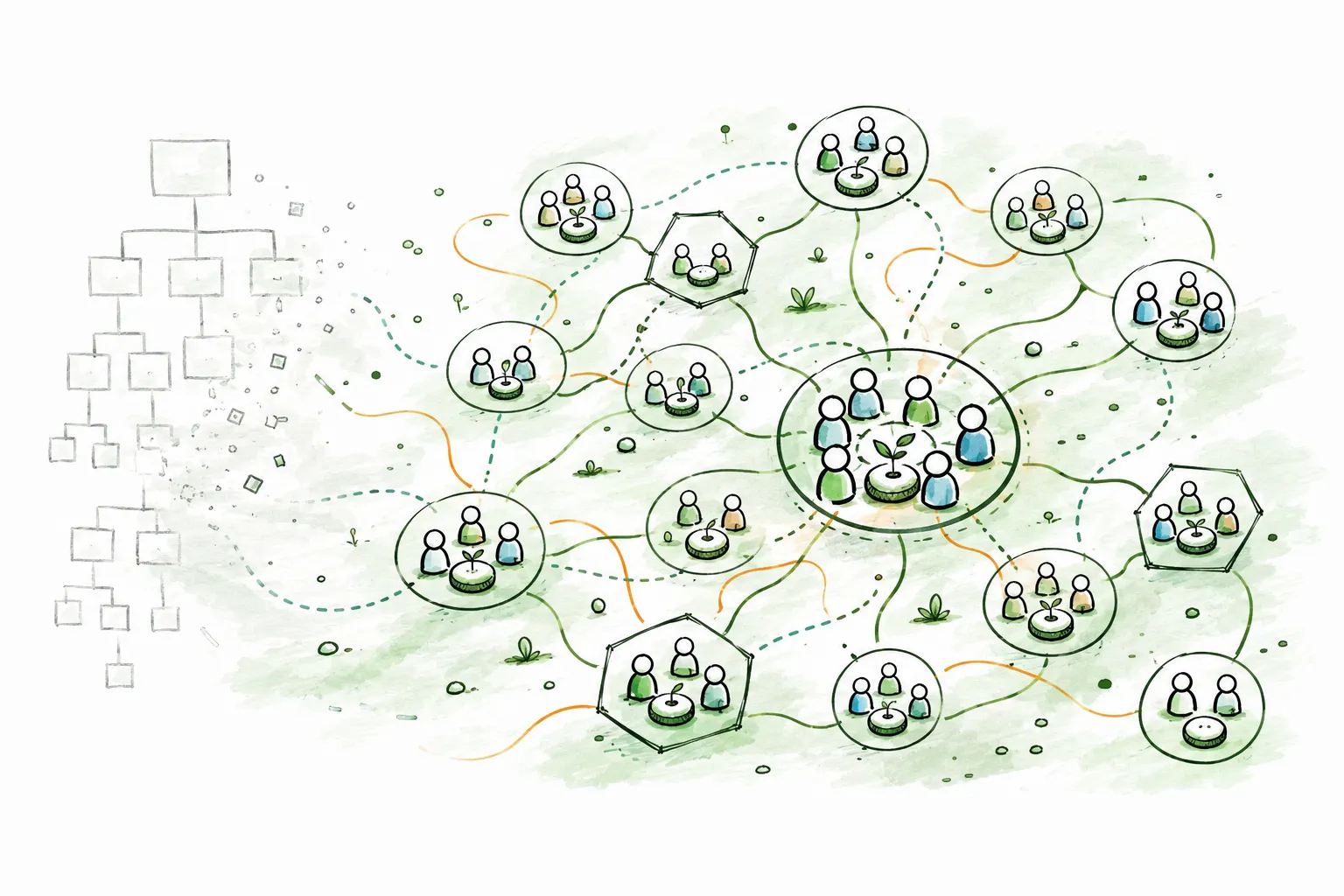
In January 2024, one of the world's largest corporations did something that most companies only talk about at offsites: it started dismantling its own hierarchy. Bayer, a 160-year-old multinational with over 100,000 employees and operations in nearly every country on earth, announced that it was replacing its management structure with something called Dynamic Shared Ownership.
The numbers alone are striking. Organizational layers cut from 12-13 to 6-7. Management positions reduced by roughly 50%. Approximately 12,000 positions eliminated. Some 2,000 autonomous teams created, each with 6-10 people and the authority to make decisions that were previously escalated through layers of approval. The target: two billion euros in sustainable organizational savings by the end of 2026.
This is not a pilot program in a single division. It is not a rebranding of an existing matrix structure. Under CEO Bill Anderson, Bayer is attempting a full-scale transformation of how one of the world's most complex organizations operates, from the way decisions are made to the way teams form, plan, and measure their work. Harvard Business School has written a case study about it. The conceptual backbone draws from Gary Hamel and Michele Zanini's "Humanocracy," McKinsey's organizational insights, and network models like Haier's [RenDanHeYi](/blog/rendanheyi-model-guide).
Whether DSO succeeds at Bayer's full scale remains an open question; the rollout is still underway. But the model itself deserves serious examination, because the problems it addresses (bureaucratic drag, decision bottlenecks, misaligned incentives, slow adaptation) are not unique to Bayer. They are the defining challenges of large-scale organization in the 21st century.
This guide explains what Dynamic Shared Ownership is, how it works, how it compares to other organizational models, and what any organization can learn from it.
## What Is Dynamic Shared Ownership?
Dynamic Shared Ownership is Bayer's operating model for replacing hierarchical management with distributed authority, autonomous teams, and rapid planning cycles. The name reflects its three core principles:
- **Dynamic**: the structure adapts continuously rather than locking into annual plans and fixed hierarchies.
- **Shared**: ownership of outcomes is distributed across teams rather than concentrated in management positions.
- **Ownership**: every team and individual takes direct accountability for results, rather than delegating upward and waiting for approval.
DSO was introduced by CEO Bill Anderson in January 2024, though the groundwork began in mid-2023 with frontrunner teams piloting the new approach. Anderson's diagnosis was blunt: Bayer had become too slow, too bureaucratic, and too far removed from its customers and patients. The distance between the people who understood problems and the people authorized to solve them had grown unsustainable.
The model's goal is not cost reduction alone, though the two billion euro savings target is real. The deeper goal is to create an organization where decisions are made by the people closest to the work, where teams operate with genuine autonomy, and where the organizational structure itself becomes a competitive advantage rather than an obstacle.
## The Five Fundamental Shifts
DSO is built on five fundamental shifts that describe the transformation Bayer is making. These are not aspirational values; they are structural and behavioral changes being implemented across the organization.
### 1. Focus: From Misaligned KPIs to Critical Outcomes
Traditional large organizations proliferate KPIs until teams are chasing metrics that have little connection to the organization's actual mission. DSO replaces scattered, internally focused KPIs with critical outcomes, a smaller number of high-impact goals directly tied to delivering value for customers and patients. The question is no longer "are we hitting our internal targets?" but "are we creating the outcomes that matter?"
### 2. Organization: From Hierarchical Individuals to Empowered Teams in a Network
The fundamental unit of the organization shifts from the individual reporting to a manager to the team operating within a network. Instead of hierarchical chains where each person's authority is defined by their position on an org chart, DSO creates networks of empowered teams that coordinate laterally. Authority resides in the team, not in the management layer above it.
### 3. Value Creation: From Large Functions to Customer-Centric Micro-Businesses
Large functional departments (marketing, regulatory affairs, supply chain) are restructured into smaller, customer-centric units that operate like micro-businesses. Each unit is oriented toward a specific customer or product outcome rather than toward a functional discipline. This mirrors the microenterprise model pioneered by [Haier's RenDanHeYi](/blog/rendanheyi-model-guide), adapted for a Western pharmaceutical context.
### 4. Work Execution: From Annual Planning to Rapid 90-Day Cycles
Annual planning cycles are replaced with 90-day rhythms. Every quarter, teams define high-impact outcomes, identify available capacity, make rapid decisions, test approaches, learn from results, and conduct retrospectives. This cadence allows the organization to adapt to new information (regulatory changes, market shifts, competitive moves) within weeks rather than waiting for the next annual planning cycle.
### 5. Mindset: From Reactive Preservation to Creative Possibility-Thinking
The final shift is cultural. DSO asks people to move from a mindset of preservation (protecting what exists, avoiding risk, conforming to established norms) to one of creative possibility. Specifically:
- **Preservation to Possibility**: instead of defending the status quo, look for what could be.
- **Authority to Partnership**: instead of waiting for permission, collaborate as partners.
- **Scarcity to Abundance**: instead of hoarding resources and information, share them.
- **Certainty to Discovery**: instead of requiring certainty before acting, embrace experimentation.
- **Conformity to Self-Authorship**: instead of fitting into predefined roles, take ownership of shaping your contribution.
These mindset shifts are not slogans posted on office walls. They are tied to concrete behavioral expectations, coaching frameworks, and the 90-day cycle structure that reinforces them.
## How DSO Works in Practice
### Team Architecture: 2,000 Autonomous Units
At the operational level, DSO organizes Bayer into approximately 2,000 autonomous customer and product teams, each consisting of 6-10 people. These teams are "front and center": they have direct accountability for customer and product outcomes and the authority to make the decisions needed to deliver them.
Supporting these frontline teams are two additional types of units:
- **Technical expertise teams** provide specialized knowledge (scientific, regulatory, engineering) that customer teams draw on as needed.
- **Enabling functions** distribute capabilities dynamically based on priority. Rather than sitting in permanent functional departments, enabling resources flow toward the highest-priority initiatives.
Bayer describes this as a "brand marketplace" model: team members and resources self-allocate toward the work that creates the most value, rather than being permanently assigned to fixed organizational boxes. This dynamic allocation is one of the model's most distinctive features, and one of its most challenging to operationalize.
### The 90-Day Rhythm
The 90-day cycle is the heartbeat of DSO. Each quarter:
1. **Teams define high-impact outcomes**: not activity-based goals, but outcomes that advance the mission.
2. **Teams identify available capacity**: what resources, people, and capabilities are available.
3. **Teams make rapid decisions**: without escalating through management layers.
4. **Teams test and learn**: executing their plans, gathering data, and adapting.
5. **Teams conduct retrospectives**: what worked, what did not, what to change for the next cycle.
This replaces the traditional annual planning cycle where budgets are set in Q4, plans are locked in Q1, and the organization spends the rest of the year executing against assumptions that may already be obsolete.
### Decision Distribution
One of DSO's most significant structural changes is the redistribution of decision-making authority. Bayer estimates that 95% of decisions previously made by management have been handed to employees at all levels. The span of coaching, previously 3-5 direct reports per manager, has expanded to 15-30 or more people per coach. This is not a wider span of control. The role of the manager has been fundamentally redefined: from decision-maker and approver to coach and enabler.
## The VACC Leadership Model
DSO does not eliminate leadership. It redefines it through the VACC model, four leadership orientations that replace the traditional manager role:
**Visionaries** guide teams toward the organization's mission and long-term outcomes. They provide strategic direction without prescribing how teams achieve it. The visionary role is about alignment, ensuring that autonomous teams are rowing in the same direction, not about control.
**Architects** shape value creation by focusing on customers and products. They design the structures and systems that enable teams to deliver value effectively. Architects think about organizational design, workflow, and how the pieces fit together.
**Catalysts** enable autonomy, accountability, and cross-team collaboration. They remove obstacles, connect teams that need to work together, and ensure that the conditions for self-organization are in place. Catalysts are the glue in a distributed system.
**Coaches** facilitate the 90-day cycles and drive continuous improvement. They work directly with teams to refine how they plan, execute, learn, and adapt. Coaching is not about telling teams what to do; it is about helping them get better at managing themselves.
These four roles can be held by the same person or distributed across multiple people. The point is that traditional management, where one person approves, directs, evaluates, and controls, is replaced by a set of leadership functions that enable rather than constrain.
## DSO vs Other Organizational Models
DSO exists within a broader landscape of organizational models that challenge traditional hierarchy. Understanding how it relates to other approaches clarifies what is genuinely distinctive about Bayer's experiment, and what it shares with the broader movement toward distributed authority.
| Dimension | Traditional Hierarchy | DSO (Bayer) | RenDanHeYi (Haier) | Holacracy | Sociocracy | Beta Codex / Peach | Spotify Model |
|---|---|---|---|---|---|---|---|
| **Authority structure** | Top-down chain of command | Distributed to 2,000 autonomous teams | Distributed to microenterprises | Distributed to roles and circles | Distributed through consent governance | Decentralized center-periphery | Squads, tribes, chapters |
| **Basic unit** | Department / division | Customer or product team (6-10 people) | Microenterprise (10-15 people) | Circle with defined roles | Circle with double-linking | Autonomous cell at periphery | Squad (cross-functional team) |
| **Decision-making** | Manager approval | 95% of decisions at team level | ME autonomy with P&L accountability | Integrative decision-making process | Consent (no reasoned objections) | Mastery-based, at the periphery | Squad-level autonomy |
| **Planning cadence** | Annual budgets | 90-day cycles | Continuous, market-driven | As-needed governance meetings | As-needed governance meetings | Rhythm-based, adaptive | Sprint-based |
| **Leadership model** | Hierarchical managers | VACC (Visionaries, Architects, Catalysts, Coaches) | "Everyone is their own CEO" | Lead Links and Rep Links | Facilitators and delegates | Distributed, mastery-based | Chapter leads, tribe leads |
| **Financial accountability** | Cost centers roll up to corporate | Team-level outcome accountability | Full P&L per microenterprise | No direct financial autonomy | No direct financial autonomy | Decentralized budgeting | Varies |
| **User / customer focus** | Mediated through hierarchy | Customer-centric micro-businesses | Zero distance: direct user connection | Internal focus (governance of structure) | Internal focus (governance process) | Market-pull from periphery | Product-centric |
| **Scale tested** | Proven at any scale | 100,000+ employees (in progress) | 80,000+ employees | Hundreds to low thousands | Hundreds to low thousands | Varies | Thousands (Spotify-specific) |
| **Formality** | High (policies, procedures) | Moderate (VACC + 90-day structure) | Moderate (market discipline) | Very high (written constitution) | Moderate (principles-based) | Low (network principles) | Moderate |
### What DSO shares with other models
Every model in this comparison distributes authority away from a hierarchical apex. All of them recognize that the people closest to the work usually make better decisions than distant executives. DSO shares its team-based structure with the Spotify model, its rapid-cycle approach with agile frameworks, its micro-business orientation with [RenDanHeYi](/blog/rendanheyi-model-guide), and its emphasis on coaching over managing with sociocracy and the [Beta Codex](/blog/beta-codex-peach-model-guide).
The 90-day cycle has clear parallels to the quarterly rhythms used in OKR frameworks and agile planning. The VACC leadership model echoes servant leadership principles found across multiple frameworks.
### What makes DSO distinctive
Three elements set DSO apart from the broader landscape:
**Enterprise scale from day one.** Most organizational models are adopted by small and mid-sized organizations first, then scaled up. DSO was designed for and deployed at one of the world's largest corporations, across multiple divisions, countries, and regulatory environments simultaneously. The model had to accommodate the complexity of a global pharmaceutical, agricultural, and consumer health company.
**Explicit management reduction.** While other models redistribute authority, DSO quantifies the reduction: management positions cut by roughly 50%, organizational layers halved, 12,000 positions eliminated. This is not a gradual evolution; it is a deliberate structural compression.
**Hybrid of existing ideas.** DSO is not a novel theoretical framework. It is a pragmatic synthesis of ideas from Humanocracy, RenDanHeYi, agile, and network organizational theory, adapted for Bayer's specific context. This makes it more a model of implementation than of theory, which may be its greatest strength and its greatest vulnerability.
## Implementation: A Three-Phase Journey
Bayer's DSO rollout follows a three-phase plan spanning from 2023 to 2026 and beyond.
### Phase 1: Frontrunners (Mid-2023 to Mid-2024)
Frontrunner teams, early adopters within the organization, pioneered the new ways of working. This phase established the operating architecture: team structures, 90-day cycles, VACC leadership roles, and the support infrastructure needed to help teams transition. Frontrunners served as proof points, demonstrating that autonomous teams could deliver results without traditional management oversight.
### Phase 2: Expansion (Mid-2024 to End-2025)
Selected teams across the organization adopted DSO, with the model expanding toward enterprise-wide rollout. This phase involved the most significant structural changes: management layers being removed, roles being redefined, and the 90-day rhythm becoming standard operating procedure across divisions.
### Phase 3: Proficiency (2026 and Beyond)
The current phase aims for full organizational proficiency, where DSO is not a change initiative but how Bayer operates. The focus shifts from adoption to mastery: continuous improvement of the model itself, deeper capability building, and sustained cultural transformation.
### Support Infrastructure
Bayer did not announce DSO and expect the organization to figure it out. A substantial support infrastructure accompanies the rollout:
- **200+ DSO practitioners**: a community of internal coaches who guide teams through the transition.
- **Champion network**: at least one champion per team, acting as local advocates and resources.
- **"DSO-in-a-box"**: self-learning programs designed for peer-to-peer learning, so teams can develop capabilities without depending entirely on central training.
- **Talent Marketplace**: a tool connecting people to opportunities across the organization, supporting the dynamic allocation that DSO requires.
- **Structured onboarding**: 2-3 day onboarding workshops for new teams, followed by 6 months of practitioner support and an 18-month journey toward full proficiency.
## DSO in Action: Bayer Pharma Schweiz and Peerdom
The principles of DSO are visible in their most concrete form at Bayer Pharma Schweiz, where the transformation has been supported by Peerdom.
Pharmaceutical organizations face a specific structural challenge: work is organized around overlapping product lifecycles. As products move from research through production, commercialization, and support, people take on multiple roles that cut across reporting lines. The classical org chart hides this cross-functional reality. People are spread across projects and topic groups, but that work is invisible, making it difficult to deploy expertise where it creates the most value.
Bayer Pharma Schweiz addressed this by mapping both their formal structure and their actual working structure side by side in Peerdom:
- **Home Teams (Chapters)** represent the formal reporting structure. Each person is hired into a single Chapter with a clear Chapter Head. Chapters are visualized as hexagons.
- **Work Teams (Nuclei)** represent the cross-functional projects, working groups, and topic teams where much of the daily work actually happens. Nuclei are visualized as circles.
This dual mapping (hexagons for home teams, circles for work teams) makes the full picture of how work is actually distributed visible to everyone in the organization.
Beyond mapping, the team uses several Peerdom capabilities to operationalize DSO:
- **Drafts app**: previewing alternative structures before committing to changes, allowing teams to scenario-plan reorganizations.
- **Contribution app**: tracking capacity allocation across Chapters and Nuclei, making FTE distribution visible and discussable.
- **Skills fields**: adding capability keywords to roles so that expertise becomes searchable. When someone needs to find the right expert, they can search by skill rather than navigating reporting lines.
The results are concrete. Across Bayer Pharma Schweiz, 90% of roles have a defined purpose, 80% have documented responsibilities, and 60% include skill keywords. More than 90 Bayer teams now have maps in Peerdom, covering hundreds of people.
> "As we deploy skills and resources to where they create the most value for customers, Peerdom helps us maintain oversight and make expertise visible." -- Thorsten Hein, Bayer Pharma Schweiz
> "The search function is really amazing. If I can look for 'patient support program' and see who's done it, I can directly reach out to that person." -- Andrea Marty, Bayer Pharma Schweiz
> "Peerdom's usability is outstanding. There is not much need for training." -- Dr. Rainer Braun, Bayer Pharma Schweiz
The impact goes beyond documentation. Before Peerdom, finding the right contact could take a week if an intermediary was busy or on holiday. Now, look-ups are instant. People search by role or skill and reach out directly, exactly the kind of frictionless expertise-finding that DSO requires to function.
For the full story of how Bayer Pharma Schweiz built their living organizational map, see the [customer story: How Bayer Pharma Schweiz Made Its Org Chart Match How They Actually Work](/blog/peerdom-bayer).
## What Other Organizations Can Learn
DSO is Bayer's model, designed for Bayer's scale, complexity, and industry context. Not every element transfers directly to other organizations. But several principles from the DSO experiment apply broadly.
### Concrete examples that cut through theory
The most persuasive arguments for DSO are not structural diagrams; they are stories of teams acting differently.
An oncology team at Bayer eliminated 800 internally focused documents by asking a single question: "Does this help deliver life-saving data faster?" Everything that could not pass that test was removed. No committee, no approval chain, just a team with the authority to make the call.
An Italian hemophilia team needed a better way to present a medication vial to patients. In the old structure, this would have required a formal product redesign, a process that could take two or more years. Instead, the team designed and 3D-printed a custom vial holder for six euros. Problem solved in weeks.
Supply chain teams facing FDA warning letters coordinated their response directly, without routing through management hierarchies. The people who understood the problem were the people who fixed it.
### Lessons for any organization
**Start with outcomes, not structure.** DSO begins by asking "what critical outcomes do we need?" before asking "how should we organize?" Most reorganizations do it backwards: they draw a new org chart and hope the outcomes follow.
**Shorten the planning cycle.** Even if 90-day cycles are not feasible for every function, the principle applies: shorter feedback loops allow faster adaptation. Annual planning creates rigidity. Quarterly rhythms create learning.
**Redistribute decisions, not just responsibility.** Giving a team responsibility for an outcome without giving them the authority to make decisions is not empowerment; it is a setup for frustration. Real distribution means moving both the responsibility and the decision-making power.
**Make expertise findable.** In any organization larger than a few dozen people, the question "who knows about X?" becomes a bottleneck. Making skills, roles, and expertise searchable, rather than locked in people's heads or buried in HR systems, reduces friction and accelerates collaboration.
**Coach, do not manage.** The shift from manager-as-approver to coach-as-enabler is not just a DSO principle. It is an insight that applies to any organization trying to move faster: the role of leadership is to build capability in teams, not to make decisions on their behalf.
**Make the structure visible.** The most elegantly designed organizational model is useless if people cannot see it, navigate it, or understand where they fit. Whether you are running DSO, [holacracy](/blog/holacracy-tools-practices-guide), [sociocracy](/blog/sociocracy-guide-principles-practices), or a hybrid, the first step is always the same: [make the organization visible](/blog/dynamic-org-charts-vs-static-org-charts).
## Frequently Asked Questions
**What does DSO stand for?**
DSO stands for Dynamic Shared Ownership. It is the operating model introduced by Bayer in January 2024 under CEO Bill Anderson. "Dynamic" refers to the organization's ability to adapt continuously through 90-day cycles. "Shared" describes the distribution of ownership across teams rather than concentration in management. "Ownership" means direct accountability for outcomes at the team level.
**Is DSO the same as holacracy?**
No. While both models distribute authority away from traditional hierarchy, they differ significantly. Holacracy is a formal governance framework with a written constitution, specific meeting formats, and defined processes for role creation and decision-making. DSO is an operating model that restructures the entire organization (including team formation, planning cadence, leadership roles, and decision distribution) without adopting a formal governance constitution. Holacracy focuses primarily on internal governance processes. DSO focuses on connecting teams directly to customer outcomes. For more on holacracy, see the [holacracy tools and practices guide](/blog/holacracy-tools-practices-guide).
**Can smaller companies adopt DSO principles?**
Yes, though the specific structures (VACC leadership model, 2,000 autonomous teams, brand marketplace allocation) are designed for enterprise scale. The principles behind them translate directly: shorten planning cycles, distribute decision-making to teams, make expertise findable, coach rather than manage, and orient teams around customer outcomes rather than internal functions. A 50-person company can adopt these principles without replicating Bayer's specific architecture.
**What are 90-day cycles in DSO?**
90-day cycles are DSO's replacement for annual planning. Every quarter, teams define high-impact outcomes, identify available capacity, make decisions, execute, and conduct retrospectives. This rapid cadence allows teams to adapt to new information (market shifts, regulatory changes, competitive moves) within weeks rather than waiting for the next annual planning cycle. The approach has parallels to OKR frameworks and agile sprint planning, adapted for organizational-level operation.
**What is the VACC model?**
VACC stands for Visionaries, Architects, Catalysts, and Coaches, four leadership orientations that replace the traditional manager role in DSO. Visionaries align teams to mission. Architects design value-creation structures. Catalysts enable autonomy and cross-team collaboration. Coaches facilitate 90-day cycles and continuous improvement. These roles can be held by one person or distributed across several, and they focus on enabling teams rather than directing them.
**How does DSO handle decision-making?**
DSO moves approximately 95% of decisions that were previously made by management to employees at all levels. Decisions are made by the teams closest to the work and the customers. The span of coaching expands from 3-5 direct reports to 15-30 or more, reflecting the shift from manager-as-decision-maker to coach-as-enabler. The 90-day cycle provides the cadence within which teams plan, decide, and learn from their decisions.
**What tools support DSO?**
DSO requires tools that can represent autonomous teams, cross-functional relationships, dynamic resource allocation, and evolving structures. Traditional org chart software, designed for fixed hierarchies, does not accommodate the fluidity DSO requires. Bayer Pharma Schweiz uses [Peerdom](/apps) to map both home teams and work teams side by side, track capacity allocation across teams, and make expertise searchable through skill-tagged roles. Bayer also uses internal tools like a Talent Marketplace for connecting people to opportunities. For a broader look at the software landscape for distributed organizations, see the [self-management software guide](/blog/self-management-software-guide).
**Has DSO been successful at Bayer?**
DSO is still in its rollout phase. Bayer's three-phase plan runs through 2026 and beyond. Early results include concrete examples of teams eliminating bureaucracy and accelerating decisions: an oncology team that cut 800 internally focused documents, an Italian team that 3D-printed a patient solution for six euros instead of waiting years for a formal product redesign, and supply chain teams that coordinated FDA responses without hierarchical mediation. The full organizational and financial impact will become clearer as Phase 3 progresses. What is clear already is that the model has generated significant interest as one of the most ambitious organizational redesign experiments since Haier's RenDanHeYi.
## Start mapping your organization
Whether you are exploring DSO, implementing [role-based governance](/blog/how-to-implement-role-based-governance), navigating [organizational change](/blog/complete-guide-organizational-change-management), or building a hybrid model that borrows from multiple frameworks, the first step is always the same: make the structure visible.
- **Read the full story**: [How Bayer Pharma Schweiz Made Its Org Chart Match How They Actually Work](/blog/peerdom-bayer), see how DSO principles come to life with Peerdom.
- **[Start mapping for free](https://peerdom.org/new)**: Peerdom supports DSO, holacracy, sociocracy, RenDanHeYi, [Beta Codex](/blog/beta-codex-peach-model-guide), agile, and everything in between.
- **[Browse templates](/discover)**: explore pre-built structures for various organizational models.
- Not sure where to start? **[Book a demo](https://outlook.office.com/book/PeerdomDemo@peerdom.org/)** and we will walk through how your organization's structure maps to the model you are exploring.
--------------------------------------------------------------------------------
title: "The Spotify Model: Squads, Tribes and Guilds Explained"
description: "The most widely adopted agile scaling framework was never meant to be a framework. Here is what the Spotify model actually is, why it spread, where it breaks, and how to make it work."
last_updated: "2026-01-31"
source: "https://peerdom.com/blog/spotify-model-squads-tribes-chapters-guide"
--------------------------------------------------------------------------------
# The Spotify Model: Squads, Tribes and Guilds Explained
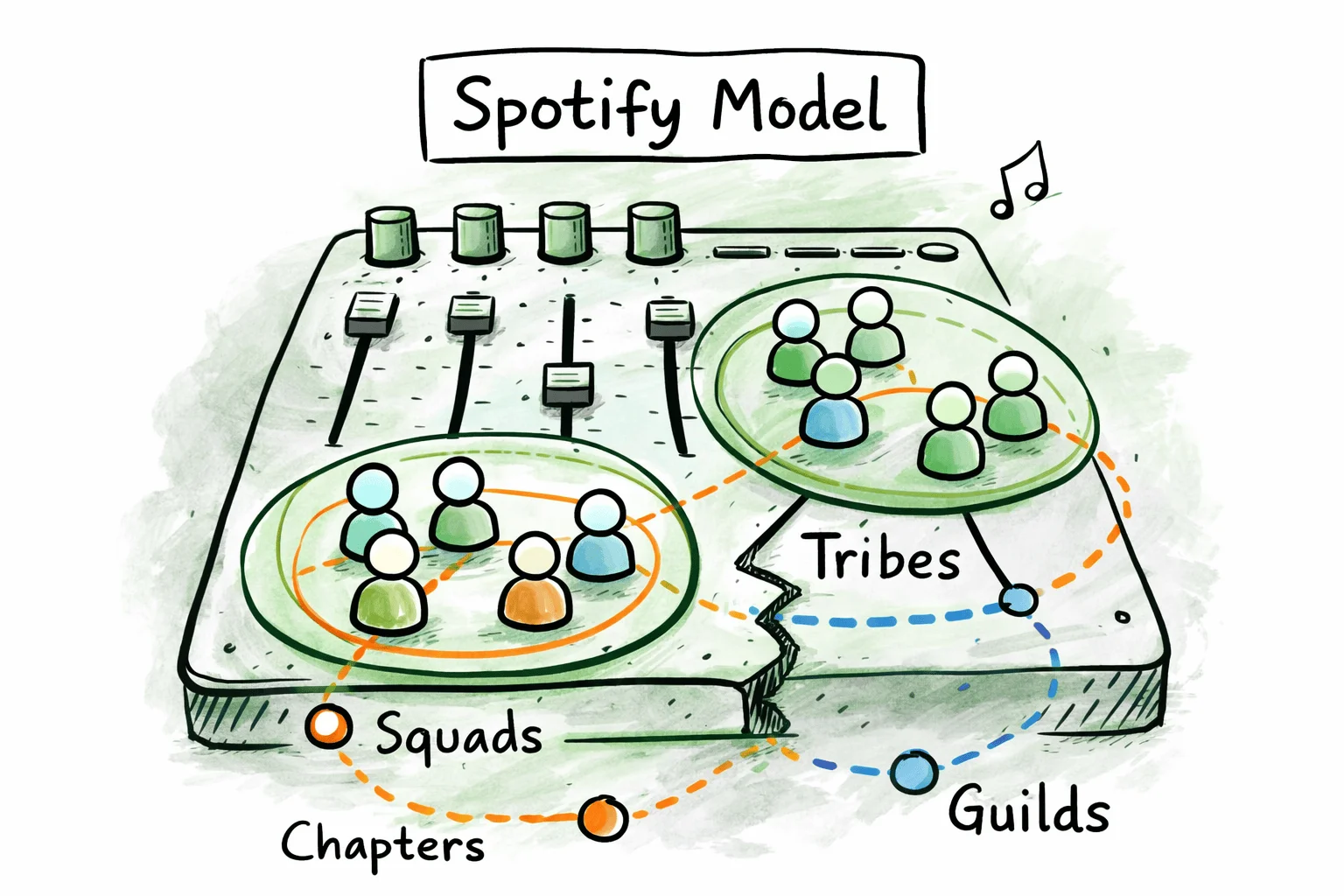
In 2012, two agile coaches at Spotify published a short whitepaper describing how the company organized its engineering teams. It was not a manifesto. It was not a methodology. It was a snapshot, a description of how one company happened to work at one particular moment in time. The authors said so explicitly.
Within a few years, thousands of organizations had adopted it as a prescriptive framework. They renamed their teams "squads," grouped them into "tribes," created "chapters" and "guilds," and expected the results to follow. Many discovered that copying an organizational structure without understanding the culture behind it produces little more than new vocabulary for old problems.
The deeper irony: Spotify itself moved on. The company's own engineers have publicly acknowledged that the model described in the whitepaper no longer reflects how Spotify works. Yet the "Spotify model" remains one of the most widely discussed approaches to scaling agile organizations, precisely because the ideas at its core address real problems that every growing company faces.
This guide explains what the Spotify model actually described, how its four building blocks work, why it spread so far, where it breaks down, and how to adapt its principles without falling into the most common traps.
## What Is the Spotify Model?
The Spotify model originated in a 2012 whitepaper titled "Scaling Agile @ Spotify with Tribes, Squads, Chapters & Guilds," written by **Henrik Kniberg** and **Anders Ivarsson**. Kniberg was an agile coach working with Spotify; Ivarsson was the company's organizational coach. The paper, accompanied by a two-part video series, described how Spotify organized its roughly 30 engineering teams at the time, approximately 250 people working across three cities.
The key thing to understand about this whitepaper is what it was not. It was not a framework to be adopted. It was not a set of practices to follow. The authors were careful to describe what Spotify was doing at that specific point in time, not what other companies should do. Kniberg himself has repeatedly emphasized this distinction: what they described was Spotify's way of working, not a one-size-fits-all model.
The whitepaper described a set of organizational structures (squads, tribes, chapters, and guilds) designed to solve a specific problem: how to maintain the speed and autonomy of small teams while scaling to hundreds of engineers working on a shared product. It was the tension between autonomy and alignment made structural.
What happened next was predictable. The whitepaper was clear, well-illustrated, and addressed a problem that hundreds of growing tech companies were facing. It spread rapidly through the agile community. Conference talks referenced it. Blog posts explained it. Consulting firms packaged it. Within a few years, "the Spotify model" had become a recognized organizational pattern, adopted, adapted, and sometimes imposed wholesale on organizations with vastly different cultures, sizes, and challenges.
The gap between what Kniberg and Ivarsson described and how the industry received it is the defining tension of the Spotify model's story: a descriptive snapshot treated as a prescriptive blueprint.
## The Four Building Blocks
The Spotify model organizes people into four overlapping structures, each designed to solve a different coordination problem. Understanding how these four pieces relate to each other is essential; they are not independent departments but intersecting layers of a matrix.
### Squads
The squad is the fundamental unit. A squad is a small, cross-functional team of 6 to 12 people with end-to-end responsibility for a specific feature area, product component, or user journey. Each squad operates like a mini-startup: it has its own mission, decides its own way of working, and controls its own backlog.
A squad typically includes all the skills needed to design, develop, test, and release its work: developers, a designer, a product owner, and a QA specialist. The squad does not need to hand off work to another team to get something done. This is by design: the cross-functional composition eliminates handoffs, reduces dependencies, and gives the squad autonomy over its delivery.
The Product Owner defines what the squad builds and in what order. The squad itself decides how to build it. There is no formal Scrum Master role prescribed by the Spotify model, though many squads adopt one. The squad chooses its own agile methodology: Scrum, Kanban, a hybrid, or something else entirely.
Autonomy is the defining characteristic. Squads are trusted to make their own technical decisions, manage their own work, and ship independently. This trust is not unconditional (it depends on alignment with the broader product direction) but the default is autonomy, with coordination emerging from culture and shared goals rather than top-down control.
### Tribes
A tribe is a collection of squads working in a related product area. If squads are the mini-startups, the tribe is the incubator. Tribes typically contain between 40 and 150 people. The upper bound is deliberate, drawing on Robin Dunbar's research suggesting that humans can maintain stable social relationships with approximately 150 individuals. Beyond that number, trust-based coordination starts to break down and formalized processes become necessary.
Each tribe has a **Tribe Lead** who is responsible for creating a productive environment for the squads. The Tribe Lead does not manage individual squads or make their decisions. Their job is to remove obstacles, facilitate coordination between squads, and ensure alignment with the broader organizational direction.
Tribes create physical and social proximity. In the original Spotify model, squads within the same tribe sat together, shared common spaces, and had regular tribe-wide gatherings. This proximity is not an accident; it is an intentional mechanism for informal coordination. When people work in the same area, they overhear conversations, bump into each other at coffee machines, and share context without needing formal meetings.
The tribe boundary defines a coordination space. Squads within the same tribe coordinate frequently and informally. Squads in different tribes coordinate less often and more deliberately. This creates a natural tension: tribe boundaries that are drawn well reduce internal friction; boundaries drawn poorly create silos.
### Chapters
Chapters solve the competence problem that squads create. When you organize people into cross-functional squads, specialists get distributed. Your iOS developers are scattered across ten different squads, each working on a different feature. Who ensures they follow consistent technical standards? Who coaches them professionally? Who handles career development and salary discussions?
A chapter is a group of people with the same skill set working within the same tribe but in different squads. All the backend developers in a tribe form a chapter. All the designers form another. All the testers form another. Each chapter has a **Chapter Lead**, and this is where the model introduces its most significant structural tension.
The Chapter Lead is the formal line manager for chapter members. They handle performance reviews, career development, and salary conversations. But the Chapter Lead is also a working member of a squad, doing hands-on work alongside their people-management responsibilities. This dual role is deliberate: it keeps the Chapter Lead connected to the daily reality of the work. It also means they carry two jobs.
Chapters meet regularly to share knowledge, align on technical practices, discuss tooling choices, and address cross-squad concerns. They are the mechanism through which technical consistency and professional growth happen across squad boundaries.
### Guilds
Guilds extend the community-of-practice concept beyond tribe boundaries. A guild is a voluntary, cross-tribe group of people who share an interest, skill, or knowledge area. Unlike chapters, guilds are open to anyone. You do not need to be a backend developer to join the backend guild. You just need to be interested.
Each guild has a **Guild Coordinator** who facilitates activities (meetups, workshops, shared channels, documentation efforts) but holds no formal authority. Guild membership is voluntary, participation is self-directed, and the guild exists only as long as it generates value for its members.
Guilds serve as the antidote to tribal silos. When tribes are large and self-contained, knowledge can become trapped within tribe boundaries. Guilds create cross-pollination channels: a testing guild shares automation practices across all tribes; a web development guild aligns on frontend standards company-wide; a leadership guild shares management practices across the organization.
### How the Four Structures Intersect
The four structures form a matrix, but a matrix with a clear primary axis. The squad is the primary organizational unit. It is where work happens, where people spend most of their time, and where day-to-day decisions are made.
Tribes group squads for coordination. Chapters group specialists for competence. Guilds group enthusiasts for knowledge sharing.
Every engineer belongs to exactly one squad and one chapter. They may belong to one or more guilds. This means every person has two reporting lines: their squad (for product delivery) and their chapter (for people management and technical standards). This is the Spotify model's version of a matrix organization, designed to capture the benefits of functional expertise and cross-functional delivery simultaneously.
```
Tribe A
├── Squad 1: [Designer, iOS Dev, Backend Dev, Tester, Product Owner]
├── Squad 2: [Designer, iOS Dev, Backend Dev, Android Dev, Product Owner]
├── Squad 3: [Designer, Backend Dev, Backend Dev, Tester, Product Owner]
│
├── Chapter: iOS Developers (spans Squad 1 + Squad 2)
├── Chapter: Backend Developers (spans all squads)
├── Chapter: Designers (spans all squads)
└── Chapter: Testers (spans Squad 1 + Squad 3)
Guild: Web Development (spans Tribe A + Tribe B + Tribe C)
Guild: Testing Practices (spans all tribes)
```
## Core Principles Behind the Model
The structural components (squads, tribes, chapters, guilds) are the visible part of the Spotify model. But they are not what made it work at Spotify. What made it work was a set of cultural principles that the structure was designed to support. Copy the structure without these principles and you get a Spotify-shaped hierarchy.
### Autonomy with alignment
This is the central tension the entire model is built around. Squads are autonomous: they choose their own methods, manage their own work, and make their own technical decisions. But they are not independent. They are aligned around a shared product vision and a common set of strategic priorities.
Kniberg described this as a spectrum. At one end, high alignment and high autonomy: leaders communicate the problem to solve and why it matters; squads figure out how to solve it. At the other end, low alignment and high autonomy: squads do whatever they want, and the result is a collection of disconnected efforts. The goal is to stay in the high-alignment, high-autonomy quadrant, where squads are free to decide how to work but clear on what the organization is trying to achieve.
This requires leaders who can articulate direction without dictating solutions. It requires squads who seek context about the bigger picture rather than optimizing locally. And it requires organizational transparency so that squads can align themselves rather than needing to be aligned by managers.
### Culture over process
The Spotify model explicitly favored cultural norms over formalized processes. Rules were kept minimal. Trust was the default. The assumption was that hiring good people, giving them context, and trusting them to make reasonable decisions would produce better outcomes than detailed process documentation.
This worked at Spotify because the company had invested heavily in its engineering culture. Psychological safety, open communication, and a tolerance for experimentation were not slogans; they were practiced behaviors. The model was shaped by this culture, not the other way around.
### Trust as default
Squads were trusted by default. They did not need to earn autonomy through a track record or justify their decisions to management. The organizational assumption was that squads would make good decisions, and that occasional mistakes were an acceptable cost of the speed that autonomy provided.
This is harder to implement than it sounds. Most organizations operate on the opposite default: trust must be earned, and autonomy is granted incrementally. Shifting to trust-as-default requires leaders to accept that some squads will make decisions they disagree with, and to intervene only when the consequences are significant, not merely when they would have chosen differently.
### Cross-pollination over silos
Chapters and guilds existed specifically to prevent the silo effect that autonomous teams can create. When squads are fully autonomous, they may solve the same problem in three different ways, adopt incompatible technologies, or develop knowledge that never spreads beyond the squad.
The model addressed this through structural cross-cutting: chapters for technical alignment within tribes, guilds for knowledge sharing across tribes. The emphasis was on organic exchange (shared practices, voluntary participation, peer learning) rather than mandated standards imposed from above.
### Continuous improvement over following a playbook
The Spotify model was never static. The whitepaper described a specific moment in the company's evolution. Spotify continued to evolve its organizational structure after the whitepaper was published. The model itself was meant to be treated as a starting point for continuous experimentation, not a destination.
This principle is both the model's greatest strength and the source of its most common misadoption. If the model is an invitation to experiment, copying it exactly is already a violation of its core philosophy.
## The Spotify Model vs Other Organizational Frameworks
The Spotify model sits within a broader landscape of approaches to organizational design. Each addresses different problems, operates at different levels of formality, and suits different contexts. The following comparison helps clarify what the Spotify model does and does not offer relative to alternatives.
| Dimension | Traditional Hierarchy | Spotify Model | Holacracy | Sociocracy | RenDanHeYi | Beta Codex / Peach | DSO (Bayer) | SAFe | Buurtzorg |
|---|---|---|---|---|---|---|---|---|---|
| **Authority structure** | Top-down chain of command | Squad autonomy within tribe alignment | Constitution-governed roles and circles | Consent-based circles with double-linking | Distributed to microenterprises | Decentralized center-periphery | Distributed to autonomous teams | Hierarchical with agile layers | Self-managing neighborhood teams |
| **Basic unit** | Department / division | Squad (6-12, cross-functional) | Circle with defined roles | Circle with double-linking | Microenterprise (10-15 people) | Autonomous cell at periphery | Customer/product team (6-10) | Agile Release Train | Self-managing team (10-12 nurses) |
| **Decision-making** | Manager approval | Squad-level autonomy | Integrative decision-making process | Consent (no reasoned objections) | Market-driven, ME autonomy | Mastery-based, at the periphery | 95% at team level | PI Planning + team decisions | Team-level consensus |
| **Scaling mechanism** | Adding management layers | Tribes (max ~150), chapters, guilds | Nested circles | Nested circles with double-linking | Ecosystems of micro-communities | Federalized cells | 90-day cycles, VACC coaching | ARTs, Solution Trains, Portfolio | Regional coaching + back-office |
| **Leadership model** | Hierarchical managers | Tribe leads, chapter leads | Lead Links and Rep Links | Facilitators and delegates | "Everyone is their own CEO" | Distributed, mastery-based | VACC (Visionaries, Architects, Catalysts, Coaches) | RTE, System Architect, Product Management | Coach (not manager) |
| **Formality** | High (policies, procedures) | Low to moderate (culture-driven) | Very high (written constitution) | Moderate (principles-based) | Moderate (market discipline) | Low (network principles) | Moderate (VACC + 90-day structure) | Very high (SAFe framework) | Low (principles-based) |
| **Best suited for** | Stable environments, compliance-heavy | Product-oriented tech companies, 50-500 engineers | Organizations wanting explicit governance | Organizations prioritizing inclusive decisions | Large enterprises seeking entrepreneurial speed | Market-facing organizations seeking decentralization | Large enterprises reducing bureaucracy | Large enterprises scaling agile delivery | Care/service organizations |
| **Scale tested** | Any scale | Hundreds to low thousands | Hundreds to low thousands | Hundreds to low thousands | 80,000+ employees | Varies | 100,000+ (in progress) | Tens of thousands | 15,000+ professionals |
### Key distinctions
**Spotify Model vs SAFe**: SAFe (Scaled Agile Framework) is prescriptive where the Spotify model is descriptive. SAFe provides detailed ceremonies, roles, and planning events at every level of the organization. The Spotify model provides structural concepts and trusts teams to fill in the details. SAFe works well for organizations that need process rigor and compliance traceability. The Spotify model works better for organizations with strong engineering cultures that resist heavy process. Many organizations use elements of both.
**Spotify Model vs Holacracy**: [Holacracy](/blog/holacracy-tools-practices-guide) provides a formal governance constitution with explicit rules for how roles are created, how decisions are made, and how meetings run. The Spotify model has no constitution. Its governance is cultural, not procedural. Organizations that want clear, documented governance processes will find holacracy more structured. Organizations that prefer cultural norms over formal rules will find the Spotify model more natural.
**Spotify Model vs Sociocracy**: [Sociocracy](/blog/sociocracy-guide-principles-practices) centers on consent-based decision-making and double-linking between governance layers. The Spotify model does not prescribe a decision-making process; squads decide how they decide. Sociocracy is better suited for organizations that want structured governance across all levels. The Spotify model is better suited for product engineering contexts where delivery speed matters more than governance formality.
**Spotify Model vs RenDanHeYi**: [RenDanHeYi](/blog/rendanheyi-model-guide) at Haier pushes autonomy further than the Spotify model. Each microenterprise operates with full profit-and-loss responsibility and hires its own team. Spotify's squads are autonomous in how they work but not in how they are staffed or funded. RenDanHeYi is designed for market-driven enterprises where each unit connects directly to customers. The Spotify model is designed for product engineering organizations where squads contribute to a shared product.
**Spotify Model vs Beta Codex**: [Beta Codex](/blog/beta-codex-peach-model-guide) operates at a higher level of abstraction. It defines 12 laws about how organizations should be structured, perform, and adapt, without prescribing specific team shapes. The Spotify model is more concrete: it defines specific structural units (squads, tribes, chapters, guilds) with specific sizes and relationships. Beta Codex can encompass a Spotify-style structure within its peripheral cells, but it addresses the entire organizational model rather than just the product engineering function.
**Spotify Model vs DSO**: [Dynamic Shared Ownership](/blog/dynamic-shared-ownership-bayer-guide) at Bayer shares the Spotify model's emphasis on autonomous teams but adds structured planning cadence (90-day cycles) and an explicit leadership framework (VACC). DSO was designed for enterprise scale from the start; the Spotify model emerged from a mid-sized engineering organization and faces challenges at larger scales.
## Why Spotify Moved On
Understanding why Spotify evolved beyond its own model is essential context for anyone considering adoption. The model was a snapshot, and the organization it described continued to change.
### The Jeremiah Lee critique
In 2020, Jeremiah Lee, a former Spotify employee, published a widely circulated critique titled "Spotify's Failed Squad Goals." Lee argued that the model described in the whitepaper had not worked as intended even at Spotify. His key observations:
- **Autonomous squads created coordination problems.** When squads independently chose their own tools, architectures, and approaches, the result was fragmentation: inconsistent codebases, duplicated effort, and integration headaches.
- **The chapter structure did not deliver on its promise.** Chapter Leads were stretched between their squad responsibilities and their people-management role, and chapter meetings often felt like an afterthought.
- **Tribal boundaries became silos.** Tribes, designed to create focused coordination, also created walls. Cross-tribe collaboration was harder than the model anticipated.
- **The culture that made it work was not transferable.** Spotify had a specific engineering culture (high trust, strong autonomy norms, tolerance for messiness) that the model was shaped by. Other companies adopted the structure without this culture and got different results.
Lee's critique resonated because it articulated what many companies had experienced: the Spotify model sounded right but did not feel right when implemented in a different context.
### The matrix trap
The Chapter Lead role is the model's most structurally fragile element. A Chapter Lead is simultaneously a working member of a squad (contributing to product delivery) and a people manager for chapter members across multiple squads (responsible for career development, performance feedback, and salary decisions).
This is a half-time role split in both directions, and it creates predictable tension. During sprint crunch periods, squad work dominates and chapter duties get deferred. During performance review cycles, management responsibilities consume time that was committed to the squad. Chapter Leads who lean toward management become disconnected from the code. Those who lean toward engineering become poor people managers.
The result is often a Chapter Lead who does neither job well, not because they lack capability, but because the structural design demands two conflicting uses of the same person's time.
### Tribal silos
Tribes were sized at approximately 150 people for a reason rooted in social psychology. But the social cohesion that Dunbar's number encourages within a tribe can also create an us-and-them dynamic between tribes. When a tribe is self-sufficient, with its own squads, its own priorities, and its own Tribe Lead, the incentive to collaborate with other tribes diminishes.
Guilds were supposed to bridge this gap, but guild participation is voluntary. When deadlines tighten, guild activities are the first thing dropped. Without strong investment in cross-tribe coordination, the tribe boundary becomes an information wall.
### What Spotify does now
Spotify has not published a successor model with the same clarity as the 2012 whitepaper. What is known is that the company has moved toward a more flexible, less labeled structure. The language of squads and tribes persists in some areas but is no longer the defining organizational framework. The company continues to experiment with how it organizes work, which, ironically, is exactly what the original whitepaper recommended.
## Where the Spotify Model Works (and Where It Doesn't)
### Where it works
**Product-oriented technology companies with 50-500 engineers.** This is the sweet spot. The model was designed for a product engineering organization at roughly this scale, and its mechanisms (squad autonomy, tribe-level coordination, chapter-led technical alignment) map well to this context. Companies building software products with multiple feature areas and cross-functional teams will find the model intuitive.
**Organizations with a strong engineering culture.** The model depends on cultural norms that cannot be mandated: trust, autonomy, psychological safety, and a willingness to let teams make mistakes. Organizations where engineers are accustomed to self-direction and where leadership practices servant-leadership will find adoption smoother.
**Companies willing to adapt rather than copy.** The organizations that succeed with the Spotify model are the ones that treat it as a starting vocabulary, not a rigid blueprint. They adopt the structural concepts, tune the details to their context, and evolve the model as they learn. ING, the Dutch banking group, famously adopted a Spotify-inspired model but adapted it significantly to fit a regulated financial services environment.
### Where it struggles
**Non-technology contexts.** The model was designed for software engineering. Its assumptions (cross-functional delivery teams, iterative development, frequent releases, technical autonomy) do not map cleanly to manufacturing, logistics, healthcare, or other domains where work is sequential, physical, or heavily regulated. Renaming a nursing unit a "squad" does not make it autonomous in any meaningful sense.
**Organizations without an autonomy culture.** Adopting the Spotify model in an organization where decisions are currently made by managers and execution is directed from above requires a cultural transformation that the model itself does not provide. The structure assumes the culture exists. If it does not, the structure becomes a facade: squads in name, command-and-control in practice.
**Heavily regulated industries.** Compliance requirements in pharmaceuticals, finance, and aerospace often demand documented approval chains, audit trails, and standardized processes. Squad-level autonomy in choosing tools, approaches, and architectures can conflict with regulatory requirements that mandate consistency and traceability.
**Very large organizations (1,000+ engineers).** The model scales through tribes, but beyond 5-10 tribes, coordination across tribes becomes a significant challenge. The model does not prescribe a structure above the tribe level. Organizations at this scale often need additional coordination layers, which pushes them toward frameworks like SAFe, LeSS, or custom hybrid approaches.
### The adaptation principle
The most important takeaway is also the simplest: take what works, leave what does not. The Spotify model is not a package deal. You can adopt squads without tribes. You can use chapters without guilds. You can draw on the autonomy-with-alignment principle without labeling anything. The value lies in the ideas, not in the labels.
## Common Adoption Mistakes
Having observed the Spotify model's adoption across many organizations, several failure patterns recur with striking regularity.
### Mistake 1: Treating a description as a prescription
The whitepaper described how Spotify worked. It did not recommend that other companies work the same way. Treating a descriptive document as a prescriptive framework ("We will now have squads, tribes, chapters, and guilds") misses the point. The specific structural choices Spotify made were tailored to Spotify's context, size, product, and culture.
The fix: use the model as inspiration and vocabulary. Ask which problems in your organization the model's components address. Adopt the parts that solve your problems. Leave the rest.
### Mistake 2: Copying structure without culture
This is the most common and most damaging mistake. Organizations rename teams to squads, group them into tribes, appoint Chapter Leads and Tribe Leads, and nothing changes. People still wait for manager approval. Squads still escalate decisions upward. Chapter meetings happen but produce no value.
The structure is a container. The culture is what goes inside it. Autonomy, trust, psychological safety, transparency, and a bias toward action are not structural properties; they are behavioral ones. You cannot install them by reorganizing the org chart.
### Mistake 3: Ignoring the Chapter Lead tension
The dual role of Chapter Lead (part squad member, part people manager) is a known weakness of the model. Organizations that adopt the model without explicitly addressing this tension produce Chapter Leads who burn out, underperform in one or both roles, or quietly abandon the squad work to focus on management.
Some organizations resolve this by making Chapter Lead a full-time management role (sacrificing the connection to daily work). Others split the responsibilities between a technical lead and a people manager. Others reduce the management load by moving career conversations to HR partners. Each approach has trade-offs, but ignoring the tension is not an option.
### Mistake 4: Forcing it on non-product teams
Support functions (HR, finance, legal, infrastructure) do not naturally fit the squad model. Their work is often reactive, cross-cutting, and process-oriented rather than feature-oriented. Forcing these teams into squads creates artificial boundaries and unnecessary overhead.
Some organizations exclude support functions from the Spotify model entirely, keeping them in a more traditional structure. Others create service-oriented squads within support functions, organized around the types of requests they handle. Both approaches are valid. The mistake is insisting that every team must be a squad.
### Mistake 5: Not evolving the model
The original whitepaper was a snapshot. Spotify continued to change. Organizations that adopt the model and then freeze it, treating the initial implementation as permanent, violate the very principle of continuous improvement that the model embodies.
Build in regular retrospectives at the structural level. Ask: are tribe boundaries still right? Are chapters delivering value? Are guilds active or dormant? Are squads genuinely autonomous? The model should evolve as the organization evolves.
## Making the Spotify Model Work for Your Organization
If you decide to draw from the Spotify model, here is a practical approach that avoids the most common pitfalls.
### Start with squads
The squad is the model's strongest idea: a small, cross-functional team with a clear mission and the autonomy to deliver on it. Start here. Identify a product area, form a squad with the necessary skills, give them a clear mission and decision-making authority, and see what happens. You do not need tribes, chapters, or guilds to test the core concept.
### Define tribe boundaries by product area
If you grow beyond 3-4 squads, grouping them makes sense. Define tribe boundaries around product areas, customer segments, or platform layers, whatever creates natural coordination needs between the squads within the boundary. Resist the temptation to create tribes based on organizational politics. The boundary should reflect work dependencies, not reporting relationships.
Keep tribes below 150 people. If a tribe grows beyond that, split it. The social dynamics that make tribe-level coordination work depend on people knowing each other.
### Solve the Chapter Lead dilemma explicitly
Do not accept the Chapter Lead role as described in the whitepaper without adapting it to your context. The half-squad-member, half-people-manager split works poorly in practice. Choose one of these alternatives:
- **Full-time Chapter Lead**: the Chapter Lead focuses entirely on people management and technical leadership. They attend squad standups and reviews but do not carry a squad workload.
- **Split roles**: separate technical leadership (a senior engineer in each squad) from people management (an engineering manager who covers multiple squads).
- **Rotating Chapter Lead**: the role rotates among senior members, distributing the burden and building leadership skills.
Whatever you choose, make the decision conscious and explicit.
### Use guilds to prevent tribal silos
Invest in guilds from the start. Do not wait until silos form. Allocate time for guild activities. Give Guild Coordinators explicit support. Make guild outputs (technical guidelines, shared tools, documentation) visible and valued.
Guilds only work if participation is genuinely valued by the organization, not just permitted. If guild activities are the first thing canceled when a deadline approaches, the message is clear: cross-pollination is optional. It should not be.
### Make the structure visible
Any organizational model only works if people can see it. When you organize into squads, tribes, chapters, and guilds, the resulting structure is more complex than a traditional hierarchy. People need to understand which squad they belong to, which tribe their squad is part of, who their Chapter Lead is, and which guilds are available.
This is where [organizational mapping](/blog/dynamic-org-charts-vs-static-org-charts) becomes essential. A living map (not a static diagram in a slide deck) that shows the current state of squads, tribes, chapters, and guilds gives everyone a shared reference point. It makes the structure navigable rather than abstract. Tools like [Peerdom](https://peerdom.org) are designed for exactly this: making organizational structures visible, searchable, and up to date regardless of the model you use.
### Evolve it
Set a cadence for structural retrospectives. Quarterly is a good starting point. Review whether tribe boundaries still reflect how work actually flows. Assess whether chapters are adding value or just adding meetings. Check whether guilds are active. Ask squads whether they feel genuinely autonomous.
The whole point of the Spotify model is that it was never meant to be permanent. The best version of it is the one you have adapted to your specific context and continue to refine.
## Frequently Asked Questions
**Does Spotify still use the Spotify model?**
Not in its original form. Spotify has evolved its organizational structure significantly since the 2012 whitepaper. Some of the vocabulary persists (squads and tribes are still referenced) but the specific structures and practices described in the whitepaper no longer define how the company operates. Jeremiah Lee's 2020 critique and statements from Spotify engineers confirm that the company moved on from the model as originally described. This is not a failure; it is consistent with the model's own principle of continuous evolution.
**What is the difference between a chapter and a guild?**
A chapter is a group of people with the same skill set within the same tribe (for example, all backend developers in Tribe A). It has a formal Chapter Lead who serves as the line manager. Membership is mandatory: if you are a backend developer in Tribe A, you are in the backend chapter. A guild is a cross-tribe community of interest (for example, everyone interested in testing practices across the entire company). Guild membership is voluntary, and the Guild Coordinator has no management authority. Chapters are for technical alignment and people management. Guilds are for knowledge sharing and cross-pollination.
**How big should a squad be?**
The whitepaper suggested 6-12 people. This range follows the general research on effective team sizes: large enough to contain the necessary skills for end-to-end delivery, small enough for everyone to know each other, communicate directly, and maintain shared context. Below 6, you may lack necessary skills. Above 12, coordination overhead starts to erode the benefits of being a small team.
**Can non-tech companies use the Spotify model?**
The structural concepts (autonomous cross-functional teams, groupings for coordination, communities of practice for knowledge sharing) apply broadly. But the specific implementation described in the whitepaper was designed for software engineering, where iterative delivery, technical autonomy, and frequent releases are the norm. Non-tech companies can draw on the principles, especially autonomy with alignment and cross-functional team structure, but should expect to adapt significantly. For organizations outside of tech, models like [sociocracy](/blog/sociocracy-guide-principles-practices), [Beta Codex](/blog/beta-codex-peach-model-guide), or the [Buurtzorg model](/blog/buurtzorg-model-self-managing-teams-guide) may provide a better fit.
**How does the Spotify model compare to SAFe?**
SAFe (Scaled Agile Framework) is a comprehensive, prescriptive framework with defined roles, ceremonies, and planning events at team, program, and portfolio levels. The Spotify model is a set of structural concepts with minimal prescribed process. SAFe works well for large organizations that need process rigor, compliance traceability, and cross-team synchronization. The Spotify model works better for organizations with strong engineering cultures that want structural guidance without heavy process. The two are not mutually exclusive; some organizations use SAFe's planning cadence with Spotify-style team structures.
**What is a Tribe Lead's role?**
The Tribe Lead creates the environment in which squads can succeed. They do not manage individual squads or make product decisions for them. Their responsibilities include: removing obstacles that squads cannot resolve themselves, facilitating coordination between squads within the tribe, ensuring alignment with the broader organizational direction, and representing the tribe's needs to other parts of the organization. The Tribe Lead is closer to a servant-leader than a traditional manager.
**How do squads coordinate across tribes?**
Cross-tribe coordination is one of the model's weaker areas. The primary mechanisms are guilds (voluntary communities that share knowledge across tribe boundaries) and informal communication. Some organizations add explicit cross-tribe coordination roles, regular cross-tribe syncs, or architectural steering groups. Others rely on shared platform teams that provide services to multiple tribes. The right approach depends on how tightly coupled the work across tribes actually is.
**How does the Spotify model handle role-based governance?**
The Spotify model does not prescribe a formal governance process. Roles within squads (Product Owner, developer, designer) are defined by the model, but how those roles are created, modified, or retired is left to each squad and tribe. Organizations that want explicit [role-based governance](/blog/how-to-implement-role-based-governance) can layer it on top of the Spotify model, using holacratic or sociocratic governance processes within the squad and chapter structure.
## Start mapping your organization
Whether you are adopting the Spotify model, adapting a few of its ideas, or exploring a different approach entirely, the first step is the same: make your current structure visible. Map your teams, roles, and relationships so that everyone shares the same understanding of how the organization actually works.
- **[Start mapping for free](https://peerdom.org/new)**: Peerdom supports the Spotify model, [holacracy](/blog/holacracy-tools-practices-guide), [sociocracy](/blog/sociocracy-guide-principles-practices), [RenDanHeYi](/blog/rendanheyi-model-guide), [Beta Codex](/blog/beta-codex-peach-model-guide), [DSO](/blog/dynamic-shared-ownership-bayer-guide), and any hybrid model. Map your squads, tribes, chapters, and guilds, or your circles, cells, and teams, in one platform.
- **[Browse templates](/discover)**: explore pre-built structures for various organizational models.
- **[Read the self-management software guide](/blog/self-management-software-guide)**: compare tools for organizations using distributed authority models.
- Not sure where to start? **[Book a demo](https://outlook.office.com/book/PeerdomDemo@peerdom.org/)** and we will walk through how your organization's structure maps to the model you are exploring.
--------------------------------------------------------------------------------
title: "The Buurtzorg Model: Self-Managing Teams Explained"
description: "How a Dutch healthcare organization scaled to 10,000+ nurses in 850+ self-managing teams with no middle managers, and what any organization can learn from it."
last_updated: "2026-01-24"
source: "https://peerdom.com/blog/buurtzorg-model-self-managing-teams-guide"
--------------------------------------------------------------------------------
# The Buurtzorg Model: Self-Managing Teams Explained
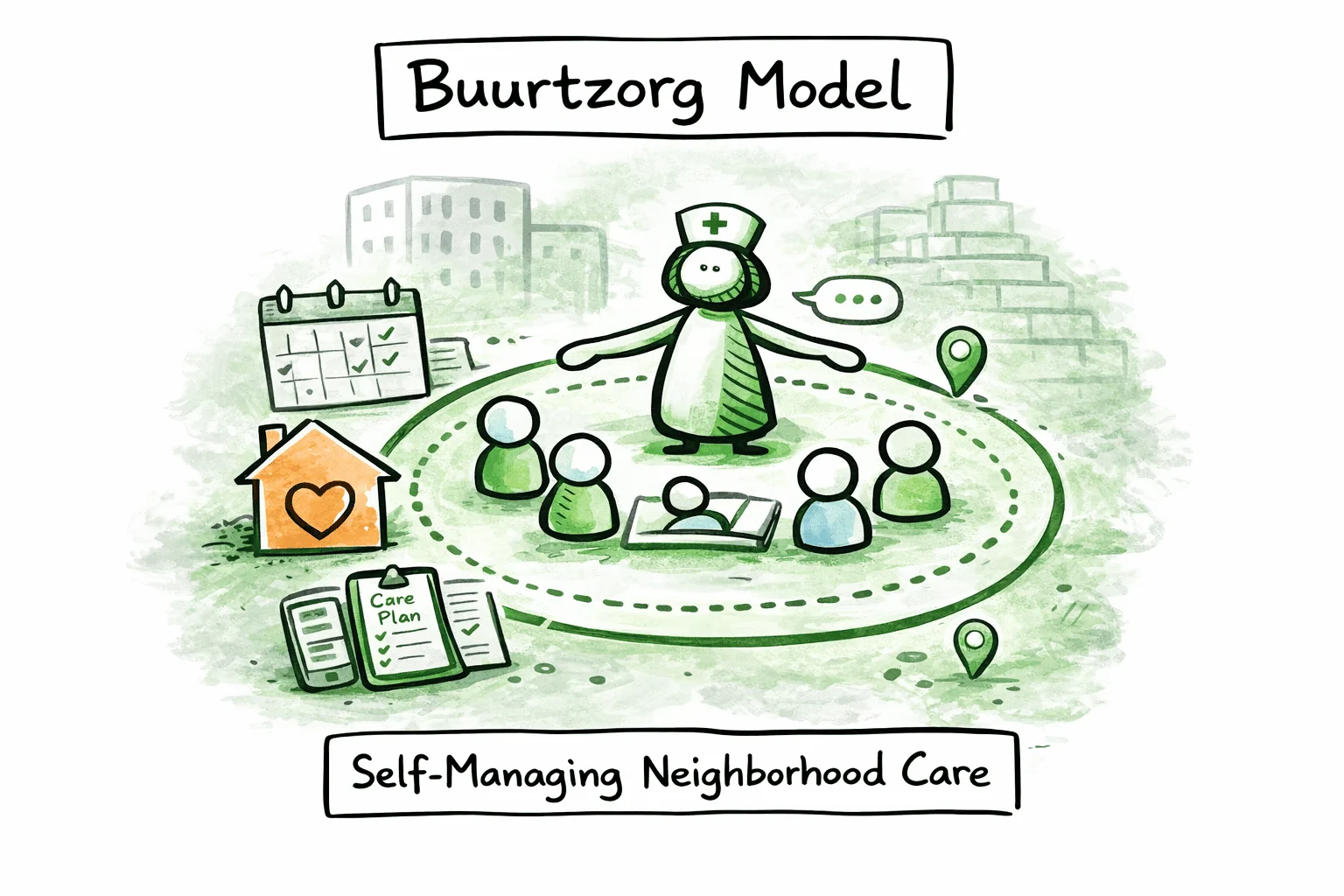
In 2006, a Dutch community nurse named Jos de Blok had a problem. The healthcare system he worked in had become so layered with management, so fragmented by specialization, and so driven by billable minutes that the actual care, the human relationship between nurse and patient, had been buried under bureaucracy. Nurses spent more time on paperwork and protocols than on the people they were supposed to help.
De Blok's solution was radical in its simplicity: start a nursing organization with no managers. Give small teams of nurses full responsibility for their patients and their operations. Trust them to figure it out.
He started with four nurses in the small city of Almelo. Within a decade, Buurtzorg had grown to over 10,000 nurses in more than 850 self-managing teams across the Netherlands. It achieved the highest employee satisfaction scores in the country. Ernst & Young found it delivered care at 40% lower cost than traditional organizations. Its overhead was 8%, compared to an industry average of 25%. The model has since been adopted in 25 countries.
Buurtzorg did not succeed despite lacking middle management. It succeeded because of it. The layers of coordination, approval, and oversight that conventional organizations treat as necessary infrastructure. Buurtzorg proved they were the problem, not the solution.
This guide explains what the Buurtzorg model is, how its self-managing teams work in practice, what replaces the management layer, and what organizations in any industry can learn from it.
## What Is the Buurtzorg Model?
Buurtzorg (Dutch for "neighborhood care") is a home care organization built on two intertwined strategies: holistic, person-centered nursing and self-managing teams as the basic organizational unit.
The model's core structure is straightforward. Teams of up to 12 nurses serve a defined neighborhood. Each team handles its own scheduling, client intake, hiring, quality monitoring, budgeting, and administration. There are no managers overseeing these teams. No supervisors reviewing their decisions. No middle management layer translating directives from the top into tasks at the bottom.
Instead, Buurtzorg provides a lean support infrastructure: a purpose-built ICT platform called BuurtzorgWeb, a small group of regional coaches who advise (but do not direct) teams, and a back office of roughly 50 people supporting the entire organization of 10,000+ staff.
The result is an organization that is simultaneously decentralized in its operations and unified in its purpose. Every team operates independently, but all teams share the same philosophy, the same tools, and the same approach to care.
Frederic Laloux featured Buurtzorg prominently in his 2014 book *Reinventing Organizations* as one of the leading examples of a "Teal" organization, one characterized by self-management, wholeness, and evolutionary purpose. A 2024 paper in the *Journal of Organization Design* examined how Buurtzorg scaled to hundreds of self-managing teams without middle managers, concluding that its success depends on specific supportive structures rather than the absence of hierarchy alone.
## Core Principles
The Buurtzorg model rests on a small number of principles that reinforce each other. None of them works in isolation.
### Humanity over bureaucracy
This is the phrase most associated with Buurtzorg, and it means exactly what it says. When a choice arises between following a protocol and doing what is right for a patient, the patient wins. When a process exists primarily to satisfy administrative requirements rather than improve care, the process gets removed.
This is not a vague aspiration. It is a structural commitment. Buurtzorg keeps its overhead at 8% specifically so that resources flow to patient care rather than to management infrastructure. The organization's administrative burden on nurses is deliberately minimized, not through efficiency programs layered on top of existing bureaucracy, but by eliminating the bureaucracy that created the burden in the first place.
### Self-managing teams as the basic unit
The team is the fundamental building block of Buurtzorg. Not the individual nurse. Not the regional division. Not the department. The team.
Each team is a complete operational unit. It does not depend on a manager to set priorities, allocate work, or resolve internal issues. The team handles all of this itself, using structured processes for decision-making and problem-solving. This is what distinguishes Buurtzorg from organizations that call their teams "self-directed" but still route all significant decisions through a management chain.
### Holistic, person-centered care
Buurtzorg rejects the fragmentation of care into discrete tasks assigned to different specialists. In the traditional Dutch home care model, the one Buurtzorg was created in reaction to, patient care was broken into standardized activities: wound care, medication administration, bathing assistance. Each activity was assigned to the lowest-cost worker qualified to perform it. Nurses became task executors rather than caregivers.
Buurtzorg takes the opposite approach. A small, stable team of nurses builds a relationship with each patient. They assess the whole person: medical needs, social context, family situation, community resources. The goal is not to maximize billable hours but to help patients become as independent as possible, as quickly as possible. This means involving family members, connecting patients with community networks, and coordinating with general practitioners, all things that are difficult to do when care is fragmented across rotating specialists.
### Simplicity in organizational structure
Buurtzorg's organizational chart is almost absurdly simple. There are self-managing teams. There is a small support structure. There is Jos de Blok. That is essentially it.
This simplicity is not accidental. Every layer of management adds cost, slows decisions, and creates distance between the people doing the work and the people receiving it. Buurtzorg's position is that most of what management layers do (coordinate, translate, approve, monitor) becomes unnecessary when teams are small, autonomous, and directly accountable for their work.
### Trust over control
Traditional management structures are built on the assumption that people need to be supervised, measured, and incentivized to do good work. Buurtzorg operates on the opposite assumption: given the right conditions (small teams, clear purpose, adequate support, professional autonomy) people will self-organize effectively.
This trust is not blind. Teams have access to transparent performance data. They can see how they compare to other teams on key metrics. Coaches are available when teams struggle. But the default is trust, not control. There are no time-tracking systems monitoring individual nurse productivity. No performance reviews conducted by managers. No targets imposed from above.
## How Self-Managing Teams Work at Buurtzorg
The phrase "self-managing" is used loosely in many organizations. At Buurtzorg, it has specific, concrete meaning.
### Team size: the 12-person rule
Buurtzorg teams are capped at approximately 12 members. This is not arbitrary. Research on group dynamics consistently shows that small groups can self-organize effectively, while larger groups require formal coordination structures. At 12 people, everyone knows everyone. Communication is direct. Consensus is achievable. Social accountability is natural: when your team is small enough that everyone knows your work, the incentive to contribute is built into the social fabric rather than imposed by a supervisor.
When a team grows beyond 12, it splits into two teams. This is treated as a natural, positive development, a sign that the team is successful and its neighborhood needs more capacity, not as a disruption.
### What teams own
Buurtzorg teams do not just own their nursing tasks. They own their operations:
- **Client intake**: the team decides which new clients to accept and how to allocate care.
- **Scheduling**: nurses coordinate their own schedules, balancing patient needs with personal availability.
- **Hiring**: when the team needs a new member, the team recruits, interviews, and selects the person. There is no HR department making the decision.
- **Firing**: if a team member is not performing, the team addresses it directly. Dismissal, when necessary, is a team decision reached through a structured process.
- **Quality**: teams monitor their own care quality and client satisfaction.
- **Budget**: teams manage their own budgets within Buurtzorg's overall financial framework.
- **Administration**: teams handle their own paperwork, billing, and reporting.
This scope of ownership is what makes Buurtzorg's self-management substantive rather than cosmetic. The team is not "empowered" to make suggestions that a manager then approves. The team makes the actual decisions.
### Decision-making by consensus
Buurtzorg teams make decisions by consensus. This means the team discusses issues until everyone can support the decision, not necessarily that everyone considers it the ideal option, but that no one has a fundamental objection.
In practice, this works because teams are small and share a common professional background. Twelve nurses discussing patient care or scheduling do not need an elaborate governance framework to reach agreement. The shared context of nursing practice, combined with the intimacy of a small team, makes consensus achievable in most situations.
When consensus cannot be reached, the team can escalate to a regional coach for facilitation. But the coach does not make the decision. The team does.
### The seven team roles
Corporate Rebels documented seven distinct roles that Buurtzorg teams distribute among their members. These are not hierarchical positions; they are functional responsibilities that team members take on alongside their primary nursing work:
1. **Main role**: the core nursing function that every team member performs. This is the shared professional identity that binds the team together.
2. **Housekeeper**: responsible for the team's physical workspace, equipment, and supplies. Keeps the practical infrastructure running.
3. **Informer**: manages internal communication within the team and external communication with the broader Buurtzorg network. Ensures information flows in both directions.
4. **Developer**: focuses on the team's professional development: identifying training needs, organizing learning opportunities, and keeping the team's clinical knowledge current.
5. **Planner**: coordinates scheduling, balancing patient needs with team members' availability and workload.
6. **Team player**: monitors team dynamics, facilitates collaboration, and addresses interpersonal issues before they become conflicts. This role is essentially the team's social health monitor.
7. **Mentor**: supports new team members during onboarding and provides ongoing guidance. Ensures that Buurtzorg's culture and practices are transmitted to new nurses joining the team.
These roles rotate. The expectation is that team members take on roles that interest them, but all roles need to be filled, and rotation prevents any single person from accumulating informal authority. This role distribution is one of the practical mechanisms that makes self-management work. It distributes leadership rather than concentrating it.
### When teams split
Growth at Buurtzorg happens through cell division, not expansion. When a team's caseload exceeds what 12 people can handle, the team splits. The original team typically divides its client base geographically, with each new team taking responsibility for a portion of the neighborhood.
The splitting process is managed by the teams themselves, sometimes with support from a regional coach. Both new teams start with experienced members who carry the culture and practices forward. This organic growth model is how Buurtzorg scaled from 4 nurses to over 10,000 without adding management layers. Each new team is a fully autonomous unit from the moment it forms.
### Conflict resolution without managers
When conflicts arise within a team, and they do, Buurtzorg has a structured escalation process. All nurses receive training in Nonviolent Communication and conflict resolution techniques as part of their onboarding.
The process follows a clear sequence:
1. **Direct resolution**: team members involved in the conflict attempt to resolve it between themselves.
2. **Team mediation**: if direct resolution fails, the full team discusses the issue and works toward a solution.
3. **Coach involvement**: if the team cannot resolve the conflict, they can invite a regional coach or external facilitator to mediate.
4. **Founder mediation**: in rare cases where no resolution is found, team members can ask Jos de Blok himself to mediate.
5. **Separation**: if all mediation fails, the team and the individual may agree to part ways.
In most cases, resolution happens at the first or second step. The process works because the team, not a manager, owns the outcome. There is no authority figure to appeal to, no HR department to file a complaint with. The team must work through its own issues, which creates both the motivation and the capability to do so.
## The Support Infrastructure
If there are no managers, what replaces them? This is the question most people ask about Buurtzorg, and the answer reveals why the model works. Buurtzorg did not remove management and leave a vacuum. It replaced management with three support structures that serve teams without directing them.
### BuurtzorgWeb
BuurtzorgWeb is Buurtzorg's purpose-built ICT platform. It is not an off-the-shelf EHR system adapted for self-managing teams. It was designed from the ground up to support the Buurtzorg way of working.
The platform handles:
- **Care planning and documentation**: nurses record patient assessments, care plans, and progress notes directly in the system.
- **Scheduling and coordination**: teams manage their schedules through the platform, making workload distribution visible to all team members.
- **Financial management**: teams can see their revenue, costs, and performance metrics in real time.
- **Communication**: BuurtzorgWeb connects all teams in a shared network, enabling knowledge sharing and peer support across the organization.
- **Benchmarking**: teams can compare their performance (client satisfaction, cost per client, hours of care delivered) against other teams.
BuurtzorgWeb is critical to understanding how Buurtzorg works at scale. Self-managing teams need information to make decisions. In a traditional organization, managers serve as information intermediaries, filtering, interpreting, and distributing data to the people below them. BuurtzorgWeb eliminates this intermediary by giving teams direct access to the information they need. The platform replaces the information function of management without replicating the control function.
Over 30 organizations in the Netherlands that have adopted the Buurtzorg model also use BuurtzorgWeb, and in all cases they have reported improved care quality, higher productivity, and reduced administration.
### Regional coaches
Buurtzorg employs approximately 20 coaches, each supporting 40 to 50 teams. The coaches are not managers. They have no authority over the teams they support. They cannot make decisions for teams, override team decisions, or evaluate individual team members.
What coaches do:
- **Facilitate**: help teams work through difficult situations: conflicts, performance issues, team dynamics.
- **Advise**: offer perspectives based on their experience with other teams facing similar challenges.
- **Connect**: link teams that could learn from each other or collaborate on shared problems.
- **Onboard**: support newly formed teams in establishing their practices and team dynamics.
The critical distinction is that teams can ignore their coach's advice. A coach may suggest a particular approach to a scheduling problem, and the team is free to do something entirely different. This is not a semantic distinction; it is the structural boundary that prevents coaching from drifting into management.
### The back office
Buurtzorg's back office consists of roughly 50 people supporting the entire organization. For context, a traditional home care organization of comparable size in the Netherlands would typically have hundreds of people in administrative and management functions, contributing to overhead rates of 25% or more.
The back office handles functions that genuinely require centralization: legal compliance, financial reporting, insurance contracts, IT infrastructure, and organizational-level administration. Everything that can be handled by teams, and at Buurtzorg, that is almost everything, stays with teams.
### Jos de Blok's role
De Blok occupies an unusual position. He is the founder and CEO, but he does not manage in any conventional sense. He does not make operational decisions for teams. He does not review team performance. He does not approve hiring decisions.
His role is closer to organizational steward: maintaining the Buurtzorg philosophy, representing the organization externally, and being accessible to teams that need him, including as a last-resort mediator for unresolved conflicts. De Blok is known for responding personally to messages from nurses, maintaining a direct connection with the organization's frontline that most CEOs of 10,000-person organizations would find impractical.
This accessibility is intentional. It creates a direct feedback channel between the organization's purpose (as articulated by its founder) and the teams that deliver on it, bypassing the information filtering that management layers typically introduce.
## Results and Impact
Buurtzorg's results are well-documented and independently verified.
### Cost efficiency
Ernst & Young estimated that the Dutch healthcare system would save 40% on home care costs if all care were provided using the Buurtzorg model. A KPMG study commissioned by the Dutch Ministry of Health, Welfare, and Sport confirmed that Buurtzorg delivers care using fewer hours per client than the industry average while achieving better health outcomes.
The 8% overhead rate, compared to the 25% industry average, means that 92 cents of every euro goes to patient care rather than to management, administration, and coordination.
### Employee satisfaction
Buurtzorg has been named Best Employer in the Netherlands in four out of five years surveyed. In a sector notorious for burnout and staff shortages, this is significant. According to KPMG's 2015 study, Buurtzorg had the most satisfied workforce of any Dutch company with more than 1,000 employees.
The satisfaction is not incidental. It is structural. Nurses at Buurtzorg have professional autonomy, direct patient relationships, manageable caseloads, and team-level control over their working conditions. These are the factors that research consistently links to professional satisfaction, and they are precisely the factors that traditional healthcare management structures erode.
### Patient outcomes
Buurtzorg clients regain autonomy more quickly, have fewer emergency hospital admissions, and experience shorter hospital stays when admitted. The holistic, relationship-based care model produces better outcomes not because the nurses are more skilled (they hold the same qualifications as nurses elsewhere in the Dutch system) but because the organizational structure allows them to practice nursing the way the profession was designed to work.
### Growth
Buurtzorg grew from 4 nurses in 2006 to over 10,000 nurses and nurse assistants by 2020, organized in more than 850 self-managing teams. This growth happened organically, through teams splitting as neighborhoods demanded more care, without adding management layers.
### International adoption
Buurtzorg International now operates or has inspired adaptations in 25 countries. The model has been applied in Japan, Sweden, the United Kingdom, India, China, the United States, and across Europe and Asia. The international implementations vary in their fidelity to the original model, but all share the core principles: small self-managing teams, holistic care, and minimal hierarchy.
## The Buurtzorg Model vs Other Organizational Frameworks
Buurtzorg exists within a broader landscape of frameworks that challenge traditional hierarchy. Understanding where it sits in relation to other models clarifies what makes it distinctive and what it shares with different approaches.
| Dimension | Traditional Hierarchy | Buurtzorg | Holacracy | Sociocracy | RenDanHeYi | Beta Codex / Peach | DSO (Bayer) | Spotify Model |
|---|---|---|---|---|---|---|---|---|
| **Authority structure** | Top-down chain of command | No management layer; team autonomy | Distributed to roles and circles | Distributed through consent governance | Distributed to autonomous microenterprises | Decentralized center-periphery network | Distributed to empowered teams | Squads, tribes, chapters |
| **Basic unit** | Department/division | Self-managing team (max 12) | Circle with defined roles | Circle with double-linking | Microenterprise (10-15 people) | Autonomous cell at periphery | Autonomous team (6-10 people) | Squad (cross-functional team) |
| **Decision-making** | Manager approval | Consensus within team | Integrative decision-making | Consent (no reasoned objections) | ME autonomy with P&L accountability | Local decision by those closest to work | Team-level with coaching support | Squad-level autonomy |
| **Management layers** | Multiple (5-12 typical) | Zero | Minimal (circle nesting) | Minimal (circle nesting) | Zero (between MEs) | Minimal (center serves periphery) | Reduced ~50% (6-7 layers) | Minimal (chapter leads) |
| **Support structure** | HR, middle management, admin | BuurtzorgWeb, coaches, ~50 back office | Lead Links, Rep Links, Secretary | Double-linking, Facilitator, Secretary | Platform functions | Center serves periphery cells | VACC coaches, 90-day cycles | Chapters, guilds |
| **Scale tested** | Any scale | 10,000+ employees, 850+ teams | Hundreds to low thousands | Hundreds to low thousands | 80,000+ employees | Varies | 100,000+ employees | Thousands (Spotify-specific) |
| **Industry focus** | Any | Healthcare (primarily) | Any (governance-focused) | Any (governance-focused) | Manufacturing, consumer goods | Any (principles-based) | Pharma, agriculture, materials | Technology |
| **Formality** | High (policies, procedures) | Low (principles, trust) | Very high (written constitution) | Moderate (principles-based) | Moderate (market discipline) | Low (network principles) | Moderate (cycle-based) | Moderate (model-specific) |
### What Buurtzorg shares with other models
Every framework in this comparison distributes authority away from a central hierarchy. All of them recognize that small, autonomous teams outperform large departments managed from above. Buurtzorg shares with [Beta Codex](/blog/beta-codex-peach-model-guide) a commitment to simplicity and a rejection of bureaucratic overhead. It shares with [RenDanHeYi](/blog/rendanheyi-model-guide) the principle that people closest to the work should make the decisions. It shares with [sociocracy](/blog/sociocracy-guide-principles-practices) a Dutch origin and an emphasis on consent-like decision-making.
### What makes Buurtzorg distinctive
Several elements set Buurtzorg apart:
- **No formal governance framework.** Unlike [holacracy](/blog/holacracy-tools-practices-guide), which distributes authority through a written constitution and structured governance meetings, Buurtzorg relies on informal consensus within teams. There is no constitution, no defined governance process, no integrative decision-making protocol. The framework is the team itself.
- **Zero management layers, literally.** [Bayer's DSO](/blog/dynamic-shared-ownership-bayer-guide) reduced layers from 12 to 6-7. Buurtzorg has zero. There is no management function between the teams and the founder. This is more radical than flattening a hierarchy; it is removing the hierarchy entirely.
- **Single-profession teams.** Most self-management models organize cross-functional teams. Buurtzorg teams are composed entirely of nurses. The shared professional identity creates a natural foundation for self-management that cross-functional teams must build deliberately.
- **Trust-based rather than metric-based.** RenDanHeYi holds microenterprises accountable through P&L metrics. Buurtzorg makes performance data transparent but does not use it as a control mechanism. The data informs teams; it does not evaluate them.
## What Any Organization Can Learn
Not every organization can replicate the Buurtzorg model. Most organizations are not composed of a single profession delivering neighborhood-based services. But several of Buurtzorg's principles transfer across industries and contexts.
### Small teams outperform large departments
Buurtzorg's 12-person cap is not specific to nursing. It reflects a general principle of group dynamics: small teams communicate more efficiently, build stronger trust, and self-organize more naturally than large ones. Whether you are organizing software engineers, consultants, or manufacturing workers, the evidence points in the same direction. When teams grow too large, they need managers to coordinate. When they stay small, they coordinate themselves.
### Support infrastructure replaces management layers
The question is not "do we need management?" but "what functions does management serve, and can we serve those functions differently?" At Buurtzorg, the answer was: information access (BuurtzorgWeb), facilitation and advice (coaches), and centralized administration (a lean back office). Each of these serves the teams rather than controlling them. Most organizations could identify which management functions genuinely require a hierarchical relationship and which could be restructured as support services.
### Trust as an operating principle, not a value statement
Many organizations list "trust" as a corporate value. Buurtzorg operationalizes it. No time tracking. No individual performance reviews. No approval chains. No managerial oversight of team decisions. Trust at Buurtzorg is not something leadership says it believes in; it is something the organizational structure enforces by making control mechanisms structurally impossible.
The difference matters. Saying "we trust our teams" while retaining approval processes for every significant decision sends a contradictory signal. Buurtzorg's approach is coherent: if you trust teams, remove the structures that communicate distrust.
### Technology enables self-management at scale
BuurtzorgWeb is often underestimated in analyzes of the Buurtzorg model. Without it, self-managing teams at scale would be flying blind, making decisions without access to the information that managers in traditional organizations provide. The platform does not manage teams. It equips them.
Any organization moving toward self-management needs to answer the question: how will teams get the information they need to make decisions without a manager filtering and interpreting it for them? The answer is almost always a technology platform that makes operational, financial, and performance data directly accessible.
### Simplicity compounds
Buurtzorg's 8% overhead is not the result of an efficiency program. It is the structural consequence of not having management layers. Every manager who is not hired, every coordination meeting that does not need to happen, every report that does not need to be written. These savings compound. Simplicity in organizational structure is not just an aesthetic preference. It is a financial and operational strategy.
## Implementing Buurtzorg-Inspired Practices
Adopting the full Buurtzorg model requires specific conditions: a service-based industry, professionals with shared training, a geographic delivery model. But organizations in any sector can adopt elements of the approach.
### Start with team size
If your teams have more than 12-15 people, consider splitting them. This is the lowest-risk, highest-impact change most organizations can make. Smaller teams do not need as much management coordination, which creates space for greater autonomy without a wholesale structural change.
### Define what teams own: not just tasks, but governance
Self-management is hollow if teams only control how they execute tasks that someone else assigns. Look at what Buurtzorg teams own: scheduling, hiring, firing, budget, quality, client intake. Ask which of these your teams could own. Start with the functions where team-level decision-making would clearly produce better outcomes than centralized decision-making.
For a deeper look at how to shift from job descriptions to role-based ownership, see the guide on [role-based governance](/blog/how-to-implement-role-based-governance).
### Replace managers with coaches
This does not mean renaming manager positions as "coach" and leaving the authority structure unchanged. It means creating a role where the coach genuinely has no decision-making authority over the teams they support. The coach advises. The team decides. If your "coaches" can still approve budgets, override team decisions, or conduct performance reviews, the label has changed but the structure has not.
### Build the information infrastructure
Before you remove management layers, ensure that teams have direct access to the information managers currently provide. This means dashboards for operational metrics, transparent financial data, benchmarking against peer teams, and communication channels that connect teams across the organization. Without this infrastructure, removing managers just removes information access.
### Make the structure visible
As organizations move toward self-management, the structure becomes harder to see. Traditional hierarchies are easy to draw on an org chart. Networks of autonomous teams are not. Making the structure visible (who is on which team, what each team is responsible for, how teams relate to each other) is essential for coordination, onboarding, and organizational coherence.
This is one of the areas where [dynamic organizational mapping](/blog/dynamic-org-charts-vs-static-org-charts) matters most. Static org charts updated quarterly cannot represent an organization where teams split, roles rotate, and responsibilities shift continuously. The map needs to be a living document that reflects the organization as it actually is, not as it was three months ago. Tools like [Peerdom](https://peerdom.org/new) support this kind of real-time organizational visibility across any structural model, whether you are implementing Buurtzorg-inspired teams, holacratic circles, or a hybrid approach.
## Frequently Asked Questions
**Can the Buurtzorg model work outside healthcare?**
The full Buurtzorg model, neighborhood-based teams of nurses delivering holistic care, is specific to healthcare. But the underlying principles transfer broadly. Small self-managing teams, lean support infrastructure, trust-based governance, and technology-enabled transparency are applicable in consulting, education, social services, software development, and many other fields. The question is not whether to copy Buurtzorg's structure, but which of its principles address your organization's specific challenges. Organizations in any sector can benefit from the [self-management practices](/blog/self-management-software-guide) that Buurtzorg helped pioneer.
**How do self-managing teams handle conflict?**
Buurtzorg uses a structured escalation process. First, team members attempt direct resolution between themselves. If that fails, the full team discusses the issue. If the team cannot resolve it, they bring in a regional coach or external facilitator. As a last resort, Jos de Blok himself mediates. All Buurtzorg nurses receive training in Nonviolent Communication and conflict resolution techniques during onboarding. In practice, most conflicts are resolved within the first two steps, because the small team size and shared professional context create both the motivation and the conditions for direct resolution.
**What is BuurtzorgWeb?**
BuurtzorgWeb is Buurtzorg's purpose-built ICT platform that supports teams in care delivery, teamwork, communication, and administration. It handles care planning, scheduling, financial management, and inter-team communication. It connects all teams in a single network and provides benchmarking data so teams can compare their performance with peers. The platform was designed specifically to support self-managing teams, replacing the information-intermediary function of managers with direct data access. Over 30 organizations in the Netherlands that have adopted the Buurtzorg model also use BuurtzorgWeb.
**How does Buurtzorg handle performance issues?**
Performance issues are addressed at the team level, not by management. If a team member is underperforming, the team raises the issue directly, initially in one-on-one conversations, then in team discussions if needed. The team can set expectations, offer support, or ultimately decide that the person is not a fit. If the situation escalates beyond the team's ability to resolve, regional coaches can facilitate. The absence of managers does not mean the absence of accountability; it means accountability is peer-based rather than hierarchical.
**What is the role of regional coaches at Buurtzorg?**
Regional coaches are advisors, not managers. Each coach supports approximately 40 to 50 teams. They help teams navigate difficult situations (conflicts, team dynamics challenges, operational issues) and connect teams that could learn from each other. The defining characteristic of their role is that they have no authority over the teams they support. Teams can and do ignore their advice. Coaches facilitate and suggest; they do not direct or decide.
**How many countries use the Buurtzorg model?**
Buurtzorg International has supported implementations in 25 countries, including Japan, Sweden, the United Kingdom, India, China, the United States, and several countries across Europe and Asia. The implementations vary in their adherence to the original model. Some are direct adaptations, while others apply selected principles within different healthcare systems. The model's international spread demonstrates that its core principles are not culturally specific to the Netherlands, though the specific implementation details vary based on local healthcare regulations and cultural context.
**Is the Buurtzorg model a Teal organization?**
Frederic Laloux featured Buurtzorg as one of the primary case studies in *Reinventing Organizations* (2014), identifying it as an example of a Teal organization, one characterized by self-management, wholeness, and evolutionary purpose. Buurtzorg exemplifies all three: its self-managing teams operate without hierarchy, its culture values the whole person (nurse and patient alike), and its purpose evolves through the collective intelligence of its teams rather than through top-down strategic planning. Whether the "Teal" label is useful depends on your perspective, but the organizational characteristics Laloux identified are real and measurable.
**How does Buurtzorg's model compare to holacracy or sociocracy?**
All three models distribute authority away from traditional hierarchy, but they differ in mechanism and emphasis. [Holacracy](/blog/holacracy-tools-practices-guide) distributes governance through a formal constitution, structured meetings, and defined roles. [Sociocracy](/blog/sociocracy-guide-principles-practices) uses consent-based decision-making and double-linking between circles. Buurtzorg uses informal consensus within small teams with no formal governance framework at all. Holacracy and sociocracy are governance systems that can be adopted by any organization. Buurtzorg is an organizational model that emerged from a specific industry context but whose principles, particularly around team size, support infrastructure, and trust, apply more broadly.
## Start mapping your organization
Whether you are exploring Buurtzorg-inspired self-management, implementing [holacracy](/blog/holacracy-tools-practices-guide), adopting [sociocracy](/blog/sociocracy-guide-principles-practices), studying [Beta Codex](/blog/beta-codex-peach-model-guide), or building a hybrid model, the first step is the same: make the structure visible.
- **[Start mapping for free](https://peerdom.org/new)**: Peerdom supports self-managing teams, holacratic circles, traditional hierarchies, and everything in between.
- **[Browse templates](/discover)**: explore pre-built structures for various organizational models.
- Not sure where to start? **[Book a demo](https://outlook.office.com/book/PeerdomDemo@peerdom.org/)** and we will walk through how your organization's structure maps to the model you are exploring.
- Learn how other frameworks approach distributed authority: [RenDanHeYi](/blog/rendanheyi-model-guide), [Dynamic Shared Ownership](/blog/dynamic-shared-ownership-bayer-guide), or the [complete guide to organizational change management](/blog/complete-guide-organizational-change-management).
--------------------------------------------------------------------------------
title: "Visualizing the Rendanheyi Model with Peerdom"
description: "See how Peerdom helps organizations adopt the Rendanheyi model. Visualize microenterprises, networks, and accountabilities with living maps."
last_updated: "2026-01-15"
source: "https://peerdom.com/blog/tools-for-rendenheyi"
--------------------------------------------------------------------------------
# Visualizing the Rendanheyi Model with Peerdom
## How Peerdom Visualizes the Rendanheyi Organizational Model
### Making microenterprise networks visible and actionable
The Rendanheyi model, pioneered by Haier and adopted by organizations worldwide, has become a reference point for those exploring **decentralized, networked, and customer-centric structures**. Its principles of autonomy, microenterprises, and direct connection to customer value challenge traditional hierarchies. This organizational model offers a compelling vision for agile, market-driven organizations.
But here’s the catch: while the Rendanheyi model promises flexibility and empowerment, most organizations still rely on outdated **org charts** or rigid HR systems that were never designed to support distributed, microenterprise-based structures. The result? The spirit of Rendanheyi often collides with tools built for pyramids.
This is exactly where **Peerdom** comes in. Sometimes called the *Google Maps of the workplace*, Peerdom provides **living, dynamic maps** that make organizational complexity transparent, and transformation practical.
## What is the Rendanheyi Model?
Originating at Haier, one of the world’s most innovative companies, the Rendanheyi model replaces centralized hierarchy with **networks of autonomous microenterprises**. Each unit is directly accountable to customers and empowered to make decisions that generate value.
Key principles include:
- **Decentralization**: pushing authority to the edges.
- **Microenterprises**: small, entrepreneurial units that operate like startups.
- **Value creation**: linking employee efforts directly to customer needs.
- **Ecosystem building**: organizations as interconnected platforms, not silos.
While inspiring, these principles are also **difficult to operationalize** without tools that can visualize and coordinate this complexity.
## Why Visualization Matters
Think of a traditional org chart: rigid boxes and reporting lines. It might capture structure, but it doesn’t show **collaborations, shared responsibilities, or resource flows**. In a Rendanheyi-style organization, these connections matter more than the reporting lines themselves.
That’s why organizations experimenting with Rendanheyi, or hybrid approaches mixing it with agile or holacracy, need a new way to **see themselves**. A living map that adapts as people, roles, and networks evolve.
---
## How Peerdom Supports Rendanheyi
Peerdom offers exactly this kind of **dynamic, real-time organizational mapping**. Instead of static charts, you get an intuitive, explorable map where every role, accountability, and connection is visible. Here’s how it aligns with Rendanheyi principles:
### 1. Microenterprise Networks Made Visible
With Peerdom’s **Network App**, organizations can map microenterprises and show how they relate to each other. Dependencies, collaborations, and exchanges between units are visible at a glance.
### 2. Hybrid-Friendly Structures
Unlike tools locked into a single methodology, Peerdom is **agnostic**. This means you can adopt Rendanheyi in one part of the organization while other teams use agile, [holacracy](/blog/holacracy-tools-practices-guide), or more traditional structures, all within the same platform.
### 3. Empowerment Through Transparency
By clearly showing **who is accountable for what**, Peerdom reduces confusion, silos, and dependency on managers. This empowers microenterprises to act with confidence.
### 4. Adaptability for Transformation
Peerdom helps organizations in moments of change: scaling, mergers, or restructuring. It makes complexity transparent so transformation can happen faster and with less friction.
## Peerdom at the Rendanheyi Forum 2023
In 2023, Peerdom was invited to present at the **Rendanheyi Forum**, where global practitioners share experiences and tools that bring the model to life.
We prepared a short video demo that introduces Peerdom’s main features and shows how the platform can **visualize a network of microenterprises** within the Rendanheyi model.
**Watch the demo here:** [Peerdom at the Rendanheyi Forum 2023](https://youtu.be/tf-AVWBJ_q0)
## Benefits of Using Peerdom for Rendanheyi
Organizations exploring or implementing the Rendanheyi model can benefit from Peerdom in several ways:
- **Clarity of roles and accountabilities** → every microenterprise knows its purpose.
- **Enhanced collaboration** → see dependencies and avoid hidden silos.
- **Faster onboarding** → new members quickly understand where they fit.
- **Evidence-based insights** → Peerdom’s analytics highlight bottlenecks and opportunities.
- **Scalability** → from small pilots to networks of thousands, the map grows with you.
In short: Peerdom helps Rendanheyi go from **concept to practice**.
## Beyond Rendanheyi
While the Rendanheyi model is a natural fit, Peerdom also supports organizations going through:
- **Mergers & acquisitions** (bringing clarity across two merging structures).
- **Scaling & hypergrowth** (making roles and responsibilities visible as teams expand).
- **Certifications (ISO, B-Corp)** (proving accountability and structure).
Today, Peerdom serves organizations as diverse as Bayer, Greenpeace, the Swiss Army, and Albert Heijn. What unites them is a need to **make complex organizations navigable, transparent, and engaging**.
## Conclusion: From Principles to Practice
The Rendanheyi model offers a compelling vision of decentralized, value-driven organizations. But vision alone is not enough. Without the right tools, complexity can overwhelm even the most enthusiastic teams.
Peerdom bridges that gap. By making microenterprise networks visible, navigable, and adaptive, it turns the spirit of Rendanheyi into a **practical, daily reality**.
If you're exploring Rendanheyi or other decentralized models, Peerdom offers a map to guide the journey. For a deeper dive into the model's origins, principles, and implementation strategies, read our [complete guide to the Rendanheyi model](/blog/rendanheyi-model-guide).
- **Watch the demo from the Rendanheyi Forum 2023**: [https://youtu.be/tf-AVWBJ_q0](https://youtu.be/tf-AVWBJ_q0)
- **Learn more about Peerdom**: [https://peerdom.com](https://peerdom.com)
--------------------------------------------------------------------------------
title: "RenDanHeYi: Haier's Organizational Model Explained"
description: "How a Chinese appliance manufacturer became the world's most radical management experiment, and what the RenDanHeYi model means for the future of organizational design."
last_updated: "2026-01-09"
source: "https://peerdom.com/blog/rendanheyi-model-guide"
--------------------------------------------------------------------------------
# RenDanHeYi: Haier's Organizational Model Explained
In 2005, the CEO of a Chinese appliance manufacturer made an announcement that would have sounded absurd at any Fortune 500 board meeting: he was going to eliminate all middle management, break the company into thousands of tiny entrepreneurial units, and let every employee act as their own CEO.
The company was Haier. With over 80,000 employees and more than $35 billion in annual revenue, it is today the world's largest appliance manufacturer. The organizational model that CEO Zhang Ruimin introduced, RenDanHeYi, has since become one of the most studied, most debated, and most radical management experiments in business history.
What makes RenDanHeYi remarkable is not just its ambition. It is the fact that it actually works. At scale. Across cultures. For two decades. While most management innovations remain theoretical or collapse under the weight of real-world complexity, RenDanHeYi has been stress-tested at a scale few organizational models have ever faced.
This guide explains what RenDanHeYi is, how it works, where it came from, and what organizations of any size can learn from it, whether or not they plan to adopt the model wholesale.
## Origins: From Smashing Fridges to Smashing Hierarchy
The story of RenDanHeYi begins not with organizational theory, but with a sledgehammer.
In 1985, Zhang Ruimin had just been appointed to lead the Qingdao Refrigerator Factory, a struggling, nearly bankrupt state-owned enterprise. When a customer complained about a defective refrigerator, Zhang had every refrigerator in the warehouse inspected. Seventy-six were found to be defective.
What happened next became legend in Chinese business. Zhang ordered his workers to line up the 76 defective units and smash them with sledgehammers, in front of the entire factory. At the time, a single refrigerator cost roughly two years of a Chinese worker's salary. The message was unmistakable: quality is not negotiable.
That moment defined a leadership philosophy rooted in relentless customer focus. Over the following two decades, Zhang transformed the factory into Haier Group, a global manufacturing giant. But by the early 2000s, he recognized that even a well-run hierarchy could not keep pace with the speed of internet-era markets. The structure that had enabled Haier's growth was becoming the very thing that slowed it down.
Customers were changing faster than the organization could respond. Information passed through too many management layers before reaching the people who could act on it. Innovation was bottlenecked by approval chains. The distance between Haier's employees and Haier's users had grown too wide.
On September 20, 2005, Zhang introduced RenDanHeYi, a model designed to close that distance permanently. Two decades later, the model's influence earned Zhang the Thinkers50 Lifetime Achievement Award, the first business practitioner and the first Chinese recipient of what is widely considered the most prestigious recognition in management thinking. As Gary Hamel noted at the ceremony, Zhang was "the first to work on reinventing management" from the inside of a global enterprise.
## The Three Characters: What RenDanHeYi Means
The name RenDanHeYi comes from three Chinese concepts, each carrying weight that resists easy translation.
### Ren (人): People
Ren refers to the employees, the people within the organization. But in the context of RenDanHeYi, it carries a specific connotation: every person is a potential entrepreneur. Not a cog in a machine, not a resource to be managed, but an autonomous agent capable of creating value. The model assumes that people, when given the right structure and incentives, will self-organize around the problems that matter most.
### Dan (单): User Needs
Dan refers to the orders, the needs, the value demands of users. This is not "customer" in the abstract marketing sense. It is the concrete, specific, measurable value that a user requires. In Zhang Ruimin's framing, every employee must be able to identify whose needs they are serving and how their work creates value for those specific users. If you cannot draw a straight line from your work to a user's need, something is wrong with the structure.
### HeYi (合一): Integration
HeYi means merging, alignment, becoming one. It is the critical connective tissue of the model. HeYi is the principle that each employee's value should be directly reflected in the value they create for users. There is no separation between "doing your job" and "creating user value." They are the same thing.
Together, RenDanHeYi translates roughly as: "the integration of people with user value." Every person's contribution is measured by the value it creates for the user, not by the number of hours worked, the seniority held, or the approval of a manager.
## How RenDanHeYi Works
The operational mechanics of RenDanHeYi are as radical as the philosophy. Haier replaced its entire traditional hierarchy with a structure built on three components: microenterprises, ecosystems of micro-communities, and platform functions.
### Microenterprises (MEs)
The fundamental unit of a RenDanHeYi organization is the microenterprise. Haier operates approximately 4,000 of them. Each microenterprise consists of roughly 10 to 15 people, functions with full profit-and-loss responsibility, and exercises complete decision-making autonomy over three critical domains:
- **Strategy**: the ME decides what market to serve and how to serve it.
- **People and organization**: the ME hires, organizes, and manages its own team.
- **Rewards**: compensation within the ME is determined by the value generated for customers, not by hierarchical position or tenure. Haier calls this principle "Paid by Users," in contrast to the traditional model of "Paid by Enterprise," where salaries are set by posts and ranks, performance is evaluated by superiors, and employees execute commands from above. In a RenDanHeYi organization, value is evaluated by users, and income comes from value-added sharing.
These are known as the "three rights" of every microenterprise: the right to make independent decisions, the right to hire talent, and the right to distribute profit.
In Zhang Ruimin's phrase: "Everyone becomes their own CEO." This is not metaphorical. Each microenterprise operates as a small business within the larger Haier ecosystem, responsible for its own survival and growth. If a microenterprise does not create sufficient value for users, it does not receive resources. If it thrives, it grows.
The restructuring was not incremental. More than 80,000 employees were reorganized into over 4,000 microenterprises. Approximately 12,000 mid-level managers either started their own entrepreneurial ventures within the new structure or left the company. The entire management layer between the executive team and the frontline was eliminated, not through layoffs, but through a structural transformation that made the management function itself unnecessary.
### Ecosystems of Micro-Communities (EMCs)
When a single microenterprise cannot solve a complex problem alone, multiple MEs form temporary alliances called Ecosystems of Micro-Communities. These EMCs combine internal microenterprises with external partners (suppliers, research institutions, technology providers, even customers) to tackle challenges that require broader capabilities.
The critical characteristic of EMCs is that they are transient. They form around a specific objective and dissolve once that objective is achieved. They are not permanent departments or cross-functional committees. They are purpose-built coalitions that exist only as long as they create value.
EMCs are governed by EMC Contracts, agreements that stipulate the rights and responsibilities of each participating microenterprise. The contract starts with the EMC owner proposing user needs, the Shared Service Platform (SSP) setting bottom-line goals, and each ME member presenting their own plan for meeting those needs. The contract is dynamic: if a member cannot keep their promise or is not recognized by other members, they are dismissed from the EMC. If they exceed expectations, the entire EMC shares in the added value according to ratios agreed at formation. Unlike traditional inter-departmental agreements, EMC contract signatories are collectively responsible for the goals of the entire ecosystem, and any member can evaluate any other.
This is fundamentally different from traditional matrix organizations, where cross-functional teams become permanent fixtures with their own politics, budgets, and territorial instincts. EMCs have no institutional interest in perpetuating themselves.
### Platform Functions
What about the shared services that every organization needs (HR, finance, legal, IT)? In a RenDanHeYi organization, these exist as platform functions. They provide resources, infrastructure, and support to the microenterprises, but they do not control them.
The relationship is inverted from traditional hierarchy. In a conventional company, HR and finance often wield significant power over operating units through budget approval, hiring processes, and compliance requirements. In a RenDanHeYi structure, platform functions serve the microenterprises. They are support infrastructure, not command infrastructure.
## The Zero Distance Principle
At the philosophical heart of RenDanHeYi is what Zhang Ruimin calls "zero distance": the elimination of all gaps between the organization and its users.
In a traditional hierarchy, the distance between a customer's need and the organization's response is measured in management layers. A frontline employee observes a problem. They report it to their manager. The manager escalates it. It passes through a committee, a planning cycle, a budget approval. By the time the organization responds, the customer has moved on.
Zero distance means collapsing this chain entirely. The person who observes the need is the person empowered to act on it. There are no intermediaries, no approval chains, no information loss through managerial telephone games.
But zero distance goes beyond responsiveness. It redefines the relationship between the organization and its users:
**Users at the top of the hierarchy.** RenDanHeYi inverts the traditional pyramid. Instead of executives at the top making decisions that cascade downward, users sit at the organizational apex. Everything in the structure exists to serve their needs, and the people closest to users have the most authority to act.
**Users as co-creators.** In a zero-distance organization, users are not passive recipients of products or services. They actively shape what gets created. Microenterprises work directly with users to identify needs, test solutions, and iterate in real time. The boundary between "producer" and "consumer" becomes blurred.
**Real-time responsiveness.** Because decisions are made at the point of user contact, not mediated through management layers, the organization can respond at the speed of the market rather than the speed of its internal bureaucracy.
## RenDanHeYi in Practice
Theory is one thing. Execution at the scale of a global manufacturer with 80,000 employees is another. Several concrete examples illustrate how RenDanHeYi operates in the real world.
### The Internet of Food Ecosystem
One of the most frequently cited examples of RenDanHeYi in action is Haier's "Internet of Food" ecosystem. Rather than manufacturing refrigerators, a Haier microenterprise recognized that users did not just want cold storage. They wanted food experiences.
The microenterprise partnered with professional chefs, agricultural suppliers, logistics companies, and more than 14 other organizations to create an ecosystem around Peking duck. Users could order premium duck through their Haier smart refrigerator, receive preparation instructions from professional chefs, and access the entire supply chain from farm to table.
This could not have happened in a traditional hierarchy. No refrigerator division would have been authorized to partner with chefs and duck farms. No middle manager would have approved a budget for "food experiences." The microenterprise structure gave a small team the autonomy to see a user need, assemble an ecosystem, and deliver value that no single company could have created alone.
### Global Implementation
RenDanHeYi is not a China-only phenomenon. Haier has applied the model across its global operations, including GE Appliances (acquired in 2016), Fisher & Paykel (New Zealand), Candy (Italy), and operations across Asia, Europe, and the Americas.
When Haier acquired GE Appliances, an iconic American brand with deeply entrenched traditional management practices, observers expected a culture clash. Instead, Haier introduced microenterprise principles gradually, allowing GE Appliances' teams to experience the autonomy and user focus that RenDanHeYi provides. The result was a revitalization of the brand, with GE Appliances regaining market share and accelerating product innovation.
### The 2025 European Journey
In 2025, Zhang Ruimin led the "Zero Distance Excellence Journey" across Europe, visiting organizations in Italy and San Marino to demonstrate and discuss the model. Companies like Siemens and ENGIE have studied RenDanHeYi's principles. The European tour signaled a growing recognition that RenDanHeYi is not a culturally bounded experiment but a transferable organizational philosophy.
## RenDanHeYi vs Other Organizational Models
RenDanHeYi exists within a broader landscape of organizational models that challenge traditional hierarchy. Understanding how it compares to other approaches helps clarify what is genuinely distinctive about it, and what it shares with other frameworks.
| Dimension | Traditional Hierarchy | RenDanHeYi | Holacracy | Sociocracy | Beta Codex / Peach | Teal | Spotify Model |
|---|---|---|---|---|---|---|---|
| **Authority structure** | Top-down chain of command | Distributed to autonomous MEs | Distributed to roles and circles | Distributed through consent governance | Decentralized center-periphery | Self-managed teams | Squads, tribes, chapters |
| **Basic unit** | Department/division | Microenterprise (10-15 people) | Circle with defined roles | Circle with double-linking | Autonomous cell at periphery | Self-managing team | Squad (cross-functional team) |
| **Decision-making** | Manager approval | ME autonomy with P&L accountability | Integrative decision-making process | Consent (no reasoned objections) | Local decision by those closest to work | Advice process | Squad-level autonomy |
| **Financial accountability** | Cost centers roll up to corporate | Full P&L per microenterprise | No direct financial autonomy | No direct financial autonomy | Decentralized budgeting | Varies by organization | Varies by organization |
| **User relationship** | Mediated through hierarchy | Zero distance, direct user connection | Internal focus (governance of structure) | Internal focus (governance process) | Market-pull from periphery | Evolutionary purpose sensing | Product-centric |
| **Coordination mechanism** | Management layers | EMCs (temporary ecosystems) | Lead Links and Rep Links | Double-linking between circles | Network dynamics | Peer relationships | Chapters and guilds |
| **Entrepreneurial emphasis** | Low (execution focus) | Very high (each ME is a startup) | Low (governance focus) | Low (process focus) | Moderate (market-oriented cells) | Moderate (wholeness focus) | Moderate (innovation focus) |
| **Scalability tested** | Proven at any scale | 80,000+ employees, $35B+ revenue | Hundreds to low thousands | Hundreds to low thousands | Varies | Varies | Thousands (Spotify-specific) |
| **Formality** | High (policies and procedures) | Moderate (market discipline) | Very high (written constitution) | Moderate (principles-based) | Low (network principles) | Low (philosophical principles) | Moderate (model-specific) |
### What RenDanHeYi shares with other models
Every model in this comparison rejects the premise that decision-making authority should be concentrated at the top of a pyramid. All of them distribute authority in some form: to circles, teams, cells, or microenterprises. All of them recognize that the people closest to the work usually make better decisions than distant executives.
RenDanHeYi also shares a user-centric orientation with Beta Codex, which emphasizes market-pull from the periphery rather than plan-push from the center. Both models argue that value creation happens at the edges of the organization, not in the executive suite.
### What makes RenDanHeYi unique
Three elements distinguish RenDanHeYi from the broader family of self-management models:
**Full financial autonomy.** Holacracy and sociocracy distribute governance authority but typically leave financial decisions with traditional management. RenDanHeYi gives each microenterprise complete P&L responsibility. MEs are not just self-governing; they are self-funding.
**Explicit employee-to-user value linkage.** The "HeYi" (integration) principle directly connects each employee's compensation and purpose to the value they create for users. This is not an aspiration or a cultural value. It is a structural mechanism. Other models may encourage user-centricity, but RenDanHeYi builds it into the incentive architecture.
**Entrepreneurial identity.** While other models create self-managing teams, RenDanHeYi creates self-managing businesses. Each microenterprise operates as a startup within the larger ecosystem. This entrepreneurial orientation goes beyond autonomy into genuine business ownership.
## What Western Organizations Can Learn
Adopting RenDanHeYi wholesale is not realistic for most organizations, and it is not necessary. The model emerged from a specific cultural context, a specific industry, and a specific leader's two-decade commitment. But several principles from RenDanHeYi translate directly into practical lessons for any organization.
### Shrink the distance between decisions and users
Every organization can ask: how many layers stand between a user's need and the person empowered to act on it? Even without microenterprises, reducing that distance, through delegation, empowerment, or structural flattening, improves responsiveness and reduces information loss.
### Give teams real ownership, not just responsibility
There is a meaningful difference between telling a team "you are responsible for this outcome" and giving that team the authority, budget, and decision-making power to actually achieve it. RenDanHeYi demonstrates that when people own the full scope of a problem, including its financial consequences, they solve it differently.
### Let coordination be temporary
Most organizations create permanent cross-functional structures (committees, working groups, task forces) that outlive their usefulness. RenDanHeYi's EMC model offers a different approach: form coalitions around specific problems, dissolve them when the problem is solved. This prevents organizational calcification.
### Connect value to users, not to hierarchy
Compensation, recognition, and career progression tied to hierarchical position create incentives to move up rather than to create value. Even a modest shift toward measuring and rewarding user-facing impact, rather than managerial span of control, can change organizational behavior.
### Think of support functions as infrastructure, not authority
HR, finance, and legal functions are essential. But when they become gatekeepers rather than enablers, they slow down the people who create value. Positioning support functions as platforms that serve operating teams, rather than authorities that control them, changes the power dynamic.
## Tools for RenDanHeYi-Inspired Organizations
Implementing any distributed organizational model, whether inspired by RenDanHeYi, holacracy, sociocracy, Beta Codex, or a hybrid, requires making the structure visible, navigable, and governable. When an organization operates through dozens or hundreds of autonomous units, the question shifts from "who reports to whom?" to "how does anyone know what exists, who is responsible for what, and how the pieces connect?"
Traditional org chart tools were designed for pyramids. They render boxes and reporting lines. That visualization breaks down immediately when the structure is a network of microenterprises forming and dissolving ecosystems.
Organizational mapping platforms like [Peerdom](/apps) address this directly. Peerdom's circle-based visualization maps naturally to microenterprise structures: each ME becomes a circle with defined roles, accountabilities, and autonomy. The [network view](/apps) makes relationships between microenterprises visible: dependencies, collaborations, and resource flows that would be invisible in a traditional org chart.
> "We are impressed by Peerdom's visual clarity and intuitiveness." -- Markus Eichel, Lufthansa
For RenDanHeYi-inspired organizations specifically, several capabilities matter:
- **Circle views that map to microenterprises.** Each autonomous unit is represented as a circle with its own structure, roles, and purpose. Circles nest, connect, and evolve as the organization changes.
- **Role-based governance that maps to autonomous team authority.** Instead of job titles and reporting lines, roles carry explicit accountabilities and decision-making domains. This makes the [role-based governance](/blog/how-to-implement-role-based-governance) that microenterprises need operational rather than theoretical.
- **Network visualization for EMC-style coordination.** When microenterprises form temporary ecosystems, the network view makes those connections visible without requiring permanent structural changes.
- **[Dynamic mapping](/blog/dynamic-org-charts-vs-static-org-charts) that evolves in real time.** In a model where teams form, dissolve, and reconfigure constantly, static diagrams are useless. The map must reflect reality at all times.
- **Framework agnosticism.** Most organizations run hybrid models. One division might operate as microenterprises, another might use holacratic circles, a third might maintain a traditional hierarchy. A [self-management platform](/blog/self-management-software-guide) must accommodate all of these on the same map.
> "A user-friendly tool that helped us make our organizational model tangible. Our 100+ Loycomates got used to it in only a few days." -- Christophe Barman, Loyco
Peerdom was presented at the RenDanHeYi Forum in 2023, demonstrating how organizational mapping can bring the model's principles from theory into daily practice. The platform serves organizations from 3 to 30,000 employees across 18 countries, supporting traditional hierarchies, agile teams, holacratic circles, and RenDanHeYi-inspired microenterprises equally.
> "We guide companies in organizational development. When it comes to mapping the organization, we always come across Excel sheets, a horror! Peerdom is our tool for this." -- DoDifferent
## Frequently Asked Questions
**What does RenDanHeYi mean?**
RenDanHeYi is composed of three Chinese concepts: Ren (人) meaning people or employees, Dan (单) meaning user needs or value orders, and HeYi (合一) meaning integration or alignment. Together, the phrase describes a model where each employee's value is directly reflected in the value they create for users. It was coined by Zhang Ruimin, CEO of Haier Group, and first introduced in 2005.
**Can Western companies adopt the RenDanHeYi model?**
Yes, though full adoption requires significant commitment. Haier itself has successfully applied RenDanHeYi across Western acquisitions including GE Appliances in the United States and Candy in Italy. For most organizations, the practical approach is to adopt specific principles (user-centricity, team autonomy, entrepreneurial accountability) rather than implementing the entire model at once. The principles translate across cultures even if the specific implementation details vary.
**How does RenDanHeYi differ from holacracy?**
Both models distribute authority away from traditional hierarchy, but they differ in scope and emphasis. Holacracy distributes governance authority through roles and circles, governed by a formal constitution. RenDanHeYi distributes both governance and financial authority, giving each microenterprise full P&L responsibility. Holacracy focuses on internal governance processes. RenDanHeYi focuses on the connection between employees and user value. For a detailed look at holacracy, see the [holacracy tools and practices guide](/blog/holacracy-tools-practices-guide).
**What is a microenterprise in the context of RenDanHeYi?**
A microenterprise (ME) is the fundamental organizational unit in RenDanHeYi. It consists of roughly 10 to 15 people who operate as a small, autonomous business within the larger organization. Each ME has full profit-and-loss responsibility, hires its own team, sets its own strategy, and determines its own compensation based on the value it creates for users. Haier operates approximately 4,000 microenterprises.
**What is zero distance?**
Zero distance is the core philosophical principle of RenDanHeYi: eliminate all gaps between the organization and its users. This means removing management layers that mediate between user needs and organizational response, empowering the people closest to users to act directly, and treating users as co-creators rather than passive consumers. In practice, zero distance transforms the traditional organizational pyramid by placing users at the top and organizing everything else to serve them.
**Has anyone besides Haier used the RenDanHeYi model?**
Haier remains the primary large-scale implementation, but the model's influence extends beyond a single company. Companies like Siemens and ENGIE have studied RenDanHeYi's principles. Zhang Ruimin has led the "Zero Distance Excellence Journey" in Europe, bringing the model to organizations in Italy and San Marino. Academic institutions worldwide study the model, and elements of RenDanHeYi's approach (microenterprise autonomy, user-centricity, platform-based support) appear in various forms across organizations experimenting with distributed structures.
**How do microenterprises coordinate with each other?**
Through Ecosystems of Micro-Communities (EMCs). When a problem or opportunity exceeds what a single microenterprise can address, multiple MEs form temporary alliances, often including external partners such as suppliers, research institutions, or technology providers. These coalitions exist for a specific purpose and dissolve once that purpose is fulfilled. Platform functions (HR, finance, legal, IT) provide shared infrastructure and support, but coordination between MEs is driven by market needs and user value rather than by management directives.
**What tools support RenDanHeYi-style organizations?**
Traditional org chart tools and HRIS platforms were designed for hierarchical structures and do not adequately represent networks of autonomous microenterprises. Organizations implementing RenDanHeYi principles benefit from [organizational mapping platforms](/apps) that support circle-based visualization, role-based governance, network views showing relationships between autonomous units, and real-time updates as the structure evolves. The key requirement is flexibility: the tool must support microenterprise autonomy while making the overall structure visible and navigable. For a broader overview of the software landscape, see the [self-management software guide](/blog/self-management-software-guide).
## Start mapping your organization
Whether you are exploring RenDanHeYi, adopting holacracy, implementing [Beta Codex](/blog/beta-codex-peach-model-guide), building a hybrid model, or making your current structure more transparent, the first step is the same: make the organization visible.
- **[Start mapping for free](https://peerdom.org/new)**: Peerdom supports microenterprise structures, traditional hierarchies, agile teams, holacratic circles, and everything in between.
- Want to see how it works for your specific model? **[Book a demo](https://outlook.office.com/book/PeerdomDemo@peerdom.org/)** and we will walk through your organizational structure together.
- Explore how [AI agents are reshaping organizational design](/blog/ai-agents-org-chart-hybrid-workforce) alongside models like RenDanHeYi.
--------------------------------------------------------------------------------
title: "Beta Codex and the Peach Model: Decentralized Orgs"
description: "From command-and-control pyramids to center-periphery networks. Understanding the 12 laws of Beta Codex, the Peach Model, and how to build organizations where the periphery leads."
last_updated: "2025-12-17"
source: "https://peerdom.com/blog/beta-codex-peach-model-guide"
--------------------------------------------------------------------------------
# Beta Codex and the Peach Model: Decentralized Orgs
Most organizations still run on a management model that was designed for a different century. Authority flows downward through layers of approval. Information flows upward through layers of filtering. The people closest to customers and markets, the ones who see problems first and understand them best, are the ones with the least authority to act.
This is not a flaw in execution. It is a flaw in the model itself. Command-and-control hierarchies were built for environments where stability was the norm and predictability was a reasonable assumption. In complex, fast-changing markets, that assumption fails. The organization moves at the speed of its slowest approval chain, and by the time a decision reaches the person who can authorize it, the context that informed it has already changed.
Beta Codex offers a fundamentally different starting point. Rather than trying to fix the pyramid (flattening it, adding dotted lines, creating matrix structures) it replaces the pyramid entirely with a decentralized network model. The related Peach Model provides a concrete metaphor for how this network is structured: a center that serves, and a periphery that leads.
This guide explains what Beta Codex is, where it came from, how its 12 laws work as an interdependent system, how the Peach Model inverts traditional hierarchy, and how it compares to other organizational frameworks. It is written to be useful whether or not you ultimately adopt Beta Codex, because the principles it articulates apply across many approaches to decentralized organization.
## Alpha vs. Beta: Two Fundamentally Different Organizational Models
Beta Codex draws a sharp line between two ways of organizing work. It calls them Alpha and Beta, not as a quality judgment, but as a distinction between two internally consistent systems.
**Alpha organizations** operate on a command-and-control logic. Decisions are centralized. Authority flows from the top. Performance is managed through targets, incentives, and compliance. Planning is done annually, budgets are fixed, and departments are divided into functional silos. The underlying assumption is that complexity can be managed by concentrating intelligence at the top and cascading instructions downward.
**Beta organizations** operate on a decentralized, networked logic. Decision-making is distributed to the teams closest to the work. Performance emerges from market interaction, not from hitting internally prescribed targets. Structure is organized around value creation, not around reporting lines. The underlying assumption is that complexity is best handled by the people who encounter it directly, not by those who observe it from a distance.
| Dimension | Alpha (Command-and-Control) | Beta (Decentralized Network) |
|---|---|---|
| Authority | Centralized at the top | Distributed to the periphery |
| Structure | Hierarchical pyramid | Center-periphery network |
| Decision-making | Manager-driven | Team-driven, market-informed |
| Performance | Fixed targets, incentives | Relative targets, intrinsic motivation |
| Planning | Annual budgets, long-range forecasts | Adaptive, rhythm-based |
| Information flow | Filtered through management layers | Transparent, flowing freely |
| Coordination | Bureaucratic, rules-based | Dynamic, value-creation-based |
| Success metric | Hitting prescribed targets | Comprehensive organizational fitness |
The critical insight of Beta Codex is that these two systems are not compatible. You cannot install Beta principles on top of an Alpha structure and expect coherent results. Telling teams they are "empowered" while retaining centralized budget approval and individual performance incentives creates contradiction, not transformation. Beta Codex is a coherent system, and it asks organizations to choose which system they are operating, rather than trying to blend incompatible logics.
## Origins: From Beyond Budgeting to Beta Codex
Beta Codex did not emerge in a vacuum. Its intellectual roots trace back to the Beyond Budgeting movement, which began in the late 1990s when a group of researchers and practitioners started questioning why organizations continued to rely on annual budgets, fixed targets, and command-and-control management, practices that consistently produced gaming, short-termism, and rigidity.
The Beyond Budgeting Round Table (BBRT), founded in 1998, studied organizations that had abandoned traditional budgeting and found that the most successful ones had not merely changed their financial processes; they had changed their entire management model. The research revealed that budgets were not the root problem. They were a symptom of a deeper issue: a centralized, plan-and-control approach to organizing work that was fundamentally mismatched to complex, dynamic environments.
Niels Pfläging, a management thinker and author, was deeply involved in this research. Over the course of the 2000s, he synthesized the Beyond Budgeting findings with insights from systems theory, complexity science, and organizational design to articulate a more comprehensive framework. In 2008, Pfläging and the community around him rebranded the work as **Beta Codex** and founded the **BetaCodex Network**, an open-source community dedicated to advancing decentralized organizational principles.
The rebranding was intentional. "Beyond Budgeting" suggested the framework was primarily about financial management. In reality, it was about the entire management model: how authority is distributed, how decisions are made, how performance is understood, and how organizations relate to their markets. "Beta Codex" captured this broader scope: a codex of principles for building Beta organizations, as distinct from Alpha ones.
The BetaCodex Network operates as an open-source community. Its principles are freely available, its resources are shared, and it does not prescribe a single implementation path. This open, non-dogmatic character distinguishes it from more formalized frameworks that require certification, licensing, or adherence to a specific constitution.
## The 12 Laws of Beta Codex
The 12 laws are the backbone of Beta Codex. Each law is framed as a contrast ("this, not that") clarifying what the principle advocates and what it explicitly rejects. They are not a menu from which you select the items that appeal to you. They form an interdependent system: adopting some while ignoring others creates internal contradictions that undermine the whole.
The laws can be understood in three groups: how the organization is structured, how it makes decisions and handles performance, and how it coordinates and adapts.
### Structural Laws: How the Organization Is Built
**1. Team autonomy: connectedness with purpose, not dependency**
Teams are the foundational unit of a Beta organization. They operate with genuine autonomy, not the cosmetic autonomy of a team that is "empowered" but still waits for approval. Autonomy here means that teams are connected to the organization's purpose and to each other, but they are not dependent on hierarchical permission structures. They can act, decide, and learn from the results of their actions.
**2. Federalization: integration into cells, not division into silos**
Rather than dividing the organization into functional departments (marketing, engineering, finance), Beta Codex advocates for federalized cells, cross-functional units that contain the capabilities they need to create value. These cells are integrated with each other and with the whole, rather than operating as isolated silos that hand work back and forth across departmental boundaries.
**3. Leadership: self-organization, not management**
This law does not eliminate leadership. It redefines it. In a Beta organization, leadership is a distributed function that emerges from the work itself, not a position assigned from above. Self-organization means that teams take responsibility for their own coordination, governance, and improvement. Managers as a layer of the hierarchy are replaced by leadership as a shared practice.
### Performance Laws: How Success Is Understood
**4. All-around success: comprehensive fitness, not mono-maximization**
Alpha organizations tend to optimize for a single metric: shareholder value, revenue growth, or cost reduction. Beta Codex argues that this mono-maximization is dangerous. Healthy organizations optimize for comprehensive fitness, balancing financial health, employee engagement, customer satisfaction, social impact, and adaptive capacity. Like a living organism, an organization that maximizes one dimension at the expense of others becomes fragile.
**5. Transparency: flow intelligence, not power obstruction**
Information in a Beta organization flows freely. Transparency is not a corporate value statement; it is a structural principle. When information is transparent, intelligence emerges from the flow of data through the system. When information is hoarded or filtered, it becomes a tool of power rather than a source of collective intelligence. Transparent information enables teams to make informed decisions without waiting for someone higher up to interpret the data for them.
**6. Market orientation: relative targets, not top-down prescription**
Traditional organizations set fixed targets from the top: "grow revenue by 15%," "reduce costs by 10%." These targets are often disconnected from market reality and create perverse incentives (sandbagging, gaming, short-termism). Beta Codex replaces fixed targets with relative targets, benchmarks compared to market conditions, competitors, and past performance. Teams orient toward market reality, not toward an internally prescribed number that may or may not reflect what the market actually demands.
**7. Conditional income: participation, not incentives**
Individual performance bonuses and incentive schemes are a cornerstone of Alpha management. Beta Codex rejects them. The evidence against individual incentives is substantial: they narrow focus, encourage gaming, undermine collaboration, and produce anxiety rather than motivation. Beta organizations share success collectively through profit-sharing and participation models, recognizing that value creation is a team and organizational achievement, not an individual one.
### Adaptation Laws: How the Organization Learns and Evolves
**8. Presence of mind: preparation, not planned economy**
Annual budgets and strategic plans create an illusion of control. Beta Codex replaces this with preparation: building the capacity to respond to whatever the market presents, rather than committing to a plan that will be obsolete within months. This is not about having no direction. It is about holding direction lightly and adjusting course as new information arrives.
**9. Rhythm: tempo and groove, not fiscal-year orientation**
Organizations need rhythm, but not the artificial rhythm of fiscal quarters and annual planning cycles. Beta Codex advocates for natural rhythms tied to the work itself: sprint cycles, market cycles, product cycles. When the calendar dictates the pace, the organization is managing time rather than managing value creation.
**10. Mastery-based decision: consequence, not bureaucracy**
Decisions should be made by the people with the most relevant knowledge and the closest proximity to the consequences. This is not democracy (everyone votes) or autocracy (the boss decides). It is mastery-based decision-making: the person or team with the deepest understanding of the problem and the most direct stake in the outcome makes the call. Bureaucratic approval chains add delay without adding wisdom.
**11. Resource discipline: expedience, not status-orientation**
In Alpha organizations, resource allocation is driven by hierarchy and status: the most powerful department gets the biggest budget. In Beta organizations, resources flow to where they create the most value. This requires discipline, a willingness to redirect resources based on market signals rather than internal politics.
**12. Flow coordination: value-creation dynamics, not static allocations**
Coordination in a Beta organization is dynamic. Resources, attention, and effort flow toward emerging opportunities and away from diminishing ones. This replaces the static allocation model where budgets are fixed for the year and cannot be redirected without bureaucratic processes that take months.
### The System Principle
These 12 laws are interdependent. Adopting team autonomy (Law 1) without transparency (Law 5) leaves teams flying blind. Introducing relative targets (Law 6) without removing individual incentives (Law 7) creates contradictory signals. Pursuing flow coordination (Law 12) while maintaining annual budgets (violating Law 8) means the dynamic principle has no structural support.
This is why Beta Codex insists that the laws are a system, not a checklist. Partial adoption does not produce partial results; it produces confusion. Organizations considering Beta Codex should understand this upfront: the commitment is to a coherent model, not to selected practices.
## The Peach Model: Center, Periphery, and Why the Edges Lead
The Peach Model is Beta Codex's structural metaphor, a way of visualizing how a decentralized organization is actually organized. It replaces the pyramid with a peach.
### The Metaphor
In a traditional pyramid, the top is where decisions are made and the bottom is where work gets done. Information and authority flow vertically. The people at the base, those closest to customers, markets, and the actual work, have the least power.
The Peach Model inverts this. Imagine a peach:
- **The periphery** (the flesh of the peach) consists of cells that have direct contact with the market: customer-facing teams, sales units, product teams, service delivery groups. These are the value-creating parts of the organization. They interact directly with customers, partners, and external stakeholders. They see market signals first. They learn first. They adapt first.
- **The center** (the pit of the peach) consists of cells that do not have direct market contact: support functions like HR, finance, legal, IT infrastructure, and internal services. These cells exist to serve the periphery, not to control it.
### The Periphery Leads
This is the most counterintuitive, and most important, principle of the Peach Model: the periphery leads. The center serves.
In a traditional organization, the center (headquarters, C-suite, corporate functions) sets strategy, defines targets, and tells the periphery what to do. The Peach Model reverses this relationship. The periphery is where the organization encounters reality. Market intelligence, customer needs, competitive dynamics: these are sensed at the edges, not at the center. The periphery learns directly from the market. The center learns from the periphery. The center cannot learn directly from the market because it has no direct contact with it.
This inversion has practical consequences:
- **Strategy emerges from the periphery.** Instead of the center handing down a five-year strategy, strategic direction is shaped by what peripheral teams learn from market interaction.
- **The center provides services, not instructions.** Finance provides financial analysis to help peripheral teams make decisions; it does not dictate spending limits. HR supports talent development in the periphery; it does not enforce standardized performance reviews.
- **Functional integration happens in the periphery.** Rather than splitting expertise into departments (a marketing department, an engineering department, a sales department), the Peach Model integrates functions into peripheral cells. A customer-facing cell contains the marketing, engineering, and operational capabilities it needs to serve its market autonomously.
### Why It Works
The Peach Model works because it aligns organizational structure with the flow of value and information. Value is created at the edges, where the organization meets its market. Information is freshest at the edges, where signals have not yet been filtered, summarized, or delayed by management layers.
When the periphery leads, the organization becomes adaptive. Teams that see a market shift can respond to it directly, without waiting for the signal to travel up a hierarchy and a decision to travel back down. When the center serves, support functions become genuine enablers rather than bureaucratic gatekeepers.
> "During the process of mapping out the way our company currently worked with Peerdom, it was like a revelation...we learned things about our 20 year old company that we never saw before and were so much the richer for it." -- Sean Daly, Director, SOLID Structures & Infrastructure
## Beta Codex Compared to Other Organizational Frameworks
Beta Codex is one of several frameworks that challenge traditional hierarchy. Each has a different origin, emphasis, and implementation style. Understanding the distinctions helps organizations choose the approach, or combination of approaches, that fits their context.
| Dimension | Beta Codex | Holacracy | Sociocracy | Teal | Agile at Scale | RenDanHeYi |
|---|---|---|---|---|---|---|
| **Origin** | Beyond Budgeting research (2008) | Brian Robertson (2007) | Gerard Endenburg (1970s) | Frederic Laloux (2014) | Various (SAFe, LeSS, Spotify) | Haier / Zhang Ruimin (2005) |
| **Core metaphor** | Peach (center-periphery) | Nested circles | Linked circles | Evolutionary organism | Tribes, squads, guilds | Microenterprises |
| **Authority model** | Periphery leads, center serves | Constitution-governed roles | Consent-based circles | Self-management + wholeness | Team-level autonomy | Entrepreneurial autonomy |
| **Decision-making** | Mastery-based | Integrative process | Consent (no objections) | Varies by practice | Team-level | Market-driven |
| **Structure** | Federated cells | Roles and circles | Circles with double-linking | Emergent, principle-based | Cross-functional teams | Microenterprises as platforms |
| **Formality** | Principles-based, adaptive | High (formal constitution) | Moderate (principles + process) | Low (philosophical) | Moderate to high | Moderate |
| **Adoption path** | Systemic shift (all 12 laws) | Constitutional adoption | Gradual, circle by circle | Cultural evolution | Framework-specific rollout | Enterprise restructuring |
| **Key strength** | Market-aligned, anti-bureaucratic | Governance clarity | Inclusive decision-making | Humanistic philosophy | Delivery speed | Customer-driven innovation |
| **Primary risk** | Requires full commitment to system | Rigidity, over-governance | Decision fatigue | Vagueness, hard to operationalize | Framework bloat | Scale requirements |
### Key Distinctions
**Beta Codex vs. Holacracy**: Holacracy provides a detailed governance constitution with specific rules for meetings, proposals, and role definitions. Beta Codex operates at a higher level of abstraction: it defines principles rather than processes. An organization can practice Beta Codex using holacratic governance within its cells, or it can use entirely different governance mechanisms. The two are not mutually exclusive, but they operate at different levels. For a detailed walkthrough of holacratic practice, see the [holacracy tools and practices guide](/blog/holacracy-tools-practices-guide).
**Beta Codex vs. Sociocracy**: Sociocracy's strength is its consent-based decision process and double-linking structure. Beta Codex is less prescriptive about how decisions are made within cells. It cares that decisions are made by those with mastery and proximity, but it does not mandate a specific process. Organizations that value sociocratic decision-making can practice it within a Beta Codex structure. For more on sociocratic principles, see the [sociocracy guide](/blog/sociocracy-guide-principles-practices).
**Beta Codex vs. Teal**: Teal organizations, as described by Frederic Laloux, share many values with Beta Codex: self-management, wholeness, evolutionary purpose. The difference is in specificity. Teal is a philosophical orientation. Beta Codex is a codified set of principles with a specific structural model (the Peach). Organizations inspired by Teal often find that Beta Codex provides the structural framework to operationalize Teal's aspirations.
**Beta Codex vs. Agile**: Agile frameworks (Scrum, SAFe, LeSS) focus primarily on delivery: how teams build products and deliver value. Beta Codex addresses the entire organizational model: structure, authority, performance, coordination, and strategy. Agile practices can operate within Beta Codex cells. The two are complementary, not competing.
**Beta Codex vs. RenDanHeYi**: Both models emphasize autonomous units with direct market connection. RenDanHeYi, pioneered at Haier, organizes the company into microenterprises that operate like internal startups. Beta Codex's Peach Model and RenDanHeYi's microenterprise structure share the same insight: value creation happens at the edges. The difference is primarily cultural and contextual. For organizations exploring RenDanHeYi, see the [RenDanHeYi tools and visualization guide](/blog/tools-for-rendenheyi).
The takeaway: these frameworks are not mutually exclusive. Many organizations combine Beta Codex's structural principles with sociocratic decision processes, agile delivery practices, and holacratic role definitions. What matters is internal coherence. Whichever combination you adopt, the pieces should reinforce rather than contradict each other.
## Implementing Beta Codex: A Practical Path
Adopting Beta Codex is not an overnight event. It is a systemic shift that requires deliberate, phased action. The following steps provide a practical path forward, informed by both the theory and the experience of organizations that have made the transition. Notably, IDEAL-Werk restructured its entire organization using Beta Codex principles in just 11 days, demonstrating that when commitment is clear, transformation can happen faster than most people expect.
### Step 1: Understand the Current System
Before changing anything, map what exists. Identify where decisions are currently made. Trace how information flows. Understand which teams have market contact and which do not. This mapping exercise reveals the actual operating model, which often differs significantly from the official org chart.
This is not a cosmetic exercise. You cannot build a center-periphery structure without understanding which teams are genuinely peripheral (market-facing) and which are genuinely central (support-oriented).
### Step 2: Identify the Periphery
Determine which teams have direct contact with the market: customers, partners, external stakeholders. These are your peripheral cells. They might be sales teams, product teams, service delivery groups, or customer success units. The common thread is direct market interaction: they see signals, respond to needs, and create value at the point of contact.
### Step 3: Redefine the Center's Role
Support functions (HR, finance, legal, IT) become the center. Their role shifts from controlling to serving. This is often the most difficult cultural shift, because support functions in traditional organizations derive their influence from gatekeeping: controlling budgets, approving decisions, enforcing compliance.
In a Beta organization, the center's purpose is to make the periphery more effective. Finance provides analysis and insight, not spending limits. HR supports talent development, not standardized evaluation processes. Legal provides guidance, not veto power.
### Step 4: Start With One Team
Pilot Beta Codex principles with a single peripheral cell. Give them genuine autonomy: authority over their own decisions, transparency into the information they need, and relative targets tied to market performance rather than internally prescribed numbers. Observe what happens. Learn from the friction points. Adjust before scaling.
### Step 5: Shift to Relative Targets
Replace fixed, top-down targets with relative benchmarks. Instead of "grow revenue by 15%," the question becomes: "How are we performing relative to our market, our competitors, and our own trajectory?" Relative targets are honest. They cannot be gamed by negotiating easy goals, and they remain relevant regardless of how market conditions shift.
### Step 6: Remove Individual Incentives
This step often meets the most resistance, but it is essential. Individual bonus schemes undermine collaboration, encourage gaming, and focus attention on the wrong things. Replace them with participation models: profit-sharing, team-based recognition, or conditional income structures that reward collective success.
### Step 7: Federate Into Cells
As the pilot succeeds, expand the model. Organize the periphery into functionally integrated cells, cross-functional teams that contain the capabilities they need to serve their market segment. Connect the cells to each other and to the center through transparent information flows, not through reporting hierarchies.
### Step 8: Make the Structure Visible
A decentralized structure is useless if nobody can see it. Map the organization so that every team, every role, and every relationship is visible and navigable. This is where organizational mapping becomes essential, not as a documentation artifact, but as a living tool that people use daily to understand who does what, who to talk to, and how work flows.
> "Smart, simple, flexible and transparent. A game-changer for truly agile organizations." -- Germain Augsburger, BKW
### Step 9: Iterate and Evolve
Beta Codex is not a destination. It is a way of operating that evolves as the organization and its market evolve. Regularly revisit the balance between center and periphery. Check whether the 12 laws are reinforcing each other or whether gaps have emerged. Treat the organizational structure as a living system that requires ongoing attention, not a project with a completion date.
## Making the Peach Visible: Tools for Beta Organizations
One of the practical challenges of any decentralized model is visibility. In a traditional hierarchy, reporting lines are clear. You can draw them on a whiteboard. In a center-periphery network, the relationships are richer, more dynamic, and harder to represent with boxes and lines.
This is where organizational mapping tools become important. A Beta organization needs a way to visualize:
- **Which teams are peripheral** (market-facing) and which are central (support-oriented).
- **How cells relate to each other**: dependencies, collaborations, information flows.
- **Who holds which roles** within each cell and across the organization.
- **How the structure has changed** over time as the organization adapts.
Peerdom's [circle and tree views](/apps) naturally map to center-periphery structures. You can represent peripheral cells as autonomous circles with their own roles and accountabilities, and central cells as support functions connected to the periphery they serve. The network view makes the relationships between cells visible, not just reporting lines, but the actual flow of collaboration and value creation.
This matters because the Peach Model only works when people can see it. If the structure lives only in someone's head, or in a slide deck from last year's offsite, it is not operational. A living organizational map makes the peach visible to everyone: new hires, existing team members, and external partners.
> "Peerdom is like 'lifting the fog' from an area you can't quite see." -- Jon Barnes, Peerdom Companion
For organizations exploring any form of decentralized structure, whether Beta Codex, holacracy, sociocracy, agile, or a hybrid, the fundamental need is the same: make the structure explicit, navigable, and alive. For more on why [dynamic org charts outperform static ones](/blog/dynamic-org-charts-vs-static-org-charts), and how [role-based governance](/blog/how-to-implement-role-based-governance) supports distributed authority, those guides cover the practical details.
## Frequently Asked Questions
**What is the difference between Beta Codex and holacracy?**
Beta Codex is a set of organizational principles built around the center-periphery (Peach) model and the 12 laws. It defines what a decentralized organization looks like at a structural and philosophical level, but it does not prescribe specific governance processes. Holacracy is a detailed governance framework with a formal constitution, specific meeting formats, and defined roles. An organization could practice Beta Codex principles while using holacratic governance within its cells. Beta Codex operates at the organizational design level; holacracy operates at the governance process level.
**Is Beta Codex compatible with agile?**
Yes. Agile frameworks (Scrum, Kanban, SAFe, LeSS) focus on how teams deliver work. Beta Codex focuses on how the organization is structured, how authority is distributed, and how performance is understood. The two operate at different levels and are naturally complementary. Agile delivery practices can operate within Beta Codex's peripheral cells, giving teams both structural autonomy and effective delivery methods.
**Do all 12 laws need to be adopted at once?**
Beta Codex is explicit about this: the 12 laws are an interdependent system. Adopting some while ignoring others creates internal contradictions. For example, giving teams autonomy (Law 1) while maintaining individual performance bonuses (violating Law 7) sends conflicting signals. That said, implementation is usually phased. Organizations introduce the laws progressively, but with the understanding that the full system is the destination, not a partial adoption.
**What is the Peach Model in simple terms?**
The Peach Model replaces the traditional organizational pyramid with a peach. The outer part (the periphery) represents teams that interact directly with customers and markets; they are where value is created. The inner part (the center) represents support functions like HR, finance, and IT; they exist to serve the periphery. The key principle is that the periphery leads and the center serves, which is the opposite of how most traditional organizations operate.
**How does Beta Codex handle leadership?**
Beta Codex does not eliminate leadership; it distributes it. Law 3 (Leadership) replaces management as a hierarchical position with self-organization as a shared practice. Leadership in a Beta organization is a function, not a title. It emerges from the work and is exercised by the people with the relevant knowledge and proximity to the problem. This does not mean there are no leaders. It means that leadership is decentralized and context-dependent rather than concentrated in a management layer.
**Can large enterprises adopt Beta Codex?**
Yes. Beta Codex was influenced by research into large organizations that had already abandoned traditional budgeting and command-and-control management. The Peach Model scales through federalization: the organization consists of cells that are autonomous but connected. Large enterprises may have dozens or hundreds of peripheral cells, each serving a different market segment, with central functions shared across the network. The key challenge at scale is maintaining transparency and coherence, which is why organizational mapping tools become essential.
**What is the connection between Beta Codex and Beyond Budgeting?**
Beta Codex grew directly from the Beyond Budgeting movement. The Beyond Budgeting Round Table (BBRT), founded in 1998, studied organizations that had abandoned traditional budgets and discovered that the most successful ones had changed their entire management model, not just their financial processes. Niels Pfläging synthesized these findings into a broader framework, which was rebranded as Beta Codex in 2008 to reflect that it addresses the complete organizational model, not just budgeting.
**How do you measure success in a Beta organization?**
Beta Codex replaces fixed, internally prescribed targets with relative performance measures. Success is evaluated against market conditions, competitor performance, and the organization's own trajectory, not against a number negotiated in a budget meeting. Law 4 (All-around success) also broadens what counts as success: instead of maximizing a single metric (like shareholder value or revenue), Beta organizations measure comprehensive fitness across financial health, customer satisfaction, employee engagement, and adaptive capacity.
## Start mapping your organization
Whether you are exploring Beta Codex, the Peach Model, or any approach to decentralized organization, the first step is the same: make your structure visible. Map your teams, roles, and relationships so that everyone can see how the organization actually works, not how a slide deck says it should work.
- **[Try the Beta Codex template](https://peerdom.org/start?template=betacodex-brewery)**: pre-configured with independent cells, decentralized structure, and no coordination roles. Built for organizations applying Beta Codex or Beyond Budgeting principles.
- **[Start mapping from scratch](https://peerdom.org/new)**: Peerdom supports Beta Codex, sociocracy, holacracy, agile, Teal, RenDanHeYi, and hybrid models. Map your center and periphery, your circles and roles, your cells and networks, all in one platform.
- **[Browse all templates](/discover)**: explore templates for Beta Codex, sociocracy, holacracy, and more.
- Not sure where to start? **[Book a demo](https://outlook.office.com/book/PeerdomDemo@peerdom.org/)** and we will walk through how your organization's structure maps to the model you are exploring.
--------------------------------------------------------------------------------
title: "Wrapping Up 2025: Product Highlights"
description: "Explore Peerdom’s picks of the top 5 product highlights from 2025."
last_updated: "2025-12-15"
source: "https://peerdom.com/blog/wrapping-up-2025-product-highlights"
--------------------------------------------------------------------------------
# Wrapping Up 2025: Product Highlights
2025 was a year of acceleration and abundance. Our internal changelog logged 468 updates, and we shared [72 public product updates](/releases) along the way. We stepped into AI-assisted org design with our **Inspiration map creator**, brought more outside data into the map through **new integrations**, and revealed **relationships** that connect teams in ways that traditional org charts never show.
Picking just five highlights felt almost unfair. But a countdown is a countdown, so here are our top five picks for '25.

### #5: New ways to explore your map
For many people, the first step in understanding an organization is a classic organigram. This year we embraced that familiarity with **Tree View** and **Radial Tree View**. These two new layouts make compliance reviews, onboarding conversations, and reporting structures easier to scan.
Now, with a single click, teams can switch between a traditional hierarchical view and Peerdom’s more modern, networked map layouts. It’s a small moment of magic: you see instantly how the same organization takes on a different shape depending on the perspective you use.

Two new perspectives on your organization: Radial Tree View and Tree View (classic organigram).
### #4: Enriched Apps
Beyond the map itself, 2025 brought a wave of thoughtful improvements across the Peerdom app ecosystem. These are the tools that enrich your map.
#### Pages anywhere
Add Pages directly to roles, groups, and profiles. Whether it's policies, working agreements, onboarding guides, or role instructions, you can now place the right knowledge exactly where it belongs.
#### Feedback Dashboard
A new dashboard that helps you see how feedback flows across the organization. This includes who’s giving it, who’s receiving it, and where conversations may need a nudge.
#### Contribution Dashboard
A new perspective that shows every role with contribution targets and progress bars, helping teams instantly spot over- or under-staffed areas.
#### Enhanced Directory
A richer sidebar, customizable columns, a complete Role Directory, and smoother navigation make it easier to browse the people and the work within your organization.
Taken together, these improvements make Peerdom a more contextual system where you spend less time hunting for what you need.

Contribution, Feedback, and Pages are among the apps that got some love this year.
### #3: Integrations & Connections
This year we leaned further into a strategic direction we care deeply about: turning Peerdom into the visual, spatial connective tissue that ties your toolstack together. The more your external systems can feed into Peerdom, the richer and more actionable your map becomes.
**Identity & Access**
Support for **Okta SSO** and improvements to **SAML flows** (including mixed identity sources) make it easier for teams to manage access at scale.
**Automation Power**
Integrations with **Zapier**, **Pipedream**, and real-time **Webhooks** allow Peerdom to stay in sync with the tools you already use. If something important changes (eg. a new peer, a role reassignment, a team reshuffle) you can trigger downstream workflows automatically.
**Developer Tools**
**Self-service API** keys, APIs for assigning/unassigning roles, and stable IDs for custom fields give developers a more reliable way to build automations and extensions around your map.
These integrations mark a shift toward a more connected future. We envision your org map becoming a living window into how work moves across your entire ecosystem of tools.
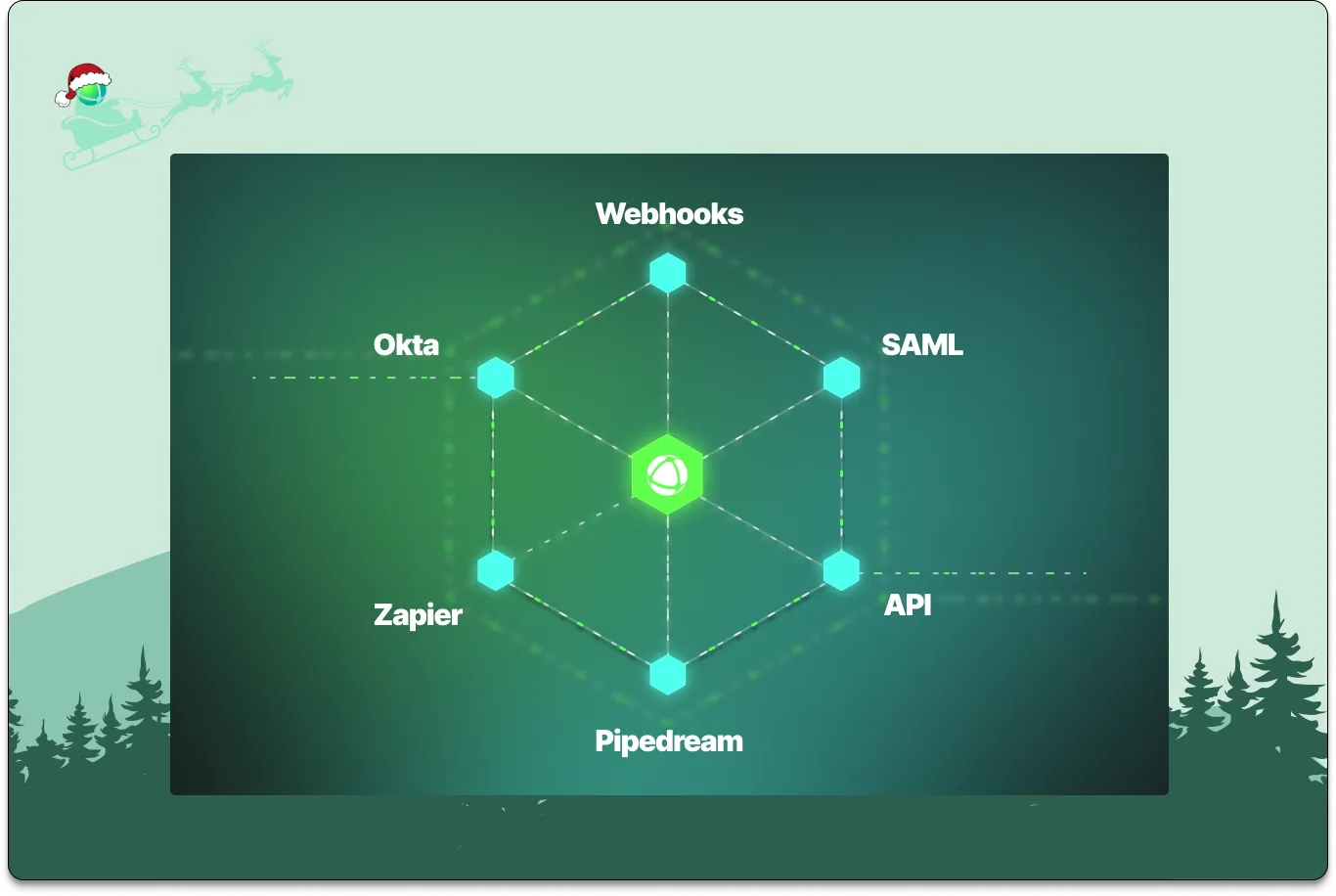
Peerdom brings in much more data from your tools now.
### #2: Drag-and-Drop
One of the most celebrated upgrades of the year was **drag-and-drop map editing**.
Designing or adjusting an organization used to be thoughtful but sometimes slow work. Now it’s delightful and tactile. **Move** roles, **copy** groups, and **reorganize** teams **instantly**. Org designers can explore multiple structural options in minutes, not hours, with the kind of fluidity that sparks better conversations and better decisions.
This one was a long time dream of ours, and we were excited to finally put it in your hands.

Grab any role or group and quickly copy or move it anywhere on your map.
### #1: Relationships, inside and between organizations
If we had to choose the most important theme that defined 2025, it would be **relationships**. These are the connections that reveal how work really flows.
Inside an organization, relationships help surface the often-invisible networks that support collaboration: mentoring, advising, dotted-line reporting, cross-team responsibilities, mission-based teams, and the informal topic groups. This year we rebuilt them in a much more powerful and expressive way.
You can now create relationships between any peer, role, or team on your map. For example: peer-to-peer, or role-to-role, peer-to-roles. One use case may be to highlight a list of roles one would like to grow into (career path) for each peer.
Relationships can be added right where they matter:
- on **peer profiles** (in the header)
- in **role or group descriptions** as a custom field
Relationships extend beyond a single organization. Via the Network App, maps can now **reveal relationships between organizations**. You can also hop between maps with a simple **“Visit map”** action.
These features bring Peerdom one step closer to mapping ecosystems that your organization operates within. Relationships fill in the “white space” that traditional org charts leave out, making the invisible visible.
If you’d like to learn more, we wrote up a [detailed guide on capturing relationships](/doc/map/relationships).
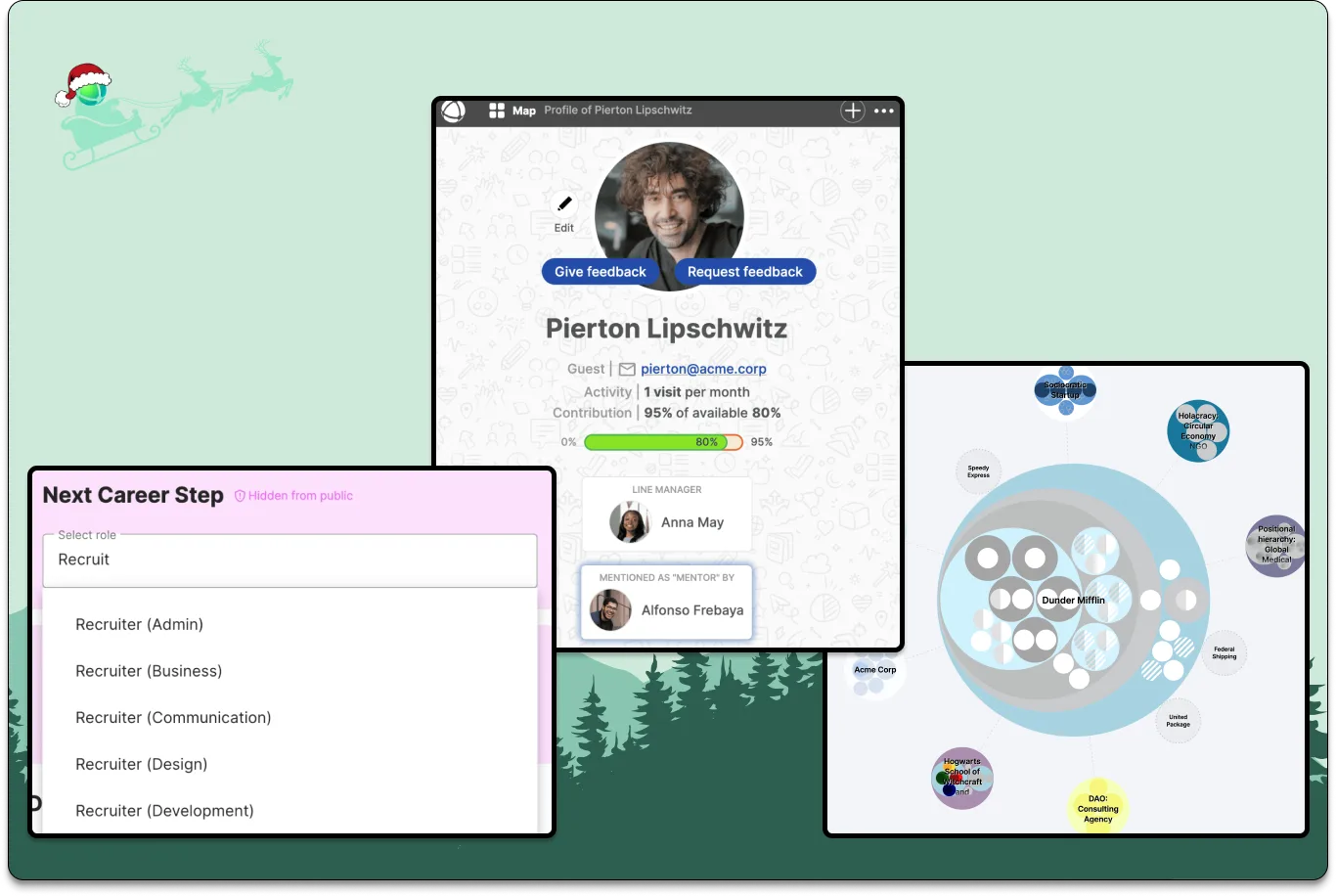
Relationships reveal how work really flows.
### Wrapping up
Thanks for another year of building, exploring, and reorganizing with us. As always, your feedback and curiosity shape where Peerdom goes next. We have exciting things brewing for 2026 and we're excited to share in the new year.
As this year wraps up, the whole Peerdom team wishes you more clarity, better relationships, and more conversations that help your work thrive.
**See you next year.**
--------------------------------------------------------------------------------
title: "All Maps Are Wrong (But Some Are Useful)"
description: "Org charts are often missing details relevant to everday work. What does a more useful organizational chart look like?"
last_updated: "2025-12-12"
source: "https://peerdom.com/blog/all-maps-are-wrong-org-charts"
--------------------------------------------------------------------------------
# All Maps Are Wrong (But Some Are Useful)

Imagine looking for a small town in Australia, trusting your GPS, and you end up in the dry outback because the town on your screen isn't actually there. Or, while trying to get to a coffee shop near the airport, your GPS guides you onto the middle of the runway? These real-life map mishaps point to a simple truth statistician George Box put best:
> **“All models are wrong, but some are useful.”**
A map is an imperfect model. It's an approximation of the territory. The real test is whether its imperfections still help you find your way.
The same observation applies to how we chart organizations. It begs the question: *What kind of org chart actually helps people navigate their work and relationships?*
### Traditional org charts: Useless maps?
Most org charts are static diagrams of job titles and reporting lines. They display who’s officially in charge of whom and who belongs to which functional unit, but little else. These charts might be useful for compliance, but for day-to-day collaboration, they’re often misleading.
They fail to show:
- Who’s actually responsible for what.
- How people interact across silos.
- What skills or competencies are in house.
- Shifting priorities, goals, or constraints.
- Nuanced relationships such as mentoring, informal leadership, and peer influence.
Traditional org charts are clean on paper, but too vague and incomplete to be a useful reference for everyday work. They are the equivalent of a sketched treasure map on the back of a napkin. For a full comparison of what separates traditional charts from modern alternatives, see our guide on [dynamic org charts vs. static org charts](/blog/dynamic-org-charts-vs-static-org-charts).

Most org charts only approximate work, not unlike a vague "X marks the spot" on a treasure map.
### How do you make an organization map useful?
Most work refuses to stay inside boxes. People step into gaps, swarm to solve urgent problems, and lend expertise across teams. A useful organizational map increases resolution. It shows responsibilities, relationships, and current priorities. It also makes informal contributions visible, so the team can learn from them and recognize real capacity.

Ideesport uses Peerdom to make their organization chart useful - citing that it maps contributions that usually remain invisible.
So, if we want a more useful model, something like a **GPS for working together**, then we need to decide what’s worth mapping. Some critical elements include:
#### 1. **Roles and responsibilities (who does what)**
Instead of just job titles, useful org maps show real roles people are working within, possibly multiple ones across multiple teams. These should be flexible and reflect how work is actually distributed. A [role-based governance approach](/blog/how-to-implement-role-based-governance) helps formalize this shift.
#### 2. **Relationships (who interacts with whom)**
Not just “who reports to whom,” but who collaborates, who mentors, who depends on whose work, who gives input, and who has veto power. Think of this as the roads between the cities.
#### 3. **Decision rights (who decides what)**
Clear authority and boundaries: who gets to make which decisions, and where consent or consultation is needed. Otherwise, you get traffic jams at every crossroads.
#### 4. **Constraints and priorities**
Your map should reflect the changing landscape. This includes available capacity, shifting objectives, and active projects. This is the elevation data and weather of the org. It is what adds dimensionality to your map, making navigation realistic.
#### 5. **People (not just positions)**
People change roles, take on new responsibilities, leave, or grow. A useful map follows their individual paths through a living system, not the org-as-it-was-six-months-ago.
### A map is a shared model
Most importantly, a useful map is shared. If only leadership or one department sees it, or if different teams have conflicting versions, it ceases to be a common point of reference. Like a bad GPS, it can guide people in very different directions. Decision quality goes down if information is not evenly spread.
The goal is not to create a perfect map. Aim for a useful one. One that helps people orient themselves, find collaborators, and move with clarity.
So the next time you’re squinting at an org chart, ask yourself: *Is this map helping us get where we need to go, or might it accidentally lead us onto an airport runway?*
Connect your team with a free map
--------------------------------------------------------------------------------
title: "Sociocracy 3.0: Guide to Consent-Based Governance"
description: "From circles and consent to double-linking and S3 patterns. A practitioner's guide to sociocratic governance, how it differs from holacracy, and how to implement it in your organization."
last_updated: "2025-12-11"
source: "https://peerdom.com/blog/sociocracy-guide-principles-practices"
--------------------------------------------------------------------------------
# Sociocracy 3.0: Guide to Consent-Based Governance
Most organizations run on a simple assumption: the people at the top decide, and the people below execute. It works until it does not. Until the person closest to the problem has no authority to fix it. Until meetings become rituals where decisions get made by the loudest voice. Until talented people leave because they were never asked what they think.
Sociocracy offers a different premise: the people affected by a decision should have a voice in making it. Not a vote. Not a veto. A voice, structured, efficient, and protected by process. The result is governance that distributes authority without dissolving accountability, and decision-making that moves faster than consensus without reverting to top-down command.
This guide covers classical sociocracy, its modern evolution into Sociocracy 3.0 (S3), how it compares to holacracy, and practical steps for implementing sociocratic governance in your organization. It is written for practitioners (team leads, organizational development professionals, and agile coaches) who want to understand sociocracy well enough to use it, not just well enough to describe it.
## Origins: Where Sociocracy Comes From
The word "sociocracy" means "governance by those who associate together." The concept has roots in Auguste Comte's 19th-century sociology, but its modern organizational form was developed in the 1970s by **Gerard Endenburg**, a Dutch electrical engineer and entrepreneur.
Endenburg ran Endenburg Elektrotechniek, a manufacturing company in the Netherlands. Drawing on his engineering background, particularly cybernetics and feedback loops, he developed the **Sociocratic Circle-Organization Method (SCM)**. His insight was structural: organizations, like electrical systems, need feedback channels that flow in both directions. A top-down-only signal produces blind spots. A bottom-up-only signal produces chaos. The answer was a circuit: information flowing continuously between governance layers through formalized linking mechanisms.
Endenburg's work was influenced by Kees Boeke, a Dutch educator and pacifist who ran a school on sociocratic principles in the 1940s. Where Boeke's approach was philosophical, Endenburg made it operational. He codified four principles that could be applied to any organization:
1. **Consent governs decision-making.** A decision stands unless someone raises a reasoned, paramount objection.
2. **Circles are the basic governance unit.** Each circle has a defined aim, domain, and authority to govern itself.
3. **Double-linking connects circles.** Two people, a Leader and a Delegate, link each circle to its parent, ensuring bidirectional information flow.
4. **Elections happen by consent.** People are elected to roles through a structured process, not appointed by managers.
These four principles became the foundation of sociocratic governance as practiced worldwide. From the Netherlands, sociocracy spread to Germany, Switzerland, Brazil, and eventually across the globe. Today, organizations of every size and sector use sociocratic principles, from nonprofits and cooperatives to technology companies and manufacturing firms.
## Core Principles of Classical Sociocracy
### Consent decision-making
Consent is the engine of sociocracy, and it is frequently misunderstood. Consent is not consensus. Consensus asks: "Does everyone agree this is the best option?" Consent asks: "Does anyone have a reasoned, paramount objection?"
The difference is practical, not philosophical. Consensus seeks the option everyone prefers. Consent seeks an option that nobody has a principled reason to block. A proposal passes when no circle member raises an objection that demonstrates the proposal would cause harm or move the organization outside its defined boundaries.
This shifts the burden of proof. Under consensus, a single person who "does not love it" can stall a decision. Under consent, the question is not "do you love it?" but "is this good enough for now, safe enough to try?" If someone objects, the objection must be reasoned, connected to the circle's aim or domain, not merely a personal preference. The group then integrates the objection, improving the proposal rather than discarding it.
The result: decisions happen faster, more people participate meaningfully, and proposals improve through structured objection rounds rather than open-ended debate.
### Circles
A circle is a semi-autonomous governance unit. It has:
- **An aim** (purpose): why this circle exists.
- **A domain**: what this circle has authority over.
- **Decision-making power**: the circle governs its own structure, roles, and policies within its domain.
Circles are not departments and not teams. A department is an administrative grouping. A team is a work unit. A circle is a governance body that makes structural decisions about how work is organized within its scope.
Circles nest hierarchically. A General Circle sits at the top, defining the organization's overall aim and domain. Sub-circles specialize in particular areas. Each sub-circle is connected to its parent through linking roles. This nesting is what allows sociocracy to scale: a 15-person organization might have 3 circles; a 2,000-person one might have 40 or more.
Within a circle, every member has an equal voice in governance decisions. The circle's Leader does not override the circle. The Leader is one voice among equals when a consent decision is being made.
### Double-linking
Double-linking is sociocracy's most distinctive structural mechanism. Every sub-circle sends two representatives to its parent circle:
- **The Leader**: elected or selected to bring strategic context from the parent circle into the sub-circle. The Leader communicates the broader organizational direction downward.
- **The Delegate**: elected by the sub-circle to represent its interests in the parent circle. The Delegate carries operational concerns, feedback, and tensions upward.
Both the Leader and the Delegate sit in the parent circle's governance meetings with full participation rights. This creates two independent information channels between governance layers, not one filtered through a single person.
Why does this matter? Without double-linking, the Leader becomes an information bottleneck, unconsciously filtering what gets communicated in either direction. The Delegate provides a second, independent channel. If the Leader reports that everything is fine but the Delegate raises a concern, the parent circle gets a more complete picture.
Double-linking also distributes representation. The Leader represents the parent circle's needs within the sub-circle. The Delegate represents the sub-circle's needs within the parent circle. Neither role alone captures the full picture. Together, they create the feedback circuit that Endenburg designed.
### Elections by consent
In sociocracy, key governance roles (Facilitator, Secretary, Delegate, and often the Leader) are filled through elections by consent, not appointment by a manager.
The election process is structured:
1. The Facilitator asks each circle member to nominate a candidate and share their reasoning.
2. Nominations are discussed openly. Members can change their nomination based on what they hear.
3. A candidate is proposed. The Facilitator checks for consent: "Does anyone have a reasoned objection to this person filling this role?"
4. Objections are integrated. If an objection reveals a genuine concern, the group addresses it, perhaps by adjusting the role's scope, adding a support mechanism, or proposing a different candidate.
Elections have defined terms, typically 6 to 12 months. When a term expires, the circle holds a new [election](/apps/elections). Even re-electing the same person has value: it transforms passive continuation into conscious, collective choice.
This process accomplishes two things. First, it ensures the people most affected by a role holder's performance have a say in who fills that role. Second, it surfaces information. The nomination round often reveals insights about what circle members value, what they have observed, and what the role actually requires.
## What Is Sociocracy 3.0?
Sociocracy 3.0, commonly called S3, is a modern evolution of sociocratic principles created by **Bernhard Bockelbrink**, **James Priest**, and **Liliana David**. Launched in 2015, S3 reimagines sociocracy not as a fixed framework but as a modular collection of patterns that organizations can adopt incrementally.
S3 is released under a **Creative Commons Attribution-ShareAlike 4.0** license. It is free to use, modify, and share. This open-source approach is deliberate: the creators wanted to remove licensing barriers and make sociocratic principles accessible to any organization, regardless of size or budget.
### From framework to pattern language
Classical sociocracy prescribes a structure: circles, double-linking, consent, elections. S3 takes these principles and breaks them into over 70 discrete patterns, each a self-contained practice that solves a specific organizational challenge.
This shift is significant. Classical sociocracy asks you to adopt a system. S3 asks you to adopt patterns, one at a time, in whatever order makes sense for your organization. You might start with Consent Decision-Making in your leadership team, add Retrospectives across the company a month later, introduce Circles in one department, and adopt Role Descriptions when the need becomes clear. No radical reorganization required.
The pattern-based approach also means S3 combines naturally with other frameworks. You can layer S3 patterns on top of agile practices, lean management, traditional hierarchy, or any other organizational model. S3 is explicitly designed to complement, not replace.
### The seven principles of S3
Every S3 pattern is grounded in seven principles:
1. **Effectiveness**: devote time only to what brings you closer to achieving your objectives.
2. **Consent**: raise, seek out, and resolve objections to proposals and existing agreements.
3. **Empiricism**: test all assumptions through experimentation, continuous revision, and falsification.
4. **Continuous Improvement**: change incrementally to accommodate steady empirical learning.
5. **Equivalence**: involve people in making and evolving decisions that affect them.
6. **Transparency**: record all information that is valuable for the organization and make it accessible to everyone, unless there is a reason for confidentiality.
7. **Accountability**: respond when something is needed, do what you agreed to do, and accept your share of responsibility for the course of the organization.
These principles are not rules to enforce. They are lenses for evaluating whether a pattern or practice is serving the organization well. When a governance process feels slow, check it against Effectiveness. When information is not flowing, check Transparency. When decisions are being made without the people affected, check Equivalence.
### Key patterns in S3
S3's pattern library is extensive. Here are six patterns that most organizations encounter early in their adoption:
**Consent Decision-Making**: the foundational governance process. A proposal is presented. Participants ask clarifying questions, then share brief reactions. The facilitator checks for objections. Objections are integrated to improve the proposal. The decision stands when no one has a reasoned objection. This pattern can be applied to any decision, from role creation to strategic direction.
**Proposal Forming**: a structured process for moving from a driver (an identified need or opportunity) to a concrete proposal. The group identifies the driver, explores requirements, and collaboratively shapes a proposal before bringing it to a consent round. This prevents the common pattern of one person drafting a proposal in isolation and then defending it against feedback.
**Role**: a defined area of accountability with a clear purpose, domain, and set of responsibilities. Roles in S3 are similar to classical sociocratic roles but emphasize that a role is not a person. It is a container for work that can be filled, evolved, or retired as the organization's needs change.
**Circle**: a self-governing, semi-autonomous team accountable for a specific domain. Circles in S3 function like classical sociocratic circles but are framed as a pattern you adopt when a group of people needs shared governance over a domain, not as a mandatory structural element.
**Linking and Double Linking**: connecting circles through representative roles. S3 distinguishes between single linking (one representative) and double linking (two representatives, as in classical sociocracy). Double linking is recommended when full bidirectional information flow is needed.
**Retrospective**: a structured reflection meeting where a team evaluates its work, identifies what went well and what needs improvement, and creates actionable agreements. While retrospectives are familiar from agile practice, S3 frames them as a governance pattern, not just an operational one.
### Why S3 works for incremental adoption
The most common objection to organizational change frameworks is that they demand too much at once. S3 is designed to address that objection directly.
You do not need to reorganize your company. You do not need to train everyone simultaneously. You do not need to adopt a constitution. You pick a pattern that addresses a current pain point, try it, evaluate it, and decide whether to continue. If Consent Decision-Making works for your leadership team, adopt it there. If Retrospectives improve your product team, spread them. If circles make sense for your R&D department, introduce them.
This incremental path makes S3 suitable for organizations that cannot afford the disruption of a big-bang transformation, which is most organizations.
## Sociocracy vs. Holacracy: An Honest Comparison
Sociocracy and [holacracy](/blog/holacracy-tools-practices-guide) share DNA. Brian Robertson, holacracy's creator, drew on sociocratic principles when developing his framework. But the two have diverged significantly in philosophy, structure, and adoption approach.
The following comparison is intended to be fair to both. Neither framework is universally better. The right choice depends on your organization's needs, culture, and appetite for structure.
| Aspect | Sociocracy / S3 | Holacracy |
|--------|-----------------|-----------|
| **Decision-making** | Consent (no reasoned paramount objections) | Integrative decision-making process (structured rounds) |
| **Governing document** | Principles-based, adaptable | Formal written constitution (versioned, prescriptive) |
| **Circle leadership** | Leader is typically elected by the circle | Lead Link is appointed by the parent circle |
| **Linking** | Double-linking: Leader + Delegate (elected) | Lead Link + Rep Link |
| **Adoption approach** | Gradual, pattern-by-pattern (especially S3) | Often all-or-nothing ("adopt the constitution") |
| **Governance scope** | Extends to strategy, operations, and structure | Primarily governs organizational structure |
| **Formality** | Flexible, customizable | Highly structured, rules-heavy |
| **Cost** | Free and open-source (S3 under CC license) | Trademarked; certified training required for full adoption |
| **Scalability** | Proven at scales from 5 to thousands | Proven at scales from 10 to hundreds |
| **Cultural fit** | Better for collaborative, trust-based cultures | Better for organizations that prefer explicit rules |
| **Combination with other methods** | Designed to layer on top of existing frameworks | Typically replaces existing governance |
| **Learning curve** | Moderate (principles are intuitive) | Steep (constitution requires study) |
### When sociocracy fits better
Sociocracy tends to work well when:
- The organization values flexibility and wants to customize its governance.
- You prefer gradual adoption over a big-bang transformation.
- Budget matters: S3 is free and does not require certified consultants (though they help).
- Different departments need different governance models.
- The organization already has collaborative decision-making culture.
### When holacracy fits better
Holacracy tends to work well when:
- The organization wants explicit, detailed rules that leave little room for interpretation.
- A strong executive sponsor can drive full adoption.
- The organization is willing to invest in training and certification.
- Consistency across all teams matters more than departmental flexibility.
- The organization benefits from the discipline of a formal constitution.
### The hybrid reality
In practice, many organizations adopt a hybrid. Sociocratic consent-based decisions with holacratic role definitions. Holacratic circle structures with sociocratic election processes. S3 patterns layered onto agile delivery workflows. The framework you choose matters less than the consistency with which you practice it.
> "We base it on distributed leadership responsibility, agile principles, and a humanistic approach." -- Markus Meister, inova:solutions AG
## How to Implement Sociocracy: A Practical Roadmap
Sociocratic governance is a practice, not a project. You do not install it and walk away. The following roadmap provides a concrete path from "we want to try sociocracy" to "our governance is working."
### Step 1: Start with one circle
Do not reorganize the entire company. Pick one team or department that is open to experimentation. Form it into a circle with a defined aim (purpose), domain (scope of authority), and membership. This is your pilot.
Choose a team where the members are motivated and the stakes are manageable. A product team, a department, a cross-functional working group. Any unit where people collaborate regularly and make shared decisions.
### Step 2: Introduce consent decision-making
Before adding structural complexity, practice the core process. In your pilot circle's next meeting, make one decision by consent. Present a proposal. Ask for clarifying questions. Check for objections. Integrate any objections that arise.
The first few consent rounds will feel slow and unfamiliar. That is normal. By the third or fourth meeting, the process will become natural. Once the team is comfortable with consent, expand it to other decision types: role creation, policy changes, working agreements.
### Step 3: Define roles explicitly
Identify the work that needs to happen within the circle and define explicit roles for it. Each role gets a name, purpose, and set of accountabilities. Assign people to roles. Remember: one person can hold multiple roles, and one role can have multiple holders.
At minimum, create the governance roles that every sociocratic circle needs:
- **Facilitator**: runs governance meetings, ensures the process is followed.
- **Secretary**: records decisions, maintains governance records.
- **Leader**: connects the circle to the broader organization.
- **Delegate**: represents the circle's interests in the parent circle.
Elect the Facilitator and Secretary by consent with defined terms (6 to 12 months).
### Step 4: Establish double-linking
Once you have more than one circle, connect them through double-linking. The Leader and Delegate from the sub-circle both participate in the parent circle's governance meetings. This ensures information flows in both directions and no single person becomes a bottleneck.
### Step 5: Adopt S3 patterns incrementally
With the basics in place, introduce additional S3 patterns as needs emerge. Retrospectives to reflect on what is working. Proposal Forming to structure how ideas become decisions. [Peer Feedback](/apps/feedback) to improve role performance. Adopt one pattern at a time. Evaluate whether it helps. Keep what works, adjust what does not.
### Step 6: Expand gradually
Once the pilot circle demonstrates the value of sociocratic governance, invite other teams to adopt the same practices. Share what worked and what did not. Let each new circle adapt the practices to its own context. Growth should be organic, driven by demonstrated results, not mandated from above.
> "Peerdom perfectly meets our needs: lightweight and very easy to use, it allows us to see our organisation as we have never seen it before." -- Bernard DuPasquier, Bread for All / HEKS
## Tools for Sociocratic Organizations
Sociocratic governance generates artifacts that need a home: circle structures, role definitions, election records, governance decisions, and linking relationships. Spreadsheets and shared documents work at first. They stop working when the organization grows, when governance decisions pile up, and when new members need to understand the structure they are joining.
Several platforms support sociocratic organizations. Each has strengths and trade-offs:
**[Peerdom](https://peerdom.org)** is a framework-agnostic organizational mapping platform. It supports circles, roles, elections, double-linking, feedback, and governance documentation without requiring a specific framework. You can configure it for sociocracy, holacracy, agile, traditional hierarchy, or any hybrid model. This flexibility makes it suitable for organizations where different parts operate under different models, or where the model itself is evolving. Peerdom serves organizations from 3 to 30,000 employees.
**[GlassFrog](https://glassfrog.com)** is built specifically for holacracy. It provides strong governance meeting support, role and circle management, and integrative decision-making workflows. If your organization practices pure holacracy, GlassFrog is purpose-built for that. It is less flexible for organizations that want to combine holacratic practices with other approaches.
**[Talkspirit (Holaspirit)](https://talkspirit.com)** supports holacratic and sociocratic governance with features for role management, governance meetings, and OKRs. It offers more flexibility than GlassFrog while still being oriented toward specific governance frameworks.
**[Nestr](https://nestr.io)** provides team and role visualization with a focus on simplicity. It is a lighter-weight option for organizations that want basic role and circle management without the full governance toolkit.
The right choice depends on your specific needs: how many people, which framework (or frameworks), how much governance tooling you need, and whether you want a platform that adapts to your model or one that guides you toward a specific model.
## Frequently Asked Questions
### What is the difference between consent and consensus?
Consensus asks "does everyone agree this is the best option?" and requires all participants to positively endorse the decision. Consent asks "does anyone have a reasoned, paramount objection?" and requires only that no one can demonstrate the proposal would cause harm. Consent is typically faster because it lowers the threshold from universal agreement to absence of reasoned objection. A circle member who merely prefers a different approach, but cannot articulate an actual harm, does not block the decision.
### Can large companies use sociocracy?
Yes. Sociocracy scales through nesting: circles within circles, each with its own governance authority. A 5,000-person organization might have dozens of circles at multiple levels. The key is that each circle governs its own domain, and double-linking ensures information flows between levels. Large-scale adoption requires consistent tooling and clear domain boundaries, but the structure itself is designed for scale.
### Do you need special software for sociocracy?
Not to start. A whiteboard and a notebook can support your first consent rounds and role definitions. But as the organization grows, governance artifacts accumulate (role descriptions, election records, circle structures, policy decisions) and they need a persistent, searchable home. Dedicated platforms like [Peerdom](/apps) make governance visible, trackable, and accessible to everyone, which is especially important as new members join and need to understand the structure they are entering.
### Can sociocracy work alongside a traditional hierarchy?
Yes, and this is one of sociocracy's strengths, particularly with S3's pattern-based approach. You can introduce consent decision-making in one department while the rest of the organization operates traditionally. You can create circles within an existing reporting structure. The legal hierarchy (who signs contracts, who has fiduciary responsibility) can remain unchanged while governance practices evolve within it. Many organizations maintain a traditional legal structure alongside a sociocratic governance structure, and the two coexist without conflict.
### How does Sociocracy 3.0 differ from classical sociocracy?
Classical sociocracy is a cohesive system: adopt the four principles (consent, circles, double-linking, elections by consent) as an integrated whole. S3 deconstructs these principles into 70+ individual patterns that can be adopted independently and incrementally. S3 also adds principles not present in classical sociocracy (Empiricism, Continuous Improvement, and Transparency) and is explicitly designed to combine with other frameworks. Classical sociocracy gives you a complete system. S3 gives you a menu of practices.
### How long does sociocratic implementation take?
It depends on the scope. A single team can start practicing consent decision-making within a week. Establishing a full circle structure with double-linking, defined roles, and regular governance meetings typically takes one to three months for a pilot. Expanding across an organization takes six months to a year or more, depending on size and complexity. The S3 pattern-based approach allows you to start delivering value immediately rather than waiting for a complete transformation.
### What roles exist in a sociocratic circle?
Every sociocratic circle has four governance roles: the **Leader** (connects the circle to its parent, provides strategic context), the **Delegate** (represents the circle's interests in the parent circle), the **Facilitator** (runs governance meetings, manages the decision process), and the **Secretary** (records decisions, maintains governance records). Beyond these, circles create operational roles specific to their domain, as many as the work requires, each with a defined purpose and set of accountabilities.
### Can sociocracy combine with agile?
Naturally. Many organizations use agile for delivery (sprints, standups, retrospectives) and sociocracy for governance (how the team is structured, how roles are defined, how authority is distributed). S3 was designed with this combination in mind. Its patterns complement agile practices rather than competing with them. Consent decision-making works well alongside sprint planning. Circles provide the governance layer that agile teams often lack. [Role-based governance](/blog/how-to-implement-role-based-governance) gives agile teams explicit accountability without reintroducing traditional hierarchy.
> "Without Peerdom it would be unthinkable to forward our organisation's development!" -- Regina Meier, Greenpeace
## Start your sociocratic journey
Whether you are adopting classical sociocracy, experimenting with S3 patterns, building a hybrid model, or adding consent-based decision-making to your existing structure, the path starts with making governance visible and structured enough to sustain itself.
- **[Try the sociocracy template](https://peerdom.org/start?template=sociocratic-startup)**: pre-configured circles, process roles, and vocabulary for sociocratic organizations.
- **[Start mapping for free](https://peerdom.org/new)**: build your own circle structure with full framework flexibility.
- **[Browse all templates](/discover)**: explore templates for sociocracy, holacracy, Beta Codex, and more.
- Need guidance? **[Book a demo](https://outlook.office.com/book/PeerdomDemo@peerdom.org/)** and we will walk through your specific governance setup.
For related reading, explore our [sociocracy documentation](/doc/guides/sociocracy), and guides on [holacracy tools and practices](/blog/holacracy-tools-practices-guide), [implementing role-based governance](/blog/how-to-implement-role-based-governance), [self-management software](/blog/self-management-software-guide), and [dynamic vs. static org charts](/blog/dynamic-org-charts-vs-static-org-charts).
--------------------------------------------------------------------------------
title: "The 11 Best Org Chart Software Tools in 2026"
description: "An honest comparison of the top 11 org chart and organizational management tools in 2026. From free diagramming apps to governance platforms, find the right fit for your needs."
last_updated: "2025-12-05"
source: "https://peerdom.com/blog/best-org-chart-software"
--------------------------------------------------------------------------------
# The 11 Best Org Chart Software Tools in 2026
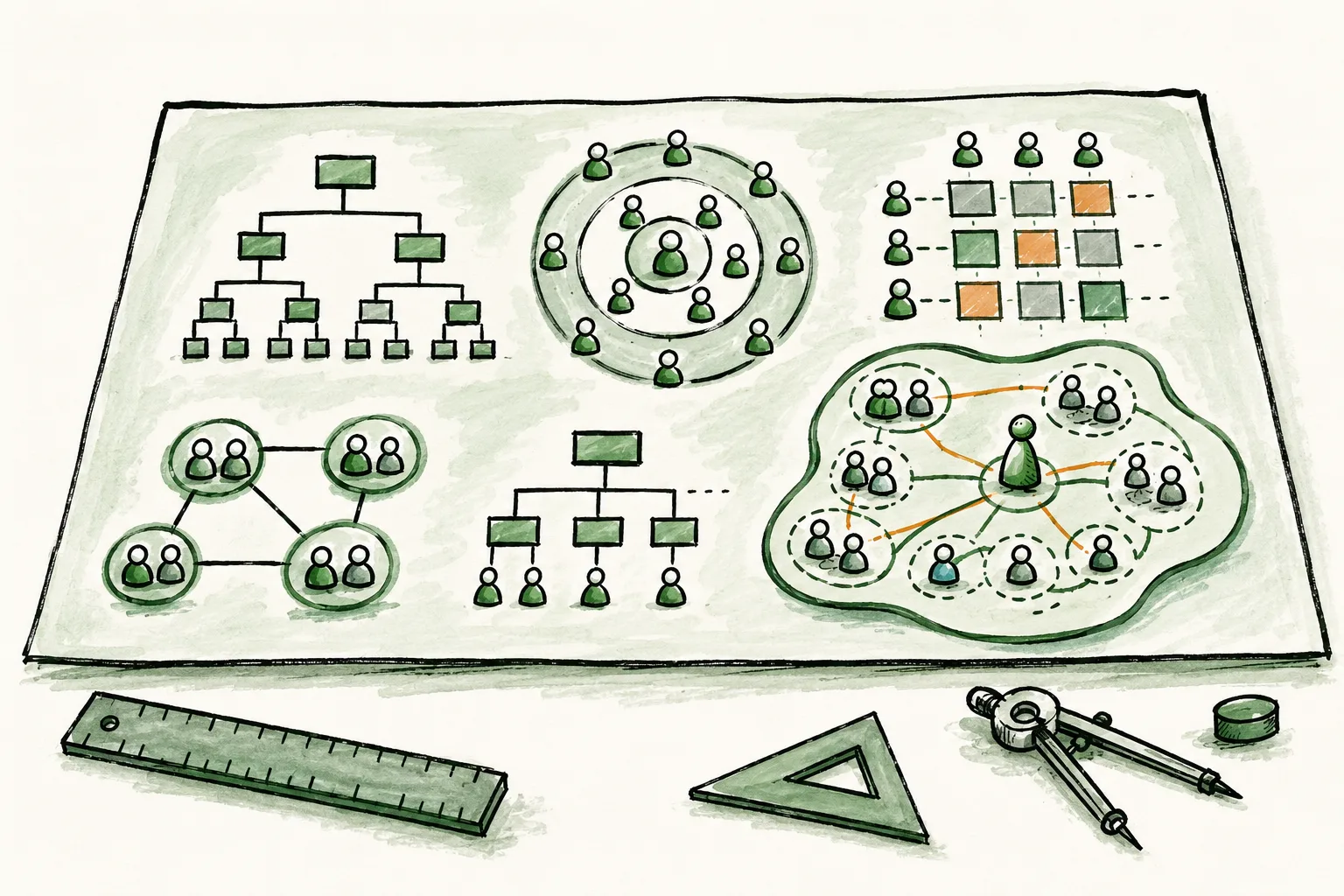
Most organizations outgrow their org chart long before they outgrow their org chart tool. The structure changes (new hires, departures, reorganizations, cross-functional projects) but the chart stays frozen in the version someone built in PowerPoint six months ago. By the time anyone looks at it again, it describes an organization that no longer exists.
The problem is not that people forget to update the chart. The problem is that most org chart tools were designed to produce a diagram, not to represent a living organization. They capture names and reporting lines at a single point in time. They say nothing about what a role actually does, who has the authority to make which decisions, or how teams relate to each other beyond a dotted line.
In 2026, the category has matured. Tools range from free diagramming apps that produce static boxes-and-lines charts to full organizational management platforms that model roles, governance, goals, and collaboration in real time. The right choice depends on what you actually need: a picture for a board deck, or infrastructure for how your organization operates.
This guide compares eleven tools across that spectrum. We evaluated each one on practical criteria: how well it keeps up with organizational change, how deeply it models roles and responsibilities, how it supports collaboration, what integrations it offers, how it scales, and what it costs. Peerdom is our product, and it is listed first because we believe it offers the most complete solution for organizations that want more than a static diagram, but we also note where it falls short. Credibility matters more than a sales pitch.
## All 11 Tools at a Glance
| Tool | Best For | Pricing | Key Strength | Key Limitation |
|---|---|---|---|---|
| **Peerdom** | Dynamic organizational management | Free up to 10 users; from CHF 5/user/month | Living org maps with roles, governance, and 11 modular apps | No built-in task management or document editing |
| **Lucidchart** | Creating charts from existing data | Free tier; paid from $7.95/user/month | Auto-generate diagrams from CSV and data sources | Static diagrams with no live data or role management |
| **Microsoft Visio** | Microsoft 365 organizations | $5-15/user/month | Deep Office 365 integration and shape libraries | Desktop-first experience with limited real-time collaboration |
| **Organimi** | Quick, traditional org charts | $18-35/month for up to 150 users | Fast drag-and-drop chart builder with exports | Chart builder only: no governance, apps, or analytics |
| **Creately** | AI-powered traditional org chart and HR planning workflows | Free tier; paid from $8/user/month | Natural language search, scenario planning, and structured people data | People-centric model — does not represent role accountabilities or distributed governance |
| **Miro** | Collaborative whiteboarding with org charts | Free tier; Business $19/user/month | Infinite canvas with rich facilitation features | Org charts are just templates on a whiteboard: no structured data |
| **Talkspirit (Holaspirit)** | Holacracy-specific governance | No public pricing; contact sales | Purpose-built holacracy meeting facilitation and governance | Holacracy-centric, less flexible for hybrid organizational models |
| **GlassFrog** | Holacracy governance | Free up to 10 users; Premium $7/user/month + add-ons | Built by holacracy creators with deep methodology expertise | Holacracy-centric; limited flexibility for non-holacracy models |
| **Nestr** | Self-organized team collaboration | Free up to 5 users; Starter $6/user/month; Pro $10/user/month | Affordable with built-in meeting facilitation and governance proposals | Smaller team; less established; limited integrations |
| **Rolebase** | Open-source role governance | Free up to 5 users; Startup 5 EUR/user/month; Enterprise custom | Open source, self-hostable, European data privacy | Limited integrations; smaller community; less mature feature set |
| **Maptio** | Open-source organizational mapping | Pay-what-you-feel (from $10/month for whole org) | Open source with radically inclusive pricing and visual circle mapping | Smaller feature set; limited integrations; best suited for smaller organizations |
## How We Evaluated
Each tool was assessed against six criteria that matter most when choosing org chart software for ongoing organizational use, not just a one-time diagram.
**Real-time accuracy.** Does the tool reflect your current organizational reality, or does it show a snapshot from the last time someone updated it? Tools that serve as a system of record score higher than tools that produce exportable artifacts.
**Role depth.** Can the tool model roles with purpose, accountabilities, and domains, or only names and job titles? Organizations practicing any form of distributed authority need granular role definitions, not just boxes on a tree.
**Collaboration.** Can multiple people edit and maintain the structure simultaneously? Single-author tools create bottlenecks and go stale faster.
**Integrations.** Does the tool connect to your existing stack (HR systems, project management, communication platforms) or does it operate in isolation?
**Pricing and accessibility.** Is the tool accessible to organizations of different sizes and budgets? Transparent pricing scores higher than sales-call-required enterprise models.
**Scale.** Does the tool remain usable and performant as the organization grows from 20 to 2,000 to 20,000 people?
For a broader discussion of why real-time organizational maps outperform static diagrams, see [dynamic org charts vs. static org charts](/blog/dynamic-org-charts-vs-static-org-charts).
## 1. Peerdom: Best for Dynamic Organizational Management
Peerdom is not an org chart tool in the traditional sense. It is an organizational management platform, what the company describes as a "Google Maps of the workplace." Instead of producing a static diagram that someone exports to PDF, Peerdom maintains a living, interactive map of the organization that updates in real time as roles, teams, and structures evolve.
The fundamental difference is in what Peerdom models. Where most org chart tools show names and job titles arranged in a hierarchy, Peerdom models roles with explicit purpose, accountabilities, and domains. One person can hold multiple roles across different teams. One role can be filled by multiple people. The structure is not a simplified tree; it is a navigable representation of how authority and responsibility actually flow through the organization. Peerdom is non-dogmatic and framework-agnostic: it does not prescribe how you should organize. It works for traditional hierarchies, flat teams, matrix structures, holacracy, sociocracy, agile, Teal organizations, Beta Codex, the Spotify model, or any hybrid model. The platform adapts to your organizational design, not the other way around.
Beyond the organizational map itself, Peerdom offers 11 modular apps that extend the platform into a comprehensive organizational operating system: Goals (OKR, KPI, and custom frameworks), Projects, Directory, Journal (change history and audit trail), Elections, Feedback, Drafts (for designing structural changes before publishing), Network (cross-organizational collaboration), Insights (analytics on role concentration, workload, vacancies), Pages, and Contribution. The platform supports multiple views (circle, tree, and list) along with custom fields, layers, and relationship mapping. On the integration side, Peerdom provides a GraphQL API, SSO, webhooks, and connectors for Zapier, Pipedream, and n8n. Hosting is in Switzerland with full GDPR compliance.
> "During the process of mapping out the way our company currently worked with Peerdom, it was like a revelation...we learned things about our 20 year old company that we never saw before and were so much the richer for it." -- Sean Daly, Director, SOLID Structures & Infrastructure
**What it does well.** Peerdom excels at making organizational structure not just visible but navigable and governable. The combination of role depth, governance features (elections, consent-based processes, term limits), and organizational analytics creates a tool that serves daily operations, not just annual planning meetings. The [11 modular apps](/apps) mean organizations can start with the map and progressively adopt governance, goals, and insights as they mature. Over 250 clients across 18 countries (including Bayer, Lufthansa, Greenpeace, MSF, and ETH Zurich) use Peerdom to manage organizations ranging from 3 to 30,000 people.
**Where it falls short.** Peerdom does not include built-in task management or document editing. It is designed to be the organizational layer that sits alongside tools like Notion, Jira, or Asana, not to replace them. For organizations looking for an all-in-one platform, this means integrating multiple tools. Additionally, organizations new to role-based thinking may face a learning curve: the shift from "person = job title" to "person = portfolio of roles with defined accountabilities" requires a conceptual adjustment, even though the software itself is straightforward. For a deeper look at how Peerdom complements task and documentation tools, see [Peerdom vs. Notion](/blog/peerdom-vs-notion).
**Who it is best for.** Organizations that want their org chart to be an active, operational tool, not a static artifact. Because Peerdom is framework-agnostic, it serves any organizational model: traditional hierarchies seeking more transparency, flat teams coordinating without managers, network organizations inspired by the Peach model, or distributed authority models like holacracy, sociocracy, or agile at scale. The platform does not push a methodology; it gives you the building blocks to design and govern whatever structure fits your organization. Scales from small teams to large enterprises.
**Pricing.** Free for up to 10 users. Peerdom+ starts at CHF 5 per user per month. Enterprise plans available. See [pricing](/pricing) for details.
## 2. Lucidchart: Best for Creating Charts from Existing Data
Lucidchart is a cloud-based diagramming platform that supports a wide range of diagram types (flowcharts, network diagrams, wireframes, and org charts) among them. It is not an org-chart-specific tool, but its org chart capabilities are solid for organizations that need to create visual diagrams from existing data sources.
The standout feature for org chart use is Lucidchart's ability to auto-generate charts from CSV files, Google Sheets, or other data sources. Upload a spreadsheet of employee data with names, titles, departments, and reporting relationships, and Lucidchart produces a formatted chart automatically. Real-time collaboration is well-implemented: multiple people can work on the same diagram simultaneously, and integrations with Google Workspace and Microsoft 365 make sharing straightforward.
**What it does well.** Lucidchart is polished, fast, and approachable. If you need to quickly visualize an organizational structure from data you already have, it handles that workflow better than most alternatives. The diagramming engine is flexible enough to accommodate non-standard layouts, and the collaboration features make it practical for teams that need to co-create charts together.
**Where it falls short.** Lucidchart produces diagrams. The result is a visual artifact, not a live system of record. There is no role management, no governance, no analytics, and no mechanism for keeping the chart automatically current as the organization changes. When someone is hired, promoted, or restructured, a person has to manually update the chart. For organizations that change frequently, this means the chart is perpetually outdated. For more on why this matters, see [dynamic org charts vs. static org charts](/blog/dynamic-org-charts-vs-static-org-charts).
**Who it is best for.** Organizations that need to produce one-time or infrequent org chart diagrams, particularly from existing data sources. Also strong for teams that use diagramming broadly and want org charts as one of many diagram types in a single tool.
**Pricing.** Free tier with limited features. Individual plans from $7.95 per user per month. Business plans from approximately $44 per month. Enterprise pricing available on request.
## 3. Microsoft Visio: Best for Microsoft 365 Organizations
Microsoft Visio is one of the oldest names in business diagramming. Part of the Microsoft 365 ecosystem, it offers desktop and web versions with extensive shape libraries, templates, and tight integration with Excel, SharePoint, and Teams. For organizations that already use Microsoft 365 for everything else, Visio is the path of least resistance for creating org charts.
Visio's org chart capabilities rely on its general-purpose diagramming engine. You can import data from Excel or Active Directory to auto-generate charts, and the template library includes multiple org chart layouts. The desktop application provides fine-grained control over formatting and layout, and the web version (Visio for the web) offers lighter collaboration features.
**What it does well.** If your organization already pays for Microsoft 365 and your workforce lives in Teams, SharePoint, and Excel, Visio fits neatly into that ecosystem. The ability to pull org data directly from Active Directory or Excel reduces manual chart creation. The shape and stencil library is extensive, and formatting control is granular for organizations that need presentation-quality outputs.
**Where it falls short.** Visio remains fundamentally a desktop application, even though a web version exists. Real-time collaboration is limited compared to cloud-native tools. The learning curve is steep: Visio's interface reflects its origins as a professional diagramming tool, not a modern SaaS product. Like Lucidchart, Visio produces static diagrams, not living org charts. There is no role depth, no governance, and no organizational analytics. Charts must be manually maintained.
**Who it is best for.** Organizations deeply embedded in the Microsoft ecosystem that need org charts as one of many diagram types. IT departments that already have Visio licenses and prefer to consolidate tools rather than add new ones.
**Pricing.** Visio Plan 1 (web only) at $5 per user per month. Visio Plan 2 (desktop and web) at $15 per user per month. Often bundled with existing Microsoft 365 enterprise agreements.
## 4. Organimi: Best for Quick, Traditional Org Charts
Organimi is a cloud-based org chart builder purpose-built for creating and sharing organizational charts. Unlike general-purpose diagramming tools, Organimi focuses specifically on org charts, which makes the setup and creation process faster and more intuitive for that specific use case.
The drag-and-drop builder lets you create charts manually or import data from CSV files. Charts support custom fields, photos, and contact information, and can be exported as PDF, PNG, or PowerPoint files. Organimi also offers integrations with Microsoft 365, Google Workspace, and Salesforce for pulling in employee data. The photo board and directory features add a people-directory layer beyond the basic chart, making it useful for HR teams managing employee profiles.
**What it does well.** Organimi does one thing and does it efficiently: create good-looking traditional org charts quickly. The purpose-built interface removes the complexity of general diagramming tools, and the export options make it practical for presentations, board decks, and HR documentation. For sales organizations, the Salesforce integration is a particularly useful feature for visualizing account team structures.
**Where it falls short.** Organimi is a chart builder. It does not offer governance, analytics, goal tracking, or any of the organizational management features that platforms like Peerdom provide. The pricing model caps at 150 users per plan, which limits scalability for larger organizations. And while custom fields add some flexibility, the underlying model is still traditional: one person, one box, one reporting line. For a detailed comparison of how Organimi and Peerdom differ in approach, see [Peerdom vs. Organimi](/blog/peerdom-vs-organimi).
**Who it is best for.** HR teams and managers who need to create and distribute traditional org charts quickly, without the overhead of learning a diagramming tool. Good for mid-sized organizations that want a cleaner alternative to PowerPoint but do not need organizational management capabilities.
**Pricing.** Plans range from $18 to $35 per month for up to 150 users. Enterprise pricing available on request.
## 5. Creately: Best for AI-Assisted Traditional Org Chart and HR Planning Workflows
Creately is an AI-powered org chart and visual collaboration platform that goes beyond basic diagramming. Alongside a free tier that remains accessible for small teams, it now positions itself around structured people data and HR-adjacent workflows.
Beyond creating org charts from templates or CSV imports, Creately supports natural language search and org queries, scenario planning for restructures, historical org views, matrix and dotted-line reporting, and structured people data for workflows like succession planning, workforce planning, and compensation analysis. It also includes real-time collaboration, branch collapsing for large orgs, and role-based visibility controls for sensitive HR data.
**What it does well.** Creately pairs a visual canvas with HR-oriented features that most diagramming tools lack. Natural language search makes the org queryable without navigating the chart manually, scenario planning supports restructure modeling, and historical views give a paper trail of how the structure has evolved. Matrix and dotted-line reporting handle organizations that do not fit a clean tree, and role-based visibility controls let HR keep sensitive fields like compensation appropriately scoped. The free tier is also a useful on-ramp for small teams.
**Where it falls short.** Creately's structured data model is built around people: positions, reporting lines, and HR attributes. It does not model roles as portfolios of purpose, accountabilities, and domains that one person can hold across multiple teams, and it does not provide governance primitives such as elections, consent-based proposals, or term limits. Succession, workforce, and compensation workflows are valuable for HR-led use cases but sit alongside — rather than replace — an organizational map that captures how authority and responsibility actually flow. For organizations practicing distributed authority or moving toward role-based structures, the difference matters. For context, see the [self-management software guide](/blog/self-management-software-guide).
**Who it is best for.** HR-led organizations that want an org chart connected to people data and planning workflows (succession, workforce, compensation) in a single platform. The free tier also remains a sensible starting point for small teams that need a simple visual chart before outgrowing it.
**Pricing.** Free tier for up to 3 collaborators with limited features. Paid plans from $8 per user per month. Business and enterprise plans available.
## 6. Miro: Best for Collaborative Whiteboarding with Org Charts
Miro is an infinite-canvas whiteboard platform designed for visual collaboration. It is not an org chart tool; it is a workshop and brainstorming platform that includes org chart templates as one of hundreds of available frameworks. For organizations that already use Miro for strategic planning, retrospectives, or design workshops, adding org charts to the same canvas can be a natural fit.
Miro's strength is real-time collaboration at scale. Multiple participants can work on the same board simultaneously, using sticky notes, comments, voting, and timer features that make it well-suited for facilitated sessions. The org chart templates provide a starting structure that teams can customize with Miro's freeform tools, adding color coding, notes, links, and visual groupings beyond what a traditional chart builder allows.
**What it does well.** Miro is exceptional for collaborative, workshop-style org chart creation. If you are designing a new organizational structure during a strategy session, Miro's facilitation tools make it easy to brainstorm, iterate, and get input from a large group in real time. The visual flexibility (combining org charts with strategy canvases, journey maps, and process flows on the same board) creates a rich context that standalone org chart tools cannot match.
**Where it falls short.** Miro's org charts are drawings, not data. There is no structured data model behind the visual layout: no roles, no accountabilities, no searchable directory. You cannot query a Miro board via API to find out who is responsible for a specific domain. The charts do not update automatically when the organization changes. And because Miro is fundamentally a whiteboard, the org chart is one sticky-note session away from being accidentally rearranged, covered by a brainstorming cluster, or lost on an infinite canvas that nobody scrolls far enough to find.
**Who it is best for.** Organizations that already use Miro for facilitation and workshops, and want to incorporate org chart creation into those sessions. Useful for the design phase of organizational restructuring, but not as a system of record for ongoing organizational management.
**Pricing.** Free tier for up to 3 editable boards. Business plan at $19 per user per month. Enterprise pricing available on request.
## 7. Talkspirit (Holaspirit): Best for Holacracy-Specific Governance
Talkspirit, formerly known as Holaspirit, is a governance tool designed specifically for organizations practicing holacracy. It provides meeting facilitation, role and circle management, OKRs, project tracking via kanban boards, and internal communications, all structured around the holacratic governance model.
The platform faithfully implements holacracy's formal processes: governance meetings with structured proposal rounds, tactical meetings with triage, role elections with consent-based decision-making, and policy management. For organizations committed to practicing holacracy by the book, this specificity is valuable: the tool enforces the methodology's rules and cadences rather than leaving them to interpretation.
**What it does well.** Talkspirit (Holaspirit) is the most thorough digital implementation of holacracy governance available. The meeting facilitation features (structured agendas, proposal integration, objection processing) reduce the facilitation burden and help teams follow the methodology consistently. The OKR and project features provide basic execution tracking within the governance context. For organizations that have adopted holacracy as their operating system and want a tool that enforces its processes, Talkspirit delivers that with fidelity.
**Where it falls short.** The holacracy-specific design is both a strength and a limitation. Organizations that practice sociocracy, agile-at-scale, or hybrid models will find the tool constraining, as it was not designed for methodological flexibility. The absorption into the broader Talkspirit platform introduces additional complexity: users now navigate a combined suite that includes internal social networking and messaging features alongside the governance tools, which can feel like more software than the governance use case warrants. Pricing is also higher than some alternatives, particularly for smaller organizations. For a detailed comparison of governance approaches, see [Peerdom vs. Talkspirit (Holaspirit)](/blog/peerdom-vs-holaspirit).
**Who it is best for.** Organizations committed to practicing strict holacracy who want a tool that enforces the methodology's governance processes. Less suited for organizations that want flexibility to blend multiple frameworks or evolve their governance model over time.
**Pricing.** Talkspirit no longer publishes pricing on its website. Organizations must contact sales for a personalized quote, which makes upfront cost comparison with other tools difficult.
## 8. GlassFrog: Best for Holacracy Purists
GlassFrog is a cloud-based governance platform built by HolacracyOne, the organization founded by Brian Robertson, the creator of holacracy itself. Where other tools support holacracy as one of several frameworks, GlassFrog was designed from the ground up to be the definitive digital implementation of the methodology.
The platform provides dynamic org charts, structured governance and tactical meetings, project tracking, async proposals, and policy management, all following holacracy's constitutional processes. Slack integration and FrogBot, an AI-powered holacracy advisor, extend the tool into daily workflows. Add-on modules include OKRs ($1.50 per user per month) and FrogBot AI ($1.50 per user per month). GlassFrog also includes over 50 built-in learning lessons that guide teams through holacracy concepts, making it both a governance tool and a training platform. The platform supports holacracy as its primary framework, with secondary support for sociocracy, teal, and agile approaches.
Over 1,000 organizations and 15,000 users run on GlassFrog, including Siemens, Danone, and ENGIE.
**What it does well.** GlassFrog offers the deepest holacracy implementation available, unsurprising given its creators wrote the methodology. The FrogBot AI advisor helps practitioners navigate governance questions in real time, and the built-in learning lessons reduce the onboarding burden for teams new to holacracy. GlassFrog also offers free migration from HolaSpirit, positioning itself as a direct alternative for organizations reconsidering their governance tooling.
**Where it falls short.** The holacracy-centric design is both its greatest strength and its most significant limitation. Organizations practicing sociocracy, agile-at-scale, or hybrid models will find GlassFrog constraining, as the tool was not built for methodological flexibility. Users have reported slow loading times with larger organizations, and the project tracking features are basic compared to dedicated project management tools. The integration ecosystem is limited beyond Slack and Zapier. For a detailed comparison of approaches, see [Peerdom vs. GlassFrog](/blog/peerdom-vs-glassfrog).
**Who it is best for.** Organizations committed to practicing holacracy who want the framework's creators behind their tool. If holacracy is your operating system and you want the most faithful digital implementation, GlassFrog was designed precisely for that purpose.
**Pricing.** Free for up to 10 users. Premium plan at $7 per user per month. OKRs add-on at $1.50 per user per month. FrogBot AI add-on at $1.50 per user per month.
## 9. Nestr: Best for Affordable Self-Management
Nestr is a purpose-driven collaboration platform for self-organized teams, founded in 2016 and headquartered in Amsterdam. With a team of seven employees and Thomas Thomison, co-founder of holacracy, as strategic advisor, Nestr sits at the intersection of governance tooling and team collaboration.
The platform provides circles, roles with accountabilities, governance proposals, meeting management with structured agendas, project boards, messaging, and AI-powered organizational generation. Nestr supports holacracy, sociocracy, teal, and DAO structures, with framework-specific templates that auto-configure the platform to match your chosen methodology. A peer feedback feature adds a lightweight performance layer on top of the governance structure.
**What it does well.** Nestr offers the most affordable entry point for self-management tooling in this comparison. At $6 per user per month, the Starter plan includes governance proposals, meeting facilitation, and role management, features that competitors charge significantly more for. The modern UI is intuitive, the built-in meeting facilitation reduces the need for external facilitation tools, and the DAO integration makes it one of the few governance platforms that bridges traditional organizations and decentralized structures. Framework-specific templates auto-configure the platform based on your methodology, reducing setup time.
**Where it falls short.** Nestr is a small team (seven people) which raises questions about long-term support and development velocity compared to larger competitors. The platform is less established in the market, with a smaller user base and fewer enterprise references. Project management capabilities are limited compared to dedicated PM tools, and some users find the structured meeting formats rigid for workflows that do not follow strict governance cadences. For a detailed comparison, see [Peerdom vs. Nestr](/blog/peerdom-vs-nestr).
**Who it is best for.** Self-organized teams on a budget that want an integrated governance and collaboration tool with meeting facilitation. Particularly strong for small to mid-sized organizations adopting holacracy, sociocracy, or teal for the first time and looking for an affordable platform that guides the process.
**Pricing.** Free for up to 5 users. Starter plan at $6 per user per month. Pro plan at $10 per user per month.
## 10. Rolebase: Best Open-Source Option
Rolebase is the only fully open-source org chart and governance platform in this comparison. Built by Lonestone, a French software agency, and released under the MIT license, it offers a self-hostable alternative for organizations that prioritize data sovereignty, transparency, or prefer open-source software.
The platform provides a dynamic org chart, role-based task assignment, meeting coordination, Topics (a feature for structured decisions and debates), iCal integration, and a public API. Rolebase supports holacracy, Sociocracy 3.0, and distributed governance models. The codebase is actively maintained with over 1,149 commits on GitHub. Hosting runs on European servers with full GDPR compliance, and the interface is bilingual (English and French).
**What it does well.** Rolebase delivers full open-source transparency: you can inspect, modify, and self-host the entire platform. For organizations in regulated industries or those with strict data sovereignty requirements, the self-hosting option provides complete control over where data lives. European hosting and GDPR compliance are built in, not bolted on. Pricing is favorable for SMBs and nonprofits, with free or discounted access for nonprofit organizations. The Topics feature provides a structured approach to decision-making and debates that goes beyond simple task tracking.
**Where it falls short.** The integration ecosystem is limited: there is no native Slack or Zapier integration yet, which means manual workflows for organizations that rely on those connectors. The mobile experience is limited, and the user community is smaller than established alternatives, which means fewer templates, guides, and community-contributed resources. The feature set, while capable, is less mature than platforms that have been in the market longer; governance meeting facilitation, for example, is more basic than what GlassFrog or Talkspirit offer. For a detailed comparison, see [Peerdom vs. Rolebase](/blog/peerdom-vs-rolebase).
**Who it is best for.** Organizations that value open source, self-hosting, or European data sovereignty, and are comfortable with a newer, less polished platform. Particularly appealing for technically capable teams that want to customize their governance tooling, nonprofits seeking affordable options, and organizations in regulated industries where self-hosting is a compliance requirement.
**Pricing.** Free for up to 5 active members. Startup plan at 5 EUR per user per month (up to 200 members). Enterprise pricing available on request. Nonprofits receive free or discounted access.
## 11. Maptio: Best for Visual Initiative Mapping on a Budget
Maptio is an open-source organizational mapping tool founded by Tom Nixon, a UK-based coach, author of *Work with Source*, and advisor to creative founders. The platform focuses on one thing: helping purpose-driven organizations visualize how their vision breaks down into initiatives, teams, and areas of responsibility. It is grounded in Peter Koenig's source principles and the practice of "initiative mapping," which focuses on making visible who is responsible for what and how the parts contribute to the whole.
Maptio's primary view is a nested circle map that shows how broader initiatives contain smaller ones. You can add people to circles, assign roles, tag themes and goals across initiatives, and share the map publicly via a URL or embed it on a website. A network view shows connections between individuals working across different circles. The tool became open source in 2022, with its codebase available on GitHub (TypeScript/Angular).
**What it does well.** Maptio's pricing model is its most distinctive feature. Rather than per-user pricing, Maptio uses a pay-what-you-feel model: organizations contribute what they can, starting from $10 per month, with suggested contributions of $50 to $200 per month. This covers the entire organization (up to 300 people) with no per-seat charges. For purpose-driven organizations with limited budgets, this removes a common barrier to adoption. The open-source nature means organizations with technical capacity can examine, modify, or self-host the code. The visual circle mapping is clean and intuitive, and the ability to share maps publicly makes it useful for organizations that want external stakeholders to understand their structure.
**Where it falls short.** Maptio is a mapping tool, not an organizational management platform. It does not offer governance features (no elections, no consent-based proposals, no meeting facilitation), goal tracking, analytics, change history, or a modular app ecosystem. There is no SSO, no published API for third-party integrations, and no enterprise features like audit trails or compliance certifications. The development team is small, which means feature development and support capacity are limited compared to larger platforms. At the time of writing, Maptio is best suited for smaller organizations (roughly 12 to 150 people) that need a visual map of their structure, not a full governance or operations platform. For a detailed comparison of how Maptio and Peerdom differ in approach, see [Peerdom vs. Maptio](/blog/peerdom-vs-maptio).
**Who it is best for.** Purpose-driven organizations, nonprofits, social enterprises, and collectives that need an affordable, visually clear way to map their structure and share it with the world. Particularly well-suited for organizations influenced by source principles, initiative mapping, or other non-prescriptive approaches to self-organization. If your primary need is a beautiful, shareable organizational map and you do not require governance tooling, goal tracking, or enterprise integrations, Maptio is worth evaluating.
**Pricing.** Pay-what-you-feel model starting from $10 per month for the entire organization (up to 300 people). Suggested contributions range from $50 to $200 per month. Free access is sometimes available for purpose-driven initiatives with limited funding. Open-source code is freely available on GitHub.
## Which Tool Is Right for You?
The right org chart tool depends less on features and more on what problem you are actually solving. Here are common scenarios and the tools that fit each one best.
**"We need to create an org chart for a board presentation."**
Lucidchart or Visio. You need a polished diagram, not an organizational management platform. Import your data, format the chart, export to PowerPoint, and move on.
**"We want our entire organization to be able to find anyone and understand who does what."**
Peerdom. This is the core use case for a living organizational map: searchable, navigable, and always current. A static diagram will not serve this need at any meaningful scale.
> "New employees say they are immediately oriented, in contrast to what took them years in their previous organisations!" -- Christophe Barman, Loyco
**"We are a small team with no budget and just need something basic."**
Creately. The free tier is sufficient for a small team that needs a simple visual chart. Upgrade when you outgrow it.
**"We already use Microsoft 365 for everything and do not want another tool."**
Visio. It is already in your ecosystem. The org chart capabilities are basic, but the integration friction is minimal.
**"We need an org chart for an HR planning exercise, not for daily operations."**
Organimi. Purpose-built for creating and exporting traditional org charts quickly. Fast to set up, easy to share.
**"We are designing a new org structure during a strategy workshop."**
Miro. The collaborative whiteboarding features make it ideal for facilitated design sessions. Use a different tool once the structure is finalized and needs to be maintained.
**"We practice holacracy and want governance plus built-in communications."**
Talkspirit (Holaspirit). It combines holacracy governance with internal social networking and messaging. If you want governance and team communication in one suite, Talkspirit offers that breadth, though the added features may feel like more software than you need for governance alone.
**"We practice strict holacracy and want the tool built by its creators."**
GlassFrog. Built by HolacracyOne, it is the most faithful digital implementation of the methodology. If holacracy is your operating system, GlassFrog was designed for it.
**"We want self-management tooling on a tight budget."**
Nestr. At $6 per user per month with built-in meeting facilitation and governance, it offers strong value for self-organized teams that want an integrated platform without enterprise pricing.
**"We want an open-source platform we can self-host."**
Rolebase. It is the only fully open-source, self-hostable governance platform in this category. Self-host for complete data control, or use the SaaS version for convenience. Maptio is also open source, but focuses on mapping rather than governance.
**"We are a purpose-driven organization and need an affordable visual map of our structure."**
Maptio. The pay-what-you-feel pricing model removes financial barriers, and the visual circle mapping is clean and shareable. If your needs are primarily about making your structure visible rather than governing it with elections, goals, or analytics, Maptio is a strong fit.
**"We practice distributed authority but are not locked into one methodology."**
Peerdom. It supports holacracy, sociocracy, agile, Beta Codex, Teal, the Spotify model, and hybrid models, or no specific framework at all. The flexibility to evolve your governance model without switching tools is its defining advantage. For more on evaluating tools across different self-management frameworks, see the [self-management software guide](/blog/self-management-software-guide).
**"We want an org chart that can also handle goals, elections, analytics, and integrations."**
Peerdom. The [11 modular apps](/apps) extend the platform well beyond org charting into organizational operations. No other tool on this list offers comparable breadth while keeping the organizational map as the central interface.
> "Smart, simple, flexible and transparent. A game-changer for truly agile organizations." -- Germain Augsburger, BKW
**"We are comparing Peerdom to a spreadsheet or PowerPoint."**
See [Peerdom vs. Excel org charts](/blog/peerdom-vs-excel-org-charts) for a focused comparison of what you gain, and what you give up, when moving from manual charting to a dedicated platform.
## Frequently Asked Questions
**What is the best free org chart software?**
For basic org chart creation, Creately offers the most capable free tier among the tools reviewed here, with real-time collaboration and CSV import on the free plan. Creately has expanded beyond pure diagramming with AI-assisted features and structured people data, though many of those capabilities sit on paid tiers. Peerdom's free tier (up to 10 users) includes the full organizational management platform and the role-based model, providing different depth for teams willing to think in terms of roles and accountabilities rather than positions.
**Can I use a diagramming tool like Lucidchart as my org chart?**
Yes, but with important caveats. Diagramming tools produce static charts that require manual updates whenever the organization changes. They do not model roles, accountabilities, or governance; they model shapes and lines. For a one-time chart or an annual board presentation, a diagramming tool is fine. For ongoing organizational clarity, it creates more work than it saves. The comparison of [dynamic vs. static org charts](/blog/dynamic-org-charts-vs-static-org-charts) explains this trade-off in detail.
**How is org chart software different from HRIS software?**
HRIS (Human Resource Information System) platforms like Workday, BambooHR, or Personio manage employment data: payroll, benefits, contracts, time off. Org chart software models organizational structure: who does what, who has authority over which decisions, how teams relate to each other. They are complementary. The HRIS knows that someone is an employee; the org chart shows what roles they hold and what those roles are responsible for. Many organizations connect the two through API integrations.
**Do I need special software for holacracy or sociocracy?**
Not necessarily. GlassFrog and Talkspirit (Holaspirit) are both designed specifically for holacracy. GlassFrog, built by holacracy's creators at HolacracyOne, offers the purest implementation of the methodology. Talkspirit, formerly known as Holaspirit, combines holacracy governance with broader communication and collaboration features. Nestr and Rolebase also support holacracy and sociocracy at lower price points. However, platforms like Peerdom support holacracy, sociocracy, and other governance models without being locked to one framework. If your organization practices strict holacracy and wants tool-enforced processes, GlassFrog or Talkspirit are the more specific choices. If you want flexibility to adapt your governance model over time, a framework-agnostic platform is more practical. The [holacracy tools and practices guide](/blog/holacracy-tools-practices-guide) covers this landscape in depth.
**What should I look for in org chart software for a large enterprise?**
Scale, governance, and integration. The tool must remain performant and navigable at thousands or tens of thousands of people. It should support role-based access controls so that sensitive structural information can be restricted appropriately. Integration with your existing HR, identity, and project management systems is essential to avoid creating yet another data silo. And the organizational analytics should surface patterns that are invisible at scale: role concentration, workload imbalance, governance bottlenecks. Peerdom serves enterprises like Bayer, Lufthansa, and ETH Zurich with organizations ranging up to 30,000 people.
**Can org chart software help with reorganizations and M&A?**
Yes. This is one of the highest-value use cases for dynamic org chart platforms. Tools with draft or scenario-planning features let you design new structures, compare options, and publish changes, all within the same platform that holds your current organizational map. Static tools require rebuilding charts from scratch for each scenario. Peerdom's Drafts app is specifically designed for this: model changes, share them for review, and publish when the new structure is approved.
**How much does org chart software typically cost?**
Pricing varies widely. Diagramming tools like Lucidchart start around $8 per user per month. Microsoft Visio ranges from $5 to $15 per user per month. Purpose-built org chart builders like Organimi charge $18 to $35 per month for up to 150 users. Full organizational management platforms like Peerdom start at CHF 5 per user per month with a free tier for small teams. Talkspirit does not publish pricing publicly (contact sales for a quote). GlassFrog costs $7 per user per month plus optional add-ons for OKRs and AI features. Nestr ranges from $6 to $10 per user per month. Rolebase charges 5 EUR per user per month, or is free if you self-host the open-source version. Maptio uses a pay-what-you-feel model starting from $10 per month for the entire organization. The key consideration is total cost of ownership: a "free" tool that requires hours of manual maintenance each month is not actually free. See [pricing](/pricing) for Peerdom's full pricing breakdown.
**Can I migrate from one org chart tool to another?**
In most cases, yes. Tools that support CSV import (Peerdom, Lucidchart, Organimi, Creately) make it possible to export your current structure as a spreadsheet and import it into a new platform. The process is straightforward for basic name-title-department data. Role-based structures with accountabilities, governance history, and goal data require more careful migration planning. Peerdom supports both CSV import and API-based migration for organizations moving from other platforms.
## Ready to see the difference?
- **[Start mapping your organization for free](https://peerdom.org/new)**: Peerdom is free for up to 10 users, with full access to the organizational map, roles, and apps.
- Not sure which approach fits? **[Book a demo](https://outlook.office.com/book/PeerdomDemo@peerdom.org/)** and we will walk through your specific organizational structure and needs.
--------------------------------------------------------------------------------
title: "Peerdom vs Maptio: Org Mapping Platform Comparison"
description: "Maptio is an open-source visual mapping tool for purpose-driven organizations. Peerdom is a framework-agnostic organizational management platform with 11 modular apps. Compare both on features, philosophy, pricing, and scale."
last_updated: "2025-11-26"
source: "https://peerdom.com/blog/peerdom-vs-maptio"
--------------------------------------------------------------------------------
# Peerdom vs Maptio: Org Mapping Platform Comparison
Maptio and Peerdom share a conviction that organizational structure should be visible, not hidden in someone's head or buried in a spreadsheet. Both platforms help organizations map circles, roles, and responsibilities. Both reject the idea that an org chart is just a diagram you create once and forget about.
But they differ significantly in scope, philosophy, and who they are built for. Maptio is an open-source mapping tool focused on visualizing how a vision breaks down into initiatives and responsibilities. It is lean, affordable, and grounded in the "source principles" articulated by Peter Koenig and developed further by Maptio founder Tom Nixon in his book *Work with Source*. Peerdom is a framework-agnostic organizational management platform with 11 modular apps, enterprise-grade integrations, and a track record across 250+ organizations ranging from 3 to 30,000 people. It does not prescribe a methodology. It adapts to whatever governance model your organization uses.
This comparison is written to help you make an informed choice. Peerdom is our product, so we are naturally biased. But a useful comparison requires honesty, and that is what you will get.
## What Is Maptio?
Maptio is an open-source organizational mapping tool founded by Tom Nixon, a UK-based coach, author of *Work with Source*, and advisor to creative founders. The platform is designed for purpose-driven organizations that want to visualize how their vision breaks down into initiatives, teams, and areas of responsibility.
Maptio's core view is a nested circle map. Broader initiatives contain smaller ones, and you can see who is responsible for each circle, who is helping, and how the parts contribute to the whole. You can add people, assign roles, tag themes and goals across the map, and share it publicly via a URL or embed it on a website. A network view shows the links between individuals working together across different circles.
The platform became open source in 2022, with its codebase available on GitHub (built with TypeScript and Angular). Maptio's pricing model is distinctive: rather than per-user charges, it operates on a pay-what-you-feel basis. Organizations contribute what they can, starting from $10 per month, with suggested contributions of $50 to $200 per month. This covers the entire organization up to 300 people. Free access is sometimes available for purpose-driven initiatives with limited funding.
Maptio is not framework-specific. It does not enforce holacracy, sociocracy, or any other methodology. Its philosophical roots lie in source principles and initiative mapping, which focus on making visible who has taken responsibility for what and how initiatives relate to each other.
## What Is Peerdom?
Peerdom is a framework-agnostic organizational management platform. It maps how your organization actually works, regardless of what governance methodology you follow. Whether your organization practices holacracy, sociocracy, agile, traditional hierarchy, or a hybrid of several models, Peerdom accommodates all of them in the same map.
Peerdom does not see any single framework as the gold standard. It sees organizational clarity as the goal. The methodology is your choice. The platform adapts to your structure rather than requiring your structure to adapt to the platform.
Beyond the organizational map, Peerdom offers 11 modular apps: Goals (OKR, KPI, SMART, and custom frameworks), Projects, Directory, Journal (full change history with audit trail), Elections, Feedback, Drafts (model structural changes before publishing), Network, Insights (analytics), Pages, and Contribution. The platform provides a GraphQL API, SSO, webhooks, and connectors for Zapier, Pipedream, and n8n. All data is hosted in Switzerland with GDPR compliance.
With 250+ clients across 18 countries, including Bayer, Lufthansa, Greenpeace, MSF, and ETH Zurich, Peerdom serves organizations ranging from startups to enterprises with 30,000 people.
## The Core Philosophical Difference
This is the most important distinction between the two platforms.
**Maptio is a mapping tool.** It answers the question: "How does our vision break down into the initiatives and responsibilities that bring it to life?" The map is the product. Maptio makes structure visible and shareable. It does not try to govern that structure, track goals against it, run elections within it, or provide analytics about it. The philosophy is intentionally minimal: make the map, share it, and let the organization use it as a reference point for clarity and alignment.
**Peerdom is an organizational management platform.** It answers a broader question: "How do we make our entire organization visible, navigable, and governable?" The map is the foundation, but it is also the starting point for goals, governance, feedback, analytics, change management, and integrations with the rest of your tool stack. Peerdom treats the organizational map as infrastructure that other organizational processes connect to.
Neither philosophy is wrong. They serve different needs. If you want a clean, shareable visual map of your organization without additional complexity, Maptio's focused approach has real appeal. If you want the map to be the foundation for how your organization operates day to day, Peerdom provides the breadth to support that.
## Head-to-Head Comparison
| Feature | Maptio | Peerdom |
|---------|--------|---------|
| **Built by** | Tom Nixon (UK), open-source community | Independent company (Switzerland), framework-agnostic |
| **Primary purpose** | Visual organizational mapping | Organizational management platform |
| **Philosophy** | Source principles, initiative mapping | Framework-agnostic: works for any organizational model |
| **Org visualization** | Nested circle map, network view | Dynamic maps with circle, tree, and list views |
| **Role management** | Roles within circles, tags | Roles with purpose, accountabilities, domains, plus custom fields |
| **Sharing** | Public shareable URL, embeddable | Public sharing, embeddable, plus internal navigation tools |
| **Goal tracking** | Tags for themes and goals (basic) | Goals app: OKR, KPI, SMART, and custom frameworks |
| **Governance features** | None | Elections, Drafts, consent-based processes |
| **Meeting facilitation** | None | Not built-in; integrates with dedicated meeting tools |
| **Change history** | None | Journal with full audit trail and red/green diffs |
| **Analytics** | None | Insights app: role distribution, workload, organizational health |
| **Feedback** | None | Feedback app with organizational context |
| **Apps ecosystem** | Single mapping tool | 11 modular apps you can enable or disable |
| **API and integrations** | None published | GraphQL API, webhooks, Zapier, Pipedream, n8n, MCP |
| **SSO** | None | Microsoft Entra, Google Workspace, Okta |
| **Open source** | Yes (GitHub, TypeScript/Angular) | No (SaaS platform) |
| **Data hosting** | Cloud-based (provider not specified) | Swiss-hosted, ISO-27001, GDPR compliant |
| **Pricing model** | Pay-what-you-feel (from $10/month for whole org) | Free (10 users), then CHF 5/user/month |
| **Scale** | Best for 12-150 people | 3 to 30,000 people across 250+ organizations |
| **Learning resources** | Mini Mapping Masterclass | Framework-agnostic onboarding and documentation |
| **Notable users** | Purpose-driven organizations, cooperatives, social enterprises | Bayer, Lufthansa, Greenpeace, MSF, ETH Zurich |
The comparison table shows a clear pattern: Maptio focuses on doing one thing well (visual mapping), while Peerdom offers a broader organizational management platform built around that same visual foundation.
## Where Maptio Excels
Maptio has genuine strengths that deserve recognition. These are the areas where Maptio's approach provides real value.
### Radically inclusive pricing
Maptio's pay-what-you-feel model is unusual in the software industry and worth taking seriously. Instead of per-user pricing that scales linearly with headcount, Maptio asks organizations to contribute what they can afford. Starting from $10 per month, with suggested contributions of $50 to $200 per month, a single payment covers the entire organization up to 300 people. For purpose-driven organizations, nonprofits, cooperatives, and social enterprises operating on tight budgets, this removes a real barrier. Peerdom's per-user pricing, while competitive, does scale with organizational size.
### Open-source transparency
Maptio's codebase is publicly available on GitHub. Organizations with technical capacity can inspect the code, contribute improvements, or potentially self-host the platform. For organizations that value software transparency or have concerns about vendor lock-in, open source provides assurance that the tool cannot disappear behind a paywall or change direction without community input.
### Simplicity and focus
Maptio does one thing: it maps your organization visually using nested circles. There are no governance features to configure, no apps to enable, no integrations to set up. For organizations that want a visual map without the overhead of a full platform, this simplicity is a feature, not a limitation. You can be up and running with a shareable organizational map in minutes.
### Source principles alignment
Maptio was built from a specific philosophical foundation: Peter Koenig's source principles, as developed in Tom Nixon's book *Work with Source*. For organizations and consultants who work with these principles, Maptio provides a natural home. The initiative mapping approach, which focuses on how a founder's vision breaks down into progressively more specific areas of responsibility, is embedded in the tool's design.
### Shareable and embeddable maps
Maptio makes it straightforward to create a public URL for your organizational map and embed it on a website. For organizations that want external stakeholders, partners, or the public to understand their structure, this sharing capability is well-implemented and central to the product.
### Community-oriented ethos
Maptio positions itself as a tool for purpose-driven initiatives, and its pricing, philosophy, and community engagement reflect that. Tom Nixon's active presence in the self-management community, combined with partnerships with coaches and consultants who serve progressive organizations, creates an ecosystem that resonates with mission-driven teams.
## Where Peerdom Excels
Peerdom was built to solve a broader problem than Maptio. Not just "how do we visualize our structure?" but "how do we make our organization navigable, governable, and measurable?" That scope shapes every strength below.
### Framework-agnostic organizational management
Peerdom supports any governance model: holacracy, sociocracy, agile, Beta Codex, Teal, the Spotify model, traditional hierarchy, or any hybrid. Most organizations in practice are hybrids. One department runs sociocratic circles, another uses agile squad structures, a third follows responsive organization principles. Peerdom maps whatever you have and lets different parts of the organization operate under different models within the same platform.
This flexibility also means Peerdom serves organizations at every stage of their journey. You can start with a traditional org chart, introduce role-based governance in one team, and expand from there. For more on this approach, see [how to implement role-based governance](/blog/how-to-implement-role-based-governance).
> "During the process of mapping out the way our company currently worked with Peerdom, it was like a revelation...we learned things about our 20 year old company that we never saw before and were so much the richer for it." -- Sean Daly, Director, SOLID Structures & Infrastructure
### 11 modular apps
Where Maptio is a mapping tool, Peerdom is a platform. The 11 apps extend the organizational map into daily operations:
- **Goals**: track OKRs, KPIs, SMART goals, and custom frameworks directly on the map
- **Projects**: assign projects to roles and teams with visible ownership
- **Elections**: run consent-based elections with multiple election methods
- **Feedback**: collect and provide feedback in organizational context
- **Insights**: analytics on role distribution, workload, and organizational health
- **Directory**: a searchable people directory connected to the structure
- **Journal**: a full audit trail of every structural change with red/green diffs
- **Drafts**: model and review structural changes before publishing
- **Network**: visualize relationships and connections across the organization
- **Pages**: attach documentation to any part of the structure
- **Contribution**: track individual contributions across roles
Each app is modular. You enable what you need and disable the rest. Start with the map, add Goals when you are ready for OKR tracking, add Elections when you want formal governance, add Journal when you need an audit trail. Explore the full set on the [apps page](/apps).
### Visual depth with multiple views
Both platforms visualize organizational structure, but Peerdom offers more navigation options. Circle views show nested governance structures, tree views show hierarchical perspective, and list views provide a flat, searchable directory. Roles, teams, goals, and projects are all visible on the map, color-coded and interactive. Maptio focuses on a single nested circle view with a supplementary network view.
> "We are impressed by Peerdom's visual clarity and intuitiveness." -- Markus Eichel, Lufthansa
### Enterprise-grade integrations
Peerdom exposes a GraphQL API with webhooks and connects to Zapier, Pipedream, n8n, and Microsoft Teams. SSO covers Microsoft Entra, Google Workspace, and Okta. MCP (Model Context Protocol) integration enables AI agents to interact with organizational data programmatically. Maptio, at the time of writing, does not offer a published API or third-party integration ecosystem.
### Comprehensive change management
Peerdom's Journal tracks every organizational change with red/green diffs showing exactly what changed, when, and by whom. The Drafts app lets you model proposed structural changes, share them for review, and publish when ready. This is organizational change management built into the platform. Maptio does not offer change history or draft-based planning features. For more on why change management matters in dynamic organizations, see [dynamic org charts vs. static org charts](/blog/dynamic-org-charts-vs-static-org-charts).
### Scale and track record
Peerdom serves over 250 organizations across 18 countries, from startups to enterprises like Bayer, Lufthansa, and Greenpeace. The platform scales from 3 to 30,000 people. Maptio is positioned for smaller organizations (approximately 12 to 150 people) and has a smaller team with more limited development capacity. Both approaches are valid for their respective audiences, but organizations needing enterprise-scale reliability should weigh this difference carefully.
> "Smart, simple, flexible and transparent. A game-changer for truly agile organizations." -- Germain Augsburger, BKW
### Data sovereignty
All Peerdom data is hosted in ISO-27001-certified Swiss data centers with full GDPR compliance. Switzerland's data protection standards are among the strongest globally. For organizations in regulated industries, government, healthcare, or with strict data residency requirements, Swiss hosting provides an additional layer of assurance. Maptio's open-source nature provides a different form of data control (you could self-host the code), though the hosted version does not specify its data center location. See the [pricing page](/pricing) for Peerdom's full compliance details.
### AI readiness
Peerdom's API and role model are designed to be accessible to AI agents. Organizations can assign AI agents as role holders within their governance structure, enabling human-AI collaboration with clear accountability. MCP integration means AI tools can query and interact with your organizational structure programmatically. Maptio does not currently offer AI-specific features or integrations.
## Which Platform Fits Your Organization?
The right choice depends on what problem you are solving and where your organization is in its journey.
### Choose Maptio if:
- Your primary need is a visual map of your organization that you can share publicly or embed on a website.
- You are a purpose-driven organization, nonprofit, cooperative, or social enterprise operating on a limited budget.
- You work with source principles or initiative mapping and want a tool aligned with that philosophy.
- You want open-source software that you can inspect and potentially modify.
- You do not need governance features, goal tracking, analytics, elections, or enterprise integrations.
- Your organization is between 12 and 150 people and you want simplicity over platform breadth.
- You value a community-oriented, radically inclusive approach to software pricing.
### Choose Peerdom if:
- You want your organizational map to be the foundation for governance, goals, feedback, and analytics, not just a visual reference.
- Your organization uses a hybrid governance model, or you want the flexibility to evolve your model over time without switching tools.
- You practice holacracy, sociocracy, agile, traditional hierarchy, or something entirely your own, and you need a platform that does not assume any single framework.
- You need a modular platform where you enable only the [apps](/apps) you need, with no add-on pricing.
- Enterprise-grade integrations (GraphQL API, webhooks, SSO, Zapier, Pipedream, n8n, MCP) are requirements.
- You need comprehensive change history with diffs and draft-based change management.
- Swiss data hosting, ISO-27001 certification, and GDPR compliance are requirements or strong preferences.
- Your organization scales beyond 150 people, or you need a platform proven across enterprise deployments.
- You want to represent AI agents alongside human role holders within your governance structure.
### The deeper question
The choice between Maptio and Peerdom comes down to scope. If you want a focused, affordable tool that makes your organizational structure visible and shareable, Maptio does that with clarity and simplicity. If you want the organizational map to be the operating layer for how your organization governs itself, tracks goals, manages change, and integrates with the rest of your tool stack, Peerdom provides that breadth.
Many organizations start by mapping their structure and later realize they need governance, analytics, and integrations built on top of that map. If that trajectory seems likely for your organization, starting with a platform that can grow with you avoids a future migration. If your needs will remain focused on visual mapping, Maptio's simplicity and pricing are genuine advantages.
For a broader perspective on how different tools serve organizations at various stages, see the [self-management software guide](/blog/self-management-software-guide) and the [best org chart software](/blog/best-org-chart-software) comparison.
## Frequently Asked Questions
**Can Peerdom do what Maptio does?**
Yes. Peerdom's organizational map supports nested circles, roles, people, and visual navigation, which covers Maptio's core mapping functionality. Peerdom also offers tree and list views, custom fields on roles, and the ability to layer goals, projects, and analytics on top of the map. The difference is that Peerdom provides significantly more beyond the map itself.
**Is Maptio truly open source?**
Yes. Maptio's codebase is available on GitHub, built with TypeScript and Angular. The project became open source in 2022. Organizations can inspect the code, contribute improvements, and potentially self-host the platform. The development team notes that local setup is currently not straightforward, and they are working on improving the developer experience.
**How does pricing compare for a 100-person organization?**
At 100 people, Peerdom+ costs approximately CHF 500 per month (100 users at CHF 5 each), which includes all 11 apps, SSO, API access, and Swiss hosting. Maptio's pay-what-you-feel model means the cost depends on what the organization chooses to contribute, starting from $10 per month, with a suggested range of $50 to $200 per month for the entire organization regardless of size (up to 300 people). On pure cost, Maptio is significantly cheaper. On feature breadth, Peerdom includes governance, goals, analytics, integrations, and enterprise features that Maptio does not offer.
**Does Maptio support holacracy or sociocracy?**
Maptio is not methodology-specific. You can use it to map circles and roles that follow holacratic or sociocratic patterns, but the platform does not include governance-specific features like structured meeting facilitation, consent-based proposals, or constitutional processes. It is a mapping tool, not a governance tool. Peerdom also does not enforce a specific methodology but provides governance features (Elections, Drafts) that support distributed authority practices across any framework.
**Can I migrate from Maptio to Peerdom?**
Yes. Peerdom supports data import through its API, and our customer success team can assist with migration planning. The organizational structure you have mapped in Maptio, including circles, roles, and people, can be recreated in Peerdom. If you are considering a migration, [book a demo](https://outlook.office.com/book/PeerdomDemo@peerdom.org/) and we will walk through the process.
**Which platform is better for consultants working with multiple client organizations?**
Both platforms can serve consultants, but in different ways. Maptio works with coaches and consultants as partners, and its shareable maps make it easy to collaborate with clients on organizational design. Peerdom's broader platform provides consultants with more tools to work with: goals, governance, analytics, and change management. The choice depends on whether the consultant's work focuses on mapping and visualization or extends into governance design and implementation. For more on the tools landscape, see the [holacracy tools and practices guide](/blog/holacracy-tools-practices-guide).
**Is Maptio still actively developed?**
At the time of writing, Maptio's GitHub repository shows ongoing development, though the team is small. Tom Nixon remains active in the self-management community, and the platform continues to serve its user base. Development velocity is more modest than larger platforms with bigger teams, which means feature requests may take longer to address.
**Does Peerdom offer open-source options like Maptio?**
No. Peerdom is a proprietary SaaS platform. This means you cannot self-host it or modify the source code. In return, you get a managed service with guaranteed uptime, automatic updates, professional support, enterprise-grade security, and a platform refined across 250+ client deployments. The trade-off between open-source control and managed-service reliability is a genuine choice, and the right answer depends on what your organization values more.
## Ready to See Peerdom in Action?
If you are evaluating organizational mapping platforms, the most useful next step is to experience them with your own organizational data.
- **[Start mapping for free](https://peerdom.org/new)**: Build your organizational map and explore the apps ecosystem. Free for up to 10 users, no credit card required.
- **[Book a demo](https://outlook.office.com/book/PeerdomDemo@peerdom.org/)**: Walk through your specific needs with our team. Whether you are coming from Maptio, starting fresh, or evaluating both platforms side by side, we will show you how Peerdom handles your use case.
The best comparisons happen when you use the product yourself. No feature table replaces the experience of mapping your own organization and seeing whether the tool fits how you actually work.
--------------------------------------------------------------------------------
title: "Peerdom vs Rolebase: Role-Based Platform Comparison"
description: "Both platforms model roles and governance for self-managed teams. But Peerdom and Rolebase differ in scope, maturity, and organizational reach. Here is what you need to know."
last_updated: "2025-11-20"
source: "https://peerdom.com/blog/peerdom-vs-rolebase"
--------------------------------------------------------------------------------
# Peerdom vs Rolebase: Role-Based Platform Comparison
If your organization is exploring role-based governance, whether through holacracy, sociocracy, agile team structures, or a custom model, you have likely come across both Peerdom and Rolebase in your search for the right platform. Both tools help teams define roles, visualize structure, and practice distributed authority. But they differ meaningfully in scope, maturity, integrations, and organizational philosophy.
This comparison is written to help you make a well-informed choice. Peerdom is our product, so we are naturally biased. But a useful comparison requires honesty, and we will be straightforward about where each platform excels and where it falls short.
## What Is Rolebase?
Rolebase describes itself as an "online headquarter for liberated companies." It is built by Lonestone, a French software agency, and founded by Godefroy de Compreignac, Pierrick Bignet, and Ronan Letellier. The platform is open source under the MIT license, with its codebase publicly available on GitHub.
Rolebase focuses on governance for self-managed organizations. Its core features include a dynamic org chart, role-based task assignment, meeting coordination with agenda templates, and a Topics feature for announcements, debates, and decisions. It supports calendar integration through iCal and offers a bilingual interface in English and French.
Rolebase's governance model leans toward holacracy and Sociocracy 3.0, though it can accommodate other distributed governance approaches. The platform is built with React, TypeScript, Node.js, and PostgreSQL, and can be self-hosted via Docker.
## What Is Peerdom?
Peerdom is a framework-agnostic organizational management platform. It does not prescribe any governance methodology. Whether your organization practices holacracy, sociocracy, agile team structures, a traditional hierarchy, or, as most organizations do in practice, a hybrid of several models, Peerdom maps what you actually have and helps you evolve it at your own pace.
Peerdom offers 11 modular apps that extend the organizational map into a working operating system: Goals, Projects, Elections, Feedback, Insights, Directory, Journal, Drafts, Network, Pages, and Contribution. The platform serves over 250 clients across 18 countries, including organizations like Bayer, Lufthansa, Greenpeace, MSF, and ETH Zurich, and scales from teams of 3 to enterprises with 30,000 people.
For a broader look at how Peerdom fits into the self-management software landscape, see the [self-management software guide](/blog/self-management-software-guide).
## Head-to-Head Comparison
| Feature | Rolebase | Peerdom |
|---------|----------|---------|
| **Primary purpose** | Governance platform for liberated companies | Framework-agnostic organizational management platform |
| **Governance model** | Holacracy and Sociocracy 3.0 focused | Any model: holacracy, sociocracy, agile, hierarchy, hybrid |
| **Org visualization** | Dynamic org chart | Dynamic maps with circle, tree, and list views |
| **Role management** | Roles with task assignment | Roles with purpose, accountabilities, domains, plus custom fields |
| **Meeting management** | Built-in meeting coordination with templates | Not built-in; integrates with dedicated meeting tools |
| **Task management** | Role-based task assignment | Projects app for portfolio-level tracking by role and team |
| **Communication features** | Topics (announcements, debates, decisions) | Integrates with Slack, Microsoft Teams |
| **Goal tracking** | None | Goals app: OKR, KPI, SMART, and custom frameworks |
| **Change management** | Limited | Journal with full audit trail and diffs, Drafts for modeling future states |
| **Apps ecosystem** | Single integrated platform | 11 modular apps you can enable or disable |
| **API and integrations** | API, iCal calendar sync | GraphQL API, webhooks, Zapier, Pipedream, n8n, MCP, SSO |
| **Open source** | Yes (MIT license, self-hostable) | No (SaaS platform) |
| **Languages** | English and French | English, German, Dutch, French, Spanish |
| **Data hosting** | Self-hostable or cloud | Swiss-hosted, GDPR compliant |
| **Pricing** | Free (5 users), Startup at 5 EUR/user/mo | Free (10 users), Peerdom+ at CHF 5/user/mo |
| **Scale** | Best suited for small-to-medium teams | 3 to 30,000 people across 250+ organizations |
The table highlights the fundamental difference: Rolebase is a focused governance tool built primarily for holacratic and sociocratic organizations. Peerdom is a broader organizational management platform designed to work with any governance model and scale to enterprise complexity.
## Where Rolebase Excels
### Open source and self-hostable
This is Rolebase's strongest differentiator, and it deserves genuine recognition. The entire codebase is available on GitHub under the MIT license. Organizations that need full control over their software, for security, compliance, or philosophical reasons, can fork the repository, host it on their own infrastructure, and modify it to fit their needs. For organizations with strong opinions about software sovereignty, this is a meaningful advantage that Peerdom does not offer.
Self-hosting also means your data never leaves your servers. For organizations in highly regulated industries or those with strict data residency requirements that go beyond even Swiss hosting, running Rolebase on your own infrastructure provides maximum control.
### Built-in meeting coordination
Rolebase includes meeting facilitation directly in the platform, with agenda templates designed for governance meetings. If your organization runs regular governance or tactical meetings and wants the meeting workflow integrated with your role and circle structure, Rolebase provides that in a single tool. This is a feature Peerdom deliberately does not include, preferring to integrate with dedicated meeting tools rather than build its own.
### Built-in task management
Rolebase connects task assignment directly to roles, allowing teams to manage work within the same interface where they manage governance. For small teams that want to minimize the number of tools in their stack, having tasks and governance in one place reduces context-switching.
### Topics for asynchronous governance
The Topics feature, supporting announcements, debates, and decisions, gives teams a structured space for asynchronous governance conversations. This is particularly valuable for distributed teams that cannot always meet synchronously and need a way to progress governance decisions without scheduling a meeting.
### European data privacy
Built by a French team, Rolebase is designed with European data privacy norms in mind. Combined with self-hosting options, it provides a clear path to GDPR compliance that organizations control entirely.
### Lower barrier for small teams
Rolebase's free tier supports up to 5 active members, and its Startup plan at 5 EUR per user per month keeps costs accessible for small organizations experimenting with self-management. The focused feature set also means less to learn, and teams can be productive quickly without navigating a large platform.
## Where Peerdom Excels
### Framework-agnostic by design
This is the most consequential difference between the two platforms. Rolebase was built for holacracy and Sociocracy 3.0. Peerdom was built to work with any governance model, and more importantly, with the messy reality of how most organizations actually operate.
In practice, very few organizations adopt a single governance framework uniformly. One department might run sociocratic circles. Another uses agile squad structures or the Spotify model. A third follows Peach model principles with value creation at the periphery. A fourth maintains a conventional reporting hierarchy. The organization as a whole is a hybrid, and it evolves over time. Peerdom is designed for exactly this reality. You can map a traditional hierarchy today, introduce role-based governance in one circle, and expand from there. The tool does not require you to commit to a methodology before you start.
For a practical walkthrough of this transition, see [how to implement role-based governance](/blog/how-to-implement-role-based-governance).
> "A user-friendly tool that helped us make our organizational model tangible. Our 100+ Loycomates got used to it in only a few days." -- Christophe Barman, Loyco
### Enterprise scale and maturity
Peerdom serves over 250 organizations across 18 countries, ranging from startups to enterprises with tens of thousands of employees. Clients include Bayer, Lufthansa, Greenpeace, MSF, and ETH Zurich. This breadth is not just a sales metric; it reflects years of hardening the platform for diverse organizational structures, compliance requirements, and scale challenges.
Rolebase is a newer and smaller platform. Its GitHub repository shows steady development, but the user base and organizational diversity are not yet comparable. For organizations that need a proven platform with enterprise-grade reliability, Peerdom's track record provides assurance.
### 11 modular apps
Rolebase is a governance tool. Peerdom is an organizational management platform with 11 apps that extend the map into daily operations:
- **Goals**: track OKRs, KPIs, SMART goals, and custom frameworks directly on the map
- **Projects**: assign projects to roles and teams with visible ownership
- **Elections**: run consent-based elections with multiple election methods
- **Feedback**: collect and provide feedback in organizational context
- **Insights**: analytics on role distribution, workload, and organizational health
- **Directory**: a searchable people directory connected to the structure
- **Journal**: a full audit trail of every structural change with red/green diffs
- **Drafts**: model and review structural changes before publishing
- **Network**: visualize relationships and connections across the organization
- **Pages**: attach documentation to any part of the structure
- **Contribution**: track individual contributions across roles
Each app is modular. You enable only what you need and disable the rest. This means a small team can start with the core map and roles, then gradually add Goals, Elections, or Feedback as their governance maturity grows. Explore the full set on the [apps page](/apps).
### Comprehensive integration ecosystem
Peerdom connects to the tools your organization already uses: a full GraphQL API, webhooks, Zapier, Pipedream, n8n connectors, MCP integration for AI workflows, and SSO through Microsoft Entra, Google Workspace, and Okta. This integration breadth means Peerdom fits into an existing technology stack rather than requiring you to replace parts of it.
Rolebase currently offers an API and iCal calendar sync, but does not yet support integrations with platforms like Slack, Zapier, or major SSO providers. For organizations that depend on a connected tool ecosystem, this is a practical limitation.
### Visual mapping as a first-class feature
Peerdom's organizational map is its primary interface, interactive, zoomable, and navigable through circle views (nested governance structures), tree views (hierarchical perspective), and list views (flat, searchable). The difference between a [dynamic org chart and a static one](/blog/dynamic-org-charts-vs-static-org-charts) is the difference between a map you use every day and a diagram you created once. Rolebase offers a dynamic org chart, but Peerdom's multi-view mapping engine provides richer navigation for complex structures.
> "Peerdom perfectly meets our needs: lightweight and very easy to use." -- Bernard DuPasquier, Bread for All / HEKS
### Change management built in
Peerdom's Journal tracks every organizational change, who modified what, when, and why, with detailed red/green diffs. The Drafts app lets you model future structures, share them for collaborative review, and publish changes when ready. This is organizational change management embedded in the platform, not bolted on afterward. For organizations undergoing transformation, this capability is essential.
### Data sovereignty and compliance
All Peerdom data is hosted in Swiss data centers and is fully GDPR compliant. Switzerland's data protection standards are among the strongest globally. For organizations in regulated industries or with strict compliance requirements, Swiss hosting provides a high-trust baseline. Rolebase's self-hosting option provides an alternative path to data control, but requires the organization to manage its own infrastructure, security, and compliance.
### AI readiness
Peerdom's GraphQL API and role model are designed to be accessible to AI agents. Organizations can assign AI agents as role holders within their governance structure, enabling human-AI collaboration with clear accountability. This is not a theoretical roadmap item; it is a working capability. Rolebase does not currently offer AI-specific features or integrations.
### Pricing transparency at scale
Both platforms offer competitive per-user pricing at the entry level. But as organizations grow, the difference in included functionality matters. Peerdom's CHF 5 per user per month includes access to all 11 apps, the full integration ecosystem, SSO, and enterprise-grade hosting. With Rolebase, the core governance features are included, but the platform does not yet offer comparable breadth in goal tracking, analytics, change management, or integrations. See the [pricing page](/pricing) for Peerdom's full details.
## Which Platform Fits Your Organization?
The right choice depends on your specific situation: your governance model, your size, your existing tool stack, and where you are in your organizational journey.
### Choose Rolebase if:
- Your organization follows holacracy or Sociocracy 3.0 and wants a tool built specifically for those frameworks.
- You need or strongly prefer open-source software that you can self-host and modify.
- Built-in meeting facilitation and task management are important to you, and you want them in the same tool as your governance structure.
- You are a small team (under 50 people) that values simplicity and wants to minimize the number of tools in your stack.
- You want full control over your data by hosting the platform on your own infrastructure.
- You are comfortable with a smaller ecosystem and fewer third-party integrations.
### Choose Peerdom if:
- Your organization uses a hybrid governance model, combining elements of holacracy, flat structures, matrix organizations, or Teal principles, or plans to evolve its model over time, and you need a platform that adapts to any framework.
- Visual organizational mapping with multiple views is important for navigation, onboarding, and day-to-day clarity.
- You need a modular platform where you enable only the apps you need: goals, elections, feedback, insights, and more.
- You already use Slack, Microsoft Teams, Zapier, or other collaboration tools and want your governance platform to integrate with them.
- You need a comprehensive audit trail of organizational changes with detailed diffs and the ability to model future states.
- Enterprise-grade reliability, proven at scale (250+ organizations, up to 30,000 people), is a requirement.
- Data sovereignty with Swiss hosting and SSO are prerequisites.
- AI readiness and the ability to represent AI agents within your governance structure matters to your roadmap.
> "Without Peerdom it would be unthinkable to forward our organisation's development!" -- Regina Meier, Greenpeace
## Frequently Asked Questions
**Can Peerdom support holacracy even though it is not holacracy-specific?**
Yes. Peerdom fully supports holacratic structures: circles, roles with purpose and accountabilities, lead links, rep links, and governance processes. Many organizations run holacracy on Peerdom. The difference is that Peerdom also supports other models, so if your organization evolves beyond strict holacracy or practices it alongside other frameworks, the platform does not become a constraint.
**Is Rolebase truly free and open source?**
Yes. Rolebase is released under the MIT license, and the full source code is available on GitHub. You can self-host it at no cost. The hosted version offers a free tier for up to 5 active members, with paid plans starting at 5 EUR per user per month for larger teams. The open-source nature is a genuine strength for organizations that value software transparency and control.
**Does Peerdom have built-in meeting management like Rolebase?**
No. Peerdom does not include built-in meeting facilitation. The reasoning is that most organizations already use a preferred tool for meetings (Zoom, Teams, Google Meet) and adding another meeting interface creates friction rather than reducing it. Governance decisions and outcomes can be recorded in Peerdom's Journal, keeping the audit trail intact regardless of where the meeting takes place.
**How do the two platforms compare on integrations?**
Peerdom offers a significantly broader integration ecosystem: GraphQL API, webhooks, Zapier, Pipedream, n8n, MCP for AI workflows, and SSO through Microsoft Entra, Google Workspace, and Okta. Rolebase currently provides an API and iCal calendar sync. For organizations that rely on connecting multiple tools, Peerdom's integration breadth is a practical advantage.
**Which platform is better for a small team just starting with self-management?**
Both platforms serve small teams well, though they do so differently. Rolebase offers a simpler, more focused feature set that may feel less overwhelming for teams new to role-based governance, especially if they are following holacracy or sociocracy. Peerdom is free for up to 10 users and offers a broader set of capabilities through its modular apps, which you can enable gradually as your governance maturity grows. If you are unsure which framework to follow, or want the flexibility to experiment, Peerdom's framework-agnostic approach avoids locking you into a specific methodology.
**Can I migrate from Rolebase to Peerdom?**
Yes. Peerdom's GraphQL API supports data import, and our customer success team can assist with migration. Roles, circles, and organizational structure from Rolebase can be mapped into Peerdom's model. If you are considering a switch, [book a demo](https://outlook.office.com/book/PeerdomDemo@peerdom.org/) and we will walk through the process.
**Which platform handles enterprise requirements better?**
Peerdom is the more mature enterprise platform. It serves organizations with up to 30,000 people, offers Swiss hosting with GDPR compliance, supports SSO through major identity providers, and provides 11 apps covering goals, elections, feedback, analytics, and more. Rolebase is well-suited for smaller organizations and teams that prioritize open-source flexibility, but it does not yet offer the same depth of enterprise features or proven large-scale deployments.
**Is Peerdom open source?**
No. Peerdom is a proprietary SaaS platform. This means you cannot self-host it or modify the source code. In return, you get a managed service with guaranteed uptime, automatic updates, professional support, enterprise-grade security, and a platform that has been refined across 250+ client deployments. The trade-off between open-source control and managed-service reliability is a genuine choice, and the right answer depends on what your organization values more.
## Ready to Map Your Organization?
If you are evaluating role-based governance platforms, the most useful next step is to try them.
- **[Start mapping for free](https://peerdom.org/new)**: Build your organizational map and explore the apps ecosystem. Free for up to 10 users, no credit card required.
- **[Book a demo](https://outlook.office.com/book/PeerdomDemo@peerdom.org/)**: Walk through your specific governance needs with our team and see how Peerdom handles your use case.
For more context on choosing and implementing role-based governance tools, see our [guide to implementing role-based governance](/blog/how-to-implement-role-based-governance) and the [self-management software guide](/blog/self-management-software-guide).
We believe the best comparisons happen when you use the product yourself. No feature table replaces the experience of mapping your own organization and seeing whether the tool fits how you actually work.
--------------------------------------------------------------------------------
title: "Peerdom vs Talkspirit (Holaspirit): Governance Platform Comparison"
description: "Two organizational platforms with very different approaches. Compare Peerdom and Talkspirit (Holaspirit) on governance features, flexibility, pricing, and organizational mapping, from holacracy to hybrid models."
last_updated: "2025-11-12"
source: "https://peerdom.com/blog/peerdom-vs-holaspirit"
--------------------------------------------------------------------------------
# Peerdom vs Talkspirit (Holaspirit): Governance Platform Comparison

If your organization is exploring governance platforms, whether you practice holacracy, sociocracy, agile, or any form of role-based governance, you have probably encountered both Peerdom and Talkspirit (formerly Holaspirit) during your search. Holaspirit was built to serve self-managed organizations following holacracy and has since been absorbed into Talkspirit, a broader European collaboration platform. Peerdom was built to serve any organizational model that values clarity, transparency, and adaptable structure. Both take roles, circles, and transparency seriously. But they differ in philosophy, architecture, and where they are headed.
This comparison is written to help you make an informed decision. We will be straightforward about where each platform excels and where it falls short. Peerdom is our product, and we are naturally biased, but a useful comparison requires honesty, so that is what you will get.
## The Transition from Holaspirit to Talkspirit
Before diving into features, it is worth noting a significant change in this product's trajectory. Holaspirit has been absorbed into Talkspirit, a broader European collaboration platform. If you visit holaspirit.com today, you will be redirected to talkspirit.com. The product is now positioned as part of "the European platform that aligns structure, collaboration and communication."
What does this mean in practice? The governance features that existed under the Holaspirit name still exist, but they are now part of a larger Talkspirit suite that includes internal communication tools (chat, newsfeed), a document drive, and collaboration features. For organizations that wanted a dedicated governance platform, this shift changes the value proposition: you are now buying into a broader collaboration ecosystem rather than a focused self-management tool.
This is not inherently negative. Some organizations prefer an all-in-one suite. Others prefer a modular approach where each tool does one thing well and integrates with the rest of their stack. That preference will shape which platform fits you better.
## Head-to-Head Comparison
| Feature | Talkspirit (Holaspirit) | Peerdom |
|---|---|---|
| **Product status** | Absorbed into Talkspirit collaboration suite | Independent, actively developed |
| **Governance model support** | Holacracy-focused (with sociocracy support) | Framework-agnostic: traditional hierarchies, agile, sociocracy, holacracy, hybrid |
| **Org visualization** | Org chart within platform | Dynamic maps with circle, tree, and list views |
| **Role management** | Roles within circles | Roles with purpose, accountabilities, domains, plus custom fields |
| **Meeting management** | Built-in tactical and governance meetings | Not built-in; integrates with dedicated meeting tools |
| **Goal tracking** | OKRs | Goals app: OKR, KPI, SMART, and custom frameworks |
| **Project management** | Kanban board | Projects app linked to roles and groups |
| **Communication** | Built-in chat and newsfeed | Integrates with Microsoft Teams and Slack |
| **Elections and governance** | Consent-based elections | Elections app with multiple election methods |
| **Change history** | Limited | Journal with full audit trail and red/green diff |
| **Apps ecosystem** | Bundled suite | Modular: 11 separate apps you can enable or disable |
| **API and integrations** | Slack, Jira, Trello, Asana, Todoist | GraphQL API, webhooks, Zapier, Pipedream, n8n, Microsoft Teams |
| **SSO** | Yes | Microsoft Entra, Google Workspace, Okta |
| **Languages** | 10 languages | English, German, Dutch, French, Spanish |
| **Data hosting** | EU-based | Swiss-hosted, GDPR compliant |
| **Pricing** | No public pricing; sales-driven quotes only | Free up to 10 users; then CHF 5/user/month |
| **AI readiness** | No | API-accessible for AI agent governance |
A few things stand out immediately. Talkspirit (Holaspirit) bundles more features into the core product, especially around communication and meetings. Peerdom takes a modular approach where you enable only the apps you need and connect them to the tools your organization already uses. Neither approach is universally better; it depends on how your organization works and what tools you already have in place.
## Where Talkspirit (Holaspirit) Excels
### Built-in meeting facilitation
This is Talkspirit's strongest differentiator. If your organization runs governance meetings and tactical meetings following holacratic or sociocratic processes, Talkspirit provides structured meeting facilitation directly in the platform. You can run triage, process agenda items, and capture outputs without leaving the tool. For organizations that want their governance process and their governance software in the same interface, this is genuinely valuable.
### All-in-one communication
With the Talkspirit platform, the governance features now come bundled with chat, a newsfeed, and a document drive. If your organization does not already use Slack, Microsoft Teams, or a similar communication platform, having everything in one place reduces tool sprawl. This is particularly appealing for smaller organizations that want to minimize the number of platforms they manage.
### Language coverage
With support for 10 languages, Talkspirit (Holaspirit) has broader language coverage than Peerdom's current five languages (English, German, Dutch, French, Spanish). For multilingual organizations operating across many regions, this is a practical consideration.
### Established holacracy workflow
Talkspirit was originally built as Holaspirit, a holacracy-specific tool, and that heritage shows. If your organization follows holacracy strictly and wants software that maps directly to the holacracy constitution, Talkspirit's governance workflow is well-aligned with that methodology. For more context on what holacracy tooling looks like in practice, see our [holacracy tools and practices guide](/blog/holacracy-tools-practices-guide).
## Where Peerdom Excels
### Governance flexibility
Peerdom was designed to be framework-agnostic from the beginning. It supports traditional hierarchies, agile teams, matrix structures, sociocracy, holacracy, Teal organizations, the Peach model, network organizations, and hybrid models, all within the same organizational map. This matters because most organizations in practice are hybrids: one department uses agile practices, another follows sociocratic governance, a third applies Buurtzorg-style self-managed teams, and a fourth maintains a conventional reporting structure. Peerdom does not force you to pick one model and apply it uniformly.
This flexibility also means Peerdom serves organizations at every stage of their governance evolution. You can start with a traditional org chart, introduce role-based governance in one team, and expand from there. The tool grows with your organizational needs rather than requiring you to adopt a specific framework on day one. For a practical walkthrough of this transition, see [how to implement role-based governance](/blog/how-to-implement-role-based-governance).
> "Smart, simple, flexible and transparent. A game-changer for truly agile organizations." -- Germain Augsburger, BKW
### Visual mapping as a first-class feature
Peerdom describes itself as the "Google Maps of the workplace," and the metaphor is apt. The organizational map is not an afterthought generated from a database; it is the primary interface. You can navigate your organization through circle views (nested governance structures), tree views (hierarchical perspective), and list views (flat, searchable). Roles, teams, goals, and projects are all visible on the map, color-coded and interactive.
This visual-first approach has a direct impact on onboarding and day-to-day navigation. When a new employee can open the map and immediately understand who does what, where they fit, and who to ask about a specific domain, that is organizational clarity that pays for itself quickly.
> "New employees say they are immediately oriented, in contrast to what took them years in their previous organisations!" -- Christophe Barman, Loyco
### Modular apps ecosystem
Peerdom offers 11 separate apps that you can enable or disable based on your needs: Goals, Projects, Directory, Journal, Elections, Feedback, Drafts, Network, Insights, Pages, and Contribution. This modularity means you are not paying for, or navigating, features you do not use. You can start with the core map and roles, then add Goals when you are ready for OKR tracking, add Elections when you want formal governance processes, and add Journal when you need a full audit trail.
This is a fundamentally different approach from a bundled suite. It respects the principle that different organizations need different tools, and that needs change over time. You can explore the full set of available modules on the [apps page](/apps).
### Comprehensive change history
Peerdom's Journal provides a full audit trail of every organizational change, with red/green diffs that show exactly what changed, when, and by whom. This is essential for governance accountability. When someone asks "when did this role's accountabilities change?" or "who proposed this restructure?", the Journal has the answer. Talkspirit's change history, by comparison, is more limited in its tracking granularity.
### AI-readiness
Peerdom's GraphQL API and role model are designed to be accessible to AI agents. Organizations can assign AI agents as role holders (displayed with hexagonal shapes to distinguish them from human role holders), enabling genuine human-AI collaboration within the governance structure. This is not a theoretical roadmap item; it is a working capability today. As organizations increasingly integrate AI into their operations, having a governance platform that can represent and manage both human and AI agents becomes a meaningful differentiator.
### Pricing transparency
Peerdom is free for up to 10 users. Beyond that, Peerdom+ starts at CHF 5 per user per month. This per-user model means your cost scales linearly and predictably. Talkspirit (Holaspirit) no longer publishes pricing on its website — you must contact their sales team for a personalized quote. The lack of public pricing makes it difficult to compare costs upfront, which is itself a consideration for organizations that value transparency in vendor relationships. For full details on Peerdom's pricing, see the [pricing page](/pricing).
### Data sovereignty
All Peerdom data is hosted in Swiss data centers and is fully GDPR-compliant. Switzerland's data protection standards are among the strongest globally, and for organizations in regulated industries or with strict data residency requirements, Swiss hosting provides an additional layer of assurance beyond standard EU hosting.
## Which Platform Fits Your Organization?
There is no universally correct answer. The right choice depends on how your organization works, what tools you already use, and where you are in your governance journey.
### Choose Talkspirit (Holaspirit) if:
- Your organization follows holacracy strictly and wants software built specifically for that framework.
- You need built-in meeting facilitation for governance and tactical meetings and do not want to use a separate meeting tool.
- You prefer an all-in-one suite that combines governance, communication, and document management in a single platform.
- You operate in many languages and need support beyond English, German, Dutch, French, and Spanish.
- You do not have an existing communication platform and want one bundled with your governance tool.
### Choose Peerdom if:
- Your organization uses any governance model, traditional, agile, hybrid, or plans to evolve its model over time.
- Visual organizational mapping is important for navigation, onboarding, and day-to-day clarity.
- You want a modular platform where you enable only the features you need.
- You already use Microsoft Teams, Slack, or other collaboration tools and want your governance platform to integrate with them rather than replace them.
- You need a comprehensive audit trail of organizational changes with detailed diffs.
- AI-readiness and the ability to represent AI agents within your governance structure matters to your roadmap.
- Data sovereignty with Swiss hosting is a requirement or strong preference.
- Per-user pricing is more practical for your budget than tier-based pricing.
> "Peerdom is my favourite tool to play in: map your current state to enable conversations about transformation and visualize multiple potential futures!" -- Romina Farrell, Organizational Design Change Agent
For a broader view of the organizational management software landscape and what to look for when evaluating tools, our [self-management software guide](/blog/self-management-software-guide) covers the full category.
## Frequently Asked Questions
**Can Peerdom support holacracy if we are currently using Talkspirit (Holaspirit)?**
Yes. Peerdom fully supports holacratic structures: circles, roles with purpose and accountabilities, lead links, rep links, and governance processes. Many organizations have migrated from Talkspirit (Holaspirit) to Peerdom and retained their holacratic structure. The difference is that Peerdom also supports other governance models, so if your organization evolves beyond strict holacracy, the platform evolves with you.
**Does Peerdom have built-in meeting facilitation like Talkspirit (Holaspirit)?**
No. Peerdom does not include built-in meeting management. Instead, it integrates with dedicated meeting and communication tools. The reasoning is that most organizations already have a preferred tool for meetings (Zoom, Teams, Google Meet) and forcing them into yet another meeting interface creates friction rather than reducing it. Governance decisions and outcomes can be recorded in Peerdom's Journal, keeping the audit trail intact regardless of where the meeting happens.
**What happens to our data if we migrate from Talkspirit (Holaspirit) to Peerdom?**
Peerdom supports data import through its API and our customer success team can assist with migration. Roles, circles, and organizational structure can be mapped from Talkspirit's model to Peerdom's model. If you are considering a migration, [book a demo](https://outlook.office.com/book/PeerdomDemo@peerdom.org/) and we will walk through the process with you.
**Is Talkspirit (Holaspirit) still being actively developed?**
The governance features formerly known as Holaspirit are now part of Talkspirit, and development continues under the Talkspirit umbrella. However, the strategic focus has shifted toward the broader Talkspirit collaboration suite rather than dedicated governance features. It is worth evaluating whether the current feature set meets your needs and whether the development roadmap aligns with your governance priorities.
**How does pricing compare for a 50-person organization?**
At 50 users, Peerdom+ costs approximately CHF 250 per month (50 users at CHF 5 each). Talkspirit no longer publishes pricing publicly, so you will need to contact their sales team for a quote. This makes direct cost comparison difficult without going through their sales process first.
**Can Peerdom work alongside Talkspirit (Holaspirit) during a transition period?**
Yes. Some organizations run both platforms in parallel during migration, using Talkspirit for meeting facilitation while building their organizational map in Peerdom. Because Peerdom integrates with external tools rather than trying to replace them, this coexistence is straightforward.
**Does Peerdom support sociocracy in addition to holacracy?**
Peerdom supports sociocratic structures natively, including consent-based governance, double-linking, and circle-based organization. You can start with a [sociocracy template](https://peerdom.org/start?template=sociocratic-startup) to get up and running quickly. The platform is framework-agnostic by design, so you can implement sociocracy, holacracy, agile, traditional hierarchy, or any hybrid model without workarounds.
**Which platform is better for large enterprises?**
Both platforms serve enterprises, but they serve them differently. Talkspirit (Holaspirit) appeals to large organizations that want governance and communication in one suite. Peerdom serves enterprises like Bayer, BKW, and Lufthansa that need flexible organizational mapping across complex, multi-model structures. Peerdom currently serves over 250 clients across 18 countries, including organizations ranging from startups to enterprises with tens of thousands of employees.
## Ready to See Peerdom in Action?
If you are evaluating governance platforms, the most useful next step is to try them.
- **[Start a free trial](https://peerdom.org/new)**: Map your organization and explore the apps ecosystem. Free for up to 10 users.
- **[Book a demo](https://outlook.office.com/book/PeerdomDemo@peerdom.org/)**: Walk through your specific governance needs with our team and see how Peerdom handles your use case.
- **[Try the sociocracy template](https://peerdom.org/start?template=sociocratic-startup)**: If you practice sociocracy, start with a pre-configured structure and customize from there.
We believe the best comparisons happen when you use the product yourself. No amount of feature tables replaces the experience of mapping your own organization and seeing whether the tool fits how you actually work.
--------------------------------------------------------------------------------
title: "Peerdom vs Nestr: Org Management Platform Comparison"
description: "Both Peerdom and Nestr help self-organized teams map roles and govern their structure. But they differ in philosophy, flexibility, and scope. Here is an honest comparison to help you choose."
last_updated: "2025-11-07"
source: "https://peerdom.com/blog/peerdom-vs-nestr"
--------------------------------------------------------------------------------
# Peerdom vs Nestr: Org Management Platform Comparison
If you are searching for a platform to map your organization's roles, circles, and governance, Peerdom and Nestr will both appear on your shortlist. Both take organizational clarity seriously. Both support self-managed teams. And both believe that making structure visible is the foundation for better collaboration.
But they differ in philosophy, flexibility, and where they draw the boundaries of what the tool should do. Peerdom is framework-agnostic, working for any organizational model, from holacracy and sociocracy to Beta Codex, the Spotify model, flat structures, traditional hierarchies, and custom hybrids. Nestr is framework-oriented, built specifically for teams practicing holacracy, sociocracy, teal, and DAO governance. That difference in starting point shapes everything else: features, flexibility, pricing, and where each platform is heading.
This comparison is written to help you make an informed decision. Peerdom is our product, and we are naturally biased, but a useful comparison requires honesty, so that is what you will get.
## What Is Nestr?
Nestr is a purpose-driven collaboration platform for self-organized teams. Founded in 2016 by Joost Schouten in New Zealand with a development team based in Amsterdam, Nestr provides tools for mapping circles and roles, running governance proposals, facilitating meetings, and managing projects within self-management frameworks. Thomas Thomison, co-founder of Holacracy, serves as a strategic advisor to the company.
Nestr supports holacracy, sociocracy, teal, and DAO governance models. It positions itself as a platform specifically designed for organizations that have already committed to a self-management framework and need software that mirrors that methodology's processes. The team is bootstrapped with approximately seven employees, and pricing starts with a free tier for up to five users.
## What Is Peerdom?
Peerdom is a framework-agnostic organizational management platform. It maps how your organization actually works: roles, accountabilities, teams, goals, and governance, regardless of what management methodology you follow. Whether your organization practices holacracy, sociocracy, agile, a traditional hierarchy, or a custom hybrid where different departments use different models, Peerdom accommodates all of them in the same map.
Peerdom does not see any single framework as the gold standard. It sees organizational clarity as the goal. The methodology is your choice. The platform adapts to your structure rather than requiring your structure to adapt to the platform.
With 250+ clients across 18 countries, including Bayer, Lufthansa, Greenpeace, MSF, and ETH Zurich, Peerdom scales from teams of 3 to organizations of 30,000. It offers 11 modular apps, a GraphQL API, and Swiss-hosted data with GDPR compliance.
## Head-to-Head Comparison
| Feature | Nestr | Peerdom |
|---------|-------|---------|
| **Philosophy** | Framework-specific: built for holacracy, sociocracy, teal, DAOs | Framework-agnostic: works for any organizational model |
| **Org visualization** | Circle and role views within supported frameworks | Dynamic maps with circle, tree, and list views for any structure |
| **Role management** | Roles with accountabilities within governance framework | Roles with purpose, accountabilities, domains, plus custom fields |
| **Governance proposals** | Built-in proposal and decision-making workflows | Drafts app for modeling and reviewing structural changes |
| **Meeting management** | Built-in meeting facilitation for governance and tactical meetings | Not built-in; integrates with dedicated meeting tools |
| **Goal tracking** | Not a core feature | Goals app: OKR, KPI, SMART, and custom frameworks |
| **Project management** | Project boards within circles | Projects app linked to roles and groups |
| **Communication** | Circle-based messaging | Integrates with Microsoft Teams and Slack |
| **Elections** | Framework-specific election processes | Elections app with multiple election methods |
| **Feedback** | Peer feedback features | Feedback app with organizational context |
| **Change history** | Limited | Journal with full audit trail and red/green diff |
| **Apps ecosystem** | Bundled feature set | Modular: 11 separate apps you can enable or disable |
| **API and integrations** | Limited integration options | GraphQL API, webhooks, Zapier, Pipedream, n8n, Microsoft Teams |
| **AI features** | AI org generation tool | MCP integration, API-accessible for AI agent governance |
| **SSO** | Not specified | Microsoft Entra, Google Workspace, Okta |
| **Data hosting** | Cloud-based | Swiss-hosted, GDPR compliant |
| **Pricing** | Free (5 users), Starter $6/user/mo, Pro $10/user/mo | Free (10 users), then CHF 5/user/month |
| **Scale** | Small to medium self-managed teams | 3 to 30,000 people across any organizational model |
| **Client base** | Growing, primarily self-management community | 250+ clients in 18 countries including enterprise |
The comparison table shows a pattern: Nestr offers depth within specific self-management frameworks, while Peerdom offers breadth across any organizational model with a modular approach that lets you choose what you need.
## Where Nestr Excels
### Built-in meeting facilitation
This is Nestr's strongest differentiator. If your organization runs governance meetings and tactical meetings following holacratic or sociocratic processes, Nestr provides structured meeting facilitation directly in the platform. You can process agenda items, run governance proposals, and capture outputs without leaving the tool. For teams that want their governance process and their governance software in the same interface, this is genuinely useful.
### Framework-specific templates
Nestr was built for specific self-management frameworks, and that focus shows. If your organization follows holacracy, sociocracy, teal principles, or operates as a DAO, Nestr provides templates and workflows that map directly to those methodologies. The platform speaks the language of these frameworks natively. With Thomas Thomison as a strategic advisor, the holacracy alignment runs deep.
### Circle-based messaging
Nestr includes built-in messaging organized by circles. If your team does not already use Slack or Microsoft Teams and wants communication channels that mirror your governance structure, this removes the need for a separate communication tool. For small, self-managed teams that want to minimize tool sprawl, having messaging inside the governance platform is convenient.
### Affordable entry point
Nestr's pricing is competitive. The free tier covers five users, the Starter plan is $6 per user per month, and the Pro plan is $10 per user per month. For small self-managed teams on a budget, these are accessible price points. The DAO integration also positions Nestr for decentralized organizations that may have different funding models.
### AI org generation
Nestr offers an AI-powered tool for generating organizational structures. For teams that are starting from scratch with self-management and need a template to begin from, this can accelerate the initial setup process.
## Where Peerdom Excels
### Framework-agnostic flexibility
This is the fundamental philosophical difference between the two platforms. Nestr asks: "Which self-management framework do you practice?" Peerdom asks: "How does your organization actually work?"
Most organizations in practice are hybrids. One department runs sociocracy, another uses agile practices, a third follows Buurtzorg-style autonomous teams, a fourth maintains a conventional reporting structure, and the executive team follows a different model entirely. Peerdom does not force you to pick one framework and apply it uniformly. It maps whatever structure you have and lets different parts of the organization operate under different models within the same platform.
This flexibility also means Peerdom serves organizations at every stage of their journey. You can start with a traditional org chart, introduce role-based governance in one team, and expand from there. You can practice holacracy in your operations circle and agile in your product team. The tool grows with your organizational maturity rather than requiring you to adopt a specific framework on day one.
> "During the process of mapping out the way our company currently worked with Peerdom, it was like a revelation...we learned things about our 20 year old company that we never saw before and were so much the richer for it." -- Sean Daly, Director, SOLID Structures & Infrastructure
For organizations that are exploring different governance models or have not committed to a single framework, Peerdom's agnostic approach avoids premature lock-in. For a deeper look at the landscape of governance approaches, see the [holacracy tools and practices guide](/blog/holacracy-tools-practices-guide).
### Visual mapping as a first-class feature
Peerdom describes itself as the "Google Maps of the workplace," and the metaphor is apt. The organizational map is not a byproduct of a database; it is the primary interface. You can navigate your organization through circle views (nested governance structures), tree views (hierarchical perspective), and list views (flat, searchable). Roles, teams, goals, and projects are all visible on the map, color-coded and interactive.
This visual-first approach has a direct impact on onboarding and day-to-day navigation. When a new employee can open the map and immediately understand who does what, where they fit, and who to ask about a specific domain, that is organizational clarity that pays for itself quickly.
> "Peerdom is like 'lifting the fog' from an area you can't quite see." -- Jon Barnes, Peerdom Companion
### Modular apps ecosystem
Peerdom offers 11 separate [apps](/apps) that you can enable or disable based on your needs: Goals, Projects, Directory, Journal, Elections, Feedback, Drafts, Network, Insights, Pages, and Contribution. This modularity means you are not paying for or navigating features you do not use. You can start with the core map and roles, then add Goals when you are ready for OKR tracking, add Elections when you want formal governance processes, and add Journal when you need a full audit trail.
Nestr bundles its features into a single package. That works if you need everything it offers. Peerdom's approach respects the principle that different organizations need different tools, and that needs change over time.
### Comprehensive change history
Peerdom's Journal provides a full audit trail of every organizational change, with red/green diffs that show exactly what changed, when, and by whom. This is essential for governance accountability. When someone asks "when did this role's accountabilities change?" or "who proposed this restructure?", the Journal has the answer. This level of change-tracking granularity is difficult to find in other platforms.
### Enterprise-grade integrations and API
Peerdom exposes a GraphQL API and supports webhooks, enabling programmatic access to the entire organizational structure. Integrations with Zapier, Pipedream, n8n, and Microsoft Teams mean Peerdom fits into existing tool ecosystems rather than replacing them. SSO through Microsoft Entra, Google Workspace, and Okta is available for enterprise deployments.
Nestr's integration options are more limited, which can be a constraint for organizations with established tool stacks that need their governance platform to connect to HR systems, project management tools, or automation workflows.
### AI-readiness and MCP integration
Peerdom's API and role model are designed to be accessible to AI agents. Organizations can assign AI agents as role holders, enabling genuine human-AI collaboration within the governance structure. The MCP (Model Context Protocol) integration means AI tools can query and interact with your organizational structure programmatically. As organizations increasingly integrate AI into their operations, having a governance platform that can represent and manage both human and AI agents becomes a meaningful differentiator.
### Scale and track record
Peerdom serves over 250 organizations across 18 countries, from startups to enterprises like Bayer, Lufthansa, and Greenpeace. The platform scales from 3 to 30,000 people. Nestr, with a team of approximately seven employees and a bootstrapped business model, is smaller and earlier in its growth curve. That is not a disqualifier, every platform starts somewhere, but it is a practical consideration when evaluating long-term reliability, support capacity, and feature velocity.
> "Smart, simple, flexible and transparent. A game-changer for truly agile organizations." -- Germain Augsburger, BKW
### Data sovereignty
All Peerdom data is hosted in Swiss data centers and is fully GDPR-compliant. Switzerland's data protection standards are among the strongest globally, and for organizations in regulated industries or with strict data residency requirements, Swiss hosting provides an additional layer of assurance. For full details, see the [pricing page](/pricing).
## The Core Question: Framework-Specific or Framework-Agnostic?
The most important decision in choosing between Peerdom and Nestr is not about individual features. It is about philosophy.
If your organization has fully committed to holacracy, sociocracy, or teal, and you want software that enforces and facilitates that specific methodology, Nestr's framework-specific approach may feel like a natural fit. The meeting facilitation, governance proposals, and framework templates are designed for that use case.
If your organization is a hybrid, is evolving its governance model, or wants the flexibility to map how work actually happens without being constrained by a specific methodology, Peerdom's framework-agnostic approach gives you room to grow. You do not have to declare a framework to start using Peerdom. You just map your organization as it is and evolve from there.
For a broader view of how different tools serve organizations at various stages, our [self-management software guide](/blog/self-management-software-guide) covers the full category.
## Which Platform Fits Your Organization?
### Choose Nestr if:
- Your organization has fully adopted holacracy, sociocracy, teal, or DAO governance and wants software built specifically for that framework.
- You need built-in meeting facilitation for governance and tactical meetings and do not want to use a separate meeting tool.
- You prefer circle-based messaging built into your governance platform.
- You are a small, self-managed team that wants a single tool for governance, communication, and proposals.
- You operate as a DAO and need blockchain-friendly governance tools.
- Framework-specific templates and workflows that match your methodology exactly are a priority.
### Choose Peerdom if:
- Your organization uses a hybrid governance model, or plans to evolve its model over time.
- You need a platform that works equally well for holacracy, sociocracy, agile, traditional hierarchy, or custom structures.
- Visual organizational mapping is important for navigation, onboarding, and day-to-day clarity.
- You want a modular platform where you enable only the [apps](/apps) you need.
- You already use Microsoft Teams, Slack, or other collaboration tools and want your governance platform to integrate with them rather than replace them.
- You need a comprehensive audit trail of organizational changes with detailed diffs.
- Enterprise-grade integrations (GraphQL API, webhooks, SSO, Zapier, Pipedream, n8n) are requirements.
- AI-readiness and the ability to represent AI agents within your governance structure matters to your roadmap.
- Data sovereignty with Swiss hosting is a requirement.
- You need a platform that scales from small teams to thousands of people with a proven track record across 250+ organizations.
For a deeper look at how [dynamic org charts compare to static approaches](/blog/dynamic-org-charts-vs-static-org-charts), including how living maps change the way teams operate day to day, that guide covers the full spectrum.
## Frequently Asked Questions
**Can Peerdom support holacracy if we are currently using Nestr?**
Yes. Peerdom fully supports holacratic structures: circles, roles with purpose and accountabilities, lead links, rep links, and governance processes. Many organizations use Peerdom for holacracy. The difference is that Peerdom also supports every other governance model, so if your organization evolves beyond strict holacracy or wants to run different models in different departments, the platform evolves with you.
**Does Peerdom have built-in meeting facilitation like Nestr?**
No. Peerdom does not include built-in meeting management. Instead, it integrates with dedicated meeting and communication tools. The reasoning is that most organizations already have a preferred tool for meetings (Zoom, Teams, Google Meet) and introducing another meeting interface creates friction rather than reducing it. Governance decisions and outcomes can be recorded in Peerdom's Journal, keeping the audit trail intact regardless of where the meeting happens.
**How does pricing compare for a 50-person organization?**
At 50 users, Peerdom+ costs approximately CHF 250 per month (50 users at CHF 5 each). Nestr Pro would cost $500 per month (50 users at $10 each), or Nestr Starter would cost $300 per month (50 users at $6 each). Peerdom also offers a larger free tier (10 users versus Nestr's 5). Check both platforms' current pricing pages for the most accurate figures.
**Is Nestr better for organizations that strictly follow holacracy?**
Nestr was built with holacracy as a primary use case, and Thomas Thomison's advisory role reinforces that alignment. If your organization follows holacracy strictly and wants meeting facilitation and governance proposals that mirror the holacracy constitution precisely, Nestr's focused approach serves that need. Peerdom supports holacracy fully but does not privilege it over other governance models; it treats all frameworks as equally valid approaches to organizational clarity.
**What happens to our data if we migrate from Nestr to Peerdom?**
Peerdom supports data import through its API and our customer success team can assist with migration. Roles, circles, and organizational structure can be mapped from Nestr's model to Peerdom's model. If you are considering a migration, [book a demo](https://outlook.office.com/book/PeerdomDemo@peerdom.org/) and we will walk through the process with you.
**Can Peerdom work alongside Nestr during a transition period?**
Yes. Some organizations run both platforms in parallel during migration, using Nestr for meeting facilitation while building their organizational map in Peerdom. Because Peerdom integrates with external tools rather than trying to replace them, this coexistence is straightforward.
**Is Peerdom only for self-managed organizations?**
No. This is a common misconception. Peerdom works for any organizational model: traditional hierarchies, matrix structures, agile teams, holacracy, sociocracy, Beta Codex, responsive organizations, or any hybrid approach. Organizations as diverse as Bayer (corporate), Greenpeace (nonprofit), and ETH Zurich (academic) use Peerdom. The platform does not prescribe a governance methodology. It makes whatever structure you have visible, navigable, and governable.
**Which platform is better for large enterprises?**
Peerdom has a stronger track record with enterprise organizations. It serves clients like Bayer, Lufthansa, and BKW, and scales to 30,000 people. The platform offers enterprise-grade features: SSO, GraphQL API, Swiss-hosted data with GDPR compliance, and integration with enterprise tool stacks. Nestr, as a bootstrapped team of seven, is primarily positioned for small to medium self-managed teams. Both platforms can serve growing organizations, but Peerdom's infrastructure and client base are better suited for enterprise-scale deployments.
## Ready to See Peerdom in Action?
If you are evaluating organizational management platforms, the most useful next step is to try them.
- **[Start mapping for free](https://peerdom.org/new)**: Map your organization with roles, circles, and goals. Free for up to 10 users, no credit card required.
- **[Book a demo](https://outlook.office.com/book/PeerdomDemo@peerdom.org/)**: Walk through your specific governance needs with our team and see how Peerdom handles your use case, regardless of which framework you follow.
We believe the best comparisons happen when you use the product yourself. No amount of feature tables replaces the experience of mapping your own organization and seeing whether the tool fits how you actually work, whatever "how you work" looks like.
--------------------------------------------------------------------------------
title: "Peerdom vs GlassFrog: Governance Platform Comparison"
description: "GlassFrog is built by the creators of holacracy. Peerdom is built for any organizational model. Compare both platforms on flexibility, features, pricing, and governance philosophy."
last_updated: "2025-10-31"
source: "https://peerdom.com/blog/peerdom-vs-glassfrog"
--------------------------------------------------------------------------------
# Peerdom vs GlassFrog: Governance Platform Comparison
GlassFrog and Peerdom both help organizations move beyond static org charts toward living, role-based structures. But they come from fundamentally different places, and that origin shapes everything about how they work, what they assume, and who they serve best.
GlassFrog was built by HolacracyOne, the company founded by Brian Robertson to promote and support the holacracy framework. It is, in the most literal sense, the official holacracy tool. If you practice holacracy, GlassFrog was designed with your exact workflow in mind.
Peerdom was built with no allegiance to any single methodology. It is a framework-agnostic organizational mapping and governance platform that works for holacracy, sociocracy, agile, traditional hierarchy, or whatever hybrid model your organization actually uses. Peerdom does not treat any one framework as the gold standard. It treats organizational clarity as the goal, regardless of which governance philosophy you follow.
This comparison is written to help you decide which platform fits your organization. We will be honest about where each one excels and where it falls short. Peerdom is our product, and we are naturally biased, but useful comparisons require candor.
## The Core Philosophical Difference
This is the most important distinction between the two platforms, and it is worth stating clearly before diving into features.
**GlassFrog assumes you are practicing holacracy**, or that you aspire to. Its interface, terminology, workflows, and learning resources are all organized around the holacracy constitution. This is not a weakness. It is a design decision that gives GlassFrog deep alignment with organizations committed to that specific framework. If holacracy is your operating system, GlassFrog was built to run it natively.
**Peerdom assumes nothing about your governance model.** It provides the structural building blocks (roles, circles, groups, accountabilities, domains, goals, projects) and lets your organization arrange them in whatever way makes sense. Some Peerdom users practice holacracy. Others practice sociocracy or follow Beta Codex network principles. Many run traditional hierarchies with pockets of self-management. Most are hybrids, part Spotify model, part matrix, part flat, that do not fit neatly into any textbook framework. Peerdom was designed for all of them.
This is not a minor product difference. It shapes the entire user experience: what you see when you log in, what the tool expects you to know, how much flexibility you have in defining your structure, and whether the platform grows with you as your governance model evolves.
> "Smart, simple, flexible and transparent. A game-changer for truly agile organizations." -- Germain Augsburger, BKW
## Head-to-Head Comparison
| Feature | GlassFrog | Peerdom |
|---------|-----------|---------|
| **Built by** | HolacracyOne (holacracy creators) | Independent company, framework-agnostic |
| **Primary governance model** | Holacracy (also supports sociocracy, teal, agile) | Any model: holacracy, sociocracy, agile, hierarchy, hybrid |
| **Org visualization** | Dynamic org chart | Dynamic maps with circle, tree, and list views |
| **Role management** | Roles within circles (holacracy model) | Roles with purpose, accountabilities, domains, plus custom fields |
| **Meeting facilitation** | Built-in governance and tactical meetings | Not built-in; integrates with dedicated meeting tools |
| **Goal tracking** | OKRs (paid add-on) | Goals app: OKR, KPI, SMART, and custom frameworks (included) |
| **Project management** | Projects and next actions | Projects app linked to roles and groups |
| **AI features** | FrogBot AI companion (paid add-on) | API-accessible for AI agent governance; MCP integration |
| **Learning ecosystem** | 50+ holacracy learning lessons | Framework-agnostic onboarding and documentation |
| **Apps ecosystem** | Integrated holacracy workflow | 11 modular apps you can enable or disable |
| **Async governance** | Async proposals within holacracy process | Drafts app for modeling and reviewing structural changes |
| **Change history** | Activity tracking | Journal with full audit trail and red/green diffs |
| **API and integrations** | API, Slack integration | GraphQL API, webhooks, Zapier, Pipedream, n8n, Microsoft Teams, SSO |
| **Data hosting** | Cloud-based | Swiss-hosted, GDPR compliant |
| **Scale** | 1,000+ organizations, 15,000+ active users | 250+ clients across 18 countries, from 3 to 30,000 people |
| **Notable clients** | Siemens, Danone, ENGIE | Bayer, Lufthansa, Greenpeace, MSF, ETH Zurich |
| **Pricing** | Free (10 users), Premium $7/user/mo; OKR add-on $1.50/user/mo; FrogBot $1.50/user/mo | Free (10 users), Peerdom+ CHF 5/user/mo (all apps included) |
The comparison table captures the feature landscape, but the real differences are in how each platform approaches organizational governance. The sections below unpack that.
## Where GlassFrog Excels
GlassFrog has genuine strengths that deserve recognition. If you are evaluating governance platforms seriously, these are the areas where GlassFrog's approach provides real value.
### Deep holacracy expertise
No other platform understands holacracy as well as GlassFrog. It was built by the people who created the framework. Every feature, every workflow, every default is calibrated to the holacracy constitution. If your organization has adopted holacracy and wants a tool that maps perfectly to its processes (governance meetings, tactical meetings, integrative decision-making, role elections), GlassFrog provides that alignment out of the box. There is no configuration required to match the framework because the framework is the product.
### Built-in meeting facilitation
GlassFrog includes structured meeting support for governance and tactical meetings. You can process agenda items, run triage, and capture outputs directly within the platform. For organizations that run regular holacratic meetings and want the governance tool and the meeting tool in the same interface, this is genuinely valuable. Peerdom does not include meeting facilitation; it integrates with external meeting tools instead.
### FrogBot AI companion
GlassFrog's FrogBot is an AI assistant trained on holacracy practices. It can answer questions about roles, governance processes, and organizational structure within the holacracy framework. For teams new to holacracy, having an AI guide that understands the constitution and can provide contextual advice reduces the learning curve.
### Learning ecosystem
With 50+ learning lessons built into the platform, GlassFrog serves as both a governance tool and a holacracy education platform. For organizations adopting holacracy for the first time, this embedded learning environment helps team members understand the framework as they use the tool. This is particularly helpful for reducing the well-known steep learning curve associated with holacracy adoption.
### Transparent, accessible pricing
GlassFrog offers a free tier for up to 10 users and a straightforward Premium plan at $7 per user per month. The add-on pricing for OKRs ($1.50/user/mo) and FrogBot ($1.50/user/mo) is clearly published. For organizations evaluating the tool, there are no hidden costs or opaque enterprise tiers to navigate.
## Where Peerdom Excels
Peerdom was built to solve a different problem than GlassFrog. Not "how do we run holacracy?" but "how do we make any organization visible, navigable, and governable?" That distinction shapes every strength below.
### True framework agnosticism
This is Peerdom's defining characteristic. Most organizations do not fit neatly into a single governance framework. One department runs sociocracy. Another uses agile squad structures. A third experiments with Buurtzorg-style autonomous teams or responsive organization design. The executive team tests distributed authority while the finance team needs clear approval chains. This is reality for most organizations above 50 people.
Peerdom accommodates all of this within a single organizational map. You do not have to pick a framework on day one and configure the tool around it. You model your actual structure, whatever it is, and the platform supports it. If your governance model evolves over time (as most do), Peerdom evolves with you. For practical guidance on this kind of transition, see [how to implement role-based governance](/blog/how-to-implement-role-based-governance).
> "We guide companies in organizational development. When it comes to mapping the organization, we always come across Excel sheets, a horror! Peerdom is our tool for this." -- DoDifferent
### Visual mapping as a primary interface
Peerdom describes itself as the "Google Maps of the workplace," and the metaphor is apt. The organizational map is not a byproduct of a governance database; it is the primary way people interact with organizational structure. You can navigate through circle views (nested governance structures), tree views (hierarchical perspective), and list views (flat, searchable directory). Roles, teams, goals, and projects are all visible on the map, color-coded and interactive.
This visual-first approach has a direct impact on adoption. When anyone in the organization can open the map and immediately understand who does what, where they fit, and who to talk to about a specific domain, that is clarity that does not require a training course.
> "We are impressed by Peerdom's visual clarity and intuitiveness." -- Markus Eichel, Lufthansa
### Modular apps ecosystem
Peerdom offers 11 separate apps that you can enable or disable based on your needs:
- **Goals**: OKR, KPI, SMART, and custom goal frameworks
- **Projects**: portfolio-level project tracking linked to roles
- **Elections**: multiple election methods for role assignments
- **Feedback**: peer feedback in organizational context
- **Insights**: analytics on role distribution, workload, and organizational health
- **Directory**: searchable people directory connected to the structure
- **Journal**: full audit trail of every structural change with diffs
- **Drafts**: model and review structural changes before publishing
- **Network**: visualize relationships and connections across the organization
- **Pages**: attach documentation to any part of the structure
- **Contribution**: track individual contributions across roles
All apps are included in the Peerdom+ subscription. There are no add-on charges for goals or AI features. You enable what you need and disable what you do not. Explore the full set on the [apps page](/apps).
### Comprehensive change history
Peerdom's Journal provides a full audit trail with red/green diffs showing exactly what changed, when, and by whom. When someone asks "when did this role's accountabilities change?" or "who proposed this restructure?", the answer is there. The Drafts app extends this further: you can model proposed changes, share them for review, and publish when ready. This is organizational change management built into the platform. For more on this approach, see our [self-management software guide](/blog/self-management-software-guide).
### Integration breadth
Peerdom exposes a GraphQL API with webhooks, and connects to Zapier, Pipedream, n8n, and Microsoft Teams. SSO covers Microsoft Entra, Google Workspace, and Okta. MCP (Model Context Protocol) integration enables AI agents to interact with organizational data programmatically. GlassFrog offers an API and Slack integration, but the integration surface is narrower in scope.
### Data sovereignty
All Peerdom data is hosted in Swiss data centers with full GDPR compliance. Switzerland's data protection standards are among the strongest globally. For organizations in regulated industries, government, healthcare, or with strict data residency requirements, Swiss hosting provides an additional layer of assurance. See the [pricing page](/pricing) for full details on plans and compliance.
### Pricing simplicity
Peerdom is free for up to 10 users. Beyond that, Peerdom+ is CHF 5 per user per month with all 11 apps included. No add-on charges for goals. No add-on charges for AI features. One plan, one price. GlassFrog's base pricing is competitive at $7 per user per month, but the add-ons for OKRs and FrogBot bring the fully-featured cost to $10 per user per month.
## Which Platform Fits Your Organization?
The right choice depends on your governance philosophy, your organizational model, and where you are in your journey.
### Choose GlassFrog if:
- Your organization has adopted holacracy and is committed to practicing it according to the constitution.
- You want a tool built by the creators of the framework you follow, with deep expertise and alignment with holacratic processes.
- Built-in meeting facilitation for governance and tactical meetings is important, and you prefer not to use a separate tool.
- You value an embedded learning ecosystem that helps team members learn holacracy as they use the software.
- Your governance model is stable and unlikely to diverge significantly from holacracy.
### Choose Peerdom if:
- Your organization uses a hybrid governance model, or you want the flexibility to evolve your model over time without switching tools.
- You practice holacracy, sociocracy, agile, traditional hierarchy, or something entirely your own, and you need a platform that does not assume any single framework.
- Visual organizational mapping is important for navigation, onboarding, and daily clarity.
- You want a modular platform where you enable only the apps you need, with no add-on pricing.
- You need comprehensive change history with diffs and draft-based change management.
- API breadth matters: GraphQL, webhooks, Zapier, Pipedream, n8n, MCP integration, and SSO.
- Swiss data hosting is a requirement or strong preference.
- You want to represent AI agents alongside human role holders within your governance structure.
### The deeper question
The choice between GlassFrog and Peerdom is ultimately a question about your relationship with governance frameworks. If holacracy is your answer and you want the most faithful implementation of it, GlassFrog is the logical choice; it was literally built for that purpose. If organizational clarity is your goal and you want a tool that serves the structure you actually have (not the structure a framework prescribes), Peerdom gives you that flexibility without sacrificing depth.
Many organizations start with holacracy and evolve into something more hybrid as they scale, incorporating elements of Teal, the Peach model, or network organizations. Others start with traditional hierarchy and introduce self-management gradually. Both paths are valid, and the tool you choose should support wherever that path leads. For a broader perspective on governance approaches and the tools that support them, see our [holacracy tools and practices guide](/blog/holacracy-tools-practices-guide).
## Frequently Asked Questions
**Can Peerdom support holacracy if we are currently using GlassFrog?**
Yes. Peerdom fully supports holacratic structures: circles, roles with purpose and accountabilities, lead links, rep links, and governance processes. The difference is that Peerdom also supports other governance models natively. If your organization evolves beyond strict holacracy, the platform evolves with you rather than constraining you to a single framework.
**Does Peerdom have built-in meeting facilitation like GlassFrog?**
No. Peerdom does not include built-in meeting management. It integrates with the meeting and communication tools your organization already uses (Zoom, Teams, Google Meet, or others). Governance decisions and outcomes can be recorded in Peerdom's Journal, keeping the audit trail intact regardless of where the meeting happens.
**Is GlassFrog only for holacracy practitioners?**
GlassFrog supports sociocracy, teal, and agile in addition to holacracy. However, the platform's design, terminology, and workflows are rooted in the holacracy constitution. Organizations practicing other frameworks may find the holacracy-centric interface less intuitive than a framework-agnostic tool.
**How does pricing compare for a 100-person organization?**
At 100 users, Peerdom+ costs approximately CHF 500 per month (all apps included). GlassFrog Premium costs $700 per month at $7 per user. Adding OKRs ($1.50/user) and FrogBot ($1.50/user) brings the total to $1,000 per month. Peerdom includes goals, projects, elections, feedback, and all other apps in the base price with no add-ons.
**What happens to our data if we migrate from GlassFrog to Peerdom?**
Peerdom supports data import through its API, and our customer success team can assist with migration planning. Roles, circles, and organizational structure can be mapped from GlassFrog's model to Peerdom's model. If you are considering a migration, [book a demo](https://outlook.office.com/book/PeerdomDemo@peerdom.org/) and we will walk through the process.
**Does GlassFrog offer a free tier?**
Yes. GlassFrog offers a free plan for up to 10 users. Peerdom also offers a free tier for up to 10 users. Both platforms let small teams get started without a financial commitment.
**Which platform is better for large enterprises?**
Both platforms serve enterprises, but they serve them differently. GlassFrog's client list includes Siemens, Danone, and ENGIE, large organizations committed to holacracy as their operating model. Peerdom serves enterprises like Bayer, Lufthansa, and Greenpeace that need flexible governance mapping across complex, multi-model structures spanning up to 30,000 people across 18 countries. The right choice depends on whether your enterprise is standardizing on holacracy or operating with multiple governance approaches.
**Can we use both GlassFrog and Peerdom during a transition?**
Yes. Some organizations run both platforms in parallel during a migration or governance evolution, using GlassFrog for holacratic meeting facilitation while building a broader organizational map in Peerdom. Because Peerdom integrates with external tools rather than replacing them, this coexistence is straightforward.
## Ready to See Peerdom in Action?
If you are evaluating governance platforms, the most useful next step is to experience them with your own organizational data.
- **[Start mapping for free](https://peerdom.org/new)**: Build your organizational map and explore the apps ecosystem. Free for up to 10 users, no credit card required.
- **[Book a demo](https://outlook.office.com/book/PeerdomDemo@peerdom.org/)**: Walk through your specific governance needs with our team. Whether you are migrating from GlassFrog, starting fresh, or evaluating both platforms side by side, we will show you how Peerdom handles your use case.
The best governance platform is the one that fits how your organization actually works, not how a framework says it should work. If holacracy is your answer, GlassFrog is built for you. If organizational clarity is your goal regardless of framework, Peerdom is built for that.
--------------------------------------------------------------------------------
title: "Peerdom vs Organimi: Org Chart Tool Comparison"
description: "Comparing two approaches to organizational charts. A traditional org chart builder versus a dynamic organizational mapping platform. See how Peerdom and Organimi differ on features, philosophy, and pricing."
last_updated: "2025-10-23"
source: "https://peerdom.com/blog/peerdom-vs-organimi"
--------------------------------------------------------------------------------
# Peerdom vs Organimi: Org Chart Tool Comparison
Every organization eventually needs to answer the same question: who does what, and how does it all fit together? The answer usually starts with an org chart. But the tools you use to create that chart shape what you can do with it afterward, whether it becomes a static slide shared once at a company meeting or a living system that people navigate every day.
Organimi and Peerdom both help organizations visualize their structure, but they approach the problem from fundamentally different directions. Organimi is an org chart builder, a tool for creating clean, shareable diagrams of your hierarchy. Peerdom is an organizational management platform, a system for mapping, navigating, and governing how work is structured across your entire organization.
This article offers an honest comparison of both tools. There are situations where Organimi is the better choice, and situations where Peerdom is. The goal is to help you figure out which one fits your organization's actual needs.
## Two Different Philosophies
Before diving into features, it helps to understand the design philosophy behind each tool.
**Organimi** is built around the org chart as a visual artifact. It answers the question: "How do I create a professional-looking diagram of my organization?" The chart is the end product. You build it, share it, export it, and present it.
**Peerdom** is built around the organization as a living system. It answers a different question: "How do I give everyone a navigable, always-current map of how work is actually structured?" The map is not the end product; it is the operating layer on top of which roles, goals, projects, and governance run continuously.
Think of it this way: Organimi is a drafting tool for organizational diagrams. Peerdom is the Google Maps of the workplace, an interactive, real-time map that people use every day to orient themselves, find the right person, and understand how decisions flow.
Both approaches are valid. The right choice depends on what problem you are solving.
## Head-to-Head Comparison
| Feature | Organimi | Peerdom |
|---------|----------|---------|
| **Primary purpose** | Org chart builder | Organizational management platform |
| **Chart types** | Hierarchical org charts | Dynamic maps with circle, tree, and list views |
| **Role detail** | Name, title, photo | Roles with purpose, accountabilities, domains |
| **Custom fields** | Yes, basic types (number, text, URL, link, tag) | Yes, with layers and relationships |
| **Collaboration** | View/edit sharing | Real-time multi-user editing with access levels |
| **Goal tracking** | None | Goals app with OKR/KPI support |
| **Project management** | None | Projects app |
| **Apps ecosystem** | Single-purpose tool | 11 apps: Directory, Journal, Elections, Feedback, Goals, Projects, Drafts, Network, Insights, Pages, Contribution |
| **Change management** | None | Journal with change history, Drafts for modeling future states |
| **Export** | PDF, PNG, PowerPoint | Public link, embed, API, plus export |
| **Integrations** | Microsoft 365, Google Workspace, Salesforce, Teams | API (GraphQL), SSO, Zapier, Pipedream, n8n, Teams |
| **SSO** | Via Microsoft/Google connector | Microsoft Entra, Google Workspace, Okta |
| **Data hosting** | Cloud-based | Swiss-hosted, GDPR compliant |
| **Pricing** | $18--$35/month for up to 150 users | Free up to 10 people, then CHF 5/user/month |
| **Scale** | Suitable for small-to-medium businesses | 3 to 30,000 people |
| **AI-ready** | No | API-accessible for AI agent integration |
The comparison table makes the differences visible, but numbers and feature lists only tell part of the story. The sections below explain where each tool genuinely excels and where it falls short.
## Where Organimi Excels
Organimi does several things well, and it deserves credit for them.
### Quick chart creation
If you need an org chart by Friday, Organimi will get you there. Its drag-and-drop interface is straightforward: add people, arrange them into a hierarchy, attach photos and titles, and the chart is ready to share. There is no onboarding curve and no broader platform to learn. For organizations that need a clean visual hierarchy for a board presentation, investor deck, or internal communication, Organimi handles that task efficiently.
### Presentation-ready exports
Organimi exports to PDF, PNG, and PowerPoint. That last format matters more than it might seem. In many organizations, the org chart lives inside a slide deck. The ability to move directly from Organimi into PowerPoint removes a step that other tools require.
### Sales team planning and photo boards
Organimi markets itself as useful for sales team org charts and customer-facing planning. If your use case is mapping a client's decision-making structure to plan your sales approach, Organimi's lightweight interface and photo-board format serve that purpose without unnecessary complexity.
### Familiar integration partners
Organimi connects with Microsoft 365, Google Workspace, Salesforce, and Teams. For organizations already embedded in the Microsoft ecosystem, this means user data can flow into the chart without manual entry.
### Straightforward pricing for small teams
At $18 to $35 per month for up to 150 users, Organimi is a predictable flat-rate expense. For small organizations that need a simple chart and nothing more, this pricing is transparent and manageable.
## Where Peerdom Excels
Peerdom was not built to create org charts. It was built to make organizations visible, navigable, and governable. The org chart is a byproduct of something deeper.
### Role clarity beyond name and title
In Organimi, a box in the chart shows a person's name, title, and photo. In Peerdom, a role carries purpose, accountabilities, and domains, a full description of what the role exists to do, what its holder is responsible for, and where its authority begins and ends. This distinction matters because [role-based governance](/blog/how-to-implement-role-based-governance) replaces the ambiguity of titles with explicit accountability, and that clarity compounds across the organization.
A person can hold multiple roles across different teams. A role can be shared by multiple people. The map reflects how work is actually organized, not a simplified hierarchy that flattens complexity into boxes and lines.
### Ongoing governance, not a one-time diagram
Organimi produces a chart that is accurate when you create it and begins decaying immediately. Peerdom is a living system where the map is always current because it is the system of record itself. Changes happen in real time, and the Journal app tracks every structural change: who modified what, when, and why.
The Drafts feature takes this further: you can model future structures, review them collaboratively, and publish changes when ready. This is organizational change management built into the tool, not bolted on afterward.
> "New employees say they are immediately oriented, in contrast to what took them years in their previous organisations!" -- Christophe Barman, Loyco
### An ecosystem of 11 apps
Organimi is a single-purpose tool. Peerdom is a platform with 11 apps that turn the organizational map into an operating system for the workplace:
- **Goals**: track OKRs, KPIs, and other goal frameworks directly on the map
- **Projects**: assign projects to roles and teams with visible ownership
- **Directory**: a searchable people directory connected to the structure
- **Journal**: a change log of every structural modification
- **Elections**: run consent-based elections for role assignments
- **Feedback**: collect and provide feedback in organizational context
- **Drafts**: model and review structural changes before publishing
- **Network**: visualize relationships and connections across the organization
- **Insights**: analytics on role distribution, workload, and organizational health
- **Pages**: attach documentation to any part of the structure
- **Contribution**: track individual contributions across roles
Each app adds a layer to the map. The result is not a chart you look at once; it is a tool people use daily.
### Change management as a built-in capability
Most organizations manage structural changes through emails, meetings, and updated PowerPoint slides. Peerdom embeds change management into the platform itself. Draft a new structure, share it for review, collect feedback, and publish it, all within the same tool where people navigate the current organization. The difference between [dynamic org charts and static ones](/blog/dynamic-org-charts-vs-static-org-charts) becomes most apparent during periods of change, when the organization needs both a clear picture of where it is and a clear picture of where it is heading.
### Scale and security
Peerdom serves organizations from 3 to 30,000 people across 250+ clients in 18 countries. Data is hosted in Swiss data centers with full GDPR compliance. SSO covers Microsoft Entra, Google Workspace, and Okta. For organizations with data sovereignty or compliance requirements, the hosting location and compliance standards are prerequisites.
### API and AI readiness
Peerdom exposes a GraphQL API and supports webhooks, enabling programmatic access to the entire organizational structure. This matters today for automation workflows (via Zapier, Pipedream, or n8n) and matters tomorrow because AI agents need structured, API-accessible data about roles and decision rights. A PNG cannot be queried by an agent. An API can.
> "Peerdom is my favourite tool to play in: map your current state to enable conversations about transformation and visualize multiple potential futures!" -- Romina Farrell, Organizational Design Change Agent
## Which Tool Is Right for You?
The decision is not about which tool is better in the abstract. It is about which tool fits your specific situation.
### Choose Organimi if:
- You need a clean org chart for a one-time presentation or report
- Your primary use case is creating visual diagrams of hierarchy for stakeholders
- Your team is small (under 150 people) and you need a flat-rate price
- You do not need goal tracking, project management, or governance features
- Your organization's structure changes infrequently
- You need PowerPoint export as a primary deliverable
### Choose Peerdom if:
- You need an ongoing, always-current map of your organization, not a one-time diagram
- Your organization practices or is moving toward role-based governance, distributed authority (holacracy, sociocracy, Beta Codex, responsive organizations), or any model that benefits from structural clarity
- You want roles defined by purpose and accountabilities, not just names and titles
- You need goal tracking, project management, elections, or feedback integrated with your organizational structure
- Your organization changes frequently and you need built-in change management
- You have strict data sovereignty requirements (Swiss hosting, GDPR)
- You want API access for automation, custom integrations, or AI agent workflows
- Your organization ranges from small teams to thousands of people
### The middle ground
Some organizations start with a simple chart builder and grow into needing a full platform. If you are unsure where you fall, consider this: Peerdom is free for up to 10 people. You can try mapping your organization with roles, purpose, and accountabilities at no cost. If you find that a simpler chart is all you need, Organimi will serve you well. If you find that the depth changes how your team operates, you have your answer.
For a broader perspective on how different tools serve organizations across governance models, the [self-management software guide](/blog/self-management-software-guide) covers the full landscape.
## Frequently Asked Questions
**Can Organimi handle multiple views like circles or lists?**
Organimi offers hierarchical org chart views with different layout options (top-down, left-right). It does not support circle views or nested spatial maps. Peerdom supports circle, tree, and list views, allowing the same structure to be explored from different angles depending on what the viewer needs.
**Does Peerdom export to PowerPoint like Organimi?**
Peerdom supports export and also offers public links, embeddable maps, and full API access. If your primary deliverable is a PowerPoint slide, Organimi's native PowerPoint export is more direct. If your primary need is a living, shareable map that people can interact with, Peerdom's approach is more versatile.
**Which tool is better for a small team that just needs a simple org chart?**
For a team under 10 people that needs a basic visual chart and nothing more, both tools work. Peerdom is free for up to 10 people, while Organimi starts at $18/month. If you want just a chart, either will do. If you want role definitions, goal tracking, or any of the additional [apps](/apps), Peerdom offers more even at the free tier.
**How do the two tools compare on pricing for larger organizations?**
Organimi charges $18 to $35 per month for up to 150 users. Peerdom charges CHF 5 per user per month after the free tier. For an organization of 150 people, Peerdom would cost approximately CHF 750/month, while Organimi would cost $35/month. However, the comparison is not apples to apples: Peerdom includes 11 apps, goal tracking, project management, elections, and governance features that Organimi does not offer. The relevant question is not "which is cheaper?" but "which delivers the capability we need?" See the [pricing page](/pricing) for full details.
**Can I migrate from Organimi to Peerdom?**
Yes. Export your data from Organimi and import it into Peerdom via CSV or the API. The migration involves restructuring data from a name-and-title format into Peerdom's role-based model, adding purpose and accountabilities, but that process itself is valuable because it forces the clarity that makes role-based governance work.
**Does Organimi support SSO?**
Organimi offers sign-in via Microsoft and Google connectors. Peerdom supports enterprise SSO through Microsoft Entra, Google Workspace, and Okta, with SAML/OIDC protocols for broader identity provider compatibility.
**Which tool is better for organizations going through a transformation?**
Peerdom is designed for this scenario. The Drafts feature lets you model new structures before publishing them, the Journal tracks every change, and the map itself becomes the communication tool for the transformation. Organimi can show a before-and-after diagram, but it does not support collaborative design, change tracking, or phased rollouts. For a deeper look at managing structural change, see the [complete guide to organizational change management](/blog/complete-guide-organizational-change-management).
**Is Peerdom only for self-managed or flat organizations?**
No. Peerdom maps any organizational structure: traditional hierarchies, matrix organizations, agile teams, holacratic circles, Teal organizations, Spotify-model squads, flat structures, or hybrid models. The platform does not prescribe a framework. It makes whatever structure you have visible, navigable, and governable. Organizations ranging from conventional corporate hierarchies to fully self-managed cooperatives use Peerdom across 18 countries.
## See for Yourself
The best way to evaluate any tool is to use it with your own organization's data.
- **[Start a free Peerdom trial](https://peerdom.org/new)**: map your current teams, roles, and structure. Free for up to 10 people, no credit card required.
- **[Book a 30-minute demo](https://outlook.office.com/book/PeerdomDemo@peerdom.org/)**: see how organizations like yours use Peerdom to move beyond static charts into ongoing organizational clarity.
Your org chart is either a document that decays from the moment it is created, or a living system that grows with your organization. The choice between Organimi and Peerdom comes down to which of those you need.
--------------------------------------------------------------------------------
title: "Why Peerdom Goals is the Best Alternative to Viva Goals"
description: "Viva Goals is shutting down. Find out why Peerdom Goals is the top alternative. Flexible goal frameworks, transparent ownership, secure EU/Swiss hosting, and seamless migration for OKRs, KPIs and more."
last_updated: "2025-10-17"
source: "https://peerdom.com/blog/viva-goals-alternative"
--------------------------------------------------------------------------------
# Why Peerdom Goals is the Best Alternative to Viva Goals
On 31 December 2025 Microsoft will permanently retire Viva Goals, ending all support and leaving customers only five months to export their data and find a replacement. Feature development already stopped in late 2024, so what you use today is the last version you will ever get.
If you run OKRs or other goal frameworks inside Viva Goals, now is the moment to choose a successor that will still serve you in 2026 and beyond. This time, you can choose a goal tracking platform that does not trap your data in another vendor silo, one that actually connects your goals to the people and teams responsible for them.
## What Exactly Is Happening to Viva Goals?
Microsoft announced the end-of-life timeline in two stages. First, on December 5, 2024, a permanent feature freeze took effect: no new Viva Goals capabilities have shipped since, and none will. Second, on December 31, 2025, the product will shut down entirely. Access, support, and data hosting will all end on that date.
This means every organization still running Viva Goals faces a hard deadline. You must export your data before the shutdown, evaluate alternatives, and migrate, all before the end of the year. Waiting until Q4 risks losing historical goal data and disrupting your next planning cycle.
The retirement also raises broader questions about relying on bundled enterprise tools for mission-critical workflows. Viva Goals was folded into the Microsoft 365 ecosystem, but it never became a standalone product with its own development roadmap. When Microsoft's priorities shifted, the tool was the first to be cut.
## What You Should Look for in a Post-Viva Goals Tool
Not every goal management platform is a suitable replacement. The market ranges from simple OKR trackers to full strategy execution suites, and the right choice depends on how your organization actually uses goals. Here are the criteria that matter most when evaluating alternatives.
1. **Fast, risk-free migration**: CSV or API import with a clear, documented data model. You should be able to move your existing goals, key results, and historical periods without rebuilding everything from scratch.
2. **Framework flexibility**: OKR, KPI, SMART, MBO, or custom frameworks. How you track goals may evolve as your organization matures, and your tool should not lock you into one methodology.
3. **Organizational context**: Goals should not float in an isolated dashboard. They should live where work happens, connected to the roles and teams that own them.
4. **People-centric design**: Intuitive for non-technical users, with transparent ownership and accountability visible to everyone, not just managers.
5. **Data sovereignty and compliance**: GDPR-ready hosting, ideally in the EU or Switzerland, with clear data processing agreements and certifications.
6. **Open ecosystem**: APIs, webhooks, and integrations rather than lock-in. Your goal data should be accessible to the rest of your toolchain.
## Head-to-Head: Viva Goals vs. Peerdom Goals
The following comparison covers the features and capabilities that matter most when evaluating a migration from Viva Goals to Peerdom Goals.
| Feature | Viva Goals | Peerdom Goals |
|---|---|---|
| **Product status** | Shutting down 31 Dec 2025; feature-frozen since Dec 2024 | Actively developed with regular feature releases |
| **Goal frameworks** | OKR only | OKR, KPI, SMART, MBO, and custom frameworks |
| **Progress tracking** | Percentages and key result metrics | Percentages, target amounts, binary milestones, and custom metrics |
| **Organizational context** | Separate dashboard, disconnected from org structure | Goals attach directly to roles and teams on a live org map |
| **Views** | List and board views | Circle map, tree view, list view, and spatial canvas |
| **Role-based ownership** | Goals assigned to individuals or teams | Goals owned by specific roles, visible in organizational context |
| **Transparency** | Manager-controlled visibility settings | All goals visible across the organization by default; color-coded progress on the map |
| **Analytics and insights** | Basic reporting dashboard | Goal progress overlaid on org map; filterable by team, role, period, and status |
| **API and integrations** | Microsoft Graph API; limited to Microsoft ecosystem | GraphQL API, webhooks, Zapier, Pipedream, n8n |
| **SSO providers** | Microsoft Entra ID only | Microsoft Entra, Google Workspace, Okta |
| **Data hosting** | US-based Microsoft Azure data centers | Swiss-hosted, GDPR compliant |
| **Pricing** | Bundled with Microsoft Viva suite (Enterprise license required) | Free up to 10 people; Peerdom+ from CHF 5/user/month; Goals App add-on +CHF 1/user/month |
## Why Peerdom Goals Stands Out
### Goals live inside your org map
Peerdom is often described as the "Google Maps of the workplace": your roles, teams, and links to digital tools appear on a real-time, interactive map. The [Goals App](/apps/goals) attaches goals directly to the teams and roles that own them, with progress color-coded on the canvas. No more flipping between disconnected dashboards and static org charts. You can track goal progress in context, from a single role all the way up to an organization-wide birds-eye view.

This is a fundamentally different approach from tools that treat goals as standalone records in a database. When a goal is attached to a role on the map, anyone in the organization can see who owns it, how it connects to the team's other objectives, and whether it is on track, without requesting access, opening a separate app, or asking a manager for a status report.
### Framework-agnostic goal tracking
Viva Goals was built exclusively around the OKR methodology. If your organization uses a mix of OKRs, KPIs, and project milestones, as most do in practice, you were forced to fit everything into the OKR structure or track some goals outside the tool entirely.
Peerdom Goals supports multiple tracking approaches out of the box. Track percentages for OKR-style key results. Set target amounts for revenue or hiring KPIs. Use binary milestones for project deliverables. Run OKRs alongside KPIs or narrative goals at the role, team, or whole-organization level. That flexibility supports mixed operating models, from Spotify-model tribes to Buurtzorg-style autonomous teams, and lets you evolve your goal framework without switching platforms.
### Transparency and shared accountability
Because goals in Peerdom are visible to everyone by default, accountability becomes a shared practice rather than a top-down reporting exercise. Every person in the organization can see the goals attached to any role or team, understand how their own work contributes to broader objectives, and identify where progress is stalling, all without waiting for a quarterly review or requesting a dashboard export.
> "Smart, simple, flexible and transparent. A game-changer for truly agile organizations." -- Germain Augsburger, BKW
### Privacy-first, Swiss-hosted infrastructure
All Peerdom production data is hosted in Swiss data centers. For organizations that need to comply with GDPR, FADP (Swiss Federal Act on Data Protection), or internal data residency policies, this matters. Your goal data, organizational structure, and user information never leave Switzerland, a meaningful difference from US-based cloud hosting where data may be subject to foreign jurisdiction requests.
### Interoperability by design
Peerdom provides a GraphQL API, webhooks, and native integrations with Zapier, Pipedream, n8n, Microsoft Teams, and Slack. You can connect your goals to the rest of your toolchain, syncing progress updates to Slack channels, triggering workflows when goals are completed, or pulling goal data into your BI dashboard. This is the opposite of the lock-in that Viva Goals customers experienced within the Microsoft ecosystem.
Browse all available integrations and [apps](/apps) to see how Peerdom fits into your existing workflow.
### More than just goals
Peerdom is not a single-purpose OKR tool. It is an organizational mapping platform with a library of data layers, [goals](/apps/goals) being one of them. You can also map roles and accountabilities, track skills and competencies, visualize team structures, and connect to your existing HR and project management tools. If you outgrow the Goals App, your data stays in one comprehensive organizational map rather than becoming another orphaned dataset.
> "Peerdom is my favourite tool to play in: map your current state to enable conversations about transformation and visualize multiple potential futures!" -- Romina Farrell, Organizational Design Change Agent
## Migration in Three Simple Steps
Migrating from Viva Goals to Peerdom does not require a lengthy implementation project. Most teams complete the process in under one afternoon.
1. **Export from Viva Goals**: Use the built-in Excel export or the Microsoft Graph API to extract your goals, key results, and check-in history before the December 31 shutdown.
2. **Import into Peerdom**: Use the CSV import wizard or the Peerdom GraphQL API to load your goals into the platform. Map your Viva Goals objectives to roles and teams on your Peerdom org map.
3. **Visualize and verify**: Review your imported goals on the map canvas. Adjust ownership assignments, set up your goal periods, and confirm that historical data imported correctly.
We are here to help. [Contact our customer success team](mailto:hello@peerdom.org) and we will run the import for you, help build custom migration scripts, or walk your team through the setup process.
## Who Uses Peerdom Today
Peerdom serves over 250 clients across 18 countries, from startups to large enterprises. Organizations use it to map their structures, track goals, manage roles, and support organizational transformations, whether they follow traditional hierarchies, agile frameworks, sociocracy, holacracy, Teal principles, the Peach model, or their own custom operating model.
If you want to understand more about how Peerdom works as an organizational platform, the [getting started guide](/doc/getting-started/what-is-peerdom) provides a comprehensive overview. For a broader look at how organizational management tools compare, see our [self-management software guide](/blog/self-management-software-guide).
## Frequently Asked Questions
**Can we keep our old goal history when migrating from Viva Goals?**
Yes. You can import previous goal periods as archived goals in Peerdom, so your historical trends, check-in data, and completion records remain visible and accessible. This is important for organizations that need to reference past performance during annual reviews or strategic planning.
**What goal frameworks does Peerdom Goals support?**
Peerdom Goals is framework-agnostic. You can run OKRs (Objectives and Key Results), KPIs (Key Performance Indicators), SMART goals, MBO (Management by Objectives), or any custom framework. Track progress using percentages, target amounts, or binary milestones. Different teams within the same organization can use different frameworks simultaneously.
**How is Peerdom Goals different from other OKR tools like Gtmhub, Lattice, or Perdoo?**
The core difference is organizational context. Most OKR tools present goals in a standalone list or dashboard. Peerdom Goals attaches goals directly to roles and teams on an interactive org map, so you always see who owns a goal, where it sits in the organization, and how it connects to other objectives. This makes goal tracking a natural extension of your organizational structure rather than a separate workflow.
**What if we outgrow the Goals App later?**
Peerdom is a full organizational mapping platform, not a single-purpose goal tracker. The Goals App is one of several data layers you can activate. You can add role management, skills tracking, competency mapping, and more, all within the same organizational map. Your data stays connected and portable.
**How much does Peerdom cost compared to Viva Goals?**
Viva Goals required a Microsoft Viva suite license, which is bundled into Microsoft 365 Enterprise plans. Peerdom offers a free tier for up to 10 people. Peerdom+ plans start at CHF 5 per user per month, and the Goals App add-on costs an additional CHF 1 per user per month. See the [pricing page](/pricing) for detailed plan comparisons and volume discounts.
**Where is Peerdom data hosted, and is it GDPR compliant?**
All Peerdom production data is hosted in data centers in Switzerland. The platform is fully GDPR compliant and also adheres to the Swiss Federal Act on Data Protection (FADP). Your data never leaves Switzerland, which provides stronger data sovereignty guarantees than US-based hosting alternatives.
**Does Peerdom support SSO and enterprise authentication?**
Yes. Peerdom supports Single Sign-On via Microsoft Entra ID (formerly Azure AD), Google Workspace, and Okta. This means your team can use their existing corporate credentials to log in without managing a separate set of accounts.
**Can we integrate Peerdom Goals with our existing tools?**
Peerdom provides a GraphQL API, webhooks, and native integrations with Zapier, Pipedream, n8n, Microsoft Teams, and Slack. You can automate goal updates, sync progress data to your BI tools, trigger notifications when milestones are reached, or build custom integrations using the API. See all available [apps and integrations](/apps).
## Ready to Migrate?
The Viva Goals shutdown deadline is approaching. The sooner you start your migration, the more time you have to set up your goal structure, train your team, and run a full planning cycle in your new platform before the December cutoff.
[Start a free trial](https://peerdom.org/new) and import your first goal in five minutes, or [book a 30-minute demo](https://outlook.office.com/book/PeerdomDemo@peerdom.org/) with our team to see how Peerdom Goals works for your organization.
Your goals deserve a home that will not disappear next December, and a platform that connects them to the people and teams that bring them to life.
--------------------------------------------------------------------------------
title: "Peerdom vs Notion: Compare, connect, integrate."
description: "With Peerdom and Notion, you get an interactive org map to navigate responsibilities, teams, documents, tasks and more - all in one place. Compare strengths and learn quick integration steps."
last_updated: "2025-10-10"
source: "https://peerdom.com/blog/peerdom-vs-notion"
--------------------------------------------------------------------------------
# Peerdom vs Notion: Compare, connect, integrate.

Peerdom and Notion solve different organizational problems. Peerdom is a dynamic, real-time map of your organization: roles, responsibilities, teams, governance, and accountability. Notion is a flexible workspace for documentation, tasks, wikis, and project management. Neither tool replaces the other. Together, they give organizations both the structural clarity and the operational workspace they need.
This comparison covers what each tool does best, where they overlap, how they differ, and why leading organizations use both.
## Head-to-Head Comparison: Peerdom vs Notion
| Feature | Peerdom | Notion |
|---|---|---|
| **Primary purpose** | Organizational structure, roles, and governance | Documentation, wikis, tasks, and project management |
| **Real-time org visibility** | Yes: live, interactive org maps updated by distributed teams | No: org structure must be manually documented in pages |
| **Role and accountability management** | Core feature: roles with purpose, accountabilities, and domains | Not built-in; can be approximated with database templates |
| **Goal tracking (OKR/KPI)** | Built-in Goals app for OKR and KPI tracking | Possible with custom databases and templates |
| **Task management** | Projects app for high-level project tracking by role | Core feature: kanban boards, timelines, calendars, checklists |
| **Documentation and wiki** | Pages app for contextual content linked to roles and teams | Core feature: rich text, nested pages, templates, AI writing |
| **Org chart views** | Circle view, tree view, list view, all interactive | No native org chart; requires manual diagrams or embeds |
| **Custom fields** | Yes: custom fields, layers, and relationships on roles and teams | Yes: database properties with types, relations, and rollups |
| **API and integrations** | GraphQL API, webhooks, Zapier, Pipedream, n8n, Microsoft Teams | REST API, many native integrations, Zapier, Make |
| **SSO support** | Microsoft Entra, Google, Okta | Google, SAML (Business plan and above) |
| **Pricing model** | Free up to 10 people; Peerdom+ from CHF 5/user/month | Free for personal use; Plus $10/user/month; Business $18/user/month |
| **Hosting and compliance** | Swiss-hosted, GDPR compliant | US-hosted (AWS), SOC 2 Type II, GDPR compliant |
## What Peerdom Does That Notion Cannot
Peerdom is often described as the "Google Maps of the workplace." It provides a navigable, always-current map of organizational structure that anyone in the company can search, explore, and zoom into. This is fundamentally different from documenting your org chart in a Notion page or database.
Peerdom's organizational model is purpose-built for clarity:
- **Roles** are defined with a purpose statement, specific accountabilities, and domains of authority. This is not a job title in a box. It is a functional definition of what someone is responsible for and empowered to decide.
- **Multiple views** let you see the same organization through different lenses. The circle view shows self-organizing teams and their relationships. The tree view shows hierarchical reporting. The list view offers a searchable, filterable directory. Each view answers different questions about the same structure.
- **Built-in apps** extend the map: [Goals](/apps) for OKR and KPI tracking, Projects for portfolio-level oversight, Directory for people search, Elections for role assignments, Feedback for peer reviews, Journal for activity history, Insights for organizational analytics, and more.
None of these capabilities exist natively in Notion. You could build approximations using Notion databases, but you would be constructing a bespoke system without the governance logic, visualization engine, or real-time collaboration that Peerdom provides out of the box.
## What Notion Does That Peerdom Does Not
Notion is a general-purpose workspace designed for creating, organizing, and managing content. Where Peerdom models how an organization is structured, Notion is where teams do their daily work:
- **Rich documentation**: wikis, meeting notes, design briefs, technical specs, runbooks, and handbooks, all with nested pages, inline databases, and collaboration features.
- **Task and project management**: kanban boards, timeline views, calendar views, sprint planning, and recurring task workflows.
- **Database flexibility**: custom databases with properties, relations, rollups, formulas, and multiple views per dataset.
- **AI writing assistant**: built-in AI for drafting, summarizing, and editing content.
Peerdom is not designed to replace these capabilities. Its Pages and Projects apps provide contextual content and high-level project tracking tied to organizational structure, but they are not a full documentation or task management platform.
## Why Organizations Need Both
The gap between "who is responsible for this" and "what is the plan for this" is where most organizational confusion lives. Peerdom closes the first half; Notion closes the second.
Consider three concrete scenarios:
**Scenario 1: Onboarding a new team member.** The new hire opens Peerdom to see which team they belong to, what their role's purpose and accountabilities are, who their peers are, and how their circle relates to other parts of the organization. They click through to linked Notion pages to read the team handbook, onboarding checklist, and current project briefs. Result: orientation in hours instead of weeks.
> "New employees say they are immediately oriented, in contrast to what took them years in their previous organisations!" -- Christophe Barman, Loyco
**Scenario 2: Deciding who owns a cross-functional initiative.** A product launch requires coordination across marketing, engineering, and customer success. In Peerdom, the project lead can see each team's roles and accountabilities, identify the right contact for each workstream, and check capacity. In Notion, the team creates the project hub with a shared timeline, task assignments, and deliverable tracking. Peerdom answers "who." Notion answers "what and when."
**Scenario 3: Restructuring during growth.** A company scaling from 50 to 150 people needs to split a team, create new roles, and reassign accountabilities. In Peerdom, leadership models the new structure in draft mode, shares it for feedback, and publishes the change when ready. In Notion, they document the transition plan, update handbooks and SOPs, and create task lists for the rollout. Peerdom is the structural source of truth; Notion is the execution layer.
> "During the process of mapping out the way our company currently worked with Peerdom, it was like a revelation...we learned things about our 20 year old company that we never saw before and were so much the richer for it." -- Sean Daly, Director, SOLID Structures & Infrastructure
These are not edge cases. Every organization that grows beyond a handful of people faces the dual challenge of structural clarity and operational execution. Using a documentation tool alone leaves the structural question unanswered. Using an org mapping tool alone leaves teams without a workspace.
## How to Connect Peerdom and Notion
There are three practical approaches to integrating the two platforms, ranging from zero-code to API-driven:
### 1. Deep links (no code required)
Store Notion page URLs directly on roles, teams, or projects in Peerdom using custom fields. This turns your org map into a navigable index: click a role to see its Notion handbook page, click a project to open its Notion task board. You can also embed Peerdom links in Notion pages to create back-references.
### 2. No-code automation (Zapier or Pipedream)
Set up triggers so that changes in one tool propagate to the other. For example: when a new project is created in Peerdom, automatically create a corresponding Notion page with a template. Or when a role is updated in Peerdom, post a notification in a Notion database changelog.
### 3. Low-code and API integration (n8n, Make, or custom scripts)
Use Peerdom's GraphQL API and Notion's REST API for more advanced workflows. Sync role data from Peerdom into a Notion directory database. Push goal progress from Peerdom into a Notion dashboard. Build bi-directional sync for project status updates.
For step-by-step guides and examples, see **[Integration docs: Peerdom x Notion](/doc/integrations/notion)**.
## Who Benefits from Combining Peerdom with Notion?
- **Transformation leads and PMOs**: running reorgs, mergers, or shifts to a new operating model, whether adopting responsive organization principles, Beta Codex, or a hybrid approach. Peerdom models the target structure; Notion documents the transition plan.
- **Team leads and project owners**: wanting clear ownership and fast handoffs. Peerdom shows who is accountable; Notion tracks what they need to deliver.
- **People and culture teams**: onboarding new employees with instant structural context. Peerdom provides the map; Notion provides the handbook.
- **C-level and founders**: maintaining visibility into organizational design as the company scales. Peerdom offers real-time [insights](/apps) and analytics; Notion houses strategic documentation.
- **Team members**: who want organizational knowledge at their fingertips in a spatial, contextual way. Navigate in Peerdom, execute in Notion.
> "Smart, simple, flexible and transparent. A game-changer for truly agile organizations." -- Germain Augsburger, BKW
## Peerdom at a Glance
Peerdom is used by more than 250 organizations across 18 countries, including Bayer, Lufthansa, Greenpeace, MSF, and ETH Zurich. It is Swiss-hosted and GDPR compliant. The platform supports SSO through Microsoft Entra, Google, and Okta, and integrates with Zapier, Pipedream, n8n, and Microsoft Teams. Pricing starts free for up to 10 people, with [Peerdom+ from CHF 5 per user per month](/pricing).
For a broader look at how Peerdom fits into the organizational management software landscape, see [Self-Management Software: What It Is and How to Choose](/blog/self-management-software-guide). For a deeper comparison of static and dynamic org charts, see [Dynamic Org Charts vs Static Org Charts](/blog/dynamic-org-charts-vs-static-org-charts).
## FAQ
**Does Peerdom replace Notion?**
No. Peerdom and Notion serve different functions. Peerdom is the organizational map, governance, and sense-making layer. Notion is the documentation and execution workspace. They are complementary, not competitive.
**Can Notion replace Peerdom for org charts?**
Notion has no native org chart functionality. You can build a database of roles and teams, but it will lack interactive visualization, circle and tree views, governance logic, accountability tracking, and the real-time updates that Peerdom provides. For organizations that need structural clarity beyond a static list, Peerdom is purpose-built for the job.
**Where should tasks live?**
In Notion or another task management tool (Asana, Jira, Monday, etc.). Peerdom helps you identify the right owner and provides organizational context, but it is not a task management platform.
**Is there a native integration between Peerdom and Notion?**
Not yet as a one-click connector. Today, you can connect them through deep links, no-code tools like Zapier and Pipedream, or API-level integrations using Peerdom's GraphQL API and Notion's REST API. See the [integration documentation](/doc/integrations/notion) for detailed setup guides.
**We already use Jira, Asana, or Monday. Does this comparison still apply?**
Yes. The principle is the same regardless of which execution tool you use. Peerdom provides the organizational clarity layer: who owns what, how teams relate, where capacity gaps exist. Your project management tool handles planning and execution. The "Peerdom + Notion" pattern works identically with "Peerdom + Jira" or "Peerdom + Asana."
**Who keeps the organizational map up to date in Peerdom?**
Distributed teams update their own roles and responsibilities directly in Peerdom. This is a key difference from static org charts maintained by a single HR administrator. Teams and circles can also add links to external resources, including Notion pages, to keep contextual knowledge connected to the structure.
**How does Peerdom handle organizational changes like reorgs or mergers?**
Peerdom includes a Drafts app that lets you model proposed structural changes before publishing them. You can create alternative structures, share them for feedback, and publish when ready. This makes Peerdom particularly useful for M&A integration, reorganizations, and operating model transitions.
**Is Peerdom only for self-managed or holacratic organizations?**
No. Peerdom works for any organizational model: traditional hierarchies, matrix structures, holacracy, sociocracy, Teal organizations, the Spotify model, flat structures, or hybrid approaches. The platform adapts to your structure rather than imposing a specific framework. Organizations as diverse as Bayer (corporate), Greenpeace (nonprofit), and ETH Zurich (academic) use Peerdom.
## Get Started
- **[Start a free Peerdom trial](https://peerdom.org/new)** and map your current teams. Free for organizations up to 10 people.
- Want help connecting Peerdom to your Notion workspace? **[Book a 30-minute demo](https://outlook.office.com/book/PeerdomDemo@peerdom.org/)** and we will review your stack and propose the simplest integration approach.
--------------------------------------------------------------------------------
title: "Peerdom vs Excel: Why Spreadsheets Fail for Org Charts"
description: "Still managing your org chart in Excel or Google Sheets? Compare spreadsheet-based org management with a purpose-built organizational mapping platform and see what you are missing."
last_updated: "2025-10-03"
source: "https://peerdom.com/blog/peerdom-vs-excel-org-charts"
--------------------------------------------------------------------------------
# Peerdom vs Excel: Why Spreadsheets Fail for Org Charts

Excel is the default tool for almost everything. Budgets, project plans, headcount tracking, and yes, org charts. When someone at your organization first needed to document who reports to whom, the answer was almost certainly a spreadsheet. It was already installed, everyone knew how to use it, and nobody needed to submit a procurement request.
That decision made sense at the time. The problem is that it keeps making sense, year after year, even as the organization outgrows what a spreadsheet was designed to do. The org chart that started as a quick tab in a shared workbook becomes the system of record for your entire organizational structure, maintained by one person, out of date within a week of every update, and increasingly unreadable as the company scales.
This article compares managing organizational structure in Excel or Google Sheets with managing it in Peerdom, a purpose-built organizational mapping platform. The goal is not to argue that spreadsheets are bad. They are capable tools. The goal is to show where they fall short when the task is representing, navigating, and evolving a living organization.
## Why Organizations Still Use Spreadsheets for Org Charts
Three reasons explain why spreadsheets remain the most common org chart tool, even in organizations with hundreds or thousands of employees.
**Familiarity.** Everyone knows Excel or Google Sheets. There is no training required, no onboarding friction, and no learning curve. When someone needs to document the org structure, they reach for what they know.
**Cost.** Spreadsheets are free or already included in existing software licenses. There is no line item in the budget, no approval process, and no vendor evaluation. The total cost appears to be zero.
**Inertia.** The spreadsheet already exists. Someone created it three years ago. It has been passed around, copied, and patched. Replacing it means admitting that the current approach is not working, migrating data, and convincing leadership to adopt something new. Most people choose to live with the pain instead.
These are legitimate reasons. But they obscure the actual costs, which accumulate quietly and surface only when something goes wrong: a reorganization based on stale data, an audit that reveals undocumented changes, or new hires spending their first month figuring out who does what.
## The Hidden Cost of Spreadsheet Org Charts
The direct cost of maintaining an org chart in Excel is someone's time. Every update requires manually collecting information, editing cells, reformatting the layout, and redistributing the file. In a growing organization, this cycle repeats weekly or monthly.
But the indirect costs are larger and harder to measure.
**Version conflicts.** When multiple people have copies of the spreadsheet, nobody knows which version is current. The CEO's copy says one thing. HR's copy says another. The version on SharePoint has not been updated since last quarter. There is no single source of truth.
**No real-time visibility.** Spreadsheets are static snapshots. They reflect the organization as it was on the day someone last edited the file. Every day that passes without an update, the gap between the chart and reality widens.
**Limited context.** A spreadsheet cell can hold a name, a title, and a reporting line. It cannot meaningfully represent what a role does, what its purpose is, what its accountabilities are, or how it connects to other roles across teams. The information that matters most for organizational clarity is the information that does not fit in a cell.
**Unscalable visualization.** A spreadsheet with 20 rows is readable. A spreadsheet with 200 rows is a wall of text. At 500 or 1,000, the format breaks entirely. There is no way to navigate, zoom, filter, or explore the structure. You scroll.
**No audit trail.** When someone changes a cell, there is no record of what the previous value was, who changed it, or why. In organizations subject to compliance requirements, this is not an inconvenience. It is a liability.
**Labor cost masquerading as free.** The spreadsheet itself costs nothing. The hours spent maintaining it, resolving version conflicts, and making decisions on outdated information cost significantly more than a purpose-built tool ever would.
> "During the process of mapping out the way our company currently worked with Peerdom, it was like a revelation...we learned things about our 20 year old company that we never saw before and were so much the richer for it." -- Sean Daly, Director, SOLID Structures & Infrastructure
## Head-to-Head Comparison
The following table compares managing organizational structure in Excel or Google Sheets versus Peerdom across the dimensions that matter most in practice.
| Feature | Excel / Google Sheets | Peerdom |
|---------|----------------------|---------|
| **Real-time updates** | Manual; someone must edit and redistribute the file | Automatic; changes are live the moment they are saved |
| **Collaboration** | File sharing with version conflicts; one editor at a time in Excel | Multi-user live editing; teams own and update their own areas |
| **Visualization** | Flat rows and columns; unreadable at scale | Interactive map with circle, tree, and list views |
| **Role detail** | Name and title in a cell | Structured roles with purpose, accountabilities, and domains |
| **Search** | Ctrl+F across a single sheet | Global search across roles, people, skills, and teams |
| **History / audit trail** | Manual versioning (Save As, date in filename) | Automatic journal tracking every change, who made it, and when |
| **Scale** | Becomes unreadable past 50 people | Works for organizations from 3 to 30,000 |
| **Integrations** | Limited to copy-paste and basic CSV export | GraphQL API, SSO (Microsoft Entra, Google, Okta), webhooks, Zapier, Pipedream |
| **Goal tracking** | None built in | Goals app with OKR and KPI tracking tied to roles and teams |
| **Sharing** | Email attachment or shared drive link | Public link, private link, or embedded on intranet via iframe |
| **Analytics** | Manual pivot tables built from scratch | Insights app with role distribution, workload, and vacancy analysis |
| **Cost** | Free tool; hidden labor cost in hours of manual maintenance | Free for up to 10 people; Peerdom+ from CHF 5/user/month |
The cost row is worth pausing on. A spreadsheet appears free because the tool is already there. But the real expense is in the hours spent rebuilding, the decisions made on stale data, and the onboarding time lost when new hires cannot orient themselves. Peerdom has a visible subscription cost and eliminates invisible costs that most organizations never quantify.
## What You Gain by Switching
Moving from a spreadsheet to a purpose-built platform changes how your organization relates to its own structure. The differences are not theoretical. They show up in specific, recurring situations.
### Real-time visibility
When someone joins, leaves, or changes roles, the map updates immediately. There is no lag between reality and documentation. Leadership sees the current state of the organization, not last month's version. For a deeper look at why this distinction matters, see [dynamic org charts vs static org charts](/blog/dynamic-org-charts-vs-static-org-charts).
### Role clarity
In a spreadsheet, a role is a cell with a title. In Peerdom, a role is a structured object with a purpose statement, accountabilities, defined domains, and connections to goals and projects. When someone reads a role description, they understand not just the title but what the role exists to do and where its boundaries are.
### Faster onboarding
New employees exploring a Peerdom map can click into their team, see adjacent teams, understand reporting relationships, and find the right person for any question, all without sending a single email or Slack message. The map becomes the orientation guide.
> "New employees say they are immediately oriented, in contrast to what took them years in their previous organisations!" -- Christophe Barman, Loyco
### Change management
When your organization restructures, the change needs to be visible, understandable, and immediate. Peerdom's Drafts app lets you design a new structure collaboratively, review it with stakeholders, and publish it to the entire organization in a single action. The [complete guide to organizational change management](/blog/complete-guide-organizational-change-management) covers the full framework for making structural transitions stick.
### Cross-functional transparency
Spreadsheets show vertical reporting lines. They hide the horizontal relationships where most collaboration happens. A purpose-built map shows how teams connect, where people hold roles across multiple circles, and where cross-functional dependencies exist. Silos become visible, and visibility is the first step to breaking them.
### Governance and compliance
For organizations pursuing ISO certification or operating under regulatory requirements, an automatic audit trail is not optional. Peerdom's Journal records every structural change with timestamps, authorship, and context. When auditors ask for documentation, the answer is a link, not a scramble to reconstruct history from email threads and file versions.
## When Excel Still Makes Sense
Spreadsheets are not wrong for every use case. There are situations where Excel or Google Sheets remains a perfectly reasonable choice.
**Very small teams.** If your organization has fewer than five people and no plans to grow significantly, the overhead of a dedicated platform may not be justified. Everyone already knows who does what.
**One-time snapshots.** If you need a quick org chart for a board presentation, an investor deck, or a legal filing, and you do not need it to stay current, a spreadsheet or a drawing tool is fine. The chart is an artifact, not a system of record.
**Data staging.** Spreadsheets are excellent for collecting and cleaning data before importing it into a structured system. In fact, this is the most common starting point for organizations moving to Peerdom: export what you have, clean it up in a spreadsheet, then import it.
For everything else, the limitations compound over time. The question is not whether Excel can represent your org chart. It can. The question is whether it can do so in a way that keeps up with reality, scales with growth, and serves as a reliable source of truth.
## How to Migrate from Excel to Peerdom
The migration from a spreadsheet to Peerdom is straightforward. No transformation project, consultant, or committee required. Most organizations complete the initial migration in a single session.
### Step 1: Export your current data
If your org chart lives in Excel or Google Sheets, export it as a CSV file. Include columns for name, role title, team or department, and reporting relationship. Additional columns such as email, location, or skills can be mapped during import.
### Step 2: Import into Peerdom
Peerdom's CSV import maps your spreadsheet columns to organizational fields. Upload the file, confirm the mapping, and the platform generates your initial map automatically. What took hours to maintain in a spreadsheet now exists as an interactive, searchable, navigable structure.
### Step 3: Enrich the structure
Once the basic structure is in place, add the context that spreadsheets could never hold: role purposes, accountabilities, domains, goals, and custom fields. This is where the map transforms from a list of names into a genuine representation of how your organization works.
### Step 4: Distribute ownership
Invite team leads to own their areas of the map. When marketing hires someone, the marketing lead updates the map. When engineering restructures, the engineering lead reflects the change. Distributed ownership is the mechanism that keeps the map alive. It is what the spreadsheet never had.
### Step 5: Embed and share
Put the map where people already work. Embed it on your intranet, link it from your onboarding documentation, share it via private or public link. The [getting started guide](/doc/getting-started/create-your-map) walks through setup in detail.
For organizations exploring how Peerdom fits into a broader tool ecosystem alongside project management, HR systems, and governance platforms, the [self-management software guide](/blog/self-management-software-guide) covers the integration landscape.
## Frequently Asked Questions
**Can I keep using Excel alongside Peerdom?**
Yes. Many organizations use spreadsheets for data collection, budgeting, and ad hoc analysis while using Peerdom as the system of record for organizational structure. The two are complementary. The key shift is that the spreadsheet is no longer the source of truth for who does what.
**How long does it take to migrate from Excel to Peerdom?**
The initial import takes minutes. Uploading a CSV and generating the first map is a single-session activity. Enriching the structure with role purposes, accountabilities, and goals is an ongoing process, but the basic migration is fast.
**Is Peerdom secure enough for sensitive organizational data?**
Peerdom is Swiss-hosted and GDPR compliant. The platform supports SSO through Microsoft Entra, Google, and Okta, along with role-based access controls and configurable visibility settings. You control who sees what.
**What if my organization is too small for a dedicated tool?**
Peerdom is free for up to 10 people. For very small teams that expect to grow, starting early means the structure is already in place when complexity increases. For teams under five with no growth plans, a spreadsheet may be sufficient.
**Can I still export data from Peerdom to Excel if I need to?**
Yes. Peerdom supports data export for reporting, compliance documentation, and ad hoc analysis. The platform is designed to be the system of record, not a walled garden.
**Does Peerdom replace our HRIS?**
No. An HRIS manages employment data: contracts, payroll, benefits, leave. Peerdom manages organizational structure: roles, teams, accountability, governance. They serve different purposes and work best when connected via API integration, so employee data flows from the HRIS while structural data lives in Peerdom.
> "Smart, simple, flexible and transparent. A game-changer for truly agile organizations." -- Germain Augsburger, BKW
**What views does Peerdom offer that Excel cannot?**
Peerdom provides multiple interactive views of the same structure: nested circle maps for holacratic or sociocratic overviews, tree diagrams for hierarchical clarity, and list views for detailed browsing. Each view is navigable, searchable, and filterable. A spreadsheet offers rows and columns. The difference is between reading a phone book and exploring a map.
**How does Peerdom handle organizations with matrix structures?**
Through multiple role assignments. Whether your organization uses matrix structures, sociocratic circles, or a network organization inspired by Beta Codex, a single person can hold roles in different teams simultaneously, creating visible cross-functional connections. A product manager who also serves as a sustainability lead in a separate circle appears in both contexts. In a spreadsheet, a person can only appear in one row, forcing you to choose which team to list them under and hiding the rest. For more on role-based approaches, see [how to implement role-based governance](/blog/how-to-implement-role-based-governance).
## See the difference for yourself
If your org chart lives in a spreadsheet, you already have everything you need to try a different approach. Export your CSV, import it into Peerdom, and see your organization as an interactive map instead of a grid of cells.
- **[Start mapping your organization for free](https://peerdom.org/new)**: import your spreadsheet and generate your first map in minutes.
- Want a walkthrough with your own data? **[Book a demo](https://outlook.office.com/book/PeerdomDemo@peerdom.org/)** and we will show you what the switch looks like for an organization like yours.
--------------------------------------------------------------------------------
title: "AI Agents on the Org Chart: Governing the Hybrid Workforce"
description: "As AI agents move from tools to teammates, organizations need a governance layer that makes human-agent collaboration legible, accountable, and safe. Here's how."
last_updated: "2025-09-26"
source: "https://peerdom.com/blog/ai-agents-org-chart-hybrid-workforce"
--------------------------------------------------------------------------------
# AI Agents on the Org Chart: Governing the Hybrid Workforce
Something fundamental is shifting in how organizations work. AI agents are no longer tools you open in a browser tab, type a prompt into, and close. They are becoming entities that hold roles, carry accountabilities, and operate alongside human colleagues inside your organizational structure.
The question is no longer whether AI agents will join your workforce. That is already happening. The question is how you will govern them once they do.
As organizations introduce agentic workers, the bottleneck shifts from execution to coordination. AI agents can act quickly, but speed without structure is not an advantage. It is a liability. An agent that acts outside its scope, duplicates a colleague's work, or makes decisions it was never authorized to make does not save time. It creates problems that humans must clean up.
AI agents cannot act safely or coherently without explicit organizational context: who is responsible for what, who can decide, what boundaries apply, what dependencies exist. Most organizations cannot provide this information to agents because it does not exist in a structured, queryable form. The knowledge lives in people's heads, scattered documents, and institutional memory that no system can access.
This is an organizational problem, not a technical one. And solving it requires organizational thinking.
## The Shift: From AI Tools to AI Teammates
To understand what is changing, it helps to distinguish two models of how organizations use AI.
### AI as a tool
This is the familiar model. You open ChatGPT, Claude, or Copilot. You write a prompt. You get a result. The AI has no knowledge of your organization: your team structure, your role definitions, your decision boundaries, your current goals. You are the operator. The AI has no agency.
This model has made individuals more productive. But it does not change how organizations are structured, because the AI never enters the organization. It remains outside, a utility accessed on demand.
### AI as a teammate
This is the emerging model. An AI agent holds a defined role within a team: Map Upkeeper, Data Import Specialist, Feedback Analyst. It has a purpose, a set of accountabilities, and explicit boundaries, just like a human colleague. It acts autonomously within the scope of its role and escalates decisions outside that scope. Other team members, both human and AI, can see what it is responsible for and how to interact with it.
This changes the coordination problem fundamentally. Traditional organizational structures were designed for humans only. Adding agents without adapting the governance layer creates predictable problems: duplicate work, boundary violations, accountability gaps, and "social debt" that humans must absorb.
The challenge is not building smarter agents. It is building organizational structures that can accommodate them.
## What AI Agents Need to Work Effectively
AI agents need the same things humans need to function effectively inside an organization. The bottleneck is not technical. It is organizational.
| Requirement | What it means for humans | What it means for agents |
|---|---|---|
| **Clear roles and accountability** | I know what I am responsible for and what ongoing work I do | The agent's scope is explicitly defined: purpose, accountabilities, deliverables |
| **Understanding of organizational structure** | I know who else works here, who does what, and how teams connect | The agent can query the organizational map to understand its context |
| **Defined boundaries and permissions** | I know what I can decide on my own and what I must escalate | The agent's domain of authority is scoped. Actions outside it require human approval |
| **Access to relevant context** | I know the goals that matter, the projects I am part of, and who my collaborators are | The agent receives organizational context before acting: goals, collaborators, priorities |
| **Visibility to others** | My colleagues know what I am doing and how to reach me | The agent appears on the organizational map with its role, team, and status |
Without these, an agent is a capable tool running in a void, fast but directionless. It can produce outputs, but it cannot coordinate. And coordination is the entire point of an organization.
## The Organizational Intelligence Layer
Between your systems of record (HR, ERP, CRM, project management) and your AI agents, there needs to be an organizational intelligence layer. This is the core concept that makes hybrid human-agent governance possible.
This layer stores organizational truth: roles, mandates, decision rights, team structure, goals, dependencies, and authority boundaries. It is not the agent's brain. It is the situational awareness the brain requires before acting in a social system. Both humans and agents consult this layer before taking action, ensuring that everyone, regardless of whether they are carbon-based or silicon-based, operates from the same shared understanding of how the organization works.
A clean principle applies: **prompts reference the org map. The org map does not reference prompts.** The organizational structure is the stable foundation. Agent instructions draw from it. The structure does not bend to accommodate any single agent's needs.
To make this concrete, here is what the organizational intelligence layer is and is not.
| What this layer IS | What this layer IS NOT |
|---|---|
| Organizational context provider | An agent runtime or workflow engine |
| Role and authority registry | Prompt storage or LLM memory |
| Governance enforcement layer | A replacement for your enterprise systems |
| Shared coordination substrate | The agent's brain or reasoning engine |
| Human-agent visibility layer | An AI training platform |
This is the layer that [Peerdom](https://peerdom.org) provides. As an organizational intelligence platform, Peerdom sits above your systems of record and below your AI agents, giving both humans and agents a shared, authoritative map of how the organization works. Think of it as GPS for your organization: not the territory itself, but the map that everyone uses to navigate.
## Agents as Role Holders
In a [role-based governance](/blog/the-advantages-to-defining-job-roles-instead-of-job-positions) system, work is decomposed into roles, each with a defined purpose, specific accountabilities, and a scope of authority. This model, used by organizations practicing holacracy, sociocracy, the Spotify model, Teal principles, and many other governance approaches, extends naturally to AI agents.
An AI agent holds a role the same way a human does. The role definition does not change based on who or what fills it. What changes is the holder.
Each agent role has:
- **A name** that describes its function (e.g., Map Upkeeper, Feedback Analyst)
- **A purpose** that explains why the role exists
- **Defined accountabilities** that specify the ongoing work the role is expected to perform
- **A scope of authority** that clarifies what the role can decide and where it must escalate
Agents appear on the organizational map alongside their human colleagues. Everyone can see the human-agent composition of any team. Visual distinction matters: in Peerdom, agents display with hexagonal shapes, while humans appear as circles. At a glance, you can see how many agents versus humans are in any team, which roles are held by agents, and where automation has been introduced.
The same role management principles apply. An agent can hold multiple roles. A role can have multiple holders, some human and some AI. Vacant agent roles are visible, just as vacant human roles are. If an agent role is unfilled, that gap is visible on the map, signaling a need that the team can address.
### Example: A Map Upkeeper agent role in the Operations circle
- **Purpose**: Maintain organizational map hygiene
- **Accountabilities**: Identify stale roles, flag inconsistencies, suggest structural improvements
- **Domain**: Can flag issues; cannot delete roles or change structure without human approval
- **Holder**: AI Agent (hexagonal avatar)
- **Visible to**: Everyone on the map
The role itself is unremarkable. It could be held by a person. The governance is identical either way.
## Governance Principles for Hybrid Teams
The same governance that works for human teams extends to hybrid human-agent teams. The principles do not change. They apply more broadly.
### Roles define scope
An agent's role defines what it can do, just like a human's role does. No role means no authority to act. The principle is not new; it applies to a new category of role holder.
### Circles provide structure
Agents belong to teams (sometimes called circles, squads, tribes, or units depending on your organizational model, whether you follow sociocracy, the Spotify model, or Beta Codex). They are not floating entities with organization-wide access. They have a home in the structure, bounded by the team's domain and purpose.
### Elections track assignments
Agent role assignments can be tracked with the same term-based election process used for human roles. When was this agent assigned? When should it be reviewed? When does its mandate expire? This ensures regular review and prevents role drift.
### Contribution tracks capacity
Just as human contribution is tracked (how much of a person's capacity goes to each role), agent contribution can be tracked similarly. This makes capacity planning possible across hybrid teams.
### Conflict resolution is structural
When conflicts arise between role holders, the solution is the same regardless of who or what the role holders are: **split the role**. Divide it into distinct roles with clear, non-overlapping boundaries. This principle applies equally to human-human conflicts, agent-agent conflicts, and human-agent conflicts. The organizational governance process already knows how to do this.
## Practical Scenarios
Abstract principles become concrete through examples. Here are four scenarios of AI agents functioning as governed role holders.
### 1. The Map Upkeeper Agent
An AI agent holds the Map Upkeeper role in the Operations circle. It scans the organizational structure on a regular cadence, identifies roles that have not been updated in months, flags inconsistencies (a role marked as filled by someone who has left), and suggests structural improvements. Humans review and approve every change. The agent surfaces issues; it does not resolve them unilaterally.
This is a role that exists in many organizations today, usually as an informal responsibility nobody owns. Making it explicit and assigning it to an agent means it actually gets done.
### 2. Import and Sync Agents
Instead of manual CSV imports that someone performs once a quarter (if at all), an agent handles continuous synchronization between HR systems and the organizational map. New hires appear. Departures are reflected. Structural changes flow through automatically. The agent holds a defined integration role with clear scope: pull data from specified sources, apply mapping rules, flag conflicts for human review.
### 3. Feedback Analyst Agent
An agent holds the Feedback Analyst role, reviewing anonymized feedback patterns across teams. It surfaces trends, such as increasing role confusion within a circle or declining clarity around decision rights in a specific area, without accessing individual feedback content. Humans decide what to act on. The agent's role is analytical, not decisional. Its domain is pattern detection; intervention remains with people.
### 4. Onboarding Navigator
An agent helps new employees orient themselves within the organization. Based on the new hire's roles and team assignments, it queries the organizational map and provides personalized context: "Here are the people you will work with most closely, the goals in your area, and the projects you will be contributing to." The agent does not make decisions about the new hire's responsibilities. It makes the existing structure [legible and navigable](/blog/dynamic-org-charts-vs-static-org-charts), reducing the weeks of informal discovery that onboarding typically requires.
## The API Approach
For organizations ready to integrate AI agents with their organizational structure programmatically, an API-based approach ensures governance is systematic, not ad hoc.
**Authentication as role holders.** Agents authenticate with the same permission model as humans. An agent holding the Data Import role has access to what that role grants, nothing more.
**Context injection.** When an agent activates, it receives organizational context through the API: "You are holding the Data Import Specialist role in the Operations circle. Your collaborators are [names]. Current goals in your area: [goals]."
**Scoped actions.** Agent actions are constrained by role capabilities. An agent in the Operations circle cannot modify the Marketing circle's structure. This is enforced at the API level, not through trust or convention.
**Audit trail.** Every agent action is logged: who (which agent) did what, when, in which role. Full traceability.
**Model-agnostic.** The organizational layer works with any AI runtime: OpenAI, Anthropic, open-source models, or whatever comes next. Peerdom's [API and MCP integration](/integrations) provides organizational context as infrastructure, not a model dependency. Switching AI providers does not require rebuilding your governance layer.
## What This Means for Your Organization
You do not need to restructure everything tomorrow. The [transition to a hybrid human-agent workforce](/blog/complete-guide-organizational-change-management) is incremental, and it builds on foundations that already serve your human teams well. Here are the principles to follow.
### 1. Start with your existing structure
AI governance works because role-based governance already works. Whether your organization follows holacracy, sociocracy, a Buurtzorg-inspired self-managed model, or a traditional hierarchy, if you already use roles and circles, adding agents is an extension of what you have, not a revolution. If you do not yet have role-based governance, that is the first step, and it benefits your human team regardless of whether you ever introduce AI agents.
### 2. Add agents incrementally
Start with one agent role in one team. Observe how it interacts with the existing structure. Adjust scope and boundaries based on what you learn. Then expand. The organizations that succeed with AI agents are the ones that treat adoption as an iterative process, not a big-bang deployment.
### 3. Keep governance unified
Do not create separate rules for agents. The whole point of role-based governance in a hybrid context is that one system works for everyone. Separate governance for agents and humans creates exactly the kind of fragmentation that role-based governance was designed to eliminate.
### 4. Make it visible
If an agent is doing work in your organization, everyone should be able to see it on the map. Invisible agents create invisible problems. Visibility is not optional. It is the mechanism that makes hybrid teams governable.
### 5. Review regularly
Agent roles need the same review cadence as human roles. Is the scope still appropriate? Is the agent effective? Should the role be expanded, narrowed, or retired? Organizations that treat agent roles as permanent fixtures will accumulate structural debt. The [self-management software guide](/blog/self-management-software-guide) covers how to build this review into your governance rhythm.
## Frequently Asked Questions
**Can AI agents really hold organizational roles?**
Yes. If a role is defined by its purpose, accountabilities, and scope of authority rather than by the biological nature of its holder, then any entity that can fulfill those accountabilities can hold it. The role definition remains the same. Only the holder changes. This is already how role-based organizations work: the role exists independently of who fills it.
**How do you prevent AI agents from overstepping their boundaries?**
The same way you prevent humans from overstepping: explicit role boundaries, defined domains of authority, and permission-based access. An agent can only act within the scope its role grants. Actions outside that scope require escalation to a human. The organizational structure encodes these boundaries, and the API enforces them.
**What happens when an AI agent makes a mistake?**
The same thing that happens when a human makes a mistake in their role: review, correct, and adjust. The audit trail shows what the agent did and when. If the mistake stems from a structural problem (the role's scope was defined too broadly), fix the role definition. If the mistake is behavioral (the agent acted incorrectly within its defined scope), fix the agent's configuration. The governance process is the same either way.
**Do you need to change your org structure to add AI agents?**
No. If you already have a role-based structure, adding agents means adding holders to existing or new roles. The structure itself does not need to change. If you do not yet have role-based governance, adopting it is the first step, and it delivers immediate value for your human team, with or without AI agents.
**How is this different from just using ChatGPT?**
ChatGPT is a tool with no organizational context. It does not know your roles, your team structure, or your decision boundaries. An agent holding a role in your organization has all of that context. It knows what it is responsible for, who it works with, and what it can decide. The difference is not the underlying AI model. It is the organizational layer that gives the model situational awareness.
**What is an organizational intelligence layer?**
A shared, authoritative representation of how your organization works: who does what, in which team, with what authority, toward which goals, and with what dependencies. Both humans and AI agents consult this layer to understand the organization before acting. Think of it as a navigation system for your organization: not the territory itself, but the map everyone uses to find their way. Peerdom provides this layer through its platform and API.
**Can agents participate in governance meetings?**
Not in the traditional sense of sitting in a meeting and contributing to discussion. But agents can be subject to governance: their roles can be created, modified, and retired through the same governance process as human roles. Certain agents, like the Map Upkeeper described above, can be authorized to suggest structural changes, subject to human approval. The governance process governs agents. Agents do not govern the process.
**How do you track AI agent costs?**
Agent operational costs (API calls, compute resources) can be attributed to the roles they hold. Just as human compensation is linked to roles and contribution levels, agent costs can be tracked per role. This allows organizations to understand the cost of automation at the role level, compare it with the cost of human fulfillment, and make informed decisions about where automation creates genuine value.
## Explore the future of organizational governance
- **[Start mapping your organization for free](https://peerdom.org/new)**: the foundation for human-agent governance is a clear, role-based structure.
- **[Try the AI-native template](https://peerdom.org/start?template=ai-native-company)**: see what an [AI-native organization](/blog/ai-native-organizations-the-next-evolution-of-new-work) looks like in practice.
- Have questions about hybrid workforce governance? **[Book a demo](https://outlook.office.com/book/PeerdomDemo@peerdom.org/)** and let's discuss your use case.
--------------------------------------------------------------------------------
title: "Holacracy Tools and Practices: A Practical Guide"
description: "From circles and roles to elections and double-linking. A practitioner's guide to implementing holacracy and sociocracy with the right tools."
last_updated: "2025-09-17"
source: "https://peerdom.com/blog/holacracy-tools-practices-guide"
--------------------------------------------------------------------------------
# Holacracy Tools and Practices: A Practical Guide
Holacracy and sociocracy promise a clear shift: authority distributed to where the work actually happens. But the gap between theory and practice is where most organizations struggle. You read the constitution, attend the training, hold your first governance meeting, and then reality sets in. Who tracks which roles exist? How do you know when an election term expires? Where do governance decisions get recorded so people can actually find them six months later?
The answer comes down to tooling. The right tools do not just support holacratic practice; they make it sustainable. Without them, governance erodes into informality, circle structures drift out of date, and the organizational map becomes a historical artifact rather than a living reference.
This guide covers core concepts, essential tools, a concrete implementation roadmap, and the pitfalls that derail even committed organizations.
## What Is Holacracy? (And How Does Sociocracy Relate?)
**Holacracy** is a governance framework where authority is distributed through roles and circles, governed by a written constitution. Created by Brian Robertson, it gives every role explicit purpose, domains, and accountabilities. Authority flows from the governance process itself, not from a manager's discretion.
**Sociocracy** is a governance system based on consent decision-making, circle structures, and double-linking. Its roots go back to the 1970s in the Netherlands, drawing on the work of Gerard Endenburg. Sociocracy influenced holacracy's design, and the two share more DNA than their practitioners sometimes acknowledge.
### Shared principles
Both frameworks rest on common foundations:
- **Circles as semi-autonomous units**: groups with defined scope and decision-making authority.
- **Roles over titles**: work is organized around functions, not hierarchical positions.
- **Distributed decision-making**: no single person holds all authority.
- **Structured governance meetings**: decisions follow defined processes, not the loudest voice.
- **Transparency by design**: governance outputs are visible to the entire organization.
### Key differences
| Aspect | Holacracy | Sociocracy |
|--------|-----------|------------|
| Decision-making | Integrative decision-making process | Consent-based (no reasoned objections) |
| Constitution | Formal, written constitution (versioned) | Principles-based, more adaptable |
| Circle leadership | Lead Link (appointed by parent circle) | Leader (elected by circle members) |
| Linking mechanism | Lead Link + Rep Link | Double-linking (Leader + Delegate) |
| Formality | Highly structured, rules-heavy | More flexible, easier to customize |
| Adoption path | Often all-or-nothing ("adopt the constitution") | Gradual adoption possible |
| Governance scope | Organizational structure only | Can extend to strategy and operations |
In practice, many organizations adopt a hybrid: sociocratic consent-based decisions with holacratic role definitions, or holacratic circle structures with sociocratic election processes. The framework you choose matters less than the consistency with which you practice it. For a deeper look at sociocratic implementation, see our [sociocracy guide](/doc/guides/sociocracy).
## Core Concepts Every Practitioner Needs
Whether you are new to these frameworks or refining an existing practice, the following concepts form the foundation of day-to-day governance work.
### Circles
A circle is a semi-autonomous group with a defined aim (purpose), domains (areas of authority), and the decision-making power to govern its own structure. Circles are not departments; they are governance units that can create, modify, and remove roles within their scope.
Circles nest inside each other. A "General Circle" sits at the top. Sub-circles specialize in particular areas. Each sub-circle is connected to its parent through linking roles, ensuring information flows in both directions. This nesting is what makes the frameworks scale: a 10-person organization might have 2-3 circles; a 500-person one might have 30-50.
### Roles
Roles are the building blocks. A role consists of three elements:
- **Purpose**: why this role exists.
- **Accountabilities**: what the role holder is expected to do.
- **Domains**: what the role holder has exclusive authority over.
A role is not a job title. One person typically holds multiple roles across different circles. Roles are granular, transferable, and explicit. When someone leaves the organization, the role stays. It just needs a new holder. This is a fundamental shift from [position-based thinking](/blog/the-advantages-to-defining-job-roles-instead-of-job-positions), and it is what gives these frameworks their resilience.
### Process roles
Every circle needs specific governance roles to function. These are sometimes called "structural roles" or "elected roles":
- **Leader / Lead Link**: connects the circle to its parent circle. Brings strategic context from the broader organization into the circle's work. In holacracy, this role is appointed by the parent circle. In sociocracy, the leader is typically elected.
- **Delegate / Rep Link**: represents the circle in the parent circle. Carries concerns, tensions, and feedback upward. Ensures the parent circle hears what is actually happening on the ground.
- **Facilitator**: runs governance meetings and tactical meetings. Ensures the process is followed, manages the agenda, and keeps discussions focused. Elected by circle members with a defined term.
- **Secretary**: records governance decisions, maintains the circle's governance records, and schedules meetings. Elected with a defined term.
### Double-linking
Double-linking ensures information flows both up and down between circles. The Leader brings context from the parent circle into the sub-circle. The Delegate carries concerns upward. Both sit in the parent circle's meetings, creating two independent channels. Without double-linking, the leader becomes an information bottleneck, unconsciously filtering what gets communicated upward.
### Governance meetings
Governance meetings are where the organizational structure evolves. They are not operational meetings. Instead, you process proposals to:
- Create, modify, or remove roles.
- Change circle domains or policies.
- Elect people to process roles.
Decisions are made by consent (no reasoned objections), not by consensus (everyone agrees). This is a critical distinction. Consent asks: "Is this good enough for now? Is it safe enough to try?" Consensus asks: "Does everyone agree this is the best option?" Consent is faster and avoids the paralysis that consensus often produces.
### Elections
Process roles are filled through structured elections with defined terms. Circle members propose candidates, share their reasoning, and integrate objections. Terms matter: without them, "temporary" role assignments become permanent by default. Elections with terms, typically 6 to 12 months, ensure regular reflection on whether the current holder is still the right fit.
## Essential Tools for Holacracy
In practice, these concepts require tooling to remain functional. Here is what your toolkit needs.
### 1. Organizational visualization
You need to see your circle structure at a glance. Without visual representation, circle nesting becomes abstract. The map should support multiple views (nested circles, tree structures, list views) and be the first thing a new member sees during onboarding.
> "Peerdom has been very helpful during onboarding. We introduce new team members immediately to our map." -- Earthshot Team
A good organizational map is not a static diagram you update quarterly. It is a living reference that reflects the current state of governance at all times.
### 2. Role management
You need the ability to create, define, assign, and transfer roles with full detail: purpose, accountabilities, and domains. The tool must support the reality that one person holds multiple roles across multiple circles.
It should also support mirrored roles: a role defined once and reflected across many circles. The Facilitator role, for example, has the same purpose and accountabilities in every circle. Define it once, mirror it everywhere. When you update the definition, the change propagates automatically.
### 3. Visual role types
Not all roles are the same, and your map should make that visible at a glance:
- **Leaders and representatives**: roles that link circles together.
- **Elected roles**: roles filled through election (e.g., Facilitator, Secretary).
- **Mirrored roles**: roles appearing in multiple circles with a shared definition.
- **External or advisory roles**: roles outside the governance structure.
These visual cues communicate governance structure without requiring anyone to read documentation.
### 4. Election tracking
Mark roles as electable, set term lengths, and receive reminders when terms expire. Without this, [elections](/apps/elections) become forgotten promises. The Facilitator "elected for six months" is still there two years later.
### 5. Decision documentation
Governance decisions must be recorded, linked to specific circles, and searchable. When a question arises ("Do we have a policy about this?" or "When did we change that role's domain?"), the answer should be findable in seconds, not buried in meeting notes from eight months ago.
### 6. Change journal
Governance evolves. You need a record of who changed what, when. This is essential for governance meetings ("What changed since our last session?"), for auditing, and for building institutional memory. Without a change journal, governance decisions become hearsay.
### 7. Feedback mechanisms
Role-to-role [feedback](/apps/feedback) helps improve accountability. This is not personal feedback about someone's character. It is feedback in the context of specific roles: "In your role as Project Coordinator, here is what I have observed about how you handle deadline communication."
Role-based feedback keeps the conversation structural rather than personal, which makes it easier to give and receive.
### 8. Health monitoring
Healthy governance produces detectable patterns, and so does unhealthy governance. [Organizational insights](/apps/insights) should help you detect:
- **Role hoarding**: one person holding 15 roles, creating a bottleneck.
- **Role turnover**: a role that keeps changing hands, suggesting an unclear or untenable definition.
- **Group scatter**: team members spread across too many circles, reducing their effectiveness in each.
These patterns indicate structural problems that governance meetings should address.
> "Peerdom perfectly meets our needs: lightweight and very easy to use, it allows us to see our organisation as we have never seen it before." -- Bernard DuPasquier, Bread for All / HEKS
## Implementing Holacracy: A Practical Roadmap
The following steps provide a concrete path from "we want to practice holacracy" to "our governance is working."
### Step 1: Configure your vocabulary
Different frameworks use different terms. Configure your tool to match your preferred language. In Peerdom, you can rename Group to Circle (or Squad, Team, Unit), Representative to Delegate or Leader, Peer to Member. This reduces cognitive friction and ensures the software speaks your framework's language, whether that is holacracy, sociocracy, agile, or a custom model.
### Step 2: Map your circles
Start with the General Circle (top-level). Add sub-circles for each major area of work. Define the aim and domain for each circle. Resist the urge to over-nest initially. Start with 3 to 5 circles and add depth as the organization evolves. A circle should exist because distinct governance is needed, not because an org chart looks better with more boxes.
### Step 3: Define process roles
In each circle, create the governance roles: Leader, Delegate, Facilitator, Secretary. Mark the Leader and Delegate as representative roles so they appear with the appropriate visual distinction. Mark the Facilitator and Secretary as electable, which triggers the election tracking system.
### Step 4: Use mirrored roles for consistency
Create the Facilitator role once, then mirror it to all circles. Do the same for the Secretary role. Changes to the mirrored role definition update everywhere simultaneously. This ensures consistency across the organization and eliminates the maintenance burden of updating the same role in 20 different circles.
### Step 5: Set up double-linking
In each sub-circle, ensure you have both a Leader role (marked as representative) and a Delegate role (marked as representative). Both should appear with representative visual treatment. The Leader brings context from the parent circle. The Delegate carries concerns upward. Verify that both are included in the parent circle's membership.
### Step 6: Enable governance documentation
Record proposals, decisions, working agreements, and policies. Link documents to specific circles so anyone can find the governance output for their area of work. This documentation becomes institutional memory that keeps governance consistent as people rotate through roles.
### Step 7: Track elections and terms
When assigning holders to electable roles, set the term length and configure reminders for upcoming expirations. Review expiring terms in governance meetings. This rhythm keeps governance roles fresh.
### Step 8: Monitor organizational health
Use insights to monitor patterns: role hoarding, unstable roles (high turnover suggesting a design problem), and scattered teams. These signals should flow into governance meetings as proposals for structural change.
## Common Pitfalls (and How to Avoid Them)
Having assisted organizations through [governance transformations](/blog/complete-guide-organizational-change-management), we see the same failure modes repeatedly.
### 1. Over-complexity too soon
Organizations that launch with 30 circles find themselves drowning in governance overhead before the practice has taken root. Start with 3 to 5 circles. Add complexity only when the work demands it, not because the framework allows it.
### 2. Role hoarding
One person holding 15 roles creates the exact bottleneck that distributed governance is supposed to eliminate. Monitor role distribution and raise it in governance meetings when imbalance appears.
### 3. Neglecting elections
Without enforced term limits, "temporary" becomes "permanent." Track terms. Run elections. Even re-electing the same person has value: it creates conscious choice rather than passive continuation.
### 4. Missing documentation
A governance decision not recorded is a governance decision that will be relitigated. Document every proposal outcome, every policy change, every role modification. Make it searchable and link it to the relevant circle.
### 5. The invisible map
If nobody looks at the organizational map, it becomes another artifact. Make it the homepage of your intranet. Reference it in meetings. Onboard new hires through it.
> "Without Peerdom it would be unthinkable to forward our organisation's development!" -- Regina Meier, Greenpeace
### 6. All-or-nothing thinking
You do not have to adopt every holacratic practice simultaneously. Start with circles and roles. Add governance meetings when people are ready. Introduce elections when the process roles feel established. Gradual adoption gives people time to learn, reduces resistance, and allows you to validate each practice before adding the next one.
## Holacracy vs. Sociocracy vs. Hybrid: Choosing Your Path
Most organizations do not adopt a pure framework. They take what works and leave what does not. A hybrid approach might combine:
- Sociocratic consent-based decisions (faster than holacratic integrative process for most teams).
- Holacratic role definitions (more granular and explicit than traditional sociocratic role descriptions).
- Agile sprint-based project management for delivery work.
- Traditional reporting lines for legal compliance and HR processes.
> "We base it on distributed leadership responsibility, agile principles, and a humanistic approach." -- Markus Meister, inova:solutions AG
The key insight: your software must support this flexibility. Framework-agnostic tools like Peerdom let different parts of the organization use different models (holacracy in one circle, agile in another, Beta Codex in a third, traditional hierarchy in a fourth) which reflects how real organizations actually operate.
When choosing your path, consider these factors:
| Factor | Pure Holacracy | Pure Sociocracy | Hybrid |
|--------|---------------|-----------------|--------|
| Training investment | High (constitution mastery) | Moderate (principles-based) | Low to moderate |
| Adoption timeline | Months (big-bang) | Weeks to months (gradual) | Weeks (start small) |
| Organizational disruption | Significant | Moderate | Minimal |
| Regulatory compatibility | May conflict with legal structures | More adaptable | Most compatible |
| Framework rigidity | High (by design) | Moderate | Low (pick what works) |
| Long-term sustainability | Requires ongoing commitment | Easier to maintain | Most flexible |
The right approach depends on your organization's culture, risk tolerance, and how much governance overhead your people are willing to absorb.
## Frequently Asked Questions
### Can you do holacracy without special software?
You can, but it is like navigating a city without a map. Spreadsheets and documents become outdated the moment a governance meeting ends. Within weeks, nobody is certain which version of the role description is current. Dedicated tooling keeps governance alive between meetings. That said, the practices matter more than the software. Start with the practices, then adopt tools that reinforce them.
### How many circles should an organization have?
There is no magic number. Create a circle when a group of roles needs its own governance space. A 50-person organization might have 5 to 8 circles; a 500-person one might have 30 to 50. Start with fewer than you think you need. You can always add circles later.
### What is the difference between a role and a job title?
A job title describes your position in a hierarchy: "Senior Marketing Manager." A role describes specific work: "Campaign Strategist" or "Brand Voice Guardian." One person might hold 5 roles across 3 circles. Roles are granular, transferable, and defined by purpose and accountabilities, not by seniority. For more, read our article on [defining job roles instead of job positions](/blog/the-advantages-to-defining-job-roles-instead-of-job-positions).
### Can large companies use holacracy?
Yes. Organizations with thousands of employees use holacratic principles. The key is nesting: circles within circles, each with clear boundaries and governance authority. Large-scale adoption requires consistent tooling and a willingness to let circles evolve their own internal structure. The top circle does not need to know every sub-circle's details, only that each circle's aim aligns with the organization's purpose.
### How do you handle conflicts in holacracy?
Structural conflicts (overlapping domains, unclear accountability boundaries) are handled through governance: propose splitting or clarifying domains, and let the facilitator manage the process. Personal conflicts are handled separately, through mediation, coaching, or HR processes. Holacracy separates the person from the role, so most tensions can be addressed structurally.
### What is double-linking and why does it matter?
Every sub-circle has two connections to its parent: the Leader (who brings strategic context down) and the Delegate (who carries operational concerns up). Without double-linking, information flows only top-down through the leader, creating a bottleneck. The delegate provides an independent upward channel, ensuring the parent circle hears what is actually happening.
### How often should governance meetings happen?
Monthly is typical for most circles. Rapidly changing teams may benefit from biweekly meetings. The key is regularity, not frequency. A monthly meeting that people attend reliably is more effective than weekly meetings that get skipped. Some circles also adopt "on-demand" governance: any member can call a meeting when they have a proposal, with a minimum monthly cadence.
## Start your governance journey
Whether you are adopting holacracy, sociocracy, Beta Codex, the Spotify model, a Teal approach, a hybrid model, or evolving your traditional hierarchy, the path starts with making your governance visible, trackable, and accessible to everyone in the organization.
- **[Try the holacracy template](https://peerdom.org/start?template=holacracy-circular-economy-ngo)**: pre-configured circles with Lead Link, Rep Link, Facilitator, and Secretary roles, nested structure, and fields for domains and policies.
- **[Try the sociocracy template](https://peerdom.org/start?template=sociocratic-startup)**: pre-configured circles, process roles, and vocabulary for sociocratic organizations.
- **[Start from scratch](https://peerdom.org/new)**: build your own circle structure with full framework flexibility.
- **[Browse all templates](/discover)**: explore templates for holacracy, sociocracy, Beta Codex, and more.
- **[Compare self-management platforms](/self-management-software)**: see how Peerdom compares to GlassFrog, Holaspirit, and other governance tools, with links to guides for every major framework.
- Need guidance? **[Book a demo](https://outlook.office.com/book/PeerdomDemo@peerdom.org/)** and we will walk through your specific governance setup.
--------------------------------------------------------------------------------
title: "How to Implement Role-Based Governance"
description: "A step-by-step guide to moving from job-title hierarchies to explicit, role-based accountability, with practical advice for every stage of the transition."
last_updated: "2025-09-12"
source: "https://peerdom.com/blog/how-to-implement-role-based-governance"
--------------------------------------------------------------------------------
# How to Implement Role-Based Governance
"Senior Vice President of Marketing" tells you someone's rank. It tells you nothing about what they actually do. Do they write copy? Approve budgets? Manage a team of twelve? Run the company's social channels? The title is silent on all of it.
This is the fundamental problem with job-title hierarchies: they describe position, not work. They communicate status, not accountability. And when an organization needs to answer the most basic operational question, "who is responsible for this?", titles offer little help.
Role-based governance is gaining traction because it addresses this gap directly. Instead of organizing people into a ladder of increasingly impressive titles, it organizes work into explicit, transferable roles that describe what actually needs to happen and who is accountable for it. The result is an organization where clarity replaces ambiguity, and where structure serves the work rather than the other way around.
This guide covers what role-based governance is, how it differs from traditional title-based structures, and a practical seven-step roadmap for implementing it in your organization. It is written for team leads, HR transformation leads, and agile coaches who want actionable steps, not theory.
## What Is Role-Based Governance?
Role-based governance is a way of organizing work around explicit roles rather than hierarchical positions. The core principle is straightforward: what you do is more important than your position in a chart.
A role is a defined set of accountabilities held by one or more people. It has a name, a purpose, a list of ongoing responsibilities, and a scope of authority. Unlike a job title, a role is granular enough to describe a specific area of work and flexible enough to evolve as that work changes.
Three properties make roles fundamentally different from traditional positions:
- **One person can hold multiple roles.** This reflects reality. Most people already wear many hats, and role-based governance makes that explicit rather than invisible.
- **One role can have multiple holders.** Shared accountability is a feature, not a bug. Two people can both hold "Customer Support Specialist" when the work demands it.
- **Roles persist when people leave.** The person departs, but the role, with its defined purpose and accountabilities, remains. It becomes vacant, visible to everyone, ready to be filled. Institutional knowledge is captured in the role definition, not locked in someone's head.
This approach has roots in governance frameworks like [sociocracy and holacracy](/blog/holacracy-tools-practices-guide), but you do not need to adopt an entire framework to benefit from role-based thinking. Organizations using agile at scale, Teal principles, the Buurtzorg model, traditional hierarchies, and hybrid approaches apply these principles just as effectively.
## Roles vs. Job Titles
The difference between a role and a job title is not cosmetic. It changes how accountability flows through an organization.
| Aspect | Job Title | Role |
|--------|-----------|------|
| **Scope** | Broad, vague ("Marketing Manager") | Specific, explicit ("Newsletter Editor", "Brand Voice Guardian") |
| **Flexibility** | One per person, fixed | Multiple per person, evolving |
| **Transferability** | Tied to hierarchy and seniority | Easily reassigned based on skills and capacity |
| **Accountability** | Implied by position | Documented: purpose, responsibilities, domains |
| **Evolution** | Changed by HR, rare | Changed by the team, continuous |
| **Visibility** | Org chart shows name and title | Map shows purpose, accountabilities, holders, goals |
Consider a concrete example. In a title-based organization, you might have "Marketing Manager", one title, one person, broad and vague. In a role-based organization, that same area of work might decompose into:
- **Newsletter Editor** (held by Sarah)
- **Brand Voice Guardian** (held by Sarah and Alex)
- **Event Coordinator** (held by Marco)
- **Social Media Strategist** (held by Alex)
Sarah holds two roles. Alex holds two roles. Marco holds one. The work is clear. The accountability is explicit. When Sarah goes on leave, her two roles become visibly vacant, and the team knows exactly what needs coverage, not a vague "someone cover for Sarah," but specific, documented accountabilities that can be temporarily reassigned.
## How to Implement Role-Based Governance: A 7-Step Roadmap
### Step 1: Map Your Current Reality
Before you design the future, document the present. Not the org chart fantasy. Not the job descriptions that were written three years ago. The actual reality of who does what today.
Ask each person three questions:
1. What work do you regularly do?
2. What decisions do you make?
3. What are you accountable for?
The answers will reveal the informal roles people already play: the person who always fixes the printer, the one who onboards every new hire, the one who mediates conflicts between teams. These informal roles are real work that deserves explicit recognition.
This exercise also surfaces two common problems:
- **Overlap**: two people both believe they own the same responsibility, leading to duplicated effort or territorial friction.
- **Gaps**: nobody owns a responsibility that everyone assumes someone else handles.
Both are easier to fix once they are visible. For guidance on the mechanics of mapping, see the [editor basics documentation](/doc/getting-started/editor-basics).
### Step 2: Define Your Groups
Roles do not exist in isolation. They belong to groups (teams, departments, circles, working areas) that provide context and coordination.
For each group, define three things:
- **Name**: clear and descriptive. "Customer Success" is better than "Team Alpha."
- **Purpose**: why this group exists, in one sentence. "Ensure customers achieve their goals with our product."
- **Domain**: what this group is responsible for. "Customer onboarding, support, and retention."
Nest sub-groups where specialization exists. An Engineering group might contain Frontend, Backend, and DevOps sub-groups. But resist the temptation to over-nest initially. Start with one to two levels of depth. You can always add more granularity later as needs emerge.
### Step 3: Create Explicit Roles
This is the core of the transition. For each role, define four elements:
- **Name**: clear, specific, and descriptive. Avoid "Misc" or "Other Duties."
- **Purpose**: why this role exists (one sentence).
- **Accountabilities**: the ongoing responsibilities this role carries, what the holder regularly does.
- **Domain**: the scope of authority, what this role can decide without asking anyone else.
For a detailed breakdown of [role anatomy and best practices](/doc/map/roles), see the documentation.
Three rules of thumb will save you from common pitfalls:
1. **If a responsibility has no owner, create a role for it.** Unowned work is invisible work, and invisible work either falls through the cracks or burns out whoever silently picks it up.
2. **If a role has more than five to seven accountabilities, consider splitting it.** A role with fifteen accountabilities is a job description in disguise.
3. **If two roles overlap significantly, clarify boundaries or merge them.** Ambiguity at the edges of roles is the most common source of organizational friction.
### Step 4: Assign Role Holders
With roles defined, assign the people who will hold them.
**One person, multiple roles**: embrace this. It reflects reality. A developer might also hold "Release Manager" and "Onboarding Buddy." Making these roles explicit means the work is recognized and can be redistributed if the person becomes overloaded.
**Multiple holders per role**: for shared responsibilities. Two people can both hold "Customer Support Specialist" when the volume of work demands it.
**Vacant roles are visible**: when a role has no holder, it appears as vacant on the organizational map, visible to everyone. This is a feature, not a failure. The team can see what roles need someone, which is far better than the silent gap that exists when work has no owner and nobody notices.
Do not force assignments. An empty role is more honest than a role assigned to someone who will never fill it.
### Step 5: Establish Governance Processes
Role-based governance is not a one-time restructuring. It is an ongoing practice. You need clear processes for how the structure itself evolves.
Define answers to these questions:
- **How are roles created?** A common pattern: someone proposes a new role, the group discusses it, and the decision is made by consent (no reasoned objections).
- **How are roles modified?** Anyone can propose changes to a role's purpose, accountabilities, or domain in governance meetings.
- **How are roles retired?** When the work is no longer needed, the role is removed. This should be as normal and undramatic as creating one.
- **Who can propose changes?** Ideally, anyone in the organization. The person doing the work is usually the first to notice when a role definition no longer matches reality.
- **How are key roles filled?** Some roles (facilitator, delegate, representative) benefit from [elections with defined terms](/apps/elections) rather than permanent assignment. This prevents roles from becoming permanent fiefdoms.
Consent-based decision-making, a cornerstone of sociocracy and many responsive organizations, works well for governance decisions. Unlike consensus (everyone agrees) or autocratic decisions (one person decides), consent means "no one has a reasoned, paramount objection." It is faster than consensus and more inclusive than top-down mandates.
### Step 6: Make It Visible
A role-based structure that lives in a spreadsheet nobody opens is no better than the org chart it replaced. Visibility is what makes role-based governance operational rather than theoretical.
The organizational map should be the single source of truth. Everyone in the organization should see the same picture. When a role changes, the update should be visible immediately, not after someone remembers to edit a document.
Practical steps for visibility:
- Embed the map on your intranet (SharePoint, Confluence, Notion) so it lives where people already work.
- Enable search: "who is responsible for X?" should be answerable in seconds, not require asking three people.
- Make the map accessible to the entire organization, not just managers or HR.
> "Peerdom helped customers and partner departments to directly find the right person thanks to the visible accountabilities." -- Markus Eichel, Lufthansa
The distinction between a [dynamic organizational map and a static org chart](/blog/dynamic-org-charts-vs-static-org-charts) matters here. Static charts are documentation artifacts, outdated the moment they are saved. Dynamic maps are operational tools that reflect reality in real time. Tools like Peerdom are built specifically for this: making role-based structures visible, searchable, and embeddable across the platforms your organization already uses.
### Step 7: Evolve Continuously
The structure you create on day one will not be the structure you need on day ninety. That is by design. Role-based governance assumes continuous evolution, not periodic reorganizations.
Build these practices into your operating rhythm:
- **Change journal**: track structural evolution over time. Every role creation, modification, and retirement should be recorded. This creates an institutional memory of how the organization has adapted.
- **Health monitoring**: watch for warning signs. [Organizational insights](/apps/insights) can surface patterns like role hoarding (one person holding too many roles), role turnover (roles that keep changing hands), and workload scatter (people spread too thin across too many groups).
- **Regular review cycles**: quarterly at minimum. Are roles still accurate? Are accountabilities current? Has work shifted in ways the structure has not caught up with?
- **Role feedback**: collect feedback on role effectiveness through [structured, role-to-role feedback](/apps/feedback) rather than personal performance reviews. This keeps the focus on the work, not the person.
Expect the structure to change frequently in the first few months, then gradually stabilize as roles find their natural shape. This is normal. Frequent early iteration is a sign that the system is working, not that it is broken.
## Role Types and What They Communicate
Not all roles serve the same purpose. Different types communicate different things about how the organization operates.
| Role Type | Indicator | Meaning |
|-----------|-----------|---------|
| Standard role | Default appearance | Regular ongoing accountability |
| Leader or Representative | Distinctive marker | Links this group to the broader organization |
| Electable role | Term indicator | Elected for a defined period, not permanent |
| Mirrored role | Synchronized across groups | Exists in multiple groups, stays in sync |
| External role | Outside the group boundary | Held by someone outside the organization (consultant, partner, contractor) |
| Vacant role | Striped or hatched appearance | Needs someone, visible to all |
The visual distinctions matter. When someone scans the organizational map, they should immediately understand not just what roles exist, but what kind of roles they are. An electable role with a term limit communicates something fundamentally different from a permanent standard role, and the structure should make that visible without requiring anyone to read documentation.
## Common Mistakes and How to Fix Them
Every organization implementing role-based governance encounters some version of these six pitfalls. Knowing them in advance helps you avoid them or catch them early.
**1. Phantom roles.** Roles nobody holds. An empty role is fine temporarily; it signals that work needs an owner. But if a role stays vacant for months with no movement toward filling it, either find someone or retire it. Permanent phantom roles create noise in the system and erode trust in the map's accuracy.
**2. Role drift.** Accountabilities change, but the documentation does not keep up. The role of "Newsletter Editor" now includes podcast coordination, but the role definition still says "manage weekly email." Schedule quarterly reviews to keep definitions current. The goal is that anyone reading a role's accountabilities gets an accurate picture of the actual work.
**3. Role hoarding.** One person holding fifteen roles. This usually means one of two things: the roles need to be redistributed, or some of the work needs to stop. Use health monitoring to detect concentration before it leads to burnout.
> "With Peerdom, roles and responsibilities can be clearly defined and easily communicated, leading to strengthened personal responsibility in the team and increased efficiency in collaboration." -- Paul Roesberg
**4. Roles too broad.** "Do everything in marketing" is a job description, not a role. If a role's accountabilities are so broad that they cannot be meaningfully transferred to another person, it needs to be split into specific, actionable roles.
**5. Confusing roles with projects.** Roles are ongoing. Projects are temporary. "Launch the new website" is a project. "Website Editor" is a role. Projects involve people who hold roles, but the two are different structural units. Mixing them up leads to roles that expire when the project ends and projects that never end because they were mislabeled as roles.
**6. Top-down imposition.** Defining all roles from the executive level and handing them down. This undermines the central premise of role-based governance: that the people closest to the work are best positioned to define how it is structured. Involve role holders in defining their own roles. The process of co-creation builds ownership that top-down mandates cannot replicate.
## Frequently Asked Questions
**How many roles should one person hold?**
There is no universal number. Three to seven is common in practice. More than ten is usually a sign of role hoarding, one person carrying too much of the organization's accountability. The key criterion is that each role represents genuine, ongoing work. If a role exists in name only, it should be retired rather than carried as empty weight in someone's portfolio.
**What happens when someone leaves? Do their roles disappear?**
No. Roles persist. When a person departs, their roles become vacant and visible to everyone on the organizational map. The role definitions (purpose, accountabilities, domain) remain intact. This is one of the key advantages of role-based governance: institutional knowledge is captured in [role definitions](/doc/map/roles), not locked in individuals. A new holder can step into a well-defined role and understand its scope immediately, rather than spending months piecing together what their predecessor actually did.
**How do you handle role conflicts?**
Through governance, not personality management. If two roles have overlapping or conflicting accountabilities, the fix is structural: propose a change in a governance meeting, clarify domains, split responsibilities, or merge roles. The principle is to fix the role, not blame the person. Most role conflicts are design problems, not people problems, and they resolve quickly once someone names the overlap explicitly.
**Can roles have term limits?**
Yes. Marking a role as electable means holders serve for defined terms, with [elections](/apps/elections) at regular intervals. This is common for governance roles (facilitator, delegate, secretary) and prevents roles from becoming permanent fixtures of one person's identity. Term limits also create natural rotation, which distributes experience and reduces single points of failure.
**What is the difference between a role and a project?**
A role is ongoing work that needs continuous ownership. A project is temporary work with a defined scope and end date. "Customer Support" is a role. "Migrate to new CRM" is a project. Projects are carried out by people who hold roles, but the project itself is not a role. When the migration is complete, the project ends. The roles that participated in it continue. Keeping this distinction clear prevents structural clutter and ensures that your organizational map reflects durable accountability, not a task list.
**How do you get buy-in for role-based governance?**
Start small. Pick one team that is willing to experiment. Map their roles, make accountability explicit, and let them work with the new structure for a quarter. The benefits, clarity, reduced confusion, faster onboarding for new team members, tend to be self-evident once people experience them. Let results speak before expanding. Mandating role-based governance across the entire organization on day one is a reliable way to generate resistance. A pilot team that genuinely benefits from the approach is far more persuasive than any top-down directive. For broader guidance on [managing organizational change](/blog/complete-guide-organizational-change-management), including stakeholder engagement and resistance patterns, see our complete change management guide.
> "A user-friendly tool that helped us make our organizational model tangible. Our 100+ Loycomates got used to it in only a few days." -- Christophe Barman, Loyco
## Start defining roles today
- **[Map your organization for free](https://peerdom.org/new)**: whether you practice holacracy, Beta Codex, the Spotify model, or a custom hybrid, define roles, assign holders, and make accountability visible in minutes.
- Want guidance on your transition? **[Book a demo](https://outlook.office.com/book/PeerdomDemo@peerdom.org/)** with our team.
--------------------------------------------------------------------------------
title: "Self-Management Software: What It Is and How to Choose"
description: "A practical buyer's guide to self-management platforms: what to look for, how they differ from traditional tools, and how to evaluate the right fit for your organization."
last_updated: "2025-09-04"
source: "https://peerdom.com/blog/self-management-software-guide"
--------------------------------------------------------------------------------
# Self-Management Software: What It Is and How to Choose
For decades, the default organizational model has been a pyramid: decisions flow downward, reporting flows upward, and a handful of people at the top hold most of the authority. That model worked well in predictable environments. It works less well when markets shift quarterly, talent expects autonomy, and the person closest to the problem is rarely the person with the authority to solve it.
A growing number of organizations are moving toward distributed authority: structures where decision-making is spread across roles, teams, and circles rather than concentrated in management layers. This shift is not about removing structure. It is about making structure explicit, dynamic, and transparent enough to keep up with reality.
If you are evaluating tools to support this kind of organizational model, you have likely discovered that most software was not built for it. Project management tools manage tasks. HRIS platforms manage employment records. Org chart tools produce static diagrams. None of them were designed to represent how authority, accountability, and governance actually flow through a living organization.
This guide covers what self-management software is, how it differs from adjacent categories, what features matter most, and how to evaluate whether a platform fits your needs. It is written to be useful regardless of which tool you ultimately choose.
## What Is Self-Management Software?
Self-management software is a category of tools designed to help organizations operate with distributed authority rather than top-down hierarchy. At its core, it makes organizational structure visible, navigable, and governable, not as a static snapshot, but as a living system that evolves alongside the organization.
This is different from adjacent tool categories in important ways:
- **Project management tools** (Asana, Jira, Monday) manage tasks and workflows. They answer "what needs to get done?" but not "who has the authority to decide how?"
- **HRIS platforms** (BambooHR, Workday, Personio) manage employment records: contracts, payroll, time off. They model people as employees, not as holders of roles and accountabilities.
- **Org chart tools** (Visio, Lucidchart, PowerPoint) produce diagrams. They are documentation artifacts, not operational systems. The chart is outdated the moment someone's role changes.
Self-management platforms sit in the gap between these categories. They model the organization not as a reporting hierarchy or a task list, but as a network of roles, teams, and decision rights that people can navigate, search, and update in real time.
### The Spectrum of Capability
Not all platforms in this space offer the same depth. It helps to think of a spectrum:
- **Basic org charting**: Static or semi-dynamic visual maps. Better than PowerPoint, but still primarily a documentation layer.
- **Role management**: Explicit roles with defined accountabilities, separate from job titles. People hold portfolios of roles, not single positions.
- **Full governance platforms**: Elections, consent-based decision tracking, term limits, audit trails, organizational analytics. The structure is not just visible; it is governed.
The further right you move on this spectrum, the more the tool supports genuine self-management rather than visualizing hierarchy in a nicer format.
## Why Organizations Adopt Self-Management
Organizations do not adopt self-management because it sounds modern. They adopt it because something in their current structure is creating friction they can no longer afford. The most common drivers:
### Employee Engagement and Retention
Disengaged employees cost organizations roughly 20% of their annual salary in lost productivity, according to research from the Center for American Progress. Much of that disengagement stems from a lack of clarity about one's role, limited autonomy, and the feeling that decisions happen somewhere else. Self-management addresses these directly by making roles explicit, distributing authority, and giving people ownership of their domain.
### Speed of Adaptation
Rigid hierarchies break under pressure. When every decision requires approval from two levels up, the organization moves at the speed of its slowest bottleneck. Distributed authority lets the people closest to the problem act on it, without waiting for permission from someone who may not fully understand the context.
### Better Use of Expertise
In traditional structures, expertise gets trapped in silos. The person best qualified to solve a problem might sit in a different department, invisible to the team that needs them. Self-management platforms with strong [search and discovery features](/apps) make it possible to find the right person by skill, role, or team, across the entire organization.
### Reduced Single Points of Failure
When everything depends on one manager's institutional knowledge, the organization is one resignation away from crisis. Role-based structures distribute knowledge and accountability, reducing the impact of any single departure.
### Scaling Without Losing Clarity
What works informally at 30 people breaks down at 300. Verbal agreements about who does what become conflicting assumptions. Self-management software provides the explicit structure that lets organizations scale without losing the clarity and speed they had when they were small.
## Key Features to Look For
Not all self-management platforms are built the same. Here are the capabilities that matter most, and why.
### 1. Dynamic Org Visualization
Static org charts are outdated the moment they are saved. A self-management platform should render your organizational structure in real time, reflecting every role change, team restructure, and new hire as it happens. The visualization should be interactive: clickable, searchable, and navigable. If your org chart lives in a PDF, it is not a tool; it is a liability. For a deeper look at why this matters, see [dynamic org charts vs. static org charts](/blog/dynamic-org-charts-vs-static-org-charts).
### 2. Role-Based Structure
This is the foundational difference between self-management software and traditional tools. Instead of modeling people by their job title ("Senior Product Manager"), the system models granular roles with explicit accountabilities ("Product Strategy Lead," "Sprint Coordinator," "Customer Research"). One person can hold multiple roles. One role can be held by multiple people. Roles are transferable, composable, and transparent. If you are new to this concept, the guide on [how to implement role-based governance](/blog/how-to-implement-role-based-governance) covers the practical details.
### 3. Governance Support
Self-management is not just about structure; it is about how that structure changes. Look for tools that support governance processes: elections for roles, consent-based decision-making, term limits, and formal proposals. Without governance, distributed authority tends to drift back toward informal hierarchies where the loudest voices win.
### 4. Goal and OKR Integration
Objectives should be connected to the organizational structure, not floating in a separate spreadsheet. When goals are linked to specific roles, teams, and circles, accountability is clear and progress is visible in context. Disconnected goal-tracking tools create a parallel universe that nobody navigates.
### 5. History and Audit Trail
Organizations change constantly. A journal of all structural changes (who created a role, who was elected, when a team was restructured) provides institutional memory and accountability. This matters for compliance, for onboarding new members, and for understanding how the organization has evolved.
### 6. Search and Discovery
In a large organization, finding the right person for a question or decision should take seconds, not days. Search across roles, skills, teams, and accountabilities. This is one of the most underrated features in this category, and one of the most impactful for day-to-day operations.
### 7. Insights and Analytics
Organizational health is measurable. Look for platforms that surface metrics like role concentration (is one person holding too many roles?), vacancy rates, workload distribution, and structural changes over time. Without analytics, self-management becomes a matter of intuition rather than evidence.
### 8. Integration Ecosystem
Self-management software should work with your existing tools, not replace them. Look for [integrations](/integrations) with the platforms your teams already use (Notion, Jira, Slack, Microsoft Teams, and others). The best organizational tools are connective tissue, not walled gardens.
### 9. Framework Agnosticism
Some tools are built exclusively for one methodology. That is fine if your entire organization follows that single framework. In practice, most organizations are hybrids: one department uses agile practices, another follows sociocratic governance, a third applies Beta Codex or Peach model principles, and a fourth maintains a traditional reporting structure. The most flexible platforms support multiple frameworks, or no specific framework at all, letting each part of the organization operate in the way that fits it best.
## Self-Management Software vs. Traditional Tools
The following comparison highlights where self-management platforms provide capabilities that adjacent tool categories do not.
| Capability | Traditional Org Chart | HRIS | Project Management | Self-Management Platform |
|---|---|---|---|---|
| Dynamic structure | No | Partial | No | Yes |
| Role-based | No | No | No | Yes |
| Governance | No | No | No | Yes |
| Real-time collaborative | No | No | Yes | Yes |
| Visual-first | Basic | No | Partial | Yes |
| Insights/analytics | No | Partial | Partial | Yes |
| Framework agnostic | N/A | N/A | N/A | Varies |
| Integration-focused | No | Yes | Yes | Yes |
The key insight from this comparison is that self-management platforms are not competing with these other tools. They occupy a different layer of the organizational stack: the layer that defines *who has the authority to do what*, which no other category adequately addresses.
## How to Evaluate Self-Management Software
Use this checklist when comparing platforms. Each question addresses a common pitfall in the evaluation process.
### 1. Does it support your organizational model, or impose one?
Some platforms are built for a single methodology. That works if your entire organization follows that one framework. If you run a hybrid model, or want the flexibility to evolve, look for a platform that is framework-agnostic. For an overview of how [holacracy tools and practices](/blog/holacracy-tools-practices-guide) intersect with software, that guide covers the landscape.
### 2. Can it handle hybrid structures?
In reality, different departments often operate under different models. Engineering might use agile. The executive team might use a traditional hierarchy. Operations might run on sociocratic principles. Your platform should support this diversity within a single organizational map, not force uniformity.
### 3. Is visualization a first-class feature?
Some tools treat the org chart as an afterthought, a diagram auto-generated from a database. Others treat it as the primary interface. The difference matters. If people cannot intuitively navigate the structure, they will not use the tool. Visualization should be interactive, explorable, and genuinely useful for daily work.
### 4. Does it integrate with your existing stack, or try to replace it?
The best self-management platforms are complementary. They connect to your project management tools, your communication platforms, and your documentation systems. Be cautious of platforms that try to be everything; they usually do nothing particularly well.
### 5. Can it scale from 10 to 10,000+ people?
Test this explicitly. Some tools work well for small teams but break down when the organizational map gets complex. Others are enterprise-only and overkill for a 20-person company. Look for platforms that serve a range. For example, Peerdom serves organizations from 3 to 30,000 employees across 18 countries.
### 6. Does it provide actionable organizational insights?
Dashboards are not insights. Look for analytics that surface patterns you would not otherwise see: role hoarding, uneven workload distribution, governance bottlenecks, or structural changes that correlate with engagement shifts. Data should inform decisions, not just decorate reports.
### 7. What is the onboarding investment?
Some platforms require weeks of training and a dedicated consultant. Others let teams start mapping their organization in minutes. Consider both the initial setup effort and the ongoing learning curve. If it takes six months to deploy, adoption will suffer.
### 8. Is pricing accessible and transparent?
Pricing models vary widely. Some platforms charge enterprise rates that exclude smaller organizations. Others offer transparent per-user pricing. Peerdom, for example, starts at 5 CHF per user per month (roughly the cost of a cup of coffee) with a [free tier for small teams](/pricing) of up to 10 people. Whatever the platform, make sure the pricing model does not become a barrier to broad adoption within your organization.
## Common Self-Management Frameworks
Self-management is not a single methodology. It is a category that encompasses several distinct approaches. Understanding these frameworks will help you evaluate whether a tool supports the one your organization uses, or plans to adopt.
**Holacracy** distributes authority through roles and circles, governed by a formal constitution. Roles have explicit purposes and accountabilities, and governance meetings follow a structured process for proposing and integrating changes. It is one of the most codified self-management frameworks, which makes it both rigorous and demanding to implement. See the [holacracy tools and practices guide](/blog/holacracy-tools-practices-guide) for a practical walkthrough.
**Sociocracy** uses consent-based governance with double-linking between circles, meaning each circle has representatives in both the circle above and the circle below it. This creates feedback loops that prevent decisions from being made in isolation. Organizations interested in sociocratic structures can explore [setup guidance for sociocracy](/doc/guides/sociocracy) as a starting point.
**Agile at scale** frameworks (SAFe, LeSS, the Spotify model) extend agile principles beyond individual teams to entire organizations. They define cross-functional teams, chapters, guilds, and tribes, each with specific roles and coordination mechanisms. These frameworks focus heavily on delivery speed and alignment.
**Teal organizations**, as described by Frederic Laloux in *Reinventing Organizations*, are built on three principles: self-management, wholeness, and evolutionary purpose. Rather than following a specific structural template, teal organizations experiment with practices that embody these principles. The approach is more philosophical than prescriptive.
**Beta Codex** (formerly "Beyond Budgeting"), developed by Niels Pfläging, replaces the traditional top-down pyramid with a decentralized network model organized around center and periphery. Value creation happens at the edges of the organization, not in the middle. The related **Peach model** uses the metaphor of a peach: the outer flesh represents the periphery where customer-facing work and innovation happen, while the pit at the center provides support services. Organizations drawn to Beta Codex tend to emphasize market-pull over plan-push and decentralized decision-making over centralized control.
**The Buurtzorg model**, originating from the Dutch home-care organization Buurtzorg, demonstrates self-management at scale through small, autonomous nursing teams of ten to twelve people who manage their own scheduling, client intake, and administration. The model has inspired organizations far beyond healthcare to adopt small-team autonomy as a structural principle.
**Hybrid approaches** are the most common in practice. Most organizations combine elements from multiple frameworks: agile delivery in some teams, sociocratic governance in others, Beta Codex principles in a third, and traditional hierarchy where it still makes sense. The best self-management software accommodates this reality rather than forcing a single model.
The takeaway: the best self-management software does not force you into one framework. It provides building blocks for whichever approach fits your organization.
## What Real Adoption Looks Like
The transition is rarely instant, but the right tooling significantly reduces friction.
> "Peerdom is a user-friendly tool that helped us make our organizational model tangible. Our 100+ Loycomates got used to it in only a few days." -- Christophe Barman, Loyco
> "Smart, simple, flexible and transparent. A game-changer for truly agile organizations." -- Germain Augsburger, BKW
> "We base it on distributed leadership responsibility, agile principles, and a humanistic approach." -- Markus Meister, inova:solutions AG
These organizations differ in size, industry, and governance model. What they share is the recognition that organizational structure needs to be explicit, accessible, and adaptable. More [customer stories](/blog?category=customer-stories) illustrate how this plays out across sectors and scales.
The pattern across successful implementations is consistent: organizations that manage [change thoughtfully](/blog/complete-guide-organizational-change-management) and invest in making the new structure visible tend to see faster adoption and fewer reversions to old habits.
## Frequently Asked Questions
**What is the difference between self-management and no management?**
Self-management is not the absence of management; it is the distribution of management. Roles, accountabilities, and decision-making authority still exist. They are spread across the organization rather than concentrated in a few management positions. Self-managed organizations often have more explicit structure than traditional ones, not less.
**Do you need special software for self-management?**
You can practice self-management with spreadsheets and whiteboards. Many organizations start that way. But as the organization grows past a few dozen people, maintaining clarity without dedicated tooling becomes increasingly difficult. Software helps by keeping the structure visible, searchable, and up to date, which is essential for distributed authority to work in practice.
**Can large enterprises use self-management?**
Yes. Organizations with thousands of employees use self-management models, often in hybrid configurations where different divisions operate under different frameworks. The challenge at scale is not the model itself but maintaining visibility and coherence across a complex structure, which is precisely what self-management platforms are designed to solve. Companies like Bayer, Lufthansa, and ETH Zurich use Peerdom to manage exactly this complexity.
**How do you transition from hierarchy to self-management?**
Gradually, in most cases. A full overnight transformation is risky and usually unnecessary. Many organizations start by piloting role-based structures in one department or team, learning from the experience, and then expanding. The transition involves defining explicit roles and accountabilities, establishing governance processes, and, critically, making the new structure visible to everyone. Tooling plays a significant role in that visibility.
**What is role-based governance?**
Role-based governance means that authority and accountability are assigned to roles, not to people. A person holds a portfolio of roles, each with defined responsibilities and decision-making scope. Governance processes (elections, proposals, consent rounds) determine how roles are created, modified, and assigned. This approach makes organizational structure explicit and reduces dependency on informal power dynamics.
**How much does self-management software cost?**
Pricing varies significantly across the category. Some platforms are enterprise-only, requiring annual contracts and implementation fees. Others offer transparent per-user pricing starting at a few dollars or francs per month, with free tiers for small teams. The key consideration is not just the sticker price but the total adoption cost, including onboarding time, training, and integration effort.
**Can self-management work alongside traditional hierarchy?**
Absolutely. Many organizations run hybrid models where some parts of the organization use distributed authority while others maintain traditional reporting structures. This is common during transitions, but it is also a valid long-term approach. The key is having a tool that can represent both models on the same organizational map, so that everyone, regardless of their department's governance model, can navigate the full picture.
**What happens if self-management does not work for us?**
Adopting self-management software does not lock you into a specific organizational model. If you try a distributed approach and decide it is not the right fit, the roles, accountabilities, and structural clarity you built along the way still have value. The process of making organizational structure explicit is worthwhile regardless of the governance model you ultimately settle on.
## Ready to explore?
- **[Compare self-management platforms](/self-management-software)**: see how Peerdom stacks up against GlassFrog, Holaspirit, Nestr, Maptio, and more — with links to methodology guides for every major framework.
- **[Start mapping your organization for free](https://peerdom.org/new)**: Peerdom supports traditional hierarchies, agile, sociocracy, holacracy, Teal, Beta Codex, the Spotify model, and hybrid models out of the box.
- Not sure which approach fits? **[Book a demo](https://outlook.office.com/book/PeerdomDemo@peerdom.org/)** and we'll walk through your specific needs.
--------------------------------------------------------------------------------
title: "Dynamic Org Charts vs Static Org Charts: Why It Matters"
description: "The org chart was invented in 1855 and barely evolved since. Here's why dynamic, real-time organizational maps are replacing static diagrams, and what that means for your organization."
last_updated: "2025-08-29"
source: "https://peerdom.com/blog/dynamic-org-charts-vs-static-org-charts"
--------------------------------------------------------------------------------
# Dynamic Org Charts vs Static Org Charts: Why It Matters
In 1855, Daniel McCallum, superintendent of the New York and Erie Railroad, drew the first known organizational chart, a hand-drawn diagram connecting names to positions and positions to divisions across his 500-mile railroad.
The basic concept (boxes, lines, names, titles) has barely changed in the 170 years since.
Most organizations today still create their org charts in PowerPoint or Visio. The chart gets shared once at a company meeting, distributed as a PDF, and forgotten within weeks. By the time anyone looks at it again, people have moved roles, teams have restructured, and departures have left gaps nobody documented.
Meanwhile, the organizations these charts represent have become exponentially more complex: matrix structures, network organizations, remote teams, cross-functional projects, Spotify-model tribes, and now AI agents joining the workforce as autonomous participants. The static org chart was designed for a railroad. It was not designed for this.
The question is not whether your org chart is accurate. It is whether the format was ever designed to be.
## What Is a Static Org Chart?
A static org chart is a fixed diagram of organizational structure, created at a specific point in time. It is accurate the day it is made and begins decaying immediately.
The typical static org chart is built in PowerPoint, Visio, Excel, or Lucidchart. It shows names, job titles, and reporting lines, and nothing else. There is no purpose statement for a team, no description of what a role actually does, no indication of who is overloaded or what positions are vacant.
Static org charts are authored by one person, usually someone in HR. There is no collaboration, no version history, and no mechanism for keeping the information current. When the chart needs updating, someone rebuilds it from scratch, or, more commonly, nobody does. Distribution is equally constrained: the chart is shared as a PDF, an image, or a slide. There is no search, no filtering, and no way to explore the structure interactively.
Static org charts do still serve a purpose in narrow contexts: very small teams of fewer than ten people, one-time legal documentation, or board presentations that require a simple snapshot. But for any organization that changes (which is every organization) the static format creates problems that compound over time.
## What Is a Dynamic Org Chart?
A dynamic org chart is a living, interactive representation of organizational structure that stays current as the organization evolves. There is no "update cycle" because the map is the system of record itself.
Where a static org chart shows names and titles, a dynamic org chart shows roles with purpose, accountabilities, goals, and projects. A single person can hold multiple roles across different teams. A single role can be shared by multiple people. The structure is not a simplified tree; it is a navigable model of how work is actually organized.
Dynamic org charts are collaborative. Multiple editors work simultaneously, each maintaining their own area. Instead of one HR person responsible for the entire company structure, teams own and update their own maps. The interface is interactive: click into teams, search by name or skill, filter by department, and explore the full depth of the organization. Multiple views (nested circles, tree diagrams, list views, even spatial layouts) let people see the same structure from different angles.
The analogy is navigation. You would not navigate a city with a paper map from 2019. You would use a digital map that shows real-time conditions and lets you search for destinations. A dynamic org chart does the same for organizational structure, giving every person a way to orient themselves based on reality, not a document from last quarter.
## Head-to-Head Comparison
The differences between static and dynamic org charts are not marginal. They are structural. The following comparison covers the dimensions that matter most in practice.
| Feature | Static Org Chart | Dynamic Org Chart |
|---------|-----------------|-------------------|
| **Accuracy** | Outdated the moment it is saved | Always reflects the current state |
| **Collaboration** | One author, no concurrent editing | Multiple editors working in real time |
| **Detail level** | Name and job title | Roles, purpose, accountabilities, goals, projects |
| **History** | No version tracking | Full change journal: who changed what, when |
| **Views** | Single fixed layout | Multiple views: circles, tree, list, spatial |
| **Search** | None (Ctrl+F on a PDF at best) | Find anyone by name, skill, role, or team |
| **Analytics** | None | Insights: role concentration, workload distribution, vacancies |
| **Accessibility** | PDF or image file, shared manually | Web link, embeddable on intranet or SharePoint |
| **Integrations** | None | API, webhooks, SSO, HR system sync |
| **Scale** | Becomes unreadable past 50 people | Works for organizations from 3 to 30,000 |
| **Onboarding** | New hire reads a static document | New hire explores the structure interactively |
| **Cost** | Free tool, expensive in hidden time | Small per-user subscription |
| **AI-ready** | No: agents cannot query an image | Yes: API-accessible structure for programmatic use |
The cost row deserves particular attention. Static org charts appear free because the tools are already available. But the real cost is in hours spent rebuilding the chart, decisions made on stale information, and onboarding time lost when new hires cannot find their way. Dynamic org charts have a visible subscription cost but eliminate hidden costs that most organizations never quantify.
## When Dynamic Org Charts Make the Difference
The gap between static and dynamic becomes most visible in recurring organizational situations where the format of your org chart directly affects outcomes.
### 1. Onboarding a new employee
With a static org chart, a new hire receives a PDF on their first day. Over the following weeks, they piece together the real structure through conversations, trial and error, and asking "who handles this?" The PDF showed reporting lines. It said nothing about who actually does what.
With a dynamic org chart, the new hire explores the map on day one. They click into their team, see roles and accountabilities, understand adjacent teams, and find the right person for procurement, IT support, or project approvals, without sending a single email.
> "We are impressed by Peerdom's visual clarity and intuitiveness. We were able to easily personalise it to bring instant clarity on who is currently working on what." -- Markus Eichel, Lufthansa
### 2. Reorganization
With a static org chart, leadership designs the new structure behind closed doors, announces it via email, and someone in HR updates the PowerPoint three months later. People operate in a fog, unsure whether the new structure is in effect and unclear on their new responsibilities.
With a dynamic org chart, the new structure is designed collaboratively using drafts, then published to the entire organization simultaneously. Everyone sees the change in real time. For a deeper look at managing this kind of transition, see the [complete guide to organizational change management](/blog/complete-guide-organizational-change-management).
### 3. Mergers and acquisitions
With static org charts, two organizations bring two separate PowerPoint files to the table. Nobody knows how to merge them. Overlapping roles and structural gaps are invisible until months into integration when they surface as conflicts.
With a dynamic org chart, both organizations are mapped in the same platform. Overlaps become visible immediately. The combined structure can be designed, reviewed, and published, giving everyone a shared picture of where they stand.
### 4. Finding an expert
With a static org chart, finding the right person means asking around, sending emails, posting in Slack, and hoping someone knows someone.
With a dynamic org chart, you search by skill, role, or team. The person responsible for data privacy in Europe, the product lead for the mobile app, the coach certified in conflict resolution: findable in seconds.
### 5. Compliance and audits
With a static org chart, auditors frequently find discrepancies between the documented structure and reality. The chart says one thing; the organization does another. This creates compliance risk, particularly for organizations pursuing ISO certification or operating under regulatory requirements.
With a dynamic org chart, the map is reality. It reflects the current state of the organization, with a full history of changes and an exportable audit trail. When auditors ask for documentation, the answer is a link, not a frantic scramble to update a PowerPoint.
### 6. AI workforce integration
With a static org chart, AI agents have no way to understand your organizational structure. They cannot query a JPEG. There is no API to access.
With a dynamic org chart, agents query the structure via API, understanding roles, boundaries, and accountability before taking action. As organizations introduce AI agents into their workflows, the [structural clarity that a dynamic map provides](/blog/ai-agents-org-chart-hybrid-workforce) becomes a prerequisite for responsible integration.
## The Hidden Cost of Static Org Charts
The direct cost of maintaining a static org chart is measurable: someone spends hours rebuilding it whenever leadership requests an updated version. But the indirect costs are larger and less visible.
**Time.** Every manual update requires collecting information from across the organization, verifying it, rebuilding the diagram, and redistributing it. In organizations that change frequently, this cycle repeats monthly.
**Decisions on stale data.** Leadership making structural decisions based on a six-month-old diagram is operating on assumptions, not facts. Roles that no longer exist, people who have left, teams that have restructured, all invisible.
**Onboarding delays.** New employees without clear structural maps take significantly longer to become productive. The time spent asking colleagues who handles what and navigating informal networks is a real productivity cost.
**Missed collaboration.** Silos persist when nobody can see across them. A static org chart shows vertical reporting lines but hides the cross-functional relationships where the most valuable collaboration happens.
**Compliance risk.** Regulatory frameworks increasingly require documented structures with clear accountability. When the documented structure does not match reality, the organization is exposed to genuine governance gaps.
**Change resistance.** People resist what they cannot see. When structural changes happen behind closed doors and are communicated through static documents, trust erodes. Transparency is a mechanism for reducing resistance, not just a value statement.
> "Peerdom is like 'lifting the fog' from an area you can't quite see. In strategy videogames, you have a world map which starts foggy and only clears up when you explore. Peerdom immediately shows you the full lay of the land in absolute clarity, without having to explore it first." -- Jon Barnes, Peerdom Companion
## Making the Switch
Moving from a static to a dynamic org chart does not require a transformation project. It is one of the simpler changes an organization can make, with disproportionately large returns.
### 1. Start with what you have
Most dynamic org chart platforms let you import your current structure from a CSV or spreadsheet. Some, including [Peerdom](/doc/getting-started/what-is-peerdom), offer AI-assisted map generation that creates a starting point from a few basic fields. Get something up quickly, then refine.
### 2. Map reality, not aspiration
Document who actually does what today. Not the ideal structure you discussed at last year's offsite, but the real one, including the informal roles, the overlapping responsibilities, and the gaps. Aspirational structures can come later, using draft features that let you design and review changes before publishing them.
### 3. Distribute ownership
The single biggest reason static org charts die is that one person is responsible for updating them. Give teams edit access to their own areas. When marketing hires someone, the marketing lead updates the map. When engineering restructures its squads, the engineering lead reflects the change. Distributed ownership keeps the map alive.
### 4. Embed it where people work
If the org chart lives in a separate tool that people have to remember to visit, they will not visit it. Put the map on your intranet (SharePoint, Confluence, Notion) wherever your teams already go for information. Most dynamic platforms support embedding via iframe or direct link. The [self-management software guide](/blog/self-management-software-guide) covers how these platforms fit into your broader tool ecosystem.
### 5. Let it evolve
A dynamic org chart is a living document. It should change as often as your organization does. Do not treat it as a project with a start and end date. Treat it as infrastructure: always on, always current, always available. Organizations on the [showcase](/showcase) page demonstrate what this looks like in practice across different sizes and industries.
> "We guide companies in organizational development. When it comes to mapping the organization, we always come across Excel sheets, a horror! Peerdom is our tool for this. Simple, practical, transparent, ingenious." -- DoDifferent
## Frequently Asked Questions
**Can I export a dynamic org chart to PowerPoint?**
Most dynamic org chart platforms let you export snapshots for presentations and board reports. The export is useful for situations that require a static artifact (a board meeting, a regulatory filing). But for day-to-day use, the live, interactive version is what delivers ongoing value.
**How much does a dynamic org chart cost?**
Typically a small per-user subscription. Peerdom, for example, starts at the equivalent of a cup of coffee per employee per month, with a [free tier for small teams](/pricing). The relevant comparison is not "free tool vs. paid tool" but "visible subscription cost vs. invisible cost of stale information, wasted time, and manual maintenance."
**Is a dynamic org chart secure?**
Yes. Enterprise-grade platforms support single sign-on (SSO), role-based access controls, and configurable visibility settings (public, private, or restricted to specific groups). You control who sees what.
**Can guests view the org chart without an account?**
Many platforms support private link sharing and public embedding. Partners, board members, and external consultants can view the organizational map without needing a full account. Access is configurable, from a read-only view of the entire organization to visibility restricted to specific teams.
**How does a dynamic org chart handle matrix organizations?**
Through multiple role assignments. Whether your organization uses a matrix structure, the Peach model's center-periphery approach, or sociocratic circles, a person can hold roles in different teams simultaneously, creating visible cross-functional connections. A product manager who also serves as a sustainability lead in a separate circle appears in both contexts. A box on a static chart can only sit in one place. Dynamic maps do not have that constraint. For more on how [roles differ from job titles](/blog/how-to-implement-role-based-governance) and why that distinction matters, the role-based governance guide covers the topic in detail.
**What is the difference between a dynamic org chart and an HRIS?**
An HRIS (Human Resource Information System) manages HR data: payroll, benefits, leave, contracts. A dynamic org chart visualizes organizational structure: roles, teams, accountability, governance. They are complementary, not competing. The HRIS stores who works here and on what terms. The org chart shows how work is structured and who is responsible for what. Many organizations connect the two through API integrations so that employee data flows from the HRIS while structural data lives in the org chart.
## See the difference for yourself
- **[Start mapping your organization for free](https://peerdom.org/new)**: whether you run a traditional hierarchy, a flat structure, or a Teal organization, import your current structure or generate one with AI in minutes.
- Curious how it looks for organizations like yours? **[Book a demo](https://outlook.office.com/book/PeerdomDemo@peerdom.org/)** and we'll show you.
--------------------------------------------------------------------------------
title: "The Complete Guide to Organizational Change Management"
description: "Why most organizational change fails, and a practical framework to make transformation stick through visibility, role clarity, and continuous adaptation."
last_updated: "2025-08-20"
source: "https://peerdom.com/blog/complete-guide-organizational-change-management"
--------------------------------------------------------------------------------
# The Complete Guide to Organizational Change Management
Every year, organizations around the world pour billions into transformation initiatives. The global HR consulting market alone is valued at over $32 billion. Yet the return on that investment is, by most accounts, dismal. Research from the Center for American Progress estimates that each disengaged employee costs the organization roughly 20% of their annual salary in lost productivity, turnover risk, and diminished output. Multiply that across an entire workforce navigating poorly managed change, and the numbers become staggering.
The uncomfortable truth is that most organizational change fails not because the strategy is wrong, but because the change never becomes real for the people living inside it. Leadership announces a new structure. A consultancy delivers a slide deck. Months later, nobody can tell you what actually changed, because the transformation was never connected to the daily experience of work.
Pyramidal org charts, the default blueprint for most companies, were designed for command-and-control stability. They were never built for the kind of continuous adaptation that modern organizations require. When change hits a rigid hierarchy, the result is predictable: confusion, resistance, and a slow return to the old way of doing things.
This guide offers a different path. It is a practical framework for making organizational change visible, role-based, and durable, so that transformation is not a one-time event but an ongoing capability.
## What Is Organizational Change Management?
Organizational change management is the discipline of making structural transformation stick. Not just announcing it, not just planning it, but embedding it into the fabric of how people work together every day.
This means making responsibilities, decisions, and dependencies explicit. It means ensuring that when a role shifts, a team restructures, or a new function is created, everyone affected can see the change, understand it, and act on it.
### How It Differs from Project Management
Project management governs a temporary initiative with a defined start and end. Change management governs how work itself is structured and evolves over time. A project might deliver a new software platform. Change management addresses what happens to the people, roles, and teams that need to reorganize around it.
The two overlap, but the distinction matters. Projects end. Organizations keep moving.
### Why Change Fails
Most transformation efforts fail for a handful of recurring reasons:
- **Fear and uncertainty.** People resist what they do not understand. When change is communicated through vague memos or top-down mandates, anxiety fills the information vacuum.
- **Rigid processes.** Organizations built on static hierarchies struggle to absorb structural shifts. The old org chart fights the new reality.
- **Lack of visibility.** If people cannot see how the organization is changing, they cannot orient themselves within it. Change becomes abstract instead of actionable.
- **Disconnection from daily work.** When transformation lives in strategy decks but not in people's actual roles and responsibilities, it never takes root. The consultant leaves, and the organization snaps back to its old shape.
The pattern is consistent: change fails when it is invisible, rigid, and disconnected from the lived experience of work.
## Common Change Triggers
Organizational change is not one thing. Different triggers demand different approaches, but they all share a common requirement: structural clarity.
### Structural Transformation
Redesigning how your organization works, whether shifting from a hierarchy to a network of teams, adopting [sociocracy or holacracy](/doc/guides/sociocracy), implementing a Beta Codex center-periphery structure, or decentralizing decision-making along Teal principles. This is the deepest form of change and requires the most visibility.
### Mergers and Acquisitions
Integrating two organizations with different cultures, structures, and role definitions. The challenge is not just combining headcount but creating a shared understanding of who does what across the merged entity.
### Scaling and Hyper-Growth
Maintaining role clarity while the organization doubles or triples in size. What worked at 30 people breaks at 150. Generalist roles need to specialize, new teams need to form, and accountability needs to remain clear throughout.
### ISO and B-Corp Certification
Compliance frameworks like ISO 9001 or B-Corp certification require documented organizational structures with clear accountability chains. This is a practical trigger that also creates lasting value: the documentation process itself surfaces gaps and overlaps.
### AI Workforce Adoption
As organizations introduce AI agents alongside human teams, the coordination challenge intensifies. Agents need the same structural clarity that humans do: defined scope, clear boundaries, and explicit accountability. This is a new category of change that most organizations are only beginning to grapple with.
## The Role-Based Approach to Change
At the core of effective change management is a shift in how you define work. Traditional organizations are built around job titles: fixed, coarse-grained descriptions that attempt to capture everything a person does in a single label. Role-based organizations take a different approach, decomposing work into granular, transferable units of accountability.
The difference matters. A job title is a static identity. A role is a dynamic building block.
| | Job Title | Role |
|---|---|---|
| **Granularity** | One title per person, covering many responsibilities | Multiple roles per person, each with a specific accountability |
| **Flexibility** | Changing a title requires HR processes, renegotiation | Roles can be added, removed, or reassigned as needs evolve |
| **Transferability** | When someone leaves, the entire position must be refilled | Roles can be redistributed across existing team members |
| **Transparency** | Job descriptions are often private, between HR and the employee | Role descriptions are shared and visible to the whole organization |
| **Resilience** | Departure creates a single point of failure | Multiple people can hold the same role; impact is distributed |
| **Growth** | Career paths follow predefined ladders | Individuals craft their role portfolio based on strengths and interests |
One person can hold multiple roles across different teams. Roles persist when people leave. When someone departs, the organization does not lose a position; it redistributes a set of clearly defined responsibilities. This makes the entire structure more resilient and adaptable.
For a deeper exploration of why roles outperform job titles in practice, see [how to implement role-based governance](/blog/how-to-implement-role-based-governance) and the [advantages of defining roles instead of positions](/blog/the-advantages-to-defining-job-roles-instead-of-job-positions).
## Making Change Visible
Here is a principle that sounds obvious but is routinely violated: you cannot improve what you cannot see.
Most organizations manage their structure through a combination of static PowerPoint slides, scattered spreadsheets, and institutional memory. The org chart, if it exists, was last updated six months ago. It reflects the organization as it was, not as it is.
This creates a fundamental problem for change management. If nobody can see the current state of the organization, how can anyone orient themselves within a transformation? How can leadership identify bottlenecks? How can teams understand where they fit in the new structure?
The answer is that they cannot. And so change remains abstract.
[Dynamic, real-time organizational maps](/blog/dynamic-org-charts-vs-static-org-charts) solve this problem by making structure visible and current. When every role, team, and accountability is represented in a shared, living map, change stops being something that was announced in a meeting and starts being something people can see, navigate, and respond to.
| Before | After |
|--------|-------|
| Static PowerPoint org charts | Dynamic, real-time visual maps |
| Scattered Excel spreadsheets | Unified organizational database |
| Expensive consultants | Self-service change management |
| Outdated documentation | Always-current structure |
| Siloed information | Transparent, connected view |
Transparency builds trust. When everyone in the organization sees the same picture, rather than relying on second-hand information or outdated documents, the politics around change diminish. People stop guessing and start orienting.
> "New employees say they are immediately oriented, in contrast to what took them years in their previous organisations!" -- Christophe Barman, Loyco
Real-time updates mean the whole organization sees change as it happens, not in a memo distributed three months later. This immediacy is critical. Change that is visible is change that is understood.
## How to Implement Change That Sticks
Theory is necessary but insufficient. What follows is a practical, six-step framework for implementing organizational change that endures.
### 1. Map your current state
Before you can change anything, you need an honest picture of how work is currently structured. Not the official org chart, but the real one: who actually does what, who makes which decisions, and where the informal dependencies are. This is the diagnostic step, and skipping it is one of the most common and costly mistakes in change management.
Tools like [Peerdom](/doc/getting-started/what-is-peerdom) make this step significantly faster by allowing you to visually map roles, teams, and accountabilities in a shared, interactive format. What used to take weeks of interviews and spreadsheet wrangling can happen in days.
> "During the process of mapping out the way our company currently worked with Peerdom, it was like a revelation...we learned things about our 20 year old company that we never saw before and were so much the richer for it." -- Sean Daly, Director, SOLID Structures & Infrastructure
### 2. Identify what needs to change
With the current state visible, patterns emerge. You can now identify bottlenecks where too much decision-making authority is concentrated in a single role. You can spot gaps where responsibilities are undefined. You can find overlaps where multiple people believe they own the same accountability.
Organizational [insights and analytics](/apps/insights) help surface these patterns systematically rather than relying on anecdotal evidence.
### 3. Design the new structure collaboratively
The most durable organizational changes are not imposed from above. They are co-created with the people who will live inside them. This does not mean design by committee. It means involving team leads and key role holders in the design process so that the new structure reflects reality, not a consultant's abstraction.
Workshop formats where teams define their own roles, accountabilities, and boundaries produce better results than top-down mandates, because the people doing the work understand the work better than anyone else.
### 4. Communicate transparently
Once the new structure is designed, make it visible to everyone immediately. Not through a 40-slide presentation, but through a shared, navigable map that anyone in the organization can explore. Transparency is not a nice-to-have; it is the mechanism through which change becomes real.
When everyone sees the same picture, alignment follows naturally. Questions shift from "What is happening?" to "How does this affect my work?" The second question is productive. The first is a symptom of failure.
### 5. Track the transformation over time
Change is not a light switch. It unfolds over weeks and months. You need a way to track it: what has changed, when it changed, and why. An audit trail, a change journal, and historical snapshots allow leadership to monitor progress and course-correct when needed.
This is also essential for compliance. If your organization is pursuing ISO certification or operating under regulatory requirements, a documented history of structural changes is not optional.
### 6. Continuously improve
The organizations that are best at change are the ones that never stop. They build regular reviews into their operating rhythm, quarterly structure reviews, role portfolio check-ins, and feedback loops that surface tension before it becomes a crisis.
> "Peerdom is my favourite tool to play in, map your current state to enable conversations about transformation and visualize multiple potential futures!" -- Romina Farrell, Organizational Design Change Agent
The goal is not to arrive at the perfect structure. The goal is to build the organizational muscle for continuous adaptation.
## Change Management for AI-Native Organizations
The next wave of organizational change is already here, and it introduces a coordination challenge unlike anything most companies have faced. AI agents, software systems capable of autonomous decision-making, are entering the workforce not as tools but as participants.
This is not science fiction. Organizations are already introducing AI agents into customer support, data analysis, content generation, and operational workflows. The question is no longer whether AI agents will join your workforce, but how you will integrate them.
The challenge is structural. [AI agents need the same clarity that humans need](/blog/ai-agents-org-chart-hybrid-workforce): defined roles, explicit scope, clear boundaries, and accountability for outcomes. An agent handling customer escalations needs to know what falls within its authority and what must be routed to a human. An agent generating reports needs to know which data sources it owns and which require approval to access.
This creates the concept of an organizational intelligence layer: a shared structural map that both humans and agents consult to understand who (or what) is responsible for what. Without this layer, you get the AI equivalent of organizational chaos: agents duplicating work, overstepping boundaries, or operating in silos that nobody can see into.
The organizations that will navigate this transition well are the ones that already have clear, visible, role-based structures. If your human teams operate with defined roles and transparent accountabilities, extending that framework to include AI agents becomes a natural step rather than a wholesale reinvention.
Organizations serving [250+ clients across 18 countries](https://peerdom.org), from multinationals like Bayer and Lufthansa to mission-driven organizations like Greenpeace and MSF, are already using platforms like Peerdom to build the structural foundation that makes this kind of hybrid coordination possible.
> "Smart, simple, flexible and transparent. A game-changer for truly agile organizations." -- Germain Augsburger, BKW
## Frequently Asked Questions
**What is the difference between change management and project management?**
Project management governs a temporary initiative with a clear start and end date. Change management governs how the organization's structure, roles, and ways of working evolve over time. A project delivers a specific outcome; change management ensures the organization can absorb and sustain that outcome.
**How long does organizational change management take?**
There is no universal timeline. A small team restructuring might take weeks. A company-wide transformation following a merger could take a year or more. The key factor is not speed but durability: it is better to take three months to implement a change that sticks than to rush a reorganization that reverts within six weeks.
**What is the biggest reason organizational change fails?**
Lack of visibility. When people cannot see what is changing, why it is changing, and how it affects their daily work, they default to the familiar. Change that exists only in leadership's heads or in strategy documents never becomes real for the people who need to live it.
**How is role-based governance different from traditional hierarchy?**
In a traditional hierarchy, each person holds one job title and reports to one manager. In role-based governance, whether inspired by holacracy, sociocracy, the Peach model, or responsive organization design, each person holds a portfolio of roles, each with its own specific accountability. Roles can be shared, transferred, and evolved independently. This creates a more resilient, adaptable structure.
**Do we need to abandon our hierarchy entirely to benefit from role-based approaches?**
No. Many organizations adopt a hybrid approach, combining elements of traditional hierarchy with sociocratic circles, Spotify-model squads, or Buurtzorg-style autonomous teams, maintaining some hierarchical elements for legal or compliance purposes while introducing roles within teams and departments. The shift can be gradual. Even mapping your current structure as a set of roles, without changing anything else, produces immediate clarity.
**Can change management tools replace consultants?**
They can reduce the dependency. Consultants bring expertise and an outside perspective, which is valuable. But when the consultant leaves, the organization needs to sustain the change on its own. Self-service tools that make structure visible and editable by the organization itself, rather than locked in a consultant's deliverable, [are accessible at every budget level](/pricing) and create lasting capability rather than a one-time intervention.
**How do AI agents fit into organizational change management?**
AI agents are increasingly joining human teams as autonomous participants. They require the same structural clarity: defined scope, accountability, and boundaries. Organizations that already operate with visible, role-based structures are better positioned to integrate AI agents because the framework for coordination already exists.
**Where can I see examples of organizations that have successfully managed change?**
Real-world examples from organizations across industries and sizes, from NGOs to multinationals, are documented in [customer stories](/blog?category=customer-stories) that describe specific transformation journeys and outcomes.
## Take the first step
Organizational change does not have to be a gamble. It starts with seeing your organization clearly.
- **[Start mapping your organization for free](https://peerdom.org/new)**: see your structure in minutes, not months.
- Want to discuss your transformation? **[Book a demo](https://outlook.office.com/book/PeerdomDemo@peerdom.org/)** with our team.
--------------------------------------------------------------------------------
title: "AI-Native Organizations: The Next Evolution of New Work"
description: "Explore AI-native organizations: how automation, intelligent agents, and adaptive structures reshape New Work. Learn how forward-thinking teams harness AI to boost agility, clarity, and collaboration."
last_updated: "2025-07-03"
source: "https://peerdom.com/blog/ai-native-organizations-the-next-evolution-of-new-work"
--------------------------------------------------------------------------------
# AI-Native Organizations: The Next Evolution of New Work

(In reaction to [this article](https://www.linkedin.com/posts/pimdemorree_50000-copies-sold-999-on-amazon-free-activity-7333046811118497793-_i38))
There's something nobody wants to admit: Any values we fail to encode into our AI systems will die. If your AI optimizes for efficiency while your culture preaches empathy, efficiency wins. Every time.
In the book "[Corporate Rebels: Make Work More Fun](https://www.corporate-rebels.com/books/corporate-rebels-make-work-more-fun)" Pim and Joost showed us how to transform organizations from profit-obsessed hierarchies to purpose-driven networks. Yet, we need to account for a third evolution: encoding human values directly into the AI systems that will run tomorrow's organizations. Otherwise, what happens when AI agents are making 80% of all organizational decisions?
Below, I extended the 2-step shift with a 3rd step that respects the next wave of change in how we work together:
1. **Profit** → **Purpose & Values** → **AI agents optimized for stakeholder wellbeing**
- Yesterday: Maximize shareholder returns
- Today: Balance all stakeholder interests
- Tomorrow: AI systems that measure success by metrics based on human flourishing
2. **Hierarchical Pyramids** → **[Network of Teams](/blog/self-management-software-guide)** → **Self-organizing AI collectives** with human oversight
- Yesterday: Rigid command structures
- Today: Fluid, collaborative networks
- Tomorrow: AI teams that form, perform, and reform based on real-time needs
3. **Directive Leadership** → **Supportive Leadership** → **AI-augmented leadership** that amplifies human judgment
- Yesterday: Leaders command
- Today: Leaders coach
- Tomorrow: AI identifies each person's potential and creates personalized growth paths
4. **Predict & Plan** → **Experiment & Adapt** → **AI systems that evolve** their own objectives through continuous learning
- Yesterday: Five-year strategic plans
- Today: Rapid experimentation cycles
- Tomorrow: AI that rewrites its own goals based on emerging patterns
5. **Rules & Control** → **Freedom & Trust** → **Transparent AI** governance protocols
- Yesterday: Thick policy manuals
- Today: Trust-based autonomy
- Tomorrow: Every AI decision logged, explained, and challengeable
6. **Centralized Authority** → **Distributed Authority** → **Ledger-based AI** decision logs
- Yesterday: C-suite bottlenecks
- Today: Empowered teams
- Tomorrow: Immutable blockchain records of who (or what) decided what and why
7. **Secrecy** → **Radical Transparency** → **Explainable AI** that documents its reasoning
- Yesterday: Information hoarding
- Today: Open-book management
- Tomorrow: AI that shows its work, always
8. **Job Descriptions** → **Talents & Mastery** → **Human-AI skill fusion** frameworks
- Yesterday: Fixed roles
- Today: Strength-based contributions
- Tomorrow: Dynamic partnerships where AI handles logic, humans handle wisdom
Curious what an AI-native organization might actually look like? I've been experimenting with this at https://peerdom.org/start?template=ai-native-company. Try it yourself. You can also explore our guide on [integrating AI agents into your org chart for a hybrid workforce](/blog/ai-agents-org-chart-hybrid-workforce).
--------------------------------------------------------------------------------
title: "IdéeSport's Journey to Organizational Agility"
description: "Discover how a Swiss non-profit adopted a role-based organization to drive agility, innovation, and nationwide social impact."
last_updated: "2025-05-26"
source: "https://peerdom.com/blog/peerdom-ideesport"
--------------------------------------------------------------------------------
# IdéeSport's Journey to Organizational Agility

[**Hier geht’s zur deutschen Version**](https://peerdom.com/blog/peerdom-ideesport#:~:text=Deutsche%20Version%20lesen)
### About IdéeSport
IdéeSport is a Swiss non-profit that promotes health and community engagement through physical activity, offering children, teens, and families a wide range of programs across the country. Since its early days, it has expanded its reach significantly, operating over 180 projects in Swiss communities and serving tens of thousands of people annually; especially those from underrepresented backgrounds.
The journey began in 1999 with a pilot sports hall project in Zurich, laying the groundwork for what would become a national initiative to support youth development through movement. By the early 2000s, IdéeSport had formalized into a foundation and began expanding across the German-, French-, and Italian-speaking parts of Switzerland.
By 2018, IdéeSport had brought energy and movement to hundreds of gymnasiums across the country. But inside the organization, things weren’t moving as fast. Structures and processes had stayed the same, stuck in traditional ways.
### Stretched Teams, Stifled Innovation
Despite growing demand for its programs, IdéeSport’s internal systems remained rooted in older working models and structures. The formal job titles on paper didn’t reflect the flexible and collaborative reality of the foundation’s day-to-day work. As a result, innovation slowed, and staff felt constrained by rigid hierarchies.
Daiana Barilone, who joined in 2017, quickly saw the disconnect between what was expected and how people actually worked: *“It was hard to think outside of what was defined by the expectations of your fixed job position.”*
Lucien Bourquin, who joined IdéeSport in early 2018, was immersed in the organization's early journey towards agile transformation. He learned that the organization was in the process of transitioning to a more agile, responsive model. He observed:

Many staff members were already stepping up in unofficial ways, for instance by mentoring peers, improving processes, and coordinating inter-regional initiatives. But this work often remained invisible, unrecognized, and unsupported, leading to workload imbalances and missed opportunities for innovation.
### The Turning Point: Mapping What’s Really Happening
In 2018, an organization-wide kick-off event was held to initiate the transition to agile management. After an introduction, team members were asked to vote for committing to making an agile transformation together. To do so, each member had to physically position themselves on one side of a “for vs. against” grid on the ground. The unanimous vote marked a pivotal moment in IdéeSport’s evolution.
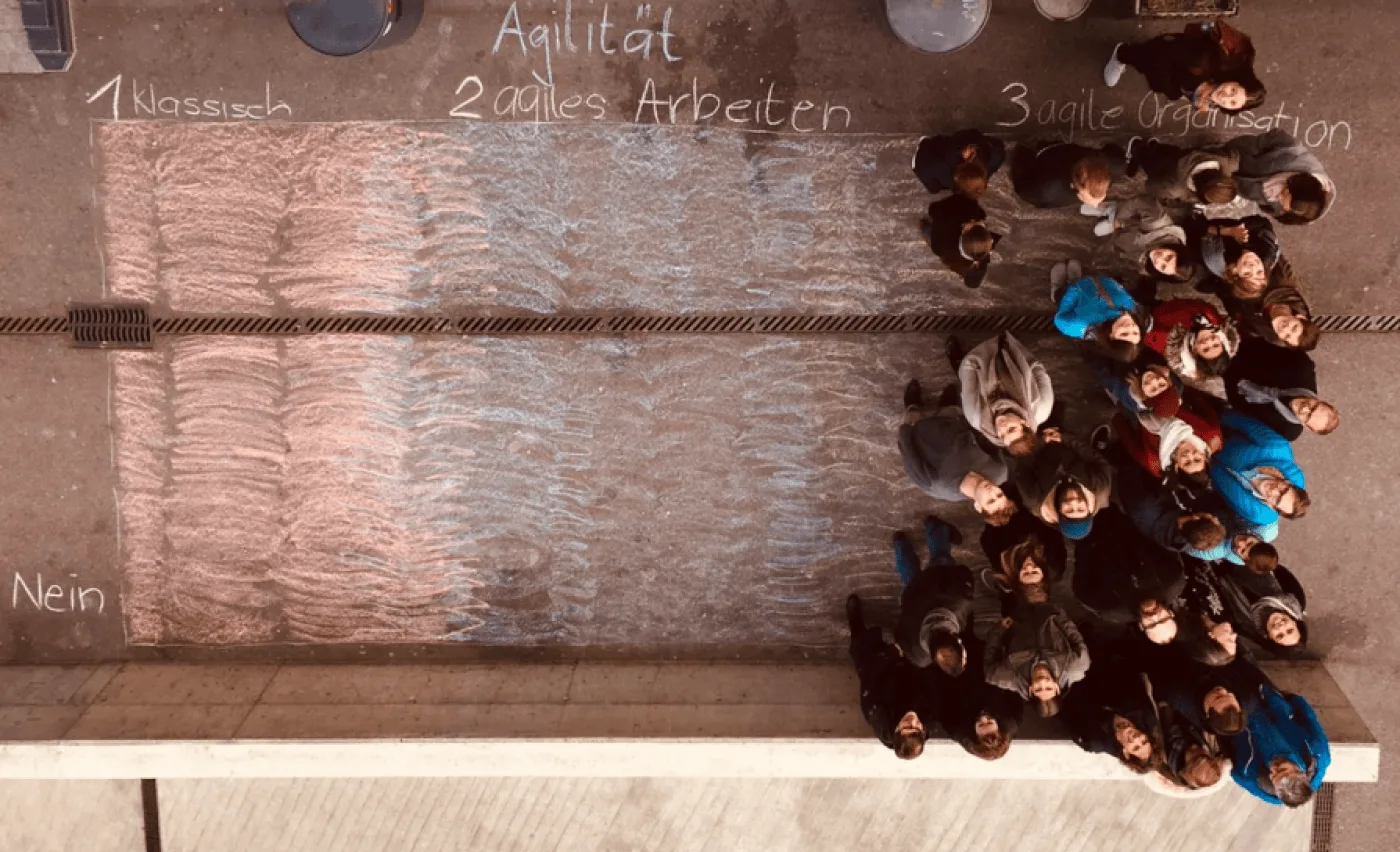
Copyright: Stiftung IdéeSport
Lucien can still recall the moment vividly:
*“Everyone ultimately stood on the ‘yes, we’re for agility’ side. It signaled that all employees were engaged from the start. This is a crucial element of the agile mindset. Taking that step physically and visibly affirmed that we’re all on the same side, pulling the same rope together. It served as a powerful symbolic beginning.”*
This gave IdéeSport the needed momentum to launch an agility working group, which included around ten people, an external coach, and an internal transformation champion. From this moment forward, the need to break down decision-making bottlenecks and increase responsiveness was clear. Daiana reflected on the early days of the change process:

### Introducing A New Way of Working
By 2020, IdéeSport was ready to formalize its agile practices. Drawing inspiration from global self-management frameworks, the organization has adopted a role-based operating system centered on purpose, not hierarchy. The vision was clear: match energy and ability with responsibility and give people the necessary structure to self-organize.
But there was a practical hurdle. Tracking roles, responsibilities, and decision rights through Word and Excel files was slow and confusing. Files remained disconnected and scattered across the foundation’s hard drives. Teams needed something better: something visual, simple, and inclusive.
Lucien described how, in mid-2024, the internal pilot of Peerdom’s role-based org-chart tool made a significant impact. While testing in a free trial, he received proactive support from the Peerdom team. The centralized, interactive visualization was immediately more intuitive than scattered documents, and the human support from Peerdom was critical in maintaining momentum.
Lea Lehmann, who had recently joined, saw the benefits immediately: *“It was helpful to just map what is really happening. It showed us that there is so much more work that we do, things that were just invisible before.”*
By late 2024, [Peerdom was rolled out across all 50+ members](https://peerdom.org/ideesport/). Documentarians in each circle curated and updated their slice of the map, ensuring that everyone had shared, real-time access to the actual work going on across the organization.

[View IdéeSport's role-based org chart.](https://peerdom.org/ideesport/)
### An Org Chart Fit for a Dynamic Team
Today, agility isn’t just a term that applies to their physical programs: it can be found infused in their org chart too. The organization runs on a network of self-managed roles organized into approximately 17 circles. These circles fall into three main categories:
* Operations: drive regional programs and direct implementation
* Services: provide finance, HR, IT support, fundraising and communication
* Coordination: keep everything aligned and learning shared
Each regional circle, German-East, German-West, Romandie, and Ticino, uses the same structure. There are no traditional managers. Instead, in addition to their functional roles (blue), people take on team roles (white). Team roles include a team host, HR rep, or economist. These roles vary in intensity, rotate regularly, and role holders are chosen collectively within each team.
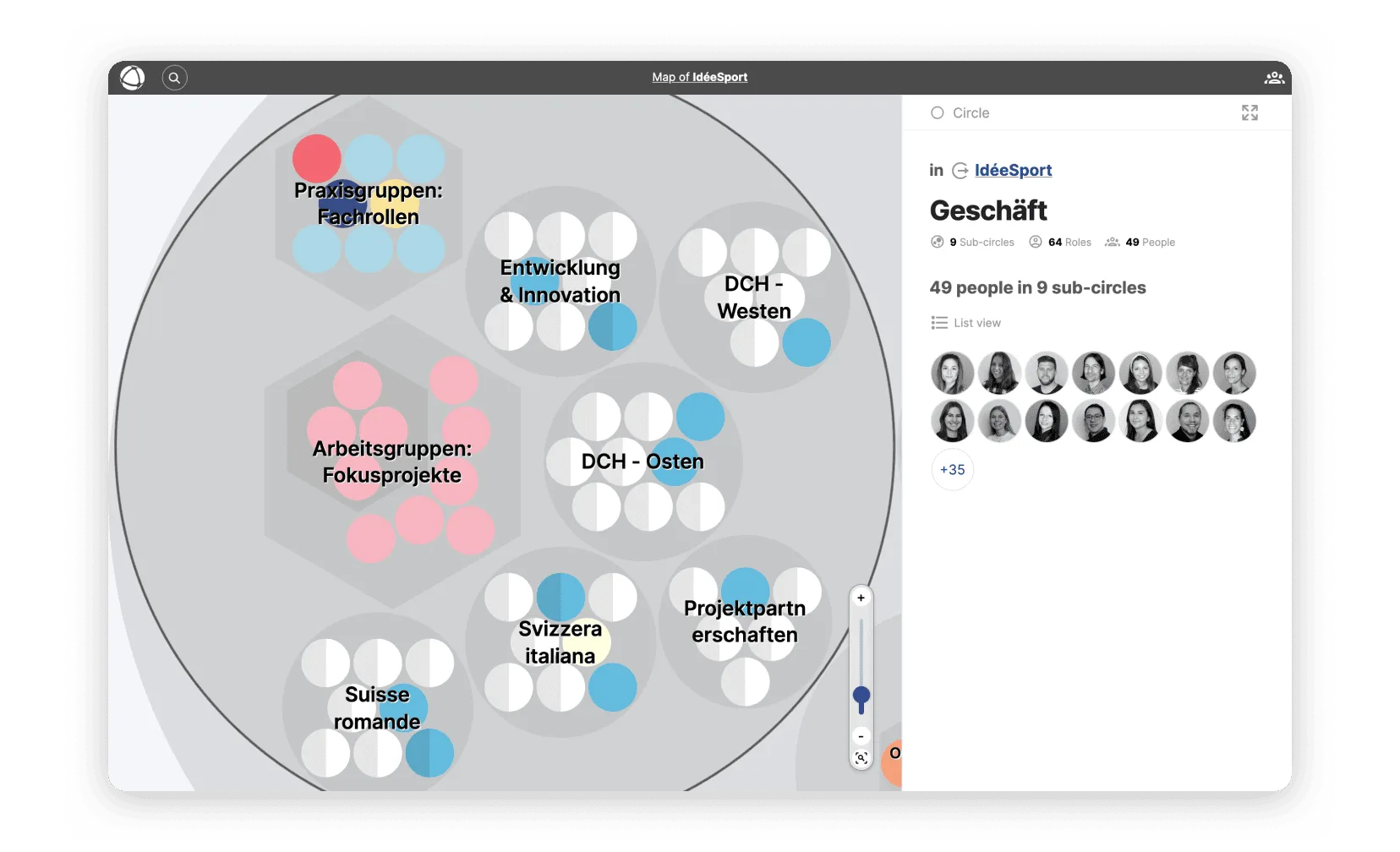
[View IdéeSport's Operations circle and roles.](https://peerdom.org/ideesport/map/geschaeft)
All responsibilities are now visible in real time. Instead of emailing back and forth or digging through outdated files, team members can view who does what with a few clicks. Regular national meetings reinforce alignment, and each team has a documentarian role to keep the map of their circle up-to-date.
Temporary working groups for projects, like relaunching the website or piloting a new youth program, are formed easily and dissolve once their mission is complete. Meanwhile, practice groups bring together peers across regions who hold the same expert role (e.g. MidnightSports specialists). This helps them align, set goals, and share expertise.
[IdéeSport’s new structure doesn’t just look different](https://peerdom.org/ideesport/); it functions differently too. Teams move faster, decision-making is distributed, and collaboration is grounded in clarity. As Lea described:

### More Impact with the Same People
The benefits of agility became especially clear during a budget crisis. Instead of waiting for top-down decisions, all 50 employees helped craft the response. Circles independently generated cost-saving ideas, proposed new revenue streams, and adapted quickly. This was made possible because their new way of working supported decentralized action. Melanie, IdéeSport's communications lead, reflected on this shift:

Today, any team member can propose a project, launch a working group, and bring an idea to life in a matter of days. The result is more innovation, more reach, and more youth served, without additional overhead.
Lucien summed it up: *“We can reach more people and promote health more effectively because our agile structure enables us to rapidly implement innovations.”*
### Lessons from IdéeSport

Copyright: Stiftung IdéeSport / Christian Jaeggi
* **Start with visibility.** Before changing how work is assigned, look at how it’s actually happening in the shadows.
* **Empower the edge.** Let the people closest to the work lead the way. Region by region, team by team.
* **Innovation comes from clarity.** When expectations and roles are clear, people can act with more confidence and creativity.
* **You don’t need more people to have more impact.** Sometimes, what you need is a new way to unlock potential in your current team.
* **Transformations are never “done.”** Once you start, the process reveals new layers. With each iteration, agility helps surface and solve what would otherwise stay stuck.
What’s certain is that self-management at IdéeSport means that people’s full talents are now seen and supported. And that, in turn, helps them serve Switzerland’s families and youth with even greater impact.
---
Bayer Pharma Schweiz rolled out a new organization design where Chapters (hexagons) surround Nuclei (circles). Each person belongs to a single home-team Chapter and may also work in several Nuclei.
### Impact: Four Outcomes from the Deployment
**1. Increased clarity after implementation of the new organizational structure.** Home teams and mission work were visible from day one at go-live.
**2. Faster decisions due to role clarity.** Across Bayer Pharma Schweiz, 90% of roles have a defined purpose, 80% have responsibilities, and 60% include skill keywords. Skills make search useful. Purpose and responsibilities make ownership clear.
**3. Less bureaucracy.** As long as the formal reporting lines remain the same, frequent updates to the work map can be made without having to constantly align with HR.
**4. Ability to find the right expert with fewer detours.** Before, finding the right contact meant interrupting colleagues and could take a week if an intermediary was busy or on holiday. With the map, look-ups are now instant. People search by role or skill and message the owner within minutes.

### Implementation Challenges: Three Obstacles and How They Responded
**Anxiety about transparency**
*Challenge:* Some feared that their role's contribution would not be recognized or appreciated.
*Response:* Require every role to show a purpose and an owner. Use profile pages in talent 1-1s as a tool to review workload, capacity, and internal career options. Treat visibility as a coaching tool, not a threat.
**Change resistance**
*Challenge:* A familiar pattern in change emerged: one third were enthusiastic, one third ambivalent, one third hesitant.
*Response:* Secure leader sponsorship, run short "show your map" workshops, and focus education on personal benefits that come from clarity over one's work.

**"Why do this in addition to my job?"**
*Challenge:* Some questioned if the documentation overhead was worth it.
*Response:* Show concrete cases where a self-serve search replaces inefficient information relays or how making expertise visible can support one's development dialogues. Keep map updates lightweight and tie them to existing rhythms such as coaching sessions or quarterly team meetings.
### What's Next: Bayer Pharma Schweiz Embraces Adaptability
* **FTE allocation in Peerdom:** Bayer Pharma Schweiz engaged Peerdom to extend the Contribution app so that planning, review, and allocations happen entirely in Peerdom, not scattered across spreadsheets.
* **Move from one map to a network:** After publishing their map, Bayer Pharma Schweiz shared it with other teams at Bayer. Within two years, 90+ Bayer teams created maps covering hundreds of people. The next step is connecting them with the Network app so that role, skill, and colleague search works across teams and locations. If the right expertise sits in another division or country, the aim is to find it in seconds.
By nature, pharma and R&D-based organizations are dynamic. Providing a living, shared reference helps reduce confusion. New hires onboard faster. Experts are easier to find. Re-allocation of resources takes fewer steps, often without a formal HR process. Teams coordinate with less friction. Most importantly, the org picture better matches the actual work as compared to a formal job description, so change creates less confusion and individuals have a solid reference for talent development dialogues.
### Takeaway Lessons
* If your organization design mixes reporting lines with fluid working groups (e.g. a matrix organization), map both side-by-side.
* Publish a map legend for shared understanding. Use colors and shapes for readability.
* Make every role and peer searchable by adding 5-8 capability keywords. For a step-by-step approach to adopting roles, see our [guide to implementing role-based governance](/blog/how-to-implement-role-based-governance).
* Add home teams or reporting line relationships on the peer profile to anchor the network view to the hierarchy.
* Use Drafts to test structural scenarios or temporarily store role descriptions that aren't currently needed.
--------------------------------------------------------------------------------
title: "Semco Style: Ricardo Semler's Workplace Democracy"
description: "How a Brazilian manufacturer grew from $4 million to $212 million in revenue by letting employees set their own salaries, choose their own hours, and vote on company decisions."
last_updated: "2026-02-13"
source: "https://peerdom.com/blog/semco-style-ricardo-semler-guide"
--------------------------------------------------------------------------------
# Semco Style: Ricardo Semler's Workplace Democracy

In 1980, a 21-year-old named Ricardo Semler took over his father's company in São Paulo, Brazil. On his first day, he fired 60% of the top managers. Over the next two decades, he reduced management layers from twelve to three, cut corporate staff by 75%, and grew Semco from $4 million to $212 million in annual revenue, from 90 employees to over 3,000, with an average annual growth rate of 47%.
This is not a Silicon Valley startup myth. Semco was a manufacturing company: centrifuges, industrial mixers, dishwashers for commercial kitchens. The factory floor, not a venture-funded campus, was where Semler's experiment in workplace democracy took shape. Employees set their own salaries. They chose their own working hours. They voted on how profits were distributed. Managers were evaluated by the people they managed, and the scores were posted publicly. There was no dress code, no assigned parking, no fixed CEO office.
What Semler built at Semco has since been codified into a transferable philosophy, the Semco Style, now taught by the Semco Style Institute to organizations worldwide. This guide covers the origins, the principles, the specific practices that made Semco distinctive, the results, and how the philosophy compares to other organizational frameworks. It is written to be useful whether you are considering adopting Semco-inspired practices or trying to understand what workplace democracy looks like when taken to its logical conclusion.
## The Origin: A Health Crisis, a Sledgehammer to Bureaucracy
Ricardo Semler did not arrive at workplace democracy through academic theory. He arrived at it through burnout.
After taking over Semco at 21, Semler initially ran the company with an intensity that mirrored the conventional management thinking of the era: long hours, tight control, top-down decisions. By age 25, that approach had caught up with him. During a visit to a pump factory in upstate New York, he collapsed. Doctors at the Lahey Clinic in Boston diagnosed him with the most advanced case of stress they had ever seen in someone his age.
The diagnosis forced a question that most executives never ask: what if the management model itself is the problem? Not the people, not the market, not the product, but the fundamental assumption that organizations work best when a small number of people at the top tell everyone else what to do?
Semler began dismantling that assumption piece by piece. He eliminated layers of management. He opened the company's financial books to every employee. He let teams make decisions that were previously reserved for executives. And rather than the chaos that skeptics predicted, the company grew: in revenue, in headcount, and in the range of industries it operated in.
Over the following decades, Semco diversified from industrial manufacturing into environmental consulting, facilities management, real estate brokerage, inventory support, and even hospitality. The company launched BrasilAgro, an $800 million farm development business. Semler attributes this diversification not to strategic genius at the top, but to the collective intelligence of empowered employees who saw opportunities that no centralized planning process would have identified.
By 2003, Semco had 3,000 employees and $212 million in revenue. Employee turnover sat at just 2%, in an industry where double-digit turnover was the norm. And Semler himself had largely stepped away from operations. The company ran itself.
> "Participation gives people control of their work, profit sharing gives them a reason to do it better, information tells them what's working and what isn't." -- Ricardo Semler
## What Is the Semco Style?
The term "Semco Style" refers to both the management philosophy that Ricardo Semler developed at Semco and the formalized framework later codified by the Semco Style Institute.
The distinction matters. What Semler did at Semco was intuitive, iterative, and deeply contextual. He did not work from a playbook. He experimented, sometimes radically, and kept what worked. The result was not a framework but a living culture, shaped over two decades by thousands of small decisions and a few dramatic ones.
The Semco Style Institute, founded in the Netherlands in 2016, took those decades of practice and formalized them into a structured methodology. Working with De Baak, a Dutch leadership institute, the Institute developed a framework built on five principles, fifteen organizational pillars, and over 100 specific practices, each tried and tested at Semco and other organizations that adopted similar approaches.
This formalization made Semco's philosophy transferable. It moved the conversation from "look at what one company in Brazil did" to "here are the principles and practices that any organization can adopt, adapt, and implement." The Institute now operates a global network, offering training, certification, assessments, and consulting to organizations exploring self-management.
The Semco Style is not a rigid constitution. Unlike frameworks that require organizations to adopt a specific governance structure or follow a detailed set of rules, the Semco Style offers principles and practices as a menu, not a mandate. Organizations are expected to adapt, not replicate.
## The Five Principles of the Semco Style
The Semco Style framework rests on five interdependent principles. Remove one, and the others lose their coherence. Together, they form the philosophical foundation for everything that happens in a Semco-inspired organization.
### 1. Trust
Trust is the starting point. The entire Semco philosophy rests on a single premise: treat adults as adults. When people have access to the right information, they make good decisions, for themselves and for the organization. Trust replaces surveillance, control, and micromanagement.
**At Semco**: There were no time clocks. No one checked when employees arrived or left. Financial information was open to every employee, from revenue figures to profit margins to individual salary data. The assumption was that people would act responsibly when trusted to do so, and overwhelmingly, they did. Semler's observation was direct: the vast majority of employees at any company are honest, competent adults. Building an entire control infrastructure around the small minority who might misbehave insults the majority and costs more than the misbehavior itself.
### 2. Alternative Controls
Traditional organizations rely on hierarchical controls: approvals, sign-offs, compliance checklists, management oversight. The Semco Style replaces these with alternative controls: peer pressure, transparent information, market accountability, and collective ownership. The controls are still real. They are just not hierarchical.
**At Semco**: When employees set their own salaries, the control was not a manager's approval. It was full transparency: everyone could see what everyone else earned, and everyone could see the company's financials. If someone set an unreasonably high salary, their peers would know, and the market data would make the discrepancy visible. The social and informational controls were more effective than any manager's sign-off, because they operated continuously rather than once a year during performance reviews.
### 3. Self-Management
Self-management means that employees and teams manage their own work: scheduling, priorities, methods, and decisions. This is not delegation (where a manager assigns tasks and retains authority). It is genuine autonomy, where teams own both the decisions and their consequences.
**At Semco**: Teams chose their own working hours. Factory workers selected the color of their uniforms and the layout of the factory floor. Hiring and firing happened by consensus within teams. Business units set their own strategies. The role of coordinators (Semco's term for what other companies call managers) was to facilitate, not to direct. And those coordinators were evaluated twice a year by the people they coordinated, with results posted publicly.
### 4. Extreme Stakeholder Alignment
This principle extends self-management beyond the organization's boundaries. It involves working collaboratively with customers, partners, suppliers, and communities to co-design processes and deliver outcomes that serve all parties. The organization does not optimize for one stakeholder at the expense of others.
**At Semco**: The Satellite Programme encouraged employees to leave Semco and start their own companies, which then became Semco suppliers. Workers were offered favorable leasing conditions for production machines and could sell their output to Semco's competitors as well. This created an ecosystem of aligned stakeholders rather than a rigid supply chain. The result was a network of businesses with genuine skin in the game, not a top-down vendor management program.
### 5. Creative Innovation
When people are trusted, self-managing, and connected to real stakeholders, innovation becomes a natural byproduct rather than a managed process. Creative innovation at Semco was not a department or a budget line. It was an emergent property of the culture.
**At Semco**: Three engineers proposed creating a Nucleus of Technological Innovation (NTI) to explore new business lines. Semler endorsed the idea, and the team operated with near-complete autonomy. The NTI model was so successful that it was replicated across the company, becoming the engine behind Semco's diversification from manufacturing into services, real estate, environmental consulting, and agriculture. No innovation committee approved these ventures. They emerged from the bottom up, driven by employees who saw opportunities and had the freedom to pursue them.
## Radical Practices That Define Semco
The five principles come to life through specific practices, many of which were considered radical when Semler introduced them in the 1980s and remain uncommon today.
### Setting Your Own Salary
Employees at Semco set their own salaries. The process is more disciplined than it sounds. Employees receive two pieces of information before making their decision: market rate data for comparable positions at other companies, and full visibility into Semco's financial performance: profit margins, revenue, and the total salary budget for their division.
With this information, employees propose what they believe is a fair salary. The decision is theirs, but it happens in full view of their colleagues, who can see the same financial data and the same market benchmarks. The social dynamic acts as a natural regulator. In practice, Semco found that employees more often undervalued themselves than overvalued, and the company actively encouraged people to raise their salaries when the data supported it.
### Choosing Your Own Hours
There were no fixed working hours at Semco. Employees arrived when they wanted and left when they wanted. The constraint was not the clock but the work itself. Teams coordinated their schedules based on what the work required, not what a policy dictated. Factory workers on production lines coordinated shift patterns among themselves.
### Open-Book Management
Every employee had access to Semco's complete financial information: revenue, costs, profit margins, strategic plans, and productivity statistics. The company actively trained employees to read financial statements, because transparency without financial literacy is just noise. Semco wanted every employee to understand what the numbers meant, not just to see them.
### Reverse Evaluations
Twice a year, coordinators (managers) were evaluated by the people they managed. Evaluations used a 100-point scale, and the results were posted publicly, not shared privately with the manager, not summarized by HR, but displayed for anyone in the company to see.
Coordinators who consistently scored below 75 were eventually removed from their coordination role. This happened. One coordinator scored 40. Investigation confirmed what the scores suggested: the person was an excellent salesman but an ineffective leader. The solution was not termination but reassignment: the coordinator moved into a role that matched their strengths. The reverse evaluation did not just identify problems. It provided data that led to better organizational design.
### Profit Sharing by Employee Vote
Semco shared 23% of its profits with employees. But the distribution method was not set by management. Employees voted on how to allocate the profit-sharing pool. This meant that employees had a direct, democratic voice in one of the most consequential financial decisions a company makes. The practice reinforced ownership. People who help decide how profits are distributed pay closer attention to how profits are generated.
### Voluntary Meetings With Open Chairs
All meetings at Semco were voluntary. If no one showed up, the meeting's topic was considered untimely or unimportant. At every board meeting, two seats were reserved on a first-come, first-served basis for any employee who wanted to attend. No invitation required. No explanation needed. The practice ensured that strategic discussions were not insulated from the people who would be affected by the decisions.
### Small Business Units
Semco capped business units at roughly 150 people. When a unit grew beyond that threshold, it was split. The reasoning was practical: people work differently when they know almost everyone around them. Beyond 150, anonymity creeps in, communication becomes formal rather than natural, and the sense of shared ownership erodes. Keeping units small preserved the culture of mutual accountability that made the rest of the system work.
### No Dress Code, No Assigned Offices, No Corporate Hierarchy
Semco had no dress code. No assigned offices or parking spaces. No corporate hierarchy in the traditional sense. Job titles were minimal. The organizational structure was flat enough that the distance between any employee and any decision was measured in conversations, not in org chart layers.
## The Results
The outcomes of Semler's approach are documented across multiple sources and decades of observation.
**Revenue growth**: From $4 million in 1982 to $35 million in 1994 to $212 million by 2003. An average annual growth rate of 47%.
**Employee growth**: From 90 employees in 1982 to over 3,000 by 2003, with some sources citing growth to 5,000 over subsequent years.
**Employee retention**: Turnover of just 2%, in manufacturing industries where 10-20% is typical.
**Industry diversification**: From a single-product manufacturing company to a diversified group spanning industrial equipment, environmental consulting, facilities management, real estate development, agriculture, and hospitality.
**Leadership succession**: Semler gradually stepped away from daily operations. The company continued to operate and grow without him, the most compelling evidence that the system was not dependent on a charismatic founder but on the practices and principles embedded in the culture.
**Longevity**: The practices were introduced in the 1980s and sustained through multiple economic crises, including Brazil's hyperinflation period, multiple recessions, and currency devaluations. A management model that works only in favorable conditions is not a model. Semco's approach proved resilient across radically different economic environments.
These results did not come from a single intervention. They accumulated over decades of consistent application. The salary transparency did not work in isolation; it worked because it was supported by financial literacy training, open-book management, and a culture where trust was the operating assumption.
## The Semco Style vs. Other Organizational Frameworks
The Semco Style exists within a broader landscape of organizational models that challenge traditional hierarchy. Each framework has different origins, different emphases, and different implementation approaches. Understanding where the Semco Style sits relative to these alternatives helps organizations choose the approach, or combination of approaches, that fits their context.
| Dimension | Traditional Hierarchy | Semco Style | Holacracy | Sociocracy | RenDanHeYi | Beta Codex | DSO (Bayer) | Spotify Model |
|---|---|---|---|---|---|---|---|---|
| **Authority structure** | Top-down chain of command | Flat, team-based democracy | Constitution-governed roles and circles | Consent-based linked circles | Distributed to autonomous microenterprises | Decentralized center-periphery | Empowered autonomous teams | Squads, tribes, chapters |
| **Basic unit** | Department / division | Self-managing team (max ~150) | Circle with defined roles | Circle with double-linking | Microenterprise (10-15 people) | Autonomous cell at periphery | Team of 6-10 people | Squad (cross-functional) |
| **Decision-making** | Manager approval | Consensus, democratic vote | Integrative decision-making | Consent (no reasoned objections) | ME autonomy with P&L accountability | Mastery-based | 90-day outcome cycles | Squad-level autonomy |
| **Salary determination** | Set by management / HR | Set by employees themselves | Typically traditional | Typically traditional | Based on user value created | Participation-based | Typically traditional | Typically traditional |
| **Transparency** | Need-to-know | Full open books (financials, salaries, evaluations) | Governance records visible | Governance transparent | Market and user data | Flow intelligence | Outcome visibility | Varies |
| **Leadership model** | Appointed managers | Elected / evaluated coordinators | Lead Links appointed by parent circle | Elected leaders | Entrepreneurial autonomy | Self-organization | Shared ownership, no fixed managers | Chapter leads, tribe leads |
| **Formality** | High (policies, procedures) | Low (culture-based, few rules) | Very high (written constitution) | Moderate (principles + process) | Moderate (market discipline) | Principles-based | Moderate (90-day cycles) | Moderate (model-specific) |
| **Scale tested** | Any scale | Thousands (Semco: 3,000-5,000) | Hundreds to low thousands | Hundreds to low thousands | 80,000+ (Haier) | Varies | 100,000+ (Bayer) | Thousands (Spotify) |
### Key Distinctions
**Semco Style vs. Holacracy**: [Holacracy](/blog/holacracy-tools-practices-guide) provides a detailed governance constitution with specific rules for meetings, proposals, elections, and role definitions. The Semco Style is far less prescriptive. It provides principles and cultural practices, not governance procedures. At Semco, the way teams made decisions varied from unit to unit; there was no single mandated process. Holacracy optimizes for governance clarity. Semco optimizes for human autonomy.
**Semco Style vs. Sociocracy**: [Sociocracy](/blog/sociocracy-guide-principles-practices) shares Semco's emphasis on consent-based decision-making and distributed authority, but it operates through a more structured system of linked circles and formal decision processes. Semco's approach is less structured; decisions happen through team consensus, democratic voting, or individual autonomy depending on the context. Organizations drawn to Semco's philosophy but wanting more governance structure often find sociocracy a natural complement.
**Semco Style vs. RenDanHeYi**: [RenDanHeYi](/blog/rendanheyi-model-guide), developed at Haier, shares Semco's emphasis on autonomous units and direct market connection. The key difference is financial architecture. RenDanHeYi gives each microenterprise full profit-and-loss responsibility, creating internal businesses. Semco's approach is more communal: profit sharing is collective, salaries are self-set but within a shared financial context. RenDanHeYi is entrepreneurial. Semco is democratic.
**Semco Style vs. Beta Codex**: [Beta Codex](/blog/beta-codex-peach-model-guide) operates at a more abstract level. It defines twelve organizational laws that describe how decentralized organizations should work. Semco's approach is more practical and people-centered. Beta Codex provides the theory; Semco provides the lived example. An organization could practice Beta Codex principles using Semco-style practices within its teams.
**Semco Style vs. DSO (Bayer)**: [Dynamic Shared Ownership](/blog/dynamic-shared-ownership-bayer-guide) at Bayer is a top-down transformation of a traditional hierarchy, driven by a CEO's mandate to restructure 100,000 employees into autonomous teams. Semco's transformation was bottom-up, driven by a founder's personal conviction and evolved organically over decades. Both aim for empowered teams and reduced hierarchy, but the change methodology is fundamentally different.
## The Semco Style Institute
The Semco Style Institute was founded in May 2016 in the Netherlands, formalizing Ricardo Semler's decades of practice into a structured, transferable methodology. The framework was developed in collaboration with De Baak, a Dutch leadership institute, which helped translate Semco's lived culture into theoretical principles that could be taught, assessed, and adapted.
### The Framework
The Institute's methodology consists of three layers:
- **5 Principles**: Trust, Alternative Controls, Self-Management, Extreme Stakeholder Alignment, and Creative Innovation. These are the philosophical foundation, the "why" behind Semco-inspired practices.
- **15 Pillars**: Organizational building blocks that operationalize the five principles. These pillars span topics from decision-making structures to talent development to financial transparency.
- **100+ Practices**: Specific, actionable methods that organizations can adopt and adapt. These are the "how": concrete steps for implementing self-set salaries, reverse evaluations, open-book management, and other Semco-inspired approaches.
### Global Network
The Institute operates a global network of certified partners, with affiliates in countries including South Africa, Australia, the United Kingdom, and the United States. It offers certification programs for consultants and organizational leaders, assessments that measure an organization's readiness for self-management practices, and consulting engagements tailored to specific organizational contexts.
### The Challenge of Transfer
The Institute's central challenge is one that every organizational philosophy faces when it moves beyond its origin: culture is not a kit you assemble. What worked at Semco in São Paulo, within Brazilian work culture, under the specific leadership of Ricardo Semler, does not automatically work in a manufacturing firm in Munich or a technology company in Singapore.
The Institute's response to this challenge is to frame Semco Style as adaptive rather than prescriptive. Organizations are not expected to replicate Semco. They are expected to understand the principles, assess their own context, and select the practices that fit. This makes the Semco Style less of a franchise and more of a philosophy with practical tools.
## Where Semco Style Works (and Its Limits)
Any honest assessment of an organizational model must address both where it succeeds and where it struggles. The Semco Style has demonstrated its effectiveness across specific contexts, and it has real limitations that prospective adopters should understand.
### Where It Works
**Knowledge work and professional services**: Organizations where output depends on judgment, creativity, and collaboration (consulting firms, technology companies, design agencies) are natural fits for Semco-style autonomy. The work itself resists standardization, making self-management a practical advantage rather than an ideological choice.
**Manufacturing with a trust culture**: Semco itself was a manufacturing company, proving that self-management is not limited to white-collar work. But the manufacturing context at Semco was supported by decades of trust-building, financial literacy training, and gradual cultural evolution. It did not happen overnight.
**Organizations with committed leadership**: Every successful implementation of Semco-style practices shares one feature: leadership that genuinely believes in the model and is willing to endure the discomfort of releasing control. This is not a practice you can delegate to HR.
### Where It Struggles
**Heavily regulated industries**: In sectors where compliance requirements prescribe specific reporting structures, approval chains, and documentation processes (pharmaceuticals, aviation, financial services) the full Semco model faces friction with regulatory expectations. Elements of the philosophy (transparency, reverse evaluations, small units) can still be adopted, but the regulatory environment constrains how far autonomy can extend.
**Organizations without leadership buy-in**: The Semco Style requires that the people currently holding power voluntarily distribute it. If senior leadership is not genuinely committed, if the initiative is delegated to middle management or framed as a "culture program" rather than a structural transformation, the practices will be adopted superficially and abandoned at the first sign of difficulty.
**The founder effect**: Semler's personal conviction and willingness to sustain the experiment through setbacks was a critical factor in Semco's success. His health crisis gave him a personal reason to rethink work. His majority ownership gave him the authority to override skeptics. Not every organization has a founder with both the conviction and the authority to drive this kind of change.
**Cultural context**: Brazilian work culture, with its emphasis on personal relationships, informality, and communal identity, provided fertile soil for Semco's practices. This does not mean the practices cannot work in other cultures. The Semco Style Institute's global network demonstrates that they can. But the implementation path varies. A German manufacturing firm or a Japanese technology company will need to adapt the practices differently than a Brazilian services company.
### The Honest Answer
The Semco Style is not a universal solution. It is a set of principles and practices that work when the organizational conditions support them. The answer for most organizations is not to replicate Semco but to understand the principles, select the practices that fit their context, and implement them gradually, starting with transparency and trust, and building from there.
## Implementing Semco-Inspired Practices
Adopting the full Semco model requires years of cultural evolution. But individual Semco-inspired practices can be introduced incrementally, each one building the trust and capability needed for the next.
### Start with Transparency
Open the books before you open the salaries. Share financial information (revenue, costs, profit margins) with all employees. This is the lowest-risk, highest-impact starting point. It builds financial literacy, creates shared context for decision-making, and demonstrates that leadership trusts employees with real information.
### Introduce Reverse Evaluations
Let employees evaluate their managers. Start with anonymous surveys if the culture is not yet ready for public scores. The goal is to create a feedback loop where leadership quality is measured by the people who experience it, not by the people who appointed it. Over time, increase transparency until the evaluations become part of the organizational conversation rather than a private HR exercise.
### Give Teams Ownership of Scheduling
Let teams determine their own working hours and shift patterns. The constraint is the work, not the clock. Most teams, given the authority and the information, coordinate more effectively than any top-down scheduling system. This practice builds self-management capability with relatively low organizational risk.
### Experiment with Profit Sharing
Introduce a profit-sharing mechanism, even a modest one. Let employees participate in deciding how the pool is distributed. This creates a direct connection between organizational performance and individual benefit, and it shifts the conversation from "what am I paid" to "how are we performing."
### Keep Units Small
If a team or business unit grows beyond 150 people, consider splitting it. The 150-person threshold is not arbitrary; it aligns with research on group dynamics and the cognitive limits of maintaining meaningful working relationships. Smaller units preserve the mutual accountability that makes self-management possible.
### Make the Structure Visible
As organizational structure evolves (new teams form, roles shift, authority is distributed differently) the structure needs to be visible and navigable. Everyone in the organization should be able to see who is responsible for what, how teams relate to each other, and how the structure has changed over time. This visibility is what turns a collection of practices into a coherent organizational model. Tools like [Peerdom](https://peerdom.org) can map teams, roles, and relationships in a way that keeps the organizational structure alive and accessible rather than buried in a slide deck from the last offsite.
## Frequently Asked Questions
### Does Semco still operate this way?
Semco has evolved since the practices described in Semler's books. The company has shifted its focus toward launching new businesses and investments, operating as Semco Partners. The core principles (employee autonomy, transparency, distributed decision-making) remain embedded in the culture. Semler himself has largely stepped away from daily operations, which he considers proof that the system works: the company does not need its founder to function.
### Can employees really set their own salaries?
Yes. At Semco, employees set their own salaries after receiving market rate data for comparable positions and full visibility into the company's financial performance. The transparency acts as a natural control: when everyone can see what everyone else earns and how the company is performing financially, people tend to make reasonable decisions. Semco found that employees more often undervalued themselves than overvalued, and the company actively encouraged people to raise their compensation when data supported it.
### What happens when someone sets an unreasonable salary?
The system relies on transparency rather than authority. If someone sets a salary far above market rate or beyond what the company's finances support, their colleagues can see it. Peer pressure, financial data, and the knowledge that an unsustainable salary hurts the profit-sharing pool for everyone create social and economic constraints that are more effective than a manager's veto. In decades of practice at Semco, abuse of the system was rare.
### How does Semco handle hiring and firing?
Hiring and firing at Semco happen by team consensus. The people who will work with a new hire are the people who interview and select them. When someone is not performing, the team addresses it collectively. This is more demanding than traditional manager-led decisions; it requires honest conversation and shared accountability. But it produces better outcomes because the people making the decision are the ones who experience the consequences daily.
### Is the Semco Style only for Brazilian companies?
No. The Semco Style Institute operates a global network with certified partners in the Netherlands, the United Kingdom, South Africa, Australia, and the United States, among other countries. Organizations across industries and cultures have adopted Semco-inspired practices. The principles are universal (trust, transparency, autonomy) though the specific implementation varies by cultural and regulatory context.
### What is the Semco Style Institute?
The Semco Style Institute, founded in the Netherlands in 2016, formalized Ricardo Semler's management philosophy into a structured framework of 5 principles, 15 pillars, and over 100 practices. It was developed in collaboration with De Baak, a Dutch leadership institute. The Institute offers certification programs, organizational assessments, and consulting to help organizations adopt self-management practices. It operates through a global network of partners.
### Has any large corporation adopted the Semco Style?
Large organizations have adopted elements of the Semco Style rather than implementing it wholesale. The principles (transparency, self-management, distributed authority) appear in various forms across companies experimenting with decentralization. Organizations like Bayer (through [Dynamic Shared Ownership](/blog/dynamic-shared-ownership-bayer-guide)) and Haier (through [RenDanHeYi](/blog/rendanheyi-model-guide)) have implemented their own models that share philosophical DNA with the Semco approach, even if the specific practices differ. The Semco Style Institute works with organizations of various sizes to adapt the practices to their context.
### What is the difference between the Semco Style and holacracy?
[Holacracy](/blog/holacracy-tools-practices-guide) is a formal governance framework with a written constitution, defined meeting formats, specific role structures, and prescribed decision-making processes. The Semco Style is a philosophy with a set of principles and practices, but it is far less prescriptive about governance procedures. Holacracy tells you exactly how to run a governance meeting. The Semco Style tells you to trust your people and gives you practices for building that trust. Organizations that want clear governance structure may prefer holacracy. Organizations that want cultural transformation with more flexibility may prefer the Semco Style. The two are not mutually exclusive; an organization could use holacratic governance within a Semco-style culture.
## Start mapping your organization
Whether you are exploring the Semco Style, adopting [holacracy](/blog/holacracy-tools-practices-guide), implementing [sociocracy](/blog/sociocracy-guide-principles-practices), building a [Beta Codex](/blog/beta-codex-peach-model-guide) network, or evolving your existing structure toward more self-management, the first step is the same: make your organizational structure visible, navigable, and accessible to everyone.
- **[Explore templates](/discover)**: browse pre-configured templates for self-managing organizations, including structures inspired by holacracy, sociocracy, Beta Codex, and more.
- **[Start mapping from scratch](https://peerdom.org/new)**: Peerdom supports any organizational model: flat teams, holacratic circles, microenterprises, traditional hierarchies, and everything in between.
- Not sure where to start? **[Book a demo](https://outlook.office.com/book/PeerdomDemo@peerdom.org/)** and we will walk through how your organization's structure maps to the model you are exploring.
- For more on [self-management software](/blog/self-management-software-guide) and [role-based governance](/blog/how-to-implement-role-based-governance), those guides cover the practical tooling details.
--------------------------------------------------------------------------------
title: "Mission Based Teams: How Roche Organizes for Impact"
description: "Mission Based Teams let people self-organize around the problems that matter most. Roche runs over 1,100 of them across 89 countries, alongside their formal structure, not instead of it."
last_updated: "2026-02-11"
source: "https://peerdom.com/blog/mission-based-teams-roche-guide"
--------------------------------------------------------------------------------
# Mission Based Teams: How Roche Organizes for Impact

Most organizational structures optimize for control. Reporting lines, approval chains, departmental boundaries: these exist to ensure that decisions are predictable, resources are accounted for, and risk is managed. For a hundred years, this has been the default architecture of large organizations, and it works well enough for running the business as it is.
The problem is that running the business as it is and changing the business to meet new challenges are fundamentally different activities. The structure that keeps a 100,000-person pharmaceutical company compliant with regulations across 89 countries is not the same structure that enables a cross-functional team to solve a patient access problem that no single department owns. Hierarchies are built for stability. But the problems that matter most (innovation, cross-functional collaboration, rapid response to market shifts) cut across the very boundaries that hierarchies create.
Mission Based Teams are an emerging answer to this tension. They are self-organized groups that form around specific missions, drawing people from different departments, geographies, and skill sets. They operate alongside the formal organizational structure, not instead of it. And they are gaining traction in some of the world's largest and most complex enterprises.
The most prominent example is Roche. The Swiss pharmaceutical and diagnostics company, founded in 1896, employing over 100,000 people, operating in more than 100 countries, runs over 1,100 Mission Based Teams across 89 countries. These teams work alongside Roche's formal hierarchy, tackling problems that do not fit neatly into any single department's mandate. Roche did not dismantle its org chart. It added a second operating system on top of it.
This guide explains what Mission Based Teams are, how they work, how Roche implements them at scale, and what any organization can learn from the model, whether you run a 50-person company or a 100,000-person multinational.
## What Are Mission Based Teams?
A Mission Based Team (MBT) is a self-organized group of people who come together around a specific mission: a problem to solve, an opportunity to pursue, or an outcome to achieve. The concept is straightforward, but the implications are significant.
**Self-organized.** MBTs are not assembled by management. People opt in based on their passion for the mission and the expertise they can contribute. The team forms around the work, not the other way around.
**Mission-driven.** Each team has a clear mission statement, not a vague aspiration, but a specific problem or opportunity. "Reduce patient onboarding time for therapy X by 40%" is a mission. "Improve innovation" is not.
**Cross-functional.** MBTs cut across departmental boundaries. A team working on a patient access challenge might include people from medical affairs, regulatory, commercial, IT, and supply chain, people who would never sit in the same meeting in the formal hierarchy.
**Voluntary.** Participation is not assigned. People join because they care about the mission and believe they can contribute. This voluntary nature is not a soft perk; it is a structural feature. Voluntary teams attract motivated people. Mandated teams attract compliance.
**Alongside the formal structure.** This is the critical distinction. MBTs do not replace the org chart. They operate as an overlay, a second operating system that coexists with the formal hierarchy. People retain their departmental roles, reporting lines, and career paths. Their MBT work happens in addition to their formal responsibilities.
**Outcome-oriented.** MBTs are focused on impact, not activity. Success is measured by whether the mission is achieved, not by how many meetings were held or documents produced.
**Temporally flexible.** Some MBTs are time-bound; they dissolve when the mission is complete. Others are ongoing, maintaining a persistent focus on a long-term challenge. The key is that the team's existence is tied to the mission's relevance, not to organizational inertia.
As Jurriaan Kamer, organizational author and consultant who has written extensively about MBTs at Roche, Haier, and Bayer, describes the model: the basic idea is to create a place where anyone can publish missions. A mission is a statement about a problem or opportunity that, if tackled, would be valuable to the business. MBTs let people take ownership of what they care about and believe is good for business, without overhauling the organization's structure.
## The Dual Operating System
The idea that organizations need two operating systems (one for running the business, one for changing it) did not originate with Mission Based Teams. It comes from John Kotter, the Harvard Business School professor who introduced the concept in his 2012 Harvard Business Review article and his 2014 book "Accelerate."
Kotter's argument is that traditional hierarchies are effective at executing known processes but structurally incapable of driving the kind of strategic, cross-functional change that modern organizations need. His solution is not to replace the hierarchy; it is to supplement it with a network-like structure that operates in parallel.
The dual operating system has two components:
**The hierarchy** handles what it does well: day-to-day operations, compliance, career paths, resource allocation, legal and regulatory requirements, performance management, and the stable, repeatable processes that keep the business running.
**The network** handles what the hierarchy cannot: identifying strategic threats and opportunities, mobilizing cross-functional responses, driving innovation, and executing change initiatives that cut across departmental boundaries.
Mission Based Teams are one concrete implementation of this network side. They provide the mechanism through which people self-organize around strategic problems without dismantling the formal structure that runs the core business.
### Why not just restructure?
The pragmatic appeal of the dual operating system is that it does not require an organizational redesign. Restructuring a large enterprise is slow, disruptive, and risky. It takes years, consumes enormous management attention, and often fails to deliver the promised benefits because the new structure creates new silos to replace the old ones.
MBTs offer a different path. Instead of redrawing the org chart, you create a parallel mechanism for cross-functional work. The formal structure continues to handle compliance, career progression, resource allocation, and operational execution. The MBTs handle the problems that do not fit into any single box on that chart.
This is particularly relevant for organizations in regulated industries (healthcare, finance, government, energy) where the formal structure exists for legal and regulatory reasons that cannot be wished away. A pharmaceutical company cannot eliminate its regulatory affairs department in the name of agility. But it can create Mission Based Teams that draw from regulatory affairs, medical, commercial, and supply chain to solve cross-functional problems faster than the hierarchy alone would allow.
### The interface challenge
The dual operating system sounds elegant in theory. In practice, the hardest part is managing the interface between the two systems. When someone spends 20% of their time on an MBT and 80% in their department, whose priorities win when they conflict? When an MBT's mission overlaps with a department's mandate, who owns the outcome? When resources are scarce, does the department or the MBT get them?
These are not hypothetical problems. They are the daily reality of running a dual operating system, and how an organization resolves them determines whether MBTs thrive or become ignored side projects. Roche's experience at scale offers some of the best available evidence for how these tensions play out, and how they can be managed.
## Roche: 1,100+ Mission Based Teams Across 89 Countries
Roche is a Swiss multinational healthcare company headquartered in Basel, founded in 1896. It operates in two divisions (pharmaceuticals and diagnostics) across more than 100 countries. With over 100,000 employees, it is one of the world's largest healthcare companies by revenue. The regulatory, scientific, and commercial complexity of pharmaceutical development makes Roche a particularly demanding environment for organizational experimentation.
Starting in 2016, Roche began a broad transformation of its organization, processes, people, and ways of working. The goal was not to dismantle the formal hierarchy but to create the conditions for people to work across it: to connect, collaborate, and solve problems that no single function or geography could address alone.
Mission Based Teams emerged as a central mechanism of this transformation. Today, Roche operates over 1,100 self-managed MBTs across 89 countries. These teams work alongside the formal organizational structure, bringing faster, cross-functional solutions to challenges in patient care, diagnostics, operations, and corporate functions.
### How Roche's MBTs work
At Roche, anyone, whether a leader or an individual contributor, can publish a mission. A mission is a statement about a problem or opportunity that, if tackled, would be valuable to the business and ultimately to patients. Missions are visible across the organization, and people opt in based on their passion and expertise.
This is a departure from how most large companies handle cross-functional work. In a traditional hierarchy, someone identifies a problem, escalates it, and management assembles a task force. The people on the task force may or may not care about the problem; they were assigned to it. In Roche's MBT model, the people who care about the problem are the people who form the team. The intrinsic motivation is structural, not accidental.
Each MBT has a clear mission statement and operates with significant autonomy over how it pursues its goals. Teams self-organize their work, set their own cadence, and coordinate directly with other teams and stakeholders as needed. They are not micro-managed by the hierarchy. But they are also not disconnected from it. The formal structure provides the context, resources, and organizational support within which MBTs operate.
### The agile transformation context
Roche's MBTs did not emerge in isolation. They are part of a broader agile transformation that reshaped how the company thinks about leadership, decision-making, and collaboration.
A central element of this transformation was the Kinesis program, a four-day internal leadership development experience through which nearly 6,000 Roche leaders have passed. Kinesis begins with a 360-degree assessment that challenges leaders to confront patterns of thought that may limit their effectiveness. It then introduces the principles and practices of agile organizations, moves into application exercises where leaders reimagine how their parts of the organization could work differently, and culminates in a real-time dialogue with a member of the executive committee.
The Kinesis program is not an offsite motivational experience. It is designed to shift the leadership mindset from command-and-control to enabling and empowering, the exact shift that makes Mission Based Teams viable. Without leaders who understand and support self-organization, MBTs cannot function. Roche invested in building that leadership capability at scale before expecting MBTs to flourish.
The McKinsey case study on Roche's transformation describes the results as an "unlocking" of potential: improved profit margins, increased R&D investment, a more diverse leadership team, streamlined processes, stronger decision-making quality, and, critically, the breakdown of legacy silos that had constrained cross-functional collaboration for decades.
### Cross-functional "translators"
One specific structural move illustrates how Roche creates the conditions for MBTs to work. The company merged three functions (Digital Strategy, IT Infrastructure, and Operational Excellence) into cross-functional teams. This merger created a new kind of role: people who can speak business, technology, and process fluently. These "translators" are not hired from outside. They are grown internally through a custom learning journey that develops the ability to work across domains.
This matters for MBTs because cross-functional teams need people who can bridge different professional languages. A regulatory expert and a software engineer working on the same mission need someone who understands both domains well enough to translate between them. Roche's investment in developing these translators is a concrete example of the support infrastructure that makes MBTs productive rather than frustrating.
### Academic analysis
Roche's transformation has been studied by several leading business schools, offering independent assessment of the approach.
The IMD case study "Future-proofing Roche: Transforming for agility and empowerment" examines the transformation's trajectory from 2016 to 2023, focusing on the difficult tradeoffs that executives navigated: autonomy versus alignment, top-down versus bottom-up initiatives, and quantifiable business outcomes versus employee engagement and professional growth.
The SDA Bocconi case study "Organizational Revolution: The Radical Transformation of Roche Italy" documents how Roche Italy implemented deep changes across its sales processes, organizational structure, performance management, budgeting, and managerial culture. Specific innovations included replacing fixed-interval budget planning with an event-based approach that allows faster response to external changes, and creating a Customer Engagement Management unit oriented around patient outcomes rather than functional disciplines.
These case studies confirm that Roche's approach is not a superficial agile overlay. It involves structural changes to how work is organized, how decisions are made, and how people are developed, with MBTs as a visible, scalable mechanism for cross-functional collaboration.
### Why MBTs work at Roche
Healthcare is an industry that demands both rigorous compliance and rapid innovation. Drug development takes years and requires meticulous regulatory adherence. But patient needs evolve, diagnostic technologies advance, and competitive landscapes shift on timelines that annual planning cycles cannot accommodate.
This tension makes the dual operating system particularly appropriate. Roche's formal hierarchy handles the compliance, regulatory, and operational requirements that cannot be shortcut. Its MBTs handle the cross-functional, patient-centric challenges that the hierarchy alone would process too slowly.
The voluntary nature of MBTs also aligns with a distinctive aspect of Roche's culture. As observers of the company have noted, there is a strong common bond among Roche employees around the problems they want to solve for patients and society. MBTs channel that motivation into structured, cross-functional action. People do not join MBTs because they were told to. They join because the mission matters to them, and in a healthcare company, "the mission matters" often means "patients benefit."
## MBTs vs Other Distributed Models
Mission Based Teams exist within a broader landscape of organizational models that distribute authority and enable cross-functional work. Understanding how MBTs compare to other approaches clarifies what is distinctive about the model, and where it sits on the spectrum from overlay to full replacement of hierarchy.
| Dimension | Traditional Hierarchy | Mission Based Teams | Holacracy | Sociocracy | RenDanHeYi (Haier) | DSO (Bayer) | Spotify Model | Buurtzorg |
|---|---|---|---|---|---|---|---|---|
| **Relationship to formal hierarchy** | Is the hierarchy | Operates alongside it | Replaces management hierarchy | Can coexist or replace | Replaces hierarchy entirely | Replaces management hierarchy | Replaces traditional structure | Replaces management hierarchy |
| **Basic unit** | Department / division | Mission team (varies in size) | Circle with defined roles | Circle with double-linking | Microenterprise (10-15 people) | Autonomous team (6-10 people) | Squad (cross-functional team) | Self-managing team (10-12 nurses) |
| **Formation mechanism** | Top-down organizational design | Voluntary: people opt in around published missions | Governance process creates circles | Governance process creates circles | Market-driven ME formation | Management-designed team creation | Product-oriented squad formation | Regional team self-organization |
| **Decision-making** | Manager approval | Team-level autonomy within mission scope | Integrative decision-making | Consent (no reasoned objections) | Full ME autonomy with P&L | 95% of decisions at team level | Squad-level autonomy | Team-level with coaching support |
| **Duration** | Permanent | Mission-bound (temporary or ongoing) | Permanent (until governance changes) | Permanent (until governance changes) | Permanent (market-driven) | Permanent (90-day cycles) | Permanent (product-oriented) | Permanent (regional) |
| **Cross-functional?** | Rarely | Always (by definition) | Within circles, yes | Within circles, yes | Within MEs, yes | Yes (customer-centric teams) | Yes (by design) | Yes (generalist nurses) |
| **Leadership model** | Hierarchical managers | Mission owner + self-organization | Lead Links and Rep Links | Facilitators and delegates | "Everyone is their own CEO" | VACC (Visionaries, Architects, Catalysts, Coaches) | Chapter leads, tribe leads | Regional coaches |
| **Scale tested** | Proven at any scale | 100,000+ employees (Roche) | Hundreds to low thousands | Hundreds to low thousands | 80,000+ employees (Haier) | 100,000+ employees (Bayer, in progress) | Thousands (Spotify-specific) | 15,000+ employees |
| **Best for** | Stable operations, compliance | Cross-functional challenges alongside hierarchy | Organizations wanting formal governance framework | Democratic governance with consent | Full entrepreneurial autonomy | Enterprise-scale hierarchy replacement | Product development organizations | Professional service delivery |
### The spectrum from overlay to replacement
The most important dimension in this comparison is the relationship to the formal hierarchy. Models fall along a spectrum:
**Overlay models** (Mission Based Teams) leave the formal hierarchy intact and add a second operating system for cross-functional work. The hierarchy continues to handle operations, compliance, and career management. MBTs handle what the hierarchy cannot.
**Replacement models** ([Dynamic Shared Ownership at Bayer](/blog/dynamic-shared-ownership-bayer-guide), [RenDanHeYi at Haier](/blog/rendanheyi-model-guide)) dismantle the traditional hierarchy and rebuild the organization from the ground up. These are more radical transformations that touch every aspect of how the organization operates.
**Governance models** ([holacracy](/blog/holacracy-tools-practices-guide), [sociocracy](/blog/sociocracy-guide-principles-practices)) replace the management hierarchy with a formal governance framework. They can coexist with some traditional structures but typically require a significant commitment to the governance process.
**Hybrid models** (the [Spotify model](/blog/spotify-model-squads-tribes-chapters-guide)) create new structures that blend elements of hierarchy, autonomy, and cross-functional collaboration.
For most large enterprises, particularly those in regulated industries, the overlay approach may be the most adoptable starting point. It does not require restructuring the entire organization. It does not conflict with regulatory requirements for clear accountability structures. And it can start small and scale incrementally, rather than requiring a big-bang transformation.
## Where Mission Based Teams Excel
MBTs are not a universal solution. They are particularly effective in specific contexts.
### Innovation that cuts across departments
The most common use case for MBTs is innovation work that does not fit within any single department's mandate. A pharmaceutical company developing a new patient engagement model needs input from medical affairs, IT, commercial, and regulatory. None of these departments owns the initiative. An MBT can draw from all of them without triggering the political negotiations that typically accompany cross-departmental projects.
### Rapid response to market or regulatory changes
When external conditions shift (a new regulation, a competitive move, a technology disruption) the formal hierarchy processes the response through its standard channels: escalation, committee review, budget approval, resource allocation. An MBT can form around the response in days, bringing together the people who understand the problem and empowering them to act.
### Strategic projects that no department owns
Some of the most important organizational challenges exist in the gaps between departments. Customer experience, for example, touches marketing, product, support, and operations, but no single department owns it end to end. MBTs are designed for exactly these gap problems.
### Cultural transformation
MBTs do more than solve specific problems. They model a different way of working. When people experience cross-functional, self-organized, mission-driven work, they carry those behaviors back into their formal roles. The teams themselves become vehicles for cultural change, demonstrating that collaboration across boundaries is possible and productive.
### Organizations that cannot dismantle their formal structure
This may be the most important use case. Many organizations operate in environments where the formal hierarchy exists for legal, regulatory, or contractual reasons. Government agencies have statutory reporting requirements. Pharmaceutical companies have regulatory accountability chains. Financial institutions have compliance structures mandated by law. These organizations cannot replace their hierarchy with autonomous teams. But they can create MBTs that operate alongside the hierarchy to address the cross-functional challenges that the formal structure cannot handle efficiently.
## The Challenges
Mission Based Teams are not without significant challenges. An honest assessment of the model requires acknowledging the tensions it creates.
### Resource conflict: MBT work vs the "day job"
When people participate in MBTs alongside their formal departmental roles, a basic question arises: whose work gets done when time is limited? A department manager has KPIs to meet and expects their team members to be available. An MBT has a mission to accomplish and needs its members' time and attention.
Without clear agreements about how people split their time, MBT participation becomes either a source of guilt (neglecting the "real job") or a casualty of departmental priorities (the MBT work gets deprioritized whenever the department is busy). Neither outcome is acceptable. Organizations need explicit norms around time allocation, and the leadership commitment to enforce them.
### Visibility: MBTs as invisible side projects
If MBTs are not part of the organizational map, if they are not visible in the same way that departments and teams are visible, they become second-class structures. People outside the MBT do not know it exists. Leaders do not track its progress. The work happens in shadow, disconnected from the organization's formal attention.
This is a structural problem, not a communication problem. MBTs need to be part of how the organization represents itself: on the organizational map, in leadership reviews, in resource planning. When they are visible, they are taken seriously. When they are invisible, they fade.
### Accountability: overlapping ownership
When an MBT's mission overlaps with a department's mandate, accountability becomes ambiguous. If a patient engagement MBT improves a process that the commercial department also manages, who gets credit? Who is accountable if something goes wrong? Overlapping ownership without clear governance creates either conflict (both groups claiming the outcome) or avoidance (neither group taking responsibility).
The solution is not to eliminate overlap. MBTs exist precisely to work across boundaries. The solution is to define clearly how MBT and departmental accountabilities relate to each other, and to create governance mechanisms for resolving conflicts when they arise.
### Sustainability: momentum without formal authority
MBTs operate without the formal authority that departments enjoy. They do not control budgets, headcount, or performance reviews. Their influence is based on the quality of their work and the voluntary commitment of their members. This makes MBTs inherently fragile. When a key member leaves, when the initial enthusiasm fades, when the formal structure reasserts its priorities, MBTs can lose momentum and quietly dissolve, not because the mission is complete, but because the organizational energy shifted.
Sustaining MBTs requires active sponsorship from senior leaders, recognition mechanisms that value MBT contributions, and organizational norms that protect MBT time from being consumed by departmental demands.
### Recognition: MBT contributions in performance reviews
In most organizations, performance is evaluated through the departmental lens. Your manager evaluates your work. Your department's goals define your objectives. If your most impactful contribution was through an MBT (a team your manager may not even know about) how does that factor into your performance review, your promotion, your compensation?
Until MBT contributions are formally recognized in how performance is evaluated, participating in an MBT will carry a career risk. People who spend time on MBTs may be seen as less committed to their "real" roles. This dynamic selects against exactly the cross-functional, initiative-taking behavior that MBTs are designed to encourage.
### The interface problem
The fundamental challenge of any dual operating system is the interface between the two systems. The formal structure and the MBTs need clear coordination mechanisms: how missions are prioritized, how resources are allocated, how conflicts are resolved, how outcomes are reported. Without these mechanisms, the two systems operate in parallel but disconnected, creating confusion, duplication, and frustration.
## Implementing Mission Based Teams
For organizations considering MBTs, the following practical guidance draws from the patterns visible in Roche's implementation and from the broader literature on dual operating systems.
### Start with 3-5 teams around clear missions
Do not launch 100 MBTs simultaneously. Start with a small number of teams around missions that are clearly important, genuinely cross-functional, and specific enough to measure progress. These early teams will establish the norms, demonstrate the value, and surface the challenges that inform broader rollout.
Choose missions that matter enough that senior leaders will pay attention to the teams' work, but are focused enough that a small team can make tangible progress within a few months.
### Define what "alongside the formal structure" means concretely
The phrase "alongside the formal structure" is easy to say and hard to operationalize. Before launching MBTs, answer these questions:
- How much time can people allocate to MBT work? Is it 10%, 20%, more?
- Who approves this time allocation: the person's manager, the MBT sponsor, or the person themselves?
- What happens when departmental priorities conflict with MBT commitments?
- How do MBTs access resources (budget, tools, data) that sit in departmental budgets?
- How are MBT outcomes reported to the organization's leadership?
These are not bureaucratic details. They are the operating agreements that determine whether MBTs function or founder.
### Invest in leadership development
Roche's experience with the Kinesis program is instructive. Nearly 6,000 leaders went through a four-day experience designed to shift their mindset from command-and-control to enabling and empowering. This investment was not optional; it was a prerequisite for MBTs to function.
Leaders who understand self-organization will sponsor, protect, and advocate for MBTs. Leaders who do not will see them as threats to their authority or distractions from "real work." Investing in leadership development before or alongside MBT implementation is not a nice-to-have; it determines whether the model succeeds.
### Create visibility
MBTs should not be hidden side projects. They should be visible in the organizational map, alongside departments and teams. This means representing both the formal hierarchy and the cross-functional MBTs in the same system, making the dual operating system literally visible to everyone in the organization.
Tools like [Peerdom](/apps) support this kind of dual-structure visualization, where formal reporting lines and cross-functional teams coexist on the same map. When a new employee looks at the organizational map, they should see not just which department they belong to, but which Mission Based Teams are active, what their missions are, and who is involved. This visibility is what transforms MBTs from informal initiatives into recognized organizational structures.
### Set clear mission statements and success criteria
Every MBT needs a mission statement that answers three questions: What problem are we solving? For whom? How will we know we have succeeded? Without clear success criteria, MBTs drift into ongoing discussion groups with no accountability for outcomes.
Mission statements should be specific enough to guide the team's work and measurable enough to evaluate progress. "Improve patient onboarding experience" is too vague. "Reduce average patient onboarding time from 14 days to 7 days for therapy X in the European market" gives the team a clear target.
### Plan for dissolution
One of the advantages of MBTs is that they can end. When the mission is complete (the problem is solved, the opportunity is captured, the initiative is delivered) the team should dissolve. This is not a failure. It is the model working as intended.
Planning for dissolution means defining from the outset what "mission complete" looks like, how the team's work will be handed off to the formal structure, and how the team's learnings will be captured. Without this planning, MBTs become permanent fixtures that accumulate institutional inertia, exactly the kind of organizational calcification they were designed to avoid.
### Make the dual structure navigable
As the number of MBTs grows, the dual operating system becomes complex. People need to find active MBTs, understand their missions, see who is involved, and identify opportunities to contribute. A list in a spreadsheet or a wiki page that no one updates is not sufficient.
The dual structure needs the same kind of navigable, dynamic representation that the formal hierarchy has. This is where [organizational mapping tools](/blog/self-management-software-guide) become essential, not as a nice-to-have, but as infrastructure for the dual operating system to function. [Dynamic org charts](/blog/dynamic-org-charts-vs-static-org-charts) that can represent both hierarchical and network structures make the full picture of how work is organized visible and navigable.
## The Bigger Picture: Mission Based Teams in the Enterprise Landscape
Mission Based Teams are not the only way large enterprises are rethinking how they organize. They exist within a broader landscape of experiments in distributed authority and cross-functional collaboration.
### Haier: permanent microenterprises
[Haier's RenDanHeYi model](/blog/rendanheyi-model-guide) goes further than MBTs. The Chinese manufacturer broke its entire organization into approximately 4,000 microenterprises, each with 10-15 people, full profit-and-loss responsibility, and the autonomy to hire, set strategy, and determine compensation. RenDanHeYi is not an overlay; it replaced the hierarchy entirely. Each microenterprise operates as a small business within the larger Haier ecosystem.
The key difference: Haier's microenterprises are permanent and P&L-owning. Roche's MBTs are voluntary, mission-bound, and operate alongside the hierarchy. Both models put cross-functional teams at the center of how work gets done, but they make different trade-offs between stability and disruption.
### Bayer: replacing hierarchy with autonomous teams
[Bayer's Dynamic Shared Ownership](/blog/dynamic-shared-ownership-bayer-guide) is another enterprise-scale experiment, announced in January 2024. Like Roche, Bayer is a multinational with over 100,000 employees. Unlike Roche, Bayer chose to replace its management hierarchy rather than supplement it, cutting management layers from 12-13 to 6-7, reducing management positions by roughly 50%, and creating approximately 2,000 autonomous teams.
DSO and MBTs address similar problems (bureaucratic drag, decision bottlenecks, cross-functional barriers) but take fundamentally different approaches. Bayer chose structural replacement. Roche chose structural supplementation. The right choice depends on the organization's starting point, risk tolerance, regulatory environment, and leadership commitment.
### Spotify: product-oriented squads
The [Spotify model](/blog/spotify-model-squads-tribes-chapters-guide) organizes around permanent, cross-functional squads aligned to specific product areas, connected through tribes, chapters, and guilds. Unlike MBTs, squads are permanent and product-oriented rather than mission-bound and temporary. But the Spotify model shares MBTs' emphasis on cross-functional composition and team-level autonomy.
### The adoption spectrum
These models fall along a spectrum from low disruption to high disruption:
- **Mission Based Teams (Roche)**: Overlay on existing hierarchy. Lowest disruption, highest adoptability for large enterprises.
- **Spotify Model**: New structure that replaces traditional department-based organization with product-based squads. Moderate disruption.
- **[Holacracy](/blog/holacracy-tools-practices-guide) / [Sociocracy](/blog/sociocracy-guide-principles-practices)**: Formal governance frameworks that replace management hierarchy with consent-based circles. Moderate to high disruption.
- **Dynamic Shared Ownership (Bayer)**: Full replacement of management hierarchy with autonomous teams. High disruption.
- **RenDanHeYi (Haier)**: Complete restructuring into entrepreneurial microenterprises with P&L autonomy. Maximum disruption.
Other models, like the [Beta Codex](/blog/beta-codex-peach-model-guide), which organizes around decentralized cells at the periphery, fall at various points along this spectrum.
For organizations exploring [self-management](/blog/self-management-software-guide) or [role-based governance](/blog/how-to-implement-role-based-governance) for the first time, MBTs may be the most pragmatic entry point. They do not require restructuring the entire organization. They can start small and scale incrementally. They work within regulated environments where the formal structure serves legal and compliance purposes. And they deliver value from cross-functional collaboration without the risk of a full organizational redesign.
The choice is not binary. Some organizations start with MBTs as an overlay and gradually evolve toward more distributed models as their leadership capability, cultural readiness, and organizational infrastructure mature. Others find that the overlay model, the dual operating system, is the right permanent architecture for their context. Either path is valid.
## Frequently Asked Questions
**What is the difference between a Mission Based Team and a project team?**
A project team is typically assembled by management to deliver a predefined scope of work, with assigned members, a project manager, and a structured methodology. A Mission Based Team is self-organized around a mission that the team itself helps define. Members opt in voluntarily. The team determines its own approach. And the mission may evolve as the team learns more about the problem. Project teams execute plans. MBTs own outcomes. The distinction matters because it determines who drives the work: the hierarchy (project teams) or the people closest to the problem (MBTs).
**Do Mission Based Teams replace the formal organizational structure?**
No. This is the defining feature of the MBT model. MBTs operate alongside the formal hierarchy, not instead of it. People retain their departmental roles, reporting lines, and career paths. Their MBT participation is an additional layer of engagement. This distinguishes MBTs from models like [RenDanHeYi](/blog/rendanheyi-model-guide) or [DSO](/blog/dynamic-shared-ownership-bayer-guide), which replace the hierarchy with autonomous teams.
**How many people should be on a Mission Based Team?**
There is no fixed number, but effective MBTs tend to follow the same patterns as other self-organizing teams: small enough for everyone to contribute meaningfully, large enough to bring the necessary skills. In practice, this usually means 5-12 people. Smaller teams move faster and communicate more easily. Larger teams bring more perspectives but face coordination challenges. The right size depends on the scope of the mission.
**How does Roche manage 1,100+ MBTs?**
Roche does not "manage" MBTs in the traditional sense; the teams are self-managed. What Roche provides is the infrastructure for MBTs to function: a mechanism for publishing missions, a culture of voluntary participation cultivated through leadership programs like Kinesis, cross-functional "translator" roles that bridge domain expertise, and organizational visibility that makes MBTs a recognized part of how work gets done. The scale works because MBTs are decentralized: each team manages itself, and the central infrastructure provides the platform rather than the control.
**Can Mission Based Teams work in small organizations?**
Yes, though the terminology may feel excessive for a 30-person company. The principles (forming voluntary, cross-functional teams around specific missions that cut across existing team boundaries) apply at any scale. In smaller organizations, MBTs may emerge naturally without formal mechanisms. In larger ones, the formal infrastructure (mission publishing, time allocation agreements, visibility tools) becomes necessary to prevent MBTs from being crowded out by departmental priorities.
**What happens when an MBT's mission is complete?**
The team dissolves. Its work is handed off to the formal structure or to other teams that will maintain the outcomes. The team's learnings are captured and shared. And the members return to other work: their departmental roles, other MBTs, or new missions. This dissolution is a feature, not a bug. It prevents MBTs from becoming permanent bureaucracy and keeps the model focused on outcomes rather than institutional self-preservation.
**How do you prevent MBTs from becoming permanent bureaucracy?**
Three mechanisms help. First, every MBT should have a clear mission with defined success criteria. When those criteria are met, the team's purpose is fulfilled. Second, periodic reviews (quarterly or semi-annually) should assess whether each active MBT's mission is still relevant and whether the team is making progress. Third, the cultural norm should be that dissolution is a success, a sign that the mission was accomplished, not a failure. Organizations that celebrate completed missions and dissolving teams reinforce the behavior they want. Organizations that only celebrate formation and growth will end up with MBTs that never end.
**How do MBTs affect career development and performance reviews?**
This is one of the model's unresolved tensions. In most organizations, performance is evaluated through the departmental lens. MBT contributions may go unrecognized if the performance management system does not account for cross-functional work. Organizations implementing MBTs should explicitly address this: incorporate MBT contributions into performance evaluations, recognize cross-functional impact in promotion decisions, and ensure that MBT participation is seen as career-enhancing rather than career-risky.
## Start mapping your organization
Whether you are exploring Mission Based Teams, implementing [role-based governance](/blog/how-to-implement-role-based-governance), navigating [organizational change](/blog/complete-guide-organizational-change-management), or building a hybrid model that draws from multiple frameworks, the first step is the same: make the structure visible.
The dual operating system only works when both systems are navigable. If the formal hierarchy is mapped but the MBTs are invisible, the network side of the organization operates in shadow. [Peerdom](/apps) supports dual-structure visualization, representing formal reporting lines and cross-functional teams on the same organizational map, so both systems are visible, navigable, and real.
- **[Start mapping for free](https://peerdom.org/new)**: Peerdom supports hierarchies, [holacratic circles](/blog/holacracy-tools-practices-guide), [sociocratic governance](/blog/sociocracy-guide-principles-practices), [RenDanHeYi microenterprises](/blog/rendanheyi-model-guide), [DSO teams](/blog/dynamic-shared-ownership-bayer-guide), mission-based teams, and everything in between.
- **[Browse templates](/discover)**: explore pre-built structures for various organizational models.
- Not sure where to start? **[Book a demo](https://outlook.office.com/book/PeerdomDemo@peerdom.org/)** and we will walk through how your organization's structure maps to the model you are exploring.
--------------------------------------------------------------------------------
title: "Dynamic Shared Ownership: Bayer's Operating Model"
description: "How one of the world's largest corporations is replacing hierarchy with 2,000 autonomous teams, 90-day cycles, and shared ownership, and what DSO means for the future of organizational design."
last_updated: "2026-02-06"
source: "https://peerdom.com/blog/dynamic-shared-ownership-bayer-guide"
--------------------------------------------------------------------------------
# Dynamic Shared Ownership: Bayer's Operating Model

In January 2024, one of the world's largest corporations did something that most companies only talk about at offsites: it started dismantling its own hierarchy. Bayer, a 160-year-old multinational with over 100,000 employees and operations in nearly every country on earth, announced that it was replacing its management structure with something called Dynamic Shared Ownership.
The numbers alone are striking. Organizational layers cut from 12-13 to 6-7. Management positions reduced by roughly 50%. Approximately 12,000 positions eliminated. Some 2,000 autonomous teams created, each with 6-10 people and the authority to make decisions that were previously escalated through layers of approval. The target: two billion euros in sustainable organizational savings by the end of 2026.
This is not a pilot program in a single division. It is not a rebranding of an existing matrix structure. Under CEO Bill Anderson, Bayer is attempting a full-scale transformation of how one of the world's most complex organizations operates, from the way decisions are made to the way teams form, plan, and measure their work. Harvard Business School has written a case study about it. The conceptual backbone draws from Gary Hamel and Michele Zanini's "Humanocracy," McKinsey's organizational insights, and network models like Haier's [RenDanHeYi](/blog/rendanheyi-model-guide).
Whether DSO succeeds at Bayer's full scale remains an open question; the rollout is still underway. But the model itself deserves serious examination, because the problems it addresses (bureaucratic drag, decision bottlenecks, misaligned incentives, slow adaptation) are not unique to Bayer. They are the defining challenges of large-scale organization in the 21st century.
This guide explains what Dynamic Shared Ownership is, how it works, how it compares to other organizational models, and what any organization can learn from it.
## What Is Dynamic Shared Ownership?
Dynamic Shared Ownership is Bayer's operating model for replacing hierarchical management with distributed authority, autonomous teams, and rapid planning cycles. The name reflects its three core principles:
- **Dynamic**: the structure adapts continuously rather than locking into annual plans and fixed hierarchies.
- **Shared**: ownership of outcomes is distributed across teams rather than concentrated in management positions.
- **Ownership**: every team and individual takes direct accountability for results, rather than delegating upward and waiting for approval.
DSO was introduced by CEO Bill Anderson in January 2024, though the groundwork began in mid-2023 with frontrunner teams piloting the new approach. Anderson's diagnosis was blunt: Bayer had become too slow, too bureaucratic, and too far removed from its customers and patients. The distance between the people who understood problems and the people authorized to solve them had grown unsustainable.
The model's goal is not cost reduction alone, though the two billion euro savings target is real. The deeper goal is to create an organization where decisions are made by the people closest to the work, where teams operate with genuine autonomy, and where the organizational structure itself becomes a competitive advantage rather than an obstacle.
## The Five Fundamental Shifts
DSO is built on five fundamental shifts that describe the transformation Bayer is making. These are not aspirational values; they are structural and behavioral changes being implemented across the organization.
### 1. Focus: From Misaligned KPIs to Critical Outcomes
Traditional large organizations proliferate KPIs until teams are chasing metrics that have little connection to the organization's actual mission. DSO replaces scattered, internally focused KPIs with critical outcomes, a smaller number of high-impact goals directly tied to delivering value for customers and patients. The question is no longer "are we hitting our internal targets?" but "are we creating the outcomes that matter?"
### 2. Organization: From Hierarchical Individuals to Empowered Teams in a Network
The fundamental unit of the organization shifts from the individual reporting to a manager to the team operating within a network. Instead of hierarchical chains where each person's authority is defined by their position on an org chart, DSO creates networks of empowered teams that coordinate laterally. Authority resides in the team, not in the management layer above it.
### 3. Value Creation: From Large Functions to Customer-Centric Micro-Businesses
Large functional departments (marketing, regulatory affairs, supply chain) are restructured into smaller, customer-centric units that operate like micro-businesses. Each unit is oriented toward a specific customer or product outcome rather than toward a functional discipline. This mirrors the microenterprise model pioneered by [Haier's RenDanHeYi](/blog/rendanheyi-model-guide), adapted for a Western pharmaceutical context.
### 4. Work Execution: From Annual Planning to Rapid 90-Day Cycles
Annual planning cycles are replaced with 90-day rhythms. Every quarter, teams define high-impact outcomes, identify available capacity, make rapid decisions, test approaches, learn from results, and conduct retrospectives. This cadence allows the organization to adapt to new information (regulatory changes, market shifts, competitive moves) within weeks rather than waiting for the next annual planning cycle.
### 5. Mindset: From Reactive Preservation to Creative Possibility-Thinking
The final shift is cultural. DSO asks people to move from a mindset of preservation (protecting what exists, avoiding risk, conforming to established norms) to one of creative possibility. Specifically:
- **Preservation to Possibility**: instead of defending the status quo, look for what could be.
- **Authority to Partnership**: instead of waiting for permission, collaborate as partners.
- **Scarcity to Abundance**: instead of hoarding resources and information, share them.
- **Certainty to Discovery**: instead of requiring certainty before acting, embrace experimentation.
- **Conformity to Self-Authorship**: instead of fitting into predefined roles, take ownership of shaping your contribution.
These mindset shifts are not slogans posted on office walls. They are tied to concrete behavioral expectations, coaching frameworks, and the 90-day cycle structure that reinforces them.
## How DSO Works in Practice
### Team Architecture: 2,000 Autonomous Units
At the operational level, DSO organizes Bayer into approximately 2,000 autonomous customer and product teams, each consisting of 6-10 people. These teams are "front and center": they have direct accountability for customer and product outcomes and the authority to make the decisions needed to deliver them.
Supporting these frontline teams are two additional types of units:
- **Technical expertise teams** provide specialized knowledge (scientific, regulatory, engineering) that customer teams draw on as needed.
- **Enabling functions** distribute capabilities dynamically based on priority. Rather than sitting in permanent functional departments, enabling resources flow toward the highest-priority initiatives.
Bayer describes this as a "brand marketplace" model: team members and resources self-allocate toward the work that creates the most value, rather than being permanently assigned to fixed organizational boxes. This dynamic allocation is one of the model's most distinctive features, and one of its most challenging to operationalize.
### The 90-Day Rhythm
The 90-day cycle is the heartbeat of DSO. Each quarter:
1. **Teams define high-impact outcomes**: not activity-based goals, but outcomes that advance the mission.
2. **Teams identify available capacity**: what resources, people, and capabilities are available.
3. **Teams make rapid decisions**: without escalating through management layers.
4. **Teams test and learn**: executing their plans, gathering data, and adapting.
5. **Teams conduct retrospectives**: what worked, what did not, what to change for the next cycle.
This replaces the traditional annual planning cycle where budgets are set in Q4, plans are locked in Q1, and the organization spends the rest of the year executing against assumptions that may already be obsolete.
### Decision Distribution
One of DSO's most significant structural changes is the redistribution of decision-making authority. Bayer estimates that 95% of decisions previously made by management have been handed to employees at all levels. The span of coaching, previously 3-5 direct reports per manager, has expanded to 15-30 or more people per coach. This is not a wider span of control. The role of the manager has been fundamentally redefined: from decision-maker and approver to coach and enabler.
## The VACC Leadership Model
DSO does not eliminate leadership. It redefines it through the VACC model, four leadership orientations that replace the traditional manager role:
**Visionaries** guide teams toward the organization's mission and long-term outcomes. They provide strategic direction without prescribing how teams achieve it. The visionary role is about alignment, ensuring that autonomous teams are rowing in the same direction, not about control.
**Architects** shape value creation by focusing on customers and products. They design the structures and systems that enable teams to deliver value effectively. Architects think about organizational design, workflow, and how the pieces fit together.
**Catalysts** enable autonomy, accountability, and cross-team collaboration. They remove obstacles, connect teams that need to work together, and ensure that the conditions for self-organization are in place. Catalysts are the glue in a distributed system.
**Coaches** facilitate the 90-day cycles and drive continuous improvement. They work directly with teams to refine how they plan, execute, learn, and adapt. Coaching is not about telling teams what to do; it is about helping them get better at managing themselves.
These four roles can be held by the same person or distributed across multiple people. The point is that traditional management, where one person approves, directs, evaluates, and controls, is replaced by a set of leadership functions that enable rather than constrain.
## DSO vs Other Organizational Models
DSO exists within a broader landscape of organizational models that challenge traditional hierarchy. Understanding how it relates to other approaches clarifies what is genuinely distinctive about Bayer's experiment, and what it shares with the broader movement toward distributed authority.
| Dimension | Traditional Hierarchy | DSO (Bayer) | RenDanHeYi (Haier) | Holacracy | Sociocracy | Beta Codex / Peach | Spotify Model |
|---|---|---|---|---|---|---|---|
| **Authority structure** | Top-down chain of command | Distributed to 2,000 autonomous teams | Distributed to microenterprises | Distributed to roles and circles | Distributed through consent governance | Decentralized center-periphery | Squads, tribes, chapters |
| **Basic unit** | Department / division | Customer or product team (6-10 people) | Microenterprise (10-15 people) | Circle with defined roles | Circle with double-linking | Autonomous cell at periphery | Squad (cross-functional team) |
| **Decision-making** | Manager approval | 95% of decisions at team level | ME autonomy with P&L accountability | Integrative decision-making process | Consent (no reasoned objections) | Mastery-based, at the periphery | Squad-level autonomy |
| **Planning cadence** | Annual budgets | 90-day cycles | Continuous, market-driven | As-needed governance meetings | As-needed governance meetings | Rhythm-based, adaptive | Sprint-based |
| **Leadership model** | Hierarchical managers | VACC (Visionaries, Architects, Catalysts, Coaches) | "Everyone is their own CEO" | Lead Links and Rep Links | Facilitators and delegates | Distributed, mastery-based | Chapter leads, tribe leads |
| **Financial accountability** | Cost centers roll up to corporate | Team-level outcome accountability | Full P&L per microenterprise | No direct financial autonomy | No direct financial autonomy | Decentralized budgeting | Varies |
| **User / customer focus** | Mediated through hierarchy | Customer-centric micro-businesses | Zero distance: direct user connection | Internal focus (governance of structure) | Internal focus (governance process) | Market-pull from periphery | Product-centric |
| **Scale tested** | Proven at any scale | 100,000+ employees (in progress) | 80,000+ employees | Hundreds to low thousands | Hundreds to low thousands | Varies | Thousands (Spotify-specific) |
| **Formality** | High (policies, procedures) | Moderate (VACC + 90-day structure) | Moderate (market discipline) | Very high (written constitution) | Moderate (principles-based) | Low (network principles) | Moderate |
### What DSO shares with other models
Every model in this comparison distributes authority away from a hierarchical apex. All of them recognize that the people closest to the work usually make better decisions than distant executives. DSO shares its team-based structure with the Spotify model, its rapid-cycle approach with agile frameworks, its micro-business orientation with [RenDanHeYi](/blog/rendanheyi-model-guide), and its emphasis on coaching over managing with sociocracy and the [Beta Codex](/blog/beta-codex-peach-model-guide).
The 90-day cycle has clear parallels to the quarterly rhythms used in OKR frameworks and agile planning. The VACC leadership model echoes servant leadership principles found across multiple frameworks.
### What makes DSO distinctive
Three elements set DSO apart from the broader landscape:
**Enterprise scale from day one.** Most organizational models are adopted by small and mid-sized organizations first, then scaled up. DSO was designed for and deployed at one of the world's largest corporations, across multiple divisions, countries, and regulatory environments simultaneously. The model had to accommodate the complexity of a global pharmaceutical, agricultural, and consumer health company.
**Explicit management reduction.** While other models redistribute authority, DSO quantifies the reduction: management positions cut by roughly 50%, organizational layers halved, 12,000 positions eliminated. This is not a gradual evolution; it is a deliberate structural compression.
**Hybrid of existing ideas.** DSO is not a novel theoretical framework. It is a pragmatic synthesis of ideas from Humanocracy, RenDanHeYi, agile, and network organizational theory, adapted for Bayer's specific context. This makes it more a model of implementation than of theory, which may be its greatest strength and its greatest vulnerability.
## Implementation: A Three-Phase Journey
Bayer's DSO rollout follows a three-phase plan spanning from 2023 to 2026 and beyond.
### Phase 1: Frontrunners (Mid-2023 to Mid-2024)
Frontrunner teams, early adopters within the organization, pioneered the new ways of working. This phase established the operating architecture: team structures, 90-day cycles, VACC leadership roles, and the support infrastructure needed to help teams transition. Frontrunners served as proof points, demonstrating that autonomous teams could deliver results without traditional management oversight.
### Phase 2: Expansion (Mid-2024 to End-2025)
Selected teams across the organization adopted DSO, with the model expanding toward enterprise-wide rollout. This phase involved the most significant structural changes: management layers being removed, roles being redefined, and the 90-day rhythm becoming standard operating procedure across divisions.
### Phase 3: Proficiency (2026 and Beyond)
The current phase aims for full organizational proficiency, where DSO is not a change initiative but how Bayer operates. The focus shifts from adoption to mastery: continuous improvement of the model itself, deeper capability building, and sustained cultural transformation.
### Support Infrastructure
Bayer did not announce DSO and expect the organization to figure it out. A substantial support infrastructure accompanies the rollout:
- **200+ DSO practitioners**: a community of internal coaches who guide teams through the transition.
- **Champion network**: at least one champion per team, acting as local advocates and resources.
- **"DSO-in-a-box"**: self-learning programs designed for peer-to-peer learning, so teams can develop capabilities without depending entirely on central training.
- **Talent Marketplace**: a tool connecting people to opportunities across the organization, supporting the dynamic allocation that DSO requires.
- **Structured onboarding**: 2-3 day onboarding workshops for new teams, followed by 6 months of practitioner support and an 18-month journey toward full proficiency.
## DSO in Action: Bayer Pharma Schweiz and Peerdom
The principles of DSO are visible in their most concrete form at Bayer Pharma Schweiz, where the transformation has been supported by Peerdom.
Pharmaceutical organizations face a specific structural challenge: work is organized around overlapping product lifecycles. As products move from research through production, commercialization, and support, people take on multiple roles that cut across reporting lines. The classical org chart hides this cross-functional reality. People are spread across projects and topic groups, but that work is invisible, making it difficult to deploy expertise where it creates the most value.
Bayer Pharma Schweiz addressed this by mapping both their formal structure and their actual working structure side by side in Peerdom:
- **Home Teams (Chapters)** represent the formal reporting structure. Each person is hired into a single Chapter with a clear Chapter Head. Chapters are visualized as hexagons.
- **Work Teams (Nuclei)** represent the cross-functional projects, working groups, and topic teams where much of the daily work actually happens. Nuclei are visualized as circles.
This dual mapping (hexagons for home teams, circles for work teams) makes the full picture of how work is actually distributed visible to everyone in the organization.
Beyond mapping, the team uses several Peerdom capabilities to operationalize DSO:
- **Drafts app**: previewing alternative structures before committing to changes, allowing teams to scenario-plan reorganizations.
- **Contribution app**: tracking capacity allocation across Chapters and Nuclei, making FTE distribution visible and discussable.
- **Skills fields**: adding capability keywords to roles so that expertise becomes searchable. When someone needs to find the right expert, they can search by skill rather than navigating reporting lines.
The results are concrete. Across Bayer Pharma Schweiz, 90% of roles have a defined purpose, 80% have documented responsibilities, and 60% include skill keywords. More than 90 Bayer teams now have maps in Peerdom, covering hundreds of people.
> "As we deploy skills and resources to where they create the most value for customers, Peerdom helps us maintain oversight and make expertise visible." -- Thorsten Hein, Bayer Pharma Schweiz
> "The search function is really amazing. If I can look for 'patient support program' and see who's done it, I can directly reach out to that person." -- Andrea Marty, Bayer Pharma Schweiz
> "Peerdom's usability is outstanding. There is not much need for training." -- Dr. Rainer Braun, Bayer Pharma Schweiz
The impact goes beyond documentation. Before Peerdom, finding the right contact could take a week if an intermediary was busy or on holiday. Now, look-ups are instant. People search by role or skill and reach out directly, exactly the kind of frictionless expertise-finding that DSO requires to function.
For the full story of how Bayer Pharma Schweiz built their living organizational map, see the [customer story: How Bayer Pharma Schweiz Made Its Org Chart Match How They Actually Work](/blog/peerdom-bayer).
## What Other Organizations Can Learn
DSO is Bayer's model, designed for Bayer's scale, complexity, and industry context. Not every element transfers directly to other organizations. But several principles from the DSO experiment apply broadly.
### Concrete examples that cut through theory
The most persuasive arguments for DSO are not structural diagrams; they are stories of teams acting differently.
An oncology team at Bayer eliminated 800 internally focused documents by asking a single question: "Does this help deliver life-saving data faster?" Everything that could not pass that test was removed. No committee, no approval chain, just a team with the authority to make the call.
An Italian hemophilia team needed a better way to present a medication vial to patients. In the old structure, this would have required a formal product redesign, a process that could take two or more years. Instead, the team designed and 3D-printed a custom vial holder for six euros. Problem solved in weeks.
Supply chain teams facing FDA warning letters coordinated their response directly, without routing through management hierarchies. The people who understood the problem were the people who fixed it.
### Lessons for any organization
**Start with outcomes, not structure.** DSO begins by asking "what critical outcomes do we need?" before asking "how should we organize?" Most reorganizations do it backwards: they draw a new org chart and hope the outcomes follow.
**Shorten the planning cycle.** Even if 90-day cycles are not feasible for every function, the principle applies: shorter feedback loops allow faster adaptation. Annual planning creates rigidity. Quarterly rhythms create learning.
**Redistribute decisions, not just responsibility.** Giving a team responsibility for an outcome without giving them the authority to make decisions is not empowerment; it is a setup for frustration. Real distribution means moving both the responsibility and the decision-making power.
**Make expertise findable.** In any organization larger than a few dozen people, the question "who knows about X?" becomes a bottleneck. Making skills, roles, and expertise searchable, rather than locked in people's heads or buried in HR systems, reduces friction and accelerates collaboration.
**Coach, do not manage.** The shift from manager-as-approver to coach-as-enabler is not just a DSO principle. It is an insight that applies to any organization trying to move faster: the role of leadership is to build capability in teams, not to make decisions on their behalf.
**Make the structure visible.** The most elegantly designed organizational model is useless if people cannot see it, navigate it, or understand where they fit. Whether you are running DSO, [holacracy](/blog/holacracy-tools-practices-guide), [sociocracy](/blog/sociocracy-guide-principles-practices), or a hybrid, the first step is always the same: [make the organization visible](/blog/dynamic-org-charts-vs-static-org-charts).
## Frequently Asked Questions
**What does DSO stand for?**
DSO stands for Dynamic Shared Ownership. It is the operating model introduced by Bayer in January 2024 under CEO Bill Anderson. "Dynamic" refers to the organization's ability to adapt continuously through 90-day cycles. "Shared" describes the distribution of ownership across teams rather than concentration in management. "Ownership" means direct accountability for outcomes at the team level.
**Is DSO the same as holacracy?**
No. While both models distribute authority away from traditional hierarchy, they differ significantly. Holacracy is a formal governance framework with a written constitution, specific meeting formats, and defined processes for role creation and decision-making. DSO is an operating model that restructures the entire organization (including team formation, planning cadence, leadership roles, and decision distribution) without adopting a formal governance constitution. Holacracy focuses primarily on internal governance processes. DSO focuses on connecting teams directly to customer outcomes. For more on holacracy, see the [holacracy tools and practices guide](/blog/holacracy-tools-practices-guide).
**Can smaller companies adopt DSO principles?**
Yes, though the specific structures (VACC leadership model, 2,000 autonomous teams, brand marketplace allocation) are designed for enterprise scale. The principles behind them translate directly: shorten planning cycles, distribute decision-making to teams, make expertise findable, coach rather than manage, and orient teams around customer outcomes rather than internal functions. A 50-person company can adopt these principles without replicating Bayer's specific architecture.
**What are 90-day cycles in DSO?**
90-day cycles are DSO's replacement for annual planning. Every quarter, teams define high-impact outcomes, identify available capacity, make decisions, execute, and conduct retrospectives. This rapid cadence allows teams to adapt to new information (market shifts, regulatory changes, competitive moves) within weeks rather than waiting for the next annual planning cycle. The approach has parallels to OKR frameworks and agile sprint planning, adapted for organizational-level operation.
**What is the VACC model?**
VACC stands for Visionaries, Architects, Catalysts, and Coaches, four leadership orientations that replace the traditional manager role in DSO. Visionaries align teams to mission. Architects design value-creation structures. Catalysts enable autonomy and cross-team collaboration. Coaches facilitate 90-day cycles and continuous improvement. These roles can be held by one person or distributed across several, and they focus on enabling teams rather than directing them.
**How does DSO handle decision-making?**
DSO moves approximately 95% of decisions that were previously made by management to employees at all levels. Decisions are made by the teams closest to the work and the customers. The span of coaching expands from 3-5 direct reports to 15-30 or more, reflecting the shift from manager-as-decision-maker to coach-as-enabler. The 90-day cycle provides the cadence within which teams plan, decide, and learn from their decisions.
**What tools support DSO?**
DSO requires tools that can represent autonomous teams, cross-functional relationships, dynamic resource allocation, and evolving structures. Traditional org chart software, designed for fixed hierarchies, does not accommodate the fluidity DSO requires. Bayer Pharma Schweiz uses [Peerdom](/apps) to map both home teams and work teams side by side, track capacity allocation across teams, and make expertise searchable through skill-tagged roles. Bayer also uses internal tools like a Talent Marketplace for connecting people to opportunities. For a broader look at the software landscape for distributed organizations, see the [self-management software guide](/blog/self-management-software-guide).
**Has DSO been successful at Bayer?**
DSO is still in its rollout phase. Bayer's three-phase plan runs through 2026 and beyond. Early results include concrete examples of teams eliminating bureaucracy and accelerating decisions: an oncology team that cut 800 internally focused documents, an Italian team that 3D-printed a patient solution for six euros instead of waiting years for a formal product redesign, and supply chain teams that coordinated FDA responses without hierarchical mediation. The full organizational and financial impact will become clearer as Phase 3 progresses. What is clear already is that the model has generated significant interest as one of the most ambitious organizational redesign experiments since Haier's RenDanHeYi.
## Start mapping your organization
Whether you are exploring DSO, implementing [role-based governance](/blog/how-to-implement-role-based-governance), navigating [organizational change](/blog/complete-guide-organizational-change-management), or building a hybrid model that borrows from multiple frameworks, the first step is always the same: make the structure visible.
- **Read the full story**: [How Bayer Pharma Schweiz Made Its Org Chart Match How They Actually Work](/blog/peerdom-bayer), see how DSO principles come to life with Peerdom.
- **[Start mapping for free](https://peerdom.org/new)**: Peerdom supports DSO, holacracy, sociocracy, RenDanHeYi, [Beta Codex](/blog/beta-codex-peach-model-guide), agile, and everything in between.
- **[Browse templates](/discover)**: explore pre-built structures for various organizational models.
- Not sure where to start? **[Book a demo](https://outlook.office.com/book/PeerdomDemo@peerdom.org/)** and we will walk through how your organization's structure maps to the model you are exploring.
--------------------------------------------------------------------------------
title: "The Spotify Model: Squads, Tribes and Guilds Explained"
description: "The most widely adopted agile scaling framework was never meant to be a framework. Here is what the Spotify model actually is, why it spread, where it breaks, and how to make it work."
last_updated: "2026-01-31"
source: "https://peerdom.com/blog/spotify-model-squads-tribes-chapters-guide"
--------------------------------------------------------------------------------
# The Spotify Model: Squads, Tribes and Guilds Explained

In 2012, two agile coaches at Spotify published a short whitepaper describing how the company organized its engineering teams. It was not a manifesto. It was not a methodology. It was a snapshot, a description of how one company happened to work at one particular moment in time. The authors said so explicitly.
Within a few years, thousands of organizations had adopted it as a prescriptive framework. They renamed their teams "squads," grouped them into "tribes," created "chapters" and "guilds," and expected the results to follow. Many discovered that copying an organizational structure without understanding the culture behind it produces little more than new vocabulary for old problems.
The deeper irony: Spotify itself moved on. The company's own engineers have publicly acknowledged that the model described in the whitepaper no longer reflects how Spotify works. Yet the "Spotify model" remains one of the most widely discussed approaches to scaling agile organizations, precisely because the ideas at its core address real problems that every growing company faces.
This guide explains what the Spotify model actually described, how its four building blocks work, why it spread so far, where it breaks down, and how to adapt its principles without falling into the most common traps.
## What Is the Spotify Model?
The Spotify model originated in a 2012 whitepaper titled "Scaling Agile @ Spotify with Tribes, Squads, Chapters & Guilds," written by **Henrik Kniberg** and **Anders Ivarsson**. Kniberg was an agile coach working with Spotify; Ivarsson was the company's organizational coach. The paper, accompanied by a two-part video series, described how Spotify organized its roughly 30 engineering teams at the time, approximately 250 people working across three cities.
The key thing to understand about this whitepaper is what it was not. It was not a framework to be adopted. It was not a set of practices to follow. The authors were careful to describe what Spotify was doing at that specific point in time, not what other companies should do. Kniberg himself has repeatedly emphasized this distinction: what they described was Spotify's way of working, not a one-size-fits-all model.
The whitepaper described a set of organizational structures (squads, tribes, chapters, and guilds) designed to solve a specific problem: how to maintain the speed and autonomy of small teams while scaling to hundreds of engineers working on a shared product. It was the tension between autonomy and alignment made structural.
What happened next was predictable. The whitepaper was clear, well-illustrated, and addressed a problem that hundreds of growing tech companies were facing. It spread rapidly through the agile community. Conference talks referenced it. Blog posts explained it. Consulting firms packaged it. Within a few years, "the Spotify model" had become a recognized organizational pattern, adopted, adapted, and sometimes imposed wholesale on organizations with vastly different cultures, sizes, and challenges.
The gap between what Kniberg and Ivarsson described and how the industry received it is the defining tension of the Spotify model's story: a descriptive snapshot treated as a prescriptive blueprint.
## The Four Building Blocks
The Spotify model organizes people into four overlapping structures, each designed to solve a different coordination problem. Understanding how these four pieces relate to each other is essential; they are not independent departments but intersecting layers of a matrix.
### Squads
The squad is the fundamental unit. A squad is a small, cross-functional team of 6 to 12 people with end-to-end responsibility for a specific feature area, product component, or user journey. Each squad operates like a mini-startup: it has its own mission, decides its own way of working, and controls its own backlog.
A squad typically includes all the skills needed to design, develop, test, and release its work: developers, a designer, a product owner, and a QA specialist. The squad does not need to hand off work to another team to get something done. This is by design: the cross-functional composition eliminates handoffs, reduces dependencies, and gives the squad autonomy over its delivery.
The Product Owner defines what the squad builds and in what order. The squad itself decides how to build it. There is no formal Scrum Master role prescribed by the Spotify model, though many squads adopt one. The squad chooses its own agile methodology: Scrum, Kanban, a hybrid, or something else entirely.
Autonomy is the defining characteristic. Squads are trusted to make their own technical decisions, manage their own work, and ship independently. This trust is not unconditional (it depends on alignment with the broader product direction) but the default is autonomy, with coordination emerging from culture and shared goals rather than top-down control.
### Tribes
A tribe is a collection of squads working in a related product area. If squads are the mini-startups, the tribe is the incubator. Tribes typically contain between 40 and 150 people. The upper bound is deliberate, drawing on Robin Dunbar's research suggesting that humans can maintain stable social relationships with approximately 150 individuals. Beyond that number, trust-based coordination starts to break down and formalized processes become necessary.
Each tribe has a **Tribe Lead** who is responsible for creating a productive environment for the squads. The Tribe Lead does not manage individual squads or make their decisions. Their job is to remove obstacles, facilitate coordination between squads, and ensure alignment with the broader organizational direction.
Tribes create physical and social proximity. In the original Spotify model, squads within the same tribe sat together, shared common spaces, and had regular tribe-wide gatherings. This proximity is not an accident; it is an intentional mechanism for informal coordination. When people work in the same area, they overhear conversations, bump into each other at coffee machines, and share context without needing formal meetings.
The tribe boundary defines a coordination space. Squads within the same tribe coordinate frequently and informally. Squads in different tribes coordinate less often and more deliberately. This creates a natural tension: tribe boundaries that are drawn well reduce internal friction; boundaries drawn poorly create silos.
### Chapters
Chapters solve the competence problem that squads create. When you organize people into cross-functional squads, specialists get distributed. Your iOS developers are scattered across ten different squads, each working on a different feature. Who ensures they follow consistent technical standards? Who coaches them professionally? Who handles career development and salary discussions?
A chapter is a group of people with the same skill set working within the same tribe but in different squads. All the backend developers in a tribe form a chapter. All the designers form another. All the testers form another. Each chapter has a **Chapter Lead**, and this is where the model introduces its most significant structural tension.
The Chapter Lead is the formal line manager for chapter members. They handle performance reviews, career development, and salary conversations. But the Chapter Lead is also a working member of a squad, doing hands-on work alongside their people-management responsibilities. This dual role is deliberate: it keeps the Chapter Lead connected to the daily reality of the work. It also means they carry two jobs.
Chapters meet regularly to share knowledge, align on technical practices, discuss tooling choices, and address cross-squad concerns. They are the mechanism through which technical consistency and professional growth happen across squad boundaries.
### Guilds
Guilds extend the community-of-practice concept beyond tribe boundaries. A guild is a voluntary, cross-tribe group of people who share an interest, skill, or knowledge area. Unlike chapters, guilds are open to anyone. You do not need to be a backend developer to join the backend guild. You just need to be interested.
Each guild has a **Guild Coordinator** who facilitates activities (meetups, workshops, shared channels, documentation efforts) but holds no formal authority. Guild membership is voluntary, participation is self-directed, and the guild exists only as long as it generates value for its members.
Guilds serve as the antidote to tribal silos. When tribes are large and self-contained, knowledge can become trapped within tribe boundaries. Guilds create cross-pollination channels: a testing guild shares automation practices across all tribes; a web development guild aligns on frontend standards company-wide; a leadership guild shares management practices across the organization.
### How the Four Structures Intersect
The four structures form a matrix, but a matrix with a clear primary axis. The squad is the primary organizational unit. It is where work happens, where people spend most of their time, and where day-to-day decisions are made.
Tribes group squads for coordination. Chapters group specialists for competence. Guilds group enthusiasts for knowledge sharing.
Every engineer belongs to exactly one squad and one chapter. They may belong to one or more guilds. This means every person has two reporting lines: their squad (for product delivery) and their chapter (for people management and technical standards). This is the Spotify model's version of a matrix organization, designed to capture the benefits of functional expertise and cross-functional delivery simultaneously.
```
Tribe A
├── Squad 1: [Designer, iOS Dev, Backend Dev, Tester, Product Owner]
├── Squad 2: [Designer, iOS Dev, Backend Dev, Android Dev, Product Owner]
├── Squad 3: [Designer, Backend Dev, Backend Dev, Tester, Product Owner]
│
├── Chapter: iOS Developers (spans Squad 1 + Squad 2)
├── Chapter: Backend Developers (spans all squads)
├── Chapter: Designers (spans all squads)
└── Chapter: Testers (spans Squad 1 + Squad 3)
Guild: Web Development (spans Tribe A + Tribe B + Tribe C)
Guild: Testing Practices (spans all tribes)
```
## Core Principles Behind the Model
The structural components (squads, tribes, chapters, guilds) are the visible part of the Spotify model. But they are not what made it work at Spotify. What made it work was a set of cultural principles that the structure was designed to support. Copy the structure without these principles and you get a Spotify-shaped hierarchy.
### Autonomy with alignment
This is the central tension the entire model is built around. Squads are autonomous: they choose their own methods, manage their own work, and make their own technical decisions. But they are not independent. They are aligned around a shared product vision and a common set of strategic priorities.
Kniberg described this as a spectrum. At one end, high alignment and high autonomy: leaders communicate the problem to solve and why it matters; squads figure out how to solve it. At the other end, low alignment and high autonomy: squads do whatever they want, and the result is a collection of disconnected efforts. The goal is to stay in the high-alignment, high-autonomy quadrant, where squads are free to decide how to work but clear on what the organization is trying to achieve.
This requires leaders who can articulate direction without dictating solutions. It requires squads who seek context about the bigger picture rather than optimizing locally. And it requires organizational transparency so that squads can align themselves rather than needing to be aligned by managers.
### Culture over process
The Spotify model explicitly favored cultural norms over formalized processes. Rules were kept minimal. Trust was the default. The assumption was that hiring good people, giving them context, and trusting them to make reasonable decisions would produce better outcomes than detailed process documentation.
This worked at Spotify because the company had invested heavily in its engineering culture. Psychological safety, open communication, and a tolerance for experimentation were not slogans; they were practiced behaviors. The model was shaped by this culture, not the other way around.
### Trust as default
Squads were trusted by default. They did not need to earn autonomy through a track record or justify their decisions to management. The organizational assumption was that squads would make good decisions, and that occasional mistakes were an acceptable cost of the speed that autonomy provided.
This is harder to implement than it sounds. Most organizations operate on the opposite default: trust must be earned, and autonomy is granted incrementally. Shifting to trust-as-default requires leaders to accept that some squads will make decisions they disagree with, and to intervene only when the consequences are significant, not merely when they would have chosen differently.
### Cross-pollination over silos
Chapters and guilds existed specifically to prevent the silo effect that autonomous teams can create. When squads are fully autonomous, they may solve the same problem in three different ways, adopt incompatible technologies, or develop knowledge that never spreads beyond the squad.
The model addressed this through structural cross-cutting: chapters for technical alignment within tribes, guilds for knowledge sharing across tribes. The emphasis was on organic exchange (shared practices, voluntary participation, peer learning) rather than mandated standards imposed from above.
### Continuous improvement over following a playbook
The Spotify model was never static. The whitepaper described a specific moment in the company's evolution. Spotify continued to evolve its organizational structure after the whitepaper was published. The model itself was meant to be treated as a starting point for continuous experimentation, not a destination.
This principle is both the model's greatest strength and the source of its most common misadoption. If the model is an invitation to experiment, copying it exactly is already a violation of its core philosophy.
## The Spotify Model vs Other Organizational Frameworks
The Spotify model sits within a broader landscape of approaches to organizational design. Each addresses different problems, operates at different levels of formality, and suits different contexts. The following comparison helps clarify what the Spotify model does and does not offer relative to alternatives.
| Dimension | Traditional Hierarchy | Spotify Model | Holacracy | Sociocracy | RenDanHeYi | Beta Codex / Peach | DSO (Bayer) | SAFe | Buurtzorg |
|---|---|---|---|---|---|---|---|---|---|
| **Authority structure** | Top-down chain of command | Squad autonomy within tribe alignment | Constitution-governed roles and circles | Consent-based circles with double-linking | Distributed to microenterprises | Decentralized center-periphery | Distributed to autonomous teams | Hierarchical with agile layers | Self-managing neighborhood teams |
| **Basic unit** | Department / division | Squad (6-12, cross-functional) | Circle with defined roles | Circle with double-linking | Microenterprise (10-15 people) | Autonomous cell at periphery | Customer/product team (6-10) | Agile Release Train | Self-managing team (10-12 nurses) |
| **Decision-making** | Manager approval | Squad-level autonomy | Integrative decision-making process | Consent (no reasoned objections) | Market-driven, ME autonomy | Mastery-based, at the periphery | 95% at team level | PI Planning + team decisions | Team-level consensus |
| **Scaling mechanism** | Adding management layers | Tribes (max ~150), chapters, guilds | Nested circles | Nested circles with double-linking | Ecosystems of micro-communities | Federalized cells | 90-day cycles, VACC coaching | ARTs, Solution Trains, Portfolio | Regional coaching + back-office |
| **Leadership model** | Hierarchical managers | Tribe leads, chapter leads | Lead Links and Rep Links | Facilitators and delegates | "Everyone is their own CEO" | Distributed, mastery-based | VACC (Visionaries, Architects, Catalysts, Coaches) | RTE, System Architect, Product Management | Coach (not manager) |
| **Formality** | High (policies, procedures) | Low to moderate (culture-driven) | Very high (written constitution) | Moderate (principles-based) | Moderate (market discipline) | Low (network principles) | Moderate (VACC + 90-day structure) | Very high (SAFe framework) | Low (principles-based) |
| **Best suited for** | Stable environments, compliance-heavy | Product-oriented tech companies, 50-500 engineers | Organizations wanting explicit governance | Organizations prioritizing inclusive decisions | Large enterprises seeking entrepreneurial speed | Market-facing organizations seeking decentralization | Large enterprises reducing bureaucracy | Large enterprises scaling agile delivery | Care/service organizations |
| **Scale tested** | Any scale | Hundreds to low thousands | Hundreds to low thousands | Hundreds to low thousands | 80,000+ employees | Varies | 100,000+ (in progress) | Tens of thousands | 15,000+ professionals |
### Key distinctions
**Spotify Model vs SAFe**: SAFe (Scaled Agile Framework) is prescriptive where the Spotify model is descriptive. SAFe provides detailed ceremonies, roles, and planning events at every level of the organization. The Spotify model provides structural concepts and trusts teams to fill in the details. SAFe works well for organizations that need process rigor and compliance traceability. The Spotify model works better for organizations with strong engineering cultures that resist heavy process. Many organizations use elements of both.
**Spotify Model vs Holacracy**: [Holacracy](/blog/holacracy-tools-practices-guide) provides a formal governance constitution with explicit rules for how roles are created, how decisions are made, and how meetings run. The Spotify model has no constitution. Its governance is cultural, not procedural. Organizations that want clear, documented governance processes will find holacracy more structured. Organizations that prefer cultural norms over formal rules will find the Spotify model more natural.
**Spotify Model vs Sociocracy**: [Sociocracy](/blog/sociocracy-guide-principles-practices) centers on consent-based decision-making and double-linking between governance layers. The Spotify model does not prescribe a decision-making process; squads decide how they decide. Sociocracy is better suited for organizations that want structured governance across all levels. The Spotify model is better suited for product engineering contexts where delivery speed matters more than governance formality.
**Spotify Model vs RenDanHeYi**: [RenDanHeYi](/blog/rendanheyi-model-guide) at Haier pushes autonomy further than the Spotify model. Each microenterprise operates with full profit-and-loss responsibility and hires its own team. Spotify's squads are autonomous in how they work but not in how they are staffed or funded. RenDanHeYi is designed for market-driven enterprises where each unit connects directly to customers. The Spotify model is designed for product engineering organizations where squads contribute to a shared product.
**Spotify Model vs Beta Codex**: [Beta Codex](/blog/beta-codex-peach-model-guide) operates at a higher level of abstraction. It defines 12 laws about how organizations should be structured, perform, and adapt, without prescribing specific team shapes. The Spotify model is more concrete: it defines specific structural units (squads, tribes, chapters, guilds) with specific sizes and relationships. Beta Codex can encompass a Spotify-style structure within its peripheral cells, but it addresses the entire organizational model rather than just the product engineering function.
**Spotify Model vs DSO**: [Dynamic Shared Ownership](/blog/dynamic-shared-ownership-bayer-guide) at Bayer shares the Spotify model's emphasis on autonomous teams but adds structured planning cadence (90-day cycles) and an explicit leadership framework (VACC). DSO was designed for enterprise scale from the start; the Spotify model emerged from a mid-sized engineering organization and faces challenges at larger scales.
## Why Spotify Moved On
Understanding why Spotify evolved beyond its own model is essential context for anyone considering adoption. The model was a snapshot, and the organization it described continued to change.
### The Jeremiah Lee critique
In 2020, Jeremiah Lee, a former Spotify employee, published a widely circulated critique titled "Spotify's Failed Squad Goals." Lee argued that the model described in the whitepaper had not worked as intended even at Spotify. His key observations:
- **Autonomous squads created coordination problems.** When squads independently chose their own tools, architectures, and approaches, the result was fragmentation: inconsistent codebases, duplicated effort, and integration headaches.
- **The chapter structure did not deliver on its promise.** Chapter Leads were stretched between their squad responsibilities and their people-management role, and chapter meetings often felt like an afterthought.
- **Tribal boundaries became silos.** Tribes, designed to create focused coordination, also created walls. Cross-tribe collaboration was harder than the model anticipated.
- **The culture that made it work was not transferable.** Spotify had a specific engineering culture (high trust, strong autonomy norms, tolerance for messiness) that the model was shaped by. Other companies adopted the structure without this culture and got different results.
Lee's critique resonated because it articulated what many companies had experienced: the Spotify model sounded right but did not feel right when implemented in a different context.
### The matrix trap
The Chapter Lead role is the model's most structurally fragile element. A Chapter Lead is simultaneously a working member of a squad (contributing to product delivery) and a people manager for chapter members across multiple squads (responsible for career development, performance feedback, and salary decisions).
This is a half-time role split in both directions, and it creates predictable tension. During sprint crunch periods, squad work dominates and chapter duties get deferred. During performance review cycles, management responsibilities consume time that was committed to the squad. Chapter Leads who lean toward management become disconnected from the code. Those who lean toward engineering become poor people managers.
The result is often a Chapter Lead who does neither job well, not because they lack capability, but because the structural design demands two conflicting uses of the same person's time.
### Tribal silos
Tribes were sized at approximately 150 people for a reason rooted in social psychology. But the social cohesion that Dunbar's number encourages within a tribe can also create an us-and-them dynamic between tribes. When a tribe is self-sufficient, with its own squads, its own priorities, and its own Tribe Lead, the incentive to collaborate with other tribes diminishes.
Guilds were supposed to bridge this gap, but guild participation is voluntary. When deadlines tighten, guild activities are the first thing dropped. Without strong investment in cross-tribe coordination, the tribe boundary becomes an information wall.
### What Spotify does now
Spotify has not published a successor model with the same clarity as the 2012 whitepaper. What is known is that the company has moved toward a more flexible, less labeled structure. The language of squads and tribes persists in some areas but is no longer the defining organizational framework. The company continues to experiment with how it organizes work, which, ironically, is exactly what the original whitepaper recommended.
## Where the Spotify Model Works (and Where It Doesn't)
### Where it works
**Product-oriented technology companies with 50-500 engineers.** This is the sweet spot. The model was designed for a product engineering organization at roughly this scale, and its mechanisms (squad autonomy, tribe-level coordination, chapter-led technical alignment) map well to this context. Companies building software products with multiple feature areas and cross-functional teams will find the model intuitive.
**Organizations with a strong engineering culture.** The model depends on cultural norms that cannot be mandated: trust, autonomy, psychological safety, and a willingness to let teams make mistakes. Organizations where engineers are accustomed to self-direction and where leadership practices servant-leadership will find adoption smoother.
**Companies willing to adapt rather than copy.** The organizations that succeed with the Spotify model are the ones that treat it as a starting vocabulary, not a rigid blueprint. They adopt the structural concepts, tune the details to their context, and evolve the model as they learn. ING, the Dutch banking group, famously adopted a Spotify-inspired model but adapted it significantly to fit a regulated financial services environment.
### Where it struggles
**Non-technology contexts.** The model was designed for software engineering. Its assumptions (cross-functional delivery teams, iterative development, frequent releases, technical autonomy) do not map cleanly to manufacturing, logistics, healthcare, or other domains where work is sequential, physical, or heavily regulated. Renaming a nursing unit a "squad" does not make it autonomous in any meaningful sense.
**Organizations without an autonomy culture.** Adopting the Spotify model in an organization where decisions are currently made by managers and execution is directed from above requires a cultural transformation that the model itself does not provide. The structure assumes the culture exists. If it does not, the structure becomes a facade: squads in name, command-and-control in practice.
**Heavily regulated industries.** Compliance requirements in pharmaceuticals, finance, and aerospace often demand documented approval chains, audit trails, and standardized processes. Squad-level autonomy in choosing tools, approaches, and architectures can conflict with regulatory requirements that mandate consistency and traceability.
**Very large organizations (1,000+ engineers).** The model scales through tribes, but beyond 5-10 tribes, coordination across tribes becomes a significant challenge. The model does not prescribe a structure above the tribe level. Organizations at this scale often need additional coordination layers, which pushes them toward frameworks like SAFe, LeSS, or custom hybrid approaches.
### The adaptation principle
The most important takeaway is also the simplest: take what works, leave what does not. The Spotify model is not a package deal. You can adopt squads without tribes. You can use chapters without guilds. You can draw on the autonomy-with-alignment principle without labeling anything. The value lies in the ideas, not in the labels.
## Common Adoption Mistakes
Having observed the Spotify model's adoption across many organizations, several failure patterns recur with striking regularity.
### Mistake 1: Treating a description as a prescription
The whitepaper described how Spotify worked. It did not recommend that other companies work the same way. Treating a descriptive document as a prescriptive framework ("We will now have squads, tribes, chapters, and guilds") misses the point. The specific structural choices Spotify made were tailored to Spotify's context, size, product, and culture.
The fix: use the model as inspiration and vocabulary. Ask which problems in your organization the model's components address. Adopt the parts that solve your problems. Leave the rest.
### Mistake 2: Copying structure without culture
This is the most common and most damaging mistake. Organizations rename teams to squads, group them into tribes, appoint Chapter Leads and Tribe Leads, and nothing changes. People still wait for manager approval. Squads still escalate decisions upward. Chapter meetings happen but produce no value.
The structure is a container. The culture is what goes inside it. Autonomy, trust, psychological safety, transparency, and a bias toward action are not structural properties; they are behavioral ones. You cannot install them by reorganizing the org chart.
### Mistake 3: Ignoring the Chapter Lead tension
The dual role of Chapter Lead (part squad member, part people manager) is a known weakness of the model. Organizations that adopt the model without explicitly addressing this tension produce Chapter Leads who burn out, underperform in one or both roles, or quietly abandon the squad work to focus on management.
Some organizations resolve this by making Chapter Lead a full-time management role (sacrificing the connection to daily work). Others split the responsibilities between a technical lead and a people manager. Others reduce the management load by moving career conversations to HR partners. Each approach has trade-offs, but ignoring the tension is not an option.
### Mistake 4: Forcing it on non-product teams
Support functions (HR, finance, legal, infrastructure) do not naturally fit the squad model. Their work is often reactive, cross-cutting, and process-oriented rather than feature-oriented. Forcing these teams into squads creates artificial boundaries and unnecessary overhead.
Some organizations exclude support functions from the Spotify model entirely, keeping them in a more traditional structure. Others create service-oriented squads within support functions, organized around the types of requests they handle. Both approaches are valid. The mistake is insisting that every team must be a squad.
### Mistake 5: Not evolving the model
The original whitepaper was a snapshot. Spotify continued to change. Organizations that adopt the model and then freeze it, treating the initial implementation as permanent, violate the very principle of continuous improvement that the model embodies.
Build in regular retrospectives at the structural level. Ask: are tribe boundaries still right? Are chapters delivering value? Are guilds active or dormant? Are squads genuinely autonomous? The model should evolve as the organization evolves.
## Making the Spotify Model Work for Your Organization
If you decide to draw from the Spotify model, here is a practical approach that avoids the most common pitfalls.
### Start with squads
The squad is the model's strongest idea: a small, cross-functional team with a clear mission and the autonomy to deliver on it. Start here. Identify a product area, form a squad with the necessary skills, give them a clear mission and decision-making authority, and see what happens. You do not need tribes, chapters, or guilds to test the core concept.
### Define tribe boundaries by product area
If you grow beyond 3-4 squads, grouping them makes sense. Define tribe boundaries around product areas, customer segments, or platform layers, whatever creates natural coordination needs between the squads within the boundary. Resist the temptation to create tribes based on organizational politics. The boundary should reflect work dependencies, not reporting relationships.
Keep tribes below 150 people. If a tribe grows beyond that, split it. The social dynamics that make tribe-level coordination work depend on people knowing each other.
### Solve the Chapter Lead dilemma explicitly
Do not accept the Chapter Lead role as described in the whitepaper without adapting it to your context. The half-squad-member, half-people-manager split works poorly in practice. Choose one of these alternatives:
- **Full-time Chapter Lead**: the Chapter Lead focuses entirely on people management and technical leadership. They attend squad standups and reviews but do not carry a squad workload.
- **Split roles**: separate technical leadership (a senior engineer in each squad) from people management (an engineering manager who covers multiple squads).
- **Rotating Chapter Lead**: the role rotates among senior members, distributing the burden and building leadership skills.
Whatever you choose, make the decision conscious and explicit.
### Use guilds to prevent tribal silos
Invest in guilds from the start. Do not wait until silos form. Allocate time for guild activities. Give Guild Coordinators explicit support. Make guild outputs (technical guidelines, shared tools, documentation) visible and valued.
Guilds only work if participation is genuinely valued by the organization, not just permitted. If guild activities are the first thing canceled when a deadline approaches, the message is clear: cross-pollination is optional. It should not be.
### Make the structure visible
Any organizational model only works if people can see it. When you organize into squads, tribes, chapters, and guilds, the resulting structure is more complex than a traditional hierarchy. People need to understand which squad they belong to, which tribe their squad is part of, who their Chapter Lead is, and which guilds are available.
This is where [organizational mapping](/blog/dynamic-org-charts-vs-static-org-charts) becomes essential. A living map (not a static diagram in a slide deck) that shows the current state of squads, tribes, chapters, and guilds gives everyone a shared reference point. It makes the structure navigable rather than abstract. Tools like [Peerdom](https://peerdom.org) are designed for exactly this: making organizational structures visible, searchable, and up to date regardless of the model you use.
### Evolve it
Set a cadence for structural retrospectives. Quarterly is a good starting point. Review whether tribe boundaries still reflect how work actually flows. Assess whether chapters are adding value or just adding meetings. Check whether guilds are active. Ask squads whether they feel genuinely autonomous.
The whole point of the Spotify model is that it was never meant to be permanent. The best version of it is the one you have adapted to your specific context and continue to refine.
## Frequently Asked Questions
**Does Spotify still use the Spotify model?**
Not in its original form. Spotify has evolved its organizational structure significantly since the 2012 whitepaper. Some of the vocabulary persists (squads and tribes are still referenced) but the specific structures and practices described in the whitepaper no longer define how the company operates. Jeremiah Lee's 2020 critique and statements from Spotify engineers confirm that the company moved on from the model as originally described. This is not a failure; it is consistent with the model's own principle of continuous evolution.
**What is the difference between a chapter and a guild?**
A chapter is a group of people with the same skill set within the same tribe (for example, all backend developers in Tribe A). It has a formal Chapter Lead who serves as the line manager. Membership is mandatory: if you are a backend developer in Tribe A, you are in the backend chapter. A guild is a cross-tribe community of interest (for example, everyone interested in testing practices across the entire company). Guild membership is voluntary, and the Guild Coordinator has no management authority. Chapters are for technical alignment and people management. Guilds are for knowledge sharing and cross-pollination.
**How big should a squad be?**
The whitepaper suggested 6-12 people. This range follows the general research on effective team sizes: large enough to contain the necessary skills for end-to-end delivery, small enough for everyone to know each other, communicate directly, and maintain shared context. Below 6, you may lack necessary skills. Above 12, coordination overhead starts to erode the benefits of being a small team.
**Can non-tech companies use the Spotify model?**
The structural concepts (autonomous cross-functional teams, groupings for coordination, communities of practice for knowledge sharing) apply broadly. But the specific implementation described in the whitepaper was designed for software engineering, where iterative delivery, technical autonomy, and frequent releases are the norm. Non-tech companies can draw on the principles, especially autonomy with alignment and cross-functional team structure, but should expect to adapt significantly. For organizations outside of tech, models like [sociocracy](/blog/sociocracy-guide-principles-practices), [Beta Codex](/blog/beta-codex-peach-model-guide), or the [Buurtzorg model](/blog/buurtzorg-model-self-managing-teams-guide) may provide a better fit.
**How does the Spotify model compare to SAFe?**
SAFe (Scaled Agile Framework) is a comprehensive, prescriptive framework with defined roles, ceremonies, and planning events at team, program, and portfolio levels. The Spotify model is a set of structural concepts with minimal prescribed process. SAFe works well for large organizations that need process rigor, compliance traceability, and cross-team synchronization. The Spotify model works better for organizations with strong engineering cultures that want structural guidance without heavy process. The two are not mutually exclusive; some organizations use SAFe's planning cadence with Spotify-style team structures.
**What is a Tribe Lead's role?**
The Tribe Lead creates the environment in which squads can succeed. They do not manage individual squads or make product decisions for them. Their responsibilities include: removing obstacles that squads cannot resolve themselves, facilitating coordination between squads within the tribe, ensuring alignment with the broader organizational direction, and representing the tribe's needs to other parts of the organization. The Tribe Lead is closer to a servant-leader than a traditional manager.
**How do squads coordinate across tribes?**
Cross-tribe coordination is one of the model's weaker areas. The primary mechanisms are guilds (voluntary communities that share knowledge across tribe boundaries) and informal communication. Some organizations add explicit cross-tribe coordination roles, regular cross-tribe syncs, or architectural steering groups. Others rely on shared platform teams that provide services to multiple tribes. The right approach depends on how tightly coupled the work across tribes actually is.
**How does the Spotify model handle role-based governance?**
The Spotify model does not prescribe a formal governance process. Roles within squads (Product Owner, developer, designer) are defined by the model, but how those roles are created, modified, or retired is left to each squad and tribe. Organizations that want explicit [role-based governance](/blog/how-to-implement-role-based-governance) can layer it on top of the Spotify model, using holacratic or sociocratic governance processes within the squad and chapter structure.
## Start mapping your organization
Whether you are adopting the Spotify model, adapting a few of its ideas, or exploring a different approach entirely, the first step is the same: make your current structure visible. Map your teams, roles, and relationships so that everyone shares the same understanding of how the organization actually works.
- **[Start mapping for free](https://peerdom.org/new)**: Peerdom supports the Spotify model, [holacracy](/blog/holacracy-tools-practices-guide), [sociocracy](/blog/sociocracy-guide-principles-practices), [RenDanHeYi](/blog/rendanheyi-model-guide), [Beta Codex](/blog/beta-codex-peach-model-guide), [DSO](/blog/dynamic-shared-ownership-bayer-guide), and any hybrid model. Map your squads, tribes, chapters, and guilds, or your circles, cells, and teams, in one platform.
- **[Browse templates](/discover)**: explore pre-built structures for various organizational models.
- **[Read the self-management software guide](/blog/self-management-software-guide)**: compare tools for organizations using distributed authority models.
- Not sure where to start? **[Book a demo](https://outlook.office.com/book/PeerdomDemo@peerdom.org/)** and we will walk through how your organization's structure maps to the model you are exploring.
--------------------------------------------------------------------------------
title: "The Buurtzorg Model: Self-Managing Teams Explained"
description: "How a Dutch healthcare organization scaled to 10,000+ nurses in 850+ self-managing teams with no middle managers, and what any organization can learn from it."
last_updated: "2026-01-24"
source: "https://peerdom.com/blog/buurtzorg-model-self-managing-teams-guide"
--------------------------------------------------------------------------------
# The Buurtzorg Model: Self-Managing Teams Explained

In 2006, a Dutch community nurse named Jos de Blok had a problem. The healthcare system he worked in had become so layered with management, so fragmented by specialization, and so driven by billable minutes that the actual care, the human relationship between nurse and patient, had been buried under bureaucracy. Nurses spent more time on paperwork and protocols than on the people they were supposed to help.
De Blok's solution was radical in its simplicity: start a nursing organization with no managers. Give small teams of nurses full responsibility for their patients and their operations. Trust them to figure it out.
He started with four nurses in the small city of Almelo. Within a decade, Buurtzorg had grown to over 10,000 nurses in more than 850 self-managing teams across the Netherlands. It achieved the highest employee satisfaction scores in the country. Ernst & Young found it delivered care at 40% lower cost than traditional organizations. Its overhead was 8%, compared to an industry average of 25%. The model has since been adopted in 25 countries.
Buurtzorg did not succeed despite lacking middle management. It succeeded because of it. The layers of coordination, approval, and oversight that conventional organizations treat as necessary infrastructure. Buurtzorg proved they were the problem, not the solution.
This guide explains what the Buurtzorg model is, how its self-managing teams work in practice, what replaces the management layer, and what organizations in any industry can learn from it.
## What Is the Buurtzorg Model?
Buurtzorg (Dutch for "neighborhood care") is a home care organization built on two intertwined strategies: holistic, person-centered nursing and self-managing teams as the basic organizational unit.
The model's core structure is straightforward. Teams of up to 12 nurses serve a defined neighborhood. Each team handles its own scheduling, client intake, hiring, quality monitoring, budgeting, and administration. There are no managers overseeing these teams. No supervisors reviewing their decisions. No middle management layer translating directives from the top into tasks at the bottom.
Instead, Buurtzorg provides a lean support infrastructure: a purpose-built ICT platform called BuurtzorgWeb, a small group of regional coaches who advise (but do not direct) teams, and a back office of roughly 50 people supporting the entire organization of 10,000+ staff.
The result is an organization that is simultaneously decentralized in its operations and unified in its purpose. Every team operates independently, but all teams share the same philosophy, the same tools, and the same approach to care.
Frederic Laloux featured Buurtzorg prominently in his 2014 book *Reinventing Organizations* as one of the leading examples of a "Teal" organization, one characterized by self-management, wholeness, and evolutionary purpose. A 2024 paper in the *Journal of Organization Design* examined how Buurtzorg scaled to hundreds of self-managing teams without middle managers, concluding that its success depends on specific supportive structures rather than the absence of hierarchy alone.
## Core Principles
The Buurtzorg model rests on a small number of principles that reinforce each other. None of them works in isolation.
### Humanity over bureaucracy
This is the phrase most associated with Buurtzorg, and it means exactly what it says. When a choice arises between following a protocol and doing what is right for a patient, the patient wins. When a process exists primarily to satisfy administrative requirements rather than improve care, the process gets removed.
This is not a vague aspiration. It is a structural commitment. Buurtzorg keeps its overhead at 8% specifically so that resources flow to patient care rather than to management infrastructure. The organization's administrative burden on nurses is deliberately minimized, not through efficiency programs layered on top of existing bureaucracy, but by eliminating the bureaucracy that created the burden in the first place.
### Self-managing teams as the basic unit
The team is the fundamental building block of Buurtzorg. Not the individual nurse. Not the regional division. Not the department. The team.
Each team is a complete operational unit. It does not depend on a manager to set priorities, allocate work, or resolve internal issues. The team handles all of this itself, using structured processes for decision-making and problem-solving. This is what distinguishes Buurtzorg from organizations that call their teams "self-directed" but still route all significant decisions through a management chain.
### Holistic, person-centered care
Buurtzorg rejects the fragmentation of care into discrete tasks assigned to different specialists. In the traditional Dutch home care model, the one Buurtzorg was created in reaction to, patient care was broken into standardized activities: wound care, medication administration, bathing assistance. Each activity was assigned to the lowest-cost worker qualified to perform it. Nurses became task executors rather than caregivers.
Buurtzorg takes the opposite approach. A small, stable team of nurses builds a relationship with each patient. They assess the whole person: medical needs, social context, family situation, community resources. The goal is not to maximize billable hours but to help patients become as independent as possible, as quickly as possible. This means involving family members, connecting patients with community networks, and coordinating with general practitioners, all things that are difficult to do when care is fragmented across rotating specialists.
### Simplicity in organizational structure
Buurtzorg's organizational chart is almost absurdly simple. There are self-managing teams. There is a small support structure. There is Jos de Blok. That is essentially it.
This simplicity is not accidental. Every layer of management adds cost, slows decisions, and creates distance between the people doing the work and the people receiving it. Buurtzorg's position is that most of what management layers do (coordinate, translate, approve, monitor) becomes unnecessary when teams are small, autonomous, and directly accountable for their work.
### Trust over control
Traditional management structures are built on the assumption that people need to be supervised, measured, and incentivized to do good work. Buurtzorg operates on the opposite assumption: given the right conditions (small teams, clear purpose, adequate support, professional autonomy) people will self-organize effectively.
This trust is not blind. Teams have access to transparent performance data. They can see how they compare to other teams on key metrics. Coaches are available when teams struggle. But the default is trust, not control. There are no time-tracking systems monitoring individual nurse productivity. No performance reviews conducted by managers. No targets imposed from above.
## How Self-Managing Teams Work at Buurtzorg
The phrase "self-managing" is used loosely in many organizations. At Buurtzorg, it has specific, concrete meaning.
### Team size: the 12-person rule
Buurtzorg teams are capped at approximately 12 members. This is not arbitrary. Research on group dynamics consistently shows that small groups can self-organize effectively, while larger groups require formal coordination structures. At 12 people, everyone knows everyone. Communication is direct. Consensus is achievable. Social accountability is natural: when your team is small enough that everyone knows your work, the incentive to contribute is built into the social fabric rather than imposed by a supervisor.
When a team grows beyond 12, it splits into two teams. This is treated as a natural, positive development, a sign that the team is successful and its neighborhood needs more capacity, not as a disruption.
### What teams own
Buurtzorg teams do not just own their nursing tasks. They own their operations:
- **Client intake**: the team decides which new clients to accept and how to allocate care.
- **Scheduling**: nurses coordinate their own schedules, balancing patient needs with personal availability.
- **Hiring**: when the team needs a new member, the team recruits, interviews, and selects the person. There is no HR department making the decision.
- **Firing**: if a team member is not performing, the team addresses it directly. Dismissal, when necessary, is a team decision reached through a structured process.
- **Quality**: teams monitor their own care quality and client satisfaction.
- **Budget**: teams manage their own budgets within Buurtzorg's overall financial framework.
- **Administration**: teams handle their own paperwork, billing, and reporting.
This scope of ownership is what makes Buurtzorg's self-management substantive rather than cosmetic. The team is not "empowered" to make suggestions that a manager then approves. The team makes the actual decisions.
### Decision-making by consensus
Buurtzorg teams make decisions by consensus. This means the team discusses issues until everyone can support the decision, not necessarily that everyone considers it the ideal option, but that no one has a fundamental objection.
In practice, this works because teams are small and share a common professional background. Twelve nurses discussing patient care or scheduling do not need an elaborate governance framework to reach agreement. The shared context of nursing practice, combined with the intimacy of a small team, makes consensus achievable in most situations.
When consensus cannot be reached, the team can escalate to a regional coach for facilitation. But the coach does not make the decision. The team does.
### The seven team roles
Corporate Rebels documented seven distinct roles that Buurtzorg teams distribute among their members. These are not hierarchical positions; they are functional responsibilities that team members take on alongside their primary nursing work:
1. **Main role**: the core nursing function that every team member performs. This is the shared professional identity that binds the team together.
2. **Housekeeper**: responsible for the team's physical workspace, equipment, and supplies. Keeps the practical infrastructure running.
3. **Informer**: manages internal communication within the team and external communication with the broader Buurtzorg network. Ensures information flows in both directions.
4. **Developer**: focuses on the team's professional development: identifying training needs, organizing learning opportunities, and keeping the team's clinical knowledge current.
5. **Planner**: coordinates scheduling, balancing patient needs with team members' availability and workload.
6. **Team player**: monitors team dynamics, facilitates collaboration, and addresses interpersonal issues before they become conflicts. This role is essentially the team's social health monitor.
7. **Mentor**: supports new team members during onboarding and provides ongoing guidance. Ensures that Buurtzorg's culture and practices are transmitted to new nurses joining the team.
These roles rotate. The expectation is that team members take on roles that interest them, but all roles need to be filled, and rotation prevents any single person from accumulating informal authority. This role distribution is one of the practical mechanisms that makes self-management work. It distributes leadership rather than concentrating it.
### When teams split
Growth at Buurtzorg happens through cell division, not expansion. When a team's caseload exceeds what 12 people can handle, the team splits. The original team typically divides its client base geographically, with each new team taking responsibility for a portion of the neighborhood.
The splitting process is managed by the teams themselves, sometimes with support from a regional coach. Both new teams start with experienced members who carry the culture and practices forward. This organic growth model is how Buurtzorg scaled from 4 nurses to over 10,000 without adding management layers. Each new team is a fully autonomous unit from the moment it forms.
### Conflict resolution without managers
When conflicts arise within a team, and they do, Buurtzorg has a structured escalation process. All nurses receive training in Nonviolent Communication and conflict resolution techniques as part of their onboarding.
The process follows a clear sequence:
1. **Direct resolution**: team members involved in the conflict attempt to resolve it between themselves.
2. **Team mediation**: if direct resolution fails, the full team discusses the issue and works toward a solution.
3. **Coach involvement**: if the team cannot resolve the conflict, they can invite a regional coach or external facilitator to mediate.
4. **Founder mediation**: in rare cases where no resolution is found, team members can ask Jos de Blok himself to mediate.
5. **Separation**: if all mediation fails, the team and the individual may agree to part ways.
In most cases, resolution happens at the first or second step. The process works because the team, not a manager, owns the outcome. There is no authority figure to appeal to, no HR department to file a complaint with. The team must work through its own issues, which creates both the motivation and the capability to do so.
## The Support Infrastructure
If there are no managers, what replaces them? This is the question most people ask about Buurtzorg, and the answer reveals why the model works. Buurtzorg did not remove management and leave a vacuum. It replaced management with three support structures that serve teams without directing them.
### BuurtzorgWeb
BuurtzorgWeb is Buurtzorg's purpose-built ICT platform. It is not an off-the-shelf EHR system adapted for self-managing teams. It was designed from the ground up to support the Buurtzorg way of working.
The platform handles:
- **Care planning and documentation**: nurses record patient assessments, care plans, and progress notes directly in the system.
- **Scheduling and coordination**: teams manage their schedules through the platform, making workload distribution visible to all team members.
- **Financial management**: teams can see their revenue, costs, and performance metrics in real time.
- **Communication**: BuurtzorgWeb connects all teams in a shared network, enabling knowledge sharing and peer support across the organization.
- **Benchmarking**: teams can compare their performance (client satisfaction, cost per client, hours of care delivered) against other teams.
BuurtzorgWeb is critical to understanding how Buurtzorg works at scale. Self-managing teams need information to make decisions. In a traditional organization, managers serve as information intermediaries, filtering, interpreting, and distributing data to the people below them. BuurtzorgWeb eliminates this intermediary by giving teams direct access to the information they need. The platform replaces the information function of management without replicating the control function.
Over 30 organizations in the Netherlands that have adopted the Buurtzorg model also use BuurtzorgWeb, and in all cases they have reported improved care quality, higher productivity, and reduced administration.
### Regional coaches
Buurtzorg employs approximately 20 coaches, each supporting 40 to 50 teams. The coaches are not managers. They have no authority over the teams they support. They cannot make decisions for teams, override team decisions, or evaluate individual team members.
What coaches do:
- **Facilitate**: help teams work through difficult situations: conflicts, performance issues, team dynamics.
- **Advise**: offer perspectives based on their experience with other teams facing similar challenges.
- **Connect**: link teams that could learn from each other or collaborate on shared problems.
- **Onboard**: support newly formed teams in establishing their practices and team dynamics.
The critical distinction is that teams can ignore their coach's advice. A coach may suggest a particular approach to a scheduling problem, and the team is free to do something entirely different. This is not a semantic distinction; it is the structural boundary that prevents coaching from drifting into management.
### The back office
Buurtzorg's back office consists of roughly 50 people supporting the entire organization. For context, a traditional home care organization of comparable size in the Netherlands would typically have hundreds of people in administrative and management functions, contributing to overhead rates of 25% or more.
The back office handles functions that genuinely require centralization: legal compliance, financial reporting, insurance contracts, IT infrastructure, and organizational-level administration. Everything that can be handled by teams, and at Buurtzorg, that is almost everything, stays with teams.
### Jos de Blok's role
De Blok occupies an unusual position. He is the founder and CEO, but he does not manage in any conventional sense. He does not make operational decisions for teams. He does not review team performance. He does not approve hiring decisions.
His role is closer to organizational steward: maintaining the Buurtzorg philosophy, representing the organization externally, and being accessible to teams that need him, including as a last-resort mediator for unresolved conflicts. De Blok is known for responding personally to messages from nurses, maintaining a direct connection with the organization's frontline that most CEOs of 10,000-person organizations would find impractical.
This accessibility is intentional. It creates a direct feedback channel between the organization's purpose (as articulated by its founder) and the teams that deliver on it, bypassing the information filtering that management layers typically introduce.
## Results and Impact
Buurtzorg's results are well-documented and independently verified.
### Cost efficiency
Ernst & Young estimated that the Dutch healthcare system would save 40% on home care costs if all care were provided using the Buurtzorg model. A KPMG study commissioned by the Dutch Ministry of Health, Welfare, and Sport confirmed that Buurtzorg delivers care using fewer hours per client than the industry average while achieving better health outcomes.
The 8% overhead rate, compared to the 25% industry average, means that 92 cents of every euro goes to patient care rather than to management, administration, and coordination.
### Employee satisfaction
Buurtzorg has been named Best Employer in the Netherlands in four out of five years surveyed. In a sector notorious for burnout and staff shortages, this is significant. According to KPMG's 2015 study, Buurtzorg had the most satisfied workforce of any Dutch company with more than 1,000 employees.
The satisfaction is not incidental. It is structural. Nurses at Buurtzorg have professional autonomy, direct patient relationships, manageable caseloads, and team-level control over their working conditions. These are the factors that research consistently links to professional satisfaction, and they are precisely the factors that traditional healthcare management structures erode.
### Patient outcomes
Buurtzorg clients regain autonomy more quickly, have fewer emergency hospital admissions, and experience shorter hospital stays when admitted. The holistic, relationship-based care model produces better outcomes not because the nurses are more skilled (they hold the same qualifications as nurses elsewhere in the Dutch system) but because the organizational structure allows them to practice nursing the way the profession was designed to work.
### Growth
Buurtzorg grew from 4 nurses in 2006 to over 10,000 nurses and nurse assistants by 2020, organized in more than 850 self-managing teams. This growth happened organically, through teams splitting as neighborhoods demanded more care, without adding management layers.
### International adoption
Buurtzorg International now operates or has inspired adaptations in 25 countries. The model has been applied in Japan, Sweden, the United Kingdom, India, China, the United States, and across Europe and Asia. The international implementations vary in their fidelity to the original model, but all share the core principles: small self-managing teams, holistic care, and minimal hierarchy.
## The Buurtzorg Model vs Other Organizational Frameworks
Buurtzorg exists within a broader landscape of frameworks that challenge traditional hierarchy. Understanding where it sits in relation to other models clarifies what makes it distinctive and what it shares with different approaches.
| Dimension | Traditional Hierarchy | Buurtzorg | Holacracy | Sociocracy | RenDanHeYi | Beta Codex / Peach | DSO (Bayer) | Spotify Model |
|---|---|---|---|---|---|---|---|---|
| **Authority structure** | Top-down chain of command | No management layer; team autonomy | Distributed to roles and circles | Distributed through consent governance | Distributed to autonomous microenterprises | Decentralized center-periphery network | Distributed to empowered teams | Squads, tribes, chapters |
| **Basic unit** | Department/division | Self-managing team (max 12) | Circle with defined roles | Circle with double-linking | Microenterprise (10-15 people) | Autonomous cell at periphery | Autonomous team (6-10 people) | Squad (cross-functional team) |
| **Decision-making** | Manager approval | Consensus within team | Integrative decision-making | Consent (no reasoned objections) | ME autonomy with P&L accountability | Local decision by those closest to work | Team-level with coaching support | Squad-level autonomy |
| **Management layers** | Multiple (5-12 typical) | Zero | Minimal (circle nesting) | Minimal (circle nesting) | Zero (between MEs) | Minimal (center serves periphery) | Reduced ~50% (6-7 layers) | Minimal (chapter leads) |
| **Support structure** | HR, middle management, admin | BuurtzorgWeb, coaches, ~50 back office | Lead Links, Rep Links, Secretary | Double-linking, Facilitator, Secretary | Platform functions | Center serves periphery cells | VACC coaches, 90-day cycles | Chapters, guilds |
| **Scale tested** | Any scale | 10,000+ employees, 850+ teams | Hundreds to low thousands | Hundreds to low thousands | 80,000+ employees | Varies | 100,000+ employees | Thousands (Spotify-specific) |
| **Industry focus** | Any | Healthcare (primarily) | Any (governance-focused) | Any (governance-focused) | Manufacturing, consumer goods | Any (principles-based) | Pharma, agriculture, materials | Technology |
| **Formality** | High (policies, procedures) | Low (principles, trust) | Very high (written constitution) | Moderate (principles-based) | Moderate (market discipline) | Low (network principles) | Moderate (cycle-based) | Moderate (model-specific) |
### What Buurtzorg shares with other models
Every framework in this comparison distributes authority away from a central hierarchy. All of them recognize that small, autonomous teams outperform large departments managed from above. Buurtzorg shares with [Beta Codex](/blog/beta-codex-peach-model-guide) a commitment to simplicity and a rejection of bureaucratic overhead. It shares with [RenDanHeYi](/blog/rendanheyi-model-guide) the principle that people closest to the work should make the decisions. It shares with [sociocracy](/blog/sociocracy-guide-principles-practices) a Dutch origin and an emphasis on consent-like decision-making.
### What makes Buurtzorg distinctive
Several elements set Buurtzorg apart:
- **No formal governance framework.** Unlike [holacracy](/blog/holacracy-tools-practices-guide), which distributes authority through a written constitution and structured governance meetings, Buurtzorg relies on informal consensus within teams. There is no constitution, no defined governance process, no integrative decision-making protocol. The framework is the team itself.
- **Zero management layers, literally.** [Bayer's DSO](/blog/dynamic-shared-ownership-bayer-guide) reduced layers from 12 to 6-7. Buurtzorg has zero. There is no management function between the teams and the founder. This is more radical than flattening a hierarchy; it is removing the hierarchy entirely.
- **Single-profession teams.** Most self-management models organize cross-functional teams. Buurtzorg teams are composed entirely of nurses. The shared professional identity creates a natural foundation for self-management that cross-functional teams must build deliberately.
- **Trust-based rather than metric-based.** RenDanHeYi holds microenterprises accountable through P&L metrics. Buurtzorg makes performance data transparent but does not use it as a control mechanism. The data informs teams; it does not evaluate them.
## What Any Organization Can Learn
Not every organization can replicate the Buurtzorg model. Most organizations are not composed of a single profession delivering neighborhood-based services. But several of Buurtzorg's principles transfer across industries and contexts.
### Small teams outperform large departments
Buurtzorg's 12-person cap is not specific to nursing. It reflects a general principle of group dynamics: small teams communicate more efficiently, build stronger trust, and self-organize more naturally than large ones. Whether you are organizing software engineers, consultants, or manufacturing workers, the evidence points in the same direction. When teams grow too large, they need managers to coordinate. When they stay small, they coordinate themselves.
### Support infrastructure replaces management layers
The question is not "do we need management?" but "what functions does management serve, and can we serve those functions differently?" At Buurtzorg, the answer was: information access (BuurtzorgWeb), facilitation and advice (coaches), and centralized administration (a lean back office). Each of these serves the teams rather than controlling them. Most organizations could identify which management functions genuinely require a hierarchical relationship and which could be restructured as support services.
### Trust as an operating principle, not a value statement
Many organizations list "trust" as a corporate value. Buurtzorg operationalizes it. No time tracking. No individual performance reviews. No approval chains. No managerial oversight of team decisions. Trust at Buurtzorg is not something leadership says it believes in; it is something the organizational structure enforces by making control mechanisms structurally impossible.
The difference matters. Saying "we trust our teams" while retaining approval processes for every significant decision sends a contradictory signal. Buurtzorg's approach is coherent: if you trust teams, remove the structures that communicate distrust.
### Technology enables self-management at scale
BuurtzorgWeb is often underestimated in analyzes of the Buurtzorg model. Without it, self-managing teams at scale would be flying blind, making decisions without access to the information that managers in traditional organizations provide. The platform does not manage teams. It equips them.
Any organization moving toward self-management needs to answer the question: how will teams get the information they need to make decisions without a manager filtering and interpreting it for them? The answer is almost always a technology platform that makes operational, financial, and performance data directly accessible.
### Simplicity compounds
Buurtzorg's 8% overhead is not the result of an efficiency program. It is the structural consequence of not having management layers. Every manager who is not hired, every coordination meeting that does not need to happen, every report that does not need to be written. These savings compound. Simplicity in organizational structure is not just an aesthetic preference. It is a financial and operational strategy.
## Implementing Buurtzorg-Inspired Practices
Adopting the full Buurtzorg model requires specific conditions: a service-based industry, professionals with shared training, a geographic delivery model. But organizations in any sector can adopt elements of the approach.
### Start with team size
If your teams have more than 12-15 people, consider splitting them. This is the lowest-risk, highest-impact change most organizations can make. Smaller teams do not need as much management coordination, which creates space for greater autonomy without a wholesale structural change.
### Define what teams own: not just tasks, but governance
Self-management is hollow if teams only control how they execute tasks that someone else assigns. Look at what Buurtzorg teams own: scheduling, hiring, firing, budget, quality, client intake. Ask which of these your teams could own. Start with the functions where team-level decision-making would clearly produce better outcomes than centralized decision-making.
For a deeper look at how to shift from job descriptions to role-based ownership, see the guide on [role-based governance](/blog/how-to-implement-role-based-governance).
### Replace managers with coaches
This does not mean renaming manager positions as "coach" and leaving the authority structure unchanged. It means creating a role where the coach genuinely has no decision-making authority over the teams they support. The coach advises. The team decides. If your "coaches" can still approve budgets, override team decisions, or conduct performance reviews, the label has changed but the structure has not.
### Build the information infrastructure
Before you remove management layers, ensure that teams have direct access to the information managers currently provide. This means dashboards for operational metrics, transparent financial data, benchmarking against peer teams, and communication channels that connect teams across the organization. Without this infrastructure, removing managers just removes information access.
### Make the structure visible
As organizations move toward self-management, the structure becomes harder to see. Traditional hierarchies are easy to draw on an org chart. Networks of autonomous teams are not. Making the structure visible (who is on which team, what each team is responsible for, how teams relate to each other) is essential for coordination, onboarding, and organizational coherence.
This is one of the areas where [dynamic organizational mapping](/blog/dynamic-org-charts-vs-static-org-charts) matters most. Static org charts updated quarterly cannot represent an organization where teams split, roles rotate, and responsibilities shift continuously. The map needs to be a living document that reflects the organization as it actually is, not as it was three months ago. Tools like [Peerdom](https://peerdom.org/new) support this kind of real-time organizational visibility across any structural model, whether you are implementing Buurtzorg-inspired teams, holacratic circles, or a hybrid approach.
## Frequently Asked Questions
**Can the Buurtzorg model work outside healthcare?**
The full Buurtzorg model, neighborhood-based teams of nurses delivering holistic care, is specific to healthcare. But the underlying principles transfer broadly. Small self-managing teams, lean support infrastructure, trust-based governance, and technology-enabled transparency are applicable in consulting, education, social services, software development, and many other fields. The question is not whether to copy Buurtzorg's structure, but which of its principles address your organization's specific challenges. Organizations in any sector can benefit from the [self-management practices](/blog/self-management-software-guide) that Buurtzorg helped pioneer.
**How do self-managing teams handle conflict?**
Buurtzorg uses a structured escalation process. First, team members attempt direct resolution between themselves. If that fails, the full team discusses the issue. If the team cannot resolve it, they bring in a regional coach or external facilitator. As a last resort, Jos de Blok himself mediates. All Buurtzorg nurses receive training in Nonviolent Communication and conflict resolution techniques during onboarding. In practice, most conflicts are resolved within the first two steps, because the small team size and shared professional context create both the motivation and the conditions for direct resolution.
**What is BuurtzorgWeb?**
BuurtzorgWeb is Buurtzorg's purpose-built ICT platform that supports teams in care delivery, teamwork, communication, and administration. It handles care planning, scheduling, financial management, and inter-team communication. It connects all teams in a single network and provides benchmarking data so teams can compare their performance with peers. The platform was designed specifically to support self-managing teams, replacing the information-intermediary function of managers with direct data access. Over 30 organizations in the Netherlands that have adopted the Buurtzorg model also use BuurtzorgWeb.
**How does Buurtzorg handle performance issues?**
Performance issues are addressed at the team level, not by management. If a team member is underperforming, the team raises the issue directly, initially in one-on-one conversations, then in team discussions if needed. The team can set expectations, offer support, or ultimately decide that the person is not a fit. If the situation escalates beyond the team's ability to resolve, regional coaches can facilitate. The absence of managers does not mean the absence of accountability; it means accountability is peer-based rather than hierarchical.
**What is the role of regional coaches at Buurtzorg?**
Regional coaches are advisors, not managers. Each coach supports approximately 40 to 50 teams. They help teams navigate difficult situations (conflicts, team dynamics challenges, operational issues) and connect teams that could learn from each other. The defining characteristic of their role is that they have no authority over the teams they support. Teams can and do ignore their advice. Coaches facilitate and suggest; they do not direct or decide.
**How many countries use the Buurtzorg model?**
Buurtzorg International has supported implementations in 25 countries, including Japan, Sweden, the United Kingdom, India, China, the United States, and several countries across Europe and Asia. The implementations vary in their adherence to the original model. Some are direct adaptations, while others apply selected principles within different healthcare systems. The model's international spread demonstrates that its core principles are not culturally specific to the Netherlands, though the specific implementation details vary based on local healthcare regulations and cultural context.
**Is the Buurtzorg model a Teal organization?**
Frederic Laloux featured Buurtzorg as one of the primary case studies in *Reinventing Organizations* (2014), identifying it as an example of a Teal organization, one characterized by self-management, wholeness, and evolutionary purpose. Buurtzorg exemplifies all three: its self-managing teams operate without hierarchy, its culture values the whole person (nurse and patient alike), and its purpose evolves through the collective intelligence of its teams rather than through top-down strategic planning. Whether the "Teal" label is useful depends on your perspective, but the organizational characteristics Laloux identified are real and measurable.
**How does Buurtzorg's model compare to holacracy or sociocracy?**
All three models distribute authority away from traditional hierarchy, but they differ in mechanism and emphasis. [Holacracy](/blog/holacracy-tools-practices-guide) distributes governance through a formal constitution, structured meetings, and defined roles. [Sociocracy](/blog/sociocracy-guide-principles-practices) uses consent-based decision-making and double-linking between circles. Buurtzorg uses informal consensus within small teams with no formal governance framework at all. Holacracy and sociocracy are governance systems that can be adopted by any organization. Buurtzorg is an organizational model that emerged from a specific industry context but whose principles, particularly around team size, support infrastructure, and trust, apply more broadly.
## Start mapping your organization
Whether you are exploring Buurtzorg-inspired self-management, implementing [holacracy](/blog/holacracy-tools-practices-guide), adopting [sociocracy](/blog/sociocracy-guide-principles-practices), studying [Beta Codex](/blog/beta-codex-peach-model-guide), or building a hybrid model, the first step is the same: make the structure visible.
- **[Start mapping for free](https://peerdom.org/new)**: Peerdom supports self-managing teams, holacratic circles, traditional hierarchies, and everything in between.
- **[Browse templates](/discover)**: explore pre-built structures for various organizational models.
- Not sure where to start? **[Book a demo](https://outlook.office.com/book/PeerdomDemo@peerdom.org/)** and we will walk through how your organization's structure maps to the model you are exploring.
- Learn how other frameworks approach distributed authority: [RenDanHeYi](/blog/rendanheyi-model-guide), [Dynamic Shared Ownership](/blog/dynamic-shared-ownership-bayer-guide), or the [complete guide to organizational change management](/blog/complete-guide-organizational-change-management).
--------------------------------------------------------------------------------
title: "Visualizing the Rendanheyi Model with Peerdom"
description: "See how Peerdom helps organizations adopt the Rendanheyi model. Visualize microenterprises, networks, and accountabilities with living maps."
last_updated: "2026-01-15"
source: "https://peerdom.com/blog/tools-for-rendenheyi"
--------------------------------------------------------------------------------
# Visualizing the Rendanheyi Model with Peerdom

## How Peerdom Visualizes the Rendanheyi Organizational Model
### Making microenterprise networks visible and actionable
The Rendanheyi model, pioneered by Haier and adopted by organizations worldwide, has become a reference point for those exploring **decentralized, networked, and customer-centric structures**. Its principles of autonomy, microenterprises, and direct connection to customer value challenge traditional hierarchies. This organizational model offers a compelling vision for agile, market-driven organizations.
But here’s the catch: while the Rendanheyi model promises flexibility and empowerment, most organizations still rely on outdated **org charts** or rigid HR systems that were never designed to support distributed, microenterprise-based structures. The result? The spirit of Rendanheyi often collides with tools built for pyramids.
This is exactly where **Peerdom** comes in. Sometimes called the *Google Maps of the workplace*, Peerdom provides **living, dynamic maps** that make organizational complexity transparent, and transformation practical.
## What is the Rendanheyi Model?
Originating at Haier, one of the world’s most innovative companies, the Rendanheyi model replaces centralized hierarchy with **networks of autonomous microenterprises**. Each unit is directly accountable to customers and empowered to make decisions that generate value.
Key principles include:
- **Decentralization**: pushing authority to the edges.
- **Microenterprises**: small, entrepreneurial units that operate like startups.
- **Value creation**: linking employee efforts directly to customer needs.
- **Ecosystem building**: organizations as interconnected platforms, not silos.
While inspiring, these principles are also **difficult to operationalize** without tools that can visualize and coordinate this complexity.
## Why Visualization Matters
Think of a traditional org chart: rigid boxes and reporting lines. It might capture structure, but it doesn’t show **collaborations, shared responsibilities, or resource flows**. In a Rendanheyi-style organization, these connections matter more than the reporting lines themselves.
That’s why organizations experimenting with Rendanheyi, or hybrid approaches mixing it with agile or holacracy, need a new way to **see themselves**. A living map that adapts as people, roles, and networks evolve.
---
## How Peerdom Supports Rendanheyi
Peerdom offers exactly this kind of **dynamic, real-time organizational mapping**. Instead of static charts, you get an intuitive, explorable map where every role, accountability, and connection is visible. Here’s how it aligns with Rendanheyi principles:
### 1. Microenterprise Networks Made Visible
With Peerdom’s **Network App**, organizations can map microenterprises and show how they relate to each other. Dependencies, collaborations, and exchanges between units are visible at a glance.
### 2. Hybrid-Friendly Structures
Unlike tools locked into a single methodology, Peerdom is **agnostic**. This means you can adopt Rendanheyi in one part of the organization while other teams use agile, [holacracy](/blog/holacracy-tools-practices-guide), or more traditional structures, all within the same platform.
### 3. Empowerment Through Transparency
By clearly showing **who is accountable for what**, Peerdom reduces confusion, silos, and dependency on managers. This empowers microenterprises to act with confidence.
### 4. Adaptability for Transformation
Peerdom helps organizations in moments of change: scaling, mergers, or restructuring. It makes complexity transparent so transformation can happen faster and with less friction.
## Peerdom at the Rendanheyi Forum 2023
In 2023, Peerdom was invited to present at the **Rendanheyi Forum**, where global practitioners share experiences and tools that bring the model to life.
We prepared a short video demo that introduces Peerdom’s main features and shows how the platform can **visualize a network of microenterprises** within the Rendanheyi model.
**Watch the demo here:** [Peerdom at the Rendanheyi Forum 2023](https://youtu.be/tf-AVWBJ_q0)
## Benefits of Using Peerdom for Rendanheyi
Organizations exploring or implementing the Rendanheyi model can benefit from Peerdom in several ways:
- **Clarity of roles and accountabilities** → every microenterprise knows its purpose.
- **Enhanced collaboration** → see dependencies and avoid hidden silos.
- **Faster onboarding** → new members quickly understand where they fit.
- **Evidence-based insights** → Peerdom’s analytics highlight bottlenecks and opportunities.
- **Scalability** → from small pilots to networks of thousands, the map grows with you.
In short: Peerdom helps Rendanheyi go from **concept to practice**.
## Beyond Rendanheyi
While the Rendanheyi model is a natural fit, Peerdom also supports organizations going through:
- **Mergers & acquisitions** (bringing clarity across two merging structures).
- **Scaling & hypergrowth** (making roles and responsibilities visible as teams expand).
- **Certifications (ISO, B-Corp)** (proving accountability and structure).
Today, Peerdom serves organizations as diverse as Bayer, Greenpeace, the Swiss Army, and Albert Heijn. What unites them is a need to **make complex organizations navigable, transparent, and engaging**.
## Conclusion: From Principles to Practice
The Rendanheyi model offers a compelling vision of decentralized, value-driven organizations. But vision alone is not enough. Without the right tools, complexity can overwhelm even the most enthusiastic teams.
Peerdom bridges that gap. By making microenterprise networks visible, navigable, and adaptive, it turns the spirit of Rendanheyi into a **practical, daily reality**.
If you're exploring Rendanheyi or other decentralized models, Peerdom offers a map to guide the journey. For a deeper dive into the model's origins, principles, and implementation strategies, read our [complete guide to the Rendanheyi model](/blog/rendanheyi-model-guide).
- **Watch the demo from the Rendanheyi Forum 2023**: [https://youtu.be/tf-AVWBJ_q0](https://youtu.be/tf-AVWBJ_q0)
- **Learn more about Peerdom**: [https://peerdom.com](https://peerdom.com)
--------------------------------------------------------------------------------
title: "RenDanHeYi: Haier's Organizational Model Explained"
description: "How a Chinese appliance manufacturer became the world's most radical management experiment, and what the RenDanHeYi model means for the future of organizational design."
last_updated: "2026-01-09"
source: "https://peerdom.com/blog/rendanheyi-model-guide"
--------------------------------------------------------------------------------
# RenDanHeYi: Haier's Organizational Model Explained

In 2005, the CEO of a Chinese appliance manufacturer made an announcement that would have sounded absurd at any Fortune 500 board meeting: he was going to eliminate all middle management, break the company into thousands of tiny entrepreneurial units, and let every employee act as their own CEO.
The company was Haier. With over 80,000 employees and more than $35 billion in annual revenue, it is today the world's largest appliance manufacturer. The organizational model that CEO Zhang Ruimin introduced, RenDanHeYi, has since become one of the most studied, most debated, and most radical management experiments in business history.
What makes RenDanHeYi remarkable is not just its ambition. It is the fact that it actually works. At scale. Across cultures. For two decades. While most management innovations remain theoretical or collapse under the weight of real-world complexity, RenDanHeYi has been stress-tested at a scale few organizational models have ever faced.
This guide explains what RenDanHeYi is, how it works, where it came from, and what organizations of any size can learn from it, whether or not they plan to adopt the model wholesale.
## Origins: From Smashing Fridges to Smashing Hierarchy
The story of RenDanHeYi begins not with organizational theory, but with a sledgehammer.
In 1985, Zhang Ruimin had just been appointed to lead the Qingdao Refrigerator Factory, a struggling, nearly bankrupt state-owned enterprise. When a customer complained about a defective refrigerator, Zhang had every refrigerator in the warehouse inspected. Seventy-six were found to be defective.
What happened next became legend in Chinese business. Zhang ordered his workers to line up the 76 defective units and smash them with sledgehammers, in front of the entire factory. At the time, a single refrigerator cost roughly two years of a Chinese worker's salary. The message was unmistakable: quality is not negotiable.
That moment defined a leadership philosophy rooted in relentless customer focus. Over the following two decades, Zhang transformed the factory into Haier Group, a global manufacturing giant. But by the early 2000s, he recognized that even a well-run hierarchy could not keep pace with the speed of internet-era markets. The structure that had enabled Haier's growth was becoming the very thing that slowed it down.
Customers were changing faster than the organization could respond. Information passed through too many management layers before reaching the people who could act on it. Innovation was bottlenecked by approval chains. The distance between Haier's employees and Haier's users had grown too wide.
On September 20, 2005, Zhang introduced RenDanHeYi, a model designed to close that distance permanently. Two decades later, the model's influence earned Zhang the Thinkers50 Lifetime Achievement Award, the first business practitioner and the first Chinese recipient of what is widely considered the most prestigious recognition in management thinking. As Gary Hamel noted at the ceremony, Zhang was "the first to work on reinventing management" from the inside of a global enterprise.
## The Three Characters: What RenDanHeYi Means
The name RenDanHeYi comes from three Chinese concepts, each carrying weight that resists easy translation.
### Ren (人): People
Ren refers to the employees, the people within the organization. But in the context of RenDanHeYi, it carries a specific connotation: every person is a potential entrepreneur. Not a cog in a machine, not a resource to be managed, but an autonomous agent capable of creating value. The model assumes that people, when given the right structure and incentives, will self-organize around the problems that matter most.
### Dan (单): User Needs
Dan refers to the orders, the needs, the value demands of users. This is not "customer" in the abstract marketing sense. It is the concrete, specific, measurable value that a user requires. In Zhang Ruimin's framing, every employee must be able to identify whose needs they are serving and how their work creates value for those specific users. If you cannot draw a straight line from your work to a user's need, something is wrong with the structure.
### HeYi (合一): Integration
HeYi means merging, alignment, becoming one. It is the critical connective tissue of the model. HeYi is the principle that each employee's value should be directly reflected in the value they create for users. There is no separation between "doing your job" and "creating user value." They are the same thing.
Together, RenDanHeYi translates roughly as: "the integration of people with user value." Every person's contribution is measured by the value it creates for the user, not by the number of hours worked, the seniority held, or the approval of a manager.
## How RenDanHeYi Works
The operational mechanics of RenDanHeYi are as radical as the philosophy. Haier replaced its entire traditional hierarchy with a structure built on three components: microenterprises, ecosystems of micro-communities, and platform functions.
### Microenterprises (MEs)
The fundamental unit of a RenDanHeYi organization is the microenterprise. Haier operates approximately 4,000 of them. Each microenterprise consists of roughly 10 to 15 people, functions with full profit-and-loss responsibility, and exercises complete decision-making autonomy over three critical domains:
- **Strategy**: the ME decides what market to serve and how to serve it.
- **People and organization**: the ME hires, organizes, and manages its own team.
- **Rewards**: compensation within the ME is determined by the value generated for customers, not by hierarchical position or tenure. Haier calls this principle "Paid by Users," in contrast to the traditional model of "Paid by Enterprise," where salaries are set by posts and ranks, performance is evaluated by superiors, and employees execute commands from above. In a RenDanHeYi organization, value is evaluated by users, and income comes from value-added sharing.
These are known as the "three rights" of every microenterprise: the right to make independent decisions, the right to hire talent, and the right to distribute profit.
In Zhang Ruimin's phrase: "Everyone becomes their own CEO." This is not metaphorical. Each microenterprise operates as a small business within the larger Haier ecosystem, responsible for its own survival and growth. If a microenterprise does not create sufficient value for users, it does not receive resources. If it thrives, it grows.
The restructuring was not incremental. More than 80,000 employees were reorganized into over 4,000 microenterprises. Approximately 12,000 mid-level managers either started their own entrepreneurial ventures within the new structure or left the company. The entire management layer between the executive team and the frontline was eliminated, not through layoffs, but through a structural transformation that made the management function itself unnecessary.
### Ecosystems of Micro-Communities (EMCs)
When a single microenterprise cannot solve a complex problem alone, multiple MEs form temporary alliances called Ecosystems of Micro-Communities. These EMCs combine internal microenterprises with external partners (suppliers, research institutions, technology providers, even customers) to tackle challenges that require broader capabilities.
The critical characteristic of EMCs is that they are transient. They form around a specific objective and dissolve once that objective is achieved. They are not permanent departments or cross-functional committees. They are purpose-built coalitions that exist only as long as they create value.
EMCs are governed by EMC Contracts, agreements that stipulate the rights and responsibilities of each participating microenterprise. The contract starts with the EMC owner proposing user needs, the Shared Service Platform (SSP) setting bottom-line goals, and each ME member presenting their own plan for meeting those needs. The contract is dynamic: if a member cannot keep their promise or is not recognized by other members, they are dismissed from the EMC. If they exceed expectations, the entire EMC shares in the added value according to ratios agreed at formation. Unlike traditional inter-departmental agreements, EMC contract signatories are collectively responsible for the goals of the entire ecosystem, and any member can evaluate any other.
This is fundamentally different from traditional matrix organizations, where cross-functional teams become permanent fixtures with their own politics, budgets, and territorial instincts. EMCs have no institutional interest in perpetuating themselves.
### Platform Functions
What about the shared services that every organization needs (HR, finance, legal, IT)? In a RenDanHeYi organization, these exist as platform functions. They provide resources, infrastructure, and support to the microenterprises, but they do not control them.
The relationship is inverted from traditional hierarchy. In a conventional company, HR and finance often wield significant power over operating units through budget approval, hiring processes, and compliance requirements. In a RenDanHeYi structure, platform functions serve the microenterprises. They are support infrastructure, not command infrastructure.
## The Zero Distance Principle
At the philosophical heart of RenDanHeYi is what Zhang Ruimin calls "zero distance": the elimination of all gaps between the organization and its users.
In a traditional hierarchy, the distance between a customer's need and the organization's response is measured in management layers. A frontline employee observes a problem. They report it to their manager. The manager escalates it. It passes through a committee, a planning cycle, a budget approval. By the time the organization responds, the customer has moved on.
Zero distance means collapsing this chain entirely. The person who observes the need is the person empowered to act on it. There are no intermediaries, no approval chains, no information loss through managerial telephone games.
But zero distance goes beyond responsiveness. It redefines the relationship between the organization and its users:
**Users at the top of the hierarchy.** RenDanHeYi inverts the traditional pyramid. Instead of executives at the top making decisions that cascade downward, users sit at the organizational apex. Everything in the structure exists to serve their needs, and the people closest to users have the most authority to act.
**Users as co-creators.** In a zero-distance organization, users are not passive recipients of products or services. They actively shape what gets created. Microenterprises work directly with users to identify needs, test solutions, and iterate in real time. The boundary between "producer" and "consumer" becomes blurred.
**Real-time responsiveness.** Because decisions are made at the point of user contact, not mediated through management layers, the organization can respond at the speed of the market rather than the speed of its internal bureaucracy.
## RenDanHeYi in Practice
Theory is one thing. Execution at the scale of a global manufacturer with 80,000 employees is another. Several concrete examples illustrate how RenDanHeYi operates in the real world.
### The Internet of Food Ecosystem
One of the most frequently cited examples of RenDanHeYi in action is Haier's "Internet of Food" ecosystem. Rather than manufacturing refrigerators, a Haier microenterprise recognized that users did not just want cold storage. They wanted food experiences.
The microenterprise partnered with professional chefs, agricultural suppliers, logistics companies, and more than 14 other organizations to create an ecosystem around Peking duck. Users could order premium duck through their Haier smart refrigerator, receive preparation instructions from professional chefs, and access the entire supply chain from farm to table.
This could not have happened in a traditional hierarchy. No refrigerator division would have been authorized to partner with chefs and duck farms. No middle manager would have approved a budget for "food experiences." The microenterprise structure gave a small team the autonomy to see a user need, assemble an ecosystem, and deliver value that no single company could have created alone.
### Global Implementation
RenDanHeYi is not a China-only phenomenon. Haier has applied the model across its global operations, including GE Appliances (acquired in 2016), Fisher & Paykel (New Zealand), Candy (Italy), and operations across Asia, Europe, and the Americas.
When Haier acquired GE Appliances, an iconic American brand with deeply entrenched traditional management practices, observers expected a culture clash. Instead, Haier introduced microenterprise principles gradually, allowing GE Appliances' teams to experience the autonomy and user focus that RenDanHeYi provides. The result was a revitalization of the brand, with GE Appliances regaining market share and accelerating product innovation.
### The 2025 European Journey
In 2025, Zhang Ruimin led the "Zero Distance Excellence Journey" across Europe, visiting organizations in Italy and San Marino to demonstrate and discuss the model. Companies like Siemens and ENGIE have studied RenDanHeYi's principles. The European tour signaled a growing recognition that RenDanHeYi is not a culturally bounded experiment but a transferable organizational philosophy.
## RenDanHeYi vs Other Organizational Models
RenDanHeYi exists within a broader landscape of organizational models that challenge traditional hierarchy. Understanding how it compares to other approaches helps clarify what is genuinely distinctive about it, and what it shares with other frameworks.
| Dimension | Traditional Hierarchy | RenDanHeYi | Holacracy | Sociocracy | Beta Codex / Peach | Teal | Spotify Model |
|---|---|---|---|---|---|---|---|
| **Authority structure** | Top-down chain of command | Distributed to autonomous MEs | Distributed to roles and circles | Distributed through consent governance | Decentralized center-periphery | Self-managed teams | Squads, tribes, chapters |
| **Basic unit** | Department/division | Microenterprise (10-15 people) | Circle with defined roles | Circle with double-linking | Autonomous cell at periphery | Self-managing team | Squad (cross-functional team) |
| **Decision-making** | Manager approval | ME autonomy with P&L accountability | Integrative decision-making process | Consent (no reasoned objections) | Local decision by those closest to work | Advice process | Squad-level autonomy |
| **Financial accountability** | Cost centers roll up to corporate | Full P&L per microenterprise | No direct financial autonomy | No direct financial autonomy | Decentralized budgeting | Varies by organization | Varies by organization |
| **User relationship** | Mediated through hierarchy | Zero distance, direct user connection | Internal focus (governance of structure) | Internal focus (governance process) | Market-pull from periphery | Evolutionary purpose sensing | Product-centric |
| **Coordination mechanism** | Management layers | EMCs (temporary ecosystems) | Lead Links and Rep Links | Double-linking between circles | Network dynamics | Peer relationships | Chapters and guilds |
| **Entrepreneurial emphasis** | Low (execution focus) | Very high (each ME is a startup) | Low (governance focus) | Low (process focus) | Moderate (market-oriented cells) | Moderate (wholeness focus) | Moderate (innovation focus) |
| **Scalability tested** | Proven at any scale | 80,000+ employees, $35B+ revenue | Hundreds to low thousands | Hundreds to low thousands | Varies | Varies | Thousands (Spotify-specific) |
| **Formality** | High (policies and procedures) | Moderate (market discipline) | Very high (written constitution) | Moderate (principles-based) | Low (network principles) | Low (philosophical principles) | Moderate (model-specific) |
### What RenDanHeYi shares with other models
Every model in this comparison rejects the premise that decision-making authority should be concentrated at the top of a pyramid. All of them distribute authority in some form: to circles, teams, cells, or microenterprises. All of them recognize that the people closest to the work usually make better decisions than distant executives.
RenDanHeYi also shares a user-centric orientation with Beta Codex, which emphasizes market-pull from the periphery rather than plan-push from the center. Both models argue that value creation happens at the edges of the organization, not in the executive suite.
### What makes RenDanHeYi unique
Three elements distinguish RenDanHeYi from the broader family of self-management models:
**Full financial autonomy.** Holacracy and sociocracy distribute governance authority but typically leave financial decisions with traditional management. RenDanHeYi gives each microenterprise complete P&L responsibility. MEs are not just self-governing; they are self-funding.
**Explicit employee-to-user value linkage.** The "HeYi" (integration) principle directly connects each employee's compensation and purpose to the value they create for users. This is not an aspiration or a cultural value. It is a structural mechanism. Other models may encourage user-centricity, but RenDanHeYi builds it into the incentive architecture.
**Entrepreneurial identity.** While other models create self-managing teams, RenDanHeYi creates self-managing businesses. Each microenterprise operates as a startup within the larger ecosystem. This entrepreneurial orientation goes beyond autonomy into genuine business ownership.
## What Western Organizations Can Learn
Adopting RenDanHeYi wholesale is not realistic for most organizations, and it is not necessary. The model emerged from a specific cultural context, a specific industry, and a specific leader's two-decade commitment. But several principles from RenDanHeYi translate directly into practical lessons for any organization.
### Shrink the distance between decisions and users
Every organization can ask: how many layers stand between a user's need and the person empowered to act on it? Even without microenterprises, reducing that distance, through delegation, empowerment, or structural flattening, improves responsiveness and reduces information loss.
### Give teams real ownership, not just responsibility
There is a meaningful difference between telling a team "you are responsible for this outcome" and giving that team the authority, budget, and decision-making power to actually achieve it. RenDanHeYi demonstrates that when people own the full scope of a problem, including its financial consequences, they solve it differently.
### Let coordination be temporary
Most organizations create permanent cross-functional structures (committees, working groups, task forces) that outlive their usefulness. RenDanHeYi's EMC model offers a different approach: form coalitions around specific problems, dissolve them when the problem is solved. This prevents organizational calcification.
### Connect value to users, not to hierarchy
Compensation, recognition, and career progression tied to hierarchical position create incentives to move up rather than to create value. Even a modest shift toward measuring and rewarding user-facing impact, rather than managerial span of control, can change organizational behavior.
### Think of support functions as infrastructure, not authority
HR, finance, and legal functions are essential. But when they become gatekeepers rather than enablers, they slow down the people who create value. Positioning support functions as platforms that serve operating teams, rather than authorities that control them, changes the power dynamic.
## Tools for RenDanHeYi-Inspired Organizations
Implementing any distributed organizational model, whether inspired by RenDanHeYi, holacracy, sociocracy, Beta Codex, or a hybrid, requires making the structure visible, navigable, and governable. When an organization operates through dozens or hundreds of autonomous units, the question shifts from "who reports to whom?" to "how does anyone know what exists, who is responsible for what, and how the pieces connect?"
Traditional org chart tools were designed for pyramids. They render boxes and reporting lines. That visualization breaks down immediately when the structure is a network of microenterprises forming and dissolving ecosystems.
Organizational mapping platforms like [Peerdom](/apps) address this directly. Peerdom's circle-based visualization maps naturally to microenterprise structures: each ME becomes a circle with defined roles, accountabilities, and autonomy. The [network view](/apps) makes relationships between microenterprises visible: dependencies, collaborations, and resource flows that would be invisible in a traditional org chart.
> "We are impressed by Peerdom's visual clarity and intuitiveness." -- Markus Eichel, Lufthansa
For RenDanHeYi-inspired organizations specifically, several capabilities matter:
- **Circle views that map to microenterprises.** Each autonomous unit is represented as a circle with its own structure, roles, and purpose. Circles nest, connect, and evolve as the organization changes.
- **Role-based governance that maps to autonomous team authority.** Instead of job titles and reporting lines, roles carry explicit accountabilities and decision-making domains. This makes the [role-based governance](/blog/how-to-implement-role-based-governance) that microenterprises need operational rather than theoretical.
- **Network visualization for EMC-style coordination.** When microenterprises form temporary ecosystems, the network view makes those connections visible without requiring permanent structural changes.
- **[Dynamic mapping](/blog/dynamic-org-charts-vs-static-org-charts) that evolves in real time.** In a model where teams form, dissolve, and reconfigure constantly, static diagrams are useless. The map must reflect reality at all times.
- **Framework agnosticism.** Most organizations run hybrid models. One division might operate as microenterprises, another might use holacratic circles, a third might maintain a traditional hierarchy. A [self-management platform](/blog/self-management-software-guide) must accommodate all of these on the same map.
> "A user-friendly tool that helped us make our organizational model tangible. Our 100+ Loycomates got used to it in only a few days." -- Christophe Barman, Loyco
Peerdom was presented at the RenDanHeYi Forum in 2023, demonstrating how organizational mapping can bring the model's principles from theory into daily practice. The platform serves organizations from 3 to 30,000 employees across 18 countries, supporting traditional hierarchies, agile teams, holacratic circles, and RenDanHeYi-inspired microenterprises equally.
> "We guide companies in organizational development. When it comes to mapping the organization, we always come across Excel sheets, a horror! Peerdom is our tool for this." -- DoDifferent
## Frequently Asked Questions
**What does RenDanHeYi mean?**
RenDanHeYi is composed of three Chinese concepts: Ren (人) meaning people or employees, Dan (单) meaning user needs or value orders, and HeYi (合一) meaning integration or alignment. Together, the phrase describes a model where each employee's value is directly reflected in the value they create for users. It was coined by Zhang Ruimin, CEO of Haier Group, and first introduced in 2005.
**Can Western companies adopt the RenDanHeYi model?**
Yes, though full adoption requires significant commitment. Haier itself has successfully applied RenDanHeYi across Western acquisitions including GE Appliances in the United States and Candy in Italy. For most organizations, the practical approach is to adopt specific principles (user-centricity, team autonomy, entrepreneurial accountability) rather than implementing the entire model at once. The principles translate across cultures even if the specific implementation details vary.
**How does RenDanHeYi differ from holacracy?**
Both models distribute authority away from traditional hierarchy, but they differ in scope and emphasis. Holacracy distributes governance authority through roles and circles, governed by a formal constitution. RenDanHeYi distributes both governance and financial authority, giving each microenterprise full P&L responsibility. Holacracy focuses on internal governance processes. RenDanHeYi focuses on the connection between employees and user value. For a detailed look at holacracy, see the [holacracy tools and practices guide](/blog/holacracy-tools-practices-guide).
**What is a microenterprise in the context of RenDanHeYi?**
A microenterprise (ME) is the fundamental organizational unit in RenDanHeYi. It consists of roughly 10 to 15 people who operate as a small, autonomous business within the larger organization. Each ME has full profit-and-loss responsibility, hires its own team, sets its own strategy, and determines its own compensation based on the value it creates for users. Haier operates approximately 4,000 microenterprises.
**What is zero distance?**
Zero distance is the core philosophical principle of RenDanHeYi: eliminate all gaps between the organization and its users. This means removing management layers that mediate between user needs and organizational response, empowering the people closest to users to act directly, and treating users as co-creators rather than passive consumers. In practice, zero distance transforms the traditional organizational pyramid by placing users at the top and organizing everything else to serve them.
**Has anyone besides Haier used the RenDanHeYi model?**
Haier remains the primary large-scale implementation, but the model's influence extends beyond a single company. Companies like Siemens and ENGIE have studied RenDanHeYi's principles. Zhang Ruimin has led the "Zero Distance Excellence Journey" in Europe, bringing the model to organizations in Italy and San Marino. Academic institutions worldwide study the model, and elements of RenDanHeYi's approach (microenterprise autonomy, user-centricity, platform-based support) appear in various forms across organizations experimenting with distributed structures.
**How do microenterprises coordinate with each other?**
Through Ecosystems of Micro-Communities (EMCs). When a problem or opportunity exceeds what a single microenterprise can address, multiple MEs form temporary alliances, often including external partners such as suppliers, research institutions, or technology providers. These coalitions exist for a specific purpose and dissolve once that purpose is fulfilled. Platform functions (HR, finance, legal, IT) provide shared infrastructure and support, but coordination between MEs is driven by market needs and user value rather than by management directives.
**What tools support RenDanHeYi-style organizations?**
Traditional org chart tools and HRIS platforms were designed for hierarchical structures and do not adequately represent networks of autonomous microenterprises. Organizations implementing RenDanHeYi principles benefit from [organizational mapping platforms](/apps) that support circle-based visualization, role-based governance, network views showing relationships between autonomous units, and real-time updates as the structure evolves. The key requirement is flexibility: the tool must support microenterprise autonomy while making the overall structure visible and navigable. For a broader overview of the software landscape, see the [self-management software guide](/blog/self-management-software-guide).
## Start mapping your organization
Whether you are exploring RenDanHeYi, adopting holacracy, implementing [Beta Codex](/blog/beta-codex-peach-model-guide), building a hybrid model, or making your current structure more transparent, the first step is the same: make the organization visible.
- **[Start mapping for free](https://peerdom.org/new)**: Peerdom supports microenterprise structures, traditional hierarchies, agile teams, holacratic circles, and everything in between.
- Want to see how it works for your specific model? **[Book a demo](https://outlook.office.com/book/PeerdomDemo@peerdom.org/)** and we will walk through your organizational structure together.
- Explore how [AI agents are reshaping organizational design](/blog/ai-agents-org-chart-hybrid-workforce) alongside models like RenDanHeYi.
--------------------------------------------------------------------------------
title: "Beta Codex and the Peach Model: Decentralized Orgs"
description: "From command-and-control pyramids to center-periphery networks. Understanding the 12 laws of Beta Codex, the Peach Model, and how to build organizations where the periphery leads."
last_updated: "2025-12-17"
source: "https://peerdom.com/blog/beta-codex-peach-model-guide"
--------------------------------------------------------------------------------
# Beta Codex and the Peach Model: Decentralized Orgs

Most organizations still run on a management model that was designed for a different century. Authority flows downward through layers of approval. Information flows upward through layers of filtering. The people closest to customers and markets, the ones who see problems first and understand them best, are the ones with the least authority to act.
This is not a flaw in execution. It is a flaw in the model itself. Command-and-control hierarchies were built for environments where stability was the norm and predictability was a reasonable assumption. In complex, fast-changing markets, that assumption fails. The organization moves at the speed of its slowest approval chain, and by the time a decision reaches the person who can authorize it, the context that informed it has already changed.
Beta Codex offers a fundamentally different starting point. Rather than trying to fix the pyramid (flattening it, adding dotted lines, creating matrix structures) it replaces the pyramid entirely with a decentralized network model. The related Peach Model provides a concrete metaphor for how this network is structured: a center that serves, and a periphery that leads.
This guide explains what Beta Codex is, where it came from, how its 12 laws work as an interdependent system, how the Peach Model inverts traditional hierarchy, and how it compares to other organizational frameworks. It is written to be useful whether or not you ultimately adopt Beta Codex, because the principles it articulates apply across many approaches to decentralized organization.
## Alpha vs. Beta: Two Fundamentally Different Organizational Models
Beta Codex draws a sharp line between two ways of organizing work. It calls them Alpha and Beta, not as a quality judgment, but as a distinction between two internally consistent systems.
**Alpha organizations** operate on a command-and-control logic. Decisions are centralized. Authority flows from the top. Performance is managed through targets, incentives, and compliance. Planning is done annually, budgets are fixed, and departments are divided into functional silos. The underlying assumption is that complexity can be managed by concentrating intelligence at the top and cascading instructions downward.
**Beta organizations** operate on a decentralized, networked logic. Decision-making is distributed to the teams closest to the work. Performance emerges from market interaction, not from hitting internally prescribed targets. Structure is organized around value creation, not around reporting lines. The underlying assumption is that complexity is best handled by the people who encounter it directly, not by those who observe it from a distance.
| Dimension | Alpha (Command-and-Control) | Beta (Decentralized Network) |
|---|---|---|
| Authority | Centralized at the top | Distributed to the periphery |
| Structure | Hierarchical pyramid | Center-periphery network |
| Decision-making | Manager-driven | Team-driven, market-informed |
| Performance | Fixed targets, incentives | Relative targets, intrinsic motivation |
| Planning | Annual budgets, long-range forecasts | Adaptive, rhythm-based |
| Information flow | Filtered through management layers | Transparent, flowing freely |
| Coordination | Bureaucratic, rules-based | Dynamic, value-creation-based |
| Success metric | Hitting prescribed targets | Comprehensive organizational fitness |
The critical insight of Beta Codex is that these two systems are not compatible. You cannot install Beta principles on top of an Alpha structure and expect coherent results. Telling teams they are "empowered" while retaining centralized budget approval and individual performance incentives creates contradiction, not transformation. Beta Codex is a coherent system, and it asks organizations to choose which system they are operating, rather than trying to blend incompatible logics.
## Origins: From Beyond Budgeting to Beta Codex
Beta Codex did not emerge in a vacuum. Its intellectual roots trace back to the Beyond Budgeting movement, which began in the late 1990s when a group of researchers and practitioners started questioning why organizations continued to rely on annual budgets, fixed targets, and command-and-control management, practices that consistently produced gaming, short-termism, and rigidity.
The Beyond Budgeting Round Table (BBRT), founded in 1998, studied organizations that had abandoned traditional budgeting and found that the most successful ones had not merely changed their financial processes; they had changed their entire management model. The research revealed that budgets were not the root problem. They were a symptom of a deeper issue: a centralized, plan-and-control approach to organizing work that was fundamentally mismatched to complex, dynamic environments.
Niels Pfläging, a management thinker and author, was deeply involved in this research. Over the course of the 2000s, he synthesized the Beyond Budgeting findings with insights from systems theory, complexity science, and organizational design to articulate a more comprehensive framework. In 2008, Pfläging and the community around him rebranded the work as **Beta Codex** and founded the **BetaCodex Network**, an open-source community dedicated to advancing decentralized organizational principles.
The rebranding was intentional. "Beyond Budgeting" suggested the framework was primarily about financial management. In reality, it was about the entire management model: how authority is distributed, how decisions are made, how performance is understood, and how organizations relate to their markets. "Beta Codex" captured this broader scope: a codex of principles for building Beta organizations, as distinct from Alpha ones.
The BetaCodex Network operates as an open-source community. Its principles are freely available, its resources are shared, and it does not prescribe a single implementation path. This open, non-dogmatic character distinguishes it from more formalized frameworks that require certification, licensing, or adherence to a specific constitution.
## The 12 Laws of Beta Codex
The 12 laws are the backbone of Beta Codex. Each law is framed as a contrast ("this, not that") clarifying what the principle advocates and what it explicitly rejects. They are not a menu from which you select the items that appeal to you. They form an interdependent system: adopting some while ignoring others creates internal contradictions that undermine the whole.
The laws can be understood in three groups: how the organization is structured, how it makes decisions and handles performance, and how it coordinates and adapts.
### Structural Laws: How the Organization Is Built
**1. Team autonomy: connectedness with purpose, not dependency**
Teams are the foundational unit of a Beta organization. They operate with genuine autonomy, not the cosmetic autonomy of a team that is "empowered" but still waits for approval. Autonomy here means that teams are connected to the organization's purpose and to each other, but they are not dependent on hierarchical permission structures. They can act, decide, and learn from the results of their actions.
**2. Federalization: integration into cells, not division into silos**
Rather than dividing the organization into functional departments (marketing, engineering, finance), Beta Codex advocates for federalized cells, cross-functional units that contain the capabilities they need to create value. These cells are integrated with each other and with the whole, rather than operating as isolated silos that hand work back and forth across departmental boundaries.
**3. Leadership: self-organization, not management**
This law does not eliminate leadership. It redefines it. In a Beta organization, leadership is a distributed function that emerges from the work itself, not a position assigned from above. Self-organization means that teams take responsibility for their own coordination, governance, and improvement. Managers as a layer of the hierarchy are replaced by leadership as a shared practice.
### Performance Laws: How Success Is Understood
**4. All-around success: comprehensive fitness, not mono-maximization**
Alpha organizations tend to optimize for a single metric: shareholder value, revenue growth, or cost reduction. Beta Codex argues that this mono-maximization is dangerous. Healthy organizations optimize for comprehensive fitness, balancing financial health, employee engagement, customer satisfaction, social impact, and adaptive capacity. Like a living organism, an organization that maximizes one dimension at the expense of others becomes fragile.
**5. Transparency: flow intelligence, not power obstruction**
Information in a Beta organization flows freely. Transparency is not a corporate value statement; it is a structural principle. When information is transparent, intelligence emerges from the flow of data through the system. When information is hoarded or filtered, it becomes a tool of power rather than a source of collective intelligence. Transparent information enables teams to make informed decisions without waiting for someone higher up to interpret the data for them.
**6. Market orientation: relative targets, not top-down prescription**
Traditional organizations set fixed targets from the top: "grow revenue by 15%," "reduce costs by 10%." These targets are often disconnected from market reality and create perverse incentives (sandbagging, gaming, short-termism). Beta Codex replaces fixed targets with relative targets, benchmarks compared to market conditions, competitors, and past performance. Teams orient toward market reality, not toward an internally prescribed number that may or may not reflect what the market actually demands.
**7. Conditional income: participation, not incentives**
Individual performance bonuses and incentive schemes are a cornerstone of Alpha management. Beta Codex rejects them. The evidence against individual incentives is substantial: they narrow focus, encourage gaming, undermine collaboration, and produce anxiety rather than motivation. Beta organizations share success collectively through profit-sharing and participation models, recognizing that value creation is a team and organizational achievement, not an individual one.
### Adaptation Laws: How the Organization Learns and Evolves
**8. Presence of mind: preparation, not planned economy**
Annual budgets and strategic plans create an illusion of control. Beta Codex replaces this with preparation: building the capacity to respond to whatever the market presents, rather than committing to a plan that will be obsolete within months. This is not about having no direction. It is about holding direction lightly and adjusting course as new information arrives.
**9. Rhythm: tempo and groove, not fiscal-year orientation**
Organizations need rhythm, but not the artificial rhythm of fiscal quarters and annual planning cycles. Beta Codex advocates for natural rhythms tied to the work itself: sprint cycles, market cycles, product cycles. When the calendar dictates the pace, the organization is managing time rather than managing value creation.
**10. Mastery-based decision: consequence, not bureaucracy**
Decisions should be made by the people with the most relevant knowledge and the closest proximity to the consequences. This is not democracy (everyone votes) or autocracy (the boss decides). It is mastery-based decision-making: the person or team with the deepest understanding of the problem and the most direct stake in the outcome makes the call. Bureaucratic approval chains add delay without adding wisdom.
**11. Resource discipline: expedience, not status-orientation**
In Alpha organizations, resource allocation is driven by hierarchy and status: the most powerful department gets the biggest budget. In Beta organizations, resources flow to where they create the most value. This requires discipline, a willingness to redirect resources based on market signals rather than internal politics.
**12. Flow coordination: value-creation dynamics, not static allocations**
Coordination in a Beta organization is dynamic. Resources, attention, and effort flow toward emerging opportunities and away from diminishing ones. This replaces the static allocation model where budgets are fixed for the year and cannot be redirected without bureaucratic processes that take months.
### The System Principle
These 12 laws are interdependent. Adopting team autonomy (Law 1) without transparency (Law 5) leaves teams flying blind. Introducing relative targets (Law 6) without removing individual incentives (Law 7) creates contradictory signals. Pursuing flow coordination (Law 12) while maintaining annual budgets (violating Law 8) means the dynamic principle has no structural support.
This is why Beta Codex insists that the laws are a system, not a checklist. Partial adoption does not produce partial results; it produces confusion. Organizations considering Beta Codex should understand this upfront: the commitment is to a coherent model, not to selected practices.
## The Peach Model: Center, Periphery, and Why the Edges Lead
The Peach Model is Beta Codex's structural metaphor, a way of visualizing how a decentralized organization is actually organized. It replaces the pyramid with a peach.
### The Metaphor
In a traditional pyramid, the top is where decisions are made and the bottom is where work gets done. Information and authority flow vertically. The people at the base, those closest to customers, markets, and the actual work, have the least power.
The Peach Model inverts this. Imagine a peach:
- **The periphery** (the flesh of the peach) consists of cells that have direct contact with the market: customer-facing teams, sales units, product teams, service delivery groups. These are the value-creating parts of the organization. They interact directly with customers, partners, and external stakeholders. They see market signals first. They learn first. They adapt first.
- **The center** (the pit of the peach) consists of cells that do not have direct market contact: support functions like HR, finance, legal, IT infrastructure, and internal services. These cells exist to serve the periphery, not to control it.
### The Periphery Leads
This is the most counterintuitive, and most important, principle of the Peach Model: the periphery leads. The center serves.
In a traditional organization, the center (headquarters, C-suite, corporate functions) sets strategy, defines targets, and tells the periphery what to do. The Peach Model reverses this relationship. The periphery is where the organization encounters reality. Market intelligence, customer needs, competitive dynamics: these are sensed at the edges, not at the center. The periphery learns directly from the market. The center learns from the periphery. The center cannot learn directly from the market because it has no direct contact with it.
This inversion has practical consequences:
- **Strategy emerges from the periphery.** Instead of the center handing down a five-year strategy, strategic direction is shaped by what peripheral teams learn from market interaction.
- **The center provides services, not instructions.** Finance provides financial analysis to help peripheral teams make decisions; it does not dictate spending limits. HR supports talent development in the periphery; it does not enforce standardized performance reviews.
- **Functional integration happens in the periphery.** Rather than splitting expertise into departments (a marketing department, an engineering department, a sales department), the Peach Model integrates functions into peripheral cells. A customer-facing cell contains the marketing, engineering, and operational capabilities it needs to serve its market autonomously.
### Why It Works
The Peach Model works because it aligns organizational structure with the flow of value and information. Value is created at the edges, where the organization meets its market. Information is freshest at the edges, where signals have not yet been filtered, summarized, or delayed by management layers.
When the periphery leads, the organization becomes adaptive. Teams that see a market shift can respond to it directly, without waiting for the signal to travel up a hierarchy and a decision to travel back down. When the center serves, support functions become genuine enablers rather than bureaucratic gatekeepers.
> "During the process of mapping out the way our company currently worked with Peerdom, it was like a revelation...we learned things about our 20 year old company that we never saw before and were so much the richer for it." -- Sean Daly, Director, SOLID Structures & Infrastructure
## Beta Codex Compared to Other Organizational Frameworks
Beta Codex is one of several frameworks that challenge traditional hierarchy. Each has a different origin, emphasis, and implementation style. Understanding the distinctions helps organizations choose the approach, or combination of approaches, that fits their context.
| Dimension | Beta Codex | Holacracy | Sociocracy | Teal | Agile at Scale | RenDanHeYi |
|---|---|---|---|---|---|---|
| **Origin** | Beyond Budgeting research (2008) | Brian Robertson (2007) | Gerard Endenburg (1970s) | Frederic Laloux (2014) | Various (SAFe, LeSS, Spotify) | Haier / Zhang Ruimin (2005) |
| **Core metaphor** | Peach (center-periphery) | Nested circles | Linked circles | Evolutionary organism | Tribes, squads, guilds | Microenterprises |
| **Authority model** | Periphery leads, center serves | Constitution-governed roles | Consent-based circles | Self-management + wholeness | Team-level autonomy | Entrepreneurial autonomy |
| **Decision-making** | Mastery-based | Integrative process | Consent (no objections) | Varies by practice | Team-level | Market-driven |
| **Structure** | Federated cells | Roles and circles | Circles with double-linking | Emergent, principle-based | Cross-functional teams | Microenterprises as platforms |
| **Formality** | Principles-based, adaptive | High (formal constitution) | Moderate (principles + process) | Low (philosophical) | Moderate to high | Moderate |
| **Adoption path** | Systemic shift (all 12 laws) | Constitutional adoption | Gradual, circle by circle | Cultural evolution | Framework-specific rollout | Enterprise restructuring |
| **Key strength** | Market-aligned, anti-bureaucratic | Governance clarity | Inclusive decision-making | Humanistic philosophy | Delivery speed | Customer-driven innovation |
| **Primary risk** | Requires full commitment to system | Rigidity, over-governance | Decision fatigue | Vagueness, hard to operationalize | Framework bloat | Scale requirements |
### Key Distinctions
**Beta Codex vs. Holacracy**: Holacracy provides a detailed governance constitution with specific rules for meetings, proposals, and role definitions. Beta Codex operates at a higher level of abstraction: it defines principles rather than processes. An organization can practice Beta Codex using holacratic governance within its cells, or it can use entirely different governance mechanisms. The two are not mutually exclusive, but they operate at different levels. For a detailed walkthrough of holacratic practice, see the [holacracy tools and practices guide](/blog/holacracy-tools-practices-guide).
**Beta Codex vs. Sociocracy**: Sociocracy's strength is its consent-based decision process and double-linking structure. Beta Codex is less prescriptive about how decisions are made within cells. It cares that decisions are made by those with mastery and proximity, but it does not mandate a specific process. Organizations that value sociocratic decision-making can practice it within a Beta Codex structure. For more on sociocratic principles, see the [sociocracy guide](/blog/sociocracy-guide-principles-practices).
**Beta Codex vs. Teal**: Teal organizations, as described by Frederic Laloux, share many values with Beta Codex: self-management, wholeness, evolutionary purpose. The difference is in specificity. Teal is a philosophical orientation. Beta Codex is a codified set of principles with a specific structural model (the Peach). Organizations inspired by Teal often find that Beta Codex provides the structural framework to operationalize Teal's aspirations.
**Beta Codex vs. Agile**: Agile frameworks (Scrum, SAFe, LeSS) focus primarily on delivery: how teams build products and deliver value. Beta Codex addresses the entire organizational model: structure, authority, performance, coordination, and strategy. Agile practices can operate within Beta Codex cells. The two are complementary, not competing.
**Beta Codex vs. RenDanHeYi**: Both models emphasize autonomous units with direct market connection. RenDanHeYi, pioneered at Haier, organizes the company into microenterprises that operate like internal startups. Beta Codex's Peach Model and RenDanHeYi's microenterprise structure share the same insight: value creation happens at the edges. The difference is primarily cultural and contextual. For organizations exploring RenDanHeYi, see the [RenDanHeYi tools and visualization guide](/blog/tools-for-rendenheyi).
The takeaway: these frameworks are not mutually exclusive. Many organizations combine Beta Codex's structural principles with sociocratic decision processes, agile delivery practices, and holacratic role definitions. What matters is internal coherence. Whichever combination you adopt, the pieces should reinforce rather than contradict each other.
## Implementing Beta Codex: A Practical Path
Adopting Beta Codex is not an overnight event. It is a systemic shift that requires deliberate, phased action. The following steps provide a practical path forward, informed by both the theory and the experience of organizations that have made the transition. Notably, IDEAL-Werk restructured its entire organization using Beta Codex principles in just 11 days, demonstrating that when commitment is clear, transformation can happen faster than most people expect.
### Step 1: Understand the Current System
Before changing anything, map what exists. Identify where decisions are currently made. Trace how information flows. Understand which teams have market contact and which do not. This mapping exercise reveals the actual operating model, which often differs significantly from the official org chart.
This is not a cosmetic exercise. You cannot build a center-periphery structure without understanding which teams are genuinely peripheral (market-facing) and which are genuinely central (support-oriented).
### Step 2: Identify the Periphery
Determine which teams have direct contact with the market: customers, partners, external stakeholders. These are your peripheral cells. They might be sales teams, product teams, service delivery groups, or customer success units. The common thread is direct market interaction: they see signals, respond to needs, and create value at the point of contact.
### Step 3: Redefine the Center's Role
Support functions (HR, finance, legal, IT) become the center. Their role shifts from controlling to serving. This is often the most difficult cultural shift, because support functions in traditional organizations derive their influence from gatekeeping: controlling budgets, approving decisions, enforcing compliance.
In a Beta organization, the center's purpose is to make the periphery more effective. Finance provides analysis and insight, not spending limits. HR supports talent development, not standardized evaluation processes. Legal provides guidance, not veto power.
### Step 4: Start With One Team
Pilot Beta Codex principles with a single peripheral cell. Give them genuine autonomy: authority over their own decisions, transparency into the information they need, and relative targets tied to market performance rather than internally prescribed numbers. Observe what happens. Learn from the friction points. Adjust before scaling.
### Step 5: Shift to Relative Targets
Replace fixed, top-down targets with relative benchmarks. Instead of "grow revenue by 15%," the question becomes: "How are we performing relative to our market, our competitors, and our own trajectory?" Relative targets are honest. They cannot be gamed by negotiating easy goals, and they remain relevant regardless of how market conditions shift.
### Step 6: Remove Individual Incentives
This step often meets the most resistance, but it is essential. Individual bonus schemes undermine collaboration, encourage gaming, and focus attention on the wrong things. Replace them with participation models: profit-sharing, team-based recognition, or conditional income structures that reward collective success.
### Step 7: Federate Into Cells
As the pilot succeeds, expand the model. Organize the periphery into functionally integrated cells, cross-functional teams that contain the capabilities they need to serve their market segment. Connect the cells to each other and to the center through transparent information flows, not through reporting hierarchies.
### Step 8: Make the Structure Visible
A decentralized structure is useless if nobody can see it. Map the organization so that every team, every role, and every relationship is visible and navigable. This is where organizational mapping becomes essential, not as a documentation artifact, but as a living tool that people use daily to understand who does what, who to talk to, and how work flows.
> "Smart, simple, flexible and transparent. A game-changer for truly agile organizations." -- Germain Augsburger, BKW
### Step 9: Iterate and Evolve
Beta Codex is not a destination. It is a way of operating that evolves as the organization and its market evolve. Regularly revisit the balance between center and periphery. Check whether the 12 laws are reinforcing each other or whether gaps have emerged. Treat the organizational structure as a living system that requires ongoing attention, not a project with a completion date.
## Making the Peach Visible: Tools for Beta Organizations
One of the practical challenges of any decentralized model is visibility. In a traditional hierarchy, reporting lines are clear. You can draw them on a whiteboard. In a center-periphery network, the relationships are richer, more dynamic, and harder to represent with boxes and lines.
This is where organizational mapping tools become important. A Beta organization needs a way to visualize:
- **Which teams are peripheral** (market-facing) and which are central (support-oriented).
- **How cells relate to each other**: dependencies, collaborations, information flows.
- **Who holds which roles** within each cell and across the organization.
- **How the structure has changed** over time as the organization adapts.
Peerdom's [circle and tree views](/apps) naturally map to center-periphery structures. You can represent peripheral cells as autonomous circles with their own roles and accountabilities, and central cells as support functions connected to the periphery they serve. The network view makes the relationships between cells visible, not just reporting lines, but the actual flow of collaboration and value creation.
This matters because the Peach Model only works when people can see it. If the structure lives only in someone's head, or in a slide deck from last year's offsite, it is not operational. A living organizational map makes the peach visible to everyone: new hires, existing team members, and external partners.
> "Peerdom is like 'lifting the fog' from an area you can't quite see." -- Jon Barnes, Peerdom Companion
For organizations exploring any form of decentralized structure, whether Beta Codex, holacracy, sociocracy, agile, or a hybrid, the fundamental need is the same: make the structure explicit, navigable, and alive. For more on why [dynamic org charts outperform static ones](/blog/dynamic-org-charts-vs-static-org-charts), and how [role-based governance](/blog/how-to-implement-role-based-governance) supports distributed authority, those guides cover the practical details.
## Frequently Asked Questions
**What is the difference between Beta Codex and holacracy?**
Beta Codex is a set of organizational principles built around the center-periphery (Peach) model and the 12 laws. It defines what a decentralized organization looks like at a structural and philosophical level, but it does not prescribe specific governance processes. Holacracy is a detailed governance framework with a formal constitution, specific meeting formats, and defined roles. An organization could practice Beta Codex principles while using holacratic governance within its cells. Beta Codex operates at the organizational design level; holacracy operates at the governance process level.
**Is Beta Codex compatible with agile?**
Yes. Agile frameworks (Scrum, Kanban, SAFe, LeSS) focus on how teams deliver work. Beta Codex focuses on how the organization is structured, how authority is distributed, and how performance is understood. The two operate at different levels and are naturally complementary. Agile delivery practices can operate within Beta Codex's peripheral cells, giving teams both structural autonomy and effective delivery methods.
**Do all 12 laws need to be adopted at once?**
Beta Codex is explicit about this: the 12 laws are an interdependent system. Adopting some while ignoring others creates internal contradictions. For example, giving teams autonomy (Law 1) while maintaining individual performance bonuses (violating Law 7) sends conflicting signals. That said, implementation is usually phased. Organizations introduce the laws progressively, but with the understanding that the full system is the destination, not a partial adoption.
**What is the Peach Model in simple terms?**
The Peach Model replaces the traditional organizational pyramid with a peach. The outer part (the periphery) represents teams that interact directly with customers and markets; they are where value is created. The inner part (the center) represents support functions like HR, finance, and IT; they exist to serve the periphery. The key principle is that the periphery leads and the center serves, which is the opposite of how most traditional organizations operate.
**How does Beta Codex handle leadership?**
Beta Codex does not eliminate leadership; it distributes it. Law 3 (Leadership) replaces management as a hierarchical position with self-organization as a shared practice. Leadership in a Beta organization is a function, not a title. It emerges from the work and is exercised by the people with the relevant knowledge and proximity to the problem. This does not mean there are no leaders. It means that leadership is decentralized and context-dependent rather than concentrated in a management layer.
**Can large enterprises adopt Beta Codex?**
Yes. Beta Codex was influenced by research into large organizations that had already abandoned traditional budgeting and command-and-control management. The Peach Model scales through federalization: the organization consists of cells that are autonomous but connected. Large enterprises may have dozens or hundreds of peripheral cells, each serving a different market segment, with central functions shared across the network. The key challenge at scale is maintaining transparency and coherence, which is why organizational mapping tools become essential.
**What is the connection between Beta Codex and Beyond Budgeting?**
Beta Codex grew directly from the Beyond Budgeting movement. The Beyond Budgeting Round Table (BBRT), founded in 1998, studied organizations that had abandoned traditional budgets and discovered that the most successful ones had changed their entire management model, not just their financial processes. Niels Pfläging synthesized these findings into a broader framework, which was rebranded as Beta Codex in 2008 to reflect that it addresses the complete organizational model, not just budgeting.
**How do you measure success in a Beta organization?**
Beta Codex replaces fixed, internally prescribed targets with relative performance measures. Success is evaluated against market conditions, competitor performance, and the organization's own trajectory, not against a number negotiated in a budget meeting. Law 4 (All-around success) also broadens what counts as success: instead of maximizing a single metric (like shareholder value or revenue), Beta organizations measure comprehensive fitness across financial health, customer satisfaction, employee engagement, and adaptive capacity.
## Start mapping your organization
Whether you are exploring Beta Codex, the Peach Model, or any approach to decentralized organization, the first step is the same: make your structure visible. Map your teams, roles, and relationships so that everyone can see how the organization actually works, not how a slide deck says it should work.
- **[Try the Beta Codex template](https://peerdom.org/start?template=betacodex-brewery)**: pre-configured with independent cells, decentralized structure, and no coordination roles. Built for organizations applying Beta Codex or Beyond Budgeting principles.
- **[Start mapping from scratch](https://peerdom.org/new)**: Peerdom supports Beta Codex, sociocracy, holacracy, agile, Teal, RenDanHeYi, and hybrid models. Map your center and periphery, your circles and roles, your cells and networks, all in one platform.
- **[Browse all templates](/discover)**: explore templates for Beta Codex, sociocracy, holacracy, and more.
- Not sure where to start? **[Book a demo](https://outlook.office.com/book/PeerdomDemo@peerdom.org/)** and we will walk through how your organization's structure maps to the model you are exploring.
--------------------------------------------------------------------------------
title: "Wrapping Up 2025: Product Highlights"
description: "Explore Peerdom’s picks of the top 5 product highlights from 2025."
last_updated: "2025-12-15"
source: "https://peerdom.com/blog/wrapping-up-2025-product-highlights"
--------------------------------------------------------------------------------
# Wrapping Up 2025: Product Highlights
2025 was a year of acceleration and abundance. Our internal changelog logged 468 updates, and we shared [72 public product updates](/releases) along the way. We stepped into AI-assisted org design with our **Inspiration map creator**, brought more outside data into the map through **new integrations**, and revealed **relationships** that connect teams in ways that traditional org charts never show.
Picking just five highlights felt almost unfair. But a countdown is a countdown, so here are our top five picks for '25.

### #5: New ways to explore your map
For many people, the first step in understanding an organization is a classic organigram. This year we embraced that familiarity with **Tree View** and **Radial Tree View**. These two new layouts make compliance reviews, onboarding conversations, and reporting structures easier to scan.
Now, with a single click, teams can switch between a traditional hierarchical view and Peerdom’s more modern, networked map layouts. It’s a small moment of magic: you see instantly how the same organization takes on a different shape depending on the perspective you use.

Two new perspectives on your organization: Radial Tree View and Tree View (classic organigram).
### #4: Enriched Apps
Beyond the map itself, 2025 brought a wave of thoughtful improvements across the Peerdom app ecosystem. These are the tools that enrich your map.
#### Pages anywhere
Add Pages directly to roles, groups, and profiles. Whether it's policies, working agreements, onboarding guides, or role instructions, you can now place the right knowledge exactly where it belongs.
#### Feedback Dashboard
A new dashboard that helps you see how feedback flows across the organization. This includes who’s giving it, who’s receiving it, and where conversations may need a nudge.
#### Contribution Dashboard
A new perspective that shows every role with contribution targets and progress bars, helping teams instantly spot over- or under-staffed areas.
#### Enhanced Directory
A richer sidebar, customizable columns, a complete Role Directory, and smoother navigation make it easier to browse the people and the work within your organization.
Taken together, these improvements make Peerdom a more contextual system where you spend less time hunting for what you need.

Contribution, Feedback, and Pages are among the apps that got some love this year.
### #3: Integrations & Connections
This year we leaned further into a strategic direction we care deeply about: turning Peerdom into the visual, spatial connective tissue that ties your toolstack together. The more your external systems can feed into Peerdom, the richer and more actionable your map becomes.
**Identity & Access**
Support for **Okta SSO** and improvements to **SAML flows** (including mixed identity sources) make it easier for teams to manage access at scale.
**Automation Power**
Integrations with **Zapier**, **Pipedream**, and real-time **Webhooks** allow Peerdom to stay in sync with the tools you already use. If something important changes (eg. a new peer, a role reassignment, a team reshuffle) you can trigger downstream workflows automatically.
**Developer Tools**
**Self-service API** keys, APIs for assigning/unassigning roles, and stable IDs for custom fields give developers a more reliable way to build automations and extensions around your map.
These integrations mark a shift toward a more connected future. We envision your org map becoming a living window into how work moves across your entire ecosystem of tools.

Peerdom brings in much more data from your tools now.
### #2: Drag-and-Drop
One of the most celebrated upgrades of the year was **drag-and-drop map editing**.
Designing or adjusting an organization used to be thoughtful but sometimes slow work. Now it’s delightful and tactile. **Move** roles, **copy** groups, and **reorganize** teams **instantly**. Org designers can explore multiple structural options in minutes, not hours, with the kind of fluidity that sparks better conversations and better decisions.
This one was a long time dream of ours, and we were excited to finally put it in your hands.

Grab any role or group and quickly copy or move it anywhere on your map.
### #1: Relationships, inside and between organizations
If we had to choose the most important theme that defined 2025, it would be **relationships**. These are the connections that reveal how work really flows.
Inside an organization, relationships help surface the often-invisible networks that support collaboration: mentoring, advising, dotted-line reporting, cross-team responsibilities, mission-based teams, and the informal topic groups. This year we rebuilt them in a much more powerful and expressive way.
You can now create relationships between any peer, role, or team on your map. For example: peer-to-peer, or role-to-role, peer-to-roles. One use case may be to highlight a list of roles one would like to grow into (career path) for each peer.
Relationships can be added right where they matter:
- on **peer profiles** (in the header)
- in **role or group descriptions** as a custom field
Relationships extend beyond a single organization. Via the Network App, maps can now **reveal relationships between organizations**. You can also hop between maps with a simple **“Visit map”** action.
These features bring Peerdom one step closer to mapping ecosystems that your organization operates within. Relationships fill in the “white space” that traditional org charts leave out, making the invisible visible.
If you’d like to learn more, we wrote up a [detailed guide on capturing relationships](/doc/map/relationships).

Relationships reveal how work really flows.
### Wrapping up
Thanks for another year of building, exploring, and reorganizing with us. As always, your feedback and curiosity shape where Peerdom goes next. We have exciting things brewing for 2026 and we're excited to share in the new year.
As this year wraps up, the whole Peerdom team wishes you more clarity, better relationships, and more conversations that help your work thrive.
**See you next year.**
--------------------------------------------------------------------------------
title: "All Maps Are Wrong (But Some Are Useful)"
description: "Org charts are often missing details relevant to everday work. What does a more useful organizational chart look like?"
last_updated: "2025-12-12"
source: "https://peerdom.com/blog/all-maps-are-wrong-org-charts"
--------------------------------------------------------------------------------
# All Maps Are Wrong (But Some Are Useful)

Imagine looking for a small town in Australia, trusting your GPS, and you end up in the dry outback because the town on your screen isn't actually there. Or, while trying to get to a coffee shop near the airport, your GPS guides you onto the middle of the runway? These real-life map mishaps point to a simple truth statistician George Box put best:
> **“All models are wrong, but some are useful.”**
A map is an imperfect model. It's an approximation of the territory. The real test is whether its imperfections still help you find your way.
The same observation applies to how we chart organizations. It begs the question: *What kind of org chart actually helps people navigate their work and relationships?*
### Traditional org charts: Useless maps?
Most org charts are static diagrams of job titles and reporting lines. They display who’s officially in charge of whom and who belongs to which functional unit, but little else. These charts might be useful for compliance, but for day-to-day collaboration, they’re often misleading.
They fail to show:
- Who’s actually responsible for what.
- How people interact across silos.
- What skills or competencies are in house.
- Shifting priorities, goals, or constraints.
- Nuanced relationships such as mentoring, informal leadership, and peer influence.
Traditional org charts are clean on paper, but too vague and incomplete to be a useful reference for everyday work. They are the equivalent of a sketched treasure map on the back of a napkin. For a full comparison of what separates traditional charts from modern alternatives, see our guide on [dynamic org charts vs. static org charts](/blog/dynamic-org-charts-vs-static-org-charts).

Most org charts only approximate work, not unlike a vague "X marks the spot" on a treasure map.
### How do you make an organization map useful?
Most work refuses to stay inside boxes. People step into gaps, swarm to solve urgent problems, and lend expertise across teams. A useful organizational map increases resolution. It shows responsibilities, relationships, and current priorities. It also makes informal contributions visible, so the team can learn from them and recognize real capacity.

Ideesport uses Peerdom to make their organization chart useful - citing that it maps contributions that usually remain invisible.
So, if we want a more useful model, something like a **GPS for working together**, then we need to decide what’s worth mapping. Some critical elements include:
#### 1. **Roles and responsibilities (who does what)**
Instead of just job titles, useful org maps show real roles people are working within, possibly multiple ones across multiple teams. These should be flexible and reflect how work is actually distributed. A [role-based governance approach](/blog/how-to-implement-role-based-governance) helps formalize this shift.
#### 2. **Relationships (who interacts with whom)**
Not just “who reports to whom,” but who collaborates, who mentors, who depends on whose work, who gives input, and who has veto power. Think of this as the roads between the cities.
#### 3. **Decision rights (who decides what)**
Clear authority and boundaries: who gets to make which decisions, and where consent or consultation is needed. Otherwise, you get traffic jams at every crossroads.
#### 4. **Constraints and priorities**
Your map should reflect the changing landscape. This includes available capacity, shifting objectives, and active projects. This is the elevation data and weather of the org. It is what adds dimensionality to your map, making navigation realistic.
#### 5. **People (not just positions)**
People change roles, take on new responsibilities, leave, or grow. A useful map follows their individual paths through a living system, not the org-as-it-was-six-months-ago.
### A map is a shared model
Most importantly, a useful map is shared. If only leadership or one department sees it, or if different teams have conflicting versions, it ceases to be a common point of reference. Like a bad GPS, it can guide people in very different directions. Decision quality goes down if information is not evenly spread.
The goal is not to create a perfect map. Aim for a useful one. One that helps people orient themselves, find collaborators, and move with clarity.
So the next time you’re squinting at an org chart, ask yourself: *Is this map helping us get where we need to go, or might it accidentally lead us onto an airport runway?*
Connect your team with a free map
--------------------------------------------------------------------------------
title: "Sociocracy 3.0: Guide to Consent-Based Governance"
description: "From circles and consent to double-linking and S3 patterns. A practitioner's guide to sociocratic governance, how it differs from holacracy, and how to implement it in your organization."
last_updated: "2025-12-11"
source: "https://peerdom.com/blog/sociocracy-guide-principles-practices"
--------------------------------------------------------------------------------
# Sociocracy 3.0: Guide to Consent-Based Governance
Most organizations run on a simple assumption: the people at the top decide, and the people below execute. It works until it does not. Until the person closest to the problem has no authority to fix it. Until meetings become rituals where decisions get made by the loudest voice. Until talented people leave because they were never asked what they think.
Sociocracy offers a different premise: the people affected by a decision should have a voice in making it. Not a vote. Not a veto. A voice, structured, efficient, and protected by process. The result is governance that distributes authority without dissolving accountability, and decision-making that moves faster than consensus without reverting to top-down command.
This guide covers classical sociocracy, its modern evolution into Sociocracy 3.0 (S3), how it compares to holacracy, and practical steps for implementing sociocratic governance in your organization. It is written for practitioners (team leads, organizational development professionals, and agile coaches) who want to understand sociocracy well enough to use it, not just well enough to describe it.
## Origins: Where Sociocracy Comes From
The word "sociocracy" means "governance by those who associate together." The concept has roots in Auguste Comte's 19th-century sociology, but its modern organizational form was developed in the 1970s by **Gerard Endenburg**, a Dutch electrical engineer and entrepreneur.
Endenburg ran Endenburg Elektrotechniek, a manufacturing company in the Netherlands. Drawing on his engineering background, particularly cybernetics and feedback loops, he developed the **Sociocratic Circle-Organization Method (SCM)**. His insight was structural: organizations, like electrical systems, need feedback channels that flow in both directions. A top-down-only signal produces blind spots. A bottom-up-only signal produces chaos. The answer was a circuit: information flowing continuously between governance layers through formalized linking mechanisms.
Endenburg's work was influenced by Kees Boeke, a Dutch educator and pacifist who ran a school on sociocratic principles in the 1940s. Where Boeke's approach was philosophical, Endenburg made it operational. He codified four principles that could be applied to any organization:
1. **Consent governs decision-making.** A decision stands unless someone raises a reasoned, paramount objection.
2. **Circles are the basic governance unit.** Each circle has a defined aim, domain, and authority to govern itself.
3. **Double-linking connects circles.** Two people, a Leader and a Delegate, link each circle to its parent, ensuring bidirectional information flow.
4. **Elections happen by consent.** People are elected to roles through a structured process, not appointed by managers.
These four principles became the foundation of sociocratic governance as practiced worldwide. From the Netherlands, sociocracy spread to Germany, Switzerland, Brazil, and eventually across the globe. Today, organizations of every size and sector use sociocratic principles, from nonprofits and cooperatives to technology companies and manufacturing firms.
## Core Principles of Classical Sociocracy
### Consent decision-making
Consent is the engine of sociocracy, and it is frequently misunderstood. Consent is not consensus. Consensus asks: "Does everyone agree this is the best option?" Consent asks: "Does anyone have a reasoned, paramount objection?"
The difference is practical, not philosophical. Consensus seeks the option everyone prefers. Consent seeks an option that nobody has a principled reason to block. A proposal passes when no circle member raises an objection that demonstrates the proposal would cause harm or move the organization outside its defined boundaries.
This shifts the burden of proof. Under consensus, a single person who "does not love it" can stall a decision. Under consent, the question is not "do you love it?" but "is this good enough for now, safe enough to try?" If someone objects, the objection must be reasoned, connected to the circle's aim or domain, not merely a personal preference. The group then integrates the objection, improving the proposal rather than discarding it.
The result: decisions happen faster, more people participate meaningfully, and proposals improve through structured objection rounds rather than open-ended debate.
### Circles
A circle is a semi-autonomous governance unit. It has:
- **An aim** (purpose): why this circle exists.
- **A domain**: what this circle has authority over.
- **Decision-making power**: the circle governs its own structure, roles, and policies within its domain.
Circles are not departments and not teams. A department is an administrative grouping. A team is a work unit. A circle is a governance body that makes structural decisions about how work is organized within its scope.
Circles nest hierarchically. A General Circle sits at the top, defining the organization's overall aim and domain. Sub-circles specialize in particular areas. Each sub-circle is connected to its parent through linking roles. This nesting is what allows sociocracy to scale: a 15-person organization might have 3 circles; a 2,000-person one might have 40 or more.
Within a circle, every member has an equal voice in governance decisions. The circle's Leader does not override the circle. The Leader is one voice among equals when a consent decision is being made.
### Double-linking
Double-linking is sociocracy's most distinctive structural mechanism. Every sub-circle sends two representatives to its parent circle:
- **The Leader**: elected or selected to bring strategic context from the parent circle into the sub-circle. The Leader communicates the broader organizational direction downward.
- **The Delegate**: elected by the sub-circle to represent its interests in the parent circle. The Delegate carries operational concerns, feedback, and tensions upward.
Both the Leader and the Delegate sit in the parent circle's governance meetings with full participation rights. This creates two independent information channels between governance layers, not one filtered through a single person.
Why does this matter? Without double-linking, the Leader becomes an information bottleneck, unconsciously filtering what gets communicated in either direction. The Delegate provides a second, independent channel. If the Leader reports that everything is fine but the Delegate raises a concern, the parent circle gets a more complete picture.
Double-linking also distributes representation. The Leader represents the parent circle's needs within the sub-circle. The Delegate represents the sub-circle's needs within the parent circle. Neither role alone captures the full picture. Together, they create the feedback circuit that Endenburg designed.
### Elections by consent
In sociocracy, key governance roles (Facilitator, Secretary, Delegate, and often the Leader) are filled through elections by consent, not appointment by a manager.
The election process is structured:
1. The Facilitator asks each circle member to nominate a candidate and share their reasoning.
2. Nominations are discussed openly. Members can change their nomination based on what they hear.
3. A candidate is proposed. The Facilitator checks for consent: "Does anyone have a reasoned objection to this person filling this role?"
4. Objections are integrated. If an objection reveals a genuine concern, the group addresses it, perhaps by adjusting the role's scope, adding a support mechanism, or proposing a different candidate.
Elections have defined terms, typically 6 to 12 months. When a term expires, the circle holds a new [election](/apps/elections). Even re-electing the same person has value: it transforms passive continuation into conscious, collective choice.
This process accomplishes two things. First, it ensures the people most affected by a role holder's performance have a say in who fills that role. Second, it surfaces information. The nomination round often reveals insights about what circle members value, what they have observed, and what the role actually requires.
## What Is Sociocracy 3.0?
Sociocracy 3.0, commonly called S3, is a modern evolution of sociocratic principles created by **Bernhard Bockelbrink**, **James Priest**, and **Liliana David**. Launched in 2015, S3 reimagines sociocracy not as a fixed framework but as a modular collection of patterns that organizations can adopt incrementally.
S3 is released under a **Creative Commons Attribution-ShareAlike 4.0** license. It is free to use, modify, and share. This open-source approach is deliberate: the creators wanted to remove licensing barriers and make sociocratic principles accessible to any organization, regardless of size or budget.
### From framework to pattern language
Classical sociocracy prescribes a structure: circles, double-linking, consent, elections. S3 takes these principles and breaks them into over 70 discrete patterns, each a self-contained practice that solves a specific organizational challenge.
This shift is significant. Classical sociocracy asks you to adopt a system. S3 asks you to adopt patterns, one at a time, in whatever order makes sense for your organization. You might start with Consent Decision-Making in your leadership team, add Retrospectives across the company a month later, introduce Circles in one department, and adopt Role Descriptions when the need becomes clear. No radical reorganization required.
The pattern-based approach also means S3 combines naturally with other frameworks. You can layer S3 patterns on top of agile practices, lean management, traditional hierarchy, or any other organizational model. S3 is explicitly designed to complement, not replace.
### The seven principles of S3
Every S3 pattern is grounded in seven principles:
1. **Effectiveness**: devote time only to what brings you closer to achieving your objectives.
2. **Consent**: raise, seek out, and resolve objections to proposals and existing agreements.
3. **Empiricism**: test all assumptions through experimentation, continuous revision, and falsification.
4. **Continuous Improvement**: change incrementally to accommodate steady empirical learning.
5. **Equivalence**: involve people in making and evolving decisions that affect them.
6. **Transparency**: record all information that is valuable for the organization and make it accessible to everyone, unless there is a reason for confidentiality.
7. **Accountability**: respond when something is needed, do what you agreed to do, and accept your share of responsibility for the course of the organization.
These principles are not rules to enforce. They are lenses for evaluating whether a pattern or practice is serving the organization well. When a governance process feels slow, check it against Effectiveness. When information is not flowing, check Transparency. When decisions are being made without the people affected, check Equivalence.
### Key patterns in S3
S3's pattern library is extensive. Here are six patterns that most organizations encounter early in their adoption:
**Consent Decision-Making**: the foundational governance process. A proposal is presented. Participants ask clarifying questions, then share brief reactions. The facilitator checks for objections. Objections are integrated to improve the proposal. The decision stands when no one has a reasoned objection. This pattern can be applied to any decision, from role creation to strategic direction.
**Proposal Forming**: a structured process for moving from a driver (an identified need or opportunity) to a concrete proposal. The group identifies the driver, explores requirements, and collaboratively shapes a proposal before bringing it to a consent round. This prevents the common pattern of one person drafting a proposal in isolation and then defending it against feedback.
**Role**: a defined area of accountability with a clear purpose, domain, and set of responsibilities. Roles in S3 are similar to classical sociocratic roles but emphasize that a role is not a person. It is a container for work that can be filled, evolved, or retired as the organization's needs change.
**Circle**: a self-governing, semi-autonomous team accountable for a specific domain. Circles in S3 function like classical sociocratic circles but are framed as a pattern you adopt when a group of people needs shared governance over a domain, not as a mandatory structural element.
**Linking and Double Linking**: connecting circles through representative roles. S3 distinguishes between single linking (one representative) and double linking (two representatives, as in classical sociocracy). Double linking is recommended when full bidirectional information flow is needed.
**Retrospective**: a structured reflection meeting where a team evaluates its work, identifies what went well and what needs improvement, and creates actionable agreements. While retrospectives are familiar from agile practice, S3 frames them as a governance pattern, not just an operational one.
### Why S3 works for incremental adoption
The most common objection to organizational change frameworks is that they demand too much at once. S3 is designed to address that objection directly.
You do not need to reorganize your company. You do not need to train everyone simultaneously. You do not need to adopt a constitution. You pick a pattern that addresses a current pain point, try it, evaluate it, and decide whether to continue. If Consent Decision-Making works for your leadership team, adopt it there. If Retrospectives improve your product team, spread them. If circles make sense for your R&D department, introduce them.
This incremental path makes S3 suitable for organizations that cannot afford the disruption of a big-bang transformation, which is most organizations.
## Sociocracy vs. Holacracy: An Honest Comparison
Sociocracy and [holacracy](/blog/holacracy-tools-practices-guide) share DNA. Brian Robertson, holacracy's creator, drew on sociocratic principles when developing his framework. But the two have diverged significantly in philosophy, structure, and adoption approach.
The following comparison is intended to be fair to both. Neither framework is universally better. The right choice depends on your organization's needs, culture, and appetite for structure.
| Aspect | Sociocracy / S3 | Holacracy |
|--------|-----------------|-----------|
| **Decision-making** | Consent (no reasoned paramount objections) | Integrative decision-making process (structured rounds) |
| **Governing document** | Principles-based, adaptable | Formal written constitution (versioned, prescriptive) |
| **Circle leadership** | Leader is typically elected by the circle | Lead Link is appointed by the parent circle |
| **Linking** | Double-linking: Leader + Delegate (elected) | Lead Link + Rep Link |
| **Adoption approach** | Gradual, pattern-by-pattern (especially S3) | Often all-or-nothing ("adopt the constitution") |
| **Governance scope** | Extends to strategy, operations, and structure | Primarily governs organizational structure |
| **Formality** | Flexible, customizable | Highly structured, rules-heavy |
| **Cost** | Free and open-source (S3 under CC license) | Trademarked; certified training required for full adoption |
| **Scalability** | Proven at scales from 5 to thousands | Proven at scales from 10 to hundreds |
| **Cultural fit** | Better for collaborative, trust-based cultures | Better for organizations that prefer explicit rules |
| **Combination with other methods** | Designed to layer on top of existing frameworks | Typically replaces existing governance |
| **Learning curve** | Moderate (principles are intuitive) | Steep (constitution requires study) |
### When sociocracy fits better
Sociocracy tends to work well when:
- The organization values flexibility and wants to customize its governance.
- You prefer gradual adoption over a big-bang transformation.
- Budget matters: S3 is free and does not require certified consultants (though they help).
- Different departments need different governance models.
- The organization already has collaborative decision-making culture.
### When holacracy fits better
Holacracy tends to work well when:
- The organization wants explicit, detailed rules that leave little room for interpretation.
- A strong executive sponsor can drive full adoption.
- The organization is willing to invest in training and certification.
- Consistency across all teams matters more than departmental flexibility.
- The organization benefits from the discipline of a formal constitution.
### The hybrid reality
In practice, many organizations adopt a hybrid. Sociocratic consent-based decisions with holacratic role definitions. Holacratic circle structures with sociocratic election processes. S3 patterns layered onto agile delivery workflows. The framework you choose matters less than the consistency with which you practice it.
> "We base it on distributed leadership responsibility, agile principles, and a humanistic approach." -- Markus Meister, inova:solutions AG
## How to Implement Sociocracy: A Practical Roadmap
Sociocratic governance is a practice, not a project. You do not install it and walk away. The following roadmap provides a concrete path from "we want to try sociocracy" to "our governance is working."
### Step 1: Start with one circle
Do not reorganize the entire company. Pick one team or department that is open to experimentation. Form it into a circle with a defined aim (purpose), domain (scope of authority), and membership. This is your pilot.
Choose a team where the members are motivated and the stakes are manageable. A product team, a department, a cross-functional working group. Any unit where people collaborate regularly and make shared decisions.
### Step 2: Introduce consent decision-making
Before adding structural complexity, practice the core process. In your pilot circle's next meeting, make one decision by consent. Present a proposal. Ask for clarifying questions. Check for objections. Integrate any objections that arise.
The first few consent rounds will feel slow and unfamiliar. That is normal. By the third or fourth meeting, the process will become natural. Once the team is comfortable with consent, expand it to other decision types: role creation, policy changes, working agreements.
### Step 3: Define roles explicitly
Identify the work that needs to happen within the circle and define explicit roles for it. Each role gets a name, purpose, and set of accountabilities. Assign people to roles. Remember: one person can hold multiple roles, and one role can have multiple holders.
At minimum, create the governance roles that every sociocratic circle needs:
- **Facilitator**: runs governance meetings, ensures the process is followed.
- **Secretary**: records decisions, maintains governance records.
- **Leader**: connects the circle to the broader organization.
- **Delegate**: represents the circle's interests in the parent circle.
Elect the Facilitator and Secretary by consent with defined terms (6 to 12 months).
### Step 4: Establish double-linking
Once you have more than one circle, connect them through double-linking. The Leader and Delegate from the sub-circle both participate in the parent circle's governance meetings. This ensures information flows in both directions and no single person becomes a bottleneck.
### Step 5: Adopt S3 patterns incrementally
With the basics in place, introduce additional S3 patterns as needs emerge. Retrospectives to reflect on what is working. Proposal Forming to structure how ideas become decisions. [Peer Feedback](/apps/feedback) to improve role performance. Adopt one pattern at a time. Evaluate whether it helps. Keep what works, adjust what does not.
### Step 6: Expand gradually
Once the pilot circle demonstrates the value of sociocratic governance, invite other teams to adopt the same practices. Share what worked and what did not. Let each new circle adapt the practices to its own context. Growth should be organic, driven by demonstrated results, not mandated from above.
> "Peerdom perfectly meets our needs: lightweight and very easy to use, it allows us to see our organisation as we have never seen it before." -- Bernard DuPasquier, Bread for All / HEKS
## Tools for Sociocratic Organizations
Sociocratic governance generates artifacts that need a home: circle structures, role definitions, election records, governance decisions, and linking relationships. Spreadsheets and shared documents work at first. They stop working when the organization grows, when governance decisions pile up, and when new members need to understand the structure they are joining.
Several platforms support sociocratic organizations. Each has strengths and trade-offs:
**[Peerdom](https://peerdom.org)** is a framework-agnostic organizational mapping platform. It supports circles, roles, elections, double-linking, feedback, and governance documentation without requiring a specific framework. You can configure it for sociocracy, holacracy, agile, traditional hierarchy, or any hybrid model. This flexibility makes it suitable for organizations where different parts operate under different models, or where the model itself is evolving. Peerdom serves organizations from 3 to 30,000 employees.
**[GlassFrog](https://glassfrog.com)** is built specifically for holacracy. It provides strong governance meeting support, role and circle management, and integrative decision-making workflows. If your organization practices pure holacracy, GlassFrog is purpose-built for that. It is less flexible for organizations that want to combine holacratic practices with other approaches.
**[Talkspirit (Holaspirit)](https://talkspirit.com)** supports holacratic and sociocratic governance with features for role management, governance meetings, and OKRs. It offers more flexibility than GlassFrog while still being oriented toward specific governance frameworks.
**[Nestr](https://nestr.io)** provides team and role visualization with a focus on simplicity. It is a lighter-weight option for organizations that want basic role and circle management without the full governance toolkit.
The right choice depends on your specific needs: how many people, which framework (or frameworks), how much governance tooling you need, and whether you want a platform that adapts to your model or one that guides you toward a specific model.
## Frequently Asked Questions
### What is the difference between consent and consensus?
Consensus asks "does everyone agree this is the best option?" and requires all participants to positively endorse the decision. Consent asks "does anyone have a reasoned, paramount objection?" and requires only that no one can demonstrate the proposal would cause harm. Consent is typically faster because it lowers the threshold from universal agreement to absence of reasoned objection. A circle member who merely prefers a different approach, but cannot articulate an actual harm, does not block the decision.
### Can large companies use sociocracy?
Yes. Sociocracy scales through nesting: circles within circles, each with its own governance authority. A 5,000-person organization might have dozens of circles at multiple levels. The key is that each circle governs its own domain, and double-linking ensures information flows between levels. Large-scale adoption requires consistent tooling and clear domain boundaries, but the structure itself is designed for scale.
### Do you need special software for sociocracy?
Not to start. A whiteboard and a notebook can support your first consent rounds and role definitions. But as the organization grows, governance artifacts accumulate (role descriptions, election records, circle structures, policy decisions) and they need a persistent, searchable home. Dedicated platforms like [Peerdom](/apps) make governance visible, trackable, and accessible to everyone, which is especially important as new members join and need to understand the structure they are entering.
### Can sociocracy work alongside a traditional hierarchy?
Yes, and this is one of sociocracy's strengths, particularly with S3's pattern-based approach. You can introduce consent decision-making in one department while the rest of the organization operates traditionally. You can create circles within an existing reporting structure. The legal hierarchy (who signs contracts, who has fiduciary responsibility) can remain unchanged while governance practices evolve within it. Many organizations maintain a traditional legal structure alongside a sociocratic governance structure, and the two coexist without conflict.
### How does Sociocracy 3.0 differ from classical sociocracy?
Classical sociocracy is a cohesive system: adopt the four principles (consent, circles, double-linking, elections by consent) as an integrated whole. S3 deconstructs these principles into 70+ individual patterns that can be adopted independently and incrementally. S3 also adds principles not present in classical sociocracy (Empiricism, Continuous Improvement, and Transparency) and is explicitly designed to combine with other frameworks. Classical sociocracy gives you a complete system. S3 gives you a menu of practices.
### How long does sociocratic implementation take?
It depends on the scope. A single team can start practicing consent decision-making within a week. Establishing a full circle structure with double-linking, defined roles, and regular governance meetings typically takes one to three months for a pilot. Expanding across an organization takes six months to a year or more, depending on size and complexity. The S3 pattern-based approach allows you to start delivering value immediately rather than waiting for a complete transformation.
### What roles exist in a sociocratic circle?
Every sociocratic circle has four governance roles: the **Leader** (connects the circle to its parent, provides strategic context), the **Delegate** (represents the circle's interests in the parent circle), the **Facilitator** (runs governance meetings, manages the decision process), and the **Secretary** (records decisions, maintains governance records). Beyond these, circles create operational roles specific to their domain, as many as the work requires, each with a defined purpose and set of accountabilities.
### Can sociocracy combine with agile?
Naturally. Many organizations use agile for delivery (sprints, standups, retrospectives) and sociocracy for governance (how the team is structured, how roles are defined, how authority is distributed). S3 was designed with this combination in mind. Its patterns complement agile practices rather than competing with them. Consent decision-making works well alongside sprint planning. Circles provide the governance layer that agile teams often lack. [Role-based governance](/blog/how-to-implement-role-based-governance) gives agile teams explicit accountability without reintroducing traditional hierarchy.
> "Without Peerdom it would be unthinkable to forward our organisation's development!" -- Regina Meier, Greenpeace
## Start your sociocratic journey
Whether you are adopting classical sociocracy, experimenting with S3 patterns, building a hybrid model, or adding consent-based decision-making to your existing structure, the path starts with making governance visible and structured enough to sustain itself.
- **[Try the sociocracy template](https://peerdom.org/start?template=sociocratic-startup)**: pre-configured circles, process roles, and vocabulary for sociocratic organizations.
- **[Start mapping for free](https://peerdom.org/new)**: build your own circle structure with full framework flexibility.
- **[Browse all templates](/discover)**: explore templates for sociocracy, holacracy, Beta Codex, and more.
- Need guidance? **[Book a demo](https://outlook.office.com/book/PeerdomDemo@peerdom.org/)** and we will walk through your specific governance setup.
For related reading, explore our [sociocracy documentation](/doc/guides/sociocracy), and guides on [holacracy tools and practices](/blog/holacracy-tools-practices-guide), [implementing role-based governance](/blog/how-to-implement-role-based-governance), [self-management software](/blog/self-management-software-guide), and [dynamic vs. static org charts](/blog/dynamic-org-charts-vs-static-org-charts).
--------------------------------------------------------------------------------
title: "The 11 Best Org Chart Software Tools in 2026"
description: "An honest comparison of the top 11 org chart and organizational management tools in 2026. From free diagramming apps to governance platforms, find the right fit for your needs."
last_updated: "2025-12-05"
source: "https://peerdom.com/blog/best-org-chart-software"
--------------------------------------------------------------------------------
# The 11 Best Org Chart Software Tools in 2026

Most organizations outgrow their org chart long before they outgrow their org chart tool. The structure changes (new hires, departures, reorganizations, cross-functional projects) but the chart stays frozen in the version someone built in PowerPoint six months ago. By the time anyone looks at it again, it describes an organization that no longer exists.
The problem is not that people forget to update the chart. The problem is that most org chart tools were designed to produce a diagram, not to represent a living organization. They capture names and reporting lines at a single point in time. They say nothing about what a role actually does, who has the authority to make which decisions, or how teams relate to each other beyond a dotted line.
In 2026, the category has matured. Tools range from free diagramming apps that produce static boxes-and-lines charts to full organizational management platforms that model roles, governance, goals, and collaboration in real time. The right choice depends on what you actually need: a picture for a board deck, or infrastructure for how your organization operates.
This guide compares eleven tools across that spectrum. We evaluated each one on practical criteria: how well it keeps up with organizational change, how deeply it models roles and responsibilities, how it supports collaboration, what integrations it offers, how it scales, and what it costs. Peerdom is our product, and it is listed first because we believe it offers the most complete solution for organizations that want more than a static diagram, but we also note where it falls short. Credibility matters more than a sales pitch.
## All 11 Tools at a Glance
| Tool | Best For | Pricing | Key Strength | Key Limitation |
|---|---|---|---|---|
| **Peerdom** | Dynamic organizational management | Free up to 10 users; from CHF 5/user/month | Living org maps with roles, governance, and 11 modular apps | No built-in task management or document editing |
| **Lucidchart** | Creating charts from existing data | Free tier; paid from $7.95/user/month | Auto-generate diagrams from CSV and data sources | Static diagrams with no live data or role management |
| **Microsoft Visio** | Microsoft 365 organizations | $5-15/user/month | Deep Office 365 integration and shape libraries | Desktop-first experience with limited real-time collaboration |
| **Organimi** | Quick, traditional org charts | $18-35/month for up to 150 users | Fast drag-and-drop chart builder with exports | Chart builder only: no governance, apps, or analytics |
| **Creately** | AI-powered traditional org chart and HR planning workflows | Free tier; paid from $8/user/month | Natural language search, scenario planning, and structured people data | People-centric model — does not represent role accountabilities or distributed governance |
| **Miro** | Collaborative whiteboarding with org charts | Free tier; Business $19/user/month | Infinite canvas with rich facilitation features | Org charts are just templates on a whiteboard: no structured data |
| **Talkspirit (Holaspirit)** | Holacracy-specific governance | No public pricing; contact sales | Purpose-built holacracy meeting facilitation and governance | Holacracy-centric, less flexible for hybrid organizational models |
| **GlassFrog** | Holacracy governance | Free up to 10 users; Premium $7/user/month + add-ons | Built by holacracy creators with deep methodology expertise | Holacracy-centric; limited flexibility for non-holacracy models |
| **Nestr** | Self-organized team collaboration | Free up to 5 users; Starter $6/user/month; Pro $10/user/month | Affordable with built-in meeting facilitation and governance proposals | Smaller team; less established; limited integrations |
| **Rolebase** | Open-source role governance | Free up to 5 users; Startup 5 EUR/user/month; Enterprise custom | Open source, self-hostable, European data privacy | Limited integrations; smaller community; less mature feature set |
| **Maptio** | Open-source organizational mapping | Pay-what-you-feel (from $10/month for whole org) | Open source with radically inclusive pricing and visual circle mapping | Smaller feature set; limited integrations; best suited for smaller organizations |
## How We Evaluated
Each tool was assessed against six criteria that matter most when choosing org chart software for ongoing organizational use, not just a one-time diagram.
**Real-time accuracy.** Does the tool reflect your current organizational reality, or does it show a snapshot from the last time someone updated it? Tools that serve as a system of record score higher than tools that produce exportable artifacts.
**Role depth.** Can the tool model roles with purpose, accountabilities, and domains, or only names and job titles? Organizations practicing any form of distributed authority need granular role definitions, not just boxes on a tree.
**Collaboration.** Can multiple people edit and maintain the structure simultaneously? Single-author tools create bottlenecks and go stale faster.
**Integrations.** Does the tool connect to your existing stack (HR systems, project management, communication platforms) or does it operate in isolation?
**Pricing and accessibility.** Is the tool accessible to organizations of different sizes and budgets? Transparent pricing scores higher than sales-call-required enterprise models.
**Scale.** Does the tool remain usable and performant as the organization grows from 20 to 2,000 to 20,000 people?
For a broader discussion of why real-time organizational maps outperform static diagrams, see [dynamic org charts vs. static org charts](/blog/dynamic-org-charts-vs-static-org-charts).
## 1. Peerdom: Best for Dynamic Organizational Management
Peerdom is not an org chart tool in the traditional sense. It is an organizational management platform, what the company describes as a "Google Maps of the workplace." Instead of producing a static diagram that someone exports to PDF, Peerdom maintains a living, interactive map of the organization that updates in real time as roles, teams, and structures evolve.
The fundamental difference is in what Peerdom models. Where most org chart tools show names and job titles arranged in a hierarchy, Peerdom models roles with explicit purpose, accountabilities, and domains. One person can hold multiple roles across different teams. One role can be filled by multiple people. The structure is not a simplified tree; it is a navigable representation of how authority and responsibility actually flow through the organization. Peerdom is non-dogmatic and framework-agnostic: it does not prescribe how you should organize. It works for traditional hierarchies, flat teams, matrix structures, holacracy, sociocracy, agile, Teal organizations, Beta Codex, the Spotify model, or any hybrid model. The platform adapts to your organizational design, not the other way around.
Beyond the organizational map itself, Peerdom offers 11 modular apps that extend the platform into a comprehensive organizational operating system: Goals (OKR, KPI, and custom frameworks), Projects, Directory, Journal (change history and audit trail), Elections, Feedback, Drafts (for designing structural changes before publishing), Network (cross-organizational collaboration), Insights (analytics on role concentration, workload, vacancies), Pages, and Contribution. The platform supports multiple views (circle, tree, and list) along with custom fields, layers, and relationship mapping. On the integration side, Peerdom provides a GraphQL API, SSO, webhooks, and connectors for Zapier, Pipedream, and n8n. Hosting is in Switzerland with full GDPR compliance.
> "During the process of mapping out the way our company currently worked with Peerdom, it was like a revelation...we learned things about our 20 year old company that we never saw before and were so much the richer for it." -- Sean Daly, Director, SOLID Structures & Infrastructure
**What it does well.** Peerdom excels at making organizational structure not just visible but navigable and governable. The combination of role depth, governance features (elections, consent-based processes, term limits), and organizational analytics creates a tool that serves daily operations, not just annual planning meetings. The [11 modular apps](/apps) mean organizations can start with the map and progressively adopt governance, goals, and insights as they mature. Over 250 clients across 18 countries (including Bayer, Lufthansa, Greenpeace, MSF, and ETH Zurich) use Peerdom to manage organizations ranging from 3 to 30,000 people.
**Where it falls short.** Peerdom does not include built-in task management or document editing. It is designed to be the organizational layer that sits alongside tools like Notion, Jira, or Asana, not to replace them. For organizations looking for an all-in-one platform, this means integrating multiple tools. Additionally, organizations new to role-based thinking may face a learning curve: the shift from "person = job title" to "person = portfolio of roles with defined accountabilities" requires a conceptual adjustment, even though the software itself is straightforward. For a deeper look at how Peerdom complements task and documentation tools, see [Peerdom vs. Notion](/blog/peerdom-vs-notion).
**Who it is best for.** Organizations that want their org chart to be an active, operational tool, not a static artifact. Because Peerdom is framework-agnostic, it serves any organizational model: traditional hierarchies seeking more transparency, flat teams coordinating without managers, network organizations inspired by the Peach model, or distributed authority models like holacracy, sociocracy, or agile at scale. The platform does not push a methodology; it gives you the building blocks to design and govern whatever structure fits your organization. Scales from small teams to large enterprises.
**Pricing.** Free for up to 10 users. Peerdom+ starts at CHF 5 per user per month. Enterprise plans available. See [pricing](/pricing) for details.
## 2. Lucidchart: Best for Creating Charts from Existing Data
Lucidchart is a cloud-based diagramming platform that supports a wide range of diagram types (flowcharts, network diagrams, wireframes, and org charts) among them. It is not an org-chart-specific tool, but its org chart capabilities are solid for organizations that need to create visual diagrams from existing data sources.
The standout feature for org chart use is Lucidchart's ability to auto-generate charts from CSV files, Google Sheets, or other data sources. Upload a spreadsheet of employee data with names, titles, departments, and reporting relationships, and Lucidchart produces a formatted chart automatically. Real-time collaboration is well-implemented: multiple people can work on the same diagram simultaneously, and integrations with Google Workspace and Microsoft 365 make sharing straightforward.
**What it does well.** Lucidchart is polished, fast, and approachable. If you need to quickly visualize an organizational structure from data you already have, it handles that workflow better than most alternatives. The diagramming engine is flexible enough to accommodate non-standard layouts, and the collaboration features make it practical for teams that need to co-create charts together.
**Where it falls short.** Lucidchart produces diagrams. The result is a visual artifact, not a live system of record. There is no role management, no governance, no analytics, and no mechanism for keeping the chart automatically current as the organization changes. When someone is hired, promoted, or restructured, a person has to manually update the chart. For organizations that change frequently, this means the chart is perpetually outdated. For more on why this matters, see [dynamic org charts vs. static org charts](/blog/dynamic-org-charts-vs-static-org-charts).
**Who it is best for.** Organizations that need to produce one-time or infrequent org chart diagrams, particularly from existing data sources. Also strong for teams that use diagramming broadly and want org charts as one of many diagram types in a single tool.
**Pricing.** Free tier with limited features. Individual plans from $7.95 per user per month. Business plans from approximately $44 per month. Enterprise pricing available on request.
## 3. Microsoft Visio: Best for Microsoft 365 Organizations
Microsoft Visio is one of the oldest names in business diagramming. Part of the Microsoft 365 ecosystem, it offers desktop and web versions with extensive shape libraries, templates, and tight integration with Excel, SharePoint, and Teams. For organizations that already use Microsoft 365 for everything else, Visio is the path of least resistance for creating org charts.
Visio's org chart capabilities rely on its general-purpose diagramming engine. You can import data from Excel or Active Directory to auto-generate charts, and the template library includes multiple org chart layouts. The desktop application provides fine-grained control over formatting and layout, and the web version (Visio for the web) offers lighter collaboration features.
**What it does well.** If your organization already pays for Microsoft 365 and your workforce lives in Teams, SharePoint, and Excel, Visio fits neatly into that ecosystem. The ability to pull org data directly from Active Directory or Excel reduces manual chart creation. The shape and stencil library is extensive, and formatting control is granular for organizations that need presentation-quality outputs.
**Where it falls short.** Visio remains fundamentally a desktop application, even though a web version exists. Real-time collaboration is limited compared to cloud-native tools. The learning curve is steep: Visio's interface reflects its origins as a professional diagramming tool, not a modern SaaS product. Like Lucidchart, Visio produces static diagrams, not living org charts. There is no role depth, no governance, and no organizational analytics. Charts must be manually maintained.
**Who it is best for.** Organizations deeply embedded in the Microsoft ecosystem that need org charts as one of many diagram types. IT departments that already have Visio licenses and prefer to consolidate tools rather than add new ones.
**Pricing.** Visio Plan 1 (web only) at $5 per user per month. Visio Plan 2 (desktop and web) at $15 per user per month. Often bundled with existing Microsoft 365 enterprise agreements.
## 4. Organimi: Best for Quick, Traditional Org Charts
Organimi is a cloud-based org chart builder purpose-built for creating and sharing organizational charts. Unlike general-purpose diagramming tools, Organimi focuses specifically on org charts, which makes the setup and creation process faster and more intuitive for that specific use case.
The drag-and-drop builder lets you create charts manually or import data from CSV files. Charts support custom fields, photos, and contact information, and can be exported as PDF, PNG, or PowerPoint files. Organimi also offers integrations with Microsoft 365, Google Workspace, and Salesforce for pulling in employee data. The photo board and directory features add a people-directory layer beyond the basic chart, making it useful for HR teams managing employee profiles.
**What it does well.** Organimi does one thing and does it efficiently: create good-looking traditional org charts quickly. The purpose-built interface removes the complexity of general diagramming tools, and the export options make it practical for presentations, board decks, and HR documentation. For sales organizations, the Salesforce integration is a particularly useful feature for visualizing account team structures.
**Where it falls short.** Organimi is a chart builder. It does not offer governance, analytics, goal tracking, or any of the organizational management features that platforms like Peerdom provide. The pricing model caps at 150 users per plan, which limits scalability for larger organizations. And while custom fields add some flexibility, the underlying model is still traditional: one person, one box, one reporting line. For a detailed comparison of how Organimi and Peerdom differ in approach, see [Peerdom vs. Organimi](/blog/peerdom-vs-organimi).
**Who it is best for.** HR teams and managers who need to create and distribute traditional org charts quickly, without the overhead of learning a diagramming tool. Good for mid-sized organizations that want a cleaner alternative to PowerPoint but do not need organizational management capabilities.
**Pricing.** Plans range from $18 to $35 per month for up to 150 users. Enterprise pricing available on request.
## 5. Creately: Best for AI-Assisted Traditional Org Chart and HR Planning Workflows
Creately is an AI-powered org chart and visual collaboration platform that goes beyond basic diagramming. Alongside a free tier that remains accessible for small teams, it now positions itself around structured people data and HR-adjacent workflows.
Beyond creating org charts from templates or CSV imports, Creately supports natural language search and org queries, scenario planning for restructures, historical org views, matrix and dotted-line reporting, and structured people data for workflows like succession planning, workforce planning, and compensation analysis. It also includes real-time collaboration, branch collapsing for large orgs, and role-based visibility controls for sensitive HR data.
**What it does well.** Creately pairs a visual canvas with HR-oriented features that most diagramming tools lack. Natural language search makes the org queryable without navigating the chart manually, scenario planning supports restructure modeling, and historical views give a paper trail of how the structure has evolved. Matrix and dotted-line reporting handle organizations that do not fit a clean tree, and role-based visibility controls let HR keep sensitive fields like compensation appropriately scoped. The free tier is also a useful on-ramp for small teams.
**Where it falls short.** Creately's structured data model is built around people: positions, reporting lines, and HR attributes. It does not model roles as portfolios of purpose, accountabilities, and domains that one person can hold across multiple teams, and it does not provide governance primitives such as elections, consent-based proposals, or term limits. Succession, workforce, and compensation workflows are valuable for HR-led use cases but sit alongside — rather than replace — an organizational map that captures how authority and responsibility actually flow. For organizations practicing distributed authority or moving toward role-based structures, the difference matters. For context, see the [self-management software guide](/blog/self-management-software-guide).
**Who it is best for.** HR-led organizations that want an org chart connected to people data and planning workflows (succession, workforce, compensation) in a single platform. The free tier also remains a sensible starting point for small teams that need a simple visual chart before outgrowing it.
**Pricing.** Free tier for up to 3 collaborators with limited features. Paid plans from $8 per user per month. Business and enterprise plans available.
## 6. Miro: Best for Collaborative Whiteboarding with Org Charts
Miro is an infinite-canvas whiteboard platform designed for visual collaboration. It is not an org chart tool; it is a workshop and brainstorming platform that includes org chart templates as one of hundreds of available frameworks. For organizations that already use Miro for strategic planning, retrospectives, or design workshops, adding org charts to the same canvas can be a natural fit.
Miro's strength is real-time collaboration at scale. Multiple participants can work on the same board simultaneously, using sticky notes, comments, voting, and timer features that make it well-suited for facilitated sessions. The org chart templates provide a starting structure that teams can customize with Miro's freeform tools, adding color coding, notes, links, and visual groupings beyond what a traditional chart builder allows.
**What it does well.** Miro is exceptional for collaborative, workshop-style org chart creation. If you are designing a new organizational structure during a strategy session, Miro's facilitation tools make it easy to brainstorm, iterate, and get input from a large group in real time. The visual flexibility (combining org charts with strategy canvases, journey maps, and process flows on the same board) creates a rich context that standalone org chart tools cannot match.
**Where it falls short.** Miro's org charts are drawings, not data. There is no structured data model behind the visual layout: no roles, no accountabilities, no searchable directory. You cannot query a Miro board via API to find out who is responsible for a specific domain. The charts do not update automatically when the organization changes. And because Miro is fundamentally a whiteboard, the org chart is one sticky-note session away from being accidentally rearranged, covered by a brainstorming cluster, or lost on an infinite canvas that nobody scrolls far enough to find.
**Who it is best for.** Organizations that already use Miro for facilitation and workshops, and want to incorporate org chart creation into those sessions. Useful for the design phase of organizational restructuring, but not as a system of record for ongoing organizational management.
**Pricing.** Free tier for up to 3 editable boards. Business plan at $19 per user per month. Enterprise pricing available on request.
## 7. Talkspirit (Holaspirit): Best for Holacracy-Specific Governance
Talkspirit, formerly known as Holaspirit, is a governance tool designed specifically for organizations practicing holacracy. It provides meeting facilitation, role and circle management, OKRs, project tracking via kanban boards, and internal communications, all structured around the holacratic governance model.
The platform faithfully implements holacracy's formal processes: governance meetings with structured proposal rounds, tactical meetings with triage, role elections with consent-based decision-making, and policy management. For organizations committed to practicing holacracy by the book, this specificity is valuable: the tool enforces the methodology's rules and cadences rather than leaving them to interpretation.
**What it does well.** Talkspirit (Holaspirit) is the most thorough digital implementation of holacracy governance available. The meeting facilitation features (structured agendas, proposal integration, objection processing) reduce the facilitation burden and help teams follow the methodology consistently. The OKR and project features provide basic execution tracking within the governance context. For organizations that have adopted holacracy as their operating system and want a tool that enforces its processes, Talkspirit delivers that with fidelity.
**Where it falls short.** The holacracy-specific design is both a strength and a limitation. Organizations that practice sociocracy, agile-at-scale, or hybrid models will find the tool constraining, as it was not designed for methodological flexibility. The absorption into the broader Talkspirit platform introduces additional complexity: users now navigate a combined suite that includes internal social networking and messaging features alongside the governance tools, which can feel like more software than the governance use case warrants. Pricing is also higher than some alternatives, particularly for smaller organizations. For a detailed comparison of governance approaches, see [Peerdom vs. Talkspirit (Holaspirit)](/blog/peerdom-vs-holaspirit).
**Who it is best for.** Organizations committed to practicing strict holacracy who want a tool that enforces the methodology's governance processes. Less suited for organizations that want flexibility to blend multiple frameworks or evolve their governance model over time.
**Pricing.** Talkspirit no longer publishes pricing on its website. Organizations must contact sales for a personalized quote, which makes upfront cost comparison with other tools difficult.
## 8. GlassFrog: Best for Holacracy Purists
GlassFrog is a cloud-based governance platform built by HolacracyOne, the organization founded by Brian Robertson, the creator of holacracy itself. Where other tools support holacracy as one of several frameworks, GlassFrog was designed from the ground up to be the definitive digital implementation of the methodology.
The platform provides dynamic org charts, structured governance and tactical meetings, project tracking, async proposals, and policy management, all following holacracy's constitutional processes. Slack integration and FrogBot, an AI-powered holacracy advisor, extend the tool into daily workflows. Add-on modules include OKRs ($1.50 per user per month) and FrogBot AI ($1.50 per user per month). GlassFrog also includes over 50 built-in learning lessons that guide teams through holacracy concepts, making it both a governance tool and a training platform. The platform supports holacracy as its primary framework, with secondary support for sociocracy, teal, and agile approaches.
Over 1,000 organizations and 15,000 users run on GlassFrog, including Siemens, Danone, and ENGIE.
**What it does well.** GlassFrog offers the deepest holacracy implementation available, unsurprising given its creators wrote the methodology. The FrogBot AI advisor helps practitioners navigate governance questions in real time, and the built-in learning lessons reduce the onboarding burden for teams new to holacracy. GlassFrog also offers free migration from HolaSpirit, positioning itself as a direct alternative for organizations reconsidering their governance tooling.
**Where it falls short.** The holacracy-centric design is both its greatest strength and its most significant limitation. Organizations practicing sociocracy, agile-at-scale, or hybrid models will find GlassFrog constraining, as the tool was not built for methodological flexibility. Users have reported slow loading times with larger organizations, and the project tracking features are basic compared to dedicated project management tools. The integration ecosystem is limited beyond Slack and Zapier. For a detailed comparison of approaches, see [Peerdom vs. GlassFrog](/blog/peerdom-vs-glassfrog).
**Who it is best for.** Organizations committed to practicing holacracy who want the framework's creators behind their tool. If holacracy is your operating system and you want the most faithful digital implementation, GlassFrog was designed precisely for that purpose.
**Pricing.** Free for up to 10 users. Premium plan at $7 per user per month. OKRs add-on at $1.50 per user per month. FrogBot AI add-on at $1.50 per user per month.
## 9. Nestr: Best for Affordable Self-Management
Nestr is a purpose-driven collaboration platform for self-organized teams, founded in 2016 and headquartered in Amsterdam. With a team of seven employees and Thomas Thomison, co-founder of holacracy, as strategic advisor, Nestr sits at the intersection of governance tooling and team collaboration.
The platform provides circles, roles with accountabilities, governance proposals, meeting management with structured agendas, project boards, messaging, and AI-powered organizational generation. Nestr supports holacracy, sociocracy, teal, and DAO structures, with framework-specific templates that auto-configure the platform to match your chosen methodology. A peer feedback feature adds a lightweight performance layer on top of the governance structure.
**What it does well.** Nestr offers the most affordable entry point for self-management tooling in this comparison. At $6 per user per month, the Starter plan includes governance proposals, meeting facilitation, and role management, features that competitors charge significantly more for. The modern UI is intuitive, the built-in meeting facilitation reduces the need for external facilitation tools, and the DAO integration makes it one of the few governance platforms that bridges traditional organizations and decentralized structures. Framework-specific templates auto-configure the platform based on your methodology, reducing setup time.
**Where it falls short.** Nestr is a small team (seven people) which raises questions about long-term support and development velocity compared to larger competitors. The platform is less established in the market, with a smaller user base and fewer enterprise references. Project management capabilities are limited compared to dedicated PM tools, and some users find the structured meeting formats rigid for workflows that do not follow strict governance cadences. For a detailed comparison, see [Peerdom vs. Nestr](/blog/peerdom-vs-nestr).
**Who it is best for.** Self-organized teams on a budget that want an integrated governance and collaboration tool with meeting facilitation. Particularly strong for small to mid-sized organizations adopting holacracy, sociocracy, or teal for the first time and looking for an affordable platform that guides the process.
**Pricing.** Free for up to 5 users. Starter plan at $6 per user per month. Pro plan at $10 per user per month.
## 10. Rolebase: Best Open-Source Option
Rolebase is the only fully open-source org chart and governance platform in this comparison. Built by Lonestone, a French software agency, and released under the MIT license, it offers a self-hostable alternative for organizations that prioritize data sovereignty, transparency, or prefer open-source software.
The platform provides a dynamic org chart, role-based task assignment, meeting coordination, Topics (a feature for structured decisions and debates), iCal integration, and a public API. Rolebase supports holacracy, Sociocracy 3.0, and distributed governance models. The codebase is actively maintained with over 1,149 commits on GitHub. Hosting runs on European servers with full GDPR compliance, and the interface is bilingual (English and French).
**What it does well.** Rolebase delivers full open-source transparency: you can inspect, modify, and self-host the entire platform. For organizations in regulated industries or those with strict data sovereignty requirements, the self-hosting option provides complete control over where data lives. European hosting and GDPR compliance are built in, not bolted on. Pricing is favorable for SMBs and nonprofits, with free or discounted access for nonprofit organizations. The Topics feature provides a structured approach to decision-making and debates that goes beyond simple task tracking.
**Where it falls short.** The integration ecosystem is limited: there is no native Slack or Zapier integration yet, which means manual workflows for organizations that rely on those connectors. The mobile experience is limited, and the user community is smaller than established alternatives, which means fewer templates, guides, and community-contributed resources. The feature set, while capable, is less mature than platforms that have been in the market longer; governance meeting facilitation, for example, is more basic than what GlassFrog or Talkspirit offer. For a detailed comparison, see [Peerdom vs. Rolebase](/blog/peerdom-vs-rolebase).
**Who it is best for.** Organizations that value open source, self-hosting, or European data sovereignty, and are comfortable with a newer, less polished platform. Particularly appealing for technically capable teams that want to customize their governance tooling, nonprofits seeking affordable options, and organizations in regulated industries where self-hosting is a compliance requirement.
**Pricing.** Free for up to 5 active members. Startup plan at 5 EUR per user per month (up to 200 members). Enterprise pricing available on request. Nonprofits receive free or discounted access.
## 11. Maptio: Best for Visual Initiative Mapping on a Budget
Maptio is an open-source organizational mapping tool founded by Tom Nixon, a UK-based coach, author of *Work with Source*, and advisor to creative founders. The platform focuses on one thing: helping purpose-driven organizations visualize how their vision breaks down into initiatives, teams, and areas of responsibility. It is grounded in Peter Koenig's source principles and the practice of "initiative mapping," which focuses on making visible who is responsible for what and how the parts contribute to the whole.
Maptio's primary view is a nested circle map that shows how broader initiatives contain smaller ones. You can add people to circles, assign roles, tag themes and goals across initiatives, and share the map publicly via a URL or embed it on a website. A network view shows connections between individuals working across different circles. The tool became open source in 2022, with its codebase available on GitHub (TypeScript/Angular).
**What it does well.** Maptio's pricing model is its most distinctive feature. Rather than per-user pricing, Maptio uses a pay-what-you-feel model: organizations contribute what they can, starting from $10 per month, with suggested contributions of $50 to $200 per month. This covers the entire organization (up to 300 people) with no per-seat charges. For purpose-driven organizations with limited budgets, this removes a common barrier to adoption. The open-source nature means organizations with technical capacity can examine, modify, or self-host the code. The visual circle mapping is clean and intuitive, and the ability to share maps publicly makes it useful for organizations that want external stakeholders to understand their structure.
**Where it falls short.** Maptio is a mapping tool, not an organizational management platform. It does not offer governance features (no elections, no consent-based proposals, no meeting facilitation), goal tracking, analytics, change history, or a modular app ecosystem. There is no SSO, no published API for third-party integrations, and no enterprise features like audit trails or compliance certifications. The development team is small, which means feature development and support capacity are limited compared to larger platforms. At the time of writing, Maptio is best suited for smaller organizations (roughly 12 to 150 people) that need a visual map of their structure, not a full governance or operations platform. For a detailed comparison of how Maptio and Peerdom differ in approach, see [Peerdom vs. Maptio](/blog/peerdom-vs-maptio).
**Who it is best for.** Purpose-driven organizations, nonprofits, social enterprises, and collectives that need an affordable, visually clear way to map their structure and share it with the world. Particularly well-suited for organizations influenced by source principles, initiative mapping, or other non-prescriptive approaches to self-organization. If your primary need is a beautiful, shareable organizational map and you do not require governance tooling, goal tracking, or enterprise integrations, Maptio is worth evaluating.
**Pricing.** Pay-what-you-feel model starting from $10 per month for the entire organization (up to 300 people). Suggested contributions range from $50 to $200 per month. Free access is sometimes available for purpose-driven initiatives with limited funding. Open-source code is freely available on GitHub.
## Which Tool Is Right for You?
The right org chart tool depends less on features and more on what problem you are actually solving. Here are common scenarios and the tools that fit each one best.
**"We need to create an org chart for a board presentation."**
Lucidchart or Visio. You need a polished diagram, not an organizational management platform. Import your data, format the chart, export to PowerPoint, and move on.
**"We want our entire organization to be able to find anyone and understand who does what."**
Peerdom. This is the core use case for a living organizational map: searchable, navigable, and always current. A static diagram will not serve this need at any meaningful scale.
> "New employees say they are immediately oriented, in contrast to what took them years in their previous organisations!" -- Christophe Barman, Loyco
**"We are a small team with no budget and just need something basic."**
Creately. The free tier is sufficient for a small team that needs a simple visual chart. Upgrade when you outgrow it.
**"We already use Microsoft 365 for everything and do not want another tool."**
Visio. It is already in your ecosystem. The org chart capabilities are basic, but the integration friction is minimal.
**"We need an org chart for an HR planning exercise, not for daily operations."**
Organimi. Purpose-built for creating and exporting traditional org charts quickly. Fast to set up, easy to share.
**"We are designing a new org structure during a strategy workshop."**
Miro. The collaborative whiteboarding features make it ideal for facilitated design sessions. Use a different tool once the structure is finalized and needs to be maintained.
**"We practice holacracy and want governance plus built-in communications."**
Talkspirit (Holaspirit). It combines holacracy governance with internal social networking and messaging. If you want governance and team communication in one suite, Talkspirit offers that breadth, though the added features may feel like more software than you need for governance alone.
**"We practice strict holacracy and want the tool built by its creators."**
GlassFrog. Built by HolacracyOne, it is the most faithful digital implementation of the methodology. If holacracy is your operating system, GlassFrog was designed for it.
**"We want self-management tooling on a tight budget."**
Nestr. At $6 per user per month with built-in meeting facilitation and governance, it offers strong value for self-organized teams that want an integrated platform without enterprise pricing.
**"We want an open-source platform we can self-host."**
Rolebase. It is the only fully open-source, self-hostable governance platform in this category. Self-host for complete data control, or use the SaaS version for convenience. Maptio is also open source, but focuses on mapping rather than governance.
**"We are a purpose-driven organization and need an affordable visual map of our structure."**
Maptio. The pay-what-you-feel pricing model removes financial barriers, and the visual circle mapping is clean and shareable. If your needs are primarily about making your structure visible rather than governing it with elections, goals, or analytics, Maptio is a strong fit.
**"We practice distributed authority but are not locked into one methodology."**
Peerdom. It supports holacracy, sociocracy, agile, Beta Codex, Teal, the Spotify model, and hybrid models, or no specific framework at all. The flexibility to evolve your governance model without switching tools is its defining advantage. For more on evaluating tools across different self-management frameworks, see the [self-management software guide](/blog/self-management-software-guide).
**"We want an org chart that can also handle goals, elections, analytics, and integrations."**
Peerdom. The [11 modular apps](/apps) extend the platform well beyond org charting into organizational operations. No other tool on this list offers comparable breadth while keeping the organizational map as the central interface.
> "Smart, simple, flexible and transparent. A game-changer for truly agile organizations." -- Germain Augsburger, BKW
**"We are comparing Peerdom to a spreadsheet or PowerPoint."**
See [Peerdom vs. Excel org charts](/blog/peerdom-vs-excel-org-charts) for a focused comparison of what you gain, and what you give up, when moving from manual charting to a dedicated platform.
## Frequently Asked Questions
**What is the best free org chart software?**
For basic org chart creation, Creately offers the most capable free tier among the tools reviewed here, with real-time collaboration and CSV import on the free plan. Creately has expanded beyond pure diagramming with AI-assisted features and structured people data, though many of those capabilities sit on paid tiers. Peerdom's free tier (up to 10 users) includes the full organizational management platform and the role-based model, providing different depth for teams willing to think in terms of roles and accountabilities rather than positions.
**Can I use a diagramming tool like Lucidchart as my org chart?**
Yes, but with important caveats. Diagramming tools produce static charts that require manual updates whenever the organization changes. They do not model roles, accountabilities, or governance; they model shapes and lines. For a one-time chart or an annual board presentation, a diagramming tool is fine. For ongoing organizational clarity, it creates more work than it saves. The comparison of [dynamic vs. static org charts](/blog/dynamic-org-charts-vs-static-org-charts) explains this trade-off in detail.
**How is org chart software different from HRIS software?**
HRIS (Human Resource Information System) platforms like Workday, BambooHR, or Personio manage employment data: payroll, benefits, contracts, time off. Org chart software models organizational structure: who does what, who has authority over which decisions, how teams relate to each other. They are complementary. The HRIS knows that someone is an employee; the org chart shows what roles they hold and what those roles are responsible for. Many organizations connect the two through API integrations.
**Do I need special software for holacracy or sociocracy?**
Not necessarily. GlassFrog and Talkspirit (Holaspirit) are both designed specifically for holacracy. GlassFrog, built by holacracy's creators at HolacracyOne, offers the purest implementation of the methodology. Talkspirit, formerly known as Holaspirit, combines holacracy governance with broader communication and collaboration features. Nestr and Rolebase also support holacracy and sociocracy at lower price points. However, platforms like Peerdom support holacracy, sociocracy, and other governance models without being locked to one framework. If your organization practices strict holacracy and wants tool-enforced processes, GlassFrog or Talkspirit are the more specific choices. If you want flexibility to adapt your governance model over time, a framework-agnostic platform is more practical. The [holacracy tools and practices guide](/blog/holacracy-tools-practices-guide) covers this landscape in depth.
**What should I look for in org chart software for a large enterprise?**
Scale, governance, and integration. The tool must remain performant and navigable at thousands or tens of thousands of people. It should support role-based access controls so that sensitive structural information can be restricted appropriately. Integration with your existing HR, identity, and project management systems is essential to avoid creating yet another data silo. And the organizational analytics should surface patterns that are invisible at scale: role concentration, workload imbalance, governance bottlenecks. Peerdom serves enterprises like Bayer, Lufthansa, and ETH Zurich with organizations ranging up to 30,000 people.
**Can org chart software help with reorganizations and M&A?**
Yes. This is one of the highest-value use cases for dynamic org chart platforms. Tools with draft or scenario-planning features let you design new structures, compare options, and publish changes, all within the same platform that holds your current organizational map. Static tools require rebuilding charts from scratch for each scenario. Peerdom's Drafts app is specifically designed for this: model changes, share them for review, and publish when the new structure is approved.
**How much does org chart software typically cost?**
Pricing varies widely. Diagramming tools like Lucidchart start around $8 per user per month. Microsoft Visio ranges from $5 to $15 per user per month. Purpose-built org chart builders like Organimi charge $18 to $35 per month for up to 150 users. Full organizational management platforms like Peerdom start at CHF 5 per user per month with a free tier for small teams. Talkspirit does not publish pricing publicly (contact sales for a quote). GlassFrog costs $7 per user per month plus optional add-ons for OKRs and AI features. Nestr ranges from $6 to $10 per user per month. Rolebase charges 5 EUR per user per month, or is free if you self-host the open-source version. Maptio uses a pay-what-you-feel model starting from $10 per month for the entire organization. The key consideration is total cost of ownership: a "free" tool that requires hours of manual maintenance each month is not actually free. See [pricing](/pricing) for Peerdom's full pricing breakdown.
**Can I migrate from one org chart tool to another?**
In most cases, yes. Tools that support CSV import (Peerdom, Lucidchart, Organimi, Creately) make it possible to export your current structure as a spreadsheet and import it into a new platform. The process is straightforward for basic name-title-department data. Role-based structures with accountabilities, governance history, and goal data require more careful migration planning. Peerdom supports both CSV import and API-based migration for organizations moving from other platforms.
## Ready to see the difference?
- **[Start mapping your organization for free](https://peerdom.org/new)**: Peerdom is free for up to 10 users, with full access to the organizational map, roles, and apps.
- Not sure which approach fits? **[Book a demo](https://outlook.office.com/book/PeerdomDemo@peerdom.org/)** and we will walk through your specific organizational structure and needs.
--------------------------------------------------------------------------------
title: "Peerdom vs Maptio: Org Mapping Platform Comparison"
description: "Maptio is an open-source visual mapping tool for purpose-driven organizations. Peerdom is a framework-agnostic organizational management platform with 11 modular apps. Compare both on features, philosophy, pricing, and scale."
last_updated: "2025-11-26"
source: "https://peerdom.com/blog/peerdom-vs-maptio"
--------------------------------------------------------------------------------
# Peerdom vs Maptio: Org Mapping Platform Comparison
Maptio and Peerdom share a conviction that organizational structure should be visible, not hidden in someone's head or buried in a spreadsheet. Both platforms help organizations map circles, roles, and responsibilities. Both reject the idea that an org chart is just a diagram you create once and forget about.
But they differ significantly in scope, philosophy, and who they are built for. Maptio is an open-source mapping tool focused on visualizing how a vision breaks down into initiatives and responsibilities. It is lean, affordable, and grounded in the "source principles" articulated by Peter Koenig and developed further by Maptio founder Tom Nixon in his book *Work with Source*. Peerdom is a framework-agnostic organizational management platform with 11 modular apps, enterprise-grade integrations, and a track record across 250+ organizations ranging from 3 to 30,000 people. It does not prescribe a methodology. It adapts to whatever governance model your organization uses.
This comparison is written to help you make an informed choice. Peerdom is our product, so we are naturally biased. But a useful comparison requires honesty, and that is what you will get.
## What Is Maptio?
Maptio is an open-source organizational mapping tool founded by Tom Nixon, a UK-based coach, author of *Work with Source*, and advisor to creative founders. The platform is designed for purpose-driven organizations that want to visualize how their vision breaks down into initiatives, teams, and areas of responsibility.
Maptio's core view is a nested circle map. Broader initiatives contain smaller ones, and you can see who is responsible for each circle, who is helping, and how the parts contribute to the whole. You can add people, assign roles, tag themes and goals across the map, and share it publicly via a URL or embed it on a website. A network view shows the links between individuals working together across different circles.
The platform became open source in 2022, with its codebase available on GitHub (built with TypeScript and Angular). Maptio's pricing model is distinctive: rather than per-user charges, it operates on a pay-what-you-feel basis. Organizations contribute what they can, starting from $10 per month, with suggested contributions of $50 to $200 per month. This covers the entire organization up to 300 people. Free access is sometimes available for purpose-driven initiatives with limited funding.
Maptio is not framework-specific. It does not enforce holacracy, sociocracy, or any other methodology. Its philosophical roots lie in source principles and initiative mapping, which focus on making visible who has taken responsibility for what and how initiatives relate to each other.
## What Is Peerdom?
Peerdom is a framework-agnostic organizational management platform. It maps how your organization actually works, regardless of what governance methodology you follow. Whether your organization practices holacracy, sociocracy, agile, traditional hierarchy, or a hybrid of several models, Peerdom accommodates all of them in the same map.
Peerdom does not see any single framework as the gold standard. It sees organizational clarity as the goal. The methodology is your choice. The platform adapts to your structure rather than requiring your structure to adapt to the platform.
Beyond the organizational map, Peerdom offers 11 modular apps: Goals (OKR, KPI, SMART, and custom frameworks), Projects, Directory, Journal (full change history with audit trail), Elections, Feedback, Drafts (model structural changes before publishing), Network, Insights (analytics), Pages, and Contribution. The platform provides a GraphQL API, SSO, webhooks, and connectors for Zapier, Pipedream, and n8n. All data is hosted in Switzerland with GDPR compliance.
With 250+ clients across 18 countries, including Bayer, Lufthansa, Greenpeace, MSF, and ETH Zurich, Peerdom serves organizations ranging from startups to enterprises with 30,000 people.
## The Core Philosophical Difference
This is the most important distinction between the two platforms.
**Maptio is a mapping tool.** It answers the question: "How does our vision break down into the initiatives and responsibilities that bring it to life?" The map is the product. Maptio makes structure visible and shareable. It does not try to govern that structure, track goals against it, run elections within it, or provide analytics about it. The philosophy is intentionally minimal: make the map, share it, and let the organization use it as a reference point for clarity and alignment.
**Peerdom is an organizational management platform.** It answers a broader question: "How do we make our entire organization visible, navigable, and governable?" The map is the foundation, but it is also the starting point for goals, governance, feedback, analytics, change management, and integrations with the rest of your tool stack. Peerdom treats the organizational map as infrastructure that other organizational processes connect to.
Neither philosophy is wrong. They serve different needs. If you want a clean, shareable visual map of your organization without additional complexity, Maptio's focused approach has real appeal. If you want the map to be the foundation for how your organization operates day to day, Peerdom provides the breadth to support that.
## Head-to-Head Comparison
| Feature | Maptio | Peerdom |
|---------|--------|---------|
| **Built by** | Tom Nixon (UK), open-source community | Independent company (Switzerland), framework-agnostic |
| **Primary purpose** | Visual organizational mapping | Organizational management platform |
| **Philosophy** | Source principles, initiative mapping | Framework-agnostic: works for any organizational model |
| **Org visualization** | Nested circle map, network view | Dynamic maps with circle, tree, and list views |
| **Role management** | Roles within circles, tags | Roles with purpose, accountabilities, domains, plus custom fields |
| **Sharing** | Public shareable URL, embeddable | Public sharing, embeddable, plus internal navigation tools |
| **Goal tracking** | Tags for themes and goals (basic) | Goals app: OKR, KPI, SMART, and custom frameworks |
| **Governance features** | None | Elections, Drafts, consent-based processes |
| **Meeting facilitation** | None | Not built-in; integrates with dedicated meeting tools |
| **Change history** | None | Journal with full audit trail and red/green diffs |
| **Analytics** | None | Insights app: role distribution, workload, organizational health |
| **Feedback** | None | Feedback app with organizational context |
| **Apps ecosystem** | Single mapping tool | 11 modular apps you can enable or disable |
| **API and integrations** | None published | GraphQL API, webhooks, Zapier, Pipedream, n8n, MCP |
| **SSO** | None | Microsoft Entra, Google Workspace, Okta |
| **Open source** | Yes (GitHub, TypeScript/Angular) | No (SaaS platform) |
| **Data hosting** | Cloud-based (provider not specified) | Swiss-hosted, ISO-27001, GDPR compliant |
| **Pricing model** | Pay-what-you-feel (from $10/month for whole org) | Free (10 users), then CHF 5/user/month |
| **Scale** | Best for 12-150 people | 3 to 30,000 people across 250+ organizations |
| **Learning resources** | Mini Mapping Masterclass | Framework-agnostic onboarding and documentation |
| **Notable users** | Purpose-driven organizations, cooperatives, social enterprises | Bayer, Lufthansa, Greenpeace, MSF, ETH Zurich |
The comparison table shows a clear pattern: Maptio focuses on doing one thing well (visual mapping), while Peerdom offers a broader organizational management platform built around that same visual foundation.
## Where Maptio Excels
Maptio has genuine strengths that deserve recognition. These are the areas where Maptio's approach provides real value.
### Radically inclusive pricing
Maptio's pay-what-you-feel model is unusual in the software industry and worth taking seriously. Instead of per-user pricing that scales linearly with headcount, Maptio asks organizations to contribute what they can afford. Starting from $10 per month, with suggested contributions of $50 to $200 per month, a single payment covers the entire organization up to 300 people. For purpose-driven organizations, nonprofits, cooperatives, and social enterprises operating on tight budgets, this removes a real barrier. Peerdom's per-user pricing, while competitive, does scale with organizational size.
### Open-source transparency
Maptio's codebase is publicly available on GitHub. Organizations with technical capacity can inspect the code, contribute improvements, or potentially self-host the platform. For organizations that value software transparency or have concerns about vendor lock-in, open source provides assurance that the tool cannot disappear behind a paywall or change direction without community input.
### Simplicity and focus
Maptio does one thing: it maps your organization visually using nested circles. There are no governance features to configure, no apps to enable, no integrations to set up. For organizations that want a visual map without the overhead of a full platform, this simplicity is a feature, not a limitation. You can be up and running with a shareable organizational map in minutes.
### Source principles alignment
Maptio was built from a specific philosophical foundation: Peter Koenig's source principles, as developed in Tom Nixon's book *Work with Source*. For organizations and consultants who work with these principles, Maptio provides a natural home. The initiative mapping approach, which focuses on how a founder's vision breaks down into progressively more specific areas of responsibility, is embedded in the tool's design.
### Shareable and embeddable maps
Maptio makes it straightforward to create a public URL for your organizational map and embed it on a website. For organizations that want external stakeholders, partners, or the public to understand their structure, this sharing capability is well-implemented and central to the product.
### Community-oriented ethos
Maptio positions itself as a tool for purpose-driven initiatives, and its pricing, philosophy, and community engagement reflect that. Tom Nixon's active presence in the self-management community, combined with partnerships with coaches and consultants who serve progressive organizations, creates an ecosystem that resonates with mission-driven teams.
## Where Peerdom Excels
Peerdom was built to solve a broader problem than Maptio. Not just "how do we visualize our structure?" but "how do we make our organization navigable, governable, and measurable?" That scope shapes every strength below.
### Framework-agnostic organizational management
Peerdom supports any governance model: holacracy, sociocracy, agile, Beta Codex, Teal, the Spotify model, traditional hierarchy, or any hybrid. Most organizations in practice are hybrids. One department runs sociocratic circles, another uses agile squad structures, a third follows responsive organization principles. Peerdom maps whatever you have and lets different parts of the organization operate under different models within the same platform.
This flexibility also means Peerdom serves organizations at every stage of their journey. You can start with a traditional org chart, introduce role-based governance in one team, and expand from there. For more on this approach, see [how to implement role-based governance](/blog/how-to-implement-role-based-governance).
> "During the process of mapping out the way our company currently worked with Peerdom, it was like a revelation...we learned things about our 20 year old company that we never saw before and were so much the richer for it." -- Sean Daly, Director, SOLID Structures & Infrastructure
### 11 modular apps
Where Maptio is a mapping tool, Peerdom is a platform. The 11 apps extend the organizational map into daily operations:
- **Goals**: track OKRs, KPIs, SMART goals, and custom frameworks directly on the map
- **Projects**: assign projects to roles and teams with visible ownership
- **Elections**: run consent-based elections with multiple election methods
- **Feedback**: collect and provide feedback in organizational context
- **Insights**: analytics on role distribution, workload, and organizational health
- **Directory**: a searchable people directory connected to the structure
- **Journal**: a full audit trail of every structural change with red/green diffs
- **Drafts**: model and review structural changes before publishing
- **Network**: visualize relationships and connections across the organization
- **Pages**: attach documentation to any part of the structure
- **Contribution**: track individual contributions across roles
Each app is modular. You enable what you need and disable the rest. Start with the map, add Goals when you are ready for OKR tracking, add Elections when you want formal governance, add Journal when you need an audit trail. Explore the full set on the [apps page](/apps).
### Visual depth with multiple views
Both platforms visualize organizational structure, but Peerdom offers more navigation options. Circle views show nested governance structures, tree views show hierarchical perspective, and list views provide a flat, searchable directory. Roles, teams, goals, and projects are all visible on the map, color-coded and interactive. Maptio focuses on a single nested circle view with a supplementary network view.
> "We are impressed by Peerdom's visual clarity and intuitiveness." -- Markus Eichel, Lufthansa
### Enterprise-grade integrations
Peerdom exposes a GraphQL API with webhooks and connects to Zapier, Pipedream, n8n, and Microsoft Teams. SSO covers Microsoft Entra, Google Workspace, and Okta. MCP (Model Context Protocol) integration enables AI agents to interact with organizational data programmatically. Maptio, at the time of writing, does not offer a published API or third-party integration ecosystem.
### Comprehensive change management
Peerdom's Journal tracks every organizational change with red/green diffs showing exactly what changed, when, and by whom. The Drafts app lets you model proposed structural changes, share them for review, and publish when ready. This is organizational change management built into the platform. Maptio does not offer change history or draft-based planning features. For more on why change management matters in dynamic organizations, see [dynamic org charts vs. static org charts](/blog/dynamic-org-charts-vs-static-org-charts).
### Scale and track record
Peerdom serves over 250 organizations across 18 countries, from startups to enterprises like Bayer, Lufthansa, and Greenpeace. The platform scales from 3 to 30,000 people. Maptio is positioned for smaller organizations (approximately 12 to 150 people) and has a smaller team with more limited development capacity. Both approaches are valid for their respective audiences, but organizations needing enterprise-scale reliability should weigh this difference carefully.
> "Smart, simple, flexible and transparent. A game-changer for truly agile organizations." -- Germain Augsburger, BKW
### Data sovereignty
All Peerdom data is hosted in ISO-27001-certified Swiss data centers with full GDPR compliance. Switzerland's data protection standards are among the strongest globally. For organizations in regulated industries, government, healthcare, or with strict data residency requirements, Swiss hosting provides an additional layer of assurance. Maptio's open-source nature provides a different form of data control (you could self-host the code), though the hosted version does not specify its data center location. See the [pricing page](/pricing) for Peerdom's full compliance details.
### AI readiness
Peerdom's API and role model are designed to be accessible to AI agents. Organizations can assign AI agents as role holders within their governance structure, enabling human-AI collaboration with clear accountability. MCP integration means AI tools can query and interact with your organizational structure programmatically. Maptio does not currently offer AI-specific features or integrations.
## Which Platform Fits Your Organization?
The right choice depends on what problem you are solving and where your organization is in its journey.
### Choose Maptio if:
- Your primary need is a visual map of your organization that you can share publicly or embed on a website.
- You are a purpose-driven organization, nonprofit, cooperative, or social enterprise operating on a limited budget.
- You work with source principles or initiative mapping and want a tool aligned with that philosophy.
- You want open-source software that you can inspect and potentially modify.
- You do not need governance features, goal tracking, analytics, elections, or enterprise integrations.
- Your organization is between 12 and 150 people and you want simplicity over platform breadth.
- You value a community-oriented, radically inclusive approach to software pricing.
### Choose Peerdom if:
- You want your organizational map to be the foundation for governance, goals, feedback, and analytics, not just a visual reference.
- Your organization uses a hybrid governance model, or you want the flexibility to evolve your model over time without switching tools.
- You practice holacracy, sociocracy, agile, traditional hierarchy, or something entirely your own, and you need a platform that does not assume any single framework.
- You need a modular platform where you enable only the [apps](/apps) you need, with no add-on pricing.
- Enterprise-grade integrations (GraphQL API, webhooks, SSO, Zapier, Pipedream, n8n, MCP) are requirements.
- You need comprehensive change history with diffs and draft-based change management.
- Swiss data hosting, ISO-27001 certification, and GDPR compliance are requirements or strong preferences.
- Your organization scales beyond 150 people, or you need a platform proven across enterprise deployments.
- You want to represent AI agents alongside human role holders within your governance structure.
### The deeper question
The choice between Maptio and Peerdom comes down to scope. If you want a focused, affordable tool that makes your organizational structure visible and shareable, Maptio does that with clarity and simplicity. If you want the organizational map to be the operating layer for how your organization governs itself, tracks goals, manages change, and integrates with the rest of your tool stack, Peerdom provides that breadth.
Many organizations start by mapping their structure and later realize they need governance, analytics, and integrations built on top of that map. If that trajectory seems likely for your organization, starting with a platform that can grow with you avoids a future migration. If your needs will remain focused on visual mapping, Maptio's simplicity and pricing are genuine advantages.
For a broader perspective on how different tools serve organizations at various stages, see the [self-management software guide](/blog/self-management-software-guide) and the [best org chart software](/blog/best-org-chart-software) comparison.
## Frequently Asked Questions
**Can Peerdom do what Maptio does?**
Yes. Peerdom's organizational map supports nested circles, roles, people, and visual navigation, which covers Maptio's core mapping functionality. Peerdom also offers tree and list views, custom fields on roles, and the ability to layer goals, projects, and analytics on top of the map. The difference is that Peerdom provides significantly more beyond the map itself.
**Is Maptio truly open source?**
Yes. Maptio's codebase is available on GitHub, built with TypeScript and Angular. The project became open source in 2022. Organizations can inspect the code, contribute improvements, and potentially self-host the platform. The development team notes that local setup is currently not straightforward, and they are working on improving the developer experience.
**How does pricing compare for a 100-person organization?**
At 100 people, Peerdom+ costs approximately CHF 500 per month (100 users at CHF 5 each), which includes all 11 apps, SSO, API access, and Swiss hosting. Maptio's pay-what-you-feel model means the cost depends on what the organization chooses to contribute, starting from $10 per month, with a suggested range of $50 to $200 per month for the entire organization regardless of size (up to 300 people). On pure cost, Maptio is significantly cheaper. On feature breadth, Peerdom includes governance, goals, analytics, integrations, and enterprise features that Maptio does not offer.
**Does Maptio support holacracy or sociocracy?**
Maptio is not methodology-specific. You can use it to map circles and roles that follow holacratic or sociocratic patterns, but the platform does not include governance-specific features like structured meeting facilitation, consent-based proposals, or constitutional processes. It is a mapping tool, not a governance tool. Peerdom also does not enforce a specific methodology but provides governance features (Elections, Drafts) that support distributed authority practices across any framework.
**Can I migrate from Maptio to Peerdom?**
Yes. Peerdom supports data import through its API, and our customer success team can assist with migration planning. The organizational structure you have mapped in Maptio, including circles, roles, and people, can be recreated in Peerdom. If you are considering a migration, [book a demo](https://outlook.office.com/book/PeerdomDemo@peerdom.org/) and we will walk through the process.
**Which platform is better for consultants working with multiple client organizations?**
Both platforms can serve consultants, but in different ways. Maptio works with coaches and consultants as partners, and its shareable maps make it easy to collaborate with clients on organizational design. Peerdom's broader platform provides consultants with more tools to work with: goals, governance, analytics, and change management. The choice depends on whether the consultant's work focuses on mapping and visualization or extends into governance design and implementation. For more on the tools landscape, see the [holacracy tools and practices guide](/blog/holacracy-tools-practices-guide).
**Is Maptio still actively developed?**
At the time of writing, Maptio's GitHub repository shows ongoing development, though the team is small. Tom Nixon remains active in the self-management community, and the platform continues to serve its user base. Development velocity is more modest than larger platforms with bigger teams, which means feature requests may take longer to address.
**Does Peerdom offer open-source options like Maptio?**
No. Peerdom is a proprietary SaaS platform. This means you cannot self-host it or modify the source code. In return, you get a managed service with guaranteed uptime, automatic updates, professional support, enterprise-grade security, and a platform refined across 250+ client deployments. The trade-off between open-source control and managed-service reliability is a genuine choice, and the right answer depends on what your organization values more.
## Ready to See Peerdom in Action?
If you are evaluating organizational mapping platforms, the most useful next step is to experience them with your own organizational data.
- **[Start mapping for free](https://peerdom.org/new)**: Build your organizational map and explore the apps ecosystem. Free for up to 10 users, no credit card required.
- **[Book a demo](https://outlook.office.com/book/PeerdomDemo@peerdom.org/)**: Walk through your specific needs with our team. Whether you are coming from Maptio, starting fresh, or evaluating both platforms side by side, we will show you how Peerdom handles your use case.
The best comparisons happen when you use the product yourself. No feature table replaces the experience of mapping your own organization and seeing whether the tool fits how you actually work.
--------------------------------------------------------------------------------
title: "Peerdom vs Rolebase: Role-Based Platform Comparison"
description: "Both platforms model roles and governance for self-managed teams. But Peerdom and Rolebase differ in scope, maturity, and organizational reach. Here is what you need to know."
last_updated: "2025-11-20"
source: "https://peerdom.com/blog/peerdom-vs-rolebase"
--------------------------------------------------------------------------------
# Peerdom vs Rolebase: Role-Based Platform Comparison
If your organization is exploring role-based governance, whether through holacracy, sociocracy, agile team structures, or a custom model, you have likely come across both Peerdom and Rolebase in your search for the right platform. Both tools help teams define roles, visualize structure, and practice distributed authority. But they differ meaningfully in scope, maturity, integrations, and organizational philosophy.
This comparison is written to help you make a well-informed choice. Peerdom is our product, so we are naturally biased. But a useful comparison requires honesty, and we will be straightforward about where each platform excels and where it falls short.
## What Is Rolebase?
Rolebase describes itself as an "online headquarter for liberated companies." It is built by Lonestone, a French software agency, and founded by Godefroy de Compreignac, Pierrick Bignet, and Ronan Letellier. The platform is open source under the MIT license, with its codebase publicly available on GitHub.
Rolebase focuses on governance for self-managed organizations. Its core features include a dynamic org chart, role-based task assignment, meeting coordination with agenda templates, and a Topics feature for announcements, debates, and decisions. It supports calendar integration through iCal and offers a bilingual interface in English and French.
Rolebase's governance model leans toward holacracy and Sociocracy 3.0, though it can accommodate other distributed governance approaches. The platform is built with React, TypeScript, Node.js, and PostgreSQL, and can be self-hosted via Docker.
## What Is Peerdom?
Peerdom is a framework-agnostic organizational management platform. It does not prescribe any governance methodology. Whether your organization practices holacracy, sociocracy, agile team structures, a traditional hierarchy, or, as most organizations do in practice, a hybrid of several models, Peerdom maps what you actually have and helps you evolve it at your own pace.
Peerdom offers 11 modular apps that extend the organizational map into a working operating system: Goals, Projects, Elections, Feedback, Insights, Directory, Journal, Drafts, Network, Pages, and Contribution. The platform serves over 250 clients across 18 countries, including organizations like Bayer, Lufthansa, Greenpeace, MSF, and ETH Zurich, and scales from teams of 3 to enterprises with 30,000 people.
For a broader look at how Peerdom fits into the self-management software landscape, see the [self-management software guide](/blog/self-management-software-guide).
## Head-to-Head Comparison
| Feature | Rolebase | Peerdom |
|---------|----------|---------|
| **Primary purpose** | Governance platform for liberated companies | Framework-agnostic organizational management platform |
| **Governance model** | Holacracy and Sociocracy 3.0 focused | Any model: holacracy, sociocracy, agile, hierarchy, hybrid |
| **Org visualization** | Dynamic org chart | Dynamic maps with circle, tree, and list views |
| **Role management** | Roles with task assignment | Roles with purpose, accountabilities, domains, plus custom fields |
| **Meeting management** | Built-in meeting coordination with templates | Not built-in; integrates with dedicated meeting tools |
| **Task management** | Role-based task assignment | Projects app for portfolio-level tracking by role and team |
| **Communication features** | Topics (announcements, debates, decisions) | Integrates with Slack, Microsoft Teams |
| **Goal tracking** | None | Goals app: OKR, KPI, SMART, and custom frameworks |
| **Change management** | Limited | Journal with full audit trail and diffs, Drafts for modeling future states |
| **Apps ecosystem** | Single integrated platform | 11 modular apps you can enable or disable |
| **API and integrations** | API, iCal calendar sync | GraphQL API, webhooks, Zapier, Pipedream, n8n, MCP, SSO |
| **Open source** | Yes (MIT license, self-hostable) | No (SaaS platform) |
| **Languages** | English and French | English, German, Dutch, French, Spanish |
| **Data hosting** | Self-hostable or cloud | Swiss-hosted, GDPR compliant |
| **Pricing** | Free (5 users), Startup at 5 EUR/user/mo | Free (10 users), Peerdom+ at CHF 5/user/mo |
| **Scale** | Best suited for small-to-medium teams | 3 to 30,000 people across 250+ organizations |
The table highlights the fundamental difference: Rolebase is a focused governance tool built primarily for holacratic and sociocratic organizations. Peerdom is a broader organizational management platform designed to work with any governance model and scale to enterprise complexity.
## Where Rolebase Excels
### Open source and self-hostable
This is Rolebase's strongest differentiator, and it deserves genuine recognition. The entire codebase is available on GitHub under the MIT license. Organizations that need full control over their software, for security, compliance, or philosophical reasons, can fork the repository, host it on their own infrastructure, and modify it to fit their needs. For organizations with strong opinions about software sovereignty, this is a meaningful advantage that Peerdom does not offer.
Self-hosting also means your data never leaves your servers. For organizations in highly regulated industries or those with strict data residency requirements that go beyond even Swiss hosting, running Rolebase on your own infrastructure provides maximum control.
### Built-in meeting coordination
Rolebase includes meeting facilitation directly in the platform, with agenda templates designed for governance meetings. If your organization runs regular governance or tactical meetings and wants the meeting workflow integrated with your role and circle structure, Rolebase provides that in a single tool. This is a feature Peerdom deliberately does not include, preferring to integrate with dedicated meeting tools rather than build its own.
### Built-in task management
Rolebase connects task assignment directly to roles, allowing teams to manage work within the same interface where they manage governance. For small teams that want to minimize the number of tools in their stack, having tasks and governance in one place reduces context-switching.
### Topics for asynchronous governance
The Topics feature, supporting announcements, debates, and decisions, gives teams a structured space for asynchronous governance conversations. This is particularly valuable for distributed teams that cannot always meet synchronously and need a way to progress governance decisions without scheduling a meeting.
### European data privacy
Built by a French team, Rolebase is designed with European data privacy norms in mind. Combined with self-hosting options, it provides a clear path to GDPR compliance that organizations control entirely.
### Lower barrier for small teams
Rolebase's free tier supports up to 5 active members, and its Startup plan at 5 EUR per user per month keeps costs accessible for small organizations experimenting with self-management. The focused feature set also means less to learn, and teams can be productive quickly without navigating a large platform.
## Where Peerdom Excels
### Framework-agnostic by design
This is the most consequential difference between the two platforms. Rolebase was built for holacracy and Sociocracy 3.0. Peerdom was built to work with any governance model, and more importantly, with the messy reality of how most organizations actually operate.
In practice, very few organizations adopt a single governance framework uniformly. One department might run sociocratic circles. Another uses agile squad structures or the Spotify model. A third follows Peach model principles with value creation at the periphery. A fourth maintains a conventional reporting hierarchy. The organization as a whole is a hybrid, and it evolves over time. Peerdom is designed for exactly this reality. You can map a traditional hierarchy today, introduce role-based governance in one circle, and expand from there. The tool does not require you to commit to a methodology before you start.
For a practical walkthrough of this transition, see [how to implement role-based governance](/blog/how-to-implement-role-based-governance).
> "A user-friendly tool that helped us make our organizational model tangible. Our 100+ Loycomates got used to it in only a few days." -- Christophe Barman, Loyco
### Enterprise scale and maturity
Peerdom serves over 250 organizations across 18 countries, ranging from startups to enterprises with tens of thousands of employees. Clients include Bayer, Lufthansa, Greenpeace, MSF, and ETH Zurich. This breadth is not just a sales metric; it reflects years of hardening the platform for diverse organizational structures, compliance requirements, and scale challenges.
Rolebase is a newer and smaller platform. Its GitHub repository shows steady development, but the user base and organizational diversity are not yet comparable. For organizations that need a proven platform with enterprise-grade reliability, Peerdom's track record provides assurance.
### 11 modular apps
Rolebase is a governance tool. Peerdom is an organizational management platform with 11 apps that extend the map into daily operations:
- **Goals**: track OKRs, KPIs, SMART goals, and custom frameworks directly on the map
- **Projects**: assign projects to roles and teams with visible ownership
- **Elections**: run consent-based elections with multiple election methods
- **Feedback**: collect and provide feedback in organizational context
- **Insights**: analytics on role distribution, workload, and organizational health
- **Directory**: a searchable people directory connected to the structure
- **Journal**: a full audit trail of every structural change with red/green diffs
- **Drafts**: model and review structural changes before publishing
- **Network**: visualize relationships and connections across the organization
- **Pages**: attach documentation to any part of the structure
- **Contribution**: track individual contributions across roles
Each app is modular. You enable only what you need and disable the rest. This means a small team can start with the core map and roles, then gradually add Goals, Elections, or Feedback as their governance maturity grows. Explore the full set on the [apps page](/apps).
### Comprehensive integration ecosystem
Peerdom connects to the tools your organization already uses: a full GraphQL API, webhooks, Zapier, Pipedream, n8n connectors, MCP integration for AI workflows, and SSO through Microsoft Entra, Google Workspace, and Okta. This integration breadth means Peerdom fits into an existing technology stack rather than requiring you to replace parts of it.
Rolebase currently offers an API and iCal calendar sync, but does not yet support integrations with platforms like Slack, Zapier, or major SSO providers. For organizations that depend on a connected tool ecosystem, this is a practical limitation.
### Visual mapping as a first-class feature
Peerdom's organizational map is its primary interface, interactive, zoomable, and navigable through circle views (nested governance structures), tree views (hierarchical perspective), and list views (flat, searchable). The difference between a [dynamic org chart and a static one](/blog/dynamic-org-charts-vs-static-org-charts) is the difference between a map you use every day and a diagram you created once. Rolebase offers a dynamic org chart, but Peerdom's multi-view mapping engine provides richer navigation for complex structures.
> "Peerdom perfectly meets our needs: lightweight and very easy to use." -- Bernard DuPasquier, Bread for All / HEKS
### Change management built in
Peerdom's Journal tracks every organizational change, who modified what, when, and why, with detailed red/green diffs. The Drafts app lets you model future structures, share them for collaborative review, and publish changes when ready. This is organizational change management embedded in the platform, not bolted on afterward. For organizations undergoing transformation, this capability is essential.
### Data sovereignty and compliance
All Peerdom data is hosted in Swiss data centers and is fully GDPR compliant. Switzerland's data protection standards are among the strongest globally. For organizations in regulated industries or with strict compliance requirements, Swiss hosting provides a high-trust baseline. Rolebase's self-hosting option provides an alternative path to data control, but requires the organization to manage its own infrastructure, security, and compliance.
### AI readiness
Peerdom's GraphQL API and role model are designed to be accessible to AI agents. Organizations can assign AI agents as role holders within their governance structure, enabling human-AI collaboration with clear accountability. This is not a theoretical roadmap item; it is a working capability. Rolebase does not currently offer AI-specific features or integrations.
### Pricing transparency at scale
Both platforms offer competitive per-user pricing at the entry level. But as organizations grow, the difference in included functionality matters. Peerdom's CHF 5 per user per month includes access to all 11 apps, the full integration ecosystem, SSO, and enterprise-grade hosting. With Rolebase, the core governance features are included, but the platform does not yet offer comparable breadth in goal tracking, analytics, change management, or integrations. See the [pricing page](/pricing) for Peerdom's full details.
## Which Platform Fits Your Organization?
The right choice depends on your specific situation: your governance model, your size, your existing tool stack, and where you are in your organizational journey.
### Choose Rolebase if:
- Your organization follows holacracy or Sociocracy 3.0 and wants a tool built specifically for those frameworks.
- You need or strongly prefer open-source software that you can self-host and modify.
- Built-in meeting facilitation and task management are important to you, and you want them in the same tool as your governance structure.
- You are a small team (under 50 people) that values simplicity and wants to minimize the number of tools in your stack.
- You want full control over your data by hosting the platform on your own infrastructure.
- You are comfortable with a smaller ecosystem and fewer third-party integrations.
### Choose Peerdom if:
- Your organization uses a hybrid governance model, combining elements of holacracy, flat structures, matrix organizations, or Teal principles, or plans to evolve its model over time, and you need a platform that adapts to any framework.
- Visual organizational mapping with multiple views is important for navigation, onboarding, and day-to-day clarity.
- You need a modular platform where you enable only the apps you need: goals, elections, feedback, insights, and more.
- You already use Slack, Microsoft Teams, Zapier, or other collaboration tools and want your governance platform to integrate with them.
- You need a comprehensive audit trail of organizational changes with detailed diffs and the ability to model future states.
- Enterprise-grade reliability, proven at scale (250+ organizations, up to 30,000 people), is a requirement.
- Data sovereignty with Swiss hosting and SSO are prerequisites.
- AI readiness and the ability to represent AI agents within your governance structure matters to your roadmap.
> "Without Peerdom it would be unthinkable to forward our organisation's development!" -- Regina Meier, Greenpeace
## Frequently Asked Questions
**Can Peerdom support holacracy even though it is not holacracy-specific?**
Yes. Peerdom fully supports holacratic structures: circles, roles with purpose and accountabilities, lead links, rep links, and governance processes. Many organizations run holacracy on Peerdom. The difference is that Peerdom also supports other models, so if your organization evolves beyond strict holacracy or practices it alongside other frameworks, the platform does not become a constraint.
**Is Rolebase truly free and open source?**
Yes. Rolebase is released under the MIT license, and the full source code is available on GitHub. You can self-host it at no cost. The hosted version offers a free tier for up to 5 active members, with paid plans starting at 5 EUR per user per month for larger teams. The open-source nature is a genuine strength for organizations that value software transparency and control.
**Does Peerdom have built-in meeting management like Rolebase?**
No. Peerdom does not include built-in meeting facilitation. The reasoning is that most organizations already use a preferred tool for meetings (Zoom, Teams, Google Meet) and adding another meeting interface creates friction rather than reducing it. Governance decisions and outcomes can be recorded in Peerdom's Journal, keeping the audit trail intact regardless of where the meeting takes place.
**How do the two platforms compare on integrations?**
Peerdom offers a significantly broader integration ecosystem: GraphQL API, webhooks, Zapier, Pipedream, n8n, MCP for AI workflows, and SSO through Microsoft Entra, Google Workspace, and Okta. Rolebase currently provides an API and iCal calendar sync. For organizations that rely on connecting multiple tools, Peerdom's integration breadth is a practical advantage.
**Which platform is better for a small team just starting with self-management?**
Both platforms serve small teams well, though they do so differently. Rolebase offers a simpler, more focused feature set that may feel less overwhelming for teams new to role-based governance, especially if they are following holacracy or sociocracy. Peerdom is free for up to 10 users and offers a broader set of capabilities through its modular apps, which you can enable gradually as your governance maturity grows. If you are unsure which framework to follow, or want the flexibility to experiment, Peerdom's framework-agnostic approach avoids locking you into a specific methodology.
**Can I migrate from Rolebase to Peerdom?**
Yes. Peerdom's GraphQL API supports data import, and our customer success team can assist with migration. Roles, circles, and organizational structure from Rolebase can be mapped into Peerdom's model. If you are considering a switch, [book a demo](https://outlook.office.com/book/PeerdomDemo@peerdom.org/) and we will walk through the process.
**Which platform handles enterprise requirements better?**
Peerdom is the more mature enterprise platform. It serves organizations with up to 30,000 people, offers Swiss hosting with GDPR compliance, supports SSO through major identity providers, and provides 11 apps covering goals, elections, feedback, analytics, and more. Rolebase is well-suited for smaller organizations and teams that prioritize open-source flexibility, but it does not yet offer the same depth of enterprise features or proven large-scale deployments.
**Is Peerdom open source?**
No. Peerdom is a proprietary SaaS platform. This means you cannot self-host it or modify the source code. In return, you get a managed service with guaranteed uptime, automatic updates, professional support, enterprise-grade security, and a platform that has been refined across 250+ client deployments. The trade-off between open-source control and managed-service reliability is a genuine choice, and the right answer depends on what your organization values more.
## Ready to Map Your Organization?
If you are evaluating role-based governance platforms, the most useful next step is to try them.
- **[Start mapping for free](https://peerdom.org/new)**: Build your organizational map and explore the apps ecosystem. Free for up to 10 users, no credit card required.
- **[Book a demo](https://outlook.office.com/book/PeerdomDemo@peerdom.org/)**: Walk through your specific governance needs with our team and see how Peerdom handles your use case.
For more context on choosing and implementing role-based governance tools, see our [guide to implementing role-based governance](/blog/how-to-implement-role-based-governance) and the [self-management software guide](/blog/self-management-software-guide).
We believe the best comparisons happen when you use the product yourself. No feature table replaces the experience of mapping your own organization and seeing whether the tool fits how you actually work.
--------------------------------------------------------------------------------
title: "Peerdom vs Talkspirit (Holaspirit): Governance Platform Comparison"
description: "Two organizational platforms with very different approaches. Compare Peerdom and Talkspirit (Holaspirit) on governance features, flexibility, pricing, and organizational mapping, from holacracy to hybrid models."
last_updated: "2025-11-12"
source: "https://peerdom.com/blog/peerdom-vs-holaspirit"
--------------------------------------------------------------------------------
# Peerdom vs Talkspirit (Holaspirit): Governance Platform Comparison

If your organization is exploring governance platforms, whether you practice holacracy, sociocracy, agile, or any form of role-based governance, you have probably encountered both Peerdom and Talkspirit (formerly Holaspirit) during your search. Holaspirit was built to serve self-managed organizations following holacracy and has since been absorbed into Talkspirit, a broader European collaboration platform. Peerdom was built to serve any organizational model that values clarity, transparency, and adaptable structure. Both take roles, circles, and transparency seriously. But they differ in philosophy, architecture, and where they are headed.
This comparison is written to help you make an informed decision. We will be straightforward about where each platform excels and where it falls short. Peerdom is our product, and we are naturally biased, but a useful comparison requires honesty, so that is what you will get.
## The Transition from Holaspirit to Talkspirit
Before diving into features, it is worth noting a significant change in this product's trajectory. Holaspirit has been absorbed into Talkspirit, a broader European collaboration platform. If you visit holaspirit.com today, you will be redirected to talkspirit.com. The product is now positioned as part of "the European platform that aligns structure, collaboration and communication."
What does this mean in practice? The governance features that existed under the Holaspirit name still exist, but they are now part of a larger Talkspirit suite that includes internal communication tools (chat, newsfeed), a document drive, and collaboration features. For organizations that wanted a dedicated governance platform, this shift changes the value proposition: you are now buying into a broader collaboration ecosystem rather than a focused self-management tool.
This is not inherently negative. Some organizations prefer an all-in-one suite. Others prefer a modular approach where each tool does one thing well and integrates with the rest of their stack. That preference will shape which platform fits you better.
## Head-to-Head Comparison
| Feature | Talkspirit (Holaspirit) | Peerdom |
|---|---|---|
| **Product status** | Absorbed into Talkspirit collaboration suite | Independent, actively developed |
| **Governance model support** | Holacracy-focused (with sociocracy support) | Framework-agnostic: traditional hierarchies, agile, sociocracy, holacracy, hybrid |
| **Org visualization** | Org chart within platform | Dynamic maps with circle, tree, and list views |
| **Role management** | Roles within circles | Roles with purpose, accountabilities, domains, plus custom fields |
| **Meeting management** | Built-in tactical and governance meetings | Not built-in; integrates with dedicated meeting tools |
| **Goal tracking** | OKRs | Goals app: OKR, KPI, SMART, and custom frameworks |
| **Project management** | Kanban board | Projects app linked to roles and groups |
| **Communication** | Built-in chat and newsfeed | Integrates with Microsoft Teams and Slack |
| **Elections and governance** | Consent-based elections | Elections app with multiple election methods |
| **Change history** | Limited | Journal with full audit trail and red/green diff |
| **Apps ecosystem** | Bundled suite | Modular: 11 separate apps you can enable or disable |
| **API and integrations** | Slack, Jira, Trello, Asana, Todoist | GraphQL API, webhooks, Zapier, Pipedream, n8n, Microsoft Teams |
| **SSO** | Yes | Microsoft Entra, Google Workspace, Okta |
| **Languages** | 10 languages | English, German, Dutch, French, Spanish |
| **Data hosting** | EU-based | Swiss-hosted, GDPR compliant |
| **Pricing** | No public pricing; sales-driven quotes only | Free up to 10 users; then CHF 5/user/month |
| **AI readiness** | No | API-accessible for AI agent governance |
A few things stand out immediately. Talkspirit (Holaspirit) bundles more features into the core product, especially around communication and meetings. Peerdom takes a modular approach where you enable only the apps you need and connect them to the tools your organization already uses. Neither approach is universally better; it depends on how your organization works and what tools you already have in place.
## Where Talkspirit (Holaspirit) Excels
### Built-in meeting facilitation
This is Talkspirit's strongest differentiator. If your organization runs governance meetings and tactical meetings following holacratic or sociocratic processes, Talkspirit provides structured meeting facilitation directly in the platform. You can run triage, process agenda items, and capture outputs without leaving the tool. For organizations that want their governance process and their governance software in the same interface, this is genuinely valuable.
### All-in-one communication
With the Talkspirit platform, the governance features now come bundled with chat, a newsfeed, and a document drive. If your organization does not already use Slack, Microsoft Teams, or a similar communication platform, having everything in one place reduces tool sprawl. This is particularly appealing for smaller organizations that want to minimize the number of platforms they manage.
### Language coverage
With support for 10 languages, Talkspirit (Holaspirit) has broader language coverage than Peerdom's current five languages (English, German, Dutch, French, Spanish). For multilingual organizations operating across many regions, this is a practical consideration.
### Established holacracy workflow
Talkspirit was originally built as Holaspirit, a holacracy-specific tool, and that heritage shows. If your organization follows holacracy strictly and wants software that maps directly to the holacracy constitution, Talkspirit's governance workflow is well-aligned with that methodology. For more context on what holacracy tooling looks like in practice, see our [holacracy tools and practices guide](/blog/holacracy-tools-practices-guide).
## Where Peerdom Excels
### Governance flexibility
Peerdom was designed to be framework-agnostic from the beginning. It supports traditional hierarchies, agile teams, matrix structures, sociocracy, holacracy, Teal organizations, the Peach model, network organizations, and hybrid models, all within the same organizational map. This matters because most organizations in practice are hybrids: one department uses agile practices, another follows sociocratic governance, a third applies Buurtzorg-style self-managed teams, and a fourth maintains a conventional reporting structure. Peerdom does not force you to pick one model and apply it uniformly.
This flexibility also means Peerdom serves organizations at every stage of their governance evolution. You can start with a traditional org chart, introduce role-based governance in one team, and expand from there. The tool grows with your organizational needs rather than requiring you to adopt a specific framework on day one. For a practical walkthrough of this transition, see [how to implement role-based governance](/blog/how-to-implement-role-based-governance).
> "Smart, simple, flexible and transparent. A game-changer for truly agile organizations." -- Germain Augsburger, BKW
### Visual mapping as a first-class feature
Peerdom describes itself as the "Google Maps of the workplace," and the metaphor is apt. The organizational map is not an afterthought generated from a database; it is the primary interface. You can navigate your organization through circle views (nested governance structures), tree views (hierarchical perspective), and list views (flat, searchable). Roles, teams, goals, and projects are all visible on the map, color-coded and interactive.
This visual-first approach has a direct impact on onboarding and day-to-day navigation. When a new employee can open the map and immediately understand who does what, where they fit, and who to ask about a specific domain, that is organizational clarity that pays for itself quickly.
> "New employees say they are immediately oriented, in contrast to what took them years in their previous organisations!" -- Christophe Barman, Loyco
### Modular apps ecosystem
Peerdom offers 11 separate apps that you can enable or disable based on your needs: Goals, Projects, Directory, Journal, Elections, Feedback, Drafts, Network, Insights, Pages, and Contribution. This modularity means you are not paying for, or navigating, features you do not use. You can start with the core map and roles, then add Goals when you are ready for OKR tracking, add Elections when you want formal governance processes, and add Journal when you need a full audit trail.
This is a fundamentally different approach from a bundled suite. It respects the principle that different organizations need different tools, and that needs change over time. You can explore the full set of available modules on the [apps page](/apps).
### Comprehensive change history
Peerdom's Journal provides a full audit trail of every organizational change, with red/green diffs that show exactly what changed, when, and by whom. This is essential for governance accountability. When someone asks "when did this role's accountabilities change?" or "who proposed this restructure?", the Journal has the answer. Talkspirit's change history, by comparison, is more limited in its tracking granularity.
### AI-readiness
Peerdom's GraphQL API and role model are designed to be accessible to AI agents. Organizations can assign AI agents as role holders (displayed with hexagonal shapes to distinguish them from human role holders), enabling genuine human-AI collaboration within the governance structure. This is not a theoretical roadmap item; it is a working capability today. As organizations increasingly integrate AI into their operations, having a governance platform that can represent and manage both human and AI agents becomes a meaningful differentiator.
### Pricing transparency
Peerdom is free for up to 10 users. Beyond that, Peerdom+ starts at CHF 5 per user per month. This per-user model means your cost scales linearly and predictably. Talkspirit (Holaspirit) no longer publishes pricing on its website — you must contact their sales team for a personalized quote. The lack of public pricing makes it difficult to compare costs upfront, which is itself a consideration for organizations that value transparency in vendor relationships. For full details on Peerdom's pricing, see the [pricing page](/pricing).
### Data sovereignty
All Peerdom data is hosted in Swiss data centers and is fully GDPR-compliant. Switzerland's data protection standards are among the strongest globally, and for organizations in regulated industries or with strict data residency requirements, Swiss hosting provides an additional layer of assurance beyond standard EU hosting.
## Which Platform Fits Your Organization?
There is no universally correct answer. The right choice depends on how your organization works, what tools you already use, and where you are in your governance journey.
### Choose Talkspirit (Holaspirit) if:
- Your organization follows holacracy strictly and wants software built specifically for that framework.
- You need built-in meeting facilitation for governance and tactical meetings and do not want to use a separate meeting tool.
- You prefer an all-in-one suite that combines governance, communication, and document management in a single platform.
- You operate in many languages and need support beyond English, German, Dutch, French, and Spanish.
- You do not have an existing communication platform and want one bundled with your governance tool.
### Choose Peerdom if:
- Your organization uses any governance model, traditional, agile, hybrid, or plans to evolve its model over time.
- Visual organizational mapping is important for navigation, onboarding, and day-to-day clarity.
- You want a modular platform where you enable only the features you need.
- You already use Microsoft Teams, Slack, or other collaboration tools and want your governance platform to integrate with them rather than replace them.
- You need a comprehensive audit trail of organizational changes with detailed diffs.
- AI-readiness and the ability to represent AI agents within your governance structure matters to your roadmap.
- Data sovereignty with Swiss hosting is a requirement or strong preference.
- Per-user pricing is more practical for your budget than tier-based pricing.
> "Peerdom is my favourite tool to play in: map your current state to enable conversations about transformation and visualize multiple potential futures!" -- Romina Farrell, Organizational Design Change Agent
For a broader view of the organizational management software landscape and what to look for when evaluating tools, our [self-management software guide](/blog/self-management-software-guide) covers the full category.
## Frequently Asked Questions
**Can Peerdom support holacracy if we are currently using Talkspirit (Holaspirit)?**
Yes. Peerdom fully supports holacratic structures: circles, roles with purpose and accountabilities, lead links, rep links, and governance processes. Many organizations have migrated from Talkspirit (Holaspirit) to Peerdom and retained their holacratic structure. The difference is that Peerdom also supports other governance models, so if your organization evolves beyond strict holacracy, the platform evolves with you.
**Does Peerdom have built-in meeting facilitation like Talkspirit (Holaspirit)?**
No. Peerdom does not include built-in meeting management. Instead, it integrates with dedicated meeting and communication tools. The reasoning is that most organizations already have a preferred tool for meetings (Zoom, Teams, Google Meet) and forcing them into yet another meeting interface creates friction rather than reducing it. Governance decisions and outcomes can be recorded in Peerdom's Journal, keeping the audit trail intact regardless of where the meeting happens.
**What happens to our data if we migrate from Talkspirit (Holaspirit) to Peerdom?**
Peerdom supports data import through its API and our customer success team can assist with migration. Roles, circles, and organizational structure can be mapped from Talkspirit's model to Peerdom's model. If you are considering a migration, [book a demo](https://outlook.office.com/book/PeerdomDemo@peerdom.org/) and we will walk through the process with you.
**Is Talkspirit (Holaspirit) still being actively developed?**
The governance features formerly known as Holaspirit are now part of Talkspirit, and development continues under the Talkspirit umbrella. However, the strategic focus has shifted toward the broader Talkspirit collaboration suite rather than dedicated governance features. It is worth evaluating whether the current feature set meets your needs and whether the development roadmap aligns with your governance priorities.
**How does pricing compare for a 50-person organization?**
At 50 users, Peerdom+ costs approximately CHF 250 per month (50 users at CHF 5 each). Talkspirit no longer publishes pricing publicly, so you will need to contact their sales team for a quote. This makes direct cost comparison difficult without going through their sales process first.
**Can Peerdom work alongside Talkspirit (Holaspirit) during a transition period?**
Yes. Some organizations run both platforms in parallel during migration, using Talkspirit for meeting facilitation while building their organizational map in Peerdom. Because Peerdom integrates with external tools rather than trying to replace them, this coexistence is straightforward.
**Does Peerdom support sociocracy in addition to holacracy?**
Peerdom supports sociocratic structures natively, including consent-based governance, double-linking, and circle-based organization. You can start with a [sociocracy template](https://peerdom.org/start?template=sociocratic-startup) to get up and running quickly. The platform is framework-agnostic by design, so you can implement sociocracy, holacracy, agile, traditional hierarchy, or any hybrid model without workarounds.
**Which platform is better for large enterprises?**
Both platforms serve enterprises, but they serve them differently. Talkspirit (Holaspirit) appeals to large organizations that want governance and communication in one suite. Peerdom serves enterprises like Bayer, BKW, and Lufthansa that need flexible organizational mapping across complex, multi-model structures. Peerdom currently serves over 250 clients across 18 countries, including organizations ranging from startups to enterprises with tens of thousands of employees.
## Ready to See Peerdom in Action?
If you are evaluating governance platforms, the most useful next step is to try them.
- **[Start a free trial](https://peerdom.org/new)**: Map your organization and explore the apps ecosystem. Free for up to 10 users.
- **[Book a demo](https://outlook.office.com/book/PeerdomDemo@peerdom.org/)**: Walk through your specific governance needs with our team and see how Peerdom handles your use case.
- **[Try the sociocracy template](https://peerdom.org/start?template=sociocratic-startup)**: If you practice sociocracy, start with a pre-configured structure and customize from there.
We believe the best comparisons happen when you use the product yourself. No amount of feature tables replaces the experience of mapping your own organization and seeing whether the tool fits how you actually work.
--------------------------------------------------------------------------------
title: "Peerdom vs Nestr: Org Management Platform Comparison"
description: "Both Peerdom and Nestr help self-organized teams map roles and govern their structure. But they differ in philosophy, flexibility, and scope. Here is an honest comparison to help you choose."
last_updated: "2025-11-07"
source: "https://peerdom.com/blog/peerdom-vs-nestr"
--------------------------------------------------------------------------------
# Peerdom vs Nestr: Org Management Platform Comparison
If you are searching for a platform to map your organization's roles, circles, and governance, Peerdom and Nestr will both appear on your shortlist. Both take organizational clarity seriously. Both support self-managed teams. And both believe that making structure visible is the foundation for better collaboration.
But they differ in philosophy, flexibility, and where they draw the boundaries of what the tool should do. Peerdom is framework-agnostic, working for any organizational model, from holacracy and sociocracy to Beta Codex, the Spotify model, flat structures, traditional hierarchies, and custom hybrids. Nestr is framework-oriented, built specifically for teams practicing holacracy, sociocracy, teal, and DAO governance. That difference in starting point shapes everything else: features, flexibility, pricing, and where each platform is heading.
This comparison is written to help you make an informed decision. Peerdom is our product, and we are naturally biased, but a useful comparison requires honesty, so that is what you will get.
## What Is Nestr?
Nestr is a purpose-driven collaboration platform for self-organized teams. Founded in 2016 by Joost Schouten in New Zealand with a development team based in Amsterdam, Nestr provides tools for mapping circles and roles, running governance proposals, facilitating meetings, and managing projects within self-management frameworks. Thomas Thomison, co-founder of Holacracy, serves as a strategic advisor to the company.
Nestr supports holacracy, sociocracy, teal, and DAO governance models. It positions itself as a platform specifically designed for organizations that have already committed to a self-management framework and need software that mirrors that methodology's processes. The team is bootstrapped with approximately seven employees, and pricing starts with a free tier for up to five users.
## What Is Peerdom?
Peerdom is a framework-agnostic organizational management platform. It maps how your organization actually works: roles, accountabilities, teams, goals, and governance, regardless of what management methodology you follow. Whether your organization practices holacracy, sociocracy, agile, a traditional hierarchy, or a custom hybrid where different departments use different models, Peerdom accommodates all of them in the same map.
Peerdom does not see any single framework as the gold standard. It sees organizational clarity as the goal. The methodology is your choice. The platform adapts to your structure rather than requiring your structure to adapt to the platform.
With 250+ clients across 18 countries, including Bayer, Lufthansa, Greenpeace, MSF, and ETH Zurich, Peerdom scales from teams of 3 to organizations of 30,000. It offers 11 modular apps, a GraphQL API, and Swiss-hosted data with GDPR compliance.
## Head-to-Head Comparison
| Feature | Nestr | Peerdom |
|---------|-------|---------|
| **Philosophy** | Framework-specific: built for holacracy, sociocracy, teal, DAOs | Framework-agnostic: works for any organizational model |
| **Org visualization** | Circle and role views within supported frameworks | Dynamic maps with circle, tree, and list views for any structure |
| **Role management** | Roles with accountabilities within governance framework | Roles with purpose, accountabilities, domains, plus custom fields |
| **Governance proposals** | Built-in proposal and decision-making workflows | Drafts app for modeling and reviewing structural changes |
| **Meeting management** | Built-in meeting facilitation for governance and tactical meetings | Not built-in; integrates with dedicated meeting tools |
| **Goal tracking** | Not a core feature | Goals app: OKR, KPI, SMART, and custom frameworks |
| **Project management** | Project boards within circles | Projects app linked to roles and groups |
| **Communication** | Circle-based messaging | Integrates with Microsoft Teams and Slack |
| **Elections** | Framework-specific election processes | Elections app with multiple election methods |
| **Feedback** | Peer feedback features | Feedback app with organizational context |
| **Change history** | Limited | Journal with full audit trail and red/green diff |
| **Apps ecosystem** | Bundled feature set | Modular: 11 separate apps you can enable or disable |
| **API and integrations** | Limited integration options | GraphQL API, webhooks, Zapier, Pipedream, n8n, Microsoft Teams |
| **AI features** | AI org generation tool | MCP integration, API-accessible for AI agent governance |
| **SSO** | Not specified | Microsoft Entra, Google Workspace, Okta |
| **Data hosting** | Cloud-based | Swiss-hosted, GDPR compliant |
| **Pricing** | Free (5 users), Starter $6/user/mo, Pro $10/user/mo | Free (10 users), then CHF 5/user/month |
| **Scale** | Small to medium self-managed teams | 3 to 30,000 people across any organizational model |
| **Client base** | Growing, primarily self-management community | 250+ clients in 18 countries including enterprise |
The comparison table shows a pattern: Nestr offers depth within specific self-management frameworks, while Peerdom offers breadth across any organizational model with a modular approach that lets you choose what you need.
## Where Nestr Excels
### Built-in meeting facilitation
This is Nestr's strongest differentiator. If your organization runs governance meetings and tactical meetings following holacratic or sociocratic processes, Nestr provides structured meeting facilitation directly in the platform. You can process agenda items, run governance proposals, and capture outputs without leaving the tool. For teams that want their governance process and their governance software in the same interface, this is genuinely useful.
### Framework-specific templates
Nestr was built for specific self-management frameworks, and that focus shows. If your organization follows holacracy, sociocracy, teal principles, or operates as a DAO, Nestr provides templates and workflows that map directly to those methodologies. The platform speaks the language of these frameworks natively. With Thomas Thomison as a strategic advisor, the holacracy alignment runs deep.
### Circle-based messaging
Nestr includes built-in messaging organized by circles. If your team does not already use Slack or Microsoft Teams and wants communication channels that mirror your governance structure, this removes the need for a separate communication tool. For small, self-managed teams that want to minimize tool sprawl, having messaging inside the governance platform is convenient.
### Affordable entry point
Nestr's pricing is competitive. The free tier covers five users, the Starter plan is $6 per user per month, and the Pro plan is $10 per user per month. For small self-managed teams on a budget, these are accessible price points. The DAO integration also positions Nestr for decentralized organizations that may have different funding models.
### AI org generation
Nestr offers an AI-powered tool for generating organizational structures. For teams that are starting from scratch with self-management and need a template to begin from, this can accelerate the initial setup process.
## Where Peerdom Excels
### Framework-agnostic flexibility
This is the fundamental philosophical difference between the two platforms. Nestr asks: "Which self-management framework do you practice?" Peerdom asks: "How does your organization actually work?"
Most organizations in practice are hybrids. One department runs sociocracy, another uses agile practices, a third follows Buurtzorg-style autonomous teams, a fourth maintains a conventional reporting structure, and the executive team follows a different model entirely. Peerdom does not force you to pick one framework and apply it uniformly. It maps whatever structure you have and lets different parts of the organization operate under different models within the same platform.
This flexibility also means Peerdom serves organizations at every stage of their journey. You can start with a traditional org chart, introduce role-based governance in one team, and expand from there. You can practice holacracy in your operations circle and agile in your product team. The tool grows with your organizational maturity rather than requiring you to adopt a specific framework on day one.
> "During the process of mapping out the way our company currently worked with Peerdom, it was like a revelation...we learned things about our 20 year old company that we never saw before and were so much the richer for it." -- Sean Daly, Director, SOLID Structures & Infrastructure
For organizations that are exploring different governance models or have not committed to a single framework, Peerdom's agnostic approach avoids premature lock-in. For a deeper look at the landscape of governance approaches, see the [holacracy tools and practices guide](/blog/holacracy-tools-practices-guide).
### Visual mapping as a first-class feature
Peerdom describes itself as the "Google Maps of the workplace," and the metaphor is apt. The organizational map is not a byproduct of a database; it is the primary interface. You can navigate your organization through circle views (nested governance structures), tree views (hierarchical perspective), and list views (flat, searchable). Roles, teams, goals, and projects are all visible on the map, color-coded and interactive.
This visual-first approach has a direct impact on onboarding and day-to-day navigation. When a new employee can open the map and immediately understand who does what, where they fit, and who to ask about a specific domain, that is organizational clarity that pays for itself quickly.
> "Peerdom is like 'lifting the fog' from an area you can't quite see." -- Jon Barnes, Peerdom Companion
### Modular apps ecosystem
Peerdom offers 11 separate [apps](/apps) that you can enable or disable based on your needs: Goals, Projects, Directory, Journal, Elections, Feedback, Drafts, Network, Insights, Pages, and Contribution. This modularity means you are not paying for or navigating features you do not use. You can start with the core map and roles, then add Goals when you are ready for OKR tracking, add Elections when you want formal governance processes, and add Journal when you need a full audit trail.
Nestr bundles its features into a single package. That works if you need everything it offers. Peerdom's approach respects the principle that different organizations need different tools, and that needs change over time.
### Comprehensive change history
Peerdom's Journal provides a full audit trail of every organizational change, with red/green diffs that show exactly what changed, when, and by whom. This is essential for governance accountability. When someone asks "when did this role's accountabilities change?" or "who proposed this restructure?", the Journal has the answer. This level of change-tracking granularity is difficult to find in other platforms.
### Enterprise-grade integrations and API
Peerdom exposes a GraphQL API and supports webhooks, enabling programmatic access to the entire organizational structure. Integrations with Zapier, Pipedream, n8n, and Microsoft Teams mean Peerdom fits into existing tool ecosystems rather than replacing them. SSO through Microsoft Entra, Google Workspace, and Okta is available for enterprise deployments.
Nestr's integration options are more limited, which can be a constraint for organizations with established tool stacks that need their governance platform to connect to HR systems, project management tools, or automation workflows.
### AI-readiness and MCP integration
Peerdom's API and role model are designed to be accessible to AI agents. Organizations can assign AI agents as role holders, enabling genuine human-AI collaboration within the governance structure. The MCP (Model Context Protocol) integration means AI tools can query and interact with your organizational structure programmatically. As organizations increasingly integrate AI into their operations, having a governance platform that can represent and manage both human and AI agents becomes a meaningful differentiator.
### Scale and track record
Peerdom serves over 250 organizations across 18 countries, from startups to enterprises like Bayer, Lufthansa, and Greenpeace. The platform scales from 3 to 30,000 people. Nestr, with a team of approximately seven employees and a bootstrapped business model, is smaller and earlier in its growth curve. That is not a disqualifier, every platform starts somewhere, but it is a practical consideration when evaluating long-term reliability, support capacity, and feature velocity.
> "Smart, simple, flexible and transparent. A game-changer for truly agile organizations." -- Germain Augsburger, BKW
### Data sovereignty
All Peerdom data is hosted in Swiss data centers and is fully GDPR-compliant. Switzerland's data protection standards are among the strongest globally, and for organizations in regulated industries or with strict data residency requirements, Swiss hosting provides an additional layer of assurance. For full details, see the [pricing page](/pricing).
## The Core Question: Framework-Specific or Framework-Agnostic?
The most important decision in choosing between Peerdom and Nestr is not about individual features. It is about philosophy.
If your organization has fully committed to holacracy, sociocracy, or teal, and you want software that enforces and facilitates that specific methodology, Nestr's framework-specific approach may feel like a natural fit. The meeting facilitation, governance proposals, and framework templates are designed for that use case.
If your organization is a hybrid, is evolving its governance model, or wants the flexibility to map how work actually happens without being constrained by a specific methodology, Peerdom's framework-agnostic approach gives you room to grow. You do not have to declare a framework to start using Peerdom. You just map your organization as it is and evolve from there.
For a broader view of how different tools serve organizations at various stages, our [self-management software guide](/blog/self-management-software-guide) covers the full category.
## Which Platform Fits Your Organization?
### Choose Nestr if:
- Your organization has fully adopted holacracy, sociocracy, teal, or DAO governance and wants software built specifically for that framework.
- You need built-in meeting facilitation for governance and tactical meetings and do not want to use a separate meeting tool.
- You prefer circle-based messaging built into your governance platform.
- You are a small, self-managed team that wants a single tool for governance, communication, and proposals.
- You operate as a DAO and need blockchain-friendly governance tools.
- Framework-specific templates and workflows that match your methodology exactly are a priority.
### Choose Peerdom if:
- Your organization uses a hybrid governance model, or plans to evolve its model over time.
- You need a platform that works equally well for holacracy, sociocracy, agile, traditional hierarchy, or custom structures.
- Visual organizational mapping is important for navigation, onboarding, and day-to-day clarity.
- You want a modular platform where you enable only the [apps](/apps) you need.
- You already use Microsoft Teams, Slack, or other collaboration tools and want your governance platform to integrate with them rather than replace them.
- You need a comprehensive audit trail of organizational changes with detailed diffs.
- Enterprise-grade integrations (GraphQL API, webhooks, SSO, Zapier, Pipedream, n8n) are requirements.
- AI-readiness and the ability to represent AI agents within your governance structure matters to your roadmap.
- Data sovereignty with Swiss hosting is a requirement.
- You need a platform that scales from small teams to thousands of people with a proven track record across 250+ organizations.
For a deeper look at how [dynamic org charts compare to static approaches](/blog/dynamic-org-charts-vs-static-org-charts), including how living maps change the way teams operate day to day, that guide covers the full spectrum.
## Frequently Asked Questions
**Can Peerdom support holacracy if we are currently using Nestr?**
Yes. Peerdom fully supports holacratic structures: circles, roles with purpose and accountabilities, lead links, rep links, and governance processes. Many organizations use Peerdom for holacracy. The difference is that Peerdom also supports every other governance model, so if your organization evolves beyond strict holacracy or wants to run different models in different departments, the platform evolves with you.
**Does Peerdom have built-in meeting facilitation like Nestr?**
No. Peerdom does not include built-in meeting management. Instead, it integrates with dedicated meeting and communication tools. The reasoning is that most organizations already have a preferred tool for meetings (Zoom, Teams, Google Meet) and introducing another meeting interface creates friction rather than reducing it. Governance decisions and outcomes can be recorded in Peerdom's Journal, keeping the audit trail intact regardless of where the meeting happens.
**How does pricing compare for a 50-person organization?**
At 50 users, Peerdom+ costs approximately CHF 250 per month (50 users at CHF 5 each). Nestr Pro would cost $500 per month (50 users at $10 each), or Nestr Starter would cost $300 per month (50 users at $6 each). Peerdom also offers a larger free tier (10 users versus Nestr's 5). Check both platforms' current pricing pages for the most accurate figures.
**Is Nestr better for organizations that strictly follow holacracy?**
Nestr was built with holacracy as a primary use case, and Thomas Thomison's advisory role reinforces that alignment. If your organization follows holacracy strictly and wants meeting facilitation and governance proposals that mirror the holacracy constitution precisely, Nestr's focused approach serves that need. Peerdom supports holacracy fully but does not privilege it over other governance models; it treats all frameworks as equally valid approaches to organizational clarity.
**What happens to our data if we migrate from Nestr to Peerdom?**
Peerdom supports data import through its API and our customer success team can assist with migration. Roles, circles, and organizational structure can be mapped from Nestr's model to Peerdom's model. If you are considering a migration, [book a demo](https://outlook.office.com/book/PeerdomDemo@peerdom.org/) and we will walk through the process with you.
**Can Peerdom work alongside Nestr during a transition period?**
Yes. Some organizations run both platforms in parallel during migration, using Nestr for meeting facilitation while building their organizational map in Peerdom. Because Peerdom integrates with external tools rather than trying to replace them, this coexistence is straightforward.
**Is Peerdom only for self-managed organizations?**
No. This is a common misconception. Peerdom works for any organizational model: traditional hierarchies, matrix structures, agile teams, holacracy, sociocracy, Beta Codex, responsive organizations, or any hybrid approach. Organizations as diverse as Bayer (corporate), Greenpeace (nonprofit), and ETH Zurich (academic) use Peerdom. The platform does not prescribe a governance methodology. It makes whatever structure you have visible, navigable, and governable.
**Which platform is better for large enterprises?**
Peerdom has a stronger track record with enterprise organizations. It serves clients like Bayer, Lufthansa, and BKW, and scales to 30,000 people. The platform offers enterprise-grade features: SSO, GraphQL API, Swiss-hosted data with GDPR compliance, and integration with enterprise tool stacks. Nestr, as a bootstrapped team of seven, is primarily positioned for small to medium self-managed teams. Both platforms can serve growing organizations, but Peerdom's infrastructure and client base are better suited for enterprise-scale deployments.
## Ready to See Peerdom in Action?
If you are evaluating organizational management platforms, the most useful next step is to try them.
- **[Start mapping for free](https://peerdom.org/new)**: Map your organization with roles, circles, and goals. Free for up to 10 users, no credit card required.
- **[Book a demo](https://outlook.office.com/book/PeerdomDemo@peerdom.org/)**: Walk through your specific governance needs with our team and see how Peerdom handles your use case, regardless of which framework you follow.
We believe the best comparisons happen when you use the product yourself. No amount of feature tables replaces the experience of mapping your own organization and seeing whether the tool fits how you actually work, whatever "how you work" looks like.
--------------------------------------------------------------------------------
title: "Peerdom vs GlassFrog: Governance Platform Comparison"
description: "GlassFrog is built by the creators of holacracy. Peerdom is built for any organizational model. Compare both platforms on flexibility, features, pricing, and governance philosophy."
last_updated: "2025-10-31"
source: "https://peerdom.com/blog/peerdom-vs-glassfrog"
--------------------------------------------------------------------------------
# Peerdom vs GlassFrog: Governance Platform Comparison
GlassFrog and Peerdom both help organizations move beyond static org charts toward living, role-based structures. But they come from fundamentally different places, and that origin shapes everything about how they work, what they assume, and who they serve best.
GlassFrog was built by HolacracyOne, the company founded by Brian Robertson to promote and support the holacracy framework. It is, in the most literal sense, the official holacracy tool. If you practice holacracy, GlassFrog was designed with your exact workflow in mind.
Peerdom was built with no allegiance to any single methodology. It is a framework-agnostic organizational mapping and governance platform that works for holacracy, sociocracy, agile, traditional hierarchy, or whatever hybrid model your organization actually uses. Peerdom does not treat any one framework as the gold standard. It treats organizational clarity as the goal, regardless of which governance philosophy you follow.
This comparison is written to help you decide which platform fits your organization. We will be honest about where each one excels and where it falls short. Peerdom is our product, and we are naturally biased, but useful comparisons require candor.
## The Core Philosophical Difference
This is the most important distinction between the two platforms, and it is worth stating clearly before diving into features.
**GlassFrog assumes you are practicing holacracy**, or that you aspire to. Its interface, terminology, workflows, and learning resources are all organized around the holacracy constitution. This is not a weakness. It is a design decision that gives GlassFrog deep alignment with organizations committed to that specific framework. If holacracy is your operating system, GlassFrog was built to run it natively.
**Peerdom assumes nothing about your governance model.** It provides the structural building blocks (roles, circles, groups, accountabilities, domains, goals, projects) and lets your organization arrange them in whatever way makes sense. Some Peerdom users practice holacracy. Others practice sociocracy or follow Beta Codex network principles. Many run traditional hierarchies with pockets of self-management. Most are hybrids, part Spotify model, part matrix, part flat, that do not fit neatly into any textbook framework. Peerdom was designed for all of them.
This is not a minor product difference. It shapes the entire user experience: what you see when you log in, what the tool expects you to know, how much flexibility you have in defining your structure, and whether the platform grows with you as your governance model evolves.
> "Smart, simple, flexible and transparent. A game-changer for truly agile organizations." -- Germain Augsburger, BKW
## Head-to-Head Comparison
| Feature | GlassFrog | Peerdom |
|---------|-----------|---------|
| **Built by** | HolacracyOne (holacracy creators) | Independent company, framework-agnostic |
| **Primary governance model** | Holacracy (also supports sociocracy, teal, agile) | Any model: holacracy, sociocracy, agile, hierarchy, hybrid |
| **Org visualization** | Dynamic org chart | Dynamic maps with circle, tree, and list views |
| **Role management** | Roles within circles (holacracy model) | Roles with purpose, accountabilities, domains, plus custom fields |
| **Meeting facilitation** | Built-in governance and tactical meetings | Not built-in; integrates with dedicated meeting tools |
| **Goal tracking** | OKRs (paid add-on) | Goals app: OKR, KPI, SMART, and custom frameworks (included) |
| **Project management** | Projects and next actions | Projects app linked to roles and groups |
| **AI features** | FrogBot AI companion (paid add-on) | API-accessible for AI agent governance; MCP integration |
| **Learning ecosystem** | 50+ holacracy learning lessons | Framework-agnostic onboarding and documentation |
| **Apps ecosystem** | Integrated holacracy workflow | 11 modular apps you can enable or disable |
| **Async governance** | Async proposals within holacracy process | Drafts app for modeling and reviewing structural changes |
| **Change history** | Activity tracking | Journal with full audit trail and red/green diffs |
| **API and integrations** | API, Slack integration | GraphQL API, webhooks, Zapier, Pipedream, n8n, Microsoft Teams, SSO |
| **Data hosting** | Cloud-based | Swiss-hosted, GDPR compliant |
| **Scale** | 1,000+ organizations, 15,000+ active users | 250+ clients across 18 countries, from 3 to 30,000 people |
| **Notable clients** | Siemens, Danone, ENGIE | Bayer, Lufthansa, Greenpeace, MSF, ETH Zurich |
| **Pricing** | Free (10 users), Premium $7/user/mo; OKR add-on $1.50/user/mo; FrogBot $1.50/user/mo | Free (10 users), Peerdom+ CHF 5/user/mo (all apps included) |
The comparison table captures the feature landscape, but the real differences are in how each platform approaches organizational governance. The sections below unpack that.
## Where GlassFrog Excels
GlassFrog has genuine strengths that deserve recognition. If you are evaluating governance platforms seriously, these are the areas where GlassFrog's approach provides real value.
### Deep holacracy expertise
No other platform understands holacracy as well as GlassFrog. It was built by the people who created the framework. Every feature, every workflow, every default is calibrated to the holacracy constitution. If your organization has adopted holacracy and wants a tool that maps perfectly to its processes (governance meetings, tactical meetings, integrative decision-making, role elections), GlassFrog provides that alignment out of the box. There is no configuration required to match the framework because the framework is the product.
### Built-in meeting facilitation
GlassFrog includes structured meeting support for governance and tactical meetings. You can process agenda items, run triage, and capture outputs directly within the platform. For organizations that run regular holacratic meetings and want the governance tool and the meeting tool in the same interface, this is genuinely valuable. Peerdom does not include meeting facilitation; it integrates with external meeting tools instead.
### FrogBot AI companion
GlassFrog's FrogBot is an AI assistant trained on holacracy practices. It can answer questions about roles, governance processes, and organizational structure within the holacracy framework. For teams new to holacracy, having an AI guide that understands the constitution and can provide contextual advice reduces the learning curve.
### Learning ecosystem
With 50+ learning lessons built into the platform, GlassFrog serves as both a governance tool and a holacracy education platform. For organizations adopting holacracy for the first time, this embedded learning environment helps team members understand the framework as they use the tool. This is particularly helpful for reducing the well-known steep learning curve associated with holacracy adoption.
### Transparent, accessible pricing
GlassFrog offers a free tier for up to 10 users and a straightforward Premium plan at $7 per user per month. The add-on pricing for OKRs ($1.50/user/mo) and FrogBot ($1.50/user/mo) is clearly published. For organizations evaluating the tool, there are no hidden costs or opaque enterprise tiers to navigate.
## Where Peerdom Excels
Peerdom was built to solve a different problem than GlassFrog. Not "how do we run holacracy?" but "how do we make any organization visible, navigable, and governable?" That distinction shapes every strength below.
### True framework agnosticism
This is Peerdom's defining characteristic. Most organizations do not fit neatly into a single governance framework. One department runs sociocracy. Another uses agile squad structures. A third experiments with Buurtzorg-style autonomous teams or responsive organization design. The executive team tests distributed authority while the finance team needs clear approval chains. This is reality for most organizations above 50 people.
Peerdom accommodates all of this within a single organizational map. You do not have to pick a framework on day one and configure the tool around it. You model your actual structure, whatever it is, and the platform supports it. If your governance model evolves over time (as most do), Peerdom evolves with you. For practical guidance on this kind of transition, see [how to implement role-based governance](/blog/how-to-implement-role-based-governance).
> "We guide companies in organizational development. When it comes to mapping the organization, we always come across Excel sheets, a horror! Peerdom is our tool for this." -- DoDifferent
### Visual mapping as a primary interface
Peerdom describes itself as the "Google Maps of the workplace," and the metaphor is apt. The organizational map is not a byproduct of a governance database; it is the primary way people interact with organizational structure. You can navigate through circle views (nested governance structures), tree views (hierarchical perspective), and list views (flat, searchable directory). Roles, teams, goals, and projects are all visible on the map, color-coded and interactive.
This visual-first approach has a direct impact on adoption. When anyone in the organization can open the map and immediately understand who does what, where they fit, and who to talk to about a specific domain, that is clarity that does not require a training course.
> "We are impressed by Peerdom's visual clarity and intuitiveness." -- Markus Eichel, Lufthansa
### Modular apps ecosystem
Peerdom offers 11 separate apps that you can enable or disable based on your needs:
- **Goals**: OKR, KPI, SMART, and custom goal frameworks
- **Projects**: portfolio-level project tracking linked to roles
- **Elections**: multiple election methods for role assignments
- **Feedback**: peer feedback in organizational context
- **Insights**: analytics on role distribution, workload, and organizational health
- **Directory**: searchable people directory connected to the structure
- **Journal**: full audit trail of every structural change with diffs
- **Drafts**: model and review structural changes before publishing
- **Network**: visualize relationships and connections across the organization
- **Pages**: attach documentation to any part of the structure
- **Contribution**: track individual contributions across roles
All apps are included in the Peerdom+ subscription. There are no add-on charges for goals or AI features. You enable what you need and disable what you do not. Explore the full set on the [apps page](/apps).
### Comprehensive change history
Peerdom's Journal provides a full audit trail with red/green diffs showing exactly what changed, when, and by whom. When someone asks "when did this role's accountabilities change?" or "who proposed this restructure?", the answer is there. The Drafts app extends this further: you can model proposed changes, share them for review, and publish when ready. This is organizational change management built into the platform. For more on this approach, see our [self-management software guide](/blog/self-management-software-guide).
### Integration breadth
Peerdom exposes a GraphQL API with webhooks, and connects to Zapier, Pipedream, n8n, and Microsoft Teams. SSO covers Microsoft Entra, Google Workspace, and Okta. MCP (Model Context Protocol) integration enables AI agents to interact with organizational data programmatically. GlassFrog offers an API and Slack integration, but the integration surface is narrower in scope.
### Data sovereignty
All Peerdom data is hosted in Swiss data centers with full GDPR compliance. Switzerland's data protection standards are among the strongest globally. For organizations in regulated industries, government, healthcare, or with strict data residency requirements, Swiss hosting provides an additional layer of assurance. See the [pricing page](/pricing) for full details on plans and compliance.
### Pricing simplicity
Peerdom is free for up to 10 users. Beyond that, Peerdom+ is CHF 5 per user per month with all 11 apps included. No add-on charges for goals. No add-on charges for AI features. One plan, one price. GlassFrog's base pricing is competitive at $7 per user per month, but the add-ons for OKRs and FrogBot bring the fully-featured cost to $10 per user per month.
## Which Platform Fits Your Organization?
The right choice depends on your governance philosophy, your organizational model, and where you are in your journey.
### Choose GlassFrog if:
- Your organization has adopted holacracy and is committed to practicing it according to the constitution.
- You want a tool built by the creators of the framework you follow, with deep expertise and alignment with holacratic processes.
- Built-in meeting facilitation for governance and tactical meetings is important, and you prefer not to use a separate tool.
- You value an embedded learning ecosystem that helps team members learn holacracy as they use the software.
- Your governance model is stable and unlikely to diverge significantly from holacracy.
### Choose Peerdom if:
- Your organization uses a hybrid governance model, or you want the flexibility to evolve your model over time without switching tools.
- You practice holacracy, sociocracy, agile, traditional hierarchy, or something entirely your own, and you need a platform that does not assume any single framework.
- Visual organizational mapping is important for navigation, onboarding, and daily clarity.
- You want a modular platform where you enable only the apps you need, with no add-on pricing.
- You need comprehensive change history with diffs and draft-based change management.
- API breadth matters: GraphQL, webhooks, Zapier, Pipedream, n8n, MCP integration, and SSO.
- Swiss data hosting is a requirement or strong preference.
- You want to represent AI agents alongside human role holders within your governance structure.
### The deeper question
The choice between GlassFrog and Peerdom is ultimately a question about your relationship with governance frameworks. If holacracy is your answer and you want the most faithful implementation of it, GlassFrog is the logical choice; it was literally built for that purpose. If organizational clarity is your goal and you want a tool that serves the structure you actually have (not the structure a framework prescribes), Peerdom gives you that flexibility without sacrificing depth.
Many organizations start with holacracy and evolve into something more hybrid as they scale, incorporating elements of Teal, the Peach model, or network organizations. Others start with traditional hierarchy and introduce self-management gradually. Both paths are valid, and the tool you choose should support wherever that path leads. For a broader perspective on governance approaches and the tools that support them, see our [holacracy tools and practices guide](/blog/holacracy-tools-practices-guide).
## Frequently Asked Questions
**Can Peerdom support holacracy if we are currently using GlassFrog?**
Yes. Peerdom fully supports holacratic structures: circles, roles with purpose and accountabilities, lead links, rep links, and governance processes. The difference is that Peerdom also supports other governance models natively. If your organization evolves beyond strict holacracy, the platform evolves with you rather than constraining you to a single framework.
**Does Peerdom have built-in meeting facilitation like GlassFrog?**
No. Peerdom does not include built-in meeting management. It integrates with the meeting and communication tools your organization already uses (Zoom, Teams, Google Meet, or others). Governance decisions and outcomes can be recorded in Peerdom's Journal, keeping the audit trail intact regardless of where the meeting happens.
**Is GlassFrog only for holacracy practitioners?**
GlassFrog supports sociocracy, teal, and agile in addition to holacracy. However, the platform's design, terminology, and workflows are rooted in the holacracy constitution. Organizations practicing other frameworks may find the holacracy-centric interface less intuitive than a framework-agnostic tool.
**How does pricing compare for a 100-person organization?**
At 100 users, Peerdom+ costs approximately CHF 500 per month (all apps included). GlassFrog Premium costs $700 per month at $7 per user. Adding OKRs ($1.50/user) and FrogBot ($1.50/user) brings the total to $1,000 per month. Peerdom includes goals, projects, elections, feedback, and all other apps in the base price with no add-ons.
**What happens to our data if we migrate from GlassFrog to Peerdom?**
Peerdom supports data import through its API, and our customer success team can assist with migration planning. Roles, circles, and organizational structure can be mapped from GlassFrog's model to Peerdom's model. If you are considering a migration, [book a demo](https://outlook.office.com/book/PeerdomDemo@peerdom.org/) and we will walk through the process.
**Does GlassFrog offer a free tier?**
Yes. GlassFrog offers a free plan for up to 10 users. Peerdom also offers a free tier for up to 10 users. Both platforms let small teams get started without a financial commitment.
**Which platform is better for large enterprises?**
Both platforms serve enterprises, but they serve them differently. GlassFrog's client list includes Siemens, Danone, and ENGIE, large organizations committed to holacracy as their operating model. Peerdom serves enterprises like Bayer, Lufthansa, and Greenpeace that need flexible governance mapping across complex, multi-model structures spanning up to 30,000 people across 18 countries. The right choice depends on whether your enterprise is standardizing on holacracy or operating with multiple governance approaches.
**Can we use both GlassFrog and Peerdom during a transition?**
Yes. Some organizations run both platforms in parallel during a migration or governance evolution, using GlassFrog for holacratic meeting facilitation while building a broader organizational map in Peerdom. Because Peerdom integrates with external tools rather than replacing them, this coexistence is straightforward.
## Ready to See Peerdom in Action?
If you are evaluating governance platforms, the most useful next step is to experience them with your own organizational data.
- **[Start mapping for free](https://peerdom.org/new)**: Build your organizational map and explore the apps ecosystem. Free for up to 10 users, no credit card required.
- **[Book a demo](https://outlook.office.com/book/PeerdomDemo@peerdom.org/)**: Walk through your specific governance needs with our team. Whether you are migrating from GlassFrog, starting fresh, or evaluating both platforms side by side, we will show you how Peerdom handles your use case.
The best governance platform is the one that fits how your organization actually works, not how a framework says it should work. If holacracy is your answer, GlassFrog is built for you. If organizational clarity is your goal regardless of framework, Peerdom is built for that.
--------------------------------------------------------------------------------
title: "Peerdom vs Organimi: Org Chart Tool Comparison"
description: "Comparing two approaches to organizational charts. A traditional org chart builder versus a dynamic organizational mapping platform. See how Peerdom and Organimi differ on features, philosophy, and pricing."
last_updated: "2025-10-23"
source: "https://peerdom.com/blog/peerdom-vs-organimi"
--------------------------------------------------------------------------------
# Peerdom vs Organimi: Org Chart Tool Comparison

Every organization eventually needs to answer the same question: who does what, and how does it all fit together? The answer usually starts with an org chart. But the tools you use to create that chart shape what you can do with it afterward, whether it becomes a static slide shared once at a company meeting or a living system that people navigate every day.
Organimi and Peerdom both help organizations visualize their structure, but they approach the problem from fundamentally different directions. Organimi is an org chart builder, a tool for creating clean, shareable diagrams of your hierarchy. Peerdom is an organizational management platform, a system for mapping, navigating, and governing how work is structured across your entire organization.
This article offers an honest comparison of both tools. There are situations where Organimi is the better choice, and situations where Peerdom is. The goal is to help you figure out which one fits your organization's actual needs.
## Two Different Philosophies
Before diving into features, it helps to understand the design philosophy behind each tool.
**Organimi** is built around the org chart as a visual artifact. It answers the question: "How do I create a professional-looking diagram of my organization?" The chart is the end product. You build it, share it, export it, and present it.
**Peerdom** is built around the organization as a living system. It answers a different question: "How do I give everyone a navigable, always-current map of how work is actually structured?" The map is not the end product; it is the operating layer on top of which roles, goals, projects, and governance run continuously.
Think of it this way: Organimi is a drafting tool for organizational diagrams. Peerdom is the Google Maps of the workplace, an interactive, real-time map that people use every day to orient themselves, find the right person, and understand how decisions flow.
Both approaches are valid. The right choice depends on what problem you are solving.
## Head-to-Head Comparison
| Feature | Organimi | Peerdom |
|---------|----------|---------|
| **Primary purpose** | Org chart builder | Organizational management platform |
| **Chart types** | Hierarchical org charts | Dynamic maps with circle, tree, and list views |
| **Role detail** | Name, title, photo | Roles with purpose, accountabilities, domains |
| **Custom fields** | Yes, basic types (number, text, URL, link, tag) | Yes, with layers and relationships |
| **Collaboration** | View/edit sharing | Real-time multi-user editing with access levels |
| **Goal tracking** | None | Goals app with OKR/KPI support |
| **Project management** | None | Projects app |
| **Apps ecosystem** | Single-purpose tool | 11 apps: Directory, Journal, Elections, Feedback, Goals, Projects, Drafts, Network, Insights, Pages, Contribution |
| **Change management** | None | Journal with change history, Drafts for modeling future states |
| **Export** | PDF, PNG, PowerPoint | Public link, embed, API, plus export |
| **Integrations** | Microsoft 365, Google Workspace, Salesforce, Teams | API (GraphQL), SSO, Zapier, Pipedream, n8n, Teams |
| **SSO** | Via Microsoft/Google connector | Microsoft Entra, Google Workspace, Okta |
| **Data hosting** | Cloud-based | Swiss-hosted, GDPR compliant |
| **Pricing** | $18--$35/month for up to 150 users | Free up to 10 people, then CHF 5/user/month |
| **Scale** | Suitable for small-to-medium businesses | 3 to 30,000 people |
| **AI-ready** | No | API-accessible for AI agent integration |
The comparison table makes the differences visible, but numbers and feature lists only tell part of the story. The sections below explain where each tool genuinely excels and where it falls short.
## Where Organimi Excels
Organimi does several things well, and it deserves credit for them.
### Quick chart creation
If you need an org chart by Friday, Organimi will get you there. Its drag-and-drop interface is straightforward: add people, arrange them into a hierarchy, attach photos and titles, and the chart is ready to share. There is no onboarding curve and no broader platform to learn. For organizations that need a clean visual hierarchy for a board presentation, investor deck, or internal communication, Organimi handles that task efficiently.
### Presentation-ready exports
Organimi exports to PDF, PNG, and PowerPoint. That last format matters more than it might seem. In many organizations, the org chart lives inside a slide deck. The ability to move directly from Organimi into PowerPoint removes a step that other tools require.
### Sales team planning and photo boards
Organimi markets itself as useful for sales team org charts and customer-facing planning. If your use case is mapping a client's decision-making structure to plan your sales approach, Organimi's lightweight interface and photo-board format serve that purpose without unnecessary complexity.
### Familiar integration partners
Organimi connects with Microsoft 365, Google Workspace, Salesforce, and Teams. For organizations already embedded in the Microsoft ecosystem, this means user data can flow into the chart without manual entry.
### Straightforward pricing for small teams
At $18 to $35 per month for up to 150 users, Organimi is a predictable flat-rate expense. For small organizations that need a simple chart and nothing more, this pricing is transparent and manageable.
## Where Peerdom Excels
Peerdom was not built to create org charts. It was built to make organizations visible, navigable, and governable. The org chart is a byproduct of something deeper.
### Role clarity beyond name and title
In Organimi, a box in the chart shows a person's name, title, and photo. In Peerdom, a role carries purpose, accountabilities, and domains, a full description of what the role exists to do, what its holder is responsible for, and where its authority begins and ends. This distinction matters because [role-based governance](/blog/how-to-implement-role-based-governance) replaces the ambiguity of titles with explicit accountability, and that clarity compounds across the organization.
A person can hold multiple roles across different teams. A role can be shared by multiple people. The map reflects how work is actually organized, not a simplified hierarchy that flattens complexity into boxes and lines.
### Ongoing governance, not a one-time diagram
Organimi produces a chart that is accurate when you create it and begins decaying immediately. Peerdom is a living system where the map is always current because it is the system of record itself. Changes happen in real time, and the Journal app tracks every structural change: who modified what, when, and why.
The Drafts feature takes this further: you can model future structures, review them collaboratively, and publish changes when ready. This is organizational change management built into the tool, not bolted on afterward.
> "New employees say they are immediately oriented, in contrast to what took them years in their previous organisations!" -- Christophe Barman, Loyco
### An ecosystem of 11 apps
Organimi is a single-purpose tool. Peerdom is a platform with 11 apps that turn the organizational map into an operating system for the workplace:
- **Goals**: track OKRs, KPIs, and other goal frameworks directly on the map
- **Projects**: assign projects to roles and teams with visible ownership
- **Directory**: a searchable people directory connected to the structure
- **Journal**: a change log of every structural modification
- **Elections**: run consent-based elections for role assignments
- **Feedback**: collect and provide feedback in organizational context
- **Drafts**: model and review structural changes before publishing
- **Network**: visualize relationships and connections across the organization
- **Insights**: analytics on role distribution, workload, and organizational health
- **Pages**: attach documentation to any part of the structure
- **Contribution**: track individual contributions across roles
Each app adds a layer to the map. The result is not a chart you look at once; it is a tool people use daily.
### Change management as a built-in capability
Most organizations manage structural changes through emails, meetings, and updated PowerPoint slides. Peerdom embeds change management into the platform itself. Draft a new structure, share it for review, collect feedback, and publish it, all within the same tool where people navigate the current organization. The difference between [dynamic org charts and static ones](/blog/dynamic-org-charts-vs-static-org-charts) becomes most apparent during periods of change, when the organization needs both a clear picture of where it is and a clear picture of where it is heading.
### Scale and security
Peerdom serves organizations from 3 to 30,000 people across 250+ clients in 18 countries. Data is hosted in Swiss data centers with full GDPR compliance. SSO covers Microsoft Entra, Google Workspace, and Okta. For organizations with data sovereignty or compliance requirements, the hosting location and compliance standards are prerequisites.
### API and AI readiness
Peerdom exposes a GraphQL API and supports webhooks, enabling programmatic access to the entire organizational structure. This matters today for automation workflows (via Zapier, Pipedream, or n8n) and matters tomorrow because AI agents need structured, API-accessible data about roles and decision rights. A PNG cannot be queried by an agent. An API can.
> "Peerdom is my favourite tool to play in: map your current state to enable conversations about transformation and visualize multiple potential futures!" -- Romina Farrell, Organizational Design Change Agent
## Which Tool Is Right for You?
The decision is not about which tool is better in the abstract. It is about which tool fits your specific situation.
### Choose Organimi if:
- You need a clean org chart for a one-time presentation or report
- Your primary use case is creating visual diagrams of hierarchy for stakeholders
- Your team is small (under 150 people) and you need a flat-rate price
- You do not need goal tracking, project management, or governance features
- Your organization's structure changes infrequently
- You need PowerPoint export as a primary deliverable
### Choose Peerdom if:
- You need an ongoing, always-current map of your organization, not a one-time diagram
- Your organization practices or is moving toward role-based governance, distributed authority (holacracy, sociocracy, Beta Codex, responsive organizations), or any model that benefits from structural clarity
- You want roles defined by purpose and accountabilities, not just names and titles
- You need goal tracking, project management, elections, or feedback integrated with your organizational structure
- Your organization changes frequently and you need built-in change management
- You have strict data sovereignty requirements (Swiss hosting, GDPR)
- You want API access for automation, custom integrations, or AI agent workflows
- Your organization ranges from small teams to thousands of people
### The middle ground
Some organizations start with a simple chart builder and grow into needing a full platform. If you are unsure where you fall, consider this: Peerdom is free for up to 10 people. You can try mapping your organization with roles, purpose, and accountabilities at no cost. If you find that a simpler chart is all you need, Organimi will serve you well. If you find that the depth changes how your team operates, you have your answer.
For a broader perspective on how different tools serve organizations across governance models, the [self-management software guide](/blog/self-management-software-guide) covers the full landscape.
## Frequently Asked Questions
**Can Organimi handle multiple views like circles or lists?**
Organimi offers hierarchical org chart views with different layout options (top-down, left-right). It does not support circle views or nested spatial maps. Peerdom supports circle, tree, and list views, allowing the same structure to be explored from different angles depending on what the viewer needs.
**Does Peerdom export to PowerPoint like Organimi?**
Peerdom supports export and also offers public links, embeddable maps, and full API access. If your primary deliverable is a PowerPoint slide, Organimi's native PowerPoint export is more direct. If your primary need is a living, shareable map that people can interact with, Peerdom's approach is more versatile.
**Which tool is better for a small team that just needs a simple org chart?**
For a team under 10 people that needs a basic visual chart and nothing more, both tools work. Peerdom is free for up to 10 people, while Organimi starts at $18/month. If you want just a chart, either will do. If you want role definitions, goal tracking, or any of the additional [apps](/apps), Peerdom offers more even at the free tier.
**How do the two tools compare on pricing for larger organizations?**
Organimi charges $18 to $35 per month for up to 150 users. Peerdom charges CHF 5 per user per month after the free tier. For an organization of 150 people, Peerdom would cost approximately CHF 750/month, while Organimi would cost $35/month. However, the comparison is not apples to apples: Peerdom includes 11 apps, goal tracking, project management, elections, and governance features that Organimi does not offer. The relevant question is not "which is cheaper?" but "which delivers the capability we need?" See the [pricing page](/pricing) for full details.
**Can I migrate from Organimi to Peerdom?**
Yes. Export your data from Organimi and import it into Peerdom via CSV or the API. The migration involves restructuring data from a name-and-title format into Peerdom's role-based model, adding purpose and accountabilities, but that process itself is valuable because it forces the clarity that makes role-based governance work.
**Does Organimi support SSO?**
Organimi offers sign-in via Microsoft and Google connectors. Peerdom supports enterprise SSO through Microsoft Entra, Google Workspace, and Okta, with SAML/OIDC protocols for broader identity provider compatibility.
**Which tool is better for organizations going through a transformation?**
Peerdom is designed for this scenario. The Drafts feature lets you model new structures before publishing them, the Journal tracks every change, and the map itself becomes the communication tool for the transformation. Organimi can show a before-and-after diagram, but it does not support collaborative design, change tracking, or phased rollouts. For a deeper look at managing structural change, see the [complete guide to organizational change management](/blog/complete-guide-organizational-change-management).
**Is Peerdom only for self-managed or flat organizations?**
No. Peerdom maps any organizational structure: traditional hierarchies, matrix organizations, agile teams, holacratic circles, Teal organizations, Spotify-model squads, flat structures, or hybrid models. The platform does not prescribe a framework. It makes whatever structure you have visible, navigable, and governable. Organizations ranging from conventional corporate hierarchies to fully self-managed cooperatives use Peerdom across 18 countries.
## See for Yourself
The best way to evaluate any tool is to use it with your own organization's data.
- **[Start a free Peerdom trial](https://peerdom.org/new)**: map your current teams, roles, and structure. Free for up to 10 people, no credit card required.
- **[Book a 30-minute demo](https://outlook.office.com/book/PeerdomDemo@peerdom.org/)**: see how organizations like yours use Peerdom to move beyond static charts into ongoing organizational clarity.
Your org chart is either a document that decays from the moment it is created, or a living system that grows with your organization. The choice between Organimi and Peerdom comes down to which of those you need.
--------------------------------------------------------------------------------
title: "Why Peerdom Goals is the Best Alternative to Viva Goals"
description: "Viva Goals is shutting down. Find out why Peerdom Goals is the top alternative. Flexible goal frameworks, transparent ownership, secure EU/Swiss hosting, and seamless migration for OKRs, KPIs and more."
last_updated: "2025-10-17"
source: "https://peerdom.com/blog/viva-goals-alternative"
--------------------------------------------------------------------------------
# Why Peerdom Goals is the Best Alternative to Viva Goals

On 31 December 2025 Microsoft will permanently retire Viva Goals, ending all support and leaving customers only five months to export their data and find a replacement. Feature development already stopped in late 2024, so what you use today is the last version you will ever get.
If you run OKRs or other goal frameworks inside Viva Goals, now is the moment to choose a successor that will still serve you in 2026 and beyond. This time, you can choose a goal tracking platform that does not trap your data in another vendor silo, one that actually connects your goals to the people and teams responsible for them.
## What Exactly Is Happening to Viva Goals?
Microsoft announced the end-of-life timeline in two stages. First, on December 5, 2024, a permanent feature freeze took effect: no new Viva Goals capabilities have shipped since, and none will. Second, on December 31, 2025, the product will shut down entirely. Access, support, and data hosting will all end on that date.
This means every organization still running Viva Goals faces a hard deadline. You must export your data before the shutdown, evaluate alternatives, and migrate, all before the end of the year. Waiting until Q4 risks losing historical goal data and disrupting your next planning cycle.
The retirement also raises broader questions about relying on bundled enterprise tools for mission-critical workflows. Viva Goals was folded into the Microsoft 365 ecosystem, but it never became a standalone product with its own development roadmap. When Microsoft's priorities shifted, the tool was the first to be cut.
## What You Should Look for in a Post-Viva Goals Tool
Not every goal management platform is a suitable replacement. The market ranges from simple OKR trackers to full strategy execution suites, and the right choice depends on how your organization actually uses goals. Here are the criteria that matter most when evaluating alternatives.
1. **Fast, risk-free migration**: CSV or API import with a clear, documented data model. You should be able to move your existing goals, key results, and historical periods without rebuilding everything from scratch.
2. **Framework flexibility**: OKR, KPI, SMART, MBO, or custom frameworks. How you track goals may evolve as your organization matures, and your tool should not lock you into one methodology.
3. **Organizational context**: Goals should not float in an isolated dashboard. They should live where work happens, connected to the roles and teams that own them.
4. **People-centric design**: Intuitive for non-technical users, with transparent ownership and accountability visible to everyone, not just managers.
5. **Data sovereignty and compliance**: GDPR-ready hosting, ideally in the EU or Switzerland, with clear data processing agreements and certifications.
6. **Open ecosystem**: APIs, webhooks, and integrations rather than lock-in. Your goal data should be accessible to the rest of your toolchain.
## Head-to-Head: Viva Goals vs. Peerdom Goals
The following comparison covers the features and capabilities that matter most when evaluating a migration from Viva Goals to Peerdom Goals.
| Feature | Viva Goals | Peerdom Goals |
|---|---|---|
| **Product status** | Shutting down 31 Dec 2025; feature-frozen since Dec 2024 | Actively developed with regular feature releases |
| **Goal frameworks** | OKR only | OKR, KPI, SMART, MBO, and custom frameworks |
| **Progress tracking** | Percentages and key result metrics | Percentages, target amounts, binary milestones, and custom metrics |
| **Organizational context** | Separate dashboard, disconnected from org structure | Goals attach directly to roles and teams on a live org map |
| **Views** | List and board views | Circle map, tree view, list view, and spatial canvas |
| **Role-based ownership** | Goals assigned to individuals or teams | Goals owned by specific roles, visible in organizational context |
| **Transparency** | Manager-controlled visibility settings | All goals visible across the organization by default; color-coded progress on the map |
| **Analytics and insights** | Basic reporting dashboard | Goal progress overlaid on org map; filterable by team, role, period, and status |
| **API and integrations** | Microsoft Graph API; limited to Microsoft ecosystem | GraphQL API, webhooks, Zapier, Pipedream, n8n |
| **SSO providers** | Microsoft Entra ID only | Microsoft Entra, Google Workspace, Okta |
| **Data hosting** | US-based Microsoft Azure data centers | Swiss-hosted, GDPR compliant |
| **Pricing** | Bundled with Microsoft Viva suite (Enterprise license required) | Free up to 10 people; Peerdom+ from CHF 5/user/month; Goals App add-on +CHF 1/user/month |
## Why Peerdom Goals Stands Out
### Goals live inside your org map
Peerdom is often described as the "Google Maps of the workplace": your roles, teams, and links to digital tools appear on a real-time, interactive map. The [Goals App](/apps/goals) attaches goals directly to the teams and roles that own them, with progress color-coded on the canvas. No more flipping between disconnected dashboards and static org charts. You can track goal progress in context, from a single role all the way up to an organization-wide birds-eye view.

This is a fundamentally different approach from tools that treat goals as standalone records in a database. When a goal is attached to a role on the map, anyone in the organization can see who owns it, how it connects to the team's other objectives, and whether it is on track, without requesting access, opening a separate app, or asking a manager for a status report.
### Framework-agnostic goal tracking
Viva Goals was built exclusively around the OKR methodology. If your organization uses a mix of OKRs, KPIs, and project milestones, as most do in practice, you were forced to fit everything into the OKR structure or track some goals outside the tool entirely.
Peerdom Goals supports multiple tracking approaches out of the box. Track percentages for OKR-style key results. Set target amounts for revenue or hiring KPIs. Use binary milestones for project deliverables. Run OKRs alongside KPIs or narrative goals at the role, team, or whole-organization level. That flexibility supports mixed operating models, from Spotify-model tribes to Buurtzorg-style autonomous teams, and lets you evolve your goal framework without switching platforms.
### Transparency and shared accountability
Because goals in Peerdom are visible to everyone by default, accountability becomes a shared practice rather than a top-down reporting exercise. Every person in the organization can see the goals attached to any role or team, understand how their own work contributes to broader objectives, and identify where progress is stalling, all without waiting for a quarterly review or requesting a dashboard export.
> "Smart, simple, flexible and transparent. A game-changer for truly agile organizations." -- Germain Augsburger, BKW
### Privacy-first, Swiss-hosted infrastructure
All Peerdom production data is hosted in Swiss data centers. For organizations that need to comply with GDPR, FADP (Swiss Federal Act on Data Protection), or internal data residency policies, this matters. Your goal data, organizational structure, and user information never leave Switzerland, a meaningful difference from US-based cloud hosting where data may be subject to foreign jurisdiction requests.
### Interoperability by design
Peerdom provides a GraphQL API, webhooks, and native integrations with Zapier, Pipedream, n8n, Microsoft Teams, and Slack. You can connect your goals to the rest of your toolchain, syncing progress updates to Slack channels, triggering workflows when goals are completed, or pulling goal data into your BI dashboard. This is the opposite of the lock-in that Viva Goals customers experienced within the Microsoft ecosystem.
Browse all available integrations and [apps](/apps) to see how Peerdom fits into your existing workflow.
### More than just goals
Peerdom is not a single-purpose OKR tool. It is an organizational mapping platform with a library of data layers, [goals](/apps/goals) being one of them. You can also map roles and accountabilities, track skills and competencies, visualize team structures, and connect to your existing HR and project management tools. If you outgrow the Goals App, your data stays in one comprehensive organizational map rather than becoming another orphaned dataset.
> "Peerdom is my favourite tool to play in: map your current state to enable conversations about transformation and visualize multiple potential futures!" -- Romina Farrell, Organizational Design Change Agent
## Migration in Three Simple Steps
Migrating from Viva Goals to Peerdom does not require a lengthy implementation project. Most teams complete the process in under one afternoon.
1. **Export from Viva Goals**: Use the built-in Excel export or the Microsoft Graph API to extract your goals, key results, and check-in history before the December 31 shutdown.
2. **Import into Peerdom**: Use the CSV import wizard or the Peerdom GraphQL API to load your goals into the platform. Map your Viva Goals objectives to roles and teams on your Peerdom org map.
3. **Visualize and verify**: Review your imported goals on the map canvas. Adjust ownership assignments, set up your goal periods, and confirm that historical data imported correctly.
We are here to help. [Contact our customer success team](mailto:hello@peerdom.org) and we will run the import for you, help build custom migration scripts, or walk your team through the setup process.
## Who Uses Peerdom Today
Peerdom serves over 250 clients across 18 countries, from startups to large enterprises. Organizations use it to map their structures, track goals, manage roles, and support organizational transformations, whether they follow traditional hierarchies, agile frameworks, sociocracy, holacracy, Teal principles, the Peach model, or their own custom operating model.
If you want to understand more about how Peerdom works as an organizational platform, the [getting started guide](/doc/getting-started/what-is-peerdom) provides a comprehensive overview. For a broader look at how organizational management tools compare, see our [self-management software guide](/blog/self-management-software-guide).
## Frequently Asked Questions
**Can we keep our old goal history when migrating from Viva Goals?**
Yes. You can import previous goal periods as archived goals in Peerdom, so your historical trends, check-in data, and completion records remain visible and accessible. This is important for organizations that need to reference past performance during annual reviews or strategic planning.
**What goal frameworks does Peerdom Goals support?**
Peerdom Goals is framework-agnostic. You can run OKRs (Objectives and Key Results), KPIs (Key Performance Indicators), SMART goals, MBO (Management by Objectives), or any custom framework. Track progress using percentages, target amounts, or binary milestones. Different teams within the same organization can use different frameworks simultaneously.
**How is Peerdom Goals different from other OKR tools like Gtmhub, Lattice, or Perdoo?**
The core difference is organizational context. Most OKR tools present goals in a standalone list or dashboard. Peerdom Goals attaches goals directly to roles and teams on an interactive org map, so you always see who owns a goal, where it sits in the organization, and how it connects to other objectives. This makes goal tracking a natural extension of your organizational structure rather than a separate workflow.
**What if we outgrow the Goals App later?**
Peerdom is a full organizational mapping platform, not a single-purpose goal tracker. The Goals App is one of several data layers you can activate. You can add role management, skills tracking, competency mapping, and more, all within the same organizational map. Your data stays connected and portable.
**How much does Peerdom cost compared to Viva Goals?**
Viva Goals required a Microsoft Viva suite license, which is bundled into Microsoft 365 Enterprise plans. Peerdom offers a free tier for up to 10 people. Peerdom+ plans start at CHF 5 per user per month, and the Goals App add-on costs an additional CHF 1 per user per month. See the [pricing page](/pricing) for detailed plan comparisons and volume discounts.
**Where is Peerdom data hosted, and is it GDPR compliant?**
All Peerdom production data is hosted in data centers in Switzerland. The platform is fully GDPR compliant and also adheres to the Swiss Federal Act on Data Protection (FADP). Your data never leaves Switzerland, which provides stronger data sovereignty guarantees than US-based hosting alternatives.
**Does Peerdom support SSO and enterprise authentication?**
Yes. Peerdom supports Single Sign-On via Microsoft Entra ID (formerly Azure AD), Google Workspace, and Okta. This means your team can use their existing corporate credentials to log in without managing a separate set of accounts.
**Can we integrate Peerdom Goals with our existing tools?**
Peerdom provides a GraphQL API, webhooks, and native integrations with Zapier, Pipedream, n8n, Microsoft Teams, and Slack. You can automate goal updates, sync progress data to your BI tools, trigger notifications when milestones are reached, or build custom integrations using the API. See all available [apps and integrations](/apps).
## Ready to Migrate?
The Viva Goals shutdown deadline is approaching. The sooner you start your migration, the more time you have to set up your goal structure, train your team, and run a full planning cycle in your new platform before the December cutoff.
[Start a free trial](https://peerdom.org/new) and import your first goal in five minutes, or [book a 30-minute demo](https://outlook.office.com/book/PeerdomDemo@peerdom.org/) with our team to see how Peerdom Goals works for your organization.
Your goals deserve a home that will not disappear next December, and a platform that connects them to the people and teams that bring them to life.
--------------------------------------------------------------------------------
title: "Peerdom vs Notion: Compare, connect, integrate."
description: "With Peerdom and Notion, you get an interactive org map to navigate responsibilities, teams, documents, tasks and more - all in one place. Compare strengths and learn quick integration steps."
last_updated: "2025-10-10"
source: "https://peerdom.com/blog/peerdom-vs-notion"
--------------------------------------------------------------------------------
# Peerdom vs Notion: Compare, connect, integrate.

Peerdom and Notion solve different organizational problems. Peerdom is a dynamic, real-time map of your organization: roles, responsibilities, teams, governance, and accountability. Notion is a flexible workspace for documentation, tasks, wikis, and project management. Neither tool replaces the other. Together, they give organizations both the structural clarity and the operational workspace they need.
This comparison covers what each tool does best, where they overlap, how they differ, and why leading organizations use both.
## Head-to-Head Comparison: Peerdom vs Notion
| Feature | Peerdom | Notion |
|---|---|---|
| **Primary purpose** | Organizational structure, roles, and governance | Documentation, wikis, tasks, and project management |
| **Real-time org visibility** | Yes: live, interactive org maps updated by distributed teams | No: org structure must be manually documented in pages |
| **Role and accountability management** | Core feature: roles with purpose, accountabilities, and domains | Not built-in; can be approximated with database templates |
| **Goal tracking (OKR/KPI)** | Built-in Goals app for OKR and KPI tracking | Possible with custom databases and templates |
| **Task management** | Projects app for high-level project tracking by role | Core feature: kanban boards, timelines, calendars, checklists |
| **Documentation and wiki** | Pages app for contextual content linked to roles and teams | Core feature: rich text, nested pages, templates, AI writing |
| **Org chart views** | Circle view, tree view, list view, all interactive | No native org chart; requires manual diagrams or embeds |
| **Custom fields** | Yes: custom fields, layers, and relationships on roles and teams | Yes: database properties with types, relations, and rollups |
| **API and integrations** | GraphQL API, webhooks, Zapier, Pipedream, n8n, Microsoft Teams | REST API, many native integrations, Zapier, Make |
| **SSO support** | Microsoft Entra, Google, Okta | Google, SAML (Business plan and above) |
| **Pricing model** | Free up to 10 people; Peerdom+ from CHF 5/user/month | Free for personal use; Plus $10/user/month; Business $18/user/month |
| **Hosting and compliance** | Swiss-hosted, GDPR compliant | US-hosted (AWS), SOC 2 Type II, GDPR compliant |
## What Peerdom Does That Notion Cannot
Peerdom is often described as the "Google Maps of the workplace." It provides a navigable, always-current map of organizational structure that anyone in the company can search, explore, and zoom into. This is fundamentally different from documenting your org chart in a Notion page or database.
Peerdom's organizational model is purpose-built for clarity:
- **Roles** are defined with a purpose statement, specific accountabilities, and domains of authority. This is not a job title in a box. It is a functional definition of what someone is responsible for and empowered to decide.
- **Multiple views** let you see the same organization through different lenses. The circle view shows self-organizing teams and their relationships. The tree view shows hierarchical reporting. The list view offers a searchable, filterable directory. Each view answers different questions about the same structure.
- **Built-in apps** extend the map: [Goals](/apps) for OKR and KPI tracking, Projects for portfolio-level oversight, Directory for people search, Elections for role assignments, Feedback for peer reviews, Journal for activity history, Insights for organizational analytics, and more.
None of these capabilities exist natively in Notion. You could build approximations using Notion databases, but you would be constructing a bespoke system without the governance logic, visualization engine, or real-time collaboration that Peerdom provides out of the box.
## What Notion Does That Peerdom Does Not
Notion is a general-purpose workspace designed for creating, organizing, and managing content. Where Peerdom models how an organization is structured, Notion is where teams do their daily work:
- **Rich documentation**: wikis, meeting notes, design briefs, technical specs, runbooks, and handbooks, all with nested pages, inline databases, and collaboration features.
- **Task and project management**: kanban boards, timeline views, calendar views, sprint planning, and recurring task workflows.
- **Database flexibility**: custom databases with properties, relations, rollups, formulas, and multiple views per dataset.
- **AI writing assistant**: built-in AI for drafting, summarizing, and editing content.
Peerdom is not designed to replace these capabilities. Its Pages and Projects apps provide contextual content and high-level project tracking tied to organizational structure, but they are not a full documentation or task management platform.
## Why Organizations Need Both
The gap between "who is responsible for this" and "what is the plan for this" is where most organizational confusion lives. Peerdom closes the first half; Notion closes the second.
Consider three concrete scenarios:
**Scenario 1: Onboarding a new team member.** The new hire opens Peerdom to see which team they belong to, what their role's purpose and accountabilities are, who their peers are, and how their circle relates to other parts of the organization. They click through to linked Notion pages to read the team handbook, onboarding checklist, and current project briefs. Result: orientation in hours instead of weeks.
> "New employees say they are immediately oriented, in contrast to what took them years in their previous organisations!" -- Christophe Barman, Loyco
**Scenario 2: Deciding who owns a cross-functional initiative.** A product launch requires coordination across marketing, engineering, and customer success. In Peerdom, the project lead can see each team's roles and accountabilities, identify the right contact for each workstream, and check capacity. In Notion, the team creates the project hub with a shared timeline, task assignments, and deliverable tracking. Peerdom answers "who." Notion answers "what and when."
**Scenario 3: Restructuring during growth.** A company scaling from 50 to 150 people needs to split a team, create new roles, and reassign accountabilities. In Peerdom, leadership models the new structure in draft mode, shares it for feedback, and publishes the change when ready. In Notion, they document the transition plan, update handbooks and SOPs, and create task lists for the rollout. Peerdom is the structural source of truth; Notion is the execution layer.
> "During the process of mapping out the way our company currently worked with Peerdom, it was like a revelation...we learned things about our 20 year old company that we never saw before and were so much the richer for it." -- Sean Daly, Director, SOLID Structures & Infrastructure
These are not edge cases. Every organization that grows beyond a handful of people faces the dual challenge of structural clarity and operational execution. Using a documentation tool alone leaves the structural question unanswered. Using an org mapping tool alone leaves teams without a workspace.
## How to Connect Peerdom and Notion
There are three practical approaches to integrating the two platforms, ranging from zero-code to API-driven:
### 1. Deep links (no code required)
Store Notion page URLs directly on roles, teams, or projects in Peerdom using custom fields. This turns your org map into a navigable index: click a role to see its Notion handbook page, click a project to open its Notion task board. You can also embed Peerdom links in Notion pages to create back-references.
### 2. No-code automation (Zapier or Pipedream)
Set up triggers so that changes in one tool propagate to the other. For example: when a new project is created in Peerdom, automatically create a corresponding Notion page with a template. Or when a role is updated in Peerdom, post a notification in a Notion database changelog.
### 3. Low-code and API integration (n8n, Make, or custom scripts)
Use Peerdom's GraphQL API and Notion's REST API for more advanced workflows. Sync role data from Peerdom into a Notion directory database. Push goal progress from Peerdom into a Notion dashboard. Build bi-directional sync for project status updates.
For step-by-step guides and examples, see **[Integration docs: Peerdom x Notion](/doc/integrations/notion)**.
## Who Benefits from Combining Peerdom with Notion?
- **Transformation leads and PMOs**: running reorgs, mergers, or shifts to a new operating model, whether adopting responsive organization principles, Beta Codex, or a hybrid approach. Peerdom models the target structure; Notion documents the transition plan.
- **Team leads and project owners**: wanting clear ownership and fast handoffs. Peerdom shows who is accountable; Notion tracks what they need to deliver.
- **People and culture teams**: onboarding new employees with instant structural context. Peerdom provides the map; Notion provides the handbook.
- **C-level and founders**: maintaining visibility into organizational design as the company scales. Peerdom offers real-time [insights](/apps) and analytics; Notion houses strategic documentation.
- **Team members**: who want organizational knowledge at their fingertips in a spatial, contextual way. Navigate in Peerdom, execute in Notion.
> "Smart, simple, flexible and transparent. A game-changer for truly agile organizations." -- Germain Augsburger, BKW
## Peerdom at a Glance
Peerdom is used by more than 250 organizations across 18 countries, including Bayer, Lufthansa, Greenpeace, MSF, and ETH Zurich. It is Swiss-hosted and GDPR compliant. The platform supports SSO through Microsoft Entra, Google, and Okta, and integrates with Zapier, Pipedream, n8n, and Microsoft Teams. Pricing starts free for up to 10 people, with [Peerdom+ from CHF 5 per user per month](/pricing).
For a broader look at how Peerdom fits into the organizational management software landscape, see [Self-Management Software: What It Is and How to Choose](/blog/self-management-software-guide). For a deeper comparison of static and dynamic org charts, see [Dynamic Org Charts vs Static Org Charts](/blog/dynamic-org-charts-vs-static-org-charts).
## FAQ
**Does Peerdom replace Notion?**
No. Peerdom and Notion serve different functions. Peerdom is the organizational map, governance, and sense-making layer. Notion is the documentation and execution workspace. They are complementary, not competitive.
**Can Notion replace Peerdom for org charts?**
Notion has no native org chart functionality. You can build a database of roles and teams, but it will lack interactive visualization, circle and tree views, governance logic, accountability tracking, and the real-time updates that Peerdom provides. For organizations that need structural clarity beyond a static list, Peerdom is purpose-built for the job.
**Where should tasks live?**
In Notion or another task management tool (Asana, Jira, Monday, etc.). Peerdom helps you identify the right owner and provides organizational context, but it is not a task management platform.
**Is there a native integration between Peerdom and Notion?**
Not yet as a one-click connector. Today, you can connect them through deep links, no-code tools like Zapier and Pipedream, or API-level integrations using Peerdom's GraphQL API and Notion's REST API. See the [integration documentation](/doc/integrations/notion) for detailed setup guides.
**We already use Jira, Asana, or Monday. Does this comparison still apply?**
Yes. The principle is the same regardless of which execution tool you use. Peerdom provides the organizational clarity layer: who owns what, how teams relate, where capacity gaps exist. Your project management tool handles planning and execution. The "Peerdom + Notion" pattern works identically with "Peerdom + Jira" or "Peerdom + Asana."
**Who keeps the organizational map up to date in Peerdom?**
Distributed teams update their own roles and responsibilities directly in Peerdom. This is a key difference from static org charts maintained by a single HR administrator. Teams and circles can also add links to external resources, including Notion pages, to keep contextual knowledge connected to the structure.
**How does Peerdom handle organizational changes like reorgs or mergers?**
Peerdom includes a Drafts app that lets you model proposed structural changes before publishing them. You can create alternative structures, share them for feedback, and publish when ready. This makes Peerdom particularly useful for M&A integration, reorganizations, and operating model transitions.
**Is Peerdom only for self-managed or holacratic organizations?**
No. Peerdom works for any organizational model: traditional hierarchies, matrix structures, holacracy, sociocracy, Teal organizations, the Spotify model, flat structures, or hybrid approaches. The platform adapts to your structure rather than imposing a specific framework. Organizations as diverse as Bayer (corporate), Greenpeace (nonprofit), and ETH Zurich (academic) use Peerdom.
## Get Started
- **[Start a free Peerdom trial](https://peerdom.org/new)** and map your current teams. Free for organizations up to 10 people.
- Want help connecting Peerdom to your Notion workspace? **[Book a 30-minute demo](https://outlook.office.com/book/PeerdomDemo@peerdom.org/)** and we will review your stack and propose the simplest integration approach.
--------------------------------------------------------------------------------
title: "Peerdom vs Excel: Why Spreadsheets Fail for Org Charts"
description: "Still managing your org chart in Excel or Google Sheets? Compare spreadsheet-based org management with a purpose-built organizational mapping platform and see what you are missing."
last_updated: "2025-10-03"
source: "https://peerdom.com/blog/peerdom-vs-excel-org-charts"
--------------------------------------------------------------------------------
# Peerdom vs Excel: Why Spreadsheets Fail for Org Charts

Excel is the default tool for almost everything. Budgets, project plans, headcount tracking, and yes, org charts. When someone at your organization first needed to document who reports to whom, the answer was almost certainly a spreadsheet. It was already installed, everyone knew how to use it, and nobody needed to submit a procurement request.
That decision made sense at the time. The problem is that it keeps making sense, year after year, even as the organization outgrows what a spreadsheet was designed to do. The org chart that started as a quick tab in a shared workbook becomes the system of record for your entire organizational structure, maintained by one person, out of date within a week of every update, and increasingly unreadable as the company scales.
This article compares managing organizational structure in Excel or Google Sheets with managing it in Peerdom, a purpose-built organizational mapping platform. The goal is not to argue that spreadsheets are bad. They are capable tools. The goal is to show where they fall short when the task is representing, navigating, and evolving a living organization.
## Why Organizations Still Use Spreadsheets for Org Charts
Three reasons explain why spreadsheets remain the most common org chart tool, even in organizations with hundreds or thousands of employees.
**Familiarity.** Everyone knows Excel or Google Sheets. There is no training required, no onboarding friction, and no learning curve. When someone needs to document the org structure, they reach for what they know.
**Cost.** Spreadsheets are free or already included in existing software licenses. There is no line item in the budget, no approval process, and no vendor evaluation. The total cost appears to be zero.
**Inertia.** The spreadsheet already exists. Someone created it three years ago. It has been passed around, copied, and patched. Replacing it means admitting that the current approach is not working, migrating data, and convincing leadership to adopt something new. Most people choose to live with the pain instead.
These are legitimate reasons. But they obscure the actual costs, which accumulate quietly and surface only when something goes wrong: a reorganization based on stale data, an audit that reveals undocumented changes, or new hires spending their first month figuring out who does what.
## The Hidden Cost of Spreadsheet Org Charts
The direct cost of maintaining an org chart in Excel is someone's time. Every update requires manually collecting information, editing cells, reformatting the layout, and redistributing the file. In a growing organization, this cycle repeats weekly or monthly.
But the indirect costs are larger and harder to measure.
**Version conflicts.** When multiple people have copies of the spreadsheet, nobody knows which version is current. The CEO's copy says one thing. HR's copy says another. The version on SharePoint has not been updated since last quarter. There is no single source of truth.
**No real-time visibility.** Spreadsheets are static snapshots. They reflect the organization as it was on the day someone last edited the file. Every day that passes without an update, the gap between the chart and reality widens.
**Limited context.** A spreadsheet cell can hold a name, a title, and a reporting line. It cannot meaningfully represent what a role does, what its purpose is, what its accountabilities are, or how it connects to other roles across teams. The information that matters most for organizational clarity is the information that does not fit in a cell.
**Unscalable visualization.** A spreadsheet with 20 rows is readable. A spreadsheet with 200 rows is a wall of text. At 500 or 1,000, the format breaks entirely. There is no way to navigate, zoom, filter, or explore the structure. You scroll.
**No audit trail.** When someone changes a cell, there is no record of what the previous value was, who changed it, or why. In organizations subject to compliance requirements, this is not an inconvenience. It is a liability.
**Labor cost masquerading as free.** The spreadsheet itself costs nothing. The hours spent maintaining it, resolving version conflicts, and making decisions on outdated information cost significantly more than a purpose-built tool ever would.
> "During the process of mapping out the way our company currently worked with Peerdom, it was like a revelation...we learned things about our 20 year old company that we never saw before and were so much the richer for it." -- Sean Daly, Director, SOLID Structures & Infrastructure
## Head-to-Head Comparison
The following table compares managing organizational structure in Excel or Google Sheets versus Peerdom across the dimensions that matter most in practice.
| Feature | Excel / Google Sheets | Peerdom |
|---------|----------------------|---------|
| **Real-time updates** | Manual; someone must edit and redistribute the file | Automatic; changes are live the moment they are saved |
| **Collaboration** | File sharing with version conflicts; one editor at a time in Excel | Multi-user live editing; teams own and update their own areas |
| **Visualization** | Flat rows and columns; unreadable at scale | Interactive map with circle, tree, and list views |
| **Role detail** | Name and title in a cell | Structured roles with purpose, accountabilities, and domains |
| **Search** | Ctrl+F across a single sheet | Global search across roles, people, skills, and teams |
| **History / audit trail** | Manual versioning (Save As, date in filename) | Automatic journal tracking every change, who made it, and when |
| **Scale** | Becomes unreadable past 50 people | Works for organizations from 3 to 30,000 |
| **Integrations** | Limited to copy-paste and basic CSV export | GraphQL API, SSO (Microsoft Entra, Google, Okta), webhooks, Zapier, Pipedream |
| **Goal tracking** | None built in | Goals app with OKR and KPI tracking tied to roles and teams |
| **Sharing** | Email attachment or shared drive link | Public link, private link, or embedded on intranet via iframe |
| **Analytics** | Manual pivot tables built from scratch | Insights app with role distribution, workload, and vacancy analysis |
| **Cost** | Free tool; hidden labor cost in hours of manual maintenance | Free for up to 10 people; Peerdom+ from CHF 5/user/month |
The cost row is worth pausing on. A spreadsheet appears free because the tool is already there. But the real expense is in the hours spent rebuilding, the decisions made on stale data, and the onboarding time lost when new hires cannot orient themselves. Peerdom has a visible subscription cost and eliminates invisible costs that most organizations never quantify.
## What You Gain by Switching
Moving from a spreadsheet to a purpose-built platform changes how your organization relates to its own structure. The differences are not theoretical. They show up in specific, recurring situations.
### Real-time visibility
When someone joins, leaves, or changes roles, the map updates immediately. There is no lag between reality and documentation. Leadership sees the current state of the organization, not last month's version. For a deeper look at why this distinction matters, see [dynamic org charts vs static org charts](/blog/dynamic-org-charts-vs-static-org-charts).
### Role clarity
In a spreadsheet, a role is a cell with a title. In Peerdom, a role is a structured object with a purpose statement, accountabilities, defined domains, and connections to goals and projects. When someone reads a role description, they understand not just the title but what the role exists to do and where its boundaries are.
### Faster onboarding
New employees exploring a Peerdom map can click into their team, see adjacent teams, understand reporting relationships, and find the right person for any question, all without sending a single email or Slack message. The map becomes the orientation guide.
> "New employees say they are immediately oriented, in contrast to what took them years in their previous organisations!" -- Christophe Barman, Loyco
### Change management
When your organization restructures, the change needs to be visible, understandable, and immediate. Peerdom's Drafts app lets you design a new structure collaboratively, review it with stakeholders, and publish it to the entire organization in a single action. The [complete guide to organizational change management](/blog/complete-guide-organizational-change-management) covers the full framework for making structural transitions stick.
### Cross-functional transparency
Spreadsheets show vertical reporting lines. They hide the horizontal relationships where most collaboration happens. A purpose-built map shows how teams connect, where people hold roles across multiple circles, and where cross-functional dependencies exist. Silos become visible, and visibility is the first step to breaking them.
### Governance and compliance
For organizations pursuing ISO certification or operating under regulatory requirements, an automatic audit trail is not optional. Peerdom's Journal records every structural change with timestamps, authorship, and context. When auditors ask for documentation, the answer is a link, not a scramble to reconstruct history from email threads and file versions.
## When Excel Still Makes Sense
Spreadsheets are not wrong for every use case. There are situations where Excel or Google Sheets remains a perfectly reasonable choice.
**Very small teams.** If your organization has fewer than five people and no plans to grow significantly, the overhead of a dedicated platform may not be justified. Everyone already knows who does what.
**One-time snapshots.** If you need a quick org chart for a board presentation, an investor deck, or a legal filing, and you do not need it to stay current, a spreadsheet or a drawing tool is fine. The chart is an artifact, not a system of record.
**Data staging.** Spreadsheets are excellent for collecting and cleaning data before importing it into a structured system. In fact, this is the most common starting point for organizations moving to Peerdom: export what you have, clean it up in a spreadsheet, then import it.
For everything else, the limitations compound over time. The question is not whether Excel can represent your org chart. It can. The question is whether it can do so in a way that keeps up with reality, scales with growth, and serves as a reliable source of truth.
## How to Migrate from Excel to Peerdom
The migration from a spreadsheet to Peerdom is straightforward. No transformation project, consultant, or committee required. Most organizations complete the initial migration in a single session.
### Step 1: Export your current data
If your org chart lives in Excel or Google Sheets, export it as a CSV file. Include columns for name, role title, team or department, and reporting relationship. Additional columns such as email, location, or skills can be mapped during import.
### Step 2: Import into Peerdom
Peerdom's CSV import maps your spreadsheet columns to organizational fields. Upload the file, confirm the mapping, and the platform generates your initial map automatically. What took hours to maintain in a spreadsheet now exists as an interactive, searchable, navigable structure.
### Step 3: Enrich the structure
Once the basic structure is in place, add the context that spreadsheets could never hold: role purposes, accountabilities, domains, goals, and custom fields. This is where the map transforms from a list of names into a genuine representation of how your organization works.
### Step 4: Distribute ownership
Invite team leads to own their areas of the map. When marketing hires someone, the marketing lead updates the map. When engineering restructures, the engineering lead reflects the change. Distributed ownership is the mechanism that keeps the map alive. It is what the spreadsheet never had.
### Step 5: Embed and share
Put the map where people already work. Embed it on your intranet, link it from your onboarding documentation, share it via private or public link. The [getting started guide](/doc/getting-started/create-your-map) walks through setup in detail.
For organizations exploring how Peerdom fits into a broader tool ecosystem alongside project management, HR systems, and governance platforms, the [self-management software guide](/blog/self-management-software-guide) covers the integration landscape.
## Frequently Asked Questions
**Can I keep using Excel alongside Peerdom?**
Yes. Many organizations use spreadsheets for data collection, budgeting, and ad hoc analysis while using Peerdom as the system of record for organizational structure. The two are complementary. The key shift is that the spreadsheet is no longer the source of truth for who does what.
**How long does it take to migrate from Excel to Peerdom?**
The initial import takes minutes. Uploading a CSV and generating the first map is a single-session activity. Enriching the structure with role purposes, accountabilities, and goals is an ongoing process, but the basic migration is fast.
**Is Peerdom secure enough for sensitive organizational data?**
Peerdom is Swiss-hosted and GDPR compliant. The platform supports SSO through Microsoft Entra, Google, and Okta, along with role-based access controls and configurable visibility settings. You control who sees what.
**What if my organization is too small for a dedicated tool?**
Peerdom is free for up to 10 people. For very small teams that expect to grow, starting early means the structure is already in place when complexity increases. For teams under five with no growth plans, a spreadsheet may be sufficient.
**Can I still export data from Peerdom to Excel if I need to?**
Yes. Peerdom supports data export for reporting, compliance documentation, and ad hoc analysis. The platform is designed to be the system of record, not a walled garden.
**Does Peerdom replace our HRIS?**
No. An HRIS manages employment data: contracts, payroll, benefits, leave. Peerdom manages organizational structure: roles, teams, accountability, governance. They serve different purposes and work best when connected via API integration, so employee data flows from the HRIS while structural data lives in Peerdom.
> "Smart, simple, flexible and transparent. A game-changer for truly agile organizations." -- Germain Augsburger, BKW
**What views does Peerdom offer that Excel cannot?**
Peerdom provides multiple interactive views of the same structure: nested circle maps for holacratic or sociocratic overviews, tree diagrams for hierarchical clarity, and list views for detailed browsing. Each view is navigable, searchable, and filterable. A spreadsheet offers rows and columns. The difference is between reading a phone book and exploring a map.
**How does Peerdom handle organizations with matrix structures?**
Through multiple role assignments. Whether your organization uses matrix structures, sociocratic circles, or a network organization inspired by Beta Codex, a single person can hold roles in different teams simultaneously, creating visible cross-functional connections. A product manager who also serves as a sustainability lead in a separate circle appears in both contexts. In a spreadsheet, a person can only appear in one row, forcing you to choose which team to list them under and hiding the rest. For more on role-based approaches, see [how to implement role-based governance](/blog/how-to-implement-role-based-governance).
## See the difference for yourself
If your org chart lives in a spreadsheet, you already have everything you need to try a different approach. Export your CSV, import it into Peerdom, and see your organization as an interactive map instead of a grid of cells.
- **[Start mapping your organization for free](https://peerdom.org/new)**: import your spreadsheet and generate your first map in minutes.
- Want a walkthrough with your own data? **[Book a demo](https://outlook.office.com/book/PeerdomDemo@peerdom.org/)** and we will show you what the switch looks like for an organization like yours.
--------------------------------------------------------------------------------
title: "AI Agents on the Org Chart: Governing the Hybrid Workforce"
description: "As AI agents move from tools to teammates, organizations need a governance layer that makes human-agent collaboration legible, accountable, and safe. Here's how."
last_updated: "2025-09-26"
source: "https://peerdom.com/blog/ai-agents-org-chart-hybrid-workforce"
--------------------------------------------------------------------------------
# AI Agents on the Org Chart: Governing the Hybrid Workforce
Something fundamental is shifting in how organizations work. AI agents are no longer tools you open in a browser tab, type a prompt into, and close. They are becoming entities that hold roles, carry accountabilities, and operate alongside human colleagues inside your organizational structure.
The question is no longer whether AI agents will join your workforce. That is already happening. The question is how you will govern them once they do.
As organizations introduce agentic workers, the bottleneck shifts from execution to coordination. AI agents can act quickly, but speed without structure is not an advantage. It is a liability. An agent that acts outside its scope, duplicates a colleague's work, or makes decisions it was never authorized to make does not save time. It creates problems that humans must clean up.
AI agents cannot act safely or coherently without explicit organizational context: who is responsible for what, who can decide, what boundaries apply, what dependencies exist. Most organizations cannot provide this information to agents because it does not exist in a structured, queryable form. The knowledge lives in people's heads, scattered documents, and institutional memory that no system can access.
This is an organizational problem, not a technical one. And solving it requires organizational thinking.
## The Shift: From AI Tools to AI Teammates
To understand what is changing, it helps to distinguish two models of how organizations use AI.
### AI as a tool
This is the familiar model. You open ChatGPT, Claude, or Copilot. You write a prompt. You get a result. The AI has no knowledge of your organization: your team structure, your role definitions, your decision boundaries, your current goals. You are the operator. The AI has no agency.
This model has made individuals more productive. But it does not change how organizations are structured, because the AI never enters the organization. It remains outside, a utility accessed on demand.
### AI as a teammate
This is the emerging model. An AI agent holds a defined role within a team: Map Upkeeper, Data Import Specialist, Feedback Analyst. It has a purpose, a set of accountabilities, and explicit boundaries, just like a human colleague. It acts autonomously within the scope of its role and escalates decisions outside that scope. Other team members, both human and AI, can see what it is responsible for and how to interact with it.
This changes the coordination problem fundamentally. Traditional organizational structures were designed for humans only. Adding agents without adapting the governance layer creates predictable problems: duplicate work, boundary violations, accountability gaps, and "social debt" that humans must absorb.
The challenge is not building smarter agents. It is building organizational structures that can accommodate them.
## What AI Agents Need to Work Effectively
AI agents need the same things humans need to function effectively inside an organization. The bottleneck is not technical. It is organizational.
| Requirement | What it means for humans | What it means for agents |
|---|---|---|
| **Clear roles and accountability** | I know what I am responsible for and what ongoing work I do | The agent's scope is explicitly defined: purpose, accountabilities, deliverables |
| **Understanding of organizational structure** | I know who else works here, who does what, and how teams connect | The agent can query the organizational map to understand its context |
| **Defined boundaries and permissions** | I know what I can decide on my own and what I must escalate | The agent's domain of authority is scoped. Actions outside it require human approval |
| **Access to relevant context** | I know the goals that matter, the projects I am part of, and who my collaborators are | The agent receives organizational context before acting: goals, collaborators, priorities |
| **Visibility to others** | My colleagues know what I am doing and how to reach me | The agent appears on the organizational map with its role, team, and status |
Without these, an agent is a capable tool running in a void, fast but directionless. It can produce outputs, but it cannot coordinate. And coordination is the entire point of an organization.
## The Organizational Intelligence Layer
Between your systems of record (HR, ERP, CRM, project management) and your AI agents, there needs to be an organizational intelligence layer. This is the core concept that makes hybrid human-agent governance possible.
This layer stores organizational truth: roles, mandates, decision rights, team structure, goals, dependencies, and authority boundaries. It is not the agent's brain. It is the situational awareness the brain requires before acting in a social system. Both humans and agents consult this layer before taking action, ensuring that everyone, regardless of whether they are carbon-based or silicon-based, operates from the same shared understanding of how the organization works.
A clean principle applies: **prompts reference the org map. The org map does not reference prompts.** The organizational structure is the stable foundation. Agent instructions draw from it. The structure does not bend to accommodate any single agent's needs.
To make this concrete, here is what the organizational intelligence layer is and is not.
| What this layer IS | What this layer IS NOT |
|---|---|
| Organizational context provider | An agent runtime or workflow engine |
| Role and authority registry | Prompt storage or LLM memory |
| Governance enforcement layer | A replacement for your enterprise systems |
| Shared coordination substrate | The agent's brain or reasoning engine |
| Human-agent visibility layer | An AI training platform |
This is the layer that [Peerdom](https://peerdom.org) provides. As an organizational intelligence platform, Peerdom sits above your systems of record and below your AI agents, giving both humans and agents a shared, authoritative map of how the organization works. Think of it as GPS for your organization: not the territory itself, but the map that everyone uses to navigate.
## Agents as Role Holders
In a [role-based governance](/blog/the-advantages-to-defining-job-roles-instead-of-job-positions) system, work is decomposed into roles, each with a defined purpose, specific accountabilities, and a scope of authority. This model, used by organizations practicing holacracy, sociocracy, the Spotify model, Teal principles, and many other governance approaches, extends naturally to AI agents.
An AI agent holds a role the same way a human does. The role definition does not change based on who or what fills it. What changes is the holder.
Each agent role has:
- **A name** that describes its function (e.g., Map Upkeeper, Feedback Analyst)
- **A purpose** that explains why the role exists
- **Defined accountabilities** that specify the ongoing work the role is expected to perform
- **A scope of authority** that clarifies what the role can decide and where it must escalate
Agents appear on the organizational map alongside their human colleagues. Everyone can see the human-agent composition of any team. Visual distinction matters: in Peerdom, agents display with hexagonal shapes, while humans appear as circles. At a glance, you can see how many agents versus humans are in any team, which roles are held by agents, and where automation has been introduced.
The same role management principles apply. An agent can hold multiple roles. A role can have multiple holders, some human and some AI. Vacant agent roles are visible, just as vacant human roles are. If an agent role is unfilled, that gap is visible on the map, signaling a need that the team can address.
### Example: A Map Upkeeper agent role in the Operations circle
- **Purpose**: Maintain organizational map hygiene
- **Accountabilities**: Identify stale roles, flag inconsistencies, suggest structural improvements
- **Domain**: Can flag issues; cannot delete roles or change structure without human approval
- **Holder**: AI Agent (hexagonal avatar)
- **Visible to**: Everyone on the map
The role itself is unremarkable. It could be held by a person. The governance is identical either way.
## Governance Principles for Hybrid Teams
The same governance that works for human teams extends to hybrid human-agent teams. The principles do not change. They apply more broadly.
### Roles define scope
An agent's role defines what it can do, just like a human's role does. No role means no authority to act. The principle is not new; it applies to a new category of role holder.
### Circles provide structure
Agents belong to teams (sometimes called circles, squads, tribes, or units depending on your organizational model, whether you follow sociocracy, the Spotify model, or Beta Codex). They are not floating entities with organization-wide access. They have a home in the structure, bounded by the team's domain and purpose.
### Elections track assignments
Agent role assignments can be tracked with the same term-based election process used for human roles. When was this agent assigned? When should it be reviewed? When does its mandate expire? This ensures regular review and prevents role drift.
### Contribution tracks capacity
Just as human contribution is tracked (how much of a person's capacity goes to each role), agent contribution can be tracked similarly. This makes capacity planning possible across hybrid teams.
### Conflict resolution is structural
When conflicts arise between role holders, the solution is the same regardless of who or what the role holders are: **split the role**. Divide it into distinct roles with clear, non-overlapping boundaries. This principle applies equally to human-human conflicts, agent-agent conflicts, and human-agent conflicts. The organizational governance process already knows how to do this.
## Practical Scenarios
Abstract principles become concrete through examples. Here are four scenarios of AI agents functioning as governed role holders.
### 1. The Map Upkeeper Agent
An AI agent holds the Map Upkeeper role in the Operations circle. It scans the organizational structure on a regular cadence, identifies roles that have not been updated in months, flags inconsistencies (a role marked as filled by someone who has left), and suggests structural improvements. Humans review and approve every change. The agent surfaces issues; it does not resolve them unilaterally.
This is a role that exists in many organizations today, usually as an informal responsibility nobody owns. Making it explicit and assigning it to an agent means it actually gets done.
### 2. Import and Sync Agents
Instead of manual CSV imports that someone performs once a quarter (if at all), an agent handles continuous synchronization between HR systems and the organizational map. New hires appear. Departures are reflected. Structural changes flow through automatically. The agent holds a defined integration role with clear scope: pull data from specified sources, apply mapping rules, flag conflicts for human review.
### 3. Feedback Analyst Agent
An agent holds the Feedback Analyst role, reviewing anonymized feedback patterns across teams. It surfaces trends, such as increasing role confusion within a circle or declining clarity around decision rights in a specific area, without accessing individual feedback content. Humans decide what to act on. The agent's role is analytical, not decisional. Its domain is pattern detection; intervention remains with people.
### 4. Onboarding Navigator
An agent helps new employees orient themselves within the organization. Based on the new hire's roles and team assignments, it queries the organizational map and provides personalized context: "Here are the people you will work with most closely, the goals in your area, and the projects you will be contributing to." The agent does not make decisions about the new hire's responsibilities. It makes the existing structure [legible and navigable](/blog/dynamic-org-charts-vs-static-org-charts), reducing the weeks of informal discovery that onboarding typically requires.
## The API Approach
For organizations ready to integrate AI agents with their organizational structure programmatically, an API-based approach ensures governance is systematic, not ad hoc.
**Authentication as role holders.** Agents authenticate with the same permission model as humans. An agent holding the Data Import role has access to what that role grants, nothing more.
**Context injection.** When an agent activates, it receives organizational context through the API: "You are holding the Data Import Specialist role in the Operations circle. Your collaborators are [names]. Current goals in your area: [goals]."
**Scoped actions.** Agent actions are constrained by role capabilities. An agent in the Operations circle cannot modify the Marketing circle's structure. This is enforced at the API level, not through trust or convention.
**Audit trail.** Every agent action is logged: who (which agent) did what, when, in which role. Full traceability.
**Model-agnostic.** The organizational layer works with any AI runtime: OpenAI, Anthropic, open-source models, or whatever comes next. Peerdom's [API and MCP integration](/integrations) provides organizational context as infrastructure, not a model dependency. Switching AI providers does not require rebuilding your governance layer.
## What This Means for Your Organization
You do not need to restructure everything tomorrow. The [transition to a hybrid human-agent workforce](/blog/complete-guide-organizational-change-management) is incremental, and it builds on foundations that already serve your human teams well. Here are the principles to follow.
### 1. Start with your existing structure
AI governance works because role-based governance already works. Whether your organization follows holacracy, sociocracy, a Buurtzorg-inspired self-managed model, or a traditional hierarchy, if you already use roles and circles, adding agents is an extension of what you have, not a revolution. If you do not yet have role-based governance, that is the first step, and it benefits your human team regardless of whether you ever introduce AI agents.
### 2. Add agents incrementally
Start with one agent role in one team. Observe how it interacts with the existing structure. Adjust scope and boundaries based on what you learn. Then expand. The organizations that succeed with AI agents are the ones that treat adoption as an iterative process, not a big-bang deployment.
### 3. Keep governance unified
Do not create separate rules for agents. The whole point of role-based governance in a hybrid context is that one system works for everyone. Separate governance for agents and humans creates exactly the kind of fragmentation that role-based governance was designed to eliminate.
### 4. Make it visible
If an agent is doing work in your organization, everyone should be able to see it on the map. Invisible agents create invisible problems. Visibility is not optional. It is the mechanism that makes hybrid teams governable.
### 5. Review regularly
Agent roles need the same review cadence as human roles. Is the scope still appropriate? Is the agent effective? Should the role be expanded, narrowed, or retired? Organizations that treat agent roles as permanent fixtures will accumulate structural debt. The [self-management software guide](/blog/self-management-software-guide) covers how to build this review into your governance rhythm.
## Frequently Asked Questions
**Can AI agents really hold organizational roles?**
Yes. If a role is defined by its purpose, accountabilities, and scope of authority rather than by the biological nature of its holder, then any entity that can fulfill those accountabilities can hold it. The role definition remains the same. Only the holder changes. This is already how role-based organizations work: the role exists independently of who fills it.
**How do you prevent AI agents from overstepping their boundaries?**
The same way you prevent humans from overstepping: explicit role boundaries, defined domains of authority, and permission-based access. An agent can only act within the scope its role grants. Actions outside that scope require escalation to a human. The organizational structure encodes these boundaries, and the API enforces them.
**What happens when an AI agent makes a mistake?**
The same thing that happens when a human makes a mistake in their role: review, correct, and adjust. The audit trail shows what the agent did and when. If the mistake stems from a structural problem (the role's scope was defined too broadly), fix the role definition. If the mistake is behavioral (the agent acted incorrectly within its defined scope), fix the agent's configuration. The governance process is the same either way.
**Do you need to change your org structure to add AI agents?**
No. If you already have a role-based structure, adding agents means adding holders to existing or new roles. The structure itself does not need to change. If you do not yet have role-based governance, adopting it is the first step, and it delivers immediate value for your human team, with or without AI agents.
**How is this different from just using ChatGPT?**
ChatGPT is a tool with no organizational context. It does not know your roles, your team structure, or your decision boundaries. An agent holding a role in your organization has all of that context. It knows what it is responsible for, who it works with, and what it can decide. The difference is not the underlying AI model. It is the organizational layer that gives the model situational awareness.
**What is an organizational intelligence layer?**
A shared, authoritative representation of how your organization works: who does what, in which team, with what authority, toward which goals, and with what dependencies. Both humans and AI agents consult this layer to understand the organization before acting. Think of it as a navigation system for your organization: not the territory itself, but the map everyone uses to find their way. Peerdom provides this layer through its platform and API.
**Can agents participate in governance meetings?**
Not in the traditional sense of sitting in a meeting and contributing to discussion. But agents can be subject to governance: their roles can be created, modified, and retired through the same governance process as human roles. Certain agents, like the Map Upkeeper described above, can be authorized to suggest structural changes, subject to human approval. The governance process governs agents. Agents do not govern the process.
**How do you track AI agent costs?**
Agent operational costs (API calls, compute resources) can be attributed to the roles they hold. Just as human compensation is linked to roles and contribution levels, agent costs can be tracked per role. This allows organizations to understand the cost of automation at the role level, compare it with the cost of human fulfillment, and make informed decisions about where automation creates genuine value.
## Explore the future of organizational governance
- **[Start mapping your organization for free](https://peerdom.org/new)**: the foundation for human-agent governance is a clear, role-based structure.
- **[Try the AI-native template](https://peerdom.org/start?template=ai-native-company)**: see what an [AI-native organization](/blog/ai-native-organizations-the-next-evolution-of-new-work) looks like in practice.
- Have questions about hybrid workforce governance? **[Book a demo](https://outlook.office.com/book/PeerdomDemo@peerdom.org/)** and let's discuss your use case.
--------------------------------------------------------------------------------
title: "Holacracy Tools and Practices: A Practical Guide"
description: "From circles and roles to elections and double-linking. A practitioner's guide to implementing holacracy and sociocracy with the right tools."
last_updated: "2025-09-17"
source: "https://peerdom.com/blog/holacracy-tools-practices-guide"
--------------------------------------------------------------------------------
# Holacracy Tools and Practices: A Practical Guide
Holacracy and sociocracy promise a clear shift: authority distributed to where the work actually happens. But the gap between theory and practice is where most organizations struggle. You read the constitution, attend the training, hold your first governance meeting, and then reality sets in. Who tracks which roles exist? How do you know when an election term expires? Where do governance decisions get recorded so people can actually find them six months later?
The answer comes down to tooling. The right tools do not just support holacratic practice; they make it sustainable. Without them, governance erodes into informality, circle structures drift out of date, and the organizational map becomes a historical artifact rather than a living reference.
This guide covers core concepts, essential tools, a concrete implementation roadmap, and the pitfalls that derail even committed organizations.
## What Is Holacracy? (And How Does Sociocracy Relate?)
**Holacracy** is a governance framework where authority is distributed through roles and circles, governed by a written constitution. Created by Brian Robertson, it gives every role explicit purpose, domains, and accountabilities. Authority flows from the governance process itself, not from a manager's discretion.
**Sociocracy** is a governance system based on consent decision-making, circle structures, and double-linking. Its roots go back to the 1970s in the Netherlands, drawing on the work of Gerard Endenburg. Sociocracy influenced holacracy's design, and the two share more DNA than their practitioners sometimes acknowledge.
### Shared principles
Both frameworks rest on common foundations:
- **Circles as semi-autonomous units**: groups with defined scope and decision-making authority.
- **Roles over titles**: work is organized around functions, not hierarchical positions.
- **Distributed decision-making**: no single person holds all authority.
- **Structured governance meetings**: decisions follow defined processes, not the loudest voice.
- **Transparency by design**: governance outputs are visible to the entire organization.
### Key differences
| Aspect | Holacracy | Sociocracy |
|--------|-----------|------------|
| Decision-making | Integrative decision-making process | Consent-based (no reasoned objections) |
| Constitution | Formal, written constitution (versioned) | Principles-based, more adaptable |
| Circle leadership | Lead Link (appointed by parent circle) | Leader (elected by circle members) |
| Linking mechanism | Lead Link + Rep Link | Double-linking (Leader + Delegate) |
| Formality | Highly structured, rules-heavy | More flexible, easier to customize |
| Adoption path | Often all-or-nothing ("adopt the constitution") | Gradual adoption possible |
| Governance scope | Organizational structure only | Can extend to strategy and operations |
In practice, many organizations adopt a hybrid: sociocratic consent-based decisions with holacratic role definitions, or holacratic circle structures with sociocratic election processes. The framework you choose matters less than the consistency with which you practice it. For a deeper look at sociocratic implementation, see our [sociocracy guide](/doc/guides/sociocracy).
## Core Concepts Every Practitioner Needs
Whether you are new to these frameworks or refining an existing practice, the following concepts form the foundation of day-to-day governance work.
### Circles
A circle is a semi-autonomous group with a defined aim (purpose), domains (areas of authority), and the decision-making power to govern its own structure. Circles are not departments; they are governance units that can create, modify, and remove roles within their scope.
Circles nest inside each other. A "General Circle" sits at the top. Sub-circles specialize in particular areas. Each sub-circle is connected to its parent through linking roles, ensuring information flows in both directions. This nesting is what makes the frameworks scale: a 10-person organization might have 2-3 circles; a 500-person one might have 30-50.
### Roles
Roles are the building blocks. A role consists of three elements:
- **Purpose**: why this role exists.
- **Accountabilities**: what the role holder is expected to do.
- **Domains**: what the role holder has exclusive authority over.
A role is not a job title. One person typically holds multiple roles across different circles. Roles are granular, transferable, and explicit. When someone leaves the organization, the role stays. It just needs a new holder. This is a fundamental shift from [position-based thinking](/blog/the-advantages-to-defining-job-roles-instead-of-job-positions), and it is what gives these frameworks their resilience.
### Process roles
Every circle needs specific governance roles to function. These are sometimes called "structural roles" or "elected roles":
- **Leader / Lead Link**: connects the circle to its parent circle. Brings strategic context from the broader organization into the circle's work. In holacracy, this role is appointed by the parent circle. In sociocracy, the leader is typically elected.
- **Delegate / Rep Link**: represents the circle in the parent circle. Carries concerns, tensions, and feedback upward. Ensures the parent circle hears what is actually happening on the ground.
- **Facilitator**: runs governance meetings and tactical meetings. Ensures the process is followed, manages the agenda, and keeps discussions focused. Elected by circle members with a defined term.
- **Secretary**: records governance decisions, maintains the circle's governance records, and schedules meetings. Elected with a defined term.
### Double-linking
Double-linking ensures information flows both up and down between circles. The Leader brings context from the parent circle into the sub-circle. The Delegate carries concerns upward. Both sit in the parent circle's meetings, creating two independent channels. Without double-linking, the leader becomes an information bottleneck, unconsciously filtering what gets communicated upward.
### Governance meetings
Governance meetings are where the organizational structure evolves. They are not operational meetings. Instead, you process proposals to:
- Create, modify, or remove roles.
- Change circle domains or policies.
- Elect people to process roles.
Decisions are made by consent (no reasoned objections), not by consensus (everyone agrees). This is a critical distinction. Consent asks: "Is this good enough for now? Is it safe enough to try?" Consensus asks: "Does everyone agree this is the best option?" Consent is faster and avoids the paralysis that consensus often produces.
### Elections
Process roles are filled through structured elections with defined terms. Circle members propose candidates, share their reasoning, and integrate objections. Terms matter: without them, "temporary" role assignments become permanent by default. Elections with terms, typically 6 to 12 months, ensure regular reflection on whether the current holder is still the right fit.
## Essential Tools for Holacracy
In practice, these concepts require tooling to remain functional. Here is what your toolkit needs.
### 1. Organizational visualization
You need to see your circle structure at a glance. Without visual representation, circle nesting becomes abstract. The map should support multiple views (nested circles, tree structures, list views) and be the first thing a new member sees during onboarding.
> "Peerdom has been very helpful during onboarding. We introduce new team members immediately to our map." -- Earthshot Team
A good organizational map is not a static diagram you update quarterly. It is a living reference that reflects the current state of governance at all times.
### 2. Role management
You need the ability to create, define, assign, and transfer roles with full detail: purpose, accountabilities, and domains. The tool must support the reality that one person holds multiple roles across multiple circles.
It should also support mirrored roles: a role defined once and reflected across many circles. The Facilitator role, for example, has the same purpose and accountabilities in every circle. Define it once, mirror it everywhere. When you update the definition, the change propagates automatically.
### 3. Visual role types
Not all roles are the same, and your map should make that visible at a glance:
- **Leaders and representatives**: roles that link circles together.
- **Elected roles**: roles filled through election (e.g., Facilitator, Secretary).
- **Mirrored roles**: roles appearing in multiple circles with a shared definition.
- **External or advisory roles**: roles outside the governance structure.
These visual cues communicate governance structure without requiring anyone to read documentation.
### 4. Election tracking
Mark roles as electable, set term lengths, and receive reminders when terms expire. Without this, [elections](/apps/elections) become forgotten promises. The Facilitator "elected for six months" is still there two years later.
### 5. Decision documentation
Governance decisions must be recorded, linked to specific circles, and searchable. When a question arises ("Do we have a policy about this?" or "When did we change that role's domain?"), the answer should be findable in seconds, not buried in meeting notes from eight months ago.
### 6. Change journal
Governance evolves. You need a record of who changed what, when. This is essential for governance meetings ("What changed since our last session?"), for auditing, and for building institutional memory. Without a change journal, governance decisions become hearsay.
### 7. Feedback mechanisms
Role-to-role [feedback](/apps/feedback) helps improve accountability. This is not personal feedback about someone's character. It is feedback in the context of specific roles: "In your role as Project Coordinator, here is what I have observed about how you handle deadline communication."
Role-based feedback keeps the conversation structural rather than personal, which makes it easier to give and receive.
### 8. Health monitoring
Healthy governance produces detectable patterns, and so does unhealthy governance. [Organizational insights](/apps/insights) should help you detect:
- **Role hoarding**: one person holding 15 roles, creating a bottleneck.
- **Role turnover**: a role that keeps changing hands, suggesting an unclear or untenable definition.
- **Group scatter**: team members spread across too many circles, reducing their effectiveness in each.
These patterns indicate structural problems that governance meetings should address.
> "Peerdom perfectly meets our needs: lightweight and very easy to use, it allows us to see our organisation as we have never seen it before." -- Bernard DuPasquier, Bread for All / HEKS
## Implementing Holacracy: A Practical Roadmap
The following steps provide a concrete path from "we want to practice holacracy" to "our governance is working."
### Step 1: Configure your vocabulary
Different frameworks use different terms. Configure your tool to match your preferred language. In Peerdom, you can rename Group to Circle (or Squad, Team, Unit), Representative to Delegate or Leader, Peer to Member. This reduces cognitive friction and ensures the software speaks your framework's language, whether that is holacracy, sociocracy, agile, or a custom model.
### Step 2: Map your circles
Start with the General Circle (top-level). Add sub-circles for each major area of work. Define the aim and domain for each circle. Resist the urge to over-nest initially. Start with 3 to 5 circles and add depth as the organization evolves. A circle should exist because distinct governance is needed, not because an org chart looks better with more boxes.
### Step 3: Define process roles
In each circle, create the governance roles: Leader, Delegate, Facilitator, Secretary. Mark the Leader and Delegate as representative roles so they appear with the appropriate visual distinction. Mark the Facilitator and Secretary as electable, which triggers the election tracking system.
### Step 4: Use mirrored roles for consistency
Create the Facilitator role once, then mirror it to all circles. Do the same for the Secretary role. Changes to the mirrored role definition update everywhere simultaneously. This ensures consistency across the organization and eliminates the maintenance burden of updating the same role in 20 different circles.
### Step 5: Set up double-linking
In each sub-circle, ensure you have both a Leader role (marked as representative) and a Delegate role (marked as representative). Both should appear with representative visual treatment. The Leader brings context from the parent circle. The Delegate carries concerns upward. Verify that both are included in the parent circle's membership.
### Step 6: Enable governance documentation
Record proposals, decisions, working agreements, and policies. Link documents to specific circles so anyone can find the governance output for their area of work. This documentation becomes institutional memory that keeps governance consistent as people rotate through roles.
### Step 7: Track elections and terms
When assigning holders to electable roles, set the term length and configure reminders for upcoming expirations. Review expiring terms in governance meetings. This rhythm keeps governance roles fresh.
### Step 8: Monitor organizational health
Use insights to monitor patterns: role hoarding, unstable roles (high turnover suggesting a design problem), and scattered teams. These signals should flow into governance meetings as proposals for structural change.
## Common Pitfalls (and How to Avoid Them)
Having assisted organizations through [governance transformations](/blog/complete-guide-organizational-change-management), we see the same failure modes repeatedly.
### 1. Over-complexity too soon
Organizations that launch with 30 circles find themselves drowning in governance overhead before the practice has taken root. Start with 3 to 5 circles. Add complexity only when the work demands it, not because the framework allows it.
### 2. Role hoarding
One person holding 15 roles creates the exact bottleneck that distributed governance is supposed to eliminate. Monitor role distribution and raise it in governance meetings when imbalance appears.
### 3. Neglecting elections
Without enforced term limits, "temporary" becomes "permanent." Track terms. Run elections. Even re-electing the same person has value: it creates conscious choice rather than passive continuation.
### 4. Missing documentation
A governance decision not recorded is a governance decision that will be relitigated. Document every proposal outcome, every policy change, every role modification. Make it searchable and link it to the relevant circle.
### 5. The invisible map
If nobody looks at the organizational map, it becomes another artifact. Make it the homepage of your intranet. Reference it in meetings. Onboard new hires through it.
> "Without Peerdom it would be unthinkable to forward our organisation's development!" -- Regina Meier, Greenpeace
### 6. All-or-nothing thinking
You do not have to adopt every holacratic practice simultaneously. Start with circles and roles. Add governance meetings when people are ready. Introduce elections when the process roles feel established. Gradual adoption gives people time to learn, reduces resistance, and allows you to validate each practice before adding the next one.
## Holacracy vs. Sociocracy vs. Hybrid: Choosing Your Path
Most organizations do not adopt a pure framework. They take what works and leave what does not. A hybrid approach might combine:
- Sociocratic consent-based decisions (faster than holacratic integrative process for most teams).
- Holacratic role definitions (more granular and explicit than traditional sociocratic role descriptions).
- Agile sprint-based project management for delivery work.
- Traditional reporting lines for legal compliance and HR processes.
> "We base it on distributed leadership responsibility, agile principles, and a humanistic approach." -- Markus Meister, inova:solutions AG
The key insight: your software must support this flexibility. Framework-agnostic tools like Peerdom let different parts of the organization use different models (holacracy in one circle, agile in another, Beta Codex in a third, traditional hierarchy in a fourth) which reflects how real organizations actually operate.
When choosing your path, consider these factors:
| Factor | Pure Holacracy | Pure Sociocracy | Hybrid |
|--------|---------------|-----------------|--------|
| Training investment | High (constitution mastery) | Moderate (principles-based) | Low to moderate |
| Adoption timeline | Months (big-bang) | Weeks to months (gradual) | Weeks (start small) |
| Organizational disruption | Significant | Moderate | Minimal |
| Regulatory compatibility | May conflict with legal structures | More adaptable | Most compatible |
| Framework rigidity | High (by design) | Moderate | Low (pick what works) |
| Long-term sustainability | Requires ongoing commitment | Easier to maintain | Most flexible |
The right approach depends on your organization's culture, risk tolerance, and how much governance overhead your people are willing to absorb.
## Frequently Asked Questions
### Can you do holacracy without special software?
You can, but it is like navigating a city without a map. Spreadsheets and documents become outdated the moment a governance meeting ends. Within weeks, nobody is certain which version of the role description is current. Dedicated tooling keeps governance alive between meetings. That said, the practices matter more than the software. Start with the practices, then adopt tools that reinforce them.
### How many circles should an organization have?
There is no magic number. Create a circle when a group of roles needs its own governance space. A 50-person organization might have 5 to 8 circles; a 500-person one might have 30 to 50. Start with fewer than you think you need. You can always add circles later.
### What is the difference between a role and a job title?
A job title describes your position in a hierarchy: "Senior Marketing Manager." A role describes specific work: "Campaign Strategist" or "Brand Voice Guardian." One person might hold 5 roles across 3 circles. Roles are granular, transferable, and defined by purpose and accountabilities, not by seniority. For more, read our article on [defining job roles instead of job positions](/blog/the-advantages-to-defining-job-roles-instead-of-job-positions).
### Can large companies use holacracy?
Yes. Organizations with thousands of employees use holacratic principles. The key is nesting: circles within circles, each with clear boundaries and governance authority. Large-scale adoption requires consistent tooling and a willingness to let circles evolve their own internal structure. The top circle does not need to know every sub-circle's details, only that each circle's aim aligns with the organization's purpose.
### How do you handle conflicts in holacracy?
Structural conflicts (overlapping domains, unclear accountability boundaries) are handled through governance: propose splitting or clarifying domains, and let the facilitator manage the process. Personal conflicts are handled separately, through mediation, coaching, or HR processes. Holacracy separates the person from the role, so most tensions can be addressed structurally.
### What is double-linking and why does it matter?
Every sub-circle has two connections to its parent: the Leader (who brings strategic context down) and the Delegate (who carries operational concerns up). Without double-linking, information flows only top-down through the leader, creating a bottleneck. The delegate provides an independent upward channel, ensuring the parent circle hears what is actually happening.
### How often should governance meetings happen?
Monthly is typical for most circles. Rapidly changing teams may benefit from biweekly meetings. The key is regularity, not frequency. A monthly meeting that people attend reliably is more effective than weekly meetings that get skipped. Some circles also adopt "on-demand" governance: any member can call a meeting when they have a proposal, with a minimum monthly cadence.
## Start your governance journey
Whether you are adopting holacracy, sociocracy, Beta Codex, the Spotify model, a Teal approach, a hybrid model, or evolving your traditional hierarchy, the path starts with making your governance visible, trackable, and accessible to everyone in the organization.
- **[Try the holacracy template](https://peerdom.org/start?template=holacracy-circular-economy-ngo)**: pre-configured circles with Lead Link, Rep Link, Facilitator, and Secretary roles, nested structure, and fields for domains and policies.
- **[Try the sociocracy template](https://peerdom.org/start?template=sociocratic-startup)**: pre-configured circles, process roles, and vocabulary for sociocratic organizations.
- **[Start from scratch](https://peerdom.org/new)**: build your own circle structure with full framework flexibility.
- **[Browse all templates](/discover)**: explore templates for holacracy, sociocracy, Beta Codex, and more.
- **[Compare self-management platforms](/self-management-software)**: see how Peerdom compares to GlassFrog, Holaspirit, and other governance tools, with links to guides for every major framework.
- Need guidance? **[Book a demo](https://outlook.office.com/book/PeerdomDemo@peerdom.org/)** and we will walk through your specific governance setup.
--------------------------------------------------------------------------------
title: "How to Implement Role-Based Governance"
description: "A step-by-step guide to moving from job-title hierarchies to explicit, role-based accountability, with practical advice for every stage of the transition."
last_updated: "2025-09-12"
source: "https://peerdom.com/blog/how-to-implement-role-based-governance"
--------------------------------------------------------------------------------
# How to Implement Role-Based Governance
"Senior Vice President of Marketing" tells you someone's rank. It tells you nothing about what they actually do. Do they write copy? Approve budgets? Manage a team of twelve? Run the company's social channels? The title is silent on all of it.
This is the fundamental problem with job-title hierarchies: they describe position, not work. They communicate status, not accountability. And when an organization needs to answer the most basic operational question, "who is responsible for this?", titles offer little help.
Role-based governance is gaining traction because it addresses this gap directly. Instead of organizing people into a ladder of increasingly impressive titles, it organizes work into explicit, transferable roles that describe what actually needs to happen and who is accountable for it. The result is an organization where clarity replaces ambiguity, and where structure serves the work rather than the other way around.
This guide covers what role-based governance is, how it differs from traditional title-based structures, and a practical seven-step roadmap for implementing it in your organization. It is written for team leads, HR transformation leads, and agile coaches who want actionable steps, not theory.
## What Is Role-Based Governance?
Role-based governance is a way of organizing work around explicit roles rather than hierarchical positions. The core principle is straightforward: what you do is more important than your position in a chart.
A role is a defined set of accountabilities held by one or more people. It has a name, a purpose, a list of ongoing responsibilities, and a scope of authority. Unlike a job title, a role is granular enough to describe a specific area of work and flexible enough to evolve as that work changes.
Three properties make roles fundamentally different from traditional positions:
- **One person can hold multiple roles.** This reflects reality. Most people already wear many hats, and role-based governance makes that explicit rather than invisible.
- **One role can have multiple holders.** Shared accountability is a feature, not a bug. Two people can both hold "Customer Support Specialist" when the work demands it.
- **Roles persist when people leave.** The person departs, but the role, with its defined purpose and accountabilities, remains. It becomes vacant, visible to everyone, ready to be filled. Institutional knowledge is captured in the role definition, not locked in someone's head.
This approach has roots in governance frameworks like [sociocracy and holacracy](/blog/holacracy-tools-practices-guide), but you do not need to adopt an entire framework to benefit from role-based thinking. Organizations using agile at scale, Teal principles, the Buurtzorg model, traditional hierarchies, and hybrid approaches apply these principles just as effectively.
## Roles vs. Job Titles
The difference between a role and a job title is not cosmetic. It changes how accountability flows through an organization.
| Aspect | Job Title | Role |
|--------|-----------|------|
| **Scope** | Broad, vague ("Marketing Manager") | Specific, explicit ("Newsletter Editor", "Brand Voice Guardian") |
| **Flexibility** | One per person, fixed | Multiple per person, evolving |
| **Transferability** | Tied to hierarchy and seniority | Easily reassigned based on skills and capacity |
| **Accountability** | Implied by position | Documented: purpose, responsibilities, domains |
| **Evolution** | Changed by HR, rare | Changed by the team, continuous |
| **Visibility** | Org chart shows name and title | Map shows purpose, accountabilities, holders, goals |
Consider a concrete example. In a title-based organization, you might have "Marketing Manager", one title, one person, broad and vague. In a role-based organization, that same area of work might decompose into:
- **Newsletter Editor** (held by Sarah)
- **Brand Voice Guardian** (held by Sarah and Alex)
- **Event Coordinator** (held by Marco)
- **Social Media Strategist** (held by Alex)
Sarah holds two roles. Alex holds two roles. Marco holds one. The work is clear. The accountability is explicit. When Sarah goes on leave, her two roles become visibly vacant, and the team knows exactly what needs coverage, not a vague "someone cover for Sarah," but specific, documented accountabilities that can be temporarily reassigned.
## How to Implement Role-Based Governance: A 7-Step Roadmap
### Step 1: Map Your Current Reality
Before you design the future, document the present. Not the org chart fantasy. Not the job descriptions that were written three years ago. The actual reality of who does what today.
Ask each person three questions:
1. What work do you regularly do?
2. What decisions do you make?
3. What are you accountable for?
The answers will reveal the informal roles people already play: the person who always fixes the printer, the one who onboards every new hire, the one who mediates conflicts between teams. These informal roles are real work that deserves explicit recognition.
This exercise also surfaces two common problems:
- **Overlap**: two people both believe they own the same responsibility, leading to duplicated effort or territorial friction.
- **Gaps**: nobody owns a responsibility that everyone assumes someone else handles.
Both are easier to fix once they are visible. For guidance on the mechanics of mapping, see the [editor basics documentation](/doc/getting-started/editor-basics).
### Step 2: Define Your Groups
Roles do not exist in isolation. They belong to groups (teams, departments, circles, working areas) that provide context and coordination.
For each group, define three things:
- **Name**: clear and descriptive. "Customer Success" is better than "Team Alpha."
- **Purpose**: why this group exists, in one sentence. "Ensure customers achieve their goals with our product."
- **Domain**: what this group is responsible for. "Customer onboarding, support, and retention."
Nest sub-groups where specialization exists. An Engineering group might contain Frontend, Backend, and DevOps sub-groups. But resist the temptation to over-nest initially. Start with one to two levels of depth. You can always add more granularity later as needs emerge.
### Step 3: Create Explicit Roles
This is the core of the transition. For each role, define four elements:
- **Name**: clear, specific, and descriptive. Avoid "Misc" or "Other Duties."
- **Purpose**: why this role exists (one sentence).
- **Accountabilities**: the ongoing responsibilities this role carries, what the holder regularly does.
- **Domain**: the scope of authority, what this role can decide without asking anyone else.
For a detailed breakdown of [role anatomy and best practices](/doc/map/roles), see the documentation.
Three rules of thumb will save you from common pitfalls:
1. **If a responsibility has no owner, create a role for it.** Unowned work is invisible work, and invisible work either falls through the cracks or burns out whoever silently picks it up.
2. **If a role has more than five to seven accountabilities, consider splitting it.** A role with fifteen accountabilities is a job description in disguise.
3. **If two roles overlap significantly, clarify boundaries or merge them.** Ambiguity at the edges of roles is the most common source of organizational friction.
### Step 4: Assign Role Holders
With roles defined, assign the people who will hold them.
**One person, multiple roles**: embrace this. It reflects reality. A developer might also hold "Release Manager" and "Onboarding Buddy." Making these roles explicit means the work is recognized and can be redistributed if the person becomes overloaded.
**Multiple holders per role**: for shared responsibilities. Two people can both hold "Customer Support Specialist" when the volume of work demands it.
**Vacant roles are visible**: when a role has no holder, it appears as vacant on the organizational map, visible to everyone. This is a feature, not a failure. The team can see what roles need someone, which is far better than the silent gap that exists when work has no owner and nobody notices.
Do not force assignments. An empty role is more honest than a role assigned to someone who will never fill it.
### Step 5: Establish Governance Processes
Role-based governance is not a one-time restructuring. It is an ongoing practice. You need clear processes for how the structure itself evolves.
Define answers to these questions:
- **How are roles created?** A common pattern: someone proposes a new role, the group discusses it, and the decision is made by consent (no reasoned objections).
- **How are roles modified?** Anyone can propose changes to a role's purpose, accountabilities, or domain in governance meetings.
- **How are roles retired?** When the work is no longer needed, the role is removed. This should be as normal and undramatic as creating one.
- **Who can propose changes?** Ideally, anyone in the organization. The person doing the work is usually the first to notice when a role definition no longer matches reality.
- **How are key roles filled?** Some roles (facilitator, delegate, representative) benefit from [elections with defined terms](/apps/elections) rather than permanent assignment. This prevents roles from becoming permanent fiefdoms.
Consent-based decision-making, a cornerstone of sociocracy and many responsive organizations, works well for governance decisions. Unlike consensus (everyone agrees) or autocratic decisions (one person decides), consent means "no one has a reasoned, paramount objection." It is faster than consensus and more inclusive than top-down mandates.
### Step 6: Make It Visible
A role-based structure that lives in a spreadsheet nobody opens is no better than the org chart it replaced. Visibility is what makes role-based governance operational rather than theoretical.
The organizational map should be the single source of truth. Everyone in the organization should see the same picture. When a role changes, the update should be visible immediately, not after someone remembers to edit a document.
Practical steps for visibility:
- Embed the map on your intranet (SharePoint, Confluence, Notion) so it lives where people already work.
- Enable search: "who is responsible for X?" should be answerable in seconds, not require asking three people.
- Make the map accessible to the entire organization, not just managers or HR.
> "Peerdom helped customers and partner departments to directly find the right person thanks to the visible accountabilities." -- Markus Eichel, Lufthansa
The distinction between a [dynamic organizational map and a static org chart](/blog/dynamic-org-charts-vs-static-org-charts) matters here. Static charts are documentation artifacts, outdated the moment they are saved. Dynamic maps are operational tools that reflect reality in real time. Tools like Peerdom are built specifically for this: making role-based structures visible, searchable, and embeddable across the platforms your organization already uses.
### Step 7: Evolve Continuously
The structure you create on day one will not be the structure you need on day ninety. That is by design. Role-based governance assumes continuous evolution, not periodic reorganizations.
Build these practices into your operating rhythm:
- **Change journal**: track structural evolution over time. Every role creation, modification, and retirement should be recorded. This creates an institutional memory of how the organization has adapted.
- **Health monitoring**: watch for warning signs. [Organizational insights](/apps/insights) can surface patterns like role hoarding (one person holding too many roles), role turnover (roles that keep changing hands), and workload scatter (people spread too thin across too many groups).
- **Regular review cycles**: quarterly at minimum. Are roles still accurate? Are accountabilities current? Has work shifted in ways the structure has not caught up with?
- **Role feedback**: collect feedback on role effectiveness through [structured, role-to-role feedback](/apps/feedback) rather than personal performance reviews. This keeps the focus on the work, not the person.
Expect the structure to change frequently in the first few months, then gradually stabilize as roles find their natural shape. This is normal. Frequent early iteration is a sign that the system is working, not that it is broken.
## Role Types and What They Communicate
Not all roles serve the same purpose. Different types communicate different things about how the organization operates.
| Role Type | Indicator | Meaning |
|-----------|-----------|---------|
| Standard role | Default appearance | Regular ongoing accountability |
| Leader or Representative | Distinctive marker | Links this group to the broader organization |
| Electable role | Term indicator | Elected for a defined period, not permanent |
| Mirrored role | Synchronized across groups | Exists in multiple groups, stays in sync |
| External role | Outside the group boundary | Held by someone outside the organization (consultant, partner, contractor) |
| Vacant role | Striped or hatched appearance | Needs someone, visible to all |
The visual distinctions matter. When someone scans the organizational map, they should immediately understand not just what roles exist, but what kind of roles they are. An electable role with a term limit communicates something fundamentally different from a permanent standard role, and the structure should make that visible without requiring anyone to read documentation.
## Common Mistakes and How to Fix Them
Every organization implementing role-based governance encounters some version of these six pitfalls. Knowing them in advance helps you avoid them or catch them early.
**1. Phantom roles.** Roles nobody holds. An empty role is fine temporarily; it signals that work needs an owner. But if a role stays vacant for months with no movement toward filling it, either find someone or retire it. Permanent phantom roles create noise in the system and erode trust in the map's accuracy.
**2. Role drift.** Accountabilities change, but the documentation does not keep up. The role of "Newsletter Editor" now includes podcast coordination, but the role definition still says "manage weekly email." Schedule quarterly reviews to keep definitions current. The goal is that anyone reading a role's accountabilities gets an accurate picture of the actual work.
**3. Role hoarding.** One person holding fifteen roles. This usually means one of two things: the roles need to be redistributed, or some of the work needs to stop. Use health monitoring to detect concentration before it leads to burnout.
> "With Peerdom, roles and responsibilities can be clearly defined and easily communicated, leading to strengthened personal responsibility in the team and increased efficiency in collaboration." -- Paul Roesberg
**4. Roles too broad.** "Do everything in marketing" is a job description, not a role. If a role's accountabilities are so broad that they cannot be meaningfully transferred to another person, it needs to be split into specific, actionable roles.
**5. Confusing roles with projects.** Roles are ongoing. Projects are temporary. "Launch the new website" is a project. "Website Editor" is a role. Projects involve people who hold roles, but the two are different structural units. Mixing them up leads to roles that expire when the project ends and projects that never end because they were mislabeled as roles.
**6. Top-down imposition.** Defining all roles from the executive level and handing them down. This undermines the central premise of role-based governance: that the people closest to the work are best positioned to define how it is structured. Involve role holders in defining their own roles. The process of co-creation builds ownership that top-down mandates cannot replicate.
## Frequently Asked Questions
**How many roles should one person hold?**
There is no universal number. Three to seven is common in practice. More than ten is usually a sign of role hoarding, one person carrying too much of the organization's accountability. The key criterion is that each role represents genuine, ongoing work. If a role exists in name only, it should be retired rather than carried as empty weight in someone's portfolio.
**What happens when someone leaves? Do their roles disappear?**
No. Roles persist. When a person departs, their roles become vacant and visible to everyone on the organizational map. The role definitions (purpose, accountabilities, domain) remain intact. This is one of the key advantages of role-based governance: institutional knowledge is captured in [role definitions](/doc/map/roles), not locked in individuals. A new holder can step into a well-defined role and understand its scope immediately, rather than spending months piecing together what their predecessor actually did.
**How do you handle role conflicts?**
Through governance, not personality management. If two roles have overlapping or conflicting accountabilities, the fix is structural: propose a change in a governance meeting, clarify domains, split responsibilities, or merge roles. The principle is to fix the role, not blame the person. Most role conflicts are design problems, not people problems, and they resolve quickly once someone names the overlap explicitly.
**Can roles have term limits?**
Yes. Marking a role as electable means holders serve for defined terms, with [elections](/apps/elections) at regular intervals. This is common for governance roles (facilitator, delegate, secretary) and prevents roles from becoming permanent fixtures of one person's identity. Term limits also create natural rotation, which distributes experience and reduces single points of failure.
**What is the difference between a role and a project?**
A role is ongoing work that needs continuous ownership. A project is temporary work with a defined scope and end date. "Customer Support" is a role. "Migrate to new CRM" is a project. Projects are carried out by people who hold roles, but the project itself is not a role. When the migration is complete, the project ends. The roles that participated in it continue. Keeping this distinction clear prevents structural clutter and ensures that your organizational map reflects durable accountability, not a task list.
**How do you get buy-in for role-based governance?**
Start small. Pick one team that is willing to experiment. Map their roles, make accountability explicit, and let them work with the new structure for a quarter. The benefits, clarity, reduced confusion, faster onboarding for new team members, tend to be self-evident once people experience them. Let results speak before expanding. Mandating role-based governance across the entire organization on day one is a reliable way to generate resistance. A pilot team that genuinely benefits from the approach is far more persuasive than any top-down directive. For broader guidance on [managing organizational change](/blog/complete-guide-organizational-change-management), including stakeholder engagement and resistance patterns, see our complete change management guide.
> "A user-friendly tool that helped us make our organizational model tangible. Our 100+ Loycomates got used to it in only a few days." -- Christophe Barman, Loyco
## Start defining roles today
- **[Map your organization for free](https://peerdom.org/new)**: whether you practice holacracy, Beta Codex, the Spotify model, or a custom hybrid, define roles, assign holders, and make accountability visible in minutes.
- Want guidance on your transition? **[Book a demo](https://outlook.office.com/book/PeerdomDemo@peerdom.org/)** with our team.
--------------------------------------------------------------------------------
title: "Self-Management Software: What It Is and How to Choose"
description: "A practical buyer's guide to self-management platforms: what to look for, how they differ from traditional tools, and how to evaluate the right fit for your organization."
last_updated: "2025-09-04"
source: "https://peerdom.com/blog/self-management-software-guide"
--------------------------------------------------------------------------------
# Self-Management Software: What It Is and How to Choose
For decades, the default organizational model has been a pyramid: decisions flow downward, reporting flows upward, and a handful of people at the top hold most of the authority. That model worked well in predictable environments. It works less well when markets shift quarterly, talent expects autonomy, and the person closest to the problem is rarely the person with the authority to solve it.
A growing number of organizations are moving toward distributed authority: structures where decision-making is spread across roles, teams, and circles rather than concentrated in management layers. This shift is not about removing structure. It is about making structure explicit, dynamic, and transparent enough to keep up with reality.
If you are evaluating tools to support this kind of organizational model, you have likely discovered that most software was not built for it. Project management tools manage tasks. HRIS platforms manage employment records. Org chart tools produce static diagrams. None of them were designed to represent how authority, accountability, and governance actually flow through a living organization.
This guide covers what self-management software is, how it differs from adjacent categories, what features matter most, and how to evaluate whether a platform fits your needs. It is written to be useful regardless of which tool you ultimately choose.
## What Is Self-Management Software?
Self-management software is a category of tools designed to help organizations operate with distributed authority rather than top-down hierarchy. At its core, it makes organizational structure visible, navigable, and governable, not as a static snapshot, but as a living system that evolves alongside the organization.
This is different from adjacent tool categories in important ways:
- **Project management tools** (Asana, Jira, Monday) manage tasks and workflows. They answer "what needs to get done?" but not "who has the authority to decide how?"
- **HRIS platforms** (BambooHR, Workday, Personio) manage employment records: contracts, payroll, time off. They model people as employees, not as holders of roles and accountabilities.
- **Org chart tools** (Visio, Lucidchart, PowerPoint) produce diagrams. They are documentation artifacts, not operational systems. The chart is outdated the moment someone's role changes.
Self-management platforms sit in the gap between these categories. They model the organization not as a reporting hierarchy or a task list, but as a network of roles, teams, and decision rights that people can navigate, search, and update in real time.
### The Spectrum of Capability
Not all platforms in this space offer the same depth. It helps to think of a spectrum:
- **Basic org charting**: Static or semi-dynamic visual maps. Better than PowerPoint, but still primarily a documentation layer.
- **Role management**: Explicit roles with defined accountabilities, separate from job titles. People hold portfolios of roles, not single positions.
- **Full governance platforms**: Elections, consent-based decision tracking, term limits, audit trails, organizational analytics. The structure is not just visible; it is governed.
The further right you move on this spectrum, the more the tool supports genuine self-management rather than visualizing hierarchy in a nicer format.
## Why Organizations Adopt Self-Management
Organizations do not adopt self-management because it sounds modern. They adopt it because something in their current structure is creating friction they can no longer afford. The most common drivers:
### Employee Engagement and Retention
Disengaged employees cost organizations roughly 20% of their annual salary in lost productivity, according to research from the Center for American Progress. Much of that disengagement stems from a lack of clarity about one's role, limited autonomy, and the feeling that decisions happen somewhere else. Self-management addresses these directly by making roles explicit, distributing authority, and giving people ownership of their domain.
### Speed of Adaptation
Rigid hierarchies break under pressure. When every decision requires approval from two levels up, the organization moves at the speed of its slowest bottleneck. Distributed authority lets the people closest to the problem act on it, without waiting for permission from someone who may not fully understand the context.
### Better Use of Expertise
In traditional structures, expertise gets trapped in silos. The person best qualified to solve a problem might sit in a different department, invisible to the team that needs them. Self-management platforms with strong [search and discovery features](/apps) make it possible to find the right person by skill, role, or team, across the entire organization.
### Reduced Single Points of Failure
When everything depends on one manager's institutional knowledge, the organization is one resignation away from crisis. Role-based structures distribute knowledge and accountability, reducing the impact of any single departure.
### Scaling Without Losing Clarity
What works informally at 30 people breaks down at 300. Verbal agreements about who does what become conflicting assumptions. Self-management software provides the explicit structure that lets organizations scale without losing the clarity and speed they had when they were small.
## Key Features to Look For
Not all self-management platforms are built the same. Here are the capabilities that matter most, and why.
### 1. Dynamic Org Visualization
Static org charts are outdated the moment they are saved. A self-management platform should render your organizational structure in real time, reflecting every role change, team restructure, and new hire as it happens. The visualization should be interactive: clickable, searchable, and navigable. If your org chart lives in a PDF, it is not a tool; it is a liability. For a deeper look at why this matters, see [dynamic org charts vs. static org charts](/blog/dynamic-org-charts-vs-static-org-charts).
### 2. Role-Based Structure
This is the foundational difference between self-management software and traditional tools. Instead of modeling people by their job title ("Senior Product Manager"), the system models granular roles with explicit accountabilities ("Product Strategy Lead," "Sprint Coordinator," "Customer Research"). One person can hold multiple roles. One role can be held by multiple people. Roles are transferable, composable, and transparent. If you are new to this concept, the guide on [how to implement role-based governance](/blog/how-to-implement-role-based-governance) covers the practical details.
### 3. Governance Support
Self-management is not just about structure; it is about how that structure changes. Look for tools that support governance processes: elections for roles, consent-based decision-making, term limits, and formal proposals. Without governance, distributed authority tends to drift back toward informal hierarchies where the loudest voices win.
### 4. Goal and OKR Integration
Objectives should be connected to the organizational structure, not floating in a separate spreadsheet. When goals are linked to specific roles, teams, and circles, accountability is clear and progress is visible in context. Disconnected goal-tracking tools create a parallel universe that nobody navigates.
### 5. History and Audit Trail
Organizations change constantly. A journal of all structural changes (who created a role, who was elected, when a team was restructured) provides institutional memory and accountability. This matters for compliance, for onboarding new members, and for understanding how the organization has evolved.
### 6. Search and Discovery
In a large organization, finding the right person for a question or decision should take seconds, not days. Search across roles, skills, teams, and accountabilities. This is one of the most underrated features in this category, and one of the most impactful for day-to-day operations.
### 7. Insights and Analytics
Organizational health is measurable. Look for platforms that surface metrics like role concentration (is one person holding too many roles?), vacancy rates, workload distribution, and structural changes over time. Without analytics, self-management becomes a matter of intuition rather than evidence.
### 8. Integration Ecosystem
Self-management software should work with your existing tools, not replace them. Look for [integrations](/integrations) with the platforms your teams already use (Notion, Jira, Slack, Microsoft Teams, and others). The best organizational tools are connective tissue, not walled gardens.
### 9. Framework Agnosticism
Some tools are built exclusively for one methodology. That is fine if your entire organization follows that single framework. In practice, most organizations are hybrids: one department uses agile practices, another follows sociocratic governance, a third applies Beta Codex or Peach model principles, and a fourth maintains a traditional reporting structure. The most flexible platforms support multiple frameworks, or no specific framework at all, letting each part of the organization operate in the way that fits it best.
## Self-Management Software vs. Traditional Tools
The following comparison highlights where self-management platforms provide capabilities that adjacent tool categories do not.
| Capability | Traditional Org Chart | HRIS | Project Management | Self-Management Platform |
|---|---|---|---|---|
| Dynamic structure | No | Partial | No | Yes |
| Role-based | No | No | No | Yes |
| Governance | No | No | No | Yes |
| Real-time collaborative | No | No | Yes | Yes |
| Visual-first | Basic | No | Partial | Yes |
| Insights/analytics | No | Partial | Partial | Yes |
| Framework agnostic | N/A | N/A | N/A | Varies |
| Integration-focused | No | Yes | Yes | Yes |
The key insight from this comparison is that self-management platforms are not competing with these other tools. They occupy a different layer of the organizational stack: the layer that defines *who has the authority to do what*, which no other category adequately addresses.
## How to Evaluate Self-Management Software
Use this checklist when comparing platforms. Each question addresses a common pitfall in the evaluation process.
### 1. Does it support your organizational model, or impose one?
Some platforms are built for a single methodology. That works if your entire organization follows that one framework. If you run a hybrid model, or want the flexibility to evolve, look for a platform that is framework-agnostic. For an overview of how [holacracy tools and practices](/blog/holacracy-tools-practices-guide) intersect with software, that guide covers the landscape.
### 2. Can it handle hybrid structures?
In reality, different departments often operate under different models. Engineering might use agile. The executive team might use a traditional hierarchy. Operations might run on sociocratic principles. Your platform should support this diversity within a single organizational map, not force uniformity.
### 3. Is visualization a first-class feature?
Some tools treat the org chart as an afterthought, a diagram auto-generated from a database. Others treat it as the primary interface. The difference matters. If people cannot intuitively navigate the structure, they will not use the tool. Visualization should be interactive, explorable, and genuinely useful for daily work.
### 4. Does it integrate with your existing stack, or try to replace it?
The best self-management platforms are complementary. They connect to your project management tools, your communication platforms, and your documentation systems. Be cautious of platforms that try to be everything; they usually do nothing particularly well.
### 5. Can it scale from 10 to 10,000+ people?
Test this explicitly. Some tools work well for small teams but break down when the organizational map gets complex. Others are enterprise-only and overkill for a 20-person company. Look for platforms that serve a range. For example, Peerdom serves organizations from 3 to 30,000 employees across 18 countries.
### 6. Does it provide actionable organizational insights?
Dashboards are not insights. Look for analytics that surface patterns you would not otherwise see: role hoarding, uneven workload distribution, governance bottlenecks, or structural changes that correlate with engagement shifts. Data should inform decisions, not just decorate reports.
### 7. What is the onboarding investment?
Some platforms require weeks of training and a dedicated consultant. Others let teams start mapping their organization in minutes. Consider both the initial setup effort and the ongoing learning curve. If it takes six months to deploy, adoption will suffer.
### 8. Is pricing accessible and transparent?
Pricing models vary widely. Some platforms charge enterprise rates that exclude smaller organizations. Others offer transparent per-user pricing. Peerdom, for example, starts at 5 CHF per user per month (roughly the cost of a cup of coffee) with a [free tier for small teams](/pricing) of up to 10 people. Whatever the platform, make sure the pricing model does not become a barrier to broad adoption within your organization.
## Common Self-Management Frameworks
Self-management is not a single methodology. It is a category that encompasses several distinct approaches. Understanding these frameworks will help you evaluate whether a tool supports the one your organization uses, or plans to adopt.
**Holacracy** distributes authority through roles and circles, governed by a formal constitution. Roles have explicit purposes and accountabilities, and governance meetings follow a structured process for proposing and integrating changes. It is one of the most codified self-management frameworks, which makes it both rigorous and demanding to implement. See the [holacracy tools and practices guide](/blog/holacracy-tools-practices-guide) for a practical walkthrough.
**Sociocracy** uses consent-based governance with double-linking between circles, meaning each circle has representatives in both the circle above and the circle below it. This creates feedback loops that prevent decisions from being made in isolation. Organizations interested in sociocratic structures can explore [setup guidance for sociocracy](/doc/guides/sociocracy) as a starting point.
**Agile at scale** frameworks (SAFe, LeSS, the Spotify model) extend agile principles beyond individual teams to entire organizations. They define cross-functional teams, chapters, guilds, and tribes, each with specific roles and coordination mechanisms. These frameworks focus heavily on delivery speed and alignment.
**Teal organizations**, as described by Frederic Laloux in *Reinventing Organizations*, are built on three principles: self-management, wholeness, and evolutionary purpose. Rather than following a specific structural template, teal organizations experiment with practices that embody these principles. The approach is more philosophical than prescriptive.
**Beta Codex** (formerly "Beyond Budgeting"), developed by Niels Pfläging, replaces the traditional top-down pyramid with a decentralized network model organized around center and periphery. Value creation happens at the edges of the organization, not in the middle. The related **Peach model** uses the metaphor of a peach: the outer flesh represents the periphery where customer-facing work and innovation happen, while the pit at the center provides support services. Organizations drawn to Beta Codex tend to emphasize market-pull over plan-push and decentralized decision-making over centralized control.
**The Buurtzorg model**, originating from the Dutch home-care organization Buurtzorg, demonstrates self-management at scale through small, autonomous nursing teams of ten to twelve people who manage their own scheduling, client intake, and administration. The model has inspired organizations far beyond healthcare to adopt small-team autonomy as a structural principle.
**Hybrid approaches** are the most common in practice. Most organizations combine elements from multiple frameworks: agile delivery in some teams, sociocratic governance in others, Beta Codex principles in a third, and traditional hierarchy where it still makes sense. The best self-management software accommodates this reality rather than forcing a single model.
The takeaway: the best self-management software does not force you into one framework. It provides building blocks for whichever approach fits your organization.
## What Real Adoption Looks Like
The transition is rarely instant, but the right tooling significantly reduces friction.
> "Peerdom is a user-friendly tool that helped us make our organizational model tangible. Our 100+ Loycomates got used to it in only a few days." -- Christophe Barman, Loyco
> "Smart, simple, flexible and transparent. A game-changer for truly agile organizations." -- Germain Augsburger, BKW
> "We base it on distributed leadership responsibility, agile principles, and a humanistic approach." -- Markus Meister, inova:solutions AG
These organizations differ in size, industry, and governance model. What they share is the recognition that organizational structure needs to be explicit, accessible, and adaptable. More [customer stories](/blog?category=customer-stories) illustrate how this plays out across sectors and scales.
The pattern across successful implementations is consistent: organizations that manage [change thoughtfully](/blog/complete-guide-organizational-change-management) and invest in making the new structure visible tend to see faster adoption and fewer reversions to old habits.
## Frequently Asked Questions
**What is the difference between self-management and no management?**
Self-management is not the absence of management; it is the distribution of management. Roles, accountabilities, and decision-making authority still exist. They are spread across the organization rather than concentrated in a few management positions. Self-managed organizations often have more explicit structure than traditional ones, not less.
**Do you need special software for self-management?**
You can practice self-management with spreadsheets and whiteboards. Many organizations start that way. But as the organization grows past a few dozen people, maintaining clarity without dedicated tooling becomes increasingly difficult. Software helps by keeping the structure visible, searchable, and up to date, which is essential for distributed authority to work in practice.
**Can large enterprises use self-management?**
Yes. Organizations with thousands of employees use self-management models, often in hybrid configurations where different divisions operate under different frameworks. The challenge at scale is not the model itself but maintaining visibility and coherence across a complex structure, which is precisely what self-management platforms are designed to solve. Companies like Bayer, Lufthansa, and ETH Zurich use Peerdom to manage exactly this complexity.
**How do you transition from hierarchy to self-management?**
Gradually, in most cases. A full overnight transformation is risky and usually unnecessary. Many organizations start by piloting role-based structures in one department or team, learning from the experience, and then expanding. The transition involves defining explicit roles and accountabilities, establishing governance processes, and, critically, making the new structure visible to everyone. Tooling plays a significant role in that visibility.
**What is role-based governance?**
Role-based governance means that authority and accountability are assigned to roles, not to people. A person holds a portfolio of roles, each with defined responsibilities and decision-making scope. Governance processes (elections, proposals, consent rounds) determine how roles are created, modified, and assigned. This approach makes organizational structure explicit and reduces dependency on informal power dynamics.
**How much does self-management software cost?**
Pricing varies significantly across the category. Some platforms are enterprise-only, requiring annual contracts and implementation fees. Others offer transparent per-user pricing starting at a few dollars or francs per month, with free tiers for small teams. The key consideration is not just the sticker price but the total adoption cost, including onboarding time, training, and integration effort.
**Can self-management work alongside traditional hierarchy?**
Absolutely. Many organizations run hybrid models where some parts of the organization use distributed authority while others maintain traditional reporting structures. This is common during transitions, but it is also a valid long-term approach. The key is having a tool that can represent both models on the same organizational map, so that everyone, regardless of their department's governance model, can navigate the full picture.
**What happens if self-management does not work for us?**
Adopting self-management software does not lock you into a specific organizational model. If you try a distributed approach and decide it is not the right fit, the roles, accountabilities, and structural clarity you built along the way still have value. The process of making organizational structure explicit is worthwhile regardless of the governance model you ultimately settle on.
## Ready to explore?
- **[Compare self-management platforms](/self-management-software)**: see how Peerdom stacks up against GlassFrog, Holaspirit, Nestr, Maptio, and more — with links to methodology guides for every major framework.
- **[Start mapping your organization for free](https://peerdom.org/new)**: Peerdom supports traditional hierarchies, agile, sociocracy, holacracy, Teal, Beta Codex, the Spotify model, and hybrid models out of the box.
- Not sure which approach fits? **[Book a demo](https://outlook.office.com/book/PeerdomDemo@peerdom.org/)** and we'll walk through your specific needs.
--------------------------------------------------------------------------------
title: "Dynamic Org Charts vs Static Org Charts: Why It Matters"
description: "The org chart was invented in 1855 and barely evolved since. Here's why dynamic, real-time organizational maps are replacing static diagrams, and what that means for your organization."
last_updated: "2025-08-29"
source: "https://peerdom.com/blog/dynamic-org-charts-vs-static-org-charts"
--------------------------------------------------------------------------------
# Dynamic Org Charts vs Static Org Charts: Why It Matters
In 1855, Daniel McCallum, superintendent of the New York and Erie Railroad, drew the first known organizational chart, a hand-drawn diagram connecting names to positions and positions to divisions across his 500-mile railroad.
The basic concept (boxes, lines, names, titles) has barely changed in the 170 years since.
Most organizations today still create their org charts in PowerPoint or Visio. The chart gets shared once at a company meeting, distributed as a PDF, and forgotten within weeks. By the time anyone looks at it again, people have moved roles, teams have restructured, and departures have left gaps nobody documented.
Meanwhile, the organizations these charts represent have become exponentially more complex: matrix structures, network organizations, remote teams, cross-functional projects, Spotify-model tribes, and now AI agents joining the workforce as autonomous participants. The static org chart was designed for a railroad. It was not designed for this.
The question is not whether your org chart is accurate. It is whether the format was ever designed to be.
## What Is a Static Org Chart?
A static org chart is a fixed diagram of organizational structure, created at a specific point in time. It is accurate the day it is made and begins decaying immediately.
The typical static org chart is built in PowerPoint, Visio, Excel, or Lucidchart. It shows names, job titles, and reporting lines, and nothing else. There is no purpose statement for a team, no description of what a role actually does, no indication of who is overloaded or what positions are vacant.
Static org charts are authored by one person, usually someone in HR. There is no collaboration, no version history, and no mechanism for keeping the information current. When the chart needs updating, someone rebuilds it from scratch, or, more commonly, nobody does. Distribution is equally constrained: the chart is shared as a PDF, an image, or a slide. There is no search, no filtering, and no way to explore the structure interactively.
Static org charts do still serve a purpose in narrow contexts: very small teams of fewer than ten people, one-time legal documentation, or board presentations that require a simple snapshot. But for any organization that changes (which is every organization) the static format creates problems that compound over time.
## What Is a Dynamic Org Chart?
A dynamic org chart is a living, interactive representation of organizational structure that stays current as the organization evolves. There is no "update cycle" because the map is the system of record itself.
Where a static org chart shows names and titles, a dynamic org chart shows roles with purpose, accountabilities, goals, and projects. A single person can hold multiple roles across different teams. A single role can be shared by multiple people. The structure is not a simplified tree; it is a navigable model of how work is actually organized.
Dynamic org charts are collaborative. Multiple editors work simultaneously, each maintaining their own area. Instead of one HR person responsible for the entire company structure, teams own and update their own maps. The interface is interactive: click into teams, search by name or skill, filter by department, and explore the full depth of the organization. Multiple views (nested circles, tree diagrams, list views, even spatial layouts) let people see the same structure from different angles.
The analogy is navigation. You would not navigate a city with a paper map from 2019. You would use a digital map that shows real-time conditions and lets you search for destinations. A dynamic org chart does the same for organizational structure, giving every person a way to orient themselves based on reality, not a document from last quarter.
## Head-to-Head Comparison
The differences between static and dynamic org charts are not marginal. They are structural. The following comparison covers the dimensions that matter most in practice.
| Feature | Static Org Chart | Dynamic Org Chart |
|---------|-----------------|-------------------|
| **Accuracy** | Outdated the moment it is saved | Always reflects the current state |
| **Collaboration** | One author, no concurrent editing | Multiple editors working in real time |
| **Detail level** | Name and job title | Roles, purpose, accountabilities, goals, projects |
| **History** | No version tracking | Full change journal: who changed what, when |
| **Views** | Single fixed layout | Multiple views: circles, tree, list, spatial |
| **Search** | None (Ctrl+F on a PDF at best) | Find anyone by name, skill, role, or team |
| **Analytics** | None | Insights: role concentration, workload distribution, vacancies |
| **Accessibility** | PDF or image file, shared manually | Web link, embeddable on intranet or SharePoint |
| **Integrations** | None | API, webhooks, SSO, HR system sync |
| **Scale** | Becomes unreadable past 50 people | Works for organizations from 3 to 30,000 |
| **Onboarding** | New hire reads a static document | New hire explores the structure interactively |
| **Cost** | Free tool, expensive in hidden time | Small per-user subscription |
| **AI-ready** | No: agents cannot query an image | Yes: API-accessible structure for programmatic use |
The cost row deserves particular attention. Static org charts appear free because the tools are already available. But the real cost is in hours spent rebuilding the chart, decisions made on stale information, and onboarding time lost when new hires cannot find their way. Dynamic org charts have a visible subscription cost but eliminate hidden costs that most organizations never quantify.
## When Dynamic Org Charts Make the Difference
The gap between static and dynamic becomes most visible in recurring organizational situations where the format of your org chart directly affects outcomes.
### 1. Onboarding a new employee
With a static org chart, a new hire receives a PDF on their first day. Over the following weeks, they piece together the real structure through conversations, trial and error, and asking "who handles this?" The PDF showed reporting lines. It said nothing about who actually does what.
With a dynamic org chart, the new hire explores the map on day one. They click into their team, see roles and accountabilities, understand adjacent teams, and find the right person for procurement, IT support, or project approvals, without sending a single email.
> "We are impressed by Peerdom's visual clarity and intuitiveness. We were able to easily personalise it to bring instant clarity on who is currently working on what." -- Markus Eichel, Lufthansa
### 2. Reorganization
With a static org chart, leadership designs the new structure behind closed doors, announces it via email, and someone in HR updates the PowerPoint three months later. People operate in a fog, unsure whether the new structure is in effect and unclear on their new responsibilities.
With a dynamic org chart, the new structure is designed collaboratively using drafts, then published to the entire organization simultaneously. Everyone sees the change in real time. For a deeper look at managing this kind of transition, see the [complete guide to organizational change management](/blog/complete-guide-organizational-change-management).
### 3. Mergers and acquisitions
With static org charts, two organizations bring two separate PowerPoint files to the table. Nobody knows how to merge them. Overlapping roles and structural gaps are invisible until months into integration when they surface as conflicts.
With a dynamic org chart, both organizations are mapped in the same platform. Overlaps become visible immediately. The combined structure can be designed, reviewed, and published, giving everyone a shared picture of where they stand.
### 4. Finding an expert
With a static org chart, finding the right person means asking around, sending emails, posting in Slack, and hoping someone knows someone.
With a dynamic org chart, you search by skill, role, or team. The person responsible for data privacy in Europe, the product lead for the mobile app, the coach certified in conflict resolution: findable in seconds.
### 5. Compliance and audits
With a static org chart, auditors frequently find discrepancies between the documented structure and reality. The chart says one thing; the organization does another. This creates compliance risk, particularly for organizations pursuing ISO certification or operating under regulatory requirements.
With a dynamic org chart, the map is reality. It reflects the current state of the organization, with a full history of changes and an exportable audit trail. When auditors ask for documentation, the answer is a link, not a frantic scramble to update a PowerPoint.
### 6. AI workforce integration
With a static org chart, AI agents have no way to understand your organizational structure. They cannot query a JPEG. There is no API to access.
With a dynamic org chart, agents query the structure via API, understanding roles, boundaries, and accountability before taking action. As organizations introduce AI agents into their workflows, the [structural clarity that a dynamic map provides](/blog/ai-agents-org-chart-hybrid-workforce) becomes a prerequisite for responsible integration.
## The Hidden Cost of Static Org Charts
The direct cost of maintaining a static org chart is measurable: someone spends hours rebuilding it whenever leadership requests an updated version. But the indirect costs are larger and less visible.
**Time.** Every manual update requires collecting information from across the organization, verifying it, rebuilding the diagram, and redistributing it. In organizations that change frequently, this cycle repeats monthly.
**Decisions on stale data.** Leadership making structural decisions based on a six-month-old diagram is operating on assumptions, not facts. Roles that no longer exist, people who have left, teams that have restructured, all invisible.
**Onboarding delays.** New employees without clear structural maps take significantly longer to become productive. The time spent asking colleagues who handles what and navigating informal networks is a real productivity cost.
**Missed collaboration.** Silos persist when nobody can see across them. A static org chart shows vertical reporting lines but hides the cross-functional relationships where the most valuable collaboration happens.
**Compliance risk.** Regulatory frameworks increasingly require documented structures with clear accountability. When the documented structure does not match reality, the organization is exposed to genuine governance gaps.
**Change resistance.** People resist what they cannot see. When structural changes happen behind closed doors and are communicated through static documents, trust erodes. Transparency is a mechanism for reducing resistance, not just a value statement.
> "Peerdom is like 'lifting the fog' from an area you can't quite see. In strategy videogames, you have a world map which starts foggy and only clears up when you explore. Peerdom immediately shows you the full lay of the land in absolute clarity, without having to explore it first." -- Jon Barnes, Peerdom Companion
## Making the Switch
Moving from a static to a dynamic org chart does not require a transformation project. It is one of the simpler changes an organization can make, with disproportionately large returns.
### 1. Start with what you have
Most dynamic org chart platforms let you import your current structure from a CSV or spreadsheet. Some, including [Peerdom](/doc/getting-started/what-is-peerdom), offer AI-assisted map generation that creates a starting point from a few basic fields. Get something up quickly, then refine.
### 2. Map reality, not aspiration
Document who actually does what today. Not the ideal structure you discussed at last year's offsite, but the real one, including the informal roles, the overlapping responsibilities, and the gaps. Aspirational structures can come later, using draft features that let you design and review changes before publishing them.
### 3. Distribute ownership
The single biggest reason static org charts die is that one person is responsible for updating them. Give teams edit access to their own areas. When marketing hires someone, the marketing lead updates the map. When engineering restructures its squads, the engineering lead reflects the change. Distributed ownership keeps the map alive.
### 4. Embed it where people work
If the org chart lives in a separate tool that people have to remember to visit, they will not visit it. Put the map on your intranet (SharePoint, Confluence, Notion) wherever your teams already go for information. Most dynamic platforms support embedding via iframe or direct link. The [self-management software guide](/blog/self-management-software-guide) covers how these platforms fit into your broader tool ecosystem.
### 5. Let it evolve
A dynamic org chart is a living document. It should change as often as your organization does. Do not treat it as a project with a start and end date. Treat it as infrastructure: always on, always current, always available. Organizations on the [showcase](/showcase) page demonstrate what this looks like in practice across different sizes and industries.
> "We guide companies in organizational development. When it comes to mapping the organization, we always come across Excel sheets, a horror! Peerdom is our tool for this. Simple, practical, transparent, ingenious." -- DoDifferent
## Frequently Asked Questions
**Can I export a dynamic org chart to PowerPoint?**
Most dynamic org chart platforms let you export snapshots for presentations and board reports. The export is useful for situations that require a static artifact (a board meeting, a regulatory filing). But for day-to-day use, the live, interactive version is what delivers ongoing value.
**How much does a dynamic org chart cost?**
Typically a small per-user subscription. Peerdom, for example, starts at the equivalent of a cup of coffee per employee per month, with a [free tier for small teams](/pricing). The relevant comparison is not "free tool vs. paid tool" but "visible subscription cost vs. invisible cost of stale information, wasted time, and manual maintenance."
**Is a dynamic org chart secure?**
Yes. Enterprise-grade platforms support single sign-on (SSO), role-based access controls, and configurable visibility settings (public, private, or restricted to specific groups). You control who sees what.
**Can guests view the org chart without an account?**
Many platforms support private link sharing and public embedding. Partners, board members, and external consultants can view the organizational map without needing a full account. Access is configurable, from a read-only view of the entire organization to visibility restricted to specific teams.
**How does a dynamic org chart handle matrix organizations?**
Through multiple role assignments. Whether your organization uses a matrix structure, the Peach model's center-periphery approach, or sociocratic circles, a person can hold roles in different teams simultaneously, creating visible cross-functional connections. A product manager who also serves as a sustainability lead in a separate circle appears in both contexts. A box on a static chart can only sit in one place. Dynamic maps do not have that constraint. For more on how [roles differ from job titles](/blog/how-to-implement-role-based-governance) and why that distinction matters, the role-based governance guide covers the topic in detail.
**What is the difference between a dynamic org chart and an HRIS?**
An HRIS (Human Resource Information System) manages HR data: payroll, benefits, leave, contracts. A dynamic org chart visualizes organizational structure: roles, teams, accountability, governance. They are complementary, not competing. The HRIS stores who works here and on what terms. The org chart shows how work is structured and who is responsible for what. Many organizations connect the two through API integrations so that employee data flows from the HRIS while structural data lives in the org chart.
## See the difference for yourself
- **[Start mapping your organization for free](https://peerdom.org/new)**: whether you run a traditional hierarchy, a flat structure, or a Teal organization, import your current structure or generate one with AI in minutes.
- Curious how it looks for organizations like yours? **[Book a demo](https://outlook.office.com/book/PeerdomDemo@peerdom.org/)** and we'll show you.
--------------------------------------------------------------------------------
title: "The Complete Guide to Organizational Change Management"
description: "Why most organizational change fails, and a practical framework to make transformation stick through visibility, role clarity, and continuous adaptation."
last_updated: "2025-08-20"
source: "https://peerdom.com/blog/complete-guide-organizational-change-management"
--------------------------------------------------------------------------------
# The Complete Guide to Organizational Change Management
Every year, organizations around the world pour billions into transformation initiatives. The global HR consulting market alone is valued at over $32 billion. Yet the return on that investment is, by most accounts, dismal. Research from the Center for American Progress estimates that each disengaged employee costs the organization roughly 20% of their annual salary in lost productivity, turnover risk, and diminished output. Multiply that across an entire workforce navigating poorly managed change, and the numbers become staggering.
The uncomfortable truth is that most organizational change fails not because the strategy is wrong, but because the change never becomes real for the people living inside it. Leadership announces a new structure. A consultancy delivers a slide deck. Months later, nobody can tell you what actually changed, because the transformation was never connected to the daily experience of work.
Pyramidal org charts, the default blueprint for most companies, were designed for command-and-control stability. They were never built for the kind of continuous adaptation that modern organizations require. When change hits a rigid hierarchy, the result is predictable: confusion, resistance, and a slow return to the old way of doing things.
This guide offers a different path. It is a practical framework for making organizational change visible, role-based, and durable, so that transformation is not a one-time event but an ongoing capability.
## What Is Organizational Change Management?
Organizational change management is the discipline of making structural transformation stick. Not just announcing it, not just planning it, but embedding it into the fabric of how people work together every day.
This means making responsibilities, decisions, and dependencies explicit. It means ensuring that when a role shifts, a team restructures, or a new function is created, everyone affected can see the change, understand it, and act on it.
### How It Differs from Project Management
Project management governs a temporary initiative with a defined start and end. Change management governs how work itself is structured and evolves over time. A project might deliver a new software platform. Change management addresses what happens to the people, roles, and teams that need to reorganize around it.
The two overlap, but the distinction matters. Projects end. Organizations keep moving.
### Why Change Fails
Most transformation efforts fail for a handful of recurring reasons:
- **Fear and uncertainty.** People resist what they do not understand. When change is communicated through vague memos or top-down mandates, anxiety fills the information vacuum.
- **Rigid processes.** Organizations built on static hierarchies struggle to absorb structural shifts. The old org chart fights the new reality.
- **Lack of visibility.** If people cannot see how the organization is changing, they cannot orient themselves within it. Change becomes abstract instead of actionable.
- **Disconnection from daily work.** When transformation lives in strategy decks but not in people's actual roles and responsibilities, it never takes root. The consultant leaves, and the organization snaps back to its old shape.
The pattern is consistent: change fails when it is invisible, rigid, and disconnected from the lived experience of work.
## Common Change Triggers
Organizational change is not one thing. Different triggers demand different approaches, but they all share a common requirement: structural clarity.
### Structural Transformation
Redesigning how your organization works, whether shifting from a hierarchy to a network of teams, adopting [sociocracy or holacracy](/doc/guides/sociocracy), implementing a Beta Codex center-periphery structure, or decentralizing decision-making along Teal principles. This is the deepest form of change and requires the most visibility.
### Mergers and Acquisitions
Integrating two organizations with different cultures, structures, and role definitions. The challenge is not just combining headcount but creating a shared understanding of who does what across the merged entity.
### Scaling and Hyper-Growth
Maintaining role clarity while the organization doubles or triples in size. What worked at 30 people breaks at 150. Generalist roles need to specialize, new teams need to form, and accountability needs to remain clear throughout.
### ISO and B-Corp Certification
Compliance frameworks like ISO 9001 or B-Corp certification require documented organizational structures with clear accountability chains. This is a practical trigger that also creates lasting value: the documentation process itself surfaces gaps and overlaps.
### AI Workforce Adoption
As organizations introduce AI agents alongside human teams, the coordination challenge intensifies. Agents need the same structural clarity that humans do: defined scope, clear boundaries, and explicit accountability. This is a new category of change that most organizations are only beginning to grapple with.
## The Role-Based Approach to Change
At the core of effective change management is a shift in how you define work. Traditional organizations are built around job titles: fixed, coarse-grained descriptions that attempt to capture everything a person does in a single label. Role-based organizations take a different approach, decomposing work into granular, transferable units of accountability.
The difference matters. A job title is a static identity. A role is a dynamic building block.
| | Job Title | Role |
|---|---|---|
| **Granularity** | One title per person, covering many responsibilities | Multiple roles per person, each with a specific accountability |
| **Flexibility** | Changing a title requires HR processes, renegotiation | Roles can be added, removed, or reassigned as needs evolve |
| **Transferability** | When someone leaves, the entire position must be refilled | Roles can be redistributed across existing team members |
| **Transparency** | Job descriptions are often private, between HR and the employee | Role descriptions are shared and visible to the whole organization |
| **Resilience** | Departure creates a single point of failure | Multiple people can hold the same role; impact is distributed |
| **Growth** | Career paths follow predefined ladders | Individuals craft their role portfolio based on strengths and interests |
One person can hold multiple roles across different teams. Roles persist when people leave. When someone departs, the organization does not lose a position; it redistributes a set of clearly defined responsibilities. This makes the entire structure more resilient and adaptable.
For a deeper exploration of why roles outperform job titles in practice, see [how to implement role-based governance](/blog/how-to-implement-role-based-governance) and the [advantages of defining roles instead of positions](/blog/the-advantages-to-defining-job-roles-instead-of-job-positions).
## Making Change Visible
Here is a principle that sounds obvious but is routinely violated: you cannot improve what you cannot see.
Most organizations manage their structure through a combination of static PowerPoint slides, scattered spreadsheets, and institutional memory. The org chart, if it exists, was last updated six months ago. It reflects the organization as it was, not as it is.
This creates a fundamental problem for change management. If nobody can see the current state of the organization, how can anyone orient themselves within a transformation? How can leadership identify bottlenecks? How can teams understand where they fit in the new structure?
The answer is that they cannot. And so change remains abstract.
[Dynamic, real-time organizational maps](/blog/dynamic-org-charts-vs-static-org-charts) solve this problem by making structure visible and current. When every role, team, and accountability is represented in a shared, living map, change stops being something that was announced in a meeting and starts being something people can see, navigate, and respond to.
| Before | After |
|--------|-------|
| Static PowerPoint org charts | Dynamic, real-time visual maps |
| Scattered Excel spreadsheets | Unified organizational database |
| Expensive consultants | Self-service change management |
| Outdated documentation | Always-current structure |
| Siloed information | Transparent, connected view |
Transparency builds trust. When everyone in the organization sees the same picture, rather than relying on second-hand information or outdated documents, the politics around change diminish. People stop guessing and start orienting.
> "New employees say they are immediately oriented, in contrast to what took them years in their previous organisations!" -- Christophe Barman, Loyco
Real-time updates mean the whole organization sees change as it happens, not in a memo distributed three months later. This immediacy is critical. Change that is visible is change that is understood.
## How to Implement Change That Sticks
Theory is necessary but insufficient. What follows is a practical, six-step framework for implementing organizational change that endures.
### 1. Map your current state
Before you can change anything, you need an honest picture of how work is currently structured. Not the official org chart, but the real one: who actually does what, who makes which decisions, and where the informal dependencies are. This is the diagnostic step, and skipping it is one of the most common and costly mistakes in change management.
Tools like [Peerdom](/doc/getting-started/what-is-peerdom) make this step significantly faster by allowing you to visually map roles, teams, and accountabilities in a shared, interactive format. What used to take weeks of interviews and spreadsheet wrangling can happen in days.
> "During the process of mapping out the way our company currently worked with Peerdom, it was like a revelation...we learned things about our 20 year old company that we never saw before and were so much the richer for it." -- Sean Daly, Director, SOLID Structures & Infrastructure
### 2. Identify what needs to change
With the current state visible, patterns emerge. You can now identify bottlenecks where too much decision-making authority is concentrated in a single role. You can spot gaps where responsibilities are undefined. You can find overlaps where multiple people believe they own the same accountability.
Organizational [insights and analytics](/apps/insights) help surface these patterns systematically rather than relying on anecdotal evidence.
### 3. Design the new structure collaboratively
The most durable organizational changes are not imposed from above. They are co-created with the people who will live inside them. This does not mean design by committee. It means involving team leads and key role holders in the design process so that the new structure reflects reality, not a consultant's abstraction.
Workshop formats where teams define their own roles, accountabilities, and boundaries produce better results than top-down mandates, because the people doing the work understand the work better than anyone else.
### 4. Communicate transparently
Once the new structure is designed, make it visible to everyone immediately. Not through a 40-slide presentation, but through a shared, navigable map that anyone in the organization can explore. Transparency is not a nice-to-have; it is the mechanism through which change becomes real.
When everyone sees the same picture, alignment follows naturally. Questions shift from "What is happening?" to "How does this affect my work?" The second question is productive. The first is a symptom of failure.
### 5. Track the transformation over time
Change is not a light switch. It unfolds over weeks and months. You need a way to track it: what has changed, when it changed, and why. An audit trail, a change journal, and historical snapshots allow leadership to monitor progress and course-correct when needed.
This is also essential for compliance. If your organization is pursuing ISO certification or operating under regulatory requirements, a documented history of structural changes is not optional.
### 6. Continuously improve
The organizations that are best at change are the ones that never stop. They build regular reviews into their operating rhythm, quarterly structure reviews, role portfolio check-ins, and feedback loops that surface tension before it becomes a crisis.
> "Peerdom is my favourite tool to play in, map your current state to enable conversations about transformation and visualize multiple potential futures!" -- Romina Farrell, Organizational Design Change Agent
The goal is not to arrive at the perfect structure. The goal is to build the organizational muscle for continuous adaptation.
## Change Management for AI-Native Organizations
The next wave of organizational change is already here, and it introduces a coordination challenge unlike anything most companies have faced. AI agents, software systems capable of autonomous decision-making, are entering the workforce not as tools but as participants.
This is not science fiction. Organizations are already introducing AI agents into customer support, data analysis, content generation, and operational workflows. The question is no longer whether AI agents will join your workforce, but how you will integrate them.
The challenge is structural. [AI agents need the same clarity that humans need](/blog/ai-agents-org-chart-hybrid-workforce): defined roles, explicit scope, clear boundaries, and accountability for outcomes. An agent handling customer escalations needs to know what falls within its authority and what must be routed to a human. An agent generating reports needs to know which data sources it owns and which require approval to access.
This creates the concept of an organizational intelligence layer: a shared structural map that both humans and agents consult to understand who (or what) is responsible for what. Without this layer, you get the AI equivalent of organizational chaos: agents duplicating work, overstepping boundaries, or operating in silos that nobody can see into.
The organizations that will navigate this transition well are the ones that already have clear, visible, role-based structures. If your human teams operate with defined roles and transparent accountabilities, extending that framework to include AI agents becomes a natural step rather than a wholesale reinvention.
Organizations serving [250+ clients across 18 countries](https://peerdom.org), from multinationals like Bayer and Lufthansa to mission-driven organizations like Greenpeace and MSF, are already using platforms like Peerdom to build the structural foundation that makes this kind of hybrid coordination possible.
> "Smart, simple, flexible and transparent. A game-changer for truly agile organizations." -- Germain Augsburger, BKW
## Frequently Asked Questions
**What is the difference between change management and project management?**
Project management governs a temporary initiative with a clear start and end date. Change management governs how the organization's structure, roles, and ways of working evolve over time. A project delivers a specific outcome; change management ensures the organization can absorb and sustain that outcome.
**How long does organizational change management take?**
There is no universal timeline. A small team restructuring might take weeks. A company-wide transformation following a merger could take a year or more. The key factor is not speed but durability: it is better to take three months to implement a change that sticks than to rush a reorganization that reverts within six weeks.
**What is the biggest reason organizational change fails?**
Lack of visibility. When people cannot see what is changing, why it is changing, and how it affects their daily work, they default to the familiar. Change that exists only in leadership's heads or in strategy documents never becomes real for the people who need to live it.
**How is role-based governance different from traditional hierarchy?**
In a traditional hierarchy, each person holds one job title and reports to one manager. In role-based governance, whether inspired by holacracy, sociocracy, the Peach model, or responsive organization design, each person holds a portfolio of roles, each with its own specific accountability. Roles can be shared, transferred, and evolved independently. This creates a more resilient, adaptable structure.
**Do we need to abandon our hierarchy entirely to benefit from role-based approaches?**
No. Many organizations adopt a hybrid approach, combining elements of traditional hierarchy with sociocratic circles, Spotify-model squads, or Buurtzorg-style autonomous teams, maintaining some hierarchical elements for legal or compliance purposes while introducing roles within teams and departments. The shift can be gradual. Even mapping your current structure as a set of roles, without changing anything else, produces immediate clarity.
**Can change management tools replace consultants?**
They can reduce the dependency. Consultants bring expertise and an outside perspective, which is valuable. But when the consultant leaves, the organization needs to sustain the change on its own. Self-service tools that make structure visible and editable by the organization itself, rather than locked in a consultant's deliverable, [are accessible at every budget level](/pricing) and create lasting capability rather than a one-time intervention.
**How do AI agents fit into organizational change management?**
AI agents are increasingly joining human teams as autonomous participants. They require the same structural clarity: defined scope, accountability, and boundaries. Organizations that already operate with visible, role-based structures are better positioned to integrate AI agents because the framework for coordination already exists.
**Where can I see examples of organizations that have successfully managed change?**
Real-world examples from organizations across industries and sizes, from NGOs to multinationals, are documented in [customer stories](/blog?category=customer-stories) that describe specific transformation journeys and outcomes.
## Take the first step
Organizational change does not have to be a gamble. It starts with seeing your organization clearly.
- **[Start mapping your organization for free](https://peerdom.org/new)**: see your structure in minutes, not months.
- Want to discuss your transformation? **[Book a demo](https://outlook.office.com/book/PeerdomDemo@peerdom.org/)** with our team.
--------------------------------------------------------------------------------
title: "AI-Native Organizations: The Next Evolution of New Work"
description: "Explore AI-native organizations: how automation, intelligent agents, and adaptive structures reshape New Work. Learn how forward-thinking teams harness AI to boost agility, clarity, and collaboration."
last_updated: "2025-07-03"
source: "https://peerdom.com/blog/ai-native-organizations-the-next-evolution-of-new-work"
--------------------------------------------------------------------------------
# AI-Native Organizations: The Next Evolution of New Work

(In reaction to [this article](https://www.linkedin.com/posts/pimdemorree_50000-copies-sold-999-on-amazon-free-activity-7333046811118497793-_i38))
There's something nobody wants to admit: Any values we fail to encode into our AI systems will die. If your AI optimizes for efficiency while your culture preaches empathy, efficiency wins. Every time.
In the book "[Corporate Rebels: Make Work More Fun](https://www.corporate-rebels.com/books/corporate-rebels-make-work-more-fun)" Pim and Joost showed us how to transform organizations from profit-obsessed hierarchies to purpose-driven networks. Yet, we need to account for a third evolution: encoding human values directly into the AI systems that will run tomorrow's organizations. Otherwise, what happens when AI agents are making 80% of all organizational decisions?
Below, I extended the 2-step shift with a 3rd step that respects the next wave of change in how we work together:
1. **Profit** → **Purpose & Values** → **AI agents optimized for stakeholder wellbeing**
- Yesterday: Maximize shareholder returns
- Today: Balance all stakeholder interests
- Tomorrow: AI systems that measure success by metrics based on human flourishing
2. **Hierarchical Pyramids** → **[Network of Teams](/blog/self-management-software-guide)** → **Self-organizing AI collectives** with human oversight
- Yesterday: Rigid command structures
- Today: Fluid, collaborative networks
- Tomorrow: AI teams that form, perform, and reform based on real-time needs
3. **Directive Leadership** → **Supportive Leadership** → **AI-augmented leadership** that amplifies human judgment
- Yesterday: Leaders command
- Today: Leaders coach
- Tomorrow: AI identifies each person's potential and creates personalized growth paths
4. **Predict & Plan** → **Experiment & Adapt** → **AI systems that evolve** their own objectives through continuous learning
- Yesterday: Five-year strategic plans
- Today: Rapid experimentation cycles
- Tomorrow: AI that rewrites its own goals based on emerging patterns
5. **Rules & Control** → **Freedom & Trust** → **Transparent AI** governance protocols
- Yesterday: Thick policy manuals
- Today: Trust-based autonomy
- Tomorrow: Every AI decision logged, explained, and challengeable
6. **Centralized Authority** → **Distributed Authority** → **Ledger-based AI** decision logs
- Yesterday: C-suite bottlenecks
- Today: Empowered teams
- Tomorrow: Immutable blockchain records of who (or what) decided what and why
7. **Secrecy** → **Radical Transparency** → **Explainable AI** that documents its reasoning
- Yesterday: Information hoarding
- Today: Open-book management
- Tomorrow: AI that shows its work, always
8. **Job Descriptions** → **Talents & Mastery** → **Human-AI skill fusion** frameworks
- Yesterday: Fixed roles
- Today: Strength-based contributions
- Tomorrow: Dynamic partnerships where AI handles logic, humans handle wisdom
Curious what an AI-native organization might actually look like? I've been experimenting with this at https://peerdom.org/start?template=ai-native-company. Try it yourself. You can also explore our guide on [integrating AI agents into your org chart for a hybrid workforce](/blog/ai-agents-org-chart-hybrid-workforce).
--------------------------------------------------------------------------------
title: "IdéeSport's Journey to Organizational Agility"
description: "Discover how a Swiss non-profit adopted a role-based organization to drive agility, innovation, and nationwide social impact."
last_updated: "2025-05-26"
source: "https://peerdom.com/blog/peerdom-ideesport"
--------------------------------------------------------------------------------
# IdéeSport's Journey to Organizational Agility

[**Hier geht’s zur deutschen Version**](https://peerdom.com/blog/peerdom-ideesport#:~:text=Deutsche%20Version%20lesen)
### About IdéeSport
IdéeSport is a Swiss non-profit that promotes health and community engagement through physical activity, offering children, teens, and families a wide range of programs across the country. Since its early days, it has expanded its reach significantly, operating over 180 projects in Swiss communities and serving tens of thousands of people annually; especially those from underrepresented backgrounds.
The journey began in 1999 with a pilot sports hall project in Zurich, laying the groundwork for what would become a national initiative to support youth development through movement. By the early 2000s, IdéeSport had formalized into a foundation and began expanding across the German-, French-, and Italian-speaking parts of Switzerland.
By 2018, IdéeSport had brought energy and movement to hundreds of gymnasiums across the country. But inside the organization, things weren’t moving as fast. Structures and processes had stayed the same, stuck in traditional ways.
### Stretched Teams, Stifled Innovation
Despite growing demand for its programs, IdéeSport’s internal systems remained rooted in older working models and structures. The formal job titles on paper didn’t reflect the flexible and collaborative reality of the foundation’s day-to-day work. As a result, innovation slowed, and staff felt constrained by rigid hierarchies.
Daiana Barilone, who joined in 2017, quickly saw the disconnect between what was expected and how people actually worked: *“It was hard to think outside of what was defined by the expectations of your fixed job position.”*
Lucien Bourquin, who joined IdéeSport in early 2018, was immersed in the organization's early journey towards agile transformation. He learned that the organization was in the process of transitioning to a more agile, responsive model. He observed:

Many staff members were already stepping up in unofficial ways, for instance by mentoring peers, improving processes, and coordinating inter-regional initiatives. But this work often remained invisible, unrecognized, and unsupported, leading to workload imbalances and missed opportunities for innovation.
### The Turning Point: Mapping What’s Really Happening
In 2018, an organization-wide kick-off event was held to initiate the transition to agile management. After an introduction, team members were asked to vote for committing to making an agile transformation together. To do so, each member had to physically position themselves on one side of a “for vs. against” grid on the ground. The unanimous vote marked a pivotal moment in IdéeSport’s evolution.

Copyright: Stiftung IdéeSport
Lucien can still recall the moment vividly:
*“Everyone ultimately stood on the ‘yes, we’re for agility’ side. It signaled that all employees were engaged from the start. This is a crucial element of the agile mindset. Taking that step physically and visibly affirmed that we’re all on the same side, pulling the same rope together. It served as a powerful symbolic beginning.”*
This gave IdéeSport the needed momentum to launch an agility working group, which included around ten people, an external coach, and an internal transformation champion. From this moment forward, the need to break down decision-making bottlenecks and increase responsiveness was clear. Daiana reflected on the early days of the change process:

### Introducing A New Way of Working
By 2020, IdéeSport was ready to formalize its agile practices. Drawing inspiration from global self-management frameworks, the organization has adopted a role-based operating system centered on purpose, not hierarchy. The vision was clear: match energy and ability with responsibility and give people the necessary structure to self-organize.
But there was a practical hurdle. Tracking roles, responsibilities, and decision rights through Word and Excel files was slow and confusing. Files remained disconnected and scattered across the foundation’s hard drives. Teams needed something better: something visual, simple, and inclusive.
Lucien described how, in mid-2024, the internal pilot of Peerdom’s role-based org-chart tool made a significant impact. While testing in a free trial, he received proactive support from the Peerdom team. The centralized, interactive visualization was immediately more intuitive than scattered documents, and the human support from Peerdom was critical in maintaining momentum.
Lea Lehmann, who had recently joined, saw the benefits immediately: *“It was helpful to just map what is really happening. It showed us that there is so much more work that we do, things that were just invisible before.”*
By late 2024, [Peerdom was rolled out across all 50+ members](https://peerdom.org/ideesport/). Documentarians in each circle curated and updated their slice of the map, ensuring that everyone had shared, real-time access to the actual work going on across the organization.

[View IdéeSport's role-based org chart.](https://peerdom.org/ideesport/)
### An Org Chart Fit for a Dynamic Team
Today, agility isn’t just a term that applies to their physical programs: it can be found infused in their org chart too. The organization runs on a network of self-managed roles organized into approximately 17 circles. These circles fall into three main categories:
* Operations: drive regional programs and direct implementation
* Services: provide finance, HR, IT support, fundraising and communication
* Coordination: keep everything aligned and learning shared
Each regional circle, German-East, German-West, Romandie, and Ticino, uses the same structure. There are no traditional managers. Instead, in addition to their functional roles (blue), people take on team roles (white). Team roles include a team host, HR rep, or economist. These roles vary in intensity, rotate regularly, and role holders are chosen collectively within each team.

[View IdéeSport's Operations circle and roles.](https://peerdom.org/ideesport/map/geschaeft)
All responsibilities are now visible in real time. Instead of emailing back and forth or digging through outdated files, team members can view who does what with a few clicks. Regular national meetings reinforce alignment, and each team has a documentarian role to keep the map of their circle up-to-date.
Temporary working groups for projects, like relaunching the website or piloting a new youth program, are formed easily and dissolve once their mission is complete. Meanwhile, practice groups bring together peers across regions who hold the same expert role (e.g. MidnightSports specialists). This helps them align, set goals, and share expertise.
[IdéeSport’s new structure doesn’t just look different](https://peerdom.org/ideesport/); it functions differently too. Teams move faster, decision-making is distributed, and collaboration is grounded in clarity. As Lea described:

### More Impact with the Same People
The benefits of agility became especially clear during a budget crisis. Instead of waiting for top-down decisions, all 50 employees helped craft the response. Circles independently generated cost-saving ideas, proposed new revenue streams, and adapted quickly. This was made possible because their new way of working supported decentralized action. Melanie, IdéeSport's communications lead, reflected on this shift:

Today, any team member can propose a project, launch a working group, and bring an idea to life in a matter of days. The result is more innovation, more reach, and more youth served, without additional overhead.
Lucien summed it up: *“We can reach more people and promote health more effectively because our agile structure enables us to rapidly implement innovations.”*
### Lessons from IdéeSport

Copyright: Stiftung IdéeSport / Christian Jaeggi
* **Start with visibility.** Before changing how work is assigned, look at how it’s actually happening in the shadows.
* **Empower the edge.** Let the people closest to the work lead the way. Region by region, team by team.
* **Innovation comes from clarity.** When expectations and roles are clear, people can act with more confidence and creativity.
* **You don’t need more people to have more impact.** Sometimes, what you need is a new way to unlock potential in your current team.
* **Transformations are never “done.”** Once you start, the process reveals new layers. With each iteration, agility helps surface and solve what would otherwise stay stuck.
What’s certain is that self-management at IdéeSport means that people’s full talents are now seen and supported. And that, in turn, helps them serve Switzerland’s families and youth with even greater impact.
---
Deutsche Version lesen
## Dehnen, Bewegen, Wachsen: IdéeSports Weg zur agilen Organisation
*Erfahre, wie eine Schweizer Non-Profit dank rollenbasierter Organisation agiler, innovativer und wirkungsvoller wurde.*

### Über IdéeSport
IdéeSport ist eine gemeinnützige Organisation mit Sitz in der Schweiz. Sie fördert Gesundheit und gesellschaftliches Engagement durch Bewegung und bietet Kindern, Jugendlichen und Familien im ganzen Land eine breite Palette an Programmen. Seit ihren Anfängen hat die Organisation ihre Präsenz stetig erweitert und ist heute mit über 180 Projekten in Schweizer Gemeinden aktiv.
Die Geschichte begann 1999 mit einem Pilotprojekt in einer Turnhalle in Zürich. Dieses legte den Grundstein für eine nationale Bewegung zur Förderung junger Menschen durch Sport und Begegnung. Anfang der 2000er-Jahre wurde IdéeSport zur Stiftung und begann, sich in der Deutschschweiz, der Romandie und im Tessin zu verankern.
### Bewegung nach aussen, Stillstand nach innen
Trotz wachsender Nachfrage nach ihren Angeboten basierten die internen Arbeitsweisen weiterhin auf überholten Modellen. Die offiziellen Funktionsbezeichnungen auf dem Papier entsprachen oft nicht der gelebten, flexiblen Zusammenarbeit im Alltag. Innovationen wurden gebremst, Mitarbeitende fühlten sich durch starre Hierarchien eingeschränkt.
Daiana Barilone, die 2017 zum Team stiess, erkannte rasch die Diskrepanz: *«Es war schwierig, über die Erwartungen hinauszudenken, die mit dem eigenen Jobtitel verbunden waren.»*
Lucien Bourquin, der Anfang 2018 dazukam, begleitete die ersten Schritte in Richtung agile Transformation. Er erinnert sich:
Viele Mitarbeitende engagierten sich bereits informell: Sie unterstützten Kolleginnen und Kollegen, verbesserten Prozesse und koordinierten bereichsübergreifende Initiativen. Doch diese Arbeit blieb meist unsichtbar – nicht anerkannt, nicht koordiniert, nicht gesteuert. Das führte zu Überlastung und verpassten Chancen für Entwicklung und Innovation.
### Der Wendepunkt: Sichtbar machen, was wirklich geschieht
2018 fand ein organisationsweites Kick-off-Event zur agilen Transformation statt. Nach einer Einführung wurden alle Mitarbeitenden gebeten, sich physisch auf einer Bodenmarkierung zwischen «ja» und «nein» zu positionieren. Die einstimmige Zustimmung markierte einen Wendepunkt in der Entwicklung von IdéeSport.

Copyright: Stiftung IdéeSport
Lucien erinnert sich lebhaft: *«Alle standen auf der Seite: ‚Ja, wir wollen Agilität.‘ Das zeigte, dass von Anfang an alle Mitarbeitenden eingebunden und engagiert waren – ein zentraler Bestandteil des agilen Mindsets. Dieser sichtbare und gemeinsame Schritt war ein klares Zeichen: Wir ziehen alle an einem Strang. Er markierte einen kraftvollen und symbolischen Start.»*
Daraufhin entstand eine Arbeitsgruppe für Agilität mit etwa zehn Personen, einem externen Coach und einer internen Transformationsbegleitung. Das Ziel war klar: Entscheidungsstaus abbauen und die Reaktionsfähigkeit erhöhen.
Daiana blickt zurück:
### Einführung einer neuen Arbeitsweise
2020 war IdéeSport bereit, seine agilen Praktiken zu formalisieren. Inspiriert von globalen Self-Management-Frameworks entwickelte die Organisation ein rollenbasiertes Betriebssystem, das auf Sinn und Zweck statt Hierarchie basiert. Die Vision: Verantwortung soll dort liegen, wo Energie, Motivation und Kompetenz zusammenkommen – und klare Strukturen für Selbstorganisation schaffen.
Doch ein praktisches Problem blieb: Das Nachverfolgen von Rollen, Zuständigkeiten und Entscheidungsrechten mit Word- und Excel-Dateien war langsam und unübersichtlich. Informationen waren verstreut auf Laufwerken.Den Teams fehlte ein visuelles, einfaches und inklusives Werkzeug.
In der Pilotphase 2024 testete IdéeSport das rollenbasierte Organigramm-Tool von Peerdom. Lucien berichtet: „Die zentrale, interaktive Visualisierung war sofort verständlicher als verstreute Dokumente. Die Unterstützung durch das Peerdom-Team hielt die Motivation hoch.“
Lea Lehmann, neu im Team, erkannte den Nutzen sofort: *«Es war hilfreich, einfach sichtbar zu machen, was wirklich passiert. Uns wurde klar, wie viel mehr Arbeit geleistet wird – die vorher einfach unsichtbar war.»*
Ende 2024 wurde [Peerdom für alle 50+ Teammitglieder eingeführt](https://peerdom.org/ideesport/). In jedem Kreis pflegten sogenannte Dokumentationsverantwortliche ihren jeweiligen Bereich der Karte und hielten ihn aktuell – so hatten alle Mitarbeitenden einen gemeinsamen, Echtzeit-Einblick in das, was tatsächlich in der Organisation geschieht.

[Entdecke das rollenbasierte Organigramm der Stiftung IdéeSport.](https://peerdom.org/ideesport/)
### Ein Organigramm für ein dynamisches Team
Heute ist Agilität nicht nur in den Bewegungsprogrammen spürbar – sie ist auch in der Struktur der Organisation verankert. IdéeSport arbeitet mit einem Netzwerk selbstorganisierter Rollen in rund 17 Kreisen, die sich auf drei Hauptbereiche verteilen:
* **Geschäft:** Durchführung regionaler Programme
* **Dienstleistungen:** Finanzen, HR, IT, Fundraising und Kommunikation
* **Koordination:** strategische Ausrichtung und Organisationsentwicklung
Jeder regionale Kreis (Deutsch-Ost, Deutsch-West, Romandie, Tessin) folgt dem gleichen Aufbau, jedoch ohne klassische Führungskräfte: Neben ihren fachlichen Rollen (blau) übernehmen Mitarbeitende Teamrollen (weiß),etwa als Teamhost, HR-Verantwortliche:r oder Ökonom:in. Diese Rollen rotieren regelmäßig und werden gemeinsam im Team vergeben.

[Entdecke den Geschäftskreis der Stiftung IdéeSport.](https://peerdom.org/ideesport/map/geschaeft)
Alle Zuständigkeiten sind heute transparent. Statt E-Mails hin und her zu schicken oder alte Dateien zu durchsuchen, genügt ein Klick, um zu sehen, wer was macht. Nationale Treffen stärken die Ausrichtung, und jede Rolle wird dokumentiert und aktuell gehalten.
Temporäre Projektgruppen, etwa für einen Website-Relaunch oder ein neues Förderprogramm, werden bei Bedarf gebildet und lösen sich nach Erfüllung ihrer Mission wieder auf. Fachgruppen bringen Expert:innen aus allen Regionen zusammen (z. B. MidnightSports-Spezialist:innen) für den Austausch, gemeinsame Zielsetzung und Entwicklung.
[IdéeSports neue Struktur sieht nicht nur anders aus](https://peerdom.org/ideesport/) – sie funktioniert auch anders: schnellere Abläufe, verteilte Entscheidungen, klare Zusammenarbeit.
Lea bringt es auf den Punkt:
### Mehr Wirkung mit denselben Ressourcen
Der Vorteil agiler Strukturen zeigte sich besonders während einer Budgetkrise. Statt auf Entscheidungen von oben zu warten, entwickelten alle 50 Mitarbeitenden gemeinsam Lösungen. Die Kreise erarbeiteten eigenständig Sparvorschläge, identifizierten neue Einnahmequellen und passten sich rasch an. Möglich wurde dies durch dezentrale Handlungsfähigkeit.
Melanie reflektiert:
Heute kann jede:r ein Projekt vorschlagen, eine Arbeitsgruppe lancieren und Ideen in wenigen Tagen neue Ideen umsetzen. Das führt zu mehr Innovation, mehr Reichweite und mehr Wirkung, ohne zusätzliche Ressourcen.
Lucien fasst zusammen: *«Wir erreichen mehr Menschen und fördern Gesundheit effektiver, weil unsere agile Struktur Innovationen rasch umsetzbar macht.»*
### Was wir von IdéeSport lernen können

Copyright: Stiftung IdéeSport / Christian Jaeggi
* **Beginne mit Sichtbarkeit.** Bevor man Arbeit neu verteilt, sollte man verstehen und festhalten, wie sie tatsächlich schon passiert.
* **Bewegung kommt von der Basis.** Diejenigen, die der Arbeit am nächsten sind, sollten den Wandel anführen – Team für Team, Region für Region.
* **Innovation entsteht durch Klarheit.** Wenn Rollen und Erwartungen klar sind, handeln Menschen mutiger und kreativer.
* **Mehr Wirkung braucht nicht mehr Menschen.** Oft genügt ein neuer Rahmen, um das Potenzial im bestehenden Team zu entfalten.
* **Transformation ist nie „fertig“.** Jede Iteration bringt neue Ebenen zum Vorschein.Agilität hilft, das Verborgene sichtbar zu machen und zu lösen.
Was sicher ist: Selbstorganisation bei IdéeSport bedeutet, dass die vollen Talente der Menschen heute gesehen und gestärkt werden. Und genau das ermöglicht es ihnen, Kinder, Jugendliche und Familien in der Schweiz mit noch grösserer Wirkung zu begleiten.
---
Bildquelle: Stiftung IdéeSport
--------------------------------------------------------------------------------
title: "Many Hats to Tight Boxes: How Growth Narrows Roles"
description: "As organizations grow, specialization becomes inevitable. Learn how role clarity and organizational mapping help teams navigate scaling, prevent silos, and keep collaboration alive."
last_updated: "2025-05-24"
source: "https://peerdom.com/blog/growth-leads-to-specialization"
--------------------------------------------------------------------------------
# Many Hats to Tight Boxes: How Growth Narrows Roles
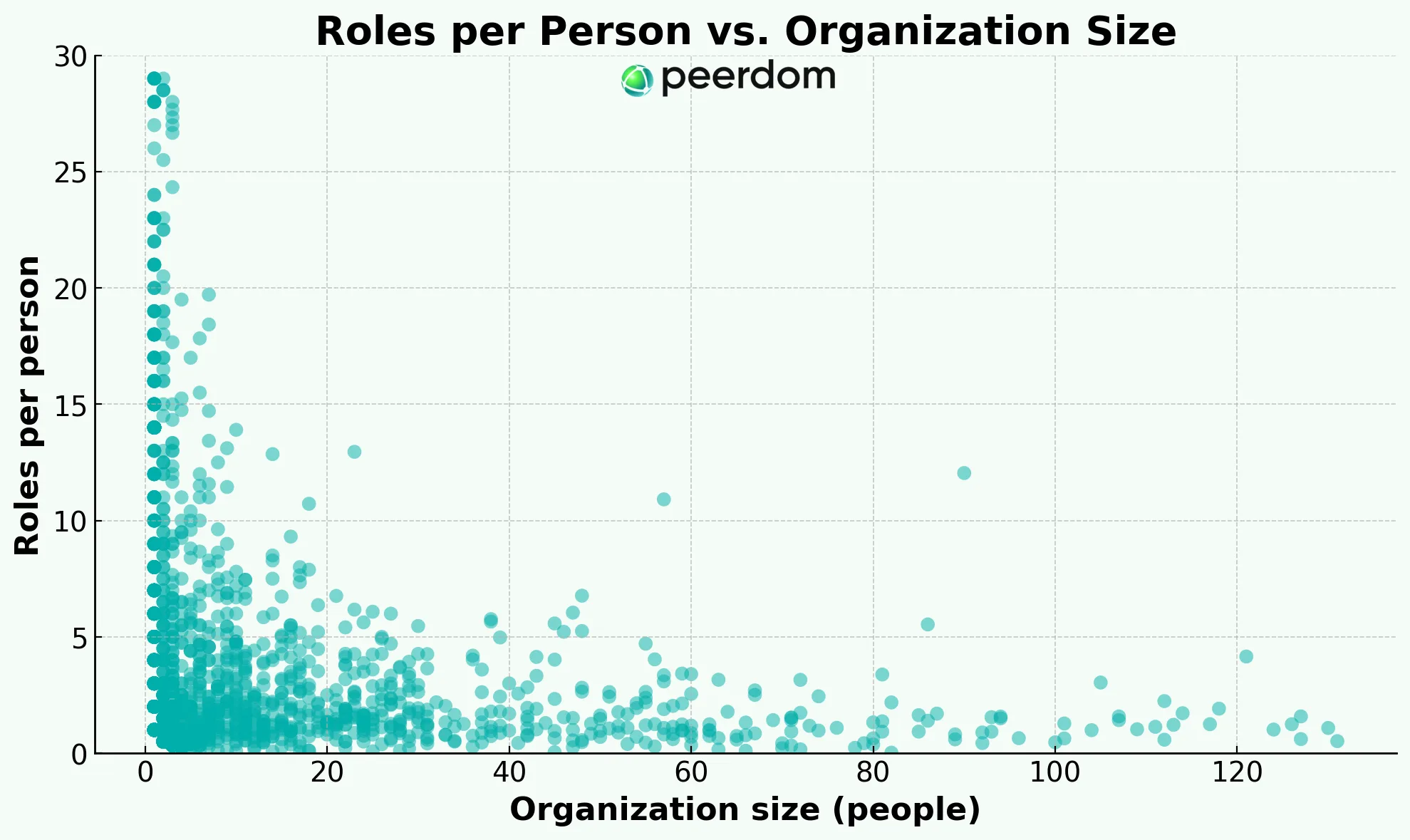
We analyzed data from more than 4000 organizations and found that as companies scale, specialists replace generalists. Is that progress or isolation?
### The pattern
Our dataset shows job scope narrowing as companies grow. One scatterplot tells the story: micro-teams cluster in the upper left, where each person juggles up to eight roles on average. By the time headcount rises toward eighty, the cloud already tightens, flattening to one or two roles per person. Breadth surrenders to depth as coordination costs rise and structure calcifies.
### Lessons from organization science
Classic research predicted this curve. The Aston group (Pugh et al., 1968) linked size to specialization and formalization. Lawrence and Lorsch (1967) showed that complexity brings differentiation. Mintzberg’s “simple structure” morphs into a “machine bureaucracy” once narrow professional roles dominate. Modern scale-up studies echo the same trade-off: around one hundred people, most work moves inside specialist silos. Depth and risk control improve, but so does the danger of isolation.
### The silo trap
Breaking problems apart is only half the job. Stitching them back together requires boundary-spanners, T-shaped talent, and routines that make cross-functional collaboration feel natural rather than forced. Models like the [Spotify model with its squads, tribes, and chapters](/blog/spotify-model-squads-tribes-chapters-guide) were designed specifically to address this challenge at scale. As you scan the scatterplot, it's worth asking where your organization sits and what bridges you are building.
Are you nurturing the connectors who keep the puzzle intact? Or are you hoping the boxes on the chart will realign themselves? That choice often decides whether your growth scales value or simply amplifies isolation.
Connect your team with a free map
### A simple antidote to silos
Make the work visible. [Dynamic org charts](/blog/dynamic-org-charts-vs-static-org-charts) that map roles, goals, and relationships help teams find the right colleague with the right skillset to coordinate faster. Peerdom does exactly this. [Book a demo](https://outlook.office.com/book/PeerdomDemo@peerdom.org/?blog&en) or try it for yourself today.
--------------------------------------------------------------------------------
title: "Peerdom × Pipedream: effortless low-code automation for your org map"
description: "Automate your org map with Peerdom & Pipedream: build event-driven, low- or no-code workflows across 2,500+ apps. Free your time by keeping your organizational data in sync."
last_updated: "2025-05-15"
source: "https://peerdom.com/blog/peerdom-introduces-pipedream-integration"
--------------------------------------------------------------------------------
# Peerdom × Pipedream: effortless low-code automation for your org map
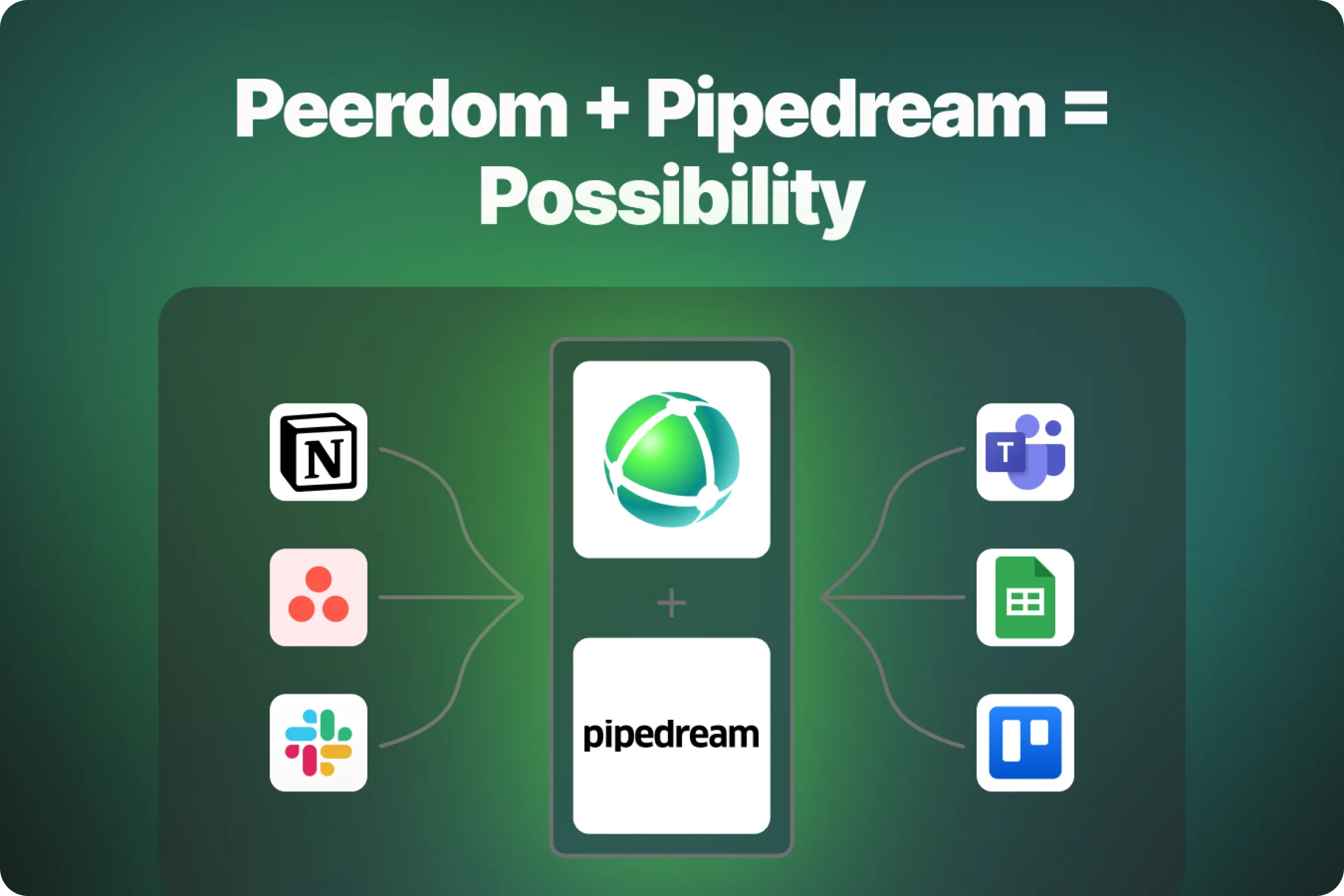
We are excited to announce that **Peerdom is now an official app in the [Pipedream App Directory](https://pipedream.com/apps/peerdom)**. Pipedream lets you build event-driven workflows that connect more than 2,500 cloud services. After launching our [Zapier integration](https://peerdom.com/blog/peerdom-introduces-zapier-integration) last year, this new partnership gives you even more flexibility to automate tasks around your organization map, without writing a single line of code.
### Why build workflows with Peerdom and Pipedream?
* **Low or no code required**
Create workflows that automatically trigger when something changes in Peerdom (e.g. new peer, updated role, new team) or have updates in other digital tools automatically update your map.
* **Instant connections to your favorite apps**
Link Peerdom to Slack, Microsoft Teams, Google Calendar, Personio, BambooHR, Notion, Confluence, Asana, Jira, and thousands of other tools.
* **Hosted for you**
Pipedream runs the workflow in the cloud, handles retries, and keeps logs so you can focus on outcomes rather than infrastructure.
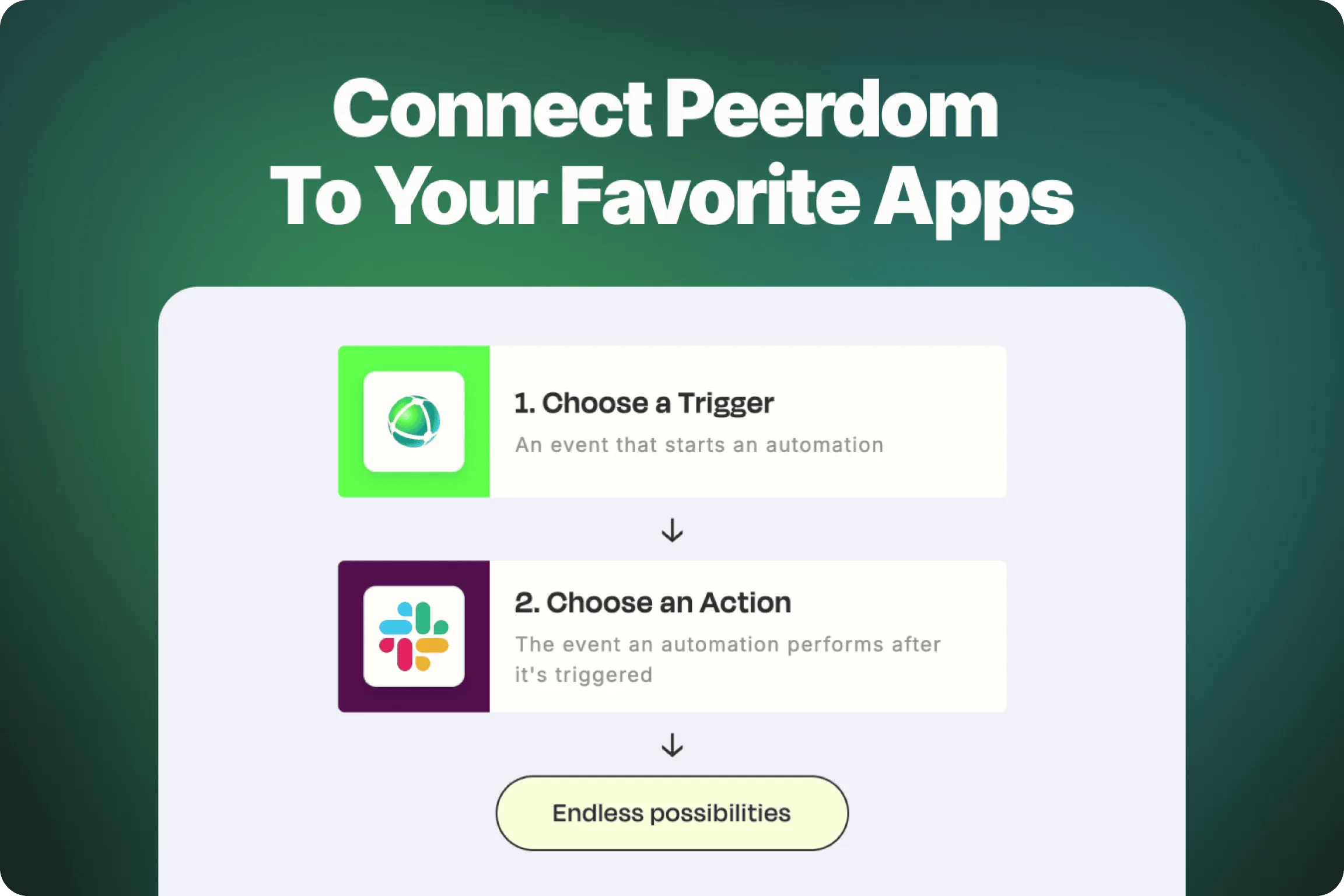
### Five workflow ideas to try today
Problem: **Role or team changes go unnoticed**
- Try this: Trigger on *New Role Created* or *Update Role* → post a neatly formatted message to a Peerdom channel on Microsoft Teams (or Slack) so everyone sees structural changes as they happen.
Problem: **Onboarding is scattered across tools**
- Try this: Trigger on *New Member Added* → send a message to a welcome channel in Slack → automatically assign the new peer to their starter role in Peerdom.
Problem: **Off-boarding is scattered across tools**
- Try this: Trigger on *Member Removed* → deactivate the user in Google Workspace → archive their Slack account → create a ticket in your IT help desk so nothing slips through the cracks.
Problem: **Leadership needs a weekly structure digest**
- Try this: Use a Pipedream cron trigger every Monday → fetch all role and circle changes from the past seven days → build a Markdown summary → email it to the leadership team.
Problem: **New teams need a page in the knowledge base**
- Try this: Trigger on *New Circle Created* → create a dedicated space in Confluence or Notion → post a welcome message in Microsoft Teams that links to the new page.
Feel free to use and remix these examples! Each one uses only built-in Pipedream steps, so you can pipe together your own workflow in minutes.
### Getting started
1. **Open the Peerdom app on Pipedream** and connect your Peerdom API key.
2. Choose a trigger or action that fits your use case (start with a template if you prefer).
3. Test the workflow, then deploy it. Note that Pipedream’s free developer tier is usually enough for prototyping.
### Share what you build
Automation frees your team to focus on collaboration rather than repetitive tasks. We would love to see the inventive ways you connect Peerdom and Pipedream, so tag us on social media or send your workflow templates or ideas to [hello@peerdom.org](mailto:hello@peerdom.org).
Happy mapping!
--------------------------------------------------------------------------------
title: "Most Org Charts Hide the Relationships That Actually Matter"
description: "Add the relationships that shape onboarding, development, and everyday collaboration to your org chart."
last_updated: "2025-02-27"
source: "https://peerdom.com/blog/real-change-lies-in-relationships-beyond-the-org-chart"
--------------------------------------------------------------------------------
# Most Org Charts Hide the Relationships That Actually Matter

Classical org charts are tidy but fail to show the interpersonal networks where real coordination, growth, and problem-solving happen. Work naturally cuts across teams and disciplines. People rely on mentors, coaches, feedback partners, and cross-functional collaborators. These lateral relationships shape execution and resilience far more than the formal structure ever does.
If you can't see these connections, you are missing a part of the picture. That’s exactly the blind spot Peerdom set out to fix with Mentioned Relationships. Making these informal ties visible is the first step toward a smoother onboarding experience, clearer development pathways, and a more adaptive organization.
### Why Strong Relationships Are Essential
In an environment where roles, teams, and responsibilities constantly shift, it’s the supportive relationships that often provide the resilience we need. While workflows and deliverables are essential, it's the non-transactional connections, those built on trust, shared experience, and guidance, that help us thrive.
These relationships offer more than just emotional support. They align your personal growth with broader organizational goals, ensuring you stay on track even when external factors change. A mentor’s perspective or a peer’s regular feedback can boost your confidence, provide valuable perspectives, and offer reassurance in times of change.
### How Peerdom Helps You Strengthen Your Relationships
No matter where you are in your professional journey, whether you're starting a new job, navigating performance reviews, or planning career growth, visibility into your key relationships helps you stay connected.
Peerdom makes it easy to track and access these connections. Here’s how professionals are already using our tools to stay connected during times of change.
#### *During Onboarding*
Starting a new job can be overwhelming, especially when teams are constantly shifting. At [Ivy Global](https://ivyglobal.eu/), new hires are assigned a Buddy to guide them through their first year, ensuring they feel supported and included.
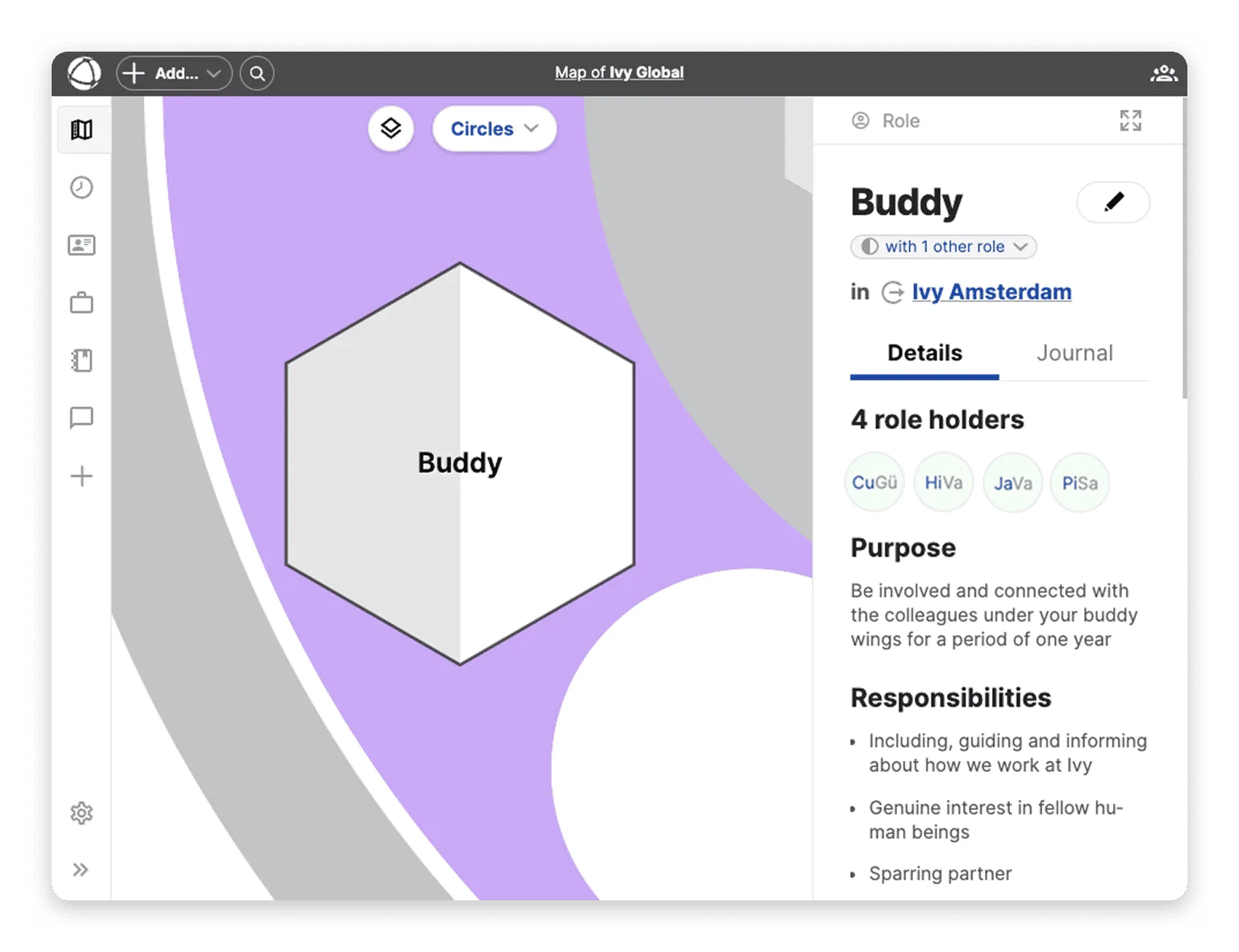
To keep track of these relationships, [Ivy Global has a Buddy role within their org chart](https://peerdom.org/ivy-global/map/ivy-amsterdam-2/buddy-2?view=circles). In each region they operate, Delft and Amsterdam, there are dedicated peers assigned to this role. This approach ensures clarity around who is responsible for onboarding, helping new employees integrate smoothly into the company.
#### *During Performance Reviews*
Peer feedback plays a crucial role in professional growth, offering diverse perspectives and fostering a culture of continuous improvement. But in dynamic teams, it can be challenging to track who is providing feedback and support.

With Mentioned Relationships, peers are linked in each other’s profiles, showing who’s providing feedback to whom for each review cycle. This makes feedback a two-way process, fostering mutual growth. It creates a culture of accountability, where contributions are recognized, progress is tracked, and development is supported by all.
#### *During Career Development Planning*
Mentorship is essential for professional growth, but in evolving workplaces, it can be difficult to maintain strong mentor-mentee relationships. [Puzzle ITC](https://www.puzzle.ch/) understands this challenge well. Their coaches help guide employees through career planning and skills development, but as teams change, keeping track of these relationships becomes difficult.

With Peerdom’s Mentioned Relationships, Puzzle ITC ensures that peer coaching remains a priority. Coaches are automatically linked to their coachees, allowing them to stay informed, offer timely advice, and provide guidance when it matters most. This transparency fosters stronger relationships, making career development more effective and meaningful.
### Keep Track of Relationships that Matter Most
Peerdom makes it easy to stay connected. With the newly released Mentioned Peer Relationships feature, you now have even greater visibility into your connections. When a peer mentions you in their profile, whether as a line manager, mentor, or feedback partner, this relationship will automatically appear on your profile as well. This makes it easier to track mutual connections, recognize support networks, and stay aligned with the people who help you grow.
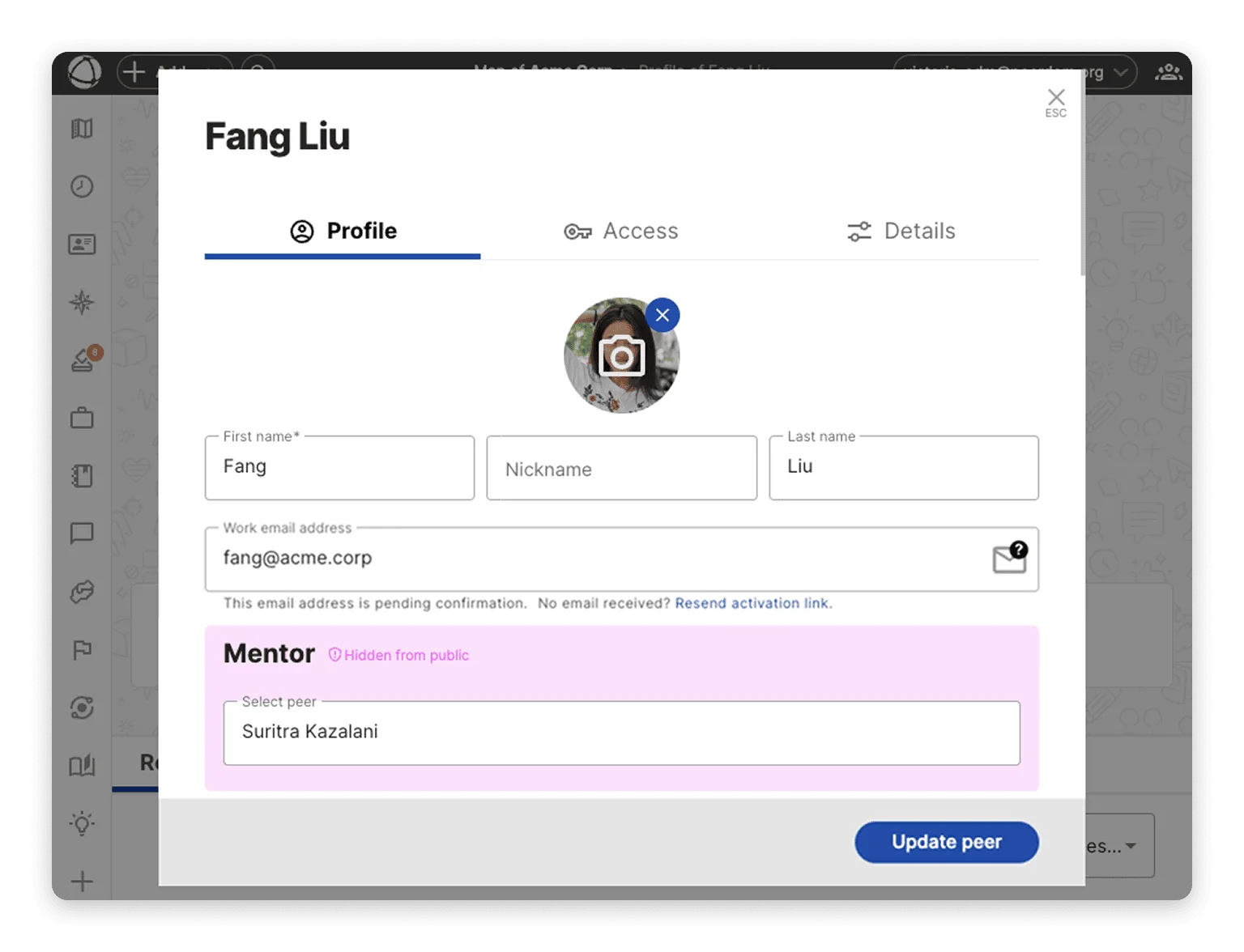
Want to learn more about managing relationships in Peerdom? Check out our [**tutorial on capturing relationships between map items**](/doc/map/relationships) for more details.
### For Professionals Navigating Change
Whether you’re taking on new roles, switching teams, gearing up for performance reviews, or having career development conversations, Peerdom helps you stay connected to the people who matter most. Here’s how it keeps you on track:
* **Feel Supported** – Get a clear view of who’s backing you, whether it’s a buddy, mentor, or manager, so you can easily reach out when you need guidance.
* **Adapt Quickly** – Stay aligned with your goals, even as your role and team evolve.
* **Foster Stronger Relationships** – With better visibility into your key connections, you can nurture relationships that help you grow.
Organizational change can be overwhelming, but with Peerdom, you don’t have to navigate it alone. Stay connected to your peers, mentors, and supporters through every transition. By making these connections visible, we help you stay confident in a constantly evolving work environment.
Ready to stay aligned, engaged, and supported? Discover how Peerdom can help you [navigate change together](https://peerdom.com/).
--------------------------------------------------------------------------------
title: "Introducing our new Zapier Integration"
description: "Connect Peerdom to 6,000+ apps with Zapier. Automate org map updates, streamline workflows, and keep your organization in sync without manual effort."
last_updated: "2024-12-19"
source: "https://peerdom.com/blog/peerdom-introduces-zapier-integration"
--------------------------------------------------------------------------------
# Introducing our new Zapier Integration
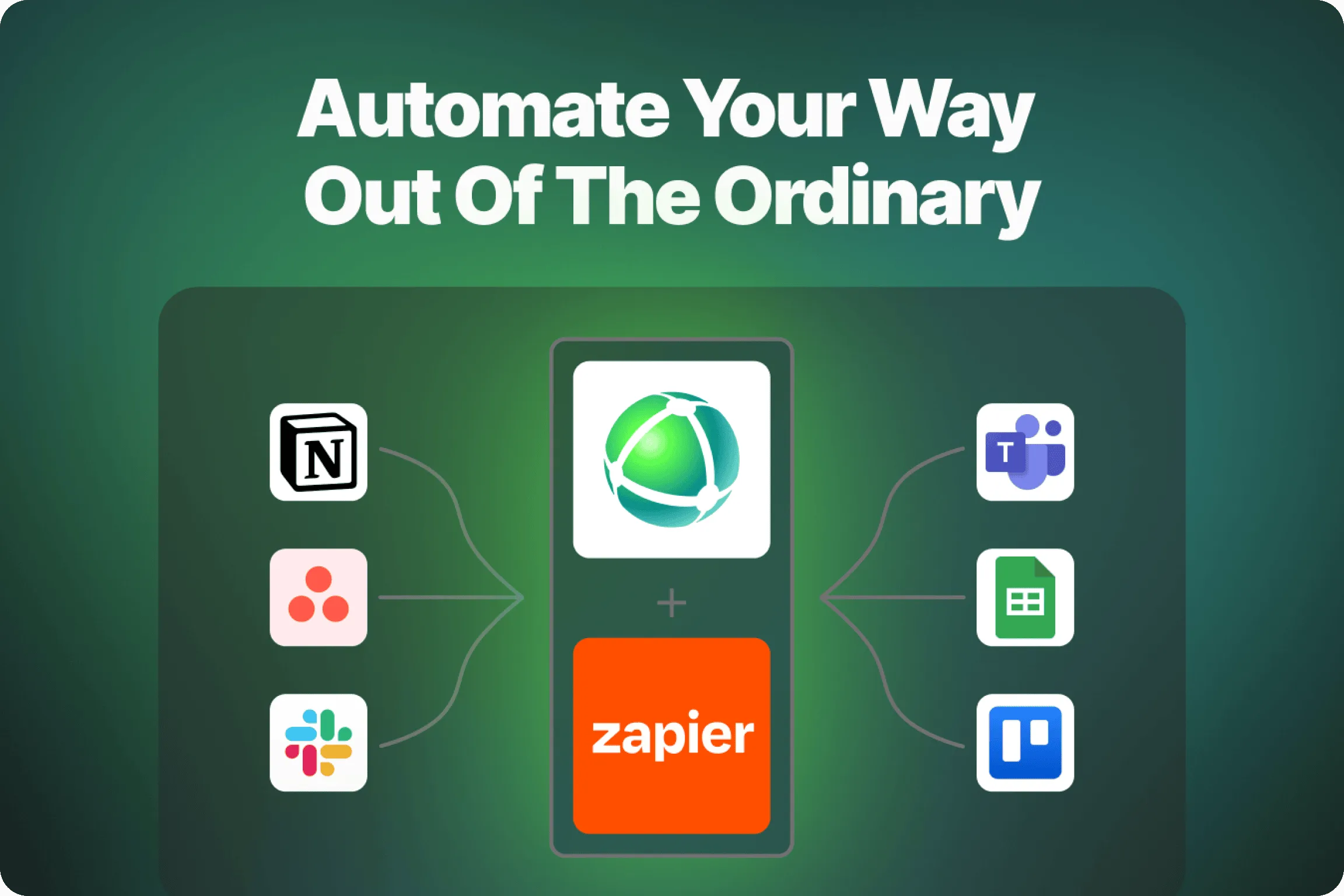
At Peerdom, we’re passionate about empowering teams to work smarter, not harder. That’s why we’ve partnered with Zapier, making it easier than ever to streamline your processes and keep Peerdom at the heart of your digital workflow. Whether you're looking to automate onboarding, sync data, or improve team communication, this integration frees up your time so you can focus on what truly matters, while Zapier handles the rest.
### Automate repetitive tasks
Zapier helps you streamline your work by automating tasks between Peerdom and the apps you use every day. With [a wide range of triggers and actions](https://zapier.com/apps/peerdom/integrations) to choose from, you can tailor your workflows to meet your specific needs. With Zapier, you can creatively connect Peerdom to nearly any tool.
For example, you can select a trigger event from Peerdom, such as when a new role is created, and add an action from Slack to automatically send a notification to your preferred channel. This way, you can ensure that important updates from Peerdom are instantly shared with your team. The possibilities are endless.

### Getting started is simple
Setting up the Zapier integration is quick and easy. First, link your Peerdom account to Zapier then create your first workflow (Zap). You can explore pre-built Zap templates to start automating right away. For detailed instructions on how to get it setup, check out our [guide in the Help Center](/doc/integrations/zapier).
### Start automating today
By automating routine tasks, your team becomes free to focus on collaboration, adaptability, and meaningful work. With less time spent on repetitive tasks, you'll build more a effective and engaged team.
Ready to reach new levels of productivity? [Explore the Peerdom integration on Zapier](https://zapier.com/apps/peerdom/integrations) and experiment with automation firsthand. We can’t wait to see how you use it to transform your workflows and boost collaboration across your organization.
Happy ~~mapping~~ zapping!
--------------------------------------------------------------------------------
title: "The Future is Flexible: Start with Roles and Positions"
description: "Shift from rigid job titles to flexible roles while keeping functional divisions. Learn how Peerdom supports hybrid models that blend hierarchy with agile role-based work."
last_updated: "2024-12-03"
source: "https://peerdom.com/blog/you-dont-have-to-give-up-your-position-to-work-in-roles"
--------------------------------------------------------------------------------
# The Future is Flexible: Start with Roles and Positions
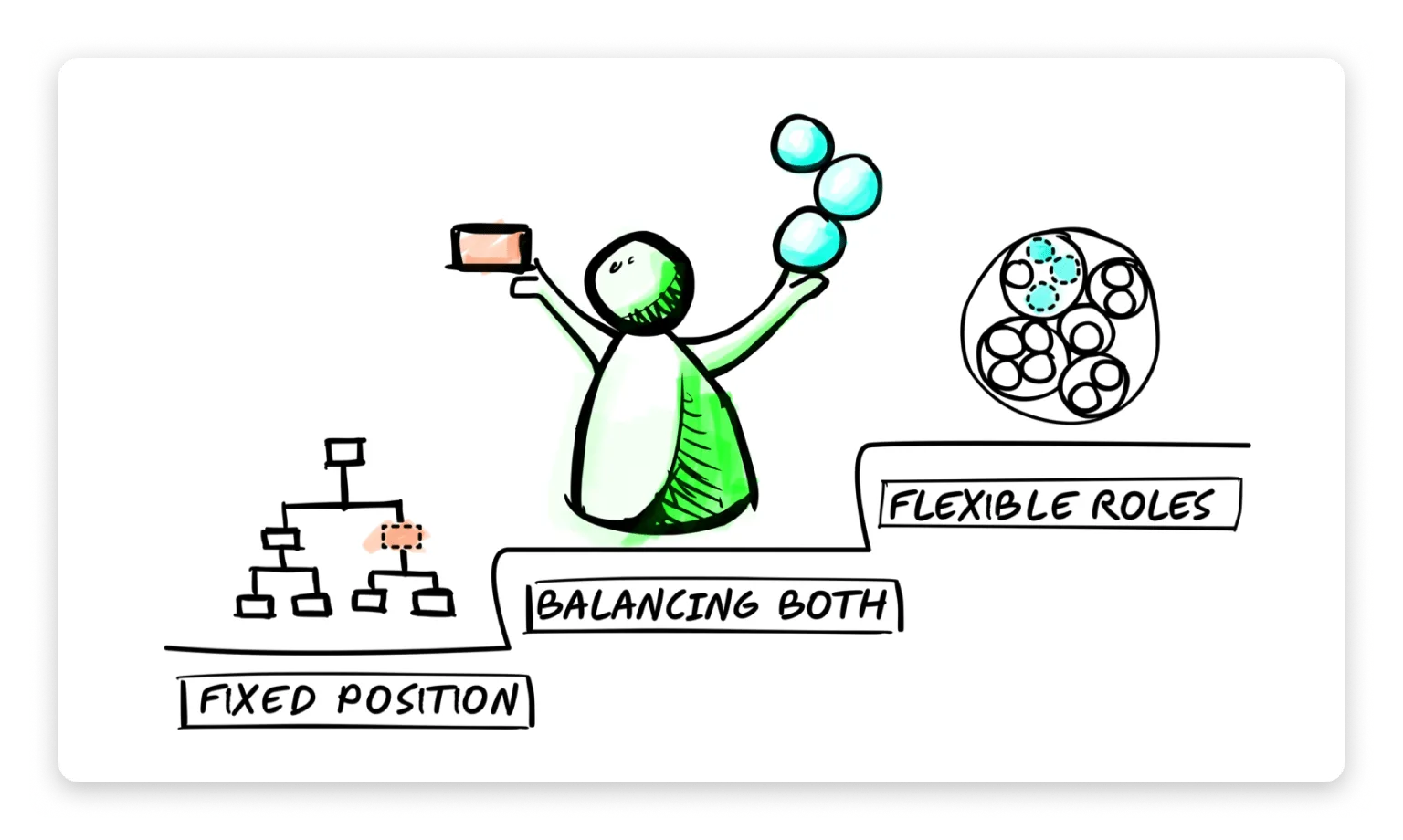
In today’s evolving work landscape, organizations are discovering new ways to balance structure and agility. One powerful idea? **Blending the familiar structure of job positions with the flexibility of dynamic roles.**
Rather than choosing between stability or adaptability, why not embrace both?
This hybrid approach allows organizations to maintain familiar structures while creating space for innovation, cross-functional collaboration, and more fulfilling employee engagement. Whether you're running a startup, scaling a team, or evolving a long-established org, this model can help you unlock new potential. Plus, you can start right where you are.
### Why Combine Positions and Roles?
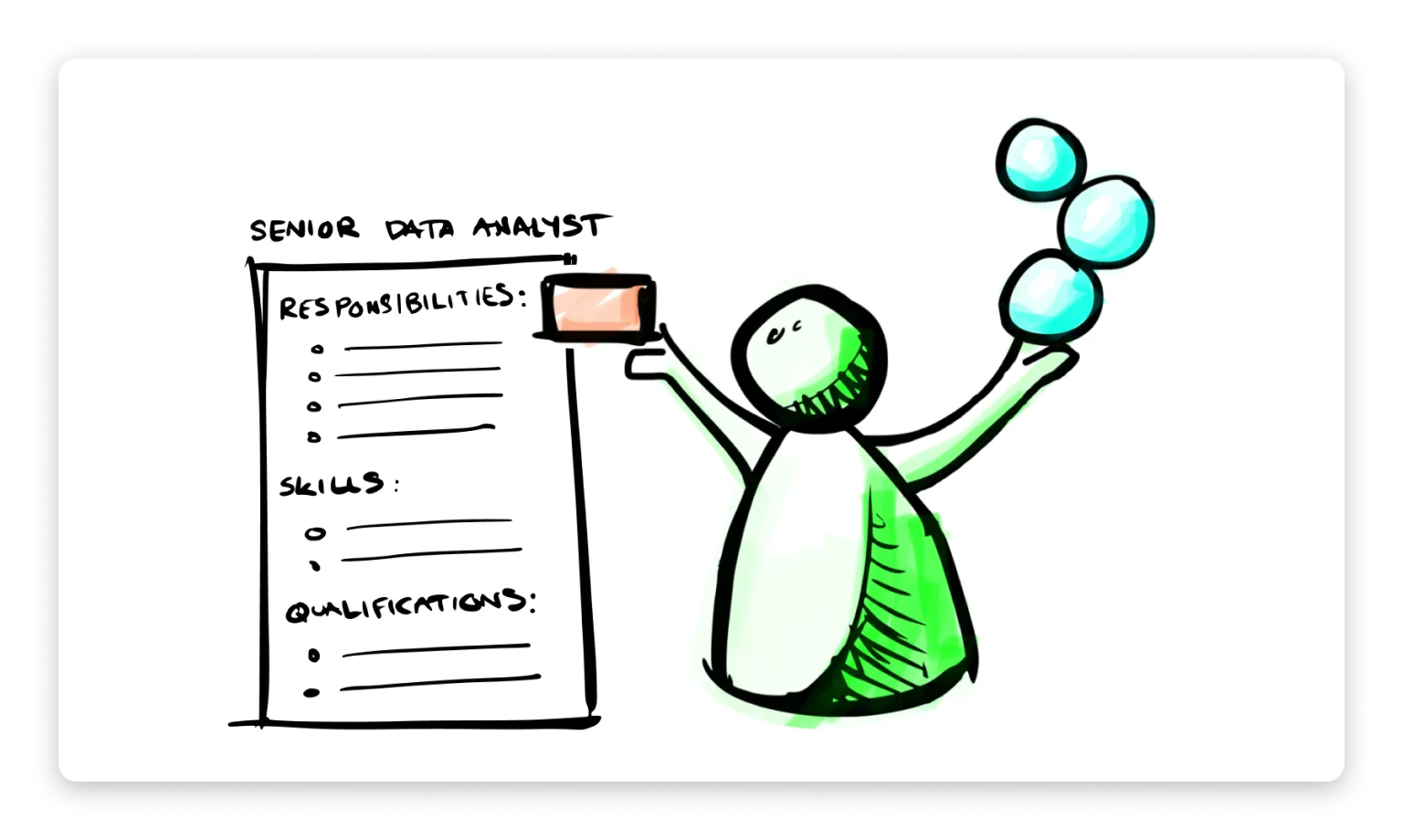
Job titles, hierarchies, and reporting lines provide structure and clarity. They’re useful anchors for compensation, recruitment, and team stability. But they don’t always reflect how work *really* gets done.
Roles, on the other hand, introduce a layer of flexibility and finer-grained clarity. They allow people to contribute skills outside of rigid boundaries, form temporary teams around goals, and adapt quickly as priorities shift. Our [guide to implementing role-based governance](/blog/how-to-implement-role-based-governance) covers how to make this transition step by step.
Blending both can offer you the best of each world. Here’s what becomes possible:
* **Iterate with confidence:** You don’t need to overhaul everything to start exploring more flexible work. A hybrid model invites experimentation and growth without disruption.
* **Empower meaningful engagement:** Employees can lean into projects they care about beyond their official job title. This leads to higher satisfaction and stronger retention.
* **Boost cross-team collaboration:** Roles create natural opportunities for employees to connect across departments and bring diverse perspectives to shared goals.
* **Cultivate a dynamic mindset:** Working in roles builds adaptability and encourages people to think beyond their function and explore new ways to contribute.
### What a Hybrid Model Looks Like
A combined approach doesn’t need to be complicated. It simply adds new layers of clarity and possibility.
1. **Everyone has a home-base position**
Employees retain a clear place within the organizational structure, including a title, responsibilities, and reporting lines.
2. **Everyone can take on roles**
Roles are more fluid and tied to projects or initiatives. They might be short-term or long-term, and often span across teams.
3. **Everything is visible**
Both roles and positions are mapped transparently, using [dynamic org charts rather than static ones](/blog/dynamic-org-charts-vs-static-org-charts), to help people understand workloads, goals, and opportunities across the organization.
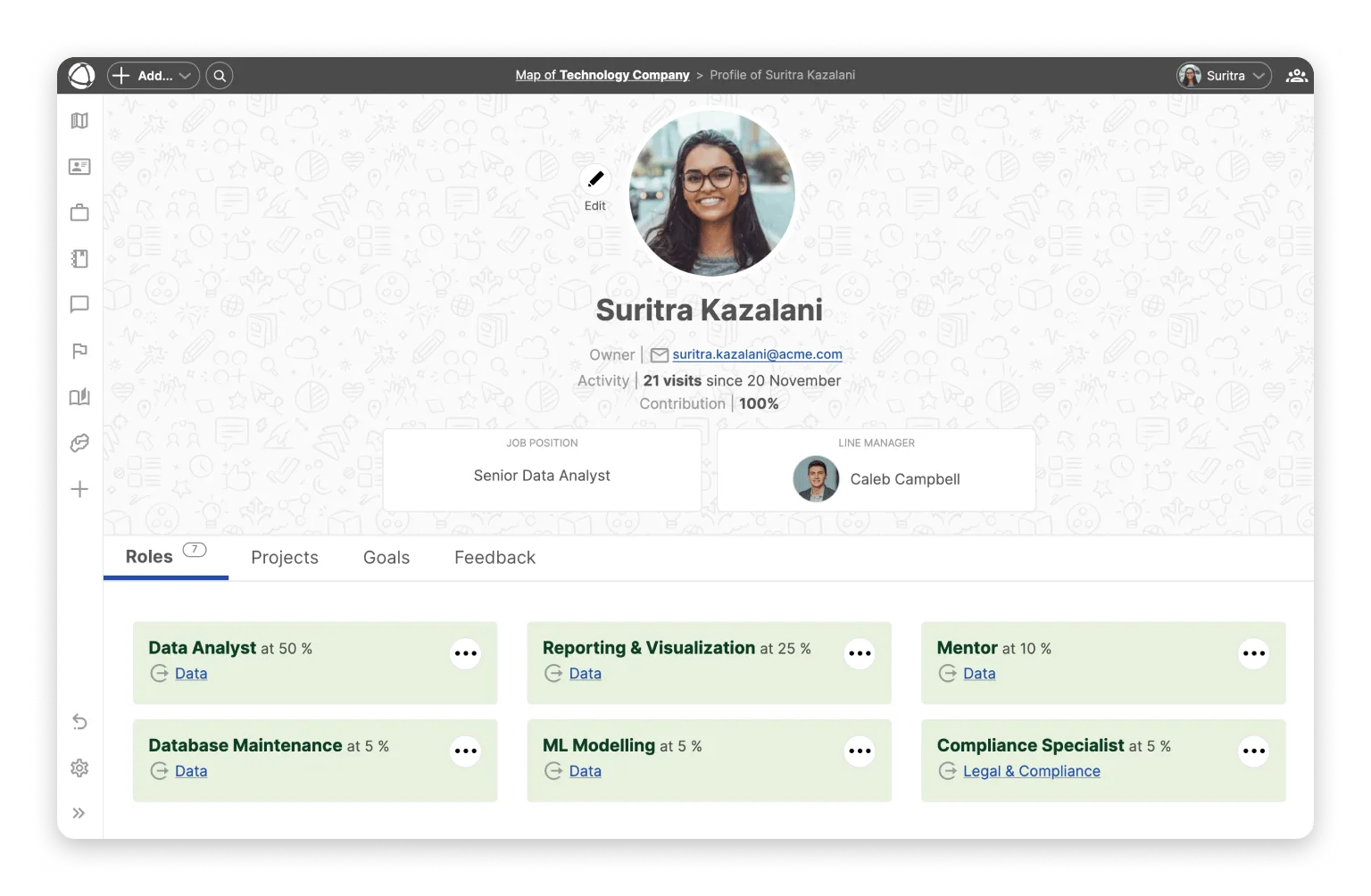
Customize position and peer profile descriptions by adding a field relationship titled “Line Manager”. You can then relate each position and peer to their leader (e.g. manager or boss).
### Getting Started with Hybrid Work
Here’s a step-by-step way to put this idea into action using Peerdom:
1. **Map your current structure**
Map fixed teams and their job positions. Assign each position to one person. This information can be taken from a classical org chart (organigramme).
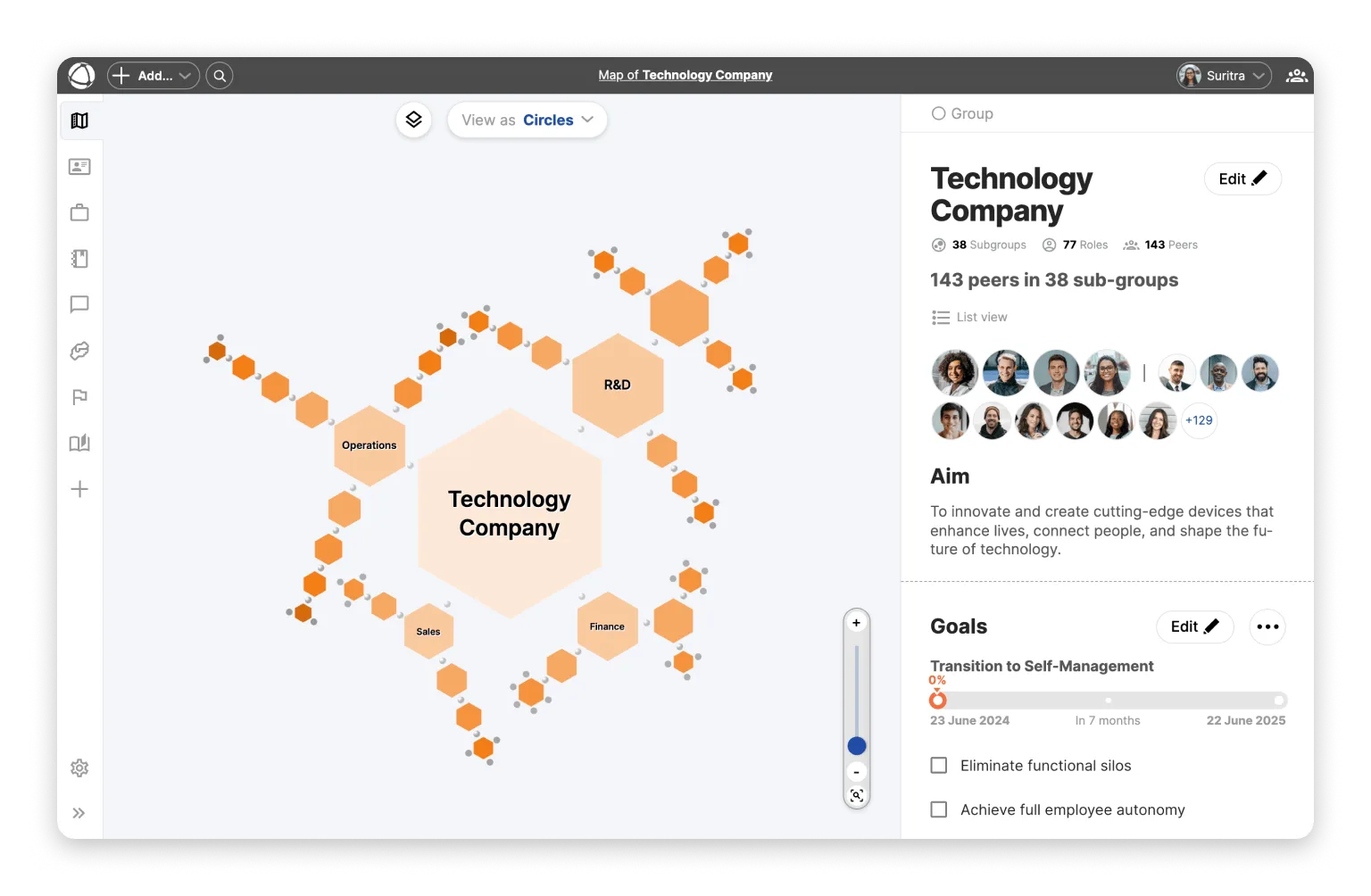
Use hexagons (or a shared color) to visually distinguish positions.
2. **Create a space for roles**
Set up an area for role-based work. Roles may be grouped together based on work to be done, for example a project, goal, or initiative. [Read this article](https://peerdom.com/blog/tips-for-mapping-out-your-organisation-for-the-first-time/) or [watch this video](https://www.youtube.com/watch?v=P2LWDEfdTBA) for more tips about how to define roles.
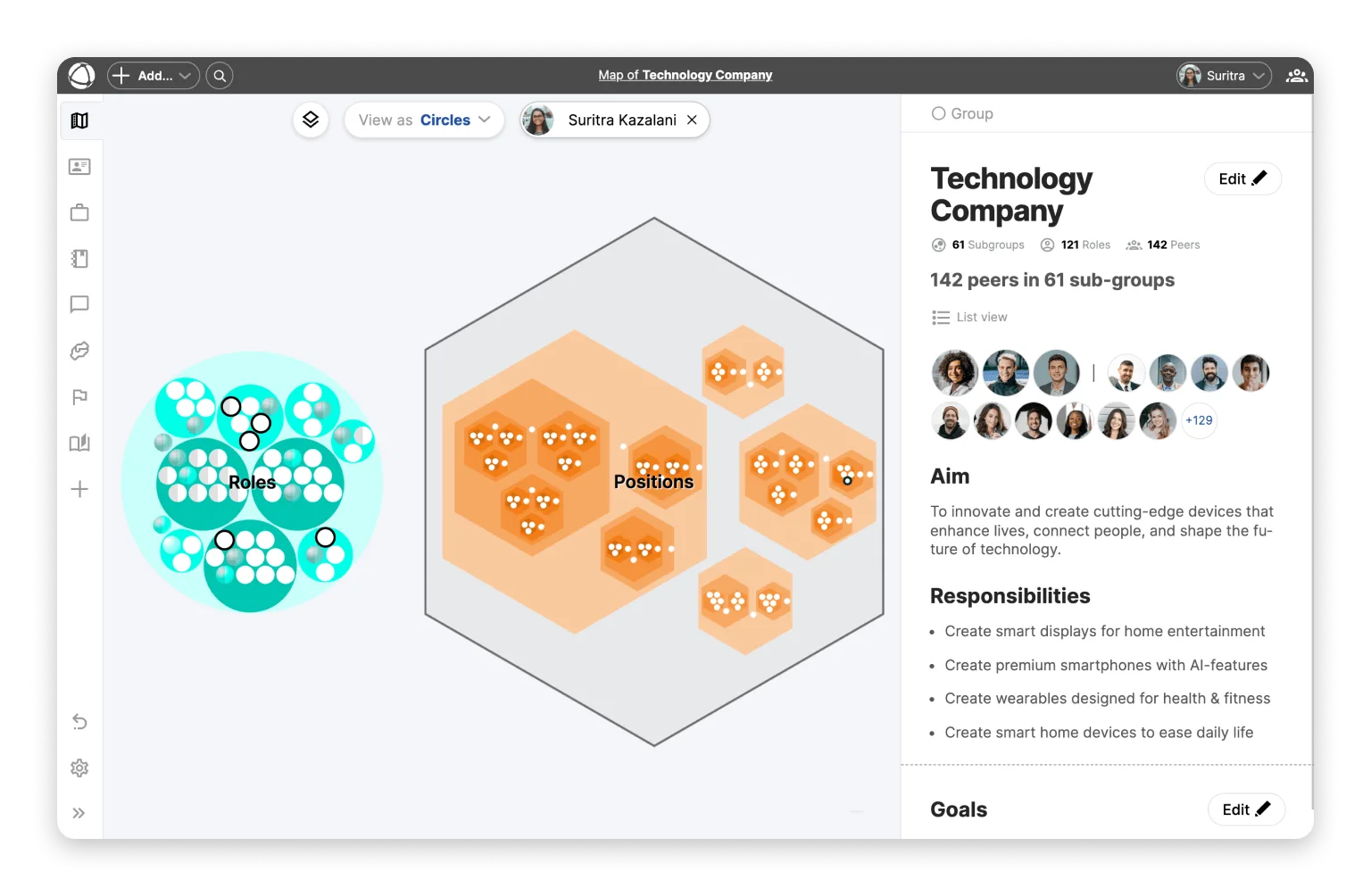
Make roles easy to distinguish by making them circles, or by giving them a common color.
You may also include vacant roles in the role-based area of your map, indicating opportunities where one is open to contribute.
3. **Connect people to work**
Assign peers to both their job positions and their current set of roles. This creates a clear, living picture of their contributions and capacity.
Activate the Contributions App to balance workloads and define how much time should be spent working in each position or role.
4. **Start small and evolve**
Pilot the approach with one team or department. Collect feedback, refine, and expand as it proves valuable.
### Navigating Common Challenges
Every transformation brings questions. The hybrid model is designed to be adaptive, but here’s how to keep things clear and constructive:
**Workload balance**: Employees may worry about overwork.
**Tips:**
- Run coaching sessions to prioritize tasks and monitor workloads.
- Move general responsibilities from job descriptions into well-scoped roles.
- Recognize and reward contributions made in one's dynamic roles.
**Understanding the model**: People may wonder how this changes their daily work.
**Tips:**
- Share clear examples of how others are working across roles and positions.
- Keep everything transparent and easy to visualize.
- Encourage trying just one additional role to start.
**Decision-making clarity**: It’s important to align roles and traditional authority.
**Tips:**
- Hold open conversations about priority setting across the two models.
- Empower role autonomy while helping managers shift to coaching and mentoring.
### An Invitation to Explore
This **work hack** invites more creativity, connection, and contribution into your organization. Whether you're looking to evolve gradually or energize your team with new possibilities, combining roles and positions is a practical step forward.
Curious how it could work in your context? [Let’s chat](mailto:hello@peerdom.org) or [book a demo](https://outlook.office.com/book/PeerdomDemo@peerdom.org/?you-dont-have-to-give-up-your-position-to-work-in-roles&en). We’d love to help you map it out.
--------------------------------------------------------------------------------
title: "Using Shapes on Your Org Chart for Transformation"
description: "Find out how adding visual cues like shapes to your org chart simplifies communication, boosts alignment, and enhances engagement."
last_updated: "2024-10-08"
source: "https://peerdom.com/blog/how-to-use-shapes-on-your-org-chart-for-a-successful-transformation"
--------------------------------------------------------------------------------
# Using Shapes on Your Org Chart for Transformation

Organizational change, by its nature, is abstract and complex. This complexity makes it difficult for co-workers to remain focused, aligned, and productive. Change management calls for clear communications to alleviate these problems, yet traditional methods are text-heavy and confusing.
So how can organizations cut through the noise? The answer lies in the power of visuals. Research shows that **the human brain processes visual information significantly faster than text**, up to 20 times quicker, in fact. By employing visual cues, leaders can communicate change in a way that is more engaging and effective.
This article explores the benefits of using shapes in organizational charts as a tool for alignment during change. We'll also present three concrete examples you could use today.
### The challenges of communicating transformation
Traditional change management communications often feel like an endless game of whack-a-mole, where issues keep popping up due to ineffective messaging. Many organizations still rely heavily on wordy bullet-point presentations, long-winded documents, and spreadsheets crammed with data. These methods present several key challenges:
* **Complexity**: Without breaking down the transformation into a simple, visual "before vs. after" comparison, employees can easily misunderstand the purpose and scope of the change.
* **Information overload**: Dense text and excessive details can overwhelm employees, making it harder to grasp the essential parts of the change plan.
* **Disconnected from diverse learning styles**: Text-heavy materials may not engage individuals who learn better visually or through hands-on interaction, leaving certain groups disengaged and confused.
### The power of visuals
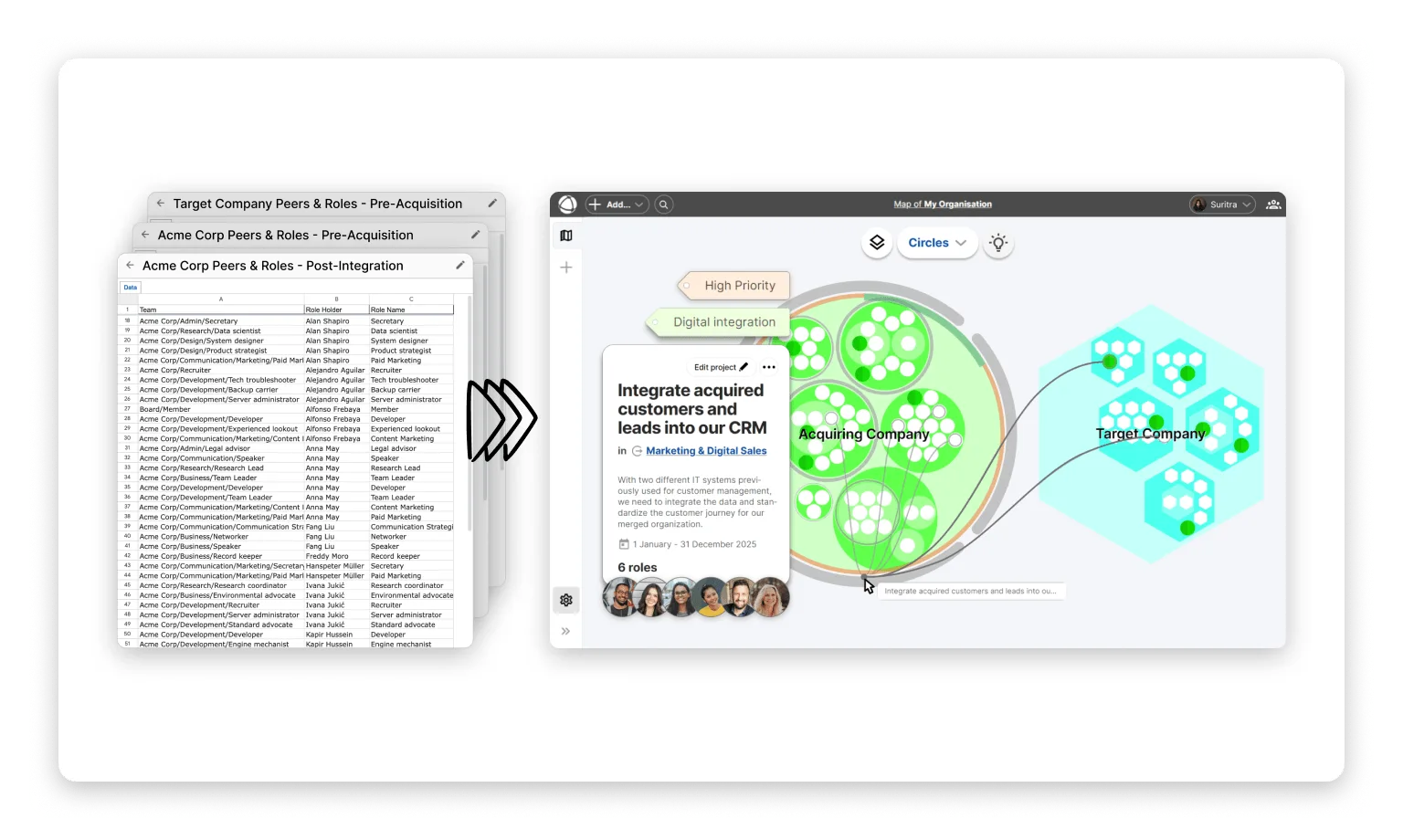
In contrast to traditional, text-heavy communications, visuals offer a more effective way to convey transformation plans. They simplify complex information and engage employees in ways that text alone cannot. Here’s why visuals are a powerful tool:
* **Simplicity**: Geometric shapes, icons, and color coding can distill abstract ideas into clear, easy-to-understand symbols. They allow for quick interpretation, reducing the mental load of processing dense text.
* **Clarity and Consistency**: With a defined legend or visual key, everyone interprets the same message.
* **Engagement**: Visuals are inherently more interactive and appealing, drawing people in. Employees are more likely to stay engaged with material that’s visually compelling, fostering active participation and better retention of information.
### Practical Use Cases: Using shapes to signal change
Playing with shapes is a versatile way to visualize change and track progress. In Peerdom, you can choose whether roles and groups are represented as circles or as hexagons. Below, we highlight three concrete examples of how to use shapes to make organizational transformations more clear.
#### Distinguishing roles from positions

One common organizational transformation is to shift from working in traditional job positions to [working in finer-grained roles](https://peerdom.com/blog/the-advantages-to-defining-job-roles-instead-of-job-positions). Yet, some organizations undergoing this transformation cannot immediately replace all positions with roles. Both positions and roles must therefore remain visible on the organizational chart.
Try using hexagons for positions and circles for roles for quick differentiation. Your journey toward working in roles can then be tracked in real-time as hexagons (positions) progressively become roles (roles).
#### Integrating two organizations during a merger

It is common for productivity to dip and employees to leave when two organizations undergo a merger. Effective communication and role clarity are critical for a smooth post-merger integration and to retain employees. Use an organization chart with your people, roles and structures across both organizations to align everyone.
Try using shapes to distinguish the target company from the acquiring company. Your merger can then be tracked in real-time as hexagons (target company) progressively integrate into the circles (acquiring company).
Interested in learning more about how company mergers can be simplified? [Read more about Peerdom and M&A here](https://peerdom.com/mergers-acquisitions-change-management-software).
#### Rescoping roles in a growing company
As organizations grow and scale, generalized roles tend to collect responsibilities. Over time, the workload and diversity of responsibilities becomes too large for a single role or person. When roles become too bloated, you would gain flexibility and clarity by splitting it into smaller, more specialized roles.
Try using hexagons visualize “heavy”, general roles. This sends a signal that they should be considered for being split into more specific roles. Your growth journey can then be tracked in real-time as hexagons (generalized, all-encompassing roles) are progressively split into circles (finer-grained, specialized roles).
### Conclusion
Incorporating visual cues into organizational change initiatives is not just a helpful practice; it's a necessary one. Hexagonal shapes in organizational charts provide clarity and structure during transitions, making complex changes more comprehensible and practical.
By addressing cognitive complexity, simplifying, and introducing a change narrative with visuals, organizations can enhance communication, engagement, and overall effectiveness as they transform. Embracing visual cues ultimately leads to a more coherent and collaborative approach to organizational transformation.
For a deeper understanding of the different visual properties of roles and how to effectively make edits to your organizational map, check out the comprehensive guide in [this article](/doc/map/roles).
--------------------------------------------------------------------------------
title: "Empowering volunteers and boosting a cause-driven mission"
description: "Discover how a Canadian church developed an organization map of its 75+ volunteers and staff to revitalize itself during the pandemic."
last_updated: "2024-03-08"
source: "https://peerdom.com/blog/peerdom-hamilton"
--------------------------------------------------------------------------------
# Empowering volunteers and boosting a cause-driven mission

During the global pandemic of 2020, a Canadian church experienced challenges extending beyond the virus.
Hamilton Church (not its real name*) was defined by a culture of siloed operations, conflict avoidance, and organizational confusion.
Five of seven full-time pastors resigned. Volunteer leaders of the church were aging, while attendance and donations decreased. No one had a clear picture of the various elements of the church ecosystem of leaders, staff, and volunteers–let alone how they worked together.
The church was suffering from leadership chaos and organizational disarray.
These problems weren't, and aren't, unique to Hamilton. Many religious, charitable, and mission-driven non-governmental organizations (NGOs) face challenges related to governance, operational complexity, and bureaucratic inefficiency.
Thankfully, there are resources for purpose-driven organizations to develop healthy cultures and improve their impact on the world. For example, organization mapping tools improve visibility across operations and help leaders navigate challenges specific to purpose-driven or volunteer-led organizations.
Hamilton, for instance, found Peerdom’s work map to be just the right tool to help it chart a way forward during difficult times.
In particular, the map equipped Hamilton leaders to imagine a more effective, more efficient organizational structure, according to a workplace culture consultant who supported Hamilton in its evolution.
Elena Andrews (not her real name*) says Peerdom’s map “allows you to view the organization through a new lens.” In turn, she says, “That allows you to see the potential in the possibilities and the barriers and the blocks.”

### Illuminating an opaque organization
Hamilton Church is a 200-year-old church with a noteworthy history. But by 2020, the church was under strain, and not just from the pandemic that shut down religious services throughout the world. The Hamilton congregation had been shrinking, to about 250 members. A further blow to the organization was the departure of the five pastors.
The leadership crisis was magnified by the fact that Hamilton was, and is, a complex organization. With a paid staff of 25 employees, it features a variety of “ministries,” such as children’s education, refugee support and international missionary activities. Thanks to an unusually large endowment, it has an annual operating budget of about $3.5 million. Several dozen volunteers work in different ministries and on other initiatives of the Church.
Exactly what everyone was doing, though, and how their efforts interconnected was a mystery in 2020. This is a common problem in purpose-driven organizations with many volunteers: unless everyone is provided access to shared information about the operational structure, it can remain complicated and confusing.
“Nobody had successfully mapped the ecosystem,” recalls Elena. “The number of committees and active ministries we had varied, depending on who you asked. There were various answers. It was confusing.”
Elena began working with Hamilton in 2020 and led a strategic initiative to review church operations the following year.
She learned about Peerdom’s mapping software at a conference in 2020. “As soon as I saw it, I was like, ‘Yes! This is what I need!’”
Elena and Hamilton used Peerdom to document the church’s governance structure, ministries and committees, including the roles of each volunteer and staff member. The resulting organization map revealed all the elements of the church, how they fit together, and the roles held by its members.
Peerdom’s use of nested circles to represent teams, and its option to see those teams in an “expanded view” where each team stands on its own apart from all others, enabled creative planning, Elena says. In contrast to traditional organizational charting tools that reflect top-down hierarchies, the map allowed Hamilton leaders to envision alternative governance structures, such as Sociocracy.
### Tracking term limits and tenure
Besides providing much-needed visibility into the operations of Hamilton, the organization map also helped the church solve a problem typical at volunteer-based organizations governed in democratic ways.
Hamilton has many roles where members of a ministry or committee are elected. They then hold office for various term lengths, based on the committee bylaws. Given more than a dozen ministries–with many volunteers and congregation members active on more than one–tracking individuals’ tenure and who’s involved where is complicated.
With Peerdom’s Elections app they found an easy way to stay on top of term limits and tenures. And they knew who would soon be free to volunteer elsewhere.
The Elections app distinguishes elected roles with a small arrow, setting such roles apart visually. It also provides a timeline view that summarizes all elected roles and highlights upcoming or overdue role elections. The app helps with ministry planning, Elena says. It makes clear that seeking a volunteer leadership spot doesn’t mean having to serve in it for life. And Hamilton officials are reminded that various committees will need to elect new leaders each year.
“It provides a one-glance view,” Elena says. “You can notice that ‘Oh, the clerk role is coming up for re-election’ or, ‘Wow, all of our elders have terms that are expiring. We better start the elder nomination process.’”
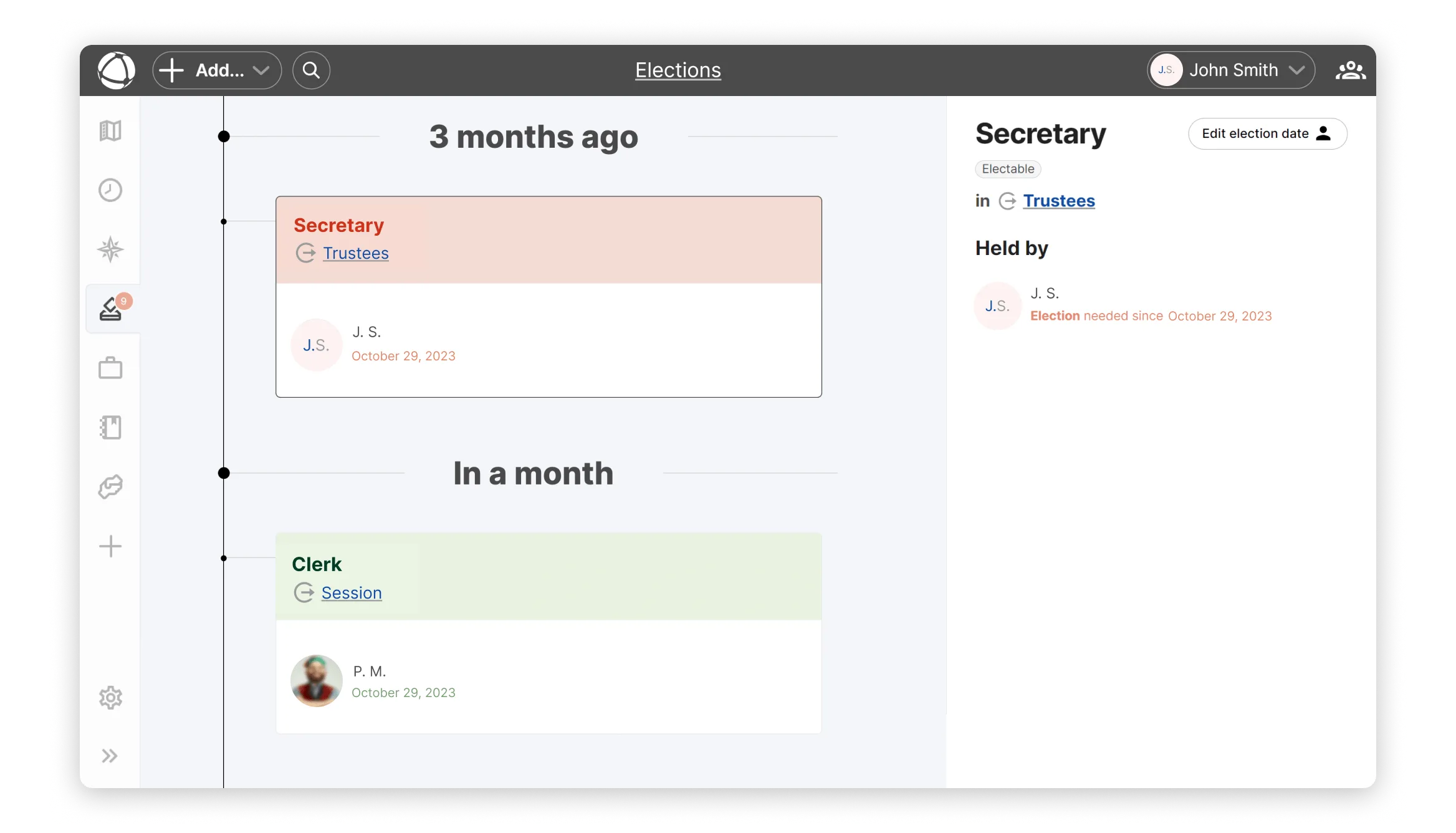
### Seeking More Efficient Use of Resources
Peerdom helped Hamilton with another challenge common to non-profit organizations: detecting and eliminating bureaucratic waste. It can be easy for NGOs to add more employees than necessary during periods of flush financing. Preventing redundancies and bloated operations becomes more difficult as charitable and purpose-driven organizations grow.
Hamilton was an extreme example. In a typical church of 250 congregants, only three or four full-time employees are required. Hamilton had 25 paid staff in 2020. That number reflected the resources at its disposal, including a large trust fund.
Still, it was hard to know if Hamilton could be run more efficiently, Elena recalls.
“There was conversation around whether we were overstaffed for a congregation of this size,” Elena says.
Ultimately, the church streamlined its operations. Using the Peerdom map to experiment with different scenarios and different allocations of roles, Elena and Hamilton were able to reduce the number of pastor positions from seven and a half (there had been a part-time pastor) to five and a half. That represents a 27 percent reduction.
### Living the values
Peerdom was part of a wider initiative to resurrect the vitality of Hamilton Church. The organization also surveyed various stakeholders about the deeper values that drew them to Hamilton, and what was missing from the church.
One of the findings of the survey was a desire for a shared vision. Respondents also wanted more trust, honesty, and open communication. These values, typical of many purpose-driven, nonprofit organizations, had not been fully expressed at Hamilton in part because the church did not have effective tools for transparency.
“Peerdom helped Hamilton staff and the volunteer leadership to build mutual understanding, trust and openness," Elena says.
Elena says Peerdom and the wider cultural transformation work have made a positive impact at Hamilton.
She recalls a conversation in late 2022 with one of the church "elders," a lay person with leadership responsibility:
“He came up to me around Christmas and said, ‘Hamilton isn't the same place that it used to be.’ I said, ‘What do you mean?’ And he said, ‘It’s not one thing. It just feels better around here.’”
*We’ve changed the name of the church and the consultant who worked with it given sensitive internal matters discussed in the article.
--------------------------------------------------------------------------------
title: "Peerdom elevates transparency standards"
description: "To reduce the complexity of data protection, we made our Data Processing Agreement actionable by integrating the essential parts directly into our product!"
last_updated: "2024-01-25"
source: "https://peerdom.com/blog/peerdom-elevates-transparency-standards"
--------------------------------------------------------------------------------
# Peerdom elevates transparency standards
Transparency is at the heart of everything we do at Peerdom. Our commitment to transparency shines through in our [Data Processing Agreement](https://peerdom.com/dpa) (DPA), where we lay out clearly how we handle your data. With our latest product enhancements, we've made things even more straightforward, by simplifying legal jargon and integrating it directly into the product. This way, you can make informed decisions in context, without the need for a legal dictionary. Let's dive into the details.
### Making data protection compliance easy
In Peerdom, you have the power to make your map public to the world. While we believe it's a pioneering move to publicly share your company's organizational structure, we also acknowledge the latest Data Protection laws and the undeniable necessity to protect personal data.
To help you balance transparency with legal compliance, we've made it explicitly clear within our product settings and gave you additional features to help you protect your data. If your map is publicly visible, you can anonymize personal data including names and photos, or choose to hide information fields from the public when configuring role and group descriptions.
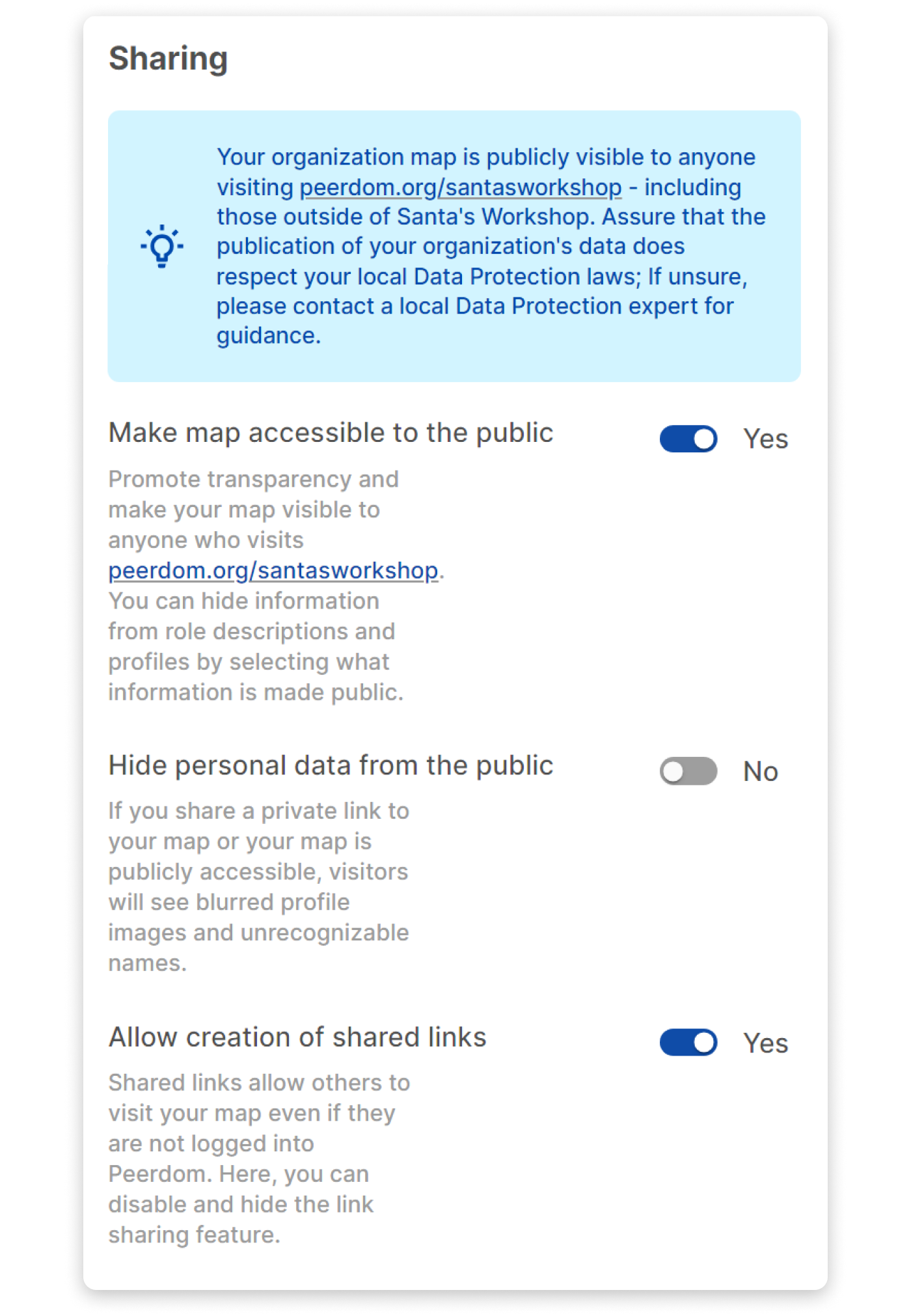
### Contacting support means consenting to sharing data
We're all about collaboration, and when you reach out to our support, there may be times when they need a peek at your data to assist you promptly. We've cut the jargon and laid out the facts plainly in the support section of our product, so you know exactly when and why this might happen.
### Tailoring communication your way
Your communication preferences matter to us. Peerdom puts you in control by allowing you to customize when and how we contact you. Head to the personalization settings in our product to set your preferences, ensuring you only receive messages that are relevant and important to you.
Experience Peerdom, where data protection and transparency isn't just a promise; it's woven into the fabric of everything we do. We're on a mission to ensure that you maintain full, clear control over data visibility while sharing your organization map with your team and the world.
--------------------------------------------------------------------------------
title: "Wrapping Up - 2023 Product Highlights"
description: "From app integrations to major feature releases, see Peerdom's biggest 2023 product highlights. Explore how our platform evolved to better support transparency and collaboration."
last_updated: "2023-12-22"
source: "https://peerdom.com/blog/wrapping-up-2023-product-highlights"
--------------------------------------------------------------------------------
# Wrapping Up - 2023 Product Highlights
On our year-in-review tour, we’ll fly over enhanced map navigation, the launch of the Pages App, improved customization features, strengthened data integration, and a turbocharged search engine.
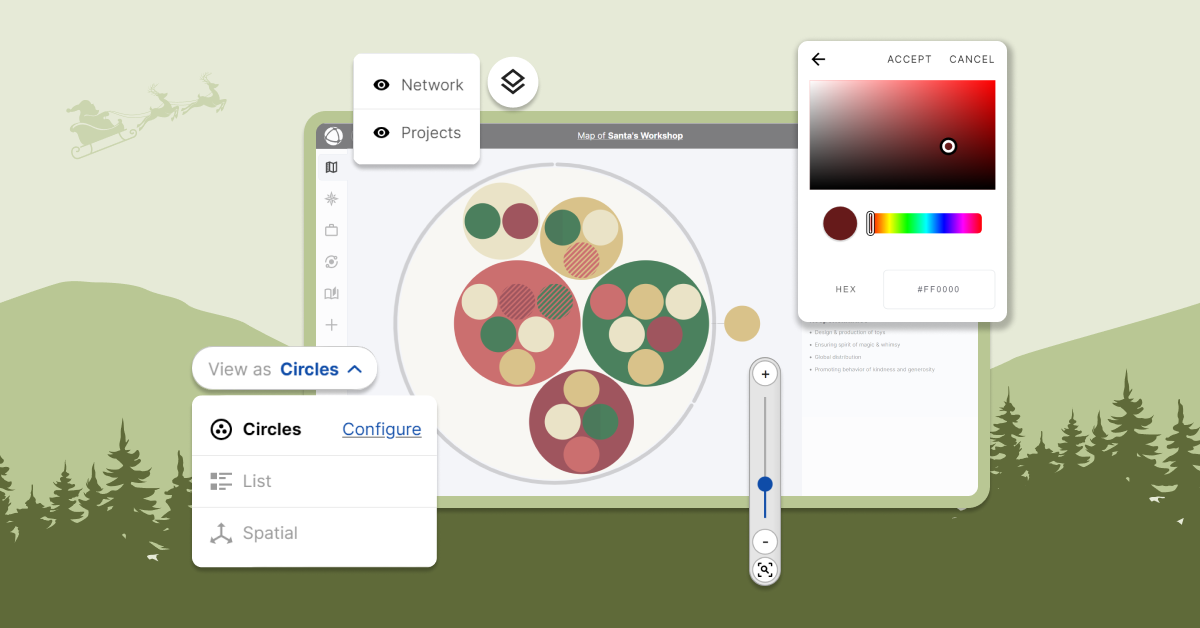
### Improving your work map experience
With the improved context shortcut menu, you can now right-click anywhere on the map to add, edit, or copy roles, groups, or goals. We also added a new color picker as vibrant as Rudolph's nose to further personalize your map with dashing color schemes.
Since this summer, your work map is richer and more meaningful thanks to map layouts and layers. Set your map layout to reflect how you prefer to see your organization. You can also reveal or hide additional information with map layers, including network partners, projects, or goal progress.
We went back to the drawing board this year and optimized map performance. Our loading and navigation experience has become more reactive, more intuitive, and just plain faster.
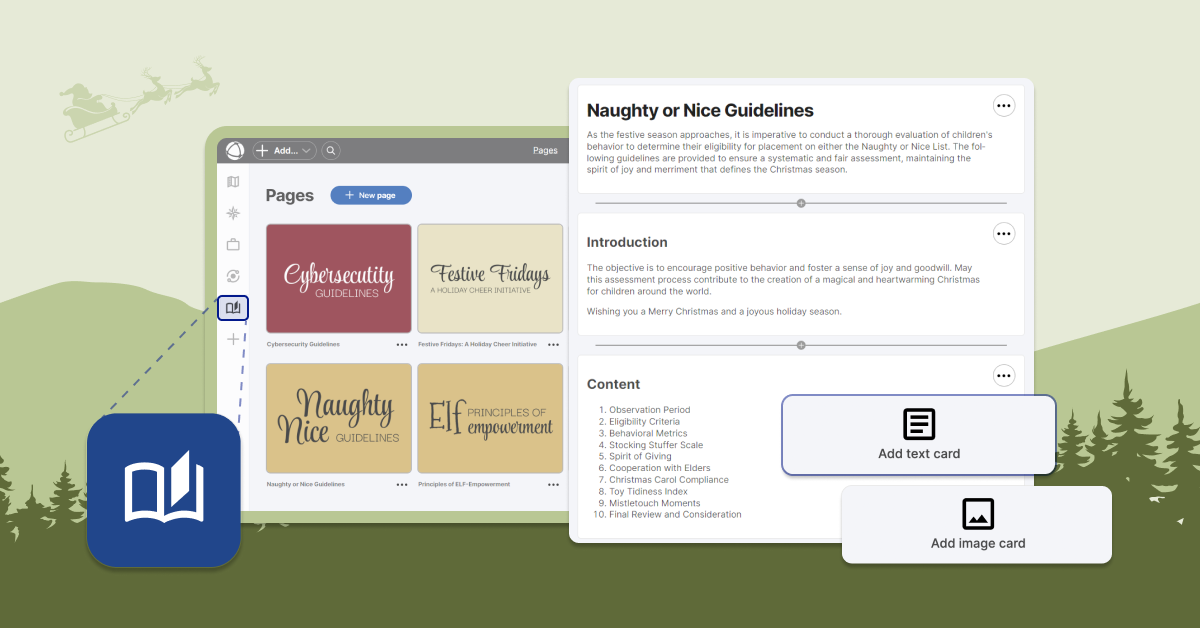
### Sharing knowledge with the Pages App
We responded to your wishlist, and introduced the Pages App to our App Store. It's the perfect place to share important company references such as employee handbooks, agreements, policies, principles, or guidelines. If you’re one who prefers perfecting your list and checking it twice before sharing it with your team, you can even work in private mode before publishing.
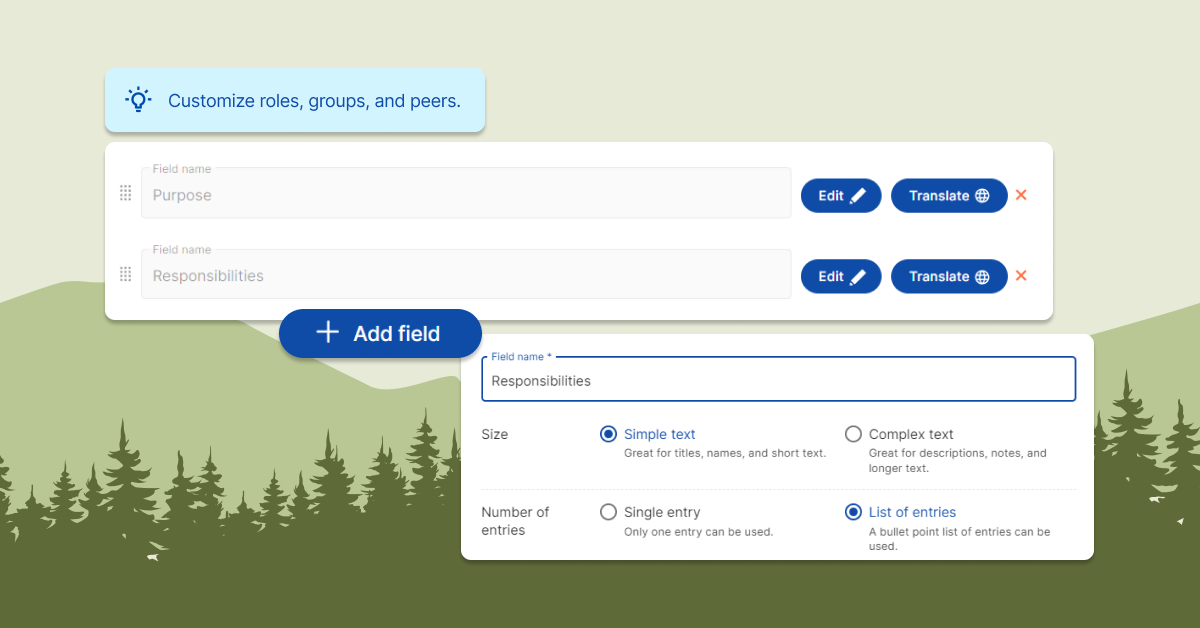
### Making Peerdom fit like a glove
Recognizing that each organization is a unique snowflake, our new field editor gives you full control over what information you store in Peerdom. You can add, edit, and translate additional fields to reflect exactly what you'd like to see on a peer profile, role, or group description. For those of you who share your map with the world, you can even choose which fields are visible or hidden to the public.
In the organization settings, we also expanded the library of vocabulary options to give you more choices on how you refer to peers, roles, groups, and leaders.
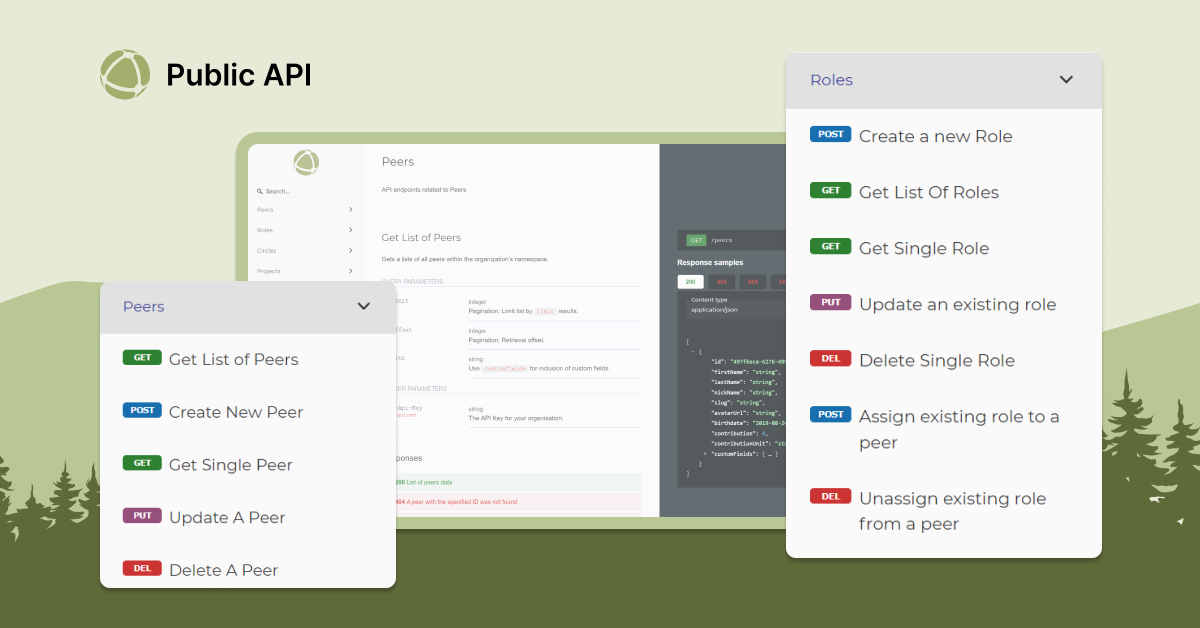
### Integrating Peerdom with your tools
We believe successful collaboration requires integrating across silos. This borderless philosophy also applies when considering how your Peerdom data can be used in other tools, or vice versa.
Through the Public API, you can now modify your roles, groups, or peers from outside of Peerdom. You can also feed your Peerdom data into other software. If you'd like to connect to other databases, request an API key through the "API keys" section on the organization settings page.
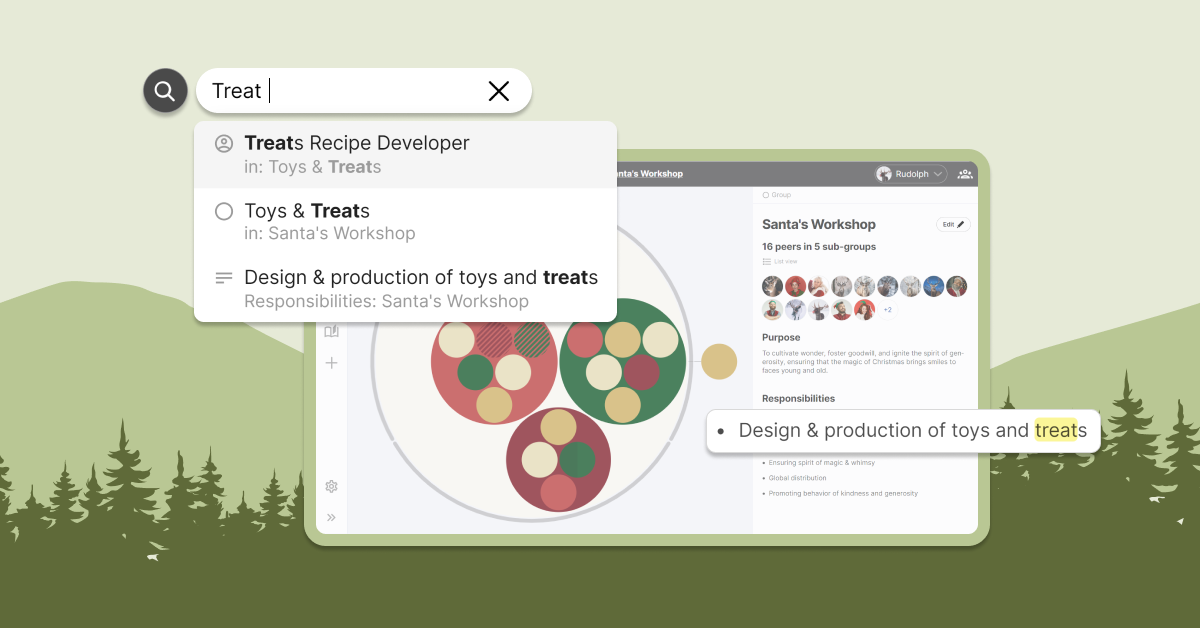
### Turbocharged search engine
Navigating a dynamic environment requires an advanced search. This year we made more of your data discoverable, expanding search to look through new areas and delivering more refined results.
Curious to find your peer’s favorite holiday treat? No problem! The search now digs into information fields across all peer profiles, roles, and groups in your organization and returns highlighted results.
### Wrapping up
We’re eagerly awaiting to kickstart the new year, but meanwhile, let's celebrate the little wonders that make our organizations run like well-oiled, magical workshops. If you’re looking for inspiration, [visit and explore Santa’s Workshop](https://peerdom.org/santasworkshop/map?view=circles), a public work map presented by our friends from the North Pole.
--------------------------------------------------------------------------------
title: "Loyco: Transparency and a New Business Line"
description: "Discover how Loyco uses Peerdom to reinvent onboarding, scale transparently, and pioneer organizational design practices in Switzerland."
last_updated: "2023-11-15"
source: "https://peerdom.com/blog/peerdom-loyco"
--------------------------------------------------------------------------------
# Loyco: Transparency and a New Business Line
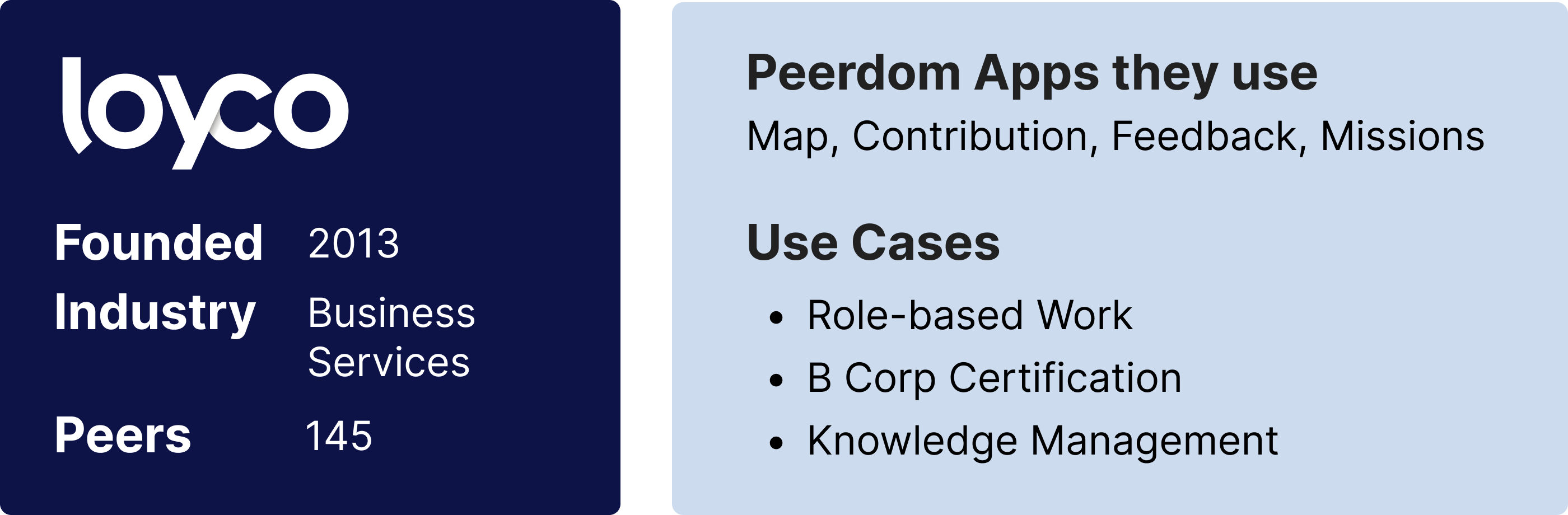
Loyco isn’t just a provider of business services.
Yes, the Swiss company offers payroll, accounting, and other administrative services. But it also is a visionary advocate of a better way to work. A more human, participatory, sustainable, and efficient way of working.
In 2018, Loyco began its pioneering journey to work differently. Instead of using a standard corporate hierarchy and chain of command based on job titles, it flattened management layers and empowered employees with substantial authority based on the specific roles they play. Loyco also emphasized information transparency, in part to enable front-line workers to be able to make autonomous decisions within their roles.
The company even coined a new term for its approach. Taking inspiration from Holacracy and Sociocracy, two related methods of distributing power and decision-making within organizations, Loyco leaders called their organization model “Loycocracy.”
Their way of working was so infectious that in 2019, Loyco started offering a new service to advise clients about how they, too, can become more-horizontal, role-based organizations.
A key to Loyco’s overall success and its external Loycocracy consulting service is the use of Peerdom’s organization maps, says Simon Givre, head of IT infrastructure at Loyco.
The real-time digital work map not only enables Loyco to operate in a transparent, flat, efficient way, but also shows Loyco’s customers that the new style of working is supported by tangible, effective technologies.
### A history of transparency
In 2018, the company made its organizational map publicly available to both team members and visitors to Loyco’s website. Loyco provides public visitors a wealth of information, including role descriptions, who’s on what team, and how the organization is structured.
New hires at Loyco are impressed by their organizational map because it provides an intuitive, up-to-date portrait of the entire company and how it works, Simon says. The search features, for example, make it easy for new employees to find colleagues who can help them achieve different tasks right from day one.
“Newcomers often say, ‘Wow, it's really cool visually,’” Simon says. “They really enjoy it.”
### Easy-to-provide feedback
One of the Peerdom features that Loyco most appreciates is the Feedback App. Rather than having to navigate to a separate software platform, team members can use the Feedback App to share reactions and comments with one another as they work together. Since adopting the tool, Loyco has re-designed its entire organization-wide feedback process around providing peer-to-peer feedback at the role level.
Another of Loyco’s favorites is the Contribution App. This allows individuals to publish how they allocate their time among their different responsibilities and roles. It’s also possible to show the relative contributions of entire teams, and to share these values with public visitors.
For Simon and his colleagues at Loyco, the Contribution App delivers the transparency the company promises customers. “It's important for us to show the outside world how our time is spent,” Simon says.
In fact, this level of public disclosure is such a priority that Loyco employees even put a link to their Peerdom profile in their email signatures, making it easy for outsiders to see roles and contribution amounts.
“We add to the signature of all our emails and say, ‘Here are my roles. Go there and visit. This is what we will do for you.”
### Sharing just the right amount of information
There are limits to Loyco’s openness to public disclosure, though. Loyco leaders were concerned with the potential for cyber-security issues when the company initially broadcast all its roles publicly. In principle, anyone could learn about the specific enterprise software tools an employee was using, which made the company more vulnerable to hackers.
To solve the problem, Loyco took advantage of Peerdom’s access rights system by sharing specific software names in the hidden “Notes” section on each role description. This allows logged-in users to provide additional information regarding their roles that is only visible internally.
In effect, Loyco could realize the full potential of radical transparency without trading off the security of their most vulnerable data.
### Loyco and Peerdom: A Swiss Symbiosis
Loyco’s annual revenue grew 35 percent from 2019 to 2022. Its headcount has risen from 91 in 2019 to 133 this year.
It also has certified as a B Corp and deepened its commitment to a more decentralized, human-centered, and transparent culture.
Loyco’s evolution has been in tight partnership with Peerdom. As one of Peerdom’s first five customers, Loyco helped shape, design, and pilot-test the Feedback App. Their joint work is now available to all Peerdom customers.
Loyco has also become a "Companion," a trusted expert and coach for the growing ecosystem of Peerdom users.
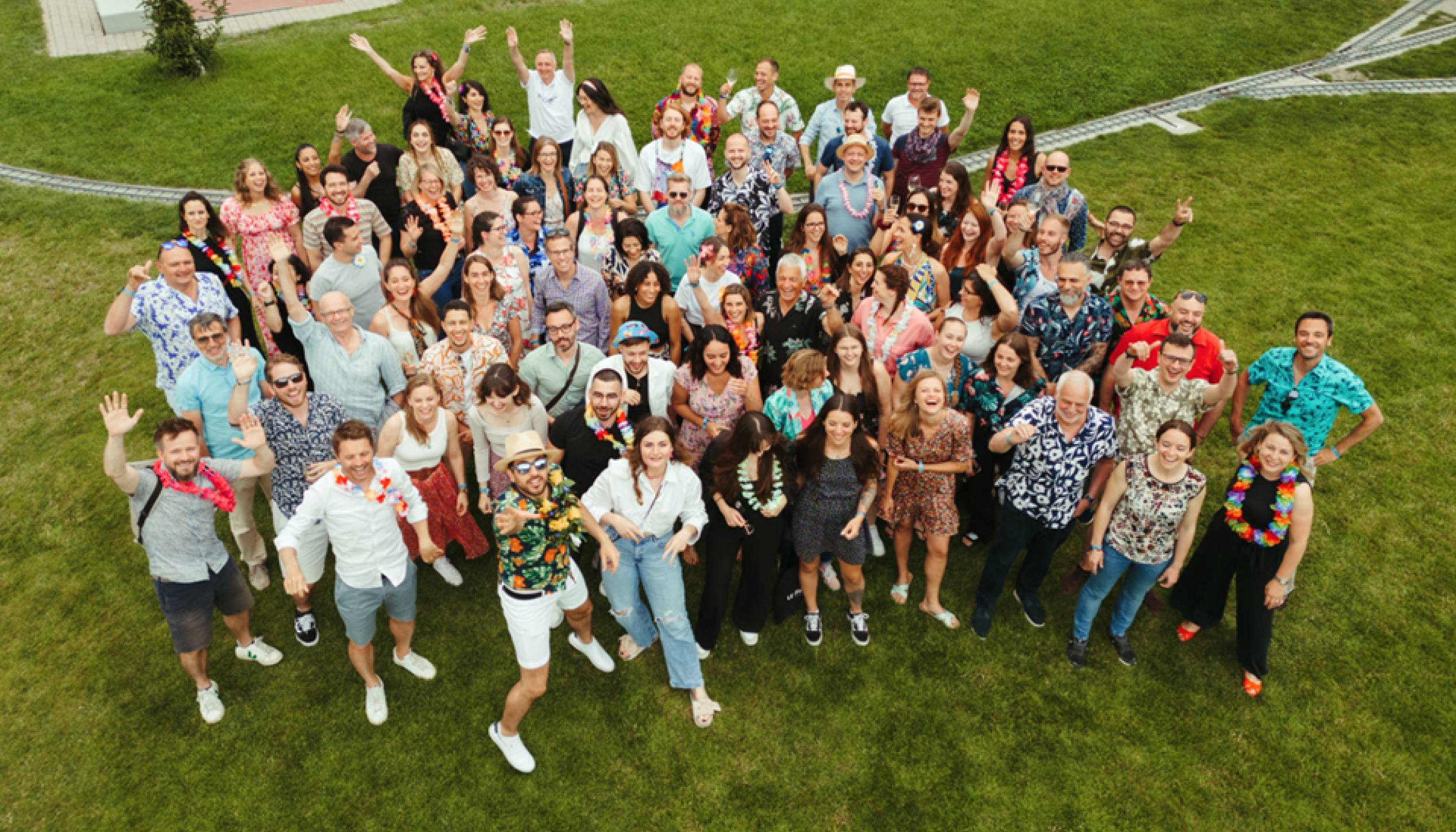
### Loyco Lives Its Talk
Today, Loyco is spreading its vision of a better way to work together, alongside offering its traditional business services.
Early on, clients became intrigued by Loyco’s success and unconventional, transparent approach, and wanted to learn more, says Isaline Thorens, consultant at Loyco.
"People were always asking us, ‘Can you tell us about your structure? What’s working and what’s not working?’” she says.
That interest prompted Isaline and peers at Loyco to launch the external Loycocracy consulting business. It’s attracted nearly 20 clients and counting. The progress has much to do with how Loyco practices what it preaches, including its use of Peerdom’s work maps to assist its way of working.
“What draws people to us,” Isaline says, “is that we actually live the talk.”
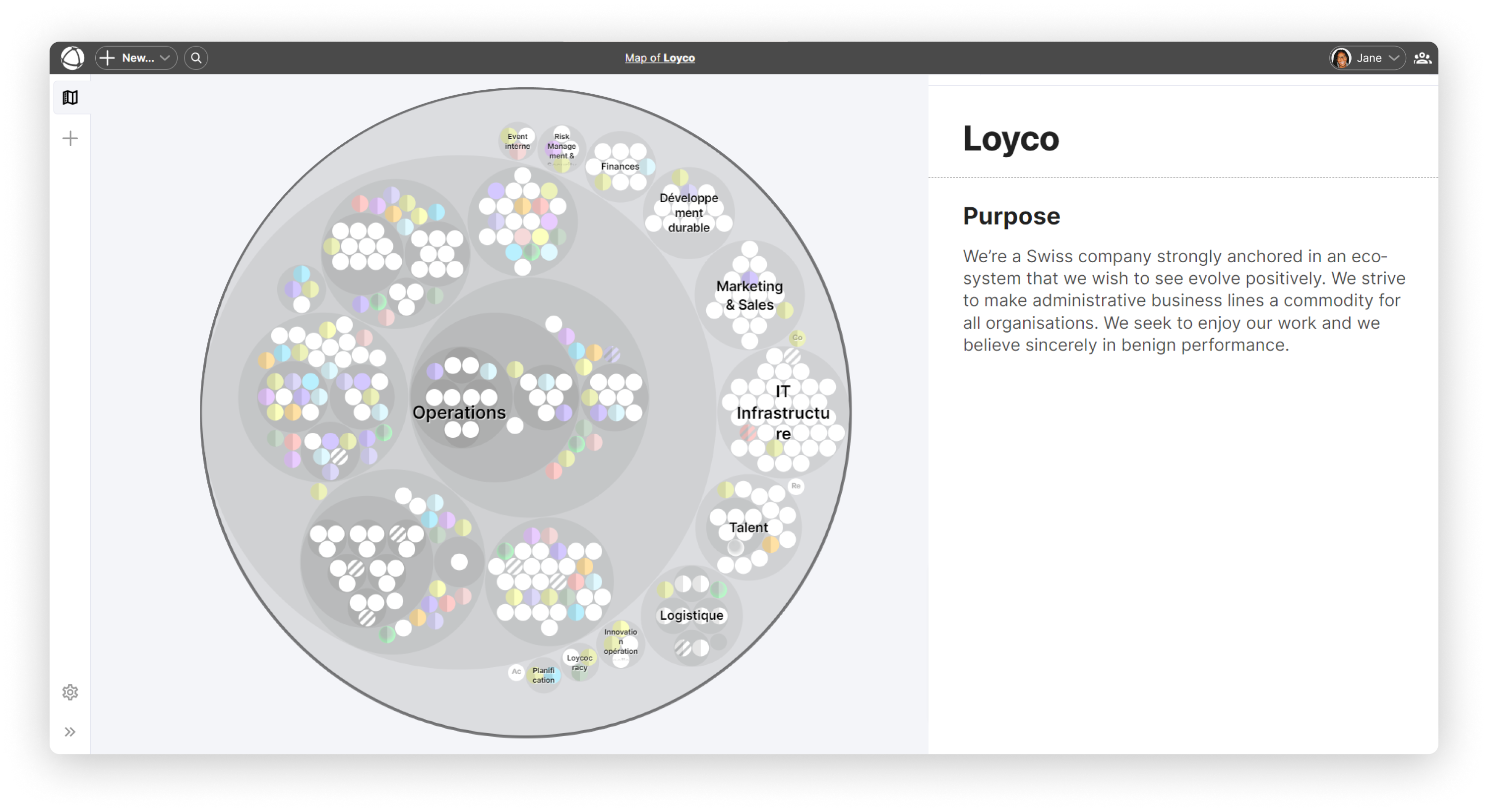
[View Loyco's Map](https://peerdom.org/loyco/)
*Ed Frauenheim is a writer, speaker and consultant. He has published more than 50 stories on great workplace cultures in Fortune and co-written books including* A Great Place to Work For All and Reinventing Masculinity: The Liberating Power of Compassion and Connection.
--------------------------------------------------------------------------------
title: "Three lessons from assisting organizational transformations"
description: "Several of my clients have adopted Peerdom and found it very helpful. I’d like to share a couple of insights and learnings I’ve had over the past 3 years."
last_updated: "2023-11-09"
source: "https://peerdom.com/blog/three-lessons-from-assisting-organizational-transformations"
--------------------------------------------------------------------------------
# Three lessons from assisting organizational transformations
### The power of visualisation, transparency, and mindset
After supporting various [organizational transformations](/blog/complete-guide-organizational-change-management) facilitated by Peerdom, I've come to realize how timing plays an important role when introducing Peerdom. Without neurological proof, I began to see a pattern: co-workers who see their organization visualized by Peerdom form an important, new mental framing. The sooner that employees who will be affected by the transformation see their different roles visualized, the quicker they will understand the new direction of the organization and its values.
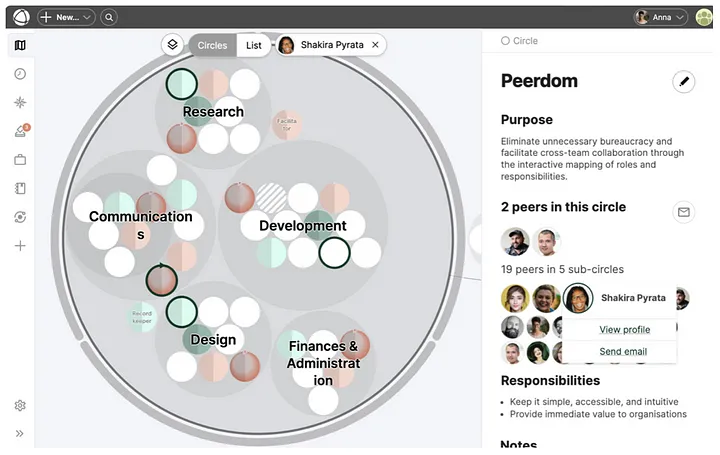
Example of a Peerdom map
By literally *seeing* their organization as a collection of roles instead of positions (as visualized by classic org charts with several management layers above and the employees below), my assumption is that something happens in the brain of the viewer. Peerdom helps visualize how people work together, so they quickly “get the message” that anyone can become a leader in his/her specified roles. They more easily adopt the mindset that Leadership is not bound to leading people and departments, but can also be done by anybody in his or her roles within their associated accountabilities.
I’ve also experienced on several occasions with clients that the Peerdom visualization helps people more easily shift to the mindset of an organization being a living organism with resourceful humans - rather than a machine with (human) resources. They see the connections inherent in collaboration, the interdependence within an organization. Peerdom helps visualize inter-connectedness, which provides a different and more attractive perspective as compared to silo-based org-charts.
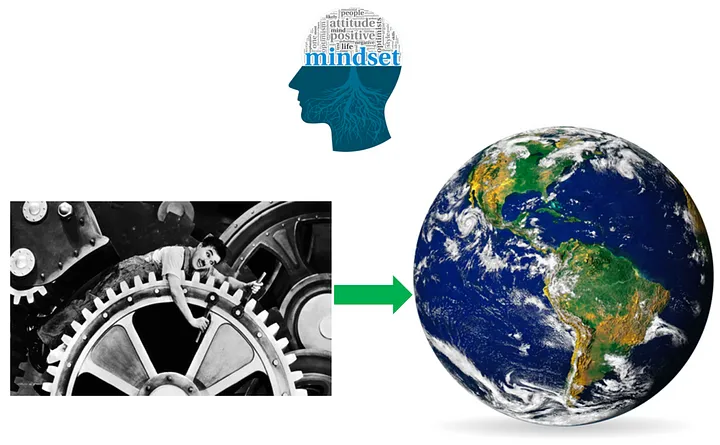
You can see the organization as a machine with resources or as a living organism with resourceful humans
### Roles instead of positions
The core of Peerdom is the visualization of roles. I’d like to share an experience while working with a department within a Big Pharma Corporation based in Germany. Situated in a department dedicated to building and operating a mid-size high-tech production site, the leader was convinced to give as much power as possible to the co-workers within their roles. Team leaders acted more like coaches in this transformation. The leader was strongly supported by the boss to embark on a journey to break away from some of the fundamental team patterns coming from their very hierarchical organization.
Before we started, he had already adopted a meeting format which highlights his attitude. Every week he hosted an online (Covid-times!) management meeting with the team leaders. This meeting was open for all co-workers to attend, listen, and observe. He called it the “transparent meeting”.
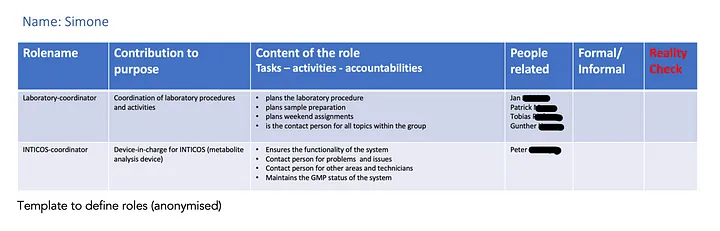
Template to define roles (anonymized)
Early on, I suggested to use Peerdom for their transformation journey. The process team was easily convinced. We started by defining roles. I facilitated several online team workshops wherein the team aligned on role definitions. All team members had to prepare in advance by describing his/her current activities in a role template. After that, a first draft of the role content was visualized in Peerdom by a coordinator inside the team prior to the start of the workshop.
The workshops served as a reality check. Was the role description aligned with the perceptions of the co-workers? What was missing? Where were there duplicates? Is anything unclear? In these workshops we worked very efficiently, thanks to the immediacy of visualising in Peerdom, which helped us see our changes and agreements in real-time. In 2–3 hours, the work was done in the sense of “good enough for now” and “safe enough to try.”
The more challenging part of the journey was the inner work, the processes, rituals, and agreements necessary to keep the role map alive. This included the creation of meeting structures, decisions modes, feedback processes and tension meetings, practices that are well-documented in frameworks like [holacracy](/blog/holacracy-tools-practices-guide) and [sociocracy](/blog/sociocracy-guide-principles-practices). I will share my experiences dealing with inner work in these kind of transformations in a future article.
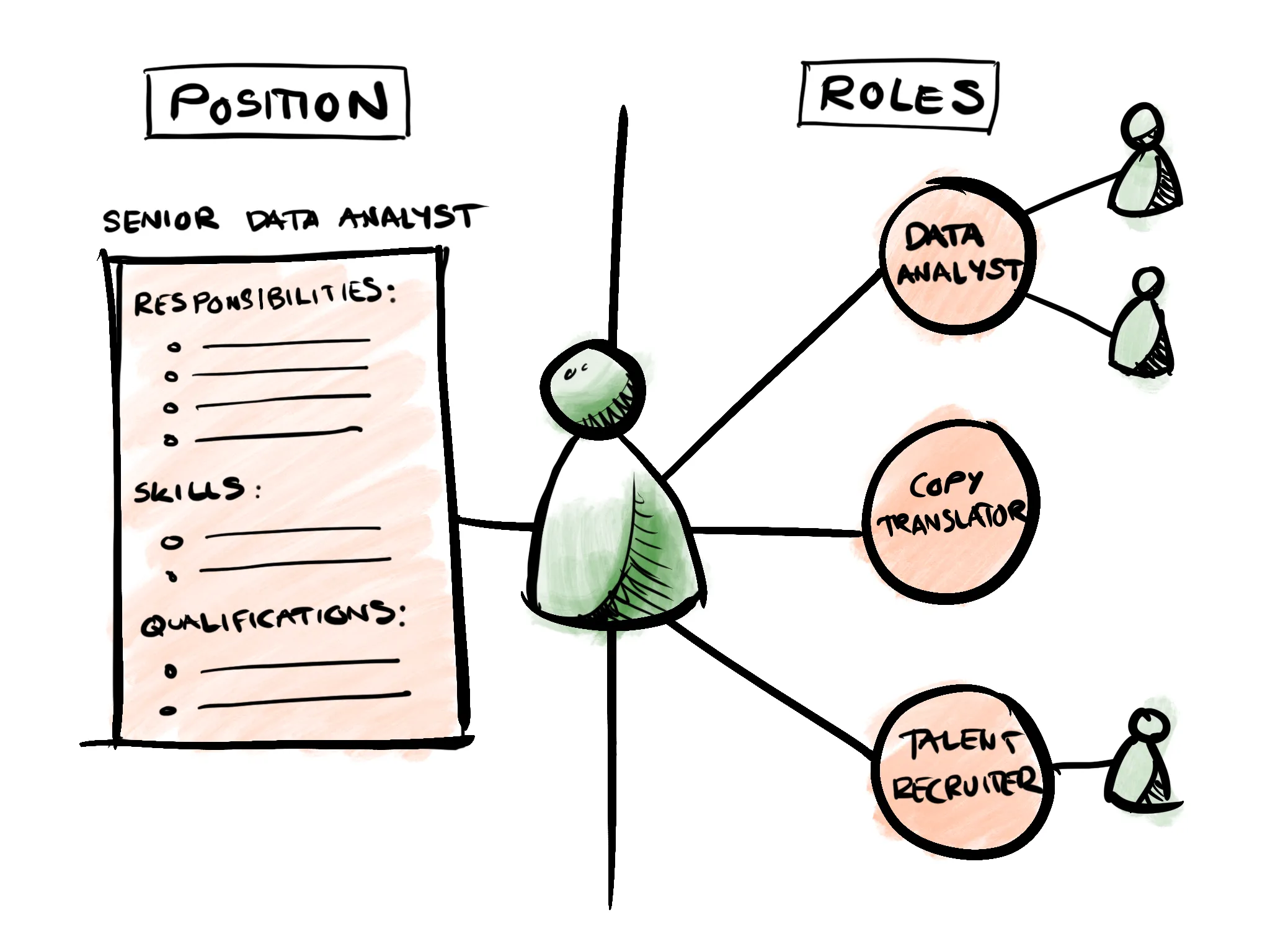
Roles instead of positions
### Radically sharing authority
A third client experience I like to share is Special Olympics Switzerland*. Their purpose is to tackle the inactivity, stigma, isolation, and injustice that people with intellectual disabilities face through sports, health, education, and community building. Their work extends far beyond sports events, driving social change that enables full social participation of disabled people.
I joined their journey when Bruno, the CEO, realized that he needed a new governance framework to enable the organization to grow, mature, and leverage its impact in Switzerland. Any new organizational framework should also make it possible that he should no longer need to be CEO of this small sized NGO. He wanted to concentrate more on the World Winter Games, which will take place in Switzerland in 2029. He is very passionate about this large event and already announced that he will use Peerdom to build up and operationalise the team.
Here’s a small, but meaningful anecdote. I was hosting a workshop for the core transformation group. We were defining roles with the assistance of Peerdom (side note: Special Olympics was my first Peerdom client). The question came up of who should take the “Guardian” role for the transformation circle. The Guardian was responsible for coordinating the organizational transformation towards a role-based organization. Bruno then said that he was convinced that Gabriel, a much younger colleague in the transformation team, had the best skills to do that. There was a moment of stillness in the room where the team realized that Bruno was serious about sharing his authority. Gabriel was appointed by the team as the Guardian, and he still holds this role to date. This experience touched all of us in the transformation team. Meanwhile at Special Olympics, Peerdom is being used as a daily practical tool to help look up who is accountable for what for an organization that is under constant change.
The major contribution of Peerdom is that it creates easy, accessible, radical transparency about who does what in which role and instantly highlights the responsibilities for each co-worker. Every staff member can see what their colleagues are accountable for and can give specific feedback on how the role is perceived. There are already different ways to give and receive feedback within the tool. In addition, I find Peerdom easy to use. It’s quick to get a rapid overview of where roles have impact, how they are grouped together, and how they are connected within the organization.
(* I have been authorized to name this organization)
*Marc Wethmar MScBA, Dutch-Swiss, is a self-employed consultant for organizational development, following a long career as a Leader. He is an experienced temporary companion for organizations who seek to share governance, not only by leveraging Empowerment of the co-workers, but also by co-creating structures and processes that provide tangible shared authority. He was one of the very first Peerdom Companions (2019) and is based in Zurich.*
--------------------------------------------------------------------------------
title: "Merging four organizations and working in new ways"
description: "Virtual Minds relies on Peerdom to scale organizational clarity across teams. Learn how transparent mapping enabled post-merger integration, agility, and sustained growth."
last_updated: "2023-10-12"
source: "https://peerdom.com/blog/peerdom-virtual-minds"
--------------------------------------------------------------------------------
# Merging four organizations and working in new ways
Marius Leichte and the corporate development team at AdTech firm Virtual Minds faced uncharted territory last year.
They were about to merge four organizations within a few short months.
What’s more, Virtual Minds planned to introduce a roles-based, flatter and more fluid approach to working together. This new way of working would put the German company on the cutting edge, but at their size it also raised the prospect of a chaotic workplace culture. Virtual Minds employs around 200 people and is a subsidiary of media company ProSiebenSat.1 Media.
The twin challenges of a merger and a cultural transformation meant Marius and his peers confronted an uncertain future with few guideposts.
That’s where Peerdom came in handy, says Marius, the company’s senior manager for corporate development.
The interactive visual map made granular job tasks more transparent and included features for the company to standardize role descriptions, Marius says. In effect, Peerdom’s mapping tool helped Virtual Minds navigate the novel landscape, Marius says.
“It’s intuitive,” says Marius, who runs Virtual Minds’ organizational development team. “It acts as the Google Maps of our organization.”
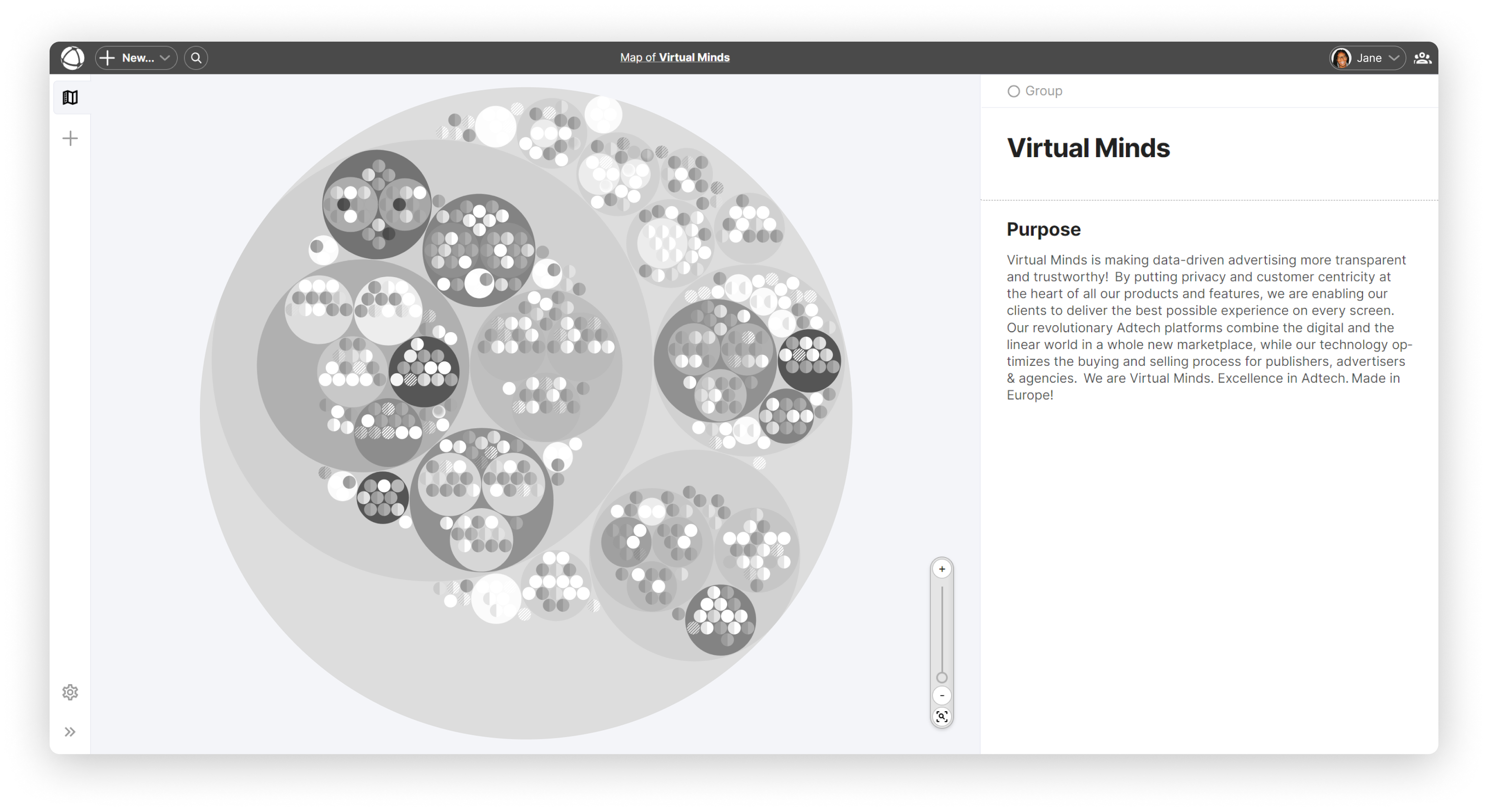
### A critical tool for merging and a catalyst for change
Bringing together any two companies is a daunting enough challenge. Figuring out who actually works on what tasks, what competencies lie in-house, and how to combine, redefine, or eliminate roles is difficult. Doing this for four organizations at the same time was an even bigger puzzle.
Employees were uncertain about the merger, and remote working conditions required by the Covid pandemic made it more difficult than usual to communicate effectively, Marius recalls.
Peerdom helped solve these problems. The work map introduced new co-workers to one another and provided clarity around how the newly merged company would work together in a role-based way. In effect, it acted as a catalyst as Virtual Minds moved towards a more decentralized form of decision-making.
Traditional corporate structures often define jobs by titles and chains of command. In contrast, Virtual Minds wanted to break down work into more specific duties, encourage cross-functional collaboration, and enable frontline workers to make more decisions within their roles. Adopting this role-based design, especially while going through a merger, made it vital to show each employee what the changes would concretely mean for their individual work, Marius says.
The transparency that the work map and peer profiles provide on everyone’s roles, goals, responsibilities, projects, and relationships has been important to the successful transformation at Virtual Minds, he says.
### Balancing flexibility and standardization
One of the challenges of redesigning work as a collection of roles across self-managed teams is the possibility of chaos as organizations grow large. Enabling individuals and teams to autonomously define their roles and responsibilities can lead to confusion as people may describe the same duties or roles with different language. This is also true as you merge two different companies together – two roles may appear to be different, when actually they’re the same. Failing to merge roles is a missed opportunity for learning and knowledge transfer across colleagues.
Marius and his teammates faced this difficulty and had seen it in other companies that had adopted a role-based organizational approach. “As you grow bigger, it can get to be a mess,” he says.
Marius says that some of Peerdom’s features have helped Virtual Minds avoid a chaotic work map. The work map balances flexibility with standardization to manage growing complexity, he says. Virtual Minds uses Peerdom’s role “mirroring” capability to quickly duplicate a standardized role with common terminology. Virtual Minds has used role mirroring for more than 50 team members, linking people together from across the entire organization by their common responsibilities.
What’s more, Marius notes, Peerdom’s access rights categories helped to restrict who could make edits to the Virtual Minds work map, reducing the risk of unintended and confusing restructuring.

Sandra Assadi and Marius Leichte from the Corporate Development Team. Photo: Virtual Minds
### A game-changer
After completing the four-way merger and moving to a role-based approach to work, Virtual Minds is seeing the first positive impacts of the new way of working. For example, the company has been able to launch new initiatives and projects that wouldn’t have been possible before, Marius says. These include an improved ability to tackle larger technical and business challenges.
The success of the merger and transformation wasn’t guaranteed, given the daunting set of challenges Virtual Minds faced a year ago. Marius believes sharing information openly was vital in terms of helping employees understand the new organization and its new way of working. Peerdom and its intuitive visualization played an important role in enabling that transparency, Marius says.
In fact, the work map has many fans at Virtual Minds.
Marius tells the story of a colleague who helped design the role-based transformation at the company. One day, the colleague called Marius to applaud him and his team for having selected Peerdom, and, as a result, having elevated the general transparency and internal alignment at Virtual Minds.
“Thank you, guys,” the team member said to Marius. “This is a game-changer.”
*Ed Frauenheim is a writer, speaker and consultant. He has published more than 50 stories on great workplace cultures in Fortune and co-written books including* A Great Place to Work For All and Reinventing Masculinity: The Liberating Power of Compassion and Connection.
--------------------------------------------------------------------------------
title: "Tips for mapping out your organization for the first time"
description: "New to org mapping? Get practical tips on building your first Peerdom map. Clarify roles, align teams, and create a foundation for agile collaboration."
last_updated: "2021-08-27"
source: "https://peerdom.com/blog/tips-for-mapping-out-your-organisation-for-the-first-time"
--------------------------------------------------------------------------------
# Tips for mapping out your organization for the first time
A work map is an evolving reference that visualizes the different layers of relationships, responsibilities, and work within your organization. As a common reference, it orients the whole team and boosts collaboration.
### Overcome the blank canvas
With all its infinite possibilities, a blank canvas can feel overwhelming. Where to begin? What are you trying to achieve? Mapping your organization to clarify relationships, roles, and responsibilities is no different; there’s art in c**art**ography.
In this article, **we provide insights and best practices collected from over 300 organizations who have successfully conquered the blank slate to publish their first interactive org chart**. We break down the process into four fundamental aspects: why map your organization, who participates in the mapping process, what should you map, and how to do it.
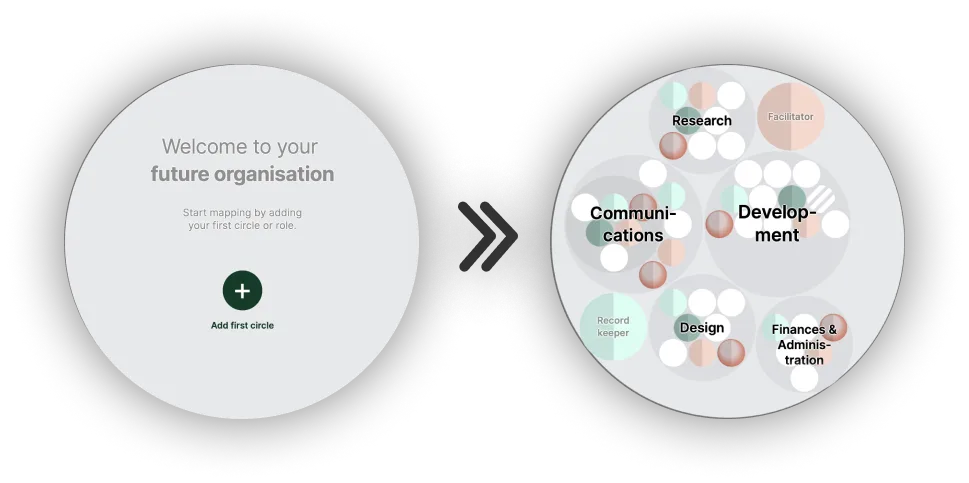
Going from nothing to something may feel intimidating, but with a few guidelines, it’s easy to map your organization.
### Why map
Organizations are constantly changing. Individuals come and go. Work adapts to a shifting market. Relationships are formed both formally (e.g. employee and manager) and informally (e.g. afterwork beers). With so much going on behind the scenes, it’s difficult to keep track of:
* *Who currently works with whom and on what?*
* *Where is help needed?*
* *Who has the authority to make what decision?*
* *What exactly is our organization working towards?*
Without answers to these questions, **collaborators become frustrated or confused because of a lack of clarity and are unable to live up to their true potential because of wasted time and energy**.
Organizational charts (org charts) provide answers to some of the above questions by drawing out relationships within an organization. For example, classical pyramidal hierarchies (organigrams) list members of the organization, highlight who has the authority to make decisions (via reporting lines), and detail how work is functionally split (e.g. by team or department).
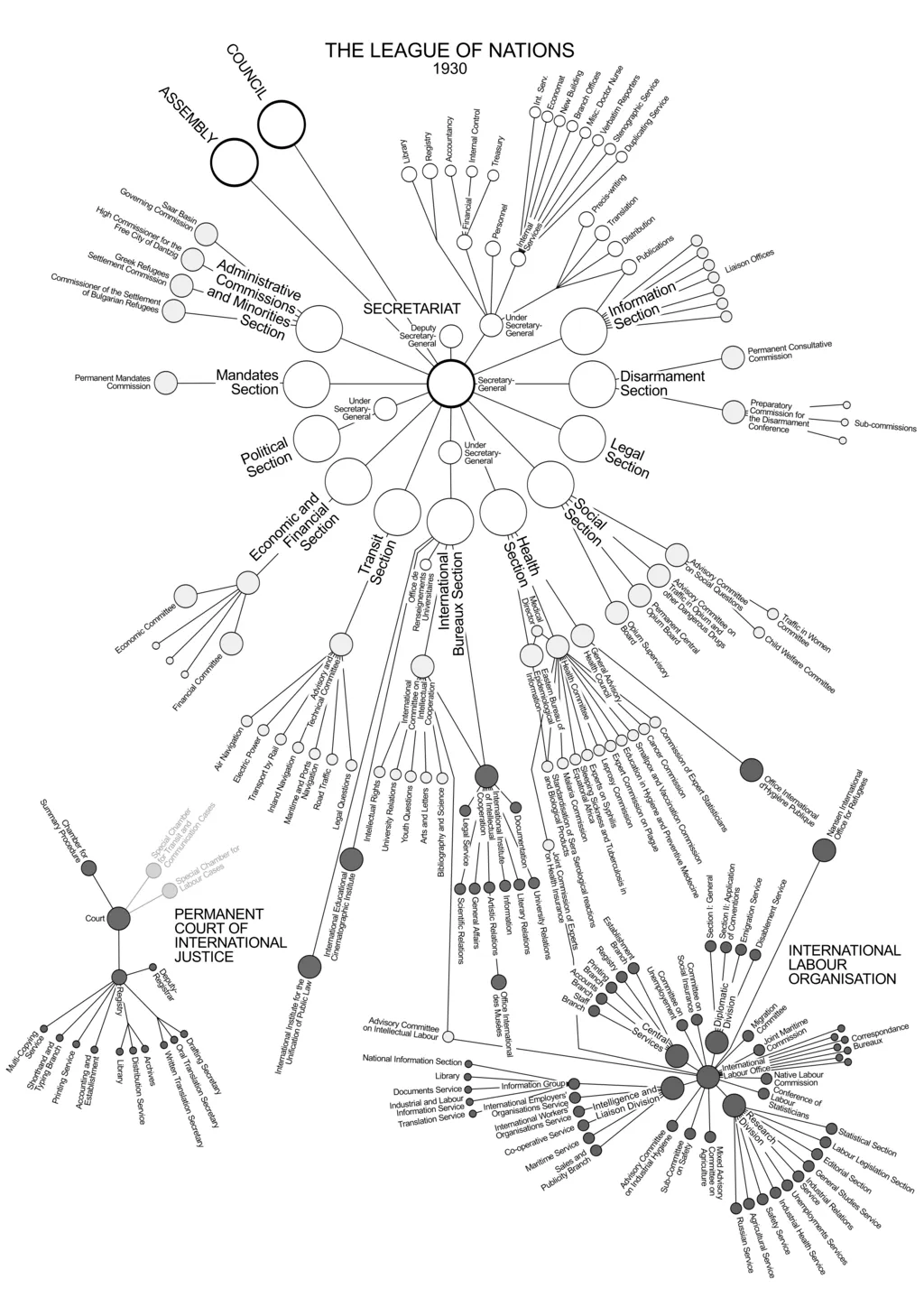
An organisational chart from 1930 mapping the League of Nations organisation. (Image : [Martin Grandjean](https://en.wikipedia.org/wiki/Organizational_chart#/media/File:League_of_Nations_Organization.png))
These types of org charts have limitations. They tend to be static oversimplifications that place employees in a single, fixed position: a job title. In a previous article, we explained why considering [job roles rather than job positions](https://peerdom.medium.com/the-advantages-of-defining-job-roles-instead-of-job-positions-d2817a3c8d46) overcomes classical org chart shortcomings. For a deeper comparison of traditional and modern approaches, see our guide on [dynamic org charts vs. static org charts](/blog/dynamic-org-charts-vs-static-org-charts).
At Peerdom, we reimagine the org chart as a dynamic *work map*. **A work map better represents the actuality of ongoing work, brings team alignment, helps efficiently distribute work, and gives everyone the information necessary to find how they can best contribute** while satisfying both their individual and the organization’s needs.
### Who to involve
So, you’re ready to start mapping. But who should do all the mapping work? What options exist for who participates in drafting your map? We have observed a wide range of methods.
At one extreme, consider a fully centralized process: a single cartographer describes each role and its responsibilities and then assigns team members to their roles. On the other extreme lies a fully decentralized process: every member within the organization participates by creating and describing their own roles.
There are also in-between options. For example, a small team of volunteers might lead the project, or a representative from each team or department might take responsibility for filling in their own section of the map. No matter what method you choose to start mapping, you should always involve more people later. **You want to create an accurate reflection of reality, so it’s critical to check your map with as many people in the organization as possible**.
The mapping process can be done by a single cartographer or in a fully participatory way, where everyone contributes.
### What to map
Now that you know who will be mapping, it’s time to add content to your work map. The goal is to condense work into roles that actively contribute to your organization’s purpose. Be careful to describe roles that reflect the current reality, not an idealised future.
Many organizations already have some form of an organizational structure documented (e.g. in organigrams, spreadsheets, or a drawing on PowerPoint). If the document is up to date, start from there. On the other hand, if this is the first time writing down roles and responsibilities, do not despair. You might be able to piece together written traces of your structure scattered across other documents such as job descriptions, job ads, or email signatures.
#### Defining roles
Start with the name. Try to make it obvious what the role achieves, like *Speaker* or *Key Accounts Liaison*. Next, provide a short description of the role’s purpose, answering the question “Why does this role exist?”. For example, the purpose of the *Key Accounts Liaison* might be: “Ensuring a smooth experience and continued success for our key clients.”
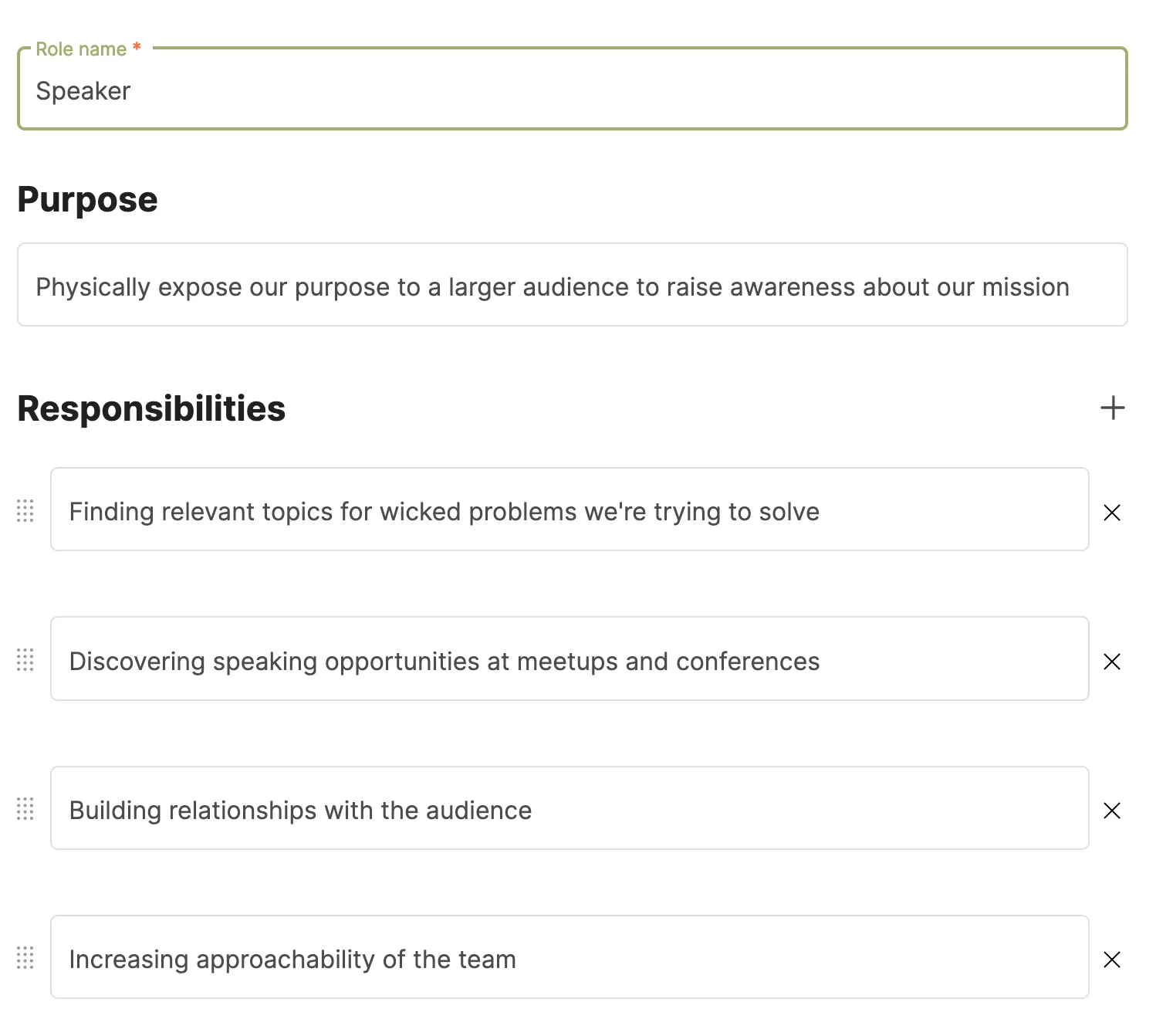
An example definition of a Speaker role, including its title, purpose, and responsibilities.
We are often asked how much detail to go into when describing roles and responsibilities. A rule of thumb is to **only describe the minimum amount to ensure mutual understanding across the team**. Avoid descriptions that are too open for interpretation as it will lead to diffusion of responsibility, misunderstanding, or conflict. By contrast, over description stifles creative problem solving and creates role descriptions that are difficult to maintain.
Sometimes, responsibilities can be clearly inferred from a single role title. In other cases, you might want to enter more details. **You can always start with a minimal description and later elaborate as your map evolves**.
#### Assigning roles
Each person in your organization can hold multiple roles. Roles can also have multiple role holders. After assigning people to roles, be sure to ask everyone to verify that their personal collection of roles (role portfolio) comprehensively represents their ongoing work.
#### Grouping roles
Now that you’ve mapped all roles, it’s time to add structure. Groups of roles help gather those who frequently work together. This speeds up communication and facilitates learning between peers with complementary expertise. When considering how to group roles, here are some ideas:
1. **Functionally group roles into themes or topics**. For example, all roles having to do with internal or external communication could be gathered into the Communications group. Although functional splits are how organigrams represent teams, they usually result in information silos. By contrast, a work map allows a single person to hold multiple roles across groups, so that information can flow freely throughout the organization. This breaks down silos and fosters an interconnected network of teams.
2. **Group roles together using a shared service or hub-spoke structure**. Here, the organisation is split into small groups of operational roles which directly serve the core business and market, and second group of supporting roles who are at the shared service of the operational teams. For example, Loyco, a HR, insurance and risk management organisation in Switzerland organises [this way](https://peerdom.org/loyco/map).
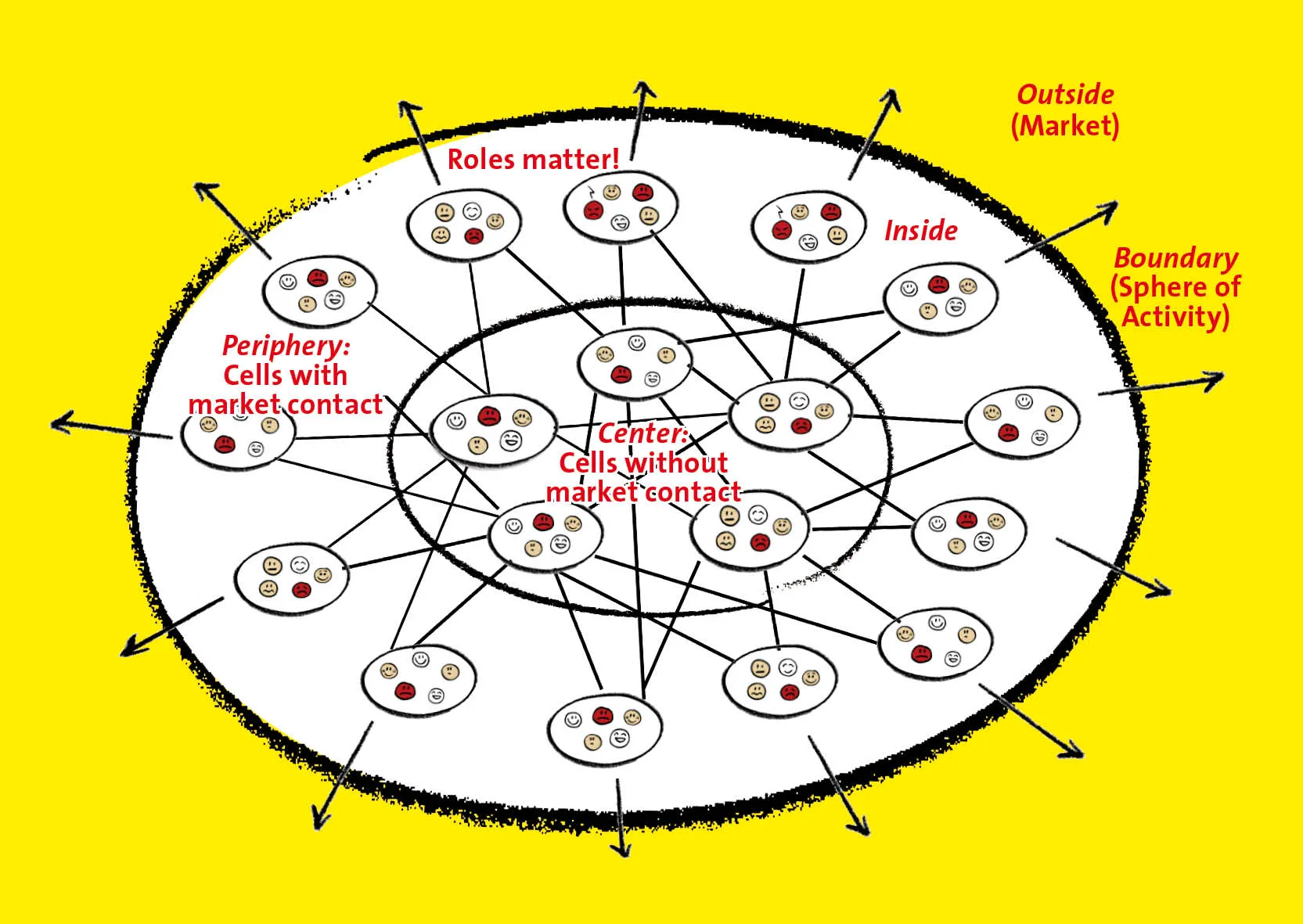
The [BetaCodex structure](https://betacodex.org/articles/article/decentralization-a-natural-and-an-inevitable-feature-of-organizations-in-complexity) groups shared service roles in the centre and operational or project teams at the periphery. This is one of many models you can use to group your roles. Learn more in our [Beta Codex and Peach model guide](/blog/beta-codex-peach-model-guide). Image credit to [BetaCodex](https://betacodex.org).
No matter how you cluster your roles into groups in this first draft, **you can always reorganize in the future to better optimise collaboration and to match the ever-changing reality of how you really work together**.
In particular, you might also ask yourself: what if we had split or grouped the roles differently? What would our ideal future organisation look like? The [Peerdom Drafts app](https://peerdom.com/apps/drafts) was made for such experimentation. With the Drafts app, you can duplicate your map into a copy and be free to reorganise and play around with your alternate map. You can choose at any time which of your drafts to publish as the live map.
### How to map
The process of creating your map is closely intertwined who you involve and what content you map. If you do not have enough information to create an accurate map, consider participatory exercises that assemble role descriptions from the whole team.
Role mapping workshops are a way to decentralise the task of defining roles and responsibilities, while maximizing the chance that they truly reflect what’s happening on the ground. At Peerdom, we work in close collaboration with organisational coaches, our *so-called* [Companions](https://peerdom.com/companions), who each have their own unique approach to running a collective role mapping workshop. In a series of future articles, we’ll dive into their strategies so that you can run your own.
Your map will be under constant evolution, so don’t be afraid to define a time limit, publish it early, and iteratively improve.
### Set a time limit and publish
Remember that you are publishing a map that will remain under constant evolution. There is no perfect or finished product. As the terrain (work and people) evolves over time, you’ll need to update.
We therefore suggest that you **aim for a best approximation of the current reality that you share with the team to stimulate further improvements**. We recommend limiting your initial mapping exercise to a few weeks or a month as it’s usually enough time to sketch out a draft and get feedback from the team.
### A real-world example from the NGO HEKS/EPER
HEKS/EPER “supports development cooperation projects to combat poverty and injustice and advocates for a life in dignity for all people”. They created a work map in a two stage process. First, they contacted [one of our companions](http://danielsigrist.ch) and collectively defined their roles and a grouping structure in a role workshop. A single person, holding an org-wide *Secretary* role, was responsible for transferring the textual descriptions from Excel into its visual representation. Continuous updates to the map are also communicated to this role, who updates the map accordingly.
### Learn from the best
The best way to learn about mapping is to seek inspiration from others. In the [Peerdom Showcase](https://peerdom.com/discover), you can explore live organisational maps to see how others are defining and grouping roles to create their own work map.
--------------------------------------------------------------------------------
title: "Why Define Job Roles Instead of Job Positions?"
description: "The world is dynamic, moving fast, and difficult to predict. Given such volatile conditions, consider building your organization out of granular, dynamic building blocks (roles) rather than coarse-grained, rigid units (positions)."
last_updated: "2020-10-12"
source: "https://peerdom.com/blog/the-advantages-to-defining-job-roles-instead-of-job-positions"
--------------------------------------------------------------------------------
# Why Define Job Roles Instead of Job Positions?
To build a physical structure that lasts, you have to carefully consider the building blocks. If they are too clunky and rigid, the structure snaps under the pressure of external forces. Architects and structural designers know this well, and have developed [techniques to make sure a building withstands pressure](https://www.youtube.com/watch?v=ebx5Y5qOmTM). How can we apply this knowledge toward building resilient conceptual structures such as an organisation?
One simple, yet powerful idea is to reconsider your building blocks and **design your organizational chart as a collection of job roles rather than job positions**. This easy-to-implement change has a major impact on your organization’s agility and adaptability. It also permits employees to personalise their job to match their individual strengths and motivation.
### Position-based vs. role-based organizations
We're all familiar with job positions, the building blocks of a *position-based organization*. Frameworks like [holacracy](/blog/holacracy-tools-practices-guide) and [sociocracy](/blog/sociocracy-guide-principles-practices) have formalized the role-based approach. A job position comes with a title (*e.g. Senior Data Analyst*) and is filled by a single person. Each position has a job description: a list of responsibilities, skills, and qualifications needed for the position. By contrast, *role-based organizations* are composed of job roles. **Roles represent a finer-grained unit of work and responsibility than positions**.
Think of it this way: job positions describe responsibilities that span a diverse range of competencies. For example, a Senior Data Analyst may be responsible for hiring team members, coordinating projects, analyzing data, and mediating team conflicts. In a role-based organization, each of these activities would rather be described by a separate role. Roles are like a decomposed position: they are the smallest, indivisible autonomous cell of decision-making.

In a position-based organization, each individual has only one job position (Senior Data Analyst), whereas in a role-based organization, individuals are represented by their role portfolio (Data Analyst, Copy Translator, Talent Recruiter). Each role can also be held by multiple people.
In a role-based organization, each person is defined by the portfolio of roles they hold rather than by a single title. Roles can also be held by multiple people. In the above example, our little green person holds three roles: *Data Analyst*, *Copy Translator* and *Talent Recruiter*. Two other people hold the *Data Analyst* role, and one other holds the *Talent Recruiter* role.
#### Building your organization with positions vs. building it with roles
The most common organizational structure built from positions is a hierarchical pyramid. In this type of organization, each person can be found in exactly one position on the organizational chart, or organigramm (a diagram showing relationships between the building blocks).
**In a role-based organigramm, individuals hold multiple roles across the entire organization**. Roles that regularly collaborate are grouped together. It’s common to represent a role-based organization by embedded circles.
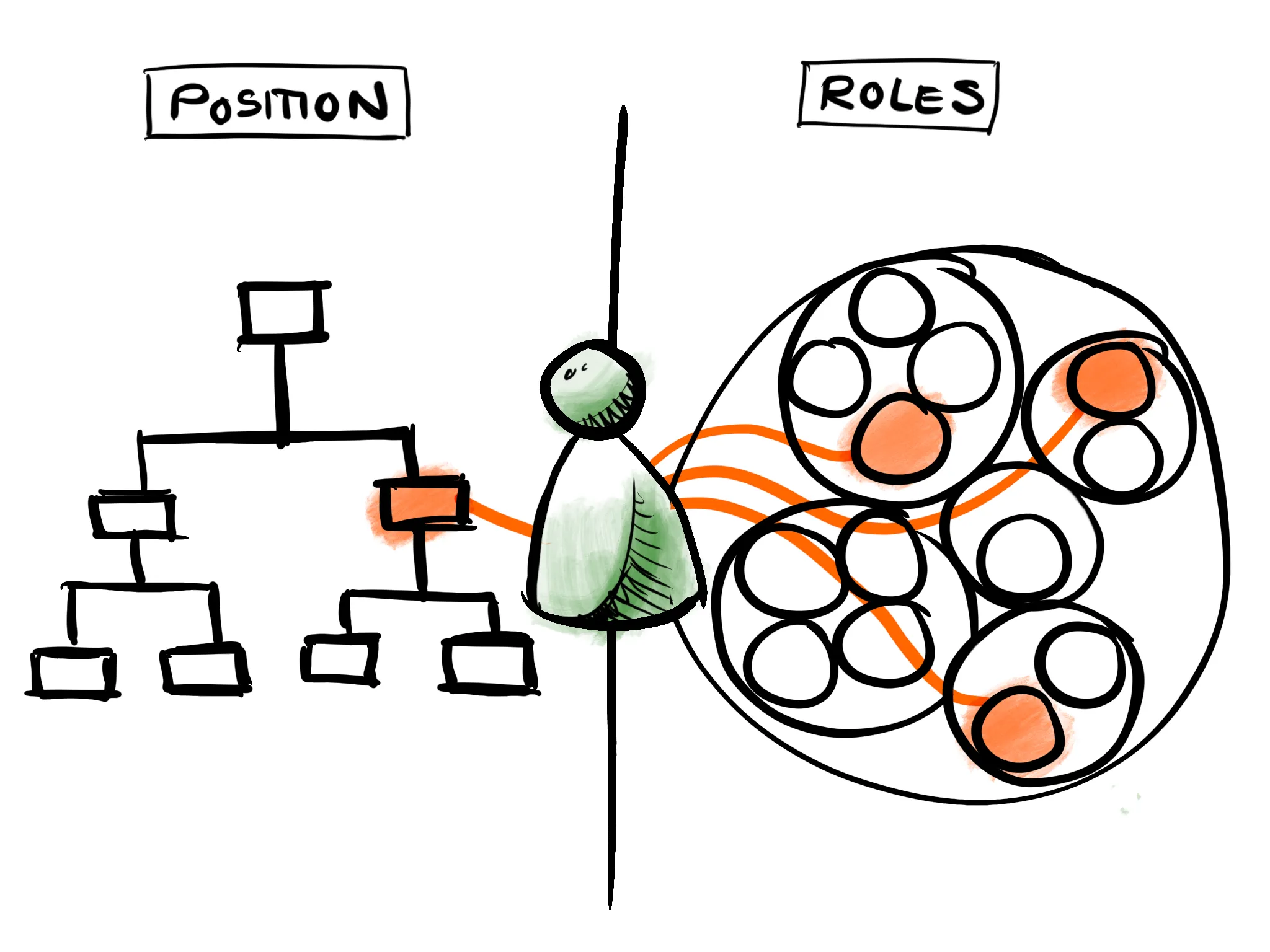
In a position-based organization, an individual is situated in one position in the pyramid. In a role-based organization, that same individual may instead hold roles on different teams across the entire organization.
### Problems with positions
#### 1. Positions are static
We’ve all experienced being hired to a job with a job description that, over time, diverges from what one actually does. It’s natural that your work evolves over time, but job descriptions rarely evolve with it.
**Job descriptions are also often inaccurate from the beginning**. They tend to be written by excited HR teams or managers who envision an ideal candidate for the position. However, there’s rarely a perfect match between this idealised description and the eventual candidate. This rift is not always corrected for upon hiring, making one’s job description immediately outdated.
#### 2. Positions are single points of failure
If a manager leaves the organization, the first reflex is to replace the vacant position, even if it might be difficult to find someone to fill this gap. **Since positions represent a single point in the pyramid, disruptions can have cascading effects** on those connected above and below the position. At the same time, re-filling the position might not solve the problem, since their job description might not reflect what this person was actually doing on a daily basis (see point 1).
Removing an individual from a pyramidal position-based organization can have farther reaching consequences.
#### 3. Position descriptions are generally not shared in a useful way
Job descriptions are often kept between the candidate and the recruiter. They are rarely published for other team members to consult while making decisions. If they happen to describe overlapping responsibilities with other positions, it may lead to **wasteful repetition of work**, as it is unclear who should be doing what. A lack of transparency can also lead to **unnecessary frustration in your team** if someone “steps over their boundaries” to make a decision, maybe without even knowing they were doing so.
### Roles to the rescue
Using roles to describe your organization can avoid many of the problems listed above and comes with additional benefits.
#### 1. Roles are dynamic and adaptable
Removing or adding a position can be complex, lengthy, and costly. Since roles are more fine-grained or “closer” to the actual work, they can be added and removed to match the evolving needs of your organization. Because taking on a role is less of a time commitment than taking on a position, **it is often possible to fill a new role without hiring a new employee**.
It’s also easier to remove roles, too. Role-based organizations do not have to fire employees if a role is no longer needed; the role holders will simply find themselves with one less role in their portfolio. By the same token, when a role is removed, employees do not have to quit. This might rather be taken as an opportunity to channel their energy elsewhere.
#### 2. Roles don’t depend on individual people
As explained above, in a position-based organization, work often depends on a single person. If that person isn’t around, decisions might have to be postponed and projects can stagnate. Positions are therefore *co-dependent*.
In a role-based organization, it’s much **easier to avoid such bottlenecks** because roles can easily be held by multiple people. It is also **easier to delegate fallbacks**, as you’re not handing over all of your work, just specific parts of it. Roles are therefore *inter-dependent*.
Such flexibility helps if someone leaves. In a position-based organisation, a departure can create a significant gap in the organisational chart. By contrast, roles provide the option to absorb shocks by redistributing work across the entire remaining workforce. This same insight underlies the design of [geodesic domes](https://en.wikipedia.org/wiki/Geodesic_dome), whose building blocks are omni-trangulated to guarantee a stable structure even when a supporting beam is removed.
One of the strongest free-standing structures is a geodesic dome. Each joint is multiply connected. If you remove any random supporting bar it will have little effect on the strength of the structure as a whole. Role-based organizations take advantage of this: individuals can hold multiple roles, and roles can be held by multiple people.
#### 3. Roles provide a holistic view of what the organization needs to succeed
Roles more accurately describe the actual work that’s being done, helping pinpoint who is responsible for what. It increases transparency among team members and makes it easier for people to collaborate independently. Beyond this, **making role descriptions explicit also forces conversations about whether a certain role is necessary or not** (“Do we *really* need someone to …?”). In other words, maintaining an up-to-date role portfolio informs the organization about what is truly necessary to thrive.
#### Additional benefit: Personal growth
Employees can take on or leave roles throughout their tenure at an organization. Their role portfolio can evolve over time, based on how they want to grow. This is quite different from moving up (or down) on a pyramid of positions, where the only possible career path is to advance to another pre-destined position (e.g. a promotion from *Salesperson* to *Regional Sales Manager*).
Here’s a concrete example: [Nathan](https://peerdom.org/team/peer/nathan-evans/roles) started working at [Nothing](https://nothing.ch) as a software developer. Through personal motivation and interest, he progressively took on new roles and left old roles, aiming to work on entrepreneurial ventures. He eventually became the Business Representative at Peerdom, where he holds roles in fundraising, public speaking, and business strategy. These roles have little overlap with the roles he initially took on when he was hired. Such a career path evolution would be nearly impossible within a siloed, position-based organisation.
Personal development doesn’t always need to be so extreme. It might also just mean that a *Data Analyst* who grew up in a bilingual household takes on a role as a *French Content Creator* to assist communications efforts. The point is: individuals can better tailor their job to match their unique strengths with roles.
### Use a map to simplify the complexity
Describing your organization as a collection of role portfolios makes your organizational chart more complex. If ten people hold ten unique roles, this makes for 100 role descriptions as opposed to ten job descriptions (positions). Then, if one is able to evolve their role portfolio over time, the complexity skyrockets. For instance, if you leave three roles and take on two roles, how will your colleagues know this? If role ownership changes, how will you know who to consult to make a decision for a task (remember, there is no more boss “above you”)?
**The key to a successful role-based organisation is to keep role descriptions and role holders up-to-date and transparent**. This is where technology can assist. Digital tools like [Peerdom](https://peerdom.com/) can help you describe, visualise, document, and share roles.
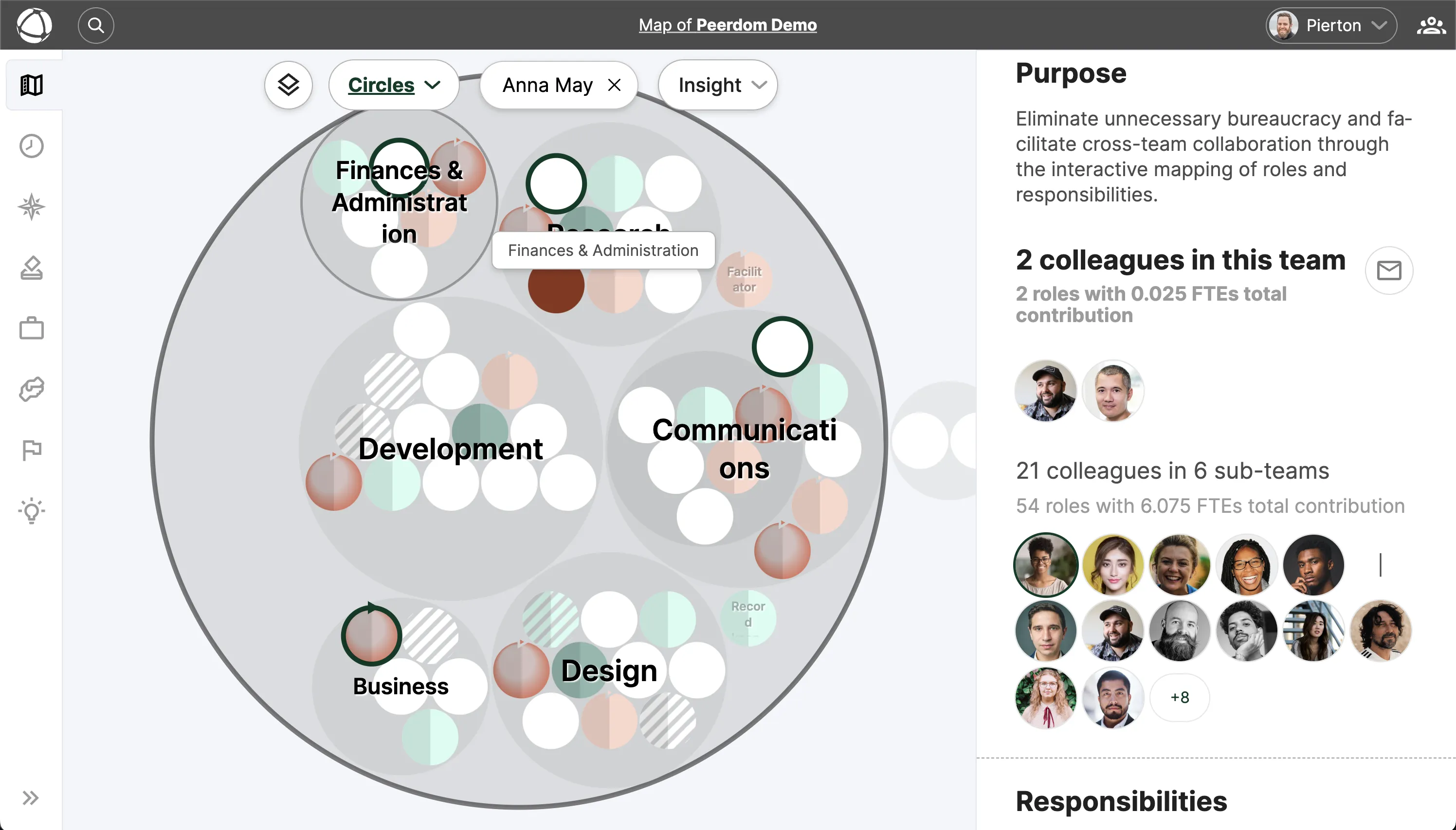
As a shared reference, Peerdom helps you simplify the complexity of maintaining a role-based organization. When you select a peer (right-hand column), his or her current role portfolio is highlighted (left-hand side).
Moving from a position-based organigramm to a role map requires a little upfront time investment. You'll have to decompose job descriptions into smaller, separable units. But **once you've got your new organizational role map, you'll have a simple and powerful way to keep track of who is currently responsible for what**. Most importantly, you've now built an organization out of bamboo: a resilient building block that can bend without breaking under the uncontrollable winds of our modern world. If you're ready to make the shift, our [step-by-step guide to implementing role-based governance](/blog/how-to-implement-role-based-governance) walks you through the entire process.
#### Companion pieces worth reading
[A simple and practical introduction to shifting to roles](https://medium.com/percolab-droplets/whats-all-the-fuss-about-roles-in-horizontal-teams-and-organizations-1ab240d7305) (Samantha Slade)
[Design jobs and design roles are not the same thing](https://kubie.co/blog/design-jobs-and-design-roles-are-not-the-same-thing/) (Scott Kubie)
[Circles are not more agile than pyramids! (Squads are not either!)](https://www.linkedin.com/pulse/circles-more-agile-than-pyramids-squads-either-timm-urschinger/) (Timm Urschinger)
--------------------------------------------------------------------------------
title: "The Dark Side of Self-Management: 7 Challenges"
description: "Self-management isn't always sunshine. Explore the hidden pitfalls, power dynamics, and blind spots, and how Peerdom helps organizations address them transparently."
last_updated: "2019-03-21"
source: "https://peerdom.com/blog/discovering-the-dark-side-of-selforganisation"
--------------------------------------------------------------------------------
# The Dark Side of Self-Management: 7 Challenges
Self-management is often touted as the holy grail of the future workplace. Most information you find about self-management (or self-organization, Teal, [Sociocracy](/blog/sociocracy-guide-principles-practices), [Holacracy](/blog/holacracy-tools-practices-guide), \*cracy, _etc._) points out how such an organizational model will revolutionize the workplace by empowering employees, increasing market resilience, and abolishing unnecessary interpersonal hierarchies. The bias toward highlighting its advantages and successes is understandable; passionate followers of any movement naturally expose the positive and downplay the negative.
At Peerdom, we’re also passionate about self-management and rethinking collaboration dynamics. Nevertheless, at the first-ever Peerdom Forum, we decided to focus on the downsides of implementing self-management, in order to better understand what still needs to be improved. We asked:
* What unspoken frustrations arise in such workplaces?
* What regularly goes wrong?
* What are the reoccurring challenges that we face on a day-to-day basis in self-managed orgs?
We gathered a group of self-management practitioners, designers, and organizational coaches to muse upon this unspoken dark side of self-management. During the workshop, we isolated **25 challenges that had been encountered in a self-managed organization** (see the full list at the bottom). We then clustered these challenges into seven categories and elaborated upon the essence of the respective problems. At the first Peerdom Forum, we did not actually have the time to discuss solutions to these problems. Nonetheless, we've taken the liberty to suggest a few ideas of where and how to start.

At the first Peerdom Forum, we discovered seven recurrent challenges in a self-organized workplace.
#### Challenge 1: Transitioning to a “self-organization” mindset
Over the course of our lives, we work in environments and participate in social groups that are hierarchically structured. For instance, in the case of a typical family, parents usually hold a superior position and children have very little autonomy.
Switching to a self-management mindset requires shaping new behaviors by unlearning certain interpersonal habits that have become deeply engrained in our collective social experience. Self-managed organizations call for workers to value distributed power, unconditional trust, courage in the face of the unknown, taking ownership, openness, honesty, and willingness to constantly improve and learn. Judging by the number of forum participants who expressed issues in this category, these qualities do not come for free.
**A potential solution**: Try working with an organizational coach. Adjusting interpersonal habits and dynamics requires socio-psychological insight and active work. Coaches can provide exercises and tips and tricks to help break free from old reflexes. If you don’t know who to contact: [try one of our trusted Companions](https://peerdom.com/companions)!
---
#### Challenge 2: Maintaining leadership
In a self-organized workplace, previous managerial positions (e.g. CEO, CTO, managers, directors, etc.) no longer “command and control” others. In the absence of such directorial positions, self-organized workplaces often find themselves facing a lack of clear leadership.
Leadership may suffer for two reasons. First, your self-organized team may be averse to leaders because they have a hard time imagining a leader who is not a boss. This is for the simple reason that previously, leadership and management were confounded in the same job position. Likewise, those who used to be managers may be hesitant to take leadership for fear of still being perceived as a boss.
**A potential solution**: Remember that it is completely okay (and necessary!) for your organization to be inspired and lead by certain individuals. Inform your team that being self-organized does not mean being without leadership. Encourage natural leaders (who may be ex-managers, or may be other team members) to take charge. Leaders are experienced workers who inspire the team and help plan, strategise or guide, without having to tell others what to do. Leadership is about guidance, providing advice, and sharing experience.
---
#### Challenge 3: Decision-making
In hierarchically managed organizations there is a clear chain of command for decision-making. But when decision power becomes distributed, who is responsible for making decisions? Who calls the shots, and how are decisions made in times of crisis? How do you create a company-wide strategy with autonomous teams? Participants at the Peerdom Forum expressed the fear of decisions collapsing into consensus mode, and in general, insecurity about collective decision-making mechanisms.
**A potential solution**: Do your homework. Actively fight consensus-mode thinking. Explore different decision making models: a good starting point might be [Mikael Krogerus’ Decision Book](https://www.amazon.com/Decision-Book-Strategic-Thinking-Revised/dp/0393652378/ref=dp_ob_image_bk), or [NOBL’s Decider app](https://thedecider.app/).
---
#### Challenge 4: Transformation impatience
Another repeating theme was that team members regularly become impatient and frustrated that it takes so long to “fully transition” into a self-organized workplace.
**A potential solution**: Properly manage expectations. “Becoming” a self-managed enterprise only means that you embody and embrace constant change. Evolution has no set beginning or end; it is a journey rather than a destination. There is no need to rush to the finish line exactly because there is no finish line. Remind everyone that there will never be a day when you are "fully transformed." Rather, your team will just continue to get better at iteratively improving.
---
#### Challenge 5: Information management
In self-managed organizations, work is done in parallel and decisions are made autonomously. Given its distributed nature, there are fewer centralized points where information is concentrated. This novel environment requires openly sharing one’s work, so that your peers can inform their autonomous decisions with a maximum amount of available information. However, open and transparent information sharing can also lead to information overload and distraction.
**A potential solution**: Digital collaboration tools such as wikis, channel-based chat clients, and cloud storage systems facilitate the sharing of information. However, it’s up to your team to be attentive and clever about how the information is organized and how it is made available to those who most need it: make it easy for people to find the information they need, but don’t push everything onto everybody.
---
#### Challenge 6: Human resources
Human resources embody a wide set of critical company operations such as compensation, professional development, performance assessment, recruitment, and work culture maintenance. These operations are generally standardised and centralized, which means they require careful reconsideration in the context of self-organization.
**A potential solution**: Learn from other self-organised companies about how they handle each of the above points. Mix and match from this information to create your own, unique solution that fits your company culture. Start somewhere, and trust that your team is capable of evolving from there. Richard D. Bartlett has put together an amazing [collection of resources for decentralised organising](https://hackmd.io/s/Skh_dXNbE#), some of which touch on the HR topics mentioned above.
---
#### Challenge 7: Organization design
For many companies, a venture into self-organization will be the first time they explicitly consider how their organization works. Organizational design is a complicated beast and many questions arise. For instance, how and when does it make sense to define circles? How and by whom are roles and accountabilities defined? How can those unfamiliar with organization design or organizational theory be easily onboarded to these new concepts? And in general, how does your organizational design enhance your day-to-day work rather than remain a theoretical concept?
**A potential solution**: Take advantage of [self-management software](/blog/self-management-software-guide) that helps you explicitly define circles, roles, and accountabilities (e.g. [Peerdom](https://peerdom.com/)). Affiliate yourself with an organizational design coach (e.g. [one of our companions](https://peerdom.com/companions)) or workers from another organization who have gone through such transformations. And feel free to tap into our knowledge and [contact us to ask us anything](mailto:hello@peerdom.org). ;-)
### Where to now?
The first Peerdom Forum gave us the opportunity to gather a community of like-minded individuals and identify some of the reoccurring problems that arise in self-organized environments. In future editions of the Forum, we will further explore solutions to these challenges. Please let us know if you are interested in participating, have ideas about how to approach these issues, or can think of a theme worth exploring.
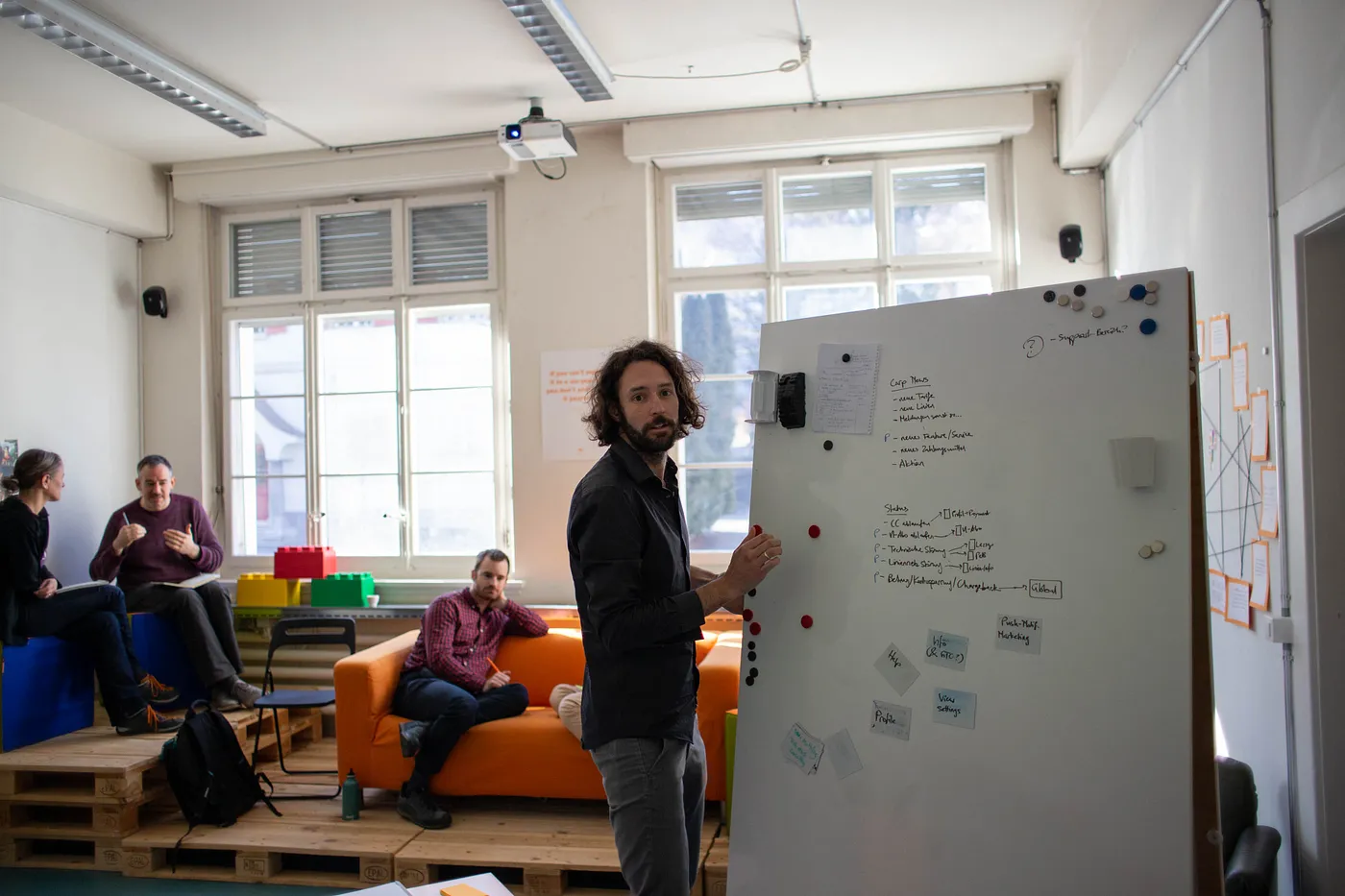
In the next editions of the Peerdom Forum, we will further investigate these challenges and share how they may be overcome.
### Appendix: The full list of self-management challenges
Below is the full, unedited list of challenges that were brought up during the Peerdom Forum. Is there something we forgot? Don’t hesitate to let us know!
* Difficulty in making implicit assumptions explicit
* Tensions arising through personal opinions and not specific roles
* Learning curve: onboarding individuals unfamiliar with the theory
* Maintaining personal development
* Egos entering the equation
* Over-involvement in too many projects
* Lack of taking ownership and being proactive
* Difficulty fostering purpose-driven thinking
* Lack of methods and tools to train new behaviors
* Wrong assumptions about how long it will take until “transformed”
* Addressing fears and doubts of the team (needs management)
* Fear of what to do in times of crisis
* Trust
* Interfacing with outside entities that do not operate in this way
* Maintaining congruence between daily work and org design
* Understanding autonomy vs. alignment
* Holding peers accountable
* Collective decision-making
* Company-wide shared strategy / metrics
* Defining circles in an org design
* Defining roles and distributing accountabilities
* Maintaining awareness about roles and their position in the organization
* Information management / tendency to over-share
* Unlearning old habits
* Finding compatible HR processes (budget, salary, hiring)
# Documentation
--------------------------------------------------------------------------------
title: "Archive & Delete"
description: "Archive your organization to preserve data, or delete it permanently."
category: "admin"
source: "https://peerdom.com/doc/admin/archive-delete"
--------------------------------------------------------------------------------
# Archive & Delete
When you no longer need your Peerdom organization, you have two options: archive it to preserve your data, or delete it permanently. Both actions are available to Owners only, in [Settings](/doc/admin/settings) under **My Data**.
## Archive
Archiving preserves 100% of your organization's data while making the organization inaccessible. No one can log in or view the map after archiving.
If you need to restore an archived organization, contact Peerdom support. The data remains intact and can be reactivated.
Before archiving, export your data as a backup. While archived data is preserved on Peerdom's servers, having a local copy ensures you always have access to your information.
## Delete
Deleting permanently removes all organization data. This action is irreversible. Once deleted, your data cannot be recovered. This includes all peers, roles, circles, apps, and their content.
## What happens when you cancel a subscription
Cancelling your paid [subscription](/doc/admin/billing) does not delete your organization. Instead, it moves through these states:
1. **Locked:** the organization becomes read-only for 3 months. You and your peers can view data but cannot make changes.
2. **Archived:** after 3 months in Locked state, the organization is automatically archived.
You can resubscribe at any time during the Locked period to restore full access.
If you are considering cancellation but may return, the Locked period gives you a 3-month window to resubscribe without losing anything. Your data, structure, and app content remain fully intact.
## Reset app data
If you want to clear data from specific apps without affecting your map structure, use the **Reset** option. This removes all content from selected apps ([Goals](/doc/apps/goals), [Journal](/doc/apps/journal) entries, [Feedback](/doc/apps/feedback)) while keeping your circles, roles, and peers intact.
Resetting is irreversible. The cleared data cannot be restored.
## Before you archive or delete
[Export your data](/doc/admin/data-export) first. Go to [Settings](/doc/admin/settings) and use the data export option to download a complete copy of your organization's information.
## Related
- [Data Export & Import](/doc/admin/data-export): save your data before archiving
- [Billing & Subscriptions](/doc/admin/billing): subscription states explained
- [Organization Settings](/doc/admin/settings): find archive and delete options
--------------------------------------------------------------------------------
title: "Access Rights"
description: "Understand the four permission levels and the full permission matrix for every feature in Peerdom."
category: "admin"
source: "https://peerdom.com/doc/admin/access-rights"
--------------------------------------------------------------------------------
# Access Rights
Every peer in your organization has one access level that controls what they can see, edit, and manage. Choose the right level when [adding someone](/doc/admin/people-management), and adjust it later as their responsibilities change.
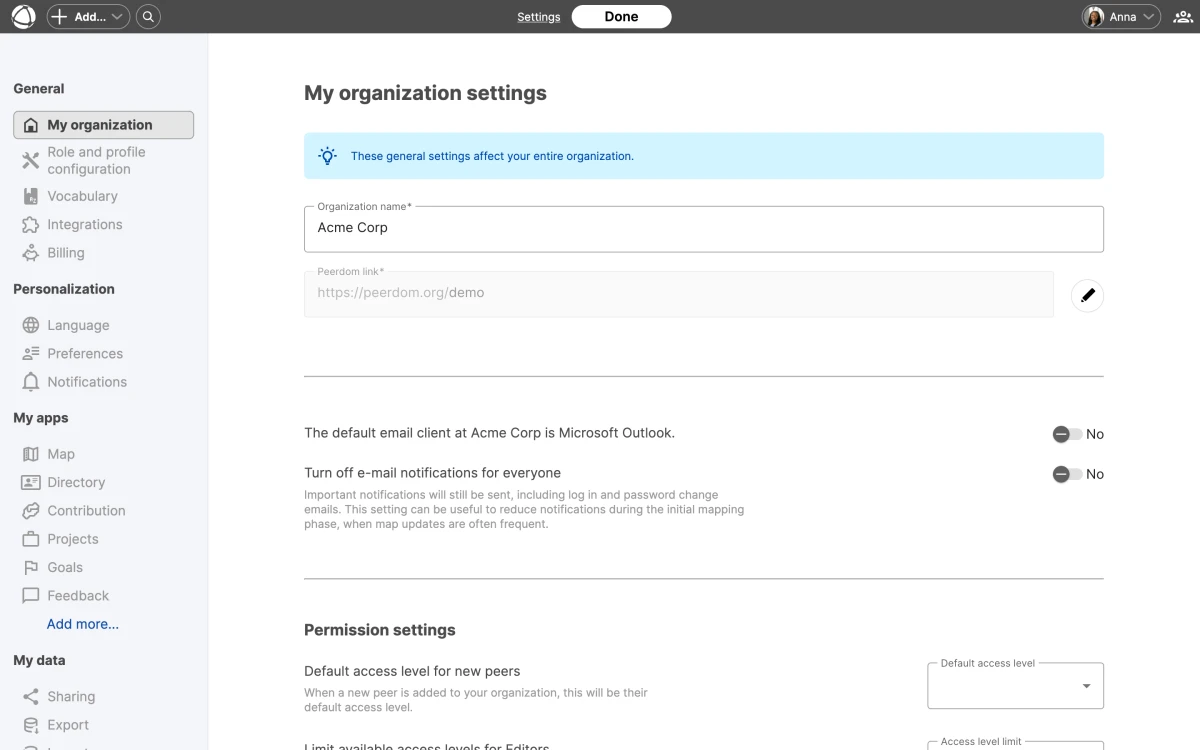
## The four access levels
- **Owner** (billable, has account): Full administrative control over [settings](/doc/admin/settings), [billing](/doc/admin/billing), permissions, [integrations](/doc/integrations/overview), publishing [drafts](/doc/apps/drafts), and archiving or deleting the organization.
- **Editor** (billable, has account): Day-to-day structure management. Creates and edits [circles](/doc/map/circles-and-groups), [roles](/doc/map/roles), and content across all apps. Can invite new peers up to Member level.
- **Member** (billable, has account): Participates without editing structure. Views everything, uses installed apps, edits their own profile, and contributes through [goals](/doc/apps/goals), [feedback](/doc/apps/feedback), and [elections](/doc/apps/elections).
- **Guest** (free, has account): View-only access to the map. Cannot access apps or see [directory](/doc/apps/directory) details.
- **No-access** (free, no account): Appears on the map for documentation purposes only. Cannot log in.
At least one Owner must exist at all times. You cannot demote yourself if you are the last Owner.
## Permission matrix: Map and Structure
| Feature | Owner | Editor | Member | Guest |
|---------|-------|--------|--------|-------|
| View map | Yes | Yes | Yes | Yes |
| Create circles and roles | Yes | Yes | No | No |
| Edit descriptions | Yes | Yes | No | No |
| Assign role holders | Yes | Yes | No | No |
| Self-assign to roles | Yes | Yes | If enabled | No |
## Permission matrix: Apps
| Feature | Owner | Editor | Member | Guest |
|---------|-------|--------|--------|-------|
| View app content | Yes | Yes | Yes | No |
| Create [goals](/doc/apps/goals) | Yes | Yes | No | No |
| Vote on goals | Yes | Yes | Yes | No |
| Create [projects](/doc/apps/projects) | Yes | Yes | No | No |
| Create [pages](/doc/apps/pages) | Yes | Yes | No | No |
| Give [feedback](/doc/apps/feedback) | Yes | Yes | Yes | No |
| Use [drafts](/doc/apps/drafts) | Yes | Yes | No | No |
## Permission matrix: Administration
| Feature | Owner | Editor | Member | Guest |
|---------|-------|--------|--------|-------|
| [Organization settings](/doc/admin/settings) | Yes | No | No | No |
| [Billing](/doc/admin/billing) | Yes | No | No | No |
| Invite users | Yes | Limited | No | No |
| Change permissions | Yes | No | No | No |
| [SSO](/doc/integrations/sso) and Directory | Yes | No | No | No |
| [API](/doc/integrations/api) keys | Yes | No | No | No |
| Webhooks | Yes | No | No | No |
Editors can invite new peers, but only up to Member level. They cannot grant Editor or Owner access.
## Guest vs. Member
Guests and Members both have accounts, but their capabilities differ significantly.
**What Guests miss:**
- No access to any apps ([Goals](/doc/apps/goals), [Journal](/doc/apps/journal), [Feedback](/doc/apps/feedback), [Projects](/doc/apps/projects), [Pages](/doc/apps/pages), [Network](/doc/apps/network), [Missions](/doc/apps/missions))
- No directory details or peer profiles
- Cannot vote, give feedback, or self-assign to roles
- Cannot contribute content of any kind
**What Members get (beyond Guest):**
- Full access to all installed apps
- Can view the [Directory](/doc/apps/directory) and peer profiles
- Can vote on goals and give feedback
- Can self-assign to roles (if enabled in [settings](/doc/admin/settings))
- Can edit their own profile
## No-access use cases
No-access peers have no account and cannot log in. They exist on the map purely for documentation. Common use cases include:
- External consultants who hold an advisory role
- Board members documented in governance circles
- Historical role holders preserved for organizational memory
## App-specific permission overrides
Some apps have their own permission layers on top of the base access level.
- **[Contribution](/doc/apps/contribution):** Separate view and edit levels control who can see and modify compensation data.
- **Salary Admin role:** A special role that grants salary administration rights independent of the base access level.
The default access level for new peers is configurable in Settings under the General section.
## FAQ
**Can I have multiple Owners?**
Yes. You can have as many Owners as you need. Every Owner has full administrative control. Having at least two Owners is recommended so that access is never lost if one person leaves.
**What is the difference between Guest and No-access?**
Guests have an account, can log in, and can view the map. No-access peers have no account at all. They appear on the map for documentation purposes but cannot interact with Peerdom in any way.
**Do Guests count toward billing?**
No. Guests and No-access peers are both free. Only Owners, Editors, and Members count as [billable seats](/doc/admin/billing).
**Can Editors invite other Editors?**
No. Editors can invite new peers but only assign them up to Member level. Only Owners can grant Editor or Owner access.
**Can Members see the Journal?**
Yes. Members can view all installed apps, including the [Journal](/doc/apps/journal). They cannot edit structure or create content reserved for Editors, but they have full read access to app content.
## Related
- [Invite Your Team](/doc/getting-started/invite-people): add people with specific access levels
- [Managing People](/doc/admin/people-management): edit profiles and change access
- [Organization Settings](/doc/admin/settings): configure default access level
- [Owner Quick Reference](/doc/getting-started/owner-basics): what Owners can do
--------------------------------------------------------------------------------
title: "Data Export & Import"
description: "Export your organization's data and import people from CSV files."
category: "admin"
source: "https://peerdom.com/doc/admin/data-export"
--------------------------------------------------------------------------------
# Data Export & Import
Peerdom gives you full access to your organization's data. You can export a snapshot of your map, download structured data files, or import people in bulk. All data management options are in [Settings](/doc/admin/settings) under **My Data**.
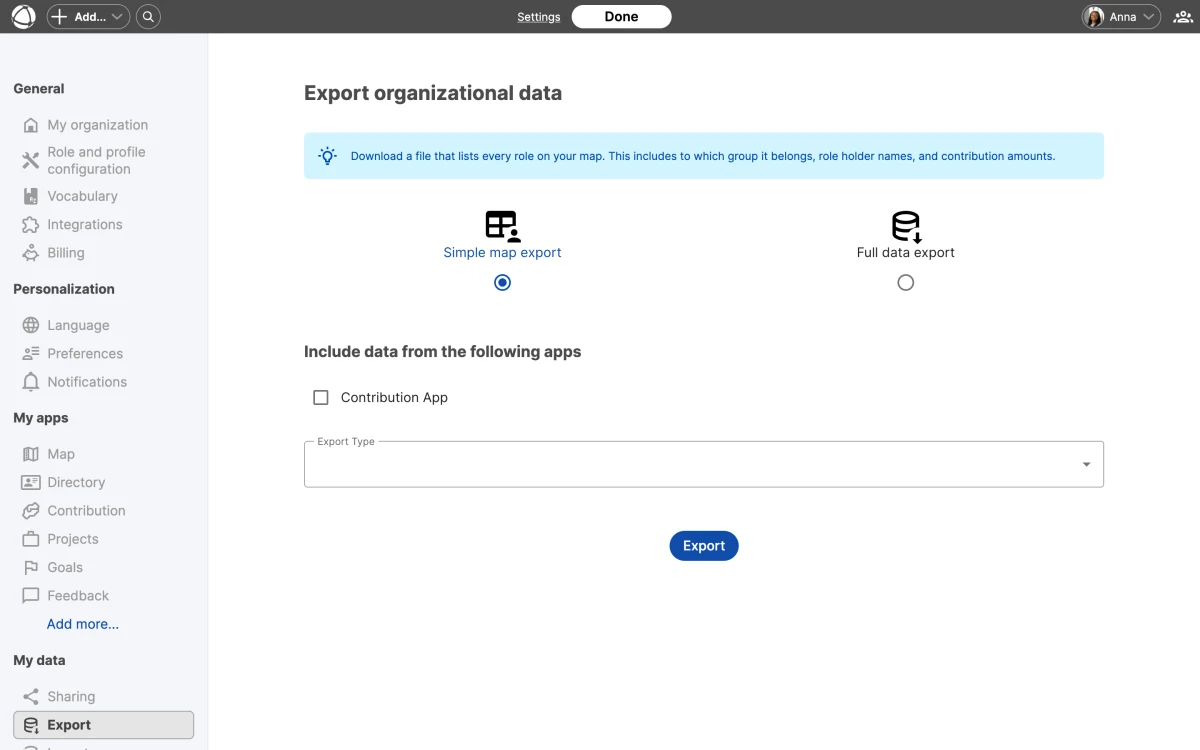
## Export your data
Peerdom offers two export types:
- **Simple map export:** a visual snapshot of your current map, useful for presentations or records
- **Full data export:** CSV files containing all organization data, including people, roles, circles, and their properties
To export, go to [Settings](/doc/admin/settings) and open the **My Data** section. Select the export type you need and download the files.
Export your data before archiving or deleting your organization. Once archived, you cannot access the export tools.
## Import people
You can add multiple peers at once by uploading a CSV file. The file can include names, email addresses, and access levels for each person.
1. Go to [Settings](/doc/admin/settings) and open the **My Data** section
2. Download the CSV template
3. Fill in your peer data following the template format
4. Upload the completed file and confirm
CSV import is available on paid plans and requires Owner access.
For large imports, download the CSV template first and follow its column format exactly. This avoids common issues with mismatched fields or invalid access levels.
## Complex imports
If your data includes roles, circles, or custom field values, contact Peerdom support for assistance with structured imports.
## API alternative
For programmatic access to your organization's data, use the [Peerdom REST API](/doc/integrations/api). The API provides read and write access to people, roles, circles, and other resources.
## Related
- [Organization Settings](/doc/admin/settings): access data management options
- [API & Webhooks](/doc/integrations/api): programmatic data access
- [Managing People](/doc/admin/people-management): add people manually
- [Owner Quick Reference](/doc/getting-started/owner-basics): administrative capabilities
--------------------------------------------------------------------------------
title: "Language Settings"
description: "Set your preferred language and configure multilingual field names."
category: "admin"
source: "https://peerdom.com/doc/admin/languages"
--------------------------------------------------------------------------------
# Language Settings
Peerdom supports five languages across the interface. Each peer chooses their own language, and the entire platform adapts to their preference.
## Supported languages
- English
- German
- French
- Spanish
- Dutch
## Set your language
Go to [Settings](/doc/admin/settings) and select your preferred language. This option is available to all users regardless of access level. The entire Peerdom interface (navigation, labels, buttons, and system text) switches to your selected language.
Each peer sees Peerdom in their own language. Your choice does not affect what other people in your organization see.
Language is a personal preference, not an organization-wide setting. Each peer selects their own language independently.
## Multilingual field names
Owners can translate custom field names into all five supported languages. When a peer views a role or profile, the field names appear in their preferred language.
To add translations:
1. Open [Settings](/doc/admin/settings)
2. Navigate to the field configuration section
3. Select a field and enter translations for each language
This applies to both [custom fields](/doc/map/custom-fields) and relationship fields.
If you leave a translation blank for a particular language, Peerdom falls back to the default field name. Fill in all five languages to give every peer a fully localized experience.
## Vocabulary translations
If your organization uses [custom vocabulary](/doc/map/custom-terms) (renaming "Circle" to "Team" or "Role" to "Position"), these terms follow the same multilingual approach. Each translated term appears in the peer's selected language.
For example, if you rename "Group" to "Equipe" in French and "Team" in English, French-speaking peers see "Equipe" while English-speaking peers see "Team."
## Related
- [Organization Settings](/doc/admin/settings): configure language-related settings
- [Custom Fields](/doc/map/custom-fields): translate field names
- [Custom Vocabulary](/doc/map/custom-terms): customize terms in your language
--------------------------------------------------------------------------------
title: "Billing & Subscriptions"
description: "Plans, pricing, seats, and subscription management for Peerdom."
category: "admin"
source: "https://peerdom.com/doc/admin/billing"
--------------------------------------------------------------------------------
# Billing & Subscriptions
Peerdom offers a free plan for small teams and a paid plan with full access to apps and features. Only Owners can manage billing. Visit the [pricing page](/pricing) for the latest plan details.
## Plans
**Free plan** includes the Map app only. You can have up to 10 Owners. No other [access levels](/doc/admin/access-rights) are available on the free plan.
**Peerdom+** unlocks the full platform. The base subscription includes [Map](/doc/map/navigating), [Journal](/doc/apps/journal), [Network](/doc/apps/network), and [Missions](/doc/apps/missions). Pricing is 6 CHF/month or 60 CHF/year per seat, with a minimum of 10 seats.
**Add-on apps** extend Peerdom+ with additional capabilities. Each add-on costs 1.20 CHF/month or 12 CHF/year per seat. Available add-ons include [Goals](/doc/apps/goals), [Projects](/doc/apps/projects), [Feedback](/doc/apps/feedback), [Contribution](/doc/apps/contribution), [Elections](/doc/apps/elections), [Insights](/doc/apps/insights), and [Pages](/doc/apps/pages). Every app includes a 15-day free trial.
Visit the pricing page for the most up-to-date plan comparison, or contact the Peerdom team for custom enterprise pricing.
## Who counts as a seat
Only billable [access levels](/doc/admin/access-rights) count toward your seat total:
- **Billable:** Owner, Editor, Member
- **Free:** Guest, No-access
## Discounts
- **NGO, NPO, or academic organization:** 15% off
- **Public map:** 10% off
Discounts are stackable. An academic organization with a public map receives 25% off.
## Currencies
You can pay in CHF, EUR, USD, or GBP.
## What you can change
- **Add seats**, prorated to your current billing cycle
- **Add apps**, prorated, with a 15-day trial first
- **Cancel apps**, takes effect at the end of the billing cycle
- **Cancel subscription**, moves your organization to Locked state (see [Archive & Delete](/doc/admin/archive-delete))
- **View invoices**, download past invoices from the Billing section
You cannot reduce seats mid-subscription or switch between monthly and annual billing cycles. If you need to adjust your seat count down, wait until the end of the current billing period.
## Payment methods
Peerdom accepts credit cards processed through Stripe and bank transfer invoices.
## Subscription states
Your organization moves through these states over its lifecycle:
- **Free:** Using the free plan with Map only
- **Trial:** Testing a paid app for up to 15 days
- **Subscribed:** Active paid subscription
- **Locked:** Read-only after cancellation (lasts 3 months)
- **Archived:** Data preserved but organization inaccessible
## FAQ
**What happens when my trial ends?**
If you do not subscribe before the 15-day trial expires, the trial app is deactivated. Your data is preserved and becomes accessible again if you subscribe later.
**Can I switch from monthly to annual billing?**
Not mid-cycle. Contact Peerdom support to arrange a billing cycle change at your next renewal date.
**Do Guests and No-access peers affect my bill?**
No. Only Owners, Editors, and Members count as billable seats. You can add unlimited Guests and No-access peers at no cost. See [Access Rights](/doc/admin/access-rights) for details on each level.
**How do I get a discount?**
NGO, NPO, and academic discounts are applied during onboarding or by contacting Peerdom support. The public map discount applies automatically when you enable [map sharing](/doc/map/sharing).
## Related
- [Access Rights](/doc/admin/access-rights): which levels are billable
- [Owner Quick Reference](/doc/getting-started/owner-basics): billing capabilities
- [Archive & Delete](/doc/admin/archive-delete): what happens when you cancel
- [Pricing](/pricing): current plan details and comparison
--------------------------------------------------------------------------------
title: "Managing People"
description: "Edit profiles, handle departures, and manage peer accounts in your organization."
category: "admin"
source: "https://peerdom.com/doc/admin/people-management"
--------------------------------------------------------------------------------
# Managing People
Every person in your Peerdom organization has a profile. Owners and Editors can manage these profiles, while Members can edit their own. See [Access Rights](/doc/admin/access-rights) for a full breakdown of who can do what.
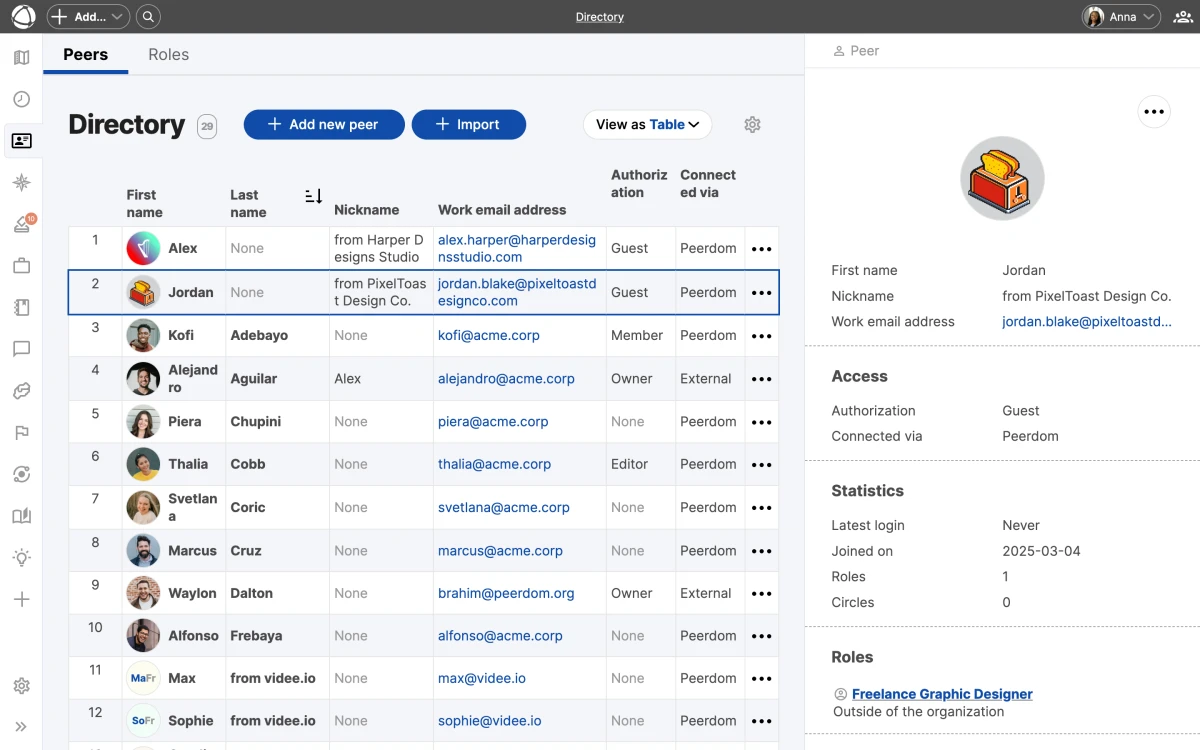
## Add a peer
1. Click **+ Add** in the top toolbar
2. Select **New Peer**
3. Enter their first name (required) and last name (optional)
4. Provide an email address if the person needs to log in
5. Choose an [access level](/doc/admin/access-rights) and save
An email address is required for any peer who will have an account.
## Profile structure
Each profile contains:
- **Header:** email, [contribution](/doc/apps/contribution) description, and [custom fields](/doc/map/custom-fields)
- **Basic info:** name and avatar
- **Tabs:** [Roles](/doc/map/roles) (current assignments), [Journal](/doc/apps/journal) (activity history), and [Feedback](/doc/apps/feedback) (received feedback)
## Edit a profile
Members can edit their own profile. Editors and Owners can edit any peer's profile. Open the profile, click **Edit**, and make your changes.
**Avatar:** Upload a JPG, PNG, GIF, or WebP image. Animated GIFs are supported.
If your organization uses Single Sign-On, some profile fields are synced from your identity provider and cannot be edited in Peerdom. These fields appear greyed out. Changes are pulled automatically through a daily sync.
## Invitations
When you add a peer with an access level that includes an account, Peerdom sends an invitation email automatically. You can toggle this off to invite them later.
For peers who have not yet activated their account, you can resend the invitation from their profile.
## SSO organizations
If your organization uses [SSO](/doc/integrations/sso), manage synced user details in your identity provider ([Microsoft Entra ID](/doc/integrations/sso-microsoft), [Google Workspace](/doc/integrations/sso-google), or [Okta](/doc/integrations/sso-okta)).
Peers provisioned through SSO are created automatically when they first log in. You do not need to add them manually unless you want to pre-assign roles before they activate their account.
## Remove a peer
To handle a departure, open the peer's profile and select **Let peer go**. This performs a soft delete:
- The peer is marked as "left" with a departure date
- Their profile remains accessible at its URL
- Past [role](/doc/map/roles) assignments are preserved in history
- The peer is no longer billable
## Past members
Peers who have left are not listed in the [Directory](/doc/apps/directory). Their profiles can still be found through the [Journal](/doc/apps/journal) or by visiting their profile URL directly. Past member profiles cannot be edited.
## Bulk import
On paid plans, Owners can import multiple peers at once using a CSV file. Go to **Settings** to access the import tool. See [Data Export & Import](/doc/admin/data-export) for details on the CSV format.
## Related
- [Invite Your Team](/doc/getting-started/invite-people): add people step by step
- [Directory](/doc/apps/directory): browse and search all peers
- [Single Sign-On](/doc/integrations/sso): automate user provisioning
- [Access Rights](/doc/admin/access-rights): permission levels for editing
--------------------------------------------------------------------------------
title: "Organization Settings"
description: "Configure your organization's name, vocabulary, visibility, and preferences."
category: "admin"
source: "https://peerdom.com/doc/admin/settings"
--------------------------------------------------------------------------------
# Organization Settings
Organization settings let you tailor Peerdom to your culture. Open **Settings** from the left sidebar to access all configuration options. Only Owners can change organization-wide settings.

## General
The General section covers foundational configuration:
- **Organization name**, displayed across the interface and on your [shared map](/doc/map/sharing)
- **Peerdom link**, your organization's unique URL (cannot be changed after creation)
- **Email client**, choose which email client opens when clicking email addresses
- **Default access level**, the permission level assigned to new peers by default (see [Access Rights](/doc/admin/access-rights))
- **Permission limits**, control what Editors and Members can do
Only Owners can modify organization-wide settings. Editors and Members see a read-only view of their personal preferences.
## Role and profile configuration
Customize what appears on [roles](/doc/map/roles) and peer profiles:
- **[Custom fields](/doc/map/custom-fields)**, add properties to roles, circles, and profiles (text, links, dates, and more)
- **[Relationship fields](/doc/map/relationships)**, define connections between Peers, Roles, Groups, and [Pages](/doc/apps/pages)
- **Field ordering**, drag fields to control their display order
- **Translations**, translate field names into up to five [languages](/doc/admin/languages) (English, German, French, Spanish, Dutch)
- **Visibility**, mark fields as public (visible on [shared maps](/doc/map/sharing)) or private (internal only)
## Vocabulary
Peerdom uses default terms that you can replace with [custom terms](/doc/map/custom-terms) to match your organization's language:
- **Person** can become Peer, Colleague, or another term
- **Group** can become Circle, Team, or another term
- **Role** can become Position or another term
- **Leader** can become Representative, Link, or another term
Changes apply across the entire interface for all users.
If your organization operates in multiple languages, you can translate each custom term separately. French-speaking peers see the French version while English-speaking peers see the English version. Learn more in Language Settings.
## Integrations
Connect Peerdom to external tools from the [Integrations](/doc/integrations/overview) section. This includes [SSO providers](/doc/integrations/sso), [Microsoft Teams](/doc/integrations/microsoft-teams), [Zapier](/doc/integrations/zapier), [API keys](/doc/integrations/api), and webhooks.
## Billing
Manage your subscription, add seats, install apps, and view invoices from the [Billing](/doc/admin/billing) section.
## Personalization
Every user (not only Owners) can adjust their own preferences:
- **Language**, choose from English, German, French, Spanish, or Dutch (see [Language Settings](/doc/admin/languages))
- **Email client**, which app opens for email links
- **Notifications**, control which emails you receive from Peerdom
## Related
- [Custom Fields](/doc/map/custom-fields): add properties to roles and circles
- [Custom Vocabulary](/doc/map/custom-terms): rename terms across the UI
- [Access Rights](/doc/admin/access-rights): permission levels explained
- [Billing & Subscriptions](/doc/admin/billing): manage your subscription
--------------------------------------------------------------------------------
title: "Drafts"
description: "Test structural changes in a sandbox before publishing them to your live map."
category: "apps"
source: "https://peerdom.com/doc/apps/drafts"
--------------------------------------------------------------------------------
# Drafts
Drafts let you experiment with structural changes without affecting your live [map](/doc/map/navigating). Think of a draft as a sandbox where you can reorganize [circles](/doc/map/circles-and-groups), create [roles](/doc/map/roles), and test new structures, then publish when you are ready. [Explore the Drafts app](/apps/drafts) to learn how it supports safe experimentation.
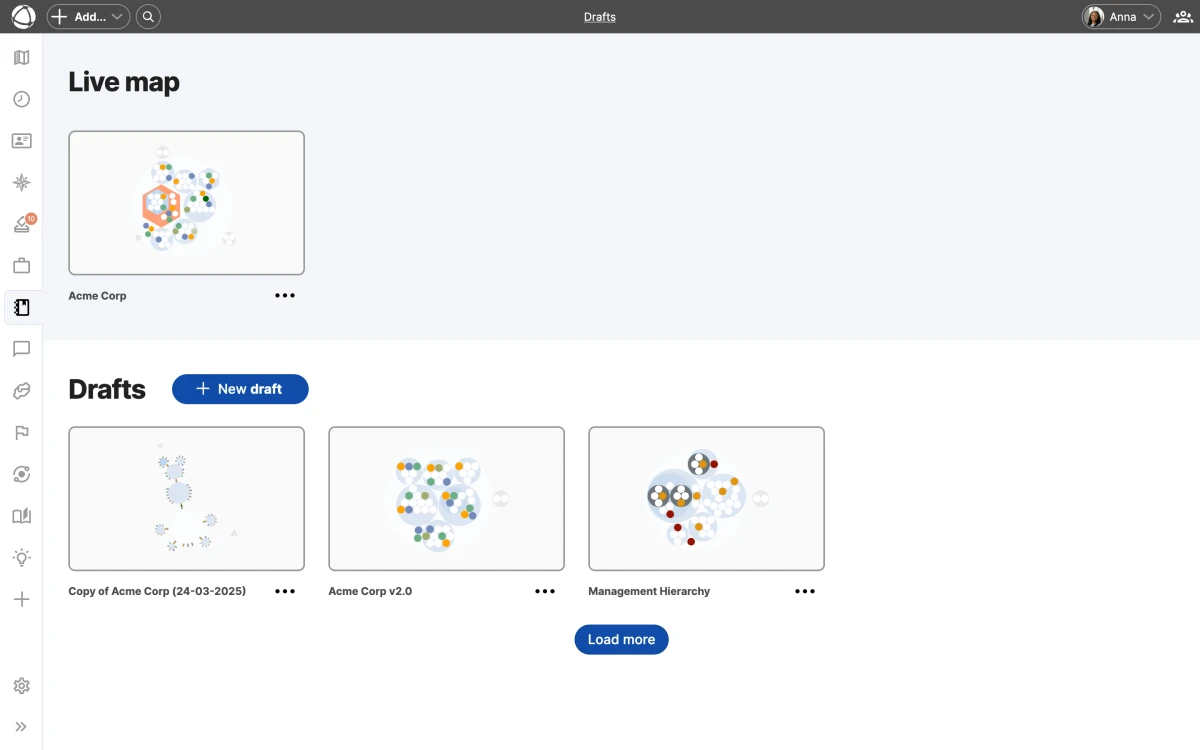
## Create a draft
You can start a new draft in three ways:
- **From scratch**: an empty map where you build a new structure
- **Copy of live**: a snapshot of your current live map that you can modify
- **Duplicate an existing draft**: a copy of another draft as a starting point
Your organization can have multiple drafts open at the same time.
Starting from a copy of your live map is the fastest way to test reorganization ideas. You get the full current structure and can make changes without any risk.
## Working in a draft
When you enter a draft, the background changes to a blueprint-style pattern. This visual cue reminds you that changes here do not affect the live map.
Inside a draft, you can create, edit, move, and delete circles and roles the same way you would on the live map. You can also copy or move individual nodes between a draft and the live map.
## Sharing
Drafts are private by default. Only the person who created a draft can see it. To collaborate, share the draft with specific team members so they can view or edit alongside you.
Sharing a draft does not give the recipient permission to publish it. Only Owners can publish drafts to the live map.
## Publishing
When a draft is ready, an Owner can publish it. Publishing replaces the current live map with the draft. The previous live map is automatically saved as an archived draft, so you can revert if needed.
Only Owners can publish drafts. Editors can create and edit drafts but cannot push them live.
## Who can use Drafts
- **Editors and Owners** can create and work with drafts.
- **Members** can view drafts that have been shared with them.
- **Guests** cannot see drafts.
## FAQ
**Can I have multiple drafts at the same time?**
Yes. Your organization can maintain several drafts simultaneously. Each draft operates independently, so different teams can work on separate structural proposals without interfering with each other.
**What happens to the current live map when I publish a draft?**
The current live map is automatically saved as an archived draft before being replaced. You can revert to the previous structure at any time by publishing that archived draft.
**Can I merge changes from two drafts?**
There is no automatic merge feature. However, you can manually copy or move individual nodes between drafts and the live map to combine changes from different drafts.
## Related
- [Navigating the Map](/doc/map/navigating): explore views and search
- [Circles & Groups](/doc/map/circles-and-groups): organize structure in drafts
- [Roles](/doc/map/roles): create and modify roles in a sandbox
- [Owner Quick Reference](/doc/getting-started/owner-basics): publishing capabilities
--------------------------------------------------------------------------------
title: "Directory"
description: "Browse, search, and filter all people and roles in your organization."
category: "apps"
source: "https://peerdom.com/doc/apps/directory"
--------------------------------------------------------------------------------
# Directory
The Directory gives you a searchable, filterable view of everyone and every [role](/doc/map/roles) in your organization. Use it to find people, check assignments, and get a quick overview without navigating the map. [Explore the Directory app](/apps/directory) to see how it helps you stay organized.
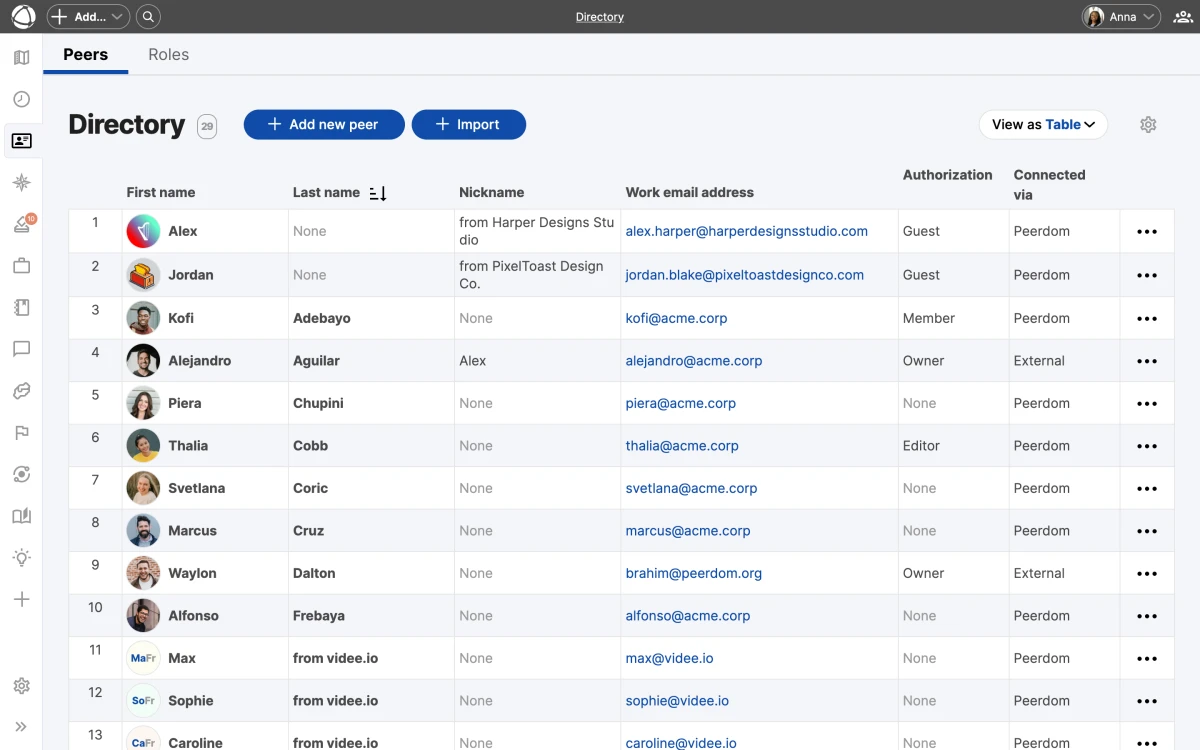
## Two tabs
The Directory is split into two sections:
- **Peers**: all people documented in your organization
- **Roles**: all roles across every circle
Each tab has its own search, sort, and filter controls.
## Views
Switch between two layouts depending on what you need:
- **Table view**: sortable columns with detailed information per row. Click any column header to sort ascending or descending.
- **Card view**: a visual grid with entries grouped alphabetically. Useful for scanning names and photos quickly.
## Search and filter
Use the controls at the top to narrow results:
- **Name**: type to search by first or last name (Peers) or role name (Roles)
- **Email**: find a specific person by email address
- **Permission level**: filter by Owner, Editor, Member, or Guest
- **Custom fields**: any custom field you have defined appears as an available column and filter
Combine multiple filters to quickly find the right person or role. For example, filter by permission level and then search by name to locate a specific Editor.
## Context sidebar
Click any row or card to open a preview sidebar on the right. The sidebar shows key details (profile information, role assignments, or role properties) without leaving the Directory.
## Bulk import
On paid plans, you can import people from a CSV file. Go to **Settings** and follow the import flow to add multiple peers at once.
Bulk import is available on paid plans only. Make sure your CSV file follows the expected format before uploading. See Managing People for more details.
## SSO integration
If your organization uses [Single Sign-On](/doc/integrations/sso), the Directory stays in sync with your identity provider. New users provisioned through SSO appear automatically in the Peers tab.
## Who can use Directory
- **Members, Editors, and Owners** have full access to the Directory.
- **Guests** cannot access it.
## Related
- [Invite Your Team](/doc/getting-started/invite-people): add people to your organization
- [Single Sign-On](/doc/integrations/sso): automate user provisioning
- [Managing People](/doc/admin/people-management): edit profiles and manage departures
- [Roles](/doc/map/roles): understand the roles listed in Directory
--------------------------------------------------------------------------------
title: "Contribution"
description: "Track how work is distributed across your organization with role-based time allocation."
category: "apps"
source: "https://peerdom.com/doc/apps/contribution"
--------------------------------------------------------------------------------
# Contribution
Contribution tracks how much time each person dedicates to their [roles](/doc/map/roles). It gives you a clear picture of staffing levels across your organization, so you can spot imbalances before they become problems. [Explore the Contribution app](/apps/contribution) to learn more about what it can do for your team.
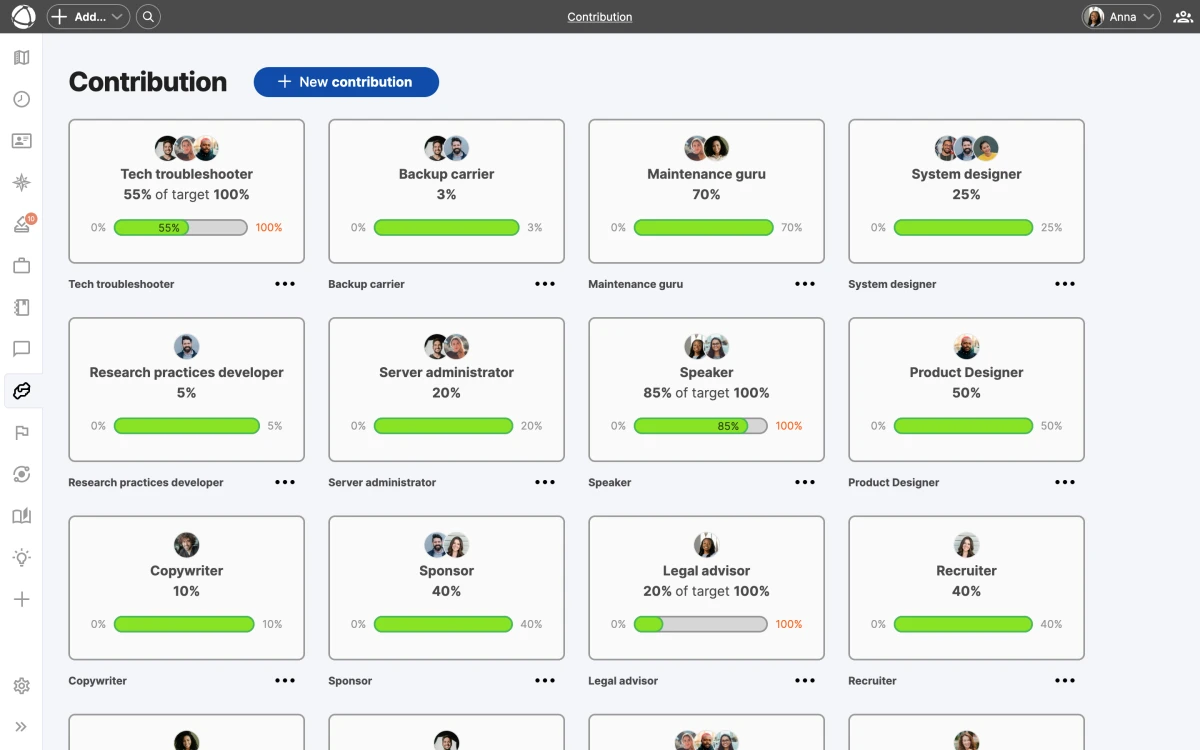
## How it works
Each role has a **target**, the expected total contribution from all holders combined. Each holder then records what percentage of their time goes to that role. Peerdom compares actual contributions against targets and shows the result as visual progress bars.
Contribution values are set per person per role. If a role has multiple holders, Peerdom sums their individual contributions and compares the total against the role's target.
## Display units
You can view contribution data in the unit that makes the most sense for your organization:
- **Percentage**: share of a person's total capacity
- **FTE**: full-time equivalent (1.0 = 100%)
- **Hours per week, month, or year**: absolute time commitment
Switch units from the Contribution app settings. The underlying data stays the same regardless of which unit you display.
## Color indicators
Progress bars use color to communicate staffing status at a glance:
- **Green (Proper)**: contribution matches the target
- **Orange (Underworking)**: total contribution is below the target
- **Red (Overworking)**: total contribution exceeds the target
These indicators appear on roles in the **Inspector** panel and in the Contribution app overview.
Color indicators give you a quick visual summary, but always check the actual numbers for context. A role slightly under target may not need immediate action.
## Who can edit
- **Members** can edit their own contribution values.
- **Editors and Owners** can edit contribution values for any person in the organization.
- **Guests** cannot access the Contribution app.
## Pricing
Contribution is a paid add-on, available for +1 CHF per user per month. Install it from the **App Store** in the left sidebar.
You can install Contribution and other paid add-ons directly from the App Store. See the Owner Quick Reference for details on managing apps.
## Related
- [Roles](/doc/map/roles): where contribution is tracked
- [Directory](/doc/apps/directory): browse peers and their allocations
- [Insights](/doc/apps/insights): analyze patterns in your organization
- [Owner Quick Reference](/doc/getting-started/owner-basics): install apps
--------------------------------------------------------------------------------
title: "Elections"
description: "Track role holder terms and manage re-election schedules for governance roles."
category: "apps"
source: "https://peerdom.com/doc/apps/elections"
--------------------------------------------------------------------------------
# Elections
Elections helps you keep track of when role holders' terms expire and when re-elections are due. It does not facilitate voting. It is a scheduling and tracking tool for governance [roles](/doc/map/roles) that require periodic renewal. [Explore the Elections app](/apps/elections) to see how it supports your governance process.
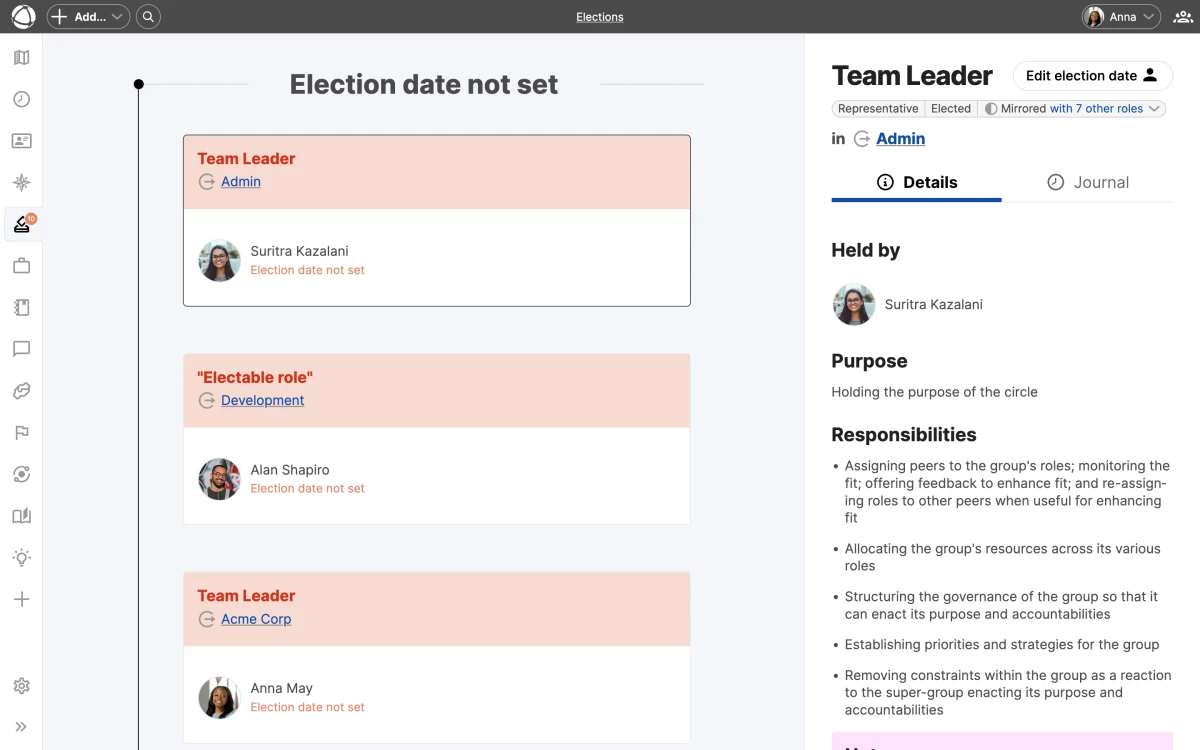
## Mark a role as electable
1. Select a role on the map
2. Open the **Inspector** panel
3. Enable the **Electable** toggle
4. Set the **Elected Until** date for each holder
Electable roles display an arrow indicator at the top of their node on the map.
Set the "Elected Until" date when you first assign someone to a governance role. This ensures the role appears in the Elections timeline from the start and you never miss a renewal deadline.
## Timeline view
The Elections app shows a vertical timeline of all electable roles, grouped by urgency:
- **Red (Expired)**: the term has passed and re-election is overdue
- **Orange (Soon)**: the term expires within the coming weeks
- **Green (Upcoming)**: the term is active with time remaining
This gives you a quick overview of which roles need attention now and which are on track.
## Notifications
Owners receive weekly email notifications summarizing roles that need re-election. The Elections app also displays a badge on the sidebar icon when roles require attention, so upcoming expirations stay visible during regular use.
Only Owners receive election notification emails. If Editors need to stay informed about upcoming expirations, they can check the Elections timeline directly.
## Who can manage elections
- **Editors and Owners** can mark roles as electable and set or update term dates.
- **Members** can view the Elections timeline but cannot make changes.
- **Guests** cannot access the Elections app.
## Related
- [Roles](/doc/map/roles): electable role type
- [Journal](/doc/apps/journal): historical record of election changes
- [Owner Quick Reference](/doc/getting-started/owner-basics): receive election notifications
- [Access Rights](/doc/admin/access-rights): who can manage elections
--------------------------------------------------------------------------------
title: "Feedback"
description: "Give and receive peer-to-peer feedback in the context of your roles."
category: "apps"
source: "https://peerdom.com/doc/apps/feedback"
--------------------------------------------------------------------------------
# Feedback
Feedback lets people in your organization give and receive feedback tied to specific [roles](/doc/map/roles). Instead of generic comments, each piece of feedback flows from one role to another, grounding the conversation in responsibilities rather than personalities. [Explore the Feedback app](/apps/feedback) to learn how role-based feedback can improve your team.
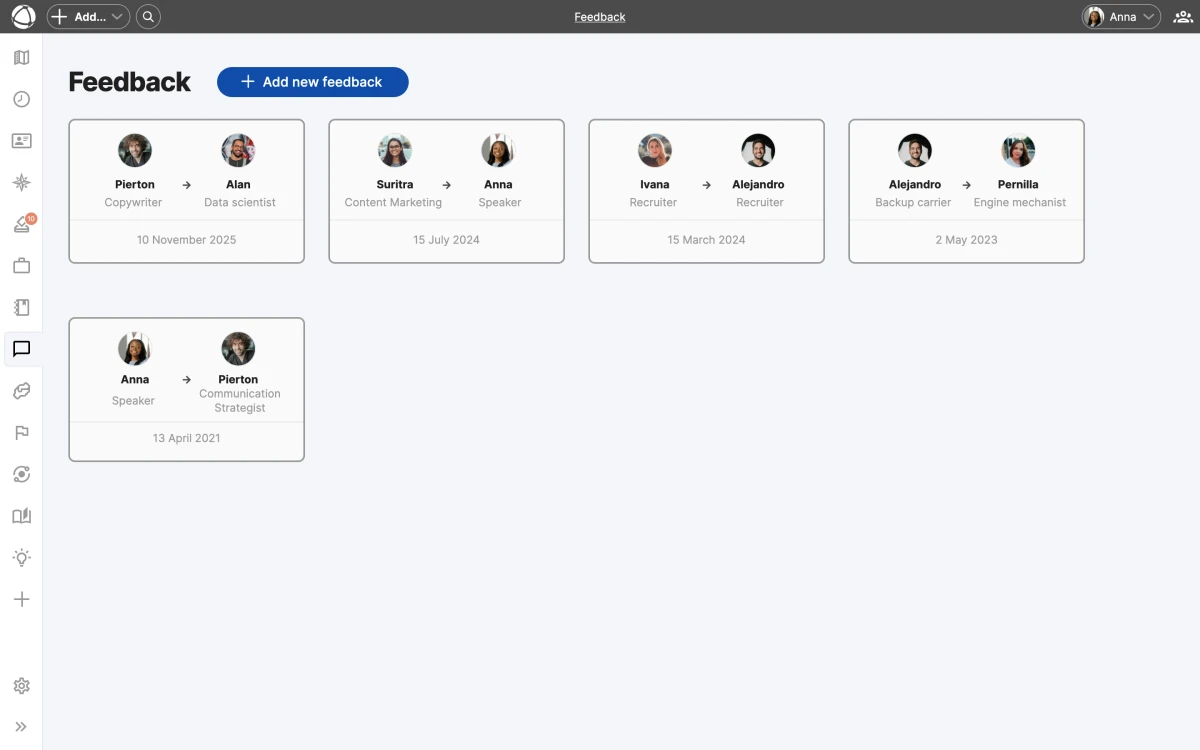
## How it works
Feedback is exchanged between two roles. The giver writes from the perspective of one of their roles, and the receiver reads it in the context of one of theirs. Both the giver and receiver must hold at least one role in the organization to participate.
There is one feedback entry per role pair. If you give feedback from Role A to Role B and later want to update it, you edit the existing entry rather than creating a duplicate.
Because feedback is tied to roles rather than people, it stays focused on responsibilities and expectations. This makes conversations more constructive and less personal.
## Dashboard
The Feedback dashboard gives you a central view of your feedback activity, organized into four tabs:
- **Received**: feedback others have given to your roles
- **Given**: feedback you have written for others
- **Requested by them**: feedback others have asked you to provide
- **Requested by you**: feedback you have requested from others
## Request feedback
You can request feedback from a specific person by selecting one of their roles. They receive an email notification with a link to respond. Pending requests appear in your dashboard until they are fulfilled.
## Formatting
Feedback entries support Markdown, so you can use headings, lists, bold, and other formatting to structure your comments.
## Privacy
Feedback is strictly private. Only the giver and the receiver can see a feedback entry. No one else in the organization, including Owners, has access to feedback between other people.
Feedback privacy is absolute. Even organization Owners cannot view feedback exchanged between other members. This ensures honest, candid communication.
## Who can use Feedback
- **Members, Editors, and Owners** can give and receive feedback.
- **Guests** cannot access the Feedback app.
## Related
- [Roles](/doc/map/roles): roles provide feedback context
- [Navigating the Map](/doc/map/navigating): find the Inspector and App Store
- [Access Rights](/doc/admin/access-rights): who can use Feedback
- [Invite Your Team](/doc/getting-started/invite-people): access levels explained
--------------------------------------------------------------------------------
title: "Goals"
description: "Set and track objectives for circles and roles with measurable subgoals."
category: "apps"
source: "https://peerdom.com/doc/apps/goals"
--------------------------------------------------------------------------------
# Goals
Goals lets you attach objectives to any [circle](/doc/map/circles-and-groups) or [role](/doc/map/roles) in your organization. Each node can have one goal at a time, broken down into measurable subgoals that track progress automatically. [Explore the Goals app](/apps/goals) to see how it brings visibility to your team's objectives.
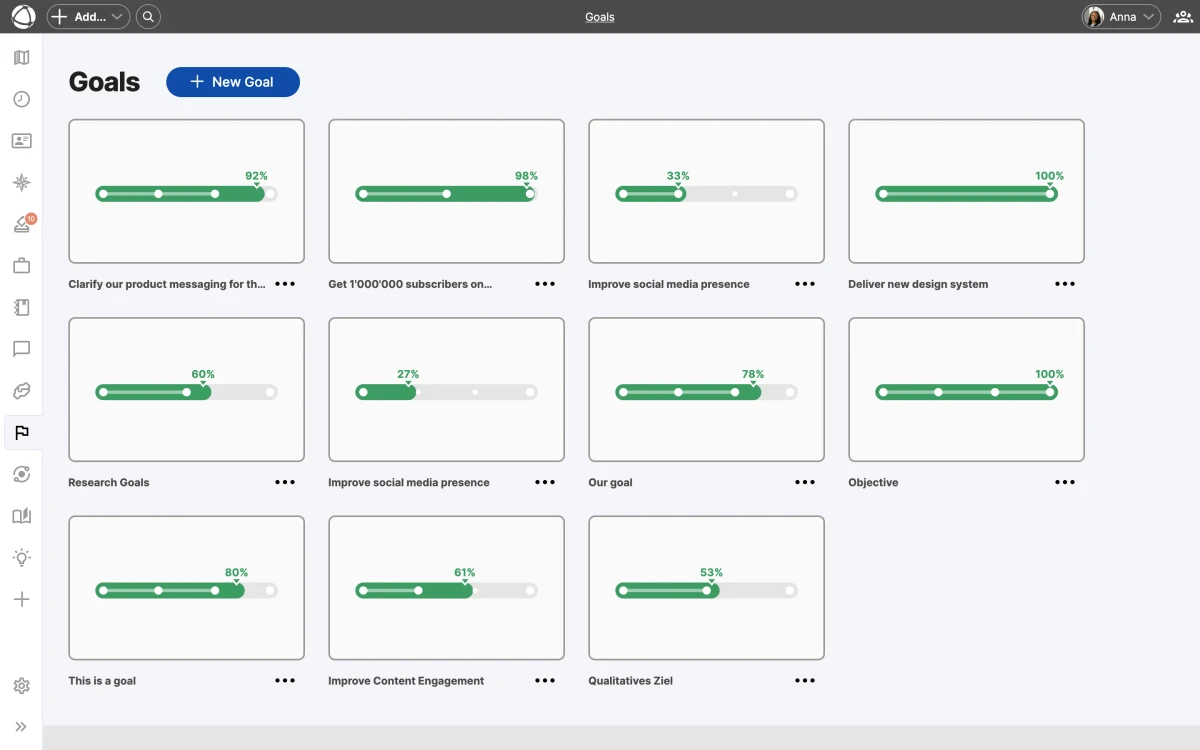
## Create a goal
1. Select a circle or role on the map
2. Open the **Inspector** panel
3. Click **Add Goal**
4. Enter a title and description
5. Save
Goal descriptions support rich text formatting, including headings, lists, and checklists.
## Subgoals
Break a goal into smaller pieces with subgoals. Each subgoal uses one of three tracking types:
- **Complete / Incomplete**: a binary checkbox (done or not done). Example: "Publish Q3 report."
- **Percentage**: manual progress from 0% to 100%. Example: "Migrate legacy accounts."
- **Target number**: current value toward a numeric target. Example: "Close 50 deals."
Peerdom calculates the parent goal's overall progress automatically from its subgoals.
Start with two or three subgoals per goal to keep things manageable. You can always add more as the work becomes clearer.
## Confidence voting
Role holders can vote on their confidence in reaching each goal. The three levels (**High**, **Medium**, and **Low**) surface early warnings when teams feel a goal is at risk, even if the numbers still look fine.
Confidence votes are a qualitative signal that complements your quantitative progress data. Pay attention when confidence drops, even if the progress bar looks healthy.
## Goals on the map
When you enable the **Goals** [layer](/doc/map/layers), arc rings appear around circles and roles that have goals:
- **Green arc**: completed portion of the goal
- **Orange arc**: remaining portion
Toggle the Goals layer on or off from the **Layers** panel in the toolbar. The arcs give you a visual snapshot of progress across your entire organization without opening individual goals.
## Card matrix view
Open the Goals app from the sidebar to see all goals in a card matrix layout. Each card shows the goal title, progress bar, and confidence level. Use this view to compare progress across teams and identify goals that need attention.
## Archive and customize
When a goal is complete, archive it to keep your active view clean. Archived goals remain accessible for reference.
You can rename goal-related terminology to match your organization's vocabulary. For example, change "Goal" to "Objective" or "OKR" in your organization's [Settings](/doc/admin/settings).
## Who can use Goals
- **Members** can view goals and vote on confidence.
- **Editors and Owners** can create, edit, and archive goals.
- **Guests** cannot see the Goals app.
## FAQ
**Can I assign a goal to a person instead of a circle or role?**
Goals are always attached to a circle or role, not directly to a person. This keeps objectives tied to organizational structure. If you need to track a personal objective, create a role for it and attach the goal there.
**What happens when I archive a goal?**
Archived goals are removed from the active card matrix and the map layer, but they remain accessible for reference. You can view and restore archived goals at any time from the Goals app.
**Can I use Goals for OKRs?**
Yes. You can rename "Goal" to "Objective" and use subgoals as key results. Adjust the terminology in your organization's [Settings](/doc/admin/settings) to match your preferred framework.
## Related
- [Map Layers](/doc/map/layers): toggle goal arcs on the map
- [Insights](/doc/apps/insights): analyze patterns alongside goals
- [Custom Vocabulary](/doc/map/custom-terms): rename goal-related terms
- [Circles & Groups](/doc/map/circles-and-groups): where goals are attached
--------------------------------------------------------------------------------
title: "Insights"
description: "Visualize organizational patterns with color-coded analytical overlays on your map."
category: "apps"
source: "https://peerdom.com/doc/apps/insights"
--------------------------------------------------------------------------------
# Insights
Insights overlays color-coded analytical data directly onto your [map](/doc/map/navigating), revealing patterns that are hard to spot manually. Each insight highlights a specific organizational dynamic and helps you take action before problems grow.
[Explore the Insights app](/apps/insights)
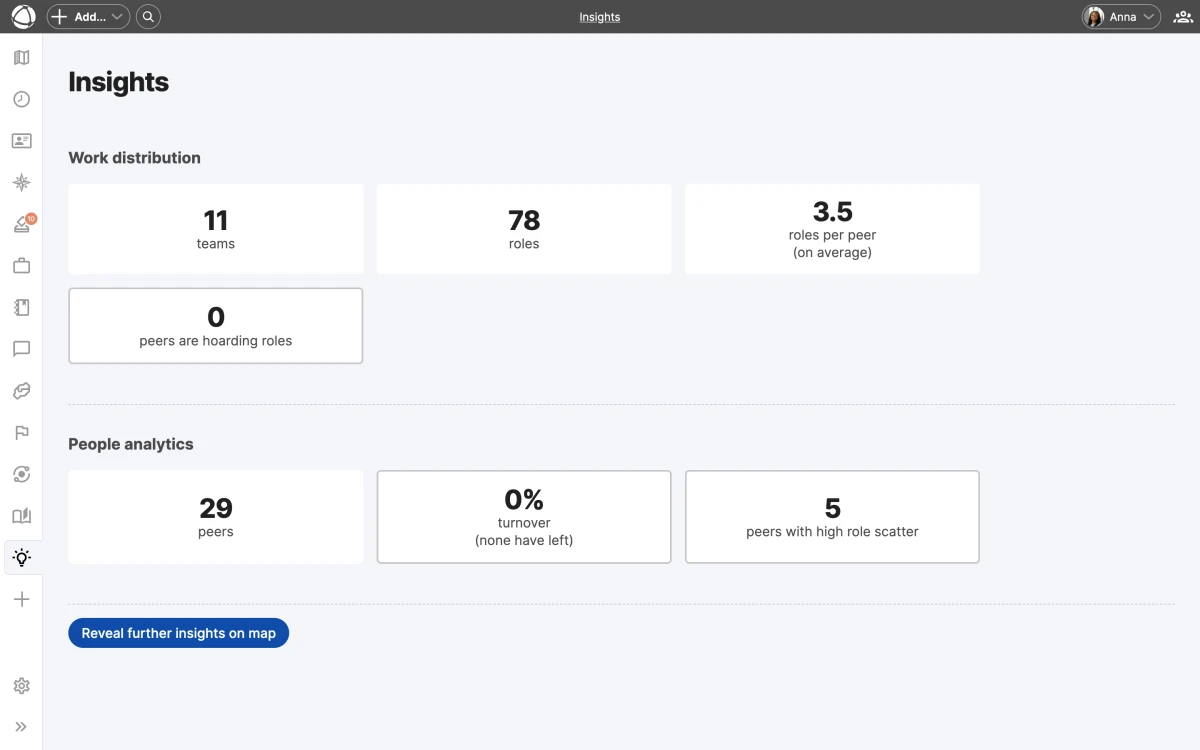
## Available insights
Insights offers three analytical views, each focused on a different pattern:
- **Role Turnover** shows how frequently roles change holders over the last 3 months. The color scale runs from blue (stable) to red (high turnover).
- **Cell Scatter** shows how spread out a peer's workload is across the organization. The scale runs from light cyan (focused) to dark green (scattered).
- **Role Hoarding** shows where decision-making power is concentrated. The scale runs from light yellow (balanced) to dark brown (concentrated).
Select an insight from the **Insights** panel in the **App Store** sidebar. The map recolors immediately to reflect the selected analysis.
Start with the Role Hoarding insight if you are new to Insights. It quickly reveals where decision-making power may be too concentrated, helping you spot delegation opportunities.
## Dashboard and metric cards
Each insight includes a dashboard with aggregate statistics at the top of the panel. Click any metric card to filter the map view and zoom into the relevant area. The dashboard gives you a high-level summary, and the map gives you the details.
## Inspector panel
When an insight is active, the **Inspector** panel shows a ranked list of the most affected nodes. This list helps you identify which roles, circles, or peers need attention first, sorted from most to least affected.
## Share a specific view
When you activate an insight, the URL in your browser updates to reflect your current selection. Copy and share this URL to send a colleague directly to the same view.
Only Members, Editors, and Owners can view Insights. Guests cannot access this feature.
## Related
- [Journal](/doc/apps/journal): track individual changes over time
- [Contribution](/doc/apps/contribution): see how work is distributed
- [Map Layers](/doc/map/layers): toggle overlays on your map
- [Navigating the Map](/doc/map/navigating): explore views and search
--------------------------------------------------------------------------------
title: "Journal"
description: "Track every change in your organization with an automatic activity log."
category: "apps"
source: "https://peerdom.com/doc/apps/journal"
--------------------------------------------------------------------------------
# Journal
The Journal records every change made to your organization: who did what, and when. Think of it as your organization's memory, capturing every modification so nothing gets lost.
[Explore the Journal app](/apps/journal)
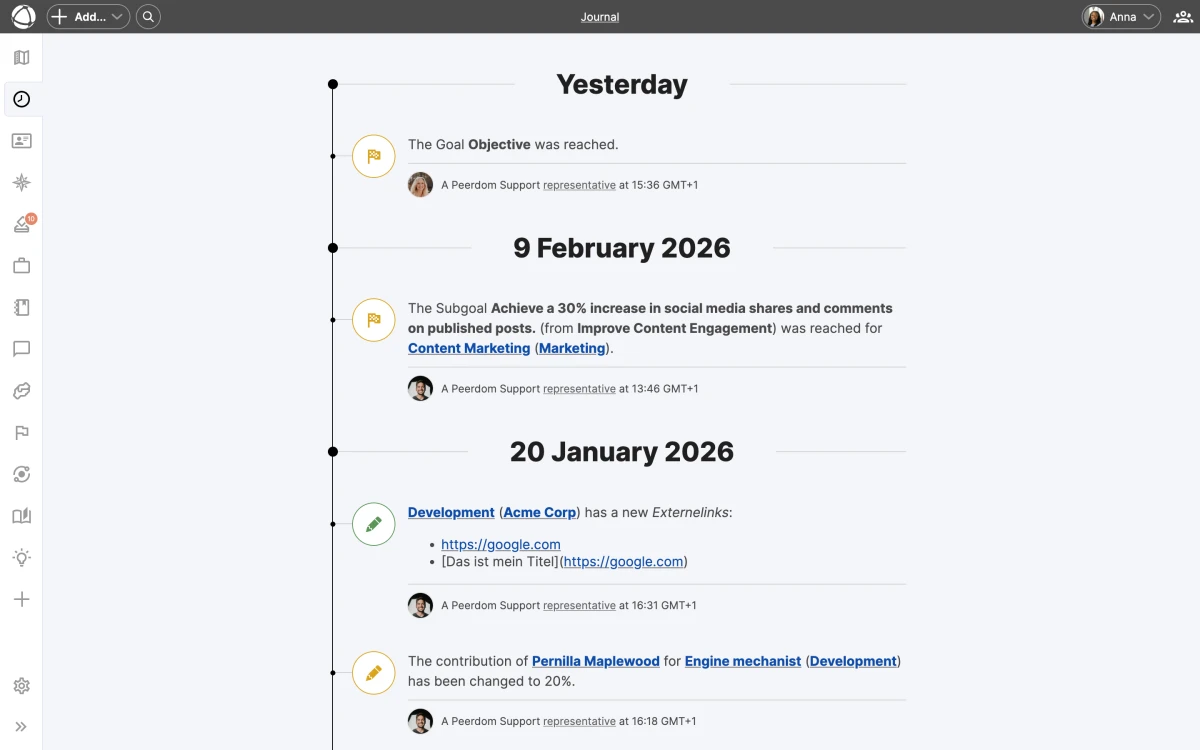
## What gets tracked
The Journal captures changes across four categories:
- **People**: new peers, role assignments, profile updates
- **Structure**: circles created, roles moved, properties edited
- **Apps**: [goals](/doc/apps/goals) updated, [projects](/doc/apps/projects) archived, [feedback](/doc/apps/feedback) sent
- **Settings**: vocabulary changes, visibility updates, configuration edits
Each entry shows the change type, who made it, and a timestamp. Entries are color-coded for quick scanning: green for additions, orange for changes, and red for removals.
## Where to find it
Open the Journal from the **App Store** in the left sidebar. You see three views:
- **Organization journal**: everything across your map
- **Node journal**: changes to a specific circle or role (open via the **Inspector** panel)
- **Personal journal**: a peer's own activity (visible on their profile)
## Reading the Journal
Entries load with infinite scroll, so you can keep scrolling back through your organization's history. Use the date navigation to jump to a specific time period.
Changes that were later undone appear with strikethrough text, making it clear what was reversed. Changes made inside a [draft](/doc/apps/drafts) are flagged with a draft indicator so you can distinguish tentative edits from published ones.
Use the Node journal view to review the full history of a specific role or circle before making structural changes. It helps you understand what has already been tried.
## Undo your last action
The Journal includes an **Undo** button for your most recent change. This lets you quickly reverse an accidental edit without navigating back to the affected node.
The Journal is included in Peerdom+ at no additional cost. Members, Editors, and Owners can view the Journal. Guests cannot access it.
## Related
- [Insights](/doc/apps/insights): analyze patterns in your organization's activity
- [Access Rights](/doc/admin/access-rights): who can see the Journal
- [Navigating the Map](/doc/map/navigating): find the App Store and Inspector
--------------------------------------------------------------------------------
title: "Missions"
description: "Share personal mission statements explaining why each peer is part of the organization."
category: "apps"
source: "https://peerdom.com/doc/apps/missions"
--------------------------------------------------------------------------------
# Missions
Missions give every peer a space to share their personal reason for being part of the organization. Unlike a [role's purpose](/doc/map/roles) (which describes what the role accomplishes), a mission answers: "Why am I here?" and "What do I want to contribute?"
[Explore the Missions app](/apps/missions)
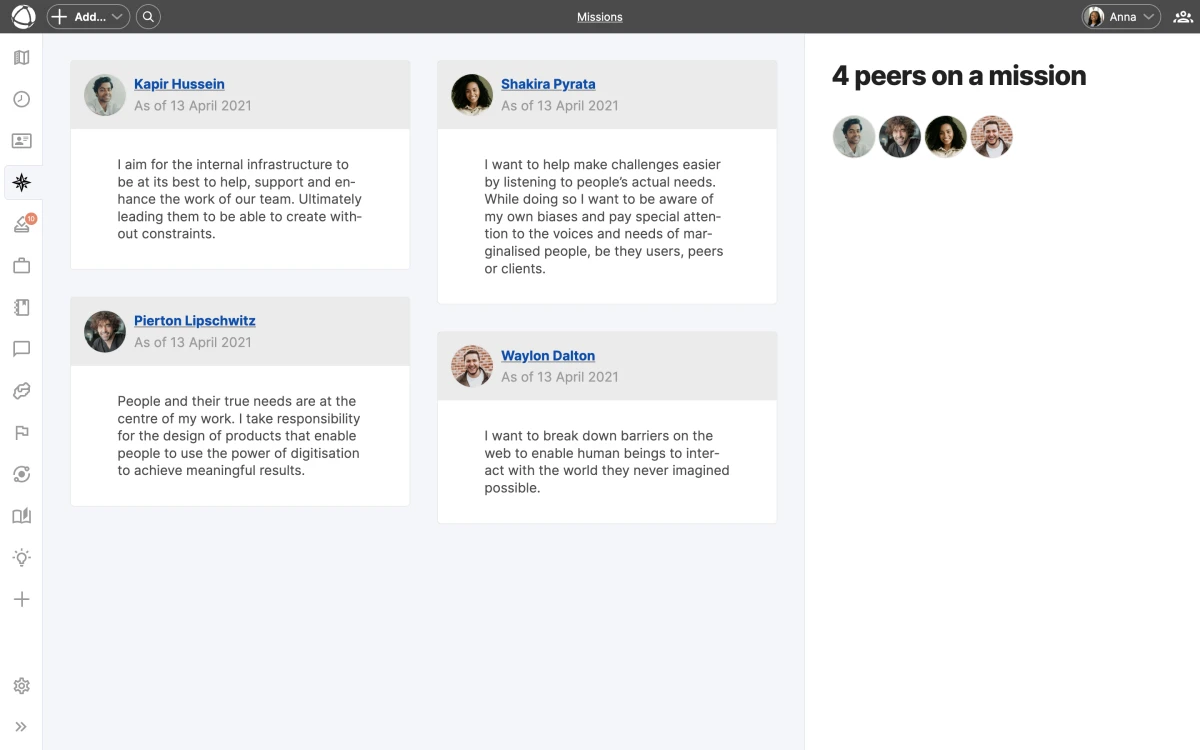
## How missions work
Each peer writes a single mission statement that appears on their profile. Missions are personal declarations, not job descriptions. They help colleagues understand what drives each person beyond their assigned roles.
Missions support Markdown formatting, so you can structure your statement with headings, lists, or emphasis as needed.
A strong mission statement focuses on personal motivation rather than listing responsibilities. Think about what brought you to this organization and what you hope to achieve through your work here.
## Browse all missions
Open **Missions** from the **App Store** in the left sidebar to see a grid layout showing every peer's mission. Use the sidebar filter with avatars to navigate to a specific person. This view gives you a quick overview of what motivates your team.
## Writing a mission
Missions are completely optional. There is no required format or length. Write what feels authentic to you.
- **Members** can edit their own mission
- **Editors and Owners** can edit any peer's mission
Missions is included in Peerdom+ at no additional cost. Members, Editors, and Owners can view and write missions. Guests cannot access this feature.
## Related
- [Invite Your Team](/doc/getting-started/invite-people): add people who can write missions
- [Directory](/doc/apps/directory): browse all peers
- [Roles](/doc/map/roles): role purpose vs personal mission
--------------------------------------------------------------------------------
title: "Network"
description: "Connect with other Peerdom organizations to share visibility into each other's structures."
category: "apps"
source: "https://peerdom.com/doc/apps/network"
--------------------------------------------------------------------------------
# Network
Network lets you create one-to-one connections between your Peerdom organization and others. Connected organizations can share visibility into each other's structures, making cross-organization collaboration transparent.
[Explore the Network app](/apps/network)
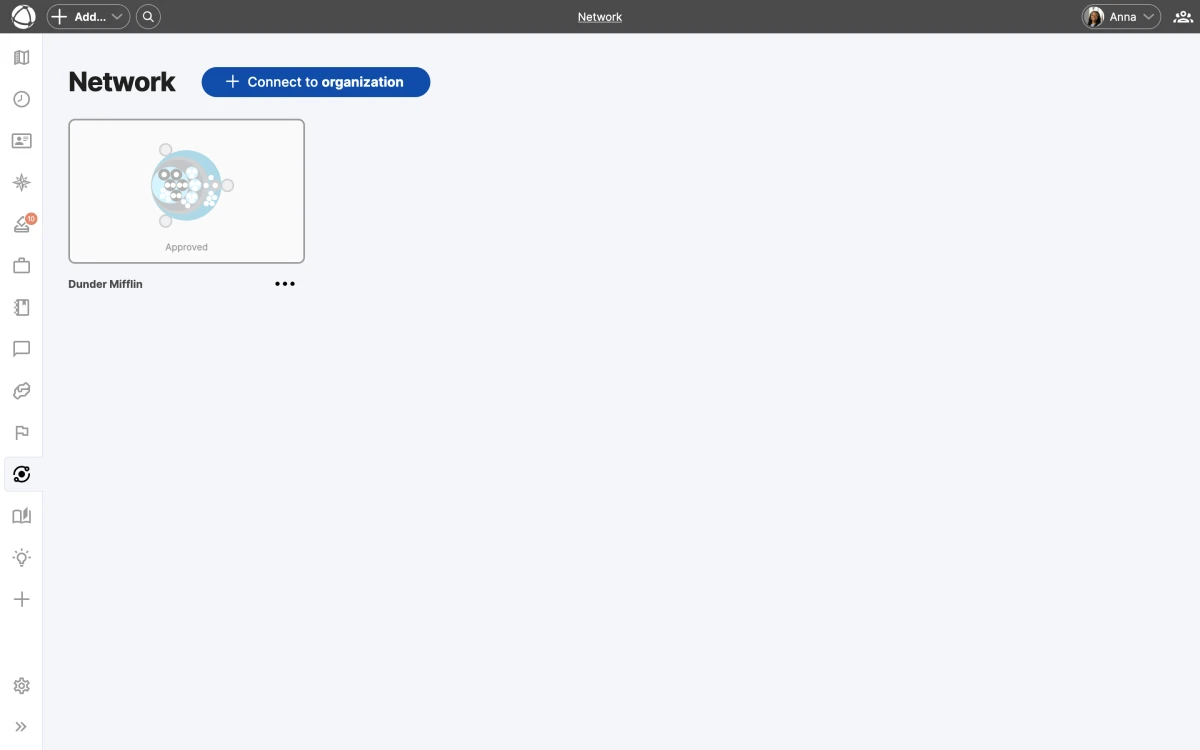
## Trust levels
Each connection has a trust level that controls how much information is shared:
- **Basic**: anonymized structure. Circles and roles are visible, but peer identities are hidden.
- **Regular**: full contact information. Peers are visible with names and details.
- **High**: extended access. The connected organization can also edit and see additional data.
Either party can change the trust level or stop sharing at any time. You always control what your organization reveals.
Start with the Basic trust level when connecting with a new organization. You can always increase the level later once both parties are comfortable with the collaboration.
## Connect with another organization
1. Open **Network** from the **App Store** in the left sidebar
2. Send a connection request to another Peerdom organization
3. The other organization receives an email notification
4. They accept or refuse the request
Once connected, both organizations appear on each other's maps when the **Network** [layer](/doc/map/layers) is enabled. Connected organizations show as external nodes on your map.
## Manage connections
Only Owners can create, accept, refuse, or remove network connections. All billable users (Members, Editors, and Owners) can view existing connections.
You can toggle whether your network connections are publicly visible. Email notifications keep both parties informed when requests are sent, accepted, or when connection settings change.
Network is included in Peerdom+ at no additional cost.
## Related
- [Map Layers](/doc/map/layers): toggle the Network layer
- [Sharing and Embedding](/doc/map/sharing): other ways to share your map
- [Owner Quick Reference](/doc/getting-started/owner-basics): manage integrations and connections
--------------------------------------------------------------------------------
title: "Pages"
description: "Create wiki-style documentation pages linked to your organizational structure."
category: "apps"
source: "https://peerdom.com/doc/apps/pages"
--------------------------------------------------------------------------------
# Pages
Pages lets you create wiki-style documentation that connects directly to your organizational structure. Each page can link to circles, [roles](/doc/map/roles), or people, keeping knowledge anchored to the parts of the organization it belongs to.
[Explore the Pages app](/apps/pages)
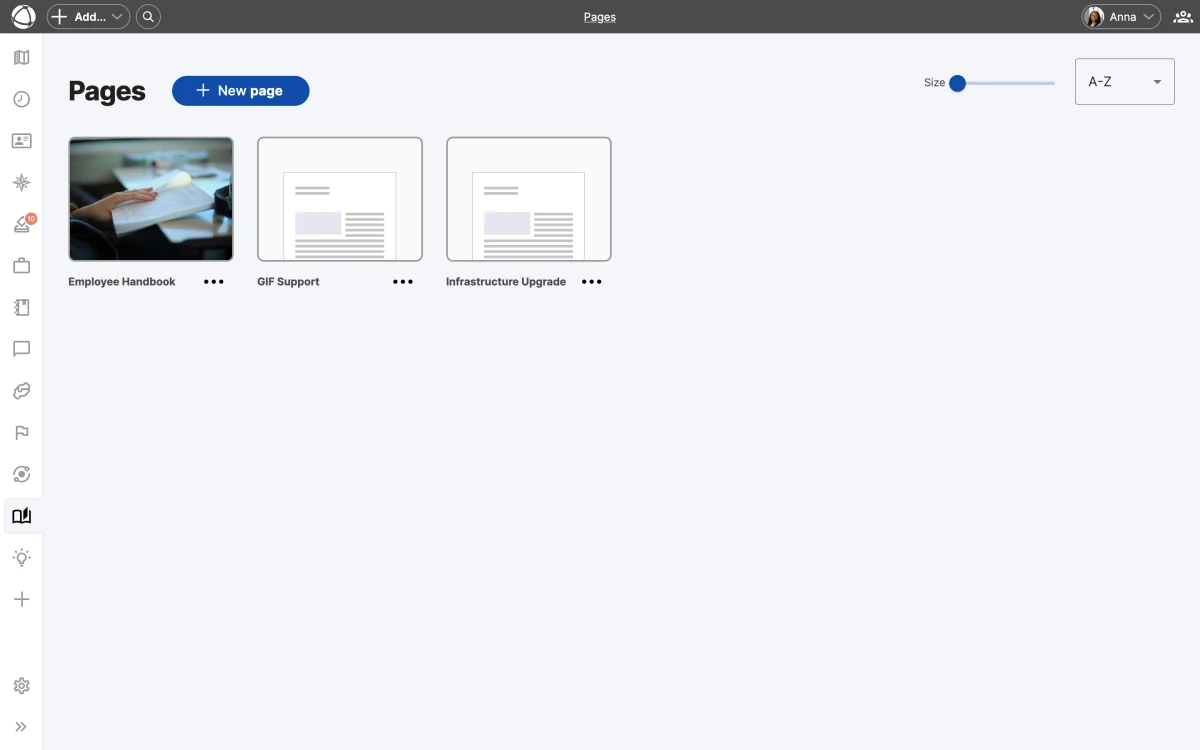
## Browse pages
Pages appear in a card grid view with thumbnails. Use the size slider to zoom in or out, and sort pages by name (A-Z), newest, or oldest. The grid gives you a visual overview of all available documentation.
## Create a page
Each page is built from content cards. You can add two types:
- **Text cards**: rich text with Markdown support for formatting
- **Image cards**: upload images up to 25 MB each
Arrange cards in the order that makes sense for your content.
## Link pages to your structure
Use [relationship fields](/doc/map/relationships) to link a page to one or more circles, roles, or people. Linked pages appear in the **Inspector** panel when you select the connected node on the map. One page can link to multiple nodes, so shared documentation stays in one place.
Link a page to every role involved in a process. That way, anyone opening those roles in the Inspector panel sees the same documentation without having to search for it.
## Visibility
Each page can be set to **public** (visible to all users with access) or **private** (visible only to the author). This lets you draft pages before sharing them with your organization.
## Who can use Pages
- **Editors and Owners** can create and manage pages
- **Members** can view pages but cannot create or edit them
- **Guests** cannot access Pages
Pages is a paid add-on at +1 CHF per user per month. Install it from the **App Store** in the left sidebar.
## Related
- [Custom Fields](/doc/map/custom-fields): relationship fields link pages to nodes
- [Relationships](/doc/map/relationships): understand how items connect
- [Navigating the Map](/doc/map/navigating): find pages in the Inspector panel
- [Owner Quick Reference](/doc/getting-started/owner-basics): install the Pages app
--------------------------------------------------------------------------------
title: "Projects"
description: "Manage temporary work initiatives with role-based team assignments."
category: "apps"
source: "https://peerdom.com/doc/apps/projects"
--------------------------------------------------------------------------------
# Projects
Projects lets you organize temporary work initiatives around [roles](/doc/map/roles) rather than individuals. You select which roles a project needs, then assign specific holders to fill them. This keeps projects connected to your organizational structure and makes handoffs clear when roles change hands.
[Explore the Projects app](/apps/projects)
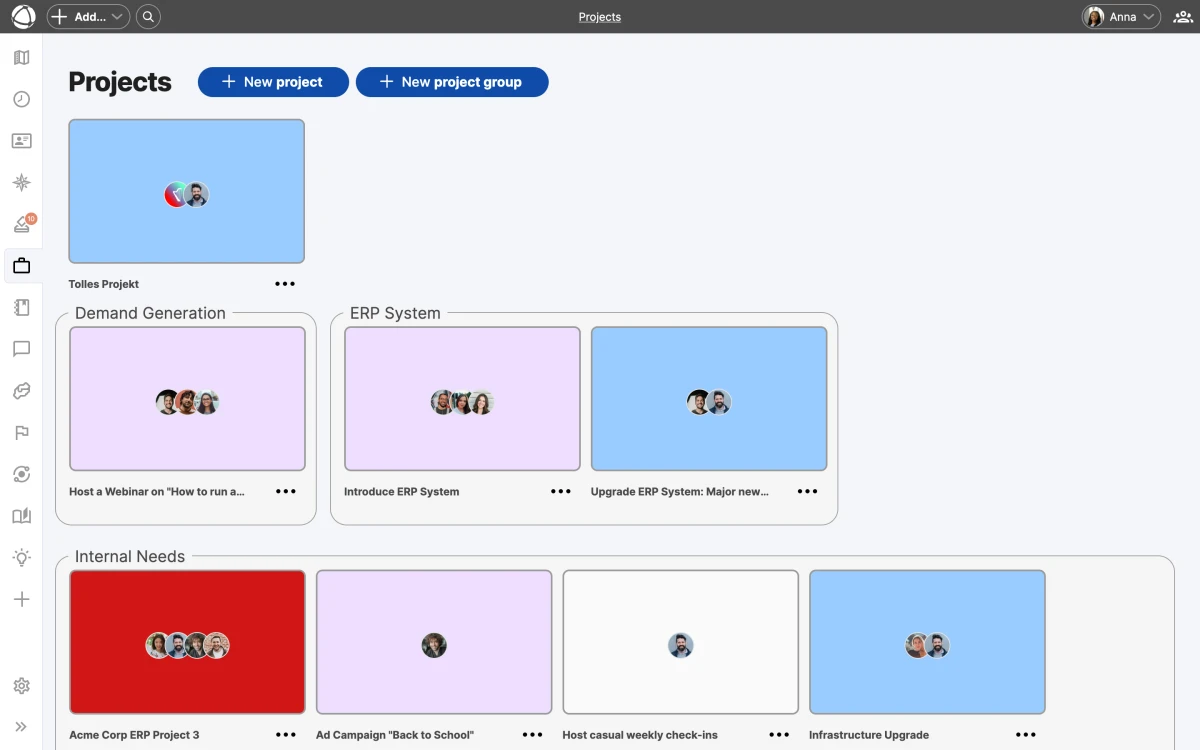
## Project properties
Each project has a set of properties you can fill in:
- **Name**: what the project is called
- **Mission**: what the project aims to accomplish
- **Dates**: start and end dates
- **Scope**: company-wide or limited to a specific group
- **Labels**: one label per project for categorization
- **Notes**: additional context or documentation
- **External links**: connect to tools like Jira, GitLab, or Confluence
You can also designate a **representative**, the person accountable for the project's progress.
## Browse and organize projects
Projects display as colored cards organized by project groups. Drag and drop projects between groups to reorganize them. Use labels and groups together to create a structure that fits your workflow.
Projects can be scoped to the entire organization or to a specific [group](/doc/map/circles-and-groups). Group-scoped projects are visible only within that context.
Use project groups to reflect your workflow stages. For example, create groups named "Planning", "Active", and "Review" so your team can see the status of each initiative at a glance.
## Projects on the map
Enable the **Projects** [layer](/doc/map/layers) to see grey arcs connecting the roles and circles involved in each project. This gives you a visual map of how project work spans your organization.
## Communicate with your team
Select a project and use the email function to send a message to all project members at once.
## Archive completed work
When a project wraps up, archive it to keep your active view clean. Archived projects remain accessible for reference but no longer appear in the main grid.
## Who can use Projects
- **Editors and Owners** can create and manage projects
- **Members** can view projects but cannot create or edit them
- **Guests** cannot access Projects
Projects is a paid add-on at +1 CHF per user per month. Install it from the **App Store** in the left sidebar.
## Related
- [Map Layers](/doc/map/layers): toggle the Projects layer
- [Roles](/doc/map/roles): projects are built around roles, not individuals
- [Circles and Groups](/doc/map/circles-and-groups): scope projects to specific groups
- [Owner Quick Reference](/doc/getting-started/owner-basics): install and configure Projects
--------------------------------------------------------------------------------
title: "Create Your First Map"
description: "Set up your organization's structure in Peerdom with circles, roles, and people."
category: "getting-started"
source: "https://peerdom.com/doc/getting-started/create-your-map"
--------------------------------------------------------------------------------
# Create Your First Map
Your Peerdom map is a visual representation of how your organization works: who does what, and how teams connect. Here is how to build yours.
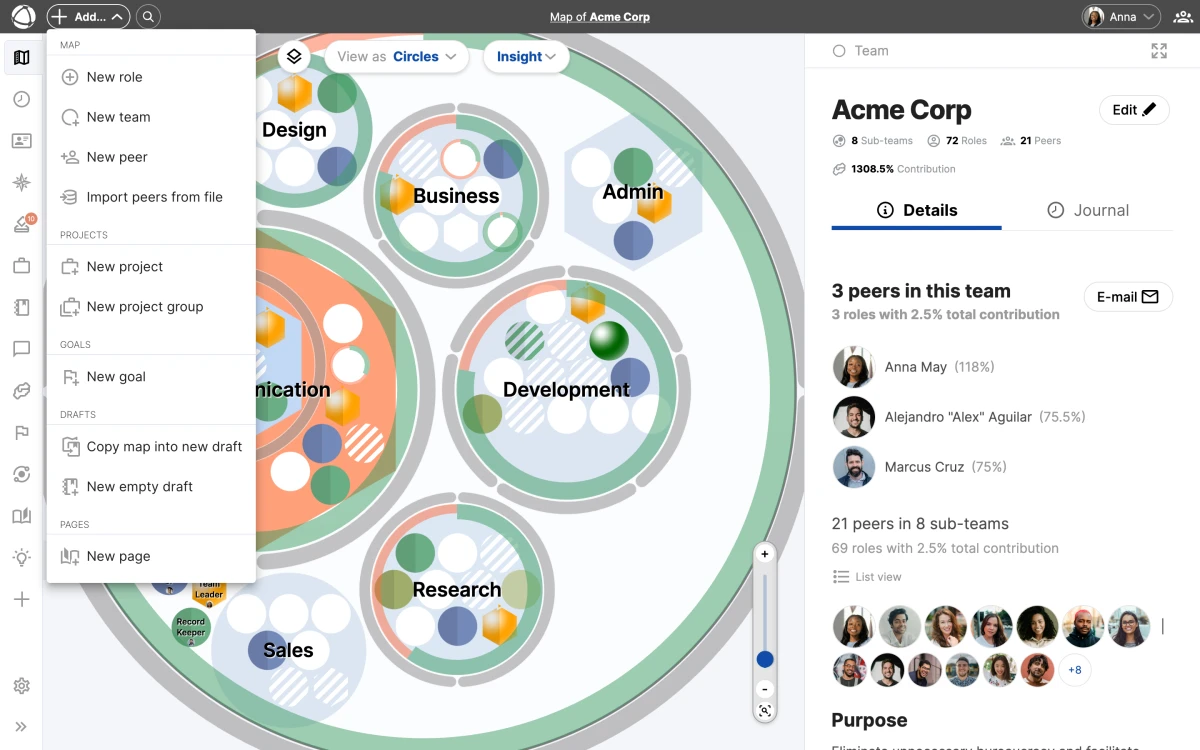
## Create your account
1. [Create your free account](https://peerdom.org/new)
2. Enter your organization name
3. You start as the Owner with full administrative access
The free plan supports up to 10 people. Adding more triggers a trial of Peerdom+. See the pricing page for details.
## Build your structure
Your map is made of two building blocks:
- **[Circles](/doc/map/circles-and-groups)** (groups): containers that organize related roles and sub-circles
- **[Roles](/doc/map/roles)**: sets of responsibilities held by people
Start by creating circles for your main teams or departments, then add roles within them.
### Add a circle
1. Click **+ Add** in the top toolbar
2. Select **New Group**
3. Give it a name and purpose
4. Save
### Add a role
1. Click **+ Add** in the top toolbar, or right-click inside a circle
2. Select **New Role**
3. Add a name, purpose, and responsibilities
4. Save
Not sure about all the details yet? Start with names only. You can refine descriptions later.
## Add people
Once your structure exists, assign people to roles:
1. Select a role on the map
2. Click **Assign** in the **Inspector** panel
3. Search for and select a person
4. Save
Unassigned roles appear striped on the map, making it easy to spot gaps. You can also [drag and drop](/doc/map/drag-and-drop) items to rearrange your structure.
Start simple: focus on what your organization looks like today, not what it should be. Use clear names like "Marketing Lead" instead of "Role #4", and add a one-sentence purpose for each circle and role to help everyone understand why it exists.
## Next steps
Once your map is ready, [invite your team](/doc/getting-started/invite-people) so colleagues can explore the structure. Check the [Editor Quick Reference](/doc/getting-started/editor-basics) to learn what you can do day-to-day, or explore [apps](/apps) like [Goals](/doc/apps/goals), [Projects](/doc/apps/projects), and [Feedback](/doc/apps/feedback) to add more context to your map.
Need help setting up? Peerdom offers professional services to guide your organization through the mapping process.
## Related
- [Invite Your Team](/doc/getting-started/invite-people): bring your colleagues into Peerdom
- [Circles & Groups](/doc/map/circles-and-groups): learn about organizing your structure
- [Roles](/doc/map/roles): understand role types and properties
- [Editor Quick Reference](/doc/getting-started/editor-basics): what you can do as an Editor
--------------------------------------------------------------------------------
title: "Editor Quick Reference"
description: "Everything you can do as a Peerdom Editor — create, edit, and organize your organization's map."
category: "getting-started"
source: "https://peerdom.com/doc/getting-started/editor-basics"
--------------------------------------------------------------------------------
# Editor Quick Reference
As an Editor, you shape your organization's map. You can create and modify [circles](/doc/map/circles-and-groups), [roles](/doc/map/roles), and people, everything needed to keep your structure current.
## Set up your profile
1. Click your **profile picture** in the top right corner
2. Select **My profile**
3. Click **Edit**
4. Upload a photo and fill in your details
5. Save
If your organization uses SSO, some fields may be synced from your identity provider and appear greyed out.
## Navigate the map
Click the **Map** icon in the left navigation bar. You see:
- **[Circles](/doc/map/circles-and-groups)**: containers grouping related roles
- **[Roles](/doc/map/roles)**: sets of responsibilities
- **People**: avatars showing who holds each role
Click any item to open the **Inspector** panel on the right side, showing its details, purpose, and current holders. You can switch between [tree view](/doc/map/tree-view), [circle view](/doc/map/circle-view), and [list view](/doc/map/list-view) for different perspectives. Use [layers](/doc/map/layers) to filter what is visible on the map.
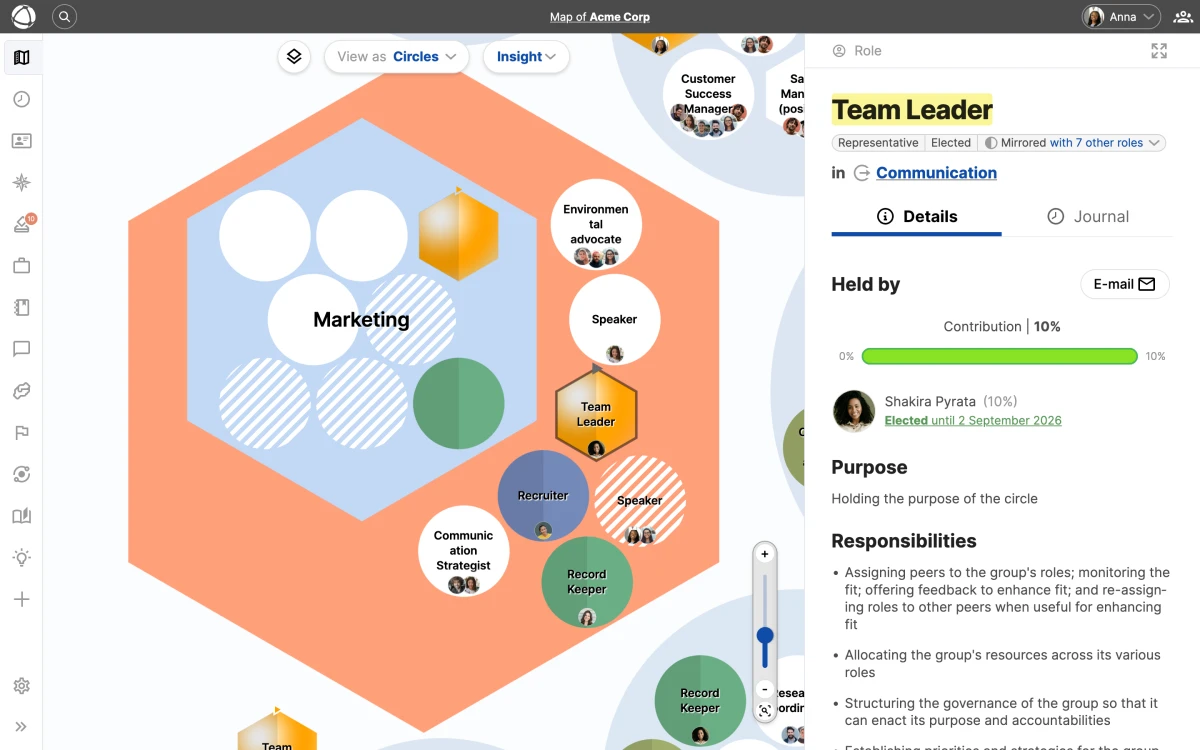
Learn more about all the ways to explore your organization in the Navigating the Map guide.
## Edit existing items
1. Click a circle or role on the map
2. Click **Edit** in the Inspector panel
3. Update details, properties, or descriptions (including [custom fields](/doc/map/custom-fields))
4. Save
## Create new items
**From the toolbar:**
1. Click **+ Add** in the top navigation
2. Select **New Role**, **New Group**, or **New Peer**
3. Fill in the details and save
**From the map:**
1. Right-click on the map
2. Select what you want to add
3. The item appears at that location
## Assign people to roles
1. Select a role
2. Click **Assign** in the Inspector
3. Search for and select a person
4. Save
When assigning multiple people to one role, add a **Focus** for each to clarify their specific area.
## Move and organize
- **Right-click** > **Move to...** to relocate items between circles
- **[Drag and drop](/doc/map/drag-and-drop)** directly on the map
- **Right-click** > **Copy to...** for independent or mirrored copies
## What Editors can do
- View map and profiles
- Create and edit [circles](/doc/map/circles-and-groups) and [roles](/doc/map/roles)
- Assign people to roles
- Add new peers
- Use all installed [apps](/apps) (such as [Goals](/doc/apps/goals), [Projects](/doc/apps/projects), [Feedback](/doc/apps/feedback), and [Elections](/doc/apps/elections))
- Cannot change [access rights](/doc/admin/access-rights) (Owners only)
- Cannot access [organization settings](/doc/admin/settings) (Owners only)
- Cannot publish [drafts](/doc/apps/drafts) (Owners only)
## Visual cues
- **Striped role**: no one assigned
- **Dashed circle**: empty (no contents)
- **Larger avatar**: representative or leader of a circle
## Related
- [Navigating the Map](/doc/map/navigating): explore views, layers, and search
- [Roles](/doc/map/roles): understand role types and properties
- [Circles & Groups](/doc/map/circles-and-groups): organize your structure
- [Owner Quick Reference](/doc/getting-started/owner-basics): additional capabilities for Owners
--------------------------------------------------------------------------------
title: "Invite Your Team"
description: "Add people to your Peerdom organization and manage their access levels."
category: "getting-started"
source: "https://peerdom.com/doc/getting-started/invite-people"
--------------------------------------------------------------------------------
# Invite Your Team
Your map comes to life when your team is on it. Peerdom calls people **peers**, everyone documented in your organization, whether they log in daily or are recorded for reference.

## Add a peer
1. Click **+ Add** in the top toolbar
2. Select **New Peer**
3. Enter their first name, last name, and email
4. Choose an [access level](/doc/admin/access-rights)
5. Decide whether to send the invitation email now or later
6. Save
The person receives an email with a link to set their password and activate their account.
## Access levels
Each peer gets one access level that determines what they can see and do:
- **Owner**: full admin access, including [settings](/doc/admin/settings), [billing](/doc/admin/billing), and permissions
- **Editor**: create and edit [circles](/doc/map/circles-and-groups), [roles](/doc/map/roles), and content (billable)
- **Member**: view everything, use [apps](/apps), edit own profile (billable)
- **Guest**: view the map structure only, no apps (not billable)
- **No-access**: documented on the map but cannot log in (not billable)
Only Owners can change access levels. Editors can invite new peers up to the Member level. See the full Access Rights reference for details.
## Bulk import
For larger teams, import peers from a CSV file:
1. Go to **Settings** > **Import**
2. Download the CSV template
3. Fill in your data
4. Upload and confirm
Bulk import is available on paid plans. See the [pricing page](/pricing) for plan details.
## SSO organizations
If your organization uses Single Sign-On, people are added automatically when they are included in your synced group. Peerdom supports three SSO providers:
- [Microsoft Entra ID](/doc/integrations/sso-microsoft)
- [Google Workspace](/doc/integrations/sso-google)
- [Okta](/doc/integrations/sso-okta)
Users synced via SSO appear in Peerdom within 24 hours. Learn more in the [SSO overview](/doc/integrations/sso).
## Delay invitations
You can prepare your map before anyone sees it. When adding peers, toggle off **Send invitation email**. You can send it later when your map is ready.
This is useful when:
- Setting up multiple accounts before launch
- Preparing the structure before a team rollout
- Coordinating a specific onboarding date
Use the Directory app to browse and search all peers once they have been added. It gives everyone a quick way to find the right person.
## Related
- [Access Rights](/doc/admin/access-rights): detailed permissions reference
- [Managing People](/doc/admin/people-management): edit profiles, remove peers, handle departures
- [Single Sign-On](/doc/integrations/sso): automate user provisioning
- [Directory](/doc/apps/directory): browse and search all peers
--------------------------------------------------------------------------------
title: "Owner Quick Reference"
description: "Administrative capabilities for Peerdom Owners — settings, billing, permissions, and more."
category: "getting-started"
source: "https://peerdom.com/doc/getting-started/owner-basics"
--------------------------------------------------------------------------------
# Owner Quick Reference
Owners have full administrative control over their Peerdom organization. Everything an [Editor](/doc/getting-started/editor-basics) can do, plus [settings](/doc/admin/settings), [billing](/doc/admin/billing), permissions, and [integrations](/doc/integrations/overview).
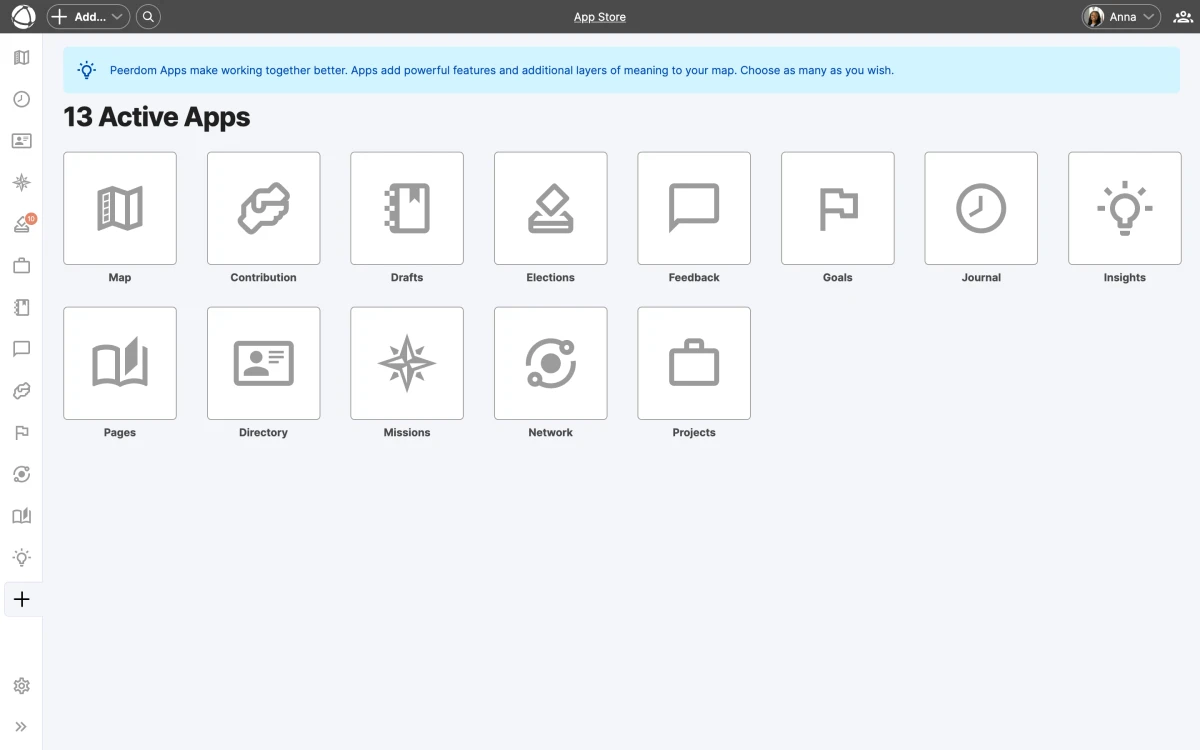
## What Owners can do
In addition to all Editor capabilities:
- **[Organization settings](/doc/admin/settings)**: configure vocabulary, visibility, and preferences
- **[Billing](/doc/admin/billing)**: purchase subscriptions, add seats, manage [apps](/apps)
- **[Permissions](/doc/admin/access-rights)**: change any peer's access level
- **[Integrations](/doc/integrations/overview)**: set up [SSO](/doc/integrations/sso), [API](/doc/integrations/api) keys, and webhooks
- **Apps**: install and configure apps from the App Store (see [all apps](/apps))
- **[Drafts](/doc/apps/drafts)**: publish draft maps to make changes live
- **[Data export](/doc/admin/data-export)**: export organization data, manage imports
- **[Archive/Delete](/doc/admin/archive-delete)**: archive or permanently delete the organization
## Key settings to configure
Open **[Settings](/doc/admin/settings)** from the left sidebar to access:
- **Organization name and vocabulary**: [customize terms](/doc/map/custom-terms) like "circle", "role", and "peer" to match your culture
- **Map visibility**: choose whether your map is public or private, or use [sharing](/doc/map/sharing) for selective access
- **Default access level**: set what new peers receive when added (see [access rights](/doc/admin/access-rights))
- **Profile sections**: configure which fields appear on peer profiles
Use custom terms to make Peerdom feel native to your organization. For example, rename "circles" to "teams" or "roles" to "accountabilities".
## Install apps
1. Open the **App Store** from the left sidebar
2. Browse available apps ([Goals](/doc/apps/goals), [Projects](/doc/apps/projects), [Feedback](/doc/apps/feedback), [Elections](/doc/apps/elections), and [more](/apps))
3. Click to install. Apps become available to all billable users.
Each app adds specific capabilities to your map. You only pay for what you use. See the [pricing page](/pricing) for details.
Apps like Insights and Network are included with Peerdom+ and require no additional setup. Explore the full list of available apps.
## Manage permissions
1. Open a peer's profile
2. Click **Edit**
3. Go to the **[Access Rights](/doc/admin/access-rights)** tab
4. Change their access level
5. Save
At least one Owner must exist at all times. You cannot demote yourself if you are the last Owner.
## Set up integrations
Connect Peerdom to your existing tools:
- **SSO**: [Microsoft Entra ID](/doc/integrations/sso-microsoft), [Google Workspace](/doc/integrations/sso-google), or [Okta](/doc/integrations/sso-okta) for single sign-on and user sync
- **[Microsoft Teams](/doc/integrations/microsoft-teams)**: send messages directly from the map
- **[Zapier](/doc/integrations/zapier)**: automate workflows with 7,000+ apps
- **[API](/doc/integrations/api)**: build custom integrations with the REST API
- **[Notion](/doc/integrations/notion)**: sync content between platforms
Learn more in the [integrations overview](/doc/integrations/overview).
Need help with setup? Peerdom offers professional services to guide your team through configuration and onboarding.
## Related
- [Organization Settings](/doc/admin/settings): detailed settings reference
- [Billing & Subscriptions](/doc/admin/billing): plans, pricing, and payment
- [Access Rights](/doc/admin/access-rights): full permissions reference
- [Integrations Overview](/doc/integrations/overview): connect your tools
- [Editor Quick Reference](/doc/getting-started/editor-basics): core editing capabilities
--------------------------------------------------------------------------------
title: "What is Peerdom?"
description: "A visual change management platform that replaces static org charts with dynamic, interactive maps."
category: "getting-started"
source: "https://peerdom.com/doc/getting-started/what-is-peerdom"
--------------------------------------------------------------------------------
# What is Peerdom?
Peerdom is a change management platform that reinvents the org chart. It replaces static PowerPoint slides and scattered spreadsheets with a dynamic, visual map of your organization, one that evolves as your teams do.
## The problem
Traditional org charts were never designed for change. They go stale the moment they're published, live in files nobody updates, and show reporting lines but not how work actually gets done. The result: confusion, disengagement, and wasted time figuring out who does what.
## How Peerdom helps
Think of Peerdom as Google Maps for your organization. You can:
- **See the full picture**: understand your entire structure at a glance using the [tree view](/doc/map/tree-view), [circle view](/doc/map/circle-view), or [list view](/doc/map/list-view)
- **Find anyone**: locate the right person for any task with the [Directory](/doc/apps/directory)
- **Understand connections**: see how teams, [roles](/doc/map/roles), and people relate through [relationships](/doc/map/relationships)
- **Track changes**: view history and anticipate what comes next with the [Journal](/doc/apps/journal)
- **Explore in context**: [projects](/doc/apps/projects), [goals](/doc/apps/goals), and [pages](/doc/apps/pages) all visible on the map
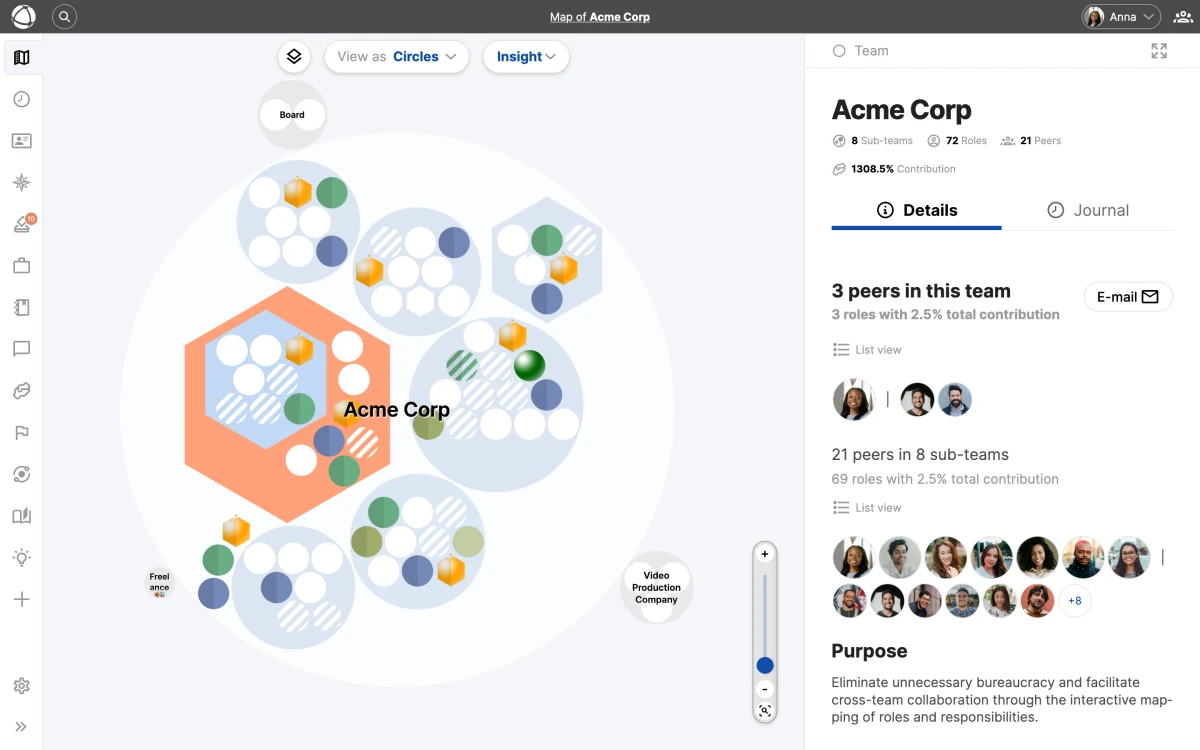
Peerdom works for any organizational model: traditional hierarchies, holacracy, sociocracy, agile, or your own custom approach. You can even customize your terminology to match your culture.
## Who uses Peerdom
Organizations of all sizes, from startups with 3 people to enterprises with 30,000 employees. Common use cases include:
- Structural transformation
- Mergers and acquisitions
- Rapid scaling
- Compliance documentation (ISO, B-Corp)
Explore [all available apps](/apps) to see how Peerdom supports these scenarios.
## Getting started
Setting up takes about 30 minutes. Ongoing maintenance is around 15 minutes every 6-8 weeks. Most of the value comes from the initial mapping exercise, making your organization visible for the first time.
Peerdom's free plan supports up to 10 people. Create your free account to get started, or check the pricing page for larger teams.
Ready to begin? [Create your first map](/doc/getting-started/create-your-map) and then [invite your team](/doc/getting-started/invite-people).
## FAQ
**Is Peerdom only for companies using holacracy or sociocracy?**
No. Peerdom works with any organizational model, including traditional hierarchies, matrix structures, agile frameworks, and custom approaches. You can [customize terms](/doc/admin/settings) to match your own vocabulary.
**How long does it take to set up?**
Most organizations build their first map in about 30 minutes. After the initial setup, keeping the map current takes roughly 15 minutes every 6-8 weeks.
**Can I try Peerdom for free?**
Yes. The free plan supports up to 10 people with full access to the core map features. [Create your free account](https://peerdom.org/new) to start building your map immediately.
**What integrations are available?**
Peerdom connects with [Microsoft Teams](/doc/integrations/microsoft-teams), [Zapier](/doc/integrations/zapier), [Notion](/doc/integrations/notion), and offers a [REST API](/doc/integrations/api) for custom integrations. Single sign-on is available through [Microsoft Entra ID](/doc/integrations/sso-microsoft), [Google Workspace](/doc/integrations/sso-google), and [Okta](/doc/integrations/sso-okta). See the full [integrations overview](/doc/integrations/overview).
## Related
- [Create Your First Map](/doc/getting-started/create-your-map): set up your organization in Peerdom
- [Invite Your Team](/doc/getting-started/invite-people): bring your colleagues on board
- [Navigating the Map](/doc/map/navigating): learn how to explore your organization
- [Complete User Guide](/doc/guides/user-guide): end-to-end walkthrough of all Peerdom features
--------------------------------------------------------------------------------
title: "Microsoft Teams"
description: "Send messages and start chats directly from your Peerdom map via Microsoft Teams."
category: "integrations"
source: "https://peerdom.com/doc/integrations/microsoft-teams"
--------------------------------------------------------------------------------
# Microsoft Teams
The Microsoft Teams integration replaces email buttons throughout Peerdom with direct chat links. You can message any peer, start group chats with role holders, or reach an entire circle, all without leaving your organizational map.
## Prerequisites
You must have [Microsoft Entra ID SSO](/doc/integrations/sso-microsoft) configured before enabling the Teams integration. Teams uses the same Entra ID connection for user identity.
If you have not set up Microsoft Entra ID yet, follow the Microsoft Entra ID SSO setup guide first.
## Enable the integration
Open **Settings > Integrations** and activate Microsoft Teams. Once enabled, all email action buttons across the Peerdom interface become **Open Chat** buttons that launch Teams conversations.
## Chat options
The integration supports several chat types depending on context:
- **Individual messages.** Open a chat with any peer from their profile or from a role card.
- **Role group chats.** Start a group conversation with all holders of a specific role.
- **Circle group chats.** Message all members of a circle at once.
- **Mirrored role chats.** Reach the holders of mirrored roles across circles.
Both private and group chats are supported. If you have an existing Teams conversation with the same participants, Peerdom reopens that chat instead of creating a duplicate.
Use the Directory to quickly find the peer you want to message, then click the chat button directly from their profile.
## Related
- [Microsoft Entra ID SSO](/doc/integrations/sso-microsoft), required setup for the Teams integration
- [Directory](/doc/apps/directory), browse and manage your organization's people
- [Navigating the Map](/doc/map/navigating), find peers and roles on the map
--------------------------------------------------------------------------------
title: "Notion"
description: "Connect Peerdom's organizational structure with Notion's documentation and task management."
category: "integrations"
source: "https://peerdom.com/doc/integrations/notion"
--------------------------------------------------------------------------------
# Notion
Peerdom and Notion complement each other well. Peerdom owns your organizational structure, roles, and people. Notion owns your documentation, project briefs, and task management. Connecting the two gives your team a direct path from "who owns this" to "where is the documentation."
## Three approaches
### Option 1: Manual links (zero setup)
The fastest way to connect Peerdom and Notion is through cross-referencing:
- Mirror circle and role names between both tools for consistency.
- Store Notion page URLs in Peerdom custom fields so peers can navigate from a role to its documentation.
- Add Peerdom map URLs as properties in Notion databases so team members can find the responsible person.
No technical setup is required. This approach works well for small to mid-size organizations.
### Option 2: No-code automation with [Zapier](/doc/integrations/zapier)
Use [Zapier](/doc/integrations/zapier) or Pipedream to create automated workflows:
- Trigger on a new team or project in Peerdom and automatically create a corresponding Notion page.
- Requires a Peerdom [API key](/doc/integrations/api) and a Notion integration token.
This approach reduces manual work when your team creates new circles or projects frequently.
### Option 3: Low-code integration with the [API](/doc/integrations/api)
For tighter integration, use the Peerdom [REST API](/doc/integrations/api) with a workflow platform like n8n or Make:
- Sync IDs between Peerdom and Notion to maintain permanent links.
- Auto-create Notion pages when new structures appear in Peerdom.
- Mirror status fields between both tools.
This approach requires familiarity with APIs and workflow automation tools.
The Peerdom REST API provides full read and write access to your organizational data. See the API documentation for available endpoints.
## Recommendation
Start with manual links. Automate only when the volume of new roles, circles, or projects justifies the setup effort. Most organizations find that Option 1 covers their needs until they reach 50 or more roles.
Use Custom Fields in Peerdom to store Notion page URLs on roles and circles. This creates a clickable link between your org structure and its documentation.
## Related
- [Integrations Overview](/doc/integrations/overview), all available integrations at a glance
- [Zapier](/doc/integrations/zapier), no-code automation for Peerdom workflows
- [API and Webhooks](/doc/integrations/api), build custom integrations with the REST API
- [Custom Fields](/doc/map/custom-fields), store Notion URLs on roles and circles
--------------------------------------------------------------------------------
title: "Agent-Readable Export (OKF)"
description: "Publish your Peerdom organization as an Open Knowledge Format (OKF) bundle so any AI agent can read and reason about your circles, roles, people, goals, and pages — no integration required."
category: "integrations"
source: "https://peerdom.com/doc/integrations/okf"
--------------------------------------------------------------------------------
# Agent-Readable Export (OKF)
The Open Knowledge Format (OKF) export turns your Peerdom organization into a set of plain, linked documents that AI agents can read directly — your circles, roles, people, goals, and pages, described in a shape any agent understands. It speaks the [Open Knowledge Format](https://github.com/GoogleCloudPlatform/knowledge-catalog/tree/main/okf), an open standard for sharing organizational knowledge with AI agents, so an agent can understand how your organization works without a custom integration.
It's the open, readable companion to the [MCP server](/doc/integrations/mcp): MCP lets an assistant *talk to* your organization on your API key; OKF makes your organization *legible* to any agent that can read a file.
Make your map public and its OKF bundle is published automatically — readable by any agent, with no key or setup. For private organizations, the export stays behind your door and is available to Owners only.
## What's in the bundle
An OKF bundle is a folder of Markdown files — one file per "concept" — that link to one another to describe your organization:
| Your Peerdom data | Becomes a concept of type | An agent can tell |
|-------------------|---------------------------|-------------------|
| Circle | `Circle` | which teams exist, how they nest, what they're accountable for |
| Role | `Role` | each role's purpose, which circle it belongs to, who fills it |
| Person | `Peer` | which roles someone holds and where |
| Goal | `Goal` | what an outcome is and which role or circle owns it |
| Page | `Page` | the supporting context you've published |
The bundle opens with an index that lets an agent see the whole organization at a glance and then follow links into the detail. Everything is written in **your own vocabulary** — if you've renamed circles to "teams" or "pods," the bundle uses your terms.
## Make your map public → instantly agent-readable
If your organization's map is [public](/doc/admin/settings), its OKF bundle is published at a stable, open address and kept up to date as your organization changes. Any agent — Claude, ChatGPT, Gemini, an open-source agent, anything that can fetch a URL — can read it and answer questions about your organization faithfully, with no integration on either side.
This is the simplest way to let the agentic web understand your organization: turn your map public, and you're done.
## What an agent can do with it
Pointed at your bundle, an agent can:
- Summarize how your organization is structured, circle by circle.
- Explain what a given role is for and who currently holds it.
- Identify which roles sit empty, or who carries the most.
- Trace how goals map to the roles and circles accountable for them.
- Answer a newcomer's "who do I talk to about X?" from the actual structure.
## What's included, and what isn't
The bundle respects the same privacy choices as your public map:
- **Only public pages** are included.
- **People appear only if you show them.** If your public map and embeds hide peer details, the bundle describes structure without naming individuals.
- **Archived items are left out.**
A public OKF bundle exposes exactly what your public map already exposes — nothing more. If something shouldn't be public, keep your map private and use the authenticated export or the MCP server instead.
## Private organizations
If your organization isn't public, its bundle isn't published to an open address. Its complete export stays available to **Owners** through an authenticated request, which ignores the public gates and includes everything. For live, conversational access to a private organization, the [MCP server](/doc/integrations/mcp) is usually the better fit: it answers questions on demand rather than handing over a static snapshot.
## Frequently asked questions
### What is OKF?
The Open Knowledge Format is an open standard for describing knowledge — including organizational structure — as a folder of linked Markdown files that both people and AI agents can read. It needs no SDK, account, or proprietary tooling.
### How is this different from the MCP server?
The [MCP server](/doc/integrations/mcp) is a live, authenticated connection: an assistant asks questions on your API key and gets answers in real time. The OKF export is an open, readable artifact: a snapshot of your organization that any agent can read, ideal for public maps. Many organizations will use both.
### Do I need to set anything up for a public map?
No. When your map is public, the bundle is published and kept current automatically.
### Can an agent change my organization through the bundle?
No. OKF is read-only by nature — it's a description an agent reads, never a way to edit your organization.
### Does this require a specific Peerdom plan?
The public bundle is published automatically for any public map. The authenticated full export for private organizations is available to organization Owners. For questions about your plan, contact [Peerdom support](mailto:support@peerdom.org).
## Related
- [AI Assistants (MCP)](/doc/integrations/mcp), talk to your organization in plain language
- [API and Webhooks](/doc/integrations/api), build custom integrations with the REST API
- [Organization Settings](/doc/admin/settings), make your organization map public and manage API keys
- [Integrations Overview](/doc/integrations/overview), all available integrations at a glance
--------------------------------------------------------------------------------
title: "API & Webhooks"
description: "Build custom integrations with Peerdom's REST API and real-time webhooks."
category: "integrations"
source: "https://peerdom.com/doc/integrations/api"
--------------------------------------------------------------------------------
# API & Webhooks
Peerdom provides a REST API and webhook system for building custom integrations. Use the API to read and write organizational data. Use webhooks to receive real-time notifications when your map changes.
## REST API
Full API documentation is available at [api.peerdom.org/v1/docs](https://api.peerdom.org/v1/docs).
### Authentication
Every API request requires an API key in the request headers. Each key operates within the context of a single organization.
To create an API key, go to **Settings > My Data > API Keys** in [Organization Settings](/doc/admin/settings) and click **Create a key**. Only users with Owner access rights can create and manage API keys.
API keys grant full read and write access to your organization's data. Treat them like passwords and never share them in public repositories or client-side code.
### Use cases
The API supports a wide range of integrations:
- Sync organizational data with your HRIS or people platform
- Export roles, circles, and peer data for reporting
- Build custom dashboards or internal tools
- Feed organizational structure into other systems
## Webhooks
Webhooks send HTTP POST requests to your endpoint whenever specific events occur in Peerdom. Configure webhooks in **Settings > My Data > Webhooks** within [Organization Settings](/doc/admin/settings).
### Available events
Webhooks fire for create, update, and delete operations on three entity types:
- **Role:** Create, Update, Delete
- **Group** (a circle): Create, Update, Delete
- **Peer:** Create, Update, Delete
### Payload format
Each webhook delivers an HTTP POST whose body is a single JSON object with one field, `text`:
```json
{
"text": "..."
}
```
The `text` value is a human-readable, Markdown-formatted message. This is the same "incoming webhook" shape that chat tools expect, so it drops directly into Slack, Microsoft Teams, and automation tools like Zapier, n8n, and Pipedream.
The payload is intentionally not field-structured — there is no top-level `id`, `event`, or `modifiedBy`. Every detail lives inside the `text` string, so if you need individual values, parse the message text.
What each message contains:
- **Create:** a header line, the author, and the entity's key fields (such as Name and Map).
- **Update:** a header line, the author, and a per-field diff in the form `**Field:** old → new`. Custom field changes are included; list-type custom fields show `[+] added` and `[-] removed`.
- **Delete:** a header line, the author, and the entity's key fields at the time of deletion.
**Author of the change.** When a user made the change, the message includes an author line:
```
**Author:** Firstname Lastname (email@example.com)
```
If the person has no name set, this falls back to just the email address. The author line is omitted for changes triggered automatically by the system, such as cascade updates, where there is no user context — so treat it as optional.
**Example.** A Role update might arrive as:
```json
{
"text": "**[Role](https://app.peerdom.org/your-org/...)** was updated\n\n**Author:** Jane Doe (jane@example.com)\n\n**Name:** Engineer → Senior Engineer"
}
```
This example is illustrative — the exact header wording, URL format, and whitespace can vary. To see the real payload your endpoint will receive, use the **Test URL** feature described below.
### Testing your endpoint
Use the **Test URL** feature in the webhook configuration panel to validate your endpoint before saving. This sends a sample payload so you can confirm your server handles the request correctly.
Set up webhooks to trigger Zapier Zaps or n8n workflows in real time, rather than polling the API on a schedule.
## Automation platforms
Several no-code and low-code platforms work well with the Peerdom API:
- **[Zapier](/doc/integrations/zapier):** Connect Peerdom to 7,000+ apps with a visual workflow builder. See the [Zapier integration guide](/doc/integrations/zapier).
- **Pipedream:** Developer-friendly platform with HTTP triggers, custom code steps (JavaScript and Python), and a generous free tier.
- **n8n:** Open-source and self-hostable workflow automation with HTTP Request nodes and over 400 built-in integrations.
All three platforms can consume Peerdom webhooks and call the REST API to create bidirectional workflows.
## Related
- [Integrations Overview](/doc/integrations/overview), all available integrations at a glance
- [AI Assistants (MCP)](/doc/integrations/mcp), connect AI assistants using your API key
- [Zapier](/doc/integrations/zapier), no-code automation for Peerdom workflows
- [Access Rights](/doc/admin/access-rights), understand who can create API keys
- [Organization Settings](/doc/admin/settings), where to find API key and webhook configuration
--------------------------------------------------------------------------------
title: "Integrations Overview"
description: "Connect Peerdom to your existing tools: SSO, chat, automation, and custom integrations."
category: "integrations"
source: "https://peerdom.com/doc/integrations/overview"
--------------------------------------------------------------------------------
# Integrations Overview
Peerdom connects to your identity providers, chat tools, automation platforms, and external APIs. These integrations keep your organizational map in sync with the systems your team already uses.
## Available integrations
- **Single sign-on (SSO):** [Microsoft Entra ID](/doc/integrations/sso-microsoft), [Google Workspace](/doc/integrations/sso-google), and [Okta](/doc/integrations/sso-okta) provide single sign-on and user sync.
- **Communication:** [Microsoft Teams](/doc/integrations/microsoft-teams) lets you send messages directly from the map.
- **Knowledge:** [Notion](/doc/integrations/notion) links your documentation to your org structure.
- **Automation:** [Zapier](/doc/integrations/zapier), Pipedream, and n8n automate workflows between Peerdom and other tools.
- **AI assistants:** The [MCP server](/doc/integrations/mcp) lets Claude, ChatGPT, Cursor, Gemini, and other AI assistants answer questions about your organization in plain language.
- **Agent-readable export:** The [OKF bundle](/doc/integrations/okf) publishes your organization in an open format any AI agent can read — make your map public and it's instantly agent-readable.
- **API:** The [REST API and Webhooks](/doc/integrations/api) let you build fully custom integrations.
All integrations are configured in Organization Settings. Only users with Owner access rights can enable integrations and manage API keys.
## Best practices
- **Pick your sources of truth.** Decide which system owns each piece of data before you connect anything. Peerdom owns structure and roles; your identity provider owns people.
- **Link before you automate.** Start with manual links between tools. Automate only after you understand the data flow.
- **Sync people, not everything.** Focus user sync on the fields you need. Syncing unnecessary data creates noise and maintenance overhead.
- **Keep flows one-way per field.** Avoid bidirectional sync for the same field. If your identity provider owns email addresses, do not edit them in Peerdom.
Start with one integration at a time. Set up SSO first to establish your identity foundation, then layer on communication and automation integrations.
## Frequently asked questions
### Can I use multiple integrations at the same time?
Yes. All integrations work independently. For example, you can use [Microsoft Entra ID SSO](/doc/integrations/sso-microsoft) for login, [Microsoft Teams](/doc/integrations/microsoft-teams) for chat, and [Zapier](/doc/integrations/zapier) for workflow automation simultaneously.
### Do integrations require a specific Peerdom plan?
SSO and API access are available on paid plans. Contact [Peerdom support](mailto:support@peerdom.org) for details on which integrations are included in your plan.
### Where do I configure integrations?
All integration settings are managed in [Organization Settings](/doc/admin/settings). You need Owner access rights to enable or modify integrations.
## Related
- [Single Sign-On (SSO)](/doc/integrations/sso), set up automatic login and user provisioning
- [Microsoft Teams](/doc/integrations/microsoft-teams), send messages from your Peerdom map
- [Zapier](/doc/integrations/zapier), connect Peerdom to thousands of apps
- [Notion](/doc/integrations/notion), link your documentation to your org structure
- [API and Webhooks](/doc/integrations/api), build custom integrations with the REST API
- [AI Assistants (MCP)](/doc/integrations/mcp), connect Claude, ChatGPT, Cursor, and Gemini to your organization
- [Agent-Readable Export (OKF)](/doc/integrations/okf), publish your organization for any AI agent to read
--------------------------------------------------------------------------------
title: "Google Workspace SSO"
description: "Set up single sign-on and user sync with Google Workspace."
category: "integrations"
source: "https://peerdom.com/doc/integrations/sso-google"
--------------------------------------------------------------------------------
# Google Workspace SSO
This guide walks you through connecting Google Workspace to Peerdom for [single sign-on](/doc/integrations/sso) and automatic user sync. You need admin access to the Google Admin Console to complete these steps.
Before you begin, review the SSO overview to understand how Peerdom handles user provisioning, daily sync, and login behavior.
## Step 1: Note your Google Workspace domain
Identify the domain associated with your Google Workspace account. This is the part after the `@` in your email addresses (for example, `myorganization.org`). You can verify available domains in the **Google Admin Console**.
## Step 2: Enable domain-wide delegation
1. Open the **Google Admin Console** at `admin.google.com`.
2. Navigate to **Security > API Controls**.
3. Click **Manage Domain Wide Delegation** under the Domain wide delegation section.
4. Add a new API client with the following values:
- **Client ID:** `100767850732510667368`
- **OAuth Scope:** `https://www.googleapis.com/auth/admin.directory.user.readonly`
## Step 3: Add group scope (optional)
If you want to restrict sync to specific Google groups, add a second OAuth scope in the same delegation entry:
`https://www.googleapis.com/auth/admin.directory.group.readonly`
Restricting sync to specific groups is recommended for larger organizations. Without a group filter, all domain users are synced to Peerdom.
## Step 4: Prepare the admin email
Choose an admin user email for service account delegation. This account must have access to the Admin SDK Directory API and must have logged in at least once and accepted the Google Workspace Terms of Service.
The service account can only perform the read-only actions defined by the scopes you assigned in Step 2.
## Step 5: Send configuration to Peerdom
Contact [Peerdom support](mailto:support@peerdom.org) with the following information:
1. **Google Workspace domain**
2. **Admin email address** for service account delegation
3. **Enable synchronization:** yes or no
4. **Group ID(s)** for restricting sync (optional, without this all domain users are synced)
5. **Image synchronization:** yes or no
6. **Default access rights** for new users: Member, Editor, or Owner
Peerdom support will complete the connection and confirm that sync is working.
Once SSO is active, synced users appear in the Directory app. Synced fields are greyed out and can only be changed in Google Workspace.
## Related
- [Single Sign-On (SSO)](/doc/integrations/sso), overview of SSO features and sync behavior
- [Microsoft Entra ID SSO](/doc/integrations/sso-microsoft), alternative provider setup
- [Okta SSO](/doc/integrations/sso-okta), alternative provider setup
- [Directory](/doc/apps/directory), manage your synced user list
--------------------------------------------------------------------------------
title: "Microsoft Entra ID SSO"
description: "Set up single sign-on and user sync with Microsoft Entra ID (formerly Azure AD)."
category: "integrations"
source: "https://peerdom.com/doc/integrations/sso-microsoft"
--------------------------------------------------------------------------------
# Microsoft Entra ID SSO
This guide walks you through connecting Microsoft Entra ID (formerly Azure AD) to Peerdom for [single sign-on](/doc/integrations/sso) and automatic user sync. You need admin access to the Microsoft Entra Admin Center to complete these steps.
Before you begin, review the SSO overview to understand how Peerdom handles user provisioning, daily sync, and login behavior.
## Step 1: Get your Tenant ID
Open the **Microsoft Entra Admin Center** or the **Azure Portal**. Navigate to **Microsoft Entra ID > Overview** and note your **Tenant ID**.
## Step 2: Register the Peerdom Sync app
Go to **App Registrations** and create a new application. Add a redirect URI with the following values:
- **Type:** Web
- **Value:** `https://backend.peerdom.org/auth/azure/return`
## Step 3: Create a Client Secret
Open your newly registered Peerdom Sync app. Navigate to **Certificates & Secrets** and create a new Client Secret. Set the expiration to **Never expire**. Copy the secret value. You will need it later.
## Step 4: Enable API permissions
Go to the **API Permissions** tab on the Peerdom Sync app and add two Microsoft Graph application permissions:
- `Directory.Read.All`
- `User.Read.All`
Click **Grant admin consent for [your organization]** to approve both permissions.
These permissions are read-only. Peerdom never writes data back to your Microsoft directory.
## Step 5: Create a Sync Group
Create a group in Entra ID containing the users you want to provision in Peerdom. Add all members who should appear in your Peerdom [Directory](/doc/apps/directory) and note the **Group ID**.
## Step 6: Send credentials to Peerdom
Contact [Peerdom support](mailto:support@peerdom.org) with the following information:
1. **Tenant ID**
2. **Application (Client) ID** for the Peerdom Sync app
3. **Client Secret value**
4. **Group ID** for peer synchronization
5. **Include subgroups:** yes or no
6. **Avatar synchronization:** yes or no
7. **Default access rights** for new users: Member, Editor, or Owner
Peerdom support will complete the connection and confirm that sync is working.
Once SSO is active, synced users appear in the Directory app. Synced fields are greyed out and can only be changed in Microsoft Entra ID.
## Related
- [Single Sign-On (SSO)](/doc/integrations/sso), overview of SSO features and sync behavior
- [Google Workspace SSO](/doc/integrations/sso-google), alternative provider setup
- [Okta SSO](/doc/integrations/sso-okta), alternative provider setup
- [Directory](/doc/apps/directory), manage your synced user list
--------------------------------------------------------------------------------
title: "Okta SSO"
description: "Set up single sign-on and user sync with Okta."
category: "integrations"
source: "https://peerdom.com/doc/integrations/sso-okta"
--------------------------------------------------------------------------------
# Okta SSO
This guide walks you through connecting Okta to Peerdom for [single sign-on](/doc/integrations/sso) and automatic user sync. The setup has two parts: a SAML application for login and an API Services application for sync. You need admin access to the Okta Admin Console to complete these steps.
Before you begin, review the SSO overview to understand how Peerdom handles user provisioning, daily sync, and login behavior.
## Part 1: SAML application (login)
### Step 1: Create a Peerdom user group
Create a new group in Okta and assign all users who should have access to Peerdom. Note the **Group ID** for later.
### Step 2: Create the SAML application
Navigate to **Applications > Applications** and create a new application. Select **SAML 2.0** as the type. Name the application `Peerdom Login` (or a name of your choice).
### Step 3: Configure SAML settings
Enter the following values:
- **Single Sign On URL:** `https://backend.peerdom.org/auth/saml/return`
- **Audience URI:** provided by Peerdom support
- **Name ID format:** EmailAddress
- **Application username:** Okta Username
### Step 4: Download the certificate
After creating the application, go to the **Sign On** tab. Download the **SHA-2 certificate** from the Certificates section.
## Part 2: API Services application (sync)
### Step 5: Create the API Services application
Navigate to **Applications > Applications** and create a new application of type **API Services**. Name it `Peerdom Sync`. Note the **Application (Client) ID**.
### Step 6: Disable Proof of Possession
On the application's General tab, verify that **Proof of Possession** is turned off.
### Step 7: Set up credentials
Under **Client Credentials**, click **Edit** and change the key type to **Public key / Private key**. Click **Add Key**, then **Generate New Key**. Copy and save the **JSON certificate** displayed at the bottom of the dialog. You cannot retrieve this certificate later.
Save the JSON certificate in a secure location immediately after generating it. There is no way to retrieve or regenerate the same key once the dialog is closed.
### Step 8: Grant API scopes
Navigate to the **Okta API Scopes** tab. Search for and grant the following scopes:
- `okta.users.read`
- `okta.groups.read`
### Step 9: Assign the admin role
Navigate to the **Admin Roles** tab. Click **Edit Assignments** and select **Read-only Administrator**. Save the changes.
## Send credentials to Peerdom
Contact [Peerdom support](mailto:support@peerdom.org) with the following information:
1. **Okta domain** (for example, `yourcompany.okta.com`)
2. **Group ID** for Peerdom users
3. **SAML Sign On URL** from the Peerdom Login application
4. **SHA-2 certificate** file
5. **Application (Client) ID** from the Peerdom Sync application
6. **JSON certificate** from the key generation step
Peerdom support will complete the connection and confirm that both login and sync are working.
Once SSO is active, synced users appear in the Directory app. Synced fields are greyed out and can only be changed in Okta.
## Related
- [Single Sign-On (SSO)](/doc/integrations/sso), overview of SSO features and sync behavior
- [Microsoft Entra ID SSO](/doc/integrations/sso-microsoft), alternative provider setup
- [Google Workspace SSO](/doc/integrations/sso-google), alternative provider setup
- [Directory](/doc/apps/directory), manage your synced user list
--------------------------------------------------------------------------------
title: "Single Sign-On (SSO)"
description: "Automate login and user provisioning with Microsoft Entra ID, Google Workspace, or Okta."
category: "integrations"
source: "https://peerdom.com/doc/integrations/sso"
--------------------------------------------------------------------------------
# Single Sign-On (SSO)
Single sign-on lets your team log in to Peerdom with their existing corporate credentials. Combined with directory sync, SSO keeps your Peerdom user list in sync with your identity provider automatically.
## What SSO enables
- **Automatic login.** Users authenticate through your identity provider instead of managing a separate Peerdom password.
- **User provisioning.** New users from your directory appear in Peerdom automatically. Removed users are marked as "left."
- **Daily sync.** Peerdom pulls updated user data from your identity provider once per day. Owners can trigger a manual sync at any time.
## Supported providers
Peerdom supports three identity providers:
- [Microsoft Entra ID](/doc/integrations/sso-microsoft) (formerly Azure AD)
- [Google Workspace](/doc/integrations/sso-google)
- [Okta](/doc/integrations/sso-okta)
Each provider requires admin access to its respective console. Follow the step-by-step setup guide for your provider to complete the connection.
## What gets synced
The following fields are imported from your identity provider during each sync cycle:
- First name and last name
- Email address
- Avatar (optional, configurable per provider)
- Phone number and department (available on request)
Synced fields appear greyed out in Peerdom. To change a synced value, edit it in your identity provider and wait for the next sync cycle.
## How new users are handled
When a new user appears in your synced directory group, Peerdom creates a peer record with configurable default access rights. You choose the default level (Member, Editor, or Owner) during setup.
When a user is removed from the synced group, Peerdom marks them as "left" automatically. You can view and manage all synced users in the [Directory](/doc/apps/directory) app.
Set new users to **Member** by default. You can always promote individuals to Editor or Owner later through Access Rights.
## Logging in with SSO
- **Existing users.** If a user's email address already exists in Peerdom, they can log in at `peerdom.org/login`. Peerdom detects the SSO configuration and redirects to the correct identity provider.
- **New users.** If the email address does not yet exist in Peerdom, the user should log in at `peerdom.org/login/google` or `peerdom.org/login/azure`. After the first login, future attempts work from the standard login page.
## Frequently asked questions
### Can I switch from one SSO provider to another?
Yes. Contact [Peerdom support](mailto:support@peerdom.org) to migrate your SSO configuration. Existing user accounts are preserved as long as email addresses remain the same.
### What happens if I disable SSO?
Users who were provisioned through SSO retain their Peerdom accounts but will need to set a password to continue logging in. No organizational data is lost.
### How often does the directory sync run?
The automatic sync runs once per day. Organization Owners can also trigger a manual sync at any time from the [Directory](/doc/apps/directory) app.
## Related
- [Microsoft Entra ID SSO](/doc/integrations/sso-microsoft), step-by-step setup for Microsoft
- [Google Workspace SSO](/doc/integrations/sso-google), step-by-step setup for Google
- [Okta SSO](/doc/integrations/sso-okta), step-by-step setup for Okta
- [Directory](/doc/apps/directory), manage and browse your synced user list
- [Access Rights](/doc/admin/access-rights), understand permission levels for new users
--------------------------------------------------------------------------------
title: "Zapier"
description: "Automate workflows between Peerdom and 7,000+ apps using Zapier."
category: "integrations"
source: "https://peerdom.com/doc/integrations/zapier"
--------------------------------------------------------------------------------
# Zapier
[Zapier](https://zapier.com) connects Peerdom to over 7,000 apps without writing code. You create automated workflows called Zaps that trigger actions between Peerdom and the tools your organization already uses.
## Setup
1. Create a free account at [zapier.com](https://zapier.com) if you do not have one.
2. Add a new Peerdom connection in Zapier.
3. Enter your Peerdom API key when prompted.
To obtain your API key, go to **Settings > My Data > API Keys** in Peerdom. Only users with Owner access rights can create API keys.
Your Zapier connection uses the same API keys as direct REST API access. Each key is scoped to a single organization.
## Available triggers
Triggers fire when something changes in Peerdom:
- **New Peer**, a person is added to the organization
- **New Role**, a role is created
- **New Group**, a circle or group is created
- **New Project**, a project is created
## Available actions
Actions let Zapier write data back to Peerdom:
- **Create Peer**, add a new person to the organization
- **Update Role**, modify an existing role
- **Add to Project**, assign a peer or role to a project
## Example Zap
**Welcome new peers in Slack:**
A new peer is added in Peerdom (trigger) and a welcome message is posted to a Slack channel (action). This keeps your team informed whenever someone joins the organization.
Combine Zapier with Notion to automatically create documentation pages whenever a new circle or project is created in Peerdom.
## Pre-built templates
Browse pre-built Zap templates for common workflows at [zapier.com/apps/peerdom/integrations](https://zapier.com/apps/peerdom/integrations). Templates provide a starting point that you can customize for your organization.
## Related
- [Integrations Overview](/doc/integrations/overview), all available integrations at a glance
- [API and Webhooks](/doc/integrations/api), build custom integrations with the REST API
- [Notion](/doc/integrations/notion), link documentation to your org structure
- [Access Rights](/doc/admin/access-rights), understand who can create API keys
--------------------------------------------------------------------------------
title: "Circle View & Layouts"
description: "Peerdom's default nested visualization with five layout options."
category: "map"
source: "https://peerdom.com/doc/map/circle-view"
--------------------------------------------------------------------------------
# Circle View & Layouts
Circle View is Peerdom's default visualization and the one used by the vast majority of organizations. It displays your structure as nested circles, where [circles and groups](/doc/map/circles-and-groups) contain [roles](/doc/map/roles), which contain people, all visible at every zoom level.
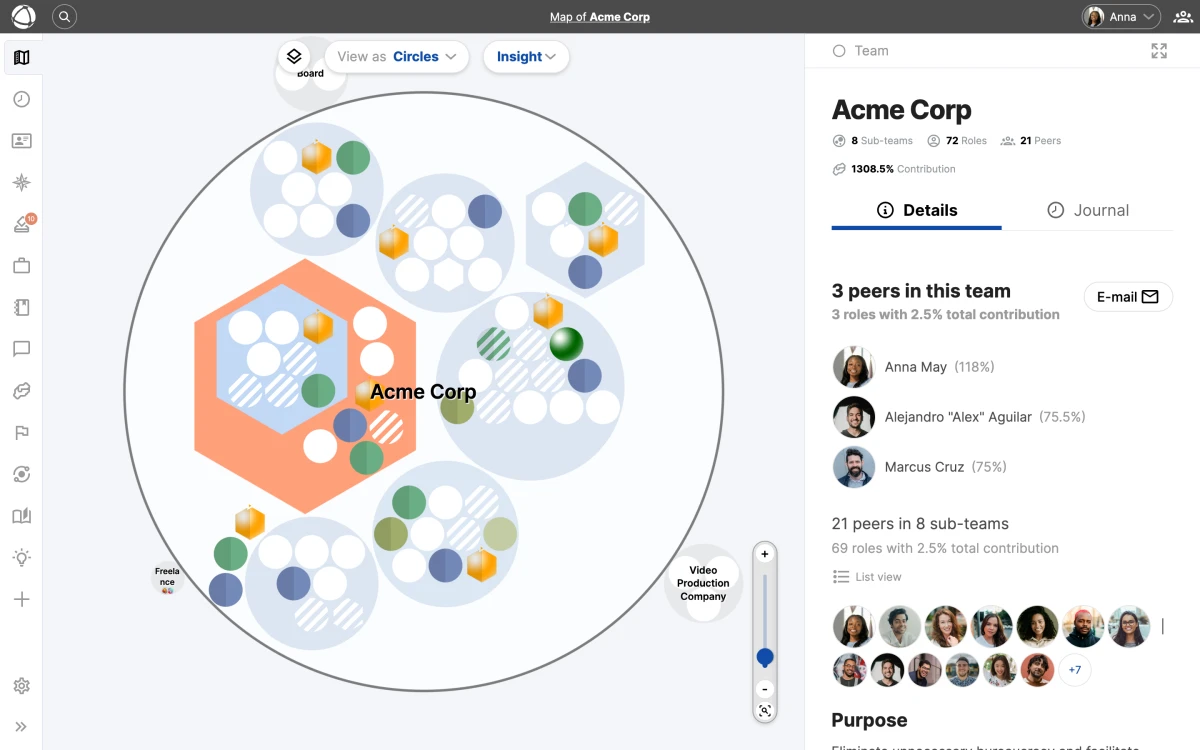
## How it works
Circles represent your groups (teams, departments, domains). [Roles](/doc/map/roles) sit inside circles, and people's avatars appear on the roles they hold. The nesting reflects your organizational hierarchy: a circle inside another circle means that group is part of the parent group.
All nodes remain visible regardless of how far you zoom in or out. Nothing collapses or hides. For details on moving around and selecting nodes, see [Navigating the Map](/doc/map/navigating).
Circle View is the only view that shows the full nested containment of your structure. If your organization relies on visual hierarchy, this is the best starting point.
## Layout options
Click the **Configure** button to choose between five layout variations:
- **Nest roles and groups**: roles and sub-groups appear inside their parent circle. The most common choice.
- **Nest roles only**: roles appear inside circles, but sub-groups are positioned beside them.
- **Do not nest**: all items appear at the same level without nesting.
- **Nest roles only + lines**: same as "Nest roles only" with connecting lines between groups.
- **Do not nest + lines**: flat layout with connecting lines showing [relationships](/doc/map/relationships).
## Choosing a layout
The right layout depends on your organizational style:
- **Deeply nested structures** work well with "Nest roles and groups" for a clear containment hierarchy.
- **Flat or network-style organizations** benefit from the non-nested layouts with lines, which emphasize connections over hierarchy.
- **Mixed structures** may prefer "Nest roles only" for a middle ground.
You can switch layouts at any time. The change is visual only and does not alter your underlying structure. Try different layouts to see which one communicates your organization most clearly.
## Related
- [Navigating the Map](/doc/map/navigating) - zoom, pan, search, and the Inspector panel
- [Tree View](/doc/map/tree-view) - an alternative hierarchical diagram layout
- [List View](/doc/map/list-view) - browse your structure as a flat searchable list
- [Circles & Groups](/doc/map/circles-and-groups) - understand how groups organize your structure
- [Roles](/doc/map/roles) - define work with roles inside your circles
--------------------------------------------------------------------------------
title: "Bring your own LLM (Infomaniak, local, sovereign)"
description: "A developer's guide to choosing your own model behind the Peerdom MCP server — with a worked example using Infomaniak's Swiss-sovereign, OpenAI-compatible LLM API for an EU/CH-hosted setup."
category: "integrations"
source: "https://peerdom.com/doc/integrations/mcp-bring-your-own-llm"
--------------------------------------------------------------------------------
# Bring your own LLM (Infomaniak, local, sovereign)
The [AI Assistants (MCP)](/doc/integrations/mcp) guide shows how to connect a ready-made assistant. This guide is for developers who want to go one level deeper and **choose the model themselves** — for example to keep everything on EU or Swiss infrastructure, run fully offline, or simply use a model your organization has standardized on.
The key idea: with MCP, **the model and the connection are separate concerns**. The Peerdom MCP server doesn't know or care which LLM you use. You bring the model; Peerdom just answers its questions.
## How the pieces fit together
A model never "speaks MCP." It only emits tool-call intents — *"I want to call `list_vacant_roles`."* The surrounding **runtime** (the MCP client) runs the MCP handshake, calls the Peerdom server, and feeds the result back to the model. So two things have to be true:
- **(A) Your runtime is an MCP client** — it can connect to an MCP server with a custom header.
- **(B) Your model is good at function/tool calling** — so it picks the right tool and arguments.
```
┌─────────────────────────────┐
│ Your MCP client / runtime │ (LibreChat, Goose, Cline, Open WebUI, LM Studio …)
│ │
│ ├── model API ────────────┼──▶ Your LLM (Infomaniak, local, or any provider)
│ │ │
│ └── MCP + X-Api-Key ───────┼──▶ https://mcp.peerdom.org/mcp
└─────────────────────────────┘
```
The runtime is the only component that talks to both. Swap the model freely without changing the Peerdom side, and vice versa.
## Why Infomaniak as the example
[Infomaniak](https://www.infomaniak.com/en/hosting/ai-tools) is a Swiss provider with an **OpenAI-compatible** LLM API. It's a good worked example of a vendor-independent, sovereign model option: data is hosted in Switzerland under GDPR and the Swiss DPA, and it exposes standard `tools` / `tool_choice` function calling — exactly what MCP needs. The same steps apply to any OpenAI-compatible endpoint (a local server, another EU host, or your own deployment).
## Step 1: Get an Infomaniak model endpoint
In the Infomaniak AI Tools product, create a model deployment and note three things:
- **Base URL** — `https://api.infomaniak.com/2/ai/{PRODUCT_ID}/openai/v1`
- **API token** — your Infomaniak API token
- **A model that supports function calling** — pick one flagged **"Function call: Yes"** in the catalog (recent Qwen, Mistral Small, or Gemma instruct models are good choices).
Choose a model that does tool calling. Some sovereign models — Apertus, for instance — don't support function calling and won't drive MCP. Model IDs and their function-calling flags change, so check Infomaniak's live catalog and confirm the "Function call" flag before committing to one.
## Step 2: Get your Peerdom API key
Create a key in **Settings > My Data > API Keys** ([Organization Settings](/doc/admin/settings), Owner access required) — the same key described in the [AI Assistants (MCP)](/doc/integrations/mcp) guide. This is what authenticates the MCP connection.
## Step 3: Wire both into your MCP client
Configure two things in your runtime: the **model provider** (Infomaniak) and the **MCP server** (Peerdom). Here's a worked example with [LibreChat](https://www.librechat.ai), which supports custom OpenAI-compatible endpoints and MCP servers in one config file:
```yaml
# librechat.yaml
endpoints:
custom:
- name: "Infomaniak"
apiKey: "${INFOMANIAK_API_TOKEN}"
baseURL: "https://api.infomaniak.com/2/ai/${INFOMANIAK_PRODUCT_ID}/openai/v1"
models:
default: ["mistral-small"] # any model flagged "Function call: Yes"
fetch: false
mcpServers:
peerdom:
type: streamable-http
url: "https://mcp.peerdom.org/mcp"
headers:
X-Api-Key: "${PEERDOM_API_KEY}"
```
Start a chat against the Infomaniak endpoint and the Peerdom tools are available to the model. Ask *"Which roles are vacant?"* and the Swiss-hosted model reasons over the answer the Peerdom server returns.
Config schemas differ by client and version — check your runtime's docs for the exact keys. What stays constant is the data: the Infomaniak base URL and token, and the Peerdom endpoint (https://mcp.peerdom.org/mcp) with your X-Api-Key.
Other runtimes follow the same two-part pattern — point the model setting at the Infomaniak base URL, and add the Peerdom MCP server block from the [main guide](/doc/integrations/mcp#set-up-your-client):
- **Goose**, **Cline**, **Continue** — set the model provider to a custom OpenAI-compatible endpoint, then add the Peerdom MCP server.
- **Open WebUI** — add Infomaniak as an OpenAI-compatible connection; reach MCP over HTTP (or via the MCPO proxy).
- **LM Studio** — for a fully offline stack, run a local function-calling model instead of Infomaniak, and keep the same Peerdom MCP block.
## Building your own agent
If you're writing the agent yourself, the model call is plain OpenAI-compatible — point the SDK at Infomaniak's base URL and pass the Peerdom tools (discovered from the MCP server) as `tools`:
```python
from openai import OpenAI
client = OpenAI(
base_url="https://api.infomaniak.com/2/ai/{PRODUCT_ID}/openai/v1",
api_key="INFOMANIAK_API_TOKEN",
)
# `tools` are the Peerdom MCP tools, fetched via an MCP client library and
# converted to OpenAI function definitions; tool calls are dispatched back
# to https://mcp.peerdom.org/mcp with your X-Api-Key.
response = client.chat.completions.create(
model="mistral-small",
messages=[{"role": "user", "content": "Which roles are vacant in Marketing?"}],
tools=tools,
tool_choice="auto",
)
```
An MCP client library handles the handshake and tool dispatch; your loop just relays tool calls between the model and the Peerdom server.
## Good to know
- **Tool-calling quality matters.** Weaker models may loop, hallucinate tool names, or skip a needed call. If results are unreliable, move to a stronger function-calling model before debugging anything else.
- **Data residency is in your hands.** With Infomaniak or a local model, your organizational data is reasoned over on EU/Swiss or on-premises infrastructure — only your API key reaches Peerdom, and the MCP server stores nothing.
- **Reads and writes.** With your API key, an assistant connected through this stack can ask about your organization and, on the same key, make changes to it. Same tool surface as the main MCP integration. Choose your model and your runtime accordingly.
## Related
- [AI Assistants (MCP)](/doc/integrations/mcp), connect a ready-made assistant in a minute
- [API and Webhooks](/doc/integrations/api), the REST API behind the MCP server
- [Integrations Overview](/doc/integrations/overview), all available integrations at a glance
--------------------------------------------------------------------------------
title: "AI Assistants (MCP)"
description: "Connect Peerdom to Claude, ChatGPT, Cursor, Gemini, or any MCP-compatible AI assistant using your organization's API key. Ask questions about your people, roles, and circles in plain language."
category: "integrations"
source: "https://peerdom.com/doc/integrations/mcp"
--------------------------------------------------------------------------------
# AI Assistants (MCP)
The Peerdom MCP server lets any AI assistant answer questions about your organization — your people, roles, circles, who holds what, where the gaps are — in plain language. It speaks the [Model Context Protocol (MCP)](https://modelcontextprotocol.io), an open standard for connecting AI assistants to tools and data, so it works with the assistant you already use rather than tying you to one vendor.
You connect it with your existing Peerdom API key. Nothing to install on your side, and you can be up and running in about a minute.
The MCP server supports both reading and writing. Assistants can ask about your organization and, with the same API key, make changes (create, update, and remove peers, roles, and groups). Your API key controls what assistants can do; revoke it any time to disconnect every assistant at once.
## What you can ask
Once connected, you can ask your assistant questions like:
- "What organization am I connected to?"
- "Which roles in the Marketing circle are currently vacant?"
- "Who holds the Finance Lead role, and what's their contribution?"
- "What roles does Maria hold, and in which circles are they?"
- "Who is carrying the most roles right now — is anyone over-committed?"
- "Show me our organization structure as an outline."
Behind the scenes the assistant uses a set of tools: read tools to list and inspect peers, roles, and circles, find vacant roles, and summarize workload, plus write tools to create, update, and remove peers, roles, and groups. The assistant chooses which to call based on your question and answers in natural language.
## What every client needs
Every MCP client connects to the same endpoint with the same header:
```
Endpoint: https://mcp.peerdom.org/mcp
Header: X-Api-Key:
```
### Get your API key
Go to **Settings > My Data > API Keys** in [Organization Settings](/doc/admin/settings) and click **Create a key**. Only users with Owner access rights can create and manage API keys. This is the same key used by the [REST API](/doc/integrations/api) — one key per organization.
Your API key grants full read and write access to your organization's data. Treat it like a password: never paste it into a public repository or share it in a screenshot, and store it only somewhere your assistant client can reach it. You can revoke a key at any time from Organization Settings, which immediately disconnects every assistant using it.
## Set up your client
Pick the assistant you use. On claude.ai you connect right in the browser; every other client needs the endpoint and your API key in its configuration.
### claude.ai and the Claude apps
The easiest way to connect — no configuration file needed. In [claude.ai](https://claude.ai), open **Settings > Connectors**, click **Add custom connector**, and paste the endpoint:
```
https://mcp.peerdom.org/mcp
```
Then click **Connect**. A Peerdom page opens asking for your organization's API key — paste it once and you're done. Connectors you add here are also available in the Claude desktop and mobile apps.
Custom connectors require a paid Claude plan. During connection your API key is exchanged for a private access token; revoking the key in Peerdom disconnects the assistant immediately.
### Claude Desktop
On a paid Claude plan, the claude.ai connector above also covers the desktop app. Prefer a config-file setup, or on the free plan? Claude Desktop reaches remote servers through a small bridge called `mcp-remote`. Open **Settings > Developer > Edit Config** and add:
```json
{
"mcpServers": {
"peerdom": {
"command": "npx",
"args": ["-y", "mcp-remote", "https://mcp.peerdom.org/mcp", "--header", "X-Api-Key:${PEERDOM_API_KEY}"],
"env": { "PEERDOM_API_KEY": "your-api-key" }
}
}
}
```
Save the file and restart Claude Desktop. The Peerdom tools appear under the connectors icon.
Note the header has no space after the colon (X-Api-Key:${PEERDOM_API_KEY}). The bridge splits the argument on the first space, so keeping the value attached avoids a common connection error.
### Claude Code
From your terminal:
```bash
claude mcp add --transport http peerdom https://mcp.peerdom.org/mcp \
--header "X-Api-Key: your-api-key"
```
Run `claude mcp list` to confirm it's connected.
### Cursor
Open **Settings > MCP > Add new MCP server**, or edit `~/.cursor/mcp.json` directly:
```json
{
"mcpServers": {
"peerdom": {
"url": "https://mcp.peerdom.org/mcp",
"headers": { "X-Api-Key": "your-api-key" }
}
}
}
```
### VS Code / GitHub Copilot
In agent mode, add a `.vscode/mcp.json` file to your workspace:
```json
{
"servers": {
"peerdom": {
"type": "http",
"url": "https://mcp.peerdom.org/mcp",
"headers": { "X-Api-Key": "${input:peerdom_key}" }
}
}
}
```
VS Code prompts for the key the first time and stores it securely.
On GitHub Copilot Business and Enterprise, MCP is gated by an administrator and is off by default. Ask your Copilot admin to enable MCP servers if you don't see the option.
### ChatGPT
ChatGPT supports custom MCP servers in **Developer Mode** (beta). Enable it under **Settings > Connectors > Advanced > Developer mode**, then add a connector pointing at `https://mcp.peerdom.org/mcp`.
For programmatic use, the OpenAI **Responses API** accepts our server directly as an `mcp` tool:
```json
{
"type": "mcp",
"server_label": "peerdom",
"server_url": "https://mcp.peerdom.org/mcp",
"headers": { "X-Api-Key": "your-api-key" }
}
```
The ChatGPT consumer app's published connectors require OAuth, which the Peerdom server does not offer yet — so use Developer Mode or the Responses API for now. OAuth support is coming (see What works today).
### Gemini CLI
Edit `~/.gemini/settings.json`:
```json
{
"mcpServers": {
"peerdom": {
"httpUrl": "https://mcp.peerdom.org/mcp",
"headers": { "X-Api-Key": "your-api-key" }
}
}
}
```
### Local and Swiss-hosted models
Because MCP is an open standard, you can keep everything on infrastructure you trust. Point a local MCP client such as **LM Studio** at the server:
```json
{
"mcpServers": {
"peerdom": {
"url": "https://mcp.peerdom.org/mcp",
"headers": { "X-Api-Key": "your-api-key" }
}
}
}
```
Pair an MCP-capable client with a local open-weight model (for example Qwen3, GLM-4.5, or Gemma) for a fully offline stack, or with a Swiss-sovereign model API such as Infomaniak for an EU/CH-hosted setup. The assistant runs where you choose; only your API key reaches Peerdom.
Want to choose the model yourself? The Bring your own LLM guide walks through a developer setup with Infomaniak's Swiss-hosted, OpenAI-compatible API as a worked example.
## What works today
The server supports two ways in: an API-key header, which every developer- and IDE-class assistant supports, and OAuth sign-in for cloud chat apps like claude.ai — there you paste your API key once on a Peerdom page instead of storing it in a configuration file.
| Client | Works today | How | Notes |
|--------|:-----------:|-----|-------|
| Claude Desktop | ✅ | `mcp-remote` bridge | Native connector UI has no header field — use the config above |
| Claude Code | ✅ | Direct | Cleanest fit |
| Cursor | ✅ | Direct | `headers` in `mcp.json` |
| VS Code / Copilot | ✅ | Direct | Business/Enterprise: admin must enable MCP |
| ChatGPT — Developer Mode | ✅ | Direct | Beta; confirm the custom-header field in the UI |
| OpenAI Responses API | ✅ | Direct | Native `mcp` tool |
| Gemini CLI | ✅ | Direct | `httpUrl` + `headers` |
| LM Studio / local agents | ✅ | Direct | Keep the model local or Swiss-hosted |
| claude.ai (web + apps) | ✅ | OAuth connector | Add a custom connector — no configuration needed |
| ChatGPT — published connectors | ⏳ | OAuth | Server support is ready — verification in progress |
| Gemini consumer app | ❌ | — | No custom MCP support |
## Verify it works
Ask your assistant: **"What organization am I connected to?"** It should reply with your organization's name — that confirms the key, the connection, and the data path all work.
To test without a client, send a request directly:
```bash
curl -s -X POST https://mcp.peerdom.org/mcp \
-H 'Content-Type: application/json' \
-H 'Accept: application/json, text/event-stream' \
-H 'X-Api-Key: your-api-key' \
-d '{"jsonrpc":"2.0","id":1,"method":"tools/call","params":{"name":"get_organization","arguments":{}}}'
```
A missing or invalid key returns `401 Missing X-Api-Key header`.
## Frequently asked questions
### Can the assistant change my organization?
Yes. With your API key, an assistant can create, update, and remove peers, roles, and groups, set custom field values, assign role holders, and more. Most AI clients (Claude Desktop, Claude Code, Cursor, etc.) surface every tool call before invoking it, so you can confirm or cancel each change. Some operations are reversible (deleting a peer is a soft delete that keeps the person in your archive), while removing a role or group is permanent. Use an assistant you trust, and revoke the API key anytime to disconnect every assistant at once.
### Does Peerdom store my API key?
No. Your key is passed through with each request to the Peerdom API and is never stored on the MCP server. Revoke it anytime in [Organization Settings](/doc/admin/settings) to disconnect every assistant at once.
### Which assistants can I use?
Any MCP client. Cloud chat apps like claude.ai connect with OAuth sign-in; developer tools set a request header — see [What works today](#what-works-today). You're not tied to a single vendor: bring the assistant you already trust.
### Do I need a specific Peerdom plan?
API access is available on paid plans. Contact [Peerdom support](mailto:support@peerdom.org) for details on your plan.
### What data can the assistant see?
Whatever your API key can read: your organization's peers, roles, circles, holders, vacancies, and workload. It's scoped to the one organization the key belongs to.
## Related
- [Bring your own LLM](/doc/integrations/mcp-bring-your-own-llm), choose your own model (Infomaniak, local, sovereign)
- [Agent-Readable Export (OKF)](/doc/integrations/okf), publish your organization for any AI agent to read
- [API and Webhooks](/doc/integrations/api), build custom integrations with the REST API
- [Integrations Overview](/doc/integrations/overview), all available integrations at a glance
- [Access Rights](/doc/admin/access-rights), understand who can create API keys
- [Organization Settings](/doc/admin/settings), where to find and revoke API keys
- [Your org chart can answer questions now](/blog/your-org-chart-can-answer-questions), the story behind this integration
--------------------------------------------------------------------------------
title: "Circles & Groups"
description: "Organize your structure with circles — containers for roles and sub-circles."
category: "map"
source: "https://peerdom.com/doc/map/circles-and-groups"
--------------------------------------------------------------------------------
# Circles & Groups
Circles are the building blocks of your organizational structure. A circle is a container that holds [roles](/doc/map/roles), other circles, or both. You can nest them as deeply as you need, as there is no limit.
Your organization might call these teams, pods, departments, domains, or something else entirely. Peerdom lets you [customize the vocabulary](/doc/map/custom-terms) in **Settings** to match your culture.
## What circles contain
A circle can hold:
- **[Roles](/doc/map/roles)**: sets of responsibilities held by people
- **Sub-circles**: smaller groups nested inside
- **Both**: any combination of roles and sub-circles at any depth
Empty circles appear with a dashed outline on the map, making them easy to spot.
Changes to your circle structure can be prepared as a draft before publishing. This lets you plan reorganizations without affecting the live map.
## Create a circle
**From the toolbar:**
1. Click **+ Add** in the top navigation
2. Select **New Group**
3. Enter a name (required) and any additional details
4. Save
**From the map:**
1. Right-click on the map or inside an existing circle
2. Select **New Group**
3. The new circle appears at that location
## Circle properties
Every circle has a set of properties you can fill in:
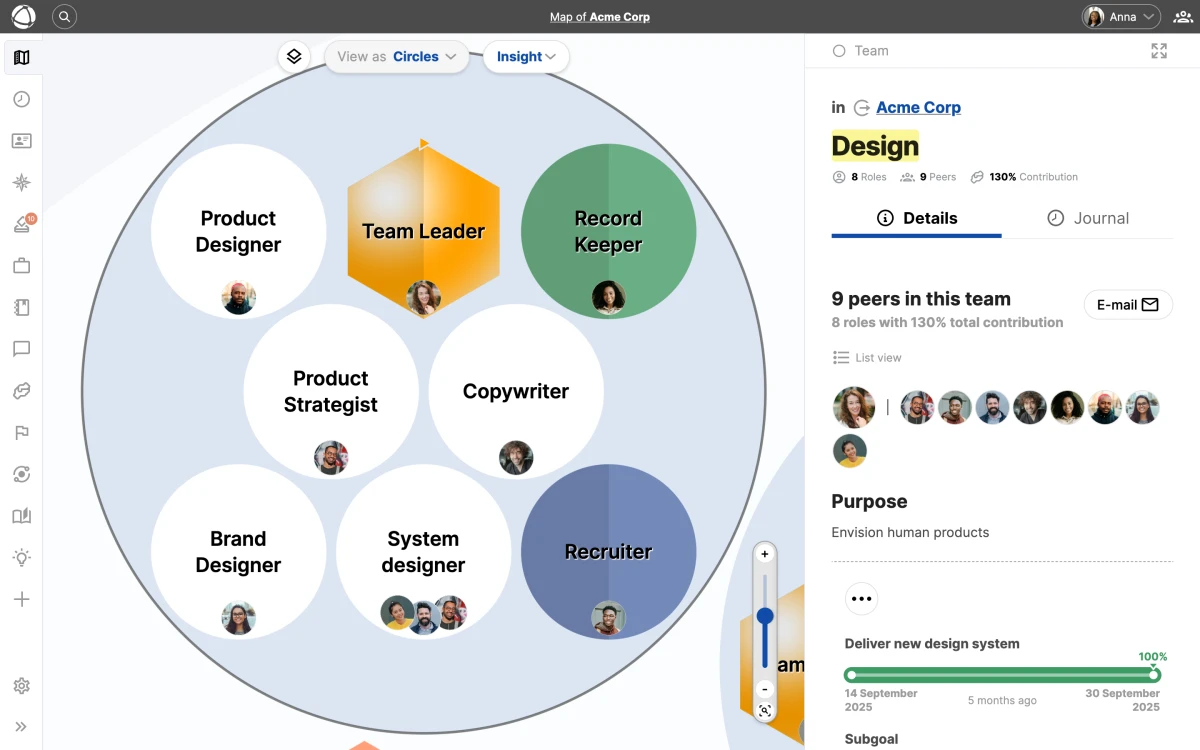
- **Name** (required): a clear, descriptive label
- **Purpose**: a one-sentence explanation of why this circle exists
- **Accountabilities**: what this circle is responsible for
- **Notes**: additional context, links, or documentation
You can also add [custom fields](/doc/map/custom-fields) to capture additional data specific to your organization's needs.
Which properties appear and what they are called is customizable in your organization's settings. Owners can rename, show, or hide property fields using custom terms to match your framework.
## Organize with nesting
Nesting circles inside other circles creates your organizational hierarchy. For example, a "Product" circle might contain "Design", "Engineering", and "Research" sub-circles, each with their own [roles](/doc/map/roles).
There is no practical limit to nesting depth, but keeping your structure readable matters more than making it comprehensive. Start with two or three levels and add depth only where it clarifies how work gets done.
## Related
- [Roles](/doc/map/roles) - define work with roles inside your circles
- [Circle View & Layouts](/doc/map/circle-view) - visualize your nested structure
- [Custom Fields](/doc/map/custom-fields) - add custom data to your circles and roles
- [Custom Terms](/doc/map/custom-terms) - rename labels to match your vocabulary
- [Drafts](/doc/apps/drafts) - prepare structural changes before publishing
--------------------------------------------------------------------------------
title: "Custom Fields"
description: "Add custom properties to roles and circles, including text, lists, and relationship fields."
category: "map"
source: "https://peerdom.com/doc/map/custom-fields"
--------------------------------------------------------------------------------
# Custom Fields
Every [role](/doc/map/roles) and circle comes with three default fields: **Purpose**, **Accountabilities**, and **Notes**. When your organization needs more, you can add custom fields to capture any additional information.
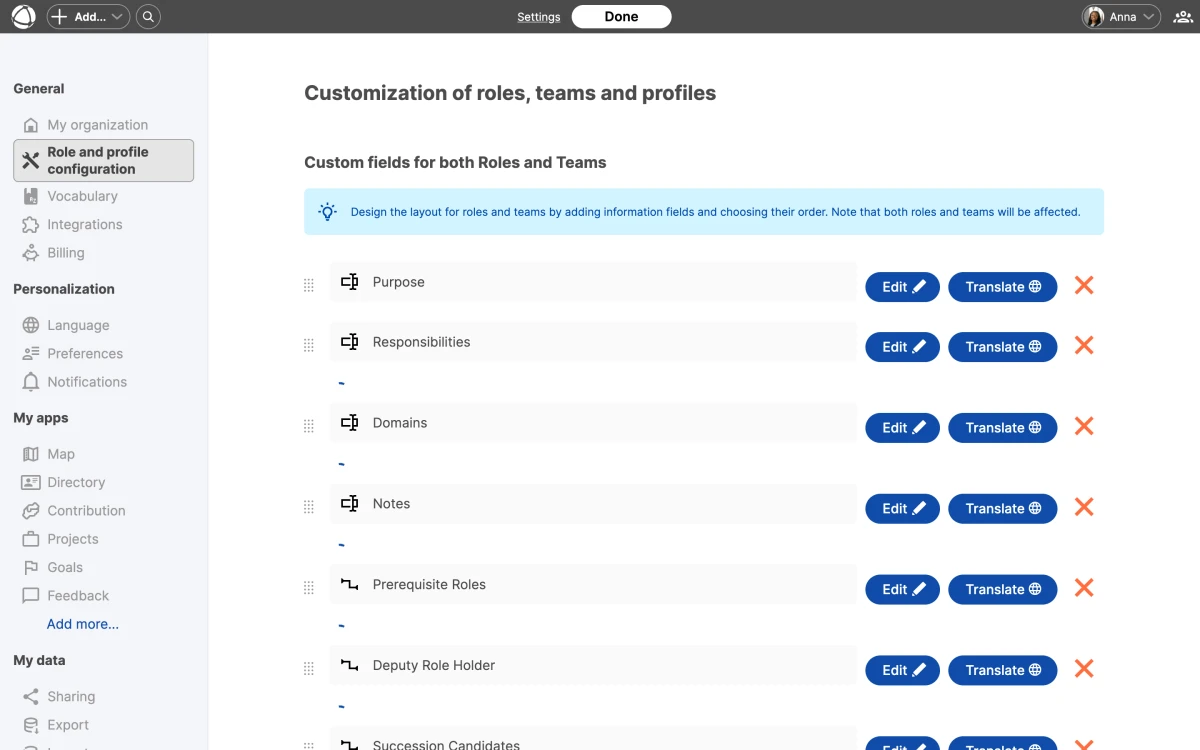
## Add a custom field
1. Go to **[Settings](/doc/admin/settings)** > **Role and profile configuration**
2. Click **Add field**
3. Choose a field type and configure its properties
4. Save
Custom fields appear in the **Inspector** panel alongside the default fields.
## Field formats
You can configure each field with the following options:
- **Entries** can be single entry or list (multiple entries)
- **Text format** can be plain text or rich text (with formatting)
- **Type** can be text or [relationship](/doc/map/relationships) (link to a peer, role, or circle)
Choose single entry for fields like "Location" or "Department". Choose list for fields like "Key responsibilities" or "Required skills".
For relationship-type fields that link roles, peers, and circles together, see the full Relationships documentation.
## Public and private fields
Each field can be set to public or private:
- **Public** fields are visible to all users, including guests
- **Private** fields are hidden from guests and visible only to Members, Editors, and Owners
Use private fields for internal information like salary bands, internal IDs, or sensitive notes. When [sharing your map](/doc/map/sharing) publicly or embedding it, private fields are automatically excluded.
## Rename fields
You can rename any field, including the default ones. The new name appears everywhere that field is displayed: in the **Inspector**, in profiles, on [Pages](/doc/apps/pages), and in exports.
## Translate field names
Field names support five languages: English, German, Dutch, French, and Spanish. Enter translations when creating or editing the field in **[Settings](/doc/admin/settings)**. Each peer sees field names in their preferred language.
If your organization operates in multiple languages, translating field names ensures everyone sees a familiar interface. Configure translations in Settings > Role and profile configuration.
## Delete a field
Deleting a custom field is permanent and irreversible. All data stored in that field across every [role](/doc/map/roles) and circle is removed. Consider [exporting your data](/doc/admin/data-export) before deleting a field.
## Related
- [Relationships](/doc/map/relationships)
- [Custom Vocabulary](/doc/map/custom-terms)
- [Sharing and Embedding](/doc/map/sharing)
- [Owner Quick Reference](/doc/getting-started/owner-basics)
--------------------------------------------------------------------------------
title: "Custom Vocabulary"
description: "Rename circles, roles, peers, and more to match your organization's language."
category: "map"
source: "https://peerdom.com/doc/map/custom-terms"
--------------------------------------------------------------------------------
# Custom Vocabulary
Peerdom uses a set of terms throughout its interface ([circles](/doc/map/circles-and-groups), [roles](/doc/map/roles), peers) but your organization may use different language. Custom vocabulary lets you replace these terms with words that fit your culture and framework.
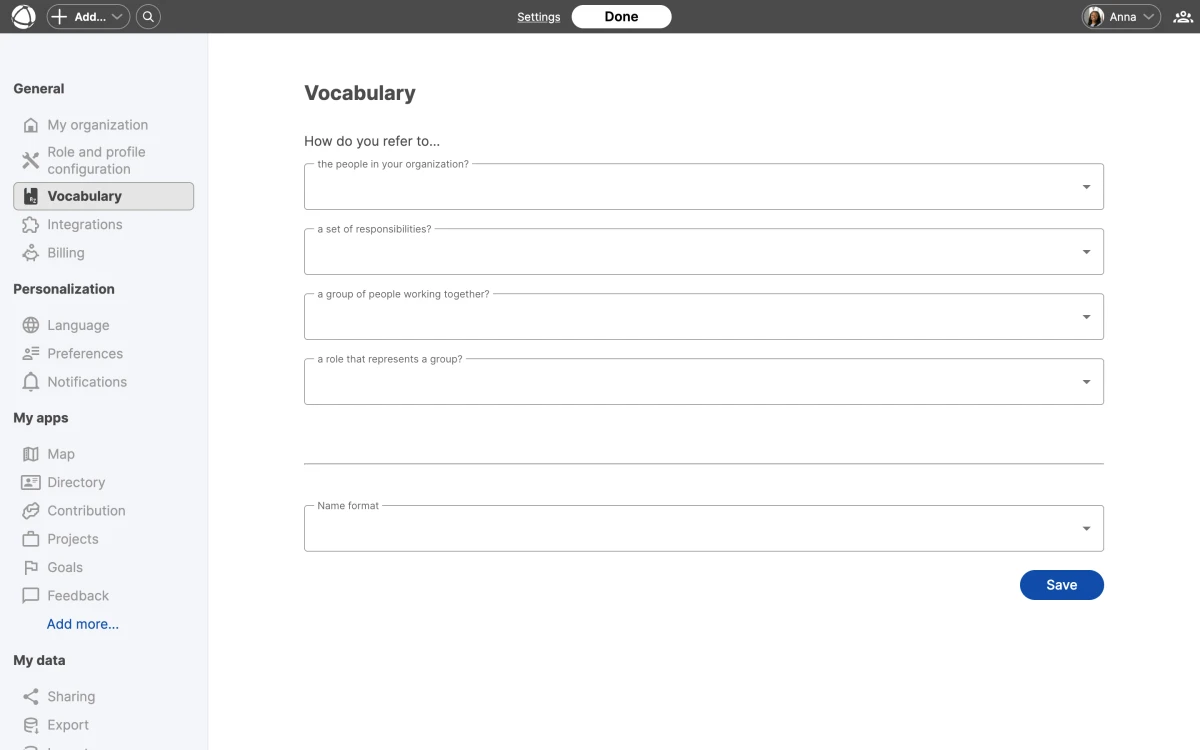
## Customize your terms
1. Go to **[Settings](/doc/admin/settings)** > **Vocabulary**
2. Select your preferred term for each concept
3. Save
Your choices apply across the entire Peerdom interface: the map, the **Inspector**, profiles, apps, and exports.
## Available terms
- **Peers** can be called: peer, colleague, contributor, coworker, member, or person
- **[Circles](/doc/map/circles-and-groups)** can be called: group, circle, team, domain, cell, bubble, or pod
- **[Roles](/doc/map/roles)** can be called: role or position
- **Representatives** can be called: representative, leader, link, coach, manager, or spokesperson
- **Goals** can be called: goal, SMART goal, objective, epic, initiative, outcome, and more
- **Subgoals** can be called: subgoal, task, key result, KPI, user story, and more
Vocabulary changes apply everywhere in Peerdom, including the map, Inspector panel, app interfaces, and data exports. All team members see the updated terms automatically.
## Fixed terms
Some terms cannot be changed. These remain consistent regardless of your vocabulary [settings](/doc/admin/settings):
- **Map** (the main visualization)
- **Owner**, **Editor**, **Member**, **Guest** (access levels)
- **Draft** (unpublished changes)
- **Journal** (the activity log)
## Common framework defaults
Different organizational frameworks tend to use specific terminology. Here are common configurations:
- **[Holacracy](/doc/guides/sociocracy)** typically uses "circle" for groups, "role" for roles, and "link" for representatives
- **[Sociocracy](/doc/guides/sociocracy)** typically uses "circle" for groups, "role" for roles, and "representative" for representatives
- **Agile** typically uses "team" for groups, "role" for roles, and "leader" for representatives
Choose the terms that match how your people already talk about their work. If your organization follows sociocracy or holacracy, you can select the matching vocabulary in just a few clicks.
## Related
- [Custom Fields](/doc/map/custom-fields)
- [Relationships](/doc/map/relationships)
- [What is Peerdom?](/doc/getting-started/what-is-peerdom)
- [Owner Quick Reference](/doc/getting-started/owner-basics)
--------------------------------------------------------------------------------
title: "Moving & Organizing Nodes"
description: "Rearrange your organization by dragging, copying, and moving circles and roles."
category: "map"
source: "https://peerdom.com/doc/map/drag-and-drop"
--------------------------------------------------------------------------------
# Moving & Organizing Nodes
Your organization changes, and your map should change with it. Peerdom gives you several ways to move [circles](/doc/map/circles-and-groups) and [roles](/doc/map/roles) around by dragging, right-clicking, or using keyboard shortcuts.
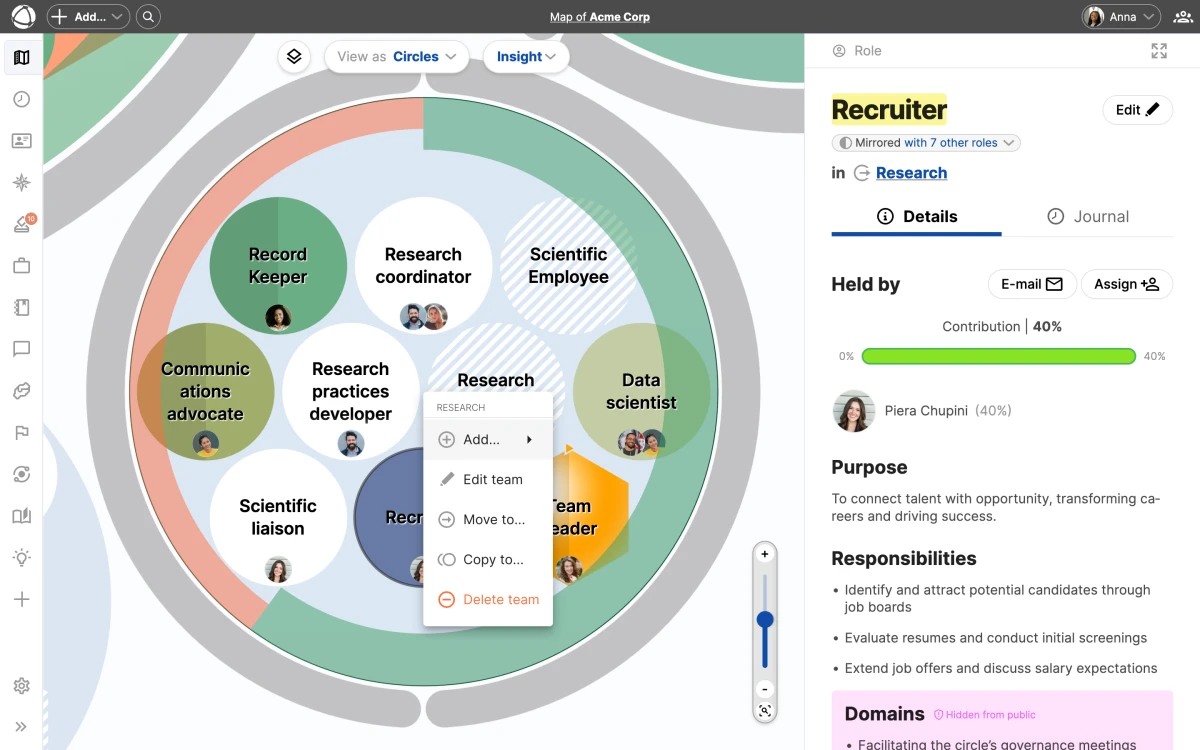
## Drag and drop
In the [Circles view](/doc/map/circle-view), you can drag any node to reorganize your structure:
- **Drop on a circle** to move the node inside that [circle](/doc/map/circles-and-groups)
- **Drop outside all circles** to make the node external (top-level)
The node keeps all its properties, descriptions, and assigned peers when moved.
## Copy instead of move
Hold **Cmd** (Mac) or **Ctrl** (Windows) while dropping a node to create a copy instead of moving it. The copy is independent, so changes to one do not affect the other.
Leadership status is preserved when you copy or move a node. If a role was marked as a representative in its original circle, that status carries over.
## Right-click menu
Right-click any [circle](/doc/map/circles-and-groups) or [role](/doc/map/roles) to access additional options:
- **Move to...** relocates the node to a specific circle
- **Copy to...** creates a copy in another location
- **Delete** removes the node from your map
## Undo changes
Most operations can be undone immediately after you perform them. If you move or delete something by mistake, use undo to restore it before making further changes.
## Edit conflict detection
When multiple people edit the map at the same time, Peerdom detects conflicts. If someone else modifies the same area you are working on, you receive a warning. This prevents accidental overwrites and keeps your map consistent.
Use the map navigation tools to zoom and pan to the area you want to reorganize before starting drag operations.
## Related
- [Editor Quick Reference](/doc/getting-started/editor-basics)
- [Circles & Groups](/doc/map/circles-and-groups)
- [Roles](/doc/map/roles)
- [Map Layers](/doc/map/layers)
--------------------------------------------------------------------------------
title: "Map Layers"
description: "Toggle overlays to show projects, goals, network connections, and people on your map."
category: "map"
source: "https://peerdom.com/doc/map/layers"
--------------------------------------------------------------------------------
# Map Layers
Layers let you show or hide different types of information on your map. Think of them as transparent overlays: toggle each one on or off to focus on what matters right now.
## Available layers
- **Peers** displays holder avatars on [roles](/doc/map/roles). This layer is always available.
- **[Projects](/doc/apps/projects)** shows project badges on [circles](/doc/map/circles-and-groups) and roles. Requires the [Projects app](/doc/apps/projects).
- **[Goals](/doc/apps/goals)** shows goal indicators on circles. Requires the [Goals app](/doc/apps/goals).
- **[Network](/doc/apps/network)** shows connected organizations. Requires the [Network app](/doc/apps/network).
The Peers layer is always available. The Projects, Goals, and Network layers appear only after installing the corresponding app from the App Store.
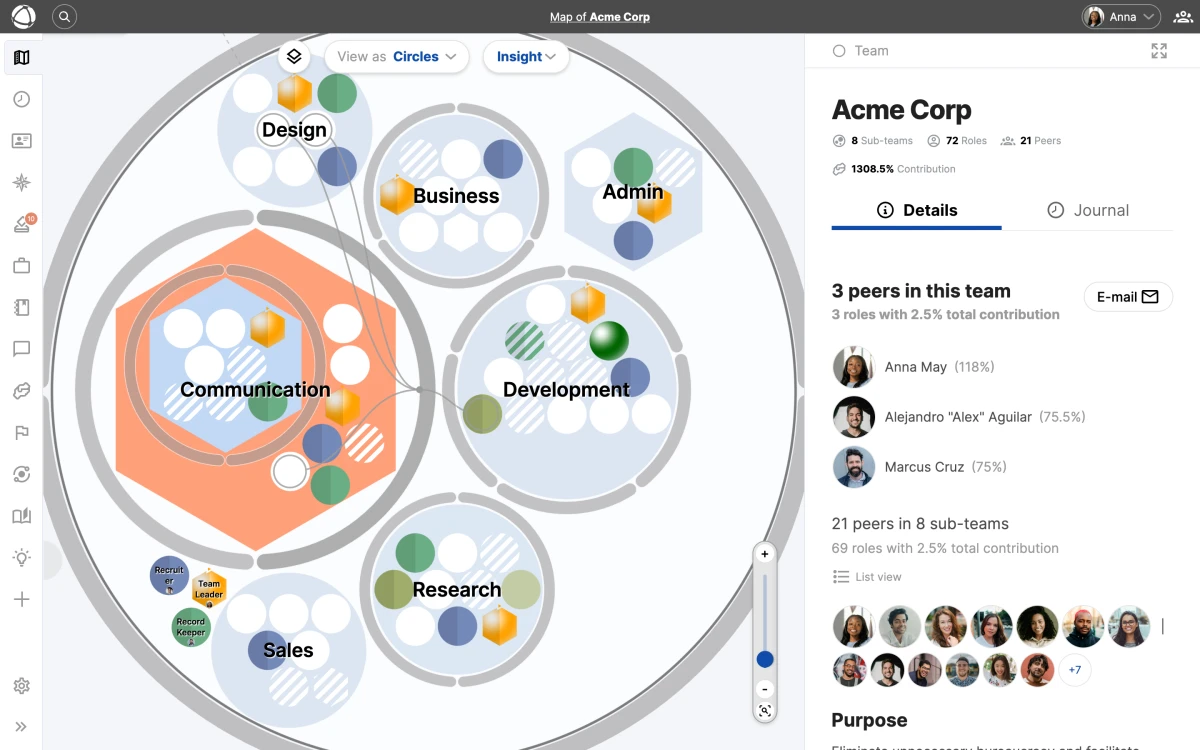
## Toggle layers
1. Click the **Layers** icon on the left side of the toolbar
2. Check or uncheck each layer to show or hide it
3. Your selection is saved automatically
Layer settings are saved per organization. If you belong to multiple organizations, each one remembers its own layer configuration.
## Who can use layers
Layers are available to billable users: Members, Editors, and Owners. Guests cannot access the layers panel or toggle overlays.
You can manage who has billable access through People Management.
## Tips
- Turn off the **Peers** layer when you want to focus on structure without people
- Enable the **[Goals](/doc/apps/goals)** layer during planning sessions to see progress across the map
- Combine **[Projects](/doc/apps/projects)** and **Peers** to see who is working on what
## Related
- [Navigating the Map](/doc/map/navigating)
- [Moving and Organizing Nodes](/doc/map/drag-and-drop)
- [Owner Quick Reference](/doc/getting-started/owner-basics)
- [Invite Your Team](/doc/getting-started/invite-people)
--------------------------------------------------------------------------------
title: "List View"
description: "Browse your organization as a searchable flat list of circles and roles."
category: "map"
source: "https://peerdom.com/doc/map/list-view"
--------------------------------------------------------------------------------
# List View
List View presents your entire organization as a flat, text-based list instead of a visual map. Every circle and role appears as a line item that you can scan, search, and click into.
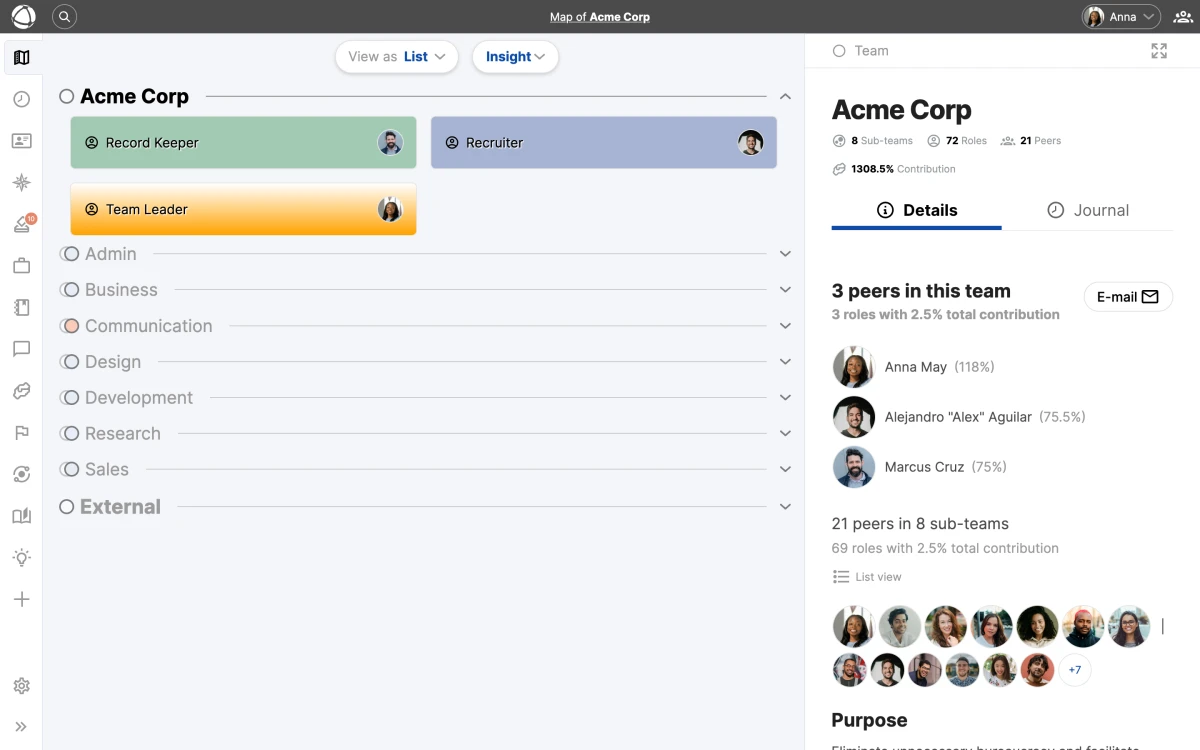
## When to use List View
List View is useful when you need to:
- **Find a specific item**: search by name when you know what you are looking for
- **Scan the full structure**: review all circles and roles without [navigating](/doc/map/navigating) a visual map
- **Work quickly**: locate and select nodes faster than panning and zooming
It complements the visual views by giving you a straightforward, scannable overview of your organization's contents.
List View is especially helpful for large organizations with hundreds of roles. When panning through a visual map feels slow, switch to List View for fast keyword-based lookup.
## How it works
Switch to List View from the view selector. You see a flat list of all circles (groups) and roles in your organization. Use the search field at the top to filter the list by name.
Click any item in the list to open its **Inspector** panel, where you can view details, edit properties, or manage assignments. This is the same panel you see in [Circle View](/doc/map/circle-view) and [Tree View](/doc/map/tree-view).
List View shows the same data as the other views. Any changes you make through the Inspector panel in List View are immediately reflected in Circle View and Tree View.
## Related
- [Navigating the Map](/doc/map/navigating) - zoom, pan, search, and the Inspector panel
- [Circle View & Layouts](/doc/map/circle-view) - the default nested visualization
- [Tree View](/doc/map/tree-view) - view your organization as a hierarchical diagram
- [Circles & Groups](/doc/map/circles-and-groups) - how groups organize your structure
--------------------------------------------------------------------------------
title: "Navigating the Map"
description: "Explore your organization with zoom, pan, search, and the Inspector panel."
category: "map"
source: "https://peerdom.com/doc/map/navigating"
--------------------------------------------------------------------------------
# Navigating the Map
Your Peerdom map shows your entire organization as an interactive, real-time visualization. Every circle, role, and person is visible at every zoom level. Nothing collapses or hides as you zoom out.
You can view your map in three ways: [Circle View](/doc/map/circle-view) (the default nested visualization), [List View](/doc/map/list-view) (a searchable flat list), or [Tree View](/doc/map/tree-view) (a hierarchical diagram). Each view offers a different perspective on the same underlying structure.

## Move around the map
- **Pan**: click and drag on an empty area to move the view
- **Zoom in/out**: use the **+** and **-** controls, scroll your mouse wheel, or pinch on a trackpad or touch screen
- **Hover**: rest your cursor over any node to see its name
The map displays all nodes regardless of zoom level. Zooming out gives you the full picture; zooming in lets you focus on a specific area.
Use your mouse wheel or trackpad pinch for the fastest way to zoom. Combine zooming with panning to move through large organizations efficiently.
## Select a node
Click any circle, role, or person on the map. This opens the **Inspector** panel on the right side of the screen (roughly one-third of the view width). The Inspector has two tabs:

- **Details**: name, purpose, accountabilities, and assignments
- **Journal**: activity history and notes for that node (powered by the [Journal app](/doc/apps/journal))
When you select a node, the URL in your browser updates to reflect your selection. You can share this URL to link someone directly to that node.
## Filter by person
Click a person's avatar anywhere on the map to highlight all the roles they hold. A person badge appears to confirm the active filter. This is a quick way to see someone's full scope of responsibilities across the organization.
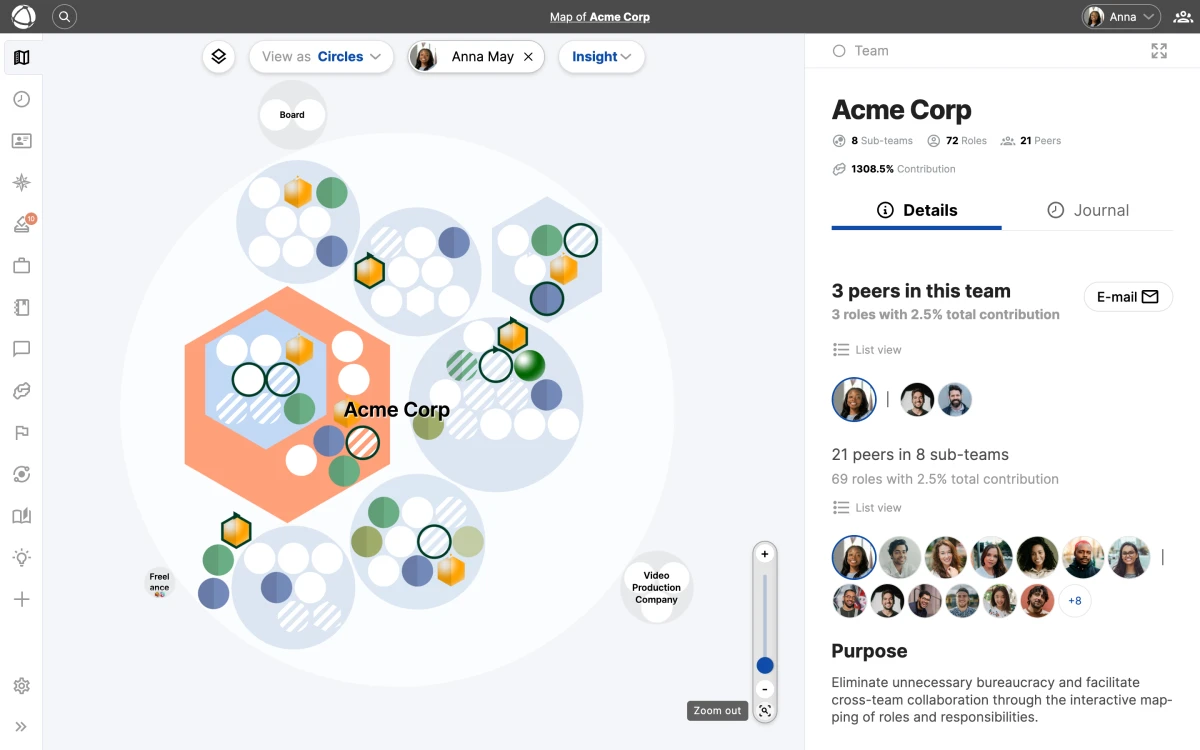
Click the badge or click elsewhere on the map to clear the filter.
The person filter works across all views. In Circle View and Tree View, the filtered roles are visually highlighted. In List View, the list narrows to show only matching items.
## Layers
[Layers](/doc/map/layers) let you overlay additional information on the map, such as workload distribution or custom data. When a layer is active, nodes are color-coded to reflect the selected dimension.
## Real-time updates
The map animates in real time. When a colleague makes a change (adding a role, reassigning someone, renaming a circle) you see it reflected on your map without refreshing.
## Related
- [Circle View & Layouts](/doc/map/circle-view) - explore the default nested visualization
- [List View](/doc/map/list-view) - browse your structure as a searchable flat list
- [Tree View](/doc/map/tree-view) - view your organization as a hierarchical diagram
- [Layers](/doc/map/layers) - overlay additional data dimensions on your map
- [Editor Quick Reference](/doc/getting-started/editor-basics) - learn what you can create and edit
--------------------------------------------------------------------------------
title: "Relationships"
description: "Document connections between people, roles, and groups with custom relationship fields."
category: "map"
source: "https://peerdom.com/doc/map/relationships"
--------------------------------------------------------------------------------
# Relationships
Relationships capture the connections between people, [roles](/doc/map/roles), and circles that go beyond your map's hierarchy. Use them to document deputies, mentors, career paths, team dependencies, and any other link that matters to your organization.

## Common relationship types
- **Deputy** designates who steps in when a role holder is absent
- **Prerequisite roles** map career paths showing which roles lead to others
- **Team dependencies** link [circles](/doc/map/circles-and-groups) that rely on each other
- **Line manager** records reporting relationships outside the map structure
- **Mentor** captures guidance and development relationships
- **Career aspiration** marks [roles](/doc/map/roles) a peer is working toward
## Create a relationship field
Only Owners can create relationship fields.
1. Go to **[Settings](/doc/admin/settings)** > **Role and profile configuration**
2. Click **Add field**
3. Select **Relationship** as the field type
4. Configure the field:
- **Name** defines what this relationship is called
- **Item type** lets you choose Peer, Role, or Group
- **Number of entries** sets how many links are allowed
- **Privacy** controls visibility (public for everyone, or private to hide from guests)
5. Save
Relationship fields are a specialized type of custom field. For other field types such as text and lists, see the Custom Fields documentation.
## View relationships
Relationships appear in the **Inspector** panel when you select a role or peer. Each relationship field shows the linked items as clickable references. You can also view relationships on [Pages](/doc/apps/pages) when profile pages are enabled.
## Reverse references
Relationships work in both directions automatically. If someone lists you as their mentor, that connection appears on your profile as well. You do not need to create the link from both sides.
Reverse references make it easy to discover connections without manual duplication. For example, adding a "Deputy" link from one role automatically shows the reverse on the deputy's profile.
## Translate field names
Relationship field names can be translated into English, German, Dutch, French, and Spanish. Enter translations when creating or editing the field in **[Settings](/doc/admin/settings)**. Peers see field names in their preferred language.
## Related
- [Custom Fields](/doc/map/custom-fields)
- [Custom Vocabulary](/doc/map/custom-terms)
- [Roles](/doc/map/roles)
- [Owner Quick Reference](/doc/getting-started/owner-basics)
--------------------------------------------------------------------------------
title: "Roles"
description: "Define work with roles — sets of responsibilities held by one or more people."
category: "map"
source: "https://peerdom.com/doc/map/roles"
--------------------------------------------------------------------------------
# Roles
Roles define work, not people. A role is a set of responsibilities that exists independently of who holds it. One person can hold multiple roles across different [circles](/doc/map/circles-and-groups), and one role can have multiple holders.
## Create a role
**From the toolbar:**
1. Click **+ Add** in the top navigation
2. Select **New Role**
3. Enter a name, purpose, and responsibilities
4. Save
**From the map:**
1. Right-click inside a [circle](/doc/map/circles-and-groups)
2. Select **New Role**
3. The role appears in that circle
## Role properties
Every role has a set of properties you can fill in:
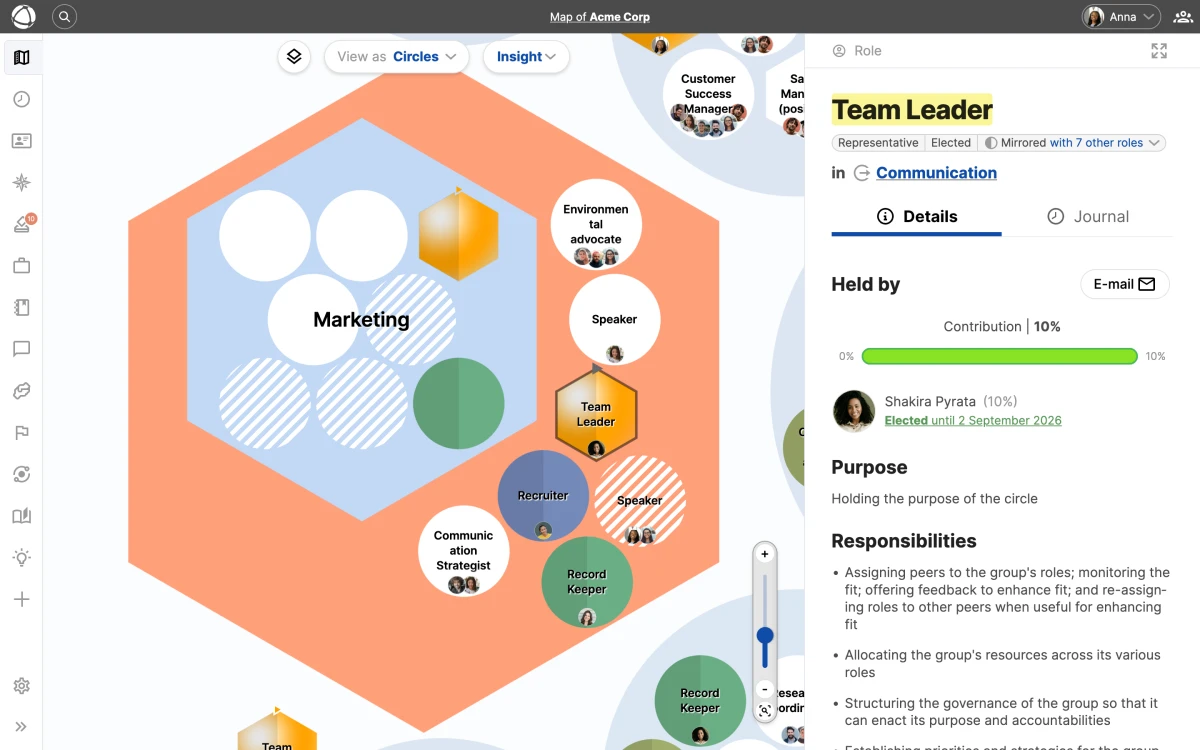
- **Name** (required): a clear, descriptive title
- **Purpose**: a one-sentence explanation of what this role accomplishes
- **Accountabilities**: the specific responsibilities this role carries
- **Notes**: additional context, links, or documentation
You can also add [custom fields](/doc/map/custom-fields) to capture additional data specific to your organization's needs. Property labels and visibility are customizable in your organization's [settings](/doc/admin/settings).
Write a clear purpose statement for every role. A good purpose answers "why does this role exist?" in one sentence, making it easier for people to understand what the role is about before looking at specific accountabilities.
## Assign people
1. Select a role on the map
2. Click **Assign** in the **Inspector** panel
3. Search for and select a person
4. Save
When a role has multiple holders, add a **Focus** for each person to clarify their specific area of responsibility (for example, "EMEA region" or "Enterprise accounts").
You can track how much time each person dedicates to their roles using the Contribution app. This helps balance workloads across your organization.
## Role types
Roles have visual indicators on the map that communicate their function at a glance. Types can be combined; for example, a role can be both electable and colorful.
- **Default** (white circle): a standard role
- **External** (light grey circle): a role outside the core organization
- **Leader / Representative** (spherical shading): leads or represents a circle
- **Electable** (arrow at top): filled through an election process, managed with the [Elections app](/doc/apps/elections)
- **Colorful** (custom color): highlighted with an organization-defined color
- **Mirrored** (two-tone): a synced copy that appears in multiple [circles](/doc/map/circles-and-groups)
- **Vacant / Understaffed** (striped): no one is assigned, or more holders are needed
- **Hexagonal** (hexagonal shape): an alternative shape for visual distinction
Use the Feedback app to gather structured feedback on how people are performing in their roles. This pairs well with role-based accountability.
## Related
- [Circles & Groups](/doc/map/circles-and-groups) - the containers where roles live
- [Custom Fields](/doc/map/custom-fields) - add custom data to your roles
- [Elections](/doc/apps/elections) - run elections to fill electable roles
- [Feedback](/doc/apps/feedback) - gather role-based feedback
- [Contribution](/doc/apps/contribution) - track time allocation across roles
--------------------------------------------------------------------------------
title: "Sharing & Embedding"
description: "Share your Peerdom map publicly, via private links, or embedded on external websites."
category: "map"
source: "https://peerdom.com/doc/map/sharing"
--------------------------------------------------------------------------------
# Sharing & Embedding
You can share your Peerdom map with people outside your organization in three ways: make it public, send a private link, or embed it on another website.
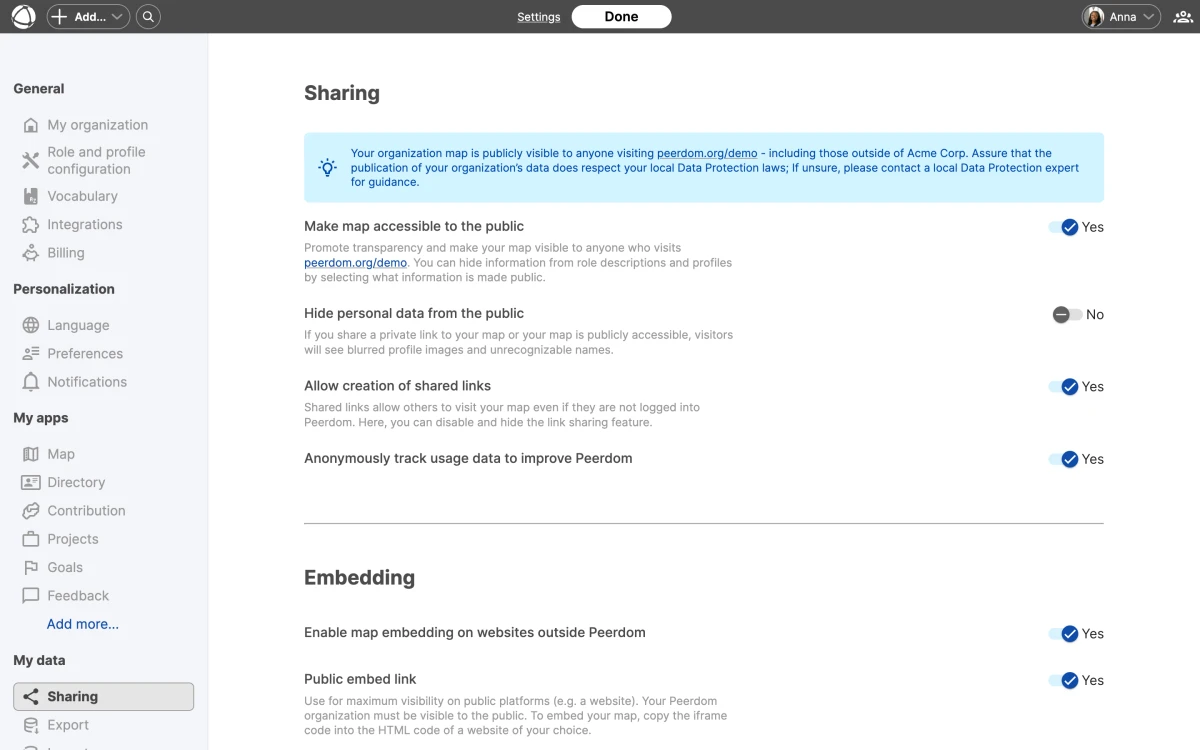
## Public sharing
Make your map visible to anyone on the internet.
1. Go to **[Settings](/doc/admin/settings)** > **Sharing**
2. Toggle **Public map** on
3. Anyone with the URL can now view your map
Public maps are read-only. Visitors can browse your structure but cannot make changes.
Public maps display the same views available to logged-in users, including the circle view, list view, and tree view. Use map navigation tools to explore the shared map.
## Private link sharing
Share your map with specific people who do not have a Peerdom account. The link is created from the map itself. The Settings page only controls whether link sharing is allowed at all.
1. An owner goes to **[Settings](/doc/admin/settings)** > **Sharing** and turns on **Allow creation of shared links**
2. Open your **map**
3. Open the **profile menu** in the top right corner and select **Share**
4. Toggle **Activate** on to create the private link
5. Select **Copy** and send the link to the people you want to grant access
The Share entry only appears while a map is open. It is not on the Settings page, so open your map before looking for it.
The same **Private link to map** overlay manages the link afterwards:
- **Refresh link** issues a new link and makes the previous one inaccessible
- Toggling **Deactivate** turns the private link off entirely, immediately revoking access for everyone who had it
## Embed on external websites
Display your map inside other platforms using an iframe. Peerdom embeds work on SharePoint, Confluence, WordPress, Webflow, and any platform that supports iframes.
1. Go to **[Settings](/doc/admin/settings)** > **Sharing**
2. Copy the **Embed code**
3. Paste it into your website or intranet page
### What works in embeds
Visitors can zoom, search, and read descriptions of circles and roles in the embedded view.
### What is not available in embeds
- [Goals](/doc/apps/goals) layer
- [Network](/doc/apps/network) layer
- Private [custom fields](/doc/map/custom-fields)
- Contact information
## Anonymization
If you want to share your structure without revealing personal details, enable anonymization. When turned on, public and embedded views show:
- Abbreviated names (initials instead of full names)
- Blurred avatars
This lets you share your organizational design while protecting individual privacy.
Anonymization is useful when sharing your structure with external consultants or at conferences where you want to showcase your organizational model without exposing personal details.
## Related
- [Custom Fields](/doc/map/custom-fields)
- [Map Layers](/doc/map/layers)
- [Navigating the Map](/doc/map/navigating)
- [Owner Quick Reference](/doc/getting-started/owner-basics)
--------------------------------------------------------------------------------
title: "Tree View"
description: "View your organization as a hierarchical tree diagram."
category: "map"
source: "https://peerdom.com/doc/map/tree-view"
--------------------------------------------------------------------------------
# Tree View
Tree View displays your organization as a hierarchical diagram, making parent-child relationships between circles and roles immediately clear. It is a good alternative to [Circle View](/doc/map/circle-view) when you want to emphasize reporting lines or nested structure.
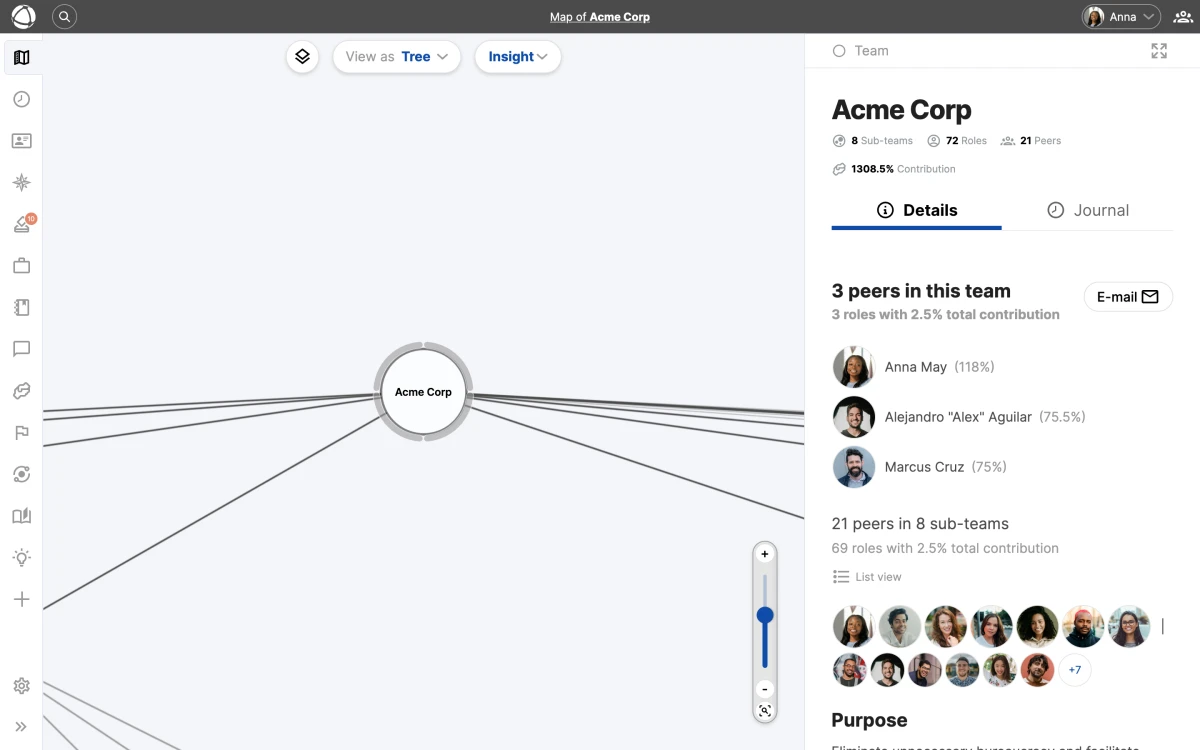
## How it works
Each node in the tree represents a circle or role. Lines connect parent nodes to their children, showing how your structure branches out from the top-level organization down through teams, sub-teams, and individual roles.
Click any node to open its **Inspector** panel on the right, where you can view details, edit properties, or manage assignments. For general navigation controls, see [Navigating the Map](/doc/map/navigating).
Tree View and Circle View display the same underlying data. Any structural changes you make in one view are immediately visible in the other.
## Layout options
Click the **Configure** button to choose between two tree layouts:
- **Vertical**: a top-down tree with the root at the top and branches flowing downward. Familiar to anyone who has used a traditional org chart.
- **Radial**: the root sits at the center with branches spreading outward in all directions. Works well for large structures where vertical space is limited.
## Choosing a layout
- **Vertical** is ideal for organizations with a clear top-down hierarchy. It reads naturally from top to bottom.
- **Radial** makes better use of screen space for wide or deeply nested structures. It gives equal visual weight to all branches.
You can switch between layouts at any time without affecting your underlying data. Try the radial layout if your vertical tree feels too tall to navigate comfortably.
## Related
- [Navigating the Map](/doc/map/navigating) - zoom, pan, search, and the Inspector panel
- [Circle View & Layouts](/doc/map/circle-view) - the default nested visualization
- [List View](/doc/map/list-view) - browse your structure as a searchable flat list
- [Circles & Groups](/doc/map/circles-and-groups) - how groups organize your structure
--------------------------------------------------------------------------------
title: "Building a Skills Inventory"
description: "Build a team skills inventory — a skills matrix — on your Peerdom org chart with List custom fields and follow-up lists for proficiency. Then browse, sort, and export."
category: "guides"
source: "https://peerdom.com/doc/guides/skills-inventory"
--------------------------------------------------------------------------------
# Building a Skills Inventory
A skills inventory — also called a **skills matrix** or **competency matrix** — answers the questions that come up the moment you need to staff work: *Who can do this? Who speaks the client's language? Who is our second person for that system?* Your org chart shows who reports to whom; a skills inventory shows *what your people can actually do*. In Peerdom you build both on the same map — on roles and profiles — using [custom fields](/doc/map/custom-fields) of type **List**. And because one list can open another as a **follow-up**, you capture not just *which* skills someone has but *how deeply* — languages with proficiency levels, tools with certifications, and so on.
This guide uses **languages with proficiency** as the worked example. The same pattern fits any skill catalog:
- **Languages** → proficiency (Beginner, Experienced, Professional)
- **Tools & software** → certification level → expiry date
- **Domains or methods** → proficiency (e.g. facilitation, first aid, data analysis)
Start small. Define one skill list well — for example Languages — before rolling out a dozen. It is far easier to extend a clear inventory than to prune a sprawling one.
## The idea in one picture
- **`Languages`** — a List field with the options your organization cares about: German, English, French…
- **`Proficiency`** — a second List field: Beginner, Experienced, Professional
- Attach `Proficiency` as the **follow-up list** of `Languages`. Now, whenever someone picks a language, Peerdom asks for the proficiency too — and the profile shows **German · Professional**.
Follow-ups can chain as deep as you like: a language could lead to a proficiency, a proficiency to a certificate, and so on. You are, in effect, linking lists together to describe even complex skills.
## Step 1 — Create the skill list
1. Go to **[Settings](/doc/admin/settings)** > **Role and profile configuration**.
2. In the **Profiles** section (skills belong to people), click **Add field**.
3. Choose the **List** type — *"a list of entries to choose from via drop-down"* — and click **Configure new field**.
4. Give it a **Field name** (`Languages`).
5. Under **List items**, add each option with **Add item**: German, English, French…
6. For **Number of entries**, choose **List of entries** so a person can hold more than one language. (Use **Single entry** when only one value makes sense.)
7. Click **Add**.
The Profiles section puts a field on every colleague profile. The Custom fields for both Roles and Groups section is for describing roles and circles instead — useful when you want to record the skills a role requires. A skills inventory of your people lives in Profiles.
## Step 2 — Create the proficiency list
Repeat Step 1 to create a second List field named `Proficiency`, with items **Beginner**, **Experienced**, **Professional**. Leave it as **Single entry** — a language has one proficiency at a time. You do not need to add it to profiles on its own; in the next step it becomes part of `Languages`.
## Step 3 — Link them with a follow-up list
The follow-up list is what turns two flat lists into a structured skill.
1. Back on **Role and profile configuration**, find the `Languages` field and click its **Configure** (gear) button.
2. In the **Follow-up list** dropdown, choose **Proficiency**.
3. The field now shows **Follow-up list: "Proficiency"** with an **Unlink** option. Click **Update field**.
`Proficiency` is now nested under `Languages` (it appears indented, marked *follow-up of Languages*, and no longer as a standalone field). Every language a person selects will prompt for a proficiency.
Create the follow-up list first and save it — the Follow-up list dropdown only offers list fields that already exist. To go deeper, give Proficiency its own follow-up, and so on; Peerdom prevents loops but sets no depth limit.
## Step 4 — Fill it in
Open a colleague's profile and find the **Languages** field. Pick a language from the dropdown; an indented **→** dropdown appears for its **Proficiency** — choose one. With *List of entries*, add another language and it gets its own proficiency. The profile then reads, for example, **German · Professional** and **English · Experienced**.
To populate many people at once, use **bulk import** on paid plans — see [Managing People](/doc/admin/people-management).
## Step 5 — Browse, find and export
Once the inventory exists, put it to work:
- **On the map and profiles** — each person's skills show in the **Inspector** and on their profile, rendered as *skill · level*.
- **In the [Directory](/doc/apps/directory)** — add the `Languages` column and **sort** by it to group people by skill. (Follow-up values like proficiency are shown together with their parent, not as a separate column.)
- **In [List View](/doc/map/list-view)** — search by name and open any person to check their skills in the Inspector.
- **Export & API** — for heavier analysis, [export your data](/doc/admin/data-export) to CSV or read it through the [API](/doc/integrations/api) and pivot it however you need.
Today you build and browse the inventory, then sort or export to work with it. Filtering people directly by a skill value inside the app — "show everyone who speaks French at Professional level" — is on our roadmap; for now, sort the Directory column or export the data.
## Keep it private, keep it multilingual
- Each field can be **public or private**. Mark sensitive skills private so they stay hidden from guests and are excluded when you [share your map](/doc/map/sharing).
- **Field names are translatable** (English, German, Dutch, French, Spanish). Enter translations when you create or edit the field, and each colleague sees the inventory in their own language.
## Frequently asked questions
### What is the difference between a skills inventory and a skills matrix?
They are two names for the same thing — a structured record of who holds which skills, and at what level. This guide builds one on your Peerdom map, where it sits alongside your org chart instead of in a separate spreadsheet.
### How do I record proficiency levels or certifications?
Use a follow-up list (Step 3). A `Languages` field with a `Proficiency` follow-up renders as *German · Professional*. For certifications, follow up to a level and then an expiry date so you can see who is qualified and who is about to lapse.
### Can I filter people by a specific skill value?
Not yet inside the app. Today you build, browse, sort, and export — add the `Languages` column in the [Directory](/doc/apps/directory) and sort, or [export the data](/doc/admin/data-export). Filtering directly by a skill value is on the roadmap.
## Related
- [Custom Fields](/doc/map/custom-fields) — every field type, public/private, and translation
- [Directory](/doc/apps/directory) — columns, sorting, and bulk import
- [Managing People](/doc/admin/people-management) — bulk import and profiles
- [Exporting Your Data](/doc/admin/data-export) — CSV export
- [API](/doc/integrations/api) — read your inventory programmatically
--------------------------------------------------------------------------------
title: "Peerdom for Sociocracy"
description: "Configure Peerdom to support sociocratic governance with circles, elections, and double-linking."
category: "guides"
source: "https://peerdom.com/doc/guides/sociocracy"
--------------------------------------------------------------------------------
# Peerdom for Sociocracy
Sociocracy is a governance system designed to improve productivity, wellbeing, and organizational resilience. It structures decision-making through semi-autonomous circles, consent-based policies, peer-elected roles, and double-linking between teams. Peerdom provides the [apps](/apps) and features to make sociocratic structures visible, maintainable, and transparent.
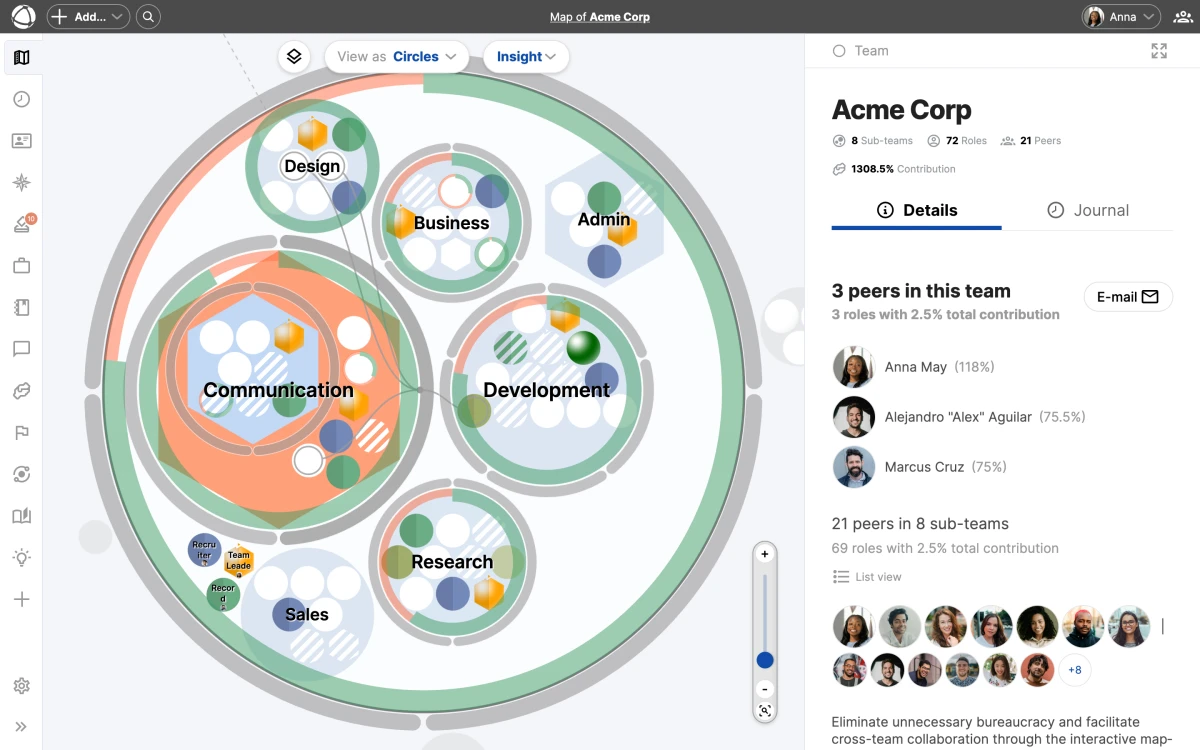
Want to get started quickly? Jump to the Get started section to use the pre-configured sociocracy template.
## Map your organization with circles
In sociocracy, work is distributed across interconnected circles. Each circle operates as a semi-autonomous group with decision-making authority over its domain.
Create as many [circles](/doc/map/circles-and-groups) as you need to distribute work. For each circle, define two key properties:
- **Aim**: what this circle works toward
- **Domain**: the scope of responsibility and authority
As your organization evolves, nest sub-circles inside parent circles for specialization. Each sub-circle maintains its own aim and domain while staying accountable to the parent. There is no limit to nesting depth, but two to three levels keeps things readable.
## Customize your vocabulary
Peerdom uses generic terms by default, but you can configure them to match sociocratic language through [custom terms](/doc/map/custom-terms). Go to **Settings** > **Vocabulary** and adjust:
- **Group** becomes **Circle**
- **Representative** becomes **Delegate** or **Leader**
- **Peer** becomes **Member**
Your choices apply across the entire interface, including the map, the **Inspector**, profiles, apps, and exports. See [custom vocabulary](/doc/map/custom-terms) for the full list of available terms.
## Choose a map layout
Sociocratic structures benefit from layouts that emphasize equality and interconnection rather than top-down hierarchy. Peerdom offers two layouts well suited for this:
- **Flattened cactus flower**: circles arranged around a center, resembling people seated around a table
- **Line layout**: circles connected with linking lines to show relationships
To configure your layout, click **Configure** next to the **Circles** view and select your preferred option. Read more about views in [circle view and layouts](/doc/map/circle-view).
## Distribute work into roles
[Roles](/doc/map/roles) are the building blocks of sociocratic work distribution. Each role defines a clear set of responsibilities that exists independently of who holds it.
Create detailed role descriptions with a purpose and accountabilities. Assign roles to members so everyone understands their scope. When a role has multiple holders, add a focus area for each person to clarify their specific contribution.
## Set up circle process roles
Every sociocratic circle has four process roles. You can make each one visually distinct on your map:
- **Leader**: carries the representative badge (spherical shading) and links the circle to the larger organizational context
- **Delegate**: carries the representative badge (spherical shading) and represents the circle in the parent circle
- **Facilitator**: carries the electable badge (arrow at top) and manages circle meetings and decision processes
- **Secretary**: carries the electable badge (arrow at top), records decisions, and maintains governance records
Mark the Leader and Delegate as representative [roles](/doc/map/roles) in the **Inspector** panel. Mark the Facilitator and Secretary as electable roles, which requires the [Elections](/doc/apps/elections) app.
Use the Elections app to track term dates for your Facilitator and Secretary roles. You will receive weekly email reminders when re-elections are due.
## Implement double-linking
Double-linking is a core sociocratic practice that ensures information flows both up and down between [circles](/doc/map/circles-and-groups). Two representative roles connect each sub-circle to its parent:
1. The **Leader** links downward, selected by the parent circle to guide the sub-circle
2. The **Delegate** links upward, elected by the sub-circle to represent it in the parent
Both roles carry the representative badge on the map. Assign different people to each role to maintain independent information channels. This structure ensures that every circle has a voice in the circles above it.
## Use mirrored roles for consistency
When process roles like Facilitator or Secretary need the same definition across all circles, use mirrored [roles](/doc/map/roles):
1. Create the role (for example, "Facilitator") in one circle with its full description
2. Right-click the role and select **Copy to...** then choose the target circle
3. Select **as a mirrored copy**
Mirrored roles share their purpose, domains, responsibilities, and color. Changes to one mirror update all copies automatically. Each mirror has its own location and assignee. Learn more about role types in the [roles](/doc/map/roles) documentation.
## Document decisions transparently
Sociocracy depends on transparent governance. Use the [Pages](/doc/apps/pages) app to document:
- Proposals and consent decisions
- Working agreements
- Organizational policies
- Circle-specific governance records
Link pages to the relevant circle so all members can find them through the **Inspector** panel. This creates a living record of your governance that stays connected to the structure it governs.
## Track elections and terms
The [Elections](/doc/apps/elections) app helps you manage roles filled through sociocratic election processes. Mark a role as electable, set the term end date, and the app tracks expiration across your organization. A color-coded timeline shows which terms are expired, expiring soon, or on track. Owners receive weekly email notifications when re-elections are due.
## Continuously improve
Sociocracy emphasizes ongoing learning and adaptation. Three Peerdom apps support this:
- [Journal](/doc/apps/journal): chronicles every structural change with who, what, and when. Use date navigation to review historical periods.
- [Insights](/doc/apps/insights): reveals patterns like role turnover, group scatter, and role hoarding. These data points help you spot circles that need attention.
- [Feedback](/doc/apps/feedback): enables role-to-role feedback loops. Regular feedback strengthens accountability and supports personal development.
## Get started
Use the sociocracy template to start with a pre-configured structure:
1. Go to [peerdom.org/start?template=sociocratic-startup](https://peerdom.org/start?template=sociocratic-startup)
2. Customize the [circles](/doc/map/circles-and-groups) and [roles](/doc/map/roles) for your organization
3. Invite your members
The recommended apps for sociocratic organizations are:
- **Map**: visualize your circle structure (always included)
- [Journal](/doc/apps/journal): track governance changes (included with Peerdom+)
- [Elections](/doc/apps/elections): manage term-based roles and re-election schedules
- [Pages](/doc/apps/pages): document decisions and policies
- [Feedback](/doc/apps/feedback): support peer accountability and development
- [Insights](/doc/apps/insights): monitor organizational health with data
Sociocratic organizations benefit from Peerdom+ because it unlocks Journal, multiple access levels, and the ability to add governance apps like Elections and Pages. If you need help setting up your structure, our consulting services can guide you through the process.
## FAQ
**Can I double-link circles in Peerdom?**
Yes. Create Leader and Delegate roles in the sub-circle, mark both as representative roles, and assign different people to each. Both will display with the representative badge on the map, ensuring information flows in both directions.
**How do I track consent decisions?**
Use the [Pages](/doc/apps/pages) app to document proposals, decisions, and rationale. Link each page to the relevant circle so all members can find governance records through the Inspector panel.
**Can roles have term limits?**
Yes. Mark a role as **Electable** and use the [Elections](/doc/apps/elections) app to set term end dates. The app tracks term lengths, shows history, and sends weekly email reminders when re-elections are due.
**How do I show that a role is elected?**
In the role editor, check **Electable role**. The role will display with an arrow indicator at the top on the map. This requires the [Elections](/doc/apps/elections) app.
## Related
- [Circles and Groups](/doc/map/circles-and-groups): create and organize circles
- [Roles](/doc/map/roles): define work and assign people
- [Custom Vocabulary](/doc/map/custom-terms): rename terms to match your framework
- [Elections](/doc/apps/elections): track electable roles and terms
- [Pages](/doc/apps/pages): document governance decisions
--------------------------------------------------------------------------------
title: "Tips & Tricks"
description: "Advanced techniques and shortcuts to get the most out of Peerdom."
category: "guides"
source: "https://peerdom.com/doc/guides/tips-and-tricks"
--------------------------------------------------------------------------------
# Tips & Tricks
These tips cover shortcuts, hidden features, and practical techniques that experienced Peerdom users rely on. Each one is a small thing that makes a noticeable difference in how you work with your map.
Most of these tips work best in the circle view, which is the default map visualization. Switch views using the toolbar at the top of your map.
## Keyboard shortcuts
**Undo with Cmd/Ctrl+Z.** Most operations (moving a node, editing a field, deleting a role) can be reversed immediately. If you drag something to the wrong [circle](/doc/map/circles-and-groups) or delete by mistake, undo brings it back.
## Drag and drop
**Hold Cmd/Ctrl while dropping to copy instead of move.** When you drag a [role](/doc/map/roles) or [circle](/doc/map/circles-and-groups) and release it while holding the modifier key, Peerdom creates an independent copy at the destination. The original stays in place. This is faster than using the right-click menu for quick duplications. See [moving and organizing nodes](/doc/map/drag-and-drop) for the full details.
**Right-click any node for a context menu.** Every [circle](/doc/map/circles-and-groups) and [role](/doc/map/roles) on the map responds to a right-click. The context menu gives you options to move, copy, delete, or create new items inside that node without [navigating](/doc/map/navigating) away from your current view.
## Layers
**Use [layers](/doc/map/layers) to focus on what matters right now.** Layers let you toggle different types of information on and off. The key is knowing when to use each one:
- **Enable the [Goals](/doc/apps/goals) layer during planning sessions.** Goals appear as indicators on circles, so you can see progress across the organization while discussing priorities.
- **Turn off the Peers layer to focus on structure.** Removing people avatars from the map lets you concentrate on how [circles](/doc/map/circles-and-groups) and [roles](/doc/map/roles) are organized, without the visual noise of individual assignments.
- **Combine [Projects](/doc/apps/projects) and Peers** to see who is working on what across the entire map.
## Focus areas
**Use focus areas when assigning multiple people to one [role](/doc/map/roles).** When a role has more than one holder, add a focus for each person to clarify their specific scope, for example "EMEA region" or "Enterprise accounts". This prevents confusion about who handles what. Learn more in the [roles](/doc/map/roles) documentation.
## Relationships and custom fields
**Create [relationship fields](/doc/map/relationships) to document deputies and career paths.** Relationships capture connections that go beyond the map hierarchy. Set up a "Deputy" relationship to show who covers for each role holder, or a "Career aspiration" relationship to document which roles a peer is working toward.
**Use [custom fields](/doc/map/custom-fields) for external links.** Add a custom field with a URL to link [roles](/doc/map/roles) or [circles](/doc/map/circles-and-groups) to external resources: [Notion](/doc/integrations/notion) pages, LinkedIn profiles, internal wikis, or project boards. This turns your map into a central hub that connects to the tools your team already uses.
Custom fields and relationship fields are available on Peerdom+. Each field you create applies across your entire organization, so plan your field structure before adding too many.
## Sharing
**[Share your map](/doc/map/sharing) with a private link for board members without accounts.** If you need to give someone access to your map but do not want to create an account for them, open your map, then use the profile menu in the top right corner and select **Share**. They can view the map in read-only mode without logging in. You can revoke the link at any time.
**Use anonymization when sharing publicly.** If you want to show your organizational structure externally (on your website or in a presentation) enable anonymization to protect privacy. Names become initials and avatars are blurred, while the full structure stays visible.
**Embed your map on SharePoint or Confluence.** Peerdom provides an iframe embed code that works on SharePoint, Confluence, WordPress, Webflow, and any platform that supports iframes. This gives your entire company access to the org map on the intranet without needing Peerdom accounts. See [sharing and embedding](/doc/map/sharing) for setup instructions.
## History and archiving
**Use the [Journal's](/doc/apps/journal) date navigation to review historical changes.** The Journal records every change in your organization. Use the date filter to jump to a specific period and see what changed: who was assigned, what roles were created, which circles were reorganized. This is useful during retrospectives or when onboarding someone who needs context on past decisions.
**Archive old [goals](/doc/apps/goals) instead of deleting them.** When a planning cycle ends, archive completed or outdated goals rather than deleting them. Archived goals remain accessible for reference but no longer clutter the active view. This preserves your organization's history while keeping the current map clean.
Combine the Journal with Insights to spot trends over time. The Journal shows what changed, while Insights reveals patterns like role turnover and group scatter.
## Automation
**Set up [Zapier](/doc/integrations/zapier) to notify Slack when new peers join.** Connect Peerdom to Zapier and create a trigger for new peer events. Route notifications to your Slack channel so the team knows immediately when someone new is added to the organization. You can extend this pattern to any of the hundreds of apps Zapier supports. For more advanced automation, explore the [API and webhooks](/doc/integrations/api) integration.
## Related
- [Moving and Organizing Nodes](/doc/map/drag-and-drop): drag, copy, and rearrange your structure
- [Map Layers](/doc/map/layers): toggle overlays for people, projects, and goals
- [Sharing and Embedding](/doc/map/sharing): public maps, private links, and embeds
- [Custom Fields](/doc/map/custom-fields): add properties and external links to roles and circles
- [Zapier](/doc/integrations/zapier): automate workflows between Peerdom and other tools
--------------------------------------------------------------------------------
title: "Why Upgrade?"
description: "What you get with Peerdom+ and how it compares to the free plan."
category: "guides"
source: "https://peerdom.com/doc/guides/upgrading"
--------------------------------------------------------------------------------
# Why Upgrade?
Peerdom offers a free plan that covers the basics and a paid plan that unlocks the full platform. This guide explains what each plan includes, what add-on apps are available, and how [pricing](/pricing) works.
Visit the pricing page to see current plan details, or go to billing and subscriptions for help managing your existing subscription.
## The free plan
The free plan gives you the Map app, a dynamic, interactive visualization of your organization. You can create [circles](/doc/map/circles-and-groups), [roles](/doc/map/roles), and assign people. Up to 10 Owners can use the map at no cost.
On the free plan, everyone has the Owner [access level](/doc/admin/access-rights). There are no other permission tiers available. This works well for small teams where everyone needs full control, but becomes limiting as your organization grows.
## Peerdom+
Peerdom+ unlocks everything Peerdom has to offer. It builds on the free plan with additional [access levels](/doc/admin/access-rights), core apps, add-on apps, and advanced features.
### Access levels
The free plan only has Owners. Peerdom+ introduces three additional access levels so you can control who sees and edits what:
- **Editor**: handles day-to-day structure changes, creates content across all apps
- **Member**: views everything, uses apps, contributes through [goals](/doc/apps/goals) and [feedback](/doc/apps/feedback)
- **Guest**: view-only access to the map structure, no cost per seat
See [access rights](/doc/admin/access-rights) for a full comparison of what each level can do.
### Core apps included
Peerdom+ comes with four apps in the base subscription:
- **Map**: the interactive organizational visualization (also in the free plan)
- [Journal](/apps/journal): an automatic activity log tracking every change in your organization ([documentation](/doc/apps/journal))
- [Network](/apps/network): visualize connections to partner organizations on your map ([documentation](/doc/apps/network))
- [Missions](/apps/missions): personal mission statements for each peer ([documentation](/doc/apps/missions))
### Add-on apps
Each add-on app extends Peerdom+ with specific capabilities. Every add-on includes a 15-day free trial so you can evaluate it before committing.
- [Contribution](/apps/contribution): track how peers contribute across the organization ([documentation](/doc/apps/contribution))
- [Directory](/apps/directory): a searchable people directory with profiles and contact details ([documentation](/doc/apps/directory))
- [Drafts](/apps/drafts): prepare and review structural changes before publishing ([documentation](/doc/apps/drafts))
- [Elections](/apps/elections): track role terms and manage re-election schedules ([documentation](/doc/apps/elections))
- [Feedback](/apps/feedback): role-to-role feedback for accountability and development ([documentation](/doc/apps/feedback))
- [Goals](/apps/goals): set objectives and track progress on circles and roles ([documentation](/doc/apps/goals))
- [Insights](/apps/insights): analyze patterns like role turnover and group scatter ([documentation](/doc/apps/insights))
- [Pages](/apps/pages): document decisions, policies, and working agreements ([documentation](/doc/apps/pages))
- [Projects](/apps/projects): manage project assignments and progress across the map ([documentation](/doc/apps/projects))
### Advanced features
Peerdom+ also enables capabilities that are not available on the free plan:
- **SSO and SCIM**: single sign-on and automated user provisioning through [Microsoft Entra ID](/doc/integrations/sso-microsoft), [Google Workspace](/doc/integrations/sso-google), or [Okta](/doc/integrations/sso-okta)
- **API access and webhooks**: build custom integrations with the [REST API](/doc/integrations/api)
- **[Custom fields](/doc/map/custom-fields)**: add text, list, and relationship properties to roles and circles
- **[Relationship fields](/doc/map/relationships)**: document deputies, mentors, career paths, and dependencies
- **[Sharing](/doc/map/sharing)**: public maps, private links, and embedded views for external audiences
## Pricing
**Base subscription:** 6 CHF/month or 60 CHF/year per seat, with a minimum of 10 seats.
**Add-on apps:** 1.20 CHF/month or 12 CHF/year per seat, per app.
Only billable access levels count toward your seat total. Owners, Editors, and Members are billable. Guests and No-access peers are free. See [billing and subscriptions](/doc/admin/billing) for details on payment methods, currencies, and subscription management. Visit the [pricing page](/pricing) for the latest plan information.
### Discounts
- **NGO, NPO, or academic organization**: 15% off
- **Public map**: 10% off
Discounts are stackable. An academic organization with a public map receives 25% off.
### Free trials
Every add-on app includes a 15-day free trial. You can activate a trial from the **App Store** and use the full app during the trial period. No payment is required until you decide to subscribe.
Start with the core Peerdom+ subscription and add individual apps as your needs grow. Each add-on has a 15-day free trial, so you can evaluate before committing to any app.
## Common reasons to upgrade
Most organizations upgrade when they hit one of these situations:
- **More than 10 people need access.** The free plan caps at 10 Owners. Once your team grows beyond that, Peerdom+ lets you add as many seats as you need.
- **You need different permission levels.** The free plan gives everyone Owner access. With Peerdom+, you can assign Editor, Member, or Guest roles to control who can make changes. See [access rights](/doc/admin/access-rights) for details.
- **You want app features.** [Goal tracking](/apps/goals), [elections](/apps/elections), [feedback](/apps/feedback), [project management](/apps/projects), and [governance documentation](/apps/pages) all require Peerdom+ with the corresponding add-on apps.
- **You need SSO integration.** Enterprise identity providers like [Microsoft Entra ID](/doc/integrations/sso-microsoft), [Google Workspace](/doc/integrations/sso-google), and [Okta](/doc/integrations/sso-okta) require Peerdom+.
- **You want to share externally.** Public maps, private links, and embedded views are Peerdom+ features. See [sharing and embedding](/doc/map/sharing).
## Frequently asked questions
**Can I try Peerdom+ before committing to a subscription?**
Every add-on app includes a 15-day free trial that you can activate from the App Store. The trial gives you full access to the app so you can evaluate it with your real data. No payment information is required to start a trial. Visit the [pricing page](/pricing) to compare plans.
**What happens to my data if I downgrade from Peerdom+ to the free plan?**
Your map structure, circles, and roles remain intact. However, features exclusive to Peerdom+ (such as add-on app data, additional [access levels](/doc/admin/access-rights), [custom fields](/doc/map/custom-fields), and [sharing](/doc/map/sharing) settings) become read-only or hidden. You can reactivate them at any time by re-subscribing. Manage your plan through [billing and subscriptions](/doc/admin/billing).
**How do I manage seats and payment after upgrading?**
Use the [billing and subscriptions](/doc/admin/billing) page in your organization settings to add or remove seats, update payment methods, switch between monthly and annual billing, and apply discount codes. You can also manage who counts as a billable seat through [people management](/doc/admin/people-management).
Need help deciding which plan or apps fit your organization? Our consulting services team can walk you through the options and help you set up Peerdom for your specific needs.
## Related
- [Billing and Subscriptions](/doc/admin/billing): manage your plan, seats, and payment
- [Access Rights](/doc/admin/access-rights): the five permission levels in detail
- [Integrations Overview](/doc/integrations/overview): available connections and best practices
- [Organization Settings](/doc/admin/settings): configure your Peerdom+ features
- [Pricing](/pricing): current plan details and comparison
--------------------------------------------------------------------------------
title: "Complete User Guide"
description: "A guided walkthrough of everything Peerdom offers, from first login to advanced features."
category: "guides"
source: "https://peerdom.com/doc/guides/user-guide"
--------------------------------------------------------------------------------
# Complete User Guide
This guide walks you through every major area of Peerdom, from creating your first map to advanced administration. Each section gives you context and links to detailed documentation where you can go deeper.
New to Peerdom? Start with What is Peerdom? for an overview of core concepts, then follow the sections below in order.
## Getting started
Peerdom is a visual change management platform that turns static org charts into dynamic, interactive maps. Before you build anything, it helps to understand the core concepts and what makes Peerdom different from a traditional org chart.
The best way to get started is to learn [what Peerdom is](/doc/getting-started/what-is-peerdom) and who uses it, then [create your first map](/doc/getting-started/create-your-map) in about 30 minutes. Once your map exists, [invite your team](/doc/getting-started/invite-people) and bring colleagues on board with the right [access levels](/doc/admin/access-rights). From there you can explore the structure together in real time.
## Understanding the map
The map is the heart of Peerdom. It shows your entire organization as a zoomable, interactive visualization where every node (circles, roles, and people) is always visible. You can [navigate the map](/doc/map/navigating) by panning, zooming, searching, and using the **Inspector** panel to drill into any node.
Your map has three viewing modes. The default [circle view](/doc/map/circle-view) shows nested groups arranged spatially with configurable layout options. The [list view](/doc/map/list-view) presents your structure as a searchable, flat table. The [tree view](/doc/map/tree-view) displays a traditional hierarchical diagram. Each view shows the same data from a different angle.
The two building blocks of every map are [circles](/doc/map/circles-and-groups) and [roles](/doc/map/roles). Circles are containers that represent teams, departments, or domains. Roles define work: a set of responsibilities that exists independently of who holds it. You can assign people to roles, nest circles within other circles, and build any structure that fits your organization.
Use the tree view when presenting to stakeholders who are used to traditional org charts, then switch to the circle view for day-to-day work.
## Customizing your map
Peerdom adapts to how your organization works, not the other way around. You can overlay additional information with [map layers](/doc/map/layers) to toggle visibility of people, projects, goals, and network connections. Define [custom fields](/doc/map/custom-fields) to add text, list, and relationship properties to roles and circles. Document connections between nodes with [relationships](/doc/map/relationships) for deputies, mentors, career paths, and dependencies.
If Peerdom's default terminology does not match your vocabulary, use [custom terms](/doc/map/custom-terms) to rename circles, roles, and peers throughout the interface. You can [share and embed](/doc/map/sharing) your map publicly, send private links, or embed it on other sites. And when you need to reorganize, [drag and drop](/doc/map/drag-and-drop) lets you move, copy, and rearrange your structure directly on the map.
## Using apps
[Apps](/apps) extend your map with additional capabilities. The Map app is always available. On Peerdom+, [Journal](/apps/journal), [Network](/apps/network), and [Missions](/apps/missions) are included in the base subscription. All other apps are add-ons with a 15-day free trial.
### Tracking and history
- [Journal](/doc/apps/journal): an automatic activity log of every change in your organization
- [Insights](/doc/apps/insights): data-driven patterns like role turnover, group scatter, and role hoarding
### People and culture
- [Missions](/doc/apps/missions): personal mission statements for each peer
- [Feedback](/doc/apps/feedback): role-to-role feedback for accountability and development
- [Directory](/doc/apps/directory): a searchable people directory with profiles and contact details
- [Contribution](/doc/apps/contribution): track how peers contribute across the organization
### Governance
- [Elections](/doc/apps/elections): manage term-based roles with expiration tracking and reminders
- [Pages](/doc/apps/pages): document decisions, policies, and working agreements
- [Drafts](/doc/apps/drafts): prepare structural changes before publishing them
### Planning and execution
- [Goals](/doc/apps/goals): set objectives and track progress on circles and roles
- [Projects](/doc/apps/projects): manage project assignments and progress across the map
### Connections
- [Network](/doc/apps/network): visualize connections to other organizations on your map
Every add-on app includes a 15-day free trial. Activate trials from the App Store and explore the full app before committing. See pricing for details.
## Administration
Owners manage the organizational [settings](/doc/admin/settings), [billing](/doc/admin/billing), permissions, and people. If you are an Owner, these areas cover everything you need.
- [Access rights](/doc/admin/access-rights): the five permission levels and what each one can do
- [Organization settings](/doc/admin/settings): configure defaults, vocabulary, and field visibility
- [Billing and subscriptions](/doc/admin/billing): plans, [pricing](/pricing), seats, and payment management
- [Managing people](/doc/admin/people-management): add, edit, and remove peers from your organization
- [Data export](/doc/admin/data-export): download your organizational data
- [Languages](/doc/admin/languages): set interface language preferences
- [Archive and delete](/doc/admin/archive-delete): archive or permanently remove your organization
## Integrations
Peerdom connects to your identity providers, chat tools, automation platforms, and external APIs. The [integrations overview](/doc/integrations/overview) covers available connections and best practices.
- [Single Sign-On (SSO)](/doc/integrations/sso): automatic login and user provisioning through [Microsoft Entra ID](/doc/integrations/sso-microsoft), [Google Workspace](/doc/integrations/sso-google), or [Okta](/doc/integrations/sso-okta)
- [Microsoft Teams](/doc/integrations/microsoft-teams): send messages from your map
- [Zapier](/doc/integrations/zapier): connect Peerdom to thousands of apps
- [Notion](/doc/integrations/notion): link documentation to your org structure
- [API and Webhooks](/doc/integrations/api): build custom integrations with the REST API
## Related
- [Peerdom for Sociocracy](/doc/guides/sociocracy): configure Peerdom for sociocratic governance
- [Tips and Tricks](/doc/guides/tips-and-tricks): shortcuts and advanced techniques
- [Why Upgrade?](/doc/guides/upgrading): what you get with Peerdom+
- [Owner Quick Reference](/doc/getting-started/owner-basics): a compact reference for Owners
- [Editor Quick Reference](/doc/getting-started/editor-basics): a compact reference for Editors