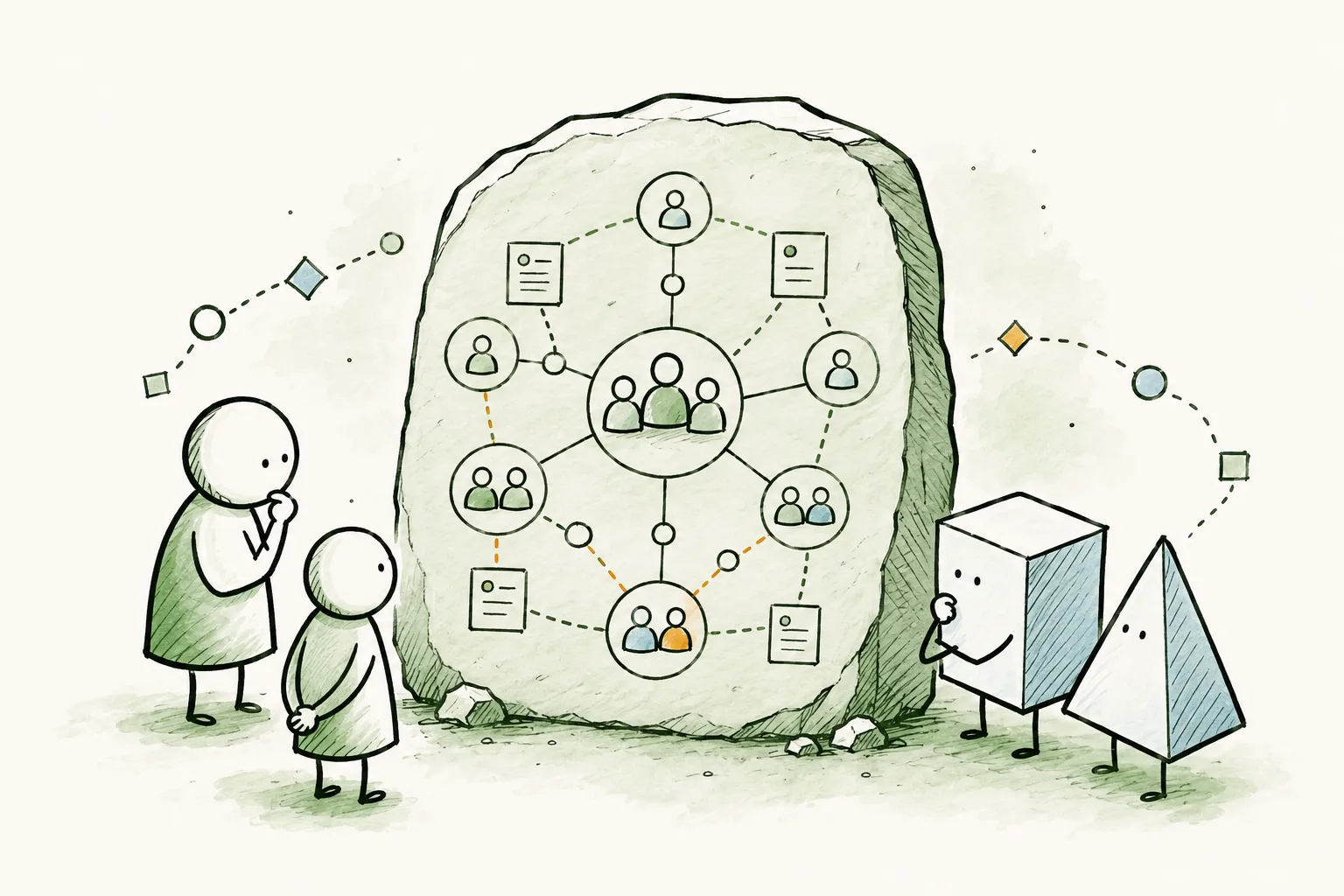
Every organization has a limited understanding of who can do what on your team. Who can run a workshop in French? Who can use their certifications to mentor new hires? When someone leaves, you quickly realize their real value was the set of skills nobody had written down anywhere.
Usually, your org chart tells you who reports to whom, but it says nothing about who can actually do what. A skills inventory (also called a skills matrix or competency matrix) answers that second question: what capabilities do we have, and how deep do they run? Keep those two things apart and one of them always goes stale. Put the skills where your organization already lives, on the roles and profiles of your Peerdom map, and the inventory stays alive because it updates as part of normal work.
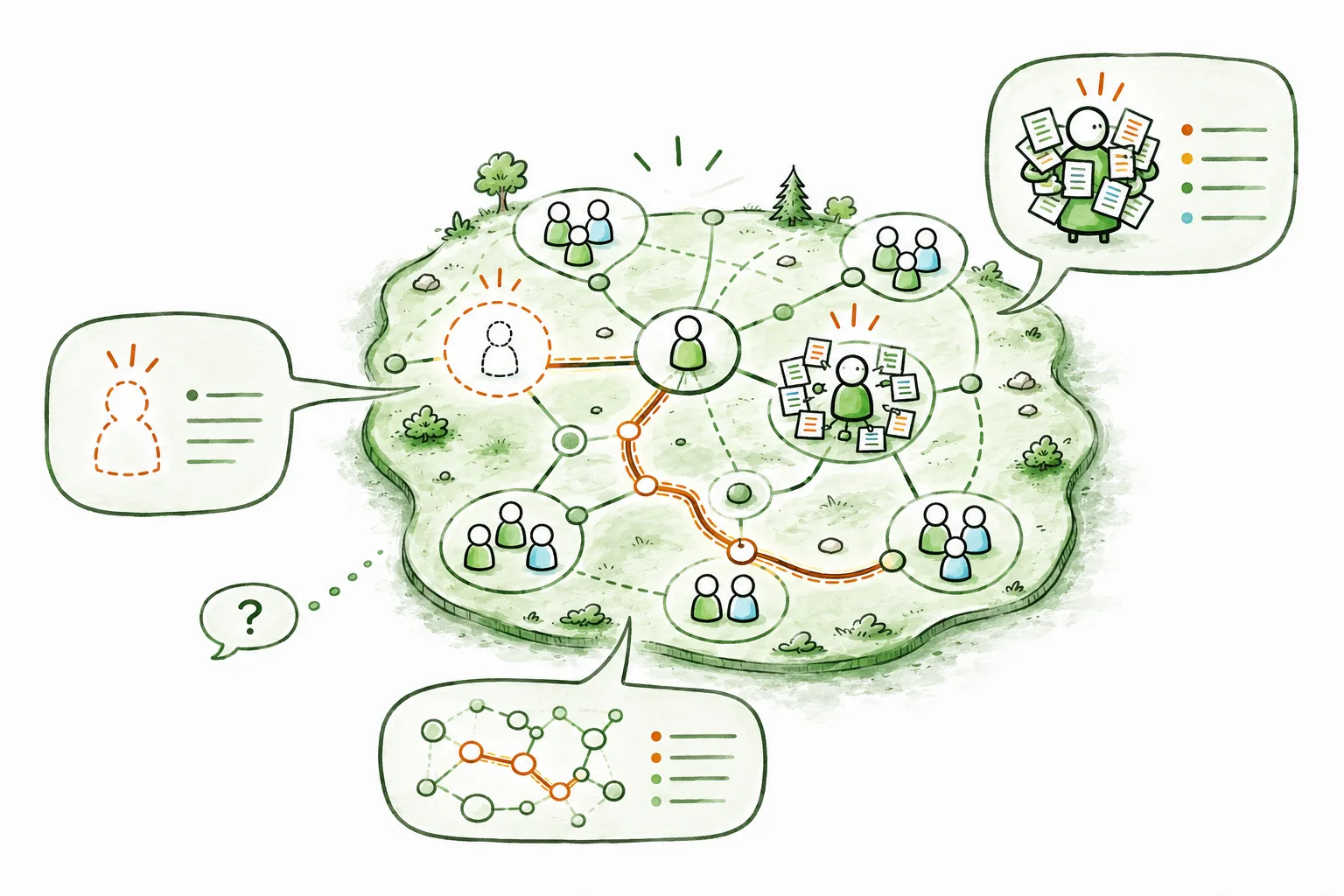
That’s the whole idea: one map that shows both your structure and your capabilities.
Skills aren’t just tags. They have depth
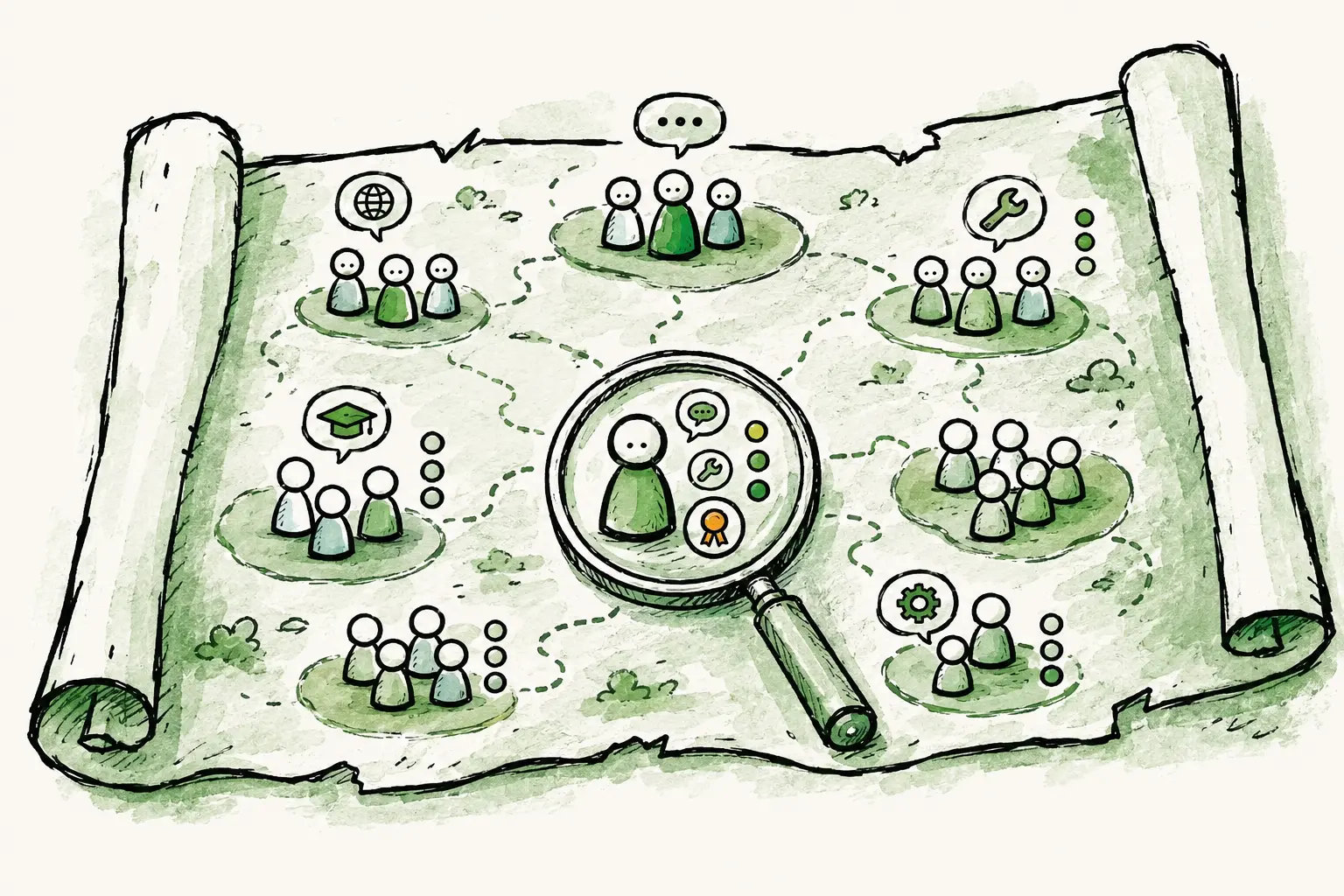
Most skills tools treat a skill as a flat tag. You either “have” French or you don’t. But that’s not how skills work. There’s a world of difference between someone who can order coffee in French and someone who can negotiate a contract in it. A useful inventory captures how deeply someone holds a skill. It’s the proficiency level, the certification, the years of experience.
In Peerdom, you model this with List fields. These are fields whose value is chosen from a set of options you define. Create a Languages list (German, English, French), and let people pick as many as apply. That already beats free text: everyone chooses from the same catalog, so the data is clean and consistent.
Then comes the part that makes it genuinely powerful: follow-up lists. Any list can open another one. Attach a Proficiency list (Beginner, Experienced, Professional) as the follow-up to Languages, and now the moment someone picks German, Peerdom asks how well. Their profile reads German · Professional, English · Experienced: the skill and its depth, together.
Follow-up lists can chain. A language can lead to a proficiency; a tool can lead to a certification level, which can lead to an expiry date. You’re linking lists to lists, composing exactly the structure your skills need. No rigid template, no separate skill-mapping software to buy. For most teams two levels is plenty; the point is that the ceiling isn’t in your way.
What a living skills inventory unlocks
Once capabilities are structured data on the map instead of tribal knowledge, the everyday questions get quick answers:
- Staff projects by capability, not job title. Find the people who actually hold a skill, wherever they sit in the structure, and build a balanced team.
- Match work to the right language or context. Need a workshop in French or a call in Portuguese? Add the
Languagescolumn in the Directory and sort to group your speakers, instead of asking around. - Track certifications and expiry. Model
Certification → level → expiry dateand see who’s qualified (and who’s about to lapse) before an audit or ISO review, not after. - Protect against the bus factor. Spot the skills only one person holds, so a resignation doesn’t take critical know-how with it.
- See your skills gaps. When a capability barely appears across the org, that’s a hiring or training signal you can act on early.
Building it takes minutes
The whole setup lives in Settings → Role and profile configuration:
- Add a List field called
Languageson profiles, with your languages as items, and allow multiple entries. - Add a second List field,
Proficiency, with your levels. - Open
Languagesand set its follow-up list toProficiency.
That’s it. Every colleague profile now has a structured, multi-level languages field, and filling it in is a couple of clicks per person. (The full how-to is here.) Rolling it out across a whole company? Import the data in bulk (on paid plans) rather than typing it in.
Because it lives on the map, the inventory updates the way everything else does: as part of normal work, by the people closest to it, not as a quarterly spreadsheet chore that everyone dreads.
Putting it to work
Once the skills are in, you use them where you already are. Each person’s languages show on their profile and in the map’s Inspector. In the Directory, add the Languages column and sort to group your French speakers together, or export the whole inventory to CSV and the API when you want to slice it in a BI tool. Staffing a project, planning coverage, spotting where you’re thin on a critical skill: it all starts from data that’s finally in one trustworthy place.
Right now you build and browse the inventory and sort or export to work with it. Filtering the organization directly by a skill value (e.g. “show me everyone who speaks French at Professional level”) is the next step we’re building. But the foundation, the part that’s usually the hard part, is already here and already useful: your skills, structured with real depth, living inside your organization instead of beside it.
If your team’s know-how currently lives in someone’s head or someone’s spreadsheet, this is a good weekend to move it somewhere it will last. Start with the guide, or take Peerdom for a spin and build your first skill list today.
Frequently asked questions
What is a skills inventory?
A skills inventory is a structured record of the capabilities your people hold (languages, tools, certifications, domains), usually with a proficiency level for each. It answers “who can do what, and how well?” so you can staff work, plan coverage, and spot gaps. The same idea is often called a skills matrix or competency matrix.
What’s the difference between a skills inventory, a skills matrix, and an org chart?
An org chart shows structure: who reports to whom and which role sits where. A skills matrix (or skills inventory) shows capability: which skills exist across your people and at what level. They answer different questions, which is why capability data kept in a separate spreadsheet always drifts out of date. In Peerdom both live on the same map, so your structure and your skills stay in sync.
How do I track proficiency levels and certifications?
You model depth with follow-up lists. A Languages list with a Proficiency follow-up renders as German · Professional. The same pattern handles certifications: a Certifications list can follow up to a level and then an expiry date, so you can see who’s qualified and who’s about to lapse. Follow-ups can chain as deep as your skills need.
Can I filter people by a specific skill?
Today you build, browse, sort, and export the inventory. For example, add the Languages column in the Directory and sort to group speakers, or export to CSV and the API for deeper analysis. Filtering the org directly by a skill value (“everyone who speaks French at Professional level”) is on our roadmap.
Do I need dedicated skills-matrix software?
No. Most skills-matrix or skill-mapping software adds yet another system to keep in sync with your org chart, which is exactly why those matrices drift out of date. Peerdom is the org chart and the skills inventory on one map, so your structure and capabilities stay together and current.
Is there free skills-inventory software?
Peerdom’s free plan supports up to 10 accounts with the map, profiles, and custom fields included, enough to build a real skills inventory for a small team. Bulk import and larger organizations are covered on the paid plans. See pricing.