Your org chart can answer questions now
Bastiaan Van Rooden
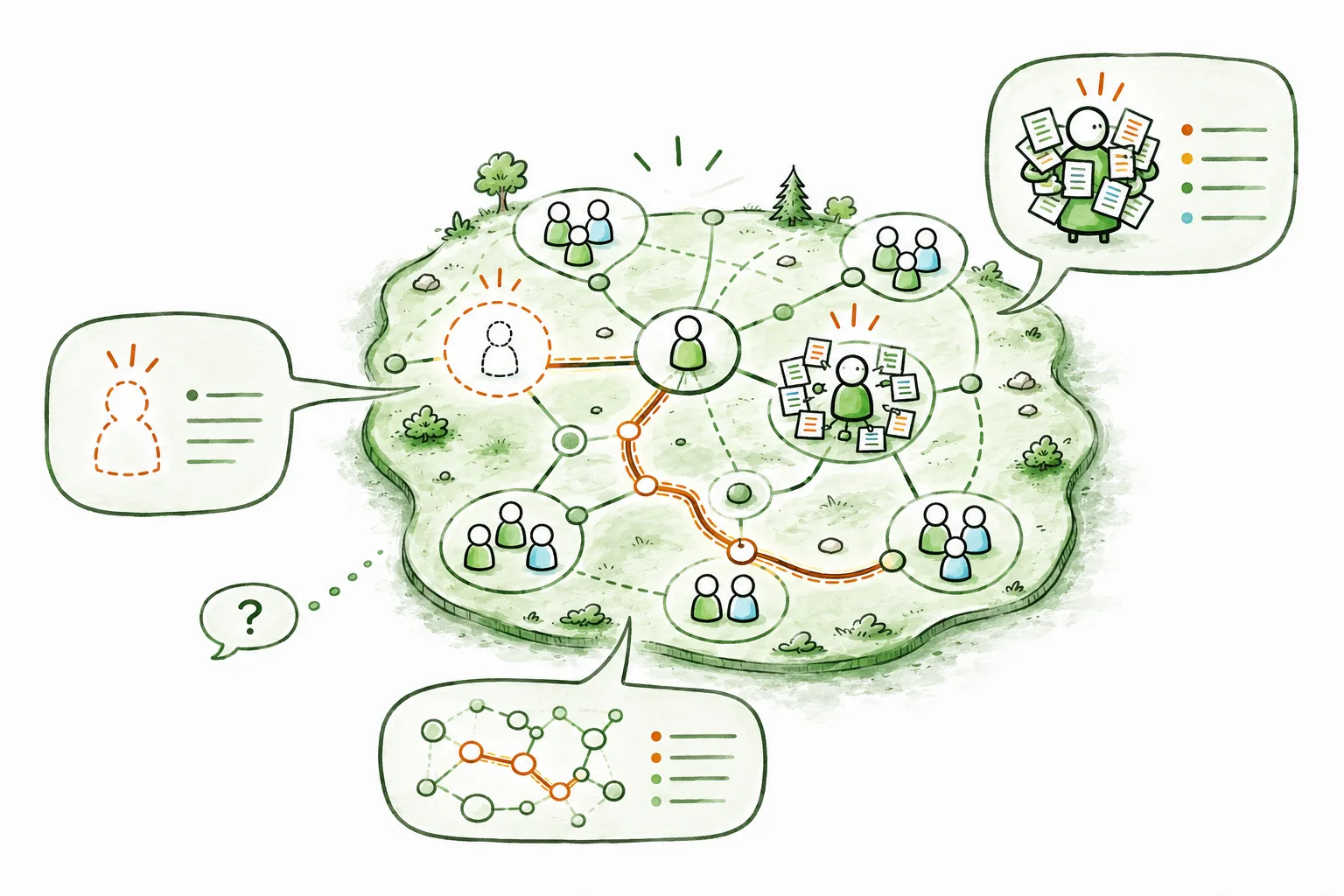
Talk to your organization in plain language, with any AI you trust. Introducing the Peerdom MCP server: vendor-independent, set up in a minute, and entirely under your control.
Update, June 26, 2026: writes are live now too. This post launched the read-only side of MCP. The same connection now also supports a clear set of write actions: create, update, and remove peers, roles, and groups; assign role holders; manage custom field values. The opt-in safety model is unchanged. It’s still your API key, still scoped to your organization, still revocable in one click. See the MCP integration guide for the current list of tools and the full setup. The rest of this post is preserved as the original launch announcement.
Update, July 19, 2026: cloud chat apps connect now too. The more ways in promised below has shipped: the server supports OAuth sign-in, so claude.ai and ChatGPT (as a custom plugin in Developer mode) connect right in the browser: paste your API key once on a Peerdom page and you’re done. The MCP integration guide has the walkthrough.
There’s a particular kind of question that’s surprisingly hard to answer about your own organization. Not the big strategic ones, but the small, concrete ones. Who actually holds the onboarding role now that Sofia has moved on? Which roles in the product circle are sitting empty? Is anyone quietly carrying five roles when they should have two?
The answer usually lives somewhere. In the map, in someone’s head, in a conversation you keep meaning to have. So you go looking. You open a tool, you click into a circle, you scan a list, you cross-reference. A few minutes later you have your answer, or you’ve been pulled into three other things and forgotten the question.
Today we’re launching something that removes that friction entirely. You can now talk to your organization in plain language, using the AI assistant you already use, and get an answer in seconds.
From dashboards to dialogue
For as long as software has existed, the deal has been the same: the tool holds the information, and you learn where to click to get it. Dashboards, filters, tabs, exports. We’ve all become quietly fluent in navigating interfaces that were designed by someone else.
Conversational AI changes the deal. Instead of you learning the tool’s structure, the tool learns to answer your questions. You ask the way you’d ask a knowledgeable colleague (“which roles in Marketing are vacant?”), and the answer comes back in a sentence, not a spreadsheet.
Here’s what that looks like in practice. An agile coach preparing for a governance meeting opens her assistant and types:
“Which roles in the Marketing circle are currently vacant, and who’s carrying the most roles overall?”
A moment later:
“Three roles in Marketing are unfilled: Content Lead, Events, and Community. Across the whole organization, Maria holds the most: six roles, totaling about 1.4 FTE of contribution. You might want to look at rebalancing before assigning her anything new.”
No clicking. No export. No context-switching. Just the question she actually had, and the answer she actually needed, ready to bring into the room.
What just happened
That little exchange works because of an open standard called the Model Context Protocol, or MCP. You don’t need to know the acronym to use it, but the idea behind it matters, so here it is in one sentence: MCP is a common language that lets any AI assistant safely connect to tools and data sources, like your Peerdom organization.
Before standards like this, every connection between an AI app and a piece of software was a one-off, built by hand, locked to a single vendor. MCP makes the connection universal. Build it once, and it works everywhere the standard is spoken.
So we built it once. The Peerdom MCP server is now live, and it speaks to your organization on your behalf: reading your people, roles, circles, who holds what, and where the gaps are, then handing the answer to whichever assistant you’ve pointed at it.
Questions worth asking today
That example isn’t a one-off. Here are the kinds of questions teams are asking from day one, each paired with the moment it actually helps:
- “Which roles in Marketing are currently vacant?” Spot structural gaps before they turn into bottlenecks. Ideal for Companions and Lead Links watching where the organization needs people.
- “Who is carrying the most roles right now?” Surface overload before it becomes burnout, a quick and honest read on how work is really distributed.
- “What roles and circles is Maria part of?” Get up to speed on a colleague in seconds, whether you’re onboarding them, partnering with them, or just catching up.
- “Walk me through how our organization is structured.” Orient a new hire or brief a stakeholder, no screen-sharing required.
- “How many people are in the Product circle?” A headcount answer without building a single report.
Every answer comes straight from your live map, so it’s always current, and you can ask follow-ups the same way you would in a conversation.
Bring the AI you already trust
This is the part we’re most deliberate about, because it’s where a lot of products quietly close the door.
It would have been easier for us to build a Peerdom chatbot: our own AI, in our own app, that only talks to us. Plenty of tools do exactly that. But it would have meant asking you to adopt our choice of model, our terms, our roadmap. And it would have meant one more assistant to learn, separate from the ones your team already lives in.
We don’t think that’s the right trade for the organizations we work with. So the MCP server is vendor-independent by design. If your team has standardized on Claude, use Claude. If you’re an OpenAI shop, use ChatGPT. If you run Gemini, Cursor, or an open-source agent, those work too. If your governance requires a model that runs locally or on Swiss soil, you can point a local or sovereign assistant at the very same server, and your data reaches Peerdom and nothing else.
You’re not betting on a single vendor’s model being the best one forever. You bring the assistant you already trust, and your organization becomes one of the things it can talk to.
You decide what goes in and out
Conversational access to organizational data is only a good idea if it comes with real control. So control is built into how this works, not bolted on after.
It runs on your API key, scoped to your organization, the same key you’d use for any Peerdom integration, created by an Owner in your settings. Three things follow from that:
- You decide if it’s on at all. No key, no connection. Generate one when you want this, and not before.
- You can switch it off instantly. Revoke the key and every assistant using it is disconnected in the same moment. No support ticket, no waiting.
- Nothing is hoarded in the middle. The server doesn’t store your key or your data. It passes your request through, returns the answer, and keeps nothing.
And for now, the connection is read-only. Assistants can ask about your organization, but they cannot change it. That’s a deliberate first step: the most useful thing on day one is simply being able to see clearly. When we add the ability to make changes, it will be through safe, scoped, explicit actions, never a model quietly editing your map.
This is what we mean by you decide what goes in and out. Not a setting buried three menus deep, but the basic shape of the thing.
Why an open standard, and not a walled garden
It’s worth saying plainly why we went this way, because it reflects how we think about self-managed organizations in general.
The organizations Peerdom serves tend to share a conviction: that clarity and autonomy beat control. That people do their best work when they can see the whole picture and act on it, rather than waiting for someone to grant them a view. A walled-garden AI (one vendor’s model, one company’s app, one closed connection) runs against that grain. It re-centralizes exactly the thing these organizations work hard to distribute.
An open standard does the opposite. It hands the choice back to you: which assistant, which model, which infrastructure, on which terms. We’d rather build for that world and earn our place in it than lock you into ours.
What ships today, and what’s next
Today, the Peerdom MCP server is live and ready. Connect an MCP-capable assistant, and you can ask about your people, your roles, your circles, your vacancies, and your workload, in plain language, in seconds.
From here it grows with every release:
- More to ask. We’ll keep widening what your assistant can see and summarize.
- Safe actions. Carefully scoped write capabilities, so you can move from asking about your organization to working with it, on your terms, with full control.
- More ways in. Support for sign-in-based (OAuth) connections, which will open up the cloud chat apps that don’t yet accept a simple key, bringing true reach across every assistant.
This is the beginning of a way of working we’re genuinely excited about: your organization not as a system you operate, but as something you can simply talk to.
Try it
If you’re an Owner, you can have this running before your coffee gets cold. Create an API key in your organization settings, drop the Peerdom endpoint into your assistant of choice, and ask it your first question.
Our step-by-step setup guide walks through every supported assistant (Claude, ChatGPT, Cursor, Gemini, and more) with the exact configuration for each.
Ask your organization something. We think you’ll be surprised how good it feels to get a straight answer.
Keep reading
insights
Shared governance transformations fail when structure changes faster than behavior. Insights from Loyco's six years working with organizations on distributed decision-making.
insights
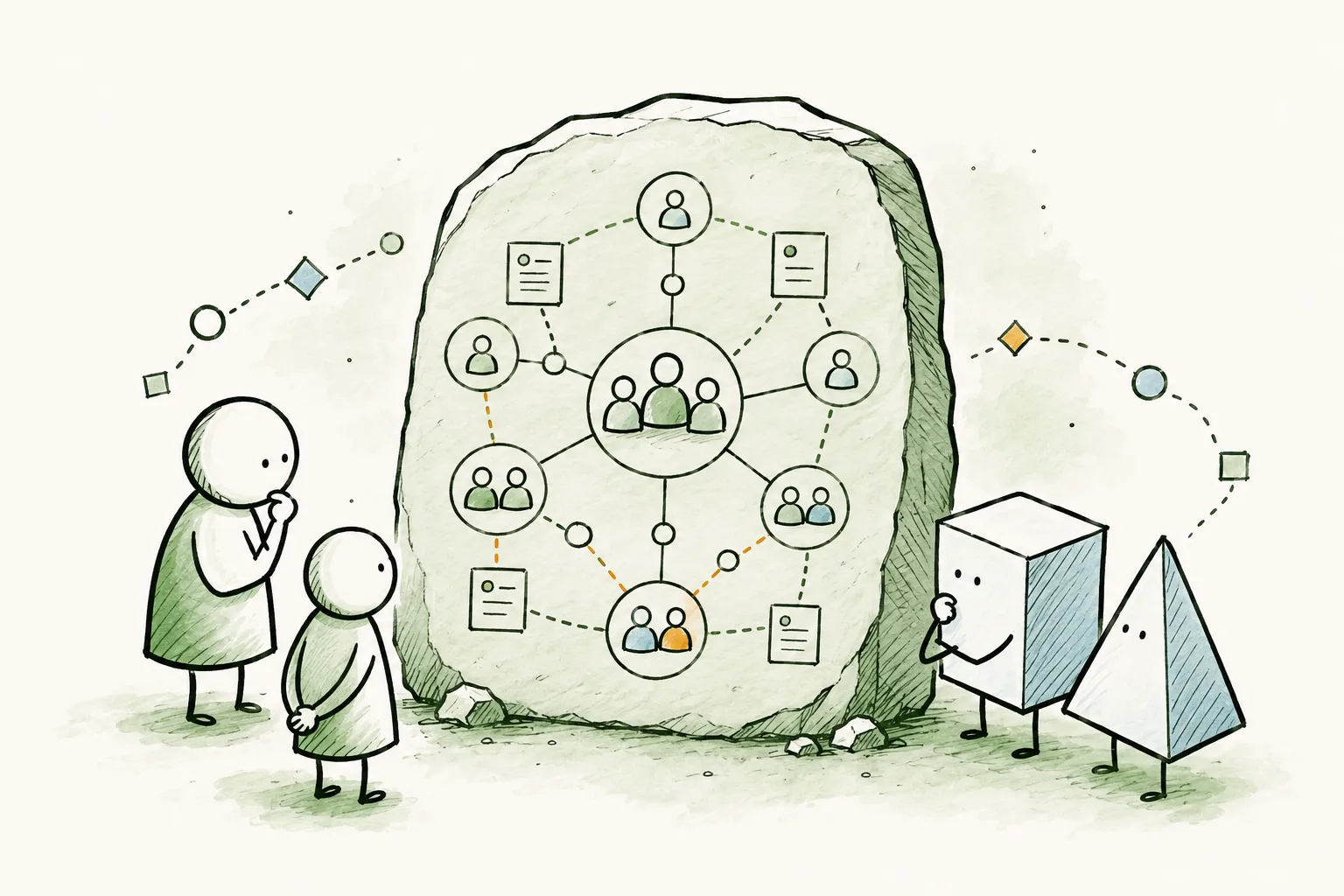
Peerdom now publishes your org chart in the Open Knowledge Format (OKF), an open standard backed by Google, so any AI can read and reason about how your organization works. Make your map public and it joins the agentic web.
insights
Jelco de Jong from Peoples on invisible work, the lack of a clear lineup, and why most teams have never had the one conversation that would change everything.