Your projects, right where your team is
Get a real-time view on what’s keeping your team busy. See all your ongoing projects and their tied roles in Peerdom – and once you’re done, access your project archive anytime.
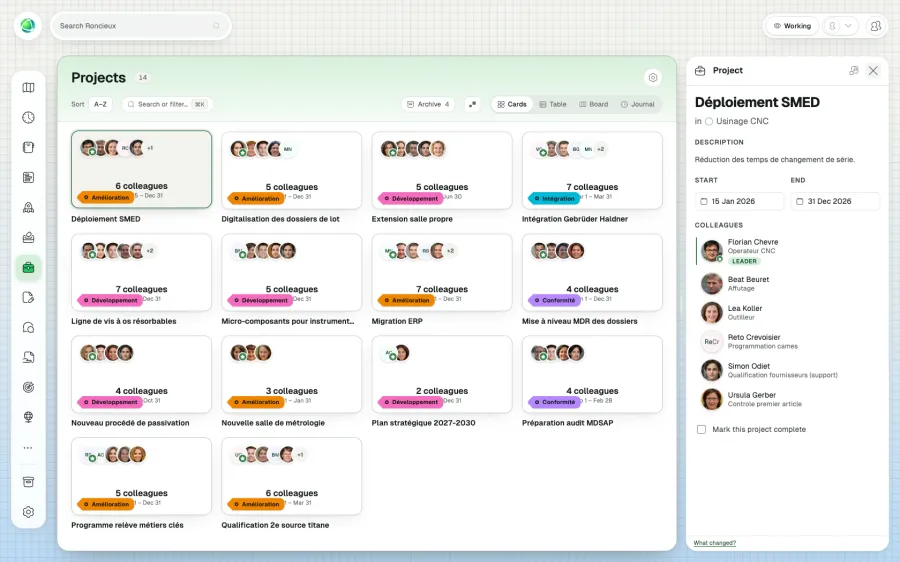
Project and team management in the same place.
Assemble the perfect project team from your role list and visualize your project portfolio on your Peerdom map. Experience efficiency, by design.
Add it to your map See pricing CHF 1 per person per month, added to Peerdom+. Try it free for 15 days. Hosted in Switzerland.
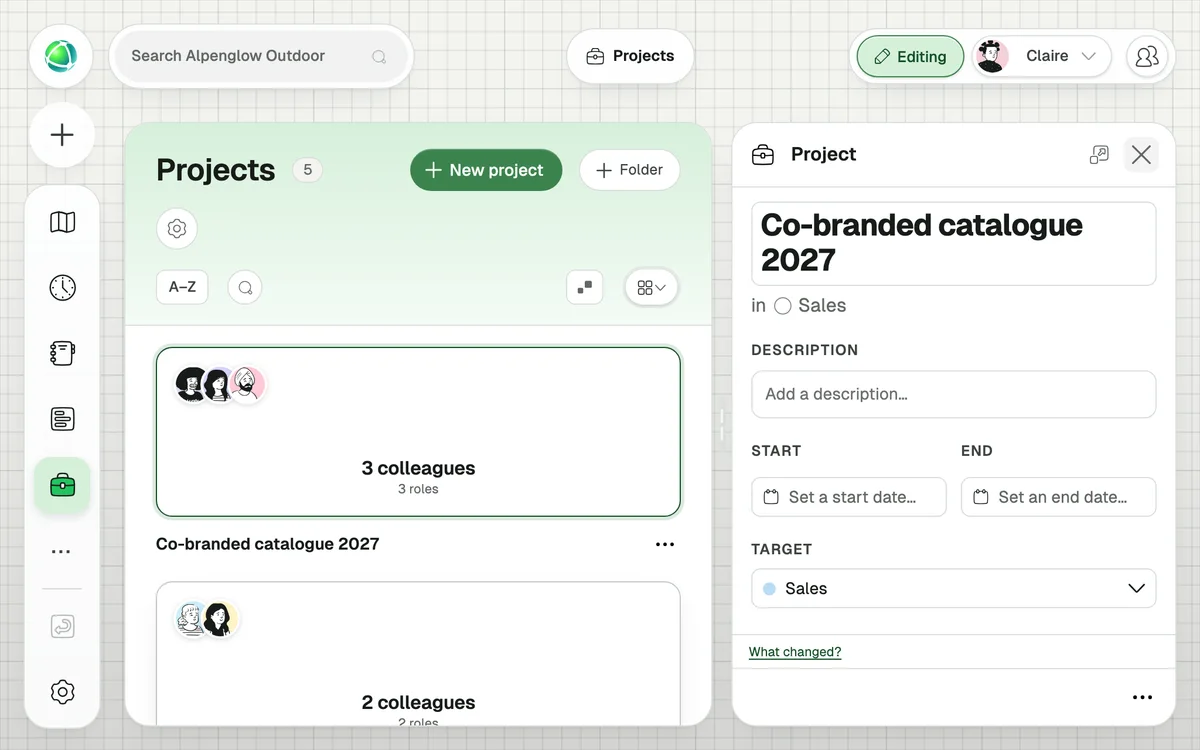
Get a real-time view on what’s keeping your team busy. See all your ongoing projects and their tied roles in Peerdom – and once you’re done, access your project archive anytime.
With a service-oriented architecture, Peerdom makes sure every role added to a project is actually needed, so every working group stays focused.
It lets you manage temporary work initiatives alongside your permanent organizational structure. Unlike roles (which are ongoing), projects are time-bound with defined scope, assigned roles, and optional external tool links.
Using a role-first approach: you select which roles are needed for the project, then choose specific holders from those roles. This ensures projects are built around responsibilities.
Yes. With the Projects layer enabled, projects appear as grey arcs around their associated group. Connectors show which roles are assigned.
+1 CHF per user per month on top of your Peerdom+ subscription.
Yes. A project scoped to one group can include roles from anywhere in the organization. This shows that accountability lies with one team while expertise may come from elsewhere.
Yes. Every project has an External Link field where you can add a URL to your project management tool. Peerdom works alongside your existing tools.
Projects answer “what are we working on?” (temporary work items with people assigned). Goals answer “what do we want to achieve?” (outcomes with measurable progress). They complement each other.
Yes. Project Groups let you organize related projects into containers: useful for large initiatives with multiple sub-projects.