You’ve got feedback!
Give or request spontaneous and asynchronous feedback at any time of the year through your Peerdom profile.
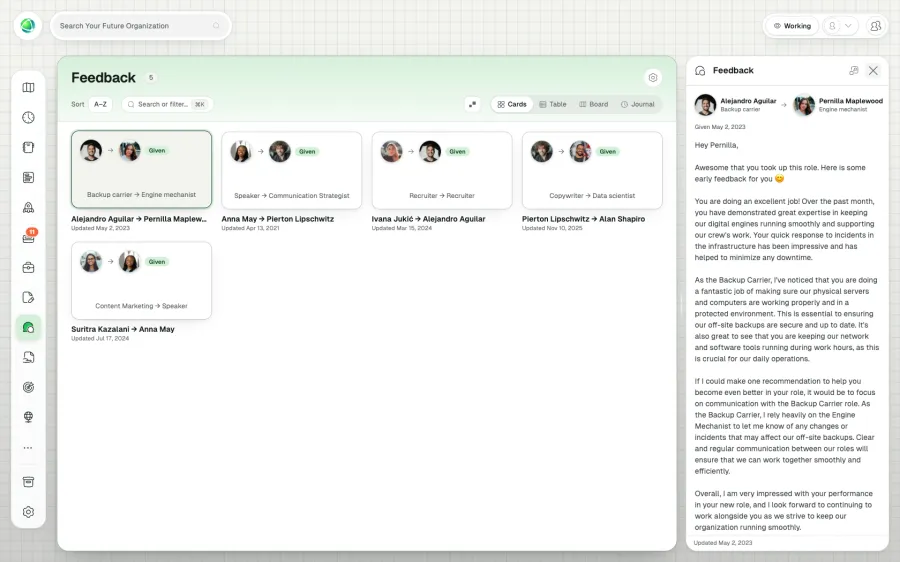
Engage your team and grow together with the Feedback App.
Continuous feedback, all year round. Identify tensions early, find solutions together and cultivate a culture of openness.
Add it to your map See pricing CHF 1 per person per month, added to Peerdom+. Try it free for 15 days. Hosted in Switzerland.
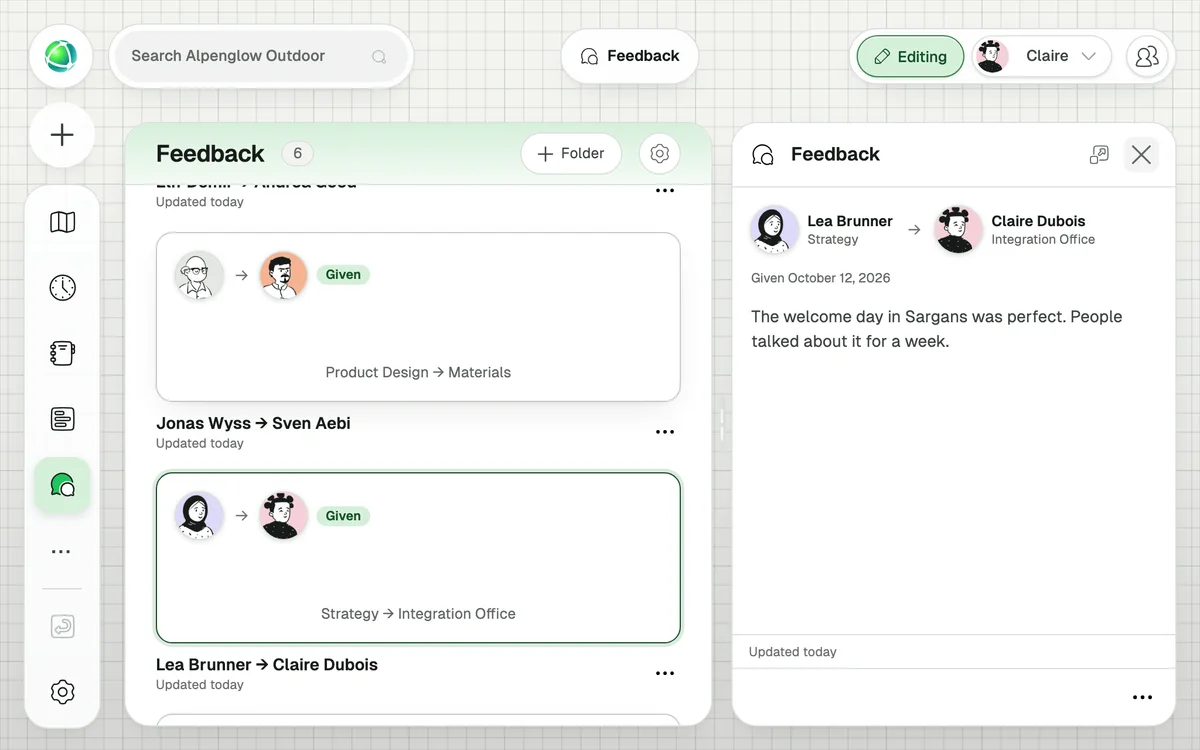
Give or request spontaneous and asynchronous feedback at any time of the year through your Peerdom profile.
Every feedback is sent from role to role, within specific circles. Adding this context to feedback keeps feedback focused on the work and leads to actionable solutions.
You’ll find all the sent and received feedback on your peer profile. The feedback remains accessible at any time, helping you assess how far you’ve come!
A peer-to-peer feedback system where feedback is always role-contextual: given from one role to another. This creates clarity about the working relationship and ensures feedback is specific and actionable.
No. All feedback shows who gave it and from which role. Transparency and accountability are core to the design.
Yes. Only the giver and receiver can see the feedback text. Even Owners cannot view feedback between other people.
+1 CHF per user per month on top of your Peerdom+ subscription.
Yes. You can send a feedback request specifying which roles are involved. The person receives an email notification and sees the request in their dashboard.
It updates the existing feedback, keeping one consolidated entry per role relationship.
Yes. Both the giver and receiver must hold at least one role for the feedback to have proper role context.