Play around with cards
Peerdom pages use a simple card system such as text, images and quotes to create modular documentation for your company. You can add an infinite number of cards and if you change your mind, modify as you go.
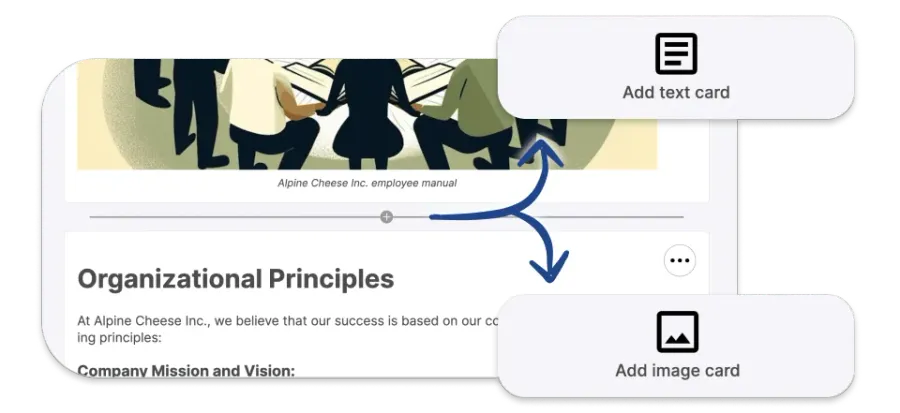
Capture everything, from meeting notes, to reflections or employee handbooks. Building blocks make it easy to create complete documentation.
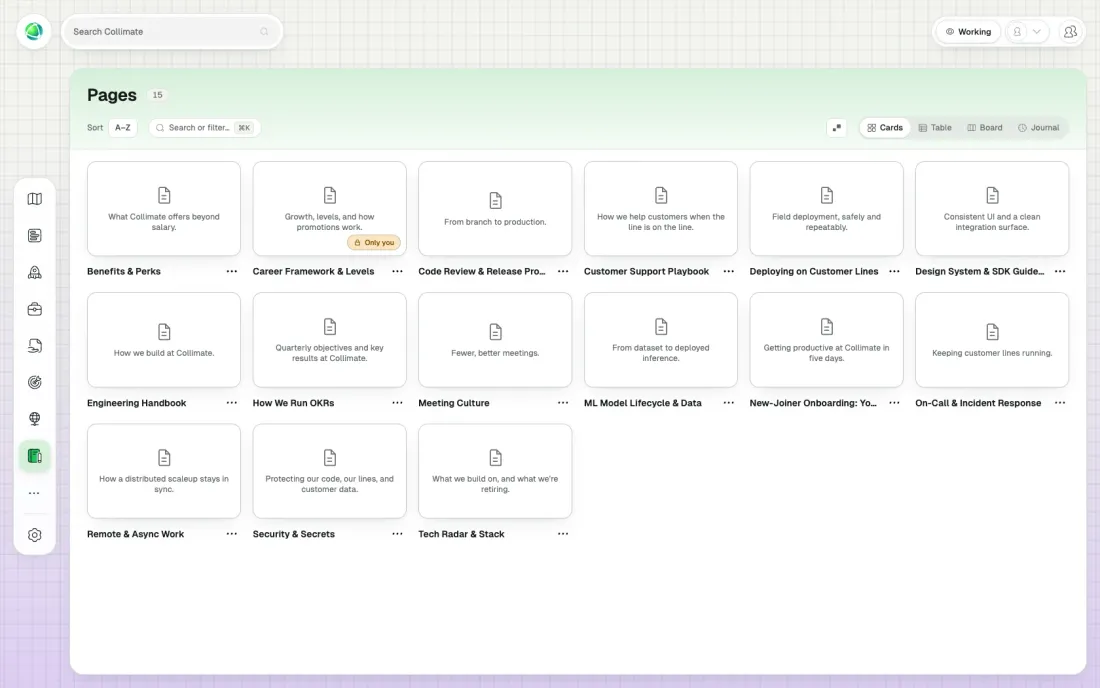
Peerdom pages use a simple card system such as text, images and quotes to create modular documentation for your company. You can add an infinite number of cards and if you change your mind, modify as you go.
Your pages can be hidden or shared with others. The Pages App gives you a playground to write in privacy and let your ideas mature before you present them to others in your organization.
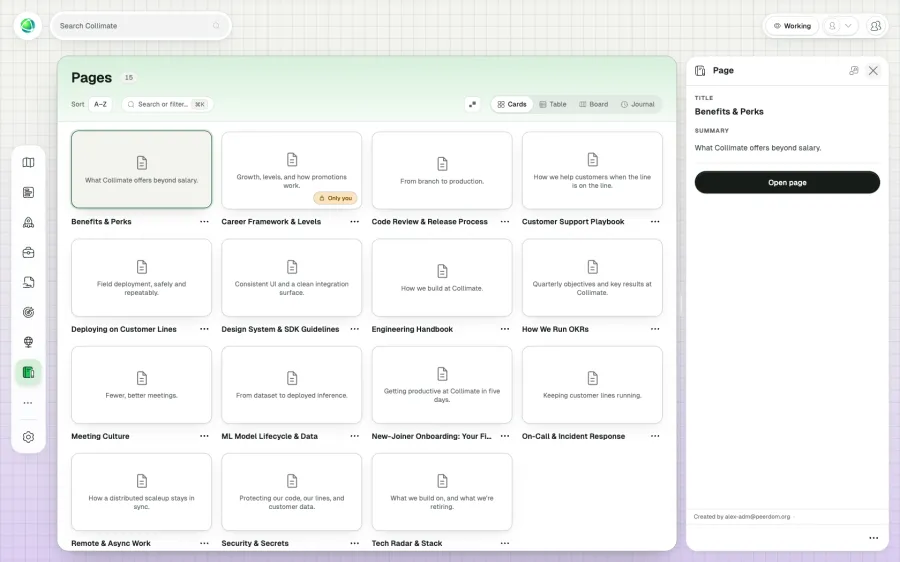
A wiki-style documentation tool that lets you create rich content pages and link them directly to your organizational structure: groups, roles, or people.
Pages are built from content cards: rich text (with markdown formatting, headers, lists, links, code blocks) and images (JPG, PNG, up to 25 MB).
+1 CHF per user per month on top of your Peerdom+ subscription.
Yes. A single page can be linked to multiple groups, roles, or people using relationship custom fields. This is ideal for documentation that applies across teams.
When you link a page to a node via a relationship field, it appears in the inspector panel when someone views that node: documentation right where it’s needed.
Yes. Pages can be set to public (visible to all Members, Editors, and Owners) or private (visible only to the author).
Editors and Owners can create pages. Authors can edit their own pages; Editors and Owners can edit any public page.